
20 Best AI Apps 2026 — From ChatGPT to Niche Powerhouses
We evaluated 30+ AI apps across chat, code, design, video, music, and search — here are 20 that actually deliver, with real pricing and honest limitations.

On this page
The AI app market has become extremely crowded in 2026, and the noise-to-signal ratio has never been worse. Every week brings another "revolutionary" chatbot, another image generator claiming photorealism, another coding assistant promising to 10x your output. The actual landscape is more nuanced: a handful of apps have become genuinely indispensable, many are decent at one thing, and most are repackaged API wrappers not worth your attention.
We evaluated 30+ AI apps across every major category — general assistants, coding, design, video, music, voice, search, writing, and presentations — and narrowed the field to 20 that consistently deliver real value. Each was assessed on functionality depth, user experience, innovation, value for money, and verified user feedback. This isn't a list of everything with "AI" in the name; it's a curated guide for people who want to know which apps are actually worth installing.
| Tool | Best For |
|---|---|
| ChatGPT | All-purpose AI assistant with broadest capabilities |
| Claude | Long-form analysis and thoughtful reasoning |
| Gemini | Google ecosystem integration |
| Perplexity | Research with real-time cited sources |
| Canva AI | Visual design for non-designers |
| Cursor | AI-native code editing |
| Poe | Multi-model access at lowest price |
| Notion AI | AI inside your knowledge base |
| Descript | Text-based audio/video editing |
| Suno | AI music generation from text |
| ElevenLabs | Voice synthesis and cloning |
| Microsoft Copilot | Microsoft 365 productivity suite |
| GitHub Copilot | In-IDE code completion |
| Gamma | AI-generated presentations |
| Leonardo AI | Free-tier AI image generation |
| Grammarly | Cross-platform writing assistance |
| Runway | AI video generation and editing |
| Le Chat | Privacy-first European AI assistant |
| Replit | Browser-based AI app building |
| Midjourney | Highest-quality AI art generation |
How We Selected and Tested
We started with more than 30 candidates across major AI app categories — general assistants, code editors, design tools, video/audio creators, search engines, writing aids, and productivity platforms. Tools were included if they offered a standalone AI-powered experience for end users (not just an API or developer library) and were available to users in the US and EU.
Our research combined official product documentation, verified pricing pages, and real user feedback from G2, Reddit, app store reviews, and community forums. We cross-referenced marketing claims against actual feature availability and noted where tools overpromise. Pure API services (OpenAI API, Anthropic API), developer frameworks (LangChain, Hugging Face Transformers), and tool aggregator directories were excluded.
Evaluation Dimensions: We evaluated each app across 5 dimensions:
- Functionality depth — How many tasks can it handle well? Does it go beyond basic chat to offer file analysis, image generation, code execution, or domain-specific features?
- User experience & accessibility — How intuitive is the onboarding? Is it available on web, mobile, and desktop? Does it work without technical setup?
- Innovation — Does this app push the category forward, or is it a thin wrapper around existing models?
- Value for money — What do you actually get at the free tier? Is the paid upgrade justified? Are there hidden credit limits or usage caps?
- Real user satisfaction — Verified reviews, documented complaints, community sentiment, and support quality
Note on Testing Scope: We conducted hands-on testing of free tiers and paid plans across all 20 apps, covering onboarding, core features, and output quality. For enterprise features and team plans, we relied on verified user reviews and official documentation. Research conducted March-April 2026.
Transparency & Limitations: All pricing and feature data comes from official sources. AI apps update rapidly — pricing tiers, model capabilities, and feature availability may change after our research date.
Top 20 AI Apps Compared
This comparison table highlights the dimensions that matter most when choosing an AI app. Use it to quickly narrow your options before reading the detailed reviews.
| Tool | Best For | Platform | Free Tier | Starting Price | Category |
|---|---|---|---|---|---|
| ChatGPT | General AI assistant | Web/iOS/Android/Desktop | Yes | $20/mo | Chat |
| Claude | Long-form analysis | Web/iOS/Android | Yes | $20/mo | Chat |
| Gemini | Google ecosystem | Web/iOS/Android | Yes | Varies (AI Pro) | Chat |
| Perplexity | AI-powered search | Web/iOS/Android/macOS | Yes | $20/mo | Search |
| Canva AI | Visual design | Web/iOS/Android/Desktop | Yes | Free (Pro $15/mo) | Design |
| Cursor | Code editing | Desktop (Mac/Win/Linux) | Yes | Custom by plan | Code |
| Poe | Multi-model access | Web/iOS/Android/Desktop | Yes | $4.17/mo | Chat |
| Notion AI | Workspace AI | Web/iOS/Android/Desktop | Limited | $20/user/mo (Business) | Productivity |
| Descript | Audio/video editing | Web/Desktop | Yes | $16/mo (annual Hobbyist) | Video |
| Suno | Music generation | Web/iOS/Android | Yes | $10/mo | Music |
| ElevenLabs | Voice synthesis | Web | Yes | $5/mo | Voice |
| Microsoft Copilot | M365 productivity | Web/iOS/Android/Desktop | Yes | $9.99/mo (M365 Personal) | Productivity |
| GitHub Copilot | Code completion | IDE/GitHub Web | Yes | $10/mo | Code |
| Gamma | Presentations | Web | Yes | $9/mo | Productivity |
| Leonardo AI | Image generation | Web/iOS | Yes | Free (Paid $9.99/mo) | Image |
| Grammarly | Writing assistance | Web/Desktop/Mobile/Browser | Yes | $12/mo | Writing |
| Runway | Video generation | Web/iOS | Yes | $15/mo (annual Standard) | Video |
| Le Chat | Privacy-first AI | Web/iOS/Android | Yes | $14.99/mo | Chat |
| Replit | App building | Web | Yes | $20/mo (Core) | Code |
| Midjourney | AI art | Web/Discord/iOS/Android | No | $10/mo | Image |
Detailed Reviews
ChatGPT
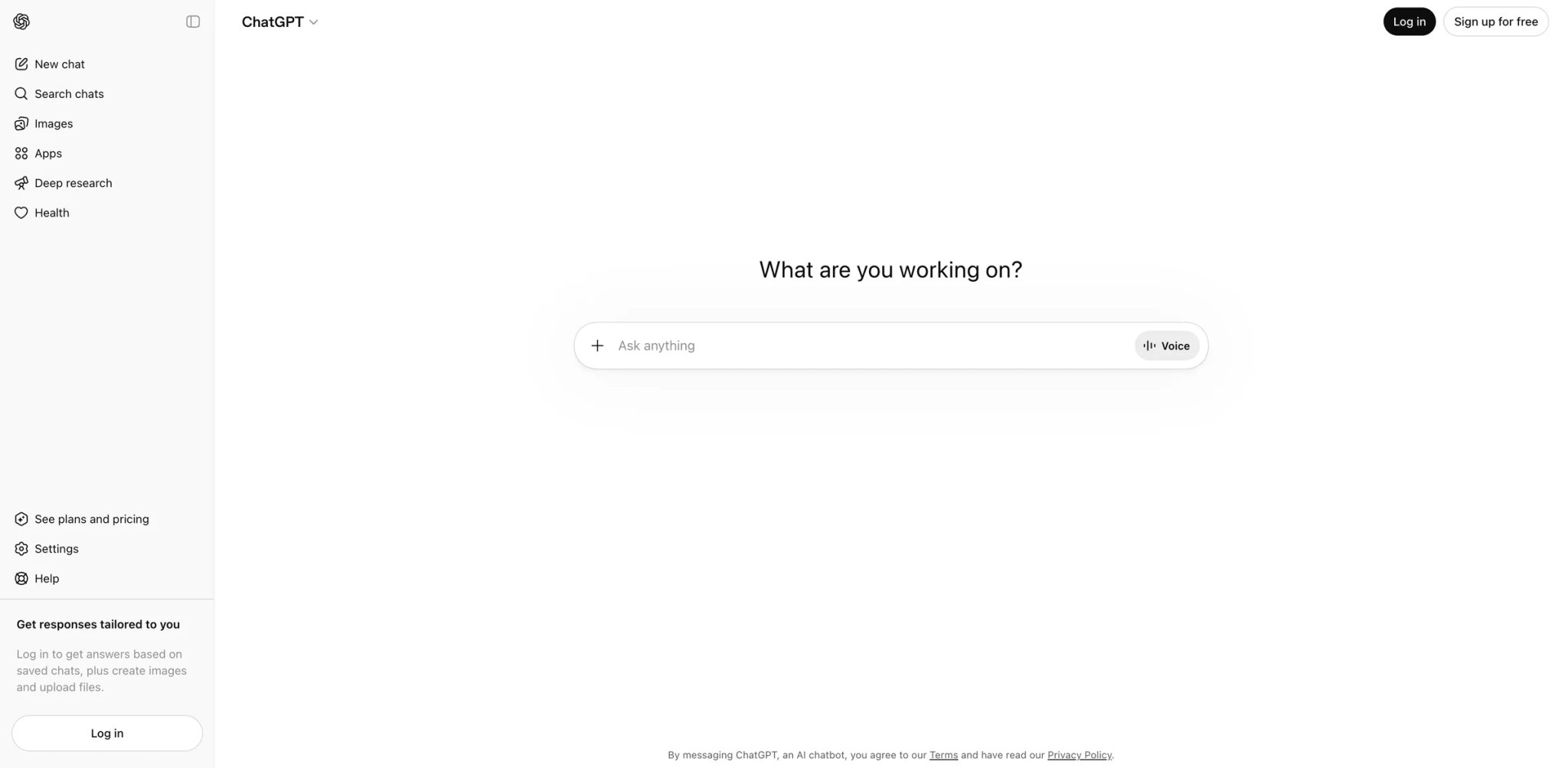
Three years after launch, ChatGPT remains the app everyone else benchmarks against. Not because it's always the best at every task — Claude writes better long-form content, Perplexity searches better, Midjourney generates better art — but because no other single app covers as much ground. Text, images, voice conversations, code execution, file analysis, web browsing, and plugin integrations all live in one interface that 200+ million people already know how to use.
Key Features
- GPT-4o multimodal conversations: Upload images, PDFs, spreadsheets, or code files and have a conversation about them. The model understands context across modalities — you can photograph a whiteboard, ask it to extract the equations, then have it solve them, all in one thread.
- Custom GPTs and memory: Build specialized assistants for repeated workflows (weekly report generation, code review checklists, research templates) and ChatGPT remembers preferences across conversations. This personalization compounds over time — no other general AI assistant offers this level of customization.
- Canvas and code execution: Write and edit documents or code in a dedicated workspace where ChatGPT can run Python, generate charts, and iterate on outputs. It transforms ChatGPT from a conversational tool into a lightweight development environment.
Pricing
- Free: GPT-4o mini, limited GPT-4o access, basic features
- Plus: $20/mo (expanded access to OpenAI's advanced chat models, faster image creation, expanded deep research and agent mode, projects, tasks, custom GPTs, and early access to new features)
- Pro: $200/mo (unlimited access to all models including o1, extended thinking)
- Business: from $20/user/mo billed annually ($25 billed monthly), with admin controls, workspace features, and business data controls
The free tier is genuinely useful for casual queries, but the 4o rate limits push power users to Plus quickly. The $200 Pro tier only makes sense for heavy daily users who need o1-level reasoning consistently.
Limitations
- Rate limits on the $20 Plus plan feel restrictive during intensive work sessions — hitting the GPT-4o cap mid-project forces you to either wait or drop to mini, which disrupts flow
- Privacy controls have improved (temporary chat, data export), but OpenAI's data retention policies remain more complex than Claude's straightforward opt-out
- Plugin ecosystem quality is wildly uneven — many Custom GPTs are low-effort wrappers that don't outperform well-crafted system prompts in the standard interface
Best For
Anyone who wants one AI app that handles 80% of tasks reasonably well. ChatGPT's breadth makes it the safest default choice for individuals and teams. Not the right fit if you need best-in-class performance in a specific domain — you'll get better results from specialized tools like Cursor (code), Perplexity (research), or Midjourney (images).
Get started with ChatGPT
Claude
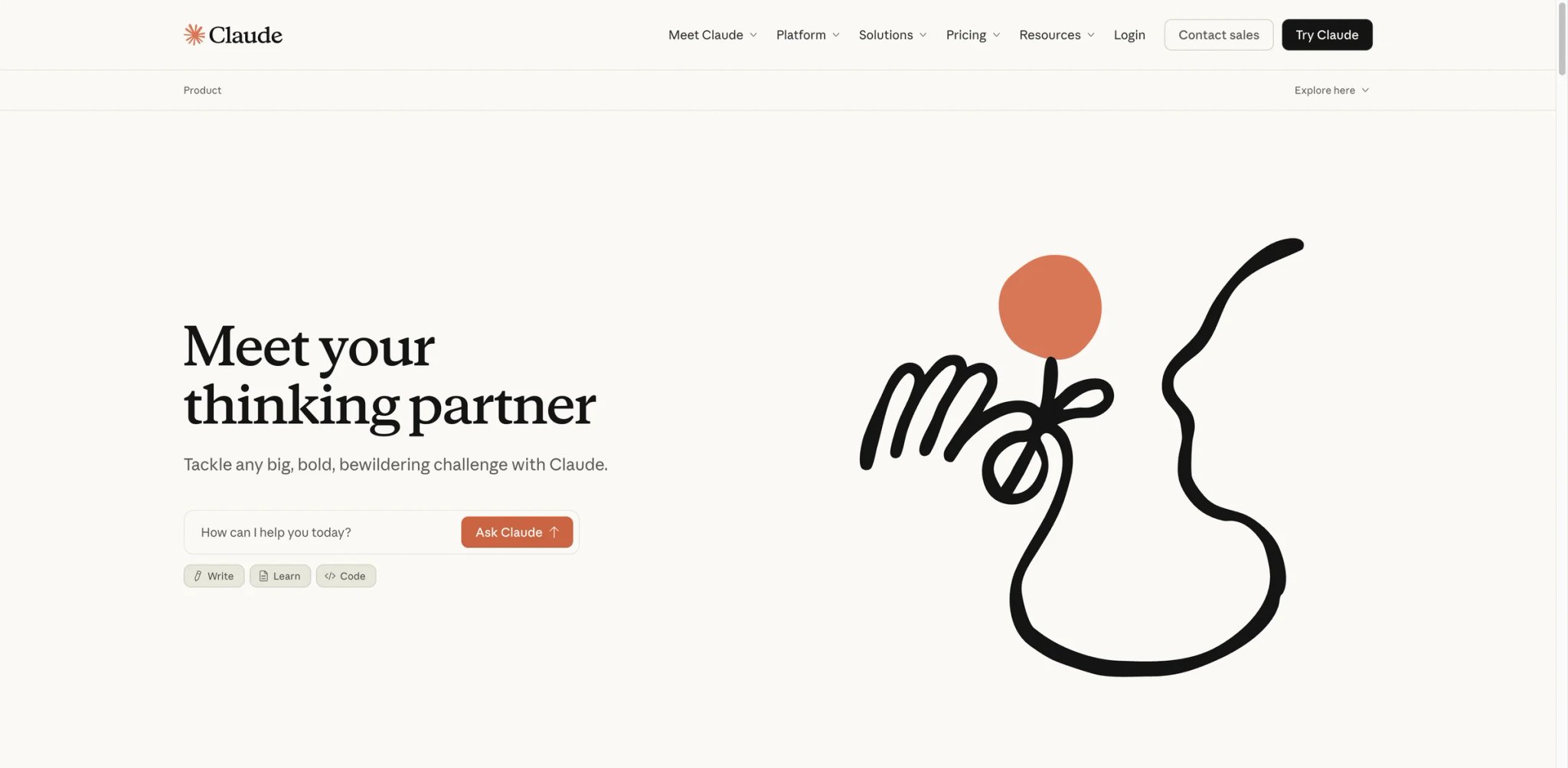
Claude has quietly become the thinking person's AI assistant. While ChatGPT optimizes for breadth and speed, Claude optimizes for depth and care — its 200K token context window processes entire codebases, legal documents, and research papers without losing track of details. Claude's extended thinking mode lets the model spend more effort on harder problems, which often improves nuanced analysis on complex questions than any competitor we tested.
Key Features
- 200K context window: Process entire books, lengthy contracts, or large codebases in a single conversation. Claude maintains coherence across the full context in ways that competitors with similar window sizes often don't — it actually references early material when answering questions about later sections.
- Extended thinking: Claude can spend more time reasoning before responding on harder prompts, which is especially useful for analysis, planning, and debugging. For complex analysis — legal review, strategic planning, debugging — this transparency produces more reliable outputs and lets you catch where reasoning goes wrong.
- Artifacts and Projects: Create documents, code, and structured outputs in a side panel while maintaining conversation context. Projects let you preload reference material that persists across conversations — ideal for ongoing work like research projects or codebases.
Pricing
- Free: Claude access on web, iOS, Android, and desktop with usage limits
- Pro: $20/mo (more usage, Projects, and access to Claude's advanced reasoning features)
- Max: from $100/mo for substantially higher usage
- Team: $20/user/mo billed annually ($25 monthly) for teams of 5 to 150
- Enterprise: Custom pricing (SSO, SCIM, expanded context)
Limitations
- No image generation capability — if your workflow requires creating visuals alongside text, you'll need a separate tool like ChatGPT or Canva
- Rate limits on complex queries with extended thinking can be frustrating during deep research sessions, even on the Pro plan
- Smaller ecosystem than ChatGPT — no plugins, no app store, fewer integrations, which means more manual work for users who rely on tool chains
Best For
Researchers, writers, analysts, and developers who work with long documents and need AI that reasons carefully rather than responding quickly. Claude excels when the task rewards depth over speed. Not the right fit if you need multimodal generation (images, voice), a plugin ecosystem, or primarily want quick one-off answers.
Get started with Claude
Gemini
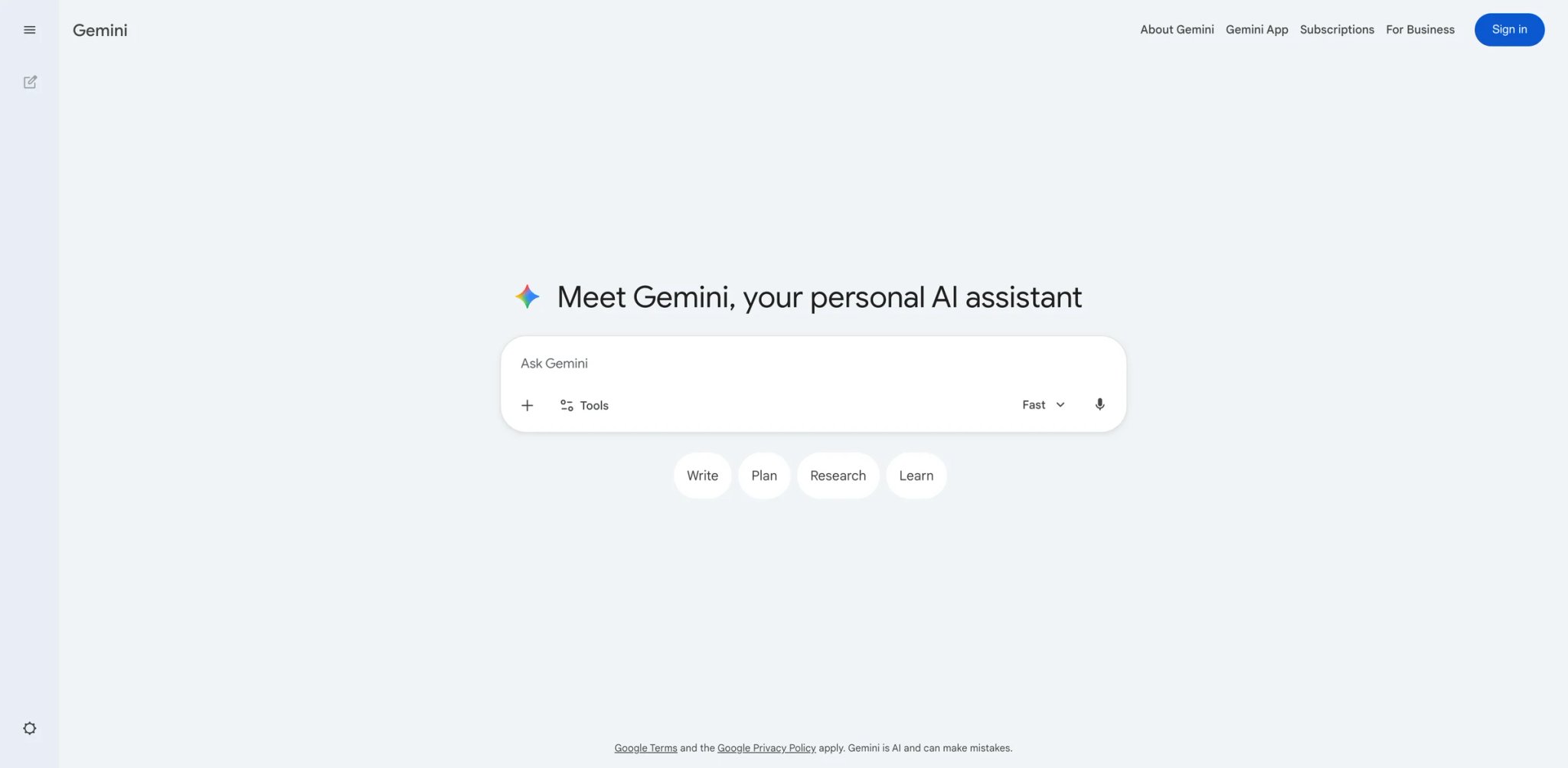
Gemini's strongest argument isn't its model quality (competitive but not definitively better than GPT-4o or Claude 3.5) — it's that the AI lives inside the tools you already use. Gmail drafts, Google Docs editing, Drive file search, Calendar scheduling, and Maps queries all happen without switching apps. For the billions of people whose digital life runs on Google, Gemini reduces AI adoption friction to near zero.
Key Features
- Deep Google Workspace integration: Gemini works inside Gmail (draft replies, summarize threads), Docs (write, edit, brainstorm), Sheets (formulas, analysis), and Slides (generate presentations). The AI understands your Google ecosystem context — it can reference emails when drafting documents or pull Drive files into conversations.
- Multimodal understanding: Upload images, videos, code, and documents. Gemini's native multimodality means it processes visual input without separate model calls — useful for analyzing screenshots, diagrams, or photos of physical documents.
- Google Search grounding: Gemini can ground responses in real-time Google Search results, providing cited answers that combine AI reasoning with current web data. Less comprehensive than Perplexity's approach but seamlessly integrated.
Pricing
- Free: Gemini with basic capabilities, limited usage
- Google AI Pro: pricing varies by region and includes higher Gemini limits plus expanded Google AI benefits and cloud storage; verify local pricing at checkout
- Workspace plans: Gemini included in Business Standard ($14/user/mo annual) and higher tiers
If you're already paying for Google One or Workspace, the incremental cost of Gemini AI Pro is modest, especially when bundled with expanded storage and other Google AI benefits.
Limitations
- Gemini's standalone capabilities lag behind ChatGPT and Claude in complex reasoning and creative writing — its advantage is ecosystem integration, not raw model performance
- Google's history of killing products makes long-term commitment feel risky — Gemini is the successor to Bard, which replaced Google Assistant's AI features, creating confusion about Google's AI product direction
- Regional availability varies significantly — some Gemini features launch in the US months before they reach other markets, creating an inconsistent global experience
Best For
Users whose daily workflow centers on Google Workspace (Gmail, Docs, Sheets, Drive). The value proposition is convenience and integration, not best-in-class AI. Not the right fit if you need top-tier reasoning for complex analysis, work primarily in Microsoft's ecosystem, or want an AI assistant independent of any platform.
Get started with Gemini
Perplexity
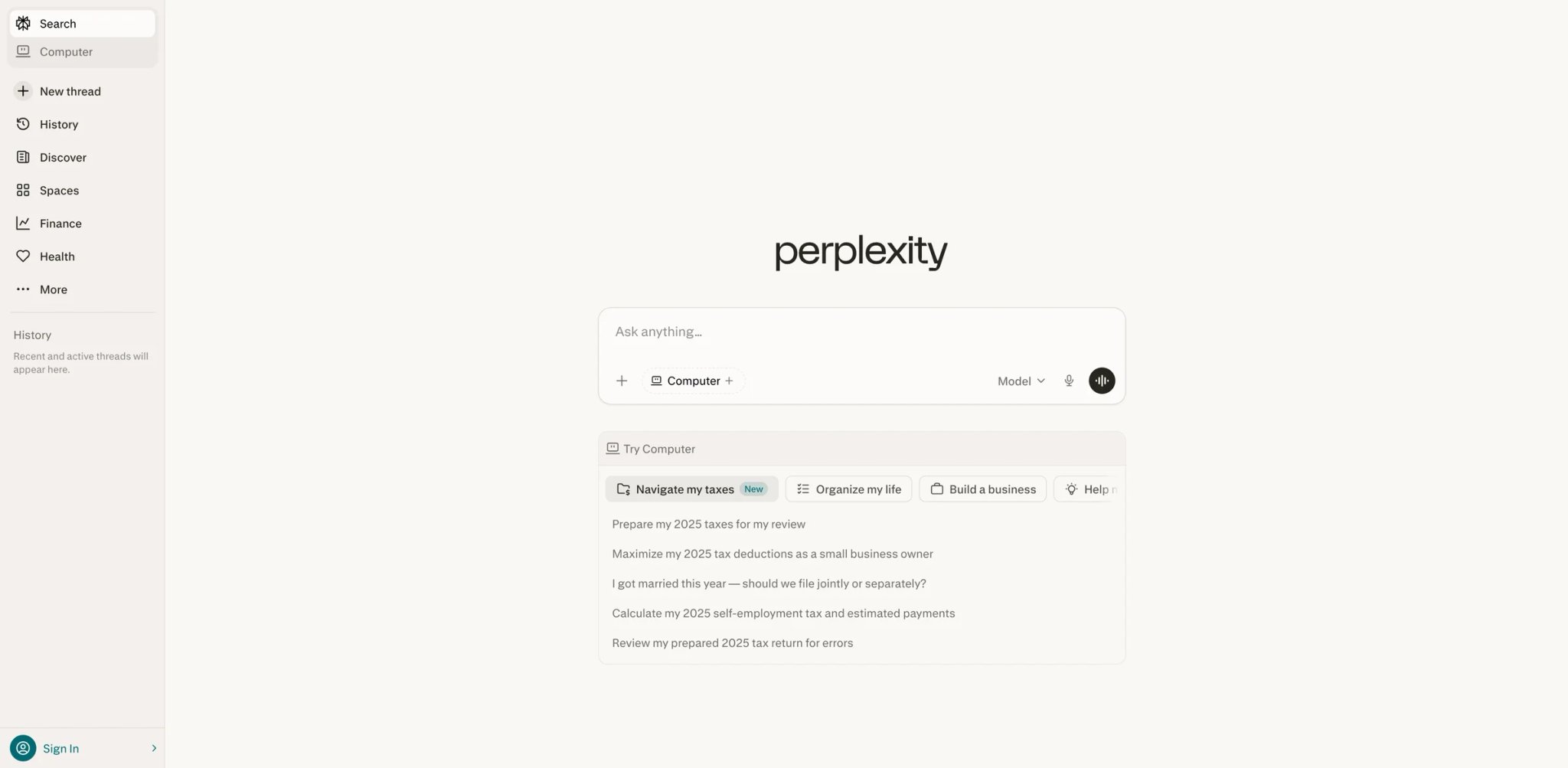
Perplexity solved the biggest problem with AI chatbots: trust. Every response includes numbered citations to actual sources, turning AI from a black-box oracle into a transparent research assistant. For anyone who needs to verify information — journalists, analysts, students, professionals — this changes AI from "interesting but unreliable" to "useful and citable."
Key Features
- Cited answers with source verification: Every claim in Perplexity's responses links to a numbered source. Click to verify. This isn't just a feature — it fundamentally changes how you interact with AI, because you can trust the output enough to use it in professional work without manual fact-checking every statement.
- Focus modes for targeted research: Switch between web search, academic papers, YouTube, Reddit, and Wolfram Alpha as primary sources. Researching a medical question? Switch to academic mode. Debugging code? Focus on Stack Overflow and GitHub. This targeting produces dramatically better results than general web search.
- Spaces for ongoing research projects: Create persistent research workspaces with preloaded context and saved searches. For multi-day research projects, Spaces maintains continuity across sessions — a workflow that general chatbots don't support well.
Pricing
- Free: Unlimited basic searches, limited Pro searches (5/day)
- Pro: $20/mo (unlimited Pro searches with Claude/GPT-4o, file upload, API access)
- Enterprise: Custom pricing (team features, admin controls)
The free tier is genuinely useful for casual research. Pro unlocks multi-model selection and longer, deeper research threads — worth it for anyone who does research daily.
Limitations
- Not designed for creative tasks — writing long-form content, generating images, or coding are better handled by ChatGPT, Claude, or Cursor respectively
- Source quality depends on what's available on the web — for niche or recent topics, citations may reference low-quality sources simply because better ones don't exist online
- The multi-model approach (Pro lets you choose between Claude, GPT-4o, etc.) adds complexity — knowing which model to pick for which query type is a skill most users won't develop
Best For
Researchers, journalists, analysts, and anyone whose work requires verified, citable information. Perplexity replaces the "Google search → open 10 tabs → synthesize" workflow with a single conversation. Not the right fit if you primarily need content creation, coding assistance, or creative AI features.
Get started with Perplexity
Canva AI

Canva already democratized design before AI — now its AI features are doing the same for visual content strategy. Magic Design generates complete presentations, social media posts, and marketing materials from a text prompt. Magic Write handles copy. Background Remover, Magic Expand, and text-to-image generation mean a marketing team of one can produce what previously required a designer, copywriter, and photographer.
Key Features
- Magic Design: Describe what you need ("Instagram carousel for a product launch") and Canva generates complete, branded designs using your uploaded assets and brand kit. Unlike standalone image generators, the output is editable — every element can be adjusted, making it a starting point rather than a final product.
- AI-powered editing suite: Background removal, magic expand (extend images beyond their original borders), magic eraser, text-to-image generation, and AI-powered image enhancement. These tools work on your existing photos, not just AI-generated ones — practical for real marketing workflows.
- Brand Kit AI integration: Train Canva's AI on your brand guidelines (colors, fonts, logos, tone), and all AI-generated content follows your brand standards. This enterprise-grade consistency feature is available on Team plans and above.
Pricing
- Free: Core Canva features, limited AI usage (50 lifetime credits for some AI features)
- Pro: $15/mo annual ($30/mo monthly) per person, unlimited AI features
- Teams: $10/user/mo annual (3+ people), brand kit, team folders
- Enterprise: Custom pricing (SSO, advanced brand controls)
Canva's free tier is surprisingly capable for basic design work, but the AI features that make it transformative (Magic Design, unlimited background removal) require Pro.
Limitations
- AI-generated designs tend toward a recognizable "Canva aesthetic" — polished but generic. Brands with strong visual identities may find the outputs need significant customization to avoid looking like every other Canva-designed social post
- Not a replacement for professional design tools (Figma, Adobe Creative Suite) for complex work like brand identity systems, print production, or interactive prototypes
- The free tier's AI credit limit (50 lifetime for some features) feels misleading — it's enough to try, not enough to evaluate properly
Best For
Marketing teams, social media managers, and small businesses that need professional-looking visual content without hiring a designer. Canva AI is the most productive design tool for non-designers. Not the right fit if you're a professional designer needing pixel-perfect control, or if your visual identity requires more sophistication than template-based design allows.
Get started with Canva AI

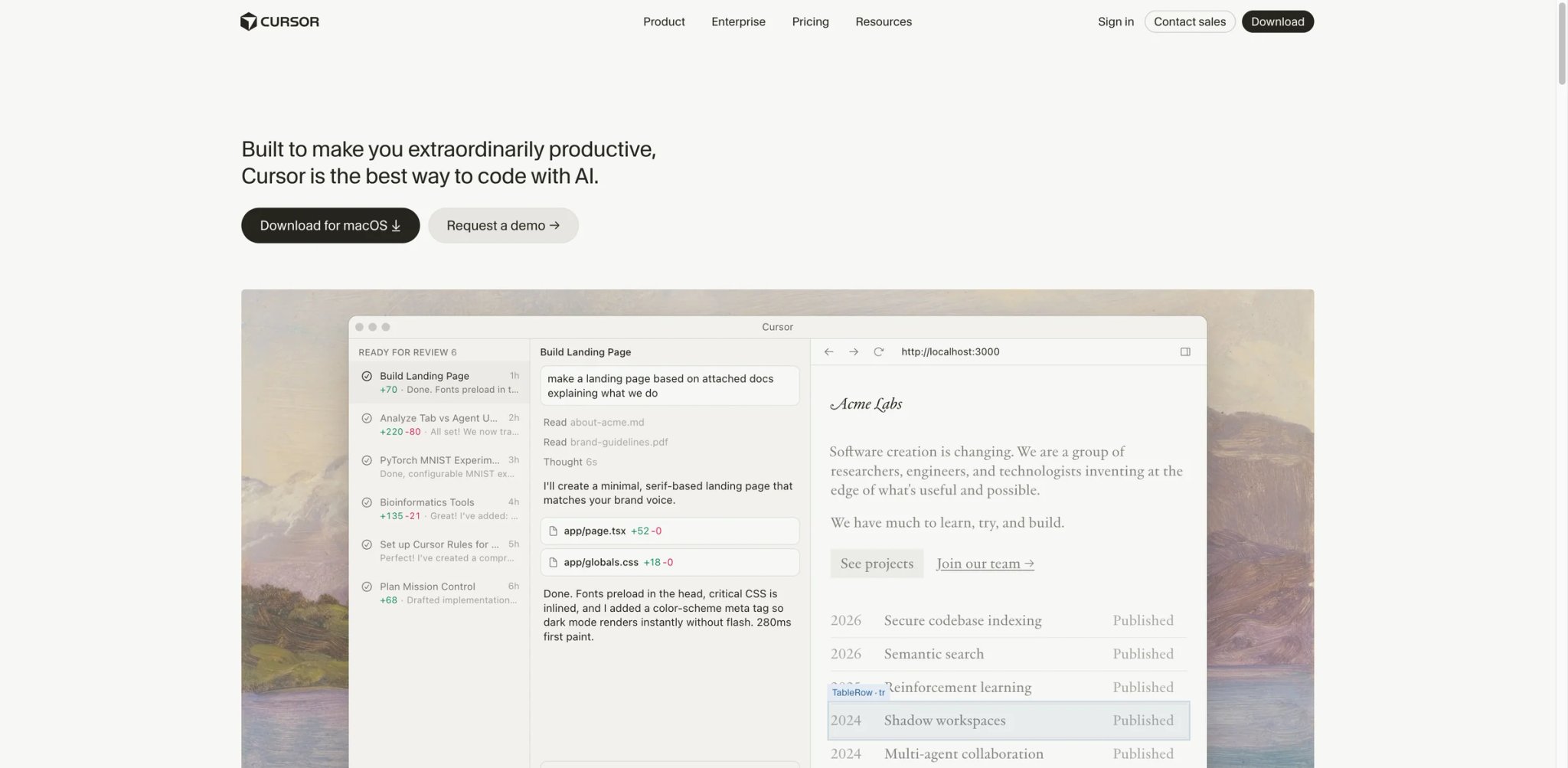
Cursor took VS Code's familiar interface, rebuilt it around AI, and created the first code editor where AI feels like a partner rather than an autocomplete engine. It understands your entire codebase, suggests multi-file edits, and can refactor across dozens of files simultaneously. For developers who've been unimpressed by Copilot's single-line suggestions, Cursor is the upgrade that actually changes how you code.
Key Features
- Codebase-aware AI: Cursor indexes your entire repository and uses it as context. Ask "how does authentication work in this project?" and it references your actual auth implementation, not generic patterns. This codebase awareness makes its suggestions dramatically more useful than context-free tools.
- Composer for multi-file editing: Describe a feature or refactor in natural language, and Composer generates changes across multiple files simultaneously — creating new files, modifying existing ones, and updating imports. For large refactors that would take hours manually, Composer collapses the work to minutes.
- Tab completion with reasoning: Cursor's tab completions predict your next edit based on what you just changed elsewhere in the codebase. Edit a function signature, and it suggests updating all call sites. This diff-aware intelligence means the AI anticipates your intent, not just your keystrokes.
Pricing
- Free: 2,000 completions, 50 slow premium requests/month
- Paid plans: Cursor offers tiered plans with usage-based limits; check cursor.com/pricing for current plan names and pricing
- Business: $40/user/mo (admin dashboard, enforced privacy mode, team-wide settings)
The free tier is enough to evaluate whether Cursor's approach works for your codebase. Pro is where the experience becomes fluid — fast model responses during active coding sessions make a meaningful difference.
Limitations
- Desktop-only application — no web editor or mobile experience. If you code on multiple machines, you'll need to sync settings and manage installations separately
- Resource-intensive on large repositories. Indexing a monorepo with 100K+ files can slow down the editor and eat RAM, though performance has improved significantly in recent updates
- Not a general-purpose AI assistant — it's purpose-built for coding. For documentation writing, project management, or non-code tasks, you'll still need ChatGPT or Claude alongside it
Best For
Professional developers and engineering teams who want AI that understands their specific codebase, not just programming in general. The multi-file editing and codebase indexing make it especially valuable for large projects. Not the right fit if you primarily work in specialized IDEs (Android Studio, Xcode) or need mobile/web-based development environments.
For more AI coding tools, check out our AI chatbot comparison which covers coding-capable assistants.
Get started with Cursor

If you've ever wished you could try Claude, GPT-4o, Gemini, Llama, and Mistral without managing five separate subscriptions, Poe is your answer. Quora's multi-model platform gives you access to all major AI models through one interface at $4.17/month (annual) — less than a quarter of what a single ChatGPT Plus subscription costs. The tradeoff is usage-based credits rather than unlimited access.
Key Features
- Every major model in one place: Access GPT-4o, Claude 3.5, Gemini Pro, Llama 3.1, Mistral Large, and dozens more without separate accounts. Switch between models mid-conversation to compare answers — ask Claude a reasoning question, then ask GPT-4o the same thing, and decide which approach is better.
- Custom bot creation: Build specialized AI bots using any combination of models and system prompts, then share them publicly. The bot ecosystem is the most diverse we've seen — from specialized research assistants to creative writing coaches, all running on top-tier models.
- Points-based pricing flexibility: Instead of per-model subscriptions, Poe uses a universal points system. Use expensive models sparingly and cheaper ones for routine tasks, optimizing cost based on actual need rather than flat subscription pricing.
Pricing
- Free: Limited daily messages across models
- Annual: $4.17/mo ($49.99/year) — 1M points/month
- Monthly: $9.99/mo — 1M points/month
- Points top-up: Additional points available for purchase
At $4.17/month annual, Poe offers the cheapest way to access premium AI models. The points system means heavy users of expensive models (GPT-4o, Claude Opus) may burn through their allocation quickly.
Limitations
- The points system requires understanding which models cost how many points — GPT-4o burns points 10x faster than Llama 3.1, so "1M points" means wildly different things depending on your model preferences
- No native file processing or code execution — you're limited to text conversations. For document analysis or coding tasks, the experience is less capable than using ChatGPT or Claude directly
- Model versions may lag behind official releases. When OpenAI or Anthropic launches a new model, there's sometimes a delay before it's available on Poe
Best For
AI enthusiasts and professionals who want to compare models without multiple subscriptions, and budget-conscious users who need access to premium AI at the lowest possible price. Not the right fit if you need deep integration features (file processing, code execution, plugins) that only native apps provide, or if you're a heavy user of a single specific model.
Get started with Poe
Notion AI
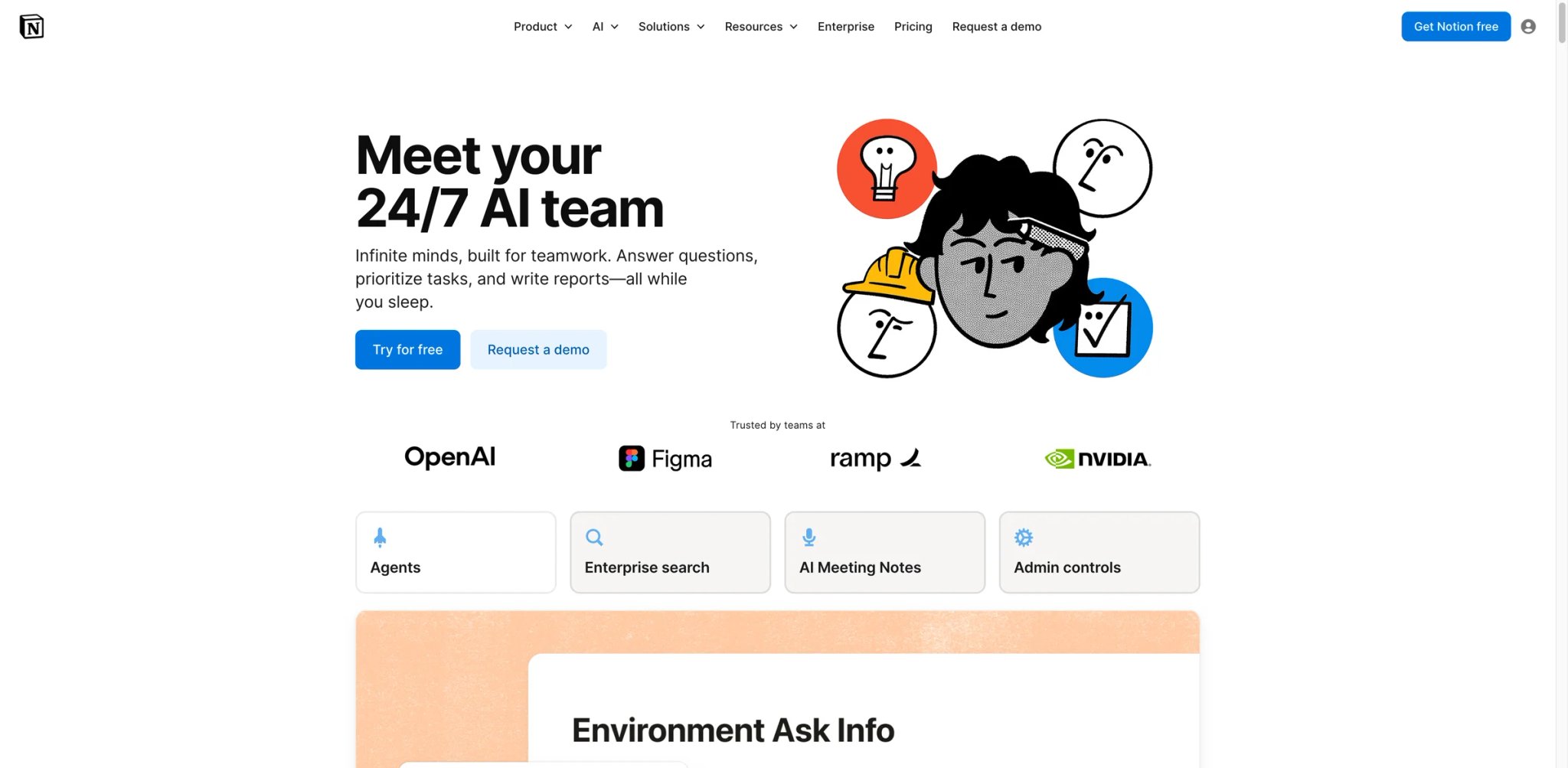
Notion AI isn't just another chatbot bolted onto a product — it's AI that understands your entire workspace. It searches across your wiki, projects, docs, and databases to answer questions with context your team has already created. For organizations that live in Notion, the AI doesn't need to be taught what you do; it already knows from your documentation.
Key Features
- Workspace-aware Q&A: Ask "what's our refund policy?" or "when is the Q2 product launch?" and Notion AI pulls the answer from your existing pages, databases, and wikis. Unlike generic chatbots, it understands your organization's specific terminology and structure.
- AI writing and editing in context: Generate, rewrite, translate, or summarize content directly within any Notion page. The AI inherits the context of surrounding content — editing a product spec? The AI understands it's writing technical documentation, not a blog post.
- Autofill database properties: Notion AI can automatically populate database fields based on page content — extract action items from meeting notes, categorize support tickets, or tag documents by department. This automation across structured data is unique to Notion's approach.
Pricing
- Free: Basic Notion features, limited AI trial
- Plus: $10/user/mo — Notion core features, no AI
- Business: $20/user/mo — includes Notion AI, advanced automation, SAML SSO
- Enterprise: Custom pricing — AI included, audit log, advanced security
- AI Credits add-on: Available for Business/Enterprise for automation-heavy workflows
Notion AI is only fully available on Business ($20/user/mo) and Enterprise plans. Free and Plus users get trial access but cannot purchase AI as an add-on — a significant change from previous pricing where AI was a $10/user add-on available to all tiers.
Limitations
- Walling off AI features behind the Business plan ($20/user/mo) prices out small teams and individual power users who previously paid $10 for the Plus + AI add-on combination
- AI quality is limited by your workspace content quality — if your documentation is sparse or outdated, Notion AI's answers will reflect that. Garbage in, garbage out applies doubly here
- The AI occasionally halluculates details that sound plausible but aren't in your workspace, especially for questions that cross multiple databases or involve numerical data
Best For
Teams already using Notion as their knowledge base and project management hub. The AI multiplies the value of your existing documentation. Not the right fit if you're not already a Notion user — the AI isn't compelling enough to switch from your current workspace tool, and the Business plan pricing makes casual adoption expensive.
Get started with Notion AI

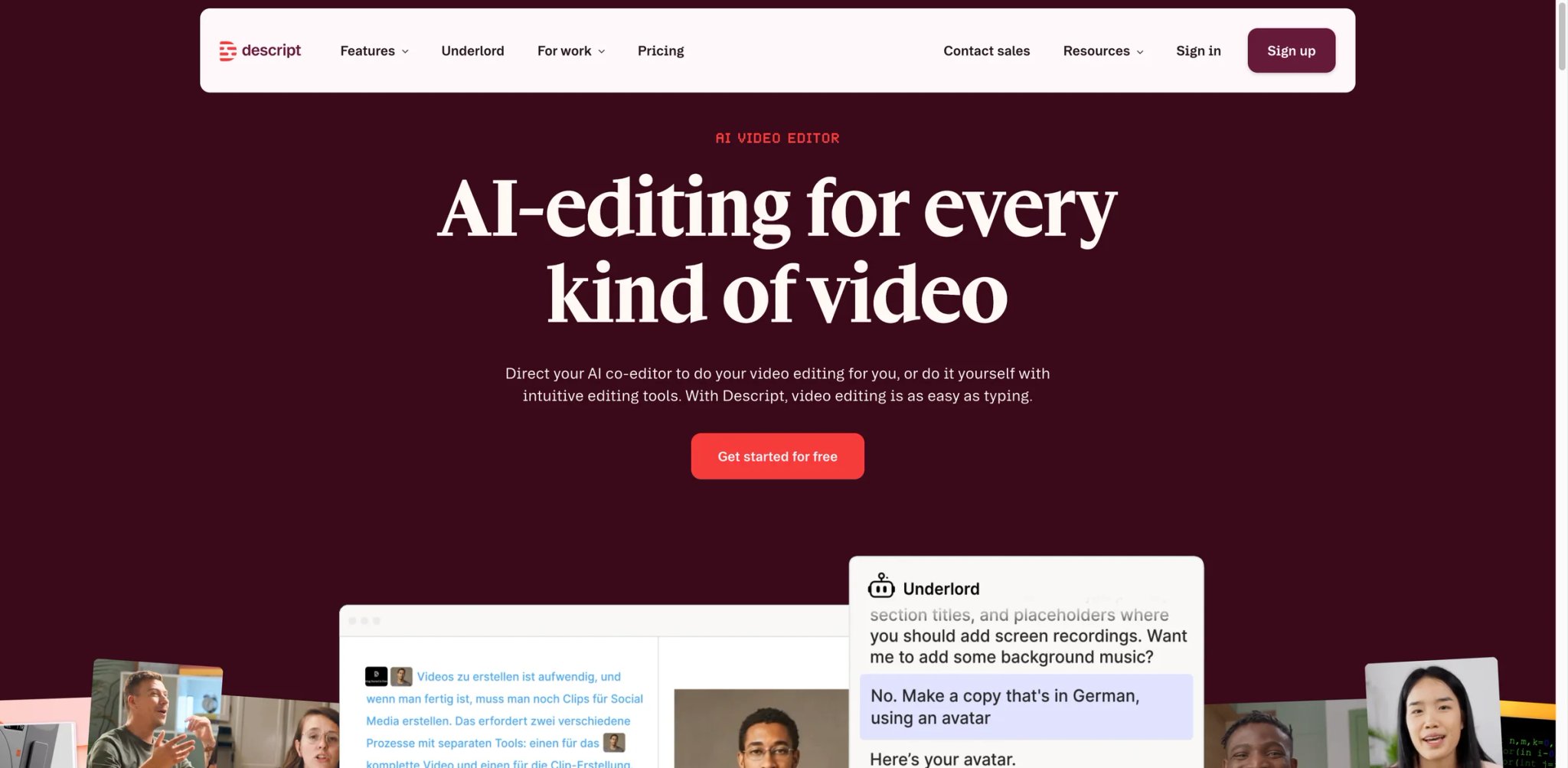
Descript turned audio and video editing on its head with one insight: if you can edit text, you can edit media. Record a podcast or video, and Descript transcribes it into a document. Delete a word from the transcript, and it's deleted from the audio. This text-first approach makes media editing accessible to anyone who can use a word processor — no timeline scrubbing, no waveform editing, no After Effects tutorials.
Key Features
- Edit video by editing text: Descript transcribes your recording and lets you edit the media by editing the transcript. Remove filler words, rearrange paragraphs, delete tangents — all by manipulating text. For podcasters and content creators, this collapses hours of editing into minutes.
- AI voices and overdubbing: Made a mistake? Type the correction and Descript generates it in your own cloned voice. The voice match is convincing enough for podcast corrections and internal content, though not yet indistinguishable for professional voiceover work.
- Screen recording + editing in one: Record your screen with Descript, then edit the recording using the same text-based approach. For tutorials, product demos, and async video communication, this is the fastest workflow from recording to published content.
Pricing
- Free: 1 hour of transcription, basic editing
- Hobbyist: $16/mo billed annually ($24 monthly)
- Creator: $24/mo billed annually ($35 monthly)
- Business: $50/mo billed annually ($65 monthly)
The free tier gives you enough to test the core workflow. Creator at $16/mo hits the sweet spot for individual podcasters and content creators.
Limitations
- Text-based editing works brilliantly for spoken-word content but falls apart for visually complex video — B-roll heavy content, music videos, or effects-driven editing still requires traditional tools
- AI voice cloning for overdubs is good enough for corrections but not for generating entire segments — the intonation and pacing don't quite match natural speech patterns
- Export options and format support lag behind professional tools like Premiere Pro or DaVinci Resolve, limiting its use in professional video production pipelines
Best For
Podcasters, YouTubers, educators, and anyone who creates spoken-word content and finds traditional editing tools intimidating or time-consuming. Not the right fit if you produce visually complex video content, need professional-grade effects, or work in a team using established post-production pipelines.
Get started with Descript


Twelve months ago, AI-generated music sounded like a MIDI fever dream. Suno changed that. Type a description — genre, mood, lyrics, or just a vibe — and Suno generates full songs with vocals, instruments, and production that regularly fools casual listeners. It's not replacing professional musicians, but it's making music creation accessible to the millions of content creators, game developers, and hobbyists who need custom audio but can't play an instrument.
Key Features
- Full song generation from text: Describe a genre, mood, and theme (or paste lyrics) and Suno generates a complete song — vocals, instruments, arrangement, and production. The v4 model produces radio-quality output in genres from hip-hop to classical, folk to electronic.
- Vocal and instrumental control: Specify vocal style (male/female, raspy/smooth), instrument emphasis, tempo, and song structure. While you can't edit individual tracks post-generation, the prompt-level control is surprisingly granular for a text-to-music tool.
- Covers and remixes: Upload a melody or reference track, and Suno can generate variations in different genres or styles. This feature is especially useful for content creators who need background music that references a mood without copying a specific song.
Pricing
- Free: 50 credits/day (roughly 10 songs)
- Pro: $10/mo (commercial use included)
- Premier: $30/mo (priority generation, more credits)
Note: Suno's free plan does not include commercial use rights.
The free tier is generous enough to properly evaluate Suno's output quality. Pro at $8/mo is excellent value for content creators who need regular custom music.
Limitations
- Commercial licensing terms are still evolving — Suno's ToS grants commercial rights on paid plans, but the legal landscape for AI-generated music is shifting rapidly. Users in regulated media should verify current terms before commercial deployment
- No post-generation editing of individual tracks — if you want to adjust the bass line or change the vocal melody, you'll need to regenerate entirely or export and edit in a DAW
- Quality varies significantly by genre — pop, hip-hop, and folk are consistently good, while jazz, classical, and complex arrangements still sound noticeably AI-generated
Best For
Content creators, game developers, and hobbyists who need custom music without hiring musicians. Suno is the fastest path from "I need a song" to "here's a song." Not the right fit if you're a professional musician, need granular track-level editing, or require guaranteed IP clarity for high-profile commercial use.
For more AI music tools, explore our best AI music generators comparison.
Get started with Suno

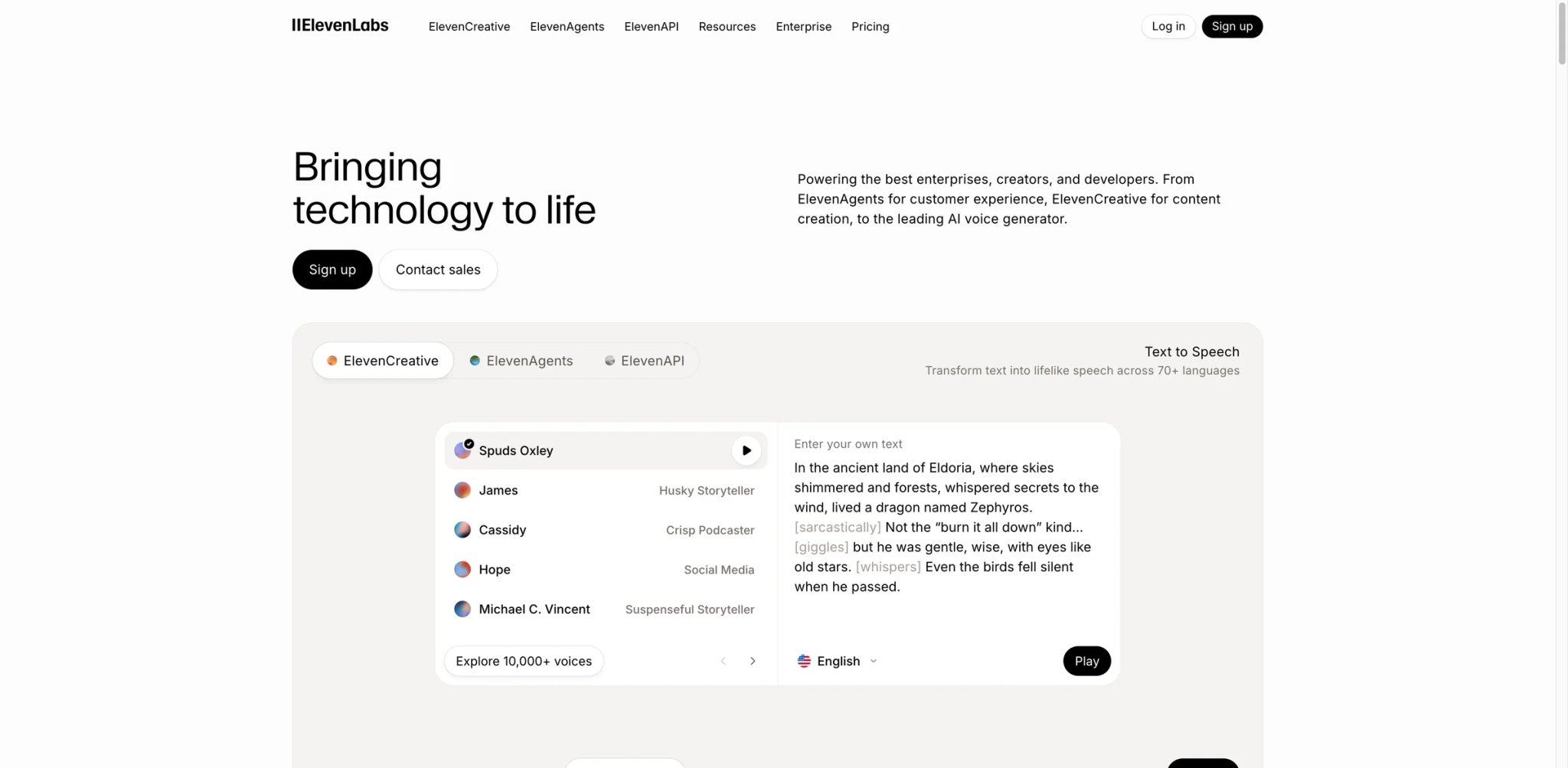
ElevenLabs produces the most natural-sounding AI voices we've tested — and it's not close. Where competitors produce speech that sounds "good for AI," ElevenLabs produces speech that sounds good, period. The voice cloning requires only minutes of sample audio and produces results that preserve accent, cadence, and emotional range in ways that make it useful for professional audio production, not just novelty.
Key Features
- Industry-leading voice quality: ElevenLabs' Multilingual v2 model generates speech with natural prosody, appropriate pauses, and emotional expression. Side-by-side comparisons with Amazon Polly, Google TTS, and Microsoft Azure consistently favor ElevenLabs for naturalness.
- Voice cloning from minimal samples: Upload a few minutes of audio, and ElevenLabs creates a voice clone that preserves the speaker's accent, speaking style, and emotional characteristics. The professional voice cloning option (with consent verification) produces even higher fidelity results.
- Conversational AI agents: Build voice-driven AI agents that speak naturally, understand context, and handle multi-turn conversations. This positions ElevenLabs beyond simple TTS into the interactive voice agent space.
Pricing
- Free: 10,000 characters/month (~10 min speech)
- Starter: $5/mo (30,000 characters, commercial license)
- Creator: $11/mo (100,000 characters, professional voice cloning)
- Pro: $99/mo (500,000 characters, 44.1kHz quality)
- Scale: $330/mo (millions of characters, team features)
- Enterprise: Custom pricing
The credit-based pricing means costs scale directly with usage. For podcast intros or short content, Starter is sufficient. High-volume audiobook or voiceover production will push into Pro or Scale territory quickly.
Limitations
- Pricing can become expensive at scale — producing a full audiobook at Pro-level quality can cost hundreds of dollars in credits, making traditional narration competitive for long-form content
- Voice cloning raises ethical concerns that ElevenLabs addresses with consent verification, but the technology's misuse potential means some clients in regulated industries may avoid it on principle
- The web-only interface limits integration into existing production workflows — professional audio teams often prefer tools with DAW plugins or desktop applications
Best For
Content creators, audiobook producers, and developers building voice-enabled applications who need production-quality AI speech. ElevenLabs is the quality benchmark for anyone who cares about how AI voices sound. Not the right fit if your TTS needs are basic (simple notifications, accessibility readers) — cheaper alternatives like Google TTS or Amazon Polly are more cost-effective for utilitarian voice output.
For more voice AI options, see our AI voice generator tools and AI voice cloning comparison.
Get started with ElevenLabs

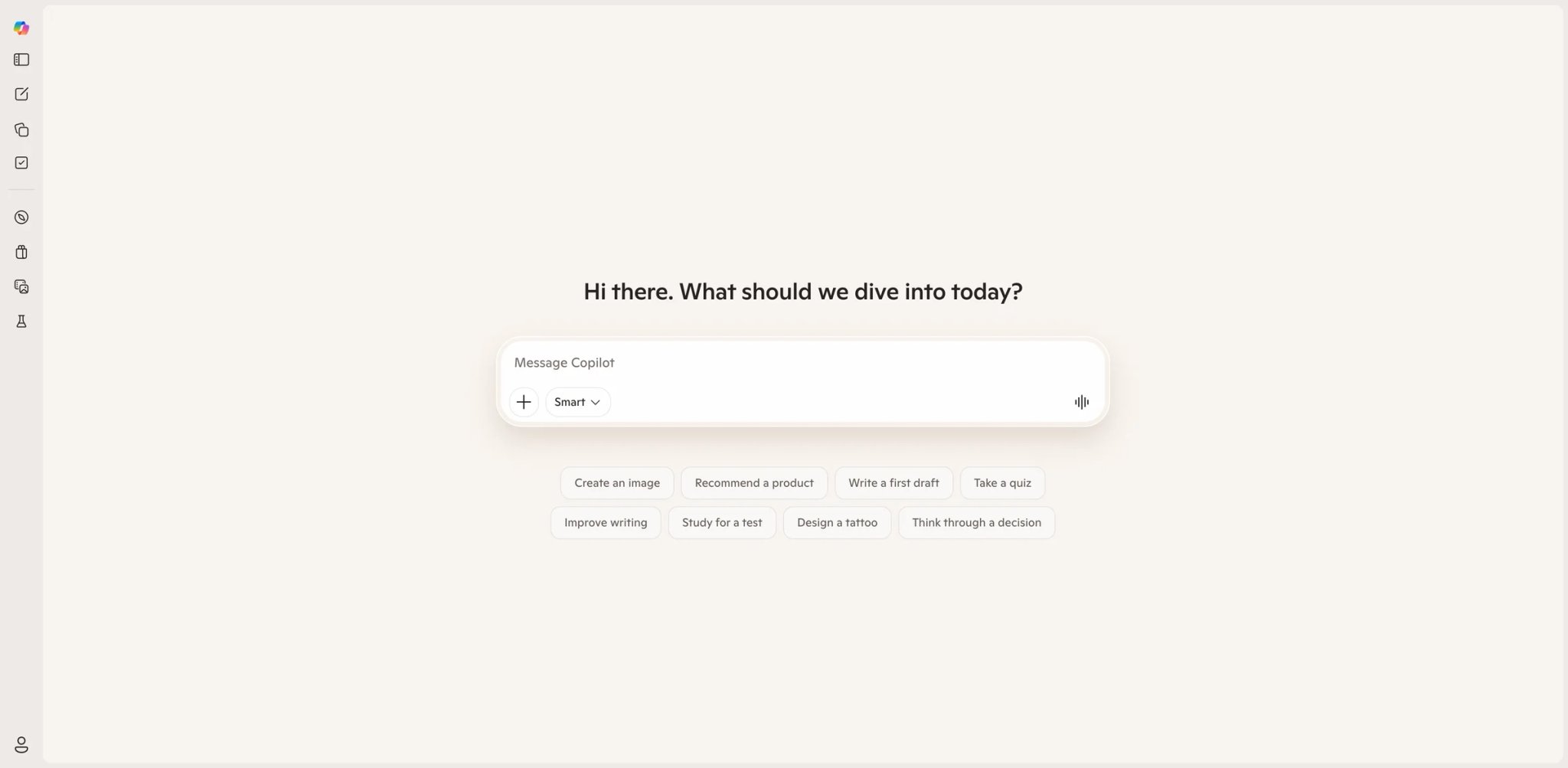
Microsoft Copilot's value proposition is simple: if your life runs on Office, Copilot makes Office smarter. Draft emails in Outlook, generate presentations in PowerPoint, analyze data in Excel, summarize meetings in Teams — all without leaving the apps your organization already pays for. The standalone copilot.microsoft.com chatbot is decent but unremarkable; the magic happens inside the M365 suite.
Key Features
- Deep M365 integration: Copilot works inside Word (draft, rewrite, summarize), Excel (formulas, analysis, charts), PowerPoint (generate slides from prompts or documents), Outlook (draft replies, summarize threads), and Teams (meeting summaries, action items). The AI understands your organization's Graph data — emails, documents, calendar, contacts.
- Meeting intelligence in Teams: Copilot summarizes meetings in real-time, extracts action items with owners and deadlines, and answers questions about meeting content after the fact. For meeting-heavy organizations, this feature alone can justify the subscription.
- Copilot Chat (standalone): The free web/mobile chat interface provides GPT-4o access with web search, image generation, and basic file analysis — a capable general assistant for users who don't need the M365 integration.
Pricing
- Free: Copilot Chat at copilot.microsoft.com (basic features)
- Microsoft 365 Personal: $9.99/mo (60 AI credits/month for Copilot in Office apps)
- Microsoft 365 Family: $12.99/mo (shared across up to 6 accounts)
- Microsoft 365 Copilot (Business): $21/user/mo annual on top of qualifying M365 license
For personal use, the $9.99 M365 Personal plan bundles Copilot with Office apps and 1TB OneDrive. For business, the $21/user/mo add-on requires an existing M365 Business Standard or higher subscription.
Limitations
- The 60 AI credits/month cap on personal plans means heavy users hit limits mid-month — and there's no way to purchase additional credits without upgrading to a higher tier
- Copilot in Excel still requires data to be formatted as tables and needs AutoSave enabled, creating friction for users with existing unformatted workbooks
- Business Copilot at $21/user/mo on top of existing M365 licensing makes it one of the most expensive AI options per user — ROI only justifies it for daily Office power users
Best For
Organizations and individuals deeply embedded in the Microsoft 365 ecosystem who want AI assistance without switching tools. Not the right fit if you use Google Workspace (get Gemini instead), or if you primarily need general AI chat capabilities — the standalone Copilot Chat doesn't justify switching from ChatGPT or Claude.
Get started with Microsoft Copilot

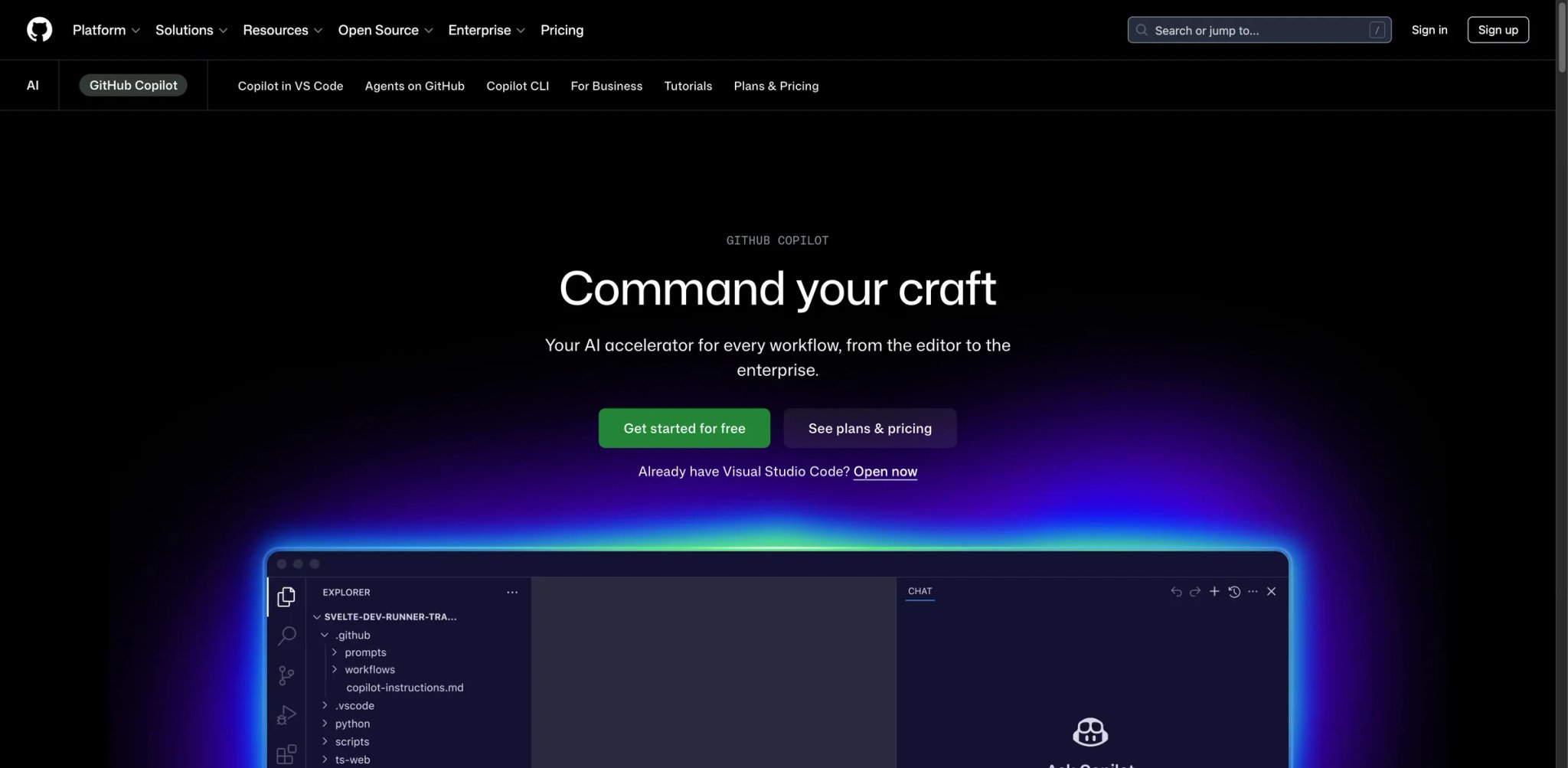
GitHub Copilot was the first AI coding assistant to reach mainstream adoption, and it remains the default choice for developers who want AI help without changing their editor. It works inside VS Code, JetBrains, Neovim, and Visual Studio — wherever you already code. The recent addition of multi-model support (GPT-4o, Claude 3.5, Gemini) and Copilot Chat makes it more than an autocomplete tool, though Cursor still leads for complex, multi-file editing tasks.
Key Features
- Context-aware code completion: Copilot suggests whole lines, functions, and code blocks based on your current file, open tabs, and repository context. The suggestions are fast enough to feel like a real-time pair programmer rather than an interruption to your flow.
- Copilot Chat in IDE: Ask questions about your codebase, generate tests, explain complex code, or debug errors through a chat panel in your editor. Chat understands the file you're working on and can reference other files in your workspace.
- Multi-model selection: Choose between GPT-4o, Claude 3.5 Sonnet, and Gemini for different tasks. Use a faster model for routine completions and a more capable one for complex code generation or debugging.
Pricing
- Free: 2,000 completions + 50 chat messages/month (for all GitHub users)
- Pro: $10/mo (unlimited completions, 300 premium chat messages)
- Business: $19/user/mo (organization-level policies, IP indemnity)
- Enterprise: $39/user/mo (fine-tuned models, advanced security)
The free tier is genuinely useful for learning and personal projects. Pro at $10/mo is excellent value for professional developers — significantly cheaper than Cursor's $20/mo.
Limitations
- Stays within the boundaries of your current editor — it can't orchestrate multi-file refactors as fluidly as Cursor's Composer, making large architectural changes still largely manual
- The chat interface is helpful but less capable than Claude or ChatGPT for complex reasoning about code architecture or design decisions
- Code suggestions sometimes confidently generate plausible-looking but incorrect code, especially for less common languages or frameworks, requiring vigilant review
Best For
Professional developers who want AI coding assistance without leaving their preferred editor. GitHub Copilot is the safest, most mainstream choice for teams. Not the right fit if you need aggressive multi-file editing and codebase-wide refactoring — Cursor is better for that, or if you prefer a completely free solution (continue with the free tier for light use).
Get started with GitHub Copilot
Gamma
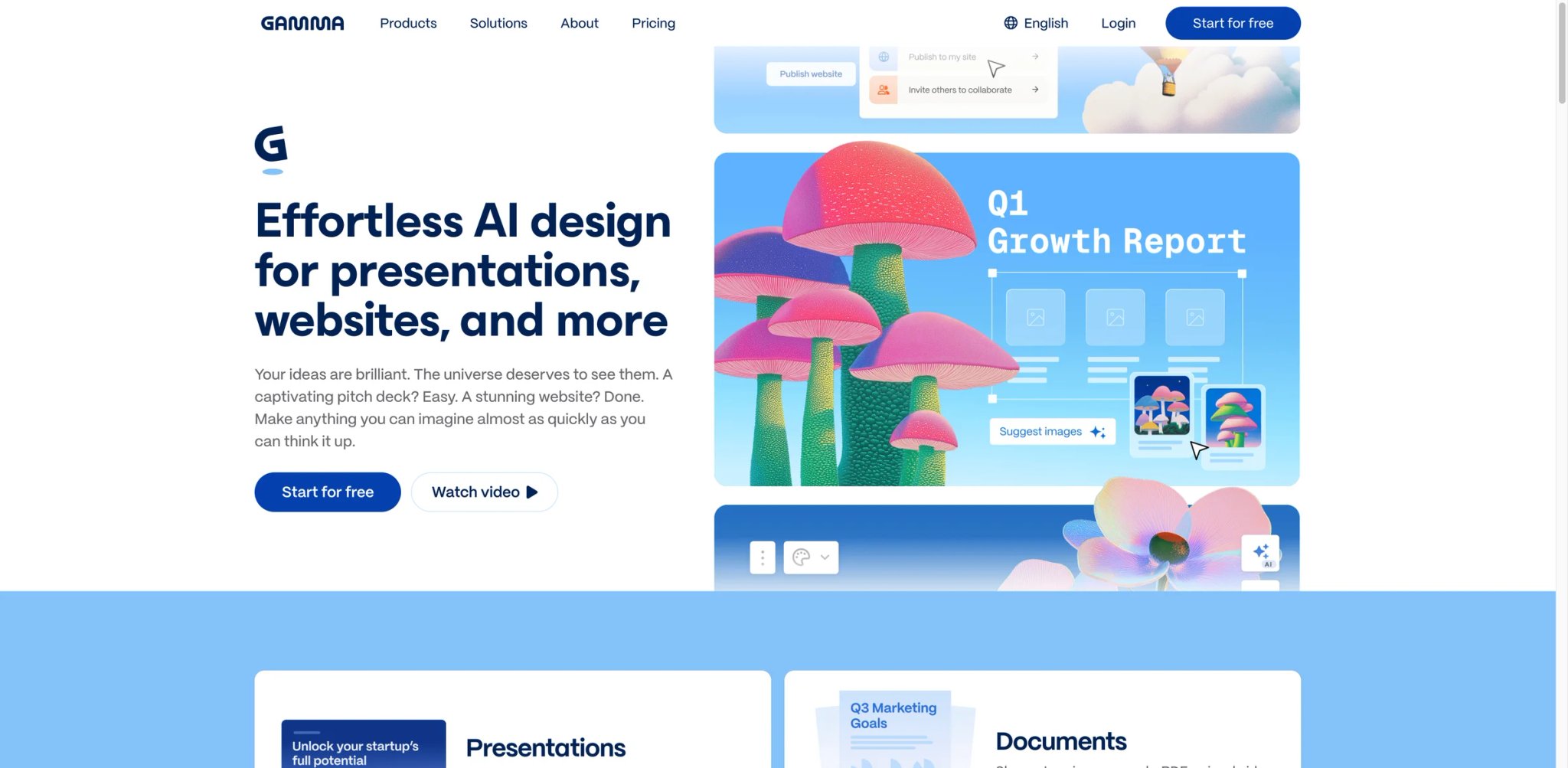
PowerPoint is 37 years old, and it shows. Gamma reimagines presentations for the AI era — describe what you want, and it generates a complete deck with layout, design, content, and visual hierarchy. The output looks more like a polished landing page than a traditional slide deck, which is either a feature or a limitation depending on your audience.
Key Features
- One-prompt presentations: Describe your topic and Gamma generates a complete presentation — structure, content, layout, and visual design. The AI understands presentation logic (problem → solution → evidence → call to action) and applies it automatically.
- Web-native format: Gamma presentations are web pages, not slide files. They're responsive, interactive (embed videos, forms, databases), and shareable via link. No more emailing 50MB PowerPoint attachments.
- Docs and webpages too: Gamma generates documents and one-page websites using the same AI, making it a multi-format content creation tool rather than just a presentation maker.
Pricing
- Free: 400 AI credits (enough for ~10 presentations)
- Plus: $9/mo (unlimited AI, custom fonts, no Gamma branding)
- Pro: $15/mo (advanced analytics, custom domains)
The free tier is generous enough to evaluate Gamma thoroughly. Plus at $9/mo removes branding and unlocks unlimited generation.
Limitations
- The web-native format means Gamma presentations don't export cleanly to PowerPoint or Google Slides — if your organization requires .pptx files for compatibility, Gamma adds an export step with potential formatting loss
- Design aesthetics lean heavily toward a modern, startup-friendly style that may feel inappropriate for conservative industries (finance, law, government) where traditional slide formats are expected
- Limited data visualization capabilities compared to PowerPoint or Google Slides — complex charts, custom graphs, and data-driven slides are better handled by traditional tools
Best For
Startup founders pitching investors, marketing teams creating client decks, and anyone who needs polished presentations fast without design skills. Not the right fit if your organization mandates .pptx deliverables, you need complex data visualizations, or your audience expects traditional slide-deck formats.
Get started with Gamma

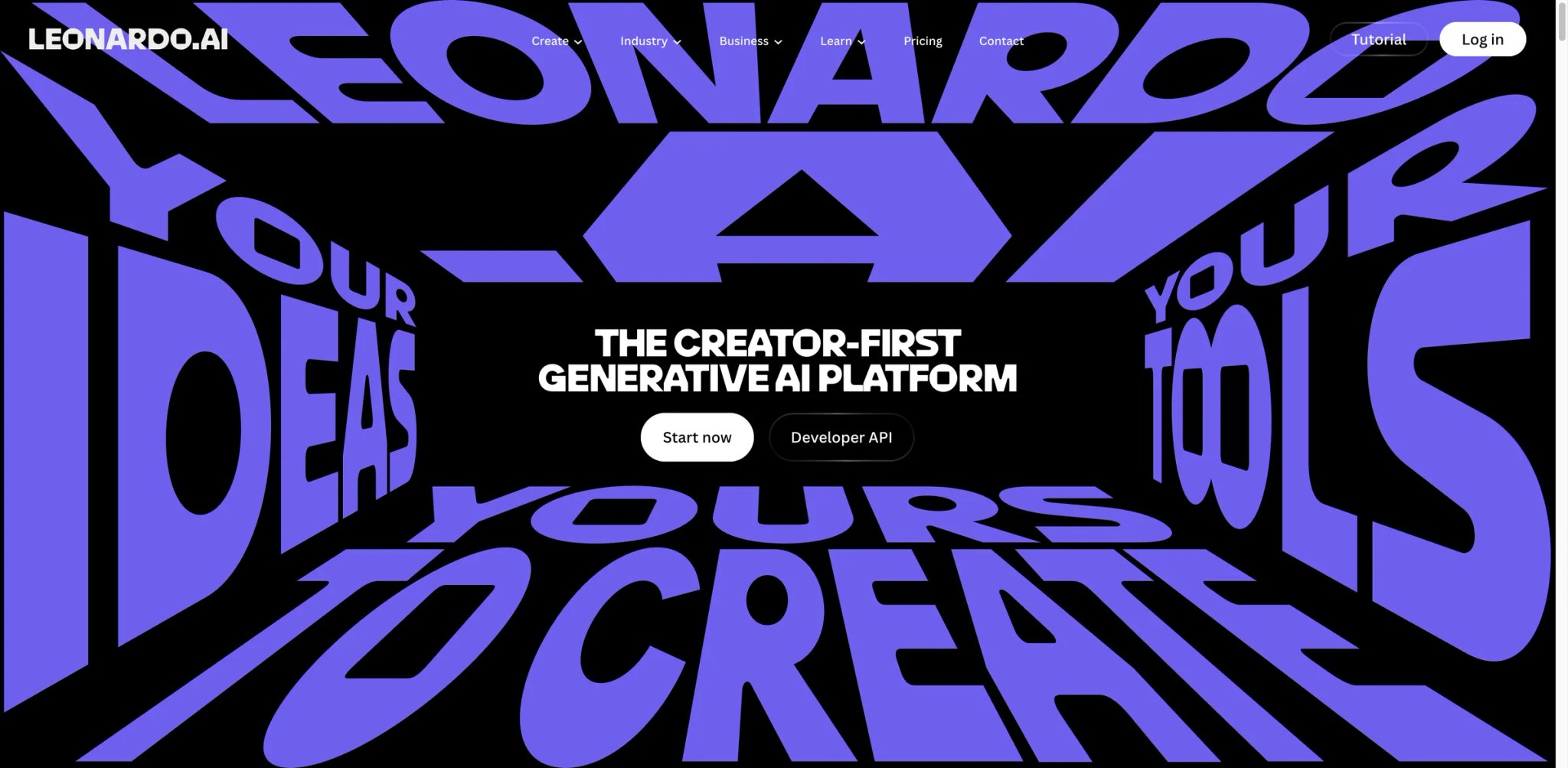
Leonardo AI offers the most generous free tier in AI image generation — 150 daily tokens let you generate roughly 30 images per day at no cost. The quality rivals Midjourney for many use cases, and the web-based interface is significantly more approachable than Midjourney's Discord-first experience. For creators who need regular AI images without a subscription commitment, Leonardo is the no-risk starting point.
Key Features
- Generous free generation: 150 daily tokens refreshing every 24 hours means consistent free access to AI image generation. Most competitors either limit free tiers to a few generations total or require a credit card upfront.
- Fine-tuning and model training: Upload reference images to train custom models that generate images in your specific style, product aesthetic, or character design. This capability — available even on free accounts — enables consistent visual branding that generic prompts can't achieve.
- Real-time canvas: Generate images and edit them in a real-time canvas with inpainting, outpainting, and AI-assisted modifications. The interactive editing loop (generate → identify issues → fix with AI → iterate) is smoother than Midjourney's regenerate-from-scratch approach.
Pricing
- Free: 150 tokens/day (refreshes daily)
- Apprentice: $9.99/mo (8,500 tokens/month, priority generation)
- Artisan: $24/mo (25,000 tokens, more models)
- Maestro: $48/mo (60,000 tokens, maximum speed and features)
The daily token refresh on the free tier is key — unlike competitors that give you a one-time free allotment, Leonardo provides ongoing free access.
Limitations
- Image quality, while good, doesn't consistently match Midjourney's aesthetic refinement for artistic or stylized images — Leonardo excels at photorealistic and concept art, less so at the distinctive stylized look Midjourney is known for
- The token system creates unpredictable costs — different models and settings consume tokens at different rates, making it hard to estimate monthly costs for paid plans
- iOS-only mobile app (no Android) limits accessibility for a significant portion of potential users
Best For
Content creators, game developers, and marketers who need regular AI images and want to start without payment commitment. Leonardo's free tier is the best way to evaluate whether AI image generation fits your workflow. Not the right fit if you need the highest possible aesthetic quality for commercial art (Midjourney is still the benchmark) or primarily work on Android.
Get started with Leonardo AI

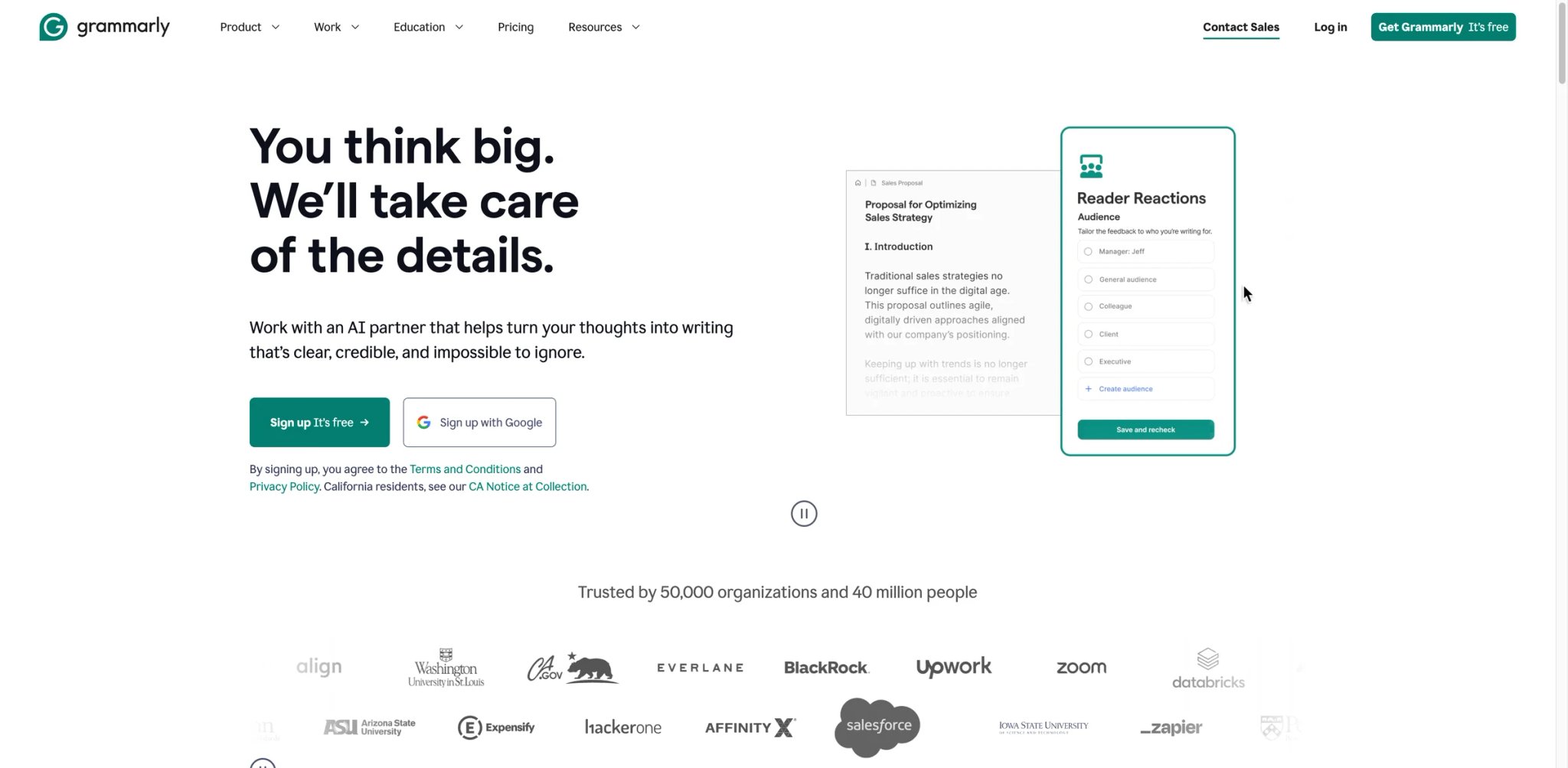
Grammarly has been improving writing for over a decade, and its AI upgrade transforms it from a grammar checker into a writing partner. The tool now rewrites paragraphs, adjusts tone, generates drafts, and works across virtually every platform — browser, desktop, mobile, email, documents, and messaging apps. It's the most ubiquitous AI writing tool, operating wherever you type.
Key Features
- Cross-platform writing assistance: Grammarly works in Gmail, Google Docs, Word, Slack, LinkedIn, and 500,000+ other websites and apps via browser extension, desktop app, and mobile keyboard. No other writing tool achieves this level of integration across platforms.
- Tone and style adjustment: Beyond grammar, Grammarly rewrites content to match a specified tone — formal, casual, confident, friendly. For professionals who write across different contexts (client emails vs. team Slack messages), this contextual adaptation saves time and prevents tone mismatches.
- GrammarlyGO generative AI: Generate, rewrite, and ideate from within any text field. Unlike ChatGPT (which requires switching to a separate app), GrammarlyGO brings generative AI to wherever you're already writing.
Pricing
- Free: Grammar, spelling, punctuation, and tone detection
- Premium: $12/mo annual ($30/mo monthly) — full sentence rewrites, clarity suggestions, tone adjustment
- Business: $15/user/mo annual — style guides, brand tones, admin dashboard
- Enterprise: Custom pricing
The free tier catches enough errors to be useful. Premium's rewriting and tone features justify the upgrade for anyone who writes professionally every day.
Limitations
- The AI writing suggestions can homogenize voice — heavy reliance on Grammarly's rewrites can strip personality from writing, making everything sound polished but generic
- GrammarlyGO's generative capabilities are limited compared to ChatGPT or Claude — it's better at improving existing text than generating from scratch
- Privacy concerns for sensitive content — Grammarly processes all text you type through its servers, which may not be acceptable for legal, medical, or classified work without the Enterprise plan's advanced security options
Best For
Professionals who write across multiple platforms daily and want consistent grammar, tone, and clarity improvement without switching tools. Not the right fit if you need deep generative AI (use ChatGPT/Claude), work primarily in code (use Cursor/Copilot), or handle sensitive content that can't be processed by external services.
Get started with Grammarly
Runway
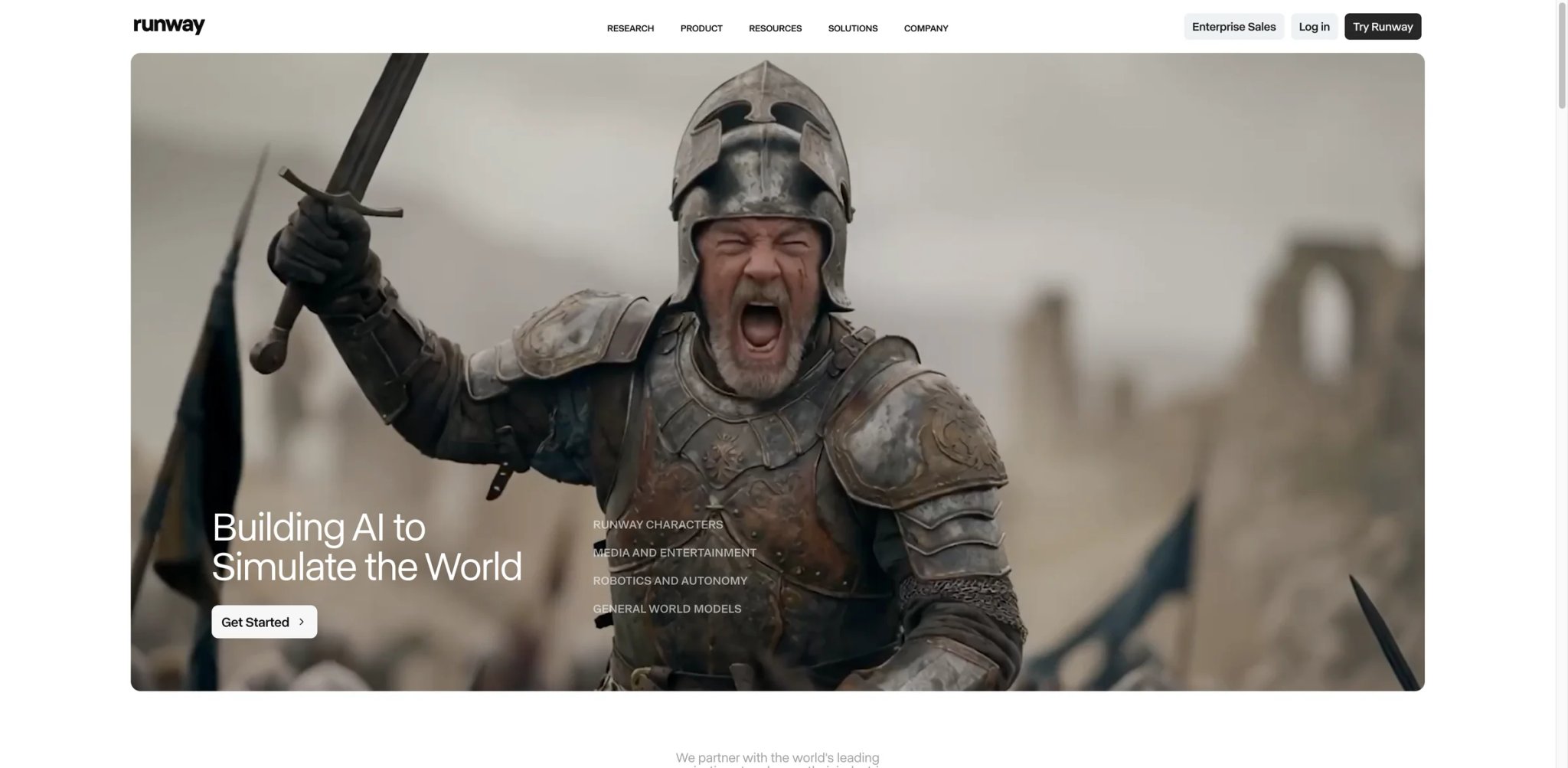
Runway pioneered consumer-accessible AI video generation, and its Gen-3 Alpha model produces the most coherent text-to-video output currently available. While no AI video tool is production-ready for broadcast, Runway gets closest — generating 10-second clips with consistent motion, reasonable physics, and fewer artifacts than competitors. For concept visualization, social media content, and creative experimentation, it's the tool professionals actually use.
Key Features
- Gen-3 Alpha text-to-video: Generate 10-second video clips from text descriptions with industry-leading coherence. Human motion, camera movements, and scene transitions are noticeably more natural than competing models — though still imperfect.
- Image-to-video and video-to-video: Transform still images into animated clips or restyle existing video footage. The image-to-video capability is especially useful for marketing teams who want to animate product photos or concept art.
- Professional editing tools: Beyond generation, Runway offers AI-powered green screen removal, motion tracking, inpainting, and super-resolution. These practical editing features often provide more immediate value than text-to-video generation.
Pricing
- Free: 125 credits (~25 seconds of video)
- Standard: $15/mo billed annually ($18 monthly)
- Pro: $28/mo billed annually ($35 monthly)
- Unlimited: $76/mo billed annually
- Enterprise: Custom pricing
The credit system makes costs unpredictable — Gen-3 Alpha generation consumes credits faster than basic tools, so the $15 Standard plan may produce less content than expected.
Limitations
- 10-second generation limit means you can't create full videos — each clip requires a separate generation, and stitching clips together requires external editing with inevitable continuity issues
- Credit consumption is aggressive on the higher-quality models. A $15/mo Standard plan might produce only 2-3 minutes of Gen-3 Alpha footage per month — far less than casual users expect
- AI-generated video still has visible artifacts (morphing hands, inconsistent physics, temporal flickering) that make raw output unsuitable for professional production without post-processing
Best For
Creative professionals, social media teams, and filmmakers who want to prototype visual concepts, generate b-roll, or experiment with AI-driven storytelling. Not the right fit if you need production-ready video at scale (the credits get expensive fast) or expect AI video to replace traditional video production workflows in 2026.
For more AI video tools, explore our AI video generator comparison.
Get started with Runway
Le Chat
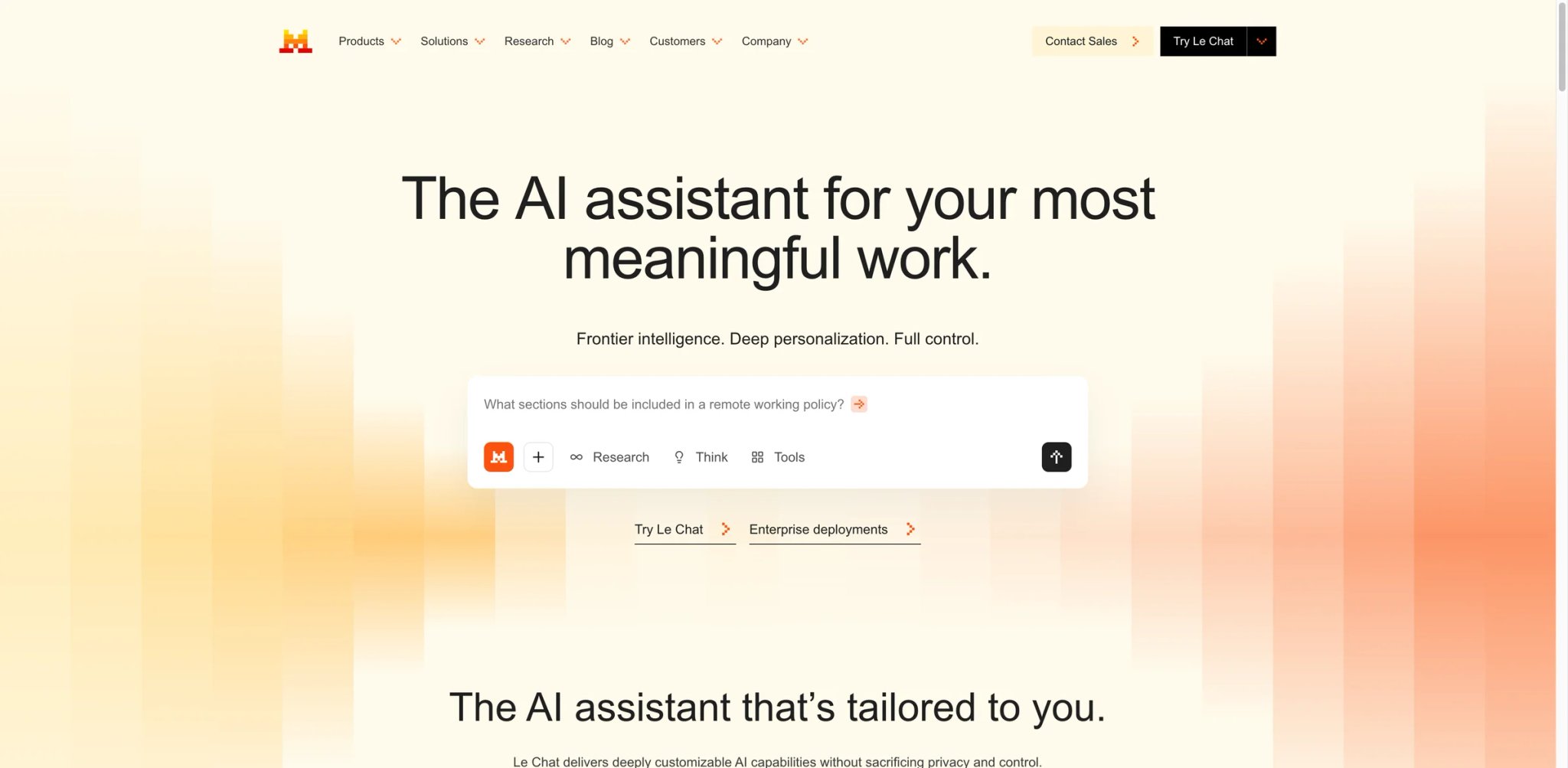
Le Chat is Mistral AI's consumer-facing answer to ChatGPT — and it's the cheapest premium AI assistant from a major model provider at $14.99/month. Built by Europe's leading AI company, Le Chat emphasizes privacy (GDPR compliance, EU data residency) and offers most features for free, with limits only kicking in for power users. For privacy-conscious Europeans — or anyone who wants a capable alternative to US-based AI — Le Chat is worth serious consideration.
Key Features
- Privacy-first architecture: Built on Mistral's open-weight models with GDPR compliance as a core design principle, not an afterthought. For European organizations subject to data residency requirements, Le Chat eliminates the compliance ambiguity of US-based alternatives.
- Generous free tier: Most features — including latest models, document uploads, image generation, and web search — are free, with limits only on daily message volume (~25 messages/day on mid-tier models). The free experience is more capable than most competitors' free tiers.
- Canvas for document editing: Le Chat includes a side-panel workspace for editing documents, writing code, and creating structured content — similar to ChatGPT's Canvas and Claude's Artifacts, but available to all users including free tier.
Pricing
- Free: Access to Mistral models, document uploads, image generation, web search (~25 messages/day limit)
- Pro: $14.99/mo (150 messages/day, advanced models, priority access)
- Student: $7.04/mo (same as Pro with student verification)
- Team/Enterprise: Custom pricing (admin controls, SSO, data residency)
At $14.99/mo, Le Chat Pro is $5 cheaper than ChatGPT Plus or Claude Pro — and the free tier is arguably more capable than either competitor's free offering.
Limitations
- Model capability still lags behind GPT-4o and Claude 3.5 Opus on complex reasoning, nuanced writing, and multi-step analysis — the privacy and pricing advantages come with a capability trade-off
- Ecosystem is immature compared to ChatGPT (no plugins, limited integrations) and Claude (fewer API features, smaller developer community)
- Limited public user feedback makes it harder to assess reliability — Le Chat is newer and less battle-tested than competitors with hundreds of millions of users
Best For
Privacy-conscious users, European organizations with data residency requirements, and budget-conscious professionals who want a capable AI assistant at a lower price point. Not the right fit if you need the absolute best model quality for complex tasks (ChatGPT or Claude still lead) or rely on a rich ecosystem of integrations and plugins.
Get started with Le Chat

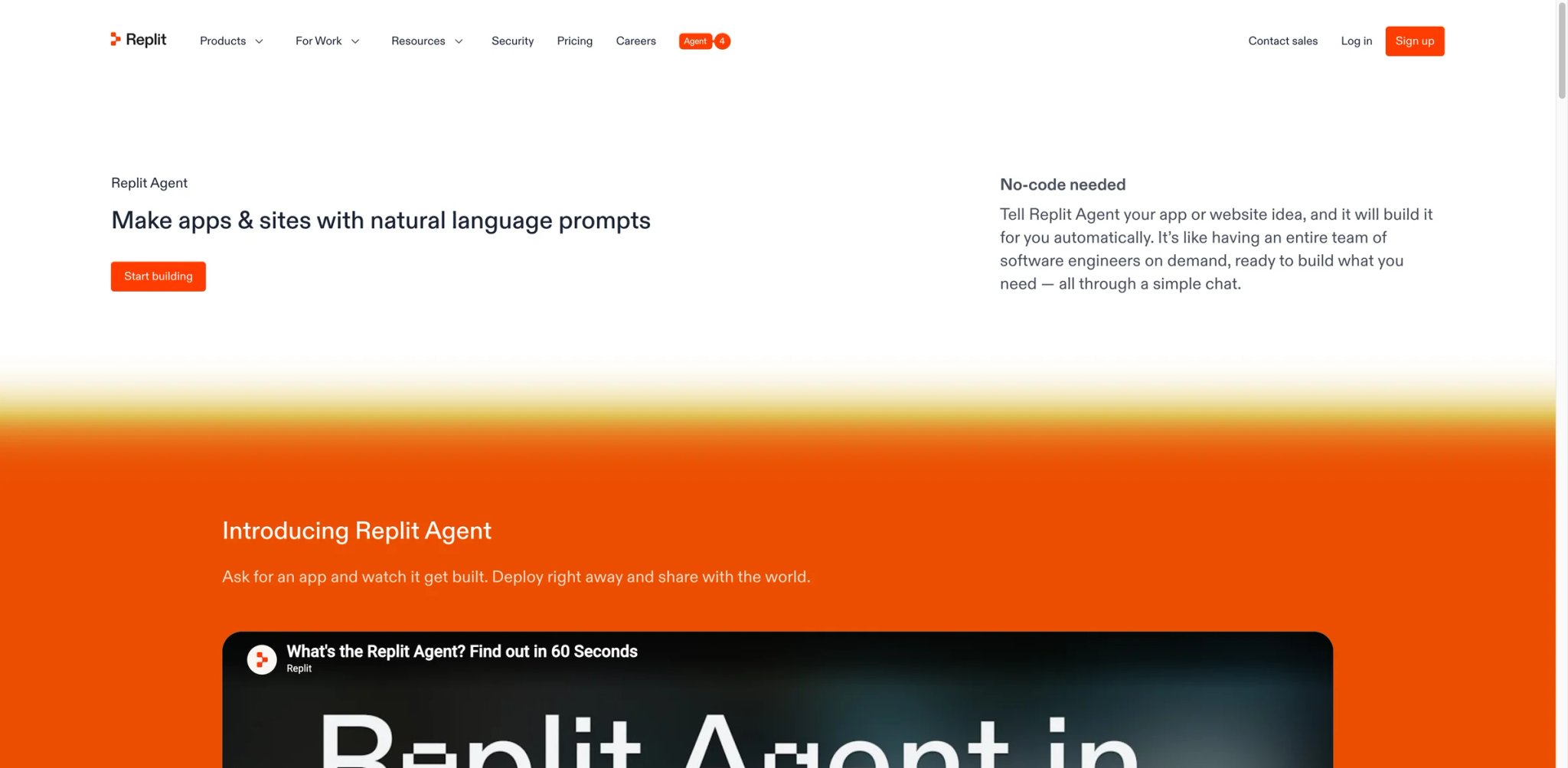
Replit collapsed the entire software development lifecycle — write, run, deploy, host — into a browser tab. Its AI Agent doesn't just generate code snippets; it builds complete applications, configures databases, sets up authentication, and deploys to production. For non-developers with an app idea, Replit is the closest thing to "describe what you want and get a working product."
Key Features
- AI Agent for full app building: Describe an application in natural language, and Replit Agent generates the entire project — frontend, backend, database schema, API endpoints, and deployment configuration. It iterates based on feedback, fixing bugs and adding features conversationally.
- Instant deployment: Every Replit project is instantly deployable. There's no "works on my machine" problem — the development environment is the production environment. Build, test, and ship without configuring hosting, CI/CD, or infrastructure.
- Collaborative coding environment: Real-time multiplayer coding where multiple people can edit the same project simultaneously, with AI assistance available to all collaborators. For hackathons, pair programming, and educational settings, this removes all setup friction.
Pricing
- Starter (Free): Basic AI assistance, limited Agent credits, 1 published app
- Core: $20/mo — enhanced AI, more Agent credits, 5 workspace members
- Pro: $95/mo billed annually ($100 monthly) — higher credits, more collaborators, access to the most powerful models
- Enterprise: Custom pricing
The effort-based credit system means costs vary by task complexity — simple changes cost <$0.25, while complex features cost more. This makes budgeting unpredictable for ambitious projects.
Limitations
- AI Agent works best for standard web applications (CRUD apps, dashboards, simple SaaS). Complex applications with custom algorithms, real-time systems, or specialized infrastructure require significant manual intervention
- Credit consumption is opaque — the effort-based pricing model makes it difficult to estimate project costs upfront, and complex requests can burn through credits quickly
- Performance and reliability of hosted apps on Replit's infrastructure may not meet production standards for high-traffic applications — serious projects eventually need to migrate to dedicated hosting
Best For
Non-developers with app ideas, students learning to code, and developers who want to prototype rapidly without infrastructure setup. Replit is the fastest path from idea to deployed application. Not the right fit if you're building production applications that need custom infrastructure, high reliability, or if you're a senior developer who prefers full control over the development environment.
Get started with Replit
Midjourney
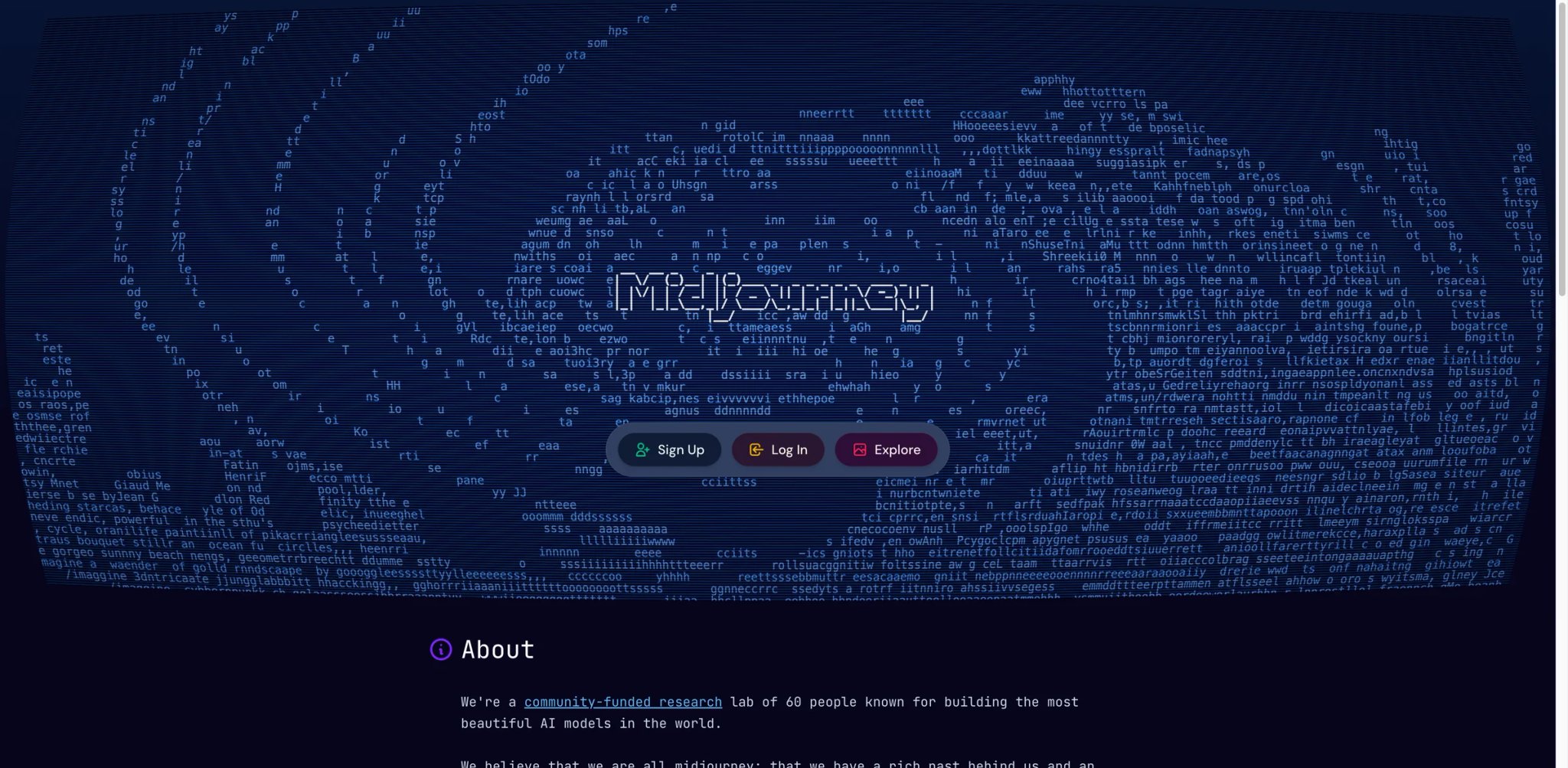
Midjourney still produces the most visually striking AI-generated images available. While competitors have caught up in photorealism, Midjourney's distinctive aesthetic quality — images that look like they were art-directed, not just generated — keeps it as the tool professional creatives reach for when the image needs to be beautiful, not just accurate. The shift from Discord-only to a proper web interface in 2025 finally made it accessible to non-technical users.
Key Features
- Best-in-class aesthetic quality: Midjourney v6.1 produces images with a consistent, professional aesthetic that requires less post-processing than any competitor. The images have a "made by a human art director" quality — color grading, composition, and lighting that other tools achieve only with extensive prompt engineering.
- Web editor with inpainting: The web interface (launched 2025) provides image editing, variation generation, and inpainting without leaving the browser. You can pan, zoom, vary regions, and upscale — a full creative workflow that replaces the old Discord-only experience.
- Consistent character and style: Midjourney's style reference and character reference features produce remarkably consistent results across generations — essential for professional projects that need visual continuity (character design, brand campaigns, storyboarding).
Pricing
- Basic: $10/mo (~200 images/month)
- Standard: $30/mo (~900 images/month, fast mode)
- Pro: $60/mo (~1,800 images, stealth mode)
- Mega: $120/mo (~3,600 images, maximum fast hours)
No free tier — Midjourney is the only major AI image generator that requires payment from the first image. This is either a dealbreaker or a quality signal, depending on your perspective.
Limitations
- No free tier means you can't evaluate quality before paying — a significant barrier when free alternatives like Leonardo AI exist. The $10/mo entry price is modest, but the commitment-before-testing model deters casual users
- Despite the web interface launch, some advanced features still require Discord for the full command syntax. The web editor is catching up but doesn't yet replicate all Discord capabilities
- Commercial licensing terms require careful reading — default license allows commercial use, but generated images aren't copyrightable, creating uncertainty for commercial projects that need IP protection
Best For
Professional creatives, designers, and marketing teams who need the highest aesthetic quality in AI-generated images. Midjourney is the tool when the image needs to look exceptional, not just acceptable. Not the right fit if you need a free starting point (use Leonardo AI), want photorealistic images for product mockups (DALL-E or Flux may be better), or prefer a fully web-native workflow without Discord remnants.
Get started with Midjourney
Best AI Apps by Use Case
For Daily Knowledge Work and Communication
You spend your day writing emails, drafting documents, summarizing meetings, and managing information across tools. ChatGPT is the most versatile single app for these tasks — it handles text, files, images, and code in one interface. If your organization runs on Google Workspace, Gemini integrates directly into Gmail, Docs, and Sheets. For Microsoft 365 shops, Microsoft Copilot brings AI into Word, Excel, and Teams without additional tools.
For Research and Information Synthesis
You need to gather information from multiple sources, verify facts, and produce cited analysis. Perplexity is purpose-built for this — every answer includes numbered citations you can verify. For research that lives in your organization's knowledge base rather than the public web, Notion AI searches your workspace and answers questions with your team's context.
For Software Development
You write code daily and want AI that understands your specific codebase. Cursor offers the deepest AI integration with multi-file editing and codebase awareness. GitHub Copilot is the safer mainstream choice that works inside your existing editor. For prototyping entire applications from scratch, Replit builds and deploys complete apps from natural language descriptions.
For Content Creation Across Media Types
You produce content across visual, audio, and video formats. Canva AI handles design and visual assets. Descript makes audio/video editing as easy as editing text. Suno generates custom music. ElevenLabs produces the most natural AI voices. Runway generates and edits video. Each is best-in-class in its medium — there's no single app that does all of them well.
For Budget-Conscious Users Exploring AI
You want to try AI without committing to paid subscriptions. Poe gives you access to every major model for $4.17/month annual — the cheapest multi-model option. Leonardo AI provides 150 free daily image generation tokens. Le Chat offers the most capable free tier among AI assistants. GitHub Copilot and ChatGPT both have usable free tiers for coding and general tasks respectively.
How to Choose the Right AI App
Step 1: Identify your primary use case. AI apps are increasingly specialized. If you need a general assistant, start with ChatGPT or Claude. If you have a specific need (coding, design, research, video), jump directly to the category leader — you'll get better results from a specialized tool than from a general one trying to do everything.
Step 2: Check platform compatibility. If your work lives in Google Workspace, Gemini integrates natively. Microsoft 365 users get the most from Copilot. Developers should match their tool to their editor (Cursor for VS Code users, GitHub Copilot for everyone else). Don't add a new tool that fights your existing workflow.
Step 3: Test free tiers before paying. Every app on this list except Midjourney offers a free tier or trial. Run your actual daily workflow through it for a week — don't just test with sample queries. AI quality varies dramatically between demos and real-world messy inputs.
Step 4: Calculate true monthly cost. Credit-based pricing (Poe points, Replit credits, Leonardo tokens) can be cheaper or more expensive than flat subscriptions depending on usage patterns. Estimate your actual monthly usage before committing. A $20/mo flat subscription might be cheaper than a $5/mo plan where you consistently buy additional credits.
Step 5: Evaluate the ecosystem, not just the model. The underlying AI model matters less than how it's packaged. ChatGPT's plugins, Claude's Projects, Notion AI's workspace integration, and Cursor's codebase indexing all add value that the raw model doesn't provide. Choose the app whose surrounding features best match your workflow.
For our comprehensive AI tool rankings, visit our AI tool rankings page.
Frequently Asked Questions
Is ChatGPT still the best AI app in 2026?
Can I use AI apps for free without paying?
Which AI app is best for coding?
Are AI apps safe to use with sensitive data?
What's the cheapest way to access multiple AI models?
Do AI apps replace specialized software?
Which AI app should I try first?
Get ToolWorthy Weekly
New AI tools, practical guides, and selected AI signals in one weekly brief.
Related Posts
- 16 Best AI Scheduling Assistant Tools 2026 - Calendar & Meetings
Compare 16 AI scheduling assistant tools for calendars, meeting coordination, email scheduling, recruiting loops, pricing and workflow fit.
- 16 Best AI Email Assistant Tools 2026 - Gmail, Outlook & Teams
Compare 16 AI email assistant tools for Gmail, Outlook, shared inboxes, writing, triage, follow-ups, pricing and team workflows.
- 16 Best AI Chrome Extensions in 2026 — Tested for Real Browser Workflows
We installed 30+ AI Chrome extensions and kept the 16 that survived real daily use. Real pricing, permissions notes, and where each one actually wins.
For AI tool founders
Built a tool that belongs in this decision set?
Request an editorial evaluation for possible inclusion in ToolWorthy.
Submit your tool for reviewPaid submission does not guarantee a ranking, recommendation, inclusion, or editorial outcome.