
10 Best Runway Alternatives 2026 - After Unlimited Ends
Runway's Unlimited-to-Max switch changed the economics for heavy AI video users. Compare Kling, Google Flow, Pika, Luma, Vidu, and more alternatives.
On this page
Runway is still one of the most complete AI video workspaces. That is exactly why the 2026 switch from Unlimited to Max matters. Users did not just lose a plan name. They lost the relaxed-generation buying logic that made Runway feel safe for messy iteration, bad takes, client drafts, and prompt experiments. One Reddit complaint captured the practical issue: "I just want gen 4.5 unlimited." The quote is short, but the decision behind it is big.
This guide is for Runway users who are not asking "is Runway good?" They are asking what to do when finite credits, queue time, prompt misses, moderation friction, or account trust changes the math. The best replacement depends on the reason you are leaving. Kling AI, Google Flow with Veo, Luma Dream Machine, Pika, Higgsfield, Dreamina, Hailuo, Vidu, OpenArt, and Adobe Firefly all solve different slices of the Runway problem.
| Tool | Best For |
|---|---|
| Kling AI | Motion-heavy cinematic generation |
| Google Flow / Veo | Scene-based AI filmmaking |
| Luma Dream Machine | Keyframe and modify-driven iteration |
| Pika | Fast short-form experiments |
| Higgsfield | Creator ads and camera motion presets |
| Dreamina | Generation-to-CapCut editing workflows |
| Hailuo AI | Lower-cost high-volume video attempts |
| Vidu | Reference-driven and volume-oriented generation |
| OpenArt | Multi-model creative workspace testing |
| Adobe Firefly | Adobe-safe commercial production |
Why People Are Leaving Runway in 2026
1. Unlimited changed into a finite-credit decision. Runway's own help article says the Unlimited plan is being phased out after the June 1, 2026 rollout of Max. Existing Unlimited users keep the plan through August 31, 2026, then monthly Unlimited users move to Max on September 1 at the same $95 monthly price. Max has 9,500 monthly credits and rollover, but it does not preserve the old Explore Mode promise. For users who bought Runway specifically because relaxed generation made iteration feel open-ended, this is the fresh-news pain point. The issue is not only price. It is a shift from "try until it works" to "budget every attempt." Source: Runway's Unlimited-to-Max notice.
2. Credits make the real cost of a usable clip hard to predict. AI video is not deterministic procurement. A five-second clip may need five, ten, or twenty attempts before it is usable. Users complain about credits disappearing on failed takes, mediocre clips, or simple prompt misses. That is why the cheapest-looking plan is not always the cheapest workflow. If your prompt takes many rerolls, your real unit cost is "cost per accepted clip," not "credits per generation."
3. Prompt adherence failures compound the cost problem. Runway can produce excellent results, but frustrated users often point to a narrower issue: "I gave a clear instruction and the system ignored it." A prompt miss is not just a quality failure. It burns credits, adds queue time, and forces the user to decide whether another reroll is worth it. For commercial teams, that uncertainty can be harder to manage than a higher fixed monthly price.
4. Queue time slows down creative iteration. Runway's move toward Max is partly framed around speed and predictable production access. That matters because queue complaints are common in heavy-use periods. A tool can have strong output quality and still be the wrong fit if your team needs rapid exploration across many concepts before a deadline.
5. Moderation false positives create workflow risk. Some users are not trying to generate unsafe material; they are trying to produce normal creative work that gets flagged, warned, or blocked. Hosted AI video platforms have to run safety systems, but false positives create a practical migration reason: if the content category is legitimate but frequently blocked, a more permissive local workflow, enterprise workflow, or commercially governed creative suite may be better.
6. Account and support trust matters once work depends on the platform. A consumer experiment can tolerate occasional friction. A studio, agency, or client pipeline cannot. Suspension, appeal, refund, billing, and support uncertainty become switching reasons when Runway is embedded in paid work. This is where local workflows such as ComfyUI or enterprise-style platforms may become attractive even if they require more setup.
These six reasons map to different replacement types. Some users need a direct cinematic generator. Some need cheaper iteration. Some need local control. Some need an editor-first ecosystem. Treat "Runway alternative" as a migration map, not a single winner.
Runway Baseline: What You Are Actually Replacing
Before choosing a Runway alternative, define which part of Runway you are replacing. Most bad migrations happen because teams treat "Runway" as one thing, when it is really a bundle of model access, prompt workflow, image-to-video, editing features, asset storage, collaboration habits, billing expectations, and trust in the account. A tool can beat Runway on one dimension and still fail as a replacement if that dimension was not the real reason your team used Runway.
Model replacement is the simplest case. If you mainly open Runway, enter a prompt, upload a reference image, generate clips, and export the best one, you can test Kling, Luma, Pika, Hailuo, Vidu, or Flow quickly. The migration cost is low because the assets are portable: prompts, reference frames, images, storyboards, and final renders. This is the user who should run a controlled benchmark rather than overthinking the whole stack.
Workflow replacement is harder. If you use Runway as a project space, team review hub, production notebook, or recurring client workflow, the best alternative may not be the strongest isolated model. Google Flow, Adobe Firefly, Dreamina, OpenArt, and ComfyUI all change the shape of work. Flow emphasizes scenes and Google model access. Firefly emphasizes Adobe governance and handoff. Dreamina and CapCut emphasize short-form production. OpenArt emphasizes multi-model creative work. ComfyUI emphasizes control and local ownership. These are not cosmetic differences; they decide who on the team can use the tool and how much process must be rebuilt.
Cost replacement is the most error-prone case. Runway's official Unlimited-to-Max transition makes the old question, "can I generate enough?" into a more specific question: "how many acceptable clips can I get from the plan I am buying?" A lower monthly price can still lose if the tool requires more retries, has slower queues, exports at lower quality, or fails the exact motion you need. A higher monthly plan can win if it gives faster accepted output, clearer rights, and less manual cleanup. The fair comparison is not dollars per month; it is dollars per accepted deliverable.
Control replacement is a different decision entirely. If your issue is hosted moderation, account dependency, unclear support, or platform trust, another hosted generator may not solve the problem. It may only move the same risk to a different vendor. In that case, ComfyUI or a hybrid workflow becomes more relevant even though the setup cost is higher. Control is never free; it moves the burden from subscription price to hardware, workflow maintenance, model management, and troubleshooting.
Use this baseline before reading the rankings. If you need a direct model replacement, start with Kling, Flow, Luma, and Pika. If you need cheaper iteration, start with Pika, Hailuo, Vidu, and OpenArt. If you need commercial governance, start with Adobe Firefly. If you need local control, evaluate ComfyUI as an adjacent option rather than forcing every hosted tool to solve a problem it cannot solve.
Testing Protocol: Compare Accepted Output, Not Demo Clips
AI video tools are unusually easy to overrate because public demos show the best output, not the cost of getting there. A practical Runway replacement test should measure accepted output, retry count, workflow time, and risk. Do this before you cancel Runway or move a client workflow.
Build one fixed prompt pack. Use 12 prompts: three product shots, three human or character motion prompts, two camera-movement prompts, two image-to-video prompts, one stylized prompt, and one boring commercial deliverable such as a talking product reveal. The boring prompt matters because real production is not only cinematic demo footage. Keep the same reference images, aspect ratio, duration, and quality bar across every tool.
Track accepted clips. For each tool, record total generations, usable generations, average retry count, queue time, export quality, visible artifacts, and whether the result needed heavy editing. A tool that produces two good clips out of six attempts may be cheaper than a tool that produces one good clip out of two attempts, depending on credit pricing. But you cannot know that from plan names alone.
Separate model score from workflow score. Model score answers whether the clip looks good. Workflow score answers whether the team can repeatedly produce, review, export, and edit deliverables without creating a new bottleneck. Runway may lose the model test and still win the workflow test. Pika may win fast ideation but lose long-form production. Adobe Firefly may lose a raw cinematic benchmark but win governance and handoff.
Check the failure mode. A tool that fails with harmless visual weirdness is different from a tool that fails by ignoring instructions, changing the product, breaking a face, adding unreadable pseudo-text, or blocking legitimate content. For business work, the worst failure is not always ugly output. It is output that looks almost right but changes a product detail, brand asset, or compliance-sensitive element.
Run a two-week overlap. Keep Runway active while testing the replacement. Export key assets, rebuild two real projects, and compare accepted-output economics after the replacement has been used under normal pressure. Do not migrate based on one impressive generation. The real test is whether the alternative still works when you are tired, time-limited, and producing for a real deadline.
For paid work, include one low-glamour production task in the test: resizing, exporting, naming files, archiving source assets, and handing the result to an editor or client. These operational steps reveal friction that polished model demos usually hide.
Top 10 Runway Alternatives Compared
| Tool | Pricing Shape | Predictable Cost? | Editor Form | Migration Effort | Score |
|---|---|---|---|---|---|
| Runway (baseline) | Free credits; Standard/Pro/Max credit plans; Unlimited ending | Medium after Max | Hosted AI video workspace | Baseline | 8.6 |
| Kling AI | Free credits plus paid credit plans; current regional pricing should be checked at signup | Medium | Hosted AI video generator | Low | 8.7 |
| Google Flow / Veo | Free daily Flow credits; paid Google AI Plus/Pro/Ultra credit pools | Medium | Scene-based filmmaking workspace | Medium | 8.6 |
| Luma Dream Machine | Free tier; Plus/Pro/Ultra-style plans around $30/$90/$300 monthly signals | Medium | Hosted video generation and modify workflow | Low | 8.5 |
| Pika | Free 80 monthly credits; Standard $10/mo, Pro $35/mo, Fancy $95/mo monthly | High for short clips | Hosted short-video generator | Low | 8.4 |
| Higgsfield | Free access plus creator plans; checkout pricing varies with offers | Medium | Camera-motion and creator workflow | Low | 8.3 |
| Dreamina | Free credits; paid credits/subscriptions tied to Dreamina and CapCut channels | Medium | Generation plus downstream editing path | Medium | 8.2 |
| Hailuo AI | Free tier plus credit/subscription options; verify current region pricing | Medium | Hosted MiniMax video generation | Low | 8.1 |
| Vidu | Free/trial credits; web subscriptions plus API at $0.005 per credit | Medium | Reference and image-to-video generation | Low | 8.1 |
| OpenArt | Free tier; paid creative-studio credit plans; pricing changes with promos | Medium | Multi-model creative workspace | Medium | 8.0 |
| Adobe Firefly | Free daily generations; Standard $9.99/mo; Pro $19.99/mo; Pro Plus $49.99/mo; Premium $199.99/mo | High | Adobe creative ecosystem | Medium | 8.0 |
Detailed Reviews
Kling AI
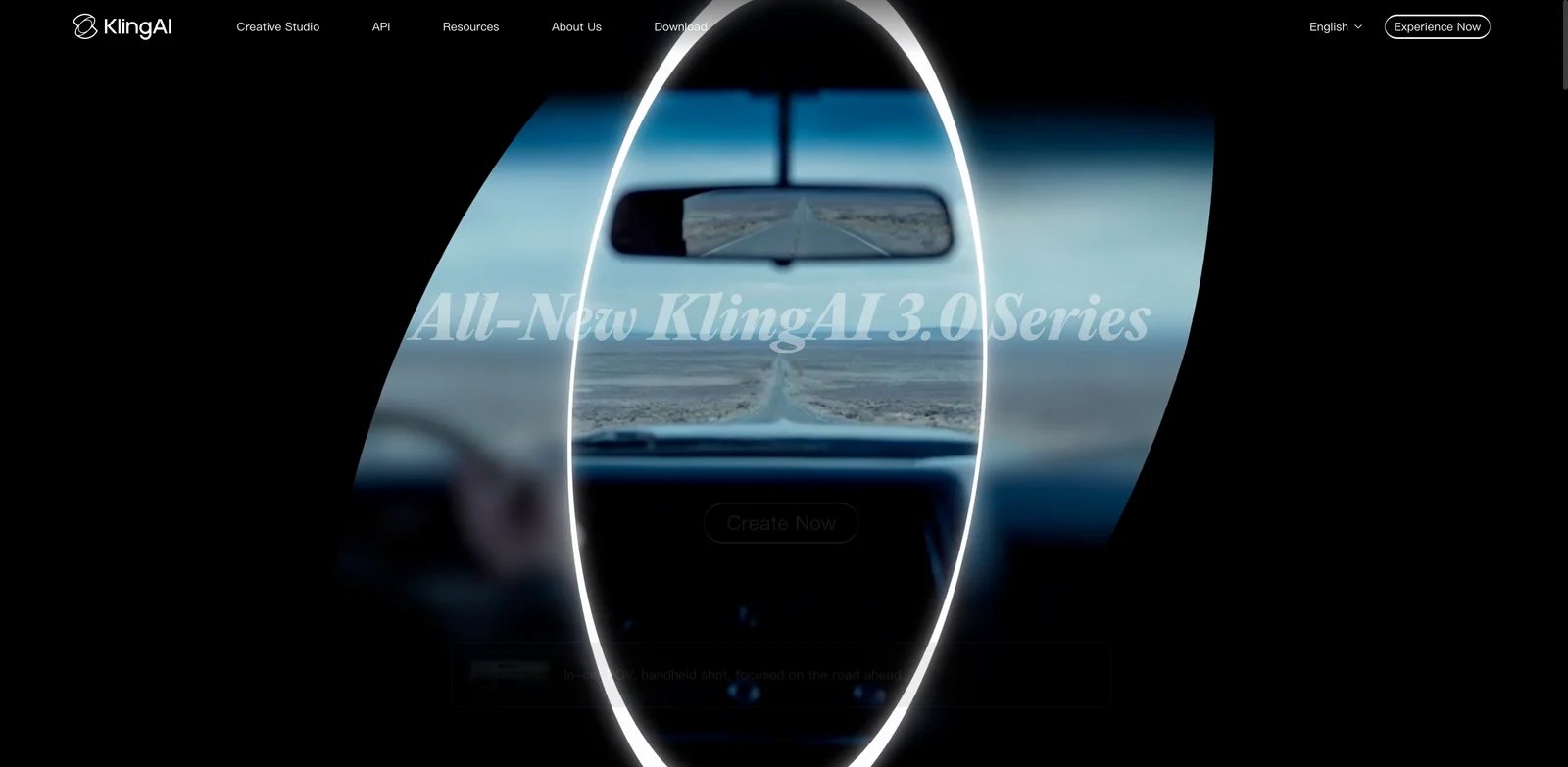
Kling AI is the most obvious direct Runway alternative when your complaint is not "I hate AI video" but "I need a model that understands motion better." The product is built around text-to-video, image-to-video, motion control, and cinematic generation rather than a broad creative-suite story. That makes the comparison simple: if Runway's prompt misses or credit burn are your issue, test Kling on the same prompts before changing your entire workflow.
For ToolWorthy's latest model-specific notes, see the Kling AI 3.0 review. That page is useful when you want current feature context, while this alternatives article focuses on whether Kling is a practical replacement path for Runway users.
What Kling AI solves vs Runway:
- Motion focus: Kling is commonly evaluated on camera movement, action, physical motion, and image-to-video transitions.
- Direct replacement shape: It is still a hosted generator, so migration is mostly prompt, reference image, and asset transfer rather than workflow redesign.
- Fast shortlist value: It gives Runway users a clean A/B test: same prompt, same reference, compare output and attempts.
- API and platform path: Teams can evaluate both the web product and API-oriented use cases depending on volume.
Pricing vs Runway. Kling offers free credits and paid credit plans, but exact regional pricing can vary. Treat it as a credit-based alternative rather than a guaranteed unlimited escape. That means it may solve output quality or model preference before it solves cost predictability. Compared with Runway Max, the test is not "is Kling free?" but "does Kling need fewer attempts to reach an acceptable take?"
Switching workflow. The easiest Kling migration test is to export five Runway reference frames and reuse the exact prompt language in Kling. Keep the same clip length, aspect ratio, and motion instruction so you are comparing model behavior rather than changing the assignment. Score each attempt on subject retention, camera direction, artifact rate, and whether the clip is usable without a complete reroll. If Kling wins on accepted output after three attempts, it can be a real replacement even when headline credit pricing looks similar.
Teams should also separate experimentation from production. Use Kling for prompt discovery, motion tests, and image-to-video variants first. Keep final editing in your existing editor until you know whether Kling exports match the format, resolution, and rights workflow you need. This avoids the common migration mistake: replacing the generator and the production process at the same time, then not knowing which change caused quality or schedule problems.
Limitations. Kling still uses generation credits and a hosted safety/compliance layer. English-language prompt behavior, regional checkout, and plan availability should be verified at the time you subscribe. It also does not replace Runway's full Studio-style workspace if you use Runway as an editor, asset manager, and campaign environment.
Best for. Choose Kling if your Runway frustration is prompt adherence, cinematic motion, image-to-video control, or output quality per attempt. Not the right fit if your main reason for leaving is local control, fully offline generation, or an Adobe-style post-production pipeline. Get started with Kling AI.
Google Flow / Veo

Google Flow with Veo is not just another generator in the list. It is a filmmaking workspace wrapped around Google's video models. That distinction matters for Runway users who are not merely chasing cheaper clips. If your migration reason is "I need scenes, assets, and model quality to line up inside one production environment," Flow is one of the few alternatives that changes the workflow rather than only swapping the model.
ToolWorthy tracks Google's video model changes in the Veo 3.1 review. Read that alongside Flow's own support docs if your decision depends on model access, credit costs, or whether a particular Veo mode is available in your account.
What Google Flow / Veo solves vs Runway:
- Workspace model: Flow is organized around filmmaking workflows, not only prompt boxes.
- Credit clarity: Google's support docs publish Flow credit allocations by subscription level.
- Veo access: It gives users a direct Google path to Veo generations rather than accessing third-party models through another creative suite.
- Family/account sharing: Google AI credit behavior can matter for teams already inside Google accounts.
Pricing vs Runway. Google's Flow help page says unsubscribed users receive 50 Google Flow credits per day, Google AI Plus subscribers receive 200 monthly Flow credits, Google AI Pro gets 1,000, Google AI Ultra $100 gets 10,000, and Google AI Ultra $200 gets 25,000. Credit costs depend on model and duration: Veo 3.1 Lite is lower-cost than Quality, while Quality can cost 100 credits per generation. That makes Flow more transparent than many AI video checkouts, but not necessarily cheaper for every workflow. Source: Google Flow credits help.
Switching workflow. Flow is best tested with a scene pack rather than isolated prompts. Take one short Runway project and convert it into three scenes: opening shot, product or character action, and closing shot. Build each scene in Flow and compare how much work it takes to keep visual continuity. This is where Flow can justify itself: not because every single clip is cheaper, but because the structure may reduce prompt drift when you are building a sequence rather than a standalone visual.
Budgeting is different too. With Runway Max, the mental model is a monthly cap plus credit pool. With Flow, the plan, model, and generation mode determine credit use. Before switching a team, calculate how many acceptable clips you need per month and how often you will use higher-cost modes. A creator making a few polished scenes may prefer Flow; a growth team generating hundreds of lightweight ad variants may find Pika, Vidu, or Hailuo easier to budget.
Limitations. Availability, model access, and plan names can vary by region and Google account. Flow also puts you inside Google's ecosystem; that is an advantage for some teams and a procurement question for others. If you need a simple Runway-style single generator, Flow may feel heavier than Pika, Kling, or Luma.
Best for. Choose Google Flow / Veo if you want a scene-based filmmaking workspace, direct Veo access, and a clearer official credit table. Not the right fit if you want an independent creative tool with minimal ecosystem dependency. Get started with Google Flow.


Luma Dream Machine became a credible Runway alternative because it made image-to-video and iterative video generation feel direct. Its Ray model line and modify-style workflow are useful when you want to steer an idea without rebuilding a full production stack. For Runway users, Luma is closest when the reason to leave is "I want a different model and iteration feel, not a local engineering project."
ToolWorthy's Luma Dream Machine review covers the product as a standalone tool. In this comparison, the key question is narrower: whether Luma gives Runway users a better ratio between source image, instruction, and usable motion.
What Luma Dream Machine solves vs Runway: Luma's strength is direct visual iteration: reference images, keyframes, modifications, and creator-friendly generation. It is easier to test than heavier scene systems and less technical than local ComfyUI. For users who feel Runway burns credits on misses, Luma is worth testing on the exact same source image and target motion.
Pricing vs Runway. Public pricing signals show a free tier and paid plans around Lite/Plus/Unlimited or Plus/Pro/Ultra ranges depending on surface, with App Store in-app purchases showing Lite $9.99, Plus $29.99, Unlimited $94.99 monthly, plus annual equivalents. Because Luma surfaces pricing through different channels, verify the web checkout before publication or purchase. Compared with Runway Max at $95/mo, Luma can be cheaper at lower tiers but still credit- or plan-limited for heavy use.
Switching workflow. Luma is easiest to evaluate with image-to-video tests because that makes the creative brief concrete. Use product renders, character stills, and style frames you already generated in Runway, then ask Luma for the same action. Track whether the model preserves faces, product shape, background geometry, and camera direction. If your Runway pain is that a promising still image becomes unstable when animated, this test is more informative than a generic "best AI video model" ranking.
Luma also works well as a secondary model inside a broader AI video generator stack. You may not need to replace Runway everywhere. A common practical setup is Runway for the projects where its workspace still helps, Luma for image-to-video variants, and a separate editor for final assembly. That hybrid approach can reduce spend without forcing a hard platform migration.
Limitations. Luma does not fully replace Runway's broader suite if you use Runway for editing, campaign workflows, or new multi-model additions. Pricing names and allowances should be checked in the specific app or web surface you plan to use. Also test subject consistency before moving client work.
Best for. Choose Luma Dream Machine if you want a polished hosted generator with strong image-to-video and modify workflows. Not the right fit if you need local control, predictable enterprise governance, or Adobe-style post-production. Get started with Luma Dream Machine.

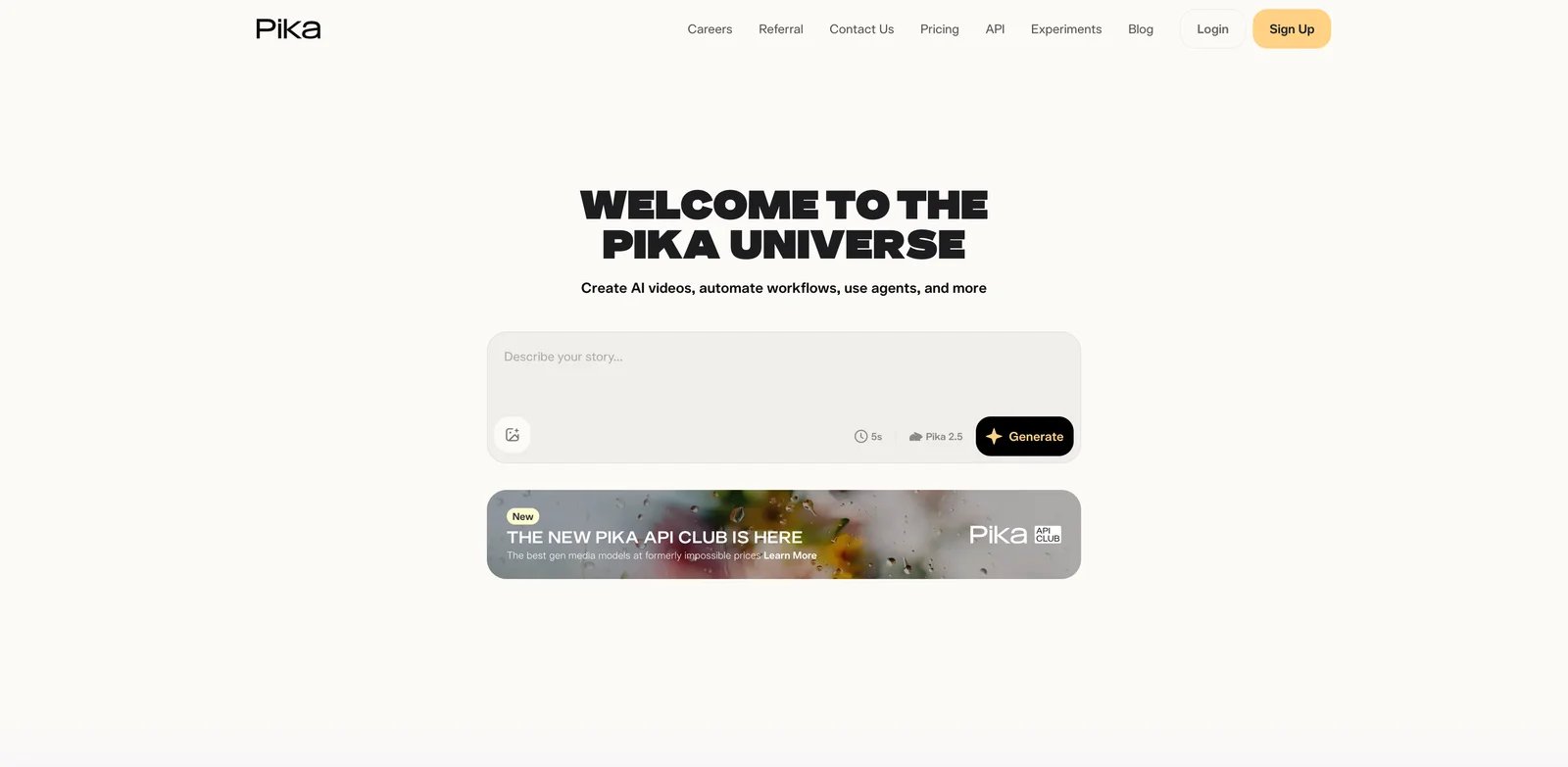
Pika is the "make more attempts faster" answer. It is not trying to be Runway's full creative operating system. It is a short-form video generator with effects, scenes, swaps, twists, and a credit table that is easier to reason about for quick experiments. If your Runway complaint is that every serious idea becomes an expensive reroll loop, Pika deserves an early test.
ToolWorthy's Pika review is the companion page for current feature notes. The reason Pika ranks high here is not only model quality; it is the unusually clear fit for creators who need lots of short attempts.
What Pika solves vs Runway:
- Iteration math: Free includes 80 monthly video credits, and paid plans publish monthly credit pools.
- Short-form fit: Pika is especially useful for 5- to 10-second social, effects, and fast visual concepts.
- Clear feature buckets: Pika prices features such as Pikascenes, Pikatwists, Pikadditions, and Pikaswaps with explicit credit costs.
- Low entry price: Standard is materially below Runway's higher production tiers.
Pricing vs Runway. Pika's pricing page lists Free at $0 with 80 monthly video credits, Standard at $10/mo with 700 credits, Pro at $35/mo with 2,300 credits, and Fancy at $95/mo with 6,000 credits on monthly billing. Annual billing is advertised at a discount. That means Pika Standard can be a far cheaper test bed than Runway Max, though 1080p and longer generations still consume more credits. Source: Pika pricing.
Switching workflow. Pika is strongest when you define success as usable short clips per hour. If your team creates TikTok hooks, product flashes, meme-style edits, or rapid social variants, test Pika with a spreadsheet of 20 prompts and measure how many clips are publishable after one or two retries. That is a better metric than comparing the single best Pika output to the single best Runway output.
Pika can also be a pressure valve while you keep Runway for premium scenes. Put lower-risk experiments, campaign thumbnails, and quick social concepts into Pika first. Promote only the winning direction into Runway, Flow, Kling, or a more expensive model. This changes the economics because expensive credits are spent after the creative direction is clearer, not during the messy discovery phase.
Limitations. Pika is not a drop-in replacement for a Runway production workspace. It is best for short-form experiments, effects, and fast iteration. If you need complex narrative continuity, agency production management, or a broad video editor, you will likely pair Pika with another editor.
Best for. Choose Pika if you want a cheaper, faster environment for short-form AI video experiments. Not the right fit if your Runway use depends on longer cinematic sequences or integrated production management. Get started with Pika.
Higgsfield

Higgsfield is the alternative to test when your Runway work is really about camera language: creator ads, product shots, transitions, motion presets, and social-first cinematic hooks. It is less about replacing every Runway feature and more about narrowing the workflow around the part creators actually fight with: getting the shot to move the way they imagined.
What Higgsfield solves vs Runway: Higgsfield's pitch is camera control and creator workflow. That makes it useful for users who need ad-style movement, preset motion language, and faster concepting. Camera-first workflow: if your prompts repeatedly fail because Runway does not capture the desired pan, dolly, reveal, or subject movement, Higgsfield may reduce the number of failed attempts.
Pricing vs Runway. Higgsfield has free access and paid creator plans, but current pricing can be affected by promos and checkout state. Its public help center explains plan management, while the pricing surface should be checked live before committing. In the article, treat Higgsfield as a specialized workflow alternative rather than a confirmed cheaper plan-by-plan Runway replacement.
Switching workflow. Evaluate Higgsfield with camera verbs, not only image prompts. Build tests around dolly-in, orbit, reveal, push, pullback, product spin, subject follow, and handheld-style motion. If your current Runway prompts describe camera behavior but the output keeps drifting into generic motion, Higgsfield's preset-oriented experience may save retries. That value is hard to see from pricing tables alone.
This also changes who should own the tool. Higgsfield may be more useful to a creator, creative strategist, or performance marketer than to a technical AI video operator. The best test is whether non-technical team members can generate a usable direction without long prompt engineering. If they can, Higgsfield may reduce the burden on the one person who currently knows how to coax Runway into the desired motion.
Limitations. Promotional pricing, plan names, and unlimited windows change. Do not assume Higgsfield has permanent unlimited generation unless the checkout explicitly says so at purchase time. It also does not replace Runway's broader Studio and multi-model workspace.
Best for. Choose Higgsfield if your Runway pain is camera motion, social-video ideation, and creator ad concepts. Not the right fit if you need stable enterprise procurement language or a full editing suite. Get started with Higgsfield.
Dreamina
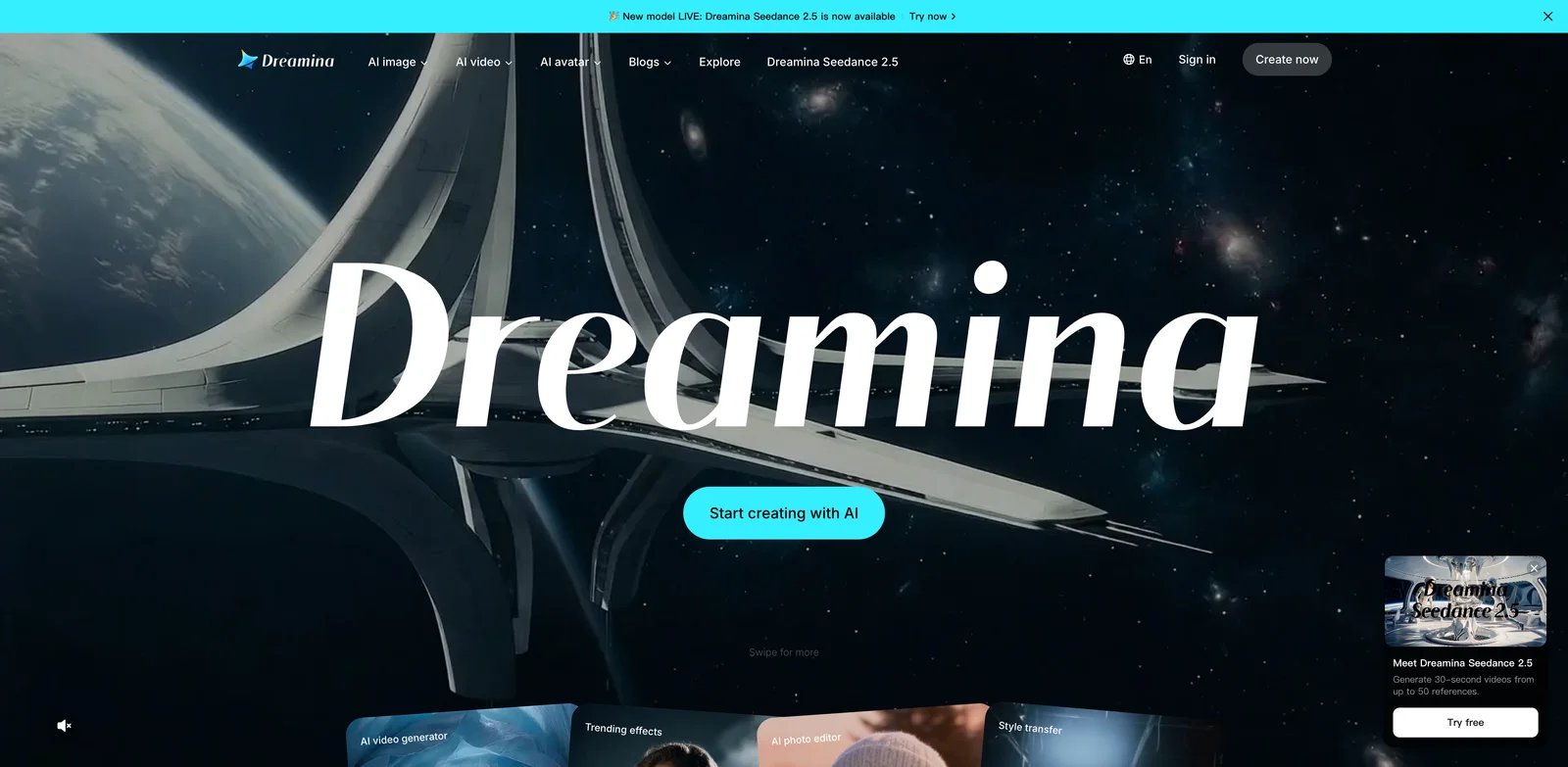
Dreamina is interesting because it sits closer to the CapCut editing ecosystem than a pure generator does. For users leaving Runway because generation and editing feel fragmented, that matters. The question is not whether Dreamina beats Runway's best model on every cinematic prompt. The question is whether the route from generated asset to edited social deliverable is shorter.
What Dreamina solves vs Runway: Dreamina is useful for creators who generate assets and then keep editing in a ByteDance/CapCut-style flow. It can reduce handoff friction, especially for social content teams that care about templates, edits, captions, and publishing-ready assets as much as raw generation quality.
Pricing vs Runway. Dreamina offers free credits and paid credits or subscriptions, but official pricing can vary by region and app surface. App Store signals show monthly subscriptions and credit packs, while Dreamina's own pricing surface should be checked for the exact plan in your country. Use conservative language: free-to-start, paid credit/subscription paths, and live-checkout verification for production budgets.
Switching workflow. Dreamina should be tested at the end of the production chain, not only at the generation prompt. Create a short social deliverable from idea to final edit: generated clip, captions, resizing, music, overlay, and export. If Dreamina plus CapCut reduces handoff time, it may beat Runway for social teams even when another model produces slightly more cinematic raw clips.
The opposite is also true. If your work is film concepting, agency previsualization, or brand campaign footage, the editing adjacency may not matter enough. In that case, compare Dreamina only after you have tested Kling, Flow, Luma, and Pika. Dreamina is best framed as a creator workflow alternative, not as the universal winner for all Runway users.
Limitations. Dreamina is not the most transparent pricing surface in this comparison, and the strength is workflow adjacency rather than a guaranteed Runway model replacement. Compliance, rights, and regional availability should be reviewed before team adoption.
Best for. Choose Dreamina if your Runway work ultimately lands in short-form editing and social production. Not the right fit if you need a standalone cinematic generator with clear enterprise terms. Get started with Dreamina.
Hailuo AI
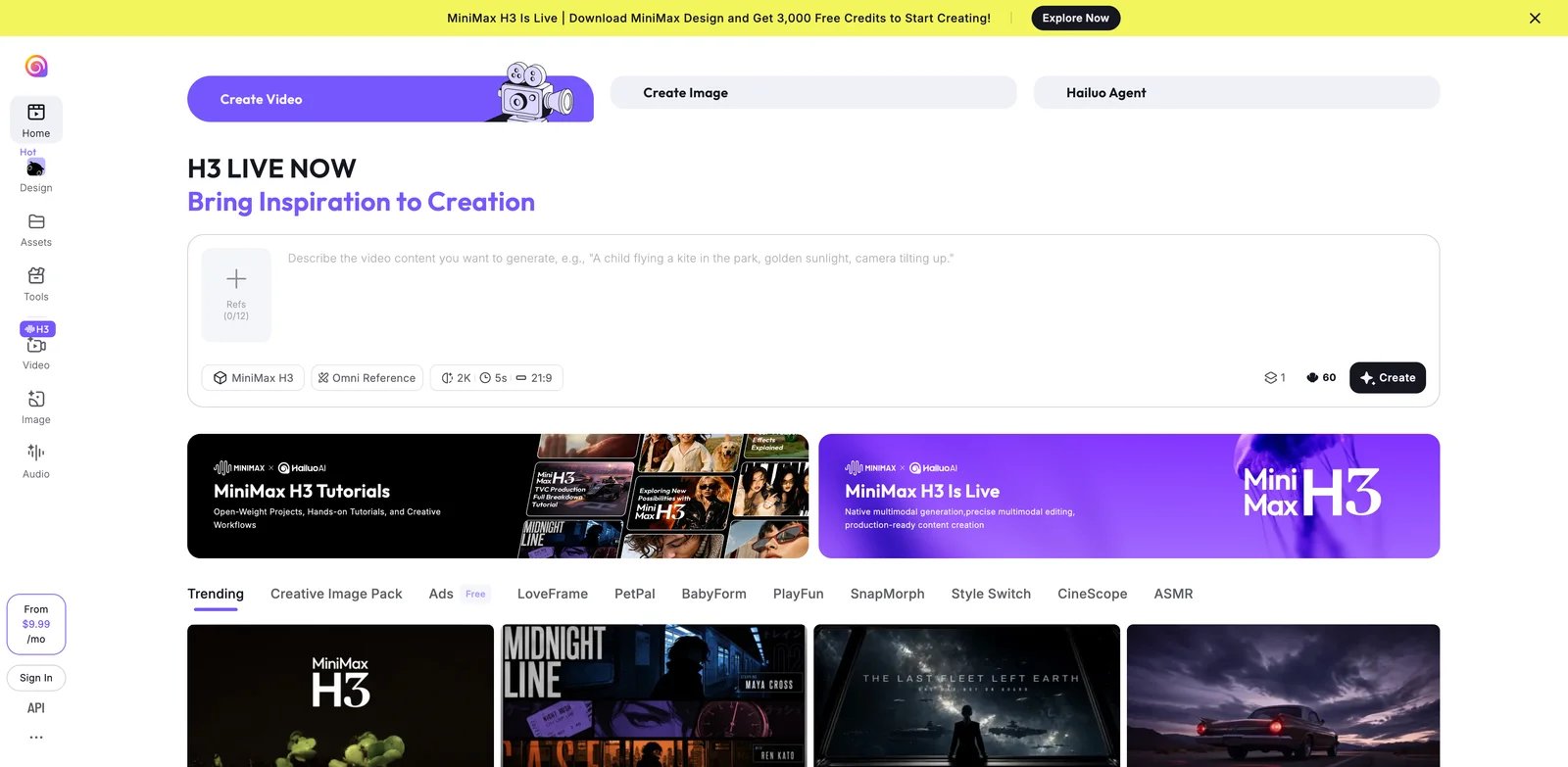
Hailuo AI, powered by MiniMax's video models, is a practical alternative for users optimizing for generation volume and cost experimentation. It is not the most polished replacement for Runway as a complete creative suite. It is a tool to test when your core complaint is "I need more attempts for less anxiety."
ToolWorthy tracks the product separately in the Hailuo AI 2.3 review, which is useful background if you want model and feature context beyond this migration comparison.
What Hailuo AI solves vs Runway:
- Volume orientation: Hailuo is attractive for users who want many generations and are willing to compare model output aggressively.
- Model diversity: MiniMax's video stack is part of the broader competitive field around AI video generation.
- Lower-friction testing: Free access and credit-based usage make it easy to benchmark against Runway prompts.
- Cost stack alternative: It may serve as one component in a broader workflow rather than the entire workspace.
Pricing vs Runway. Hailuo has free access and paid credit/subscription options, but exact consumer web pricing should be verified by region. MiniMax H3 API-style pricing pages show per-second credit logic in some surfaces, while Hailuo consumer checkout may differ. Do not collapse all MiniMax/Hailuo pricing into one statement. For the published comparison, frame Hailuo as credit-based and verify the live plan before purchase.
Switching workflow. Hailuo belongs in a benchmark round where you intentionally generate many variants. Use it for prompts where Runway has been inconsistent: human motion, product motion, action scenes, and stylized clips. The question is whether Hailuo gives you more acceptable options before your budget or patience runs out. If the output is sometimes uneven but cheap enough to explore, it can still be valuable as a discovery tool.
Do not use Hailuo as your only replacement until you have checked export quality, commercial terms, login reliability, and support path. Some teams can tolerate a less polished generator during ideation, but not during final delivery. Treat Hailuo as a model source inside a workflow, then decide later whether it deserves to become the primary tool.
Limitations. Regional availability, naming, and pricing clarity are weaker than Runway, Pika, Google Flow, or Adobe Firefly. If you need procurement-friendly documentation, Hailuo may require more diligence.
Best for. Choose Hailuo AI if you want another high-volume generation model to benchmark against Runway and Pika. Not the right fit if you need a transparent enterprise purchase path or editing suite. Get started with Hailuo AI.
Vidu

Vidu becomes more relevant after Runway's Unlimited change because it offers reference-driven generation and volume-oriented credit economics. The important caveat is that "unlimited" language around Vidu can be plan-, mode-, or off-peak-dependent. Do not treat it as a universal replacement for Runway Unlimited unless your exact checkout confirms the terms.
What Vidu solves vs Runway: Vidu is strong for image-to-video, reference-to-video, start-end generation, and users who care about controlling visual references. Its API pricing is unusually explicit: Vidu platform docs list credits at $0.005 each and show per-second model costs, including off-peak pricing for some modes. That can make budget modeling clearer for technical teams. Source: Vidu API pricing.
Pricing vs Runway. Vidu's consumer pricing page explains subscription, purchased, and bonus credits, while the API docs list $0.005 per credit. Vidu Q3-pro examples show 1080p at 24 credits per second, or $0.12 per second, with off-peak pricing lower. This is not the same as a simple $95/mo creative subscription, but it is useful for teams that want per-output accounting.
Switching workflow. Vidu is strongest when you already know the reference assets you want to preserve. Test it with product shots, character frames, start-end frames, and style references. Write down what must remain stable: logo-free product shape, face identity, garment color, background layout, or camera path. Then compare Vidu's result against Runway by accepted clip, not by generation count.
The API pricing surface also makes Vidu useful for teams that need forecasting. A studio can estimate seconds, resolution, and model tier before committing to a batch. That does not make it automatically cheaper than Runway, but it makes cost drivers visible. If Runway's Unlimited-to-Max change made your budget feel unpredictable, Vidu is worth testing precisely because the math can be made more explicit.
Limitations. Consumer plan details and API pricing are different surfaces. Off-peak savings do not mean universal unlimited generation. Also, a per-second model can become expensive for long clips or high-resolution output if you do not budget carefully.
Best for. Choose Vidu if reference-driven generation and explicit per-credit economics matter more than a Runway-like creative suite. Not the right fit if you want one simple subscription with no usage math. Get started with Vidu.
OpenArt
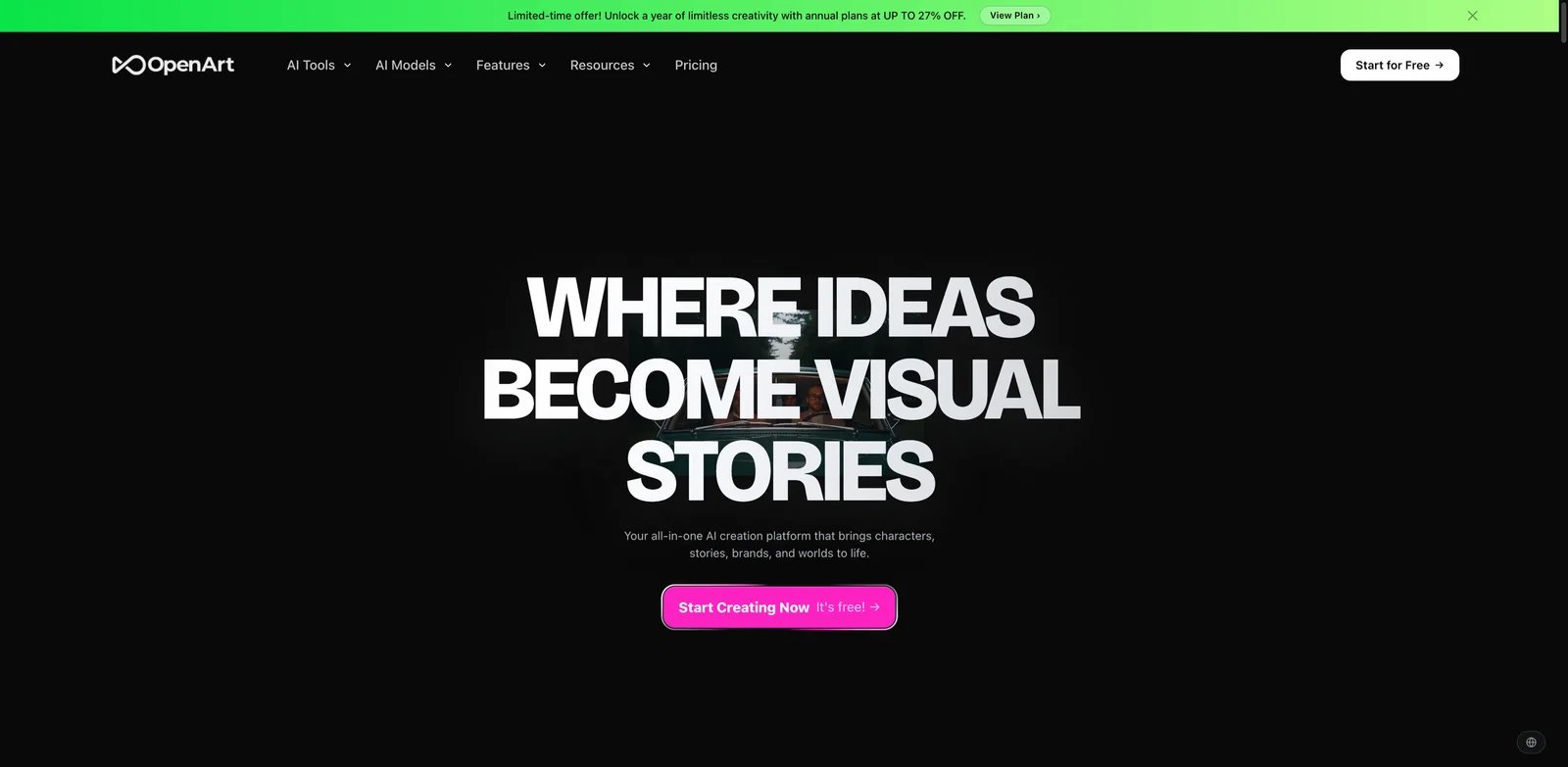
OpenArt is not only a video model. It is a multi-model creative workspace. That makes it a useful Runway alternative for users who are tired of betting on one proprietary model family. Instead of asking "is this better than Runway at everything?" OpenArt asks a different question: would you rather test many image, video, and audio models from one creative hub?
What OpenArt solves vs Runway: OpenArt reduces single-model lock-in. It can be useful for teams that generate images, consistent characters, story assets, and video from one credit pool. Multi-model bet: this is most compelling when your Runway frustration is not just output quality but the feeling that every prompt must live inside Runway's model and pricing structure.
Pricing vs Runway. OpenArt has a free tier and paid credit plans. Public pricing signals show plans such as Starter, Plus, Pro, and Wonder, with credit pools and video estimates that can change with promotions. Verify live pricing before writing fixed dollar comparisons. Compared with Runway, OpenArt may feel more flexible but less specialized.
Switching workflow. OpenArt is useful when your Runway process starts before video. If you generate characters, product concepts, backgrounds, style boards, and then video, a multi-model hub can reduce tool switching. Build a test that includes image generation, character consistency, and video output. If OpenArt helps create the upstream assets faster, the final video model does not need to beat Runway on every isolated prompt to be useful.
This is also where OpenArt overlaps with the broader AI image generator and video workflow categories. A marketing team may care less about one perfect cinematic clip and more about producing a set of images, product variations, animated concepts, and social cuts. In that context, OpenArt can be a workflow alternative even when Runway remains the stronger dedicated video brand.
Limitations. Multi-model access introduces its own complexity: different models have different credit costs, strengths, and licensing rules. OpenArt also does not replace every Runway editing and production feature.
Best for. Choose OpenArt if you want a multi-model creative lab rather than another single AI video platform. Not the right fit if you need the strongest dedicated cinematic video model and nothing else. Get started with OpenArt.


Adobe Firefly is the safest answer for a different kind of Runway user: the team that already lives in Creative Cloud and cares about commercial governance, brand workflow, Premiere, Photoshop, Express, and production handoff. It may not be the most aggressive cinematic model in every test, but it can be the easiest choice to defend inside a business.
What Adobe Firefly solves vs Runway:
- Commercial posture: Firefly is positioned for commercially usable creative workflows and Adobe ecosystem integration.
- Editing handoff: Firefly connects naturally to Adobe apps, especially for teams already using Premiere, Photoshop, or Express.
- Plan clarity: Adobe publishes credit counts and prices across Firefly tiers.
- Moderation fit: For teams that want stricter brand-safe controls, Adobe's governance can be a feature rather than a limitation.
Pricing vs Runway. Adobe lists a free plan with limited daily generations, Firefly Standard at $9.99/mo with 2,000 credits, Pro at $19.99/mo with 4,000 credits, Pro Plus at $49.99/mo with 10,000 credits, and Premium at $199.99/mo with 50,000 credits plus unlimited Adobe Firefly Video Model access. Adobe's credit FAQ says 1080p video can use 100 credits per second and 720p video 50 credits per second for Generate Video. Sources: Adobe Firefly plans and Adobe generative credits FAQ.
Switching workflow. Firefly should be evaluated by the people responsible for approval, not only the person generating clips. If legal, brand, client services, or procurement care about commercial posture, Firefly may remove friction that a more experimental model creates. Test a real brand workflow: generate a clip, move it through Adobe tools, export in the required format, and document what rights or policy language your team can cite.
For editors, Firefly's value is the handoff into the broader AI video editor and Creative Cloud workflow. If your Runway output always ends up in Premiere, After Effects, Photoshop, or Express, Adobe's integrated path may save time even when the raw generation cost is not the lowest. The tradeoff is that you are choosing governance and ecosystem fit over maximum model experimentation.
Limitations. Adobe Firefly is not a pure Runway clone. If your benchmark is raw cinematic experimentation on the newest AI video models, test it carefully before switching. It is strongest when governance, editing handoff, and commercial production matter.
Best for. Choose Adobe Firefly if your team already pays for Adobe and wants a more governed AI video workflow. Not the right fit if your main goal is maximum experimental motion quality at the lowest possible price. Get started with Adobe Firefly.
Honorable Mentions
FLORA is worth watching if you want a broader creative workspace rather than another single generator. Pricing and plan names should be verified at checkout. It belongs here because it can reduce workflow sprawl, not because it is a direct Runway clone.
ComfyUI is the control-first escape route. The software is open source and local workflows can avoid hosted moderation and account dependency, but the real cost moves to GPU hardware, cloud compute, model management, and workflow setup. It is the best adjacent pick for technical users leaving Runway for control.
VEED is a video editor first and an AI tool second. It helps when your Runway workflow breaks after generation: captions, cleanup, resizing, social edits, and export. VEED's own pages say free exports include a watermark and paid plans start at $9/mo annually or $19/mo monthly for premium features.
CapCut is not a Runway replacement for cinematic generation, but it is a practical finishing environment for creators using Dreamina or short-form AI video assets. If your actual bottleneck is editing and publishing, CapCut may matter more than another generation model.
Envato Elements is a stock and creative-asset subscription, not an AI video generator. It belongs in the migration map when users leave Runway because they need reliable production inputs, templates, music, and stock footage rather than more generative rerolls.
Migrating from Runway - A Practical Guide
Data and Account Migration
Export final renders, source images, reference frames, brand assets, prompts, and any reusable storyboards before you stop paying for Runway. Treat Runway project history, generation history, internal workspace state, platform-specific settings, and unused credits as non-portable unless Runway or the destination tool documents an importer. If your account is on Unlimited, read Runway's Max migration notice before September 1, 2026 so you understand refund, cancellation, or Max transition options.
Learning Curve by Alternative
Near-zero migration: Pika, Luma Dream Machine, Kling AI, Hailuo AI, Vidu. These are hosted generators where you can retest prompts and references quickly.
Medium migration: Google Flow / Veo, Higgsfield, Dreamina, OpenArt, Adobe Firefly. These tools change the workflow shape: scenes, camera presets, editing ecosystems, multi-model hubs, or creative-suite governance.
High migration: ComfyUI. The payoff is control, but the setup cost is real: models, nodes, GPU constraints, workflows, and troubleshooting.
Pricing Brackets vs Runway Max
Cheaper starter tests: Pika Standard, Adobe Firefly Standard, lower Luma/Pika/Dreamina-style tiers, and free credits across several tools.
Same general range as Runway Pro/Max: Pika Fancy, Luma higher tiers, Adobe Firefly Premium, some high-volume creator plans.
Usage-metered alternatives: Vidu API, Google Flow credits, OpenArt model credits, Kling/Hailuo credit plans.
Free or local control: ComfyUI software is free, but compute is not. Do not compare it to Runway without adding hardware or cloud GPU cost.
Best Runway Alternatives by Use Case
If Your Reason Is "I Subscribed for Unlimited Generation, and Max Changes the Economics"
Start with Vidu and ComfyUI. Vidu gives you a different credit model and explicit API pricing, while ComfyUI removes hosted subscription logic entirely. Neither is a perfect recreation of Runway Unlimited. The real question is whether you want another hosted generation product or a self-managed workflow.
If Your Reason Is "I Am Tired of Paying for Failed Generations"
Test Pika, Hailuo AI, Vidu, and OpenArt on the same source prompts. Track accepted output, not generated output. If a cheaper tool needs twice as many attempts, it may not actually be cheaper.
If Your Reason Is "I Need the Model to Follow Explicit Instructions More Reliably"
Compare Google Flow / Veo, Kling AI, and Luma Dream Machine. Use the same scene, same reference image, same camera instruction, and same duration. Prompt adherence is use-case specific; do not trust generic benchmark claims.
If Your Reason Is "I Need Faster Iteration Instead of Long Queues"
Pika, Higgsfield, and Vidu are the first tests. Look at generation wait time, retry speed, and concurrency limits, not just model quality. A slightly weaker output can be more useful if it lets you explore ten directions before the client meeting.
If Your Reason Is "Legitimate Content Keeps Hitting Platform Guardrails"
ComfyUI is the strongest control-first option, while Adobe Firefly is the governed commercial option. Those are opposite answers. Choose ComfyUI when you need local control and technical flexibility. Choose Firefly when you need business-safe governance inside a known creative vendor.
If Your Reason Is "I Want More Control Over the Platform and Account Dependency"
ComfyUI gives the most control, but it also makes you responsible for the stack. OpenArt is the middle path: a hosted multi-model workspace that reduces single-model dependence without requiring local setup.
If Your Reason Is "I Want Generation to Flow Directly into Editing"
Adobe Firefly, Dreamina, and CapCut are the practical shortlist. This is less about beating Runway on every generation and more about reducing the handoff from asset creation to edited, captioned, formatted deliverables. For broader category context, compare ToolWorthy's best AI video generator guide and best image-to-video AI tools.
How to Choose the Right Runway Alternative
1. Diagnose the real reason before testing tools. Write down whether you are leaving because Unlimited changed, credits burn too quickly, prompts miss, queues are slow, moderation blocks your work, or support trust broke. Then run one controlled prompt set across three tools.
2. Verify pricing model and availability. AI video pricing changes quickly. Confirm credit pools, rollover, commercial rights, model access, queue priority, regional availability, and cancellation rules before moving paid work. This matters especially for tools with promo pricing or region-specific checkout.
3. Confirm governance and rights. If you create client work, check commercial use, training/data terms, model availability, content policy, export rights, and support channels. The cheapest generator is not cheaper if it creates licensing or delivery risk.
4. Run a two-week mixed workflow. Keep Runway active while you test the replacement. Export assets, rebuild two real projects, compare accepted output cost, and decide after week two. Do not cancel Runway before you know whether chat history, prompts, assets, and final renders are actually portable enough.
Frequently Asked Questions
What is the best Runway alternative overall?
What is the best free alternative to Runway?
What is the best Runway alternative with unlimited generation?
Is Kling better than Runway?
Is Google Flow with Veo better than Runway for AI filmmaking?
Which Runway alternative is cheapest for lots of experimentation?
What replaced Runway Unlimited?
Which Runway alternative is closest to the old Unlimited feeling?
Which Runway alternative is best for commercial client work?
Which Runway alternative is best for image-to-video?
Is it better to use multiple Runway alternatives instead of one replacement?
Which Runway alternative is best for teams already using Adobe?
Should I cancel Runway immediately after choosing an alternative?
Is Runway still worth keeping after testing alternatives?
Can I migrate my Runway projects to another AI video generator?
Should Unlimited users stay after Runway replaces Unlimited with Max?
Get ToolWorthy Weekly
New AI tools, practical guides, and selected AI signals in one weekly brief.
Related Posts
- 10 AI Zombie Video Generators for the Zombie Love Story
Make a zombie love story from photos or direct your own scenes. Compare ten generators by inputs, pricing, creative controls, audio, and video formats.
- 5 Gas Station Dance AI Video Generators Compared in 2026
Choose a gas station dance video maker by photo count, output format, preview, credits, and whether it creates the whole three-shot trend or swaps one face.
- 8 Best Hotel Lobby AI Generators for the Orange-Booth Trend
Put your duo in the orange booth: compare eight Hotel Lobby AI tools by photo inputs, preview limits, video costs, audio, and how much control you need.
For AI tool founders
Built a tool that belongs in this decision set?
Request an editorial evaluation for possible inclusion in ToolWorthy.
Submit your tool for reviewPaid submission does not guarantee a ranking, recommendation, inclusion, or editorial outcome.