

Overview
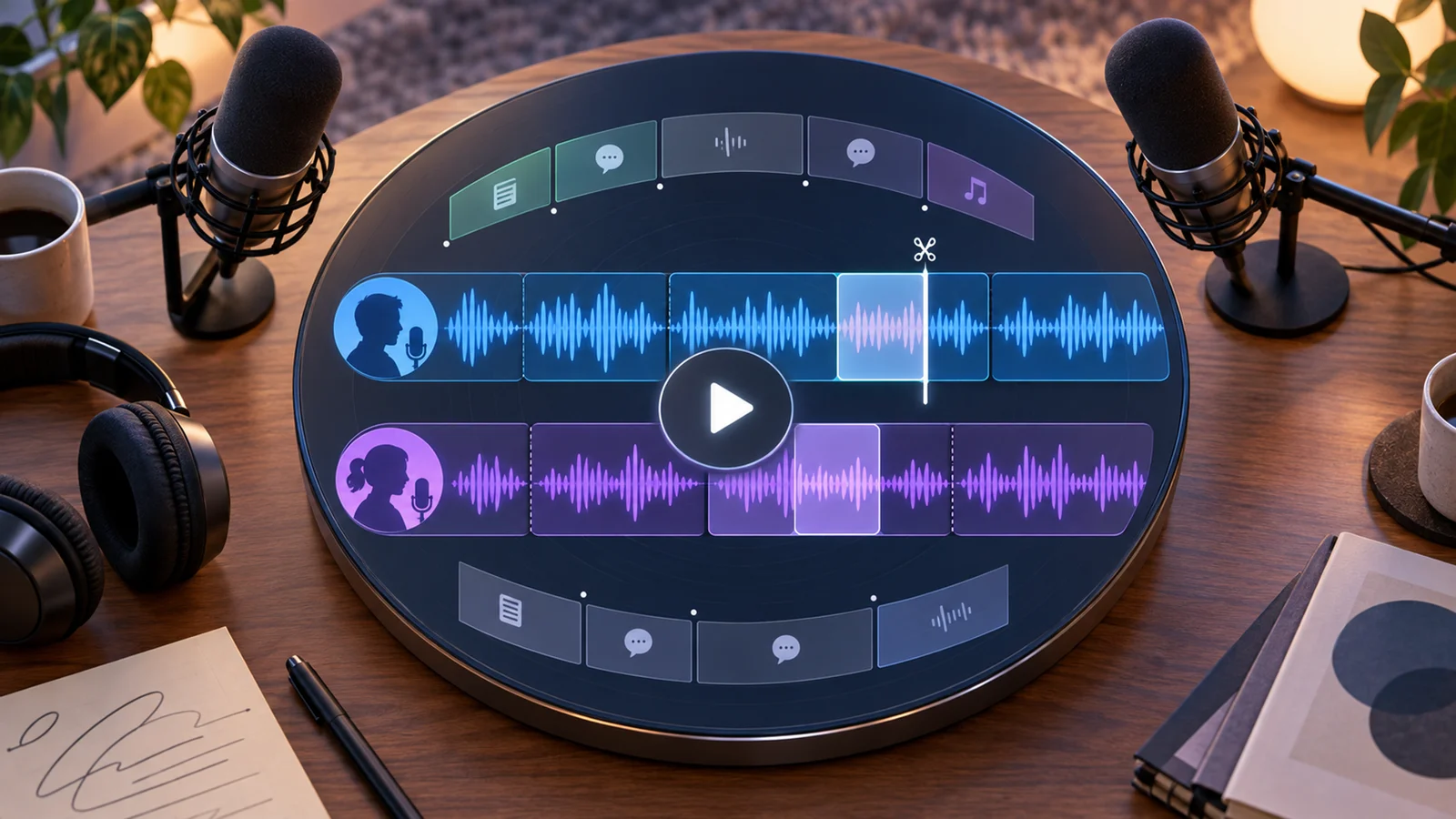
Descript is an AI audio and video editing platform for creators, podcasters, YouTubers, marketers, course creators, and media teams. Its signature workflow is text-based editing: users edit the transcript, and the underlying audio or video changes with it.
The product combines screen recording, transcription, dynamic captions, templates, speaker detection, filler word removal, AI voice cloning through Overdub, Studio Sound enhancement, and stock media. This makes it easier for non-specialist editors to produce polished podcasts, social clips, tutorials, and talking-head videos without learning a traditional timeline-first video editor.
As of April 28, 2026, Descript's official pricing page lists Free at $0, Creator at $15/editor/month monthly or $12/editor/month annually, Pro at $30/editor/month monthly or $24/editor/month annually, and Enterprise as custom. Plans include different transcription hours, video quality limits, filler word removal, watermark-free exports, Overdub access, and stock library access.
For adjacent research, compare AI video generator tools, AI video editor tools, AI thumbnail maker tools.
Key Features
- Text-based editing - Descript lets users edit audio and video by editing transcript text.
- Transcription and speaker detection - All plans include transcription, speaker detection, and editing features, with hour limits by plan.
- Dynamic captions - Creators can add captions and templates for videos and social content.
- Filler word removal - AI can highlight and remove filler words such as "um," "ah," "like," repeated words, and more depending on plan.
- Overdub AI voice cloning - Paid plans include voice cloning features with vocabulary or usage differences by plan.
- Studio Sound and stock media - Pro includes unlimited Studio Sound and full access to Descript's stock video, photo, GIF, and sound library.
Pricing & Plans
Descript uses a freemium model with per-editor pricing.
| Plan | Public pricing | Best fit |
|---|---|---|
| Free | $0 | Trying video and audio editing with 1 hour of transcription per month and 720p export |
| Creator | $15/editor/month monthly or $12/editor/month annually | Individual creators needing 10 hours of transcription, 4K video, watermark-free exports, and basic AI voice cloning |
| Pro | $30/editor/month monthly or $24/editor/month annually | Professional creators and companies needing 30 hours of transcription, unlimited Overdub, advanced filler word removal, stock library access, and unlimited Studio Sound |
| Enterprise | Custom | Organizations needing admin, security, collaboration, and procurement support |
Transcription hours are per editor and pool across editors on the drive, so teams should calculate total editor seats and media volume together.
Best For
Descript is best for podcasters, YouTubers, course creators, marketers, and teams producing spoken-word video or audio. It is less ideal for advanced film editing, complex motion graphics, or workflows that require deep professional timeline control.
FAQ
What is Descript?
Descript is an AI audio and video editor that lets users edit media by editing transcript text.
Is Descript free?
Yes. Descript offers a free plan with limited transcription and export capabilities.
How much does Descript cost?
Creator is $15/editor/month monthly or $12/editor/month annually. Pro is $30/editor/month monthly or $24/editor/month annually. Enterprise is custom.
Who should use Descript?
Descript is best for creators and teams editing podcasts, interviews, tutorials, screen recordings, and talking-head videos.
Does Descript replace human review?
No. It can speed up the workflow, but important outputs should still be checked for accuracy, quality, and fit before production use.
What should teams test before buying Descript?
Test the real workflow with representative inputs, exports, integrations, collaboration needs, and any compliance requirements.