

Overview
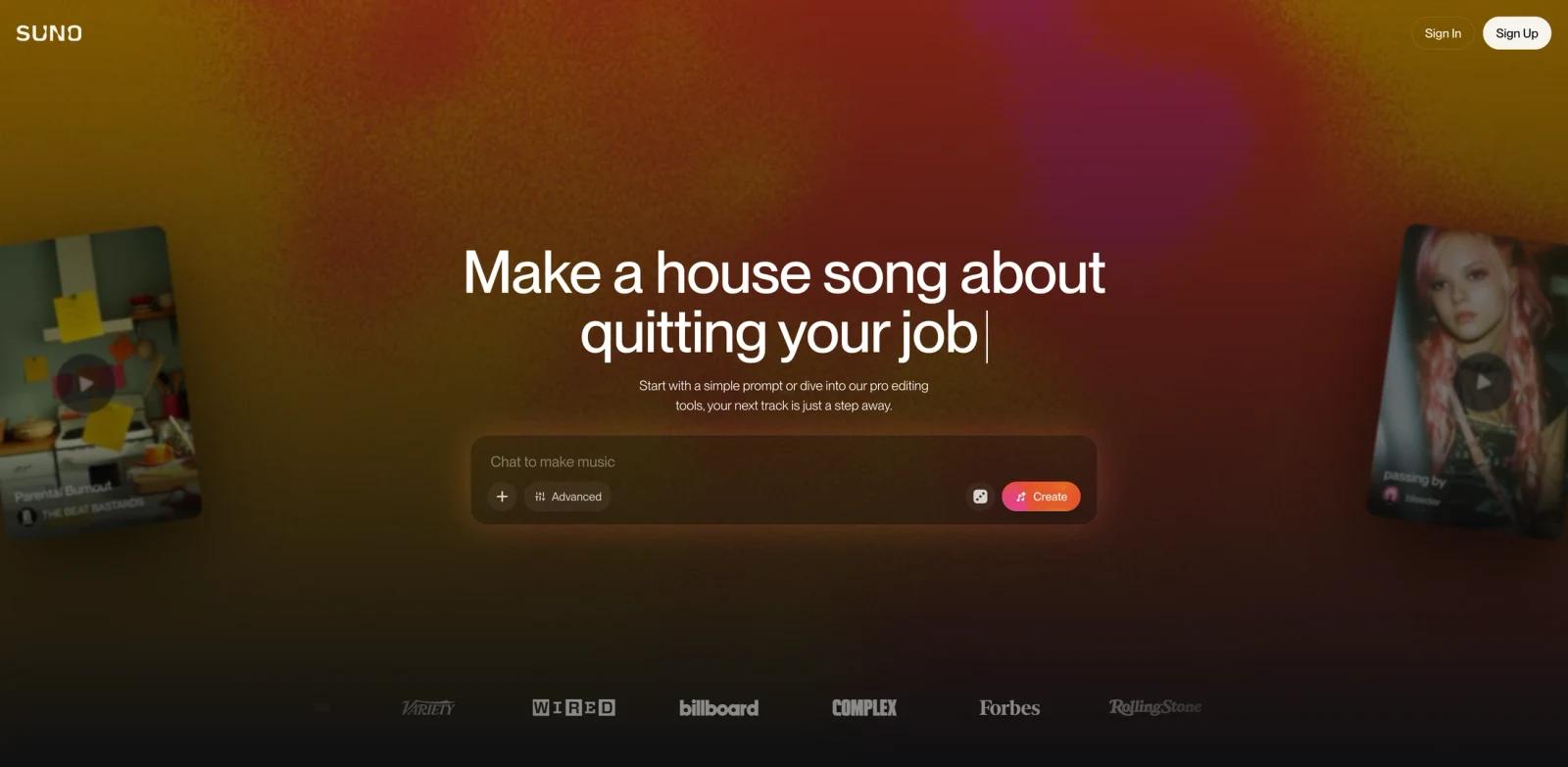
Suno is an AI music creation platform that generates complete songs with vocals, lyrics, and instrumentation from written prompts and reference media. Its current v6 generation supports text, audio, images, video, existing Suno songs, and playlists, making it useful for both quick song ideas and iterative production workflows.
The product now centers on three models. v6 is the controlled flagship, v6-wild favors more experimental results, and v6-mini is the faster model available on every plan. Suno also combines generation with section editing, covers, extensions, stem separation, custom voices and models, audio uploads, and the Premier-only Suno Studio production environment.
Key Features
Three v6 generation modes
v6 is designed for precise, reliable, polished generations, while v6-wild intentionally takes prompts in less predictable directions. Both require Pro or Premier. v6-mini is optimized for speed and broad access, including the Free plan. Every v6 variant supports up to eight minutes per generation.
Text, audio, image, and video prompts
Creators can start from a written brief, voice memo, uploaded audio, image, video, Suno song, or playlist. A single prompt can reference several inputs and tell Suno how to combine them, such as using vocals from one song, drums from another, and a new lyrical concept.
Natural-language song editing
Suno can replace a lyric, change a section, isolate a sample, or build a beat while preserving the parts of a song that should remain unchanged. In Simple Mode, v6 can infer whether the request needs an operation such as Cover, Remix, or Extend instead of requiring the user to select every tool manually.
Custom voices and models
Paid plans can record and create with the user's voice and train Custom Models on their own tracks. Suno says existing Custom Models have automatically moved to the v6 foundation, while songs made with older models remain playable and unchanged.
Remixing, stems, and audio uploads
Pro and Premier include advanced editing and stem separation. The live plan comparison lists audio uploads up to eight minutes on Free and up to 30 minutes on paid plans, with additional vocal and instrumental creation tools on Premier.
Suno Studio
Premier includes Suno Studio, a browser-based production environment with MIDI, effects, automation, and custom plugin design. Studio is aimed at creators who want to move beyond one-shot generation into arrangement, stem, and production work without leaving Suno.
Pricing & Plans
Suno uses a freemium credit model. Its live pricing page currently displays annual-billing equivalents of $8 per month for Pro and $24 per month for Premier. Monthly checkout prices can be higher, so verify the selected billing cycle before subscribing.
| Plan | Displayed price | Credits | Model and workflow access |
|---|---|---|---|
| Free | $0 | 50 credits per day | v6-mini, standard features, shared queue, up to 8-minute audio uploads, no monthly download allowance, no commercial rights |
| Pro | $8/month billed annually | 2,500 credits per month | v6 and v6-wild, advanced editing, Custom Models, commercial rights, 20 downloads per month, priority queue |
| Premier | $24/month billed annually | 10,000 credits per month | All advanced models, Suno Studio, broader stem and creation tools, 60 downloads per month, priority queue |
Credits included with a plan do not roll over. Purchased top-up credits do not expire but require an active subscription to use. Generation credits and song downloads are separate allowances.
Suno says songs downloaded while the user is on a paid plan retain commercial-use rights. Free users do not receive a recurring monthly download allowance; older eligible accounts may have a limited lifetime trial allowance, while newer accounts may occasionally receive trial downloads for personal use.
Best For
- Content creators who need original vocal music or background tracks from a written brief.
- Songwriters who want to prototype lyrics, arrangements, genres, and moods before studio production.
- Producers combining uploaded audio, samples, stems, and AI-generated sections in one workflow.
- Artists building a repeatable sonic identity with Custom Models or their own recorded voice.
- Teams that need commercial-use rights and can plan around monthly download allowances.
- Beginners comparing AI music generators who want to start with a free model before choosing a subscription.
FAQ
Is Suno free to use?
Yes. The Free plan includes v6-mini and 50 credits per day. It uses a shared queue, excludes commercial rights, and does not include a recurring monthly song-download allowance.
What is the difference between v6, v6-wild, and v6-mini?
v6 prioritizes control and polished output, v6-wild prioritizes exploration and variation, and v6-mini prioritizes speed and accessibility. v6 and v6-wild require Pro or Premier, while v6-mini is available on every plan.
Can I use Suno music commercially?
Suno says songs downloaded while subscribed to a paid plan can be used commercially or personally. Free trial downloads are limited to personal use. Review the current terms for the specific account and project before distribution.
How long can a Suno song be?
All three current v6 models support up to eight minutes in one generation. Extend can continue a song beyond the initial output.
Does Suno support precise edits?
Yes. v6 can change one lyric or section while preserving the rest of a song. Results still need review because generative edits are not guaranteed to leave every unintended detail untouched.
What happened to older Suno models?
All pre-v6 models have been retired for new generation. Existing songs remain in the library and can still be played, shared, remastered, and covered, but new iterations use a v6-family model.
Is Suno Studio included with Pro?
No. Suno Studio is included with Premier. Pro includes advanced models and editing tools but not the full Studio production environment.