
12 Best AI Image Detector Tools 2026 - Verify Images
Compare 12 AI image detector tools for fake image checks, deepfake risk, API workflows, pricing, privacy, and human review fit.
On this page
A suspicious image lands in your newsroom chat, abuse queue, classroom report, or brand inbox. The problem is not just "is this AI?" It is whether you can make a defensible call quickly without accusing a real creator, missing a synthetic fake, or sending private files into a tool with unclear retention. The best AI image detector for that moment depends on your evidence threshold, volume, privacy needs, and whether you need a public web checker or an API that fits an existing review workflow.
This guide compares 12 AI image detector tools for 2026 with a narrow focus: images, screenshots, image deepfakes, provenance signals, and visual authenticity workflows. For broader text, audio, and video coverage, use ToolWorthy's AI detector tools guide. This article is the image-specific buying guide, and ToolWorthy's own category pages are disclosed later as research resources, not ranked tools.
| Tool | Best For |
|---|---|
| Hive | Platform-scale image and deepfake moderation APIs |
| AI or Not | Fast public checks with transparent image pricing |
| Resemble AI Detect | Multimodal enterprise teams that need image, video, and audio detection |
| TruthScan | Image authenticity checks with generous result-based pricing |
| Winston AI | Publishers and educators who also need text detection |
| Copyleaks | Education and enterprise workflows needing image reports and APIs |
| Sightengine | Developers combining AI image detection with visual moderation |
| Pangram | Teams testing newer image detection inside a broader AI detection product |
| Adobe Content Authenticity | Provenance and Content Credentials inspection |
| Reality Defender | Enterprise deepfake and synthetic media defense |
| WasItAI | Low-cost single-image checks and small API workloads |
| Attestiv | Media authentication and tamper detection for news and enterprise teams |
How We Selected and Tested
We selected these AI image detector tools based on practical buyer criteria: explicit image or visual deepfake detection, a usable public product or commercial workflow, current product evidence, pricing visibility where available, API or batch options for teams, and clear limits around provenance versus classifier-based detection. Tools that only detect text, publish a research demo without a usable product, or rely on vague "AI checker" claims were excluded from the main list.
Our research methodology combined current official product pages, pricing pages, API documentation, help centers, and market-facing documentation. We treated vendor accuracy claims cautiously because image detection performance changes with generator model, compression, screenshotting, cropping, post-processing, and threshold choice. We used third-party listicles and search results only to understand user intent, not as proof of accuracy.
Evaluation Dimensions: We evaluated each tool across six dimensions:
- Image detection fit - whether the product directly supports AI-generated image, edited image, or image deepfake detection.
- Evidence quality - whether the result includes confidence, region-level indicators, provenance metadata, or other useful review signals.
- Workflow fit - public upload, browser workflow, API, batch upload, dashboard, SDK, or enterprise deployment.
- Pricing clarity - free limits, monthly plans, per-image cost, usage credits, and enterprise opacity.
- Privacy and retention - whether the vendor clearly explains storage, deletion, zero-data-retention options, or enterprise handling.
- False-positive risk control - whether the tool is framed as an indicator for human review instead of a final verdict.
Note on Testing Scope: We did not run a controlled same-image benchmark across every tool. That would require a dated image corpus, current generator labels, authentic control images, edited images, screenshot variants, and repeatable thresholds. Instead, this is a buying guide based on product evidence and operational fit. For high-stakes work, build a pilot set from your own domain and measure false positives before taking enforcement action.
Transparency & Limitations: AI image detection is probabilistic. A score can support triage, but it should not be treated as legal proof, academic proof, or a reason to remove user content without review. Research was refreshed on August 24, 2026.
Where ToolWorthy Fits
ToolWorthy is our own AI tool research site, so it is not scored or ranked against the external AI image detector tools below. That separation keeps this comparison focused on external products while still giving readers a useful next step.
Use ToolWorthy's AI detector category when you want to browse broader text, image, video, and audio detection products. If your real task is checking generated creative output rather than detecting fakes, compare the AI image generator category and our AI image generator tools guide. For workflows that classify what appears in an image rather than whether it was AI-generated, the AI image recognition category is the better adjacent page.
Top 12 AI Image Detector Tools Compared
The table below is designed for shortlisting, not declaring one universal winner. Start with the "Best For" and "Workflow" columns, then verify the pricing and privacy constraints that could disqualify a tool for your organization.
| Tool | Best For | Workflow | Price Reality | Main Trade-off |
|---|---|---|---|---|
| Hive | Platform-scale visual moderation | Web, API, browser workflow | $6 per 1,000 image requests; higher limits sales-led | Best value needs volume and integration work |
| AI or Not | Quick image checks and simple API use | Web and API | Free credits; Pro from $5/month | Less enterprise evidence than larger vendors |
| Resemble AI Detect | Multimodal deepfake defense | Web, API, batch | Free Flex; paid tiers from $350/month | Image billing is less intuitive than per-image tools |
| TruthScan | Image reports with transparent credits | Web and API | Free; paid from $29/month, or about $24/month annually | Vendor accuracy claims still need your own pilot |
| Winston AI | Publishers and education teams | Web and API | Trial; paid from $18/month | Image detection sits beside a text-first product |
| Copyleaks | Education and enterprise reports | Web and API | From $16.99/month | Unified credits can hide real image volume cost |
| Sightengine | Developer-led moderation stacks | API and demo | From $29/month | More developer-facing than investigator-facing |
| Pangram | Research preview image checks | Web; image API invite-only during preview | Free scans; paid from $20/month | Image detector maturity trails its text detector |
| Adobe Content Authenticity | C2PA and provenance inspection | Web inspect/apply workflow | Free with Adobe account | Not a universal unknown-image AI detector |
| Reality Defender | Enterprise synthetic media defense | Web, API, SDK, enterprise | Free tier; Business $399 under annual billing; Enterprise custom | Overkill for casual image checks |
| WasItAI | Low-cost public and API checks | Web, extension, API | Free; paid from $3.99/month | Limited forensic depth for high-risk use |
| Attestiv | News and enterprise media authentication | Web dashboard and API | Free media tier; custom business pricing | Sales-led pricing and narrower public evidence |
Detailed Reviews

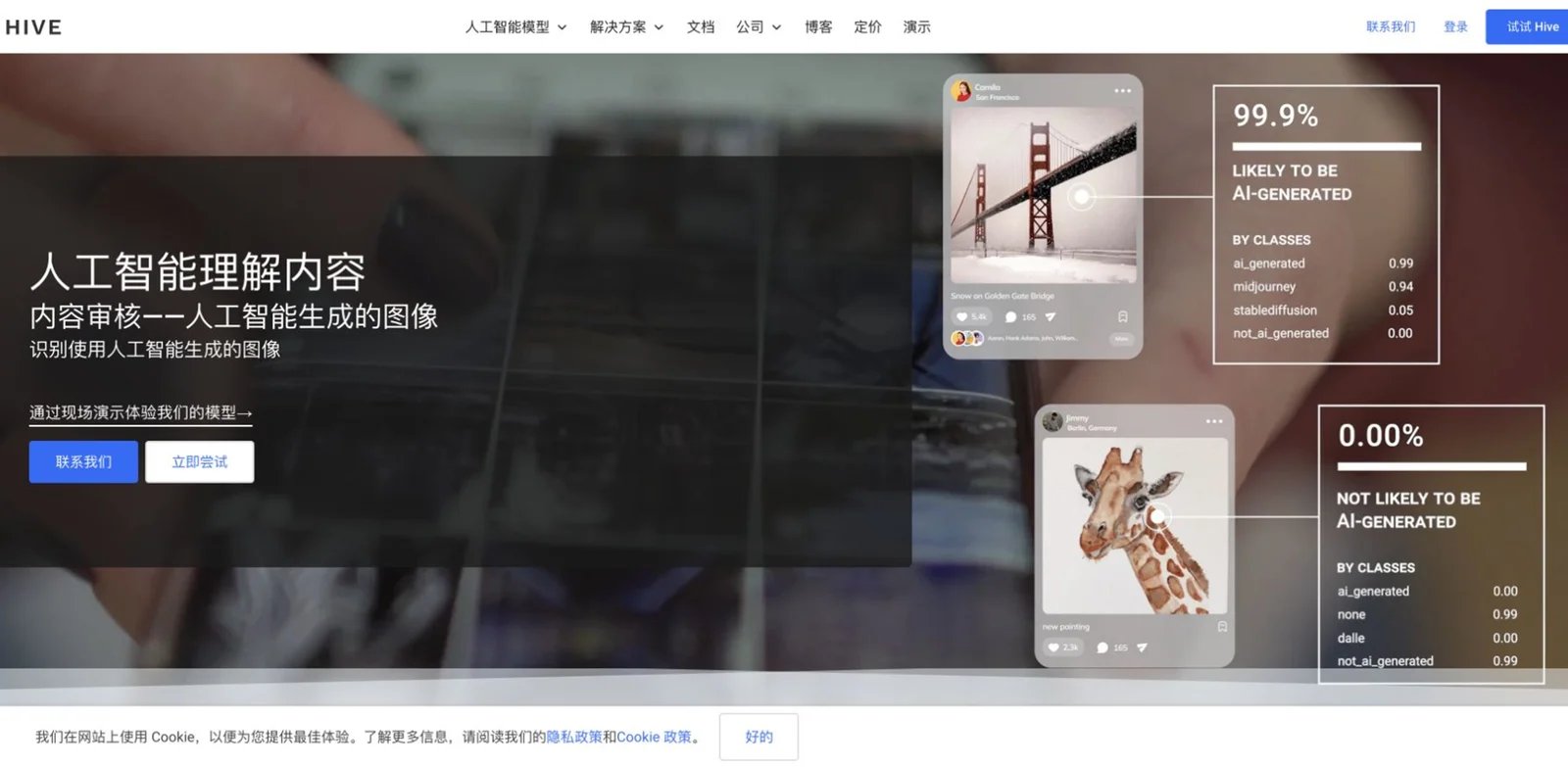
Platforms that already process thousands or millions of images cannot afford a manual "upload one suspicious file" workflow. Hive is the strongest fit when AI image detection must become part of a moderation pipeline, not a one-off browser check. Its visual AI product line includes AI-generated image and video detection, deepfake classification, and other content moderation models that can run together in a wider trust-and-safety stack.
Hive's image and video detection documentation describes models for AI-generated content and deepfakes, with classification confidence and generator-oriented signals. Its newer Hive Detect workflow also gives enterprises a drag-and-drop verification option for images, videos, music, and speech when an API is not the right first step.
Core strengths include:
- Moderation-grade image detection: Teams can combine synthetic image detection with visual safety models instead of buying an isolated detector that creates another queue.
- API-first deployment: The product fits platforms, marketplaces, and social apps that need automated screening before content reaches users.
- Multimodal direction: Hive's detection product is not limited to still images, which matters when image deepfakes and short synthetic videos share the same review team.
- Enterprise workflow option: Hive Detect gives non-developers a verification surface while technical teams build deeper API integration.
Pricing is usage-based with a sales-led path for higher limits. Hive publicly lists AI Image + Deepfake Classification at $6 per 1,000 image requests with a 100-request/day self-serve limit; higher limits require sales. Treat this as usage-based pricing: your real cost depends on uploads, retry logic, model mix, and how much content you send to human review.
The limitation is implementation. Hive makes most sense when you have developers, moderation operations, or a platform workflow. A creator who wants to check five images per week will get faster value from AI or Not, WasItAI, or TruthScan. Not the right fit if you need a fixed monthly consumer plan, a purely self-serve forensic report, or a tool that explains every pixel-level finding to a non-technical reviewer.
Get started with Hive

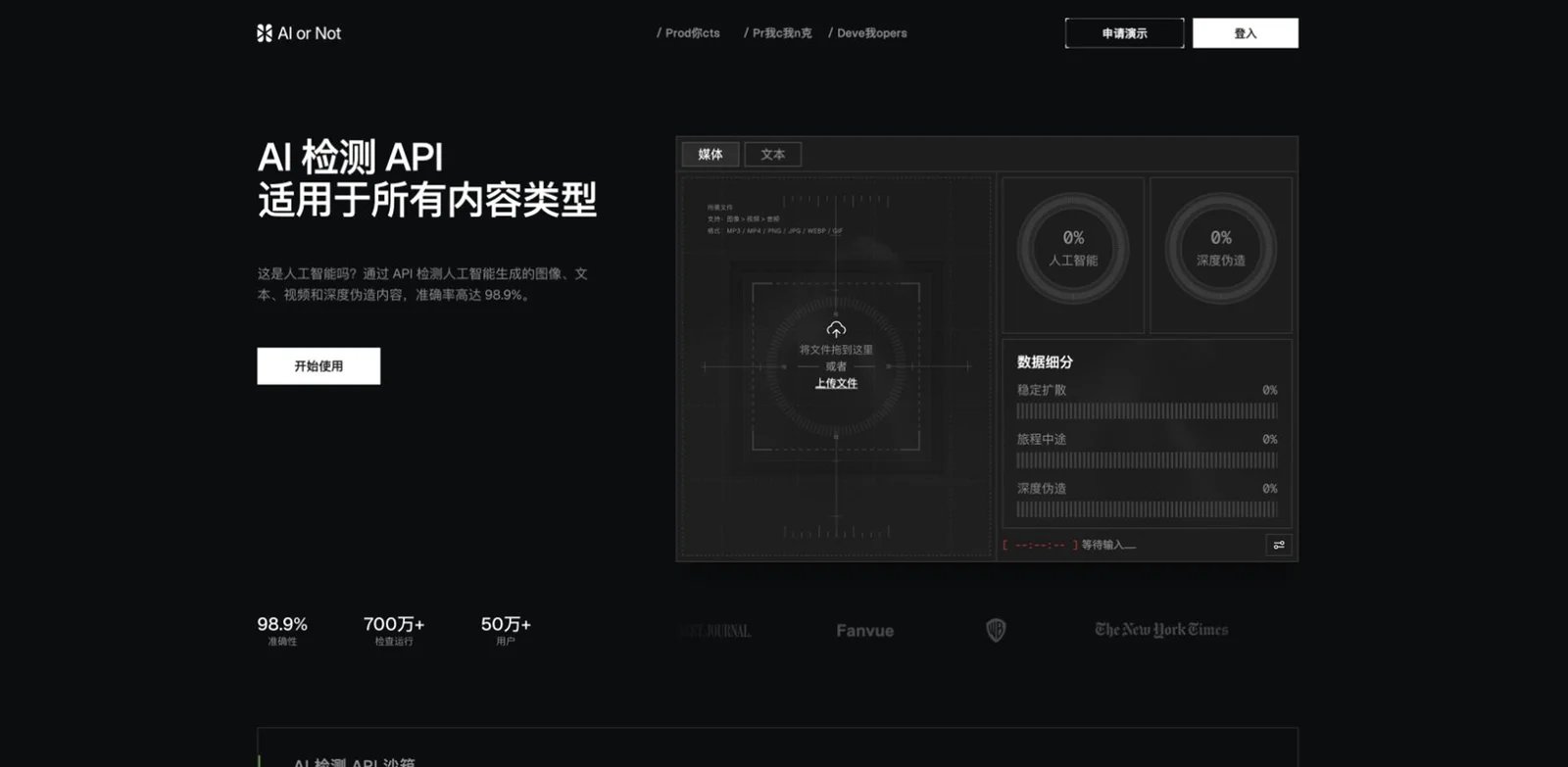
Small teams often need a fast answer before they need an enterprise platform: "Should we trust this profile image, product photo, or submitted asset enough to move forward?" AI or Not is built for that low-friction moment. It offers a simple web product and API for detecting AI-generated or tampered media across images, audio, video, and text, with especially clear public pricing for image checks.
The product documentation describes image, audio, video, and text verification with verdicts, confidence, and model-specific insights. The image detector API positions itself around recent generator coverage and pixel-level analysis, while the pricing page lists image and deepfake image checks at a transparent per-image credit cost.
Core strengths include:
- Low entry cost: The free tier includes image checks, and Pro pricing starts low enough for creators, educators, and small teams to test fit without procurement.
- Simple API economics: Per-image pricing is easier to model than broad credit systems when image detection is the main use case.
- Quick web workflow: Non-technical users can upload files and get a result without building a moderation pipeline.
- Multiple media types: Teams that occasionally need audio or video checks can stay in one product.
AI or Not's current pricing starts with a free plan that includes credits and limited image checks. Pro is listed at $5/month and includes additional credits and image checks; image and deepfake image detection are listed around $0.02 per image. Confirm live limits before large runs because free allowances and credit rollover rules can change.
The main trade-off is evidentiary depth. AI or Not is excellent for triage and lightweight verification, but it is not a substitute for a defensible forensic process with chain-of-custody, analyst notes, and policy review. Not the right fit if a false accusation would create legal, academic, or employment consequences without a human appeal path.
Get started with AI or Not
Resemble AI Detect
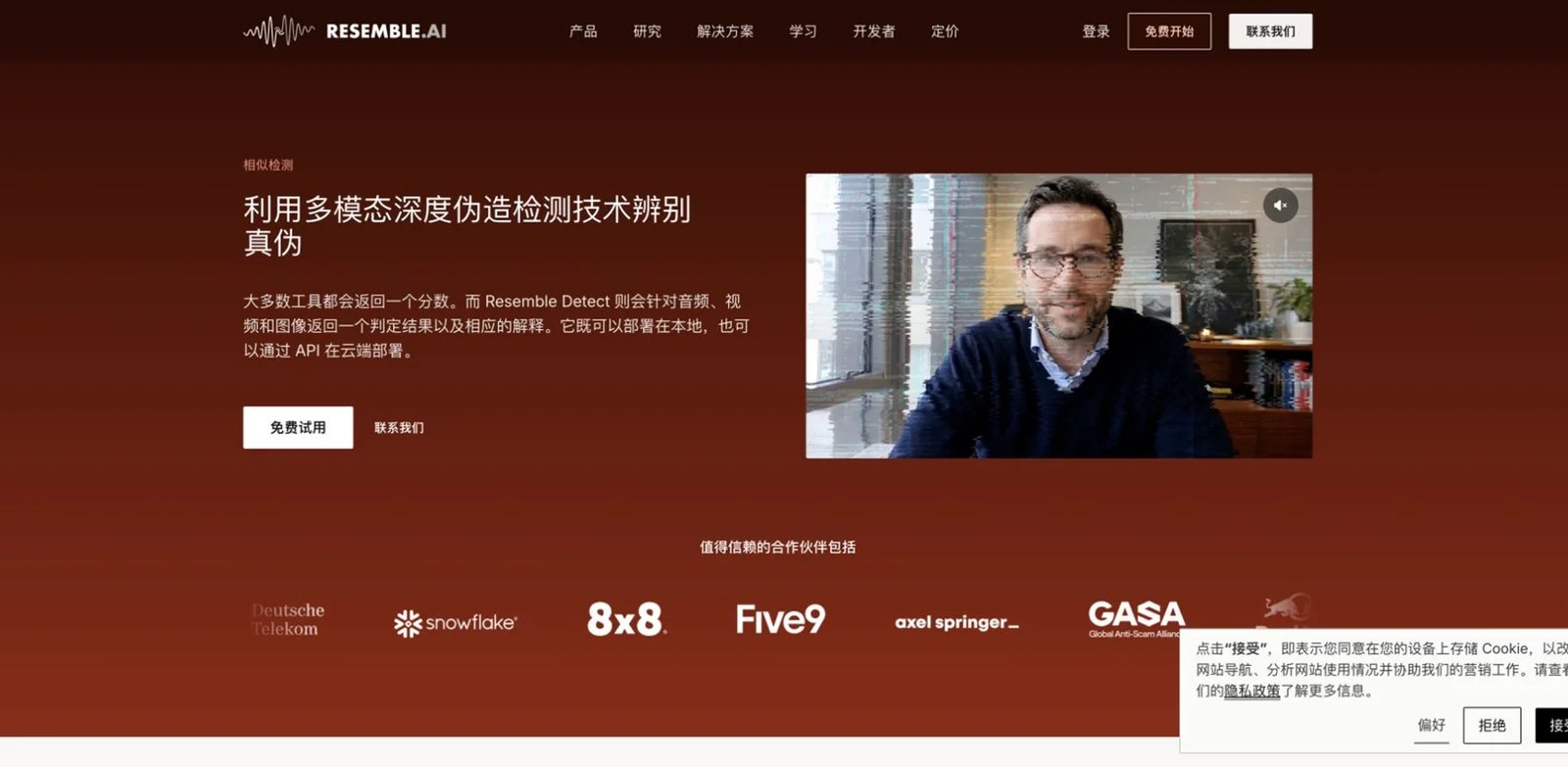
Fraud and brand-security teams rarely receive threats in one format. A fake executive image may arrive with a cloned voice note or manipulated video clip, so an image-only checker can fragment the investigation. Resemble AI Detect is best for teams that want image detection as part of a broader multimodal deepfake defense workflow.
Resemble's Detect product covers audio, video, and images, with product claims around deepfake detection, physical-reality checks, heatmaps, human-readable reports, real-time analysis, and batch workflows. Its documentation supports single detection, batch detection for up to 50 files, and secure upload-token flows, which makes it more operationally mature than many public upload tools.
Core strengths include:
- Multimodal investigation flow: Image, video, and audio checks can support the same authenticity case instead of sending reviewers to separate products.
- Batch and secure upload options: Teams can process groups of files and use upload-token patterns rather than exposing direct file handling in custom apps.
- Explainability features: Heatmaps and human-readable reports are more useful to analysts than a single "AI likely" label.
- Enterprise controls: Team and business tiers target larger organizations, including stronger workflow and data-handling needs.
Pricing requires careful reading. Resemble lists a free Flex plan with pay-as-you-go usage, then Team and Business plans starting at $350/month and $1,000/month respectively before annual discounts. Its pricing page lists image detect processing in a per-second format, which is unusual for image buyers; confirm how your expected image scans will be metered before committing.
The limitation is cost and fit. Resemble Detect can be too much if all you need is a cheap image checker for social posts. It is best for fraud, security, media, or enterprise teams where images are one modality inside a larger deepfake risk model. Not the right fit if you need simple fixed per-image pricing and no multimodal coverage.
Get started with Resemble AI Detect
TruthScan
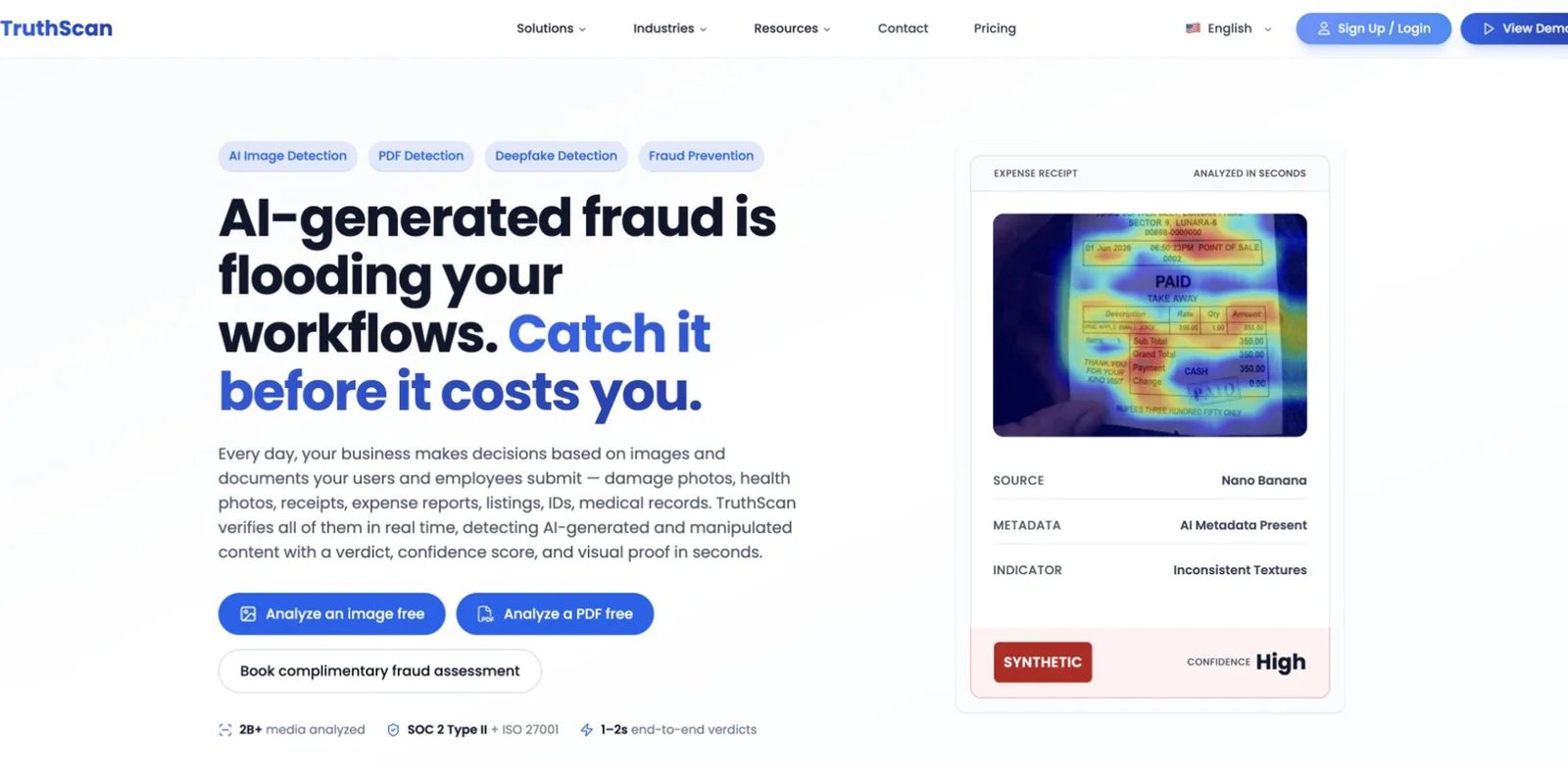
Teams that need image checks every week can quickly outgrow free demos but still lack the budget for enterprise contracts. TruthScan is attractive because it combines a public web product, API access, detailed indicators, and unusually transparent result-based pricing for images and PDF pages.
TruthScan's image detection materials describe AI-generated image detection, deepfake and synthetic media checks, API access, region-level signals, and caveats around screenshots or recompressed files. Its pricing page lists free monthly results, paid result bundles, overage rates, and a zero-data-retention option on higher tiers.
Core strengths include:
- Transparent result allowances: Free, Starter, Professional, and Business tiers make it easier to estimate monthly verification cost.
- API plus web workflow: Non-technical reviewers can use the interface while developers automate recurring checks.
- Detailed indicators: Region-level and local-edit signals are more actionable than a bare probability score.
- Privacy progression: Business and enterprise options include stronger data-retention controls for sensitive workflows.
Current public pricing lists a free plan with 25 results per month, Starter at $29/month for 1,000 results, Professional at $99/month for 5,000 results, and Business at $399/month for 40,000 results; annual billing is $290/$990/$3,990 per year, or about $24/$83/$333 per month. Enterprise overage pricing is lower. Treat these as list prices before taxes, annual terms, or vendor changes.
The limitation is proof. TruthScan publishes strong accuracy and false-positive claims, but your team still needs a pilot set because detector performance is domain-specific. Screenshots, recompression, crops, and post-processing can change signal quality. Not the right fit if your organization needs a long-established enterprise vendor record or a multimodal platform that already handles audio and video at the same depth.
Get started with TruthScan
Winston AI
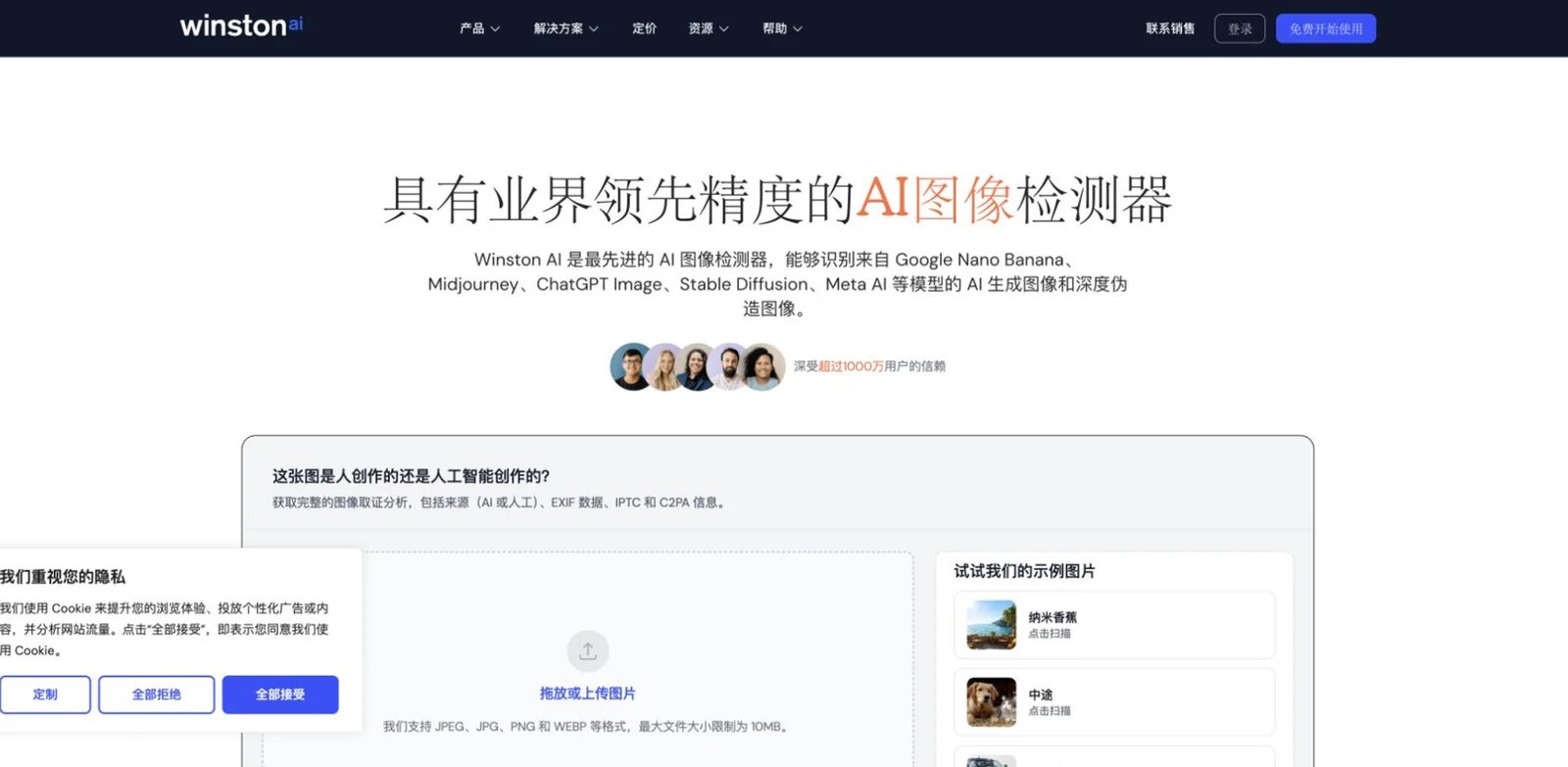
Publishers and educators often need to check both an image and the text that travels with it. Winston AI makes sense when image detection is part of a broader content-authenticity workflow that includes AI writing detection, plagiarism checks, OCR, reports, and team review rather than a standalone forensic lab.
Winston's pricing and help pages list AI image and deepfake detection across its plans, along with content authenticity features such as C2PA, EXIF, IPTC, and image forensics signals. That positioning makes it useful for editorial teams that want a single content review workspace across written and visual submissions.
Core strengths include:
- Mixed content workflows: Editors can review text and image authenticity in one product instead of switching tools.
- Report-oriented output: The product is built around readable reports, which helps when reviewers need to discuss a result internally.
- Accessible subscription pricing: Paid plans start at a level that small publishing and education teams can evaluate.
- Metadata awareness: C2PA, EXIF, and IPTC context can add useful evidence beyond a classifier score when metadata is present.
Current pricing includes a free trial with credits, then Essential at $18/month, Advanced at $29/month, and Elite at $49/month before annual discounts. API availability is listed, and image detection is included across plans, but always confirm current plan limits before building a recurring review process.
The trade-off is specialization. Winston is not as image-specific as AI or Not, Sightengine, TruthScan, or Hive. If your review work is mostly high-volume image moderation, a purpose-built visual API may fit better. Not the right fit if you need deep enterprise media-forensics controls, on-prem deployment, or detailed image-only metering.
Get started with Winston AI

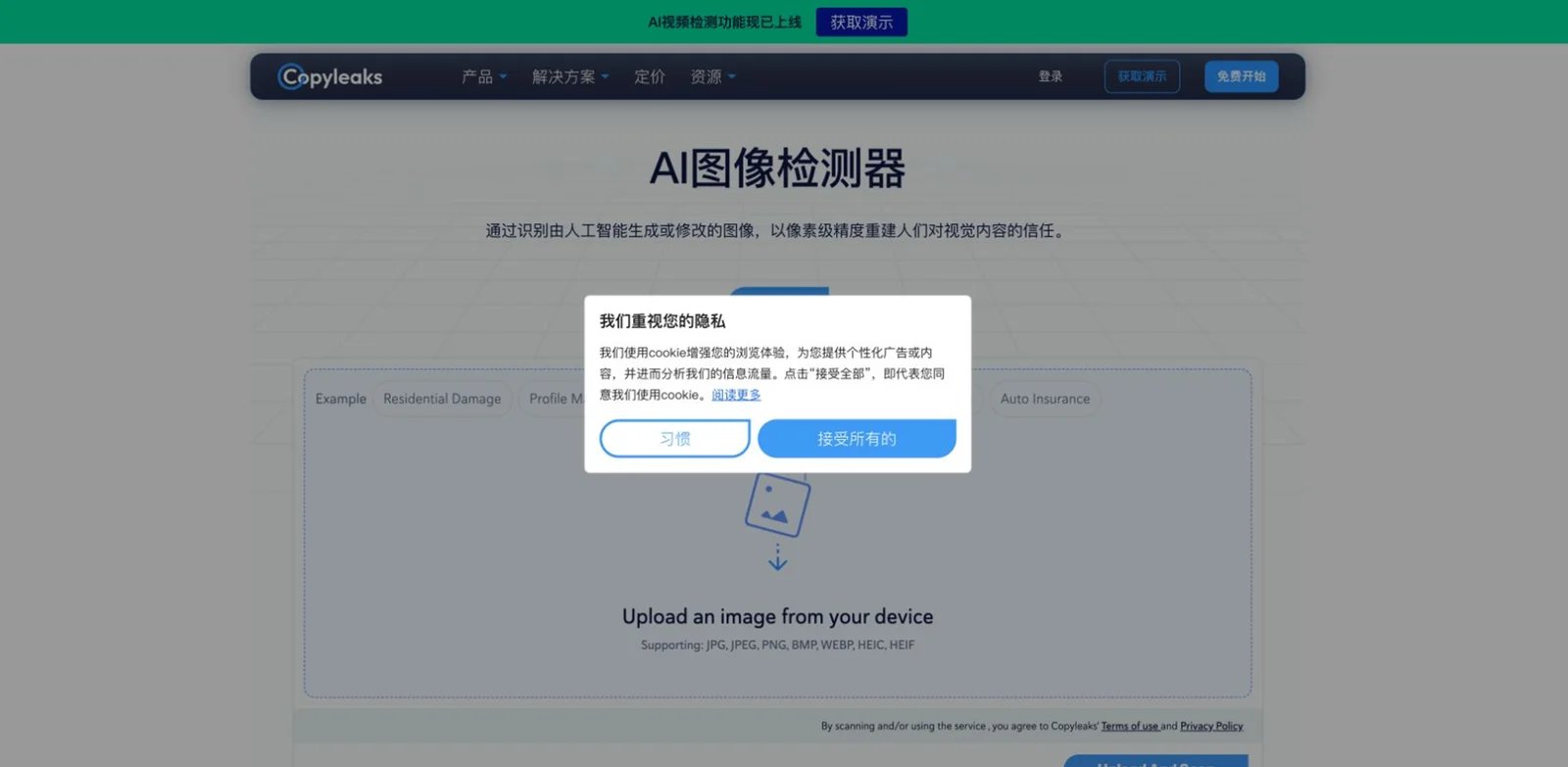
Education and compliance teams already using originality reports do not want a separate tool for every new content format. Copyleaks is strongest when AI image detection needs to sit beside plagiarism, AI text detection, LMS workflows, APIs, and institutional reporting.
Copyleaks' AI Image Detector documentation describes checks for fully or partially AI-generated images, visual reporting, supported image formats, and API endpoints that return mask and summary data. The pricing page explains unified credits: one credit maps to a defined amount of text or one image, which makes the image detector part of a broader content-verification budget.
Core strengths include:
- Institutional workflow fit: Copyleaks is already familiar to education and enterprise buyers who need policy review, audit trails, and integrations.
- API detail: The image endpoint supports multipart and base64 submission, multiple image formats, and machine-readable result fields.
- Partial image support: Detection for AI-altered regions is more useful than only flagging fully synthetic images.
- Unified content review: Teams can manage text and image authenticity in one vendor relationship.
Current public pricing lists Personal from $16.99/month and Pro from $99.99/month before annual discounts. Copyleaks describes 1,000 unified credits as equivalent to 250,000 words or 1,000 images. That conversion is useful, but mixed workloads can make budgeting less obvious than pure per-image pricing.
The limitation is cost structure and modality focus. If you only need a cheap occasional image check, WasItAI or AI or Not will be easier to justify. If you need video, audio, or live deepfake screening, Reality Defender or Resemble will be broader. Not the right fit if you want a consumer-friendly one-page checker with no account, no credit accounting, and no broader compliance workflow.
Get started with Copyleaks
Sightengine

Developer teams adding AI image detection to a product usually need more than a verdict. They need an API that can sit beside nudity, violence, scam, text-in-image, face, and video moderation checks. Sightengine is the best fit when synthetic image detection is one model inside a wider automated visual moderation stack.
genai model for images and a separate AI video detection path. It can also return generator-oriented signals and combine detection with other moderation models such as deepfake and safety classifiers.Core strengths include:
- API-first design: The product is built for developers who want moderation decisions inside existing apps, not analysts uploading files by hand.
- Model composition: Teams can combine AI-generated detection with deepfake, nudity, violence, and other visual checks in one moderation call.
- Clear starting plans: Public pricing makes it easier to estimate proof-of-concept cost.
- Image and video path: Teams with UGC images today and short video tomorrow can stay in the same vendor ecosystem.
Current public pricing lists Starter at $29/month for 10,000 operations and Pro at $99/month for 40,000 operations, with overage rates and included access to AI image and AI video detection. Verify the live pricing page for exact operation definitions and model availability.
The limitation is reviewer experience. Sightengine is great when developers own the workflow, but it is less tailored to a journalist or investigator who wants a rich case report. Not the right fit if you need non-technical explainability, provenance verification, or an enterprise investigation dashboard before any API work.
Get started with Sightengine
Pangram
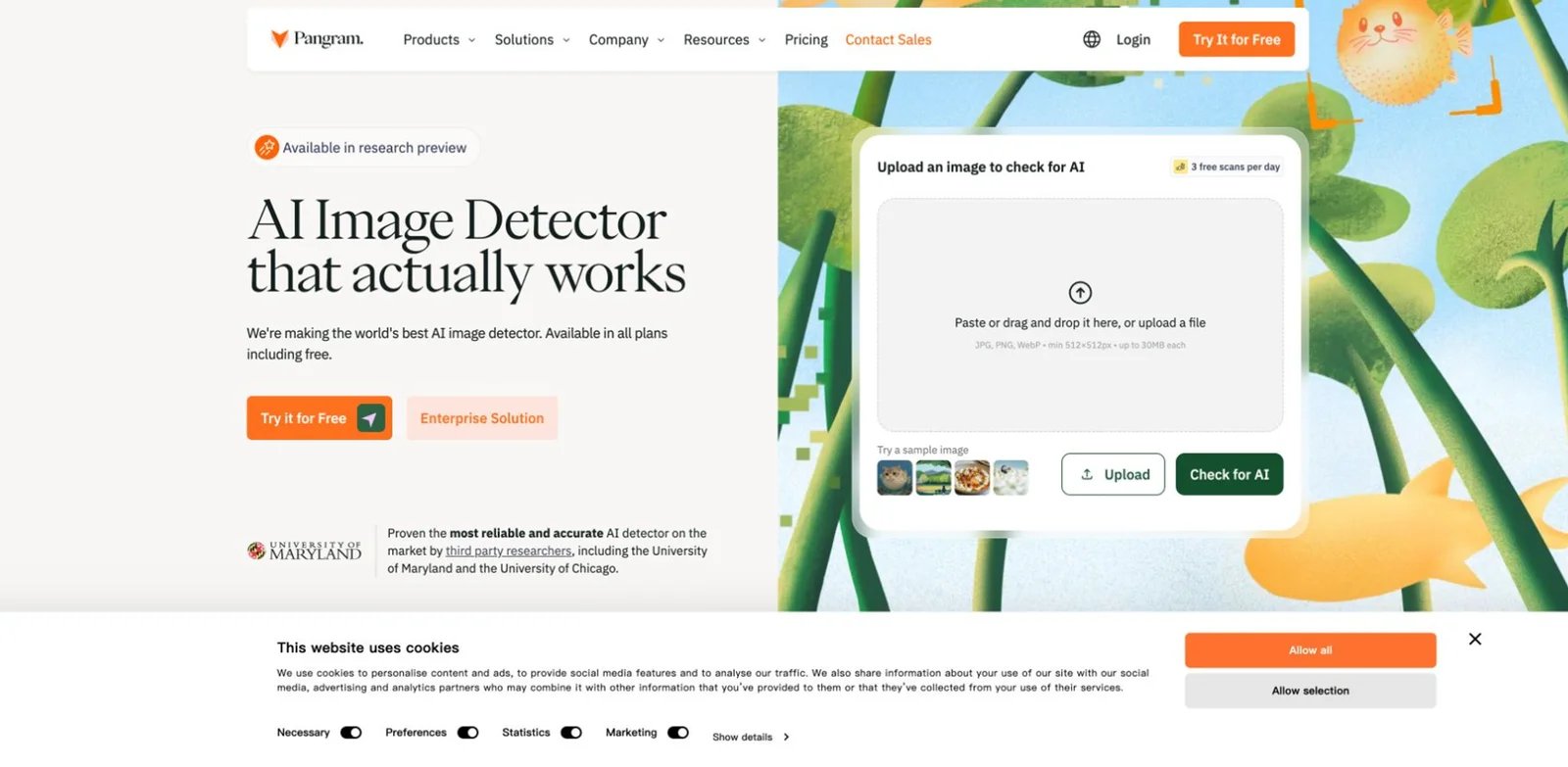
Some teams want to evaluate emerging detection vendors before the market fully settles. Pangram is best understood as a strong AI detection brand with an image detector that is still maturing relative to its text detection product. That makes it interesting for testing, but not the first pick for risk-critical image enforcement.
Pangram's pricing page lists image detection scans across free and paid plans, including limited daily scans on Free and monthly image scan allowances on Individual and Professional. Pangram's research preview announcement says image API access is invitation-only during preview, so do not assume the general text-detection API allowance gives immediate image API access. Its image detector is useful to test, but not yet as operationally proven as older image-focused vendors.
Core strengths include:
- Easy trial path: Free image scans let teams run an initial fit check without a paid commitment.
- Broader AI detection context: If Pangram is already part of your text detection process, image checks may become a useful adjacent workflow.
- Paid allowances: Individual and Professional plans include defined monthly scan limits instead of fully opaque sales pricing.
- API direction: Higher tiers and developer options point toward future workflow integration.
Current public pricing includes a Free tier with 3 image detection scans daily, Individual at $20/month with 100 monthly image scans, and Professional at $65/month with 500 monthly image scans and monthly API usage. Confirm whether the image detector remains in preview before using it for policy decisions.
The limitation is maturity. Research preview status means you should avoid treating Pangram as the final authority on disputed images. It can be part of a comparison set or second opinion, especially if you already use Pangram, but not the right fit if you need production-ready image forensics, detailed region evidence, or enterprise moderation SLAs today.
Get started with Pangram
Adobe Content Authenticity
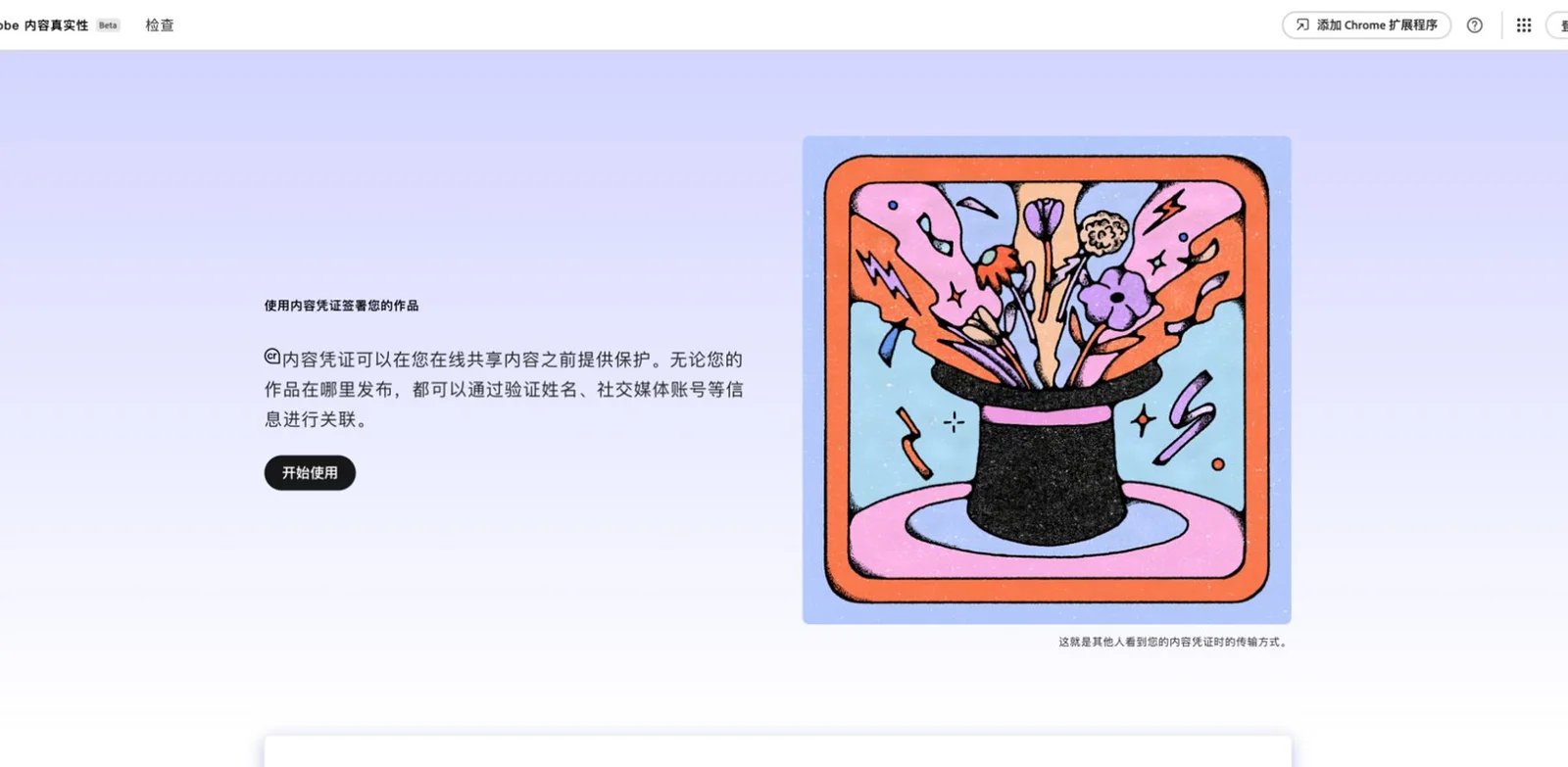
Many image disputes are really provenance disputes: who made this file, which tool edited it, and whether the claimed source can be trusted. Adobe Content Authenticity is not a universal AI image detector, but it deserves a place in this guide because provenance can answer questions that pixel classifiers cannot.
Adobe Content Authenticity lets users apply, inspect, and recover Content Credentials. Its Inspect workflow can show how a file was created or edited when valid C2PA metadata, signatures, or associated credentials exist. Adobe also describes durable metadata, invisible watermarking or digital fingerprinting, and cloud backup for credentials, while clarifying that Content Credentials are not DRM.
Core strengths include:
- Provenance instead of guesswork: When credentials are present, a cryptographic history is stronger evidence than a probability score.
- Creator workflow fit: Photographers, designers, and publishers can attach credentials to work they publish.
- Free access: The current product is free with an individual Adobe account.
- Inspection workflow: Users can inspect files, screenshots, URLs, and supported media types without treating every case as a classifier problem.
The pricing story is simple for now: Adobe Content Authenticity is currently free with an individual Adobe account. Teams should still review Adobe account requirements, supported formats, and enterprise policy before making it part of a newsroom or brand workflow.
The limitation is fundamental: provenance only helps when credentials or watermarks exist and survive the content path. It will not reliably identify every unknown AI-generated image from the open web. Not the right fit if you need to classify arbitrary unlabeled images at scale. It is the right complement to detectors when you publish original assets or verify files from credential-aware sources.
Get started with Adobe Content Authenticity

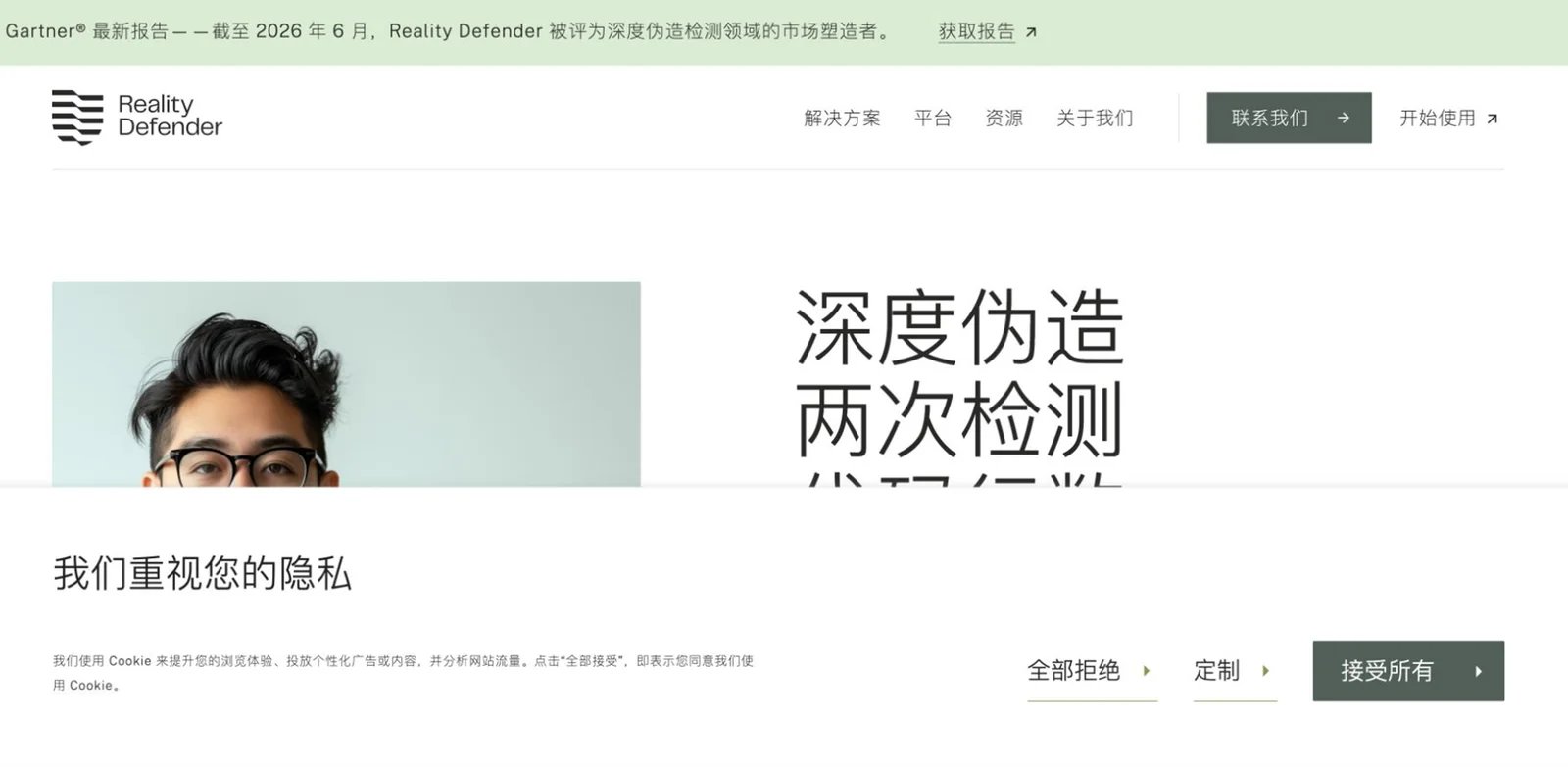
Enterprise security teams do not only ask whether a single image is fake. They ask whether manipulated media is part of fraud, impersonation, disinformation, or platform abuse. Reality Defender is built for that higher-stakes context, with multimodal synthetic media detection across images, audio, video, and enterprise workflows.
Reality Defender's public materials describe deepfake detection for images, audio, and video, plus APIs, SDKs, dashboards, detailed authenticity results, and model-specific confidence scores. It is positioned for financial services, platforms, newsrooms, and government-style risk teams rather than casual consumer checks.
Core strengths include:
- Enterprise multimodal coverage: Image detection can sit beside voice and video deepfake checks in the same risk workflow.
- Developer and analyst surfaces: APIs and SDKs support integration, while dashboards support human review.
- Risk-team orientation: The product is better aligned with fraud, impersonation, and trust-and-safety cases than single-purpose upload tools.
- Free developer path: Public materials reference a free tier for limited audio or image scans, which helps teams test before a sales process.
Reality Defender publicly lists RealAPI Free at $0/month for 50 image/audio scans and a self-serve Business tier at $399 under annual billing for 1,000 image/audio/video scans per month; Enterprise remains custom. Do not rely on unofficial plan claims unless confirmed in your account or contract.
The limitation is overhead. Reality Defender can be unnecessary if you only check a few marketing images each month. It is best when a false negative could create fraud, brand, political, or public-safety harm. Not the right fit if your top priorities are low-cost individual uploads, public consumer pricing, or a narrow image-only product.
Get started with Reality Defender
WasItAI
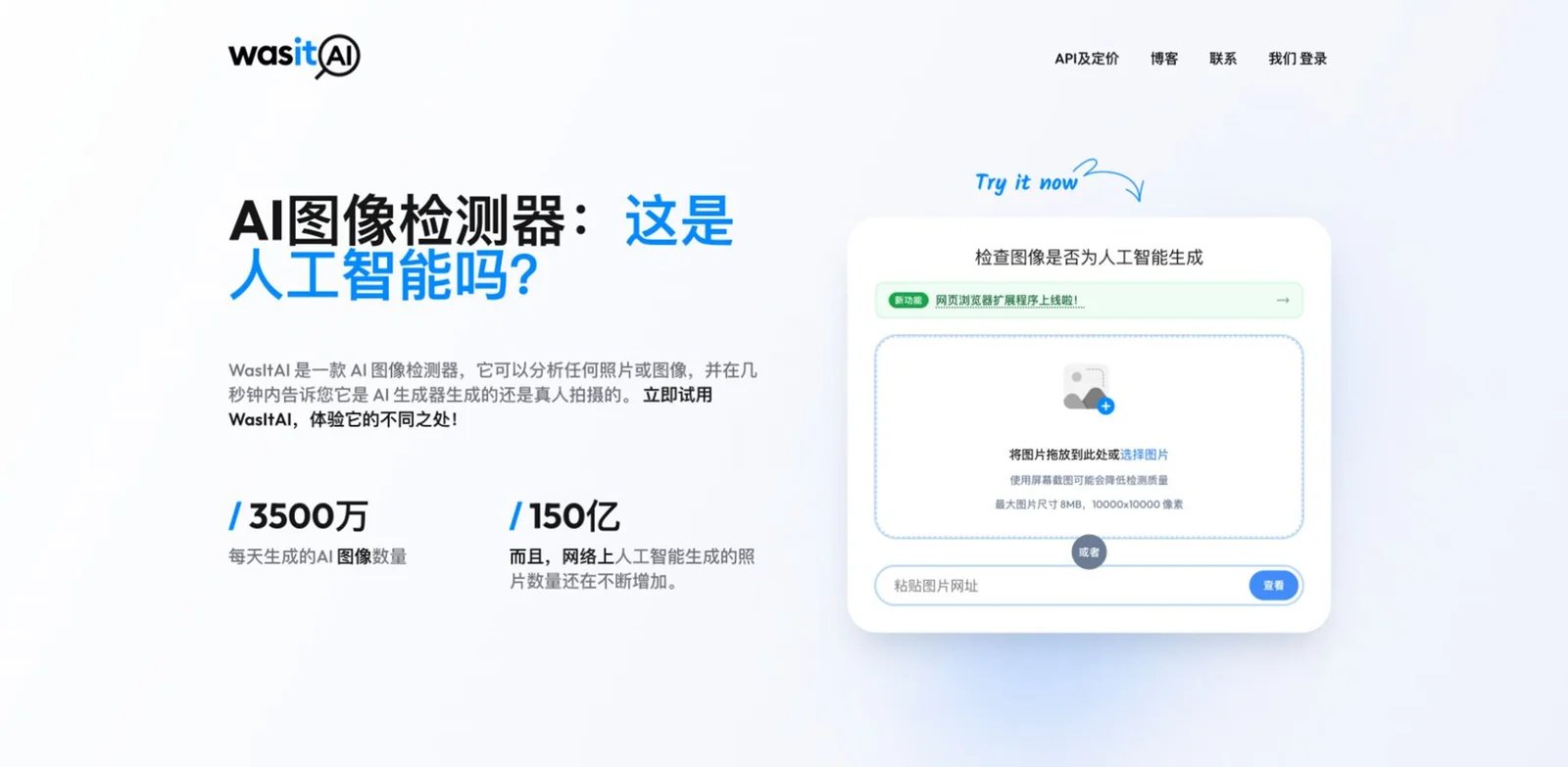
Most people who search "is this image AI?" do not need an enterprise sales call. They need a low-cost checker that supports uploads, image URLs, browser use, confidence scores, and enough API access for a small workflow. WasItAI fits that practical, lightweight segment.
WasItAI describes support for major image generators, including Midjourney, DALL-E, GPT Image, Stable Diffusion, Adobe Firefly, Flux, Imagen, Nano Banana, Grok, Bing Image Creator, and GANs. The product supports browser upload or URL checks, browser extension workflows, confidence scoring, dashboards, detailed reports, and API tiers.
Core strengths include:
- Very low starting price: Paid plans begin below most detection tools, making it accessible for small teams.
- Simple public workflow: Upload or URL checks are easy for non-technical users.
- Transparent API plans: Free, Basic, Advanced, Pro, and Enterprise tiers map to image allowances.
- Clear caveats: The site notes file-size limits and warns that screenshots may reduce detection quality.
Current public API pricing lists Free at $0/month for 10 images, Basic at $3.99/month for 100 images, Advanced at $35/month for 1,000 images, and Pro at $300/month for 10,000 images, with enterprise options for custom volume, on-prem, and SLA needs. The site also says uploaded images are processed once and not stored, which is useful but should still be reviewed against your policy requirements.
The limitation is depth. WasItAI is a good checker, but not a full media-forensics suite. It will not replace chain-of-custody review, provenance checks, or enterprise moderation workflows. Not the right fit if you need multimodal case management, detailed region masks, or formal compliance review.
Get started with WasItAI
Attestiv
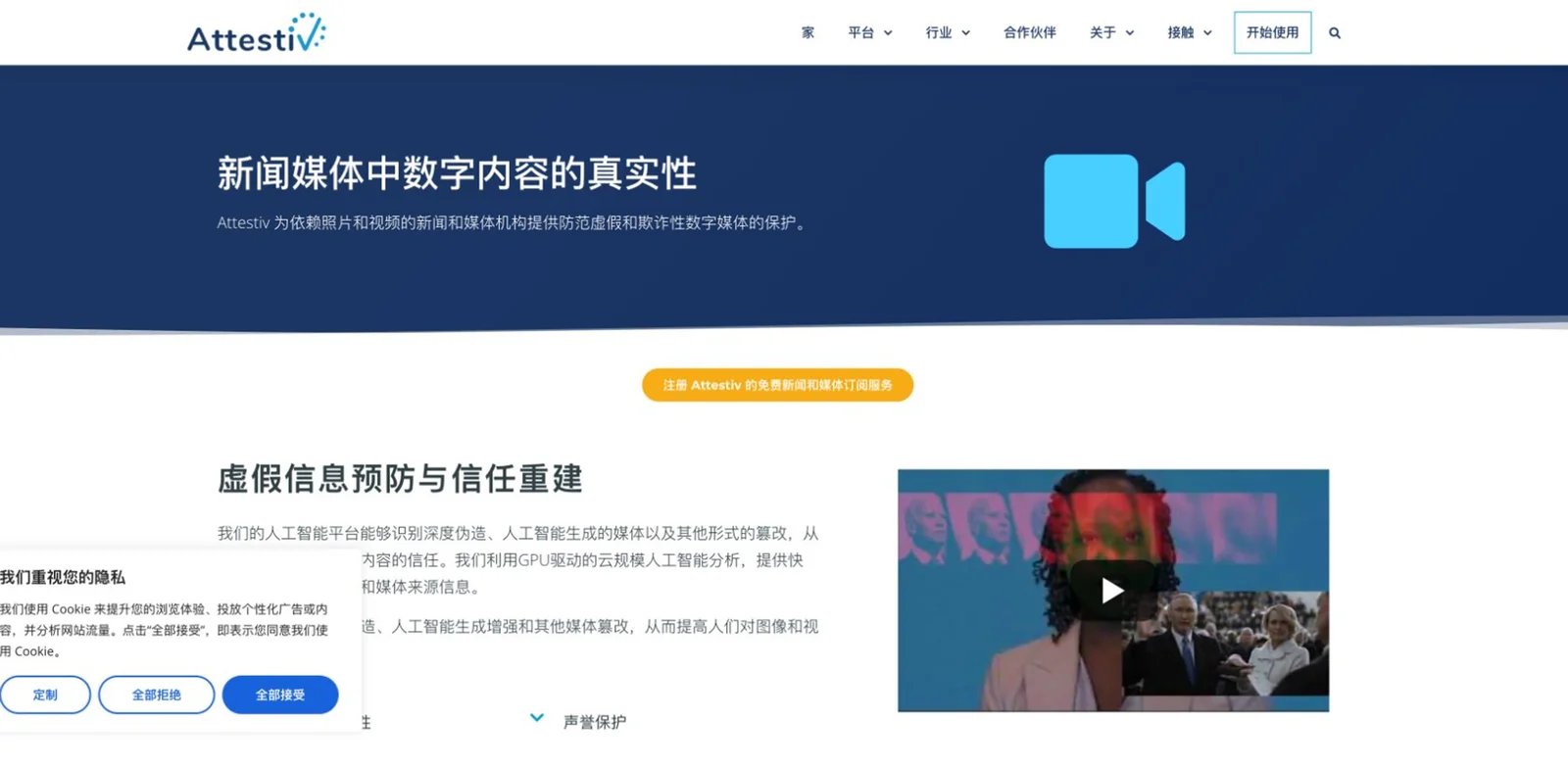
News, insurance, and enterprise teams often care about more than AI generation. They need to know whether a photo or video was altered, composited, screen-captured, or otherwise changed before it became evidence. Attestiv is strongest for that broader media-authentication problem, with AI-generated image and deepfake detection as part of a verification workflow.
Attestiv's news and media materials describe photo, video, and URL analysis through a web dashboard or APIs, with detection for deepfakes, AI-generated media, tampering, compositing, and screen captures. Its free tier for journalists and media is specifically positioned around defending truth while protecting source privacy.
Core strengths include:
- Media-authentication scope: The product looks beyond "AI or human" to broader tampering and authenticity signals.
- Newsroom relevance: A free starter tier for journalists and media lowers the barrier for verification teams.
- API and dashboard options: Technical and editorial teams can share the same vendor workflow.
- Privacy-sensitive positioning: Source protection and media handling are central to the newsroom use case.
Commercial pricing is not fully public. Attestiv offers a free media starter tier, while enterprise or broader commercial usage generally requires contacting the vendor. Budget time for a sales conversation if you need high volume, legal evidence workflows, or custom integrations.
The limitation is transparency and fit. Attestiv is not the cheapest way to answer "is this one picture AI?" and its public pricing is less clear than WasItAI, AI or Not, or TruthScan. Not the right fit if you want consumer self-serve pricing and a narrow single-image detector. It is a strong candidate when image authenticity is tied to evidence, claims, journalism, or enterprise risk.
Get started with Attestiv
Honorable Mentions
idetect.org is useful for simple public checks, but we kept it outside the top 12 because public evidence around accuracy, long-term reliability, and commercial workflow depth is thinner than the main picks.
DeepFlag offers an easy web workflow, but it needs stronger public documentation around pricing, API maturity, and independent validation before it should be used as a primary production detector.
Google SynthID is important technology for watermarking and identifying certain Google-generated AI content. It is not a universal AI image detector for arbitrary files from the open web, so it is better treated as ecosystem provenance.
IsThisAI has public AI detection claims, but this review cycle did not find enough pricing and operational evidence to rank it above better-documented alternatives.
ForgeSpy can work as a lightweight checker, yet it lacks the mature API, batch, governance, and evidence depth expected from a top production recommendation.
ImageDecoder may help users inspect image metadata or hidden signals, but it is not as clearly positioned as a complete AI image detector product.
Decopy appears in AI detection searches, but public evidence for image-specific detection, pricing, and operational maturity was not strong enough for the main table.
Bhala AI was considered but left as an honorable mention because its image detection positioning and buyer evidence were weaker than the selected products.
Best AI Image Detector Tools by Use Case
For a newsroom verifying viral images before publication
If your team needs fast visual triage plus defensible review notes, start with Attestiv or TruthScan. Attestiv is better when the concern includes tampering, compositing, source protection, and broader media authentication. TruthScan is easier to budget when you need recurring image checks, API access, and transparent result allowances.
Add Adobe Content Authenticity when you receive images from credential-aware creators, agencies, or partners. It will not classify every unknown image, but provenance evidence can prevent unnecessary guesswork when credentials exist.
For a platform or marketplace screening user uploads
If image detection needs to run inside a product, shortlist Hive and Sightengine first. Hive is stronger when synthetic media detection should connect to larger moderation operations. Sightengine is a practical developer choice when AI-generated image detection is one model alongside nudity, violence, scam, and other visual moderation checks.
Use AI or Not when your volume is smaller and per-image pricing clarity matters more than a full moderation model catalog.
For fraud, impersonation, and enterprise deepfake risk
If a fake image may be paired with a cloned voice, spoofed video, or executive impersonation, use Reality Defender or Resemble AI Detect. Reality Defender is the broader enterprise risk platform, while Resemble is compelling when your team already cares about audio and voice deepfake detection as much as image evidence.
These tools are not the cheapest options, but they fit higher-risk workflows where an isolated public upload checker would not create enough evidence or process control.
For creators, educators, and small teams
If you need a practical answer without a procurement process, start with AI or Not, WasItAI, or Winston AI. AI or Not has clear per-image economics and a simple interface. WasItAI is the lowest-cost option for small image volumes and API testing. Winston AI is better when the same team also checks AI-written text and wants content reports.
Avoid using any of these as the sole basis for punishment, removal, or accusation. They are best used as triage signals that tell you when to ask for source files, creation history, or human review.
For provenance-first creative workflows
If your goal is to publish trustworthy images rather than detect every fake on the internet, Adobe Content Authenticity should be part of the workflow. It helps creators and publishers attach or inspect Content Credentials, which can be stronger than guessing after an image has already spread.
Pair provenance with a detector like Hive, TruthScan, or AI or Not when you need both sides of the problem: proof for known-origin files and probability signals for unknown-origin files.
How to Choose the Right AI Image Detector
-
Decide whether you need detection, provenance, or both. A classifier estimates whether pixels look AI-generated. Provenance tools such as Adobe Content Authenticity inspect credentials and creation history when available. High-risk teams should use both.
-
Define your evidence threshold before testing tools. A newsroom, school, marketplace, and fraud team should not use the same threshold. Decide what happens after a high score: request source files, route to review, attach a warning, or block automatically.
-
Measure false positives on your own image set. Build a pilot set with authentic photos, edited photos, compressed screenshots, AI images, and mixed images from your domain. Do not rely only on vendor accuracy claims.
-
Match workflow to volume. For occasional checks, use AI or Not, WasItAI, Winston AI, or TruthScan. For automated user-upload screening, use Hive or Sightengine. For enterprise deepfake risk, use Reality Defender or Resemble AI Detect.
-
Read pricing by unit, not headline plan. Some tools bill per image, some by result, some by operation, some by unified credits, and some through sales. Estimate your monthly scans, retries, batch volume, and human-review rate before buying.
-
Verify privacy and retention. Sensitive images can include students, customers, minors, medical documents, unreleased campaigns, or source material. Look for deletion rules, zero-data-retention options, enterprise terms, and whether uploaded content can be used for training.
Frequently Asked Questions
What is the best AI image detector overall?
Can an AI image detector prove that an image is fake?
Why do AI image detectors disagree with each other?
Is Adobe Content Authenticity an AI image detector?
Which AI image detector has the clearest pricing?
Should schools use AI image detectors for student discipline?
Do screenshots make AI image detection worse?
What should I test before buying an AI image detector API?
Get ToolWorthy Weekly
New AI tools, practical guides, and selected AI signals in one weekly brief.
Related Posts
- 13 Best AI Detector Tools 2026: Text, Image & Deepfake Guide
Comprehensive review of the best AI detector tools for 2026, covering text, image, video, and audio detection. Compare features, accuracy, and pricing to find the right AI detection solution.
For AI tool founders
Built a tool that belongs in this decision set?
Request an editorial evaluation for possible inclusion in ToolWorthy.
Submit your tool for reviewPaid submission does not guarantee a ranking, recommendation, inclusion, or editorial outcome.