
16 Best AI Scheduling Assistant Tools 2026 - Calendar & Meetings
Compare 16 AI scheduling assistant tools for calendars, meeting coordination, email scheduling, recruiting loops, pricing and workflow fit.
On this page
Your calendar breaks in small ways before it breaks completely. A prospect asks for "sometime next week," a candidate panel needs four people and two time zones, a focus block gets moved three times, and one urgent call turns the whole day into manual calendar repair. The best AI scheduling assistant should reduce that back-and-forth without creating a new risk: events moving without context, hidden seat costs, or a tool that only works if everyone changes calendars.
This guide compares 16 AI scheduling assistant tools for 2026 across calendar fit, meeting coordination depth, pricing clarity, automation risk, and real user signals. We included personal AI calendars, email-first schedulers, sales and recruiting coordinators, and executive-assistant style agents. If you want the broader software category, start with our AI scheduling category. For adjacent workflows, compare AI productivity tools, AI meeting note takers, and AI email assistant tools.
| Tool | Best For |
|---|---|
| Reclaim.ai | Teams protecting focus time while coordinating meetings |
| Toki | Personal calendar users who want a low-cost AI scheduler |
| Kronologic | Revenue teams booking meetings from email and CRM workflows |
| Skej | People who want an AI assistant to coordinate over email, Slack, Teams, or SMS |
| FlowSavvy | Users who want AI to rebuild daily schedules around tasks |
| Motion | Deadline-driven teams that want task and calendar planning together |
| Morgen | Multi-calendar users who need cross-platform planning |
| Lindy | Teams building scheduling into broader AI agent workflows |
| calprep | Calendar-heavy users who want chat-based meeting coordination |
| Vimcal | Executives and operators who value fast calendar control |
| Pin | Recruiting teams coordinating interview panels and reschedules |
| calen | Budget-conscious users who want natural-language calendar commands |
| candidate.fyi | Recruiting teams needing multi-agent candidate coordination |
| Fyxer | Executives who want email-first scheduling and inbox context |
| GoodTime | Enterprise recruiting teams with complex interview loops |
| Clara | Professionals who want autonomous email scheduling by CC |
How We Selected and Tested
We selected AI scheduling assistant tools that can actually help schedule, reschedule, coordinate, or rebuild calendar time. Pure booking-link software, generic project-management tools, task managers without calendar execution, developer-only APIs, and AI meeting note takers were excluded unless scheduling was a core user-facing product. We also excluded Clockwise from the ranked list because current public evidence showed the product was no longer a current buying option.
Our research combined official product pages, pricing pages, help centers, public review sources, and recent buyer guides during the August 22, 2026 research pass. We aligned scoring with ToolWorthy's tool selection standards, then adjusted the dimensions for this category: calendar control, meeting coordination depth, automation safety, integration coverage, pricing transparency, and whether the AI is only suggesting times or actually coordinating them.
Evaluation dimensions:
- Scheduling depth - Whether the tool can find availability, create events, handle conflicts, coordinate with people, reschedule, and manage buffers or time zones.
- Workflow fit - Google Calendar, Outlook, Apple Calendar, email, Slack, Teams, SMS, CRM, ATS, desktop, mobile, and browser support.
- Automation safety - How clearly the tool lets users control when AI can move events, book meetings, or act on behalf of the user.
- Pricing clarity - Public monthly pricing, free plans, meeting limits, seat economics, quote-only plans, and hidden implementation costs.
- User feedback - Public ratings, review sample quality, known complaints, market maturity, and whether feedback is recent enough to trust.
Note on testing scope: This is a public-evidence comparison, not a private benchmark where every tool was connected to the same production calendar. We did not grant vendors access to a live inbox, CRM, ATS, or calendar. Pricing, AI limits, beta access, and available integrations can change quickly, so verify your final shortlist before annual purchase.
Where ToolWorthy Fits
ToolWorthy is our own AI tool discovery resource, so it is not ranked against the external AI scheduling assistant tools above. That separation keeps this article focused on buyable third-party products while still giving readers a relevant next step.
Use the AI scheduling category when you want a broader directory view beyond the 16 tools in this article. If scheduling is part of a larger workflow, also compare AI sales assistant tools for pipeline follow-up, AI recruiting tools for hiring coordination, and our best AI assistant guide for general-purpose assistants.
Top 16 AI Scheduling Assistant Tools Compared
The right AI scheduling assistant depends on the failure mode you are trying to fix. Some tools defend focus time, some negotiate meetings over email, some rebuild task schedules, and some coordinate recruiting loops. The table below prioritizes buyer fit over generic star ratings: calendar support, coordination channel, automation depth, and cost transparency matter more than a broad feature list.
| Tool | Best For | Scheduling Style | Calendar / Channel Fit | Starting Price Signal |
|---|---|---|---|---|
| Reclaim.ai | Focus time and team calendar optimization | AI calendar agents | Google, Outlook, Slack, task tools | Lite free; Starter $12/seat/mo |
| Toki | Low-cost personal AI calendar | AI calendar assistant | Web, iOS, Android, Google, Apple, Outlook | Free; Plus $3.99/mo; Super $9.99/mo |
| Kronologic | Sales and customer meetings | AI meeting booking | Web, email, calendar, CRM | Free; Pro $15/seat/mo; Team $49 |
| Skej | Back-and-forth meeting coordination | AI scheduling agent | Email, Slack, Teams, SMS, Google, Outlook | Free; Pro $19/user/mo monthly |
| FlowSavvy | Daily task and calendar rebuilding | Auto-scheduler | Web, iOS, Android, Google, Outlook, iCloud | Basic free; Pro $14/mo |
| Motion | AI task and calendar planning | AI calendar planner | Web, desktop, mobile | Pro AI $19/seat/mo |
| Morgen | Multi-calendar planning | Calendar command center | Browser, desktop, mobile, Google, Outlook, iCloud | Individual $30/mo; yearly $15/mo |
| Lindy | Agent workflows that include scheduling | AI agents | Web, email, calendar, Slack | Plus $29.99/user/mo |
| calprep | Chat-based calendar coordination | AI calendar assistant | Web, Google, Outlook, Zoom, Slack, Teams, Meet | Free; Pro $15/mo |
| Vimcal | Fast calendar control for operators | AI calendar assistant | Web/browser, desktop, iOS | iOS free; desktop $20/mo; EA $75/mo |
| Pin | Interview scheduling | Recruiting scheduler | Web, Google, Outlook, ATS-style workflow | Free; Solo $99/user/mo annual |
| calen | Budget natural-language scheduling | Calendar agent | Web, Telegram, email, Google Calendar | Free; Pro $9/mo |
| candidate.fyi | Candidate coordination | Recruiting agents | Web, Google, Outlook, ATS workflow | Not disclosed |
| Fyxer | Executive email scheduling | Email-first assistant | Web, email, Google, Outlook | Professional $50/user/mo |
| GoodTime | Enterprise interview loops | Recruiting automation | Web, ATS, calendar ecosystem | Not disclosed |
| Clara | Autonomous email scheduling | Email-first scheduler | Google, Outlook, Zoom, Teams | Standard $80/mo |
Detailed Reviews

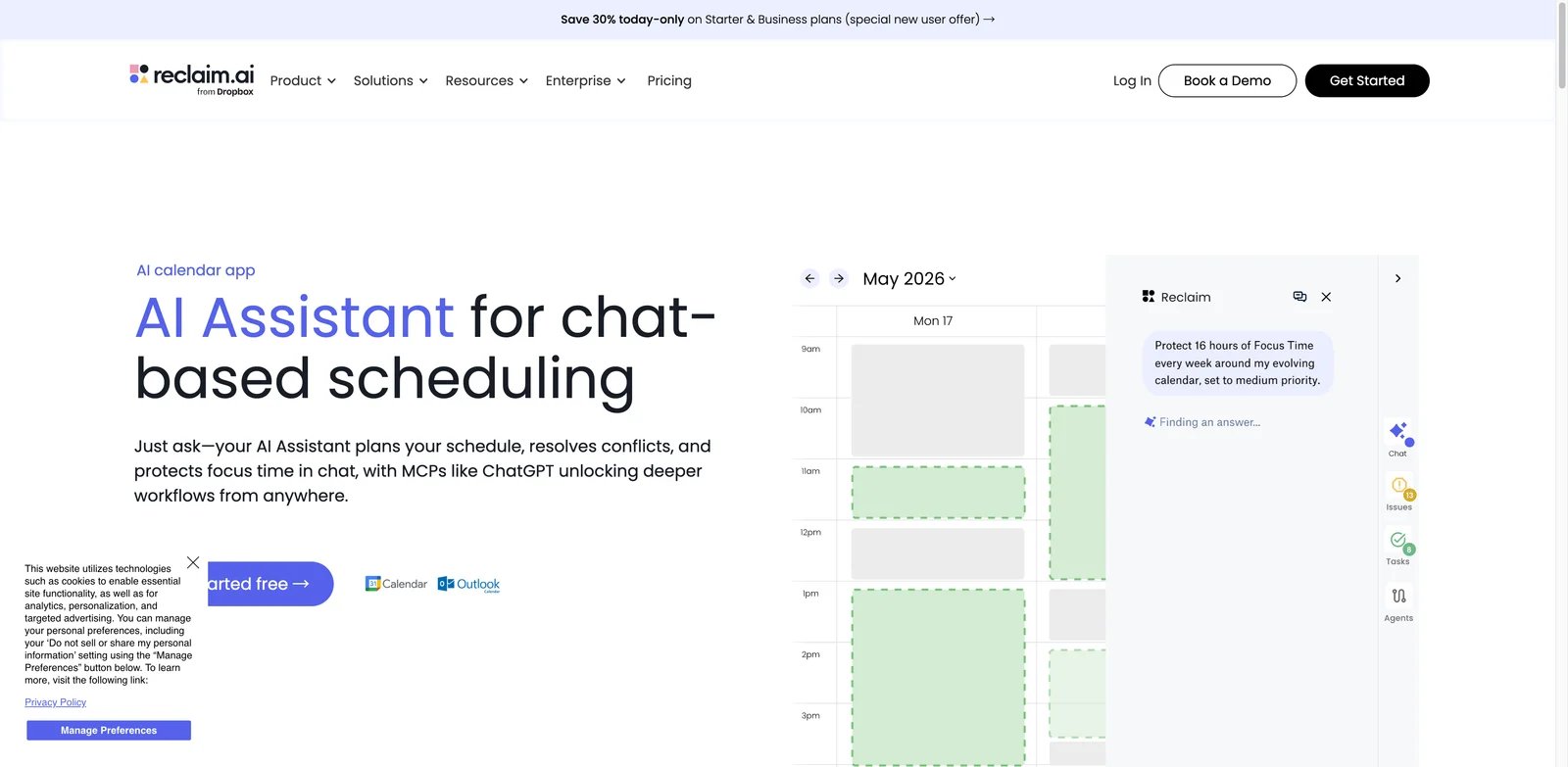
Teams that keep losing focus time need more than a booking link. Reclaim.ai is strongest when your schedule has competing priorities: habits, tasks, buffers, 1:1s, team meetings, and last-minute conflicts. Its current product direction frames these as AI agents for calendar optimization, which makes it a better fit for ongoing calendar defense than one-off appointment booking.
What Stands Out
- Calendar optimization agents: Reclaim can manage focus time, habits, buffer time, smart meetings, and meeting-quality nudges, which helps teams reduce manual calendar maintenance.
- Good value before enterprise procurement: The free plan is usable, and Starter gives small teams a clearer path than quote-only scheduling platforms.
- Work-management context: Integrations with task and collaboration tools help Reclaim schedule work, not just meetings.
Pricing and Cost Notes
Reclaim's current plans are Lite (free), Starter ($12/seat/month monthly or $10/seat/month annually), Business ($18/seat/month monthly or $15/seat/month annually), and Enterprise ($22/seat/month on annual billing; unavailable on monthly billing). The cost question is seat scope: if every teammate needs smart meeting and focus-time controls, the bill becomes a team productivity budget, not a single assistant subscription.
Limitations
Reclaim's strength is calendar optimization, not human-like email negotiation. Users also need to configure priorities carefully; an auto-scheduler that moves flexible blocks without the right rules can feel disruptive. Teams with strict calendar-change policies should pilot with a small group first.
Best For
Choose Reclaim.ai if your main problem is protecting focus time while still scheduling meetings. Not the right fit if you primarily need an email assistant to negotiate times with external guests.
Get started with Reclaim.ai
Toki
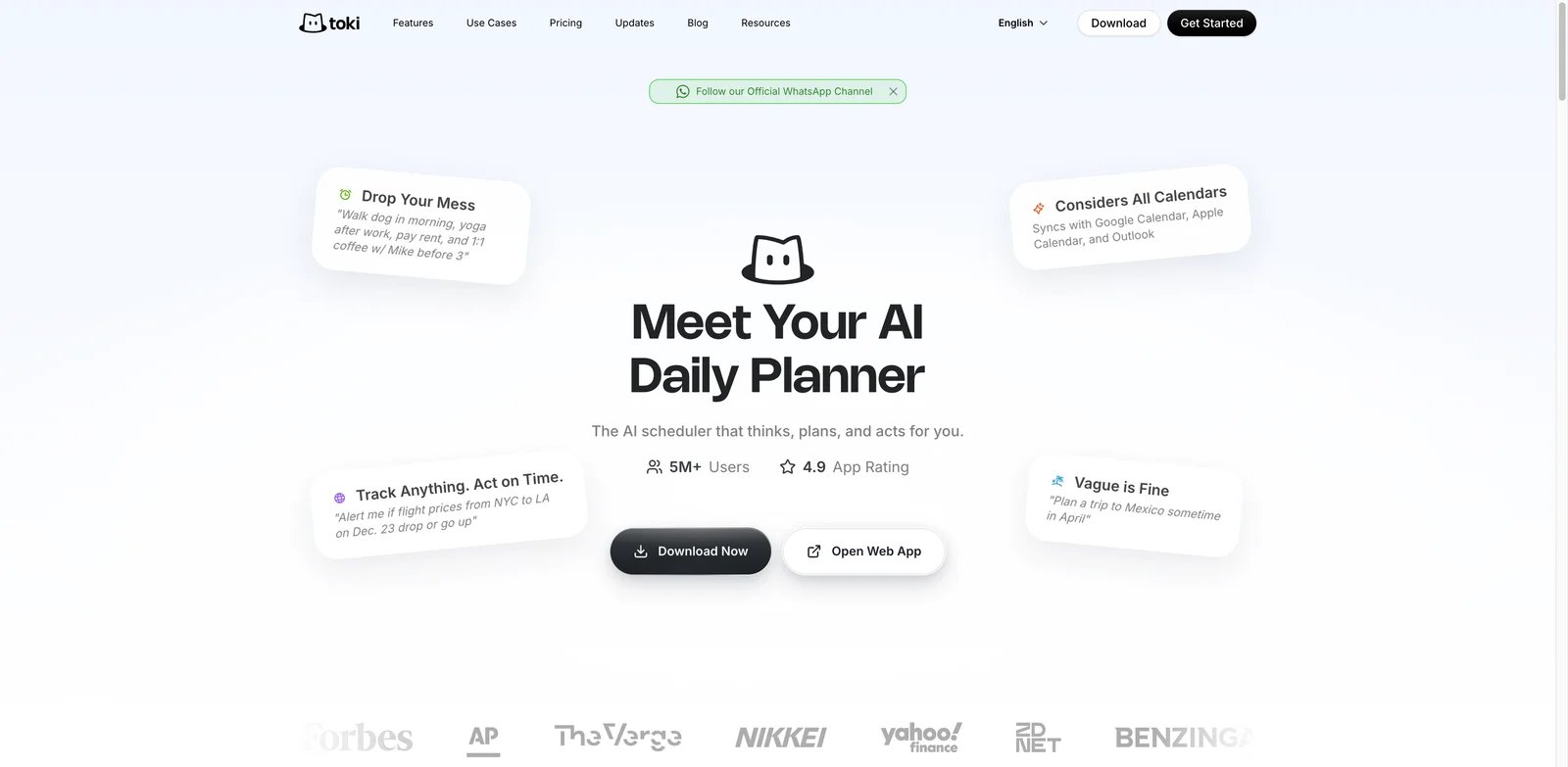
Solo users often do not need an enterprise scheduler. They need a low-cost way to turn calendar chaos into a plan across work, personal time, and multiple calendar accounts. Toki ranks highly because it combines AI calendar assistance, broad calendar coverage, and a low paid entry point, even though it is less specialized for complex meeting negotiation than Skej or Kronologic.
What Stands Out
- Low-cost personal planning: Toki's pricing makes it realistic for students, freelancers, and solo professionals who cannot justify enterprise scheduling software.
- Broad calendar support: Google, Apple, and Outlook coverage helps users who live across personal and work calendars.
- Mobile-friendly workflow: Web plus iOS and Android support matters when calendar repair often happens between meetings.
Pricing and Cost Notes
Toki currently offers Free, Plus at $3.99/month ($35.90/year in the US App Store), and Super at $9.99/month ($83.90/year); the pricing page currently labels the paid offer as a 40% flash sale, so verify the promotion before purchase. That is unusually low in this category. Confirm current plan limits before buying, especially if you need multiple calendar accounts, team scheduling, or high-volume automation.
Limitations
Toki is better for personal calendar management than revenue-team or recruiting coordination. It is not the right tool if you need CRM triggers, interview panel logic, or an assistant that handles long email threads with multiple external participants.
Best For
Choose Toki if you want an affordable AI calendar assistant for everyday planning. Not the right fit if your scheduling pain is external meeting negotiation at team scale.
Get started with Toki
Kronologic
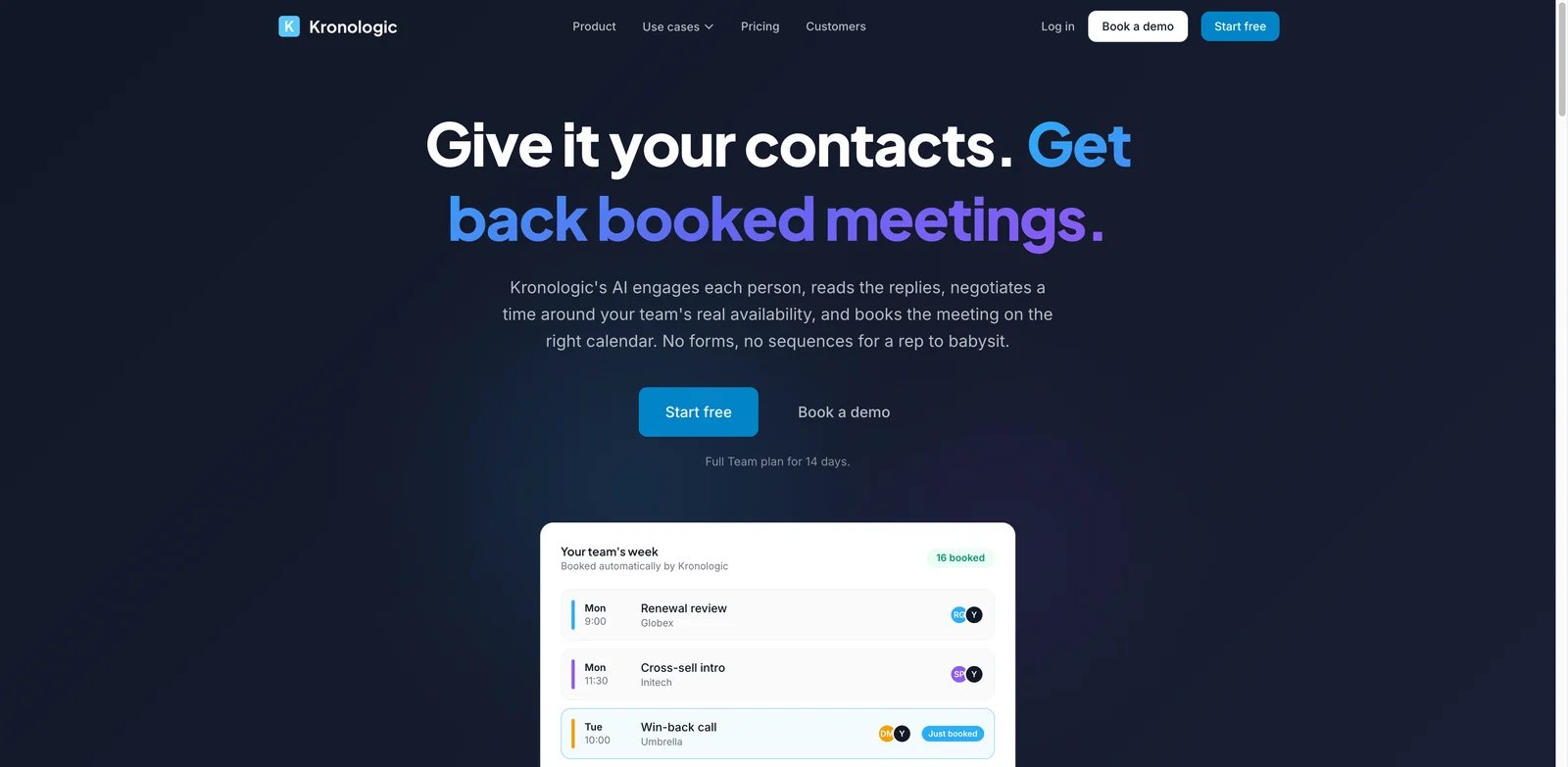
Sales and customer teams do not just need available times; they need meetings booked from live conversations and CRM context. Kronologic is one of the most direct fits for that problem. It is built around moving from booking links to AI that books for you, with stronger relevance for founders, account executives, recruiters, consultants, and customer-facing teams.
What Stands Out
- AI booking workflow: Kronologic can coordinate and book meetings instead of only displaying a scheduling page.
- CRM and revenue context: HubSpot and customer-workflow positioning make it more relevant for pipeline meetings than general calendar apps.
- Clear public pricing: Free, Pro, and Team pricing is easier to evaluate than enterprise-only alternatives.
Pricing and Cost Notes
Kronologic lists Free at $0, Pro at $15/seat/month, Team at $49/seat/month, and Enterprise at custom pricing; annual plans include two months free. The Team plan is where whole customer-base or sales-team workflows become more realistic. Budget by scheduler seat and by the volume of meetings you expect AI to coordinate.
Limitations
Kronologic is less attractive if you only want personal focus-time defense or task auto-scheduling. It also works best when your sales or customer workflow is ready for AI-driven booking; otherwise, the product may feel heavier than a simple calendar assistant.
Best For
Choose Kronologic if meetings are tied to pipeline, recruiting, consulting, or customer workflows. Not the right fit if you want a quiet personal calendar planner.
Get started with Kronologic
Skej
People who hate scheduling links usually want someone else to handle the thread. Skej is built for that handoff. Instead of asking every guest to pick a slot, Skej can coordinate through email, Slack, Microsoft Teams, SMS, and calendar connections. That makes it one of the clearest "AI scheduling assistant" products in this list.
What Stands Out
- Multi-channel coordination: Skej works across email, Slack, Teams, SMS, Google Calendar, and Outlook, which is useful when guests are not all in one system.
- Assistant-style workflow: The value is the back-and-forth handling, not just an availability page.
- Team and customization controls: Pro and Premium tiers add workspace, branding, assistant naming, and more autonomous behavior.
Pricing and Cost Notes
Skej offers a Free plan with limited access and Pro at $19 per user per month monthly, or $15 per user per month annually. Premium is $29 monthly or $23 annually and adds custom assistant features, priority support, and unsupervised BCC mode. Budget for the tier where assistant usage is actually included.
Limitations
The free plan is not enough to evaluate full assistant behavior long term. Skej also depends on users trusting an AI assistant to participate in external scheduling threads. Teams with conservative client-communication policies should define when the assistant may be CC'd or BCC'd.
Best For
Choose Skej if you want an AI assistant to coordinate meetings with other people, not only organize your own calendar. Not the right fit if you only need focus-time optimization.
Get started with Skej
FlowSavvy
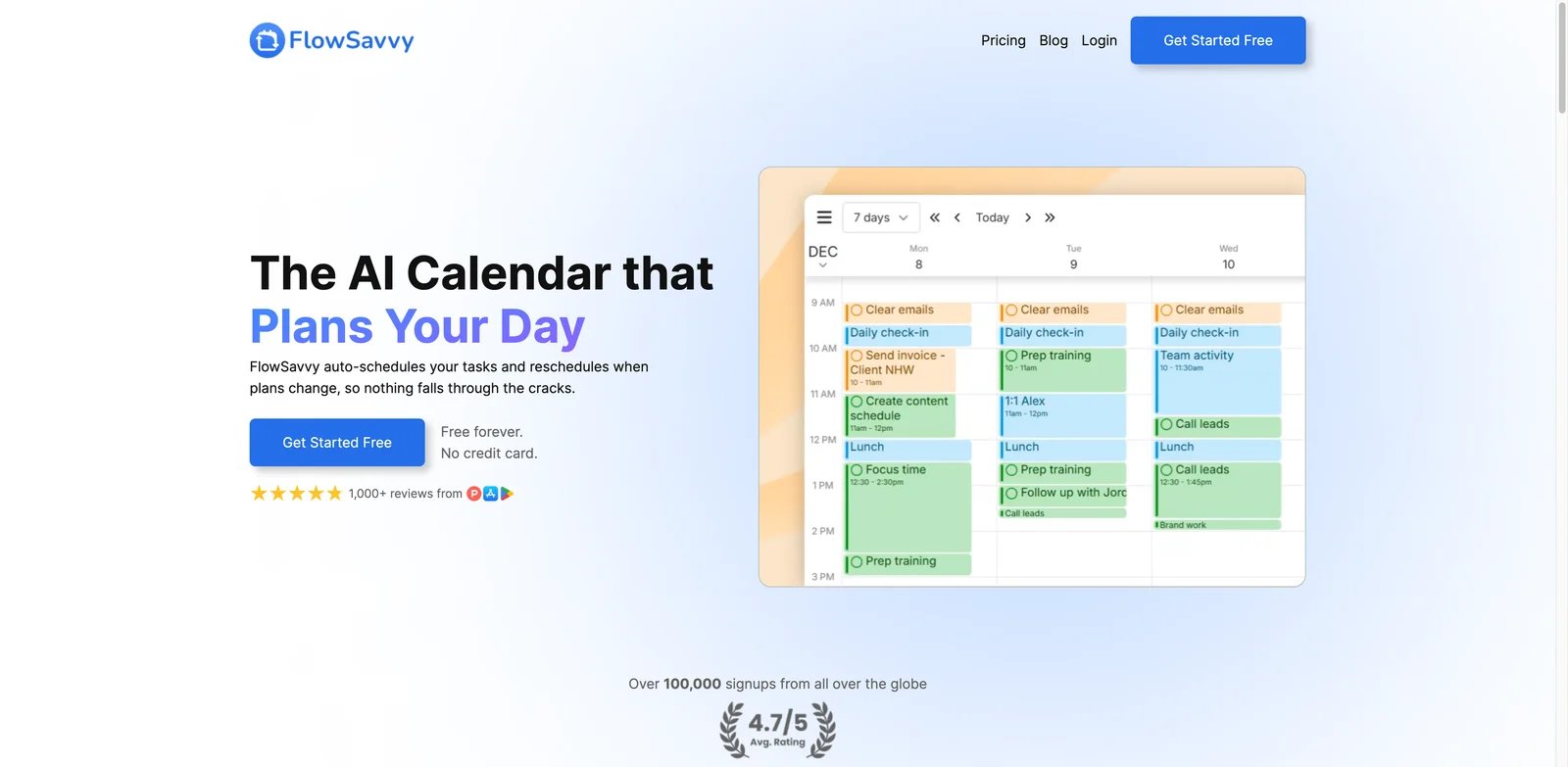
Some schedules fail because meetings change; others fail because tasks never become time blocks. FlowSavvy is best for the second problem. It automatically fits tasks into the calendar, reshuffles the day as priorities change, and works across Google Calendar, Outlook, and iCloud. It is more of an AI day scheduler than an external meeting negotiator.
What Stands Out
- Automatic task scheduling: FlowSavvy turns work into calendar blocks instead of leaving tasks in a separate list.
- Strong personal value: The free plan and $14 monthly Pro price make it a practical option for individuals.
- Multi-calendar support: Google, Outlook, and iCloud support help users who split work and personal calendars.
Pricing and Cost Notes
FlowSavvy offers Basic for free and Pro at $14/month billed monthly or $10/month billed yearly. It is one of the clearer consumer-friendly prices in this category. The main cost question is whether you need meeting coordination, because FlowSavvy's value is strongest around automatic day planning.
Limitations
FlowSavvy is not a replacement for Skej, Kronologic, Clara, or recruiting schedulers when you need to negotiate with other people. It also requires users to trust the system's task durations and priorities; inaccurate inputs create inaccurate schedules.
Best For
Choose FlowSavvy if you want AI to rebuild your day around tasks and fixed events. Not the right fit if your main pain is coordinating external meetings.
Get started with FlowSavvy

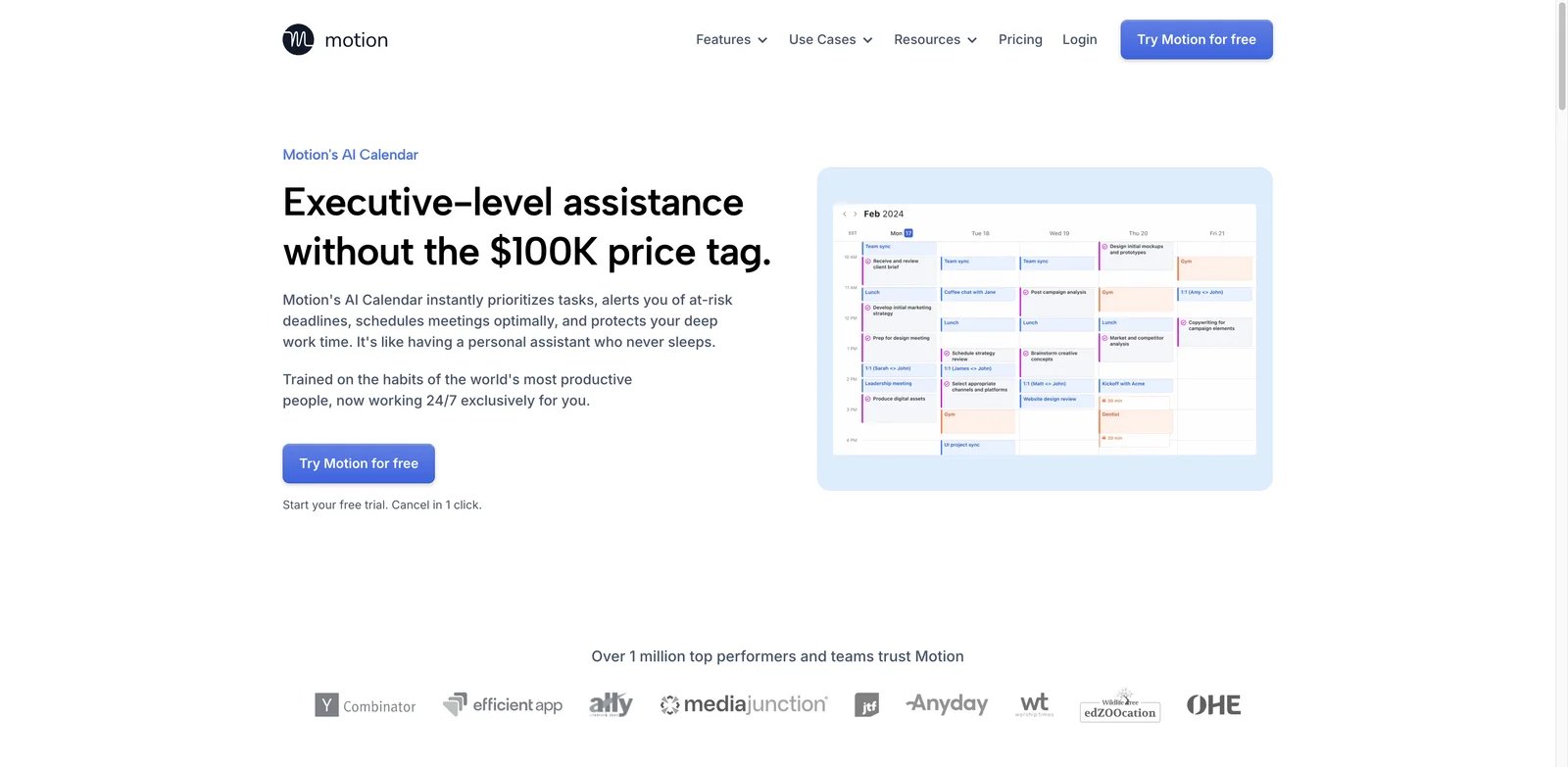
Deadline-driven teams often need tasks and meetings in the same planning system. Motion is built for that buyer. It can schedule tasks into the calendar, react to changes, and help users plan around deadlines. Compared with lighter calendar tools, Motion is more opinionated: it wants to become the system where your day is planned.
What Stands Out
- Task and calendar planning together: Motion is strongest when tasks, projects, deadlines, and meetings all need calendar space.
- Automatic replanning: The tool can adjust schedules when priorities or meetings change.
- Team productivity use case: It can support more than personal time-blocking when teams adopt the workflow.
Pricing and Cost Notes
Motion's current public pricing lists Pro AI at $19 per seat per month and Business AI at $29 per seat per month. Confirm whether that is monthly or annual equivalent pricing for your plan, because Motion pricing and packaging can vary by promotion and team size. Budget for onboarding if multiple teammates need to move tasks into Motion.
Limitations
Motion can feel rigid if users prefer manual calendar control. Public feedback often praises the planning power but raises concerns around price, setup, and whether auto-scheduling matches real working habits. Pilot with representative calendars before rolling it out team-wide.
Best For
Choose Motion if you want one AI system to plan tasks and calendar time together. Not the right fit if you only need a lightweight assistant to book meetings.
Get started with Motion
Morgen
People with several calendars usually lose time before the first meeting is even booked. Morgen is strongest as a cross-platform calendar command center. It supports desktop, browser, mobile, Google Calendar, Outlook, and iCloud, making it useful for consultants, founders, operators, and remote workers who need one reliable planning surface.
What Stands Out
- Cross-platform calendar hub: Morgen covers more operating systems and calendar sources than many browser-only tools.
- Multi-calendar planning: It is useful when work, personal, client, and family calendars all affect real availability.
- Automation without abandoning the calendar: Morgen sits close to calendar planning rather than forcing a full project-management migration.
Pricing and Cost Notes
Morgen's individual plan is $30/month billed monthly or $15/month billed yearly; Team is $25/seat/month billed monthly or $10/seat/month billed yearly, with a two-seat minimum. That is higher than low-cost personal planners but reasonable if it replaces several calendar utilities. Confirm which AI and scheduling features are included in your target plan.
Limitations
Morgen is not primarily a sales or recruiting scheduler. It is also less compelling if you use only one Google Calendar and do not need desktop or multi-calendar depth.
Best For
Choose Morgen if calendar fragmentation is your main problem. Not the right fit if you need an assistant to negotiate meeting threads for you.
Get started with Morgen
Lindy
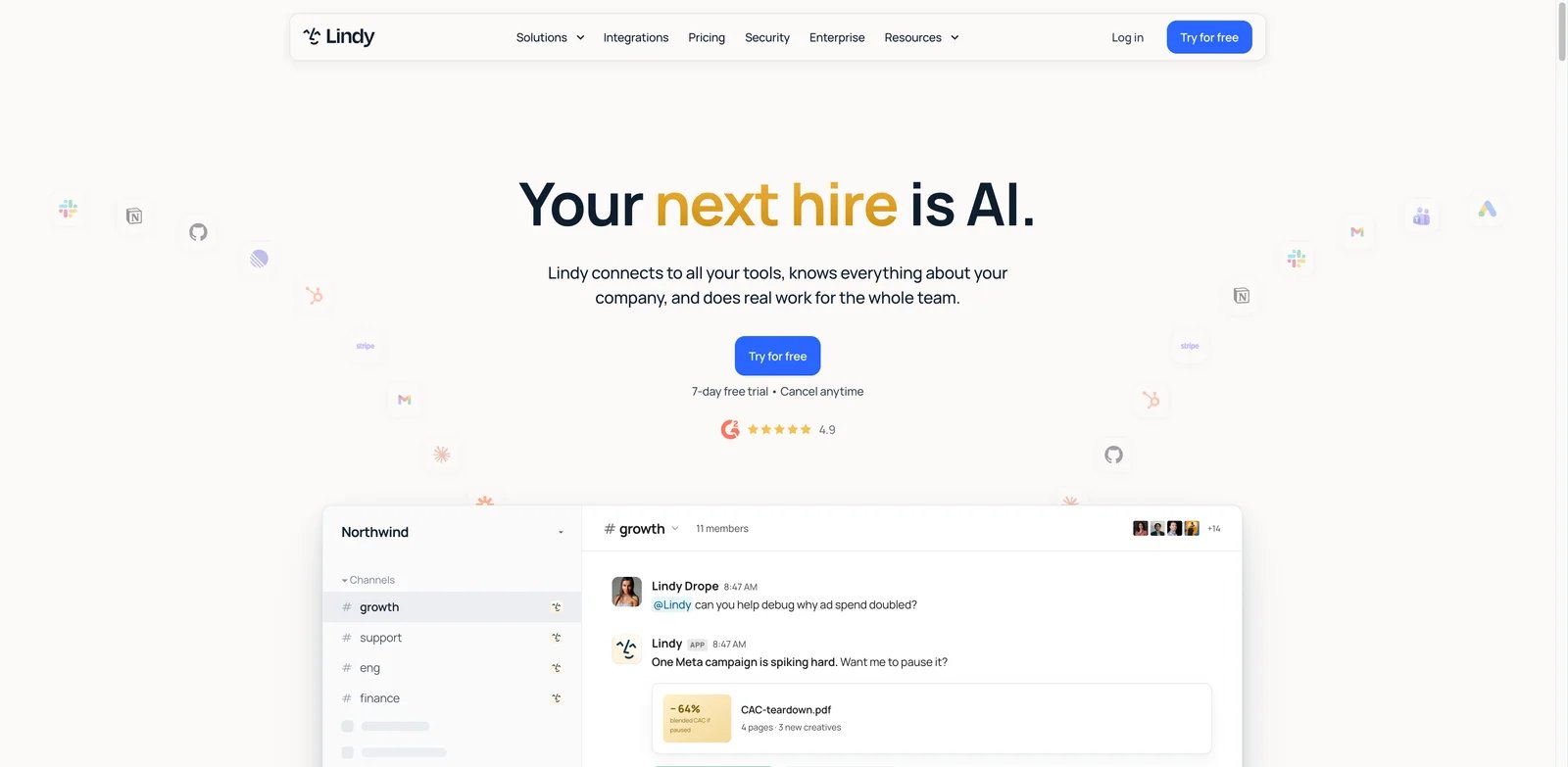
Some teams do not want a dedicated scheduling product; they want scheduling as one action inside a larger AI workflow. Lindy fits that use case. It can combine email, calendar, Slack, and other app actions so scheduling becomes part of a broader agent process: qualify a lead, prepare a meeting, book time, and follow up afterward.
What Stands Out
- Agent workflow breadth: Lindy can connect scheduling with research, email, CRM-style updates, and follow-up tasks.
- High innovation fit: It is closer to an AI operations layer than a standalone calendar helper.
- Good for custom processes: Teams can build workflows around their specific sales, recruiting, or executive-assistant needs.
Pricing and Cost Notes
Lindy lists Plus at $29.99/user/month, Pro at $99.99/user/month, Max at $199.99/user/month, and Enterprise via sales. The real budget depends on usage credits and how many paid users rely on the system. Treat it like an AI operations subscription, not just a calendar tool.
Limitations
Lindy is more flexible than a dedicated scheduler, which also means more design work. If all you need is "find a time and send the invite," Skej, Clara, Kronologic, or calprep may be simpler.
Best For
Choose Lindy if scheduling is part of a larger agentic workflow. Not the right fit if you want a narrow calendar app with minimal setup.
Get started with Lindy
calprep
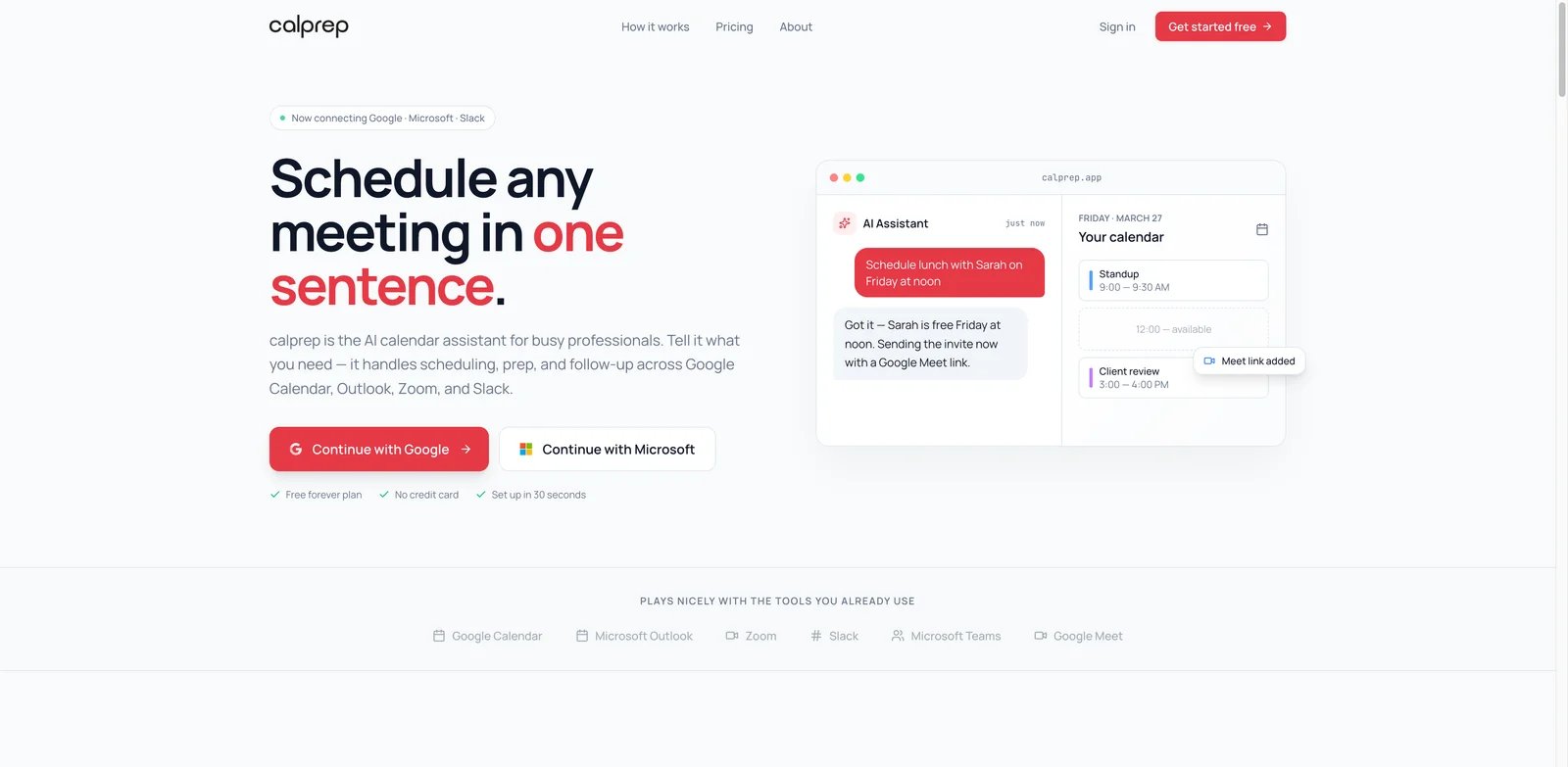
Calendar-heavy users often need both scheduling and context. calprep is useful because it combines chat-based calendar commands, booking pages, meeting prep, team availability, and integrations with Zoom, Slack, Teams, and Google Meet. It is a strong fit when you want an assistant inside the calendar surface instead of a separate project-management system.
What Stands Out
- Chat-based scheduling: Users can ask for calendar actions in natural language instead of manually assembling each meeting.
- Meeting prep plus coordination: The product combines scheduling with meeting preparation and document upload support on paid tiers.
- Clear simple pricing: Free to start and Pro at a public monthly price make evaluation straightforward.
Pricing and Cost Notes
calprep lists a Free plan and Pro at $15 per month, or $10 per month billed annually. The Free plan includes limits such as AI questions, connected calendars, and booking pages, while Pro unlocks unlimited AI questions, connected calendars, booking pages, Slack integration, custom branding, and priority support.
Limitations
calprep is newer than some established calendar tools, and independent public feedback is thinner. It may also be less proven for enterprise controls or high-volume recruiting workflows.
Best For
Choose calprep if you want a calendar-native AI assistant with chat commands and transparent pricing. Not the right fit if your company requires deep ATS, CRM, or enterprise procurement workflows.
Get started with calprep
Vimcal
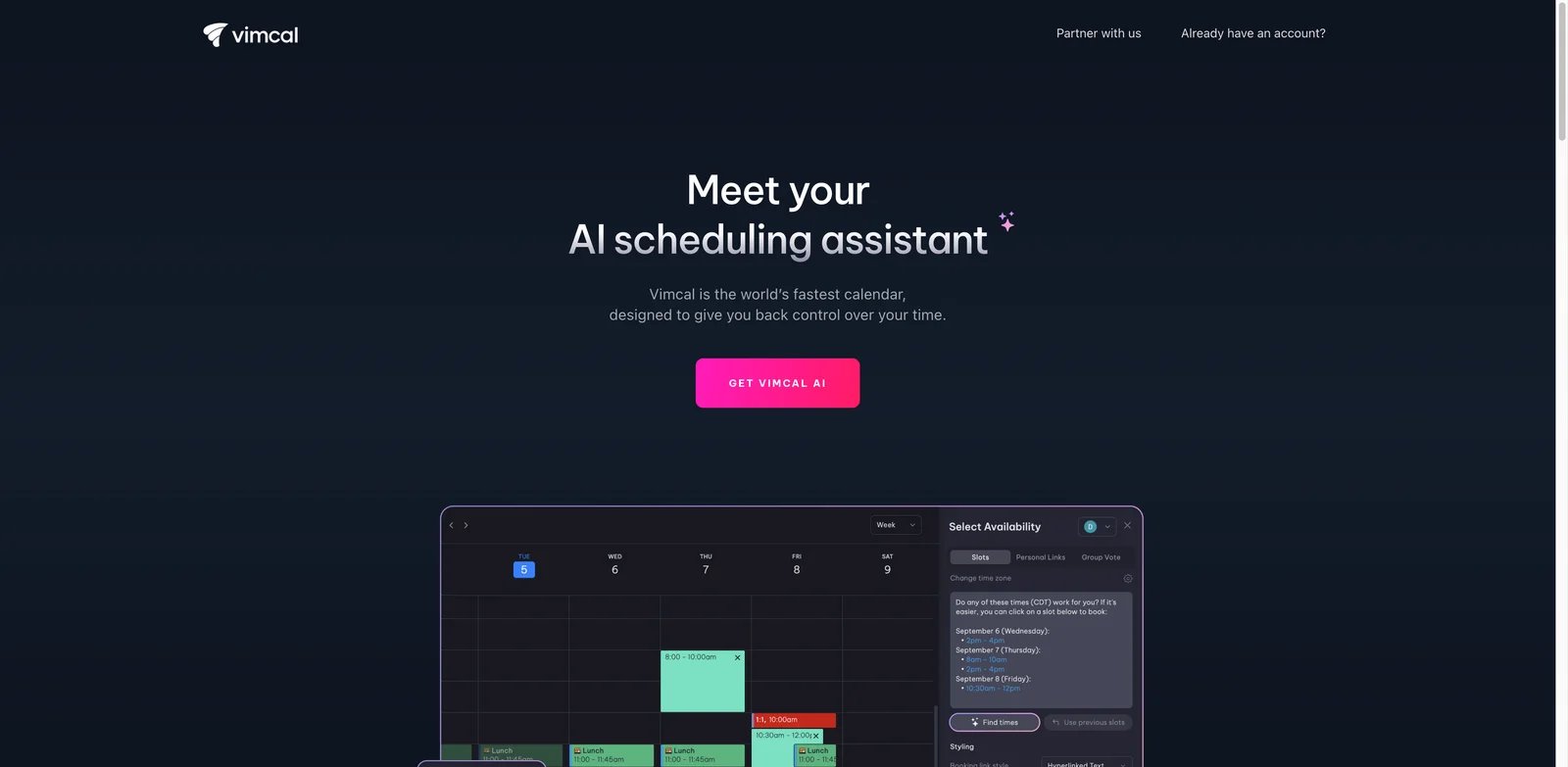
Executives, assistants, founders, and operators often care about calendar speed more than automation scope. Vimcal is built around fast calendar work and adds AI scheduling assistance, availability parsing, and a polished experience. It is less of an autonomous email agent than Clara or Skej, but it can be a strong daily calendar command center.
What Stands Out
- Fast calendar UX: Vimcal is designed for high-frequency calendar users who need speed and keyboard-friendly workflows.
- AI availability and scheduling help: AI features support turning availability and meeting intent into calendar actions.
- Professional operator fit: It is especially relevant for people who actively manage complex calendars every day.
Pricing and Cost Notes
Vimcal offers iOS Only for free, iOS & Desktop at $20/month or $16.67/month on yearly billing, and a separate Vimcal EA tier at $75/month or $62.50/month on yearly billing; Enterprise is sales-led. Confirm current desktop, browser, and AI feature access before buying, because the best value depends on which platform you use most.
Limitations
Vimcal is not the cheapest personal AI calendar and not the most autonomous meeting negotiator. It works best for users who want to stay hands-on but faster, not for teams trying to remove human scheduling entirely.
Best For
Choose Vimcal if your calendar is high-volume and speed matters. Not the right fit if you want broad team automation or CRM-based booking.
Get started with Vimcal
Pin
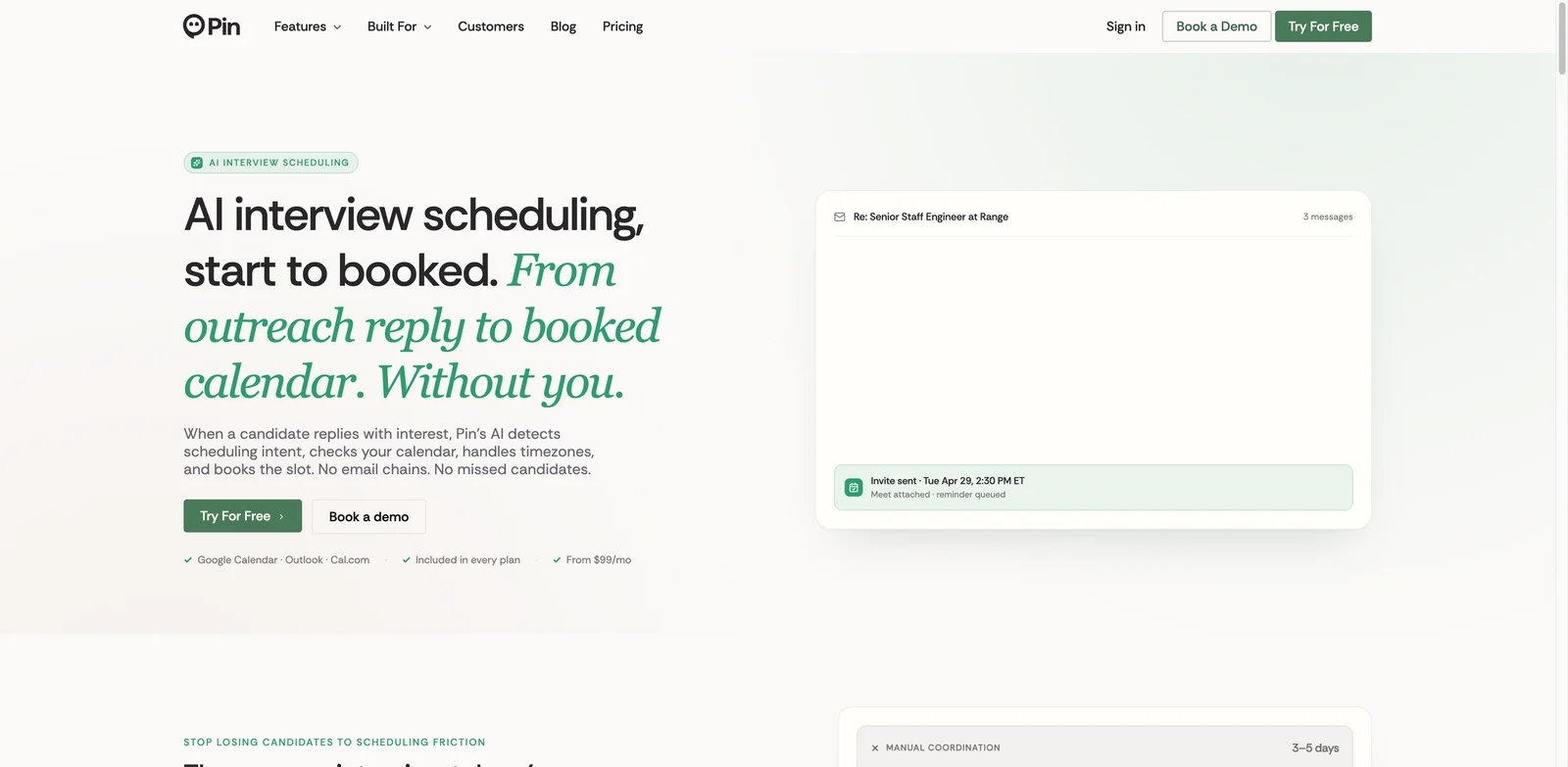
Recruiting teams have a different scheduling problem from solo professionals. Interviews involve candidate preferences, hiring-manager calendars, panel availability, reschedules, and sometimes multiple loops. Pin is purpose-built for that workflow, using AI interview scheduling to interpret replies, coordinate panels, and reduce manual recruiting operations.
What Stands Out
- Recruiting-specific scheduling: Pin focuses on interview coordination instead of general calendar optimization.
- Panel and reschedule handling: The product is designed for the messy parts of hiring coordination, not just single-person meetings.
- High user feedback signal: Public review signals in the research pass were stronger than many newer AI schedulers.
Pricing and Cost Notes
Pin has a Free plan; Solo is advertised from $99 per user per month with annual billing, Professional is shown at $135 per user per month billed annually, and Business uses custom pricing. That makes it a recruiting operations purchase rather than a casual personal calendar tool. Compare cost against coordinator hours saved, candidate response speed, and interview-loop volume.
Limitations
Pin is too specialized for general productivity scheduling. If you do not run recurring interview loops, Reclaim, Skej, calprep, or Motion will likely be a better fit.
Best For
Choose Pin if your biggest scheduling problem is interview coordination. Not the right fit if you only need personal day planning or sales meeting booking.
Get started with Pin
calen
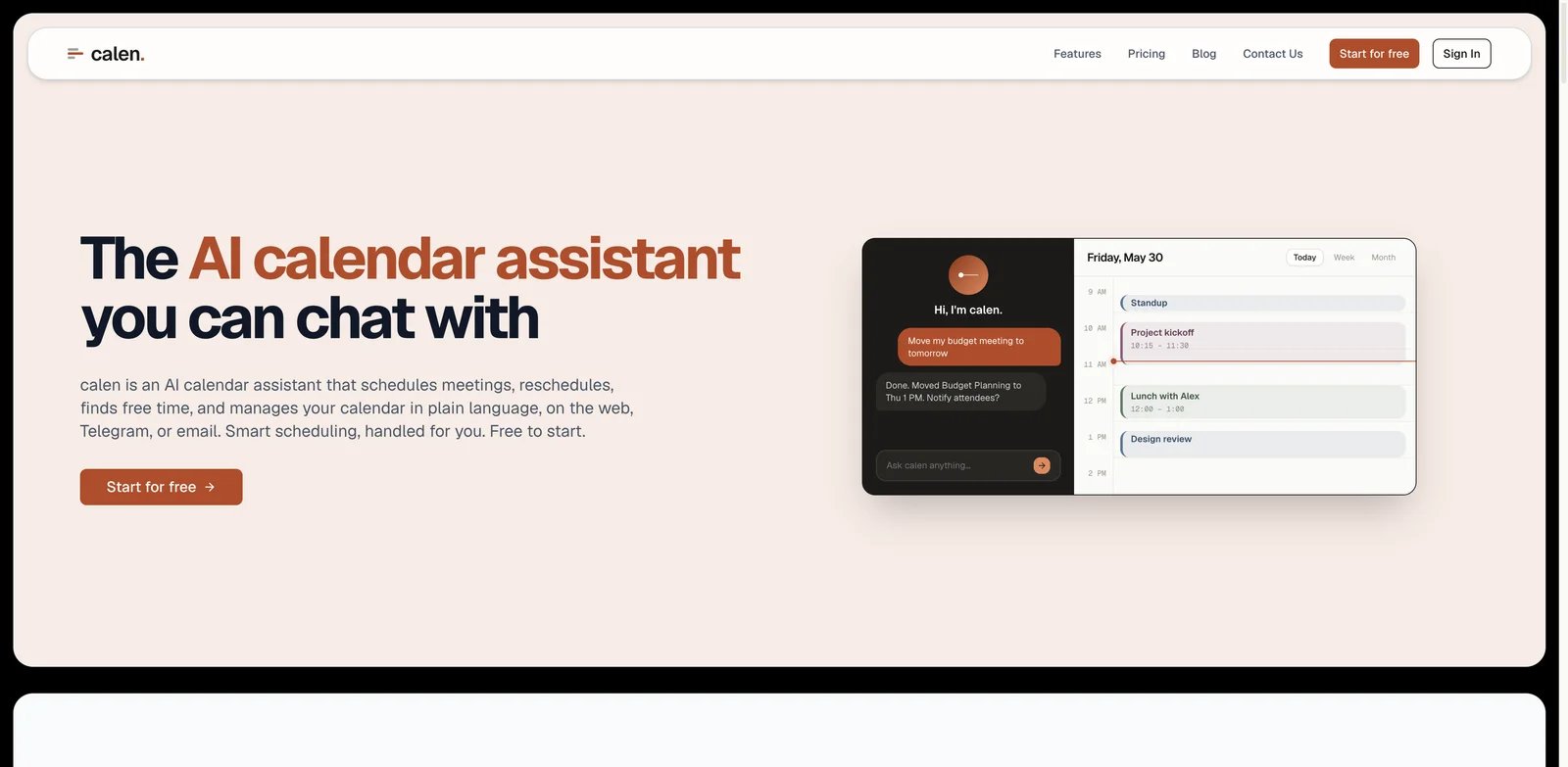
Budget-conscious users often want the "tell my calendar what to do" experience without paying enterprise prices. calen is a natural-language calendar agent with Web, Telegram, email, and Google Calendar support. It is not as mature across every calendar ecosystem, but the low price and direct AI scheduling concept make it worth shortlisting.
What Stands Out
- Natural-language calendar actions: calen is built around asking the assistant to schedule rather than navigating every calendar field.
- Messaging entry points: Telegram and email support make it more accessible than browser-only tools for some users.
- Low paid price: Pro at $9 per month gives it one of the clearest budget positions in this list.
Pricing and Cost Notes
calen lists Free at $0/month, Pro at $9/month, Teams at $15/user/month with a three-seat minimum but marked Coming Soon, and Enterprise via contact sales. Verify whether the currently available plan includes the calendars, commands, and integrations you need. Low price is attractive, but only if the supported calendar ecosystem matches your daily workflow.
Limitations
calen's Outlook and iCal depth was weaker than mature cross-calendar products in the research pass. Independent public feedback was also limited, so evaluate it with a real week of scheduling before moving critical meetings.
Best For
Choose calen if you want an inexpensive natural-language assistant for Google Calendar. Not the right fit if you need proven enterprise controls or deep Microsoft calendar support.
Get started with calen
candidate.fyi
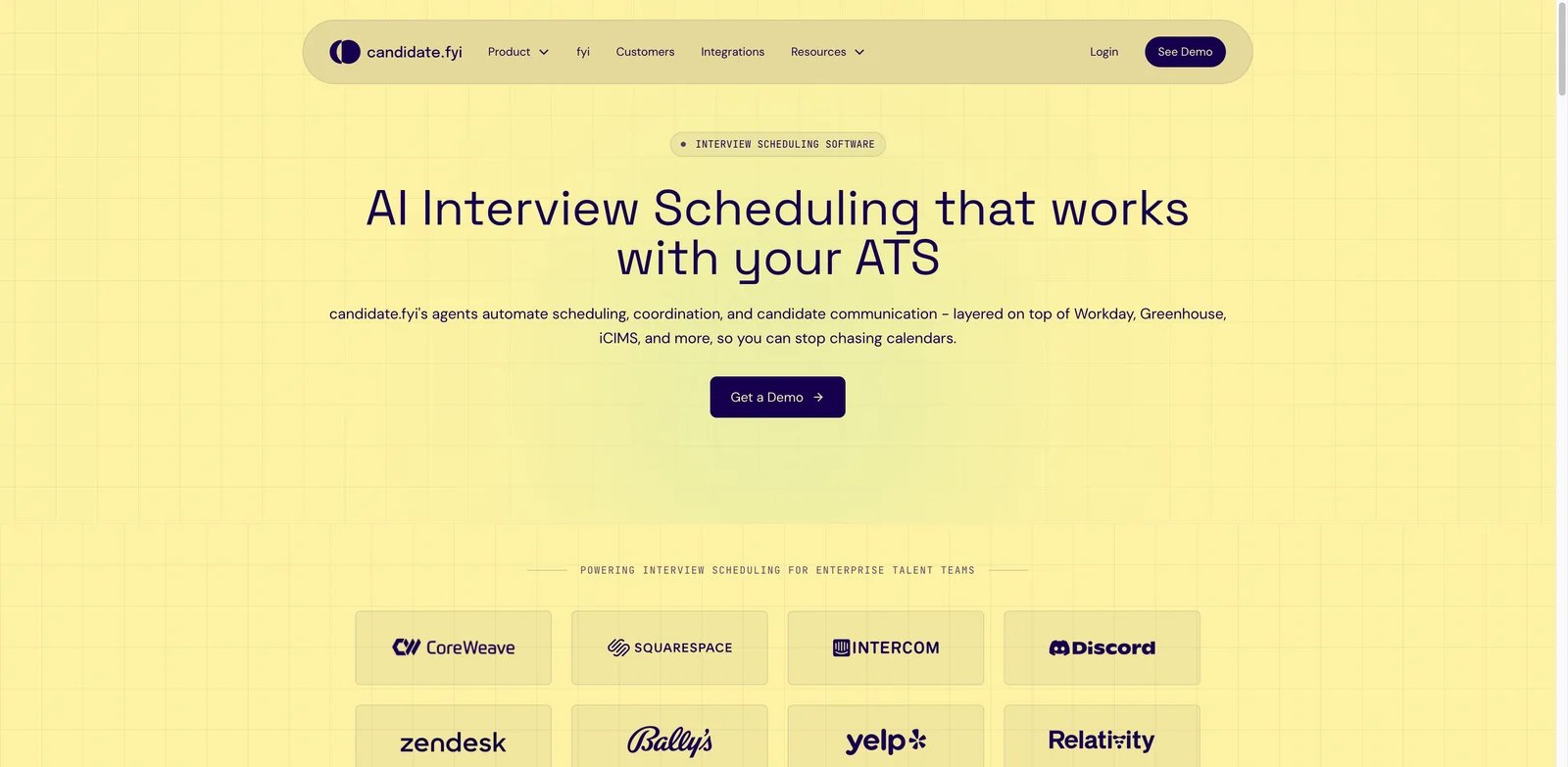
Recruiting teams do not just book time; they manage candidate expectations. candidate.fyi is strongest when scheduling is part of candidate experience, coordinator workflow, and interview-loop operations. Its multi-agent approach can coordinate calendars, panels, and escalations, making it more relevant to hiring teams than general personal productivity users.
What Stands Out
- Candidate-centric scheduling agents: The product focuses on candidate coordination rather than generic calendar management.
- Calendar and ATS workflow fit: Google, Outlook, and recruiting workflow support make it relevant for hiring operations.
- Complex interview-loop support: candidate.fyi is positioned for panels, loops, and real-time coordination issues.
Pricing and Cost Notes
Public pricing was not disclosed in the research pass. Treat this as a sales-led recruiting platform until proven otherwise. Ask for meeting volume assumptions, coordinator-seat costs, ATS integration requirements, implementation effort, and candidate-communication controls before signing.
Limitations
Quote-only pricing is the main buying risk. It is also too specialized for personal calendar use. Companies without structured interview loops will not get the same value as hiring teams with high scheduling volume.
Best For
Choose candidate.fyi if candidate experience and interview coordination are strategic priorities. Not the right fit if you need a low-cost personal scheduler.
Get started with candidate.fyi
Fyxer
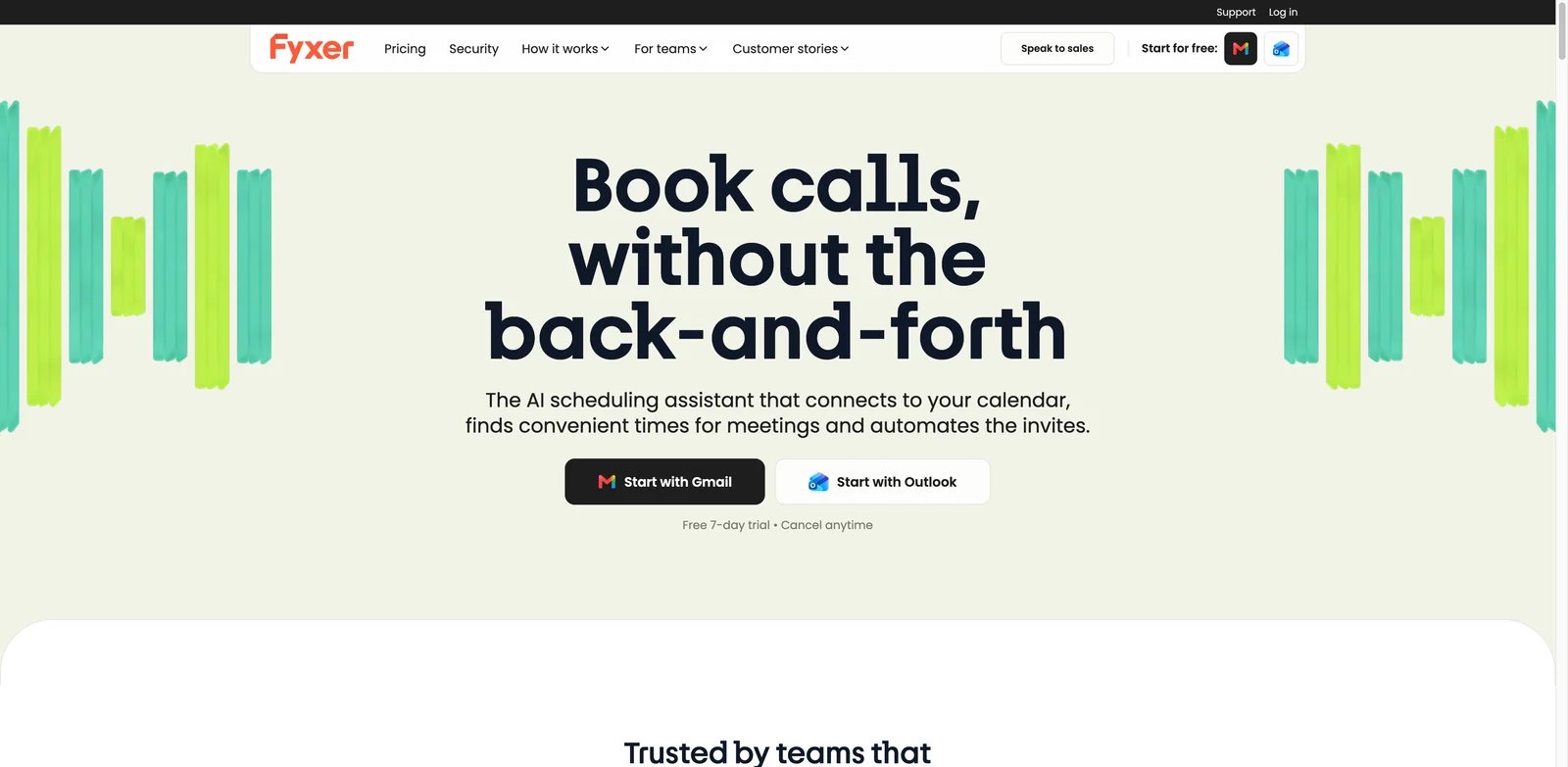
Executives often need scheduling handled inside the same email threads where priorities are being negotiated. Fyxer is an email-first assistant that can support scheduling, inbox triage, drafts, and calendar context. It is not the cheapest option, but it fits buyers who want scheduling connected to executive communication instead of a standalone calendar app.
What Stands Out
- Email-first scheduling: Fyxer is useful when meeting coordination happens inside live inbox threads.
- Executive workflow context: The broader inbox assistant positioning makes it relevant for prioritization and follow-up, not only booking.
- Google and Outlook support: It can fit both major business email ecosystems.
Pricing and Cost Notes
Fyxer lists Starter at $30/user/month ($22.50/user/month billed annually), Professional at $50/user/month ($37.50/user/month billed annually), and Enterprise at bespoke pricing; team scheduling is listed on Professional, not Starter. Confirm current packaging, because Fyxer's scheduling value depends on which plan includes the calendar features, inbox controls, and assistant depth you need.
Limitations
Fyxer costs more than most personal calendar tools and may be overkill if you only need simple booking links. Public feedback was more mixed than the highest-ranked tools, so evaluate the assistant's tone, reliability, and calendar permissions carefully.
Best For
Choose Fyxer if executive inbox and calendar handling belong in one workflow. Not the right fit if you want the lowest-cost calendar optimizer.
Get started with Fyxer
GoodTime
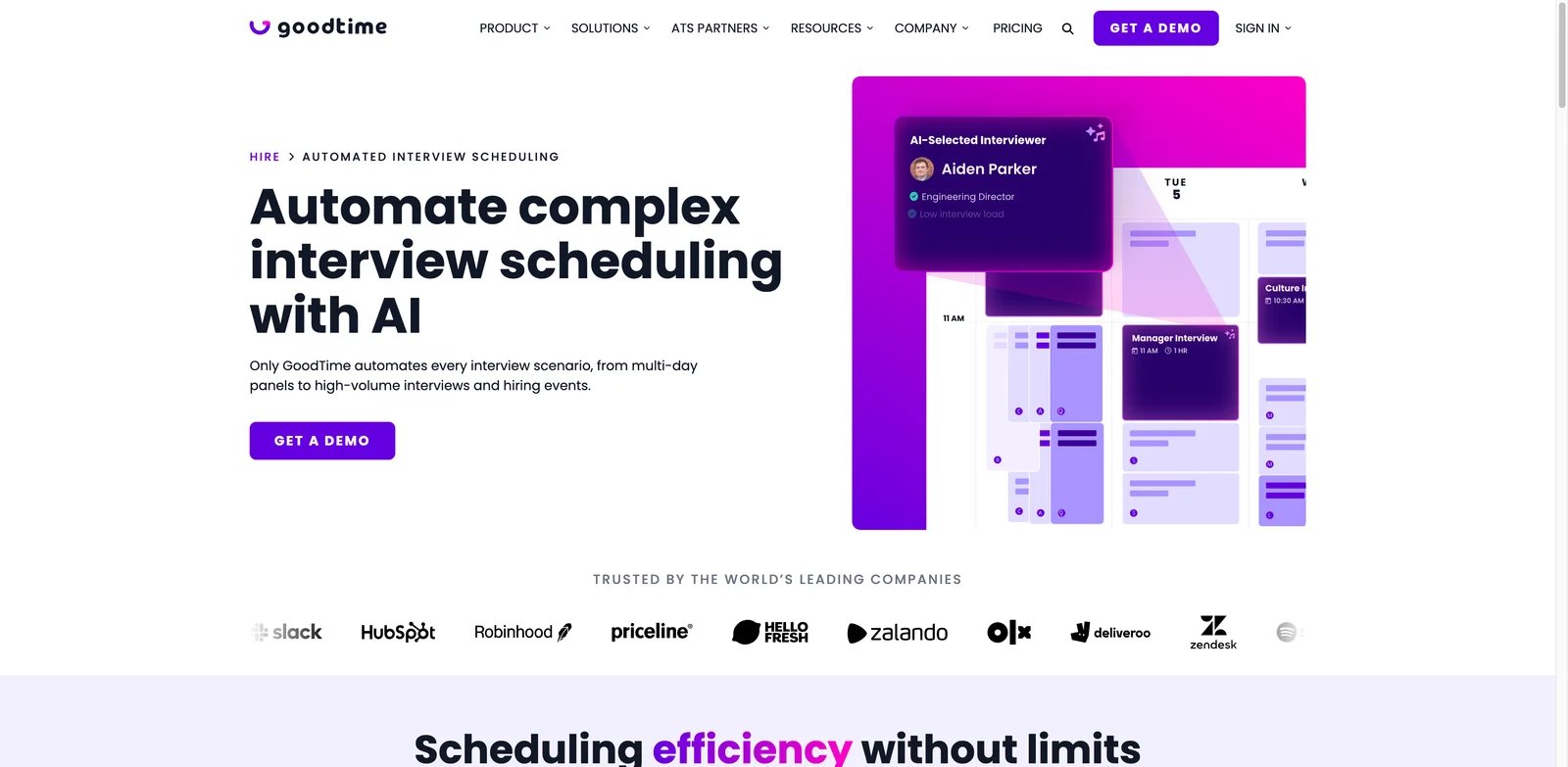
Large recruiting teams need scheduling reliability more than a clever personal planner. GoodTime is one of the strongest products for automated interview scheduling, especially when hiring workflows involve many stakeholders, candidate journeys, coordinator handoffs, and ATS integration. It belongs on enterprise recruiting shortlists even though pricing is not public.
What Stands Out
- Deep interview scheduling: GoodTime is built for hiring operations, not generic meeting links.
- Enterprise workflow fit: It can support ATS and recruiting ecosystem requirements that personal schedulers do not cover.
- Mature recruiting feedback: Public review signals showed stronger market maturity than many newer AI scheduling products.
Pricing and Cost Notes
GoodTime pricing was not publicly disclosed during the research pass. Expect a sales-led purchase. Ask for implementation timeline, ATS integration scope, coordinator seats, candidate-volume assumptions, and support commitments. Do not compare it directly with $10 personal calendar tools; compare it against recruiting operations cost.
Limitations
The lack of public pricing makes early budgeting harder. GoodTime is also not designed for freelancers or small teams that simply want an AI calendar assistant.
Best For
Choose GoodTime if interview scheduling is a recurring operational bottleneck at hiring scale. Not the right fit if you need personal scheduling or sales booking.
Get started with GoodTime
Clara
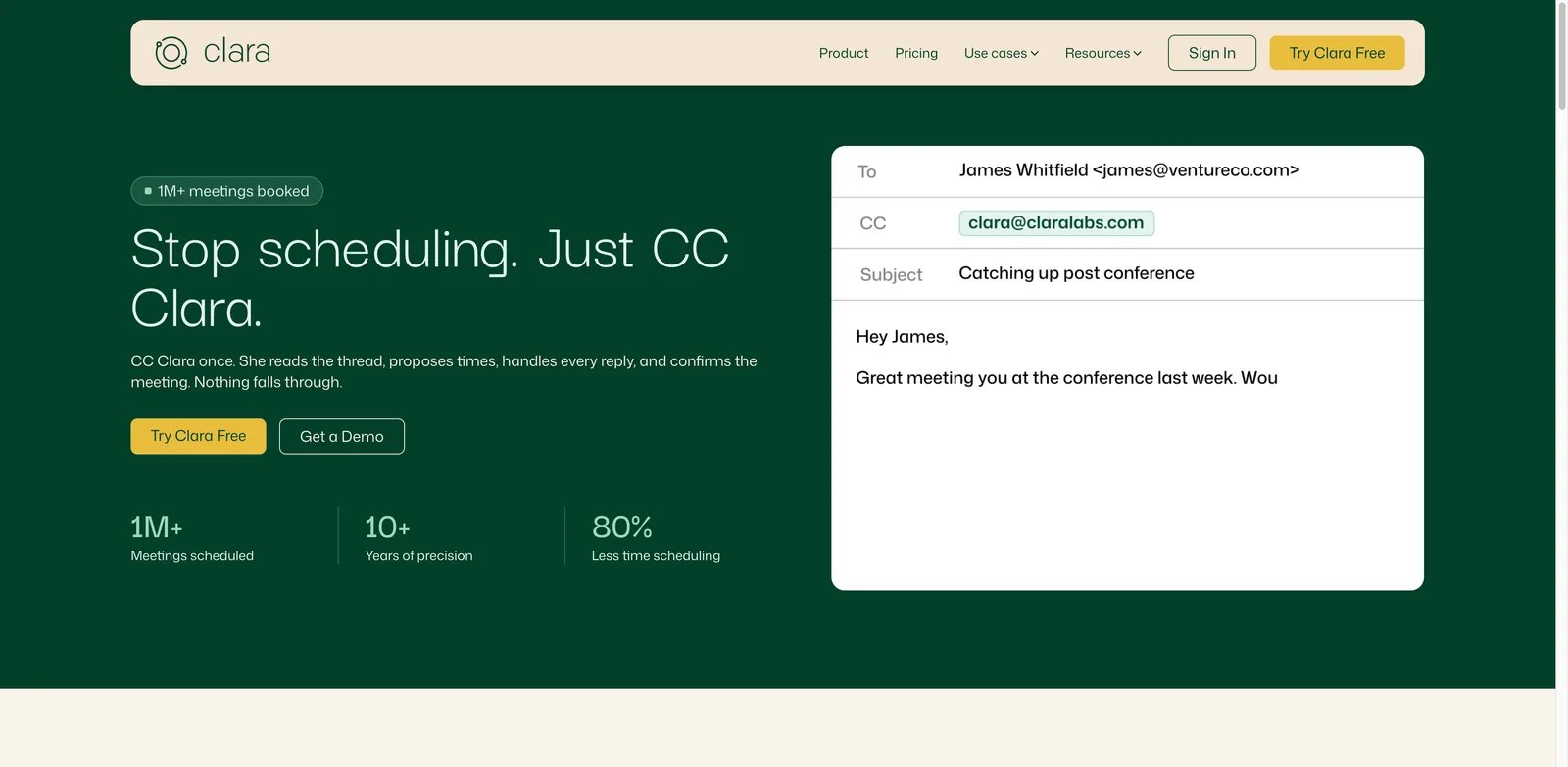
Some professionals do not want another calendar interface at all. They want to CC an assistant and have the meeting booked. Clara is a classic email-first scheduling assistant: it can coordinate through threads, handle group scheduling, work with Google and Outlook, and book meetings while preserving a human-like workflow for invitees.
What Stands Out
- Email thread coordination: Clara absorbs the back-and-forth instead of pushing guests to a booking page.
- Privacy-positioned AI workflow: Public pricing material states that no human reads user emails and that models are not trained on customer data.
- High-touch scheduling fit: It is especially relevant for executives, consultants, investors, founders, and recruiters who schedule frequently.
Pricing and Cost Notes
Clara offers a free 14-day trial with 5 meetings and Standard at $80 per month for 30 meetings. Enterprise is sales-led for high-volume schedulers. That price is high for a casual user but can be rational if it replaces several hours of weekly scheduling work.
Limitations
The meeting limit matters. If you exceed 30 meetings often, you need Enterprise pricing clarity. Clara is also not a task auto-scheduler; it handles meeting coordination, not daily project planning.
Best For
Choose Clara if you want autonomous email scheduling without forcing invitees through booking links. Not the right fit if you need cheap personal calendar optimization or task scheduling.
Get started with Clara
Best AI Scheduling Assistant Tools by Use Case
For knowledge workers trying to protect focus time
If meetings constantly invade deep-work blocks, start with Reclaim.ai, Motion, or FlowSavvy. Reclaim.ai is the strongest team-friendly focus-time option because it manages habits, buffers, smart meetings, and calendar quality. Motion is better if tasks and deadlines need to be planned into the same calendar. FlowSavvy is the budget-friendly personal pick when task auto-scheduling matters more than meeting negotiation.
For people who want meeting threads handled for them
If the real pain is "does Tuesday work?" back-and-forth, prioritize Skej, Clara, Fyxer, or Kronologic. Skej is the clearest multi-channel AI scheduler, Clara is strongest for email-first executive scheduling, Fyxer adds broader inbox context, and Kronologic fits revenue teams that want booked meetings connected to customer workflows.
For recruiting teams coordinating interviews
If scheduling affects candidate experience, compare Pin, candidate.fyi, and GoodTime first. Pin has clearer public price signals, candidate.fyi emphasizes multi-agent coordination, and GoodTime is the enterprise-style option for complex interview loops. These tools are overbuilt for personal productivity but valuable when coordinator time and candidate drop-off are expensive.
For multi-calendar operators
If your main issue is fragmented calendars rather than external coordination, start with Morgen, Vimcal, Reclaim.ai, or Toki. Morgen gives the broadest cross-platform calendar hub, Vimcal is strong for high-speed calendar work, Reclaim.ai is better when priority rules matter, and Toki is the low-cost personal option.
For teams building custom AI workflows
If scheduling is only one step inside sales, support, recruiting, or executive operations, Lindy deserves a separate evaluation. It can connect calendar actions to broader agent workflows, but it requires more design than a dedicated scheduling assistant. Use it when you want the AI to do more than find a meeting time.
How to Choose the Right AI Scheduling Assistant
Start with the job, not the word "AI." If you need focus-time protection, evaluate Reclaim.ai, Motion, FlowSavvy, and Morgen. If you need people to stop emailing time slots back and forth, compare Skej, Clara, Fyxer, and Kronologic. If the workflow is recruiting-specific, skip general calendar apps and look at Pin, GoodTime, or candidate.fyi.
Next, map the tool to your calendar ecosystem. Google-only workflows can consider calen and many lower-cost options. Outlook-heavy teams should verify Microsoft support carefully. Multi-calendar users should test Morgen, Toki, Vimcal, Reclaim.ai, or Skej with both work and personal calendars before paying.
Then decide how much autonomy is acceptable. Some users want AI to suggest better times; others want it to create, move, and negotiate meetings. The more autonomy you allow, the more you should test permissions, audit logs, cancellation behavior, guest messaging, and how the tool handles edge cases.
Finally, compare cost against the real bottleneck. A $4 personal planner and an enterprise recruiting scheduler solve different problems. Public pricing is enough for solo tools, but quote-only recruiting and sales platforms need a proof of concept, sample workflows, and a clear estimate of coordinator hours saved.
Frequently Asked Questions
What is the best AI scheduling assistant overall?
Which AI scheduling assistant is best for Google Calendar?
Which AI scheduling assistant works best with Outlook?
Are AI scheduling assistants safe to give calendar access to?
What is the difference between an AI calendar assistant and an AI meeting scheduler?
Which AI scheduling assistant is best for recruiting?
Is there a good free AI scheduling assistant?
Should I use an AI scheduling assistant or a normal booking link?
Get ToolWorthy Weekly
New AI tools, practical guides, and selected AI signals in one weekly brief.
Related Posts
- 16 Best AI Email Assistant Tools 2026 - Gmail, Outlook & Teams
Compare 16 AI email assistant tools for Gmail, Outlook, shared inboxes, writing, triage, follow-ups, pricing and team workflows.
- 16 Best AI Chrome Extensions in 2026 — Tested for Real Browser Workflows
We installed 30+ AI Chrome extensions and kept the 16 that survived real daily use. Real pricing, permissions notes, and where each one actually wins.
- 20 Best AI Apps 2026 — From ChatGPT to Niche Powerhouses
We evaluated 30+ AI apps across chat, code, design, video, music, and search — here are 20 that actually deliver, with real pricing and honest limitations.
For AI tool founders
Built a tool that belongs in this decision set?
Request an editorial evaluation for possible inclusion in ToolWorthy.
Submit your tool for reviewPaid submission does not guarantee a ranking, recommendation, inclusion, or editorial outcome.