
10 Best AI Diagram Generators 2026 - Flowcharts & UML
Compare 10 AI diagram generator tools for flowcharts, UML, ERDs, architecture maps, whiteboards, documentation handoff, privacy, and pricing fit.
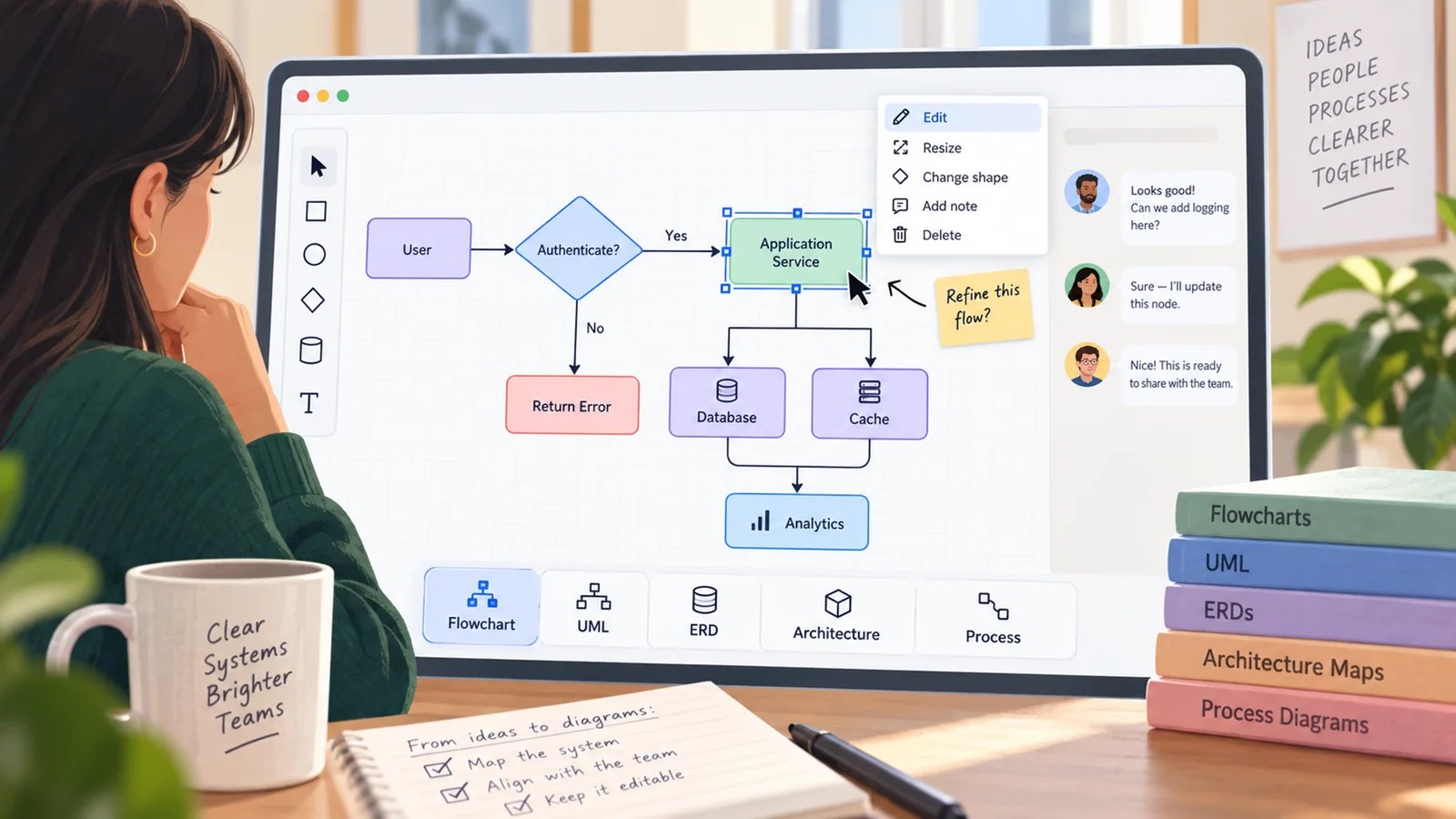
On this page
You do not need another canvas that can draw a box. You need a diagram that survives the next handoff: a user flow the product team can edit, a sequence diagram engineers can version, an ERD that does not lose meaning in Confluence, or a process map an operations lead can explain without rebuilding it from scratch. The best AI diagram generator is the one that turns messy input into a diagram your team can still inspect, revise, export, and trust.
This guide compares 10 AI diagram generator tools for flowcharts, UML, ERDs, architecture maps, mind maps, technical documentation, and collaborative whiteboarding. We checked official product pages, pricing pages, help docs, the current SERP, the ToolWorthy AI diagram generator directory, and adjacent ToolWorthy coverage such as AI data visualization tools. The goal is not to crown one universal winner. It is to show which product fits your diagram type, team workflow, privacy constraints, and budget.
| Tool | Best For |
|---|---|
| Lucid AI | Teams that want AI inside a mature Lucidchart diagramming suite |
| Eraser | Engineering teams creating architecture diagrams and docs from prompts |
| Whimsical AI | Product teams turning rough ideas into clean flowcharts and maps |
| D2 | Developers who want open-source diagram-as-code workflows |
| Excalidraw | Fast sketch-style diagrams, workshops, and low-friction collaboration |
| draw.io | Privacy-conscious teams that want free diagrams and flexible storage |
| Microsoft Visio | Microsoft-standardized organizations needing enterprise diagram control |
| PlantUML | Developers documenting UML and sequence diagrams in text files |
| Miro | Cross-functional teams using a whiteboard as the collaboration hub |
| Diagramming AI | Users who want prompt, URL, and image-to-diagram generation in one focused app |
How We Selected and Tested
ai-diagram-generator tool pool, then filtered for products with enough public evidence to support a buyer comparison. The list mixes native-AI products with adjacent non-AI-native options: D2 and PlantUML are diagram-as-code engines, while Microsoft Visio is an enterprise diagramming suite. Treat those three as adjacent alternatives rather than direct prompt-to-diagram AI generators in the tables and recommendations below. Tools that mainly generate dashboards, infographics, raster artwork, or mind maps without a broader diagramming workflow were treated as adjacent categories rather than direct picks.Our research used official feature pages, pricing pages, help centers, public documentation, and current SERP evidence. We also checked for duplicate ToolWorthy ownership before drafting: this article does not replace the category page, which remains the browsable landscape. This page is the decision layer, with sharper tradeoffs around diagram type, editability, exports, collaboration, privacy, AI credits, and rollout risk. If your actual need is metrics dashboards rather than process or system diagrams, start with our AI dashboard generators comparison instead.
Evaluation dimensions:
- Diagram fit - Whether the tool handles flowcharts, UML, ERDs, architecture maps, mind maps, or process diagrams well.
- Editability - Whether generated output remains editable as shapes, diagram code, or reusable source files.
- Workflow handoff - How easily diagrams move into docs, repos, Confluence, Jira, Microsoft 365, presentations, or client deliverables.
- AI cost clarity - Whether public pricing, AI credits, usage caps, or overage rules are clear enough to model.
- Governance and privacy - Whether the tool supports local work, chosen storage, SSO, enterprise controls, or open-source review.
Testing scope: This is a public-evidence comparison, not a private benchmark of every paid tier. Prices, AI quotas, and model access can change quickly, so recheck each vendor's pricing page before buying an annual plan. We penalized vague pricing and avoided unsupported performance claims.
Top 10 AI Diagram Generator Tools Compared
The key split is not "AI vs no AI." It is whether you want a visual whiteboard, a code-native file, an enterprise suite, or a small dedicated generator. Whiteboard tools are easier for workshops. Diagram-as-code tools are better for repos and technical docs. Enterprise suites are stronger for governance. Focused AI apps can be faster, but their export and credit limits matter more.
| Tool | Best For | Diagram Strength | Editing Model | Pricing Watchout |
|---|---|---|---|---|
| Lucid AI | Enterprise diagramming and Lucidchart users | Flowcharts, processes, systems | Visual editor | Full value needs paid Lucid plans |
| Eraser | Technical architecture and engineering docs | ERDs, sequence, cloud, flowcharts | Canvas plus diagram-as-code | AI credits and API overages |
| Whimsical AI | Product and planning flows | Flowcharts, mind maps, wireframes | Visual workspace | Extra AI credits may be needed |
| D2 | Repo-friendly software diagrams | Architecture diagrams | Text-to-diagram DSL | Studio/TALA licensing is separate |
| Excalidraw | Quick sketch diagrams | Rough flows and wireframes | Sketch canvas | Plus price not clearly public on marketing page |
| draw.io | Free, private, storage-flexible diagrams | Broad general diagramming | Visual editor and XML files | Atlassian apps are separate paid products |
| Microsoft Visio | Microsoft 365 diagram governance | BPMN, UML, org, network, data diagrams | Enterprise visual editor | AI is less central than suite fit |
| PlantUML | UML-as-code documentation | UML, sequence, class, activity | Plain text source | GPL/default license requires review |
| Miro | Workshop diagrams and shared boards | Flowcharts, ERDs, UML, mind maps | Collaborative canvas | AI credits are plan-limited |
| Diagramming AI | Dedicated prompt-to-diagram work | Mermaid, PlantUML, Graphviz, D2, Excalidraw | Code plus visual editors | Credit limits define scale |
Detailed Reviews

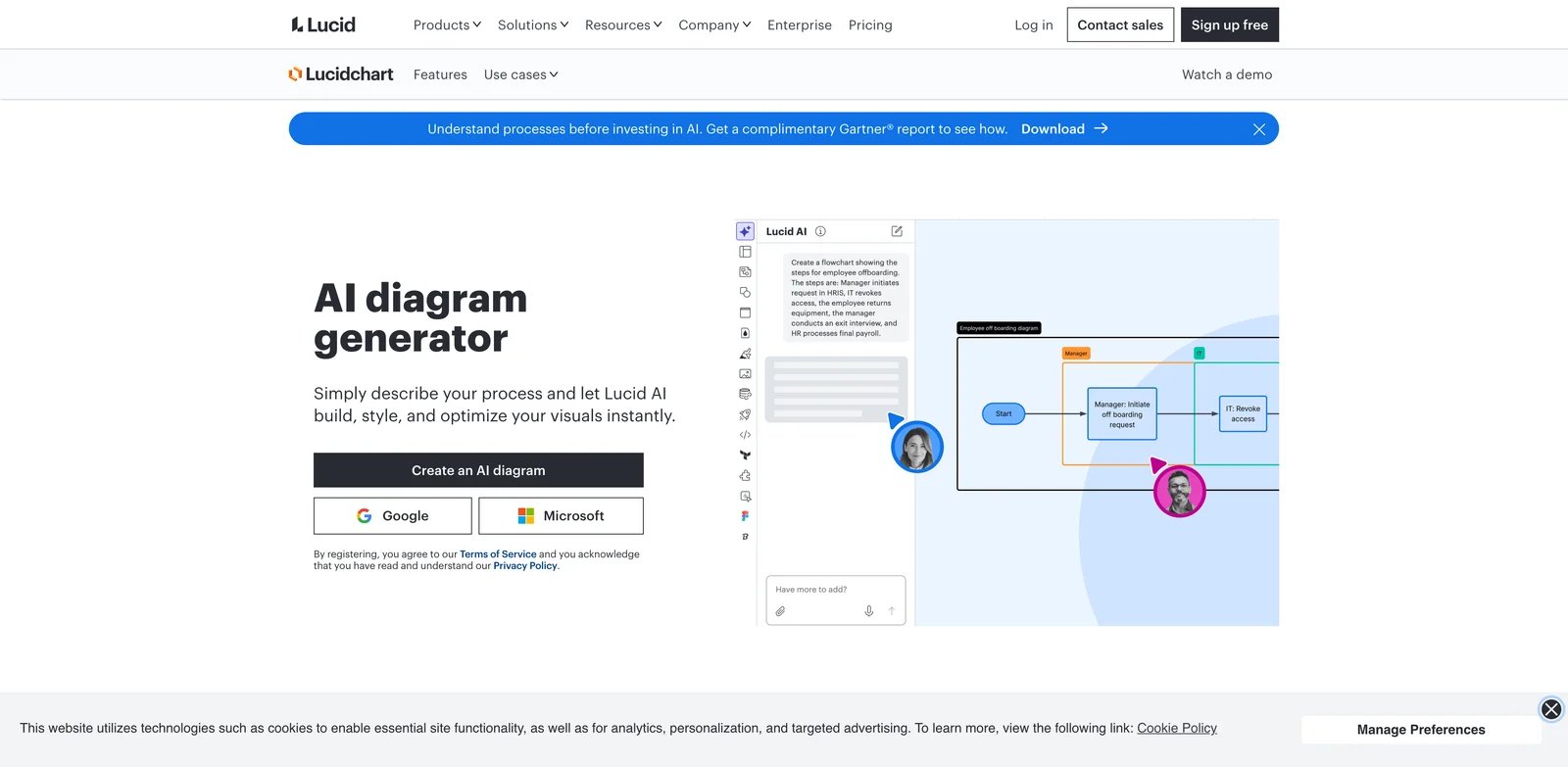
Enterprise teams often fail at diagramming because the diagram becomes another disconnected artifact. Lucid AI is strongest when the organization already treats Lucidchart and Lucidspark as a shared visual system. It can generate diagrams and boards, improve prompts, and keep the result inside a mature editor with templates, integrations, storage controls, and enterprise account management.
Key Features
- AI diagram generation in Lucidchart: Lucid's Help Center lists "generate diagram or board" across Free, Individual, Team, and Enterprise plan columns, which makes AI a native feature rather than a separate add-on app.
- Mature visual editing: Generated diagrams land in Lucidchart, where teams can refine shapes, connectors, templates, and presentation-ready structure.
- Enterprise collaboration controls: Team and Enterprise plans add the administrative and collaboration layer that larger organizations need for shared diagrams.
- Lucid ecosystem breadth: Lucidchart, Lucidspark, and the broader visual collaboration suite work better for teams that need more than a single technical diagram.
Pricing & Plans
Lucid offers Free, Individual, Team, Enterprise, and FedRAMP plan paths. The official Lucidchart trial page lists a 7-day trial and Individual at $9/month plus tax after the trial. Team and Enterprise pricing should be checked inside Lucid's current pricing or sales flow because public availability can vary by region and account path.
Limitations
Lucid AI is not the cheapest path if you only need a few repo-friendly diagrams. It also keeps work inside Lucid's visual workspace, which is excellent for business collaboration but less ideal if your engineering team wants diagrams reviewed as text in pull requests.
Best For
Choose Lucid AI if your company already uses Lucidchart, needs polished visual diagrams, and wants AI generation inside an enterprise-ready diagramming suite. Not the right fit if your top requirement is free local diagram-as-code.
Get started with Lucid AI

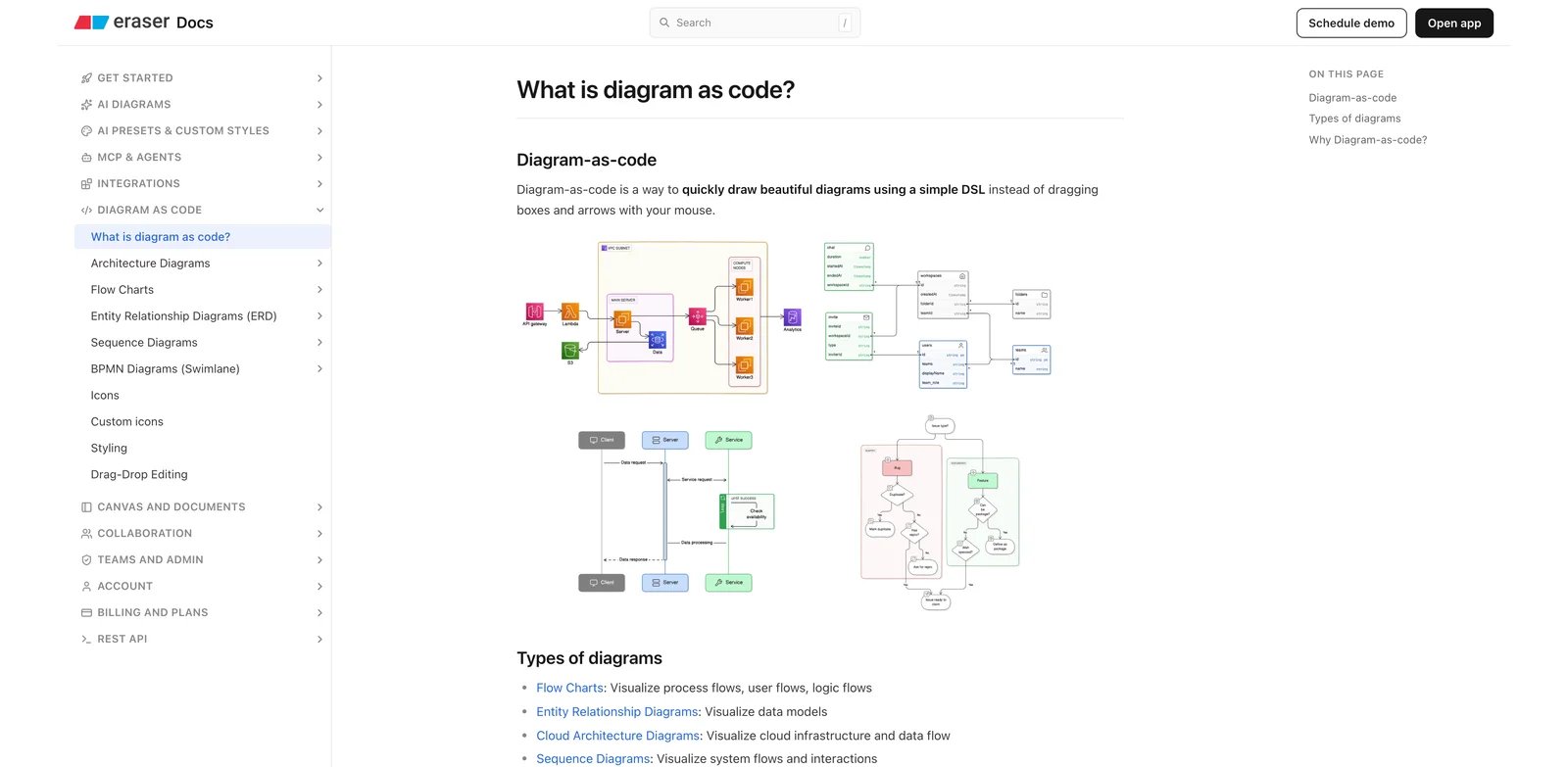
Engineering diagrams break down when the visual and the technical source drift apart. Eraser is built for teams that want AI to create architecture diagrams, ERDs, sequence diagrams, cloud diagrams, and flowcharts while still preserving a developer-friendly editing path. Its strongest advantage is the pairing of AI diagrams with diagram-as-code, Markdown notes, and integrations into engineering documentation tools.
Key Features
- AI diagrams plus code editing: Eraser can generate diagrams from prompts and then let users refine them manually or through diagram-as-code.
- Technical diagram coverage: Sequence diagrams, ERDs, cloud architecture diagrams, and flowcharts fit better here than in many generic whiteboard tools.
- Docs-oriented workspace: Markdown notes, GitHub, Notion, Confluence, and VS Code integrations make Eraser useful for engineering documentation rather than just meetings.
- Usage controls for scale: Paid plans include larger AI credit pools, while usage-based pricing can extend beyond plan limits with admin-set spend caps.
Pricing & Plans
Eraser lists Free at $0/member/month with limited files and AI diagrams, Starter at $15/member/month billed annually or $20 monthly, Business at $45/member/month billed annually or $60 monthly, and Enterprise as custom pricing. Usage-based overages are separate: Eraser documents AI credits at $60 per 100 credits and API calls at different rates depending on endpoint.
Limitations
Eraser is best when the audience accepts technical syntax and docs workflows. Product managers can use it, but a team that mostly wants polished workshop canvases may prefer Miro, Whimsical, or Lucid. Heavy AI/API usage also needs quota modeling; the base plan price is not the full story.
Best For
Choose Eraser for engineering teams creating documentation-ready technical diagrams from prompts, specs, or code-like descriptions. Not the right fit if you need a broad visual collaboration suite for non-technical workshops.
Get started with Eraser


Product teams usually do not need a perfect UML diagram; they need a clean first draft that makes a messy conversation visible. Whimsical AI is a strong fit for user flows, process maps, mind maps, wireframes, and lightweight planning diagrams because it keeps AI generation inside a fast, readable visual workspace.
Key Features
- AI inside planning workflows: Whimsical's AI features support flowcharts, mind maps, wireframes, and docs-style planning instead of limiting users to one diagram type.
- Low-friction collaboration: The product is easier for product managers, designers, and workshop facilitators than code-first tools.
- Workspace pricing clarity: Whimsical documents editor-based plans and explains that subscriptions apply to a workspace, with each editor billed.
- AI credits included: Every plan includes AI credits, and extra credits can be purchased when usage grows.
Pricing & Plans
Whimsical lists Free, Pro, and Business. Free includes unlimited private files, 3 collaborative boards, and 10 AI credits. Pro costs $12/editor monthly or $120/editor annually. Business costs $24/editor monthly or $240/editor annually and adds security and admin controls such as SAML SSO and SCIM provisioning.
Limitations
Whimsical is less suited to strict enterprise architecture documentation or code-reviewed diagrams. It is also not where you should standardize if your team needs deep UML semantics, self-hosted rendering, or file-based diagram governance.
Best For
Choose Whimsical AI when product, design, education, or operations teams need readable flows and maps quickly. Not the right fit if your engineering team requires diagram source files in Git.
Get started with Whimsical AI
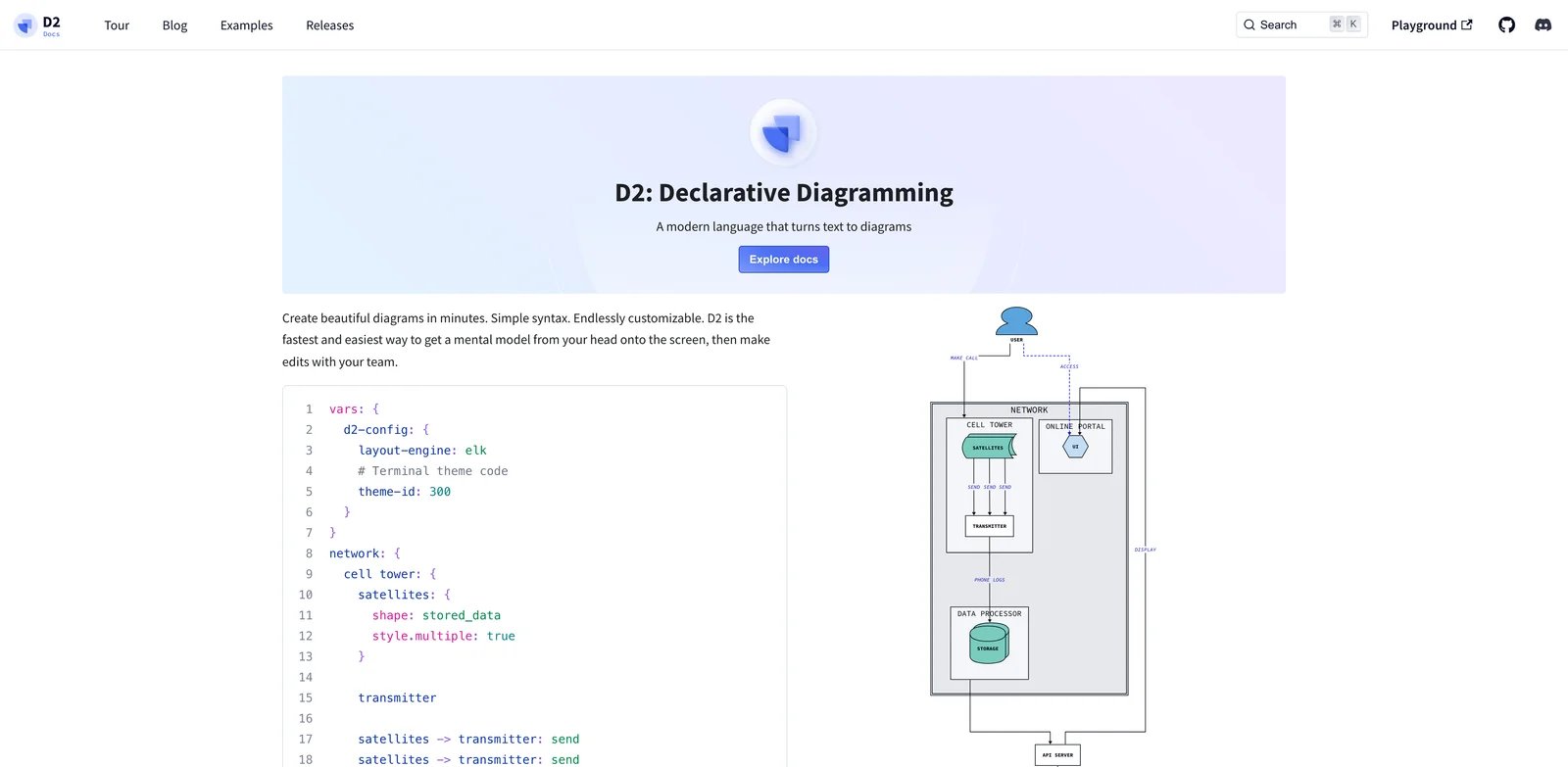
Some teams do not want a drawing tool at all. They want diagrams that behave like source code: reviewable, versionable, portable, and easy to regenerate. D2 is a modern open-source diagram language designed for software architecture diagrams, and Terrastruct builds the richer D2 Studio experience around it.
Key Features
- Open-source diagram language: D2 itself is a free, open-source DSL for text-to-diagram workflows, which reduces lock-in compared with proprietary canvas-only formats.
- Architecture-oriented syntax: The language is designed for software architecture, making it stronger for technical systems than generic shape-based diagramming.
- Bidirectional Studio workflow: Terrastruct describes D2 Studio as supporting both drag-and-drop and text-to-diagram, so teams can mix precision editing with source-style work.
- Advanced layout through TALA: Terrastruct's TALA layout engine supports more polished architecture diagrams, though licensing differs from the open-source D2 language.
Pricing & Plans
D2 language is free and open source. Terrastruct's Studio and TALA-related licensing should be evaluated separately. Public TALA documentation says D2 itself is FOSS and that TALA licensing applies to D2 Studio/TALA usage, including enterprise server use; pricing depends on the license path.
Limitations
D2 asks users to learn syntax. That is a feature for engineers and a barrier for non-technical teammates. It is also less useful for live workshops where stakeholders want to drag, comment, and brainstorm without thinking about a DSL.
Best For
Choose D2 if diagrams belong in your repository, architecture docs, or engineering review process. Not the right fit if the main users are non-technical stakeholders who expect a visual whiteboard.
Get started with D2

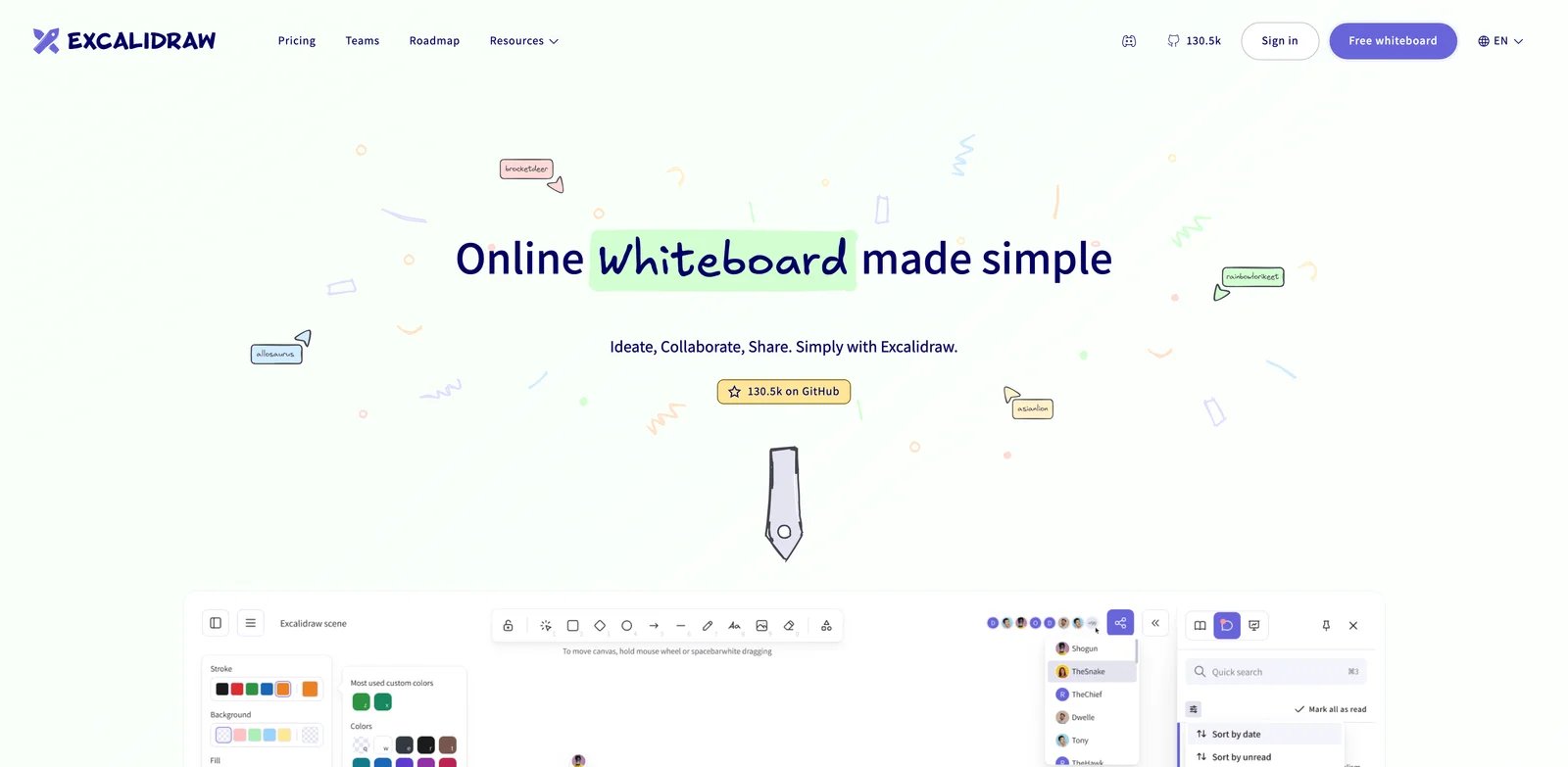
Sometimes the polished diagram is the wrong signal. Early planning often needs a sketch that invites edits instead of pretending the system is final. Excalidraw is valuable because the core editor is free, open source, immediate, and visually informal, while Excalidraw Plus adds cloud workspace and generative AI features for teams that want more structure.
Key Features
- No-account core editor: Excalidraw's public page emphasizes a free and open-source editor that users can start without an account.
- Sketch-style diagrams: The hand-drawn look is useful for brainstorming, workshops, rough architecture, and early product flows.
- Generative AI features: Excalidraw Plus highlights text-to-diagram and wireframe-to-code generation.
- Collaboration and sharing: Plus adds workspace, sharing, presentation, and enhanced collaboration paths beyond the simple free editor.
Pricing & Plans
The official Plus page advertises a 14-day free trial and describes Free and Plus, but the crawled public page did not display a stable public price. Treat Excalidraw as free for the core open-source editor and verify Plus pricing directly before standardizing on team cloud workspaces.
Limitations
Excalidraw is intentionally informal. That is useful for thinking, but it may not satisfy enterprise diagram governance, data-linked diagrams, BPMN validation, or heavily structured UML documentation. AI features also sit in the Plus experience rather than the simplest no-login path.
Best For
Choose Excalidraw for quick sketches, workshops, early technical discussions, and teams that value low friction. Not the right fit if your diagram must carry strict notation, data binding, or enterprise approval controls.
Get started with Excalidraw

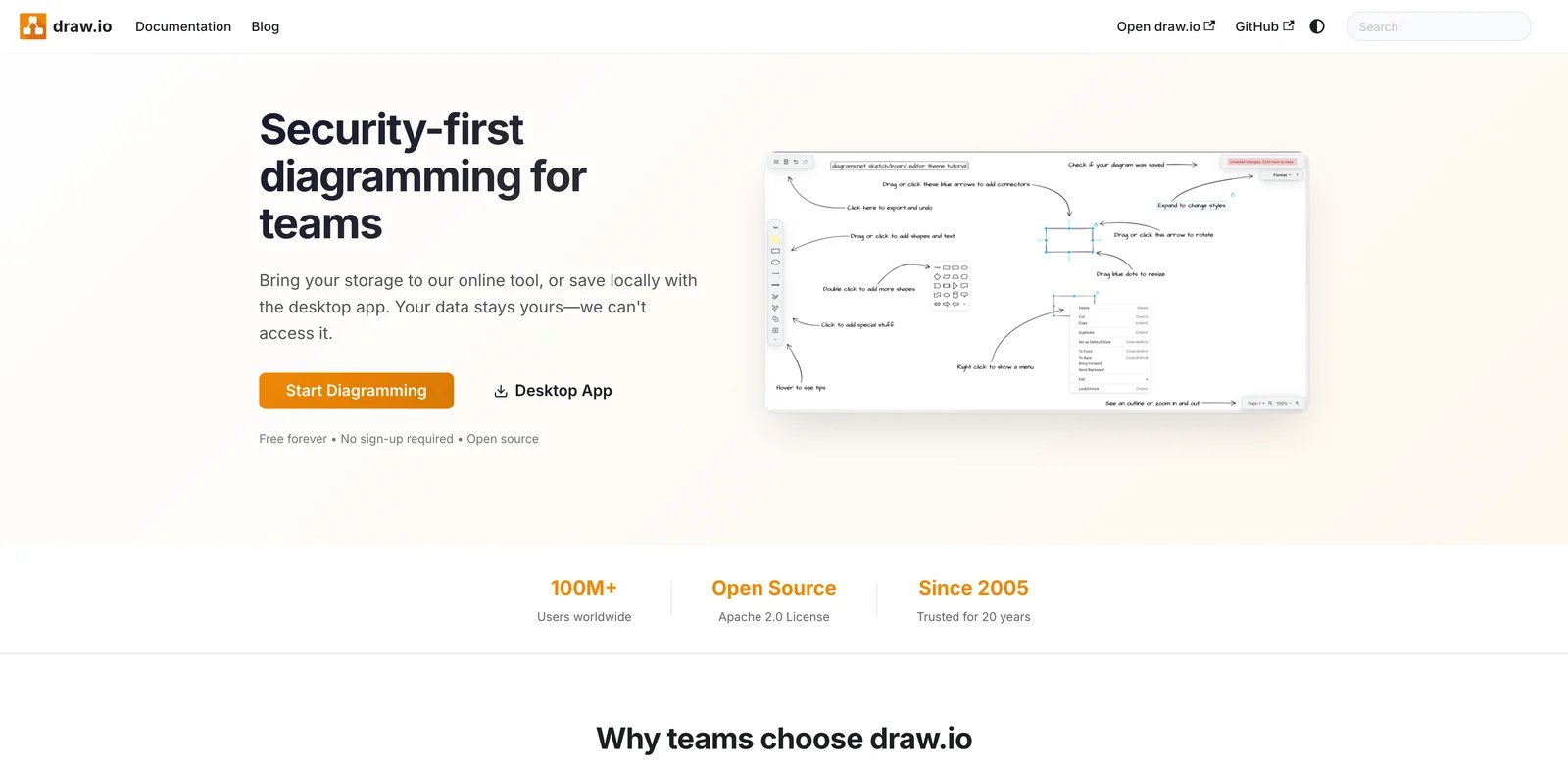
Privacy-sensitive teams often dislike diagramming tools because the file location is unclear. draw.io solves that problem by letting users choose storage: local files, Google Drive, OneDrive, SharePoint, GitHub, GitLab, Dropbox, Atlassian, and more. Its AI story is less about being a flashy standalone generator and more about making a widely adopted diagram format usable across docs and collaboration systems.
Key Features
- Free core app: draw.io describes its web and desktop apps as free forever, no sign-up required, and open source.
- User-controlled storage: Diagrams can live where the team chooses, which is a major advantage for regulated or privacy-conscious workflows.
- Broad integrations: Google Drive, Microsoft 365, SharePoint, Teams, Atlassian, GitHub, VS Code, Notion, and Nextcloud support make it easy to place diagrams near work.
- AI-compatible file format: draw.io documents how AI systems can generate and validate
.drawioXML, and its Atlassian app supports AI-driven diagramming.
Pricing & Plans
The core draw.io web and desktop applications are free for personal and business use under the application's terms. The source code is Apache 2.0. Atlassian Confluence and Jira apps are distributed separately and billed through Atlassian Marketplace or draw.io's Atlassian pricing path.
Limitations
The free core app is not the same as a premium AI workspace, but draw.io's updated Generate tool now supports new chats, clarification queries, and iterative changes to generated diagrams. In Confluence, AI generation is disabled by default unless an administrator enables it, so make sure you understand which app edition, admin setting, and licensing path your instance needs.
Best For
Choose draw.io if privacy, storage control, free access, and cross-platform diagram files matter more than a premium AI assistant. Not the right fit if you need a highly guided AI generation workflow with built-in buyer support.
Get started with draw.io

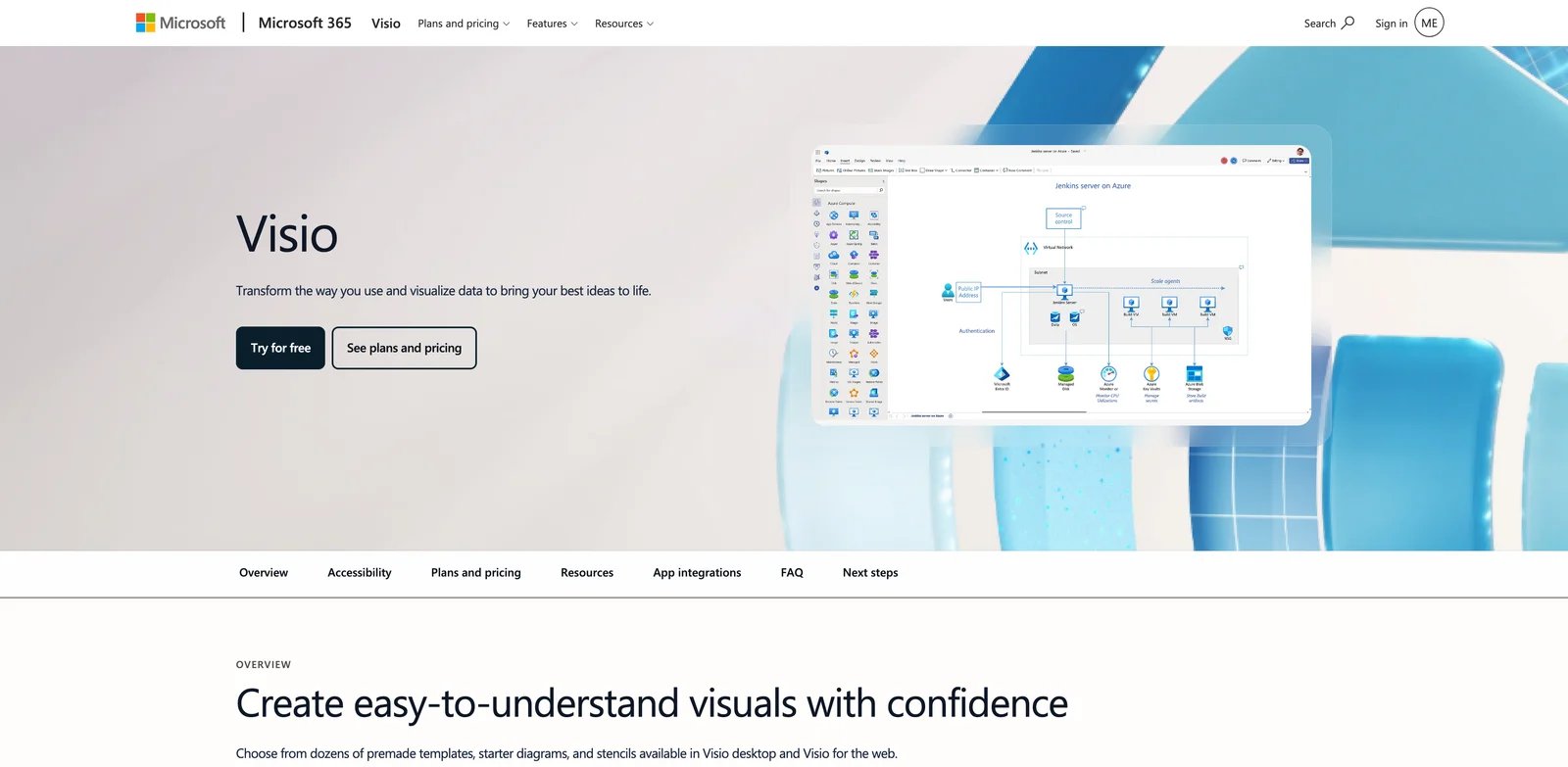
Microsoft-standardized organizations usually care less about novelty and more about whether diagrams fit existing identity, compliance, Office, Teams, and data workflows. Visio remains one of the safest diagramming choices for enterprise environments that need professional diagrams, templates, Microsoft integrations, data-linked visuals, and desktop support.
Key Features
- Microsoft 365 inclusion path: Visio in Microsoft 365 gives qualifying commercial plans a lightweight web and Teams app for basic diagrams.
- Professional diagram coverage: Plan 1 and Plan 2 cover flowcharts, org charts, network diagrams, cloud architecture, ERD, UML, and more advanced diagram types.
- Desktop depth on Plan 2: Visio Plan 2 adds the desktop app, local file support, advanced templates, AutoCAD support, data graphics, and Office integrations.
- Enterprise governance: Microsoft identity, storage, admin, and compliance patterns matter when diagrams contain business process or infrastructure details.
Pricing & Plans
Microsoft lists Visio in Microsoft 365 as included in qualifying commercial plans. Visio Plan 1 is $5/user/month paid yearly, and Visio Plan 2 is $15/user/month paid yearly. Trial availability exists for Plan 1 and Plan 2 for eligible first-time users with a work or school account.
Limitations
Visio is not the most AI-native tool in this list. It is best evaluated as an enterprise diagramming suite that can fit Microsoft workflows, not as the fastest prompt-to-diagram playground. Smaller teams may find Miro, Whimsical, Excalidraw, or draw.io easier to justify.
Best For
Choose Microsoft Visio if your organization already runs Microsoft 365 and needs professional diagram governance. Not the right fit if the primary goal is free, open-source, AI-first diagram generation.
Get started with Microsoft Visio
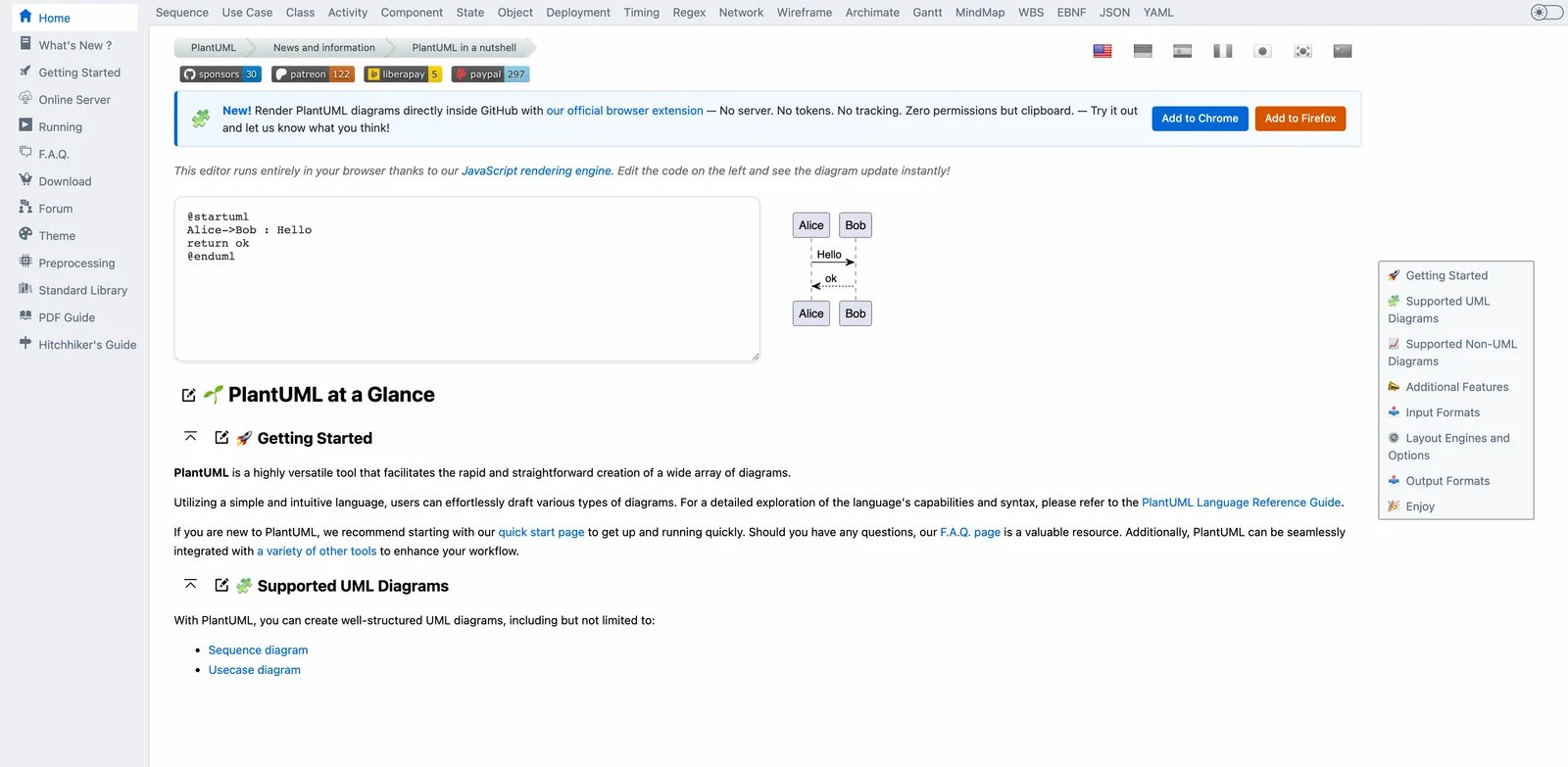
Technical documentation ages better when the source lives beside the system it describes. PlantUML is the classic text-based option for UML and related diagrams, especially when developers want diagrams to be generated from simple source files and reviewed in docs, wikis, or repositories.
Key Features
- Text-based UML: Users write human-readable PlantUML descriptions and render diagrams from that source.
- Free and open source: Official FAQ describes PlantUML as open-source and free of charge.
- Flexible licensing options: PlantUML is distributed under GPL by default, with LGPL, Apache, Eclipse Public License, and MIT alternatives available in certain versions.
- Generated image ownership clarity: Official FAQ says generated PNG/SVG images are owned by the author of the source description, not covered by PlantUML's software license.
Pricing & Plans
PlantUML itself is free and open source. Teams may still incur infrastructure or maintenance costs if they self-host PlantUML server, integrate it into CI, or need professional support around internal documentation systems.
Limitations
PlantUML is not a polished AI assistant. It is a diagram-as-code engine that pairs well with AI prompts from another tool, IDE extensions, or docs automation. Non-technical users may find the syntax less approachable than Lucid, Miro, or Whimsical.
Best For
Choose PlantUML if your priority is UML source files, repeatable documentation, and developer review workflows. Not the right fit if business users need a visual editor and AI chat refinements inside the same product.
Get started with PlantUML

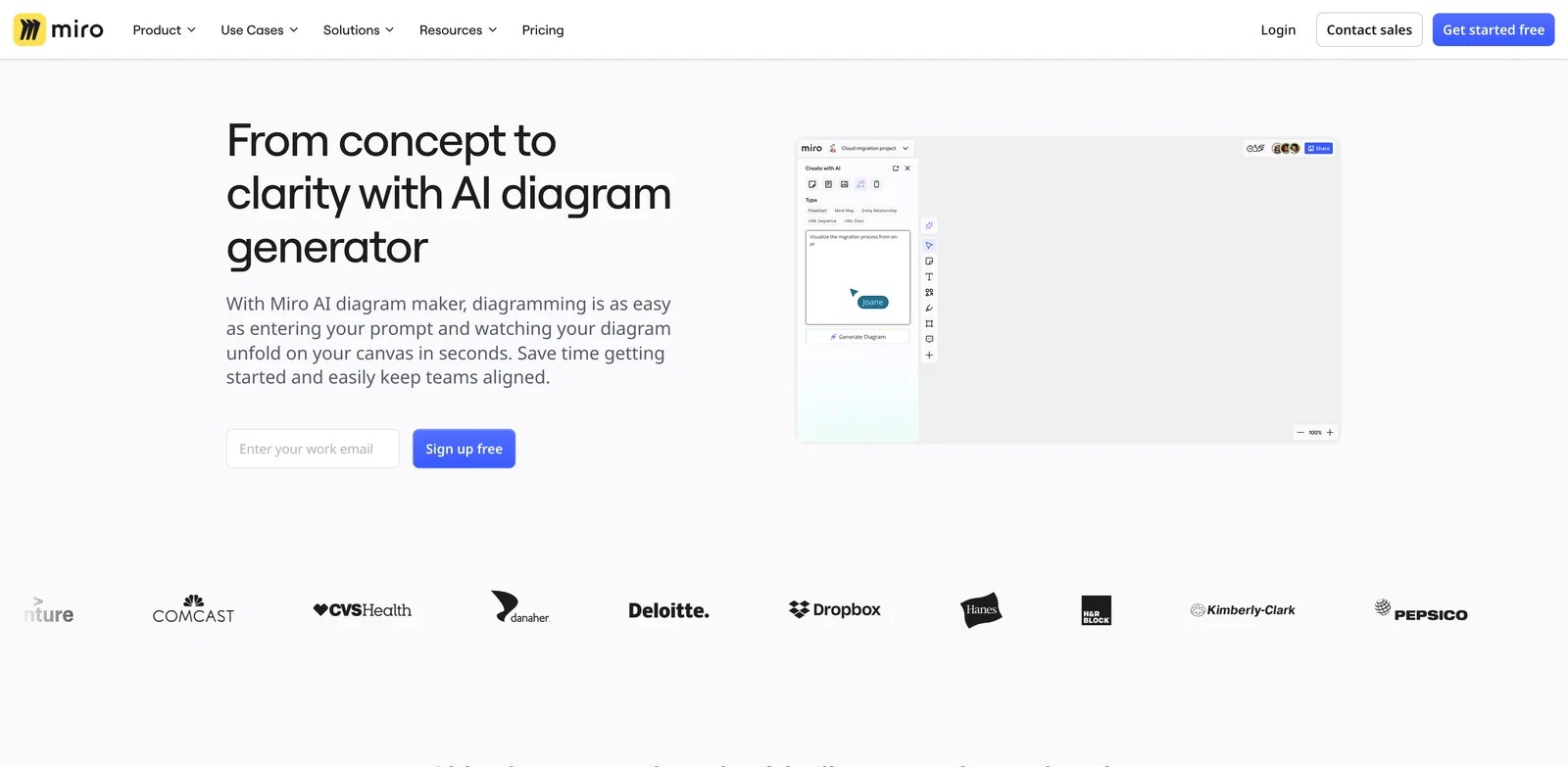
Many diagrams start during a meeting, not in a modeling tool. Miro is strongest when the diagram is part of a broader collaboration board: sticky notes, user stories, product ideas, architecture sketches, comments, templates, Jira sync, and stakeholder review all live together. Its AI diagram generator can turn text or board context into editable diagrams and keep the team in the same workspace.
Key Features
- Text-to-diagram generation: Miro AI can create flowcharts, ERDs, UML sequence diagrams, UML class diagrams, and mind maps from prompts.
- Canvas as prompt: Existing board content can become the source for AI generation, which helps teams turn scattered notes into a structured diagram.
- Broad collaboration layer: Comments, shared boards, templates, apps, integrations, and two-way project tool sync make Miro useful beyond one diagram.
- AI credit transparency: Miro documents plan-based AI credits, but its current public pages are inconsistent on diagram credit consumption. Use the current billing and Help Center guidance when modeling usage, and recheck before purchase.
Pricing & Plans
Miro offers a Free plan with 10 credits per team per month. Its pricing page currently lists Starter at $8/member/month billed yearly ($10 monthly), Business at $20/member/month billed yearly ($25 monthly), and Enterprise as custom pricing from 30 members. Current pricing and Help Center guidance show Starter at 25 credits/member/month and Business at 50 credits/member/month, while Enterprise uses pooled, seat-tier allocations starting at 2,500 credits/month rather than a flat 100 credits per license. The AI diagram landing page still says each diagram generation uses one credit, while the Enterprise AI credits Help Center lists diagrams at 5 credits, so verify credit consumption before rollout.
Limitations
Miro can become a broad workspace purchase rather than a diagram-only expense. If your team only needs technical diagrams in a repo, D2, PlantUML, or Eraser may be more focused. If strict diagram notation matters, a general whiteboard can require more cleanup.
Best For
Choose Miro when diagrams are part of workshops, product planning, and cross-functional collaboration. Not the right fit if the diagram source must remain plain text under version control.
Get started with Miro

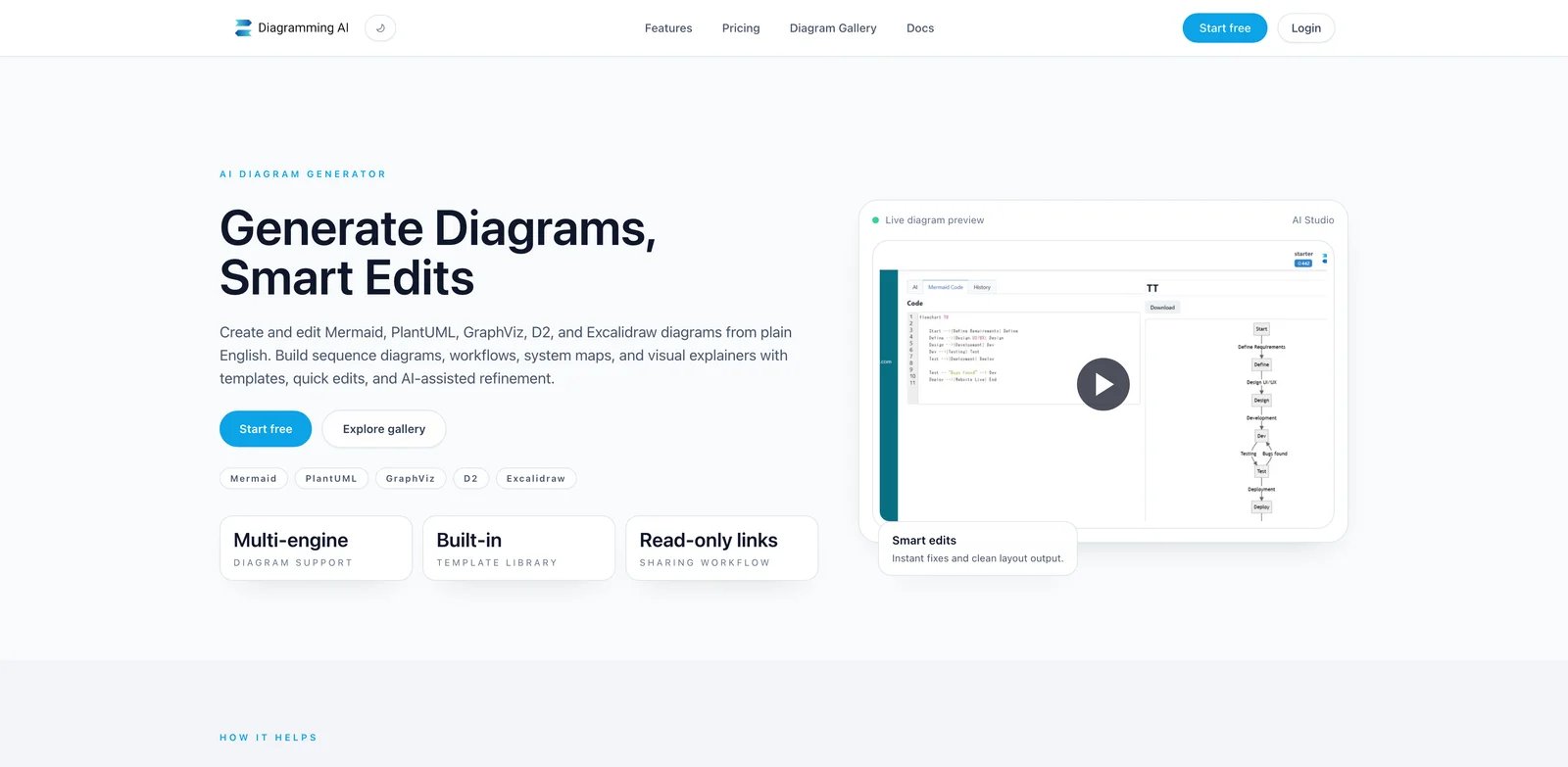
Some buyers do not want a full workspace, a Microsoft suite, or a code-only language. They want a focused AI diagram app that can turn prompts, URLs, images, Mermaid, PlantUML, Graphviz, D2, or Excalidraw-style outputs into something editable. Diagramming AI fits that narrower job.
Key Features
- Multiple diagram code editors: Diagramming AI centers on Mermaid, PlantUML, Graphviz, D2, and Excalidraw workflows.
- Prompt, URL, and image inputs: Public pricing copy lists URL-to-diagram and image-to-diagram support on paid plans.
- Project-based storage: Unlimited projects and diagrams per project on paid tiers make it easier to organize recurring diagram work.
- Credit-based model: Starter and Pro expose clear monthly credit pools, which helps solo users and small teams model usage.
Pricing & Plans
Diagramming AI lists Starter at $6/month with 800 credits and Pro at $14/month with 2,500 credits. Both paid tiers list all editors, unlimited projects, unlimited diagrams per project, URL-to-diagram, image-to-diagram, and higher input-character limits than the free path.
Limitations
Diagramming AI is newer and narrower than Lucid, Miro, Visio, or draw.io. That focus can be useful, but teams should test export behavior, collaboration expectations, privacy posture, and credit consumption before depending on it for client or production documentation.
Best For
Choose Diagramming AI if you want a small, focused AI diagram workspace with several code-backed diagram formats. Not the right fit if you need enterprise admin, deep whiteboarding, or a mature documentation ecosystem.
Get started with Diagramming AI
Best AI Diagram Generator by Use Case
For engineering teams documenting systems in repos
Start with Eraser, D2, or PlantUML. Eraser is the easiest bridge between AI generation, a visual canvas, and engineering docs. D2 is stronger when the diagram language itself should live with your code. PlantUML remains the dependable pick for UML-heavy documentation where the source text matters more than a polished product UI.
For product teams mapping flows with stakeholders
Whimsical AI, Miro, and Lucid AI are better than code-first tools when the diagram is a conversation artifact. Whimsical is the fastest fit for lightweight flows and mind maps. Miro is stronger for workshops and board context. Lucid is the safer choice when the same diagram needs to become more formal later.
For privacy-conscious teams that want control over storage
draw.io should be tested first. It lets teams choose storage and keeps the core editor free. Excalidraw is also strong for lightweight local or sketch-style work. If the diagrams include proprietary architecture or process details, confirm where prompts and files are processed before using any cloud AI feature.
For Microsoft-heavy enterprises
Microsoft Visio is the practical starting point because it fits Microsoft 365 identity, storage, Office, Teams, and enterprise purchasing. Lucid AI is the stronger alternative if the organization wants a more dedicated visual collaboration suite. Miro can win when workshops and innovation boards matter more than formal diagram governance.
For solo users and consultants creating diagrams quickly
Diagramming AI, Excalidraw, Whimsical AI, and Eraser are the easiest shortlists. Diagramming AI is inexpensive and focused. Excalidraw is the lowest-friction sketch tool. Whimsical creates cleaner client-facing flows. Eraser is better when the client work is technical architecture or documentation.
How to Choose the Right AI Diagram Generator
-
Start with the diagram type, not the tool brand. UML, ERDs, sequence diagrams, cloud architecture maps, workflow diagrams, and mind maps have different accuracy requirements. Eraser, D2, and PlantUML fit technical notation better. Miro, Whimsical, Lucid, and Excalidraw fit collaborative visual thinking better.
-
Decide whether the source should be visual or text. If diagrams need pull-request review, choose D2, PlantUML, or Eraser. If stakeholders need drag-and-drop editing, choose Lucid, Miro, Whimsical, draw.io, or Visio.
-
Check the handoff destination. Confluence-heavy teams should compare Eraser and draw.io. Microsoft teams should test Visio. Workshop teams should test Miro or Whimsical. Open-source and local workflows favor PlantUML, D2, Excalidraw, or draw.io.
-
Model AI credits before buying. A low seat price can become misleading if diagram generation consumes credits quickly. Eraser, Whimsical, Miro, and Diagramming AI all require credit or quota thinking.
-
Test with one real messy prompt. Do not test with a perfect demo sentence. Use a real SOP, user story, architecture note, database description, or meeting transcript. The best tool is the one that produces an editable starting point with the least cleanup.
-
Review privacy before pasting sensitive architecture. Architecture diagrams can reveal vendors, network paths, internal systems, customer flows, and security assumptions. If that matters, prioritize local files, self-hosting, chosen storage, or enterprise AI controls.
Frequently Asked Questions
What is the best AI diagram generator overall?
Which AI diagram generator is best for UML and architecture diagrams?
Can AI diagram generators make editable diagrams from text?
Are free AI diagram generators good enough for work?
Should I choose a diagram-as-code tool or a visual canvas?
Get ToolWorthy Weekly
New AI tools, practical guides, and selected AI signals in one weekly brief.
For AI tool founders
Built a tool that belongs in this decision set?
Request an editorial evaluation for possible inclusion in ToolWorthy.
Submit your tool for reviewPaid submission does not guarantee a ranking, recommendation, inclusion, or editorial outcome.