
Best Taskade Alternatives 2026: Pick by What You Need to Preserve
Taskade alternatives are not all replacing the same thing. Choose by project depth, docs, operations data, automation rebuilds, generated app ownership, or portal delivery.
On this page
.tsk restore paths.That makes "Taskade alternatives" a switching question, not a generic productivity ranking. A team leaving Taskade may be trying to preserve project execution, workspace knowledge, operational data, cross-app automations, generated app ownership, or client-facing delivery. Those jobs do not move in the same way.
Use this guide to decide what you are actually leaving Taskade for, what can move, what must be rebuilt, and when staying with Taskade is the lower-friction choice.
Short Answer
Start with the part of Taskade your team cannot afford to lose.
| Switching goal | Start with | Replacement distance | Better route when... | Main switching cost |
|---|---|---|---|---|
| Keep a broad work hub but add project execution structure | ClickUp | Direct | Tasks, docs, dashboards, forms, goals, and automations need one work-management home | Taskade-native Genesis apps, agents, and bundle semantics do not transfer as working equivalents |
| Move to formal portfolio governance and reporting | Asana | Direct | Portfolios, goals, workflows, reporting, and accountability matter more than a compact AI workspace | Taskade's lighter project/doc/agent surface must be redesigned as Asana work |
| Rebuild Taskade as a wiki and database workspace | Notion | Direct | Most Taskade value is notes, knowledge, lightweight databases, and workspace AI | Taskade-native app generation and automation continuity are lost |
| Run operations through boards and dashboards | monday.com | Direct | The team thinks in owners, statuses, boards, portfolios, dashboards, and automations | Taskade's project/doc/agent/app coupling becomes separate operating structure |
| Turn Taskade projects into structured operational data | Airtable | Adjacent | Lists and processes should become bases, records, interfaces, and automations | Free-form Taskade spaces need data modeling work |
| Move automations into a dedicated platform | Zapier | Workflow change | The real pain is cross-app automation ownership, not replacing a project workspace | Zaps, tables, interfaces, and agents are rebuilt outside Taskade |
| Rebuild automations as visual scenarios | Make.com | Workflow change | Scenario design, integrations, agents, and credit economics are the buying center | Taskade projects become reference material, not a migration source |
| Replace Taskade-native apps with code-owned apps | Lovable | Workflow change | Generated app code ownership and GitHub continuity are the reason for leaving | Taskade app behavior must be rebuilt as a code-backed app |
| Turn workflows into portals or internal apps | Softr | Adjacent | The target is a client portal, partner portal, or internal app over connected data | Taskade project content becomes requirements and data structure |
"Direct" means direct for the stated switching goal, not a one-for-one replacement for Taskade's full workspace, agents, automations, or Genesis apps.
Before committing, compare plan limits and AI/automation usage separately: workspace tools, automation platforms, and app builders meter usage differently.
.tsk files, bundles, and API access can help with portability, but they do not make another product a drop-in home for Taskade-native agents, automations, or generated apps.What Are You Actually Leaving Taskade For?
The useful first question is not "Which app has the most features?" It is "Which Taskade job is failing?"
| If the failing job is... | Treat the switch as... | Shortlist first |
|---|---|---|
| Project execution, reporting, and recurring ownership | Work-management migration | ClickUp, Asana, monday.com |
| Docs, wiki, internal knowledge, and lightweight databases | Workspace-knowledge migration | Notion, sometimes ClickUp |
| Operating data, status tracking, and internal app views | Data/app rebuild | Airtable, Softr |
| Cross-app automations and AI-agent execution | Automation rebuild | Zapier, Make.com |
| Taskade Genesis apps that need source-code ownership | App rebuild | Lovable |
.tsk and bundle-style restore paths for Taskade-native workspace objects. That is useful for backup, reference, and Taskade-side portability.It is not the same as a guaranteed cross-product migration. The current official evidence does not show that ClickUp, Asana, Notion, monday.com, Airtable, Zapier, Make.com, Lovable, or Softr can directly import Taskade-native agents, automations, or generated apps as working equivalents.
For readers comparing broader work software, the AI project management category is useful market context. This page is narrower: it is about what happens when Taskade itself is the anchor you may leave.
What Can Move, and What Must Be Rebuilt?
| Taskade asset | What it usually becomes | Migration reality |
|---|---|---|
| Projects, tasks, notes, lists | Imported tasks, docs, boards, databases, or records | Export the project content, then reshape it for the destination model |
| Workspace knowledge | Notion docs, ClickUp Docs, Airtable records, or another knowledge surface | Markdown/text/PDF style exports can help, but database relations and permissions still need review |
| Agents and automations | Destination automations, Zapier Zaps, Make scenarios, or documented manual process | Treat this as rebuild work unless the destination explicitly supports the exact workflow |
| Genesis apps | Taskade-hosted apps, no-code portals, or code-backed apps | Taskade's AI apps FAQ says generated apps are live Taskade apps and are not exported as conventional code |
| Plan limits and AI usage | Seat, credit, task, automation, app, or workspace meters | Compare the meter before comparing AI promises |
This is why a Taskade switch can be low friction for project notes but high friction for generated apps. The same exported project can be a clean input for a board, a rough outline for a portal, or only a specification for a code-backed rebuild.
Detailed Reviews
Direct work-management routes: ClickUp, Asana, Notion, and monday.com are the direct replacement routes in this guide, but each preserves a different part of Taskade. None is treated as a drop-in replacement for Taskade-native Genesis apps, agents, automations, and bundle restore semantics.
| Direct route | Best first trial when... | Import/migration signal | Watch before rollout |
|---|---|---|---|
| ClickUp | You need one broad execution hub | Spreadsheet import for structured work data | AI limits, workspace setup, and app/agent rebuild work |
| Asana | Governance, portfolios, goals, and reporting matter | Project and CSV import paths | Whether smaller teams will accept the more formal work model |
| Notion | Taskade is mostly docs, wiki, notes, and databases | Notion import paths | Whether automations, agents, and app context matter more than knowledge depth |
| monday.com | Operations run through boards, owners, statuses, and dashboards | Excel import into boards | Whether docs-first knowledge work or code ownership is actually the job |
ClickUp
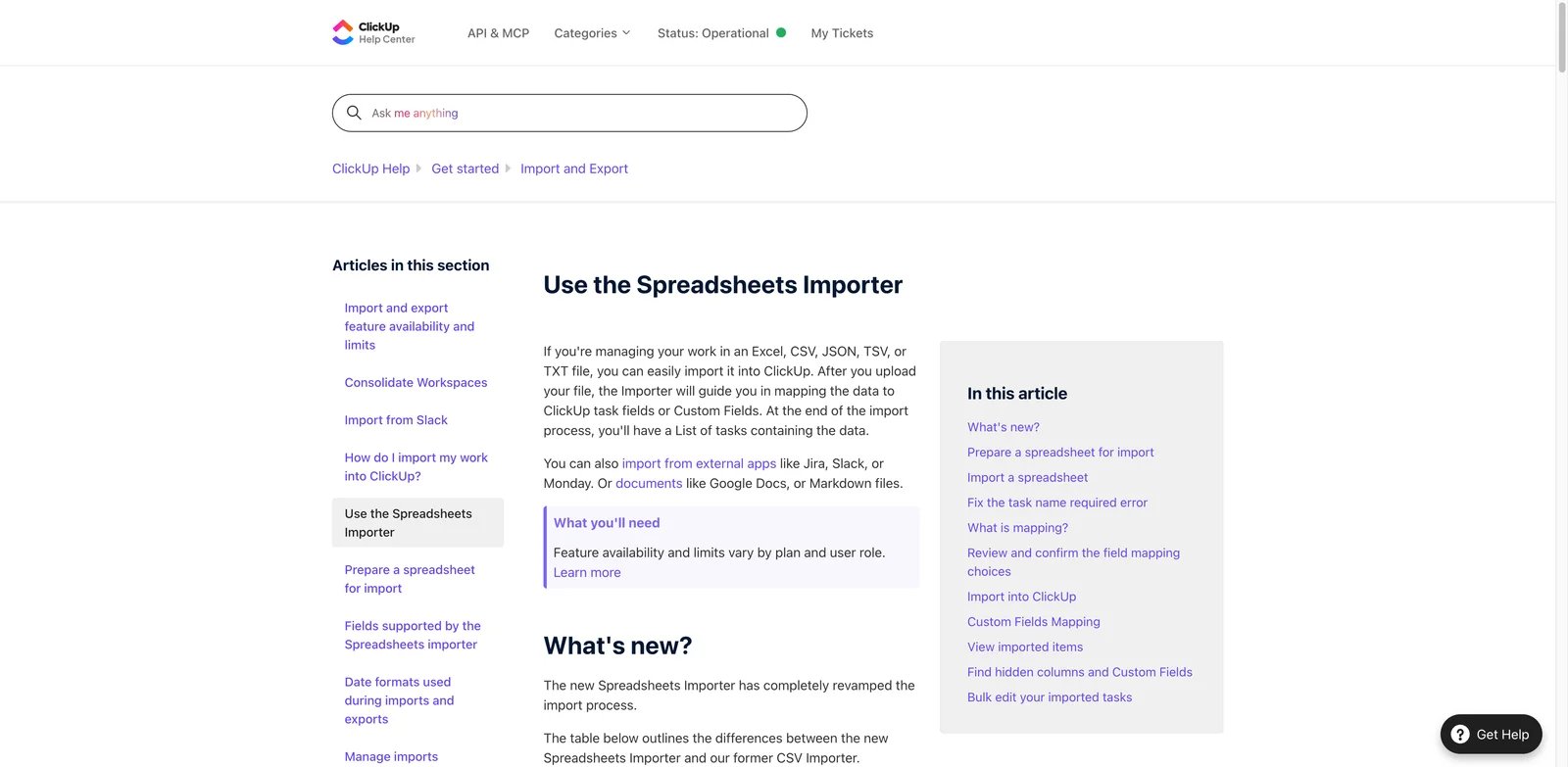
ClickUp is a direct route when the buyer wants to keep one broad work hub with project, document, dashboard, automation, and governance surfaces.
The Taskade user most likely to trial ClickUp is not just looking for another checklist. They want project views, recurring work ownership, dashboards, forms, goals, docs, and automations to sit in one execution system. ClickUp also documents spreadsheet import, so Taskade project exports can become structured migration material rather than a blank rewrite.
.tsk restore semantics, or the exact coupling between projects, automations, and generated apps. If the Taskade workspace is mainly lightweight brainstorming or app generation, ClickUp may add more system than the team wants.Visit ClickUp to inspect its spreadsheet importer before migration planning.

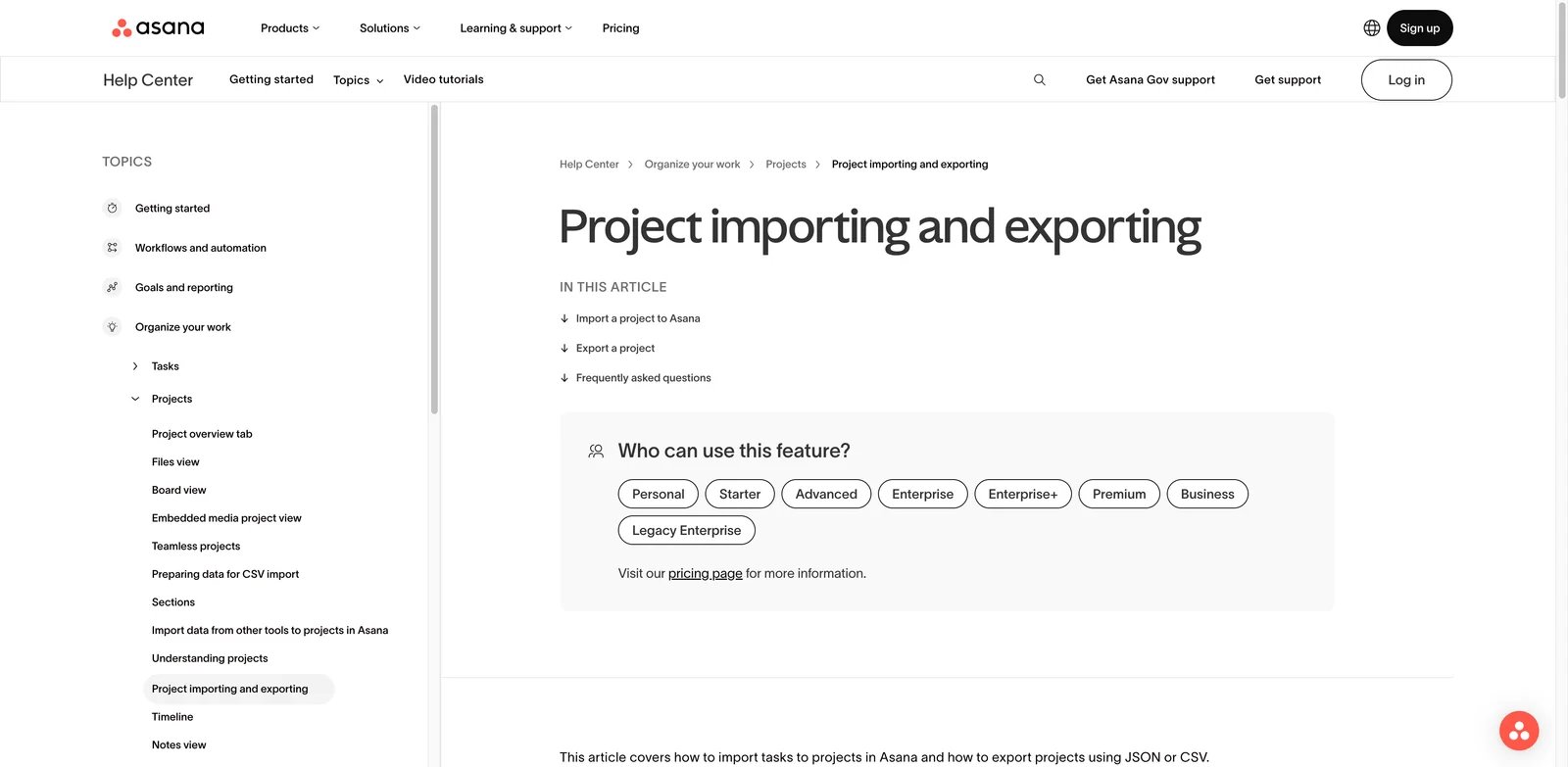
Asana is a direct replacement route when the switch is driven by portfolio governance, goals, workflow ownership, and executive reporting rather than Taskade's app-generation layer.
Asana makes the most sense when Taskade has become too loose for accountable cross-functional work. Official materials document project, portfolio, goal, workflow, reporting, automation, and AI Studio surfaces, along with project and CSV import paths. That combination supports a governance-first migration: get the work into Asana, then formalize ownership, reporting, and process.
The cost is cultural as much as technical. Small teams that like Taskade because it keeps docs, AI chat, agents, automations, and generated apps close together may find Asana more formal. Choose it when the discipline is the point.
Visit Asana to review project and CSV import options.

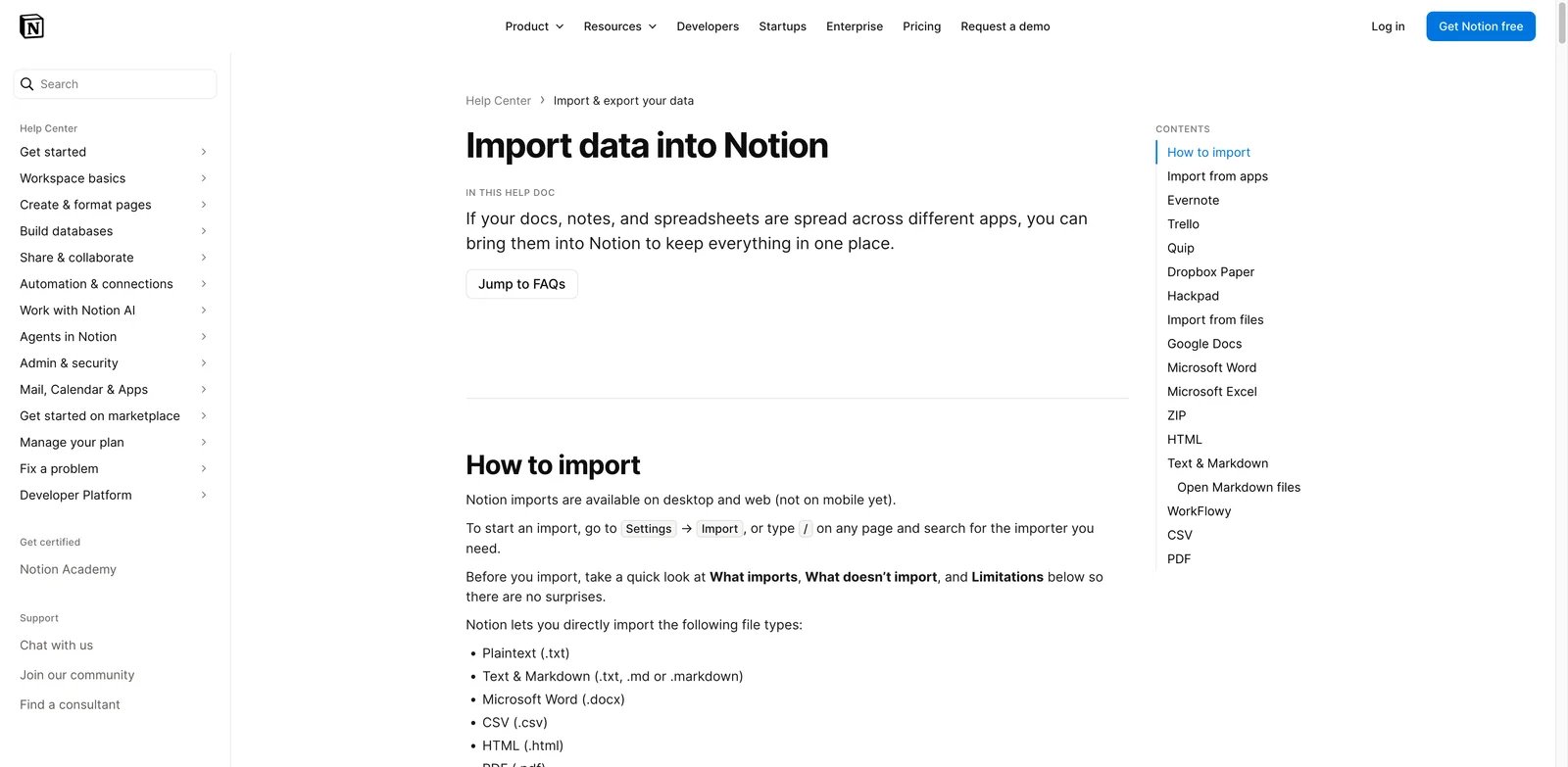
Notion is a direct route when the buyer is leaving Taskade mainly for wiki, documentation, database, and knowledge-work depth.
This route fits when projects are really becoming an internal knowledge system: notes, processes, research, lightweight databases, meeting notes, roadmaps, and team docs. Notion documents import paths and Notion Agent for working across a Notion workspace, so exported Taskade notes and project context can become the seed of a more docs/database-centered environment. Readers already comparing document workspaces may also find the Notion alternatives guide useful.
Notion is not the route for formal portfolio governance, visual cross-app automation, generated app code ownership, or Taskade-like hosted app continuity. It preserves knowledge better than it preserves Taskade's app/agent bundle.
Visit Notion to inspect import options before migration planning.
monday.com
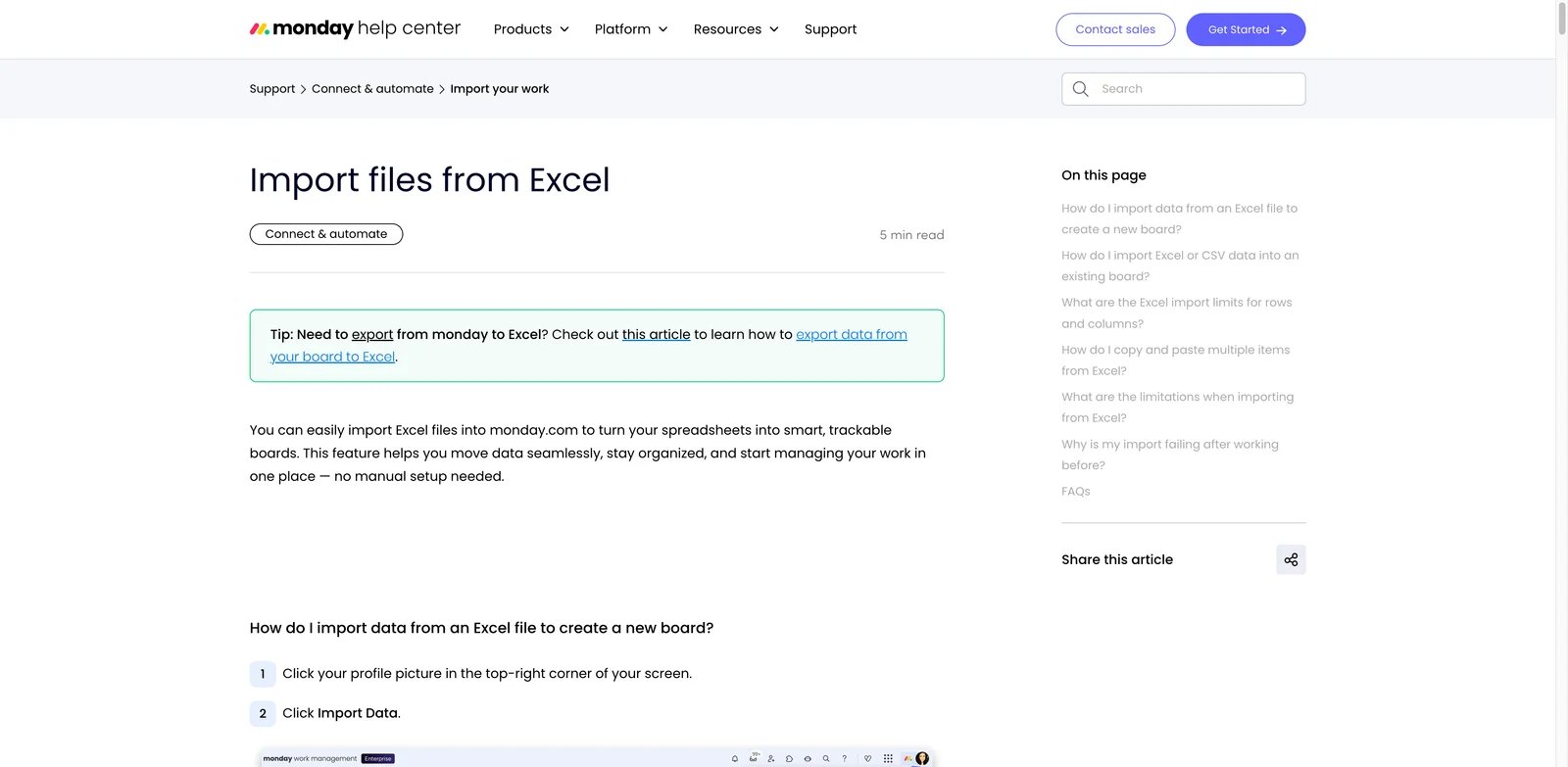
monday.com is a direct route for buyers who want visual boards, dashboards, automations, portfolios, and operational execution views.
The migration logic is clearest when Taskade projects are already behaving like operational boards: owners, due dates, statuses, intake forms, reporting, and dashboards. monday.com documents Excel import into boards and publishes AI workflow surfaces such as monday AI, AI blocks, and AI agents. That makes it a practical candidate when the target operating model is board-first execution, not a docs-first wiki.
The mismatch appears when Taskade is valuable because it combines ideation, docs, agents, automations, and generated apps inside one lightweight workspace. monday.com can structure work; it does not make Taskade-native app context portable.
Visit monday.com to inspect its Excel-to-board import route.
Structured data and portal routes: Airtable and Softr are not weaker versions of the direct work-management tools. They are different routes. Use them when the Taskade workspace is turning into a structured operational system or a delivered app-like surface.
| Route | What moves from Taskade | What must be designed |
|---|---|---|
| Airtable | Lists, process records, status data, and operating context | Bases, fields, interfaces, automations, and AI-assisted apps |
| Softr | Client delivery workflow, intake, records, and portal requirements | Connected data, app screens, workflows, permissions, and plan limits |

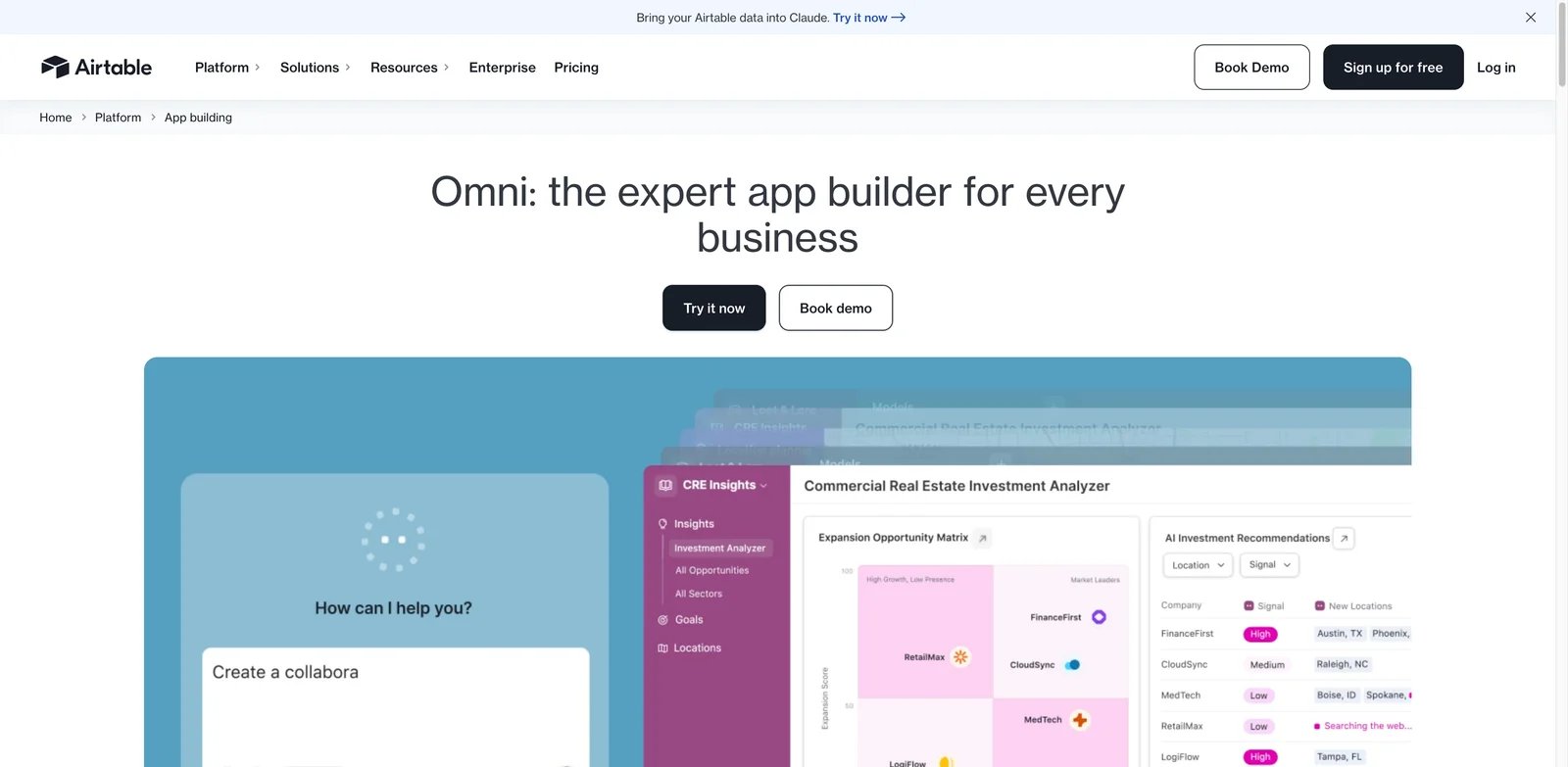
Airtable is an adjacent replacement when the Taskade workspace is really operating data, process tracking, and internal app building.
If Taskade lists have become the unofficial database behind a team process, Airtable is the more honest migration route. Instead of trying to mimic a free-form project workspace, it asks the team to model the work as tables, records, interfaces, automations, and integrations. Airtable also documents Cobuilder as an AI-assisted way to create Airtable apps from prompts and organizational context.
That structure is useful, but it is not free. Taskade project exports may give you raw material; they do not design fields, permissions, views, or process ownership for you. Skip Airtable if the team wants a general docs/tasks workspace rather than a data-backed operating system.
Visit Airtable to inspect its app-building model.
Softr
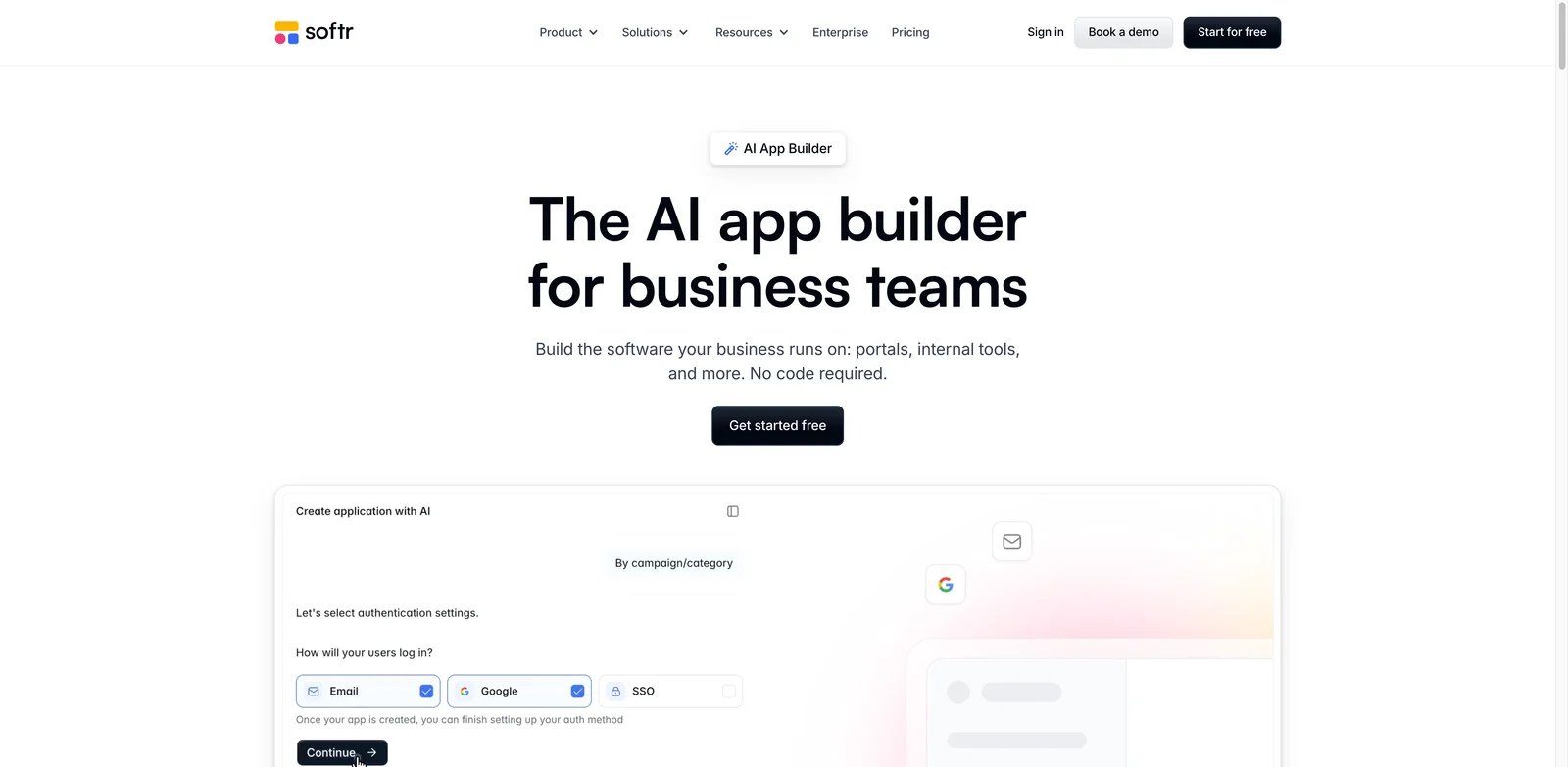
Softr is an adjacent route when the team wants to turn Taskade project or client-delivery workflows into no-code portals and internal apps.
This route fits when the output should feel like a client portal, partner portal, directory, dashboard, or internal app rather than a team workspace. Softr presents AI-assisted business app generation, connected-data apps, plan limits, and workflows inside Softr applications. A Taskade project can become requirements, content, or connected-data planning for that app.
Do not choose Softr to replace broad project management, docs-first knowledge work, visual automation across many apps, or code-backed generated apps. It fits when the destination is a portal or no-code business app.
Visit Softr to inspect its AI app and portal-building surface.
Automation rebuild routes: Zapier and Make.com are not Taskade workspace replacements. They are routes for teams that decide the automation layer should leave Taskade.
| Automation route | Better fit when... | Economic check |
|---|---|---|
| Zapier | The team wants automations, tables, interfaces, chatbots, and agents in a broad automation platform | Plan and task-style usage limits, plus table/interface needs |
| Make.com | The team wants visual scenario design, integrations, agents, and explicit credit usage | Credit consumption by scenario complexity and feature use |

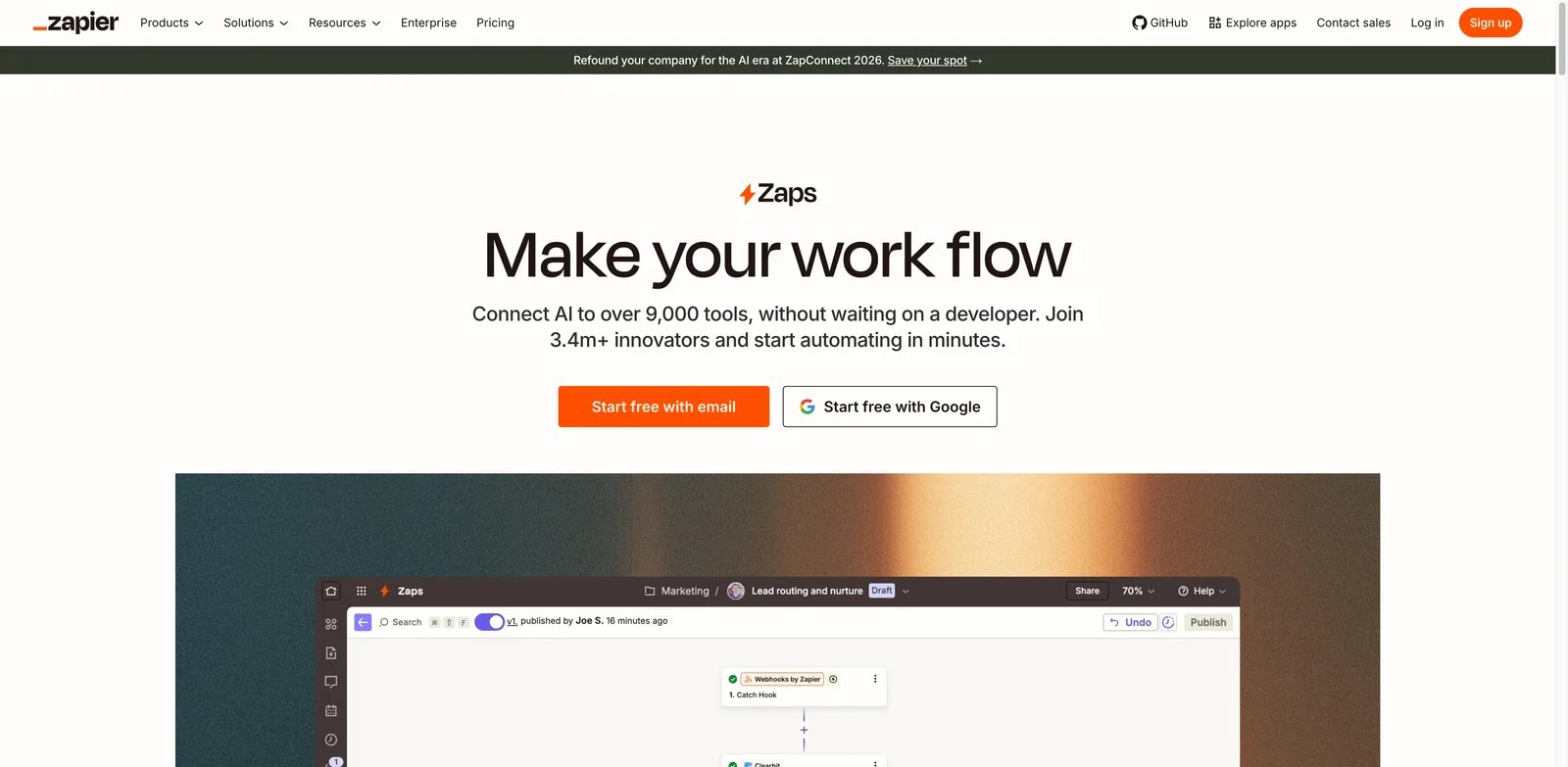
Zapier is a workflow-change route when the buyer is not replacing Taskade as a workspace but moving automations, tables, interfaces, and AI agents into a dedicated automation platform.
This is a good Taskade exit path when the project hub can stay elsewhere but recurring work needs better cross-app orchestration. Zapier documents automation, tables, interfaces, chatbots, agents, platform pricing, and CSV import into Zapier Tables. That gives teams a place to rebuild process automation while keeping structured data close to the automation layer.
The key word is rebuild. Taskade exports can document the current workflow, but they do not turn Taskade automations or agents into Zapier assets. Budget time for rebuilding triggers, actions, tables, permissions, and failure handling.
Visit Zapier to compare its automation platform surfaces.

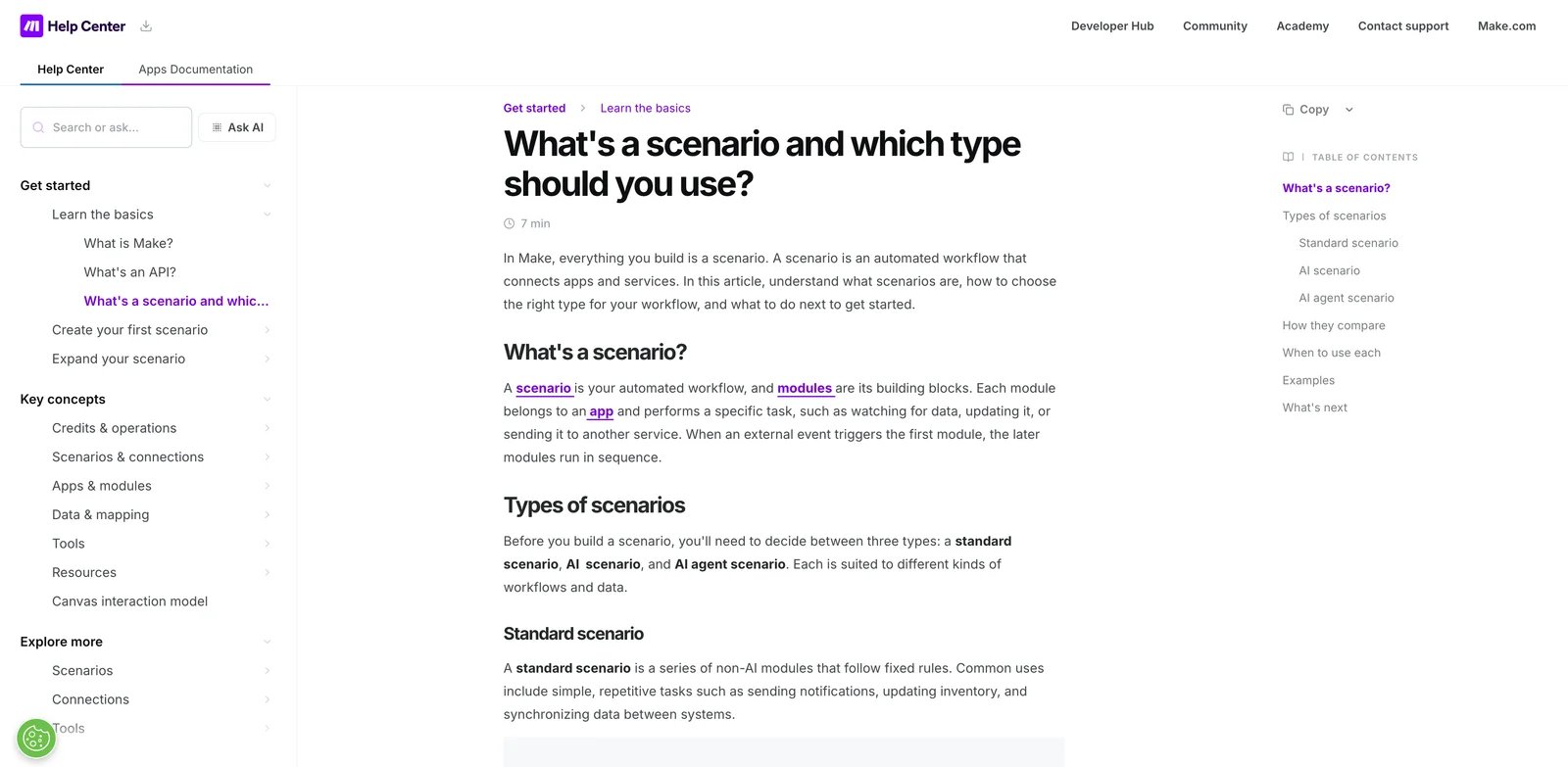
Make.com is a workflow-change route for teams that want visual scenario automation and AI agents outside a Taskade workspace.
Make.com documents scenarios, apps, integrations, AI agents, and credit usage. Its value for Taskade switchers is execution visibility: teams can rebuild automations as explicit visual scenarios and then reason about credits, connected apps, and operations outside the project workspace.
It is not a home for Taskade project docs or generated app context. Choose Make when visual automation ownership is the buying center; pair it with another workspace if the team still needs docs, tasks, or project planning.
Visit Make.com to review how its scenario model frames automation work.
Generated app ownership route: Lovable belongs here only when the switching job is code-backed app ownership, not general workspace replacement.

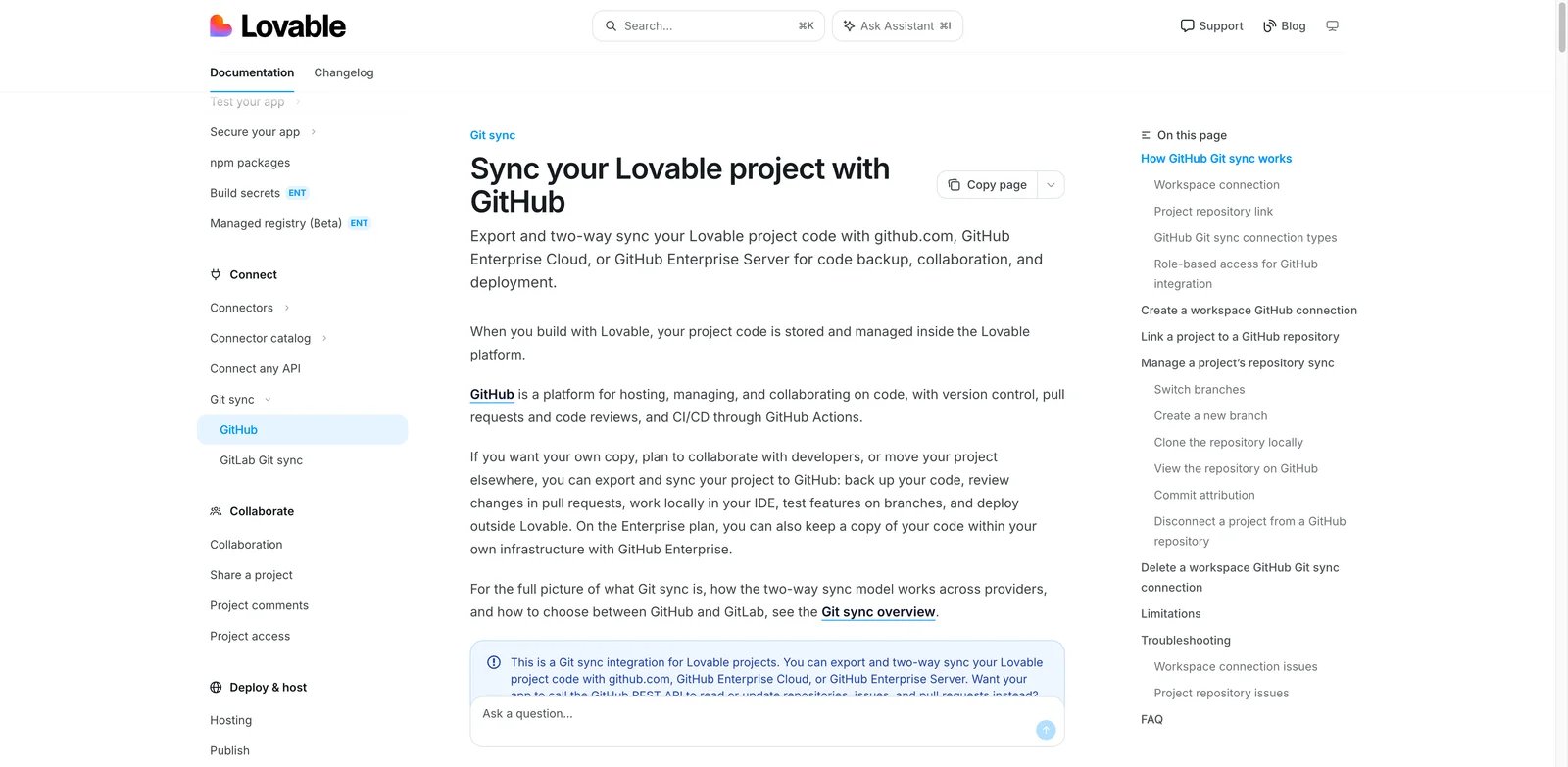
Lovable is a workflow-change route when the buyer's Taskade switching trigger is code ownership for generated apps.
Taskade's AI apps FAQ says generated apps are live Taskade apps and are not exported as conventional code. That boundary matters if the team wants app source, GitHub workflow, independent deployment, or developer ownership. Lovable documents GitHub integration for syncing generated app code to a GitHub repository and publishes plan and usage information for generated-app work.
This is not a content migration. Treat Taskade as the source of product intent, workflow notes, and behavior requirements, then rebuild the app in a code-backed environment. Skip Lovable if the problem is project management, shared docs, SaaS automations, or no-code portals rather than generated app ownership.
Visit Lovable to inspect its GitHub integration path.
Other Routes to Consider
Some tools are relevant to the search, but they should not be treated as core replacements for this Taskade switching job.
Trello is better treated as a simpler board route, not a core Taskade alternative for teams preserving docs, agents, automations, or generated apps. It may be relevant if the real desire is to step down to boards; the Trello alternatives guide covers that separate anchor.
Todoist is relevant for simpler task capture and APIs but does not cover the workspace, AI-agent, automation, or generated-app scope that defines this Taskade switching page.
Linear is a strong engineering planning route, but it is too specialized to serve as a general Taskade replacement unless the buyer's Taskade workspace is mainly engineering issue and roadmap work.
Superhuman Docs is a reserve docs-first route. Official sources show Coda is now Superhuman Docs and remains a docs-centered workspace; this guide keeps it outside the core shortlist for buyers who are not specifically considering the Coda/Superhuman Docs surface.
If you are still exploring general app-building rather than Taskade-specific switching, browse the AI app builder category. If the broader issue is individual productivity rather than team migration, the AI productivity category is the better starting point.
A Practical Migration Plan
- Export what Taskade can export before you trial replacements.
- Mark each asset as content migration, structured data migration, automation rebuild, app rebuild, or stay-in-Taskade.
- Trial only the route that matches the asset you are trying to preserve.
- Compare pricing meters after the route is clear: seats, AI usage, credits, tasks, automations, app limits, and governance controls are not interchangeable.
- Keep Taskade for the parts that would be expensive to rebuild if the replacement only solves one workload.
Do not choose a Taskade alternative by feature count alone. Choose by the asset you need to preserve and the rebuild cost your team can accept.
FAQ
Which Taskade alternative should I try first?
Is there a direct Taskade replacement?
What should I export from Taskade before switching?
Should I keep Taskade and add another tool instead?
Get ToolWorthy Weekly
New AI tools, practical guides, and selected AI signals in one weekly brief.
Related Posts
- 8 Best AI Gantt Chart Makers 2026 — Plans, Not Just Bars
A generated chart is only the start. Compare eight AI Gantt routes by live scheduling, existing workspace, editable handoff, and the paid limits that matter.
- 10 Best Trello Alternatives 2026 — After Atlassian's Inbox, Planner, and AI Pivot
Atlassian's 2025 'New Trello' pivot left team-PM users without a roadmap. We mapped 10 alternatives — sorted by which migration trigger they actually solve.
- Manus AI Review: Is This the Future of Autonomous AI Agents?
Manus AI Review: A look at one of the first and most popular autonomous agents, its features, use cases, and how it compares to ChatGPT and other AI models.
For AI tool founders
Built a tool that belongs in this decision set?
Request an editorial evaluation for possible inclusion in ToolWorthy.
Submit your tool for reviewPaid submission does not guarantee a ranking, recommendation, inclusion, or editorial outcome.