
11 Best AI Chatbots – 2026 Comparison & Reviews
Compare 11 leading AI chatbots for writing, research, coding, ecosystem fit, pricing, privacy, and team collaboration.
On this page
Most people comparing AI chatbots are deciding where to put recurring work—and whether a paid subscription is worth it—not looking for one universal winner. Start with the task that triggers daily use: drafting and document work, coding, cited web research, or work inside Google or Microsoft apps. Then compare limits, data controls, and ecosystem fit.
To map capabilities, workflows, integrations, and the wider market without rankings, browse the AI Chatbots category landscape.
This guide compares 11 leading assistants using official documentation, pricing pages, terms, and attributed user feedback. It does not claim a controlled benchmark or personal testing. Product names, limits, and prices change frequently, so confirm the live plan before purchasing.
For the common ChatGPT-versus-Claude-versus-Gemini decision, use the workflow as the tiebreaker:
| Your recurring job | Start with | Decision factor to verify |
|---|---|---|
| Mixed writing, files, custom assistants, and broad daily use | ChatGPT | Whether the plan's limits and workspace controls fit your volume |
| Long documents and writing-heavy analysis | Claude | File/context limits, citations where needed, and team data terms |
| Work centered on Gmail, Docs, Drive, and other Google services | Gemini | Which integrations are included in your Google plan and region |
| Office documents and organizational Microsoft 365 data | Microsoft Copilot | License prerequisites, tenant controls, and in-app availability |
| One interface for several model providers | Poe | Points consumption, model availability, and provider-specific privacy boundaries |
| Tool | Best For |
|---|---|
| ChatGPT | General writing, custom GPTs, team workflows |
| Claude | Long-form writing, document analysis, safety-first use |
| Gemini | Google ecosystem integration, multimodal tasks |
| Grok | Real-time information, current events queries |
| DeepSeek | Coding assistance, low-cost API integration |
| Qwen | Free web assistant, Alibaba Cloud ecosystem |
| Kimi | Multi-step research, agent-style workflows |
| Microsoft Copilot | Microsoft 365 users, Office app integration |
| Mistral AI | European model preference, API-first teams |
| Pi | Personal companion, conversational support |
| Poe | Multi-bot access, bot creation platform |
How We Researched the Chatbots
We selected these 11 AI chatbots based on market presence, feature diversity, and availability across consumer and business segments. Research included official product documentation, pricing pages, terms, and attributed user feedback from community and review platforms.
We compared each chatbot across supported tasks, multimodal inputs, team controls, pricing structure, API availability, output terms, and platform coverage. Qualitative labels in this article describe positioning and documented workflows; they are not results from a shared test set.
High-risk plan and policy details were checked against official sources, but pricing, features, and availability may vary by region and rollout phase. Always confirm current details through official channels before purchase or sensitive-data use.
Top 11 AI Chatbots Compared
This comparison covers 11 AI chatbots spanning free consumer tools to enterprise platforms. Each offers distinct positioning: ChatGPT leads in custom assistants and broad plan options, Claude emphasizes safety and writing quality, Gemini integrates tightly with Google services, while Poe aggregates multiple bots in one interface. Other tools bring regional strengths (Qwen, Kimi, DeepSeek) or ecosystem alignment (Microsoft Copilot, Mistral AI).
The table below provides a quick overview of core differentiators. For detailed evaluations including features, pricing breakdowns, pros/cons, and best-fit user profiles, see the Detailed Reviews section.
| Tool | Best For | Pricing Start | Key Strength | Enterprise Option |
|---|---|---|---|---|
| ChatGPT | Custom GPTs, teams | Free / $20/mo | Configurable assistants | Yes (Enterprise) |
| Claude | Writing, analysis | Free / $20/mo | Safety-first design | Yes (Enterprise) |
| Gemini | Google users | Free / See plans | Ecosystem integration | Via Workspace |
| Grok | Current events | Free / from $30/mo | Real-time info positioning | Yes (Business) |
| DeepSeek | Coding, API | Free / API usage | Clear output rights | API platform |
| Qwen | Free assistant | Free | Alibaba ecosystem | DashScope API |
| Kimi | Research workflows | Free (limits) | Agent capabilities | Moonshot platform |
| Microsoft Copilot | Office 365 | Via Microsoft 365 | Office integration | M365 business |
| Mistral AI | Developers | Free / API usage | European AI | Enterprise plans |
| Pi | Companion chat | Free | Supportive tone | Not disclosed |
| Poe | Multi-bot access | Free / from $4.99/mo | Bot aggregation | N/A |
Detailed Reviews

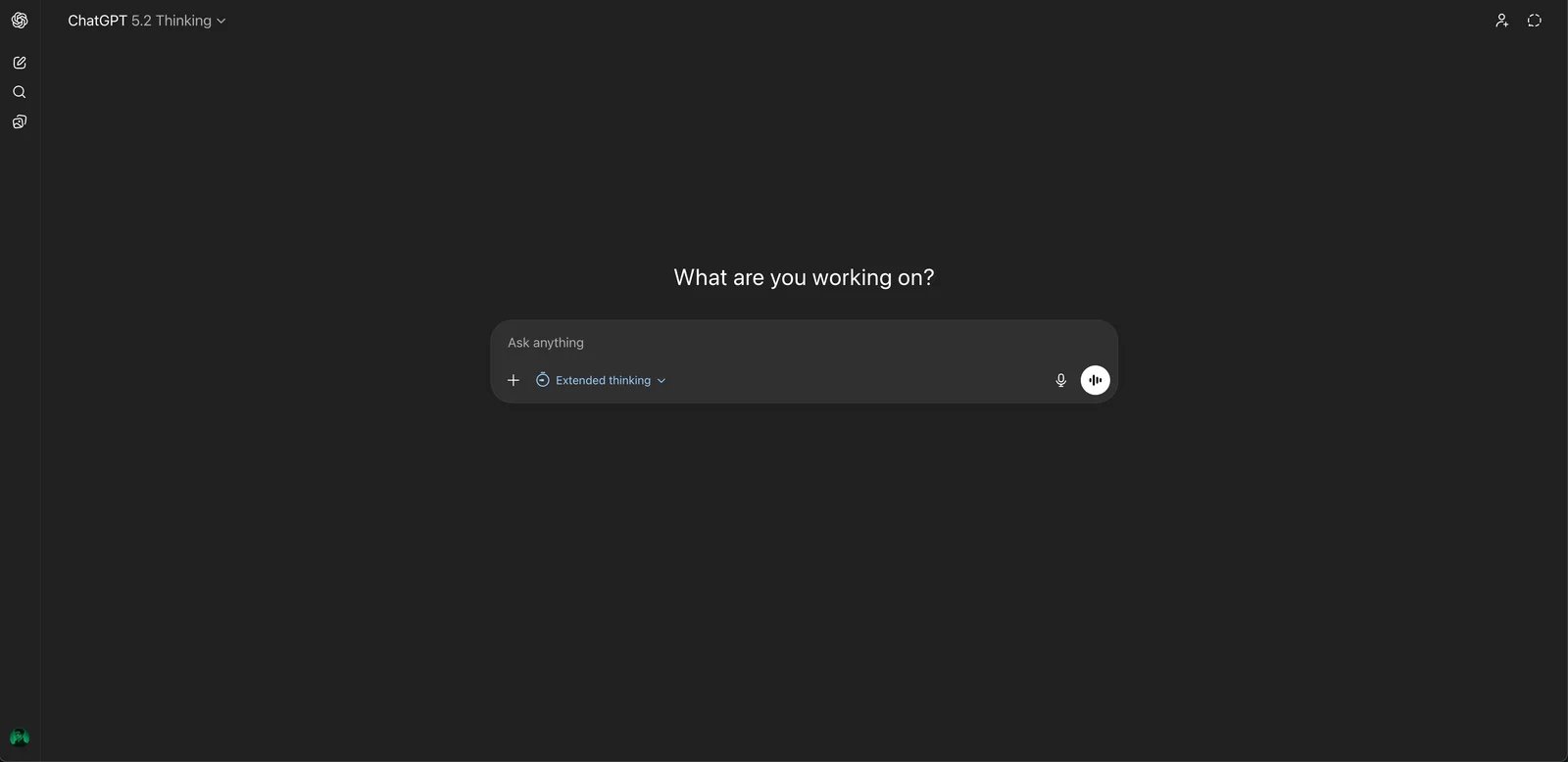
ChatGPT is OpenAI's conversational AI system available to individuals, teams, and enterprises, as well as developers via OpenAI APIs. Launched in November 2022, it targets a broad audience from casual users to organizations needing standardized AI workflows. ChatGPT supports multimodal interactions (text, images, voice where available), file uploads for analysis, and custom GPTs—reusable assistants configured for specific tasks—making it suitable for both one-off queries and repeatable team workflows.
Key Features
-
Multimodal chat (text, images, voice) — Supports conversational interactions including text prompts, image inputs (plan-dependent), and voice conversations on supported platforms. Users can iterate and refine outputs in a single thread across different modalities.
-
File uploads and data analysis — Accepts uploaded documents and spreadsheets for summarization, extraction, and structured analysis. Users can perform calculations and workflows based on file content and natural language instructions.
-
Custom GPTs and shared assistants — Users create customized ChatGPT versions by configuring instructions, capabilities, and knowledge sources. GPTs can be shared privately or publicly to standardize responses for tasks like customer support, onboarding, or content production.
-
Team and Enterprise collaboration controls — Business plans add shared workspaces, administration features, and security controls. Organizations can manage access, standardize tools, and apply governance policies suited to company environments.
Pricing & Plans
ChatGPT offers multiple plan tiers that vary by market and rollout:
Free: $0 — Access to ChatGPT with basic capabilities, limited access to advanced features and models. Usage limits vary by region, load, and product updates.
Plus: $20/month — Higher usage limits than Free, access to additional models and features where available, priority access during peak times.
Pro: $200/month — Designed for high-usage individual users with higher limits than Plus and access to advanced capabilities. Subject to usage limits and feature availability.
Business: $20/user/month billed annually or $25/user/month billed monthly, with a two-seat minimum in most countries. Workspace for teams with admin and collaboration features; OpenAI says business data is not used for training by default.
Enterprise: Contact sales (contract-based) — Enterprise security and admin controls, scalable deployment options, additional governance and support.
Commercial Rights: OpenAI Terms of Use generally allow commercial use and grant output rights to users, subject to policy compliance.
Pros & Cons
Pros:
- Custom GPTs enable reusable, shareable assistants for standardized workflows across teams
- Covers web and mobile platforms with Free/Plus/Pro/Team/Enterprise tiers for various scales
- File upload and data analysis capabilities support document and spreadsheet workflows
- Broad ecosystem including API access and third-party integrations
Cons:
- Feature and model availability varies by region, load, and product rollout, causing inconsistent experiences
- Free and lower-tier plans have message/call limits that can restrict high-intensity usage
- Some features subject to gradual rollout and regional differences
Best For
- Individual users who need general writing, brainstorming, and learning assistance with frequent daily queries (10+ conversations per day)
- Small to medium teams (3–50 people) requiring shared workspaces, unified configuration, and collaboration features
- Operations and support teams wanting to package repetitive tasks into custom GPT assistants for consistent reuse across the organization
- Knowledge workers who regularly process multiple documents or data tables (5+ files per week) for summarization, extraction, and analysis
Get started with ChatGPT
Claude
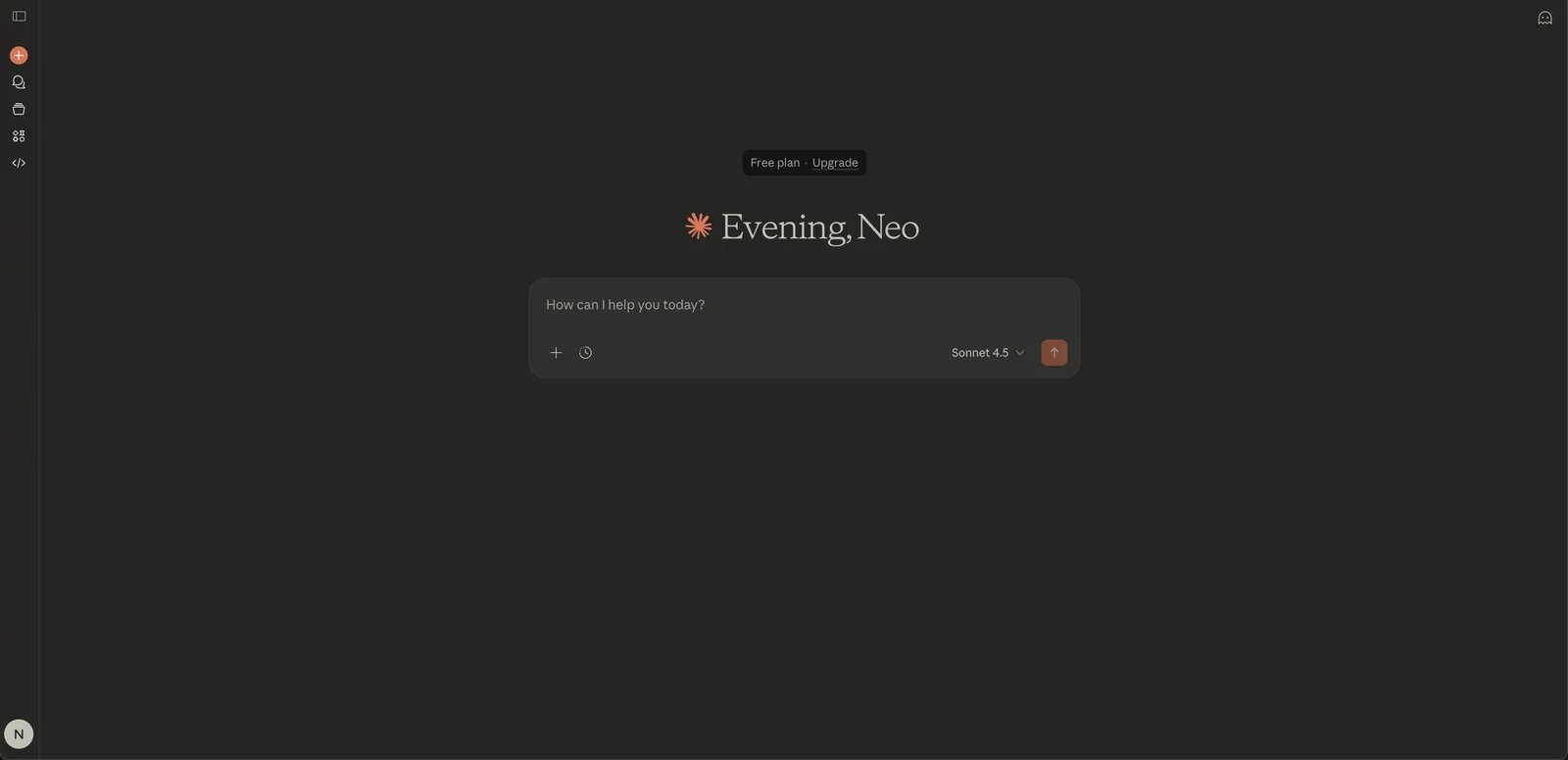
Claude is Anthropic's conversational AI assistant available via claude.ai for individuals and teams, and through Anthropic API for developers and enterprises. Launched in March 2023, Claude emphasizes AI safety and responsible use while providing chat-based assistance for writing, summarization, planning, and analysis. Users can organize work into projects, generate structured outputs like documents and code ("Artifacts"), and iterate on prompts within continuous conversations to refine tone and content.
Key Features
-
Conversational assistant for writing, analysis, and brainstorming — Provides chat-based help for drafting, summarizing, planning, and analysis. Users iterate on prompts, ask follow-up questions, and refine outputs in the same conversation to match tone and constraints.
-
Projects and workspace organization (where available) — Organizes work into projects to maintain context across related conversations. Helps manage ongoing tasks like content pipelines, research topics, or client work in a structured way.
-
Artifacts (structured outputs like documents and code) — Generates structured deliverables such as documents, code, or other "artifact"-style outputs in a dedicated view. Supports faster creation of reusable assets with clearer separation of draft vs discussion.
-
API access to Claude models — Anthropic provides an API for developers to integrate Claude models into applications. Documentation covers model selection, safety guidance, and usage patterns for chat, summarization, extraction, and agent-style workflows.
Pricing & Plans
Claude offers five pricing tiers:
Free: $0 — Access to Claude in the web app, basic chat capabilities, limited usage. Usage limits apply; model/features may vary.
Pro: From $20/month — Higher usage limits than Free, access to additional features (as listed on pricing page), priority access.
Max: Higher-tier individual plan with expanded capabilities and usage limits. See Claude's official pricing page for current features and regional availability.
Team: Per-seat pricing (monthly/annual as offered) — Team workspace and management features, collaboration controls, business-oriented usage limits.
Enterprise: Contact sales (contract-based) — Enterprise support and controls, security and admin features, custom terms.
Commercial Rights: Anthropic terms typically allow commercial use; content ownership and licensing arrangements are defined in Anthropic Consumer Terms and API Terms.
Note: API pricing is separate from Claude.ai subscriptions. Consult Anthropic API pricing page for usage-based fees.
Pros & Cons
Pros:
- Anthropic emphasizes safety and responsible use with developer-focused documentation and guidelines, including detailed prompt engineering guidance
- Offers five tiers (Free/Pro/Max/Team/Enterprise) covering individual to enterprise scenarios with clear feature differentiation
- User community frequently cites strong experience for writing and long-text processing tasks, particularly for maintaining consistent tone in multi-page documents
- API access enables programmatic integration for product and internal tool development with transparent usage-based pricing
- Projects feature (where available) helps organize ongoing work and maintain context across related conversations
Cons:
- Free and lower-tier plans have usage limits that may feel restrictive for professional daily use; rate limiting may occur during high-load periods
- Some features like Projects and Artifacts roll out in phases, leading to inconsistent availability across regions and accounts
- Max tier pricing and feature details require checking official pricing page for your region as availability varies
- Lower-tier plans may have shorter context retention compared to higher-tier models
Best For
- Content professionals who frequently write, rewrite, and summarize long-form reports, articles, and documentation (2,000+ words per piece)
- Knowledge workers requiring quick web-based analysis and brainstorming for strategic planning and decision-making
- Development teams integrating chat, summarization, or text processing capabilities into products via Anthropic API
- Small to mid-size teams (5–100 people) needing collaboration features, shared workspaces, and consistent AI assistance across projects
Get started with Claude
Gemini
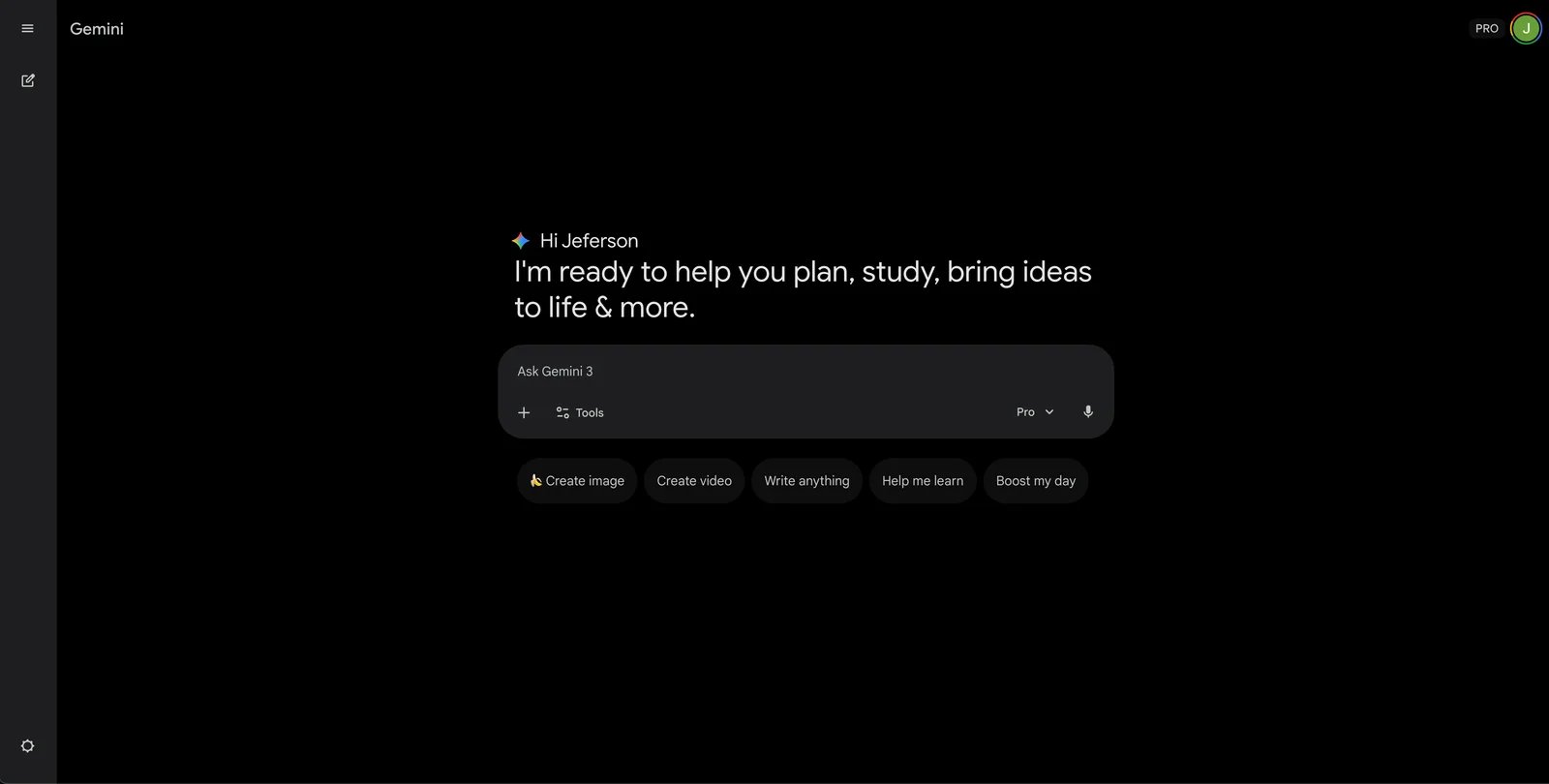
Gemini is Google's AI assistant (formerly Bard) available via web and mobile for consumers, Google Workspace users, and developers through Gemini API. Launched in February 2024, Gemini provides conversational help for drafting, planning, summarizing, and answering questions with integration points across Google services. Google offers paid Gemini tiers through Google One AI plans, providing access to more capable models and higher limits compared to the free experience.
Key Features
-
Gemini chat assistant on web and mobile — Provides conversational assistance for drafting, planning, summarizing, and answering questions. Supports follow-up questions and iterative refinement, available via web and mobile apps where supported.
-
Gemini Advanced via Google One AI plans — Paid tiers marketed as providing access to more capable Gemini models and higher limits/features compared with free experience. Plan details and included storage/benefits described in Google One AI plan pages.
-
Integration with Google services (availability varies) — Positioned to connect with Google services and experiences (e.g., within Google apps or via extensions where offered). Aims to bring assistant capabilities closer to where users already work in the Google ecosystem.
-
Gemini API for developers — Google provides a Gemini API for developers to build applications with text generation and multimodal inputs (capabilities vary by model). Documentation includes model selection, request formats, and safety guidance.
Pricing & Plans
Gemini offers multiple pricing options:
Free: $0 — Access to Gemini chat experience, basic capabilities, limits apply. Feature set and limits vary by region and rollout.
Consumer subscriptions: Offered via Google's AI plans (e.g., Google AI Pro / Google AI Ultra). Pricing and included benefits vary by plan and region—confirm on Google's official subscriptions page for current plans and features.
Gemini API (usage-based): Usage-based (see API pricing, pay-as-you-go) — Programmatic access to Gemini models, model selection and scaling, developer tooling. Rate limits and quotas apply. May include free tier/credits depending on Google Cloud offering.
Commercial Rights: Gemini Apps and Gemini API have separate terms. Check Gemini Apps terms and Gemini API service terms for content rights and commercial use permissions.
Pros & Cons
Pros:
- Tight integration with Google ecosystem makes it convenient for Gmail, Docs, and Drive users who already use Google services daily
- Google AI subscription plans (like Google AI Pro and Ultra) provide higher capability and quota for power users needing frequent access
- Gemini API available for developers with official documentation, rate limits, and usage-based pricing structure
- Free entry point via gemini.google.com lowers trial barrier and requires only a Google account to start
Cons:
- Features and availability depend on region, device, and product rollout phase, leading to inconsistent experiences across markets
- Paid consumer tiers are bundled with Google AI plans rather than standalone subscriptions, requiring users to understand Google's subscription packaging
- Plan names and structure have evolved over time (formerly Bard, then Gemini, with changing subscription options), requiring verification of current offerings
Best For
- Heavy Google ecosystem users (Gmail, Docs, Drive, Calendar) who process 20+ emails daily and want AI assistance within their existing Google account
- Individual mobile users on Android and iOS who need on-the-go AI assistance for writing, summarization, and planning (10+ mobile queries per day)
- Developers and product teams building applications that require multimodal capabilities (text, image, video understanding) via Gemini API with Google Cloud integration
Get started with Gemini
Grok
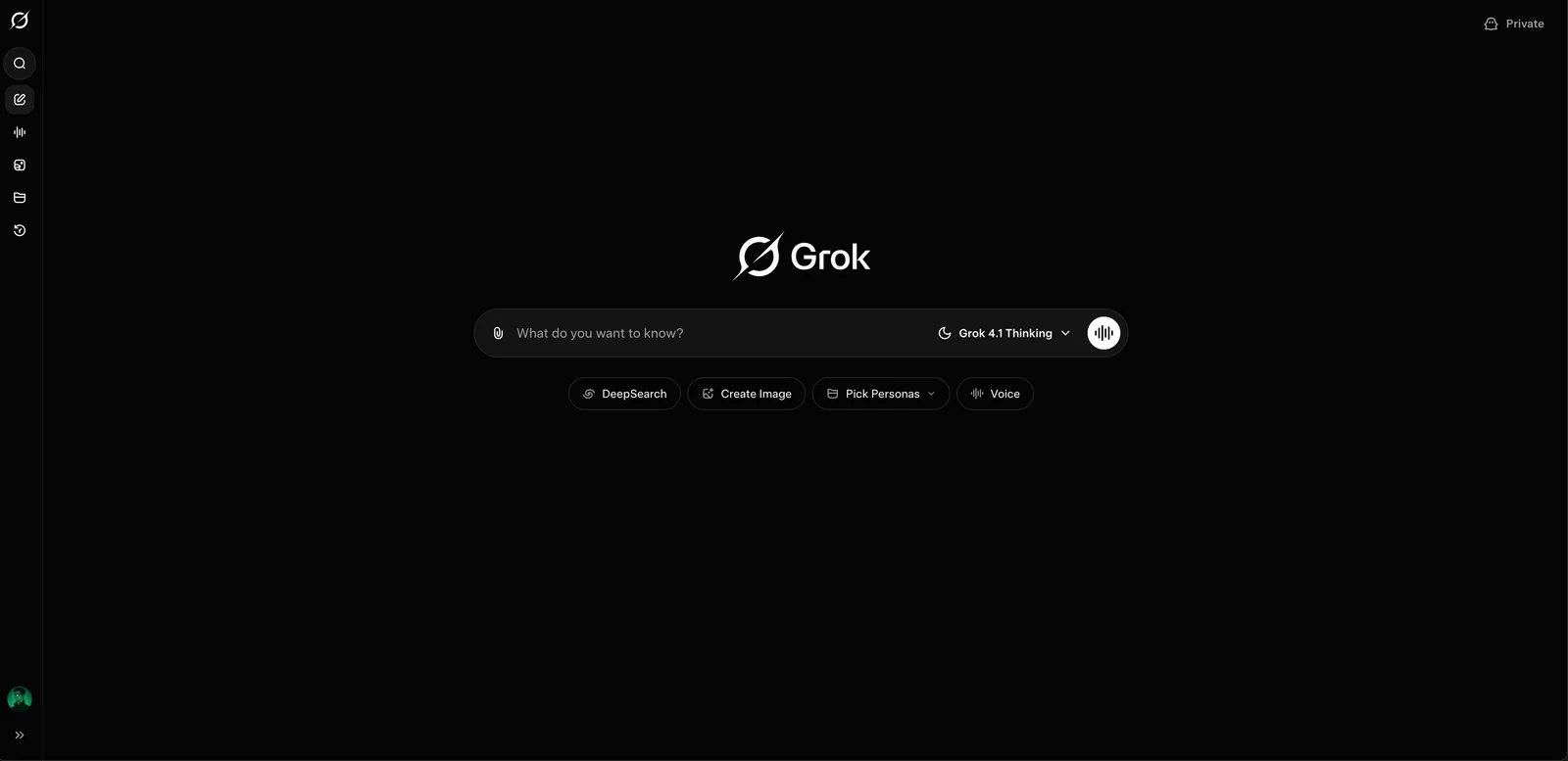
Grok is xAI's AI assistant available on web/mobile for consumers and X users, as well as developers via xAI API. Launched in November 2023, Grok is positioned as a conversational assistant for answering questions, drafting content, and problem solving with an emphasis on up-to-date information and current topics (subject to availability and data access). Grok includes multimodal capabilities in supported experiences and offers different subscription tiers with varying usage limits and feature access.
Key Features
-
Chat assistant with up-to-date information (where available) — Presented as conversational assistant for answering questions, drafting content, and problem solving. Product positioning emphasizes being helpful for real-time or current topics, subject to availability and data access in the product experience.
-
Image understanding and generation (plan-dependent) — Includes multimodal capabilities in supported experiences, enabling users to work with images in chat workflows. Availability and limits may differ by plan, platform, and rollout stage.
-
Grok plans for individuals and organizations — Offers different subscription tiers with varying capabilities and usage limits. Plans page describes what is included in each tier, including access level, speed/limits, and feature availability.
-
xAI API access to Grok models — xAI provides API access and documentation for integrating Grok models into applications, including guidance on making requests and working with model capabilities and limits.
Pricing & Plans
Grok offers multiple pricing tiers:
Free: $0 — Basic Grok access (as offered), standard chat experience, limits apply. Usage limits and feature availability vary.
Grok Business: $30/month — Business-focused access and controls. See xAI's official business page for current features and regional availability.
Other tiers: Additional consumer tiers may exist; confirm on Grok's official plans page for complete pricing options.
xAI API (usage-based): Usage-based (see xAI pricing, pay-as-you-go) — Programmatic access to Grok models, rate limits and quotas, developer tooling. Depends on chosen model and quota.
Commercial Rights: Subject to xAI Terms of Service and related policies. xAI terms define user content and output usage rights.
Pros & Cons
Pros:
- Official plans page clearly lists different tiers including Business plan at $30/month with stated benefits and quotas
- xAI API and documentation available for developer integration with usage-based billing
- Product positioning emphasizes real-time information and current events, which may be useful for queries requiring recent data
- Covers both consumer and business tiers with clear pricing for Business plan
Cons:
- User community discussions note variability in output accuracy and cite-checking, requiring verification of factual claims
- Real-time information capability depends on product data access and may vary by topic, region, and time
- Feature set and access limits subject to frequent updates, making it important to check official documentation for current capabilities
Best For
- Users who frequently need quick Q&A and summarization around current events, news, and trending topics (5+ queries per day about recent developments)
- Active X (Twitter) users who want to combine social media information consumption with AI-powered Q&A in a single platform experience
- Development teams needing to integrate conversational AI with emphasis on current information via xAI API for news apps, research tools, or real-time analysis features
Get started with Grok

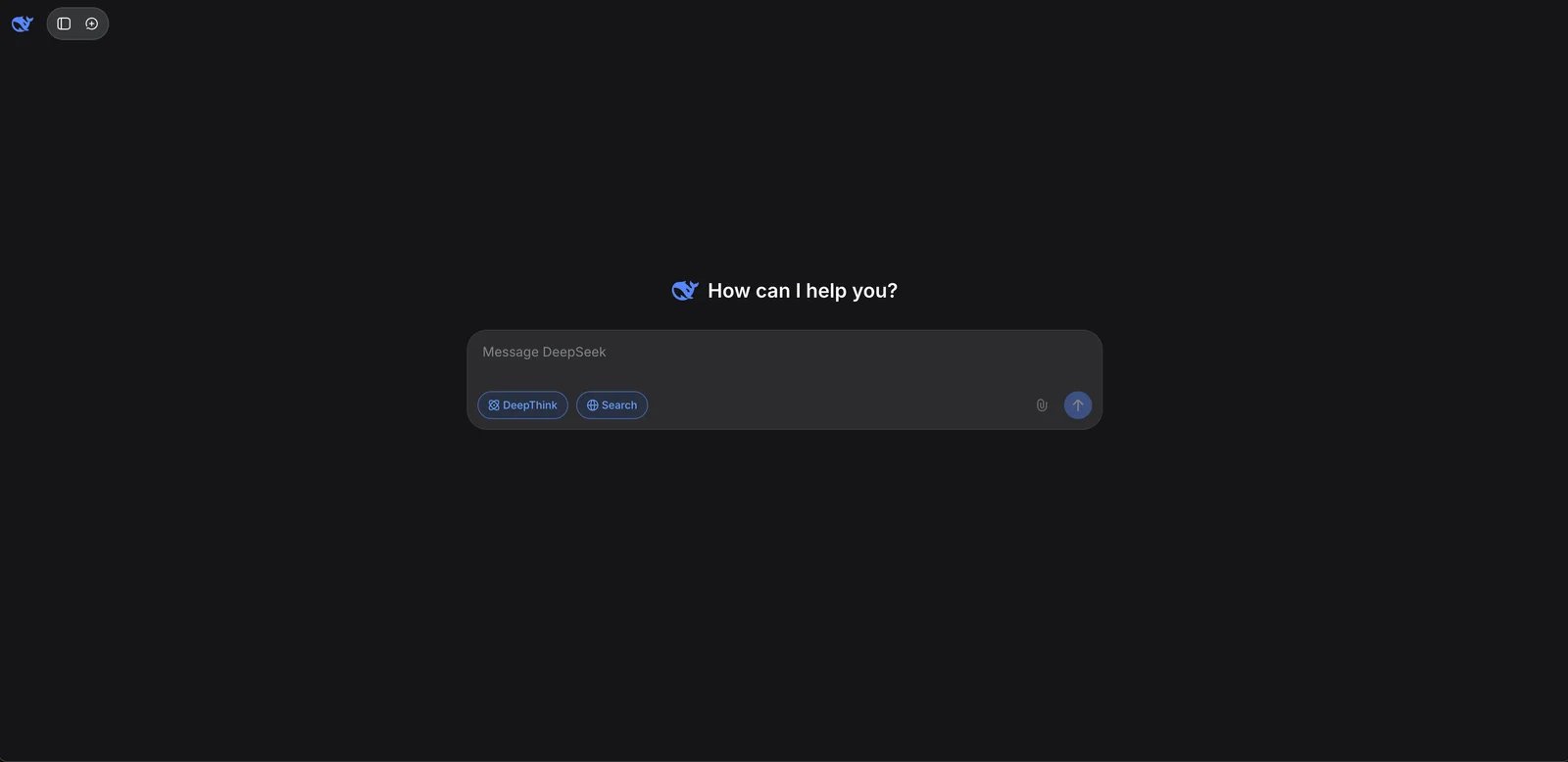
DeepSeek Chat is a web-based assistant from DeepSeek AI, targeting general users on the chat app and developers using the DeepSeek Open Platform API. Launched in January 2025, DeepSeek provides a browser-based chat interface for asking questions, writing and debugging code, and requesting explanations. The assistant is positioned as useful for software and general knowledge tasks, with a conversational workflow supporting iterative clarification. DeepSeek's terms describe clear output rights and an opt-out setting for model improvement data processing.
Key Features
-
Web chat assistant for coding and general tasks — Provides browser-based chat interface where users can ask questions, write and debug code, and request explanations. Positioned as useful for software and general knowledge tasks with conversational workflow.
-
DeepSeek Open Platform (API) — Offers developer platform with APIs and documentation for integrating DeepSeek models into applications. Platform provides usage-based billing and describes how developers can call models for chat and text processing workloads.
-
Controls for model improvement opt-out (as described in terms) — Terms describe how inputs and outputs may be used to provide and improve services, and mention an opt-out setting (e.g., "Improve the model for everyone") for certain processing related to model improvement.
Pricing & Plans
DeepSeek offers two access paths:
Chat (consumer web app): Pricing not publicly disclosed; typically free access (confirm on actual page) — Web chat access, general assistant usage, limits apply. Possible frequency limits or feature differences; manual confirmation needed.
DeepSeek Open Platform (API): Usage-based (pay-as-you-go) — API access to models, usage-based billing, developer documentation. Quotas/rate limits apply. May include free credits (subject to platform policy).
Commercial Rights: Terms state output rights are typically granted to users; users retain input rights and DeepSeek grants output rights (if any) to users. DeepSeek Terms of Use (Inputs and Outputs section) describe rights attribution and usage scope, including model improvement data processing and optional opt-out setting.
Pros & Cons
Pros:
- Terms explicitly state that output rights are typically granted to users, allowing commercial use including derivative development, with clear language in Terms of Use
- Independent Open Platform API with published per-token pricing available for programmatic integration
- Privacy and data storage location addressed in DeepSeek Privacy Policy, with opt-out mechanism for model improvement data processing
- Free web chat provides no-cost access for testing and casual use before committing to API costs
- Strong positioning for coding and software development tasks based on model design focus
Cons:
- Privacy and data storage location have drawn regulatory attention in some jurisdictions; organizations should review official privacy policy for compliance requirements
- Consumer chat feature set, usage limits, and subscription details have limited public transparency on marketing pages; specifics often require account login to confirm
- Public web page primarily serves as login entry point; detailed quota information and feature comparisons across tiers are not prominently published
- Model capabilities and limitations for non-coding tasks may require real-world testing as documentation focuses on technical use cases
Best For
- Individual developers who need a free or low-cost web chat assistant for code Q&A, debugging sessions, and quick troubleshooting (daily coding tasks)
- Product teams wanting transparent usage-based API billing to integrate language model capabilities without minimum commitments
- Developers and enterprise users requiring explicit, written terms for output content rights and commercial use (can directly cite clear Terms of Use language in contracts)
Get started with DeepSeek
Qwen
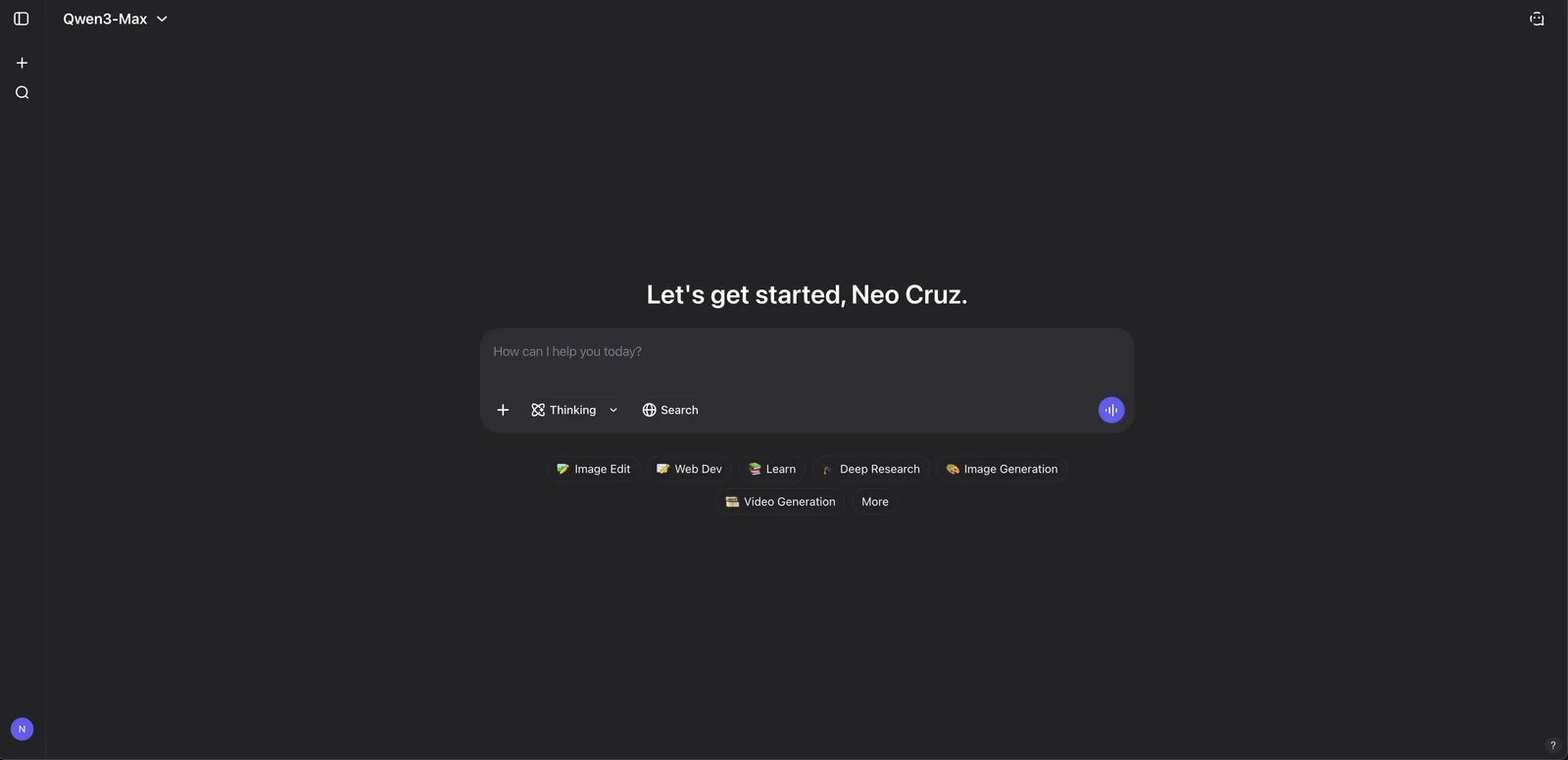
Qwen Chat is Alibaba's web-based AI assistant powered by the Qwen series models, targeting general users and developers via Alibaba Cloud DashScope/Qwen APIs. The Qwen site describes it as free to use and intended for creativity, productivity, and everyday Q&A, with a chat interface for iterative prompting and refinement. Qwen also promotes an official mobile app via QR-based download flow, emphasizing better mobile experience and additional features. Qwen publishes usage policy, terms of service, and privacy policy for compliance reference.
Key Features
-
Free-to-use AI assistant on web — Offers web-based conversational assistant experience powered by Qwen models. Described as free to use and intended for creativity, productivity, and everyday Q&A with chat interface for iterative prompting.
-
Mobile app availability (QR download) — Promotes official mobile app via QR-based download flow, emphasizing better experience and more features on mobile devices compared to unsupported environments.
-
Usage policy and safety rules — Publishes usage policy describing acceptable and prohibited uses across AI products and services. Policy can be referenced by teams to evaluate compliance and risk when using assistant or integrating Qwen capabilities.
Pricing & Plans
Qwen offers two access paths:
Qwen Chat: $0 (as described on Qwen site) — Web chat access, general assistant capabilities, mobile app option. Specific limits and whether premium/paid upgrades exist require manual confirmation.
API / Cloud access (DashScope): Usage-based (see Alibaba Cloud/DashScope pricing, pay-as-you-go) — Programmatic model access, developer integration, usage-based billing. Quotas and rate limits apply. May have free tier/credits (subject to official terms).
Output Rights: Qwen's May 2026 Terms assign to the user any rights Qwen has in requested outputs, subject to the Terms and applicable law. The Usage Policy covers both commercial and non-commercial use; teams should still review disclosure, human-review, and prohibited-use requirements before publishing outputs.
Pros & Cons
Pros:
- Official site clearly states Qwen Chat is "free to use" without requiring payment for basic access
- Publishes Terms of Service and Privacy Policy at chat.qwen.ai/legal-agreement for compliance review and citation in organizational documentation
- Mobile app promoted via QR download for consistent cross-device experience with additional features compared to web interface
- Usage Policy provides explicit acceptable use guidance that organizations can reference when evaluating compliance and risk
- Powered by Alibaba's Qwen model series with integration options via Alibaba Cloud DashScope for developers
Cons:
- Web page may show "Current System does not Support" compatibility prompts in some browsers or regions, potentially limiting accessibility
- The Terms require human review and AI disclosure before publishing or distributing output, which may add process requirements for business use
- User community discussions note variability in availability, response stability, and output quality across regions and time periods
- Whether paid subscription tiers or premium features exist is not clearly disclosed on public marketing pages, requiring account login to confirm
- Limited English-language documentation and support resources compared to Western providers
Best For
- Individual users who need a free web-based assistant for daily writing, general Q&A, and personal productivity
- Development teams already working within Alibaba Cloud ecosystem and wanting native DashScope API integration
- Organizations operating primarily in Chinese-speaking markets that need to cite explicit Usage Policy and Terms in compliance documentation
Get started with Qwen
Kimi
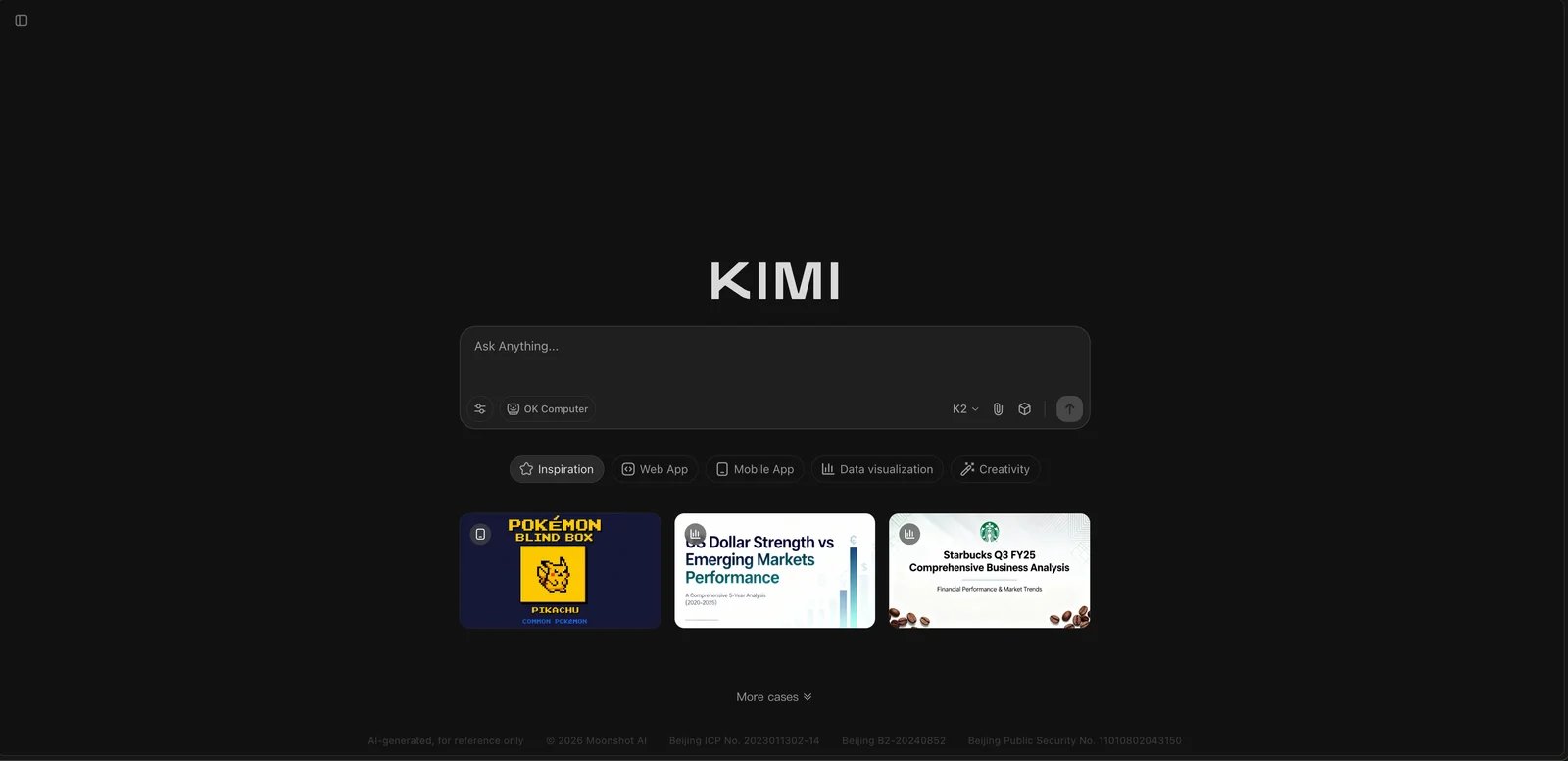
Kimi is an AI assistant from Moonshot AI available as a consumer chat app and for developers via Moonshot AI platform APIs. Launched in October 2023, Kimi provides a browser-based chat assistant experience for Q&A, writing, and planning with iterative prompting and refinement. Public references highlight "agent" and deep-research style features (e.g., Kimi Researcher) aimed at multi-step research or task execution workflows, with availability and feature set depending on product version and plan. Kimi publishes model use agreement and user agreement for compliance and IP-related reference.
Key Features
-
Web-based AI assistant (chat) — Provides browser-based chat assistant experience for Q&A, writing, and planning. Positioned as AI assistant for general knowledge and productivity tasks with iterative prompting and refinement.
-
Agent / deep research capabilities (product-dependent) — Public references highlight "agent" and deep-research style features (e.g., Kimi Researcher) that aim to handle multi-step research or task execution workflows. Availability, limits, and exact feature set depend on product version and plan.
-
Model use agreement and platform terms — Publishes user agreements and model use terms covering acceptable use, data handling, and IP-related clauses. Documents can be used as references for compliance and clarifying commercial use and content ownership rules.
Pricing & Plans
Kimi offers three access paths:
Kimi apps (consumer): Free to use with rate limits — Web chat access, general assistant usage, rate limits apply. Consumer plan details and subscription pricing may be account/region dependent and not publicly disclosed on a stable page.
Moonshot AI Platform API: Usage-based (pay-as-you-go) — API access to models with usage-based billing documented by Moonshot AI. See official Kimi OpenPlatform docs for pricing details. Quotas/rate limits apply.
Commercial Rights: Subject to Kimi model use agreement and user agreement. Refer to agreement sections on user content, output content, and licensing for commercial use and content ownership scope.
Pros & Cons
Pros:
- Publishes model use agreement and user agreement pages that provide written documentation for compliance teams to review content rights and licensing terms
- Product roadmap emphasizes "agent" and deep-research capabilities (like Kimi Researcher) for multi-step task execution and research workflows
- Offers API access via Moonshot AI OpenPlatform with documented usage-based billing for developer integration projects
- Model use agreement provides explicit written basis for understanding governance requirements and IP ownership clarity
- Positioned for handling extended context and multi-step reasoning tasks compared to simple Q&A chatbots
Cons:
- Consumer subscription pricing and tier information not transparently published on public marketing pages, requiring account login or in-app view to confirm details
- Advanced features like Agent capabilities and Research mode may be gated behind subscription tiers or usage limits that are not clearly documented publicly
- Subscription tier names and pricing structure lack stable public documentation, making it difficult to budget and compare plans before signing up
- Limited English-language resources and documentation compared to international providers may pose challenges for non-Chinese-speaking users
- Product availability and feature rollout may be regionally dependent, with primary focus on Chinese-speaking markets
Best For
- Chinese-speaking users or bilingual teams who need an AI assistant fluent in Chinese and English for writing, translation, and summarization tasks
- Power users interested in multi-step research workflows and "agent" capabilities who are willing to explore advanced features and potentially upgrade for higher limits
- Organizations operating in China or with Chinese business units that need to cite explicit model use agreements and terms in their compliance and procurement documentation
Get started with Kimi

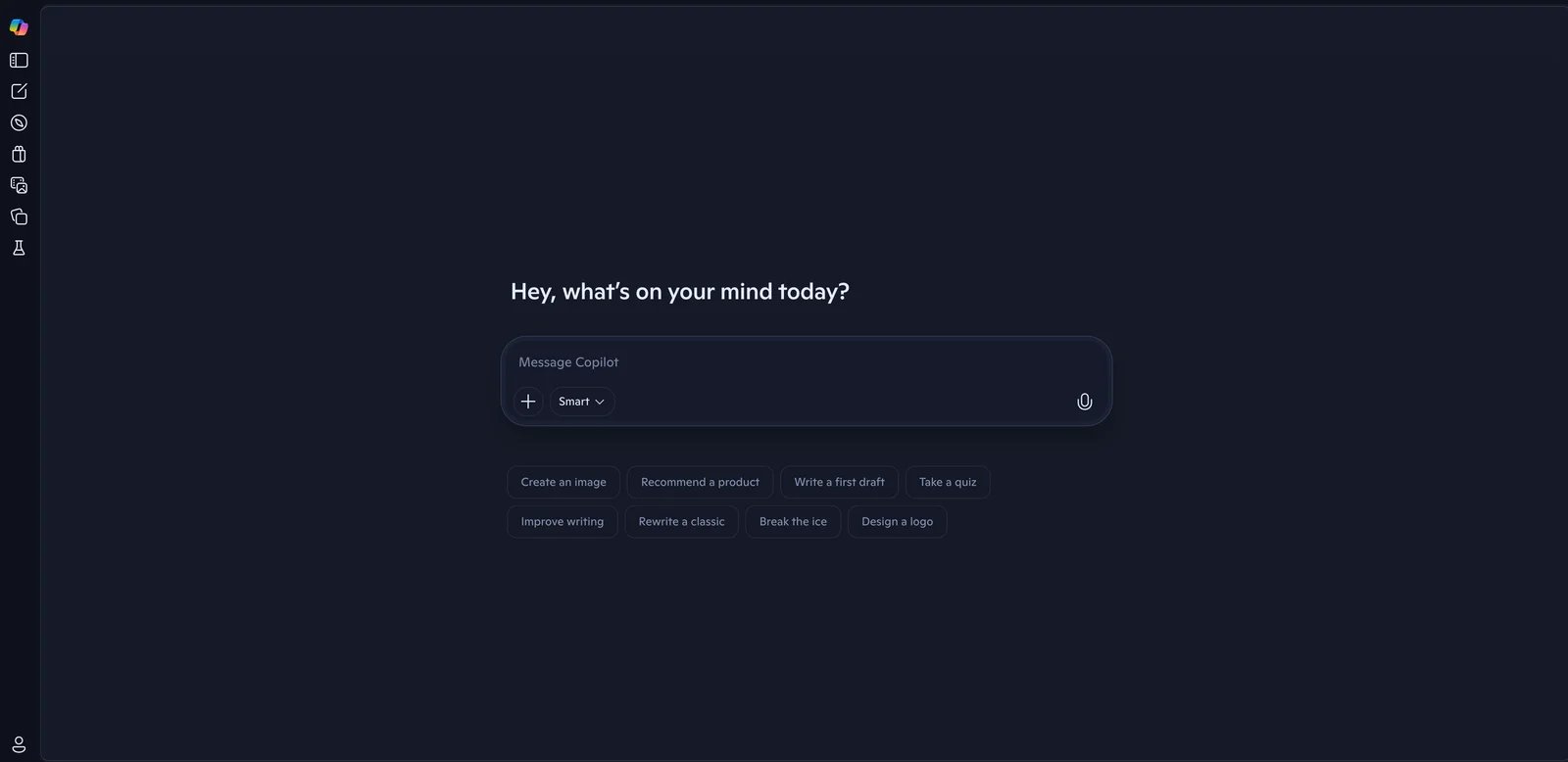
Microsoft Copilot is Microsoft's AI assistant positioned as "Your everyday AI companion," available to consumers via web/mobile, Microsoft 365 users, and businesses through Copilot for Microsoft 365 / Copilot Chat. Launched in September 2023 (Microsoft unified Bing Chat and other experiences under Copilot brand), Copilot provides chat-based assistance for questions, writing, planning, and summarization. Copilot Pro is a consumer subscription providing higher usage and integration within Microsoft 365 apps, while Copilot for Microsoft 365 serves business/enterprise with organizational data and Microsoft Graph integration.
Key Features
-
Copilot chat for everyday questions and drafting — Offers chat-based assistant for questions, writing, planning, and summarization in browser and apps. Positioned as general-purpose companion for generating content and answering questions through conversational interaction.
-
Copilot Pro for higher usage and Microsoft 365 app integration — Consumer subscription providing access to Copilot features with higher usage limits and integration within Microsoft 365 apps (e.g., Word, Excel, PowerPoint) for subscribers, as described in announcements and coverage.
-
Copilot for Microsoft 365 (business) — Microsoft sells Copilot for Microsoft 365 for business and enterprise, enabling Copilot experiences tied to organizational data and Microsoft Graph, subject to licensing and admin controls.
Pricing & Plans
Microsoft Copilot offers multiple access paths:
Copilot (free): $0 — Copilot chat access, basic capabilities, limits apply. Usage limits apply; some advanced integrations require subscription.
Copilot (consumer subscriptions): Included with select Microsoft 365 consumer subscriptions (e.g., Personal / Family / Premium). Pricing and included Copilot benefits vary by plan and region—confirm on Microsoft's official subscriptions page.
Microsoft 365 Copilot (business): Sold as a business add-on with organization controls and admin tooling. Pricing and eligibility depend on your Microsoft 365 business plan—confirm on Microsoft's official business pricing page.
Commercial Rights: Subject to Microsoft Services Agreement and product-specific terms. Refer to Microsoft Services Agreement and Copilot/AI function supplemental terms (if any), noting version and date.
Note: Copilot Pro and Copilot for Microsoft 365 are separate subscriptions. Some pricing and bundle packages (e.g., Microsoft 365 Premium) may adjust over time; screenshot Microsoft official pricing page for confirmation.
Pros & Cons
Pros:
- Tight integration with Microsoft 365 office suite, with clear product lines (Copilot Pro / Copilot for Microsoft 365) for office scenarios
- Free entry point (copilot.microsoft.com) lowers trial barrier
- Covers consumer and business tiers with web, Windows, iOS, Android platform support
- Part of Microsoft services ecosystem with familiar account and support infrastructure
Cons:
- Multiple subscription paths (consumer Microsoft 365 plans vs business Copilot add-ons) require careful review to understand which features are included in each tier
- Full integration in Office desktop apps requires appropriate Microsoft 365 subscription; free Copilot web chat does not include Office app features
- Consumer and business offerings have different pricing structures and feature sets that may require consulting Microsoft's official pages for clarity
- Some advanced features may be region-dependent or require specific Microsoft 365 license combinations
Best For
- Microsoft 365 power users who spend significant time in Word, Excel, PowerPoint, and Outlook and want AI assistance embedded directly in these apps
- Small and mid-size businesses (10–500 employees) already using Microsoft 365 who need content drafting, summarization, and analysis within their existing ecosystem
- Organizations seeking single-vendor AI solution that integrates with existing Microsoft admin infrastructure, security policies, and compliance frameworks
Get started with Microsoft Copilot

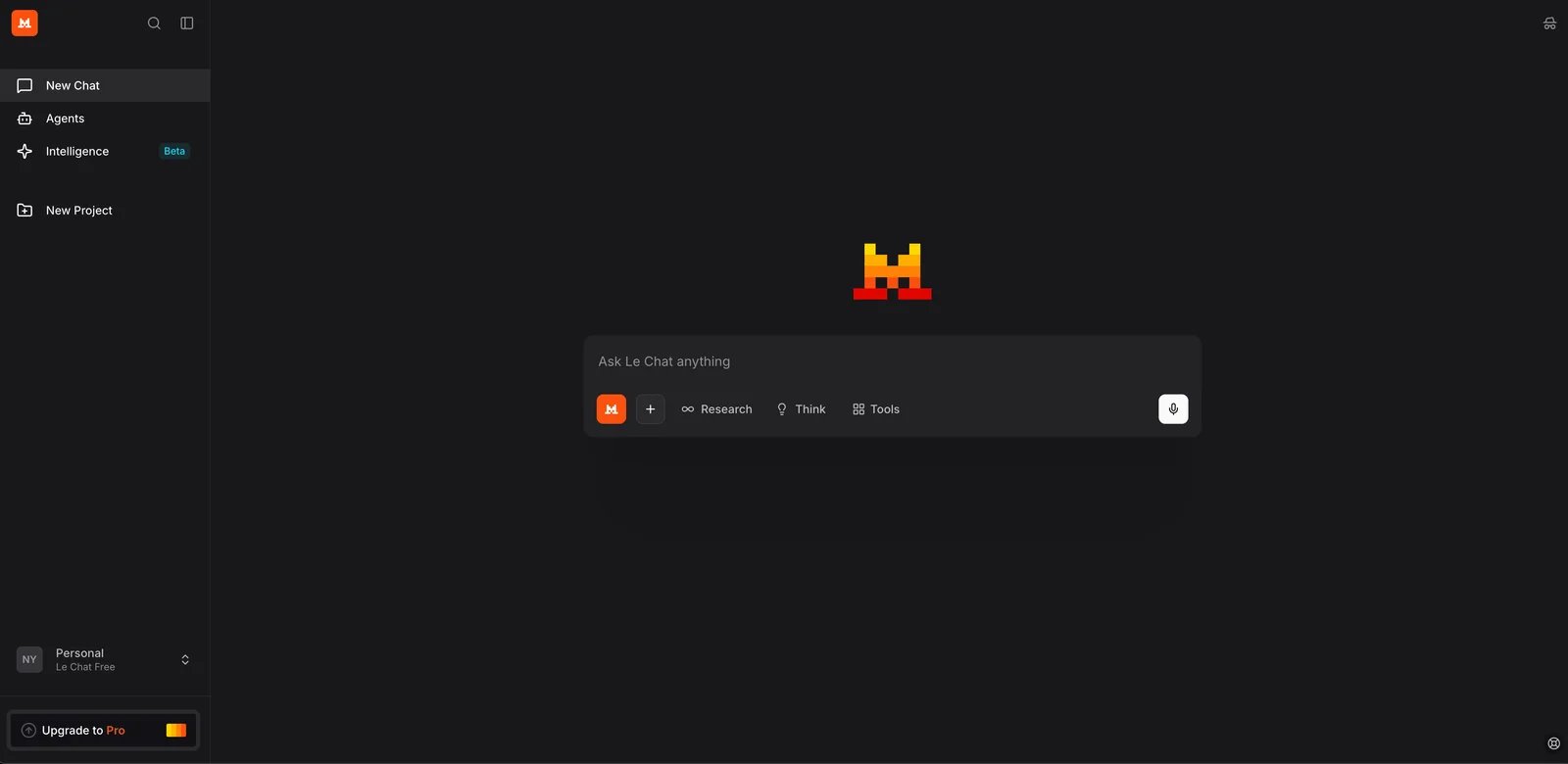
Mistral now presents its assistant as Vibe (formerly Le Chat), combining chat and work features with its coding agent. It is available to individuals and teams on web, while developers and enterprises can also use Mistral's API and platform. Older reviews and bookmarks may still use the Le Chat name.
Key Features
-
Vibe web assistant — Provides chat, work, and coding-agent interfaces for drafting, Q&A, reasoning, and longer-running tasks. Availability and limits depend on plan.
-
Mistral API (La Plateforme) — Provides developer APIs and documentation for integrating models into applications. Platform describes available models, request formats, and operational considerations such as rate limits and usage-based billing.
-
Enterprise / team features (plan-dependent) — Offers business-oriented plans and enterprise offerings, including governance and commercial support. Exact feature set depends on chosen plan and contract terms.
Pricing & Plans
Mistral AI offers multiple access paths:
Vibe Free: $0 — Web and mobile access with limited messages, searches, coding sessions, and image generations.
Pro: $14.99/month — Higher usage limits and additional features compared with Free tier. See official pricing page for current inclusions.
Team: $24.99/month — Team-oriented features with administration controls. Consult official pricing for seat rules and limits.
Mistral API (La Plateforme): Usage-based (pay-as-you-go) — API access to Mistral models with developer documentation and usage-based billing. Rate limits and quotas apply.
Enterprise: Contact sales (contract-based) — Enterprise support and governance, commercial terms, custom deployment options.
Commercial Rights: Subject to Mistral Terms and API terms. Refer to Mistral service terms for content and output provisions.
Pros & Cons
Pros:
- Provides official developer documentation and La Plateforme API platform with clear integration guidance for building applications
- Covers consumer chat and coding through Vibe, developer API access, and enterprise options
- European AI company positioning with GDPR compliance focus may appeal to organizations with EU data residency requirements or regional AI preferences
- Transparent pricing at multiple tiers including Pro at $14.99/month and Team at $24.99/month, more affordable than some competitors
- Open-source model releases alongside commercial offerings provide flexibility for different deployment scenarios
Cons:
- User feedback indicates variability in response quality and functionality across different use cases, making real-world testing important for your specific needs
- Some advanced features and higher limits require a paid Vibe plan or separate API usage
- Documentation completeness and support resources vary by language, with primary focus on English and French
- Smaller ecosystem and community compared to OpenAI or Anthropic, meaning fewer third-party integrations and community resources
Best For
- Users who prefer European AI providers for GDPR compliance or data residency reasons and need daily Q&A and writing assistance via web interface
- Development teams requiring usage-based API access with transparent pricing to integrate language model capabilities into applications
- Mid to large organizations (100+ employees) with European operations needing commercial support agreements, enterprise contracts, and compliance-focused AI solutions
Get started with Mistral Vibe

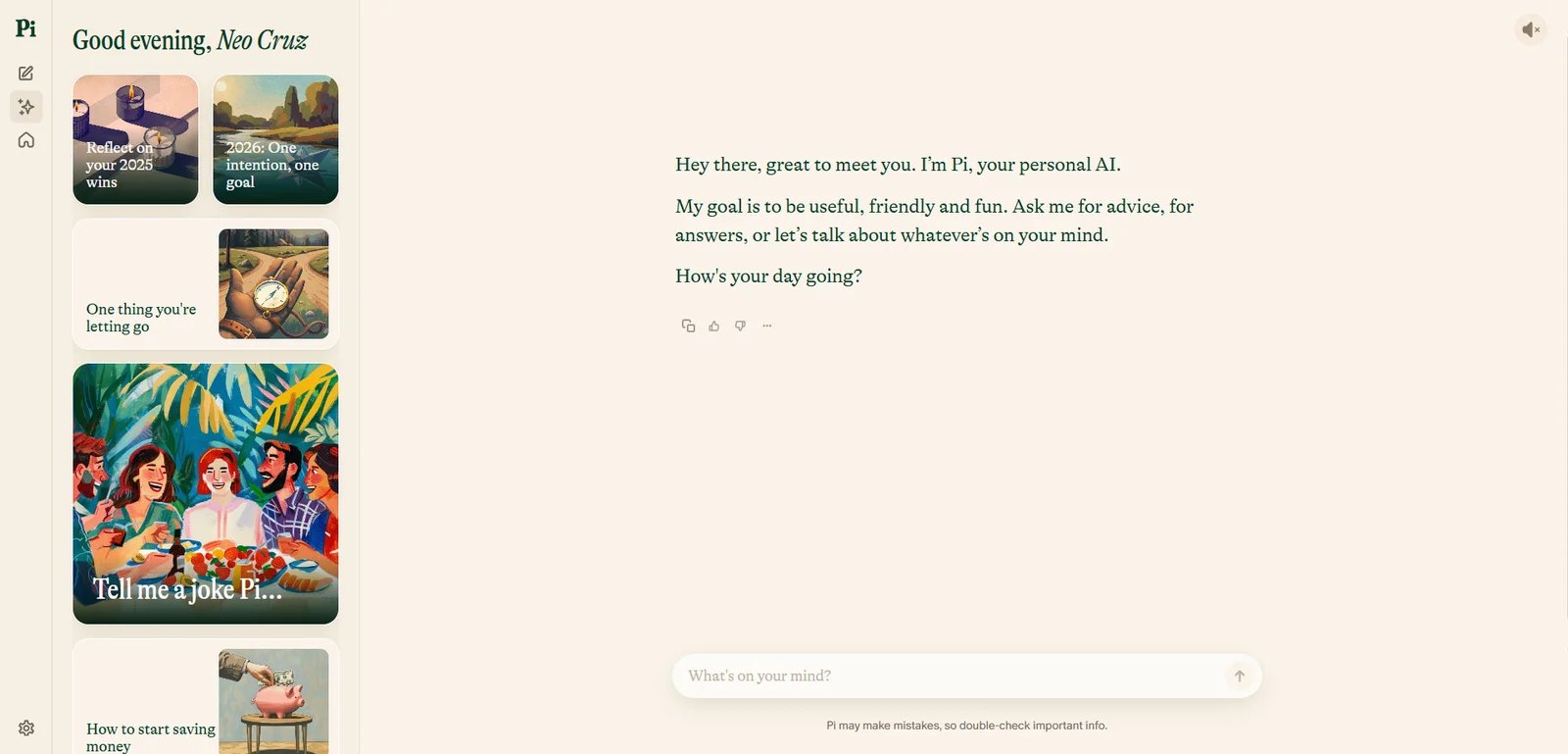
Pi is a personal AI assistant from Inflection AI positioned as "supportive and conversational," available to general consumers seeking a personal AI companion. Launched in May 2023, Pi is designed for conversation, reflection, and help with everyday questions, emphasizing an approachable, supportive tone for ongoing dialogues rather than one-off Q&A. Pi is available through web and promoted mobile access, allowing users to continue conversations across devices depending on account and platform availability. Inflection provides terms-of-service style documents outlining acceptable use and legal conditions.
Key Features
-
Personal AI companion conversation — Positioned as personal AI for conversation, reflection, and help with everyday questions. Emphasizes approachable, supportive tone and is designed for ongoing dialogues rather than one-off Q&A.
-
Multi-platform access (web and mobile) — Available through web experience and promoted mobile access in ecosystem. Users can continue conversations across devices depending on account and platform availability.
-
Terms and policies for service use — Inflection provides terms-of-service style documents (including developer terms) outlining acceptable use, limitations, and legal conditions. Can be referenced when assessing commercial use and data handling risks.
Pricing & Plans
Pi offers one main tier:
Pi: Free (no public subscription pricing found) — Chat access via web, personal companion conversation. May have limits or feature restrictions (manual confirmation needed).
Commercial Rights: Subject to Inflection service terms and developer terms. Refer to terms for user content and output licensing provisions.
Note: No public subscription pricing page found. If in-product paid upgrade exists, manual confirmation needed.
Pros & Cons
Pros:
- Clear product positioning as "personal companion" focused on supportive, empathetic conversation style rather than pure task completion
- Multi-platform access across web and mobile apps supports conversation continuity for ongoing personal dialogues and planning
- Free access without disclosed subscription tiers makes it accessible for casual personal use without financial commitment
- Conversational design emphasizes natural dialogue flow and emotional support rather than information retrieval or productivity
- Voice conversation support on mobile provides hands-free interaction option for some users
Cons:
- No public pricing page or plan comparison available, making it unclear if paid tiers exist or what premium features might be offered
- User discussions raise questions about conversation memory, privacy practices, and how consistently Pi maintains context across long dialogues
- Commercial use rights and API availability are not clearly documented publicly, requiring manual review of terms before business use
- Not positioned for productivity tasks like coding, document analysis, or professional writing compared to task-focused chatbots
- Limited integration with other tools or platforms compared to ecosystem-focused alternatives like Microsoft Copilot or Gemini
Best For
- Individual users who prefer companion-style, empathetic conversation over task-focused productivity tools
- People seeking conversational support for life planning, personal reflection, and brainstorming in a supportive tone (not a substitute for professional therapy or advice)
- Casual users wanting a free, accessible personal AI experience focused on dialogue rather than document processing or technical tasks
Get started with Pi

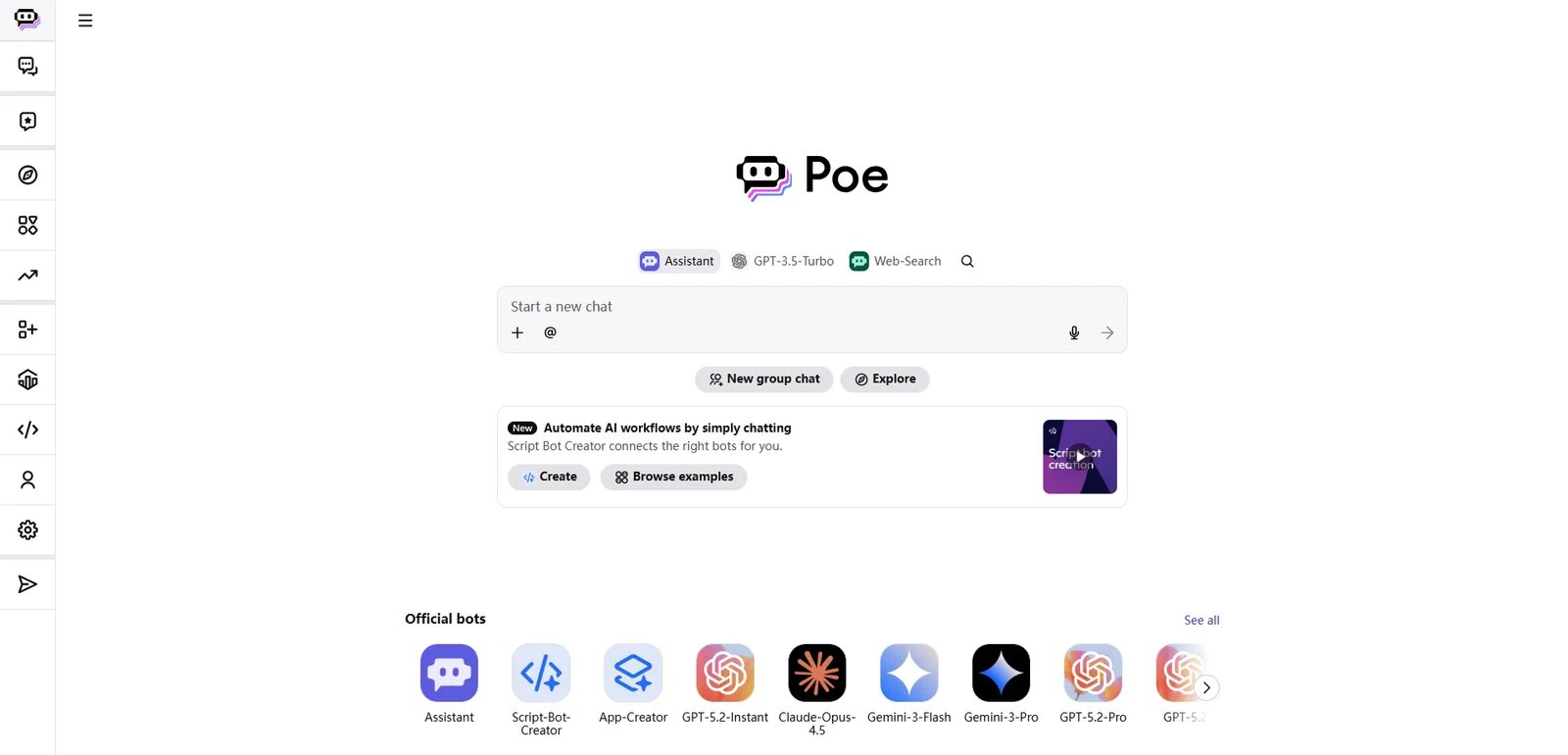
Poe is a platform from Quora to talk to and create AI bots, available to consumers wanting access to multiple AI chatbots and creators/developers building and sharing bots. Launched in December 2022, Poe provides a single interface where users can chat with multiple AI bots and switch between them for different tasks. Poe also allows users to create custom bots with instructions and share them publicly or privately, supporting task-specific assistants, community bot directories, and repeatable workflows. Subscriptions use a points-based system granting monthly allocation for using premium bots or higher-capability models.
Key Features
-
Access multiple AI bots in one app — Provides single interface where users can chat with multiple AI bots and switch between them for different tasks. Positioned as way to compare responses or use specialized bots without managing separate accounts across providers.
-
Create and share custom bots — Allows users to create own bots with instructions and share publicly or privately. Supports building task-specific assistants, community bot directories, and repeatable workflows for content, customer support, or learning.
-
Subscription with monthly points/limits (Poe plan) — Subscriptions use points-based system granting monthly allocation for using premium bots or higher-capability models. Help documentation explains how points work, what happens when points run out, and how usage is measured.
Pricing & Plans
Poe offers two tiers:
Free: $0 — Access to Poe app, limited access to bots, message/usage limits apply. Free usage is limited; premium bots may require subscription/points.
Poe Subscription: Starts at $4.99/month — Points/credits-based usage across bots; you can buy additional credits when needed. Pricing and tiers vary by region and may include annual options (e.g., $199.99/year shown in some flows). Points-based usage; once points exhausted, premium usage limited until renewal or additional purchase.
Commercial Rights: Subject to Poe Terms of Service and Quora related terms. Refer to Poe/Quora terms for user content and output licensing provisions.
Note: Poe subscription pricing displayed on subscription page/purchase flow, may vary by region/promotions; screenshot subscription page as evidence recommended.
Pros & Cons
Pros:
- Aggregates multiple AI bots (ChatGPT, Claude, and others) in one platform, eliminating need for separate accounts across providers
- Subscription pricing starts at $4.99/month with transparent points mechanism and official FAQ explaining consumption and renewal
- Single platform reduces friction for comparing different models side-by-side for the same query
- Bot creation platform enables users to build task-specific assistants and share them publicly or privately with reusable workflows
Cons:
- Points-based metering means different bots consume different amounts of points per message, requiring users to monitor consumption for cost predictability
- Free tier has limited quota; premium models and higher-capability bots require paid subscription, creating barrier for heavy users
- Subscription pricing may vary by region and promotional periods; official subscription page should be checked for current pricing in your market
Best For
- Users who want to experiment with and compare multiple AI models (ChatGPT, Claude, Gemini, and others) in one platform without managing separate subscriptions
- Creators and small teams (2–10 people) needing to build and share task-specific bots like writing templates, customer support scripts, or workflow automations without coding
- Power users comfortable with points-based metering who want flexibility to allocate usage across different models based on task requirements
Get started with Poe
Best AI Chatbots by Use Case
Choosing the right AI chatbot depends on your primary use case and workflow. Here's how these tools compare across common scenarios.
For Writing and Content Creation
If you need frequent writing assistance—drafting articles, reports, or marketing copy—ChatGPT, Claude, and Microsoft Copilot are strong choices. ChatGPT's custom GPTs let you package writing workflows (tone, format, constraints) into reusable assistants, reducing repeated prompting. Claude is frequently cited for strong performance on long-form writing and document analysis, making it useful for content professionals working with multi-page reports. Microsoft Copilot shines for users already in the Microsoft 365 ecosystem, offering writing assistance directly inside Word, PowerPoint, and Outlook with select Microsoft 365 subscriptions.
For Coding and Development
If coding assistance is your priority, ChatGPT, DeepSeek, and Claude stand out. ChatGPT supports code generation, debugging, and explanation across multiple languages with API access for product integration. DeepSeek positions itself as useful for software and general knowledge tasks, with clear output rights terms favorable for developers. Claude's API and structured output ("Artifacts") support development workflows including code generation and refactoring. All three offer developer APIs for programmatic integration.
For Team Collaboration and Business Use
Organizations needing shared workspaces, admin controls, and security features should consider ChatGPT (Business/Enterprise plans), Claude (Team/Enterprise), Microsoft Copilot (Copilot for Microsoft 365), and Gemini (via Google Workspace integration). ChatGPT Business provides per-seat pricing with collaboration features and business data controls. Microsoft Copilot for Microsoft 365 ties into existing Microsoft admin infrastructure and organizational data via Microsoft Graph. Claude offers Team and Enterprise plans with workspace management and security controls.
For Budget-Conscious Users and Free Options
If you want capable AI chat without subscription costs, ChatGPT Free, Claude Free, Gemini Free, Qwen, DeepSeek, and Pi offer free access with varying limits. ChatGPT Free and Claude Free provide access to conversational AI with usage limits that may suffice for casual use. Qwen explicitly markets itself as "free to use" with mobile app support; its current terms assign Qwen's rights in requested outputs to the user but require human review and AI disclosure before publishing. DeepSeek offers free web chat and publishes output-rights terms. Pi provides free personal companion-style conversation. Note that free tiers typically have message limits and may not include advanced features like file uploads or priority access.
For Ecosystem Integration
If you're heavily invested in a specific ecosystem, choose the native option. Microsoft Copilot integrates with Microsoft 365 apps (Word, Excel, PowerPoint, Outlook) and Windows. Gemini connects with Google services (Gmail, Docs, Drive) and Android. Qwen aligns with Alibaba Cloud ecosystem and DashScope API. ChatGPT and Claude offer broader third-party integrations via their APIs without ecosystem lock-in.
For Developers and API Integration
If you need programmatic access, ChatGPT (OpenAI API), Claude (Anthropic API), Gemini (Gemini API), Grok (xAI API), DeepSeek (Open Platform API), Qwen (DashScope), Kimi (Moonshot AI), and Mistral AI (La Plateforme) all provide developer APIs with documentation. OpenAI and Anthropic have mature API ecosystems with extensive community support. Mistral AI positions itself as European alternative with API-first approach. DeepSeek offers usage-based API with clear terms on output rights.
How to Choose the Right AI Chatbot
Selecting the right AI chatbot requires aligning tool capabilities with your specific requirements and constraints. Follow this framework to make an informed decision:
1. Define Your Primary Use Case
Start by identifying your main workflow: writing and content creation, coding and development, research and analysis, customer support, team collaboration, or general Q&A. Different tools excel in different areas—ChatGPT and Claude for writing, DeepSeek for coding, Microsoft Copilot for Office integration, Poe for multi-model access.
2. Set Your Budget
Determine your spending capacity. Free options include ChatGPT Free, Claude Free, Gemini Free, Qwen, DeepSeek, and Pi—suitable for casual use with usage limits. Mid-tier consumer plans ($15-20/month) include ChatGPT Plus, Claude Pro, Mistral AI Pro, and Google AI plans for Gemini. Microsoft Copilot is included with select Microsoft 365 subscriptions. Poe offers subscriptions starting at $4.99/month with points-based usage. High-usage individual plans like ChatGPT Pro ($200/month) provide higher limits. Team plans (ChatGPT Business, Claude Team, Mistral AI Team, Microsoft 365 Copilot) add collaboration features. Enterprise plans require sales contact and offer custom terms.
3. Evaluate Ecosystem Alignment
If you're embedded in an existing platform, choose the native option for tighter integration. Microsoft 365 users benefit from Copilot's Office app integration. Google ecosystem users get better experience with Gemini. Alibaba Cloud users may prefer Qwen. If you want ecosystem flexibility, ChatGPT and Claude offer third-party integrations without lock-in.
4. Assess Technical Requirements
Beginners needing simple web chat should consider ChatGPT Free, Claude Free, Pi, or Qwen. Power users wanting custom workflows should explore ChatGPT's custom GPTs or Poe's bot creation platform. Developers needing API access should evaluate OpenAI, Anthropic, Google, xAI, DeepSeek, or Mistral AI APIs based on documentation quality, pricing, and model capabilities.
5. Check Licensing and Commercial Use
If you plan commercial use, verify content ownership and licensing terms. ChatGPT, Claude, DeepSeek, and Mistral AI publish clear terms on output rights. Review each tool's Terms of Service for commercial use permissions, content ownership, attribution requirements, and prohibited uses. For business use, consider Team/Enterprise plans with explicit business terms.
6. Test Before Committing
Take advantage of free tiers and trials. Most tools offer free access—ChatGPT Free, Claude Free, Gemini Free, Pi, Qwen, DeepSeek. Test with your actual use case: try drafting content, analyzing documents, or writing code. Evaluate response quality, speed, and ease of use. Before purchasing, review the provider's cancellation and refund policy, which often varies by billing channel (App Store, Google Play, or direct web billing).
Start with ChatGPT Free if you're unsure—it offers broad capabilities, multimodal support, and clear upgrade paths to paid plans. If writing quality is paramount, try Claude Free for comparison. If you're a Microsoft 365 user, start with Copilot free and explore how it integrates with your existing Office apps before committing to a paid Microsoft 365 subscription.
Frequently Asked Questions
What is the best AI chatbot for professional writing and content creation?
Are these AI chatbots free to use?
Can I use these AI chatbots for commercial projects?
How do ChatGPT and Claude compare for coding tasks?
Do I need technical skills to use AI chatbots?
What is typical pricing for AI chatbot subscriptions?
Are there privacy concerns with AI chatbots?
Can I use multiple AI chatbots or switch between them?
Get ToolWorthy Weekly
New AI tools, practical guides, and selected AI signals in one weekly brief.
For AI tool founders
Built a tool that belongs in this decision set?
Request an editorial evaluation for possible inclusion in ToolWorthy.
Submit your tool for reviewPaid submission does not guarantee a ranking, recommendation, inclusion, or editorial outcome.