
15 Best AI Portrait Generator Tools 2026 - Identity, Style & Cost
Compare 15 AI portrait generator tools for creator portraits, profile images, brand personas, reference control, pricing, and commercial workflow fit.
On this page
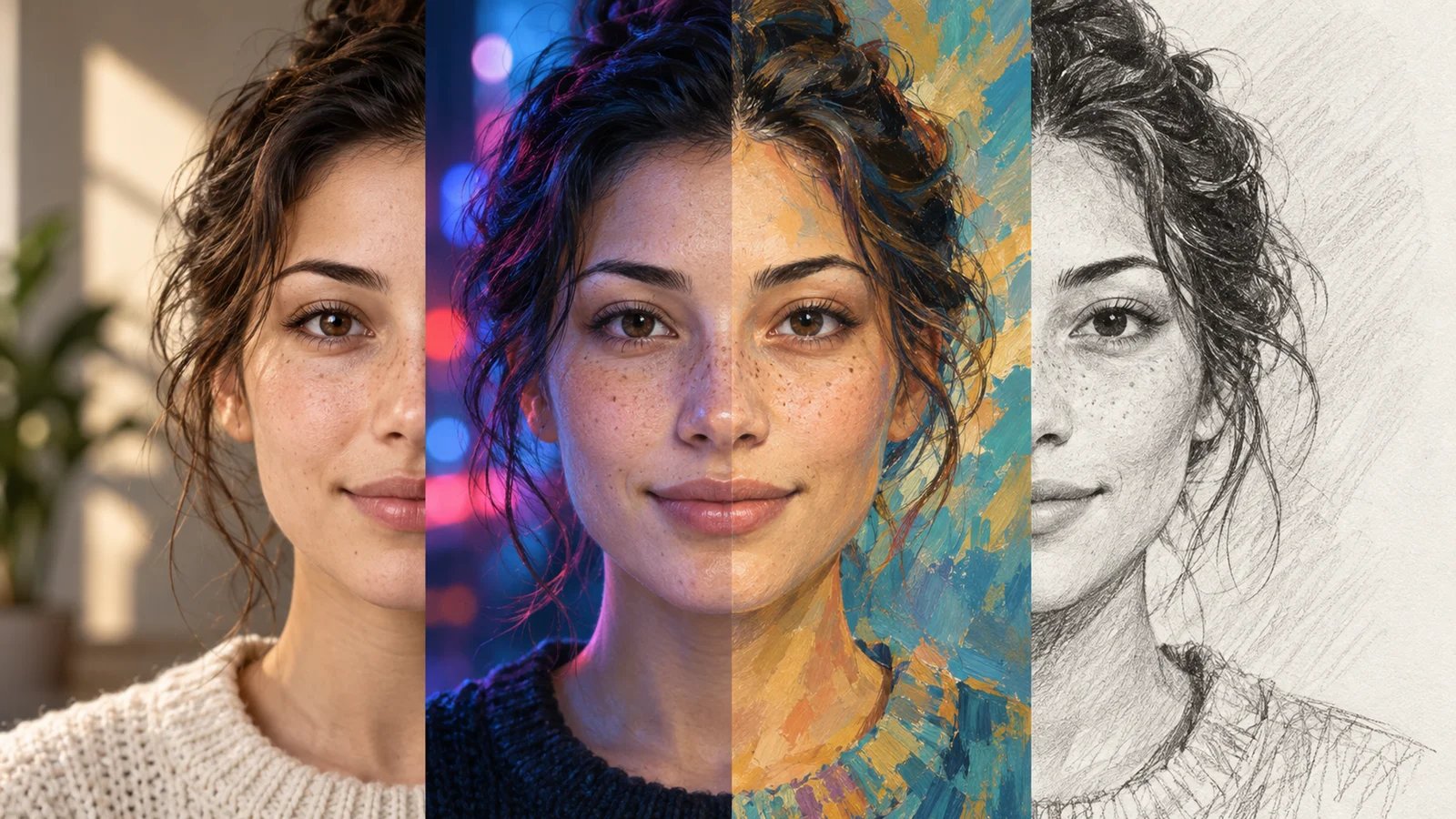
A founder needs a polished portrait for a launch page, a creator wants a consistent visual identity across social channels, and a fiction writer needs believable character portraits without hiring an illustrator for every scene. They all search for the same thing: the best AI portrait generator. The hard part is that the market mixes three different products under one label - general image models that can draw people, professional headshot services, and portrait-first tools that preserve identity, style, and usable output rights.
This guide focuses on the third job: still-image portrait generation for real people, creator personas, profile images, artistic portraits, and reusable characters. If you only need LinkedIn-ready business photos, start with our AI headshot generator comparison. If you need broad text-to-image systems for ads, products, or illustrations, use our best AI image generator guide. Here, we compared 35 candidates, scored 20, and selected 15 tools with the clearest portrait-specific workflow, pricing evidence, platform access, and user-feedback signals.
| Tool | Best For |
|---|---|
| Adobe Firefly | Brand-safe portraits for teams already designing, editing, and publishing inside Adobe workflows |
| Higgsfield | Identity-consistent creator portraits, cinematic characters, and repeatable faces across varied visual styles |
| Picsart | Social portraits for creators who want generation, retouching, and post-ready editing together |
| YouCam Online Editor | Fast selfie-to-portrait transformations with preset styles for casual and profile-picture users |
| LightX | Low-cost Web portraits with daily free credits, prompts, styles, and quick editing |
| Fotor | Browser-based portrait generation for non-designers who want broad styles plus photo editing |
| Canva | Portraits that must become social posts, decks, or brand graphics |
| ImagineMe | Personal AI model portraits from training photos for repeated identities across creative scenes |
| Photo AI | Advanced personal AI models for creators needing prompts, remixing, outfits, and repeatable likeness |
| MyPhotoAI | One-off HD portrait sets with free watermarked previews before paying for downloads |
| My AI Photo Shoot | Low-cost portrait batches and personal branding images with optional personal model training |
| Dreamwave | Professional-leaning creative portraits for users who want polished realism beyond standard headshots |
| BlendMe.ai | Face-identity locked portraits with 100+ styles, text edits, and commercial licensing included |
| Photoleap | Mobile-first stylized portraits for iOS and Android creators who edit on phones |
| DreamPic.AI | Legacy one-time portrait packs; new orders are currently paused in the live workflow |
How We Selected and Tested
We selected these AI portrait generator tools based on measurable category fit: the product had to generate still-image portraits of people from text prompts, uploaded selfies, reference images, personal models, style presets, or identity controls. We excluded pure talking-avatar tools, lip-sync tools, video presenter platforms, generic image models with no meaningful portrait workflow, and image editors focused only on cleanup, background removal, upscaling, or retouching. That kept the article from duplicating our AI avatar generator guide, AI talking photo generator guide, and AI image editor comparison.
Our research combined official product pages, pricing pages, policy pages, app-store listings, Trustpilot pages, and public product documentation available on August 9, 2026 UTC. We treated marketing claims conservatively. A vendor saying "photorealistic" did not become an output-quality score unless the workflow, reference controls, platform access, and third-party feedback supported it. When current pricing, limits, or independent user feedback could not be verified, the tool was penalized rather than filled in with guesses.
Evaluation Dimensions: We evaluated each tool across five dimensions:
- Portrait Functionality - Reference image support, selfie upload, identity consistency, text prompting, style range, editing, and export workflow.
- User Experience - Web access, app dependency, setup friction, training steps, English-language support, and clarity around privacy or deletion.
- Innovation - Persistent identity models, multi-reference controls, face consistency, pose/style control, and workflow differentiation.
- Value for Money - Free access, entry price, credits, one-time packs, pricing transparency, and whether useful output is available before paying heavily.
- User Feedback - Public third-party feedback from app stores or Trustpilot, adjusted when the rating covers a whole photo editor rather than the portrait feature alone.
Note on Testing Scope: This is a public-source evaluation, not a paid blind benchmark with the same selfie set across every product. For dynamic fields such as credits, promotions, app-store ratings, and regional prices, treat this as a 2026 snapshot and verify the checkout page before buying.
Top 15 AI Portrait Generator Tools Compared
The best AI portrait generator depends on what kind of portrait you need. A designer choosing Firefly or Canva usually cares about downstream design and commercial comfort. A creator choosing Higgsfield, Photo AI, ImagineMe, or BlendMe.ai cares more about repeatable identity and style. A casual user choosing YouCam, LightX, Fotor, Photoleap, or DreamPic.AI wants fast results without building a complex personal model. The table below highlights the practical differences before the detailed reviews.
| Tool | Best For | Portrait Workflow | Pricing Shape | Platform Fit | Watch For |
|---|---|---|---|---|---|
| Adobe Firefly | Brand-safe creative teams | Text + reference image | Free; paid credits | Web + iOS + Android | Adobe ecosystem fit |
| Higgsfield | Identity-consistent creators | Soul ID + references | Monthly credits | Web | Credit planning |
| Picsart | Social portrait editing | Portrait generator + editor | Freemium subscription | Web + apps | App-wide rating signal |
| YouCam Online Editor | Quick selfie portraits | Upload + style presets | Credits + Plus plan | Web + app ecosystem | Credit limits |
| LightX | Budget Web portraits | Photo + prompt + styles | Free daily credits; Pro | Web + apps | Style quality varies |
| Fotor | Broad portrait styles | Web portrait workflow | Free; paid dynamic | Web + apps | Dynamic pricing page |
| Canva | Design-ready portraits | Portrait generator in editor | Free; Pro by region | Web + apps | Less identity-specific |
| ImagineMe | Personal model portraits | Upload training photos | Credit packs | Web | Slow training |
| Photo AI | Advanced personal models | Personal AI model + prompts | Monthly credits | Web | Weak public feedback |
| MyPhotoAI | One-off HD sets | Upload 5-15 photos | Free preview; one-time HD | Web + mobile entry | Limited independent reviews |
| My AI Photo Shoot | Cheap portrait batches | Prompt + optional model | One-time credits; weekly Pro | Web | Broad license terms |
| Dreamwave | Creative portraits near headshots | 1 selfie + style generation | One-time packages | Web | Headshot-first brand |
| BlendMe.ai | Face-locked style sets | Selfies + Face Identity Lock | Weekly subscription | Web + Android | iOS status clarity |
| Photoleap | Mobile-first stylized portraits | App portrait styles | Annual app plan | iOS + Android | Not Web-first |
| DreamPic.AI | Legacy style packs | Upload photos + choose styles | New orders paused | Web | Homepage/live-order details conflict |
Detailed Reviews

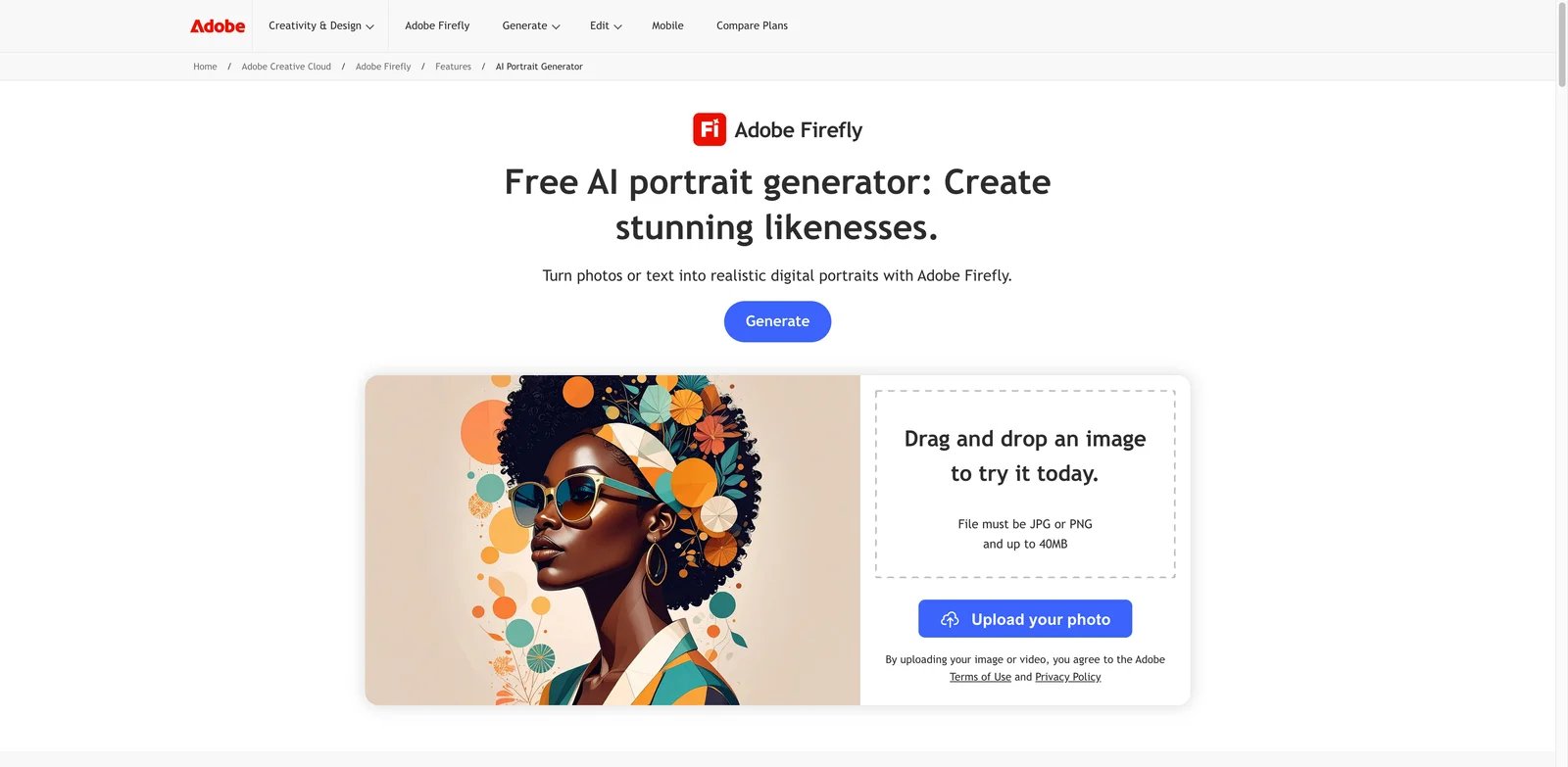
Creative teams often need portraits that can survive brand review, not just impress in a demo grid. Adobe Firefly is the strongest fit when the portrait is only one asset in a larger design workflow: campaign visuals, founder pages, profile images, social graphics, presentation headers, or concept boards. Its dedicated AI portrait generator sits inside a broader Firefly and Adobe ecosystem, which matters if your next step is editing, layout, or commercial review rather than posting a raw output.
Key strengths:
- Reference-driven portrait generation - Firefly supports prompt-based generation with reference image and visual controls, making it more usable for specific portrait direction than a plain text-only model.
- Brand and commercial comfort - Adobe's public Firefly positioning around commercially safer creative AI makes it easier to justify in business settings than smaller novelty portrait apps.
- Downstream editing path - If the portrait needs to become a design asset, Adobe's ecosystem gives it a smoother path into editing, resizing, layout, and campaign production.
Pricing is clearer than most portrait tools. Firefly has a free entry point, and the Standard plan was publicly listed at $9.99 per month with 2,000 credits at the August 9, 2026 research snapshot. That makes the cost easier to model than platforms where one portrait batch, model training run, or hidden credit conversion changes the real price.
Limitations: Firefly is not the strongest personal identity model in this list. If you need the same person recreated across dozens of outfits, poses, and scenes, Higgsfield, Photo AI, or ImagineMe may give you more identity-specific control. Firefly also makes the most sense if you value Adobe's broader ecosystem; if you only want a quick profile portrait, it may feel heavier than necessary.
Best for brand teams, agencies, founders, and creators who want polished portraits that can move directly into design work. Not the right fit if your only job is bulk selfie-based personal model generation.
Get started with Adobe Firefly.
Higgsfield
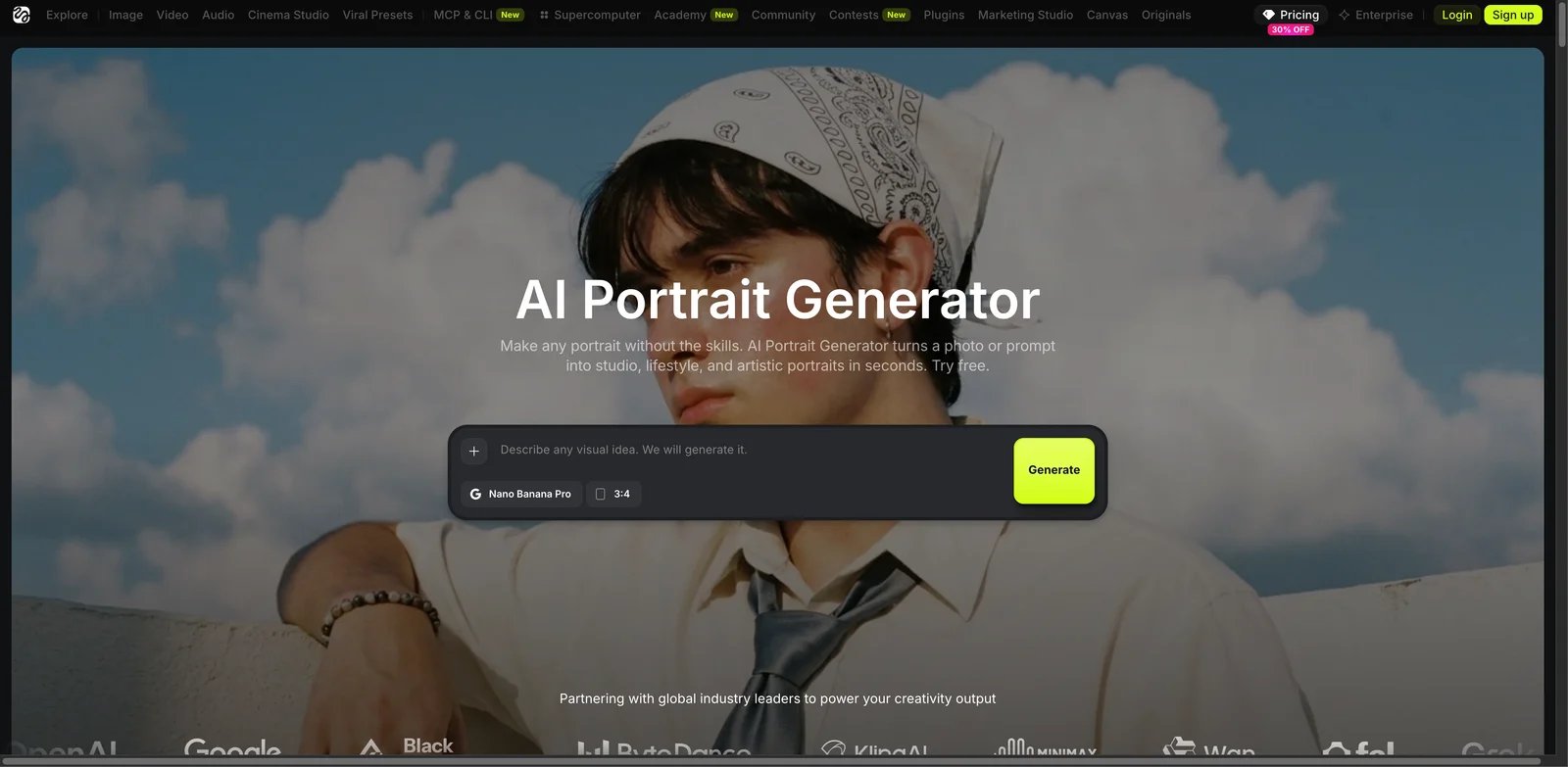
Creators who need the same face to stay recognizable across many looks run into a different problem than casual users. A single nice portrait is easy; a repeatable identity is harder. Higgsfield ranks near the top because its portrait workflow is built around identity, reference control, and style direction rather than one-off filter effects.
Key strengths:
- Soul ID for repeatability - Higgsfield's identity layer is the main reason it belongs in the first tier. It is better suited to creator branding and character continuity than basic portrait generators.
- Multi-reference direction - The workflow is useful when you want to steer likeness, mood, wardrobe, or cinematic framing from more than one visual input.
- Creative range - Higgsfield is not limited to corporate portraits. It can support editorial, cinematic, influencer-style, and character-like looks when identity continuity matters.
The Basic plan was listed at $9 per month when billed annually, with 120 credits per month, in the research snapshot. That looks accessible, but credits matter. Users producing many variations should calculate how many final usable portraits they expect per month, not just the subscription price.
Limitations: Higgsfield has more creative power than the simplest Web editors, but that also means more setup and iteration. It is not the obvious choice for someone who wants a single profile picture in five minutes. Credit use can also become the real constraint if you test heavily.
Best for creators, personal brands, small studios, and character-driven projects where identity consistency is worth a slightly more involved workflow. Not the right fit if price predictability matters more than identity control.
Get started with Higgsfield.

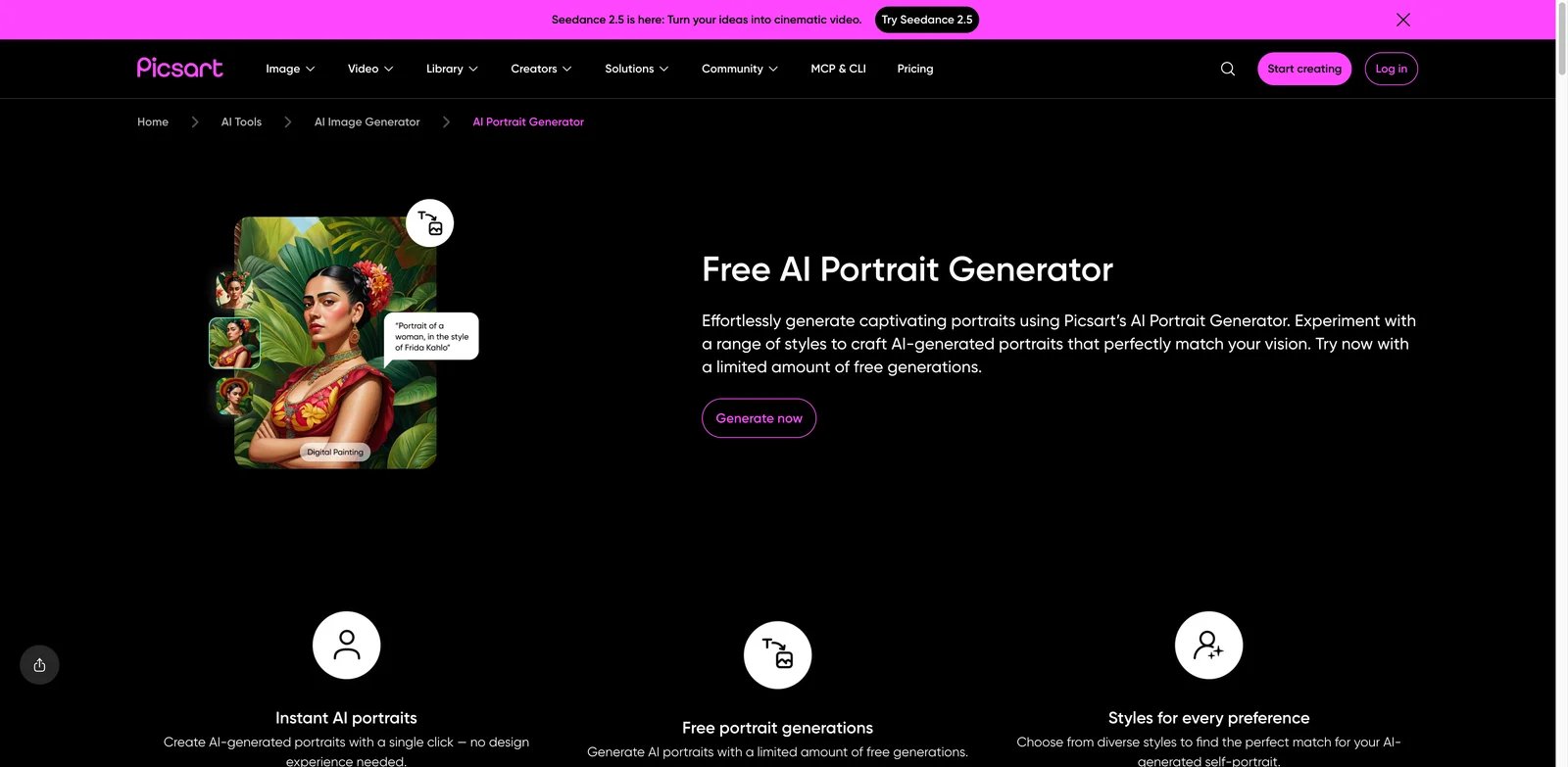
Many people do not want a standalone portrait generator. They want to generate a portrait, fix the crop, add a background, create a social post, and move on. Picsart fits that job well because its portrait generator sits inside a mature editor used by social creators and lightweight design teams.
Key strengths:
- Portrait plus editing - Picsart is strongest when the first generated image is not the final asset. You can continue editing, styling, cropping, and designing inside the same environment.
- Social content workflow - The product is comfortable for profile images, creator portraits, thumbnails, casual campaign visuals, and content experiments.
- Accessible Web and app footprint - Compared with mobile-only tools, Picsart is easier to include in a cross-device workflow.
Picsart Pro was listed at $10.50 per month billed annually in the research snapshot, with AI image generation limits included in the broader plan. The pricing is more understandable than many portrait-only tools, but the subscription is for the whole Picsart editor, not only portrait generation.
Limitations: Picsart's public ratings cover the whole app, not specifically AI portrait quality. It is also less specialized than identity-model tools such as Higgsfield or Photo AI. If you need persistent likeness across many branded scenes, Picsart may feel more like a fast editor than a dedicated identity engine.
Best for creators and marketers who need portraits plus quick social editing. Not the right fit if you need a highly controlled personal model or a business-only professional headshot workflow.
Get started with Picsart.
YouCam Online Editor
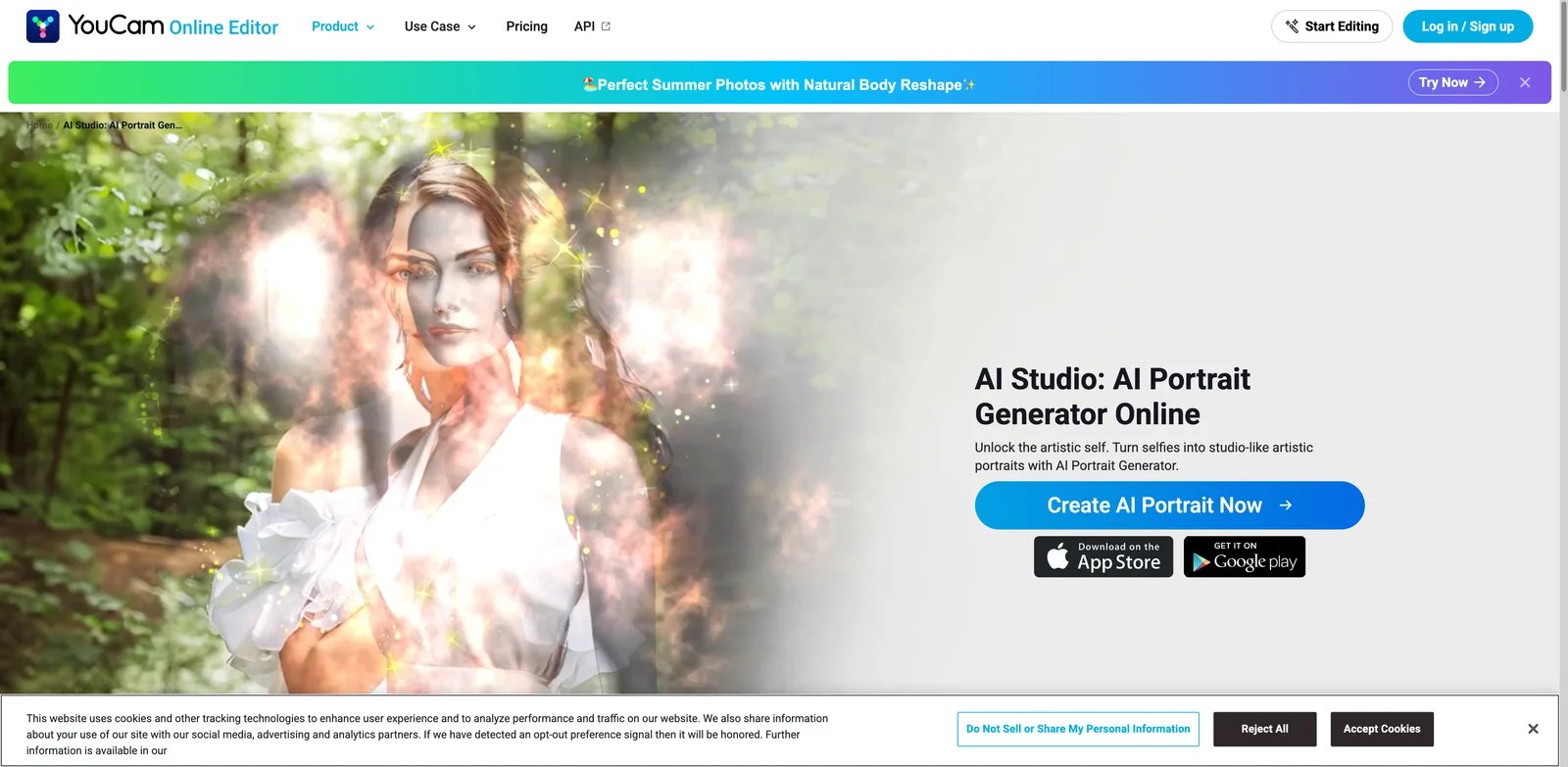
If your priority is speed, YouCam Online Editor is one of the easiest tools to understand. Upload a selfie, pick a portrait direction, spend credits, and get usable variations. It does not ask you to think like a prompt engineer or build a large creative system before seeing results.
Key strengths:
- Low-friction portrait flow - YouCam is built for users who want a quick transformation from photo to portrait style without a long setup process.
- Style presets for casual users - The tool works well for people who know the look they want but do not want to write detailed prompts.
- Consumer photo ecosystem - Perfect Corp's broader YouCam products give the portrait workflow a familiar beauty/photo editing context.
New users received limited credits in the research snapshot, and the Plus plan was listed at $9.99 per month with 100 credits. That is easy to start with, but users should check how many credits a realistic set of attempts consumes.
Limitations: YouCam is less appropriate for complex identity continuity or business design pipelines. It also benefits from app-ecosystem ratings that are broader than the AI portrait feature itself, so portrait-specific quality still needs your own test.
Best for casual creators, students, profile-picture users, and people who want a quick portrait without learning a deep image model. Not the right fit for teams that need brand governance, reference-control depth, or high-volume production.
Get started with YouCam Online Editor.

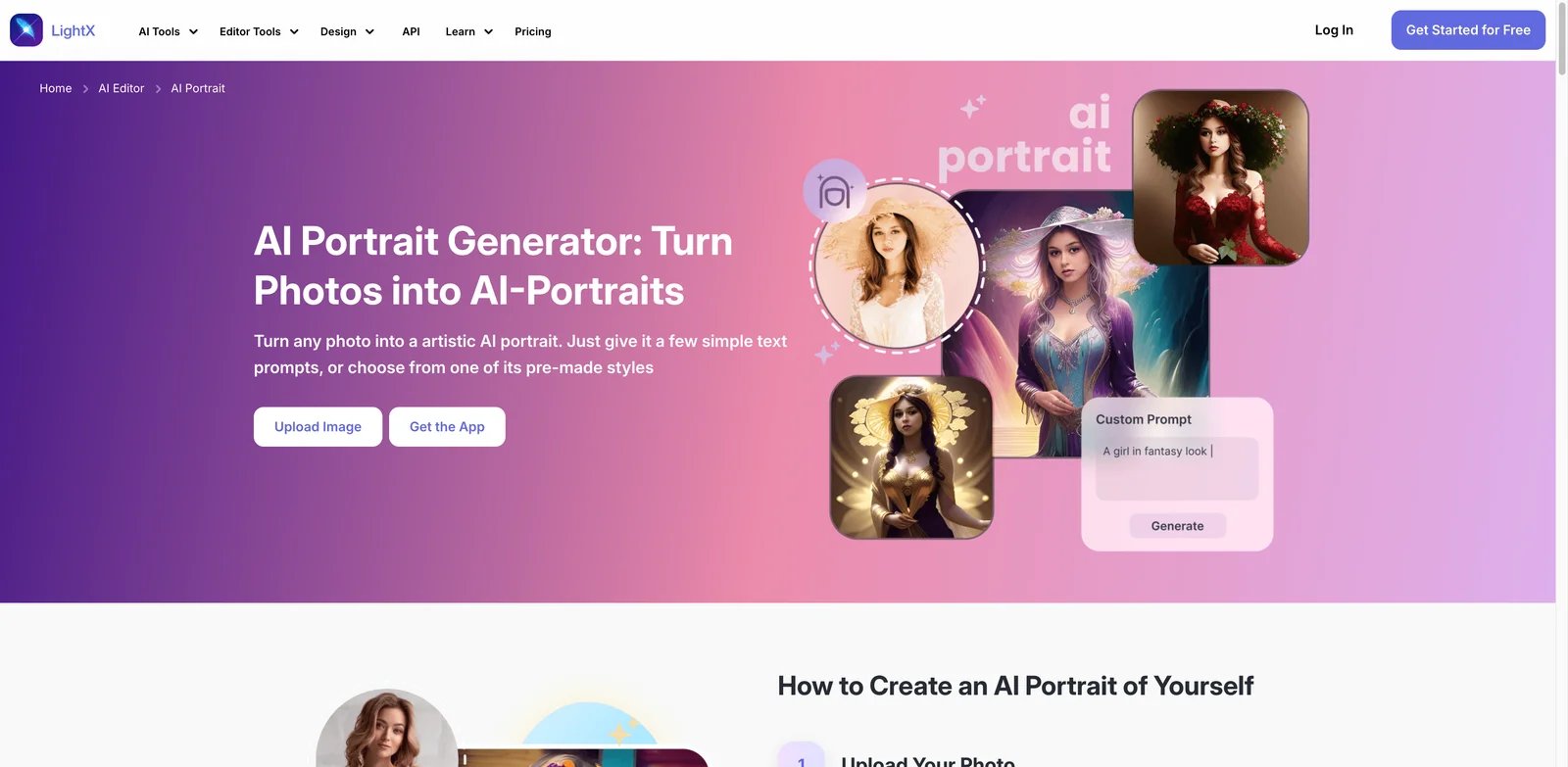
Budget-conscious users often need two things at once: enough free tries to judge quality and clear limits before paying. LightX performs well because its AI portrait page, prompt workflow, daily credits, and paid credit allowance are more transparent than many small portrait generators.
Key strengths:
- Photo plus prompt control - LightX supports uploaded photos, prompts, and style choices, which gives it more flexibility than one-click filter tools.
- Clear credit framing - Free daily credits and the Pro credit allowance make it easier to estimate whether casual or recurring use will fit.
- Web access - The browser workflow matters for users who do not want to build portraits entirely inside a phone app.
At the research snapshot, LightX offered free daily credits and Pro at $9.99 per month with 1,000 credits. That is one of the clearer value propositions in the midrange portrait segment.
Limitations: Output style can vary by prompt and preset, so you should test your real use case before buying. LightX is also not as deeply identity-focused as Higgsfield or Photo AI. It is better for style transformation and casual portrait production than for long-running persona continuity.
Best for creators and small teams that want inexpensive Web portraits with visible credit limits. Not the right fit if you need a persistent personal model or enterprise design controls.
Get started with LightX.
Fotor
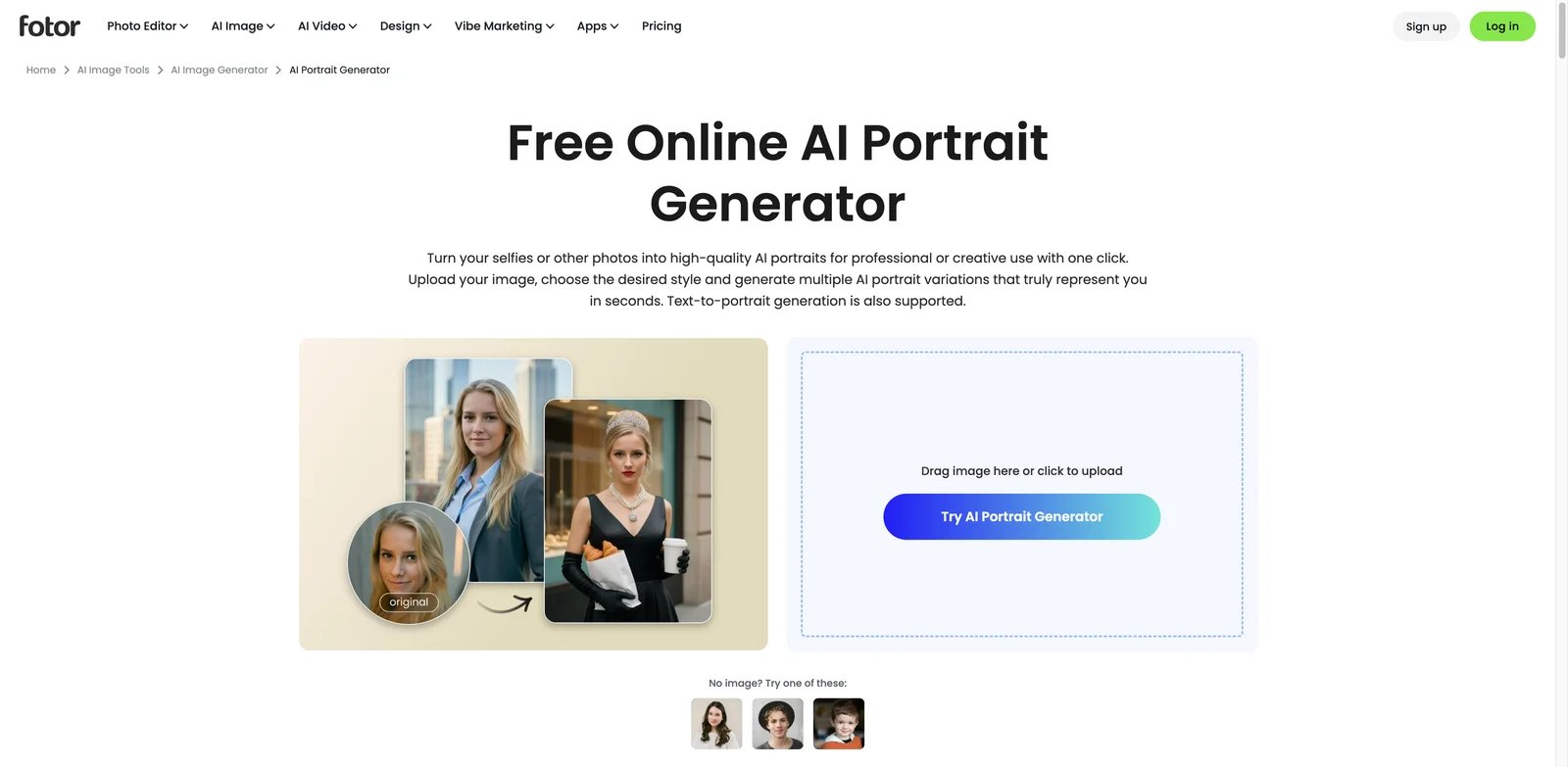
Fotor is a practical choice when you want a familiar Web editor rather than a specialized AI identity platform. Its dedicated AI portrait generator and broader photo editing suite make it useful for profile images, stylized portraits, and quick creative assets that need light editing after generation.
Key strengths:
- Dedicated portrait workflow - Fotor has a clear AI portrait generator page rather than only a broad "image generator" claim.
- Editing continuity - Generated portraits can fit into Fotor's broader image editing and design environment.
- Accessible for non-designers - The tool is easier for casual users than prompt-heavy or model-training-first products.
Fotor has a free Basic layer, but paid pricing can appear through dynamic pages and regional checkout behavior. For that reason, the research treated the free entry point as verified while staying cautious about exact paid-plan amounts.
Limitations: Pricing transparency is weaker than LightX or Firefly in the research snapshot. Fotor is also a broad photo platform; if your only need is repeatable likeness from a personal model, its general-purpose nature may be a limitation.
Best for people who want browser-based portrait generation with an editor attached. Not the right fit if you need the most transparent paid credit math or advanced identity persistence.
Get started with Fotor.

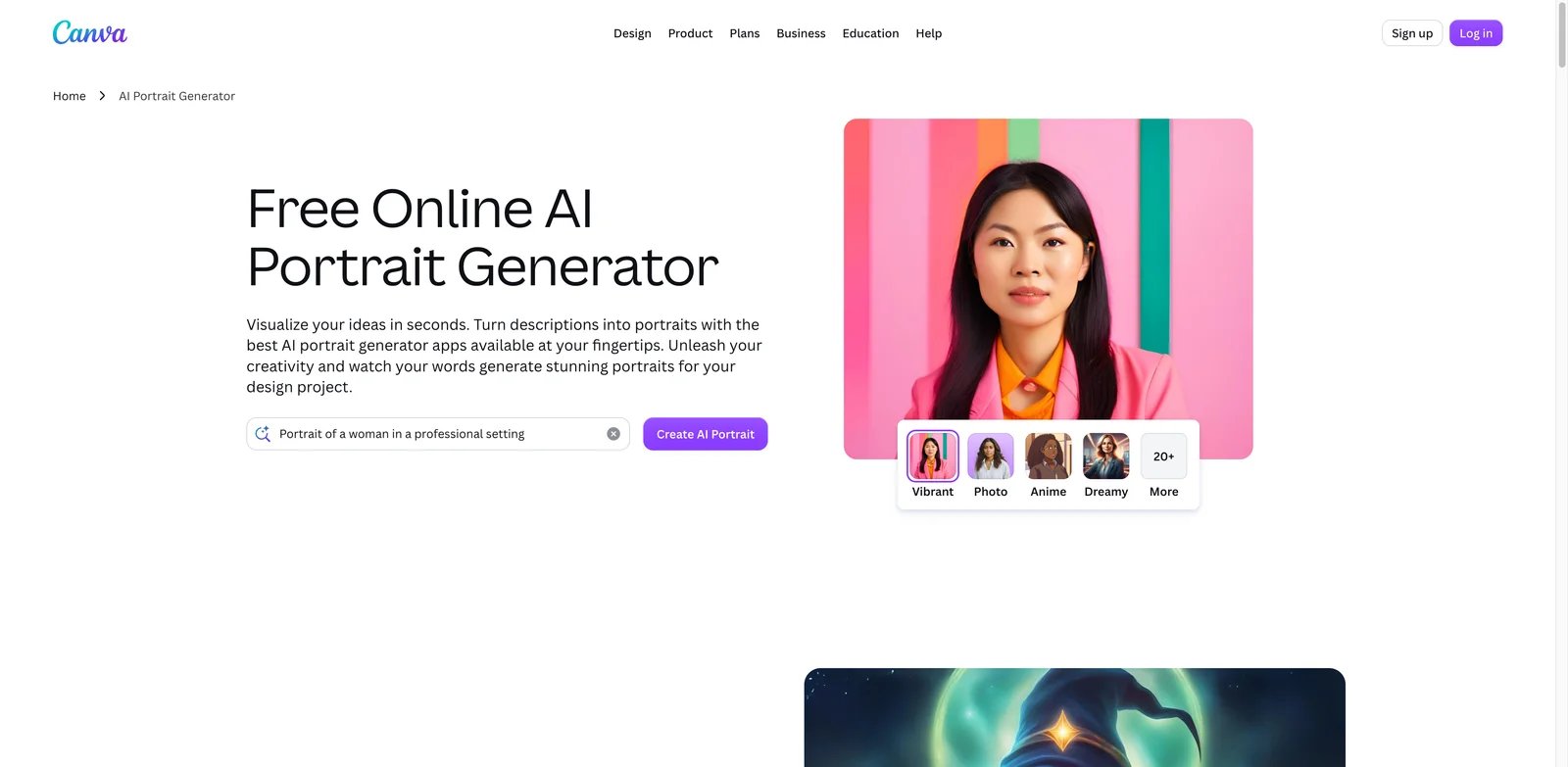
Canva is the best AI portrait generator in this list for people who care less about the portrait file alone and more about where it goes next. A generated portrait can become a LinkedIn banner, speaker graphic, YouTube thumbnail, launch announcement, pitch deck slide, or brand social template inside the same tool.
Key strengths:
- Design workflow after generation - Canva's advantage is not only image generation. It is the ability to turn a portrait into a finished asset quickly.
- Team-friendly editor - Small teams already using Canva can keep portrait creation inside an approved design workspace.
- Broad platform access - Web, mobile, and desktop options reduce friction compared with app-only tools.
Canva has a free plan, while Pro pricing may vary by region and checkout. The main cost question is whether you already need Canva Pro for design work. If yes, the portrait generator is an extra workflow inside an existing subscription. If not, it may be overkill for only a few portraits.
Limitations: Canva is not the most specialized identity generator. It is weaker than Higgsfield or Photo AI when the job is same-person continuity across many distinct scenes. Public app ratings also cover the full Canva product, not only portrait generation.
Best for creators, marketers, and teams that need portraits embedded into finished designs. Not the right fit if you only want a private personal AI model with maximum likeness control.
Get started with Canva.
ImagineMe
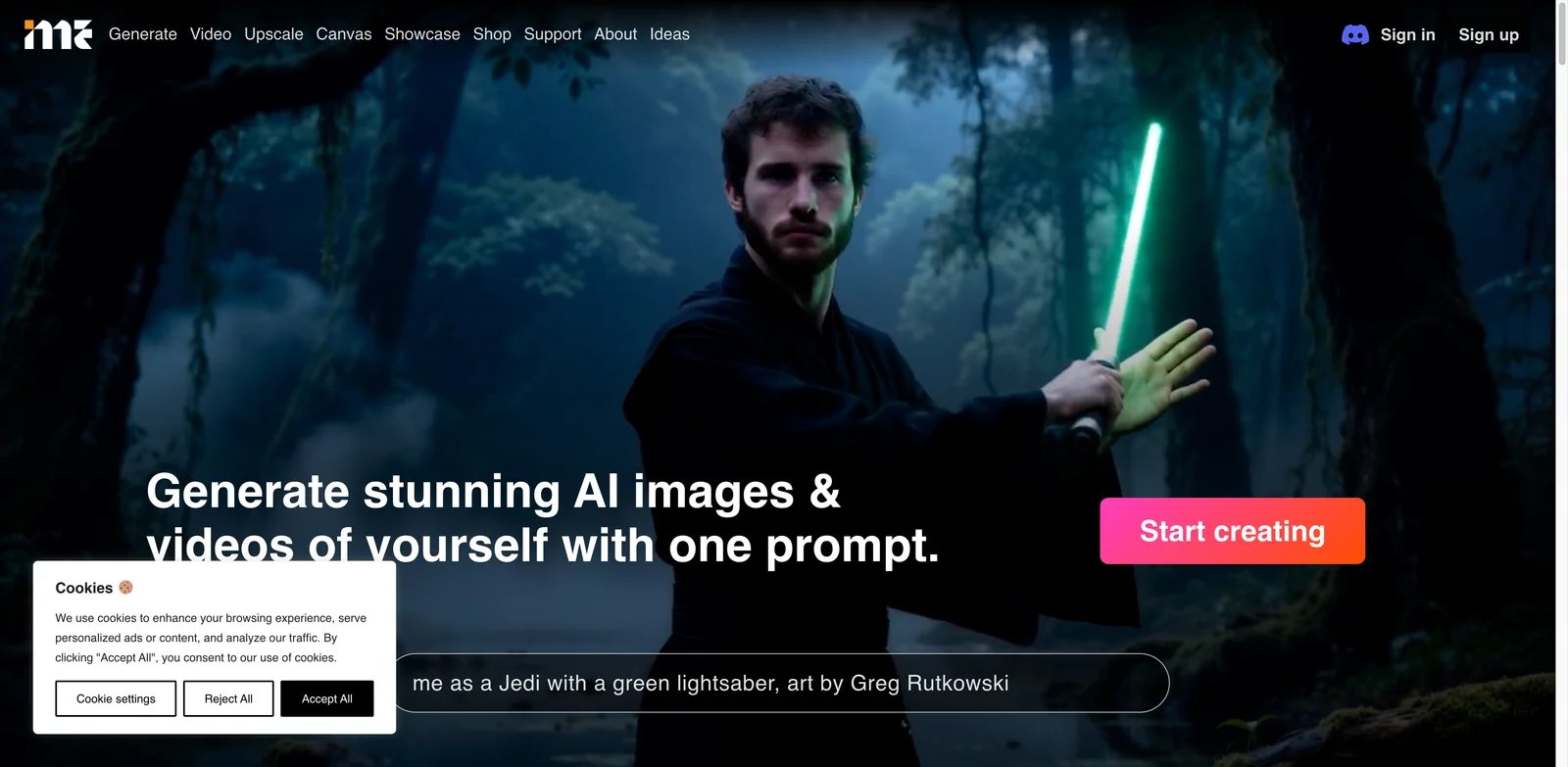
ImagineMe is built for users who want the portrait to look like themselves across many scenes. Instead of only prompting a generic face, you upload training images and generate personal AI art from that model. That makes it more interesting for creators, profile refreshes, personal branding, and stylized portraits than for one-click casual filters.
Key strengths:
- Personal model workflow - ImagineMe asks for training photos so it can generate portraits of the same person in varied styles and situations.
- Credit-pack pricing - Users who dislike subscriptions may prefer buying credits for defined output batches.
- Creative scene flexibility - The product fits artistic, roleplay, and persona-style portraits better than strict corporate headshots.
Pricing was listed as $5 for 10 credits and $15 for 45 credits in the research snapshot. That is clear enough for occasional use, but users should factor in the training step and the number of attempts needed to get usable likeness.
Limitations: Training can take time, and public feedback was weaker than top-ranked tools. The workflow is also less immediate than YouCam, LightX, or Fotor. If you need instant output without uploading many personal photos, choose a lighter tool.
Best for people who want a personal AI portrait model rather than generic portrait styling. Not the right fit if you need an instant, no-training workflow.
Get started with ImagineMe.

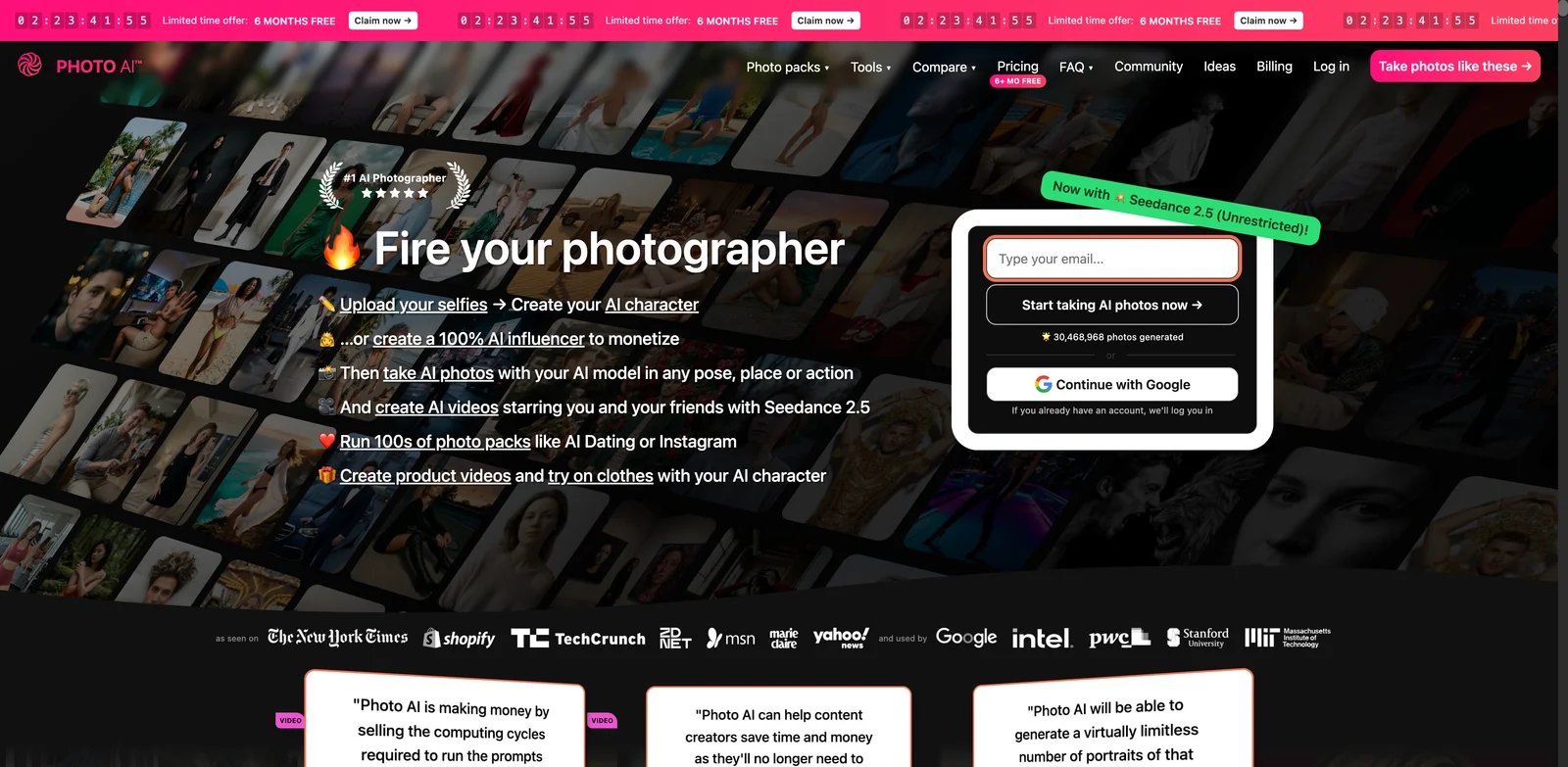
Photo AI has one of the strongest feature sets in the category, but it also shows why capability alone should not decide the ranking. Its personal model, prompts, remixing, editing, outfits, and profile-photo workflows make it a serious tool for creators who want many AI photos of themselves. Public feedback, however, was weak in the August 2026 snapshot, so buyers should test carefully.
Key strengths:
- Advanced personal model workflow - Photo AI is purpose-built for generating many images of the same person across scenes, outfits, and styles.
- Prompt and remix controls - It gives more creative direction than simpler preset-based tools.
- Multiple portrait use cases - Profile, dating, social, outfit, and creative workflows are part of its positioning.
The Starter plan was listed at $19 per month with 50 credits. Commercial use is not included on Starter; it is included on Pro, Max, and Ultra, with Pro listed at $49 per month and 1,000 credits. Do not evaluate it only by the entry price.
Limitations: Trustpilot feedback was notably poor compared with its feature strength. Starter limitations also matter if likeness is your primary goal. For buyers, the right move is to treat Photo AI as capable but risky: run a small paid test before building a creator workflow around it.
Best for advanced solo creators who want a personal AI photo model and are willing to test output quality directly. Not the right fit if public user satisfaction or low-risk buying matters more than feature depth.
Get started with Photo AI.
MyPhotoAI
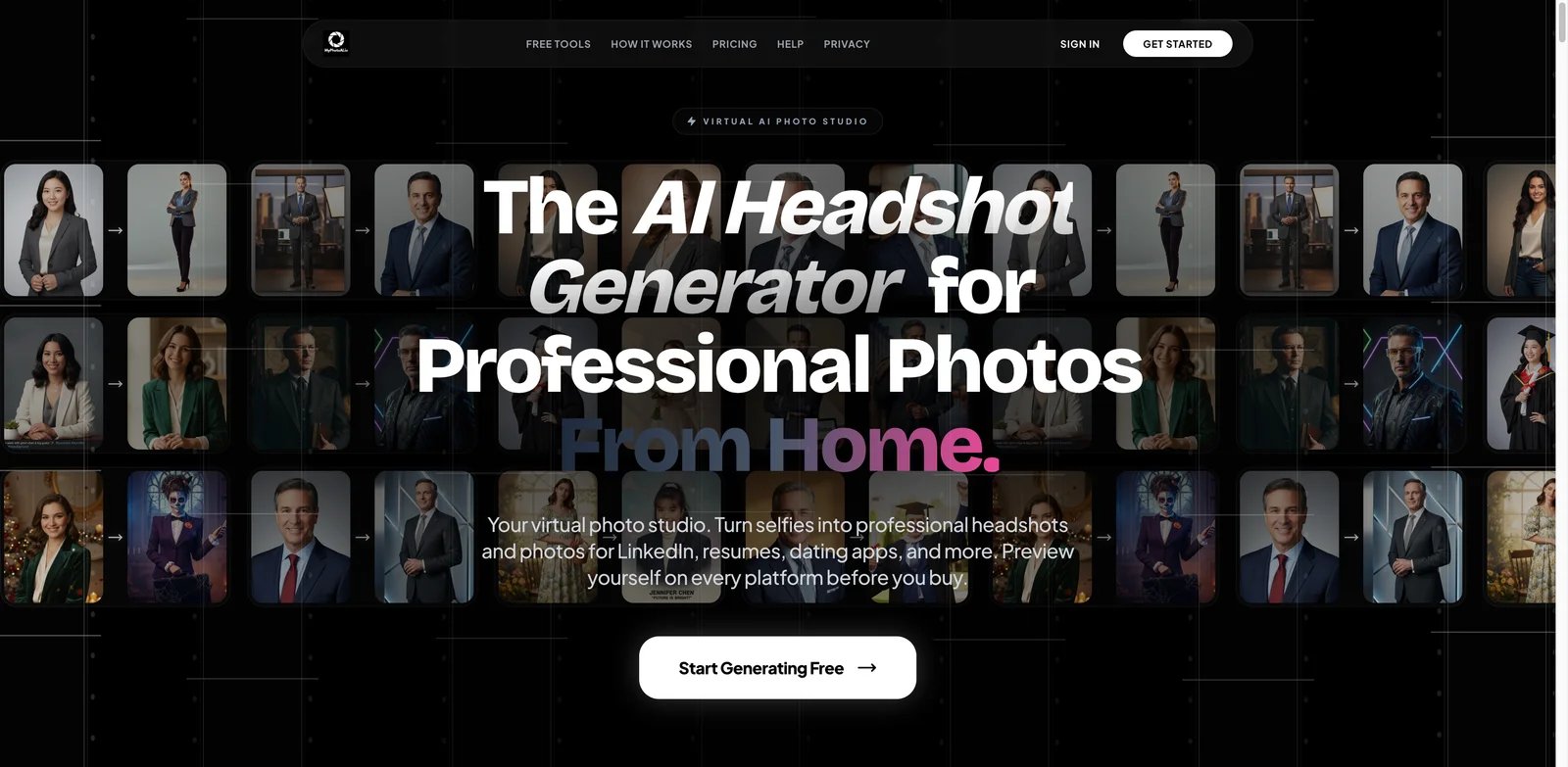
Some users do not want a monthly AI photo subscription. They want to preview whether the tool can make them look good, then pay for a small set of HD portraits. MyPhotoAI is built around that simpler path, with watermarked previews and one-time HD purchases.
Key strengths:
- Preview-before-HD model - The free watermarked preview reduces the risk of paying before you know whether the likeness is acceptable.
- Clear small-batch purchase - The $15 one-time option for 5 HD images is easier to understand than many credit subscriptions.
- Personal photo input - The workflow is suitable for personal portraits, social profiles, and creative identity refreshes.
MyPhotoAI's research snapshot showed free watermarked previews and a $15 one-time purchase for 5 HD images. That makes it better for occasional output than recurring content production.
Limitations: Independent user-feedback evidence was limited, so the ranking conservatively penalized that dimension. The product also may not fit users who need many dozens of final portraits, style libraries, or collaborative design workflows.
Best for individuals who want a small number of finished portraits without subscribing. Not the right fit for teams, agencies, or creators who need high-volume iteration.
Get started with MyPhotoAI.
My AI Photo Shoot
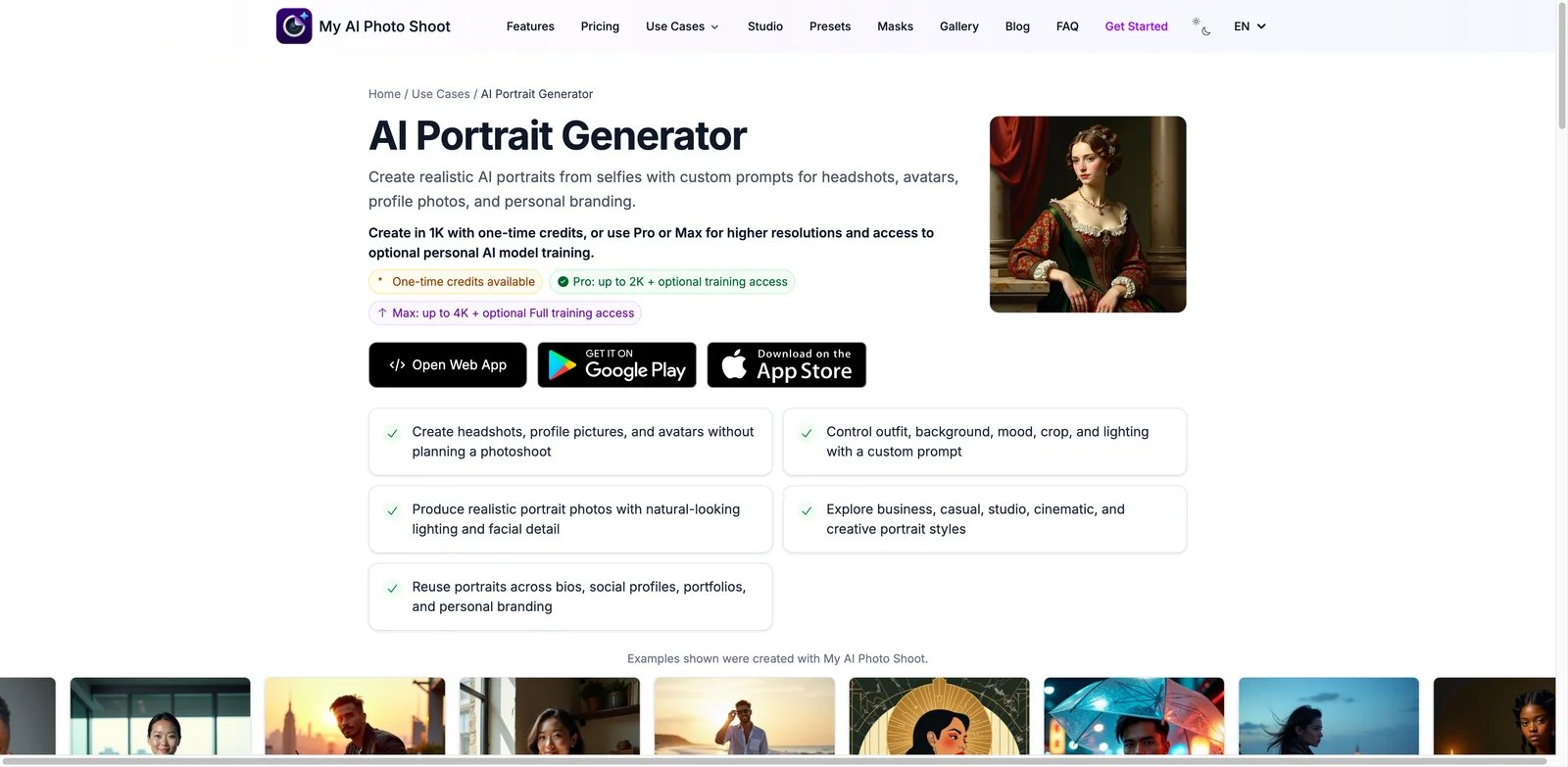
My AI Photo Shoot is interesting because it makes AI portraits feel inexpensive and flexible. The product covers portrait, headshot, avatar, branding, and creative photo use cases, with low-cost credit options that can be attractive for students, creators, and budget-conscious personal brands.
Key strengths:
- Low entry price - The research snapshot found a $5.99 one-time option for 200 credits, which is aggressive for casual testing.
- Broad portrait scope - It covers more than corporate headshots, including personal branding and creative portrait directions.
- Optional personal model - Users can move beyond generic portrait generation when they need stronger likeness.
Pricing included low-cost one-time credits and a Pro option starting at $6.99 per week. Weekly pricing should be treated carefully because it can become expensive if you forget to cancel.
Limitations: The terms reviewed in the research gave the service broad rights around inputs and outputs, which matters for users uploading personal face images. Independent user feedback was also limited. Privacy-sensitive users should read the terms before uploading.
Best for budget users testing many portrait ideas cheaply. Not the right fit if privacy, conservative licensing, or mature public feedback is your top requirement.
Get started with My AI Photo Shoot.

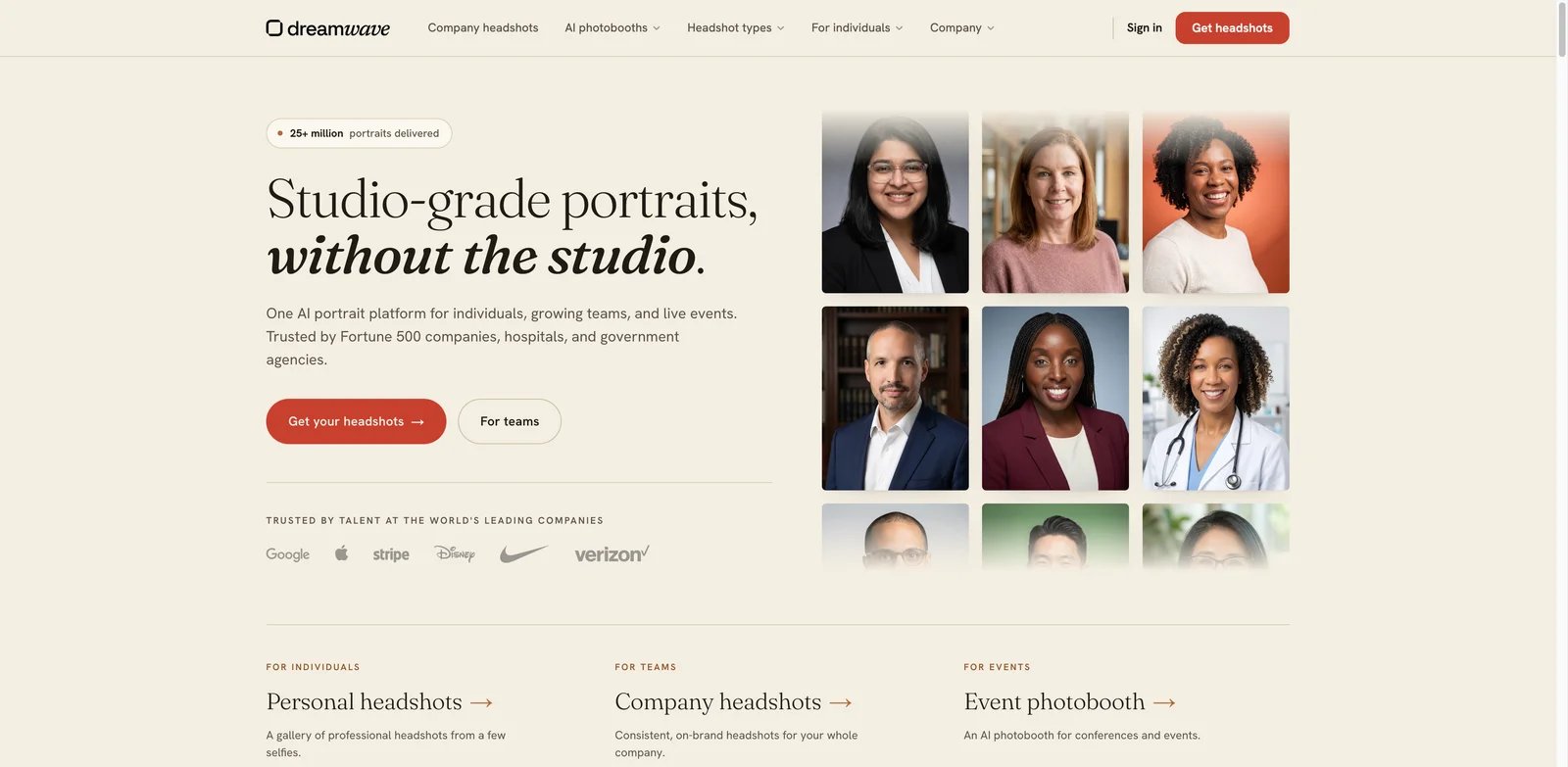
Dreamwave is best known for AI headshots, but it earns a place here because its creative AI photo workflow goes beyond strict business portraits. That makes it useful for people who want realistic personal images that can still look polished, styled, or editorial rather than purely corporate.
Key strengths:
- Professional image roots - Dreamwave's headshot background helps when you want realistic, flattering portraits rather than surreal art.
- Creative photo extension - The product can support more varied portrait styles than a basic LinkedIn headshot generator.
- Simple package pricing - One-time packages are easier to reason about than ongoing credit subscriptions for occasional users.
Pricing started at $35 for 40 photos in the research snapshot. That is more expensive than some casual tools but reasonable if you want a professional-leaning output set.
Limitations: Dreamwave is still headshot-adjacent, so users seeking fantasy characters, cinematic identities, or heavy style experimentation may prefer Higgsfield, Photo AI, or DreamPic.AI. Public review signals were also messy enough that we treated feedback cautiously.
Best for users who want realistic personal portraits with more polish than casual apps. Not the right fit if you need the widest artistic style range or a pure creator-character tool.
Get started with Dreamwave.
BlendMe.ai
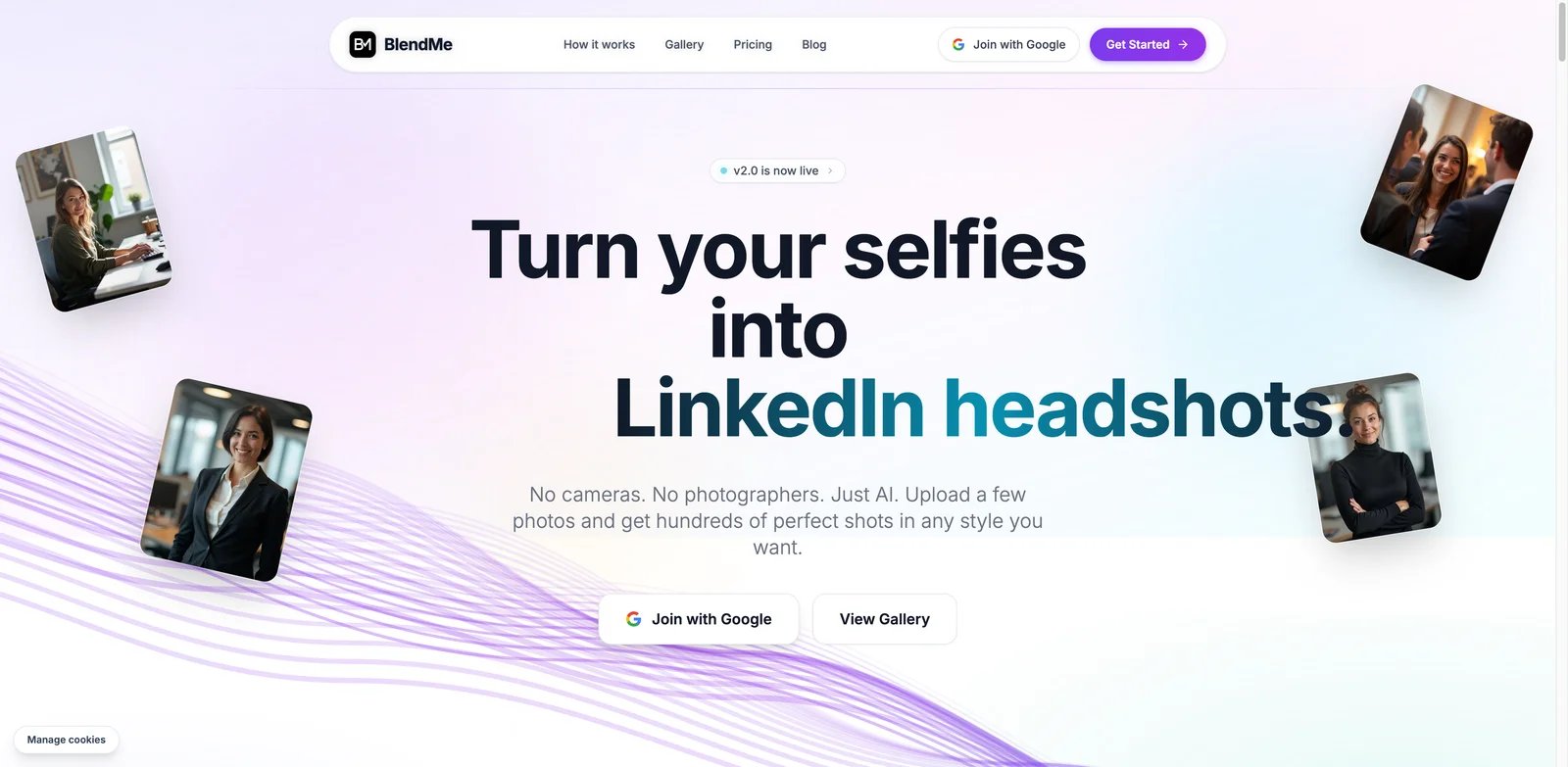
BlendMe.ai is for users who like style variety but do not want the face to drift too far from the source photos. Its Face Identity Lock positioning is the important signal: the product is trying to solve likeness consistency, not only apply a visual effect.
Key strengths:
- Face Identity Lock - This is the main differentiator for portrait work where recognizable likeness matters.
- Low photo requirement - Starting from a small selfie set can reduce friction compared with tools requiring larger training sets.
- Style and output options - The product advertises many styles, custom descriptions, commercial use, and high-resolution output.
The research snapshot listed $7.99 per week with 50 AI photos per week. Weekly pricing can work for a short burst, but it is less attractive as a long-term subscription unless you generate regularly.
Limitations: The platform description had some ambiguity around device availability, and independent feedback evidence was weak. Users should test the exact device and billing path they plan to use before committing.
Best for users who want style range with explicit face consistency controls. Not the right fit if you want annual price predictability or a deeply established vendor.
Get started with BlendMe.ai.
Photoleap
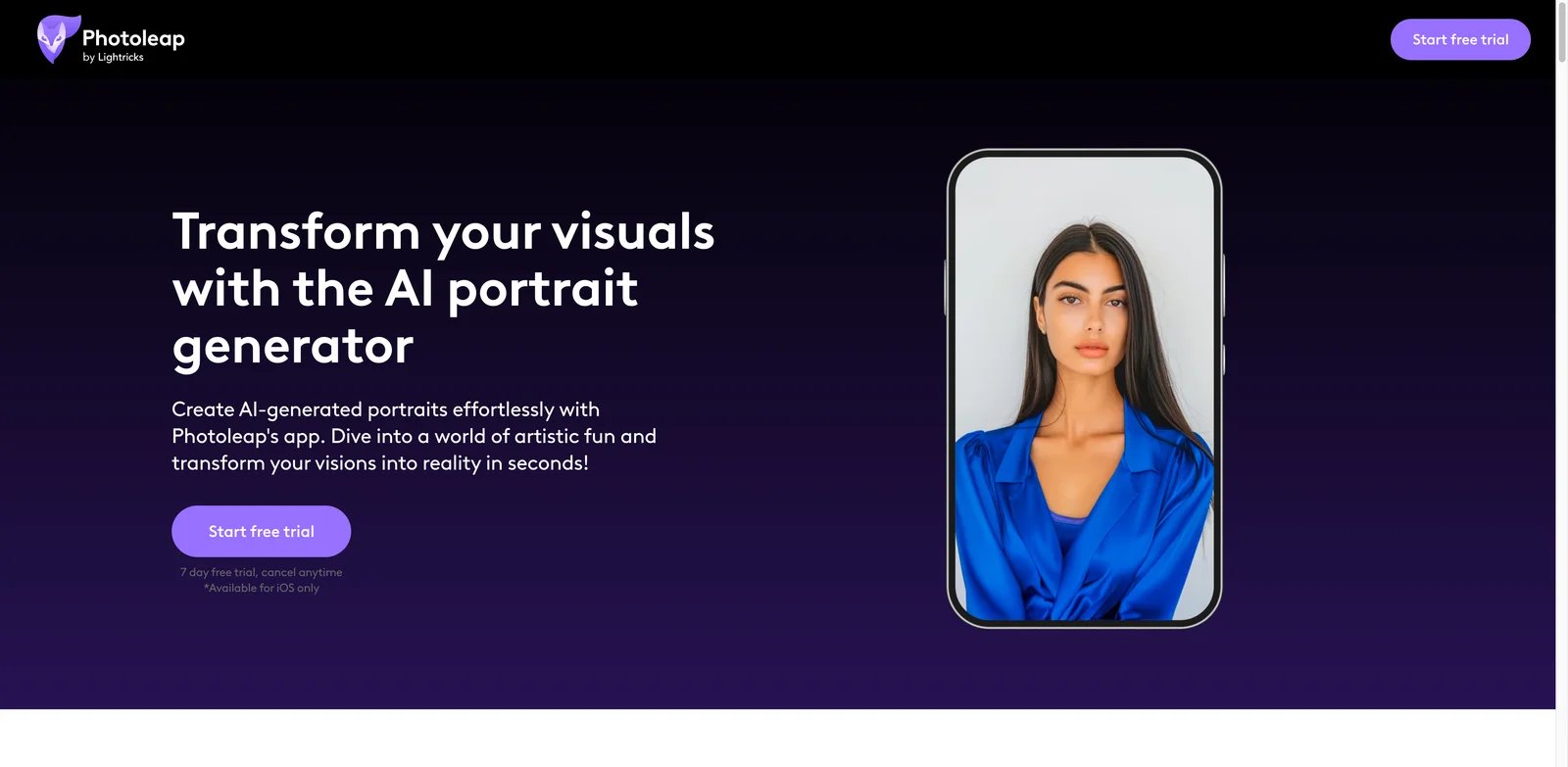
Photoleap is strongest for mobile creators who already make and edit content on their phones. Its AI portrait generator can produce stylized looks from photos and prompts, and the larger app includes the creative editing tools needed to make those portraits usable in posts, stories, and profile updates.
Key strengths:
- Mobile creative flow - Photoleap fits users who start and finish creative work inside an app.
- Portrait styles and prompts - It supports stylized portrait transformation rather than only simple retouching.
- Strong app feedback - Public app-store ratings are high, though they represent the broader app rather than the portrait feature alone.
Photoleap's current US annual subscription is $59.99, and the official site advertises a 7-day free trial; localized prices may vary. That can be good value for app-first users.
Limitations: The Web-first rule hurts Photoleap. If you manage assets on desktop, collaborate with a team, or need browser-based production, an iOS-first workflow is a real drawback. The portrait feature also sits inside a broad creative app, not a dedicated identity engine.
Best for mobile-first creators who want stylized portraits inside a broader phone editing workflow. Not the right fit for desktop teams or users who need Web-based portrait production.
Get started with Photoleap.
DreamPic.AI
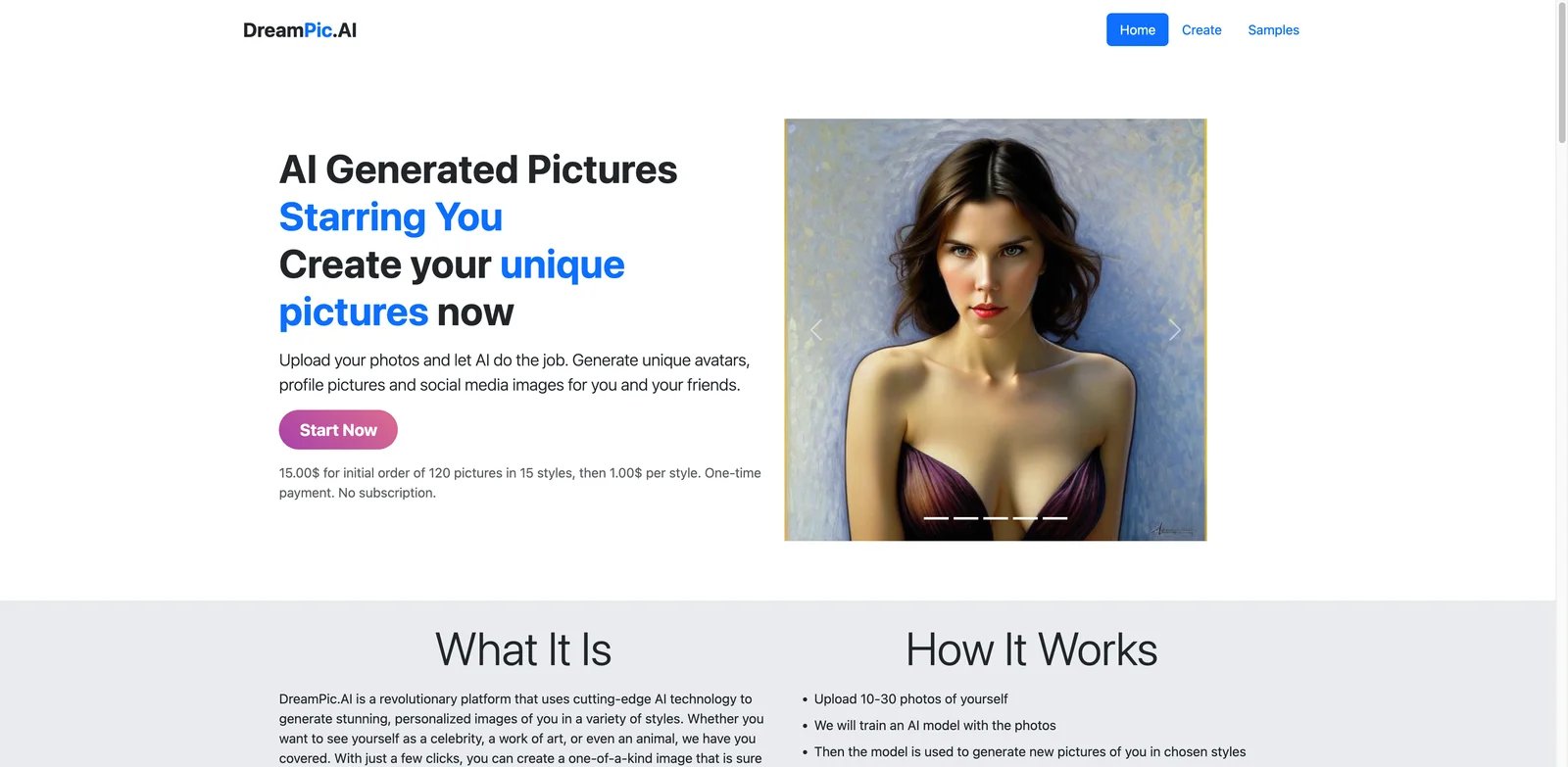
DreamPic.AI is a straightforward option for users who want a defined batch of AI portraits without learning a complex editor. Upload photos, choose styles, and receive a set of generated images. It is less sophisticated than the top identity platforms, but the pricing shape is clear.
Key strengths:
- One-time pack model - $15 for 120 images and 15 styles is simple to understand.
- Broad style catalog - Profile, professional, fantasy, anime, and social styles make it flexible for casual use.
- No complex design system - Users who just want portrait variations may prefer this over a broad editor.
DreamPic.AI's pricing was listed as a one-time $15 package with extra styles available for $1. That can be attractive for a single profile refresh or creative experiment.
Limitations: Independent feedback evidence was limited, and the workflow is less mature than large platforms such as Firefly, Picsart, Canva, or Fotor. It also lacks the strongest ongoing identity controls found in Higgsfield or Photo AI.
Best for simple one-time portrait batches and casual style experiments. Not the right fit if you need a professional team workflow, robust user feedback, or persistent identity generation over time.
Get started with DreamPic.AI.
Best AI Portrait Generator Tools by Use Case
For brand teams that need safe, editable portrait assets
Choose Adobe Firefly first if the portrait will enter a broader brand or campaign workflow. Its reference image controls, Adobe ecosystem, and clearer commercial positioning make it easier to defend than smaller portrait apps. Canva is the better fit when the final deliverable is a social template, pitch deck, profile card, or launch graphic rather than a standalone portrait file.
For creators who need the same identity across many looks
Higgsfield is the strongest option when identity consistency is the reason you are using AI at all. Photo AI is also flexible, especially for personal models and creative prompts, but its weaker public feedback means you should run a small test before relying on it. ImagineMe is a simpler alternative if you prefer credit packs and are willing to wait for training.
For quick profile pictures and casual portraits
YouCam Online Editor, LightX, and Fotor are the easiest tools to test before paying. They are useful when you need a profile image, stylized portrait, or small batch of options without building a personal model. LightX has the clearest credit math among the three in this research snapshot.
For mobile-first social creators
Photoleap is the strongest choice if your creative workflow already happens on iPhone. Picsart is better if you want both Web and app access. Remini missed the selected list because of mobile-only generative access and pricing uncertainty, but it remains relevant for app-first users who specifically want mobile AI photos.
For one-time portrait packs
DreamPic.AI and MyPhotoAI are better fits than subscriptions when you only need a small set of portraits. My AI Photo Shoot is cheaper for experimentation, but read the license and cancellation terms carefully because weekly pricing and broad rights language can change the risk profile.
How to Choose the Right AI Portrait Generator
-
Decide whether likeness or style matters more. If the portrait must look like the same person every time, prioritize Higgsfield, Photo AI, ImagineMe, BlendMe.ai, or MyPhotoAI. If style and design speed matter more, Adobe Firefly, Picsart, Canva, Fotor, or LightX may be easier.
-
Test with real source photos before buying a large plan. Portrait tools are sensitive to input quality, lighting, angle variety, and face coverage. A vendor's gallery does not prove your own results will be usable.
-
Check whether the workflow is Web-first or app-first. Desktop creators and teams should avoid mobile-only tools unless the app workflow is intentional. Photoleap may be excellent for phone-first creators and frustrating for desktop teams.
-
Calculate cost per usable final portrait. Subscription price is not the real cost. Count training runs, failed generations, credit conversion, export limits, watermarks, HD downloads, and whether commercial use requires a higher tier.
-
Read privacy and rights terms before uploading face images. Portrait generation uses personal biometric-like inputs. Prefer tools with clear deletion, training, commercial-use, and ownership language, especially if you upload employee, client, or family photos.
-
Use adjacent categories when your job is narrower. For LinkedIn and resumes, use an AI headshot tool. For speaking images, use a talking photo generator. For brand campaigns or ads, a general AI image generator may be a better starting point.
Frequently Asked Questions
What is the best AI portrait generator overall?
What is the difference between an AI portrait generator and an AI headshot generator?
Which AI portrait generator is best for keeping the same face consistent?
Are AI portrait generators safe for commercial use?
Can I use a general AI image generator for portraits instead?
What is the cheapest useful AI portrait generator?
Do AI portrait generators work from one selfie?
Which AI portrait generator is best for social media creators?
Get ToolWorthy Weekly
New AI tools, practical guides, and selected AI signals in one weekly brief.
Related Posts
- 10 Best Leonardo AI Alternatives 2026 - Image, Video & Control
Compare 10 Leonardo AI alternatives for 2026 by moderation risk, Canva entitlement fit, unlimited-plan limits, image quality, video models, pricing, and workflow control.
- 15 Best Midjourney Alternatives 2026 - Control, Cost & API
Compare 15 Midjourney alternatives for 2026, including Stable Diffusion, Leonardo AI, Firefly, Ideogram, ChatGPT Images, Gemini, FLUX and Recraft.
- 10 Best AI Headshot Generators for LinkedIn & Resume
We tested 10 AI headshot tools for quality and pricing. Perfect for LinkedIn, resumes, and teams—with one-time payments and full commercial rights.
For AI tool founders
Built a tool that belongs in this decision set?
Request an editorial evaluation for possible inclusion in ToolWorthy.
Submit your tool for reviewPaid submission does not guarantee a ranking, recommendation, inclusion, or editorial outcome.