
12 Best AI Talking Photo Generators 2026 — Tested for Lip-Sync Quality
We tested 20 AI talking photo generators and picked 12 that actually deliver natural lip-sync, clear pricing, and multilingual support. Side-by-side comparison with real costs per minute.
On this page
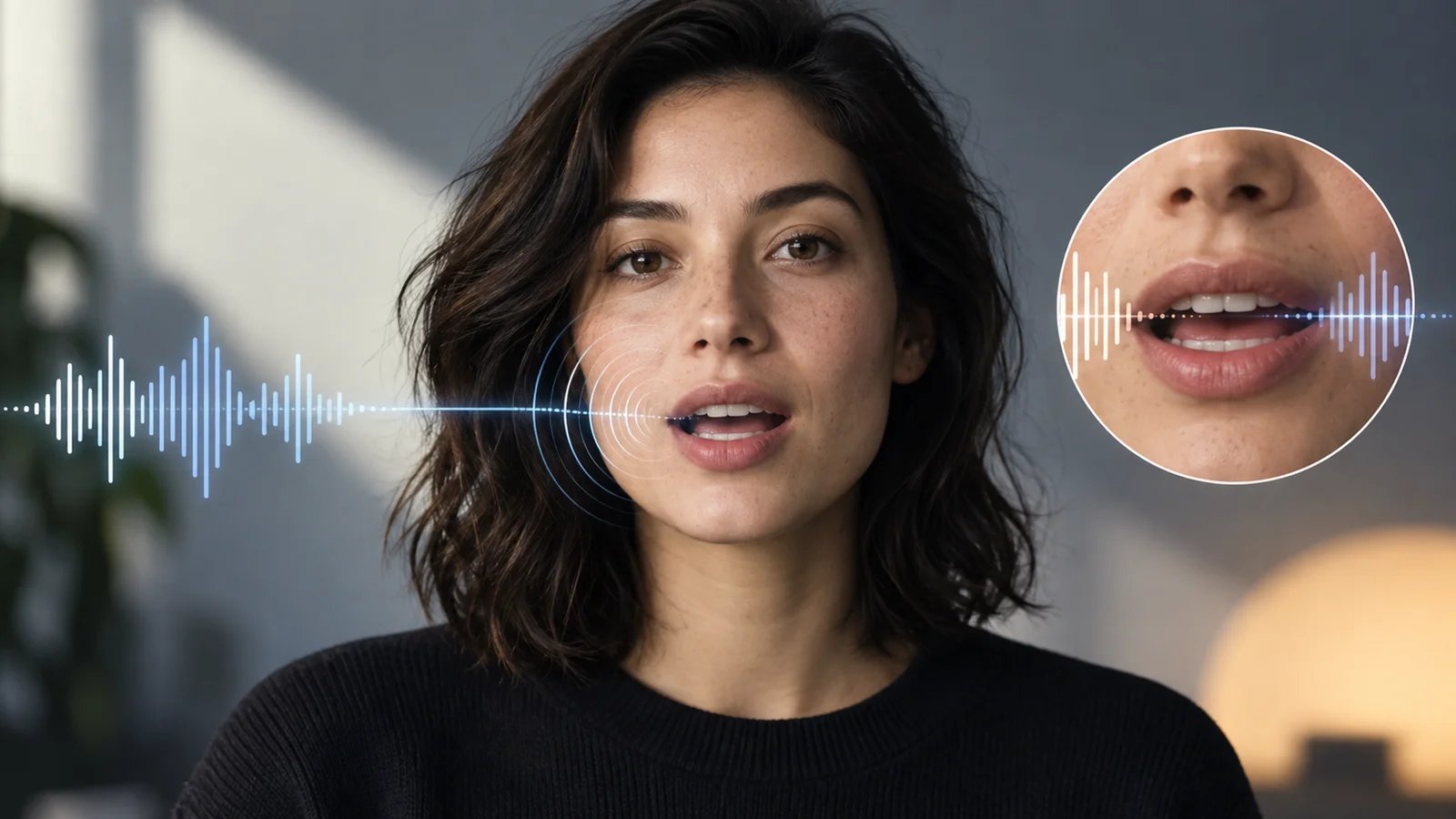
The talking photo market split wide open in 2025. What used to require a green screen, a teleprompter, and a human on camera now takes a single headshot and 30 seconds of audio. Marketing teams are producing multilingual product demos from one English recording. E-learning creators are turning instructor photos into full lecture videos. Social media managers are scaling personalized video outreach without booking a single shoot.
The technology overlaps heavily with AI avatar generators and AI video generators, but talking photo tools solve a narrower, more specific problem: making a single still image speak convincingly. And the gap between demos and reality is still wide. Some tools produce convincing lip-sync in English but fall apart in Mandarin or Arabic. Others bury their actual costs behind credit systems where one "credit" might equal two seconds or two minutes depending on the plan. And resolution limits — 720p on free tiers, 1080p locked behind enterprise pricing — aren't always obvious until after you've built your workflow around a platform. We tested and researched 20 AI talking photo generators, narrowed the field to 12, and mapped exactly where each one delivers and where it falls short.
| Tool | Best For |
|---|---|
| HeyGen | Multilingual video translation with automatic lip-sync |
| D-ID | Quick speaking portraits from a single photo |
| Vidnoz | Free daily credits for casual talking head videos |
| AI Studios | Team video workflows with branded photo avatars |
| AKOOL | Free talking photos with voice cloning |
| Vozo | Lip-sync accuracy across 29 TTS languages |
| Magic Hour | Browser-based talking photos for content creators |
| Elai | Selfie avatars for corporate training videos |
| ElevenLabs | Studio-grade voice quality paired with photo animation |
| Fotor | Lightweight talking photos inside a photo editor |
| Mango AI | Budget-friendly talking photo animations |
| DupDub | Cross-platform talking photos with mobile app support |
How We Selected and Tested
We started with a pool of 20 AI talking photo generators identified through product directories, user communities, and search analysis. Tools had to meet three baseline criteria: a dedicated talking photo or speaking portrait feature (not just general video generation), support for custom photo uploads (not only stock avatars), and at least one audio input method (text-to-speech, audio upload, or voice clone).
Our research combined official product documentation with real user feedback from G2, Trustpilot, Reddit, and Product Hunt. We cross-referenced pricing claims against actual plan pages — a step that caught several discrepancies between marketing copy and checkout reality. For tools offering free tiers, we verified what "free" actually means in terms of resolution, watermarks, and output limits.
Evaluation Dimensions: We evaluated each tool across 5 dimensions:
- Lip-Sync Quality — How natural does the mouth movement look across different languages and audio speeds?
- Output Resolution & Format — Maximum export resolution, watermark policies, and supported video formats
- Voice & Language Coverage — Number of TTS voices, supported languages, and voice cloning availability
- Pricing Transparency — How clearly the tool communicates actual costs per minute or per video
- Ease of First Output — Time from signup to first exported talking photo video
Note on Testing Scope: We conducted hands-on testing of free tiers and trial accounts where available. For enterprise-only tools and premium features, we relied on official documentation, user reviews, and published demos. Research conducted between March and April 2026.
Transparency & Limitations: All pricing and feature data comes from official sources and verified user reviews — we don't fabricate ratings or performance claims. Credit-based pricing makes direct cost comparison difficult, so we've noted effective per-minute costs where calculable.
Top 12 AI Talking Photo Generators Compared
Here's how all 12 tools stack up across the dimensions that matter most when choosing an AI talking photo generator. The comparison focuses on lip-sync quality, output ceiling, and real cost — the three factors that separate tools you'll actually keep using from ones you'll abandon after the trial.
| Tool | Best For | Lip-Sync Quality | Max Resolution | Starting Price | Voice/Language Support |
|---|---|---|---|---|---|
| HeyGen | Multilingual video translation | Excellent | 1080p | $29/mo | 175+ languages |
| D-ID | Quick speaking portraits | Good | 1080p | $4.7/mo (Lite) | 120+ languages |
| Vidnoz | Free daily talking heads | Good | 1080p (paid) | Free / $14.99/mo | 100+ languages |
| AI Studios | Team video production | Excellent | 1080p | $24/mo | 80+ languages |
| AKOOL | Free talking photos | Good | 720p (free) | Free | 30+ languages |
| Vozo | Multilingual lip-sync | Excellent | 720p | $15/mo | 29 TTS languages |
| Magic Hour | Creator-friendly browser tool | Good | 1080p (paid) | $15/mo | 20+ languages |
| Elai | Corporate training avatars | Good | 1080p | $29/mo | 80+ languages |
| ElevenLabs | Voice quality + photo animation | Good | 1080p | $5/mo (Starter) | 30+ languages |
| Fotor | Quick photo-to-video | Moderate | 720p | Free / $8.99/mo | 15+ languages |
| Mango AI | Budget talking animations | Moderate | 1080p | $10.9/mo | 20+ languages |
| DupDub | Mobile + web talking photos | Good | 1080p | $11/mo | 40+ languages |
Detailed Reviews

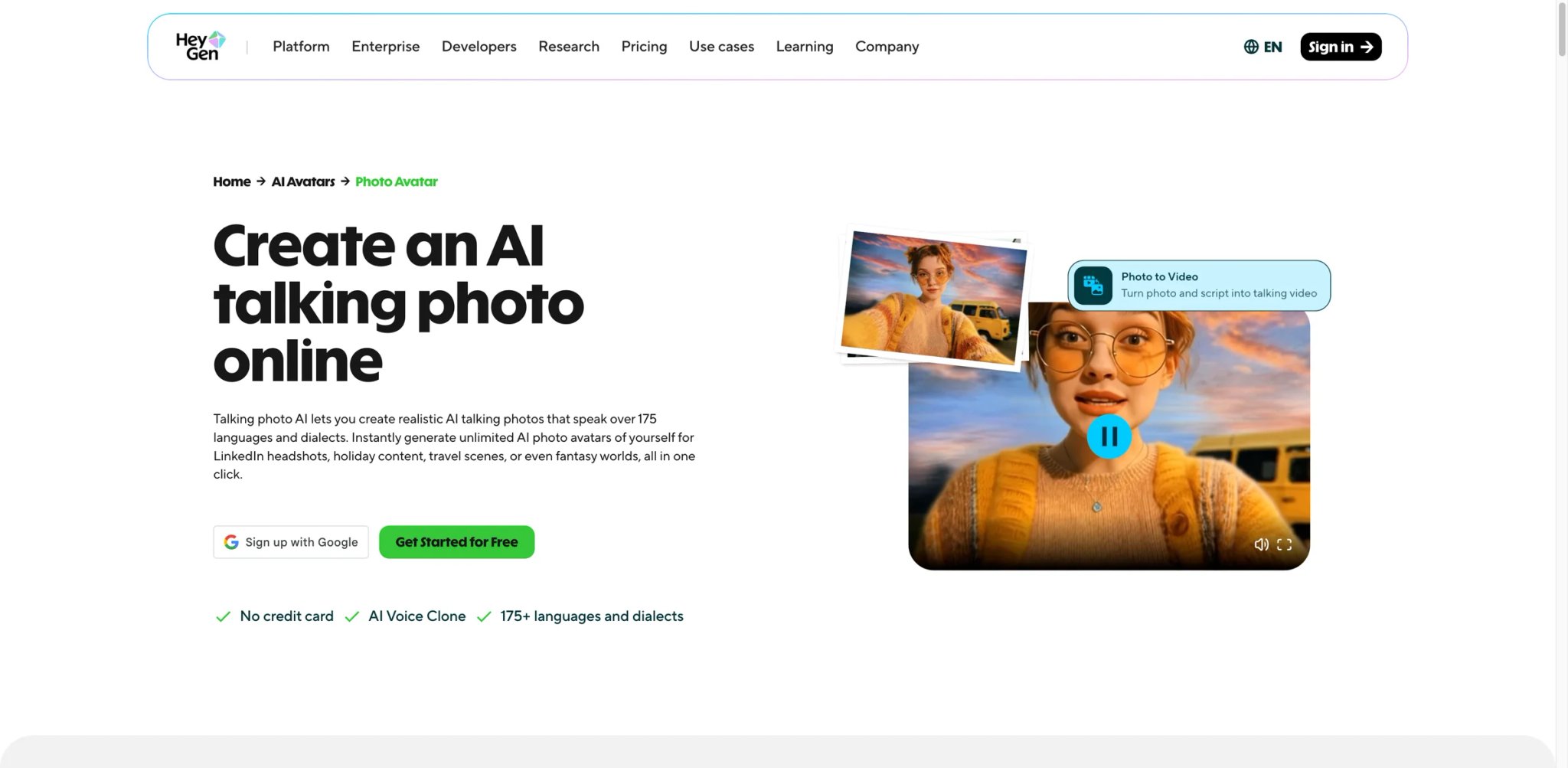
Most AI talking photo tools handle English lip-sync reasonably well. The real test is what happens when you need the same video in Japanese, Portuguese, and Hindi — without re-recording anything. HeyGen built its entire platform around this multilingual use case, and its video translation feature remains the clearest reason to choose it over alternatives.
Key Features
- One-click video translation across 175+ languages — Upload a video in English, get versions with lip-sync matched to the translated audio. This isn't just subtitle overlay; the mouth movements actually change to match the new language. Competitors like D-ID and Vidnoz offer multilingual TTS but don't re-sync lip movements per language.
- Photo Avatar from a single image — Upload one headshot and HeyGen generates a talking avatar that handles head movement, eye contact shifts, and lip-sync. The output at 1080p holds up for professional use in marketing and training contexts.
- Voice cloning with emotion control — Clone your voice from a short sample, then adjust tone and pacing per video. Useful when scaling personalized outreach where each video needs to sound like you, not a generic TTS voice.
Pricing & Plans
| Plan | Price | Includes |
|---|---|---|
| Creator | $29/mo | 15 credits/mo (~15 min), 1080p, no watermark |
| Business | $89/mo | 30 credits/mo, priority rendering, API access |
| Enterprise | Custom | Unlimited seats, SSO, dedicated support |
Free trial available with limited credits. One credit roughly equals one minute of video, though rendering complexity can consume credits faster than expected. HeyGen's credit system is one of the most common user complaints — "unlimited" plan marketing doesn't always match the actual per-cycle limits. Unused credits do not roll over.
Pros & Cons
Pros: Multilingual lip-sync re-mapping is unmatched in this category. 1080p output with professional-grade avatar quality. Voice cloning with per-video tone adjustment adds genuine personalization.
Cons: Credit consumption is confusing and burns faster than marketing implies — failed renders still consume credits, so "15 credits" often produces significantly less than 15 minutes. Photo avatar quality has slipped behind newer entrants like ByteDance Omnihuman in facial micro-expressions. Customer support relies on templated responses before escalating, with long resolution times for billing disputes.
Who It's For
HeyGen is the strongest choice for marketing teams and content agencies producing multilingual video at scale. If your workflow involves translating one video into 5+ languages with accurate lip-sync, nothing else matches the automation depth. Not the right fit if you only need occasional English talking photos — the $29/mo minimum is steep for light usage, and simpler tools like AKOOL or Vidnoz handle single-language talking photos for free.
Get started with HeyGen

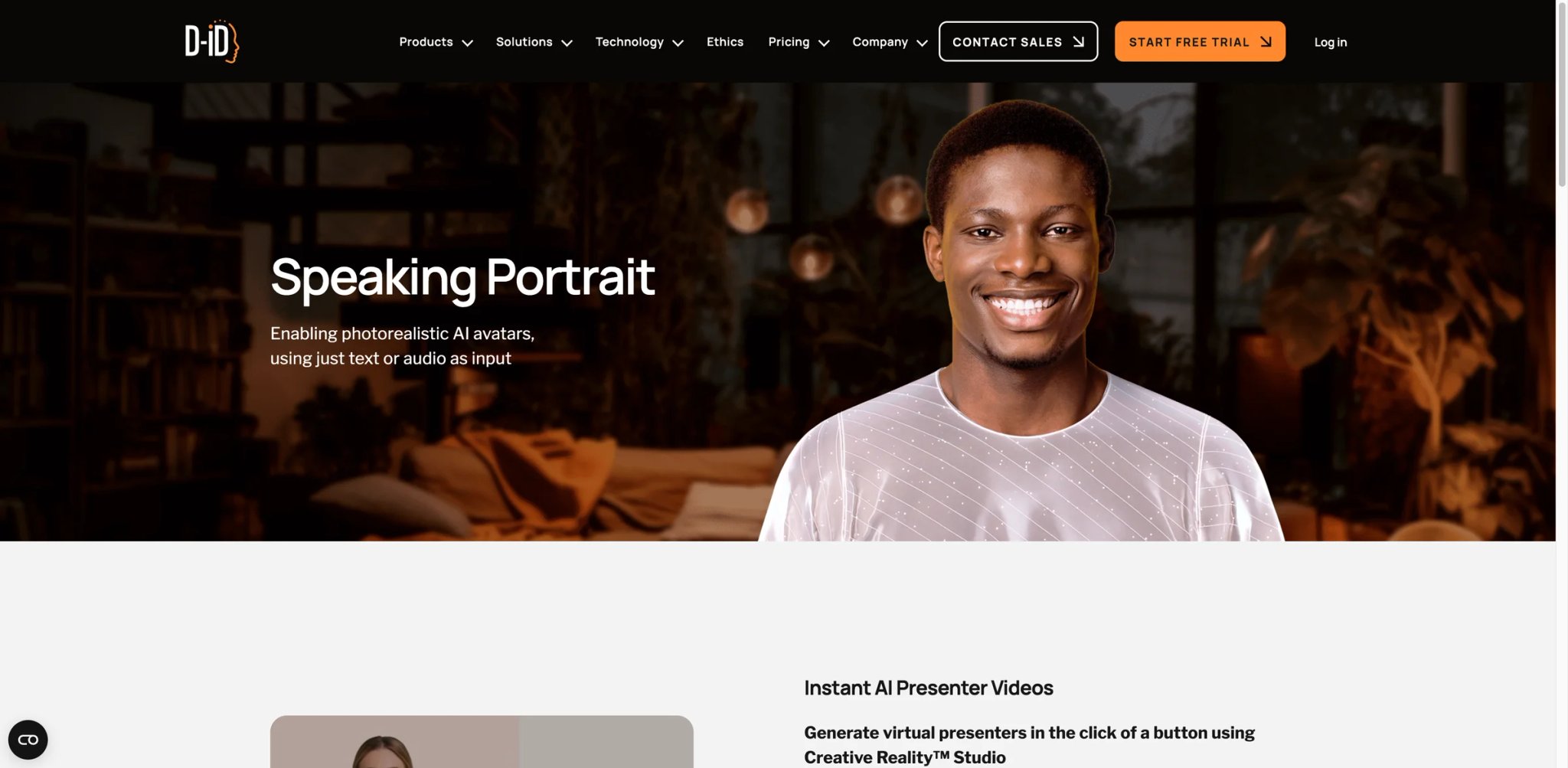
D-ID was one of the first platforms to turn a still photo into a talking video, and its Speaking Portrait feature remains one of the fastest paths from headshot to finished clip. Where HeyGen optimizes for multilingual scale, D-ID optimizes for speed and simplicity — upload a photo, paste your script, pick a voice, and export in under two minutes.
Key Features
- Speaking Portrait in 120+ languages — The core feature matches a photo to TTS audio with natural head movements and lip-sync. Quality is convincing for videos under 60 seconds; longer clips sometimes show repetitive head motion patterns.
- API-first architecture — D-ID's API is among the most documented in this space, making it the default integration choice for developers embedding talking avatars into apps, chatbots, or kiosks. The REST API supports real-time streaming for interactive use cases.
- Creative Reality Studio — A browser-based editor that combines avatar selection, script input, and basic video editing. Less feature-rich than HeyGen's editor but faster for one-off projects.
Pricing & Plans
| Plan | Price | Includes |
|---|---|---|
| Lite | $4.7/mo | 10 min/mo, D-ID watermark |
| Pro | $16/mo | 15 min/mo, no watermark, API access |
| Advanced | $33/mo | 30 min/mo, premium voices |
| Enterprise | Custom | Volume pricing, SLA |
The Lite plan is the cheapest entry point in this list, but the persistent watermark limits professional use. The jump to Pro at $16/mo removes it. Be aware: auto-renewal is the default, and the refund policy is buried in a 15-page customer agreement.
Pros & Cons
Pros: Lowest entry price at $4.7/mo. Strong API documentation for developer integrations. Fast generation speed for simple speaking portraits.
Cons: Lip-sync on short clips (under 10 seconds) can noticeably lag behind audio, especially in fast-paced speech. Failed generations still consume credits without clear error messaging. The self-serve editor feels neglected as the platform has shifted focus toward API and enterprise use cases.
Who It's For
D-ID fits developers integrating talking avatars into products and small teams needing a low-cost entry point for occasional speaking portrait videos. The $4.7/mo Lite plan makes it accessible for testing. Not the right fit if you need polished, watermark-free videos on a budget — the useful plans start at $16/mo, and teams doing high-volume multilingual work will find HeyGen's translation engine more efficient.
Get started with D-ID
Vidnoz
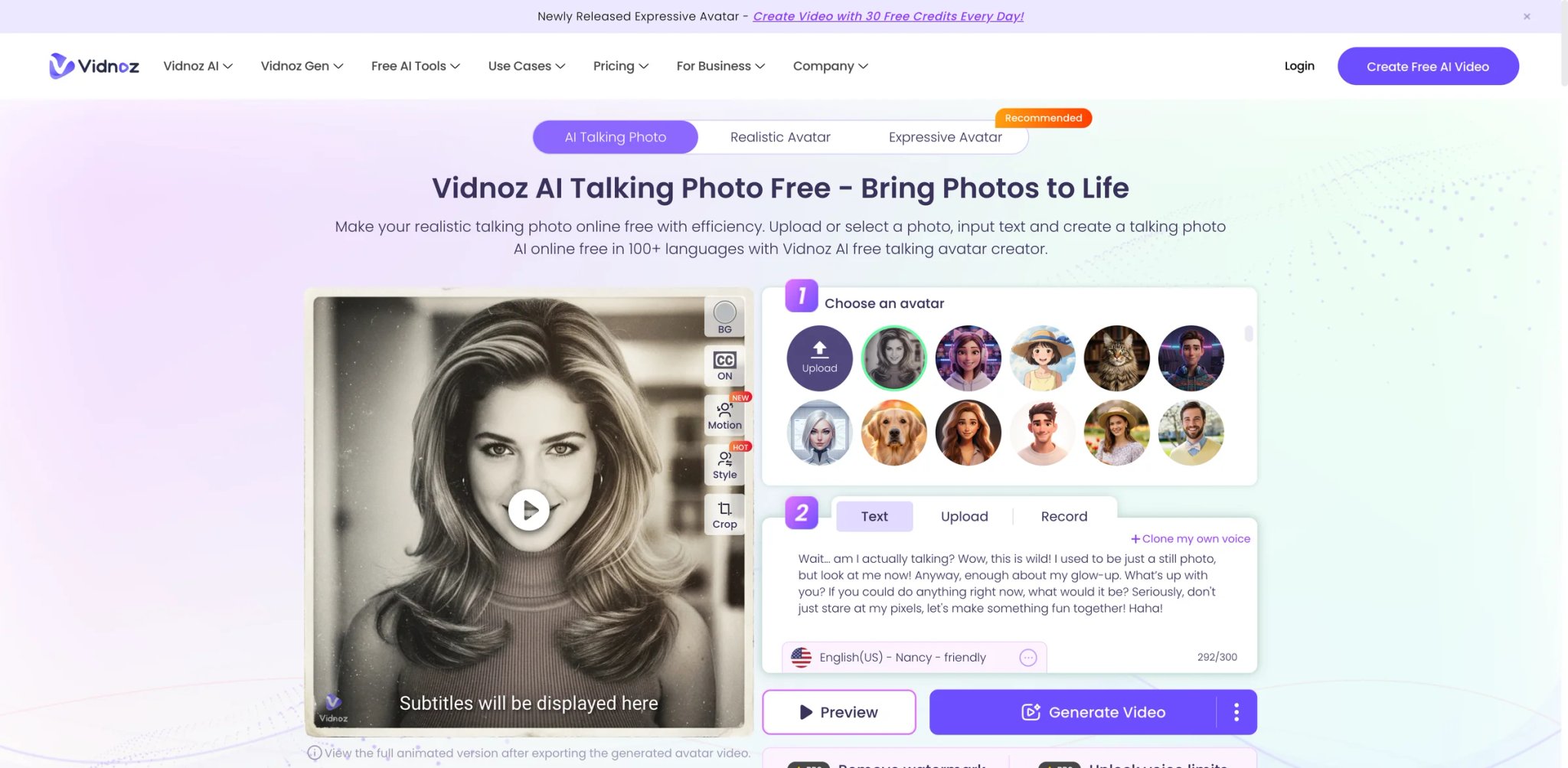
No other tool on this list hands you free daily credits to produce talking head videos with zero payment information required. Vidnoz gives 8 credits per day on its free tier — enough for roughly 16 seconds of video — which doesn't sound like much until you realize most competitors gate everything behind a credit card or charge $5+ before you see a single output.
Key Features
- Daily free credits without signup friction — 8 credits/day resets automatically. Enough for short social clips, greeting videos, or testing whether the platform fits your workflow before committing to a paid plan.
- 100+ language TTS with 470+ voice options — One of the broadest voice libraries in this category. Useful when you need niche language coverage that other tools skip, like Thai, Vietnamese, or Swahili.
- 250+ pre-built AI avatars — Beyond custom photo uploads, Vidnoz offers studio-quality stock avatars that are ready to use. These are notably higher quality than the free stock avatars on AKOOL or Fotor.
Pricing & Plans
| Plan | Price | Includes |
|---|---|---|
| Free | $0 | 8 credits/day, 720p, watermark, 3-min max |
| Starter | $14.99/mo (annual) | 15 min/mo, no watermark, 1080p |
| Business | $19.99/mo (annual) | 450 credits/mo (~15 min), priority rendering |
Monthly billing runs higher — Starter jumps to $26.99/mo without the annual commitment. The credit-to-minutes conversion isn't 1:1, so budget more than you'd expect for complex scenes.
Pros & Cons
Pros: Daily free credits with no payment info required. Broadest voice library at 470+ options across 100+ languages. High-quality stock avatar library saves time over custom photo uploads.
Cons: No preview before rendering — if timing is off, you re-edit and re-render, consuming credits each time. Voice quality is inconsistent, with robotic output in less common languages despite the large voice count. Billing complaints on Trustpilot cite being charged annual rates when intending to purchase monthly.
Who It's For
Vidnoz is ideal for creators and small businesses testing talking photo content without upfront investment. The daily free credits let you experiment with formats before paying. Not the right fit if you need guaranteed high-quality lip-sync for client-facing content — the free tier's 720p cap and watermark limit professional use, and the paid plans don't offer the voice quality or rendering reliability of HeyGen or AI Studios.
Get started with Vidnoz
AI Studios
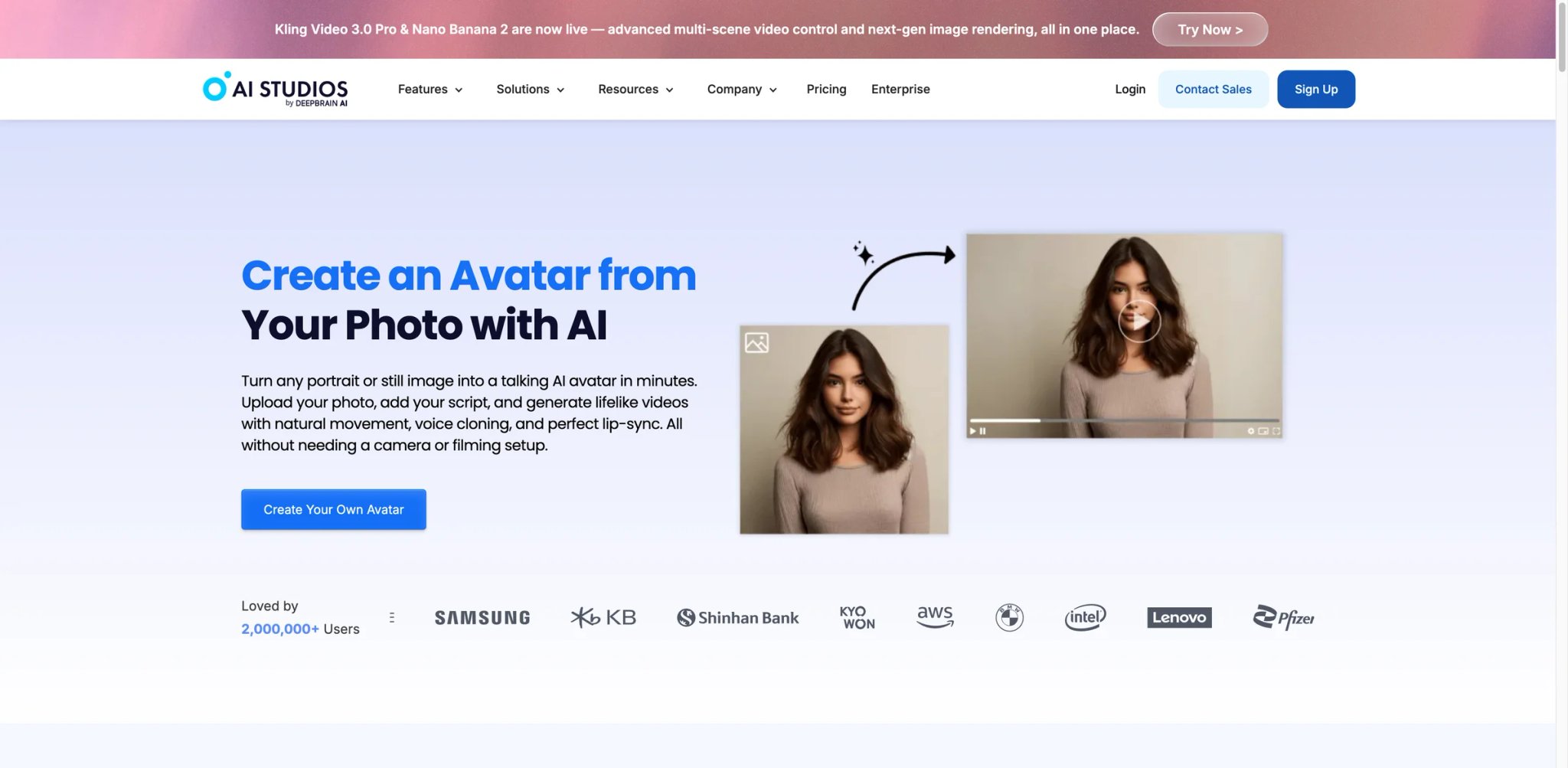
AI Studios (by DeepBrain AI) approaches talking photos from the enterprise training and corporate video angle. While most tools on this list focus on individual creators, AI Studios is built around team workflows — shared asset libraries, brand kits, approval chains, and a scene-based editor that feels closer to a simplified Premiere Pro than a typical avatar generator.
Key Features
- Dream Avatar from a single photo — Upload one photo and the platform generates a custom talking avatar with natural gestures and head movement. The generation quality competes directly with HeyGen, particularly for business-formal presentations where subtle movements matter more than exaggerated expressions.
- Scene-based video editor — Build multi-scene videos with different avatars, backgrounds, and scripts per scene. This is the feature that separates AI Studios from simpler talking-photo tools — you can create a full 5-minute training module, not just a 30-second clip.
- Team collaboration tools — Shared workspaces, brand asset libraries, and role-based permissions. Useful for agencies managing multiple client projects or L&D teams producing training content at scale.
Pricing & Plans
| Plan | Price | Includes |
|---|---|---|
| Starter | $24/mo | 10 min/mo, 1080p, basic avatars |
| Pro | $60/mo | 30 min/mo, custom avatars, API |
| Enterprise | Custom | Unlimited team seats, SLA, SSO |
Pricing is straightforward compared to credit-based competitors. The $24/mo Starter plan includes enough for 2-3 short training videos per month. Extra minutes cost $2 each.
Pros & Cons
Pros: Scene-based editor supports long-form training modules. Team collaboration with shared assets and brand kits. Dream Avatar quality competes with HeyGen for professional contexts.
Cons: Rendering speed is noticeably slower — 5-10 minute waits for a 2-minute video bottleneck rapid iteration. Customer support faces language barrier complaints, and the chat system doesn't support sharing video files for debugging. No preview before export means trial-and-error rendering.
Who It's For
AI Studios is the right choice for corporate training teams and video agencies that need a structured editor, team features, and consistent avatar quality across projects. The scene-based approach makes it uniquely suited for long-form training content. Not the right fit if you're a solo creator making quick social clips — the editor's complexity adds overhead you don't need, and the rendering speed won't match the pace of daily content production.
Get started with AI Studios

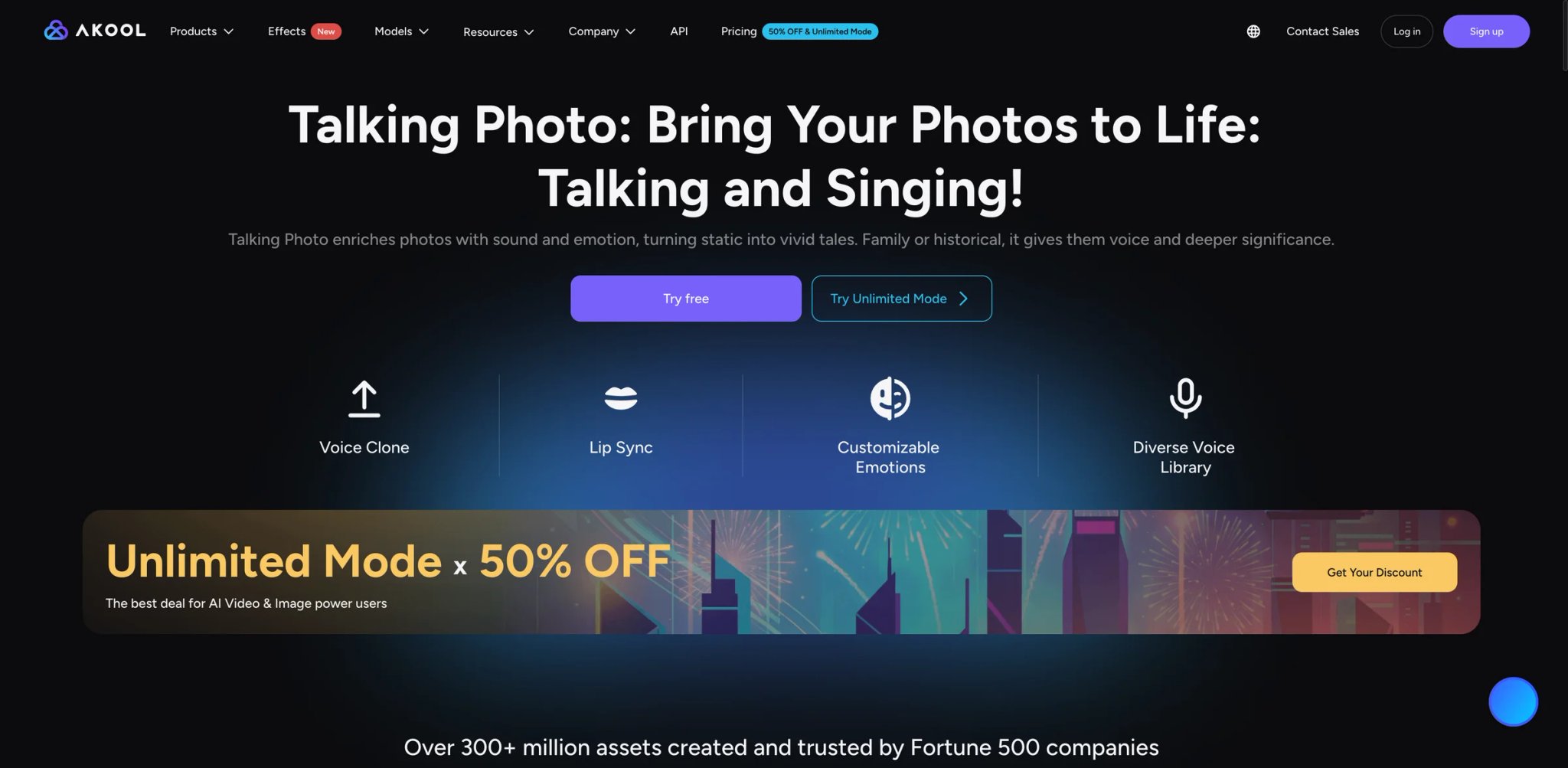
AKOOL is the only tool on this list where you can clone your voice, upload a photo, and produce a talking video without entering payment details or hitting a trial countdown. The free tier comes with real limitations — 720p max, 5-minute cap — but the fact that voice cloning is included at no cost is unusual in a market where competitors charge $22/mo or more for the same capability.
Key Features
- Free voice cloning + talking photo — Record a short voice sample, upload any photo, and generate a talking clip with your cloned voice. Most competitors (HeyGen, ElevenLabs, D-ID) lock voice cloning behind paid tiers. AKOOL gives it away on the free plan.
- Built-in lip-sync adjustment — After generating a talking photo, you can fine-tune lip-sync timing manually. This post-generation control isn't available on most competitors, where you're stuck with whatever the AI produces.
- Face swap + talking photo combo — AKOOL's face swap engine (see our best AI face swap tools guide) lets you composite a face onto a different photo before animating it. Useful for creating talking avatars from photos that weren't originally designed for the purpose.
Pricing & Plans
| Plan | Price | Includes |
|---|---|---|
| Free | $0 | 720p, 5-min max, watermark, voice clone |
| Pro | $30/mo | 1080p, 30-min/mo, no watermark |
| Max | $500/mo | Unlimited, 4K, API, priority |
The free-to-Pro jump is steep — $30/mo with no intermediate tier. If you outgrow free but don't need 30 minutes monthly, you're overpaying.
Pros & Cons
Pros: Free voice cloning is unique at this price point. Built-in lip-sync adjustment gives post-generation control. Face swap integration expands creative possibilities.
Cons: Paid-tier performance has degraded — multiple users on yearly "unlimited" plans report 60+ minute generation times. Billing complaints cite unexpected charges, confusing trial-to-paid transitions, and difficulty canceling. The 720p free tier is visibly soft compared to competitors' 1080p paid output.
Who It's For
AKOOL works best for individual creators and small businesses who want to experiment with voice-cloned talking photos without any financial commitment. The free voice cloning is genuinely useful for personalized outreach and social content. Not the right fit if you need reliable, fast rendering for production workflows — the performance complaints on paid tiers are a red flag, and the $30/mo Pro price doesn't include the rendering priority you'd expect at that cost.
Get started with AKOOL
Vozo
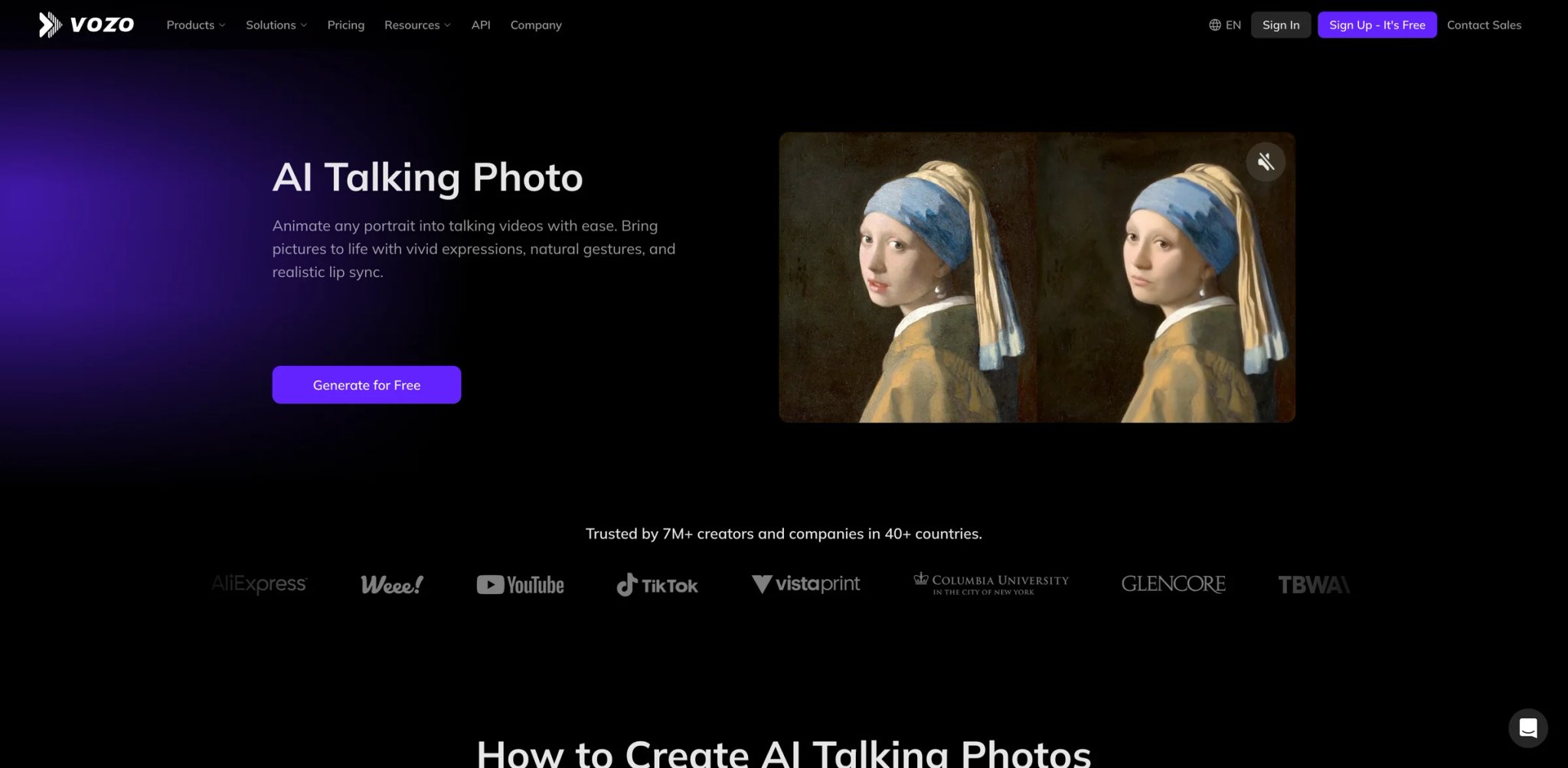
Where most talking photo tools treat lip-sync as a feature checkbox, Vozo treats it as the core product. The platform's lip-sync engine consistently ranks among the most accurate in side-by-side comparisons, particularly for non-English languages where competitors tend to produce noticeable mouth-audio mismatches. If your talking photo content targets multilingual audiences and lip-sync believability is non-negotiable, Vozo deserves a serious look.
Key Features
- 29-language TTS with natural lip-sync — Vozo's lip-sync accuracy in languages like Spanish, Korean, and French is noticeably better than D-ID or Vidnoz at comparable price points. The engine adjusts mouth shapes per phoneme rather than mapping to generic patterns.
- Upload any audio in any language — Beyond TTS, you can upload your own audio recordings in any language and Vozo will sync the lips to match. This flexibility is useful for languages not covered by the TTS engine.
- Full head and body movement — Unlike tools that only animate the mouth area, Vozo generates subtle head tilts, shoulder shifts, and natural eye movement. The result looks less like a puppet and more like a person on a video call.
Pricing & Plans
| Plan | Price | Includes |
|---|---|---|
| Free | $0 | Limited features, watermark |
| Standard | $15/mo | 100 AI points/mo, 720p |
| Professional | $47/mo | 600 AI points/mo, 1080p, priority |
Vozo uses an "AI Points" system where different features consume different point amounts. Lip-sync jobs cost more points than simple TTS, making the effective per-minute cost hard to predict without testing your specific workflow first.
Pros & Cons
Pros: Best-in-class lip-sync accuracy for non-English languages. Full head and body animation looks more natural than mouth-only tools. Supports any audio upload regardless of language.
Cons: The "free" experience is misleading — you complete the entire creation flow before discovering export requires payment. 1080p requires the $47/mo Professional plan; the Standard plan caps at 720p. Voice delivery sounds monotone in less common languages, and longer videos (3+ min) show sync drift.
Who It's For
Vozo is the top choice for video localization teams and multilingual content creators who prioritize lip-sync accuracy above all else. If your content is seen by audiences who will notice bad lip-sync — like dubbed marketing videos or training content — Vozo's engine justifies the premium. Not the right fit if you need 1080p on a budget — the 720p lock on the Standard plan is a dealbreaker for anyone producing client-facing or broadcast-quality content below $47/mo.
Get started with Vozo
Magic Hour
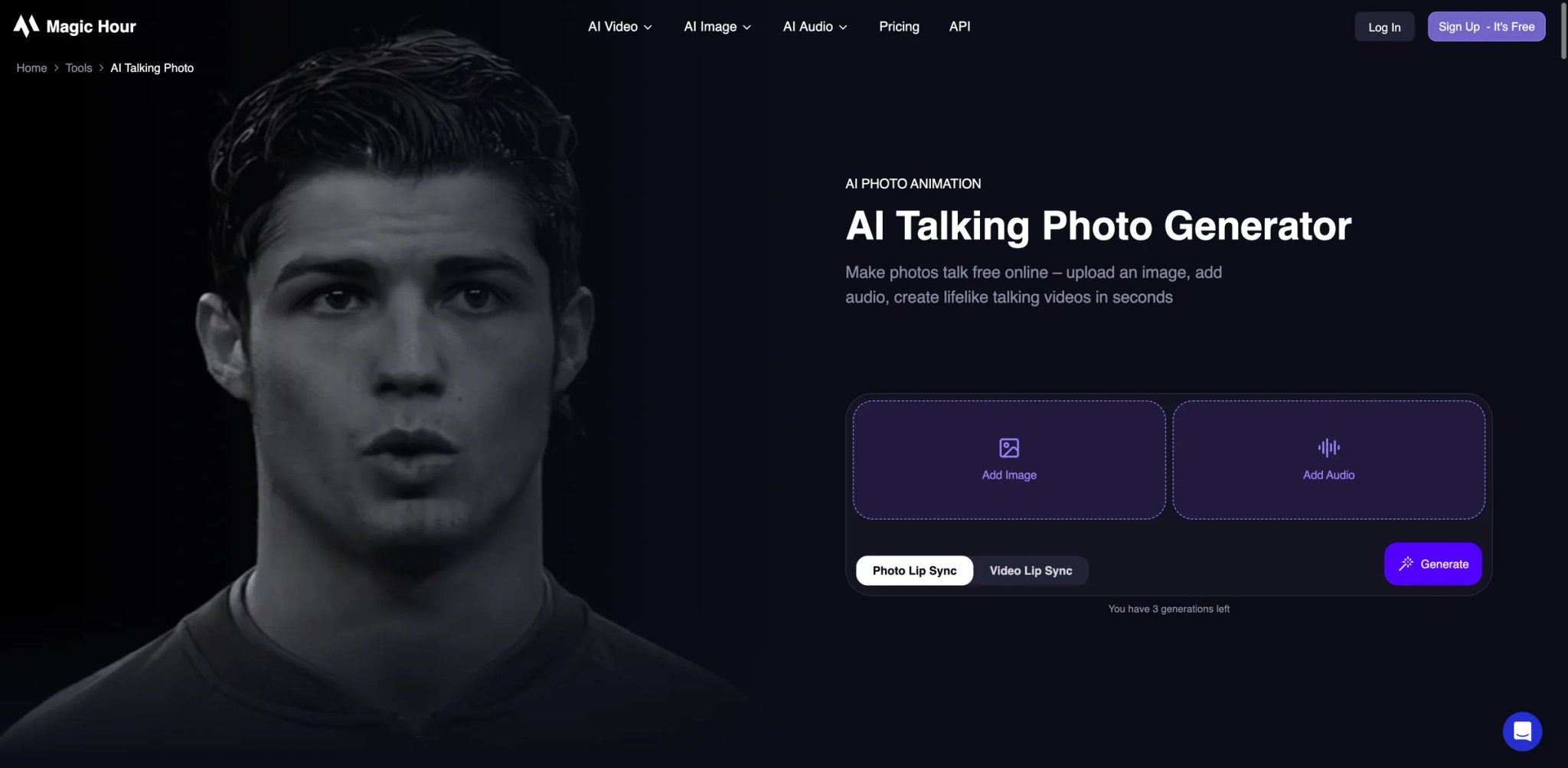
Magic Hour takes a different approach to talking photos: instead of building yet another avatar studio, it bundles talking photos alongside face swap, lip-sync, video-to-video, and AI image generation in one browser-based workspace. The result is a tool that appeals to content creators who need talking photos as part of a broader creative toolkit rather than as a standalone feature.
Key Features
- Browser-based with no software install — Everything runs in the browser with no download required. Upload a photo, add audio or text, and export a talking clip in 2-3 minutes. The workflow is simpler than HeyGen's or AI Studios' editor-heavy approach.
- 5 free talking photo attempts — New users get 5 free generations before hitting the paywall. Combined with the no-signup browsing experience, this makes Magic Hour one of the easiest tools to test quickly.
- Bundled creative suite — Face swap, lip-sync, talking photo, AI video generation, and image generation in one platform. If you're producing social content that uses multiple AI effects, the consolidated workspace saves tool-switching overhead.
Pricing & Plans
| Plan | Price | Includes |
|---|---|---|
| Free | $0 | 5 generations, watermark |
| Pro | $15/mo | 800 frames/mo, no watermark |
| Business | $50/mo | 4,000 frames/mo, priority |
| Enterprise | Custom | Volume pricing, API |
Pricing uses a "frames" model rather than minutes or credits. One talking photo video at 30fps for 10 seconds = 300 frames. The Pro plan's 800 frames/mo covers roughly 2-3 short clips before you need to upgrade.
Pros & Cons
Pros: Bundled creative suite (face swap, lip-sync, AI video) in one workspace. Browser-based with no install friction. 5 free generations for quick testing.
Cons: Output consistency is the primary weakness — the same inputs can produce great results one attempt and visible artifacts the next. Video quality shows compression compared to HeyGen or AI Studios. Frame-based pricing makes cost prediction difficult without a usage calculator.
Who It's For
Magic Hour fits content creators who use talking photos as one tool among many in their social content workflow. The bundled creative suite and low price point make it efficient for creators who don't need studio-grade output. Not the right fit if you need predictable, high-quality results every time — the inconsistency between generations means you'll sometimes burn through your frame budget on retakes.
Get started with Magic Hour
Elai
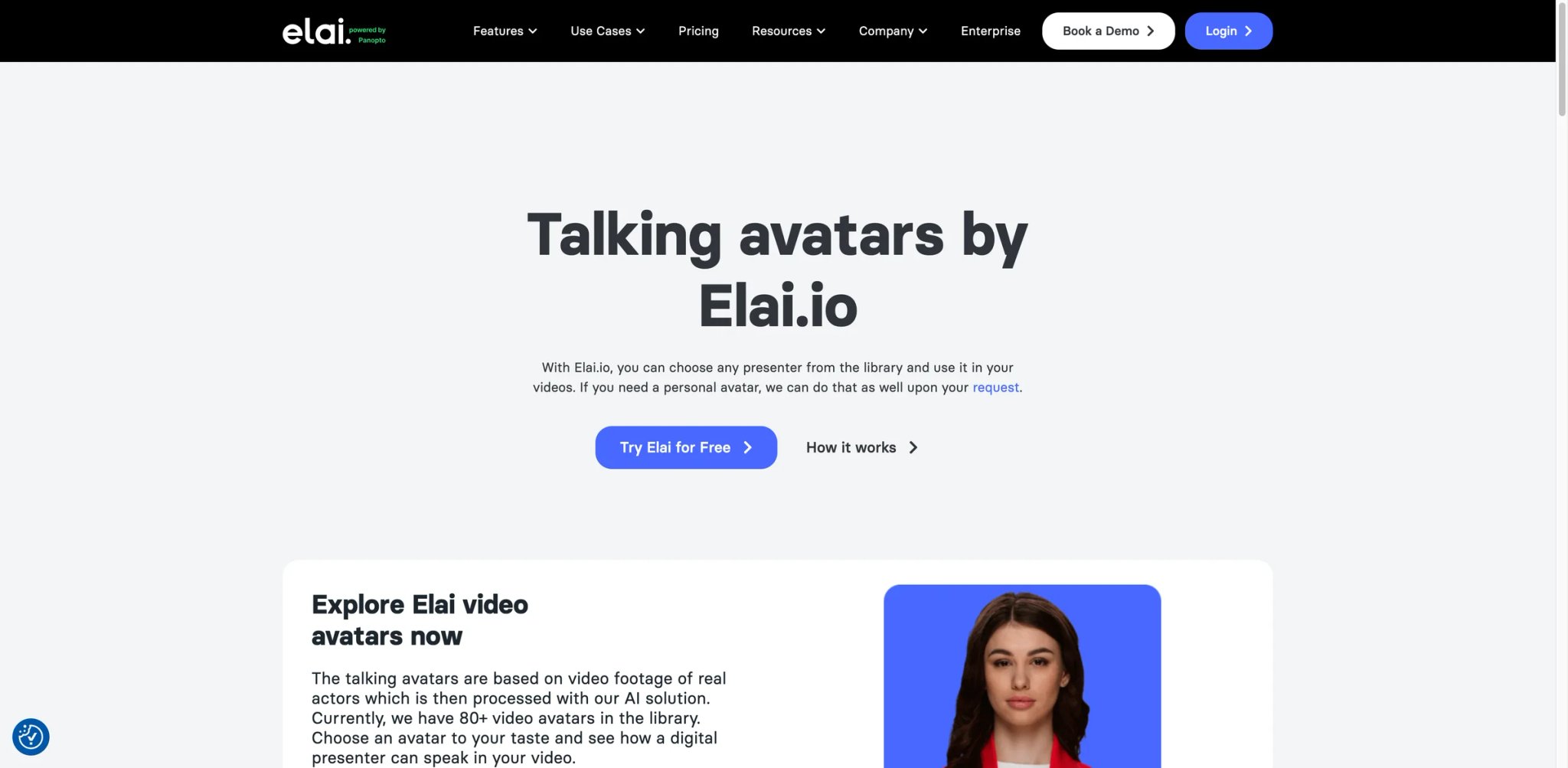
Elai carved its niche in corporate video production before expanding into talking photos. Its selfie avatar feature — where you record a short video of yourself and the platform generates a digital twin — is more polished for professional contexts than most competitors' photo-to-avatar pipelines. The trade-off is a higher price floor and a platform optimized for structured business content rather than casual social clips.
Key Features
- Selfie avatar with personal digital twin — Record a 2-minute calibration video and Elai creates an avatar that captures your specific expressions, gestures, and speech patterns. The result is noticeably more "you" than photo-based avatars from other platforms.
- Blog-to-video conversion — Paste a URL and Elai generates a video script, matches it to your avatar, and produces a talking head video. Useful for repurposing written content into video format without manual scripting.
- 80+ language support with localized gestures — Beyond just translating audio, Elai adjusts gesture patterns to match cultural norms in different regions. Subtle, but noticeable when producing content for international corporate audiences.
Pricing & Plans
| Plan | Price | Includes |
|---|---|---|
| Free | $0 | 1 minute, watermark |
| Basic | $29/mo | 10 min/mo, HD, standard avatars |
| Pro | $99/mo | 50 min/mo, custom avatars, voice cloning |
| Business | $399/mo | 200 min/mo, API, team features |
Extra minutes cost $2 each. The Basic plan is competitively priced for corporate use, but the jump to Pro ($99/mo) for custom avatar access puts it at the premium end of this list.
Pros & Cons
Pros: Selfie avatar digital twin is the most realistic personal avatar option. Blog-to-video conversion saves time on content repurposing. Localized gestures add cultural authenticity to multilingual content.
Cons: Avatar animations feel stiff with emotional scripts — optimized for neutral corporate delivery, not energetic marketing. Rendering speed is slow, with 10-15 minute waits for a 3-minute output. Email-only support with reported 12-hour response times.
Who It's For
Elai is built for L&D teams, HR departments, and corporate communications that need professional talking head videos at scale. The selfie avatar and blog-to-video features save significant time in corporate content production. Not the right fit if you want expressive, personality-driven talking photos for social media or marketing — the avatar style is optimized for boardroom-appropriate delivery, not TikTok energy.
Get started with Elai

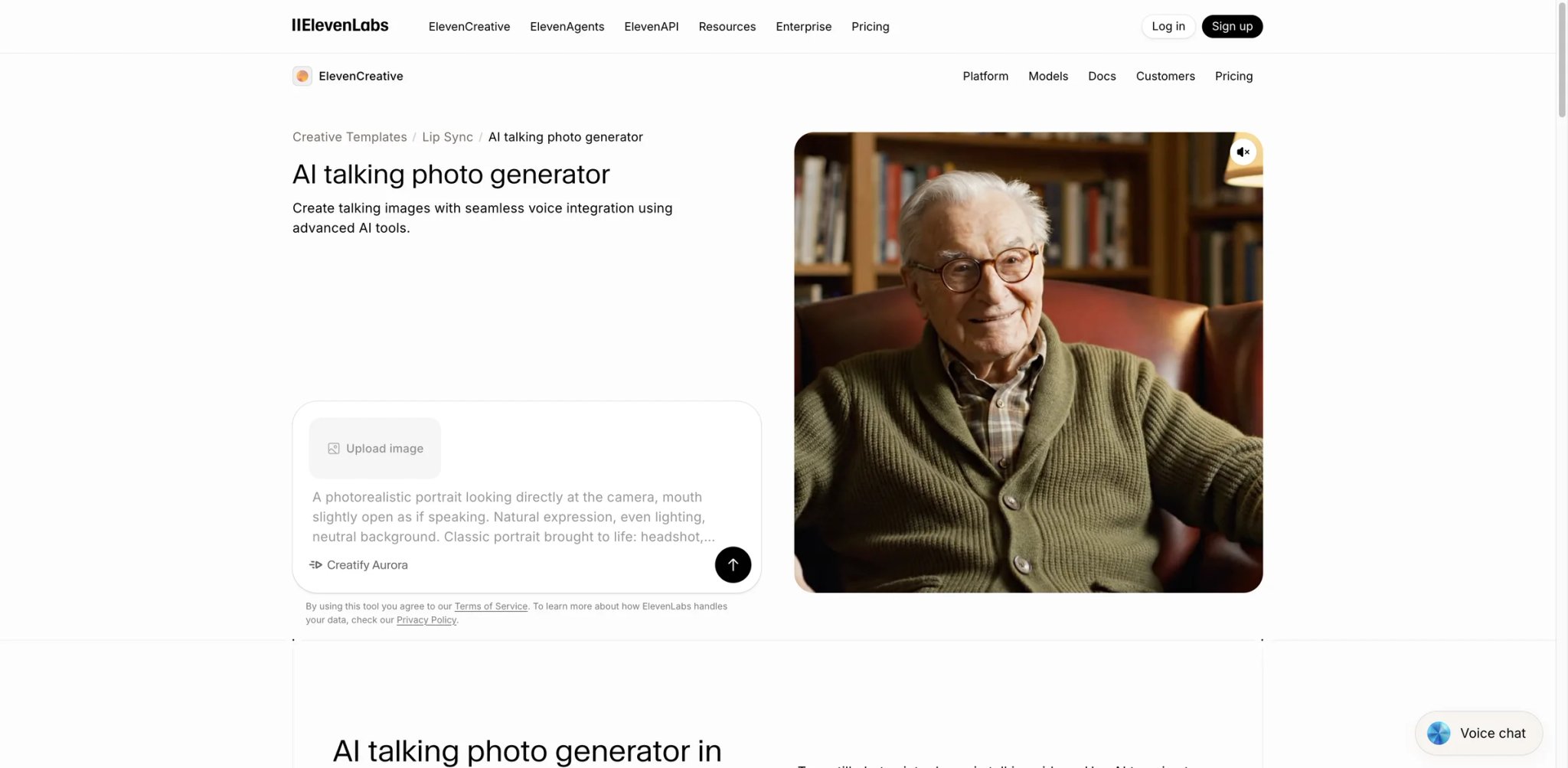
ElevenLabs built its reputation as the gold standard in AI voice generation, and its talking photo feature leverages that audio expertise in a way competitors can't easily replicate. The voice quality driving the lip-sync is noticeably more natural than any other tool on this list — because ElevenLabs controls the entire audio pipeline from text-to-speech through final lip-sync rendering. If you need your talking photo to sound human first and look animated second, this is the tool to evaluate.
Key Features
- Industry-leading voice quality — The TTS engine powering talking photos produces the most natural-sounding speech in this category. Competitors integrate ElevenLabs voices as an add-on; here, it's the native engine. The difference is audible in pacing, breath simulation, and emotional inflection.
- 30+ language voice generation — Each language model is trained natively rather than translated from English, producing accent-accurate speech that sounds like a native speaker rather than a dubbed recording.
- Omnihuman lip-sync engine — Uses ByteDance's Omnihuman 1.5 model to animate lips in still images, generating full facial movements (not just mouth) synchronized to the audio.
Pricing & Plans
| Plan | Price | Includes |
|---|---|---|
| Free | $0 | 10,000 characters/mo, watermark |
| Starter | $5/mo | 30,000 characters, commercial license |
| Creator | $22/mo | 100,000 characters, voice cloning |
| Pro | $99/mo | 500,000 characters, dubbing studio |
ElevenLabs prices by character count rather than video minutes. A 1-minute talking photo at average speaking pace (~150 words, ~750 characters) costs roughly 750 characters from your quota. The Starter plan at $5/mo covers approximately 40 one-minute videos — significantly cheaper than competitors when measured per output.
Pros & Cons
Pros: Best voice quality in this category by a clear margin. Character-based pricing makes per-minute cost the lowest at ~$0.13/min. 30+ languages with natively trained voice models, not translated from English.
Cons: Talking photo is a secondary feature — the interface is minimal with no editor, templates, or multi-scene workflow. Credits don't roll over between billing cycles, penalizing inconsistent usage patterns. Audio quality occasionally shifts tone mid-sentence in longer scripts.
Who It's For
ElevenLabs is the right pick for creators and businesses where voice quality is the primary differentiator — podcast promotions, audiobook trailers, voice-first brand content, or any use case where the audience will notice artificial-sounding speech before they notice imperfect lip-sync. Not the right fit if you need a full video production workflow — there's no scene editor, no team features, and no template library. For multi-scene talking head videos, pair ElevenLabs voices with a dedicated editor like HeyGen or AI Studios.
Get started with ElevenLabs
Fotor
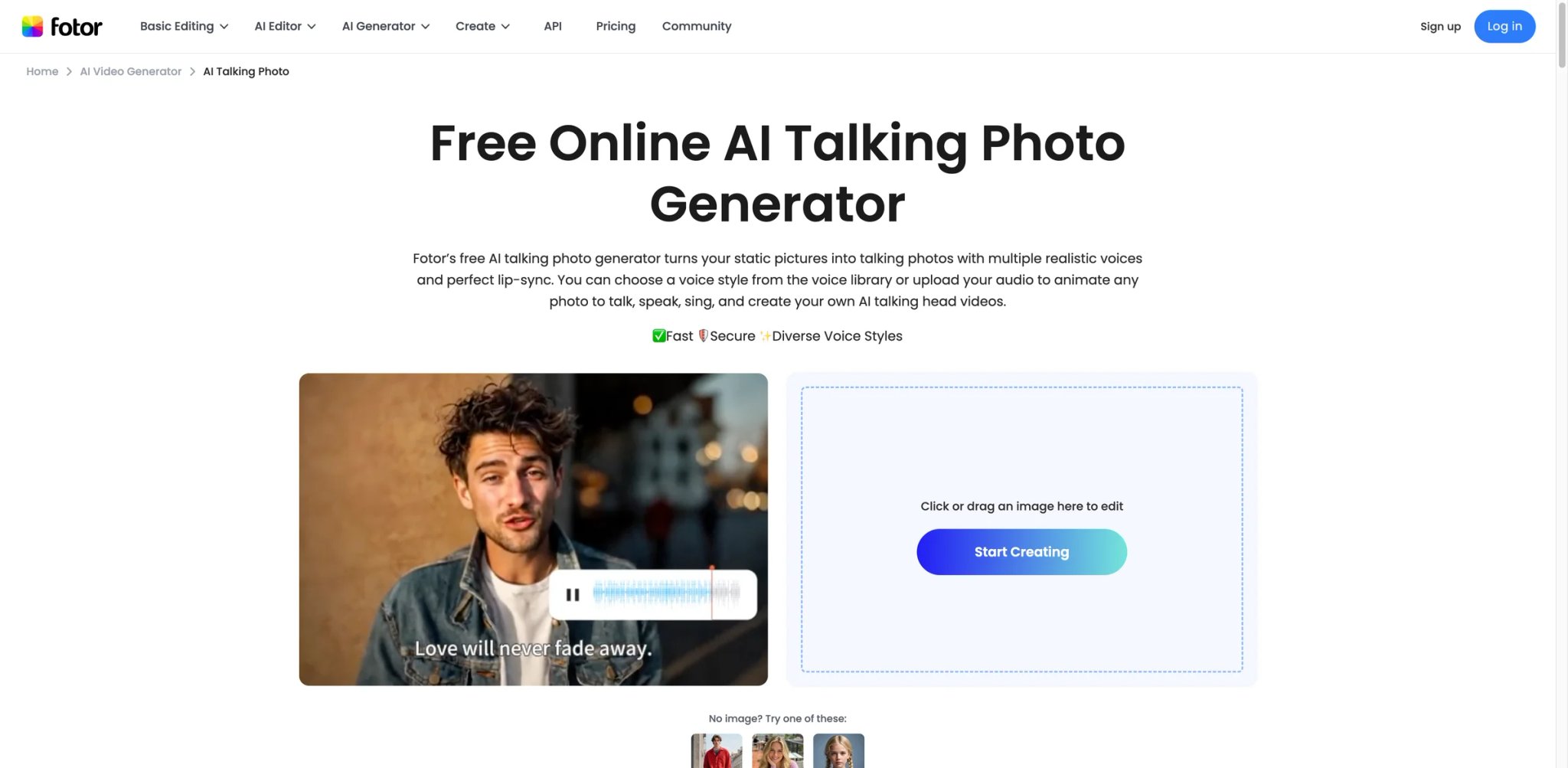
Fotor is primarily a photo editor with 200+ million users — and its talking photo feature exists as one tool among dozens in that ecosystem. The advantage is accessibility: if you're already editing product photos or social graphics in Fotor, adding a talking photo to your workflow requires zero context-switching. The disadvantage is depth — this is a lightweight implementation compared to dedicated platforms.
Key Features
- Talking photo inside a full photo editor — Generate talking photos without leaving the platform where you're already editing images. The integration saves time for users whose workflow starts with photo editing and ends with a short talking clip.
- Multiple audio input methods — Choose from a voice library, upload your own audio file, or record directly in the browser. The recording option is convenient for quick personalized messages.
- Mobile app support — Unlike most web-only competitors, Fotor's mobile app includes the talking photo feature, letting you create clips on the go.
Pricing & Plans
| Plan | Price | Includes |
|---|---|---|
| Basic (Free) | $0 | Limited generations, watermark |
| Pro | $8.99/mo (annual) | Full editor access, no watermark |
| Pro+ | $19.99/mo | Batch processing, API, priority |
The Pro plan at $8.99/mo (annual) includes talking photos alongside the full photo editing suite. If you're already paying for Fotor as a photo editor, the talking photo feature is essentially free.
Pros & Cons
Pros: Talking photos bundled with a full photo editor at $8.99/mo. Multiple audio input methods including in-browser recording. Mobile app support for on-the-go creation.
Cons: Lip-sync quality lags behind dedicated tools — limited to basic lip movement and eye blinks with no head or body animation. Minimal independent reviews specifically for the talking photo feature. Customer support complaints about responsiveness and auto-renewal billing clarity.
Who It's For
Fotor makes sense for existing Fotor users who want occasional talking photo capability without subscribing to a separate service. The price-to-breadth ratio is hard to beat if you use the photo editor too. Not the right fit if talking photos are your primary need — the lip-sync quality and animation depth simply can't compete with dedicated tools like HeyGen, Vozo, or even free alternatives like AKOOL.
Get started with Fotor
Mango AI
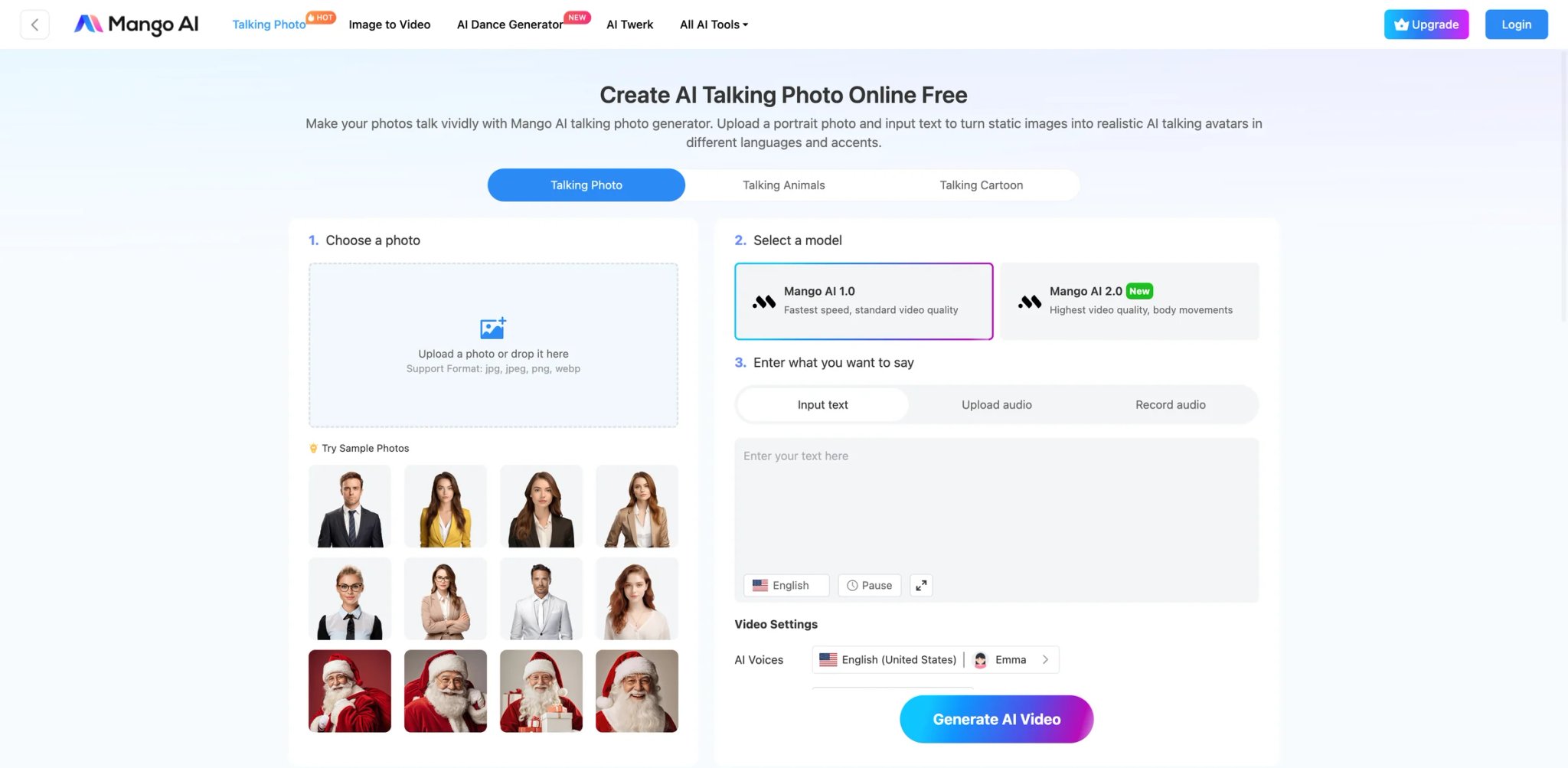
At $10.9/mo on annual billing, Mango AI is the cheapest paid option in this roundup. The platform is built by MangoAnimate, a company with a decade in the animation software space — which shows in the template library and animation presets, even if the AI talking photo feature itself is more basic than premium competitors.
Key Features
- Lowest annual price point — $10.9/mo (annual) or $19.9/mo (monthly) puts Mango AI below every paid competitor except Fotor's bundled plan. For users who need consistent monthly access without the limits of free tiers, this is the budget option.
- Template-driven workflow — Choose from pre-designed video templates that combine talking photos with backgrounds, text overlays, and transitions. Faster for producing social clips than tools that start from a blank canvas.
- Web-based with no install — Runs entirely in the browser, with a straightforward 3-step process: upload photo → add audio/text → export. The interface is simpler than HeyGen's or AI Studios' but avoids the learning curve.
Pricing & Plans
| Plan | Price | Includes |
|---|---|---|
| Free | $0 | Limited features, watermark |
| Basic | $10.9/mo (annual) | Full features, no watermark |
| Pro | $19.9/mo | Priority rendering, extended limits |
The free-to-paid transition is clean — no credit system, no confusing frame calculations. You either have access or you don't.
Pros & Cons
Pros: Lowest paid price at $10.9/mo annual. Simple 3-step workflow with no learning curve. No confusing credit or frame system — straightforward access.
Cons: Animation limited to lip movement and eye blinks — no head or body motion, producing flatter output than competitors. Free tier watermark covers the entire background, not just a corner badge. Template variety is limited and rigid, with a low creative ceiling.
Who It's For
Mango AI is built for budget-conscious creators who need regular talking photo output without the cost of HeyGen or Elai. The template library speeds up production for repetitive formats like social media series or quick product intros. Not the right fit if animation quality matters — the lip-and-blink-only approach produces output that's visibly less lifelike than tools with full facial animation, and the rigid templates limit creative differentiation.
Get started with Mango AI
DupDub
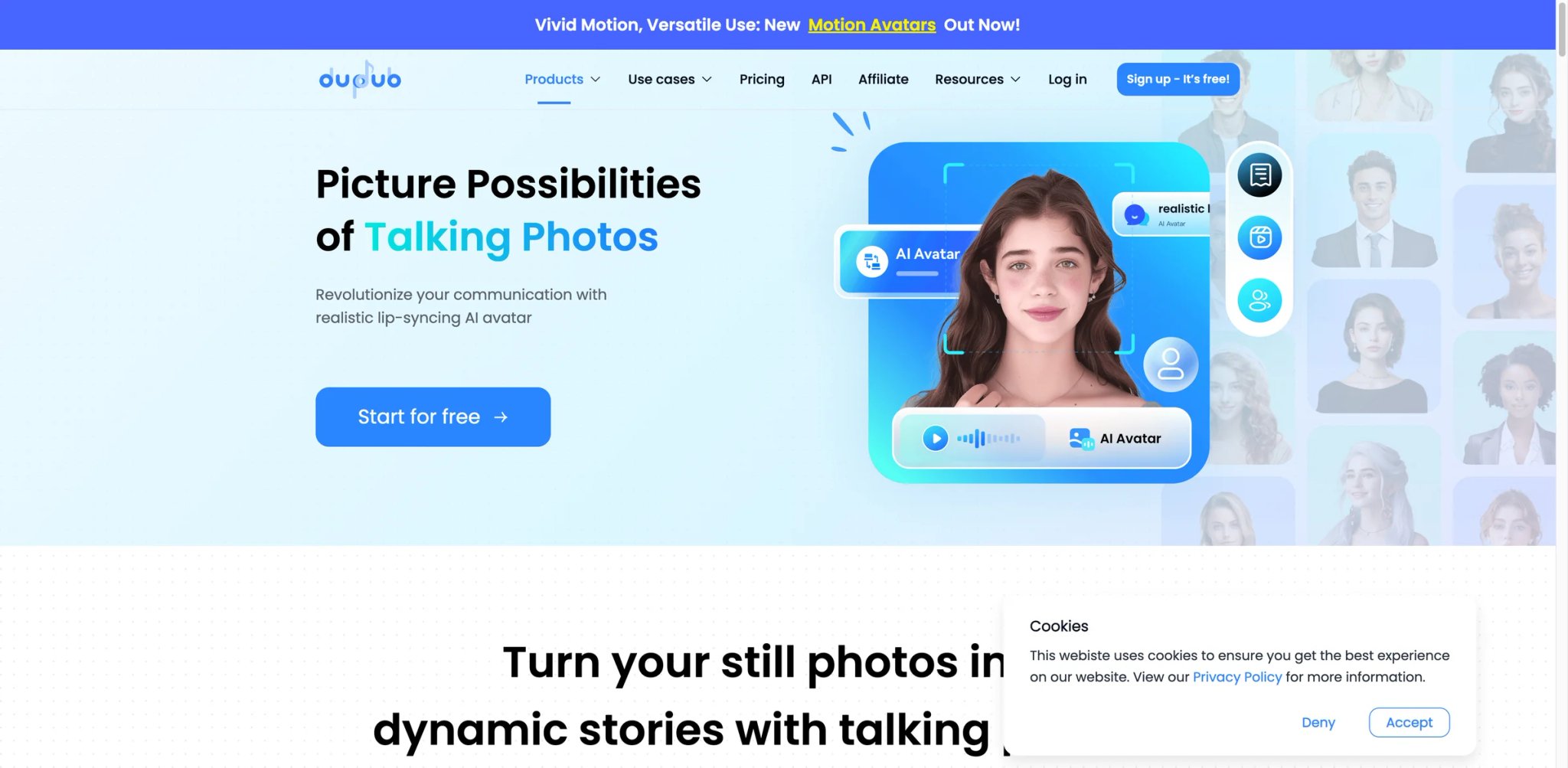
DupDub is the only tool on this list with full-featured native apps on iOS and Android alongside its web platform. If your talking photo workflow includes capturing source photos on mobile, recording voice clips on the go, or reviewing outputs between meetings, DupDub's cross-platform approach removes friction that web-only tools can't address.
Key Features
- True cross-platform: Web + iOS + Android — The mobile apps aren't stripped-down companions. You can create talking photos, apply voice cloning, and export finished videos directly from your phone with feature parity close to the web version.
- Emotional expression control — Select emotion presets (happy, serious, excited, neutral) that adjust facial expressions during the talking animation. Most competitors offer only neutral expression, making DupDub's range useful for varied content tones.
- 40+ language TTS with voice cloning — A solid language spread with voice cloning available on paid plans. The voice library includes regional accents for major languages.
Pricing & Plans
| Plan | Price | Includes |
|---|---|---|
| Free Trial | $0 | 3-day trial, 10 credits |
| Personal | $11/mo | Basic features, limited credits |
| Professional | $30/mo | Full features, more credits |
| Pay As You Go | $68 one-time | 500 credits, no expiry |
DupDub also offers lifetime credit packs: 1,000 credits for $128 and 6,000 for $698. The Pay As You Go model is unusual in this space and useful for inconsistent usage patterns — but the per-credit cost is high compared to monthly plans.
Pros & Cons
Pros: Only tool with full-featured native iOS and Android apps. Emotion presets add expressiveness most competitors lack. Pay-as-you-go option with non-expiring credits suits irregular usage.
Cons: Emotion is limited to one per video — no mid-clip tone shifts. The ad-watching credit system on mobile undermines professional positioning. Standard plan voice quality underperforms with mispronunciations and accent issues.
Who It's For
DupDub is the practical choice for mobile-first creators and on-the-go professionals who need to produce talking photos from their phone with the same capabilities as desktop. The cross-platform parity and emotion controls add flexibility that web-only tools lack. Not the right fit if voice quality is your priority — the TTS engine is functional but clearly a tier below ElevenLabs or HeyGen, and the credit-earning mechanics signal a platform that may prioritize user engagement over output quality.
Get started with DupDub
Best AI Talking Photo Generators by Use Case
For Marketing Teams Producing Multilingual Product Demos
If you're localizing a single product video into 5+ languages with accurate lip-sync — not just subtitles — HeyGen is the clear leader. Its video translation engine re-syncs mouth movements per language, which no other tool on this list automates at the same depth. AI Studios is the stronger choice if your team needs collaborative editing and approval workflows alongside the multilingual output.
For Solo Creators Testing Talking Photos Before Committing
If you've never made a talking photo and want to see if the format works for your audience before spending anything, start with AKOOL for voice-cloned talking photos or Vidnoz for daily free credits with stock avatars. Both let you produce usable (if watermarked) content without entering payment information. Graduate to Magic Hour at $15/mo once you've validated the format.
For Corporate L&D Teams Scaling Training Videos
If you're replacing filmed instructor segments with digital avatars for compliance training, onboarding, or product education, Elai's selfie avatar produces the most professional-looking digital twin. AI Studios offers a scene-based editor that better supports long-form training modules with multiple segments and transitions.
For Voice-First Content Where Audio Quality Leads
If your audience notices bad voice quality before they notice imperfect animation — podcast promos, audiobook trailers, voice-branded content — ElevenLabs produces the most natural-sounding speech in this category. The talking photo feature is basic compared to dedicated tools, but the audio quality gap is large enough to matter.
For Mobile-First Creators Who Produce on the Go
If you capture photos, record voice clips, and edit between meetings or on set, DupDub is the only tool here with full native apps on both iOS and Android. Fotor offers a mobile app too, but its talking photo feature is more limited than DupDub's cross-platform implementation.
How to Choose the Right AI Talking Photo Generator
Picking the right tool depends less on feature lists and more on your specific production context. Here's a decision framework based on how real users actually narrow down their choices:
1. Define your output volume and frequency. A creator making 2-3 talking photos per month has different needs than a marketing team producing 20+ multilingual variants weekly. Low-volume users should start with free tiers (AKOOL, Vidnoz) or low-cost plans (ElevenLabs at $5/mo). High-volume teams need HeyGen or AI Studios for batch efficiency.
2. Test lip-sync quality in your target language. English lip-sync is table stakes — every tool handles it acceptably. The real differentiator is non-English quality. If your audience speaks Spanish, Korean, or Arabic, test Vozo and HeyGen specifically, as their lip-sync engines are optimized for multilingual phoneme matching.
3. Calculate your real cost per minute. Credit systems, frame counts, AI points, and character quotas all obscure the actual cost. Before committing, calculate: plan price ÷ actual minutes you'll produce = cost per minute. HeyGen runs roughly $2/min, Vidnoz about $1/min, and ElevenLabs as low as $0.13/min if you use most of your character quota.
4. Check if you need an editor or just an engine. Tools like HeyGen and AI Studios include full video editors with scenes, templates, and brand kits. ElevenLabs and AKOOL are engines — they produce a talking clip, and you edit elsewhere. If your workflow already includes a video editor, an engine is cheaper and faster.
5. Verify the free tier actually works. "Free" means different things: AKOOL gives voice cloning for free but caps at 720p. Vidnoz gives daily credits but adds watermarks. Fotor bundles talking photos into a photo editor subscription. ElevenLabs' free tier is the most generous in character count but limits commercial use. Test before you plan.
6. Evaluate vendor lock-in risk. Some platforms make it easy to export standard MP4 files; others lock premium features behind proprietary formats or restrict re-use rights on lower tiers. Check the commercial license terms before building a content pipeline around any single tool.
Frequently Asked Questions
What is the best free AI talking photo generator?
How accurate is AI lip-sync in non-English languages?
Can I use a talking photo generator for commercial content?
How much does it actually cost per minute of talking photo video?
HeyGen vs D-ID: which is better for talking photo videos?
Do I need a high-quality photo to get good results?
Can AI talking photo tools replace video production entirely?
Get ToolWorthy Weekly
New AI tools, practical guides, and selected AI signals in one weekly brief.
For AI tool founders
Built a tool that belongs in this decision set?
Request an editorial evaluation for possible inclusion in ToolWorthy.
Submit your tool for reviewPaid submission does not guarantee a ranking, recommendation, inclusion, or editorial outcome.