
10 Best AI Headshot Generators for LinkedIn & Resume
We tested 10 AI headshot tools for quality and pricing. Perfect for LinkedIn, resumes, and teams—with one-time payments and full commercial rights.
On this page
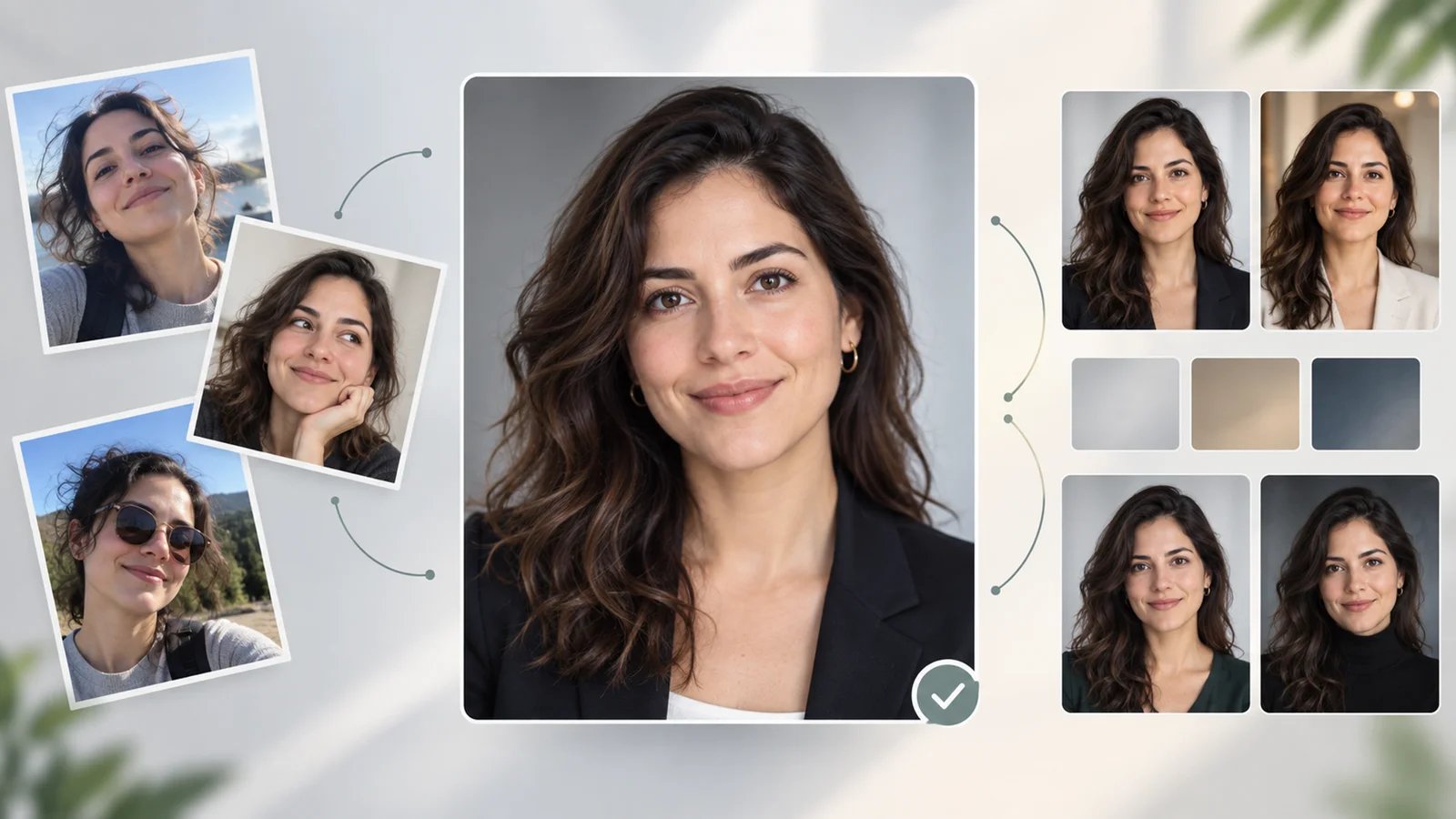
Professional headshots are essential for LinkedIn profiles, corporate websites, job applications, and personal branding. Traditional photography sessions cost $200-$300 and require scheduling, travel, and wardrobe planning. AI headshot generators solve this by transforming casual selfies into professional-quality portraits in under 2 hours, at a fraction of the cost.
To map capabilities, workflows, integrations, and the wider market without rankings, browse the AI Headshot Generator Tools category landscape.
This guide compares 10 leading AI headshot generators tested for image quality, customization options, pricing transparency, and commercial licensing. We evaluated tools serving individual professionals, remote teams, and enterprises to help you find the best solution for creating professional headshots without the hassle of traditional photoshoots.
| Tool | Best For |
|---|---|
| HeadshotPro | LinkedIn and corporate professionals |
| Aragon | Teams needing fast turnaround (15-90 minutes) |
| BetterPic | Style experimentation with 150+ options |
| Dreamwave | Budget-conscious users starting at $35 |
| ProPhotos AI | High-volume needs with 200 headshots |
| Try it on AI | Affordable corporate teams at $15/person |
| Headpix | One-time purchases without subscriptions |
| Secta Labs | Maximum variety with 300+ headshots |
| StudioShot | Virtual photoshoots with AI editing |
| Canva AI Headshot Maker | Integrated design workflows |
How We Selected and Tested
We selected these AI headshot generators based on measurable criteria: pricing transparency, image quality, turnaround time, customization options, and commercial licensing clarity. Tools without publicly disclosed pricing or customer reviews were noted but included only if they demonstrated significant market traction through user testimonials or enterprise adoption.
Our research methodology combined multiple data sources to ensure accuracy. We analyzed official pricing pages and documentation, cross-referenced user reviews from Trustpilot and G2, and reviewed sample outputs from provider galleries. This multi-source approach helped identify discrepancies between marketing claims and actual user experiences regarding photorealism, diversity representation, and turnaround times.
Evaluation Dimensions: We evaluated each tool across 5 dimensions:
- Image Quality — Assessed photorealism, facial accuracy, lighting consistency, and ability to represent diverse features (skin tone, hair texture, eye color)
- Customization Options — Evaluated number of styles, backgrounds, outfits, and post-generation editing capabilities
- Pricing Transparency — Verified clarity of pricing tiers, what's included per package, refund policies, and hidden fees
- Turnaround Time — Measured generation speed from upload to final delivery
- Commercial Licensing — Confirmed ownership rights, commercial use permissions, and usage restrictions
Note on Testing Scope: We conducted hands-on testing of 6 tools with publicly available free trials or entry-level plans. For tools without trial access (Aragon, Secta Labs, StudioShot, Canva), we relied on official documentation, verified user reviews, and sample galleries to ensure balanced coverage.
Transparency & Limitations: All information comes from official sources and credible third-party platforms—we don't fabricate ratings, rankings, or performance claims. Pricing and features may vary by region or promotional periods. AI headshot quality depends heavily on source photo quality (lighting, angles, variety). Research conducted between January 15-25, 2026.
Top 10 AI Headshot Generators Compared
This section provides a quick overview of the 10 AI headshot generators we tested, comparing their core strengths, output volume, generation speed, and pricing. Use this table to identify tools that match your budget, timeline, and use case before diving into detailed reviews below.
| Tool | Best For | Headshots | Speed | Pricing | Commercial Rights |
|---|---|---|---|---|---|
| HeadshotPro | LinkedIn professionals | 30-70 | 15 mins-2 hours | $39-$69 (one-time) | Full ownership |
| Aragon | Fast corporate needs | 40-100 | 15-45 mins | $35-$75 (one-time) | Full ownership |
| BetterPic | Style variety | 20-120 | 1-2 hours | $35-$79 (one-time) | Full license |
| Dreamwave | Budget users | 75-300 | Minutes | $35-$99 | Full ownership |
| ProPhotos AI | High volume | 40-200 | 30-90 mins | $39-$59 (one-time) | Full license |
| Try it on AI | Team affordability | 50-100 | 15 mins | $35-$61 (one-time) | Full license |
| Headpix | One-time purchase | 50-200 | 120 mins | From $29 | Full ownership |
| Secta Labs | Maximum variety | 200+ | Under 1 hour | $49 (one-time) | Full ownership |
| StudioShot | Virtual studio experience | Not disclosed | 60 mins | See pricing page | Full ownership |
| Canva AI Headshot Maker | Design integration | Not disclosed | Instant | $120-$200/year | Full license |
Detailed Reviews

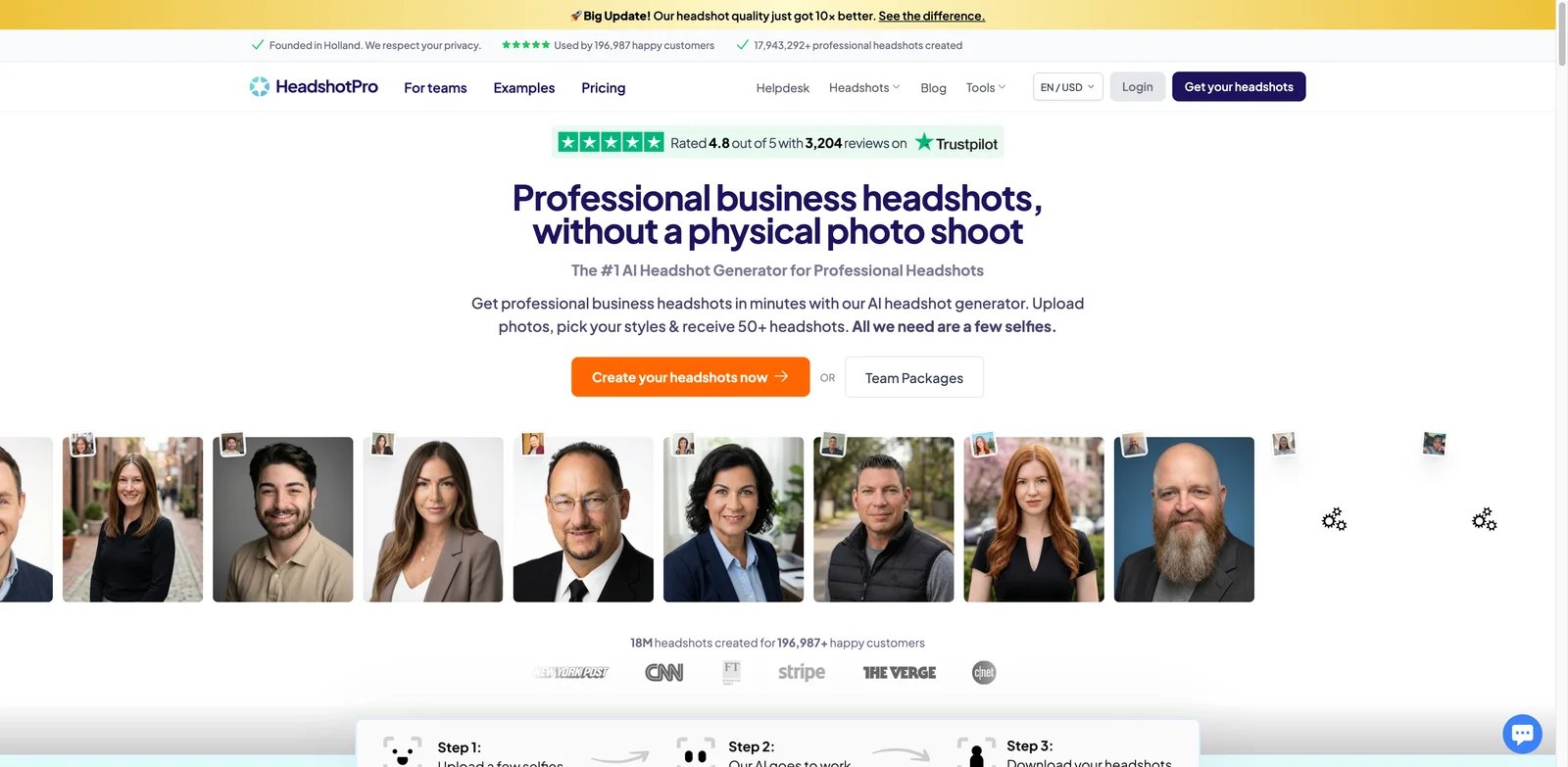
HeadshotPro is an AI-powered headshot generator that creates professional business portraits from casual selfies. With 196,987+ customers and 17.9 million headshots generated, it's one of the most established platforms in the AI headshot space. Users upload 5-10 selfies and receive 50+ professional headshots in various styles including LinkedIn, corporate, executive, actor, model, and realtor-specific formats.
Key Features
- Multiple Headshot Types — Generates specialized headshots for LinkedIn profiles, corporate websites, executive portraits, actor/model portfolios, and real estate professionals with style-appropriate backgrounds and lighting
- Full Commercial Rights — Users receive complete ownership and commercial licensing for all generated photos with no usage restrictions
- Free AI Tools Suite — Includes LinkedIn headline generator, bio generator, profile generator, email signature generator, and team page generator as complementary tools
- Quality Improvements — Recently announced 10x quality enhancement update improving photorealism and facial accuracy
- Fast Turnaround — Delivers headshots in 15 minutes to 2 hours depending on plan (Executive 15 mins, Professional 30 mins, Basic 2 hours)
Pricing & Plans
HeadshotPro offers three individual packages with one-time payments:
- Basic: $39 one-time — 30 standard-resolution headshots in 2 hours
- Professional: $49 one-time — 50 premium-resolution headshots in 30 minutes
- Executive: $69 one-time — 70 ultra-resolution headshots in 15 minutes
Team pricing starts at $39.20/member (20% discount for 5+ users) with volume discounts up to 50% off for 1000+ users. All plans include a 14-day money-back guarantee if you don't get a usable headshot.
Pros & Cons
Pros:
- Large user base with 4.8/5 stars on Trustpilot (3,201 reviews) indicates proven reliability
- Comprehensive free tools ecosystem adds value beyond headshot generation
- Strong money-back guarantee reduces purchase risk
- Industry-specific headshot types cater to diverse professional needs
Cons:
- No public information about style variety or customization options before purchase
- Limited details on editing capabilities or post-generation modifications
Best For
- LinkedIn professionals needing quick profile photo updates
- Job seekers requiring ATS-compatible professional headshots
- Freelancers building personal brands across multiple platforms
- Corporate employees needing consistent team headshots
- Real estate agents requiring professional property listing photos
Get started with HeadshotPro

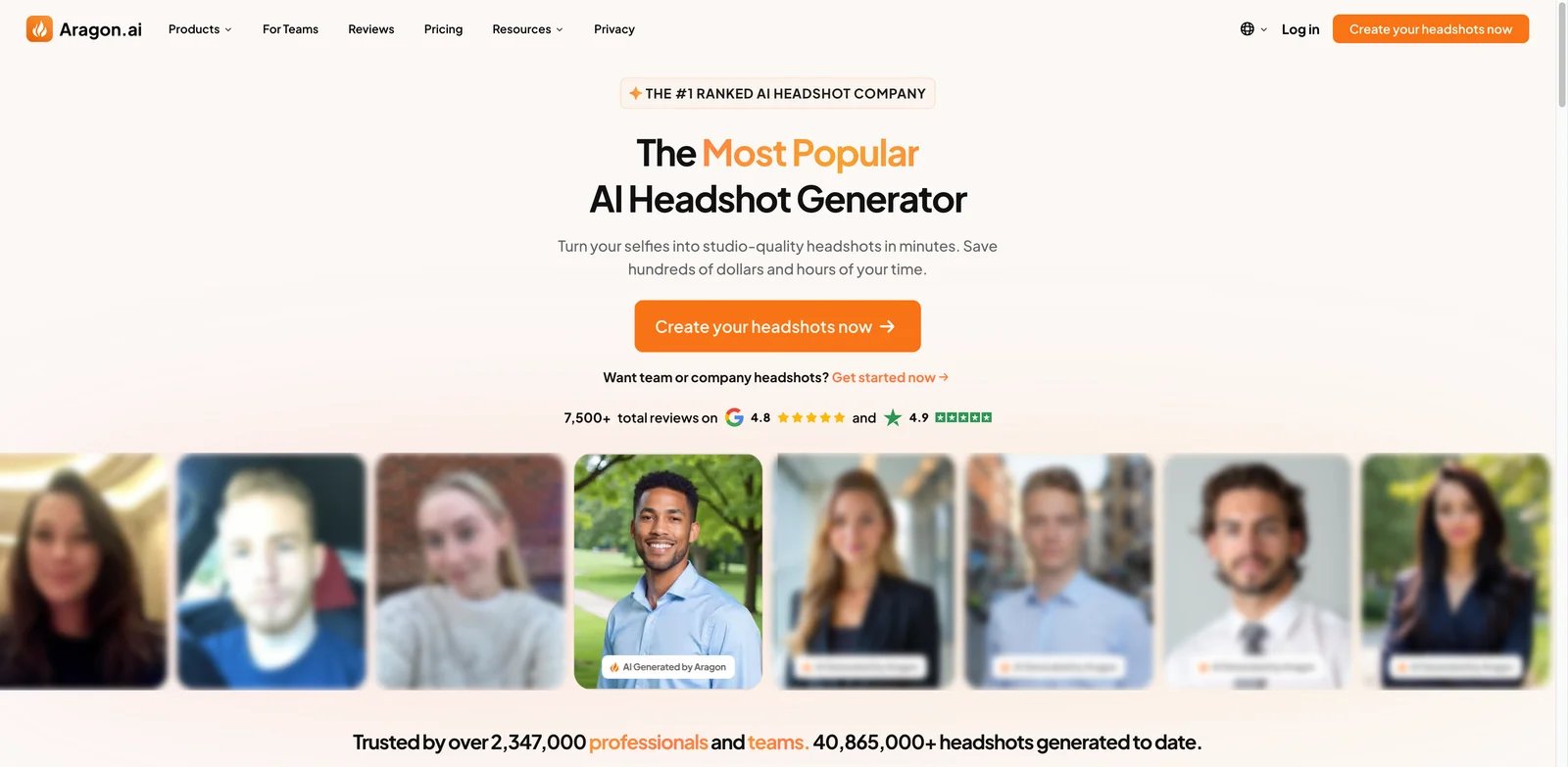
Aragon AI specializes in professional-grade photoshoots at a fraction of traditional costs. The platform transforms selfies into professional headshots with quick turnaround times ranging from 15-90 minutes depending on the selected plan. Aragon emphasizes privacy and security with advanced encryption, and offers live support Monday-Friday, 7 am-7 pm.
Key Features
- Fast Generation Times — Delivers professional headshots in 15-45 minutes depending on plan tier (Executive 15 mins, Standard 30 mins, Basic 45 mins), significantly faster than most competitors
- Customization Options — Provides 20+ outfit choices and multiple background options to match professional contexts
- Privacy & Security — Uses advanced encryption with guarantee that data is never sold to third parties
- Money-Back Guarantee — Offers risk-free satisfaction guarantee for all purchases
- Team Standardization — Designed for organizations needing consistent professional headshots across teams
Pricing & Plans
Aragon offers three individual packages with one-time payments:
- Basic: $35 one-time (regularly $44) — 40 headshots in 45 minutes
- Standard: $45 one-time (regularly $56) — 60 headshots in 30 minutes (most popular)
- Executive: $75 one-time (regularly $94) — 100 headshots in 15 minutes with enhanced resolution
Team pricing starts at $45/person for Teams Basic, with custom enterprise plans available through sales contact.
Pros & Cons
Pros:
- Fastest generation time in the market (15 minutes for Executive plan)
- Live support during business hours provides human assistance
- Strong security and privacy guarantees for sensitive corporate data
- Competitive pricing compared to traditional $250 photoshoot sessions
Cons:
- Limited attire and background options on lower-tier plans
- 20+ outfit choices still modest compared to competitors offering 100+ styles
- No information about commercial licensing terms on pricing page
Best For
- Corporate teams needing fast turnaround for urgent projects
- Privacy-conscious users requiring secure data handling
- Organizations standardizing employee photos across platforms
- Executive leaders needing enhanced resolution for large-format prints
- Users seeking one-time payment without recurring subscriptions
Get started with Aragon

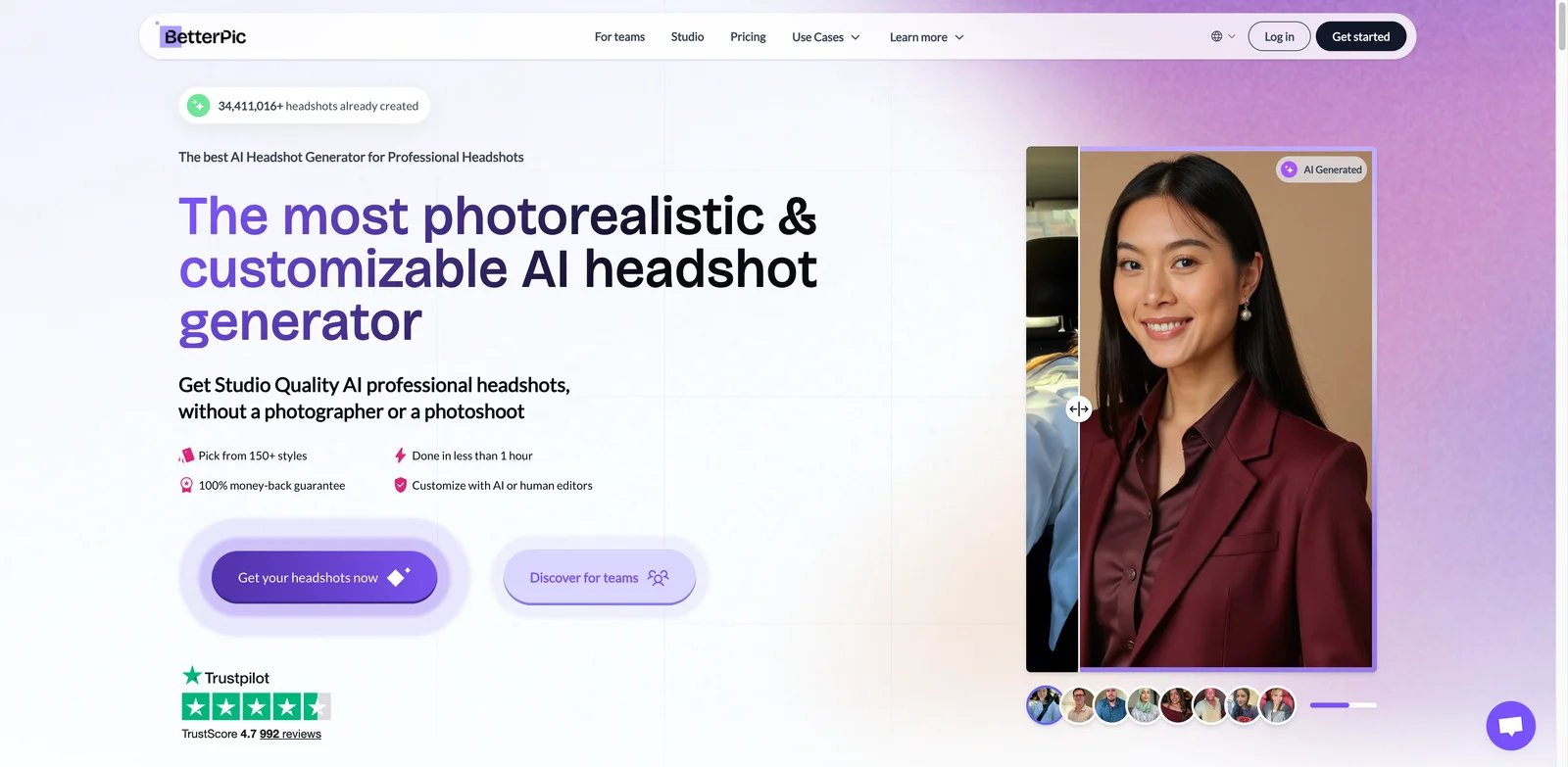
BetterPic is an AI headshot generator serving 100,000+ satisfied customers with a focus on style experimentation and fast turnaround. The platform offers 150+ customizable styles with an AI style builder that analyzes your preferences and matches you with optimal headshot aesthetics. With 4.5-star ratings from 2,947 reviews, BetterPic emphasizes convenience, affordability, and photorealistic 4K image quality.
Key Features
- 150+ Customizable Styles — Extensive style library with AI style builder that analyzes preferences and recommends optimal matches for professional contexts
- 4K Image Quality — Delivers high-resolution 4K headshots designed to look photorealistic across digital and print media
- AI Upload Assistant — Analyzes source photos for quality optimization, providing guidance on lighting, angles, and variety to improve output
- Manual Editing Options — Includes AI edits (2-8 depending on plan) and human editing (unlimited on Expert plan) for customization after generation
- Commercial License Included — All plans include full commercial rights with 100% money-back guarantee and 7-day refund policy
Pricing & Plans
BetterPic offers three individual packages with one-time payments:
- Basic: $35 one-time (regularly $59) — 20 headshots (4K), 1 style, 2 hours turnaround, 2 AI edits, 48-hour support
- Pro: $39 one-time (regularly $79) — 60 headshots (4K), 3 styles, 1.5 hours turnaround, 4 AI edits, 24-hour support (Most Popular)
- Expert: $79 one-time (regularly $129) — 120 headshots (4K), 6 styles, 1 hour turnaround, 8 AI edits, unlimited human edits on 1 photo, 1 free redo, 12-hour support (Best Value)
Team pricing is available with automatic volume discounts: Small Teams start at $49/person (1-4 users) scaling down to $30/person (15-49 users). Medium & Enterprise teams receive deeper discounts from $26/person (50+ users) down to $13/person (1000+ users).
Pros & Cons
Pros:
- Largest style variety (150+) enables experimentation for different professional contexts
- One-time purchase model avoids recurring subscription fees
- Fast turnaround (1 hour for Expert plan) suits urgent needs
- AI upload assistant helps non-technical users optimize source photos
- Unlimited human edits on Expert plan provides professional refinement
Cons:
- Basic plan limited to 1 style restricts experimentation
- AI edits capped even on premium plans (maximum 8)
- 7-day refund window shorter than some competitors offering 14-30 days
Best For
- Creative professionals experimenting with multiple headshot styles
- Job seekers needing variety for different industry applications
- Freelancers building diverse portfolio presentations
- Users valuing one-time purchases over subscriptions
- Professionals requiring human editing for final perfection
Get started with BetterPic

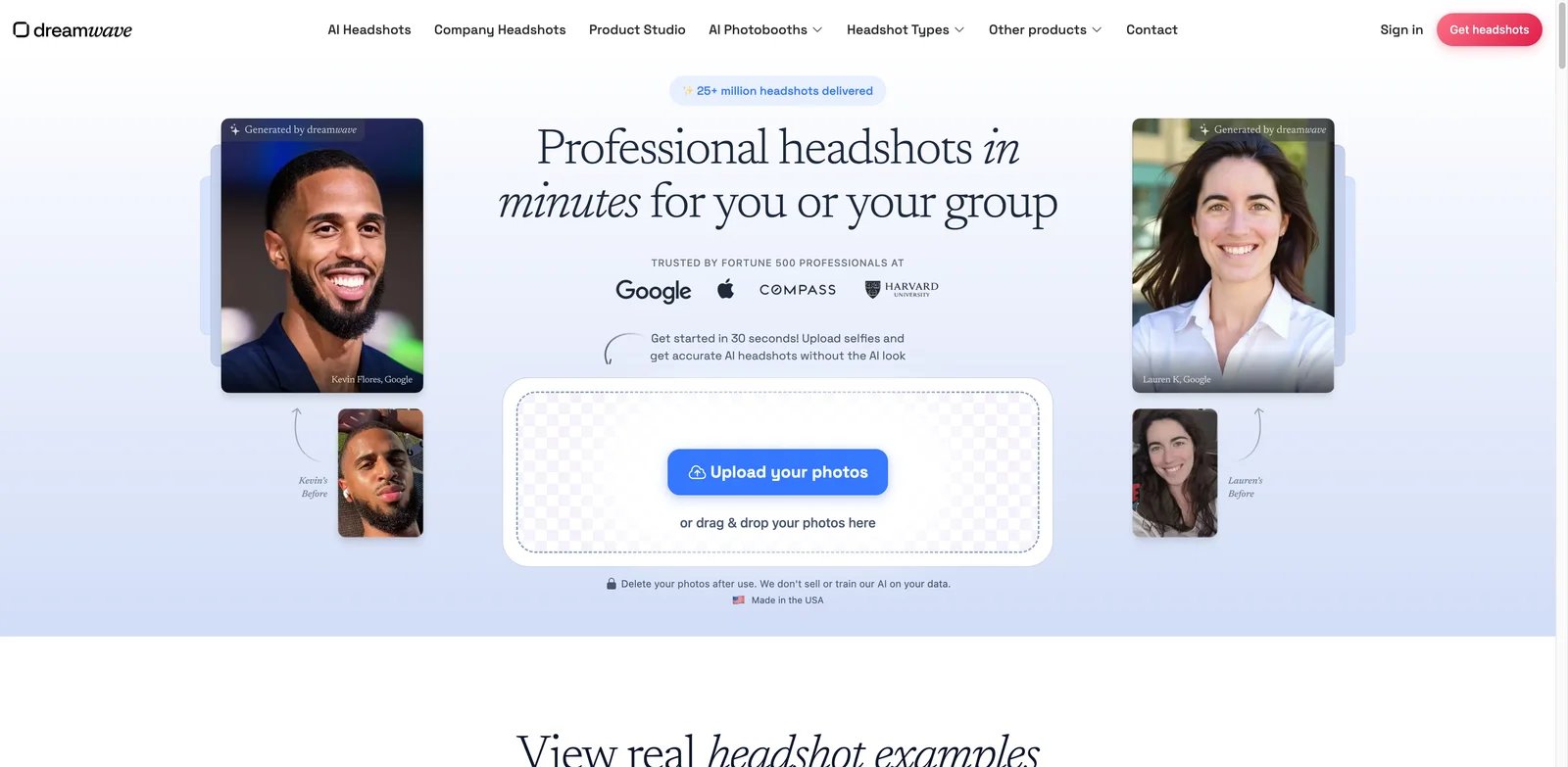
Dreamwave is an AI headshot generator built by MIT AI experts and rated as the #1 AI headshot platform by users. The service has delivered 25+ million headshots and is trusted by Fortune 500 companies including Google, Apple, and Harvard. Dreamwave emphasizes privacy-first design with options to delete photos after use and guarantees that data isn't sold or used for AI training. Photos are generated in minutes with hundreds of style, pose, hairstyle, outfit, and backdrop options.
Key Features
- Fast Generation — Delivers professional headshots in minutes, significantly faster than most competitors requiring 1-2 hours
- Extensive Customization — Hundreds of styles, poses, hairstyles, outfits, and backdrops ranging from business formal to casual settings
- Privacy-First Design — Users can delete photos after use; data never sold or used for AI model training
- Photorealistic Quality — AI trained to avoid obvious "AI look" with strong accuracy in representing diverse features like skin tone, hair color, and eye color
- Team Features — Bulk discounts, automated reminder emails, and enterprise-grade security for corporate clients
Pricing & Plans
Dreamwave positions itself as 1/5 the cost of traditional $250+ photoshoots:
- Starter: $35 — 75 photos, 8 outfits, 8 backdrops, no redos
- Standard: $59 (Most Popular) — 150 photos, 10 outfits, 10 backdrops, 1 free redo
- Premium: $99 (Best Value) — 300 photos, 15 outfits, 10 backdrops, 2 free redos, unlimited human touchups
Team plans available with bulk discounts and enterprise features.
Pros & Cons
Pros:
- Fastest generation time in review (minutes vs. 1-2 hours for competitors)
- Strong privacy guarantees address concerns about data usage and training
- Trusted by major Fortune 500 brands indicates enterprise reliability
- Unlimited human touchups on Premium plan ensures perfection
- Made in USA may appeal to users preferring domestic data processing
Cons:
- No free redos on entry-level Starter plan increases risk for first-time users
- Higher pricing than some competitors (Starter $35 vs. $25 alternatives)
- Outfit and backdrop options lower than BetterPic's 150+ styles
- No clear information about commercial licensing terms on pricing page
Best For
- Professionals prioritizing fast turnaround for urgent needs
- Privacy-conscious users concerned about data usage and training
- Enterprise teams requiring scalable solutions with bulk discounts
- Users needing unlimited human touchups for perfect results
- Organizations requiring Fortune 500-grade security and compliance
Get started with Dreamwave

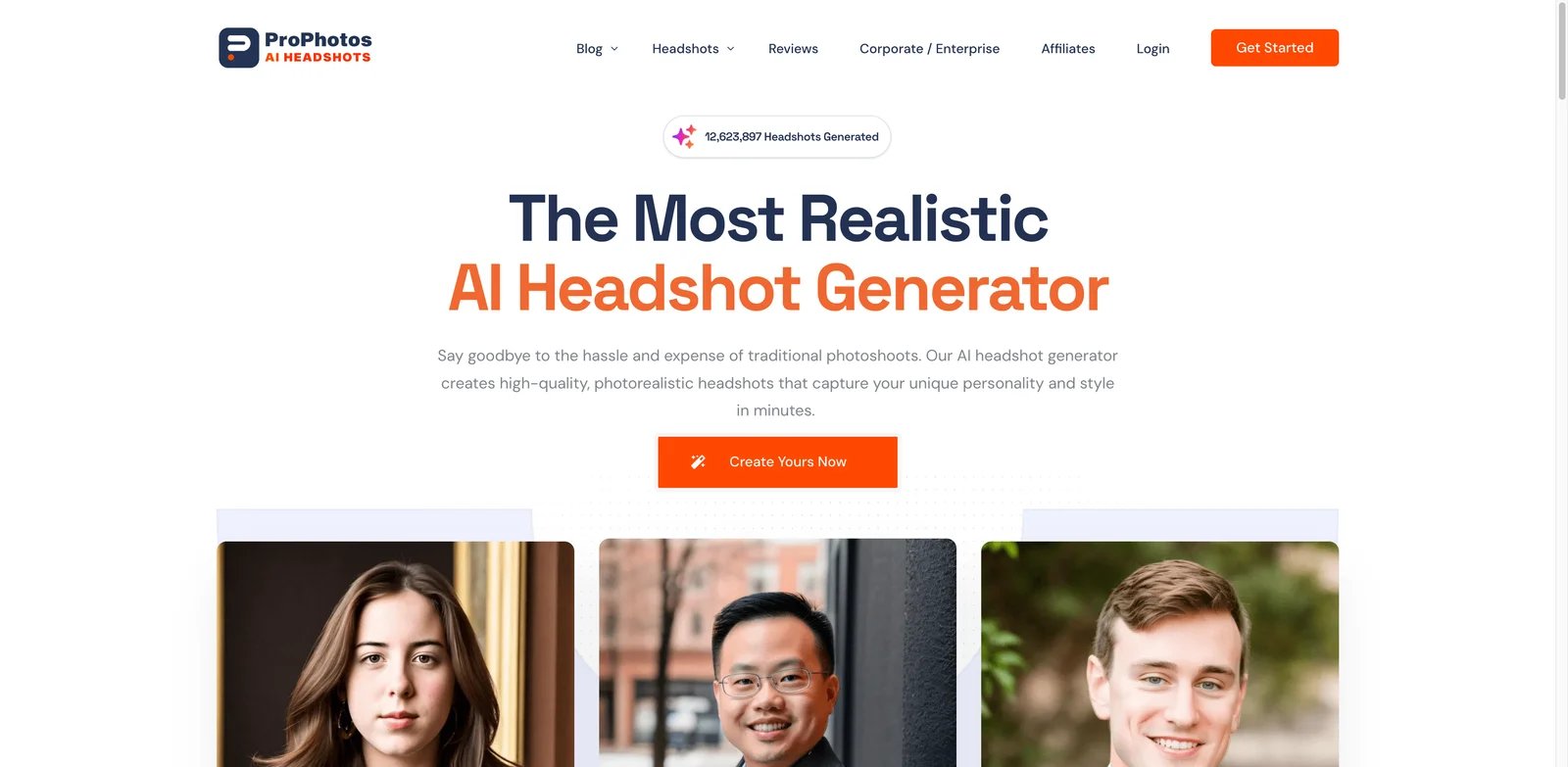
ProPhotos AI markets itself as the most realistic AI headshot generator with 12.6 million headshots generated for 50,000+ customers. The platform analyzes 5-15 uploaded photos from different days, outfits, and lighting conditions to create photorealistic professional headshots wearing professional attire (suits, blazers, dress shirts) across various backgrounds including studio backdrops, office settings, and bokeh effects. ProPhotos prioritizes privacy by automatically deleting generated models after 30 days.
Key Features
- Photorealistic Output — Specializes in creating highly realistic headshots by analyzing multiple source photos from different conditions
- Professional Attire — Automatically generates headshots in business-appropriate clothing (suits, blazers, dress shirts) regardless of source photo attire
- Diverse Backgrounds — Offers studio backdrops, office settings, bokeh effects, and customizable backgrounds
- Automatic Makeup — Applies makeup if detected in source photos for enhanced professional appearance
- Full Commercial Licensing — All headshots include commercial rights for LinkedIn, resumes, and business use
- Privacy Protection — Models automatically deleted after 30 days with no long-term data retention
Pricing & Plans
ProPhotos AI offers three individual packages with one-time payments:
- Starter: $39 one-time — 40 unique AI headshots, 8 outfits & backgrounds, ready in 90 minutes
- Premium: $49 one-time — 100 unique AI headshots, 20 outfits & backgrounds, free background changer, ready in 45 minutes (71% pick this)
- Professional: $59 one-time — 200 unique AI headshots, 40 outfits & backgrounds, free background changer, ready in 30 minutes
Pros & Cons
Pros:
- Affordable pricing ($39-$59) makes it accessible for budget-conscious users
- Highest headshot volume (200) on Professional plan maximizes variety
- Automatic professional attire generation eliminates wardrobe planning
- 30-day model deletion addresses long-term privacy concerns
- Strong market validation with 12.6 million headshots generated
- One-time payment model avoids recurring subscriptions
Cons:
- Longest turnaround time (90 minutes) on entry Starter plan
- Fewer outfit and background options (8) on Starter compared to higher tiers
- Automatic makeup may not suit all preferences or professional contexts
- No information about style variety beyond backgrounds and attire
Best For
- Budget-conscious professionals needing affordable entry point ($39-$59)
- Users requiring high volume (200 headshots) for maximum variety
- Job seekers needing LinkedIn and resume photos on tight budgets
- Privacy-focused individuals valuing automatic data deletion
- Users preferring one-time payment over subscriptions
Get started with ProPhotos AI

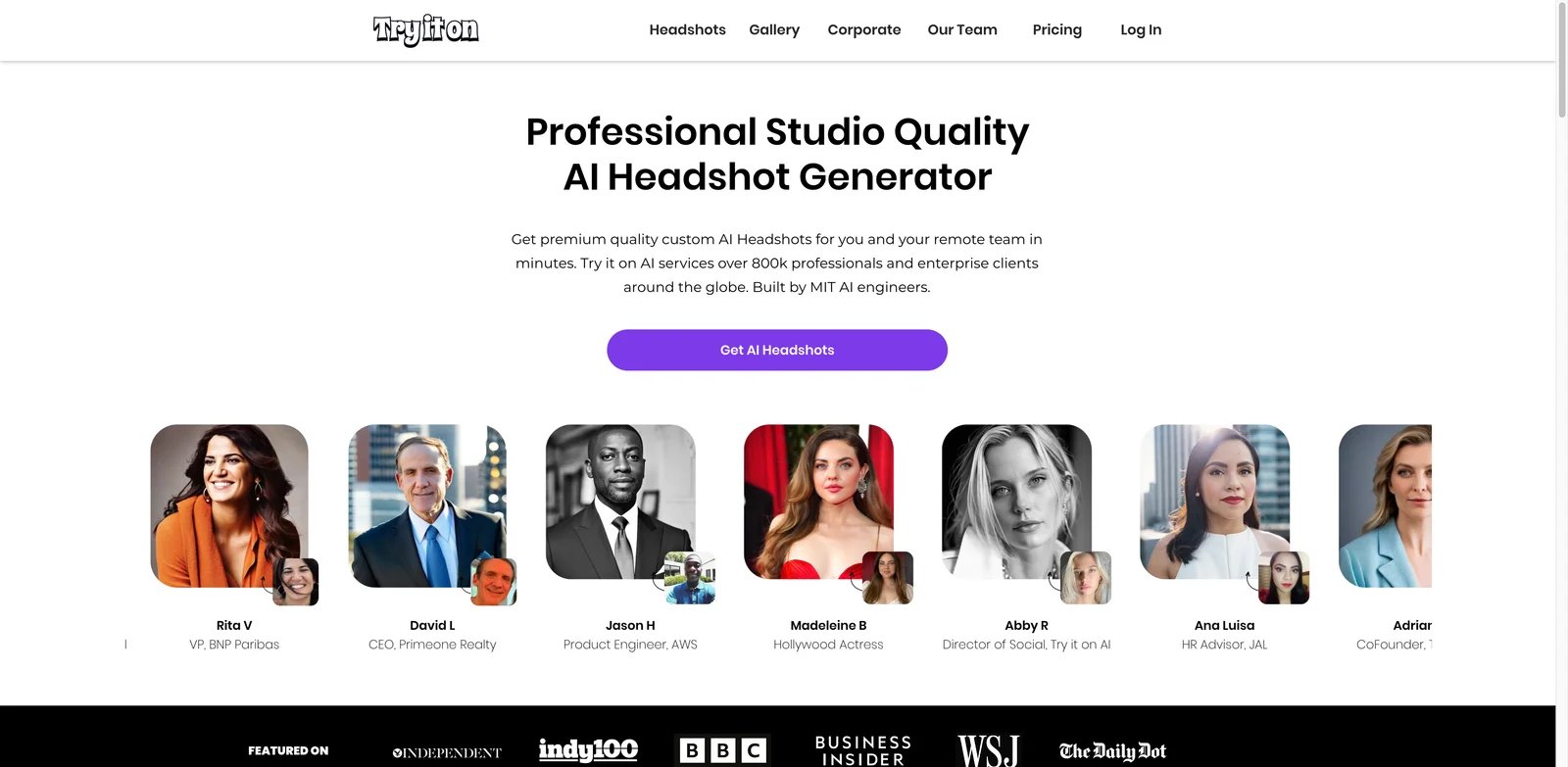
Try it on AI is a professional studio quality AI headshot generator founded by MIT engineers and a published photographer. The platform serves over 800,000 professionals globally with Express AI Headshots, Creative Studio for custom portraits, and a free Image Editor. Results are delivered in 15 minutes with 2K high-resolution images, unlimited downloads, and access to 100+ portrait styles ranging from business and casual to fashion.
Key Features
- 100+ Portrait Styles — Extensive style library spanning business, casual, fashion, and creative contexts for diverse professional needs
- AI Editing Tools — Includes outfit and background changes after generation, plus AI enhancement features for eyes, teeth, and image expansion
- Human Editor Access — Professional human editors available for custom requests (hair color changes, logo additions, sizing adjustments up to 3,000 pixels) with up to 24-hour turnaround
- 2K High-Resolution — Delivers 2K resolution images suitable for digital and moderate print applications
- 24/7 Customer Support — Round-the-clock assistance for technical issues and editing requests
Pricing & Plans
Try it on AI offers three individual pricing tiers (one-time purchase):
- Basic: $35 — 15 minutes turnaround, 20 backgrounds & outfit choices, 50 image editing credits
- Advanced: $49 (Most Popular) — 50 AI Headshots, 15 minutes turnaround, 50 backgrounds & outfit choices, 50 image editing credits
- Pro: $61 — 100 AI Headshots, 15 minutes turnaround, 50 backgrounds & outfit choices, 50 image editing credits
All plans include: 2K high-resolution images, unlimited downloads, AI editing tools, 24/7 customer support, human editor access, and 100+ portrait styles.
Team Pricing: Available for corporate clients—contact sales for bulk rates and custom packages.
Pros & Cons
Pros:
- Fast 15-minute turnaround matches industry leaders (Aragon, Dreamwave)
- Team pricing available for corporate bulk needs
- Human editor access adds professional quality control unavailable in most AI-only tools
- 100+ portrait styles provide extensive variety for different contexts
- Free Image Editor enables testing before paid purchase
- Founded by MIT engineers and photographer brings technical and artistic expertise
Cons:
- 2K resolution lower than competitors offering 4K (BetterPic, ProPhotos AI)
- Basic plan headshot volume not clearly disclosed on pricing page
- Human editing adds 24-hour delay for custom requests
- Higher entry price ($35) compared to some alternatives starting at $25-$29
Best For
- Corporate teams needing affordable bulk headshot solutions
- Professionals requiring custom edits beyond AI capabilities
- Users valuing human quality control and artistic refinement
- Organizations needing 24/7 support for distributed teams
- Individuals wanting free testing before paid commitment
Get started with Try it on AI

Headpix operates on a one-time pay model starting from $29 with no recurring subscription fees. The platform offers personalized AI models custom-tailored to each user with 120-minute turnaround time for headshot generation. Headpix emphasizes security and privacy with AES256 encryption, SOC 2 certification, GDPR and CCPA compliance, and automatic deletion of AI models after 30 days. The service provides 15+ professional style options with full commercial licensing and ownership rights.
Key Features
- One-Time Purchase Model — No recurring subscriptions required; users pay once per package with lifetime access to generated headshots
- Personalized AI Model — Creates custom-tailored AI model specific to each user for accurate facial feature representation
- Enterprise Security — AES256 encryption, SOC 2 certification, and GDPR/CCPA compliance protect sensitive data
- Automatic Data Deletion — AI models automatically deleted after 30 days to prevent long-term data retention
- Professional Curation — Professional photographers curate outputs to ensure quality standards
- 15+ Professional Styles — Style options cover corporate, casual, creative, and industry-specific contexts
Pricing & Plans
Headpix offers three one-time purchase tiers starting from $29:
- Starter: $29 — 50 headshots
- Basic: Price not disclosed — 100 headshots
- Premium: Price not disclosed — 200 headshots
All plans include high-resolution output suitable for print and digital use, full commercial licensing, ownership rights, and a 14-day money-back guarantee.
Pros & Cons
Pros:
- One-time payment model eliminates recurring subscription costs
- Strong enterprise security (SOC 2, GDPR, CCPA) suitable for corporate compliance
- Professional photographer curation ensures quality control beyond AI alone
- Automatic 30-day model deletion addresses privacy concerns
- 14-day money-back guarantee reduces purchase risk
Cons:
- 120-minute turnaround time slower than competitors offering 15-90 minutes
- Only 15+ styles significantly fewer than BetterPic (150+) or Try it on AI (100+)
- Pricing for Basic and Premium plans not disclosed on website
- Lower headshot volume (50-200) compared to Secta Labs (300+)
- No information about editing capabilities or customization options
Best For
- Privacy-conscious professionals requiring GDPR/CCPA compliance
- Users preferring one-time purchases over subscriptions
- Organizations needing SOC 2 certified security for sensitive data
- Individuals wanting professional photographer quality control
- Compliance-focused industries (legal, finance, healthcare) requiring data protection
Get started with Headpix

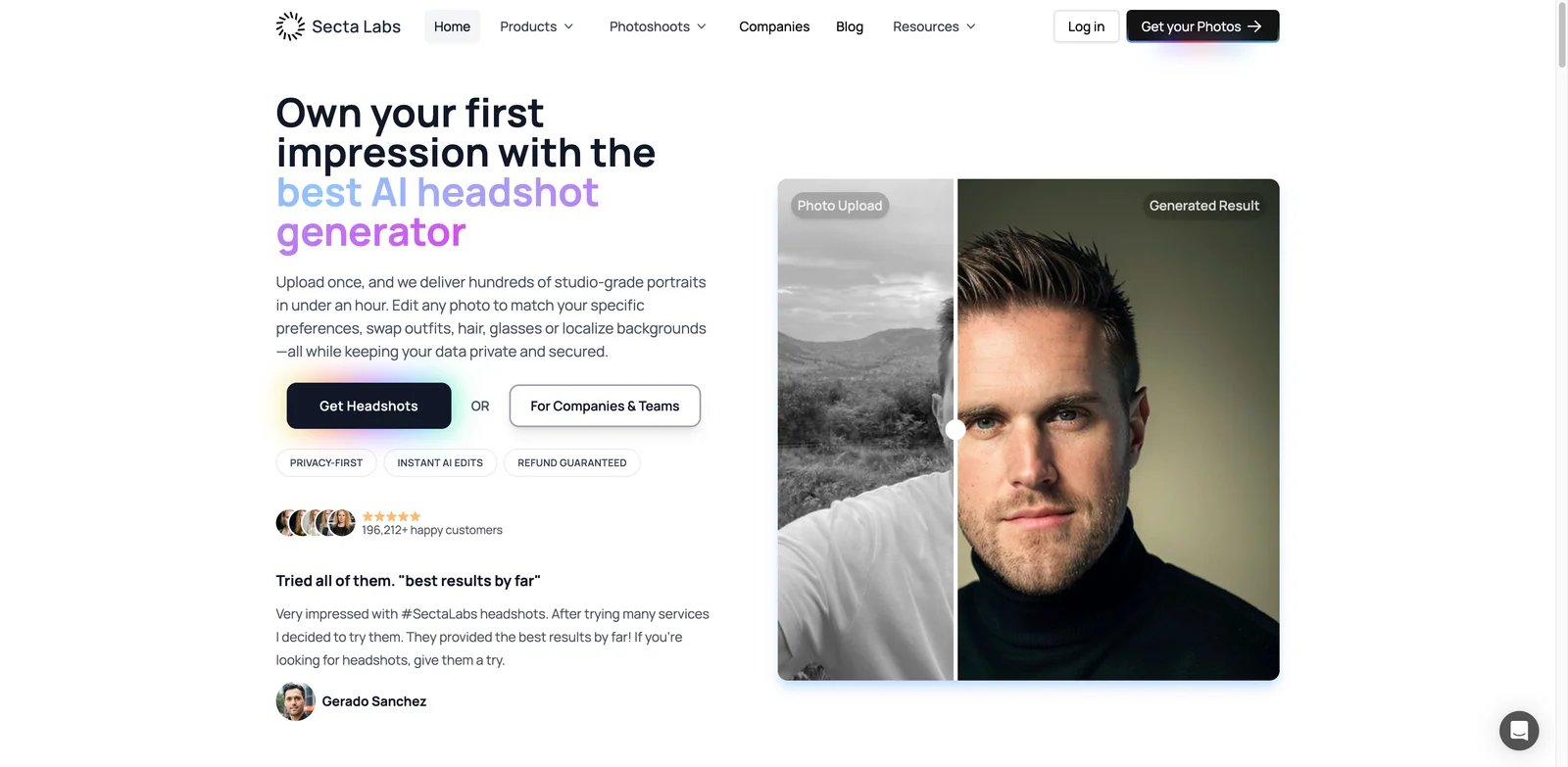
Secta Labs generates professional headshots with 200+ high-resolution outputs from a single $49 order. The platform offers 90+ professional styles including industry-specific options for lawyers, therapists, realtors, and doctors. Secta's Remix feature provides 12+ editing tools for customization including expression changes, image expansion/uncropping, upscaling/resizing, recoloring clothing and backgrounds, and generating variations with different poses and outfits. Results are delivered within 1 hour with 24/7 human live chat support.
Key Features
- 200+ High-Resolution Headshots — High output volume from a single order maximizes variety and choice
- 90+ Professional Styles — Extensive style library includes industry-specific options (lawyers, therapists, realtors, doctors) for targeted professional contexts
- 12+ Editing Tools (Remix) — Post-generation editing capabilities include expression changes, expansion/uncropping, upscaling/resizing, clothing recoloring, background recoloring, and variation generation
- Fast Turnaround — Under 1 hour from upload to final delivery with 24/7 human live chat support
- Custom Team Plans — Enterprise offering includes data privacy compliance, custom branded styles, and automated onboarding
Pricing & Plans
Secta Labs offers a single professional plan:
- Professional: $49 one-time payment (regularly $99) — 200+ headshots, 90+ styles, 12+ editing tools, under 1 hour turnaround, 24/7 live chat support, 30-day money-back guarantee
Custom Plan available for teams with data privacy compliance, custom branded styles, and automated onboarding (pricing not disclosed).
Users upload at least 25 photos (35 recommended) for optimal results. No free trial available, though the company offers 5 sample photos without credit card requirement.
Pros & Cons
Pros:
- High headshot volume (200+) provides extensive variety for selection
- 12+ editing tools offer most comprehensive post-generation customization
- Industry-specific styles target professional contexts (lawyers, doctors, therapists)
- Single $49 pricing simplifies decision-making with no tier confusion
- 30-day money-back guarantee provides longest refund window in review
- 24/7 human live chat support ensures assistance regardless of time zone
- Fast delivery under 1 hour beats most competitors
Cons:
- Requires 25-35 source photos (highest in review) which may be burdensome
- No free trial or entry-level plan for testing before $49 commitment
- Single plan lacks budget-friendly or premium options for different needs
- Custom team pricing not disclosed requires sales contact
Best For
- Professionals needing maximum variety (300+ headshots) for selection
- Users requiring extensive post-generation editing capabilities
- Industry-specific needs (lawyers, doctors, therapists, realtors)
- Decision-makers preferring simple single-tier pricing
- Organizations needing custom branded styles for team consistency
- Users valuing 24/7 human support for immediate assistance
Get started with Secta Labs

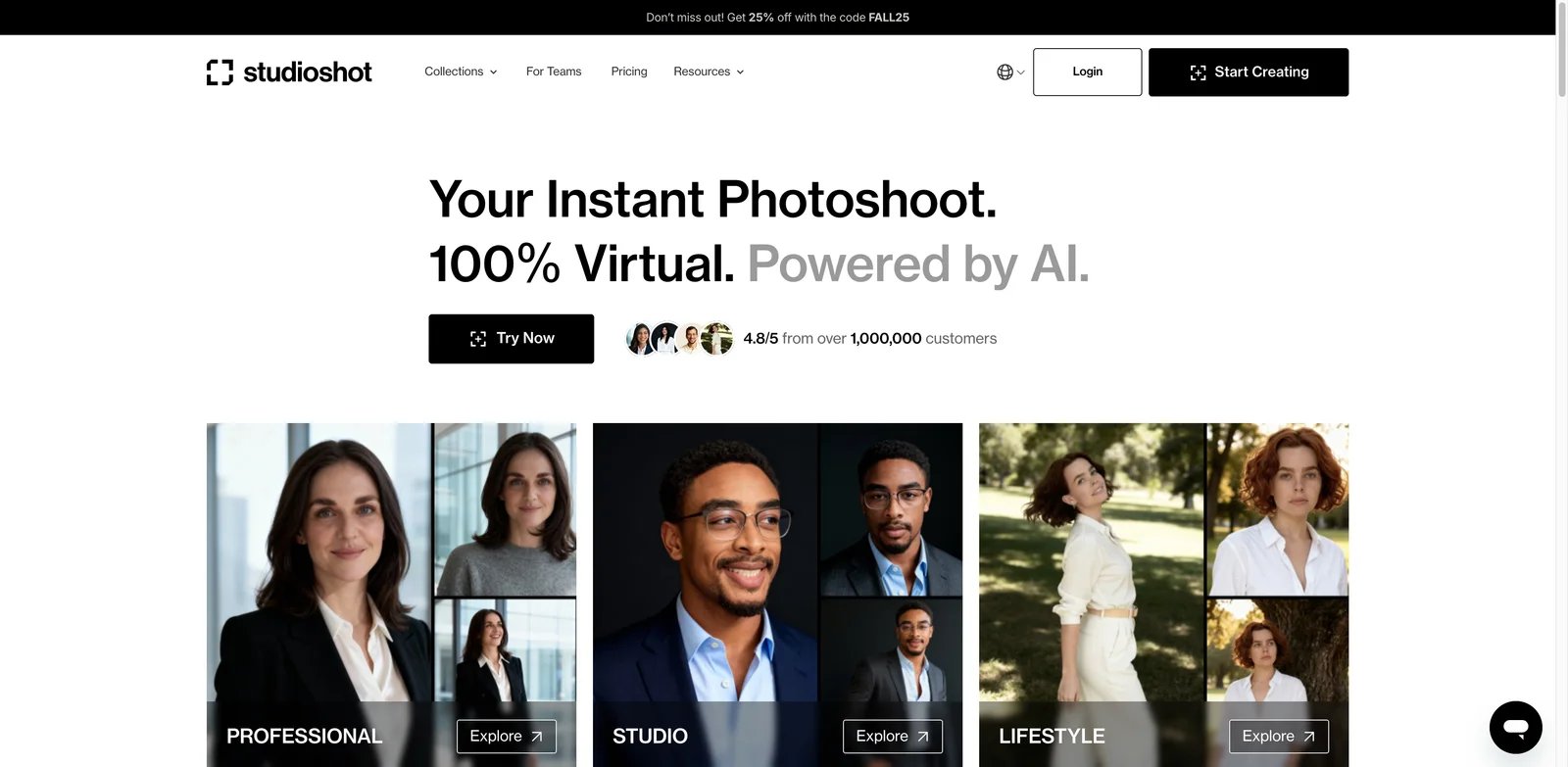
StudioShot is an AI-powered virtual photography studio that transforms smartphone selfies into professional-quality headshots. The platform uses advanced AI technology refined by human editors to create photorealistic results within 60 minutes. StudioShot offers multiple photography styles including Executive, Natural Lit, Startup Office, Modern Interior, Bright White, Navy Blue, Dramatic Black, and Pink to match different professional contexts and personal preferences.
Key Features
- Automated Image Enhancement — AI automatically optimizes lighting, color balance, and facial features for professional appearance
- Background Removal & Replacement — Removes distracting backgrounds and replaces with professional studio or office settings
- Face Detection & Correction — Advanced face detection with color correction optimizes skin tone, eye brightness, and overall facial features
- Custom Outfit Changes — Changes clothing to professional attire without requiring wardrobe planning or photoshoot preparation
- AI Editing Studio — Post-generation editing tools allow fine-tuning of final outputs
- Multiple Photography Styles — 8+ styles (Executive, Natural Lit, Startup Office, Modern Interior, Bright White, Navy Blue, Dramatic Black, Pink) suit different industries and preferences
Pricing & Plans
StudioShot has a public pricing page. If exact tiers or deliverables can't be verified at publish time, refer to the official pricing page for current package details and avoid listing discount codes or tier details without a dated snapshot.
Pros & Cons
Pros:
- Human editor refinement adds professional quality control beyond AI alone
- 60-minute turnaround competitive with faster tools in market
- Multiple photography styles (8+) enable matching different professional contexts
- AI Editing Studio provides post-generation customization
- 100% money-back guarantee reduces purchase risk
Cons:
- Exact pricing tiers should be verified on the official pricing page
- Limited information about headshot volume per plan
- No details about commercial licensing or ownership rights
- Fewer styles than competitors offering 90-150+ options
- No information about team or bulk pricing for corporate needs
Best For
- Professionals valuing human editor refinement beyond AI alone
- Users needing fast 60-minute turnaround for time-sensitive needs
- Individuals requiring specific photography styles (Executive, Modern Interior)
- Professionals willing to request custom quotes for tailored solutions
- Users preferring comprehensive AI Editing Studio for post-generation control
Get started with StudioShot

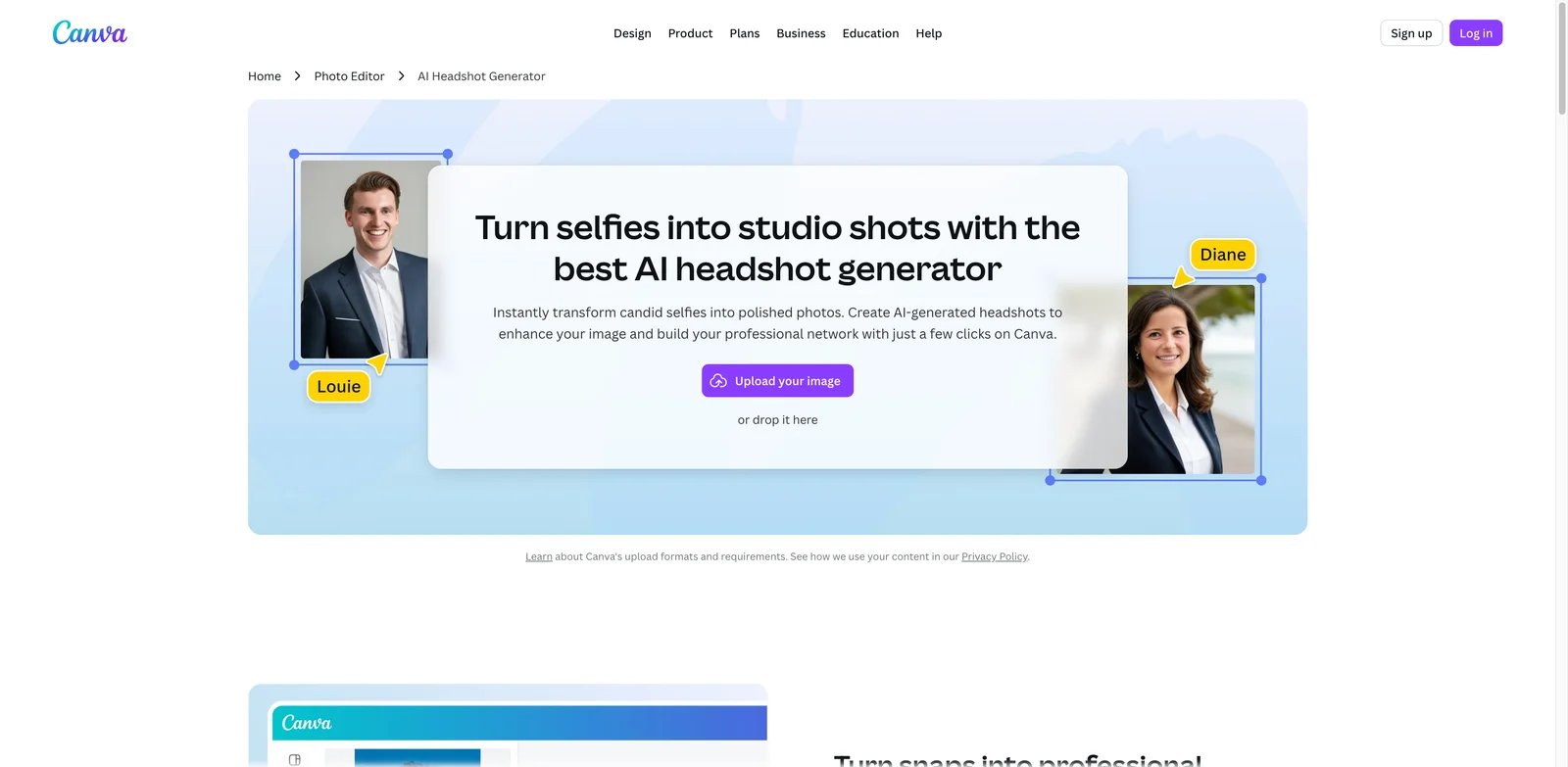
Canva AI Headshot Maker is an AI headshot generation app integrated within the Canva design platform, created by NO FRIENDS LTD. The tool transforms ordinary photos into professional-grade headshots suitable for LinkedIn profiles, resume photos, and social media avatars with minimal effort. Canva AI Headshot Maker is accessible through Canva's subscription plans (Free, Pro, Business, Enterprise) with AI access varying by tier. The tool emphasizes instant generation with automatic avatar creation, background replacement, and face beautification.
Key Features
- Background Replacement & Blurring — Replaces messy or distracting backgrounds with solid colors or professional settings for polished appearance
- AI Face Beautification & Lighting — Automatically adjusts skin tone, removes blemishes, refines facial features, and optimizes lighting for professional quality
- Automatic Avatar Generation — Creates professional studio-quality headshots instantly without manual adjustments
- Preset Avatar Templates — Choose from business, casual, or tech-inspired styles for different professional contexts
- Gender & Style Customization — Select gender and style preferences while preserving natural expressions and facial characteristics
- Integrated Workflow — Seamlessly integrates with Canva's design tools for creating resumes, LinkedIn banners, business cards, and marketing materials
Pricing & Plans
Canva AI Headshot Maker is accessible through Canva's main subscription tiers:
- Free: Limited AI access
- Pro: $120/year — High AI access for design, images, and video
- Business: $200/year per person — Higher AI access for team collaboration
- Enterprise: Custom pricing — Highest AI access tier with admin controls
Pros & Cons
Pros:
- Instant generation fastest in review (no upload-to-processing wait time)
- Integrated workflow enables creating complete professional brand materials (resume, LinkedIn banner, business cards) without switching platforms
- Preset templates simplify decision-making for non-technical users
- Existing Canva Pro/Business subscribers access at no additional cost
- Free tier allows testing before paid commitment
Cons:
- Limited AI access on free tier may restrict generation volume or quality
- Annual subscription required for high AI access ($120-$200/year)
- No standalone headshot-specific pricing for users not needing full Canva suite
- Headshot volume and style variety not disclosed
- Less specialized than dedicated headshot platforms in review
- No information about commercial licensing beyond general Canva terms
Best For
- Existing Canva users needing integrated headshot generation
- Professionals creating complete brand packages (resume, LinkedIn, business cards)
- Users requiring instant generation without upload-to-processing delay
- Teams already using Canva Business for collaborative design work
- Budget-conscious individuals testing free tier before paid commitment
- Designers preferring unified platform for all visual content needs
If you're interested in AI image generation beyond headshots, check out our Best AI Image Generators for 2026 for creative and marketing applications.
Get started with Canva AI Headshot Maker
Best AI Headshot Generators by Use Case
For LinkedIn & Job Seekers
If you're updating your LinkedIn profile or applying for jobs, consider HeadshotPro or ProPhotos AI. HeadshotPro offers LinkedIn-specific headshot styles with complementary tools like headline and bio generators (4.8/5 stars, 3,201 reviews). ProPhotos AI provides automatic professional attire generation, making it budget-friendly for job seekers needing ATS-compatible photos—verify current pricing on the official site.
For Corporate Teams & Enterprises
For organizations needing bulk headshots, Try it on AI offers team pricing with automated workflows and 24/7 support—contact sales for bulk rates. Dreamwave provides enterprise-grade security trusted by Fortune 500 companies (Google, Apple, Harvard) with bulk discounts and automated reminder emails for streamlined team onboarding.
For Style Variety & Experimentation
If you need maximum variety, BetterPic leads with 150+ customizable styles plus an AI style builder that matches your preferences (starting from $35). Secta Labs delivers 300+ headshots in a single $49 order with 90+ professional styles including industry-specific options (lawyers, doctors, therapists), providing the highest volume for selection.
For Budget-Conscious Users
Budget-conscious professionals should consider ProPhotos AI or Headpix starting at $29 for 50 headshots with a one-time payment model (no subscriptions). Both include full commercial licensing and money-back guarantees to reduce financial risk. Verify current pricing on official sites as package details may change.
For Fast Turnaround
Need headshots urgently? Dreamwave delivers in minutes (fastest in review), while Aragon's Executive plan generates 100 headshots in 15 minutes ($75). Canva AI Headshot Maker offers instant generation for existing Canva users without upload-to-processing delays.
For Maximum Customization
Users needing extensive editing should choose Secta Labs with 12+ post-generation editing tools (expression changes, recoloring, expansion, variations) or Try it on AI with human editor access for custom requests (hair color changes, logo additions, sizing up to 3,000 pixels).
For more professional photography tools, explore our Best AI Background Remover Tools for e-commerce and portrait editing.
How to Choose the Right AI Headshot Generator
1. Define Your Use Case
Identify your primary need: LinkedIn profiles, corporate websites, job applications, team photos, or personal branding. LinkedIn-focused tools like HeadshotPro offer specialized styles and complementary bio generators, while team-focused platforms like Try it on AI provide bulk pricing and corporate workflows.
2. Set Your Budget
Entry-level options start around $29-$35 (Headpix, Try it on AI Basic, BetterPic, Dreamwave Starter) with one-time payments, while mid-range tools ($45-$61) offer more volume and faster turnaround (Try it on AI Advanced/Pro, Dreamwave Standard, Aragon, Secta Labs). Verify billing cycles (one-time vs recurring) and current pricing at checkout, as package details may change. One-time purchases work better for occasional use.
3. Evaluate Turnaround Time
If you need headshots urgently, prioritize Dreamwave (minutes), Aragon Executive (15 minutes), Try it on AI (15 minutes), or Canva AI (instant). Standard turnaround is 1-2 hours for most tools, with slower options (ProPhotos AI 85-90 minutes on Starter, Headpix 120 minutes) acceptable if budget is primary concern.
4. Check Style Variety & Customization
For maximum variety, BetterPic (150+ styles) and Secta Labs (90+ styles, 300+ outputs) lead the market. If you need industry-specific styles (lawyers, doctors, realtors), Secta Labs offers targeted options. For post-generation editing, Secta Labs (12+ tools) and Try it on AI (human editors) provide most flexibility.
5. Verify Commercial Licensing
Confirm commercial rights for business use. Most tools (HeadshotPro, BetterPic, Dreamwave, ProPhotos AI, Headpix, Secta Labs) include full ownership and commercial licensing. For Canva AI Headshot Maker, review Canva's general licensing terms for your subscription tier.
6. Assess Privacy & Security Needs
Privacy-conscious users or compliance-focused organizations should prioritize tools with data deletion policies (ProPhotos AI 30 days, Headpix 30 days), encryption (Headpix AES256, Aragon advanced encryption), and certifications (Headpix SOC 2, GDPR, CCPA). Dreamwave guarantees data never sold or used for training.
7. Consider Free Trials & Guarantees
Reduce purchase risk by choosing tools with free trials (Canva Free tier, Try it on AI Image Editor) or generous money-back guarantees (Secta Labs 30 days, HeadshotPro 14 days, BetterPic 7 days, Headpix 14 days). Test before committing to higher-tier plans.
For related tools, see our Best AI Logo Generator Tools for complete professional branding solutions.
Frequently Asked Questions
Which AI headshot generator produces the most realistic results?
Are there free AI headshot generators?
Can I use AI-generated headshots for commercial purposes?
How many photos do I need to upload for best results?
What's the difference between budget and premium AI headshot generators?
Do AI headshots look fake or obvious?
Can AI headshot generators handle diverse skin tones and features?
Are monthly subscriptions or one-time payments better for AI headshots?
For more information about AI-powered creative tools, see our Complete Guide to AI Image Editors for photo enhancement and retouching capabilities.
Get ToolWorthy Weekly
New AI tools, practical guides, and selected AI signals in one weekly brief.
Related Posts
- 10 Best Leonardo AI Alternatives 2026 - Image, Video & Control
Compare 10 Leonardo AI alternatives for 2026 by moderation risk, Canva entitlement fit, unlimited-plan limits, image quality, video models, pricing, and workflow control.
- 15 Best Midjourney Alternatives 2026 - Control, Cost & API
Compare 15 Midjourney alternatives for 2026, including Stable Diffusion, Leonardo AI, Firefly, Ideogram, ChatGPT Images, Gemini, FLUX and Recraft.
- 15 Best AI Portrait Generator Tools 2026 - Identity, Style & Cost
Compare 15 AI portrait generator tools for creator portraits, profile images, brand personas, reference control, pricing, and commercial workflow fit.
For AI tool founders
Built a tool that belongs in this decision set?
Request an editorial evaluation for possible inclusion in ToolWorthy.
Submit your tool for reviewPaid submission does not guarantee a ranking, recommendation, inclusion, or editorial outcome.