
Best AI Image Generator in 2026: 12 Tools Tested & Compared
Looking for the best AI image generator? We tested 12 leading tools for quality, control, and pricing to help you choose the right one for marketing, design, or creative work.
On this page
The search for the "best AI image generator" has become one of the most common queries in 2026, driven by explosive demand across marketing teams, social media creators, e-commerce businesses, and creative professionals. As visual content becomes increasingly central to digital strategies, choosing the right AI image generation tool can significantly impact your results, workflow efficiency, and budget.
To map capabilities, workflows, integrations, and the wider market without rankings, browse the AI Image Generators category landscape.
The stakes are higher than many realize. Quality differences between tools can mean the difference between professional-looking marketing assets and unusable outputs. Pricing models vary dramatically—from generous free tiers to enterprise-only access. Commercial licensing terms can expose businesses to legal risks if not properly understood. Workflow integration capabilities determine whether a tool accelerates your process or becomes another friction point.
After extensive hands-on testing of 12 leading AI image generators, our findings show clear winners for different use cases. Nano Banana Pro stands out for overall quality and versatility, Ideogram excels at typography-heavy designs like logos and posters, while Playground AI offers the most accessible entry point for beginners and social media creators. Marketing teams consistently get strong results from ChatGPT-4o Images thanks to its seamless integration and balanced capabilities.
Here's a quick orientation to help you navigate this comprehensive guide:
| Tool | Best For |
|---|---|
| Nano Banana Pro | Professional quality across all use cases |
| Seedream 4.0 | Advanced control and customization |
| ChatGPT-4o Images | Seamless workflow integration |
| MidJourney | Artistic quality and creative exploration |
| FLUX.2 | Technical precision and photorealism |
| Qwen-Image | Open-source flexibility for developers |
| Ideogram | Text rendering and logo design |
| Leonardo AI | Game art and concept design |
| KREA | Real-time iteration and exploration |
| Stability AI | API access and custom implementations |
| Recraft AI | Brand consistency and vector output |
| Playground AI | Beginners and quick social content |
How We Selected and Tested These AI Image Generators
Tool Inclusion Criteria
All 12 tools evaluated in this guide meet strict inclusion standards to ensure practical relevance for real-world users. Every tool must be publicly available from an established company or actively maintained open-source project. We required English-language interfaces or comprehensive documentation, clear product positioning, and demonstrable user adoption through community presence, case studies, or market visibility.
We explicitly excluded several categories of tools: experimental models in very early alpha stages, invite-only services with no public access path, tools lacking basic documentation or support resources, and niche academic projects without clear product roadmap. Our focus remained on tools serving diverse, practical use cases rather than narrow experimental applications.
This approach ensures that every tool recommended here can be realistically evaluated, adopted, and integrated into professional workflows within a reasonable timeframe.
Evaluation and Testing Methodology
Our testing approach prioritized real-world scenarios over synthetic benchmarks. We developed a standardized prompt set covering typical professional needs: marketing banner images, social media post graphics, product mockups and lifestyle shots, logos and text-heavy designs, and concept art for creative projects. Each tool generated outputs for identical prompts, allowing direct quality and consistency comparisons.
We evaluated tools across five core dimensions: image quality and consistency (photorealism, artistic coherence, detail rendering, artifact frequency), style versatility (range of supported aesthetics, ability to match reference styles), level of control (prompt adherence accuracy, reference image support, custom model options, parameter granularity), generation speed and reliability (time to first result, uptime stability, queue lengths), and ease of use and learning curve (interface intuitiveness, onboarding clarity, documentation quality).
Our assessments combine hands-on testing with thorough review of official feature documentation, transparent analysis of pricing structures, and careful examination of licensing terms. All conclusions reflect information available at the time of testing and ongoing updates through 2026. We strongly encourage readers to verify current details, pricing, and terms on official websites before making commitments.
Importantly, we do not present fabricated scores, unverified user counts, or unsupported market share claims. All assessments are qualitative, based on direct experience and observable capabilities rather than invented metrics.
Top AI Image Generators at a Glance
The 12 tools in this guide distribute across a broad spectrum of user needs and priorities. At one end, tools like Nano Banana Pro and FLUX.2 target users demanding maximum quality and are willing to invest time learning advanced features. In the middle, ChatGPT-4o Images and MidJourney balance quality with accessibility, serving creative professionals who need reliable results without steep learning curves. At the accessible end, Playground AI and KREA prioritize ease of use and rapid iteration for social creators and exploratory workflows.
Designers focused on brand consistency gravitate toward Recraft AI and Ideogram for their typography and vector capabilities. Developers and technical users find the most value in open-source options like Qwen-Image and Stability AI, which offer API access and customization potential. Game developers and concept artists often choose Leonardo AI for its style presets and iterative workflow tools.
The comparison table below serves as a quick-reference guide, enabling you to scan horizontally across dimensions that matter most to your specific context.
Comprehensive Comparison Table
| Tool | Best For | Image Quality & Styles | Level of Control & Advanced Features | Ease of Use & Onboarding | Pricing Model | Commercial Use & Licensing | Key Integrations / Workflow |
|---|---|---|---|---|---|---|---|
| Nano Banana Pro | Professional quality across scenarios | Exceptional photorealism and artistic range; excellent detail rendering and lighting | Advanced prompt controls, reference image support, style consistency tools | Moderate learning curve; well-documented interface | Limited free usage in Gemini; subscription plans (Google AI Pro/Ultra) and usage-based API pricing | Commercial use available on paid plans; review Google's terms by product line | Google ecosystem integration; API via Google AI Studio and Vertex AI |
| Seedream 4.0 | Advanced users seeking maximum control | Strong photorealistic quality; excellent handling of complex scenes and multi-reference inputs | Extensive parameter control for composition, style weights, and local editing | Steeper learning curve; requires technical familiarity | Usage-based pricing via APIs or partner platforms | Commercial licensing available; review terms for specific use cases | API access via BytePlus and partner platforms |
| ChatGPT-4o Images | Seamless integration into existing workflows | Balanced quality across styles; reliable consistency; good text rendering | Conversational prompt interface; limited advanced controls | Extremely intuitive; minimal learning curve | Included with ChatGPT Plus/Pro subscriptions | Commercial use permitted for subscribers; standard OpenAI terms | Deep OpenAI ecosystem integration; API via OpenAI platform |
| MidJourney | Artistic quality and creative exploration | Outstanding artistic coherence; exceptional style versatility; strong aesthetic appeal | Rich parameter system; style references; remix features; community learning | Web and Discord interfaces available; moderate learning curve | Subscription tiers from basic to mega; no free tier | Commercial use rights on paid plans; verify current policy | Web app and Discord workflow; third-party integrations emerging |
| FLUX.2 | Technical precision and photorealism | Cutting-edge photorealism; excellent detail and lighting accuracy | Advanced technical controls; reference image support; fine-tuning options | Significant learning curve; technical documentation required | API-based pricing; various access tiers | Commercial licensing structure varies by tier; check official terms | API-first architecture; developer-friendly integrations |
| Qwen-Image | Open-source flexibility and customization | Solid quality across use cases; good customization potential | Full model access; extensive customization; technical control | Steep learning curve; requires technical setup and model knowledge | Open-source model; compute costs vary by deployment | Open-source license; verify specific license terms for commercial use | Self-hosted or cloud deployment; developer ecosystem |
| Ideogram | Text rendering, logos, and typography | Strong illustration styles; exceptional text rendering and typography | Prompt-based control; style presets; some advanced features | User-friendly interface; quick onboarding | Free tier available; subscription options for power users | Commercial use permitted on paid plans; review current licensing | Web-based platform; production API with generation, editing, and remix endpoints |
| Leonardo AI | Game art, concept design, iterative workflows | Diverse style presets; strong stylized rendering; good consistency | Canvas editing; extensive style controls; custom model training | Moderate learning curve; feature-rich interface can overwhelm initially | Credit-based system with free tier; subscription plans | Commercial licensing on paid tiers; verify terms for specific uses | Design tool plugins; API access; workflow automations |
| KREA | Real-time iteration and exploratory design | Good quality with real-time generation; trade-offs for speed | Real-time generation controls; iterative refinement tools | Very intuitive for rapid exploration; minimal onboarding | Free tier with limits; subscription for full features | Commercial use permitted on paid plans; check current terms | Web-based platform; emerging integrations |
| Stability AI | API access, custom implementations, developers | Strong open-source models; quality varies by specific model version | Full API access; extensive customization; fine-tuning support | Technical implementation required; fragmented interface ecosystem | API usage pricing; open-source model option | Open-source and commercial licensing options; review specific model terms | Extensive API ecosystem; widespread integration support |
| Recraft AI | Brand consistency and vector graphic design | Excellent vector output; strong brand-style consistency | Brand kit features; vector controls; style consistency tools | User-friendly for design-focused workflows | Always-free plan with limits; paid Pro and team subscriptions | Commercial licensing for business use; verify current policy | Design tool integrations; brand management features |
| Playground AI | Beginners, social media creators, quick mockups | Good quality for social and web content; user-friendly outputs | Canvas editing; basic controls; style mixing features | Extremely accessible; fastest onboarding | Generous free tier; affordable subscription upgrades | Commercial use permitted; review licensing for specific tiers | Web-based platform; community features; template library |
In-Depth Reviews of the Best AI Image Generators
This section provides detailed evaluations of each tool using a consistent structure, enabling easy comparison across the 12 options. Tools are presented in the ranking order established above for consistency throughout this guide.
Nano Banana Pro
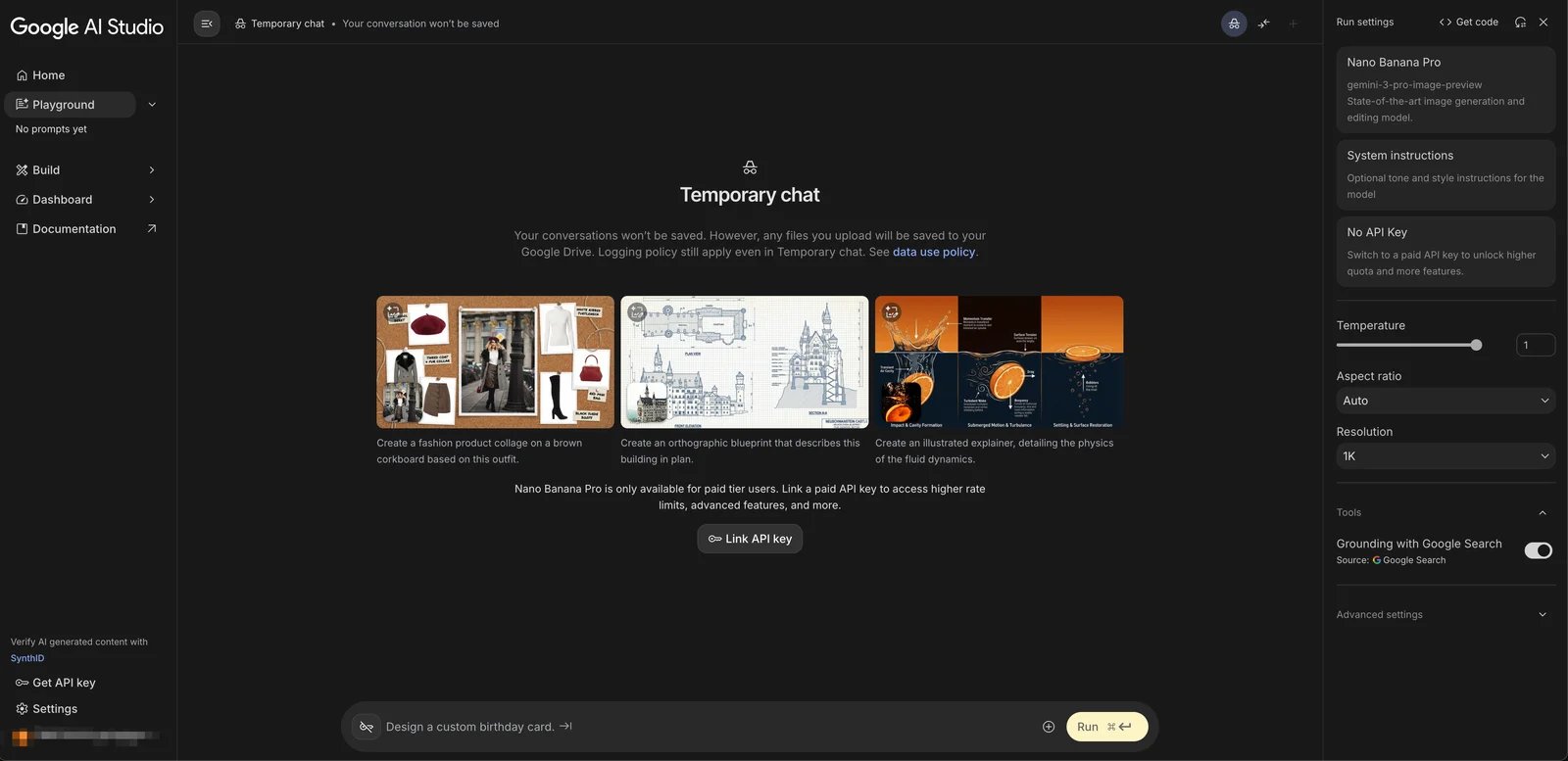
Nano Banana Pro is Google's latest flagship image generation model built on Gemini 3 Pro, targeting professional creators, marketing teams, and businesses seeking high-quality visual assets with the reliability of Google's infrastructure. The tool positions itself as a comprehensive solution balancing cutting-edge quality with enterprise-grade stability and broad ecosystem integration.
Core Features and Strengths
Testing revealed exceptional photorealistic rendering quality, with particularly strong performance in lighting, shadow accuracy, and environmental coherence. The tool handles complex multi-object scenes with impressive compositional intelligence. Style versatility spans from photorealism to various illustration approaches without requiring model switching. Reference image support enables style matching and concept refinement, while advanced prompt controls allow granular specification of desired outputs.
Integration within Google's ecosystem provides seamless workflows for users already invested in Google Workspace tools. Generation speed proved consistently fast even during peak usage periods, and output consistency remained reliable across multiple generations from similar prompts.
Clear Limitations and Trade-offs
The primary barrier for many users is pricing accessibility—while a limited free tier exists for exploration, professional usage quickly requires paid plans that may exceed budgets for individual creators or small teams. The learning curve, while moderate compared to highly technical tools, still demands investment to fully leverage advanced features.
Some users report that the tool's safety filters can be more restrictive than competitors, occasionally blocking legitimate creative prompts. The relatively recent market entry means community resources, tutorials, and third-party integrations remain less developed compared to longer-established platforms.
Recommended Use Cases and Audiences
Nano Banana Pro excels for marketing teams needing high-quality, consistent visual assets for campaigns, presentations, and brand materials. E-commerce businesses benefit from its photorealistic product rendering capabilities. Creative professionals working on client projects appreciate the quality reliability and professional output. Organizations already embedded in Google's ecosystem gain maximum workflow value.
Pricing and Licensing Details
Nano Banana Pro offers limited free usage within the Gemini app for exploration, with more generous access available through Google AI Pro and AI Ultra subscriptions. For API access and enterprise deployment, usage-based pricing is available via Google AI Studio and Vertex AI. Commercial use is supported on paid plans (including Google AI Pro, Workspace, and Vertex AI), though specific rights and restrictions vary by product line and region. Teams should review Google's current terms of service and product-specific policies on the official website before relying on Nano Banana Pro for commercial work, as limits and pricing structures evolve frequently.
Get started with Nano Banana Pro
Seedream 4.0
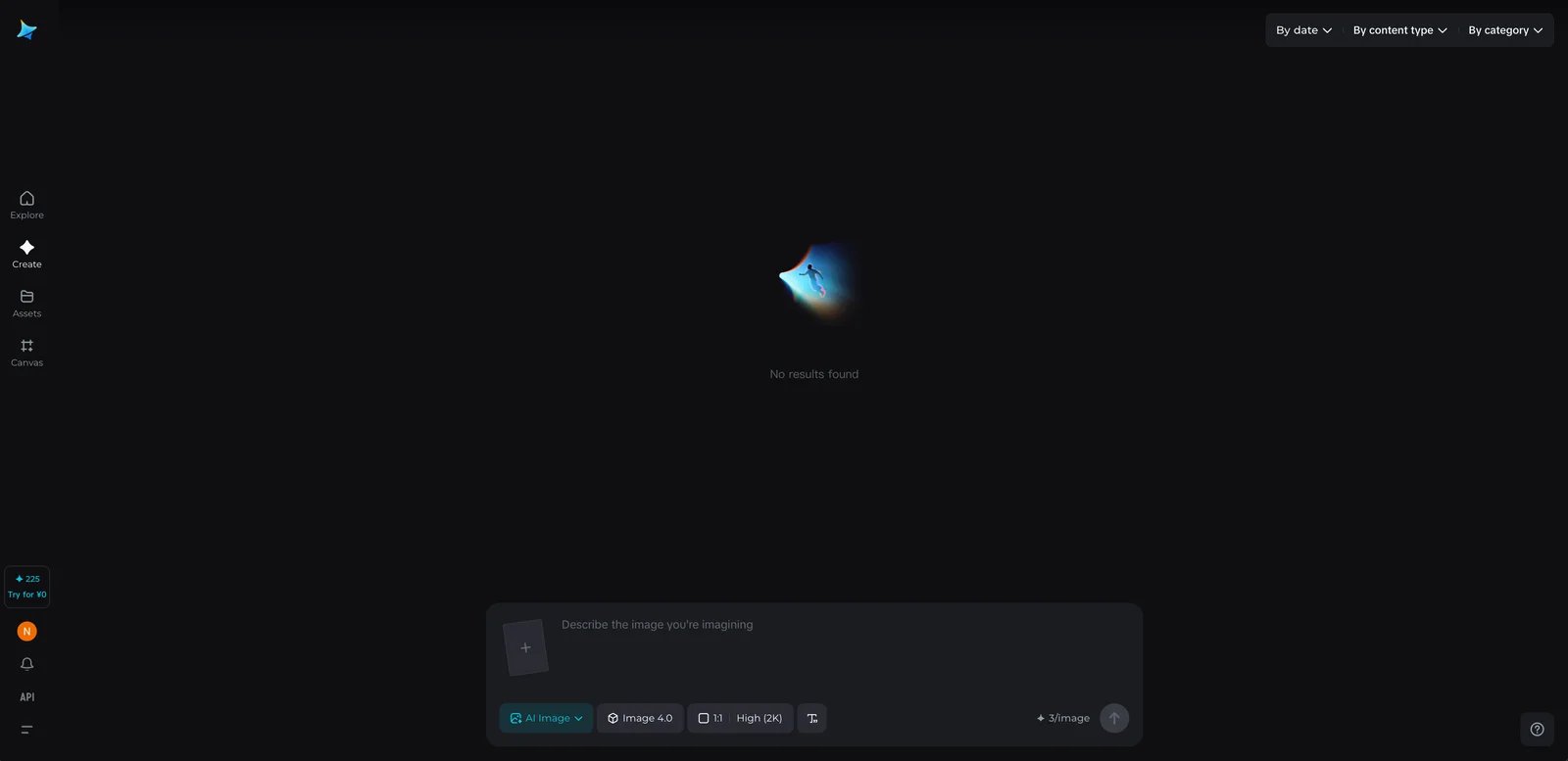
Seedream 4.0 from ByteDance targets advanced users and creative professionals who prioritize maximum control and customization over ease of use. The tool appeals to users willing to invest time learning complex features in exchange for precise output control and technical flexibility.
Core Features and Strengths
The tool delivers strong photorealistic quality with particularly impressive handling of complex scene composition, multiple subjects, and challenging lighting scenarios. Extensive parameter controls enable fine-tuning of virtually every aspect of generation, from composition rules to style weights and multi-reference image inputs. Advanced controls let power users adjust style strength, composition guidelines, and local editing in remarkable detail.
When accessed via partner platforms or APIs, Seedream 4.0 can be integrated into larger production pipelines for high-volume generation. API access through BytePlus and other platforms enables custom workflow integration, though pricing and capabilities vary significantly by provider.
Clear Limitations and Trade-offs
The steeper learning curve represents the most significant barrier—beginners and casual users often feel overwhelmed by the feature complexity and technical terminology. Documentation, while comprehensive for technical users, assumes baseline familiarity with image generation concepts. The interface prioritizes power over simplicity, resulting in more clicks and configuration for straightforward tasks.
Pricing can become expensive for high-volume usage, and understanding the optimal balance between credit usage and subscription tiers requires careful calculation. The tool's ByteDance association may raise data privacy considerations for some users or organizations, particularly those in regulated industries or sensitive markets.
Recommended Use Cases and Audiences
Seedream 4.0 shines for agencies managing multiple client brands with distinct visual styles, enabling custom model development per client. Creative studios producing high-volume content benefit from automation capabilities. Technical teams implementing AI generation into product features or custom platforms leverage the API flexibility. Advanced individual creators who have mastered simpler tools and seek maximum control find the investment worthwhile.
Pricing and Licensing Details
Seedream 4.0 is generally available through usage-based pricing via APIs or partner platforms, sometimes wrapped in credit systems or subscriptions depending on the provider. Commercial licensing is available and structured for business use cases. Because pricing and access methods vary significantly by platform, region, and provider, teams should check the specific platform they plan to use (such as BytePlus API or other integration partners) for exact pricing and verify commercial licensing terms for their specific use case.
Get started with Seedream 4.0
ChatGPT-4o Images
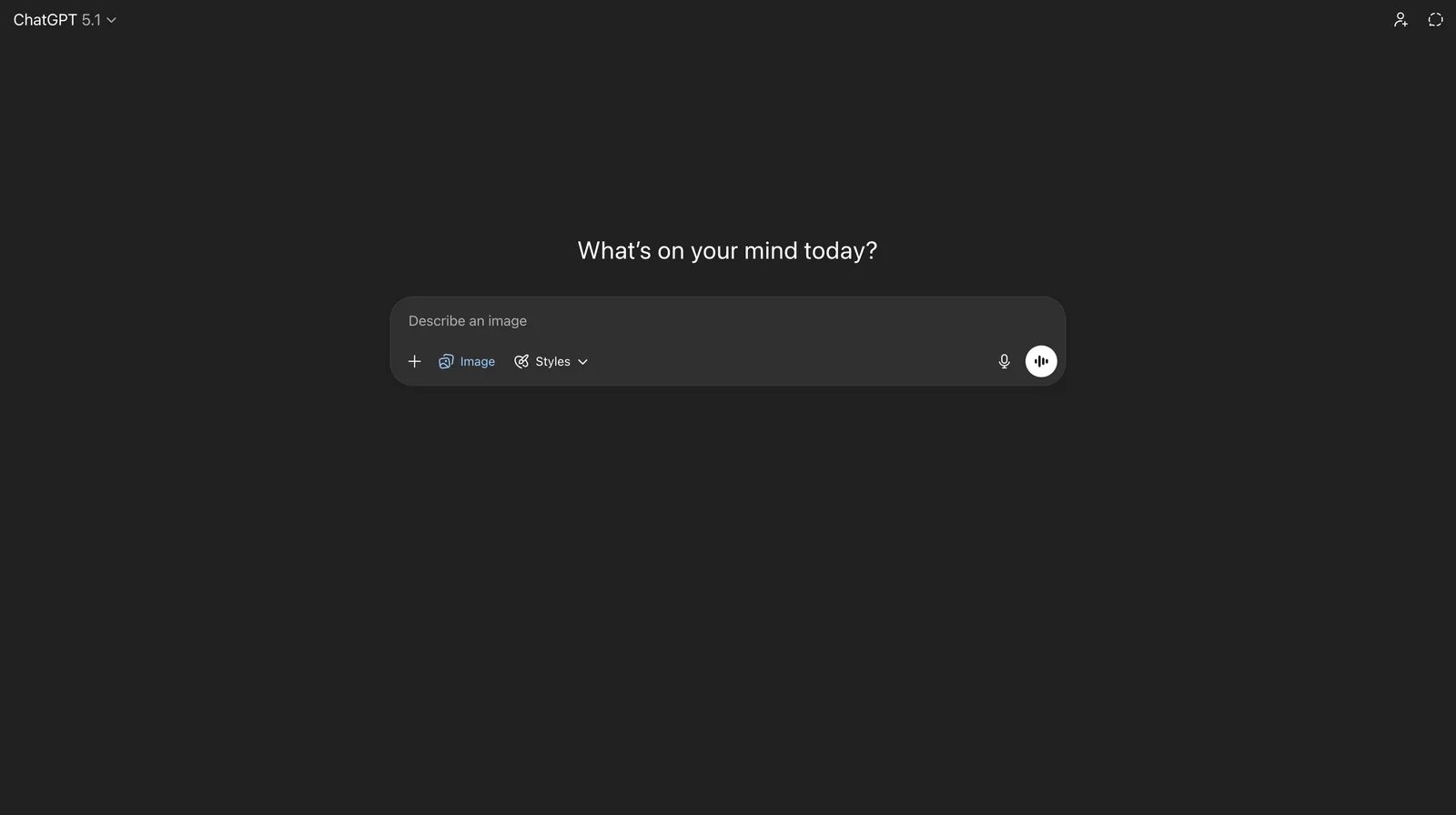
ChatGPT-4o Images integrates directly into the ChatGPT platform, targeting existing OpenAI users who prioritize seamless workflow integration over specialized image generation features. The tool appeals to professionals already using ChatGPT for writing, analysis, or coding who want to add visual content generation without switching platforms.
Core Features and Strengths
The most compelling advantage is conversational interface integration—users generate images through natural dialogue, refine results through follow-up prompts, and combine image generation with other ChatGPT capabilities in a single workflow. This eliminates context-switching friction and enables rapid iteration.
Image quality is balanced and reliable across use cases, with much stronger text rendering than earlier general-purpose models—often good enough for headlines, simple posters, and UI mockups. In our tests, text quality was consistently usable for marketing and product workflows, though specialized tools like Ideogram or Nano Banana Pro may still be preferable for typography-heavy brand work. Style versatility covers most professional needs from photorealism to illustration. Consistency across multiple generations from similar prompts proved reliable in testing.
For ChatGPT Plus or Pro subscribers, image generation is included without additional per-image costs, simplifying budgeting and enabling experimentation without credit anxiety. The familiar ChatGPT interface requires virtually no learning curve for existing users.
Clear Limitations and Trade-offs
Advanced users accustomed to granular control over generation parameters will find the conversational interface limiting. There are no explicit controls for specific technical parameters, style weights, or advanced composition rules—all refinement happens through natural language, which can be imprecise.
The tool lacks dedicated features for specialized use cases like custom model training, batch generation workflows, or API-first architecture (though OpenAI's separate API does provide programmatic access). Safety filters occasionally block creative prompts that other platforms allow. Heavy users may find daily generation limits on subscription tiers constraining.
Recommended Use Cases and Audiences
ChatGPT-4o Images excels for content creators producing mixed-media content (articles with custom images, presentations with unique visuals, reports with tailored graphics) who want unified workflows. Marketing teams already using ChatGPT for copy can add visual assets without platform switching. Educators and students benefit from the conversational learning curve. Small business owners without design expertise generate professional-looking content through dialogue rather than technical controls.
Pricing and Licensing Details
Image generation is included with ChatGPT Plus and Pro subscriptions, with no separate per-image fees within plan limits. Commercial use is permitted for subscribers under OpenAI's standard terms. API access to image generation capabilities is available separately through OpenAI's developer platform with usage-based pricing. Verify current subscription pricing, generation limits, and commercial licensing terms on the official OpenAI website.
Get started with ChatGPT-4o Images
MidJourney
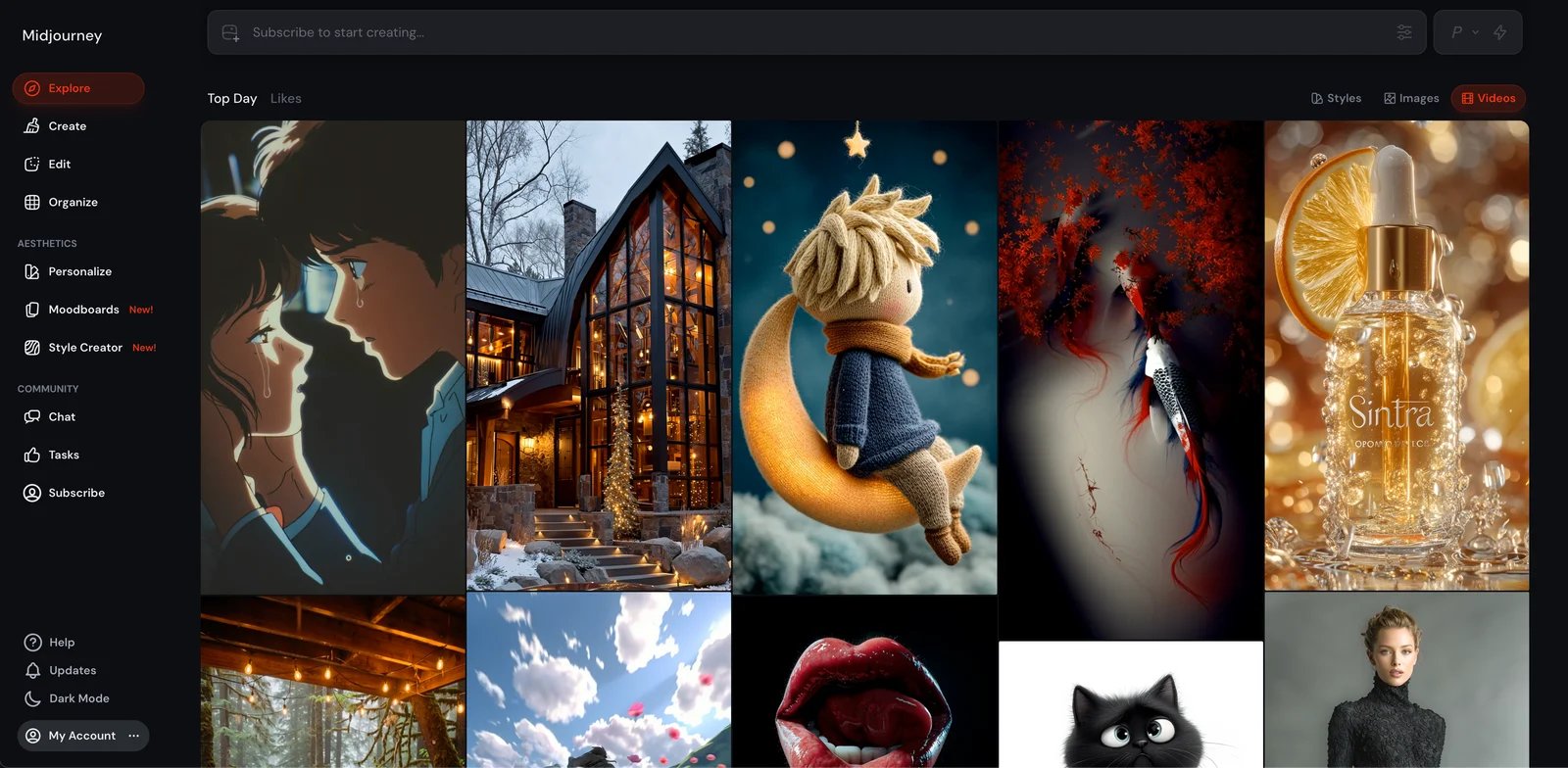
MidJourney has established itself as one of the most recognized names in AI image generation, particularly favored by artists, designers, and creative professionals who prioritize aesthetic quality and artistic coherence. The tool's strong community and distinctive visual style have made it a cultural touchpoint in the AI art space.
Core Features and Strengths
MidJourney consistently produces images with exceptional artistic coherence and aesthetic appeal. The tool excels at interpreting creative prompts and generating visually striking results across an impressive range of styles—from hyperrealistic photography to fantastical illustration, architectural rendering to abstract art.
The parameter system provides rich control through flags for aspect ratios, stylization levels, chaos/variation settings, and quality levels. Style reference features enable consistent aesthetic application across image sets. The remix and variation capabilities support iterative refinement workflows. The active community generates extensive learning resources, style guides, and creative inspiration.
Regular model updates bring quality improvements and new capabilities, demonstrating sustained investment in the platform. The tool's track record for reliability and consistent output quality builds confidence for professional use.
Clear Limitations and Trade-offs
MidJourney originally operated entirely through Discord, and while there is now a dedicated web app that many users prefer, the Discord workflow is still widely used. Even with the web interface, some concepts—like jobs, variations, and style parameters—retain a moderate learning curve, especially for non-technical users. For users who do work through Discord, navigating server structures and command syntax can feel unintuitive compared to traditional application interfaces.
MidJourney does not offer a free tier; all usage requires paid subscriptions. Pricing tiers, while offering different levels of usage, can represent significant ongoing costs compared to tools with free options. Advanced features like private generation and stealth mode require higher-tier subscriptions, further increasing costs for professional users.
Some users report that achieving very specific technical requirements can be challenging—the tool excels at artistic interpretation but may require extensive iteration for exact specifications.
Recommended Use Cases and Audiences
MidJourney shines for creative professionals producing marketing visuals, social media content, and presentation materials where aesthetic impact matters more than pixel-perfect specifications. Concept artists and illustrators leverage the tool for ideation and visual development. Art directors use it for mood boards, style exploration, and creative pitch materials. Content creators building visual brands appreciate the distinctive aesthetic quality.
Pricing and Licensing Details
MidJourney operates on subscription tiers ranging from basic plans for casual users to professional and mega plans for high-volume creators. No free tier is available—all usage requires subscription. Commercial use rights are granted to paid subscribers, though specific terms and attribution requirements should be verified on the official website. Stealth mode and private generation (preventing others from seeing your work) require higher-tier subscriptions. Check the official MidJourney website for current subscription pricing and detailed commercial licensing terms.
Get started with MidJourney
FLUX.2
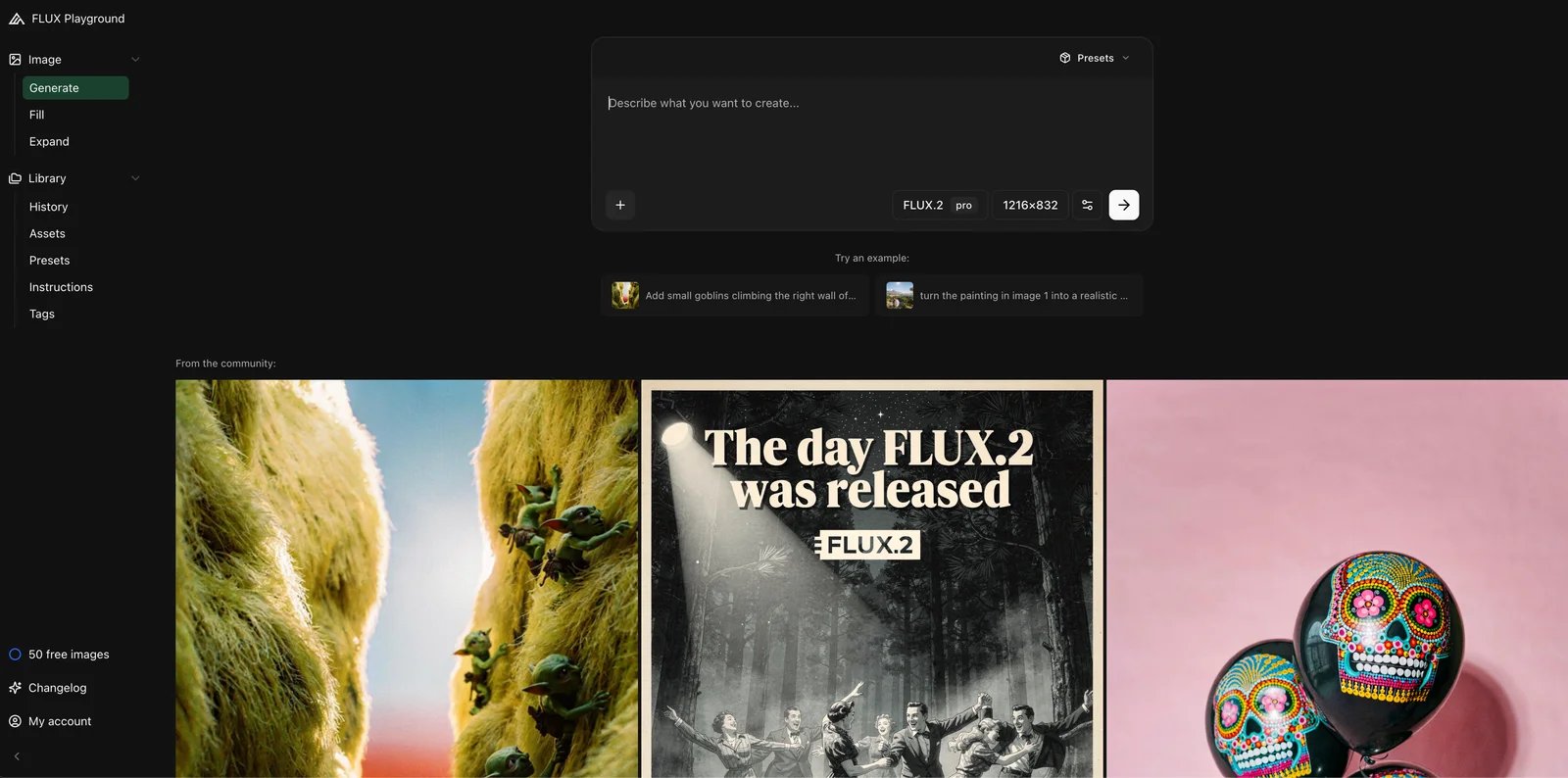
FLUX.2 represents Black Forest Labs' advanced image generation model, targeting technically sophisticated users, developers, and professionals requiring cutting-edge photorealism and precision control. The tool positions itself at the technical forefront of image generation quality.
Core Features and Strengths
Testing confirmed FLUX.2's reputation for exceptional photorealistic quality—lighting accuracy, material rendering, and environmental coherence consistently impressed across diverse test scenarios. The model handles complex prompts with technical specifications more accurately than many competitors.
Advanced technical controls enable precise specification of generation parameters, making the tool particularly effective for users who understand image generation mechanics. Reference image support and fine-tuning options allow customization for specific visual requirements. The API-first architecture enables seamless integration into custom applications, automation workflows, and product features.
The model's technical capabilities make it particularly strong for architectural visualization, product rendering, and scenarios requiring photographic accuracy. Generation speed and output resolution options cater to professional workflow requirements.
Clear Limitations and Trade-offs
The significant learning curve and technical documentation requirements create barriers for non-technical users. The tool assumes familiarity with image generation concepts, parameter effects, and workflow orchestration. Users expecting plug-and-play simplicity will face frustration.
Access models and pricing structures are primarily oriented toward API usage, which requires development integration rather than straightforward web interface usage. For individual creators without technical backgrounds, this access model presents challenges. The focus on technical excellence over ease of use means the interface and workflow optimizations common in consumer-focused tools may be absent.
Community resources and learning materials, while growing, remain less extensive than longer-established platforms. Users often need to experiment to discover optimal settings for specific use cases.
Recommended Use Cases and Audiences
FLUX.2 excels for developers building products with image generation features, enabling high-quality output through API integration. E-commerce platforms implementing automated product photography benefit from photorealistic quality. Architectural firms and visualization studios leverage the technical accuracy. Technical creative professionals comfortable with API-based workflows can integrate FLUX.2 into custom pipelines. Teams with development resources can build tailored interfaces around FLUX.2's capabilities.
Pricing and Licensing Details
Pricing primarily follows API usage models with various access tiers based on volume, speed, and features. Some deployment options may require compute infrastructure costs. Commercial licensing structure varies by tier and deployment model. The technical nature of pricing and licensing requires careful review—consult the official Black Forest Labs website for current detailed pricing, access options, and commercial licensing terms appropriate for your intended use.
Get started with FLUX.2
Qwen-Image
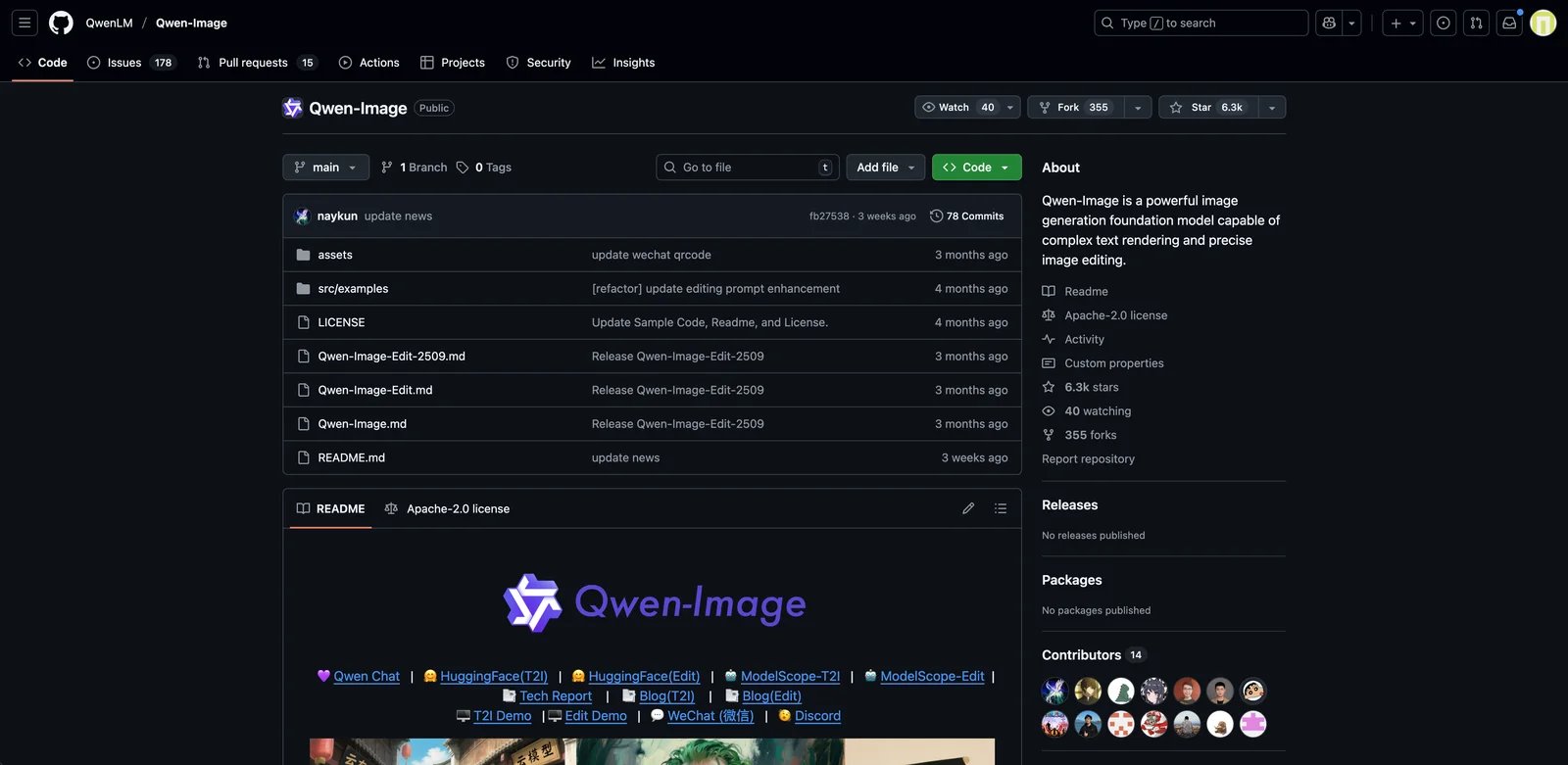
Qwen-Image is an open-source image generation model from Alibaba Cloud's Qwen team, targeting developers, researchers, and technical organizations seeking maximum customization and control through open-source model access. The tool appeals to users prioritizing flexibility and data control over turnkey convenience.
Core Features and Strengths
The open-source nature provides complete model access, enabling deep customization, fine-tuning for specific domains, and integration into proprietary systems without vendor lock-in. Technical teams can modify the model, adjust training, and optimize for specific use cases. Self-hosting options provide full data control, addressing privacy and compliance requirements that prevent cloud service usage.
The model demonstrates solid quality across diverse use cases with good customization potential. The growing community contributes improvements, extensions, and domain-specific fine-tunes. For organizations with machine learning expertise, the open-source approach eliminates per-image costs and licensing uncertainties after initial implementation.
Technical documentation and model architecture transparency enable informed optimization and troubleshooting. The tool supports deployment across various infrastructure options from local workstations to cloud platforms.
Clear Limitations and Trade-offs
The steep learning curve extends beyond using the tool to actually deploying and maintaining it—technical setup requires machine learning infrastructure knowledge, GPU access, and ongoing maintenance. This complexity makes Qwen-Image impractical for non-technical users or organizations without ML engineering resources.
Documentation, while technically comprehensive, assumes significant baseline knowledge and provides limited guidance for common creative use cases. The user experience challenges extend to every aspect of deployment, prompt engineering, and output management—expect to build your own interfaces and workflows.
Model quality and capability vary by specific version and fine-tuning approach. The tool requires significant time investment to achieve production-ready performance for specific use cases. Community support, while present, cannot match commercial vendor support responsiveness.
Recommended Use Cases and Audiences
Qwen-Image excels for technology companies building products with embedded image generation, enabling customization and cost optimization. Research institutions conducting image generation research benefit from model transparency. Organizations in regulated industries or sensitive markets can maintain data sovereignty through self-hosting. Development teams with ML expertise can fine-tune models for specific domains (medical imaging, architectural styles, brand-specific aesthetics).
Pricing and Licensing Details
The model itself is open-source under specific license terms that should be reviewed carefully—open-source does not automatically mean unrestricted commercial use. While the model is free, compute costs for deployment vary significantly based on infrastructure choices (cloud GPU instances, on-premise hardware, inference optimization). For large-scale deployment, these operational costs can be substantial. Review the GitHub repository and license documentation for current terms, and consult legal counsel for commercial deployment planning.
Get started with Qwen-Image
Ideogram
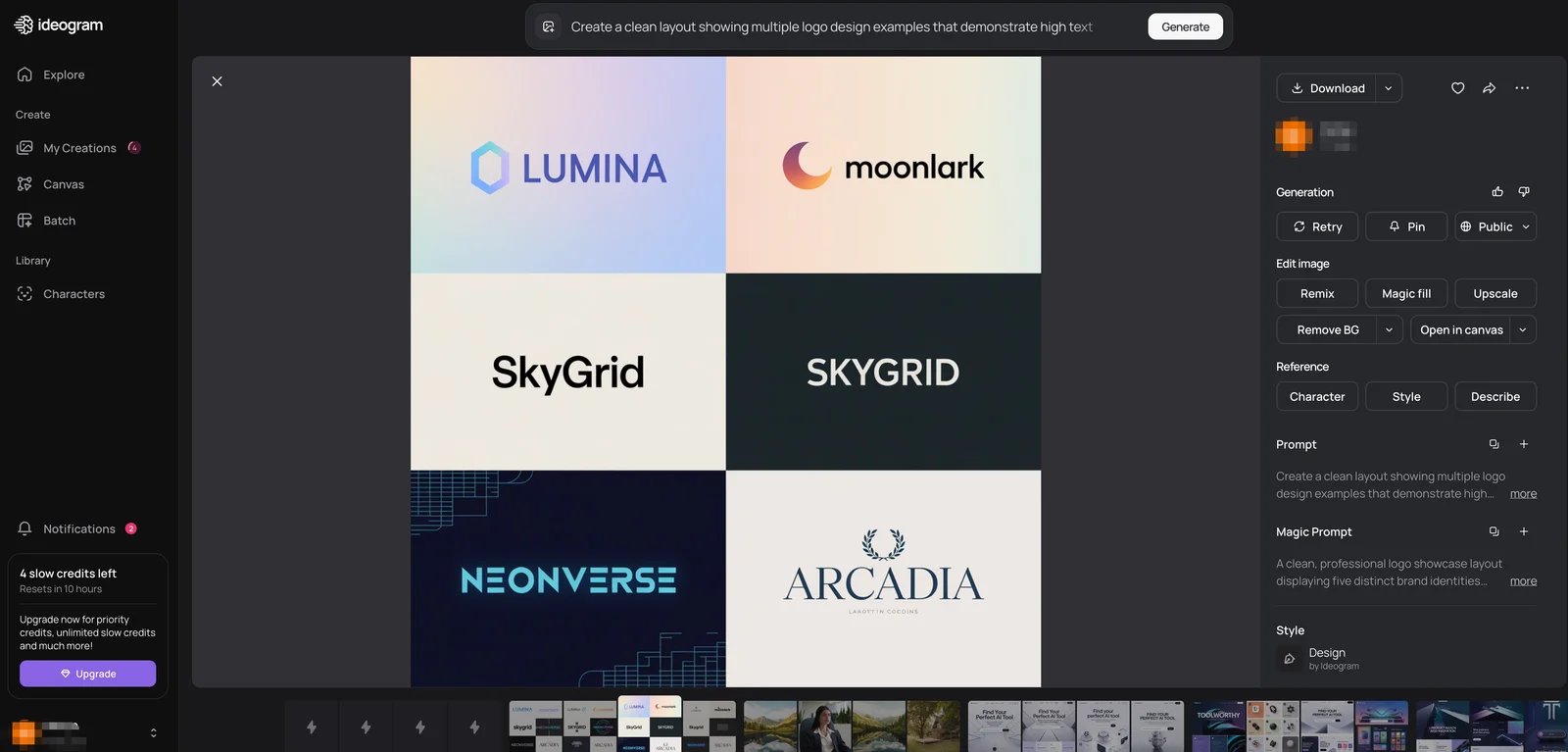
Ideogram has distinguished itself through exceptional text rendering capabilities, targeting designers, marketers, and creators producing typography-heavy content like logos, posters, social media graphics, and branded materials. The tool positions itself as the solution for design work where accurate text generation matters.
Core Features and Strengths
Ideogram's standout capability is text rendering accuracy—where most AI image generators struggle with legible text, Ideogram consistently produces clear, properly spelled, aesthetically integrated typography. This breakthrough capability unlocks use cases that were previously impractical with AI generation: logo concepts, poster designs, social media quote graphics, headline banners, and text-based memes.
Style versatility extends across illustration approaches, graphic design aesthetics, and photographic styles. The user-friendly interface requires minimal learning curve—designers can produce professional results quickly. Prompt adherence proved reliable in testing, with the tool accurately interpreting design specifications.
The platform includes style presets and reference capabilities that speed up common design workflows. Generation speed is consistently fast, enabling rapid iteration on design concepts. The free tier provides meaningful access for exploration and occasional use.
Clear Limitations and Trade-offs
While text rendering is exceptional, photorealism capabilities trail specialized photorealistic tools. Users seeking highly realistic product photography or environmental shots may find results less convincing than alternatives. The tool's design focus means some advanced features common in broader platforms may be absent.
Control over specific design details can require multiple iterations—the tool interprets prompts well but may need refinement to achieve exact spacing, alignment, or compositional specifications. For complex multi-element designs, some designers report needing to combine Ideogram output with traditional design tools for final refinement.
Recommended Use Cases and Audiences
Ideogram excels for social media managers creating quote graphics, announcement posts, and text-heavy visual content. Marketing teams producing campaign materials with headlines and taglines benefit from reliable text rendering. Logo designers use the tool for concept exploration and stylistic variations. Small business owners creating promotional materials generate professional-looking designs without designer costs. Content creators producing thumbnails, title cards, and branded assets save time with rapid typography generation.
Pricing and Licensing Details
Ideogram offers a free tier with usage limits suitable for exploration and occasional creation, transitioning to subscription plans for regular professional use. Commercial use is permitted on paid plans. Pricing is structured to be accessible for individual creators and small teams. As with all tools in this guide, verify current subscription pricing, free tier limits, and commercial licensing terms on the official Ideogram website before committing to business use.
Get started with Ideogram

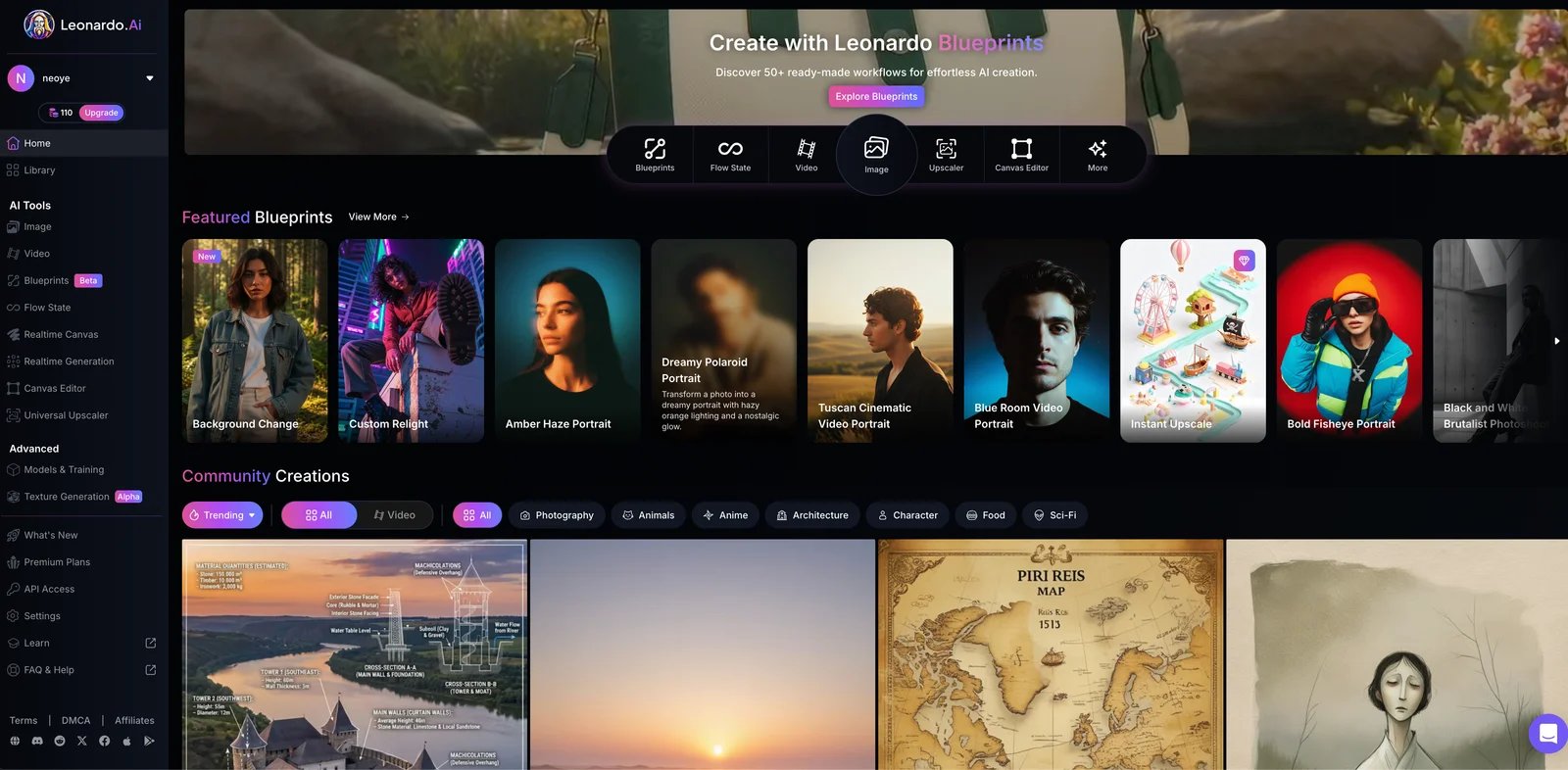
Leonardo AI targets creative professionals, game developers, and concept artists who need diverse style options, iterative workflow tools, and content volume production. The tool has found particular adoption in gaming, entertainment, and creative content industries.
Core Features and Strengths
Leonardo AI provides extensive style presets optimized for common creative use cases—game assets, character concepts, environment art, item designs, and more. These presets accelerate workflows by providing strong starting points rather than requiring complex prompts from scratch. Canvas editing capabilities enable multi-image composition and iterative refinement directly within the platform.
Custom model training features allow teams to develop brand-specific or project-specific style models, ensuring visual consistency across large content sets. The credit-based system with generous free tier enables meaningful exploration and small project completion without payment.
Testing revealed strong stylized rendering capabilities particularly suited for game art, concept illustration, and fantastical content. The platform balances creative quality with production efficiency, making it practical for content volume requirements. Community features including style sharing and template galleries provide inspiration and workflow acceleration.
Clear Limitations and Trade-offs
The feature-rich interface can overwhelm new users—numerous options, modes, and settings create initial confusion about optimal workflows. The credit system complexity requires understanding how different features consume varying credit amounts, making budget prediction challenging.
While stylized content quality impresses, photorealistic output sometimes trails specialized photorealism tools. Style consistency across large image sets, while better than many alternatives, can still require iteration and quality control. Some users report occasional generation failures or quality inconsistencies that require regeneration.
The learning curve, while not as steep as highly technical tools, still demands time investment to master the diverse features and understand optimal settings for different content types.
Recommended Use Cases and Audiences
Leonardo AI excels for indie game developers creating character designs, environment concepts, item assets, and UI elements on limited budgets. Concept artists producing ideation and style exploration for client presentations benefit from rapid iteration. Content creators producing fantasy art, sci-fi imagery, and stylized illustration for channels, publications, or products leverage the style presets. Marketing teams creating stylized campaign visuals find the workflow efficient. Creative studios managing multiple client projects use custom models for brand consistency.
Pricing and Licensing Details
The credit-based pricing system includes a free tier with daily credit allocations suitable for exploration and light use. Subscription tiers provide larger credit allowances and additional features. Commercial licensing is available on paid tiers, with terms specified for different use cases. The complexity of credit consumption across different features means users should carefully review current pricing structures, credit allocations, and commercial licensing terms on the official Leonardo AI website.
Get started with Leonardo AI

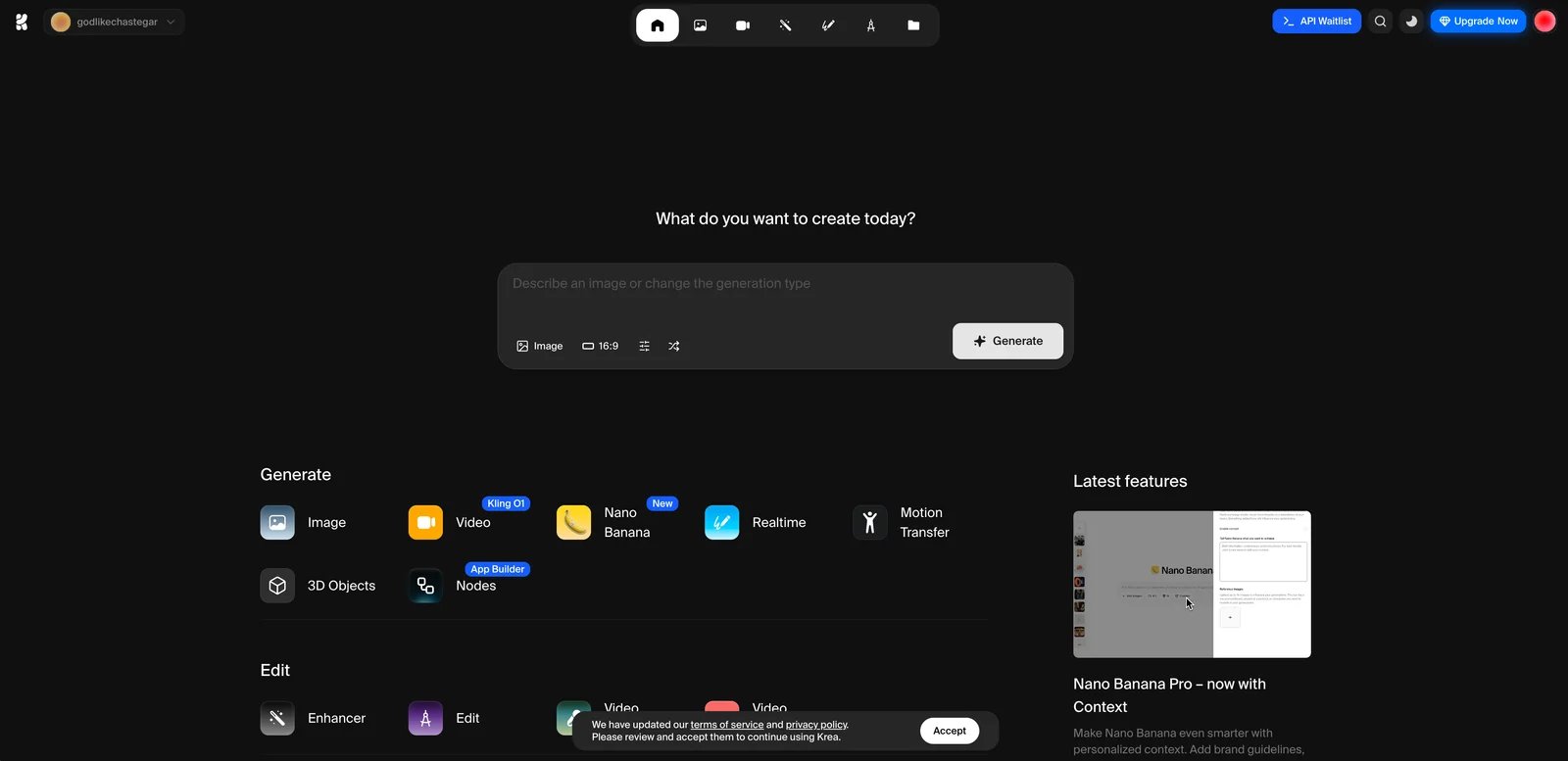
KREA differentiates itself through real-time generation capabilities, targeting designers, creative professionals, and exploratory users who prioritize rapid iteration and immediate visual feedback over maximum quality. The tool appeals to users whose creative process benefits from seeing results evolve in real-time.
Core Features and Strengths
The real-time generation capability provides immediate visual feedback as users adjust prompts, settings, or reference images—this dramatically accelerates exploratory workflows and creative ideation. Traditional generation tools require submitting prompts and waiting for results; KREA enables continuous refinement through live preview.
Iterative workflow tools support rapid experimentation with variations, style adjustments, and compositional changes. The immediate feedback loop reduces the friction of trial-and-error refinement. Canvas and editing features enable multi-stage creative development within the platform.
The interface prioritizes intuitive interaction over technical parameter exposure, making the tool accessible for less technical users. Style control options provide meaningful influence over aesthetic direction without overwhelming complexity. The free tier with usage limits enables evaluation and light usage without financial commitment.
Clear Limitations and Trade-offs
Real-time generation usually involves quality trade-offs: in our tests, KREA's images tended to have less fine detail than slower, batch-oriented models, which may matter for high-end print or photorealistic use cases. For final production assets requiring maximum quality, users may need to refine KREA outputs in traditional tools or generate final versions with higher-quality platforms.
The focus on real-time interaction means some advanced features common in slower, more deliberate tools may be absent or simplified. Users accustomed to granular parameter control may find options limited. The tool's optimization for speed over quality makes it less suitable for projects requiring photorealistic accuracy or fine detail.
Pricing for unlimited real-time generation and full feature access can represent ongoing costs. The relative novelty of real-time generation workflows means established best practices and extensive learning resources are still developing.
Recommended Use Cases and Audiences
KREA excels for designers conducting early-stage creative exploration and style development, where rapid iteration matters more than final polish. Art directors creating mood boards and visual direction for client pitches benefit from immediate feedback. Content creators brainstorming visual concepts experiment efficiently. Educators demonstrating AI generation concepts leverage the real-time visibility. Creative teams conducting collaborative ideation sessions use the live preview for shared creative exploration.
Pricing and Licensing Details
KREA offers a free tier with feature and usage limitations suitable for exploration, transitioning to subscription plans for regular professional use with real-time access and additional capabilities. Commercial use is permitted on paid plans. Given the evolving nature of real-time generation pricing models, verify current subscription pricing, free tier limitations, and commercial licensing terms on the official KREA website.
Get started with KREA

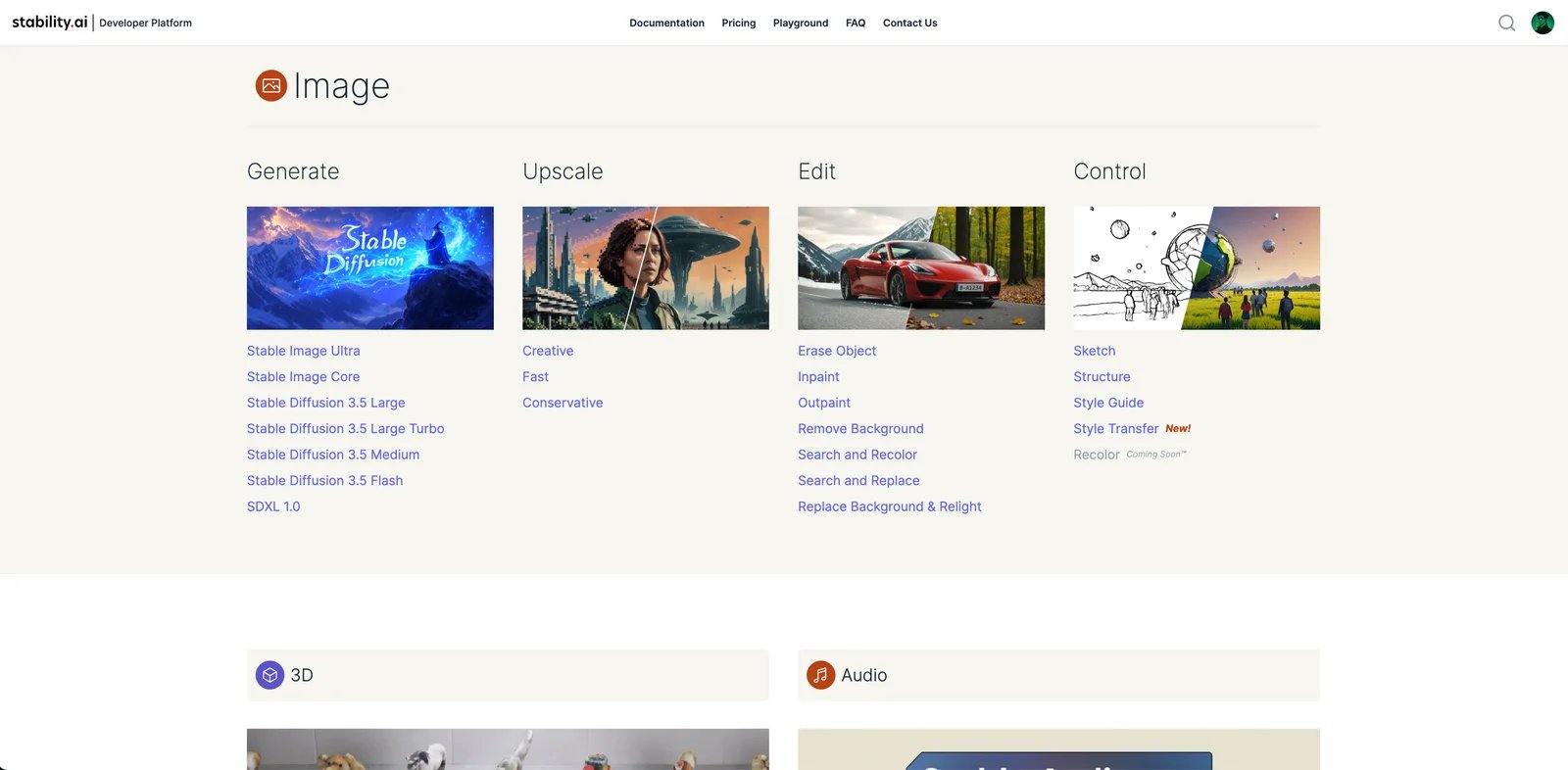
Stability AI provides both open-source models (Stable Diffusion family) and commercial API services, targeting a diverse audience from developers and enterprises to individual creators. The company positions itself as enabling widespread access to AI generation through multiple deployment models.
Core Features and Strengths
The Stable Diffusion open-source model ecosystem provides unprecedented accessibility and customization potential—developers can deploy models locally, fine-tune for specific domains, and integrate into products without per-generation API costs. The extensive ecosystem includes numerous model variants, fine-tunes, and extensions contributed by the community.
Commercial API services provide enterprise-grade reliability, scaling, and support for teams preferring managed services over self-hosting. The breadth of models and capabilities spans image generation, editing, upscaling, and more. Fine-tuning and custom model training services enable brand-specific implementations.
The massive community around Stable Diffusion generates extensive learning resources, tools, interfaces, and domain-specific models. Organizations benefit from flexibility to choose between open-source self-hosting and commercial API services based on specific needs.
Clear Limitations and Trade-offs
The fragmented ecosystem presents challenges—numerous interfaces, deployment options, and model versions create confusion about optimal approaches. Quality varies significantly across different Stable Diffusion versions and community fine-tunes. Users must research and test to identify best fit for specific needs.
Technical setup requirements for self-hosted deployments demand machine learning infrastructure expertise, GPU access, and ongoing maintenance. The DIY nature means user experience challenges compared to polished commercial platforms. Documentation spans official sources and community contributions with varying quality and currency.
For non-technical users, navigating the ecosystem to identify practical solutions can be overwhelming. Support responsiveness varies dramatically between community forums, official channels, and enterprise contracts.
Recommended Use Cases and Audiences
Stability AI excels for developers building products with embedded image generation, enabling deployment flexibility and cost optimization through open-source models or commercial APIs. Enterprises with technical resources implement custom solutions for specific brand or domain requirements. Research institutions leverage open-source models for investigation and development. Creative technologists build custom workflows and interfaces around Stable Diffusion capabilities. Organizations requiring data sovereignty self-host open-source models.
Pricing and Licensing Details
Pricing varies dramatically based on deployment approach. Open-source Stable Diffusion models are freely available under specific licenses (review carefully for commercial use terms), with costs limited to compute infrastructure. Commercial API services follow usage-based pricing with various tiers and features. Enterprise contracts provide custom pricing, SLA guarantees, and support. The complexity of options means users should thoroughly review the official Stability AI website for current model licenses, API pricing, and commercial terms appropriate for intended use.
Get started with Stability AI

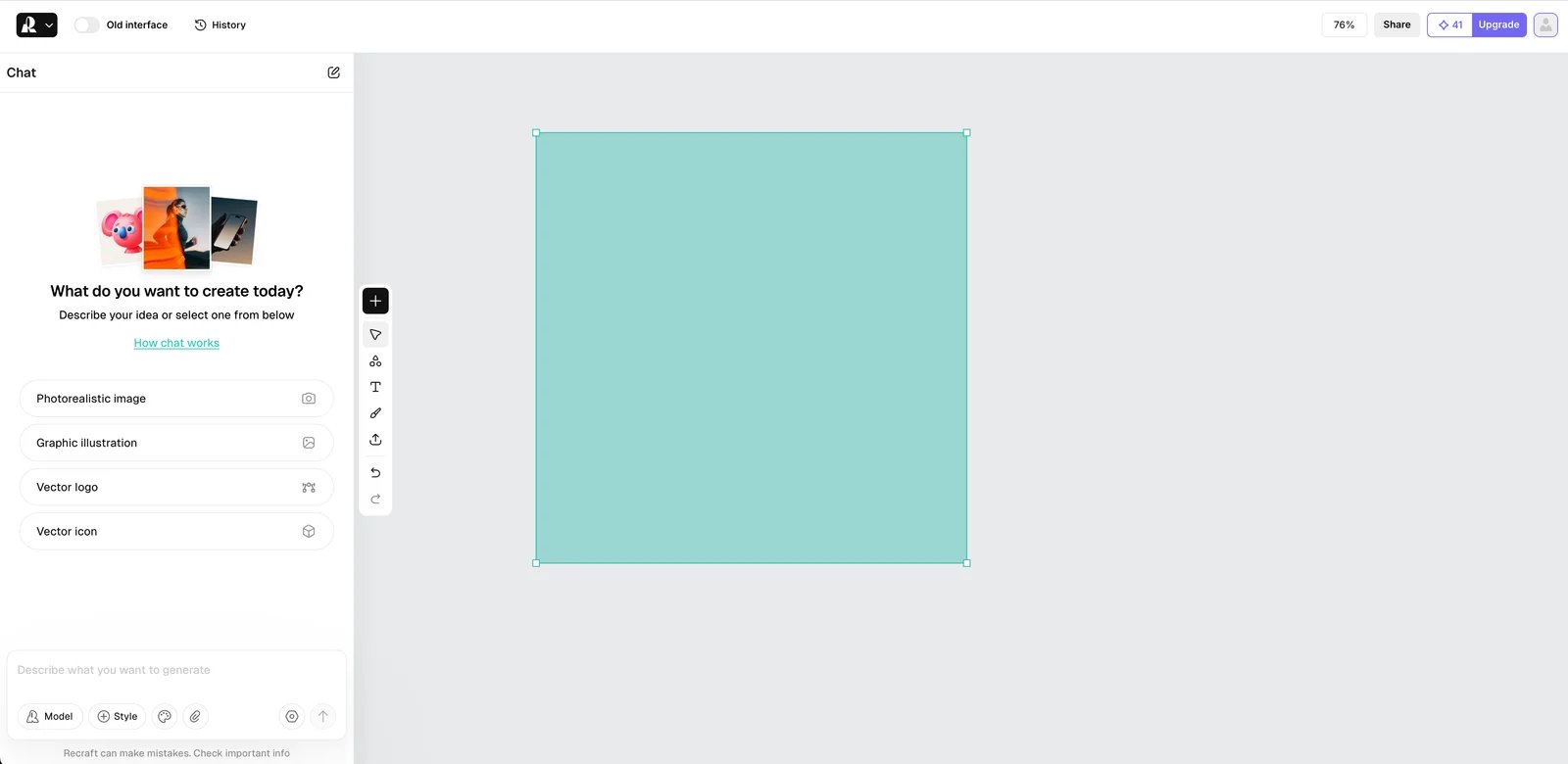
Recraft AI specializes in brand design and vector graphic generation, targeting brand designers, marketing teams, and creative professionals who prioritize style consistency, vector outputs, and brand-focused features. The tool positions itself as the solution for maintaining visual identity across generated assets.
Core Features and Strengths
Vector output capabilities distinguish Recraft AI from raster-only competitors—generated designs can be exported as scalable vector files suitable for logos, icons, and brand assets requiring resolution independence. Brand kit features enable defining and enforcing style guidelines, color palettes, and visual consistency rules across all generations.
Style consistency tools ensure that multiple generated assets maintain coherent aesthetic and brand alignment—critical for marketing campaigns, brand materials, and content series. The interface focuses on design workflows rather than general image generation, providing relevant controls and features.
Testing revealed strong performance for illustration styles, graphic design aesthetics, and brand-appropriate content. The tool understands design concepts like balance, hierarchy, and brand appropriate aesthetics better than general-purpose generators. Template and preset systems accelerate common brand design tasks.
Clear Limitations and Trade-offs
Photorealism capabilities are limited—the tool optimizes for illustration, graphic design, and brand-style content rather than realistic photography. Users seeking product photography or environmental realism should look to other tools. The specialized focus means some general image generation features common in broader platforms may be absent or simplified.
Pricing tiers may be higher than general-purpose tools, reflecting the specialized brand-focused features. Free tier limitations may restrict evaluation depth. The tool's relative market youth means community resources and third-party integrations remain developing.
Some users report that achieving very specific technical illustration requirements can require iteration. The balance between automated generation and designer control continues evolving with updates.
Recommended Use Cases and Audiences
Recraft AI excels for brand design teams creating logo concepts, brand identity exploration, and visual system development with consistent aesthetic application. Marketing departments producing campaign materials requiring brand alignment ensure visual consistency. Social media managers creating branded content series maintain style coherence. Icon and graphic designers generating scalable assets benefit from vector output. Small businesses developing brand materials generate professional-looking designs with brand consistency.
Pricing and Licensing Details
Recraft AI offers a permanent free tier suitable for light use and experimentation, plus paid Pro and team plans that unlock higher limits, advanced export options, and collaboration features. Commercial licensing is clearly structured for business use cases. Given the specialized positioning and evolving feature set, verify current subscription pricing, free tier limitations, team plan options, and commercial licensing terms on the official Recraft AI website.
Get started with Recraft AI

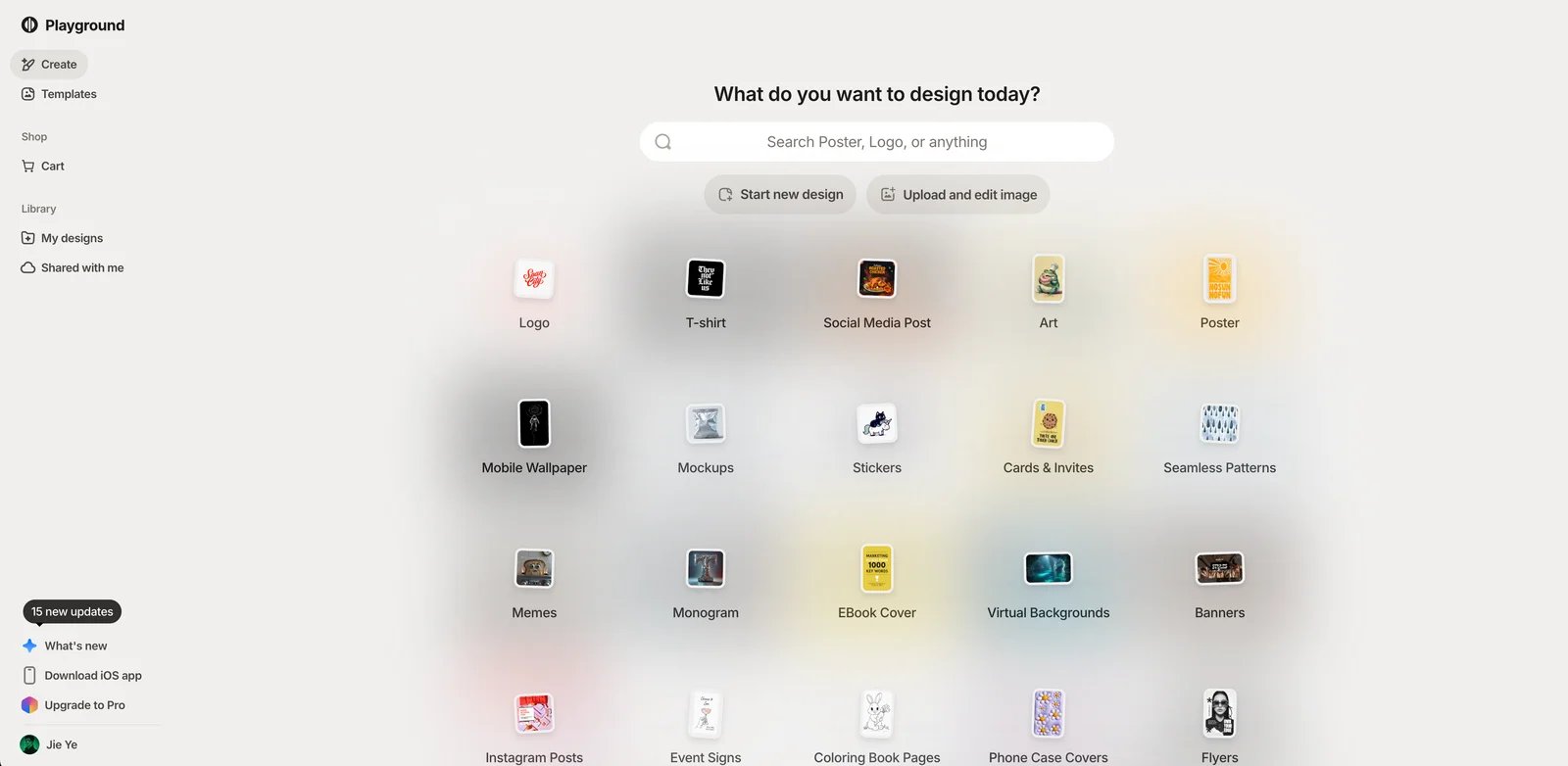
Playground AI positions itself as an accessible, user-friendly platform targeting beginners, social media creators, hobbyists, and anyone seeking low-friction entry to AI image generation. The tool prioritizes ease of use and quick results over advanced technical capabilities.
Core Features and Strengths
The extremely accessible interface requires minimal learning—users can generate quality images within minutes of first access without tutorials or technical knowledge. The generous free tier provides meaningful daily image generation suitable for regular casual use and extended evaluation without payment.
Canvas editing features enable simple multi-image composition, text overlays, and basic editing without leaving the platform. Style mixing capabilities let users combine aesthetic influences through intuitive controls rather than complex prompts. Template and inspiration galleries jumpstart creative workflows.
Community features including public image galleries, prompt sharing, and creative inspiration create supportive learning environment. Generation quality proves sufficient for social media posts, web graphics, presentation images, and personal creative projects. The platform's reliability and consistent performance reduce frustration for non-technical users.
Clear Limitations and Trade-offs
Quality ceilings become apparent for demanding professional use cases—outputs lack the refinement, detail, and photorealistic accuracy of specialized high-end tools. Advanced users accustomed to granular parameter control find options limited. The simplified interface trades power for accessibility.
Feature gaps compared to professional platforms include limited custom model support, simpler control systems, and fewer workflow automation options. For high-stakes commercial projects or clients expecting cutting-edge quality, outputs may require supplementation with traditional design tools.
Free tier limitations on generation volume mean heavy users must upgrade. The tool's optimization for accessibility over advancement makes it less suitable for technical users or specialized professional requirements.
Recommended Use Cases and Audiences
Playground AI excels for social media creators producing content for Instagram, TikTok, Twitter, and other platforms where speed and consistency matter more than maximum quality. Bloggers and content writers generating article illustrations create relevant visuals quickly. Small business owners without design budgets produce marketing materials, social posts, and web graphics. Students and educators exploring AI generation learn through accessible interface. Hobbyists pursuing creative expression experiment without financial or technical barriers. Non-designers creating presentation slides, pitch decks, or reports generate professional-looking supporting visuals.
Pricing and Licensing Details
Playground AI offers a genuinely useful free tier, with daily generation limits that are typically sufficient for casual creators. Affordable subscription upgrades provide increased generation volume and additional features. Commercial use is permitted with appropriate licensing terms by tier. The accessible pricing structure makes the tool viable for individual creators and small teams. However, limits and terms have changed over time, so users should verify current free tier limits, subscription pricing, and commercial licensing terms on the official Playground AI website.
Get started with Playground AI
Best AI Image Generators by Use Case
Selecting the optimal AI image generator depends heavily on your specific context, workflow requirements, and priorities. This section provides scenario-based recommendations drawing from the detailed evaluations and comparison table above.
Best AI Image Generator for Marketing Teams
Marketing teams face distinct challenges: high-volume content needs, tight deadlines, budget accountability, brand consistency requirements, and diverse asset types from social posts to presentation graphics to campaign banners.
Top Recommendation: ChatGPT-4o Images provides the most balanced solution for marketing workflows. The conversational interface enables rapid iteration without learning curve friction, perfect for time-pressed marketers. Integration with ChatGPT's copywriting capabilities means asset creation and messaging development happen in unified workflow. The subscription pricing model provides budget predictability without per-image anxiety. Quality proves sufficient for most marketing contexts from social media to presentations.
Strong Alternative: Nano Banana Pro suits marketing teams with larger budgets prioritizing maximum quality and consistent professional results. The reliability and photorealistic capabilities ensure campaign-ready outputs. Google ecosystem integration benefits teams already using Workspace tools.
For teams requiring brand-specific style consistency, Recraft AI deserves consideration despite higher specialization. Marketing departments managing multiple campaigns benefit from brand kit features ensuring visual coherence.
The comparison table's "ease of use" and "pricing model" columns directly inform marketing team decisions—tools requiring steep learning curves or complex credit calculations add operational friction that marketing timelines cannot accommodate.
Best for Brand and Visual Identity Designers
Brand designers prioritize style control, consistency across asset sets, typography quality, vector capabilities for scaling, and creative flexibility to realize specific visual concepts.
Top Recommendation: Recraft AI was purpose-built for this use case, with vector outputs, brand kit features, and style consistency tools directly addressing designer needs. The ability to define and enforce brand guidelines across generations eliminates the consistency challenges plaguing general-purpose tools.
Strong Alternatives: For designers whose brand work includes text-heavy assets like logos and wordmarks, Ideogram's exceptional typography rendering capabilities make it essential. Many brand designers use both tools—Ideogram for initial logo and text-heavy concept exploration, Recraft AI for developing consistent brand systems.
MidJourney serves brand designers conducting style exploration and mood board development, where artistic quality and aesthetic impact matter more than technical brand specifications. The tool excels at visual inspiration and creative direction setting.
Reference the comparison table's "level of control" and "image quality & styles" columns when evaluating tools for brand design work—advanced control features and style consistency capabilities directly impact design workflow efficiency.
Best for Social Media Creators and Hobbyists
Social media creators and hobbyists need low entry barriers, affordable pricing (ideally free), quick learning curves, trend-friendly aesthetics, and rapid iteration for high-volume content production.
Top Recommendation: Playground AI was designed for exactly this audience. The generous free tier enables regular content creation without subscription commitment. The beginner-friendly interface gets creators generating within minutes. Template galleries and style mixing features speed up common social media content workflows. Quality suits Instagram, TikTok, Twitter, and other platforms where speed and consistency matter more than technical perfection.
Strong Alternative: Ideogram serves social media creators producing text-heavy content—quote graphics, announcement posts, meme-style content, and typography-based visuals. The free tier provides meaningful access, and text rendering capabilities unlock content types impractical with other tools.
For creators comfortable with Discord and seeking higher artistic quality, MidJourney's basic subscription tier delivers standout aesthetic results that can differentiate social feeds.
The comparison table's "ease of use & onboarding" row and "pricing model" column directly indicate best fits for this audience—tools with steep curves or expensive entry points create barriers that social creators and hobbyists cannot justify.
Best for Product Photos and E-commerce
E-commerce requires photorealistic quality, consistent lighting and angles, ability to follow specific product specifications, background flexibility, and volume generation capability for large catalogs.
Top Recommendation: FLUX.2 delivers the most photorealistic outputs with exceptional lighting, material rendering, and environmental accuracy. E-commerce businesses with technical resources can integrate via API for automated product photography workflows. The precision control enables specific product angle and styling requirements.
Strong Alternative: Nano Banana Pro provides photorealistic quality through more accessible interface for non-technical e-commerce teams. The reliability and consistency suit catalog photography requirements. Google infrastructure ensures generation speed for volume needs.
Seedream 4.0 deserves consideration for large e-commerce operations with technical teams—the advanced control and automation capabilities enable sophisticated product photography workflows at scale.
Reference the comparison table's "image quality & styles" column focusing on photorealism strengths—illustration-optimized tools will consistently disappoint for product photography needs. The "key integrations / workflow" column indicates which tools support automated e-commerce integration.
Best for Agencies and Content Studios
Agencies juggle multiple clients with distinct brand requirements, high content volume, quality consistency needs, team collaboration features, flexible licensing, and workflow efficiency at scale.
Top Recommendation: Seedream 4.0 provides the advanced control and custom model capabilities agencies need for client-specific style development. API access and workflow automation support high-volume production. The technical capabilities justify investment for operations with development resources.
Strong Alternative: Leonardo AI serves creative studios through style presets, custom model training, and credit-based pricing that flexes with variable project loads. The balance between quality and production efficiency suits agency workflows.
For agencies managing diverse client needs, tool combination strategies often prove optimal—ChatGPT-4o Images for rapid concept development and client presentations, FLUX.2 for high-end photorealistic campaign assets, Ideogram for text-heavy client materials, and Recraft AI for clients requiring strict brand consistency.
The comparison table's "level of control & advanced features" and "key integrations / workflow" columns indicate which tools support sophisticated agency operations—APIs, custom models, and workflow automation become essential at agency scale.
Best for Developers and Advanced Custom Workflows
Developers and technical teams require API access, fine-tuning capabilities, customization flexibility, integration support, and often open-source options for maximum control.
Top Recommendation: Stability AI provides the most comprehensive options from open-source Stable Diffusion models enabling complete customization to commercial APIs with enterprise support. Developers can choose deployment models matching technical requirements and budget constraints. The extensive ecosystem supports virtually any custom workflow.
Strong Alternatives: Qwen-Image serves technical teams requiring full model control and data sovereignty through open-source access. FLUX.2's API-first architecture and technical quality suit developers building products requiring cutting-edge photorealism. Seedream 4.0's API access and fine-tuning capabilities support custom implementations.
The comparison table's "key integrations / workflow" column and "level of control & advanced features" row directly indicate technical capabilities. Open-source options provide maximum flexibility with maximum complexity; commercial APIs trade some control for convenience and support.
For product development contexts, carefully evaluate whether open-source deployment or commercial API usage better matches your team's ML infrastructure capabilities, budget model, and technical requirements.
How to Choose the Right AI Image Generator for You
Rather than declaring one tool universally "best," we recommend a systematic decision framework matching tools to your specific context. Follow these steps to identify your optimal choice.
Step 1: Clarify Your Goals and Content Types
Begin by specifically defining what you need to create, moving beyond generic "images" to concrete content types and contexts.
Are you producing marketing assets (social media posts, ad graphics, campaign materials, presentation decks)? Brand design work (logos, visual identity systems, brand guidelines, icon sets)? Product renderings (e-commerce photography, product mockups, lifestyle shots)? Social media content (Instagram posts, TikTok visuals, Twitter graphics, YouTube thumbnails)? Creative or artistic work (concept art, illustration, artistic exploration)?
Different goals map to different tool priorities. Marketing assets benefit from speed and reliability over maximum artistic sophistication. Brand design demands style consistency and vector capabilities. Product rendering requires photorealistic accuracy. Social content needs volume and trend-appropriate aesthetics. Creative work prioritizes artistic quality and style versatility.
Be specific: not "I need images for my business" but "I need 20 social media quote graphics weekly in consistent brand style" or "I need photorealistic product shots on clean backgrounds for my e-commerce site." This specificity directly informs tool selection.
Step 2: Define Your Budget and Usage Frequency
Assess whether you're an occasional user (a few images monthly), regular creator (daily or weekly content needs), or high-volume producer (hundreds of images monthly).
Consider your budget context: individual creator with limited personal funds, small team with modest tool budgets, established business with dedicated marketing spend, or enterprise with substantial technology budgets.
Different pricing models suit different usage patterns. Free tiers work well for occasional use and learning but typically limit features and impose generation caps. Subscriptions provide predictable monthly costs with full features, ideal for regular creators and businesses needing budget certainty. Credit-based systems offer pay-per-use flexibility for variable usage but require monitoring to prevent unexpected costs. API-based pricing suits high-volume automated usage but requires technical implementation.
Factor in total cost of ownership including learning time—a free tool requiring 40 hours to master may cost more than a paid tool enabling productivity within hours.
If you need both occasional high-quality work and regular lower-stakes content, consider budgeting for two complementary tools rather than forcing one tool to serve all needs.
Step 3: Decide on Image Quality, Style, and Level of Control
Clarify your quality requirements: Do you need photorealistic accuracy (product photography, realistic portraits, environmental scenes)? Illustration styles (concept art, explainer graphics, creative content)? Mixed style versatility (different aesthetics for different projects)?
Some tools specialize in photorealism but struggle with illustration; others excel at artistic styles but produce less convincing realistic photography. If you need consistent style across projects, specialization often outperforms versatility. If you serve diverse clients or create varied content, style range matters.
Assess control needs: Do you want simple prompt-based generation where you describe desired results and accept variations? Moderate control with basic parameter adjustments? Or advanced control with reference images, custom models, fine-tuning parameters, and technical specifications?
Beginners and time-pressed creators benefit from simple prompt interfaces that produce good results without technical knowledge. Advanced users and specialized professional requirements justify the learning investment in complex control systems.
Map your requirements to the comparison table's "image quality & styles" and "level of control" columns—these dimensions directly predict workflow satisfaction.
Step 4: Check Commercial, Legal, and Data Policies
Before committing to any tool for business use, verify current commercial licensing terms on official websites. Licensing structures vary dramatically: some tools allow unlimited commercial use on paid plans, others restrict commercial applications or require special licensing, some differ between subscription tiers.
For sensitive client work or regulated industries, investigate training data transparency—some tools disclose training data sources and ethical practices, others provide limited visibility. Legal and reputational risks vary based on these factors.
Examine privacy policies and data retention: Does the tool train future models on your prompts and uploaded images? Can you opt out? Are there differences between free and paid tiers? Do privacy terms meet your security requirements?
This article cannot provide legal advice. For high-stakes commercial use, particularly in regulated industries or for prominent brands, consult qualified legal counsel to review licensing terms and assess risks. Licensing and privacy terms evolve—policies current when you read this may change before you deploy tools commercially.
The comparison table's "commercial use & licensing notes" column flags key considerations, but always verify current official terms before business deployment.
Step 5: Shortlist and Run Real-World Tests
Based on the above criteria, narrow options to 2-3 candidate tools. Resist the temptation to choose based solely on generic reviews or top rankings—the best tool for your context may differ from the overall "best" tool.
Conduct hands-on testing using your actual project prompts and requirements, not generic test examples. Evaluate a typical workflow end-to-end: How many iterations do you need to achieve acceptable results? How reliably does the tool interpret your specific domain or style needs? Does it handle your typical subject matter well? How does generation speed impact your workflow rhythm?
Consider tool combinations rather than forcing one tool for everything. Many professionals use ChatGPT-4o Images or Playground AI for rapid concepting and iteration, then regenerate final versions in FLUX.2 or Nano Banana Pro for maximum quality. Ideogram handles text-heavy work while another tool covers photorealism.
The best tool is the one that fits your specific workflow, skills, budget, and requirements—not necessarily the one rated highest in aggregate. Workflow fit matters more than capability checklists. A tool with 80% of features that integrates seamlessly into your existing process often outperforms a tool with 100% of features that requires workflow disruption.
Prioritize tools with free tiers or trials enabling low-risk evaluation with actual work before subscription commitment.
Frequently Asked Questions
Which is the best AI image generator for commercial use in 2026?
Are AI-generated images really safe to use in marketing campaigns?
How much do AI image generators typically cost?
Do AI image generators keep or train on my prompts and uploaded images?
Can I use AI image generators to create logos and brand assets?
What are the main limitations of AI image generators today?
Which AI image generator is best for beginners with no design skills?
Which tools are best for advanced creators and developers?
How do AI image generators compare to hiring a human designer?
Will AI image generators replace traditional design workflows?
Get ToolWorthy Weekly
New AI tools, practical guides, and selected AI signals in one weekly brief.
Related Posts
- 10 Best Leonardo AI Alternatives 2026 - Image, Video & Control
Compare 10 Leonardo AI alternatives for 2026 by moderation risk, Canva entitlement fit, unlimited-plan limits, image quality, video models, pricing, and workflow control.
- 15 Best Midjourney Alternatives 2026 - Control, Cost & API
Compare 15 Midjourney alternatives for 2026, including Stable Diffusion, Leonardo AI, Firefly, Ideogram, ChatGPT Images, Gemini, FLUX and Recraft.
- 15 Best AI Portrait Generator Tools 2026 - Identity, Style & Cost
Compare 15 AI portrait generator tools for creator portraits, profile images, brand personas, reference control, pricing, and commercial workflow fit.
For AI tool founders
Built a tool that belongs in this decision set?
Request an editorial evaluation for possible inclusion in ToolWorthy.
Submit your tool for reviewPaid submission does not guarantee a ranking, recommendation, inclusion, or editorial outcome.