
15 Best AI Avatar Generators in 2026 — Real Costs, Credit Traps, and Honest Limits
Every AI avatar tool demos beautifully. Then the credit system kicks in. Fifteen platforms tested with verified 2026 pricing and real usage caps — across ads, training, and UGC.

On this page
A marketing lead needs twenty ad variants by Friday. A learning designer has to localize a compliance course into eight languages without re-shooting the CEO. A solo creator wants to post daily to TikTok without ever being on camera. Three very different jobs — and all three end up typing "best AI avatar generator" into Google at 11 p.m. the night before something is due.
The problem isn't that options are scarce. It's that every tool demos beautifully, then reveals its real personality only after you've paid: credit systems that drain on every re-render, "unlimited" plans capped by translation minutes, custom avatars that cost an extra $1,000 a year, subscription swaps that silently remove features you bought. We pulled verified 2026 pricing from official pages, read through Trustpilot and Reddit complaint threads from the last twelve months, and rated these fifteen tools on whether the day-to-day experience matches the landing page. For more options beyond this list, our AI avatar generator category page tracks the broader market.
If you're also evaluating broader video tooling, our guide to the best AI video generators covers the adjacent category. And if your core use case is turning a single photo into a short talking clip, the best AI talking photo generator guide is a narrower fit.
| Tool | Best For |
|---|---|
| Creatify | Ad/UGC teams cranking out short-form performance creatives |
| HeyGen | Multilingual dubbing and realistic digital twins |
| Synthesia | Enterprise training and compliance programs |
| AI Studios | Teams wanting a large avatar library at mid-market pricing |
| Colossyan | L&D teams building branching course modules |
| AKOOL | Streaming avatars and real-time interactive video |
| D-ID | Photo-to-talking-head for short social hooks |
| Vidnoz | Budget creators who need a usable free tier |
| VEED | Browser-based video editors adding an avatar scene |
| Fliki | Faceless YouTube and podcast creators |
| JoggAI | URL-to-video ad generation for Shopify sellers |
| Elai | Course authoring with custom selfie avatars |
| Wondershare Virbo | Mobile-first social video on iOS, Android, and desktop |
| Animaker | Cartoon-style avatars and animated explainers |
| Captions | iPhone creators editing short-form with AI actors |
How We Selected and Tested
We started with thirty candidate avatar tools surfaced from G2, Capterra, Product Hunt, and recent Reddit threads. The shortlist had to clear three bars: (1) deliver a genuine talking-avatar workflow, not just a lip-sync add-on to a generic editor, (2) publish enough pricing detail that a buyer could estimate their real monthly cost, and (3) show at least three months of user feedback — because new tools often look great until the second billing cycle.
Our methodology combined official documentation, hands-on testing on free tiers where available, and systematic review of user complaints from Trustpilot, G2, Capterra, and Reddit threads published in 2025–2026. We gave extra weight to complaints that appeared across multiple sources. A single angry review is noise; the same frustration showing up on Reddit, Trustpilot, and G2 is a signal.
Evaluation Dimensions: Each tool was assessed across five dimensions that map to how buyers actually feel pain:
- Avatar and Lip-sync Quality — Does the avatar hold up on a 90-second script, or drift after 30 seconds?
- Workflow Fit — Ads, training, UGC, explainers — which workflow is this tool actually built for?
- Credit System Honesty — What really counts as a "video"? Do re-renders burn credits? Do minutes roll over?
- Language and Voice Depth — How many languages are genuinely production-ready vs. technically supported?
- Renewal and Cancellation Friction — Can you cancel without emailing support? Are renewal prices disclosed?
Note on Testing Scope: We tested free tiers and short trials on every tool that offered one. For enterprise-only features (SCORM export, SSO, custom voice cloning at scale), we relied on official docs, sales-call notes posted by buyers, and verified reviews on G2 and Gartner Peer Insights.
Transparency and Limitations: All prices were verified on official pricing pages in April 2026. Features and limits change fast in this category — always double-check a tool's pricing page before committing to an annual plan. We don't fabricate ratings or star scores.
Top 15 AI Avatar Generators Compared
The table below compresses the fifteen options onto one screen. Use it to narrow to three finalists, then jump to the detailed reviews for the differences that actually matter.
| Tool | Best For | Key Differentiator | Starting Price | Web vs App |
|---|---|---|---|---|
| Creatify | Short-form ad/UGC creatives | 300+ AI actors tuned for performance ads | $33/mo (Starter) | Web |
| HeyGen | Multilingual digital twins | Avatar IV + audio dubbing at scale | $29/mo (Creator) | Web |
| Synthesia | Enterprise training video | SCORM, 160+ languages, brand controls | Free / $29/mo (Starter) | Web |
| AI Studios | Large avatar library | 2,000+ avatars and generous free tier | $24/mo (Personal) | Web |
| Colossyan | Branching course modules | Built-in course-authoring flow | $27/mo (Starter) | Web |
| AKOOL | Real-time streaming avatars | Live streaming + face-swap in one suite | ~$30/mo (Pro) | Web |
| D-ID | Photo-to-talking-head | Best single-photo avatar flow | Free trial / from $5.90/mo (Lite) | Web, App |
| Vidnoz | Budget-friendly free tier | Largest free allowance among majors | $19.99/mo (annual) | Web |
| VEED | In-browser video editing + avatar | Avatars embedded in a full editor | $24/mo (Pro, annual) | Web |
| Fliki | Faceless YouTube / podcast | Text-to-video with AI avatar + voice | Free / $21/mo (Standard) | Web |
| JoggAI | URL-to-ad for e-commerce | Paste a product URL, get an ad | Free / $24/mo billed yearly ($29 monthly) | Web |
| Elai | Interactive training video | Selfie avatars + SCORM export | $23/mo billed annually ($29 monthly) | Web |
| Wondershare Virbo | Mobile-first social video | Desktop + iOS + Android parity | $9.90/mo | Web, App, Desktop |
| Animaker | Cartoon avatar explainers | Animated characters alongside realistic avatars | Free / $10/mo (annual) | Web |
| Captions | iPhone short-form editing | Strong AI actors tuned for social | $9.99/mo (Pro) | App, Desktop |
Detailed Reviews
Creatify
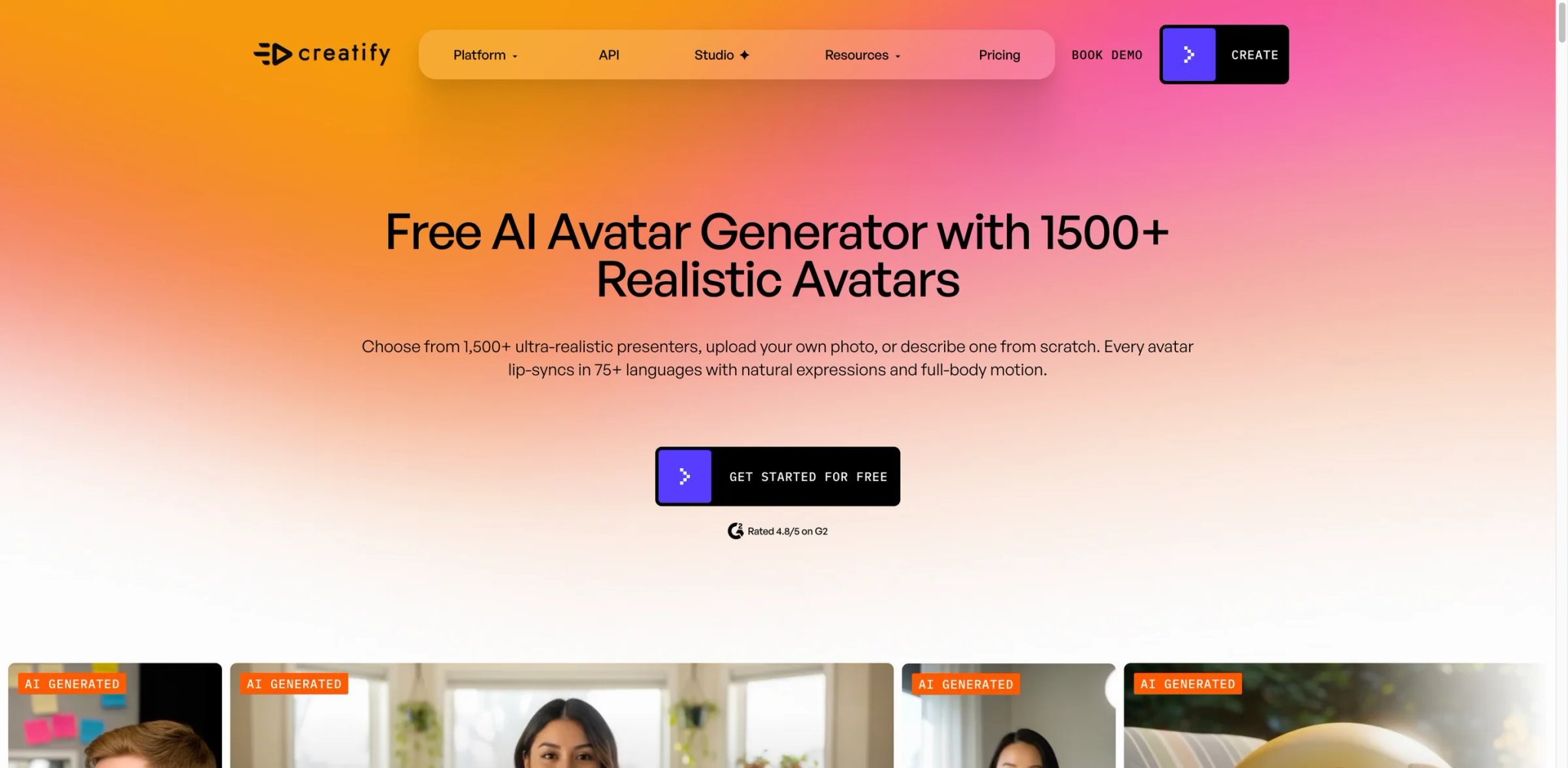
Most performance marketers aren't buying "avatars" — they're buying a way to test 20 ad angles in an afternoon without booking talent. Creatify is built for that specific job. Its 300+ AI actors skew casual and UGC-style rather than corporate-presenter, and the whole workflow is structured around spinning up variants of the same ad: same script, different actor, different hook, different CTA. For Shopify and DTC teams running paid social, it reaches daily creative volume faster than the enterprise-leaning platforms.
Key Features
- Ad-first avatar library — 300+ actors curated for UGC and performance ads, with styles that read as "creator on TikTok" rather than "presenter in a studio." Competitors like Synthesia optimize for training; Creatify optimizes for scroll-stopping first three seconds.
- Batch variant generation — Generate multiple versions of an ad from the same base script, swapping hooks, CTAs, and actors. This is where the credit system earns its keep for ad teams running systematic testing.
- URL-to-video — Paste a product URL and Creatify scrapes copy, imagery, and pricing to assemble a draft ad. Useful for first-pass ideation; you'll still want to rewrite the script.
- Aurora video model — Higher-fidelity generation for premium outputs. Be aware Aurora consumes more credits per clip, so it's best reserved for finalists.
Pricing & Plans
| Plan | Price | Key Limits |
|---|---|---|
| Free | $0 | 10 credits/mo (~2 videos), watermark |
| Starter | From $33/mo | 100 credits/mo (~20 videos), no watermark |
| Pro | From $49/mo | 300 credits/mo (60 videos), 1,500 AI actors + 3 custom avatars |
| Enterprise | Custom | Advanced avatars, team seats |
Credits scale with video length and model tier, and unused credits don't roll over on monthly billing.
TCO Note: Multiple Reddit and G2 reviewers in 2025 reported burning through credits faster than expected because the platform rounds up when a clip crosses 30 seconds. Voice-plus-avatar matching also requires trial and error, which consumes credits. If you expect to test heavily, jump to Pro rather than Starter.
Pros & Cons
Pros
- Best actor library for UGC/ad workflows
- Fast variant generation for A/B testing ads
- URL-to-video handles first-pass ideation cleanly
Cons
- Users on Trustpilot report unauthorized charges months after cancellation and strict no-refund responses
- Credits expire after 60 days on some plans with limited in-app notification before they vanish
- Newer models like Aurora are noticeably more expensive per render, pushing heavy users toward higher tiers
Best For
Performance marketing teams at DTC and SaaS brands who need to test ad creatives at volume and care more about first-frame scroll-stop than studio polish. The whole workflow rewards teams with a clear testing cadence.
Not the right fit if you're producing corporate training, compliance content, or long-form explainers — the actor library skews social and the credit math punishes long videos.
Get started with Creatify

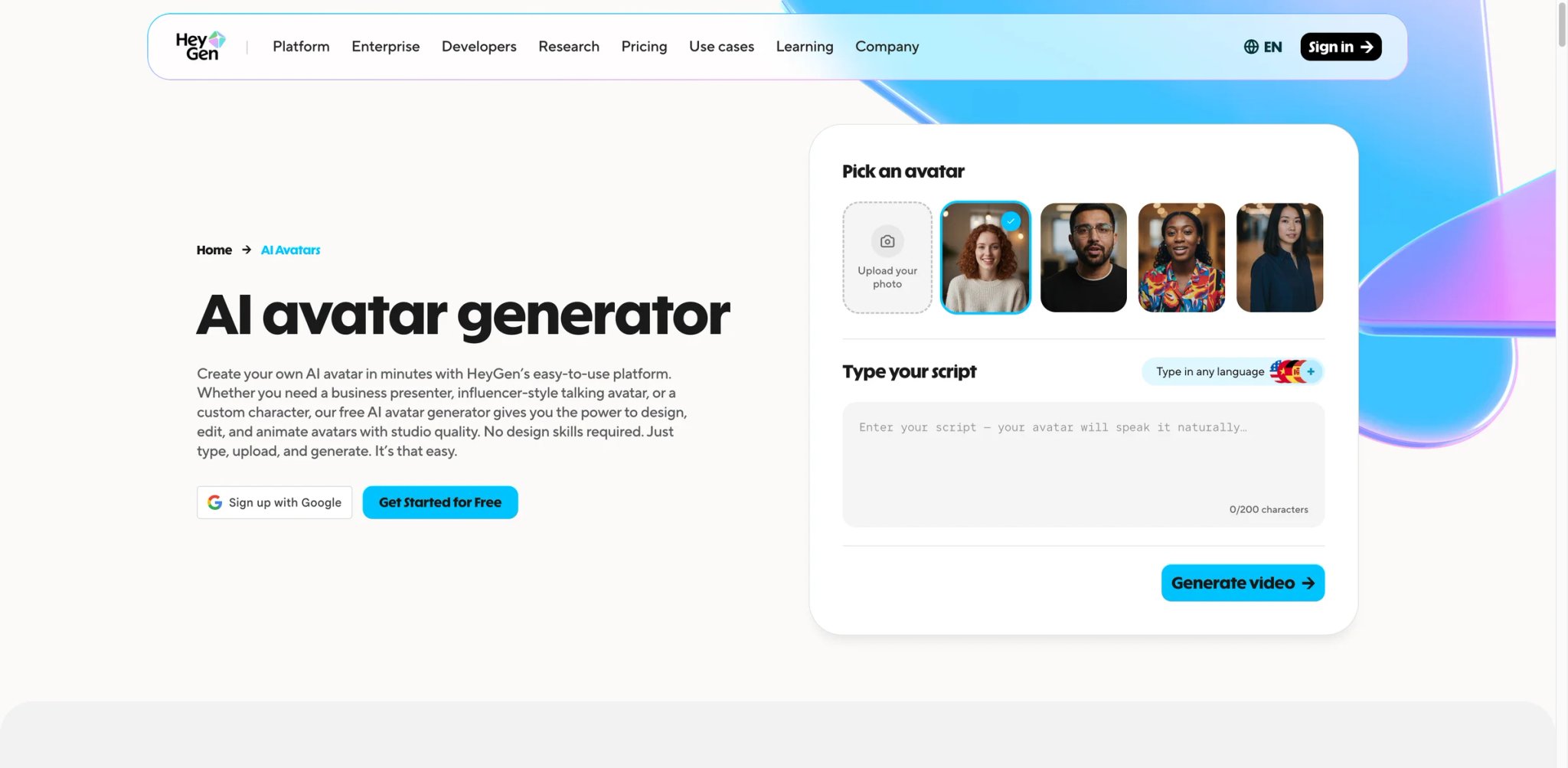
You built a 25-minute onboarding video in English. Now finance wants it in French, operations wants it in Portuguese, and APAC wants it in Japanese — by end of quarter. HeyGen is the tool most teams land on for that specific problem. Its Avatar IV model delivers the most convincing digital twins available at consumer-grade pricing, and the audio dubbing workflow preserves the original speaker's voice across languages instead of swapping in a generic TTS voice. For teams whose pain is localization at scale, it's hard to beat.
Key Features
- Digital twin (Avatar IV) — Record a short training sample and HeyGen produces a photorealistic avatar that matches your voice, gestures, and cadence. The 2026 Avatar IV model closed most of the uncanny-valley gap for static shots; fast head movement is still its weak spot.
- Audio dubbing across 170+ languages — Dub existing video into dozens of languages while preserving the original speaker's vocal fingerprint. Competitors like D-ID don't match HeyGen's language breadth.
- Template library for structured videos — Pre-built scene structures for product demos, training, and announcements let non-editors produce passable video without design skills.
- Video Agent — A newer 2025 addition that turns text prompts into fully-assembled videos with scene logic, though it consumes more credits than template-based workflows.
Pricing & Plans
| Plan | Price | Key Limits |
|---|---|---|
| Free | $0 | 3 videos/mo |
| Creator | $29/mo ($24 annual) | Unlimited at 1080p, no watermark |
| Pro | $99/mo | More credits, 4K exports |
| Business | $149/mo + $20/seat | Team collaboration, brand kit |
| Enterprise | Custom | SSO, SCORM, admin controls |
Premium avatar generation (Avatar IV) consumes 20 credits per minute, so Creator's 200 credits cover about 10 minutes of top-tier avatar per month. Additional 300-credit packs cost $15/mo.
TCO Note: G2 and Trustpilot reviews from 2025–2026 document the biggest "gotcha" clearly — every iteration of a rendered video counts against credit allocation, not just the final version. Testing four scripts is four credits, not one. Teams that iterate heavily should budget for credit packs or step up a tier.
Pros & Cons
Pros
- Best digital-twin fidelity in the mid-market tier
- Strongest multilingual dubbing breadth (170+ languages)
- Mature template library speeds up non-designer output
Cons
- Trustpilot and Capterra reviewers repeatedly flag that "unlimited" translation plans quietly cap at 120 minutes per month
- 2025 reviews cite support defaulting to generic KB links rather than direct resolutions
- Credits consumed by re-renders make script iteration expensive on lower tiers
Best For
Marketing and learning teams at companies that ship content in multiple languages and want production-grade digital twins of their founders, trainers, or subject-matter experts. The premium avatar quality is worth the credit math if localization is the core pain.
Not the right fit if you're producing one-off UGC ads or your script changes constantly — you'll burn credits testing and the plan math stops working.
Get started with HeyGen

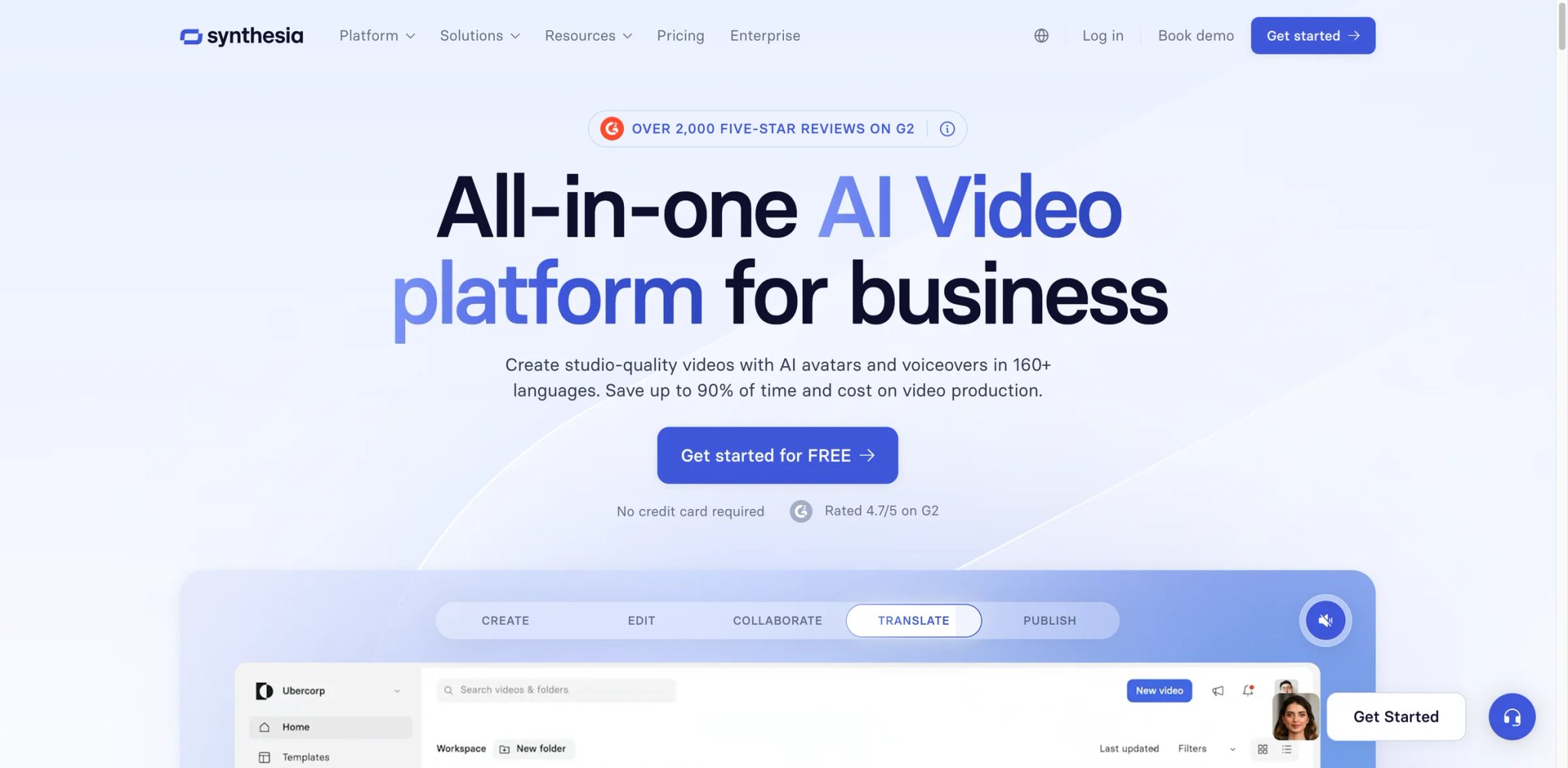
Compliance and L&D teams usually come to avatar tools from the opposite direction as marketers. They don't need scroll-stopping; they need a three-hour course updated in ten minutes because a policy changed. Synthesia is the most mature tool for that job. Its enterprise roots show up in the details that only matter once you've tried to scale video production internally: version control, SCORM export, SSO, and a brand-control layer that prevents rogue videos from shipping without review. For training organizations at 1,000-person companies, it's usually the tool of record.
Key Features
- SCORM and LMS export — Ship videos directly into Docebo, Cornerstone, or Workday as tracked learning objects. Most consumer-grade avatar tools skip this entirely, forcing training teams into manual export workflows.
- 160+ languages and voices with native voice cloning — Lets a single subject-matter expert record once and localize the module across your global workforce without re-recording.
- Brand controls and approval workflows — Locked color palettes, approved avatars, and reviewer gates prevent shadow-IT video creation — a real concern when legal cares what's published.
- AI Playground (Veo 3.1 / Sora 2) — 2026 addition giving all tiers access to generative video clips for B-roll, narrowing the gap with dedicated video-gen platforms.
Pricing & Plans
| Plan | Price | Key Limits |
|---|---|---|
| Basic (Free) | $0 | 10 min/mo, 9 avatars |
| Starter | $29/mo ($18 annual) | 120 min/year, basic brand kit |
| Creator | $89/mo ($64 annual) | More minutes, more avatars |
| Enterprise | Custom | SSO, SCORM, unlimited minutes |
Studio (filmed) custom avatars cost an additional $1,000 per year on top of subscription. SCORM export and 1-click translation are locked to the Enterprise tier.
TCO Note: The sticker prices look reasonable, but the features that justify choosing Synthesia over HeyGen (SCORM, translation automation, SSO) sit behind a sales call. Expect Enterprise quotes in the $10K–$30K+ annual range for mid-size training teams.
Pros & Cons
Pros
- Most mature enterprise feature set (SCORM, SSO, brand controls)
- 160+ languages with voice-preserving dubbing
- Strong collaboration features for reviewer-heavy workflows
Cons
- Reddit instructional designers in 2025 reported learners "focusing on the weird AI talking heads and ignoring the content" — uncanny valley still matters for long training
- Studio custom avatars cost $1,000/year on top of subscription
- Key features (SCORM, translation automation) require Enterprise — no self-serve path
Best For
Enterprise L&D, compliance, and internal communications teams whose workflows require SCORM, SSO, and a durable review process. This is the safe choice for regulated industries and Fortune 1000 training programs.
Not the right fit if you're a solo creator or small startup — the pricing curve assumes you have a budget owner, not a credit card.
Get started with Synthesia
AI Studios
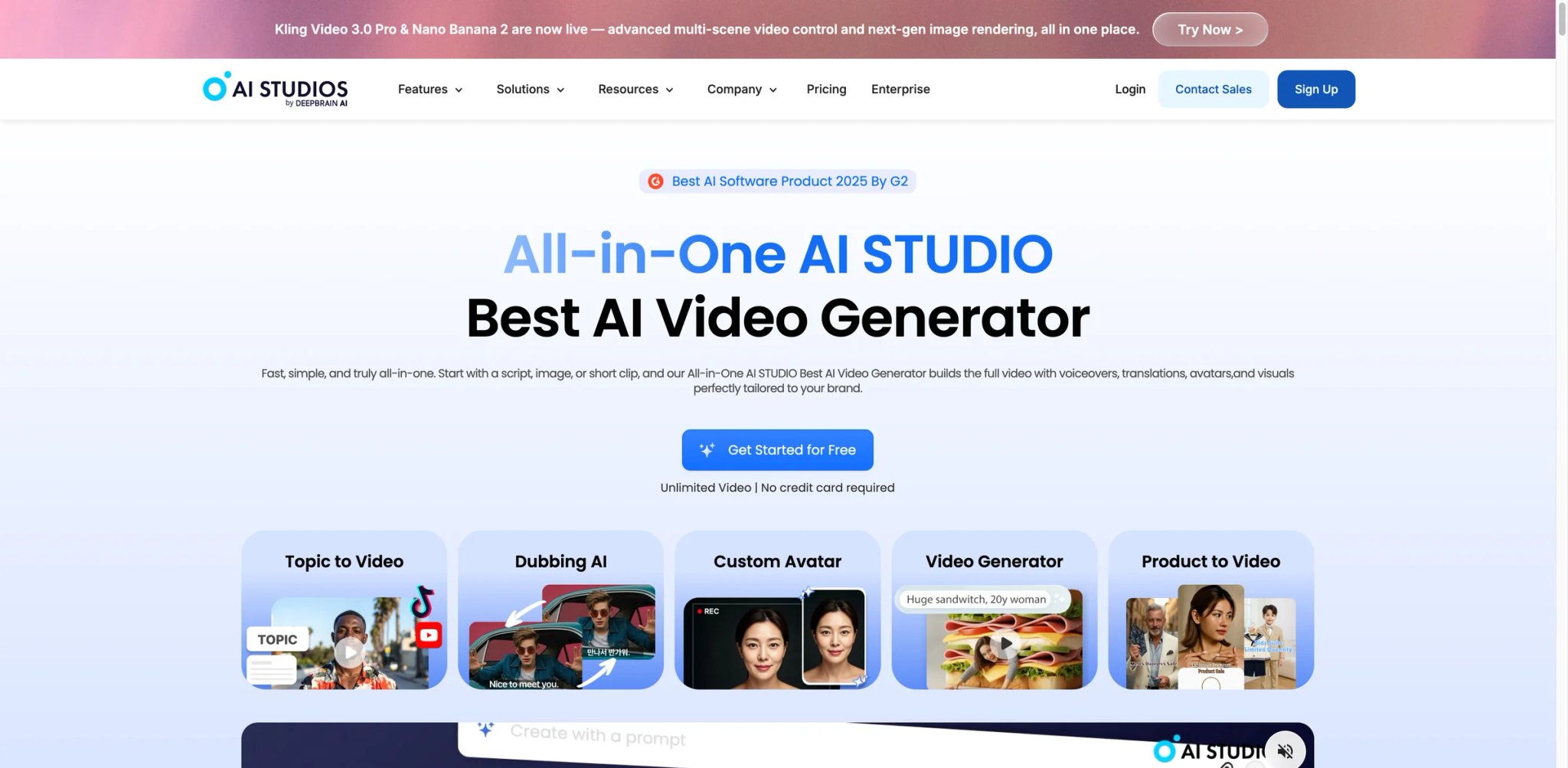
If you're shopping mid-market but feel priced out of Synthesia and unsure about HeyGen's credit math, AI Studios (from DeepBrain) usually ends up on the shortlist. The pitch is volume: 2,000+ avatars, 150+ languages and accents, and a free tier that's actually useful for evaluation rather than a teaser. Quality is solid across most avatars — a step below HeyGen's Avatar IV on realism but comfortably ahead of budget tools. The weaker spot is service: Trustpilot reviews surface billing and support complaints more often than the top two platforms.
Key Features
- 2,000+ avatar library — Largest catalog in this list, spanning business, casual, and regional looks. Useful when you need variety — training videos, regional marketing, multi-persona explainers — without paying for custom avatars.
- AI Humans with gesture control — Fine-grained control over head movement, gestures, and emphasis that Colossyan and AI Studios handle better than the faster-to-render budget tools.
- Text-to-video with scene logic — Paste a script and the platform assembles a multi-scene video, not just a single talking-head shot.
- PowerPoint import — Convert existing slide decks into narrated video, a workflow especially useful for internal knowledge-transfer content.
Pricing & Plans
| Plan | Price | Key Limits |
|---|---|---|
| Free | $0 | 3 AI videos, 3-minute max, 1 custom avatar, 720p |
| Personal | $24/mo | Unlimited AI videos, 30 min/video, 3 custom avatars, 1080p |
| Team | $55/seat/mo | Unlimited AI videos, 60 min/video, 5 custom avatars, 4K export |
| Enterprise | Custom | Unlimited, SSO, custom avatars |
Free trial available for hands-on evaluation before committing. Verify current tier limits directly at aistudios.com — plan structure has changed twice in the last year.
TCO Note: The jump from Personal ($24/mo) to Team ($55/seat/mo) is meaningful for small teams — if you need 4K or more than 3 custom avatars, you're pushed to per-seat billing whether or not you need collaboration.
Pros & Cons
Pros
- Largest avatar library in the category (2,000+)
- Generous free tier for evaluation
- Strong PowerPoint-to-video workflow
Cons
- Trustpilot reviewers report billing disputes where the company denied an active subscription existed after multiple charges
- Support quality trails HeyGen and Synthesia, with documented reports of slow issue resolution
- Voice naturalness varies avatar-to-avatar — some sound robotic on emotional scripts
Best For
Mid-market teams that want a broad avatar catalog without enterprise pricing, and who can self-serve through setup rather than rely on heavy support. Good fit if your videos use multiple on-screen presenters.
Not the right fit if customer support responsiveness is a deal-breaker, or if you need the polish of a filmed studio avatar for a flagship use case.
Get started with AI Studios
Colossyan
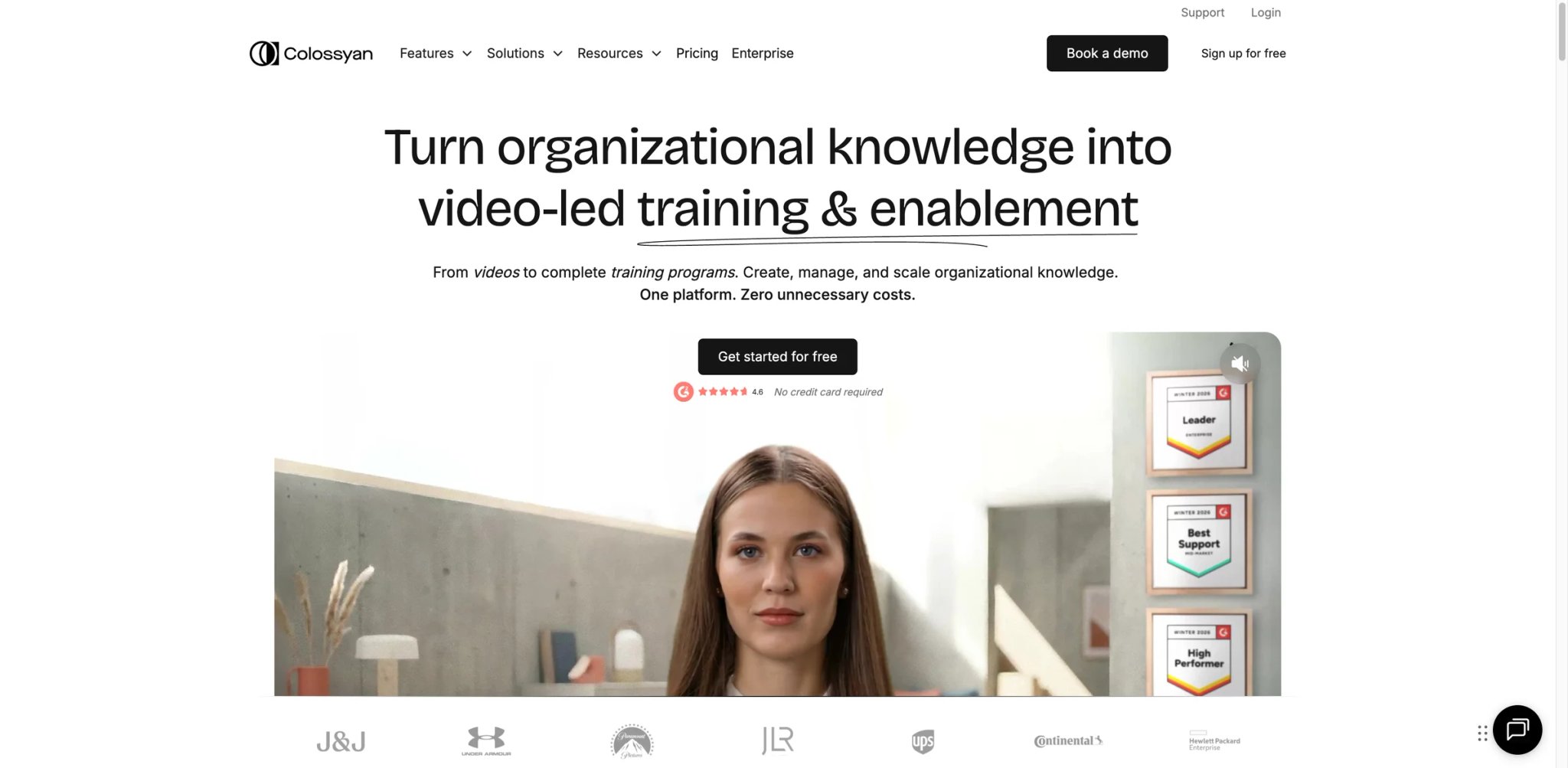
Colossyan read the room differently than the others. Instead of chasing ad teams or creators, it went after L&D departments that already use avatar video but are stuck stitching together a separate authoring tool on top. The result is an avatar platform with branching scenarios, question gates, and learner-choice scenes built in — not bolted on. For teams producing compliance, onboarding, and soft-skills training, this eliminates a whole class of downstream tooling.
Key Features
- Branching scenarios — Let learners choose what a character says next, with different scenes playing depending on the choice. No other avatar tool in this list ships this natively.
- Instant avatars in any active plan — Generate a custom avatar from a short recording, included rather than upsold. Studio-grade filmed avatars still cost $1,000/year as an add-on.
- NEO 1 / NEO 2 avatar models — NEO 2 handles complex gestures and emotional scripts better, but is minute-capped even on Business tier (10 min/mo or 120 min/year).
- Course-authoring scenes and quizzes — Quizzes and knowledge checks embed directly in the video timeline rather than requiring a separate LMS module.
Pricing & Plans
| Plan | Price | Key Limits |
|---|---|---|
| Starter | $19–$27/mo | 15 min/mo |
| Business | $88/mo | Unlimited NEO 1, NEO 2 capped |
| Enterprise | Custom | Unlimited, custom avatars, security |
Free trial lets you produce your first video before paying.
TCO Note: The Business plan's "unlimited" label applies only to the NEO 1 model. If your content needs NEO 2's expressive range, you'll hit the 10 min/mo wall quickly and be nudged toward Enterprise.
Pros & Cons
Pros
- Only avatar tool with native branching-scenario support
- Course-authoring features eliminate separate LMS tooling for simple modules
- Instant avatars included, not gated behind a premium tier
Cons
- G2 reviewers in 2025 report rendering times of 10+ minutes for short videos, which slows iteration
- Template library is small (~30 templates) compared to HeyGen/Synthesia
- Users report occasional project corruption on larger courses, forcing rebuilds from scratch
Best For
L&D teams at 50–500 person companies who want to author branching, interactive training without maintaining a separate course-authoring tool. Especially strong if your training content leans soft-skills or scenario-based rather than pure lecture.
Not the right fit if your primary need is high-volume short-form video — slow rendering and a smaller template library will frustrate you.
Get started with Colossyan

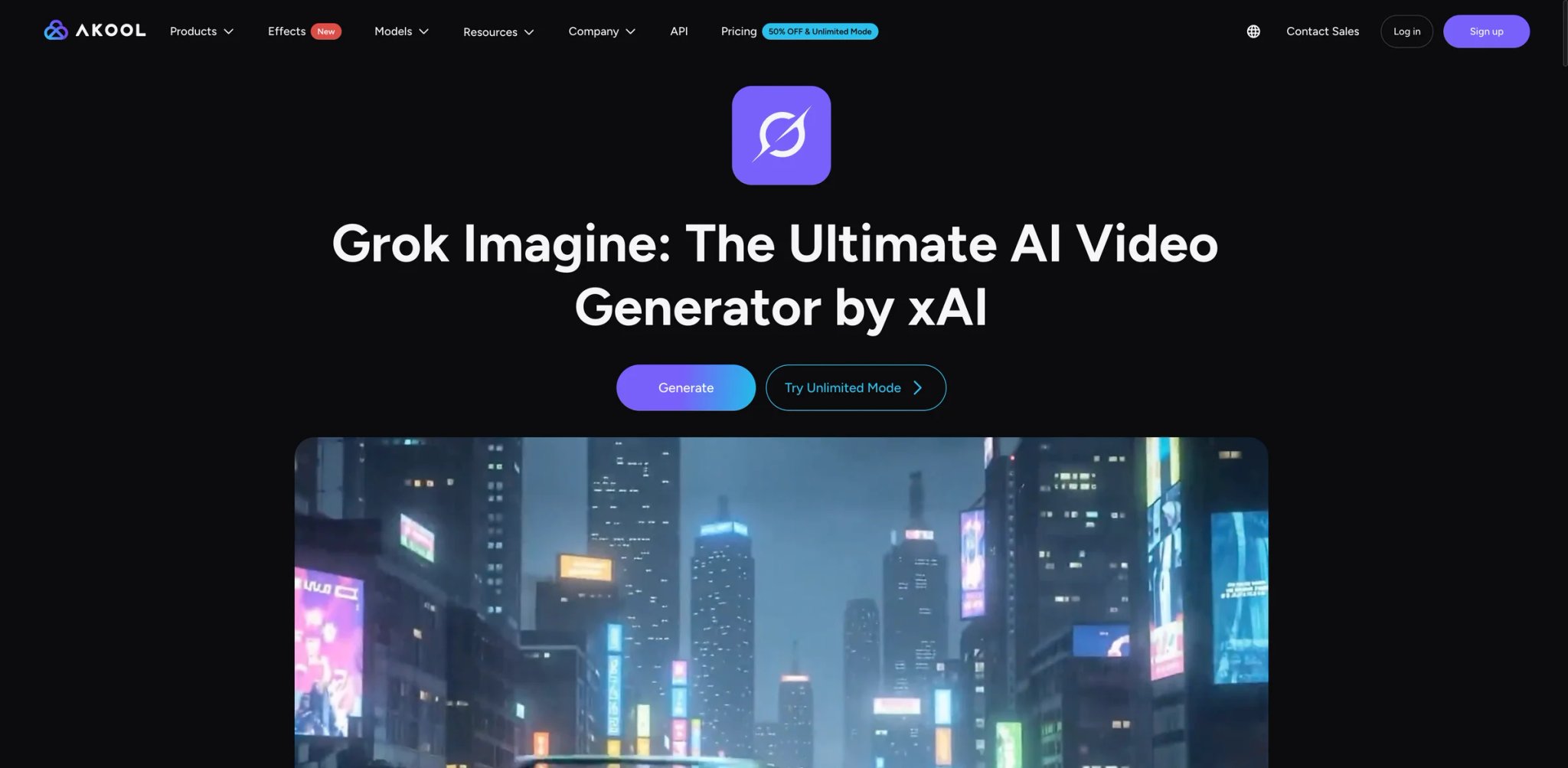
AKOOL is what happens when an avatar platform takes the live-streaming use case seriously. Most competitors treat avatars as batch-rendered assets; AKOOL ships a streaming avatar that can drive a real-time chat agent, a virtual host for webinars, or a live product demo. Add face-swap, motion-capture avatars, and a multimodal workflow and you get a platform that's closer to a virtual-human SDK than a video editor. That breadth is also its weakness — you pay in complexity and a credit system that's hard to predict.
Key Features
- Streaming avatars — Real-time avatar that can respond to live input via API, suited for virtual receptionist, live support agents, or branded conversational demos.
- Face-swap and motion capture — Beyond static avatars, AKOOL ships face-swap for existing footage and motion capture for custom gesture control. Useful for teams blending live footage with avatar narration.
- 155+ language support for video translation — Broad language coverage, though AKOOL's public product pages currently market 155+ translation languages rather than 175+.
- AWS Marketplace distribution — Enterprise buyers can procure through AWS, which simplifies vendor review for AWS-standardized organizations.
Pricing & Plans
| Plan | Price | Key Limits |
|---|---|---|
| Pro | ~$30/mo | Core features, credit-based |
| Pro Max | Custom tier | 10 custom instant avatars |
| Business | Higher tier | Team features |
| Enterprise | Custom | VIP processing, dedicated CSM |
3-day free trial available on Pro and Pro Max. Annual billing discounts ~30%. Verify current tier limits directly at akool.com — the credit system shifts more frequently than competitors.
TCO Note: Trustpilot reviews repeatedly flag "unlimited" queues slowing to 2+ hours per generation during peak times, and multiple users reported unauthorized top-up charges for credits they didn't request. The credit system itself is not fully disclosed on the pricing page.
Pros & Cons
Pros
- Only tool in this list with production-grade streaming avatars
- Face-swap and motion capture in the same platform
- 155+ translation languages for video dubbing
Cons
- Trustpilot users report wait times of 2+ hours for single generations on "unlimited" plans
- Multiple reports of unauthorized charges for credit packs users didn't purchase
- Some rendered videos can't be re-edited, which breaks the "iterate and refine" workflow promise
Best For
Teams building real-time or interactive avatar experiences (live support, virtual receptionists, branded agents) where the streaming capability actually justifies the added complexity.
Not the right fit if you only need batch-rendered talking-head videos — HeyGen and Synthesia are simpler, more predictable, and better supported.
Get started with AKOOL

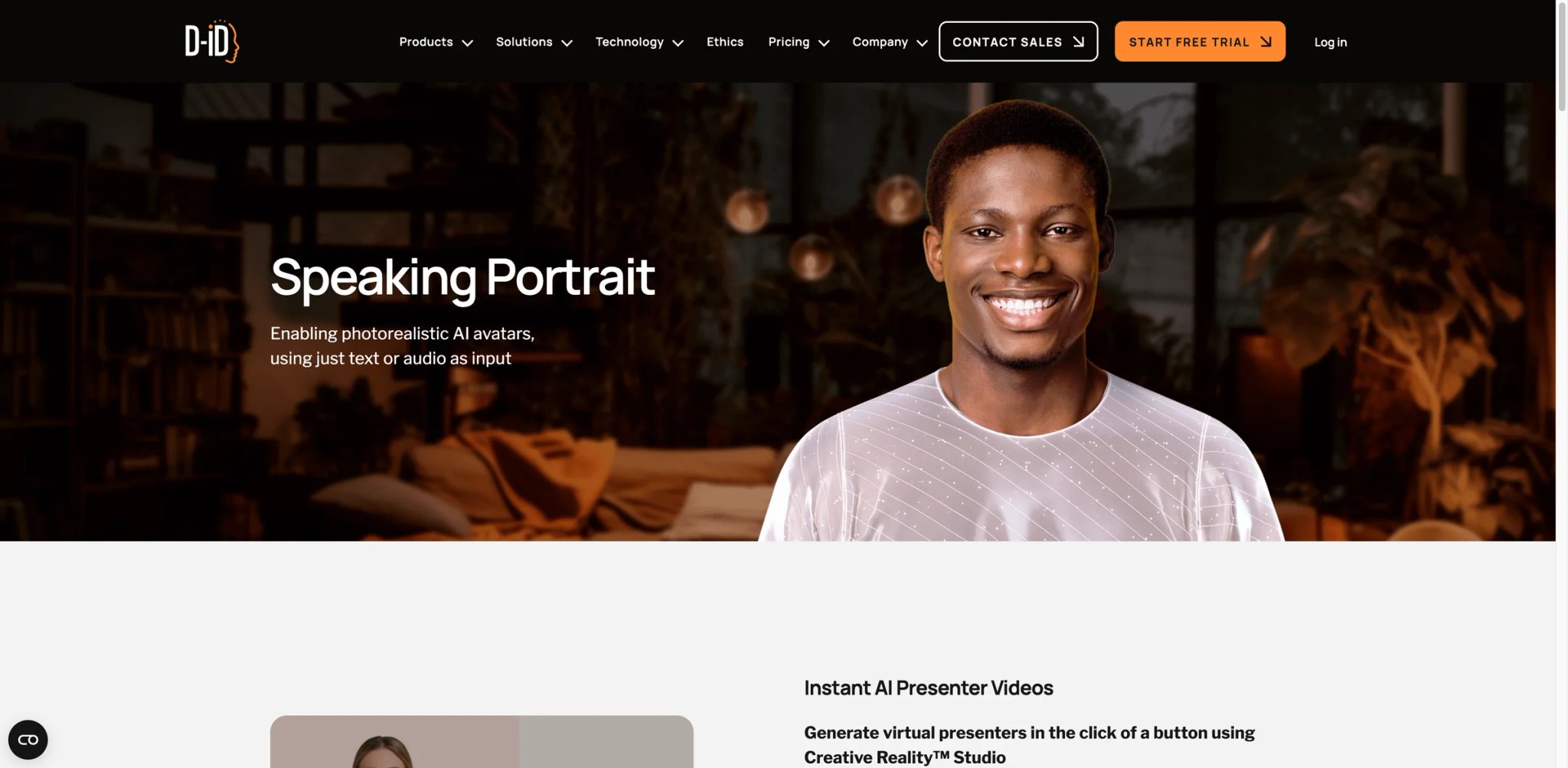
You have one great photo of the CEO and need a 30-second welcome video for the product launch tomorrow. That's the job D-ID was built for, and it's still the cleanest tool for it. Upload a photo, paste a script, get a talking-head video in minutes. The catch — documented repeatedly in 2025 reviews — is that the magic only lasts about 30 seconds. Push past a minute and the lip sync starts drifting; past two minutes and the mismatch becomes distracting. For its core use case (short social hooks, quick product announcements) it's great; for long scripted content it's the wrong tool.
Key Features
- Single-photo avatar generation — Upload a static image and D-ID animates it into a talking-head. No multi-minute recording needed, unlike HeyGen's digital twin flow.
- Express API for developers — Strong API surface for teams embedding avatar generation into their own product (learning platforms, HR tools, marketing SaaS).
- V4 Expressive Visual Agents — Launched March 2026, targeting real-time conversational avatars and long-form scripted content. Addresses the long-form lip-sync weakness on paper; still being validated in production.
- Voice cloning and multilingual dubbing — Covers 120+ languages, though language breadth still trails HeyGen.
Pricing & Plans
| Plan | Price | Key Limits |
|---|---|---|
| Free trial | $0 | 14 days, limited minutes |
| Lite | From $5.90/mo | 10 min/mo, watermark on Lite |
| Pro | From $16/mo billed annually | 15 min/mo |
| Advanced | From $108/mo billed annually | 65 min/mo |
| Enterprise | Custom | Unlimited, API, security |
20% additional discount on annual billing. API plans are priced separately from Studio plans.
TCO Note: The $5.90 Lite entry price looks great, but 10 minutes a month fills up fast if you're testing variants. Pro at $16/mo (annual) for 15 minutes is still expensive per minute compared to Vidnoz or Creatify on a per-video basis — D-ID's pricing reflects the API positioning more than consumer-friendliness.
Pros & Cons
Pros
- Best photo-to-talking-head flow available
- Low-friction entry price ($5.90 Lite)
- API-first design for developer use cases
Cons
- Independent testing in 2025 showed lip sync drifting after 30 seconds, clearly mismatched at 120 seconds
- Per-minute pricing is expensive for long-form content vs. competitors
- Language breadth trails HeyGen, especially for dubbing existing video
Best For
Teams producing short (≤30 second) social hooks, personalized video at scale via API, or anyone whose use case is "animate a single photo into a quick talking clip." Developers embedding avatar generation in their own app get the most value.
Not the right fit if your scripts run longer than 30–60 seconds — the lip sync degradation is well-documented and visible to viewers.
Get started with D-ID
Vidnoz
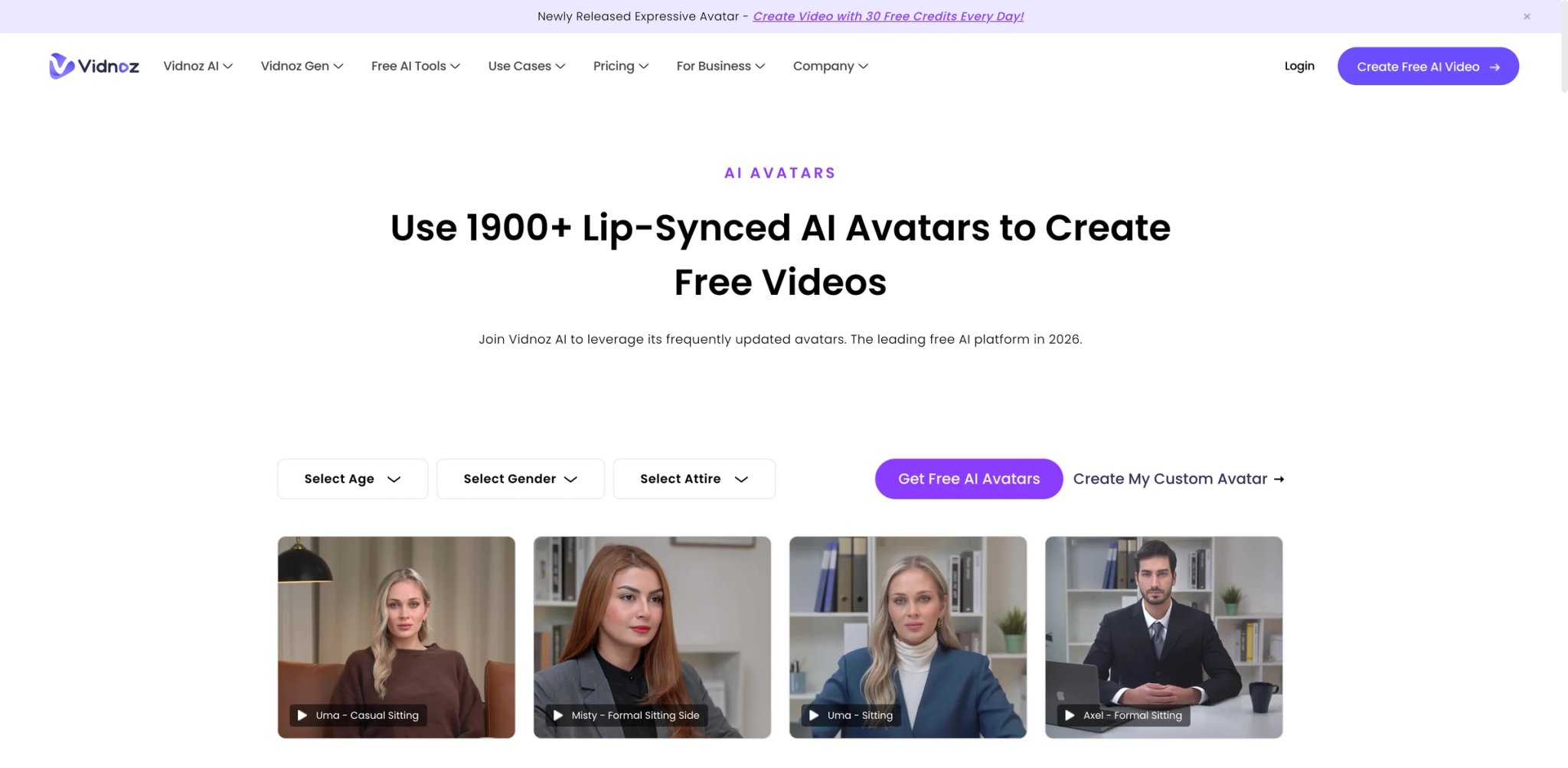
Not everyone can justify $29/month before they've made a single video. Vidnoz is what solo creators and budget-constrained small teams land on when the pricing on Synthesia, HeyGen, and Creatify feels premature. It ships one of the most generous free tiers in the category, plus paid plans that undercut the majors. Quality isn't leading — lip sync can drift on complex sentences, and avatar expressiveness is limited — but for creators producing simple talking-head content where "good enough" is actually good enough, the economics work.
Key Features
- Usable free tier — Longer clip limits and broader avatar access than most free tiers, enough to produce publishable content before paying.
- 1,900+ avatars with broad style range — Wider selection than D-ID or VEED at this price point, including regional and casual looks.
- Talking photo mode — Upload a static image and generate a talking clip, similar to D-ID's flagship flow.
- Video translation — Dub existing video into 70+ languages, though Trustpilot reviewers flag occasional sync lag on translated output.
Pricing & Plans
| Plan | Price | Key Limits |
|---|---|---|
| Free | $0 | Limited minutes, watermark |
| Starter | $19.99/mo (annual) / $26.99/mo monthly | Core features, no watermark |
| Business | Higher tier | Team features, more minutes |
| Enterprise | Custom | Unlimited, API |
TCO Note: Trustpilot users in 2025 documented "bait-and-switch" marketing where promoted free-credit offers never activated and support dismissed the complaint. Vidnoz also moved from pay-as-you-go credits to a subscription model, frustrating users who preferred occasional top-ups over recurring billing.
Pros & Cons
Pros
- Best free tier among major avatar tools
- Significantly cheaper than HeyGen or Synthesia at comparable minutes
- 1,900+ avatar library is surprisingly deep for the price
Cons
- Trustpilot users report advertised "30 free credits" promotions never activating after signup
- Lip sync drifts on complex multi-clause sentences, especially in non-English languages
- Subscription-only model removed the pay-as-you-go option long-time users preferred
Best For
Solo creators, small agencies, and side-project builders who need avatar video occasionally and can't justify $29+/month. The free tier is genuinely useful for evaluation.
Not the right fit if you're producing brand-critical content where lip-sync precision matters, or if support responsiveness affects your schedule.
Get started with Vidnoz

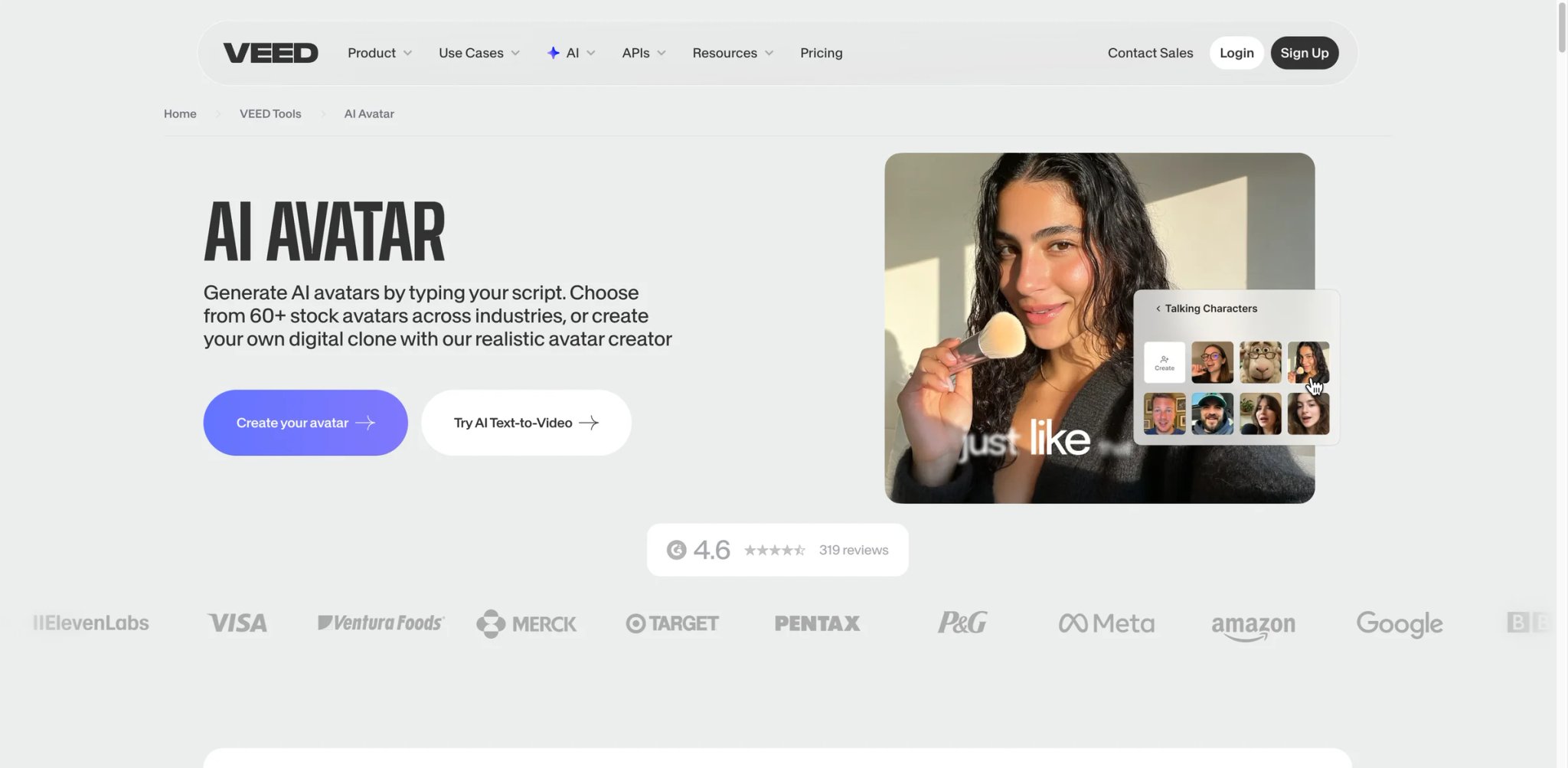
VEED's avatar feature sits inside something different: a full browser video editor. If you're already editing podcasts, social clips, or product videos in VEED and realize you want a single avatar scene for an intro, the friction is zero. You don't switch tools, re-upload assets, or re-learn a timeline. The tradeoff is that avatars aren't VEED's main business — the selection is smaller, the expressions are limited, and the quality trails tools where avatars are the core product.
Key Features
- Avatar inside a full video editor — Unique positioning: the avatar scene is one element in a broader editor with captions, transitions, music, and multi-track editing.
- 50+ language translation — Translate video dialogue across 50+ languages with the Pro plan, tied into the editor timeline.
- AI eye contact and background removal — Avatar-adjacent AI features that work on filmed footage, useful for hybrid content that mixes real footage with avatar scenes.
- Brand kit and team collaboration — Up to 5 editors on the Pro plan, serving small marketing teams without a separate team tier.
Pricing & Plans
| Plan | Price | Key Limits |
|---|---|---|
| Free | $0 | 10-min videos, watermark |
| Basic | $12–$19/mo | 1080p exports, no avatars |
| Pro | $24/mo (annual) / $49/mo monthly | Avatars (4 hrs/yr), 4K, 5 editors |
| Enterprise | Custom | Custom avatars, SSO |
Avatars are locked behind Pro. The 4-hours-per-year avatar allowance is essentially a cap — heavy avatar users will hit it.
TCO Note: The 4-hour annual avatar cap on Pro is genuinely restrictive for teams who'd use avatars daily. If avatar video is your primary workflow, dedicated tools are cheaper per minute. VEED makes sense when avatars are occasional enhancements to a broader editing workflow.
Pros & Cons
Pros
- Best in-browser editing experience in the category
- Avatars live inside a full editor, eliminating tool-switching
- Strong captioning, translation, and team collaboration features
Cons
- 2025 reviews call avatar quality "hit-or-miss," with expressions limited and lip sync drifting past 60 seconds
- 4-hour annual avatar cap on Pro tier limits heavy use
- Avatar library is smaller than specialists (no custom avatar on lower tiers)
Best For
Content teams already doing most of their video work in a browser editor who occasionally need an avatar scene — intros, CTAs, b-roll narration. The avatar is a convenience, not the product.
Not the right fit if avatars are your primary output — you'll hit the 4-hour cap or wish for the deeper library on HeyGen or AI Studios.
Get started with VEED

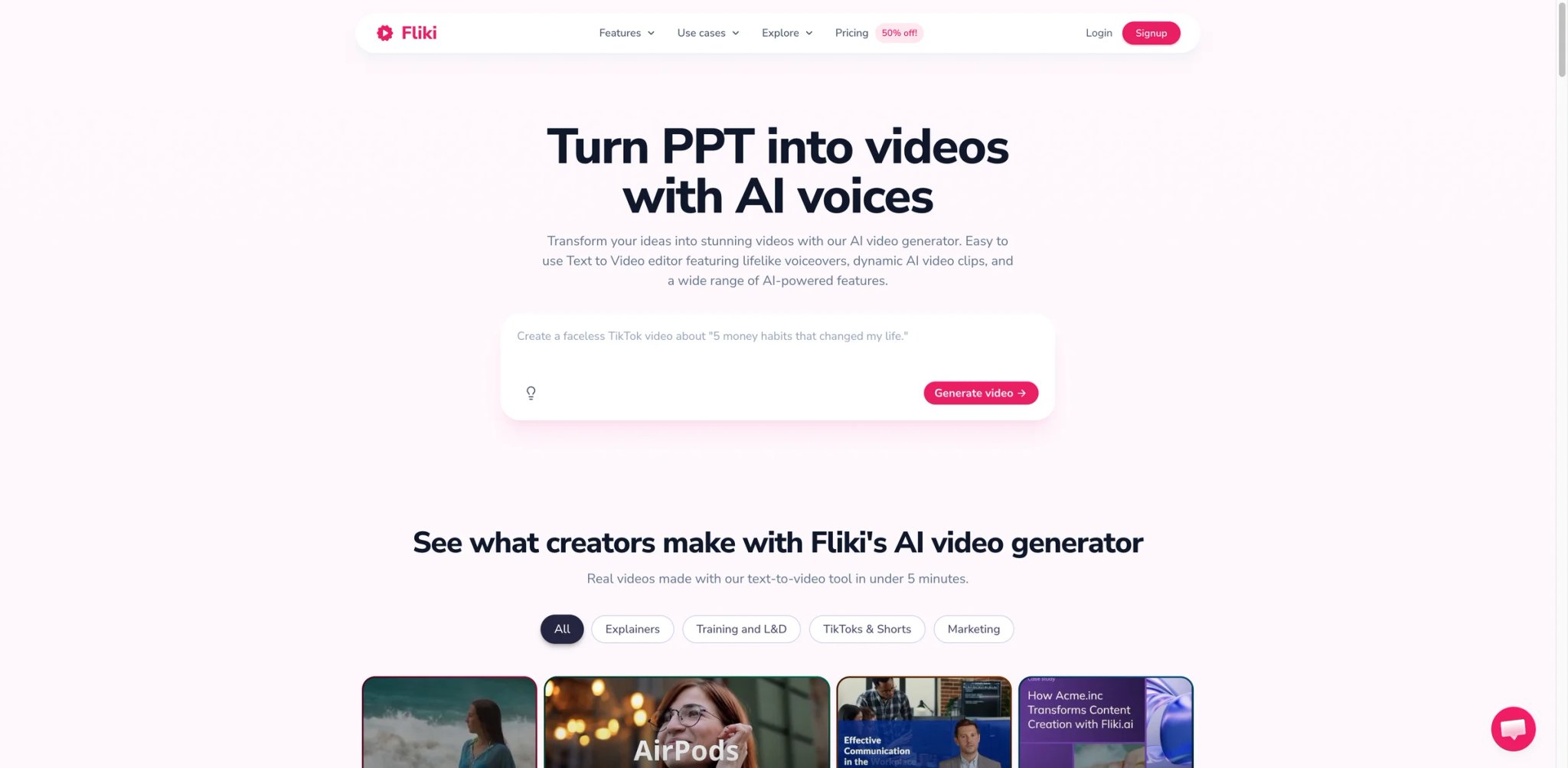
Fliki came up through the faceless-YouTube and podcast-narration world, and its avatar feature reflects that DNA. The core workflow is text-in, video-out: paste an article, get a narrated video with stock footage, captions, and optionally an AI avatar as a talking-head insert. For creators running a "faceless" channel who want to occasionally add a presenter without breaking brand, or podcasters who want video versions of episodes, it's a clean fit. Voice quality is genuinely strong — Reddit users in 2025 rated Fliki's TTS engine among the most natural available.
Key Features
- Text-to-video with avatar inserts — The full pipeline from article to narrated video with optional avatar scenes, not just isolated avatar rendering.
- 80+ languages with ultra-realistic voices — The voice engine is where Fliki leads, covering regional accents other tools treat as afterthoughts.
- Voice cloning (Premium tier) — Clone your own voice for consistency across episodes, useful for podcasters maintaining brand audio.
- API access — Fliki's public pricing page currently lists API access on Enterprise, not on Standard or Premium self-serve plans.
Pricing & Plans
| Plan | Price | Key Limits |
|---|---|---|
| Free | $0 | 5 min/mo |
| Standard | $21/mo (annual) | 180 min/mo, premium assets |
| Premium | $66/mo (annual) | 600 min/mo, voice cloning, AI avatar |
| Enterprise | Custom | API access, personalized avatars, dedicated account manager |
25% annual discount; 15% discount for nonprofits and education.
TCO Note: Avatar is Premium-only ($66/mo). If avatars are core to your workflow, that's the effective starting price despite the $21 Standard tier. Software Advice reviewers note some ultra-realistic voice options still sound artificial on long scripts — test before committing.
Pros & Cons
Pros
- Most natural TTS voices among the text-to-video tools
- Strong multilingual coverage (80+ languages)
- API access on Enterprise for systematized production
Cons
- AI avatar is Premium-only — effective entry is $66/mo, not $21
- Some reviewers note "ultra-realistic" voices still sound artificial on emotional or long scripts
- Avatar realism trails dedicated avatar platforms; this is a voice-first tool with avatars attached
Best For
Faceless YouTube creators, podcasters publishing video versions, and news/brief automation workflows where voice quality is the top priority and avatars are a nice-to-have accent.
Not the right fit if your primary output is long-form avatar-led content — you're paying for voice depth you'll underuse.
Get started with Fliki
JoggAI
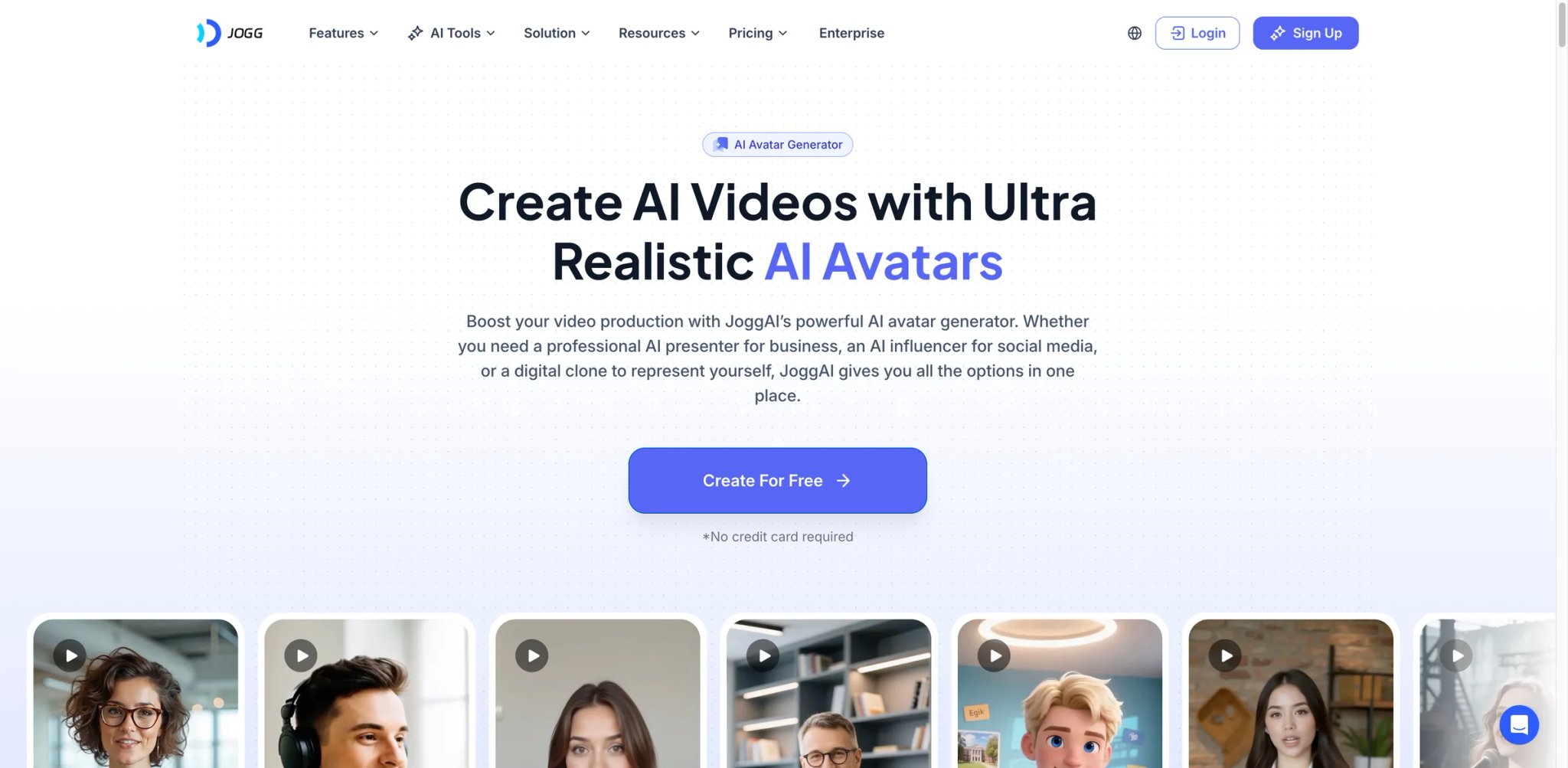
A Shopify seller launches a new SKU. They need ad creative today, not in a week. JoggAI's pitch is narrow and specific: paste the product URL, get a UGC-style ad with an AI avatar, ready to post. The URL-to-video workflow scrapes product imagery, pricing, and copy, then assembles a draft ad the seller can tweak. For DTC sellers running Meta and TikTok ads who aren't marketers by training, it removes a huge friction point.
Key Features
- URL-to-ad generation — Paste a Shopify, Amazon, or general product URL; JoggAI scrapes and assembles an ad. No tool in this list matches this specific workflow out of the box.
- 400+ UGC-style avatars — Skews casual and creator-style rather than corporate, matching ad creative norms on TikTok/Reels.
- Custom video avatars (Creator tier and above) — Up to 10 custom avatars on Creator, useful for maintaining a consistent on-screen spokesperson.
- Batch creation — Generate multiple ad variants at once for systematic A/B testing.
Pricing & Plans
| Plan | Price | Key Limits |
|---|---|---|
| Free | $0 | 30-second videos, watermark |
| Starter | $29/mo ($24 annual) | 200 credits/year, up to 200 avatar videos, videos up to 3 min |
| Creator | $69/mo | Unlimited video creation, videos up to 15 min, 10 custom avatars |
| Team | $89/seat/mo | Multi-user workspaces |
| Enterprise | Custom | Bespoke limits, account manager |
TCO Note: Multiple lifetime-deal buyers on Product Hunt and deal aggregators reported post-sale credit and feature changes — BYO API keys being required on advanced models, heavier limits than promised, and moderation removing dissenting reviews. Treat LTDs with extra caution; the subscription plans are more predictable.
Pros & Cons
Pros
- URL-to-ad workflow is genuinely unique for e-commerce sellers
- 400+ UGC-style avatars tuned for ad creative
- Fast video generation, useful for tight ad deadlines
Cons
- LTD buyers report post-sale feature changes and tighter limits than advertised
- Small overall user-feedback sample — long-term reliability less documented than majors
- Pricing per video is higher than Creatify for equivalent ad workflows at volume
Best For
E-commerce operators and DTC brand owners who need ad creative fast and don't have an in-house creative team. Especially strong for product-URL-driven workflows where the platform's scraping adds real value.
Not the right fit if you're producing non-product content (training, explainers, podcasts) — the URL-to-video strength doesn't apply.
Get started with JoggAI
Elai
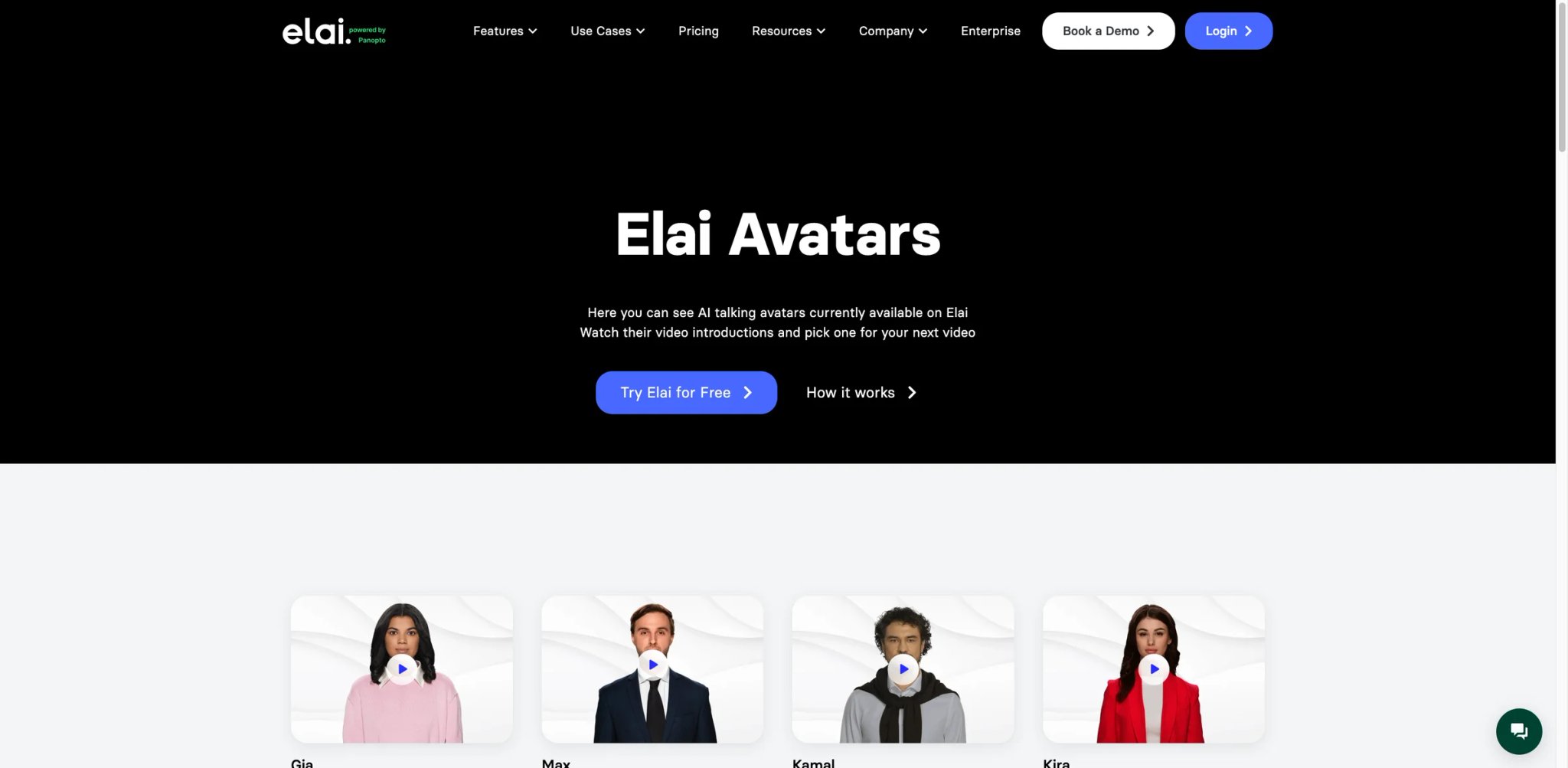
Elai chose a narrower lane than Synthesia but aims at a similar buyer: mid-market L&D teams producing interactive training. The differentiator is its approach to custom avatars — you can generate a selfie-based avatar from a short phone recording, letting trainers appear as themselves without filming a studio-grade shoot. For teams where authenticity matters (internal trainers, subject-matter experts, executive communications), this sits between Synthesia's premium Studio avatars and cheaper tools' generic presenter libraries.
Key Features
- Selfie, Studio, Photo, and Animated Mascot avatars — Four custom avatar types at different production tiers, from quick selfie recording to filmed studio-grade avatars.
- Interactive video elements — Quizzes, branching, and knowledge checks embed in the video timeline, similar to Colossyan's course-authoring approach.
- SCORM export — Direct LMS integration, which most tools in this price range don't offer.
- Slide-to-video import — Upload PPT decks and generate narrated avatar-led videos, speeding up internal training pipelines.
Pricing & Plans
| Plan | Price | Key Limits |
|---|---|---|
| Creator | $29/mo ($23 annual) | 15 min/mo |
| Team | $125/mo ($100 annual) | 50 min/mo, 3 editors, 1 selfie avatar, 1 voice clone |
| Enterprise | Custom | Unlimited, SSO, priority |
TCO Note: G2 and Trustpilot users report edits consume rendering minutes — not just the final render — which tightens the effective minute budget for iterative workflows. Paid package minutes also expire if unused, so under-utilization is penalized.
Pros & Cons
Pros
- Selfie-avatar flow makes personal avatars accessible at mid-market pricing
- SCORM export included at a price point where most competitors gate it behind Enterprise
- Slide-to-video import speeds up internal training content
Cons
- Edits consume rendering minutes, penalizing iteration on scripts
- Paid minutes expire monthly without rollover on lower tiers
- Stock avatar selection is smaller than AI Studios or HeyGen — custom avatars effectively required for variety
Best For
L&D teams at growing companies that want custom personal avatars for trainers and executives without Synthesia-level pricing. Especially strong for teams with SCORM requirements on a tighter budget.
Not the right fit if you're doing high-volume social content — the minute-expiration model and smaller stock library will frustrate you.
Get started with Elai
Wondershare Virbo
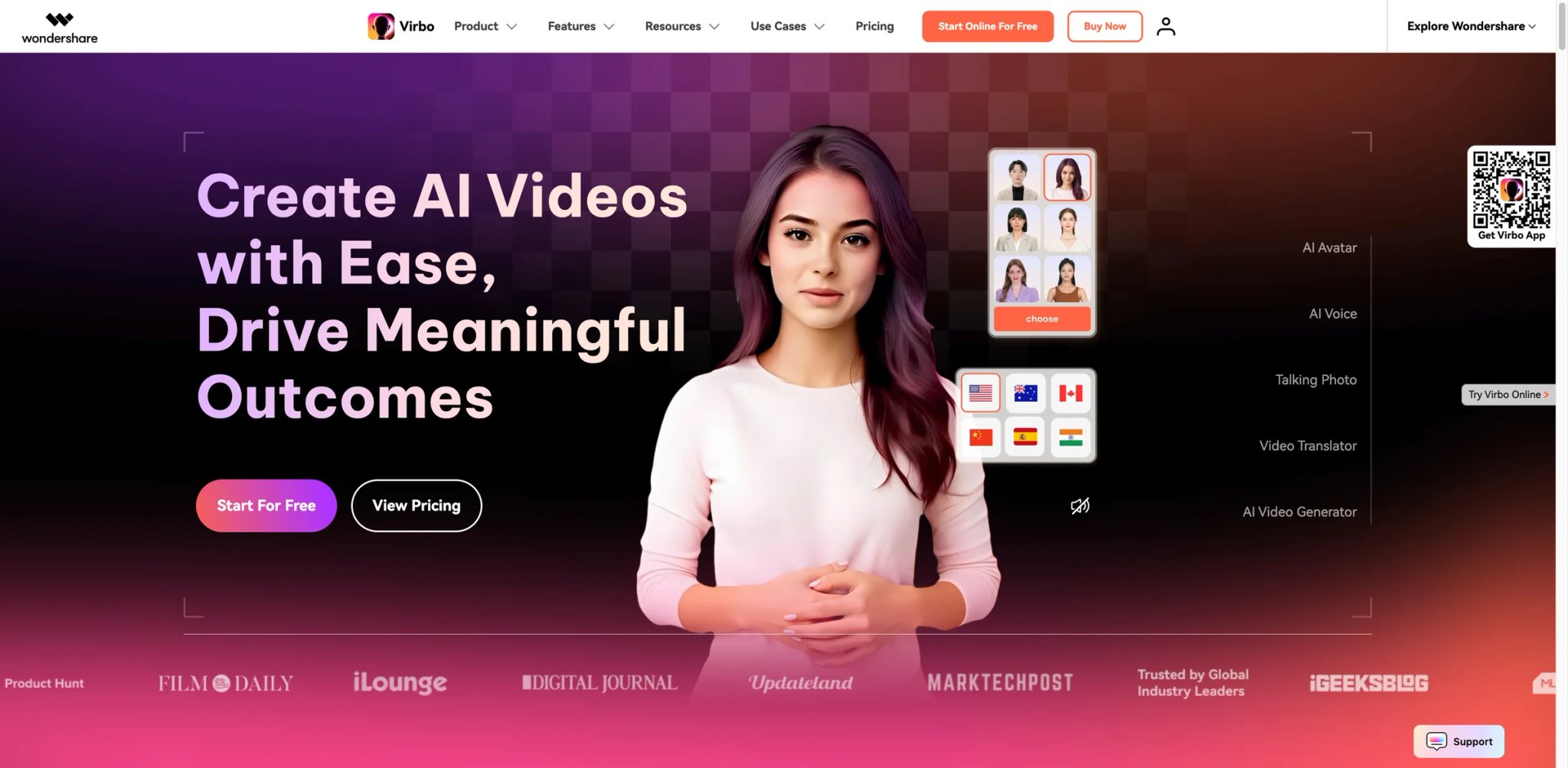
Virbo is the outlier in this list because it runs natively on desktop (Windows, Mac), iOS, Android, and web — not just in a browser. For creators who actually edit on a phone between meetings or prefer desktop-grade performance to a laggy browser editor, this matters. Wondershare's broader video-tool DNA shows up in the UI: it feels like a consumer app rather than a B2B SaaS, which makes for fast onboarding. The cost is complexity in the plan structure and some reliability friction on exports.
Key Features
- Cross-platform parity — Real mobile apps (not just responsive web), plus native desktop builds with offline editing for some features.
- Live streaming avatar — Drive a real-time avatar for TikTok Live, Instagram Live, and similar streaming use cases.
- Avatar template library — Pre-built templates tuned for short-form social, with vertical-first layouts.
- Commercial use rights on paid tiers — Free-tier output is explicitly non-commercial; paid tiers unlock commercial rights for both video and avatar assets.
Pricing & Plans
| Plan | Price | Key Limits |
|---|---|---|
| Free | $0 | 30-sec videos, watermark, non-commercial |
| Monthly | $9.90/mo | Cross-platform paid plan, no watermark, commercial use allowed on subscribed plans |
| Yearly Essential | $44.90/yr | 45 video mins/yr, max 5 mins/video |
| Yearly Pro | $199/yr | 300 video mins/yr, max 5 mins/video |
| Enterprise | Custom | Unlimited, API |
Video-minute and AI-card add-ons are sold separately. Verify current tier minute caps directly at virbo.wondershare.com — plan mix changed in the last year.
TCO Note: G2 users flag the quota structure as opaque: lower tiers have 25-minute export caps, add-on purchases are required for extra minutes, and some users report hitting export errors after paying. Free-tier creators cannot use output commercially, which is frequently missed on signup.
Pros & Cons
Pros
- Only cross-platform offering (desktop + iOS + Android + web) in this list
- Live streaming avatar mode for social platforms
- Consumer-friendly UX vs. B2B-SaaS competitors
Cons
- G2 and Trustpilot users report export errors on paid tiers mid-render
- Free tier is watermarked, 30 seconds max, and not commercially usable — narrower than competitors' free tiers
- Quota structure requires add-on purchases for meaningful output volume
Best For
Mobile-first content creators, social media managers who edit on the go, and users who specifically want a desktop app rather than browser-only tools. Good for short-form vertical social content.
Not the right fit if you're producing long-form enterprise training — the consumer focus and quota structure aren't aligned with that workflow.
Get started with Wondershare Virbo
Animaker
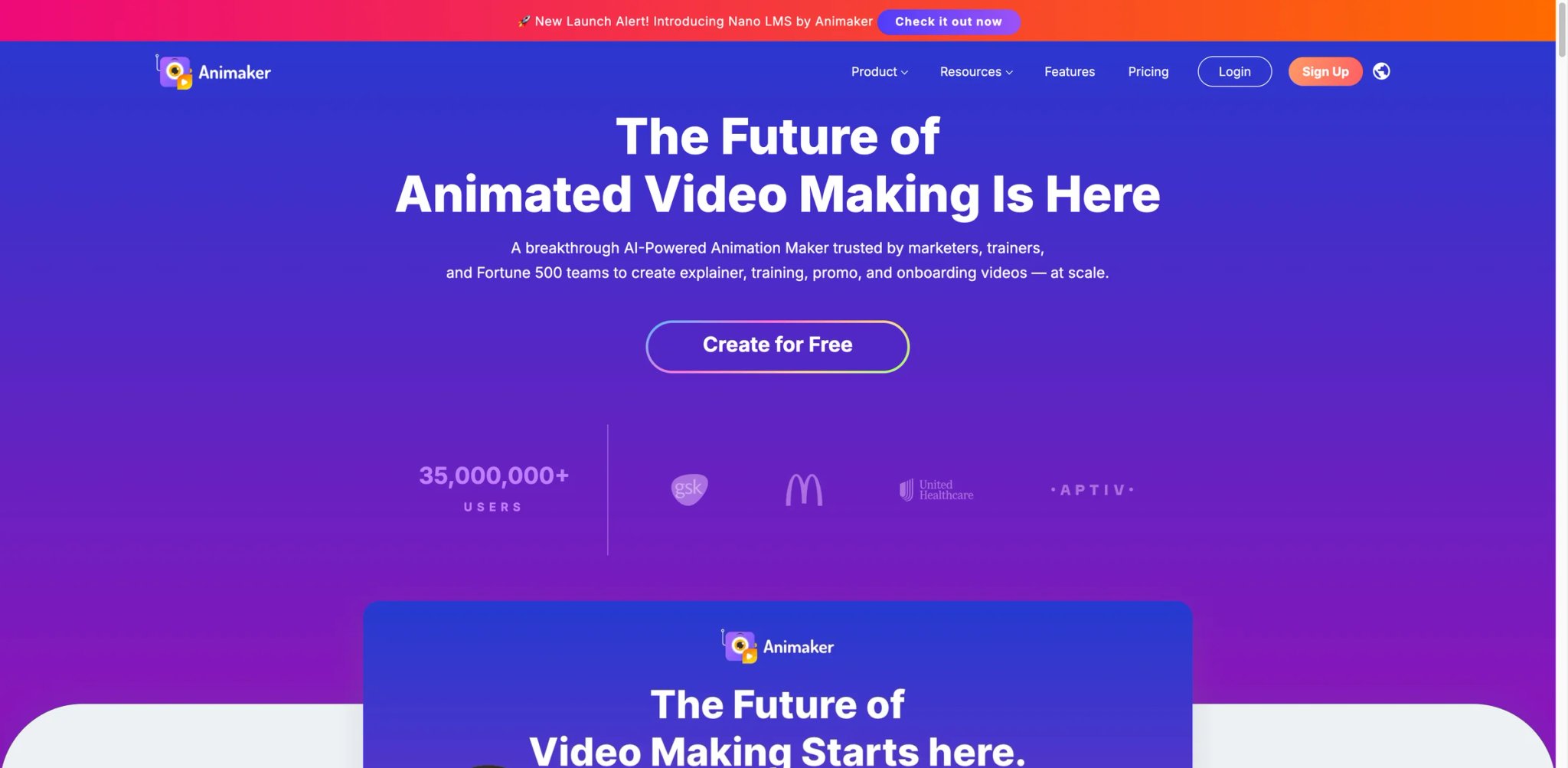
Animaker is a different species — it started as an animated-character platform and added realistic avatars later, rather than the reverse. For explainer videos, whiteboard-style marketing, and any content where a stylized cartoon character fits the brand better than a realistic presenter, Animaker is the strongest option in this list. The realistic-avatar side trails specialists, but the animated character library is unmatched.
Key Features
- Animated character builder — Customize cartoon characters at a granular level (outfits, expressions, gestures) in ways realistic-avatar platforms can't.
- Hybrid scenes — Mix animated characters with realistic avatars in the same video, useful for brands with an established animated mascot who want a spokesperson scene.
- Massive template library — Thousands of templates spanning marketing, explainer, training, and social formats.
- AI avatar trainer video mode — Dedicated workflow for training content with animated characters as presenters.
Pricing & Plans
| Plan | Price | Key Limits |
|---|---|---|
| Free | $0 | Watermark, limited exports |
| Basic | $10/mo (annual) / $20/mo monthly | HD exports |
| Starter | $19/mo | Premium characters, longer videos |
| Pro | $49/mo | 4K, premium assets |
| Enterprise | Custom | Team features, priority |
TCO Note: Realistic AI avatar quality trails HeyGen and Synthesia meaningfully. If you want realistic avatars as the primary output, Animaker is the wrong tool. If you want animated characters as the primary output with realistic avatars as accents, it's the right one.
Pros & Cons
Pros
- Unmatched animated-character library and customization
- Thousands of templates, especially strong for explainer video
- Competitive entry price ($10/mo annual)
Cons
- Realistic AI avatar quality trails specialists by a visible margin
- UI has grown feature-heavy over years, with some legacy workflows feeling dated
- Free tier watermarks and limited exports are standard restrictions
Best For
Explainer-video studios, marketing teams with an established animated brand identity, and educators producing content where cartoon characters outperform realistic presenters for engagement.
Not the right fit if your use case requires photoreal avatars as the primary on-screen element — the animation DNA shows.
Get started with Animaker
Captions
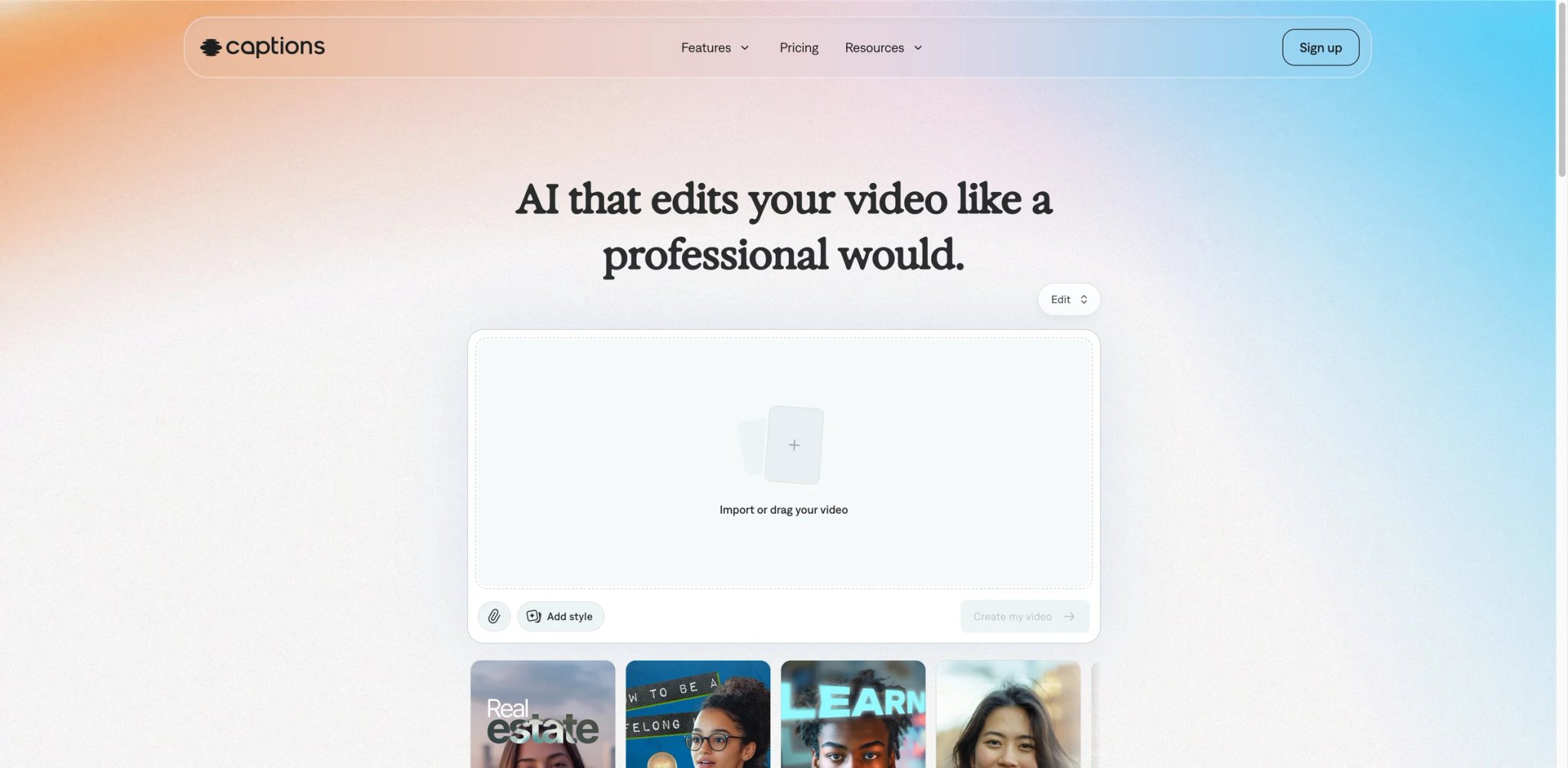
Captions is iPhone-first and unapologetic about it. For creators who do most of their short-form editing on mobile, its AI actors and auto-edit flows are the slickest in the category. It sits in this list because the AI actor feature genuinely competes on quality for short social clips, and the digital-twin option for cloned avatars is surprisingly capable. The reason it lands at #15 rather than higher is a subscription controversy that's documented across Trustpilot, Reddit, and the App Store: the 2025 pivot to "Mirage" left long-time subscribers paying the same for drastically reduced features.
Key Features
- AI Actor library — High-quality digital actors tuned for short-form social video, with expression and delivery that competes with much more expensive tools.
- Digital twin (video clone) — Record a short sample and Captions builds a cloned AI version of you, suited for solo creators posting daily.
- Mobile-first editing — Auto-edit, auto-captions, B-roll generation, and trim-to-speech work natively on iPhone, a workflow most competitors force onto desktop.
- Script writer and teleprompter — Integrated script generation and on-screen teleprompter for creators filming themselves alongside avatar inserts.
Pricing & Plans
| Plan | Price | Key Limits |
|---|---|---|
| Free | $0 | Free to sign up; advanced features require a subscription |
| Pro | $9.99/mo | 200 credits/mo, no watermark |
| Max | $24.99/mo | 500 credits/mo, digital twins and custom AI actors |
| Scale | $69.99/mo | 1,400 credits/mo, higher-volume generative workflows |
| Enterprise | Custom pricing | Bulk credits, custom seats, account management |
TCO Note: The Mirage migration in 2025 drew documented complaints on Trustpilot (which has sunk to 1.6/5 overall). Users paying the same rate reported being able to produce "maybe 5%" of what they could before. Captions' monthly plans are explicitly non-refundable. A user who canceled after 10 days of minimal use reported being refunded $26 less than what they paid, per Trustpilot.
Pros & Cons
Pros
- Best iPhone-first editing experience in the category
- Captions' paid entry starts at $9.99/mo, but the full AI-actor / custom-twin workflow sits on Max at $24.99/mo
- Strong integrated workflow (script, actor, captions, export) for solo creators
Cons
- Trustpilot sits at 1.6/5; Mirage migration in 2025 reduced features for paying subscribers without price adjustment
- Desktop, web, and Android versions lag the iPhone app, with syncing issues between devices
- Non-refundable monthly plans; one documented case of partial refund $26 below paid amount
Best For
Solo iPhone creators producing daily short-form content who value speed and mobile workflow over enterprise features. The AI actor library punches above its price.
Not the right fit if you're risk-averse on subscription stability or need consistent experience across devices — the recent feature-swap controversy is a real signal.
Get started with Captions
Best AI Avatar Generators by Use Case
For Performance Marketers Testing Ad Creative at Volume
If you're running paid social at a DTC or SaaS brand and your week revolves around A/B testing hooks and CTAs, Creatify is the strongest fit — the 300+ UGC-style actors and batch variant workflow are tuned for exactly this. JoggAI is a stronger second choice if your inputs are product URLs (Shopify, Amazon) rather than hand-written scripts. HeyGen's digital twins and Synthesia's polish are overkill for short-form ad testing where first-frame stop is what matters.
For Enterprise L&D and Compliance Training
If you're shipping training videos to thousands of employees across languages, and your compliance team cares about SCORM, SSO, and review workflows, Synthesia is the safe default. Colossyan is the right alternative if your training leans soft-skills and branching scenarios — its native branching support eliminates a separate authoring tool. Elai sits between them at more accessible pricing if you're at a smaller company with SCORM requirements.
For Multilingual Video Localization
If your main problem is translating existing video into 5, 10, or 20 languages without re-shooting, HeyGen's audio dubbing preserves the original speaker's voice across languages in a way competitors don't match. AKOOL is a close second with 155+ translation languages and works well for live-streaming localization. Verify current caps — HeyGen's "unlimited" plans have been flagged for quiet translation-minute caps in 2025–2026 complaints.
For Solo Creators on a Tight Budget
If you're a YouTuber, podcaster, or solo marketer who needs avatar video occasionally without committing $29+/month, Vidnoz's free tier is genuinely usable and paid plans undercut the majors. Fliki is the better choice if your content is text-to-video-first (faceless YouTube, podcast clips) where voice quality outweighs avatar realism. Captions wins if you edit on iPhone — just go in eyes-open on the recent subscription controversy.
For Photo-to-Talking-Head and Short Social Hooks
If your workflow is "take a single photo, make it talk for 30 seconds," D-ID is still the cleanest tool. For broader talking-photo exploration, our guide to the best AI talking photo generator covers the dedicated category. Avoid long-form scripts here — lip sync drifts after the 30-second mark.
For Mobile-First Social Video
If you actually edit on a phone, Wondershare Virbo and Captions are the only two platforms that ship real mobile-first experiences. Virbo adds live streaming avatar capability; Captions has the better iPhone editing UX. Neither is ideal for long-form corporate content — they're built for vertical short-form.
How to Choose the Right AI Avatar Generator
Five decisions, in the order they actually matter for solo creators and small teams:
-
Name your primary workflow in one sentence. "Test 20 ad variants a week," "localize training into 8 languages," "post daily to TikTok from my phone" — the answer narrows the list from 15 to 3. Tools built for ads fail at training, and vice versa.
-
Test on the free tier or trial with your actual script, not the demo script. Every tool looks good on its marketing video. Record a script you'd actually publish, in the avatar you'd use, and watch lip sync at 30, 60, and 90 seconds. This alone eliminates D-ID for long content and reveals which tools' "ultra-realistic" claims hold up.
-
Read the credit math, not the sticker price. HeyGen Creator is $29/month, but Avatar IV premium videos burn 20 credits per minute against a 200-credit allocation. Translate that into "minutes of premium avatar per month." Do the same for Creatify, AKOOL, and D-ID — credit systems hide the real cost.
-
Verify commercial rights before your first paid render. Free tiers on Wondershare Virbo and others are explicitly non-commercial. Some translation features on HeyGen have been quietly capped. Read the terms for your specific use case (paid social ads, client work, YouTube monetization).
-
Check cancellation and renewal terms. Cancellation friction, unauthorized charges, and non-refundable annual plans show up repeatedly in Trustpilot complaints across HeyGen, Creatify, Captions, Vidnoz, and AKOOL. If you're uncertain, start monthly. If you're sure, annual discounts are real but verify the cancellation path first.
For teams whose pain is upstream (sourcing the right voice or raw video) rather than avatars specifically, our guides to the best AI voice generator and the best AI music video generator cover adjacent categories.
Frequently Asked Questions
What's the best AI avatar generator for creating ad videos in 2026?
HeyGen vs Synthesia — which is better for enterprise training?
Which AI avatar generator has the best free tier in 2026?
Why do my avatar videos look robotic on long scripts?
Do AI avatar generators support commercial use on free plans?
How much do custom avatars (digital twins) actually cost?
Which AI avatar tool has the fewest billing complaints?
Can I use AI avatars for corporate training videos that need LMS compatibility?
Get ToolWorthy Weekly
New AI tools, practical guides, and selected AI signals in one weekly brief.
Related Posts
- 8 Best Tools to Make Rumpelstiltskin AI Videos in 2026
Put yourself in the Rumpelstiltskin tiptoe meme, transfer a dance to your own character, or finish a green-screen remix with these eight video tools.
- Best Bulin 47 AI Video Makers: Photo, Motion and Editing
Make a Bulin 47 red-door freestyle from one photo, or build a creative version with your own motion video. Compare inputs, sound, format and pricing.
- Best Burning Bridges AI Video Generators: Choose Your Route
Turn a photo into a Burning Bridges party clip. Compare party presets, character motion, scene changes and final editing by inputs, output and cost.
For AI tool founders
Built a tool that belongs in this decision set?
Request an editorial evaluation for possible inclusion in ToolWorthy.
Submit your tool for reviewPaid submission does not guarantee a ranking, recommendation, inclusion, or editorial outcome.