
15 Best Midjourney Alternatives 2026 - Control, Cost & API
Compare 15 Midjourney alternatives for 2026, including Stable Diffusion, Leonardo AI, Firefly, Ideogram, ChatGPT Images, Gemini, FLUX and Recraft.
On this page
Midjourney is still one of the most distinctive AI image generators. That is exactly why the 2026 switching conversation is more complicated than a normal "best tools" list. Users are not only asking whether competitors can make beautiful images. They are asking why they should keep paying a separate Midjourney subscription when ChatGPT, Gemini, FLUX, Stable Diffusion, Ideogram and Leonardo AI now cover more of the practical workflow around prompt adherence, text, editing, private generation, APIs and production delivery.
The timing matters. Midjourney moved through V8.1 Alpha in April 2026, made V8.1 the default model on June 11, and shipped V8.2 as the default on July 24. Community feedback immediately split between users who liked the realism and users who felt their established style, surreal output, or workflow had been disrupted. Add ongoing copyright litigation and a subscription stack that starts at $10 but often pushes serious users to higher plans, and "Midjourney alternatives" becomes a decision query, not casual browsing.
This guide maps 15 alternatives to the real reasons people leave Midjourney: lower bundled cost, better text and prompt control, local privacy, API automation, fewer moderation surprises, and less risk that a model update breaks a working style. For broader image-tool discovery, compare this with ToolWorthy's AI image generator category, the broader AI alternatives library, and the Midjourney V7 review.
| Tool | Best For |
|---|---|
| Stable Diffusion | Open-weight control and local generation |
| Leonardo AI | Production image workflows with training and editing |
| Adobe Firefly | Commercial creative teams inside Adobe apps |
| Ideogram | Text-heavy images, posters, and prompt adherence |
| ChatGPT Images | Conversational editing already bundled with ChatGPT |
| Google Gemini | Reference-image editing and everyday bundled generation |
| FLUX | API, open-weight, and developer image pipelines |
| Recraft | Brand, vector, and design-system assets |
| Krea | Real-time creative exploration and enhancement |
| OpenArt | Multi-model generation with character and story tooling |
Why People Are Leaving Midjourney in 2026
Midjourney's strongest users are often the same people searching for alternatives. The core complaint is not that Midjourney became bad. It is that the surrounding constraints - cost, control, private generation, moderation, automation, and model churn - now matter more because the competitive field has caught up. The migration discussion in r/midjourney, r/StableDiffusion, official update posts, and comparison pages clusters into seven distinct switching reasons.
1. Subscription value is harder to defend. A May 30, 2026 r/midjourney thread asked the blunt question: "What is the reason to pay for Midjourney nowadays?" Another late-2025 renewal thread said competition seemed to be "catching up," and a separate post after the Nano Banana launch said Midjourney felt like it was "losing the race." The important signal is not one comment; it is the shift from "Midjourney is the obvious premium pick" to "do I still need a separate subscription?" When ChatGPT Plus, Gemini, Adobe plans, and local open models already sit inside other workflows, Midjourney has to justify a dedicated line item.
2. Prompt adherence and edit control are still pain points. Users comparing Midjourney with Nano Banana, ChatGPT Images, Ideogram, and local workflows keep returning to the same frustration: Midjourney can produce beautiful first drafts, but complex instructions, readable text, precise local edits, and repeated revisions can become harder than expected. A 2026 r/midjourney complaint said outputs were "not even getting close" to the requested image, while another comparison praised Nano Banana Pro's prompt adherence and realism. This is where alternatives like Ideogram, ChatGPT Images, Gemini, Recraft and local Stable Diffusion workflows become more than "competitors"; they solve different control problems.
3. Rapid V8.x changes create fresh workflow risk. This is the fresh-news angle for 2026. Midjourney's official cadence moved quickly: V8.1 Alpha in April, V8.1 default on June 11, and V8.2 default on July 24. The community reaction was mixed, but a July 25 discussion immediately surfaced a practical concern: users liked some realistic improvements while others felt older artistic or surreal styles were harder to reproduce. The right takeaway is conservative: V8.2 did not make Midjourney unusable, but rapid default-model changes make production workflows harder to freeze. Local models, pinned FLUX workflows, and ComfyUI graphs appeal to users who need repeatability.
4. Moderation and censorship complaints are strong enough to stand alone. This is not just a side effect of prompt control. Research found multiple 2025-2026 community threads where users complained about harmless prompts being blocked, subscriptions being canceled after repeated frustration, or content moderation feeling unpredictable. One October 2025 discussion grouped censorship complaints, and another November post explicitly connected stopping use with "unexplained censorship." For professional users, this is not mainly ideological. If a legitimate fashion, medical, historical, fantasy, or client prompt can fail unpredictably, the tool becomes less reliable for paid production.
5. Character and reference consistency remain project-level requirements. Moodboards, Style Reference, Omni Reference and V8.x improvements help, but users building comics, product campaigns, recurring characters, or brand worlds often need more durable control than a single hosted model exposes. The alternatives divide here: Gemini and ChatGPT Images are easier for conversational reference editing; Leonardo and OpenArt provide production-facing character workflows; Stable Diffusion, FLUX and ComfyUI provide model, LoRA and workflow-level control when a team needs to pin a repeatable pipeline.
6. Private generation can feel like a paywall. Midjourney's higher-value workflows can require paying for private or stealth modes rather than simply running the system locally. For sensitive client work, unreleased brand concepts, product mockups, or internal campaign assets, that matters. Hosted competitors still have their own privacy terms, but local Stable Diffusion, FLUX-derived workflows, and ComfyUI let teams move sensitive generation off public hosted defaults. The privacy question is less "which model is prettier?" and more "where does the image, prompt, and reference material go?"
7. API and automation gaps push technical users elsewhere. Midjourney remains strongest as an interactive creative tool, not a first-party API platform. That is fine for moodboarding, concept art and style exploration. It is weaker for ecommerce image generation, programmatic variants, automated brand asset pipelines, QA loops, or internal tools. FLUX APIs, Stable Diffusion APIs, Recraft's design API posture, and ComfyUI automation exist because some teams need reproducibility more than a single beautiful Discord or web output.
These seven pain points map directly to the alternatives below. None of them erase Midjourney's strengths around taste, aesthetics and exploration. They simply solve different switching reasons better.
Decision Framework Before You Switch
The biggest mistake is choosing a Midjourney replacement by looking at one impressive gallery image. That is how users end up disappointed twice: first by Midjourney's constraint, then by an alternative that solves the wrong problem. A better approach is to name the production job and score each candidate against the failure mode that actually matters.
Start with the output type. Concept artists, brand designers, ecommerce teams, educators, content marketers, developers and hobbyists mean different things when they say "image quality." Concept artists may accept a slower workflow if the model has taste. Brand designers need editability, typography and repeatable visual systems. Ecommerce teams need batches, API access, product consistency and rights review. Social teams need speed, templates, resizing and bundled copy workflows. A tool can be excellent for one group and a poor Midjourney replacement for another.
Then define what a successful switch must preserve. Midjourney users often have a private style library: prompt fragments, reference images, favorite aspect ratios, seeds, moodboards, and an intuition for how the model interprets words. If your livelihood depends on that style library, the replacement must recreate the finished output, not merely generate attractive images. Run five old prompts, five current client prompts, and five deliberately hard prompts before comparing price. This quickly separates "fun to test" from "safe to migrate."
Cost should be evaluated as workflow cost, not plan price. ChatGPT Images and Gemini may be effectively cheaper if you already pay for those assistants. Stable Diffusion may be free in software cost but expensive in setup time, GPU hardware, cloud instances or failed experiments. Firefly may look expensive as a standalone plan but cheap for an Adobe-heavy team that avoids export/import friction. Midjourney Pro may still be worth it for a solo artist whose revenue depends on its specific visual taste. The right comparison is: how much does it cost to produce an approved final asset, including revisions?
Privacy and rights review need the same rigor. "Private" can mean many things: not visible in a public gallery, not used for training, not retained, locally processed, team-only, or contractually controlled. These are not interchangeable. A client campaign with unreleased product images requires a different standard than a personal moodboard. Local Stable Diffusion, FLUX and ComfyUI offer the strongest control over where prompts and references live, but hosted tools may offer clearer enterprise workflows, auditability, or commercial terms. Read the current terms before uploading sensitive references.
Finally, test update risk. Midjourney's V8.x transition is a reminder that hosted models can change quickly. That can be good when quality improves, but painful when an established visual system shifts. If you need repeatability, prefer workflows that let you pin models, versions, reference assets, LoRAs or node graphs. If you prefer convenience, accept that the tradeoff is less control over the model's future behavior.
Top 15 Midjourney Alternatives Compared
The first row is Midjourney as the baseline. The rest are split between direct image-generation replacements and adjacent tools that complete the workflow after you leave Midjourney.
| Tool | Pricing Shape | Private / Local Option? | Prompt & Edit Control | Migration Effort | Score |
|---|---|---|---|---|---|
| Midjourney (anchor) | Basic $10/mo; Standard $30/mo; Pro $60/mo; Mega $120/mo | Stealth/private generation depends on paid plan level | Strong aesthetics, weaker exact text/API workflows | Baseline | 8.4 |
| Stable Diffusion | Local can be $0; Stability API usage-priced | Yes, fully local possible | Highest control with LoRAs, ControlNet-style workflows and model pinning | High | 8.8 |
| Leonardo AI | Free; Essential about $12/mo; Premium about $30/mo; Ultimate about $60/mo | Private paid workflows | Strong production suite with training, editing and API options | Low | 8.6 |
| Adobe Firefly | Free limited; Standard $9.99/mo; Pro $19.99/mo; higher creative tiers | Hosted Adobe ecosystem | Strong inside Adobe apps, best for commercial creative handoff | Low | 8.5 |
| Ideogram | Free; Plus $20/mo; Pro $60/mo | Private generation on paid tiers | Excellent text rendering and prompt adherence for graphic assets | Low | 8.5 |
| ChatGPT Images | Free limited; Plus $20/mo; API priced separately | Hosted OpenAI workflow | Best conversational edits and iterative changes | Near zero | 8.4 |
| Google Gemini | Free; Google AI Pro about $19.99/mo in the US | Hosted Google workflow | Strong reference editing and everyday generation | Near zero | 8.3 |
| FLUX | Open-weight/local options plus model-level API pricing | Yes, depending on model/license | Strong for API, pinned workflows and developer pipelines | Medium | 8.3 |
| Recraft | Free limited; Basic around $10/mo; higher credit tiers | Hosted design workflow | Strong vector, brand and design-system editing | Low | 8.2 |
| Krea | Free; Basic $9/mo; Pro $35/mo; Max $105/mo | Hosted workflow | Real-time exploration and enhancement | Low | 8.1 |
| OpenArt | Free; Essential $14/mo list; higher multi-model tiers | Hosted multi-model workflow | Broad model choice, character and story tools | Low | 8.1 |
| Freepik AI | Limited free; paid tiers around Essential/Premium/Pro, packaging in transition | Hosted creative asset ecosystem | Useful for stock plus generation plus enhancement | Low | 8.0 |
| Runway | Free credits; Standard $15/mo; Pro $35/mo; Max $95/mo | Hosted production workflow | Best adjacent pick for image-to-video and motion | Medium | 8.0 |
| ComfyUI | Local software free/open source; Cloud pricing uses credits | Yes, local-first | Node graph control, automation and reproducibility | High | 8.0 |
| Civitai | Free community access; membership/Buzz pricing dynamic | Local model ecosystem | Model, LoRA and workflow discovery | Medium | 8.0 |
| Topaz Gigapixel | Free trial; about $19.99/mo or $99/year | Desktop post-processing | Upscale and restore generated images | Low | 8.0 |
This table is intentionally conservative. It does not claim that every alternative beats Midjourney visually. Instead, it scores how well each option answers a switching reason. Stable Diffusion scores highest because it solves the control, privacy, repeatability and automation problems that Midjourney cannot fully solve. Leonardo, Firefly, Ideogram, ChatGPT Images and Gemini score close behind because they reduce friction for common buyers: creators who want hosted workflows, commercial handoff, readable text, bundled generation or assistant-based editing.
The honorable mentions are included because many real migrations are not one-to-one replacements. A Midjourney user may generate the base idea in Ideogram, upscale in Topaz Gigapixel, animate in Runway, and build local variants with ComfyUI. A brand team may use Firefly for commercial creative, Recraft for icons, and ChatGPT Images for fast campaign mockups. A developer team may choose FLUX API for product images while keeping Midjourney for art direction. Treat the list as a workflow map, not a single winner list.
When comparing scores, pay special attention to migration effort. Low-effort tools are easiest to test but can hide constraints that appear later: credit limits, private-generation settings, copyright posture, missing API access, or weak batch workflows. High-effort tools are painful upfront but can become cheaper and more reliable once a team controls the stack. This is why Stable Diffusion and ComfyUI matter even for users who dislike tinkering: they define the ceiling for control, while hosted tools define the floor for convenience.
Detailed Reviews
Stable Diffusion
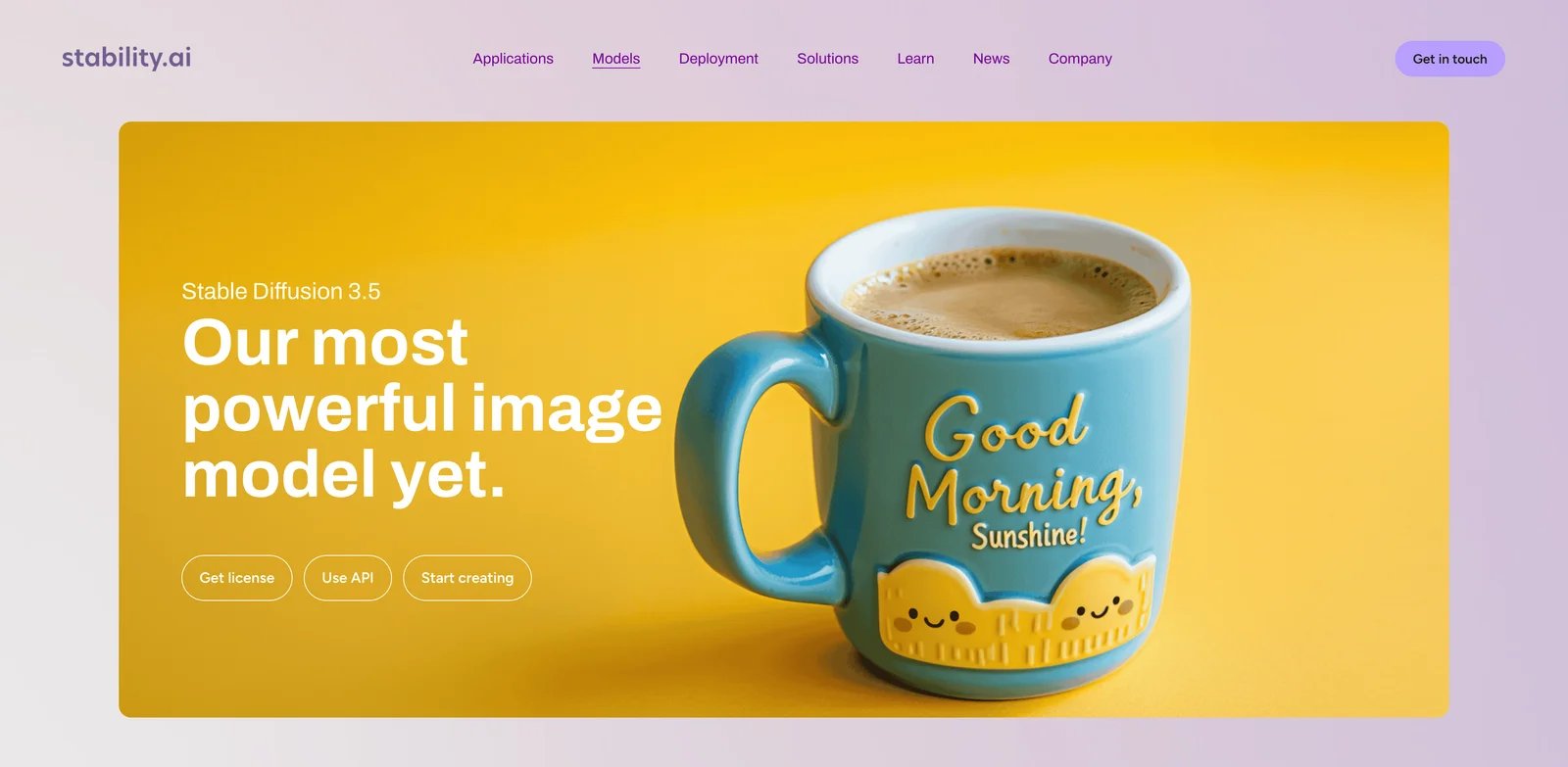
Stable Diffusion is less a single app than an ecosystem: models, checkpoints, LoRAs, ControlNet-style workflows, inpainting, upscalers, local interfaces, hosted APIs and node graphs. That is precisely why many Midjourney users eventually consider it. Midjourney makes aesthetic exploration easier. Stable Diffusion makes control and ownership possible.
What Stable Diffusion solves vs Midjourney:
- Local-control reality: You can run many workflows locally, pin a model, reuse a LoRA, and keep prompts and references off a hosted creative network.
- Repeatability: Version drift is under your control. If a workflow works, you can freeze the model and graph instead of accepting a new default model.
- Moderation flexibility: Local workflows avoid hosted moderation gates, though users still need to follow law, license terms and client policies.
- Automation: Stable Diffusion APIs and local scripts can drive product-image pipelines, batch variants, and internal creative systems.
Pricing vs Midjourney: Local/core use can be $0 for qualifying users under Stability's current community-license framing, while hosted API use is priced by model and credits. The real cost is hardware, setup time, GPU rental, or hosted API consumption. Compared with Midjourney Basic/Standard/Pro, Stable Diffusion can be cheaper for hobbyists and more expensive for production teams that pay for GPUs or managed APIs.
Limitations: The learning curve is the highest in this list. Prompting, sampling, model choice, LoRAs, inpainting, ControlNet-style controls and workflow managers create power, but also complexity. Out-of-the-box aesthetics can feel less coherent than Midjourney unless you choose the right model and setup.
Best for: Users leaving Midjourney because they need local privacy, fewer hosted restrictions, reproducible workflows, API automation or model control. Not the right fit if you mainly want one beautiful image with minimum setup.
Get started with Stable Diffusion
The practical test for Stable Diffusion is not whether it can match one Midjourney image. It is whether you can build a repeatable recipe. Choose one base model, one interface, one upscaler, one inpainting flow and one reference-control method. Save the exact settings. If the same prompt and references produce a usable family of images across multiple days, Stable Diffusion is becoming a workflow. If every image requires random model hunting, it is still an experiment.
Stable Diffusion is also the best place to separate tool preference from operational maturity. A solo creator can tolerate manual model switching and trial-and-error. A team needs shared presets, versioned assets, naming rules, storage, rights notes and basic security hygiene. Without that layer, local control turns into chaos. With it, Stable Diffusion becomes one of the strongest ways to avoid subscription lock-in and model-update surprise.

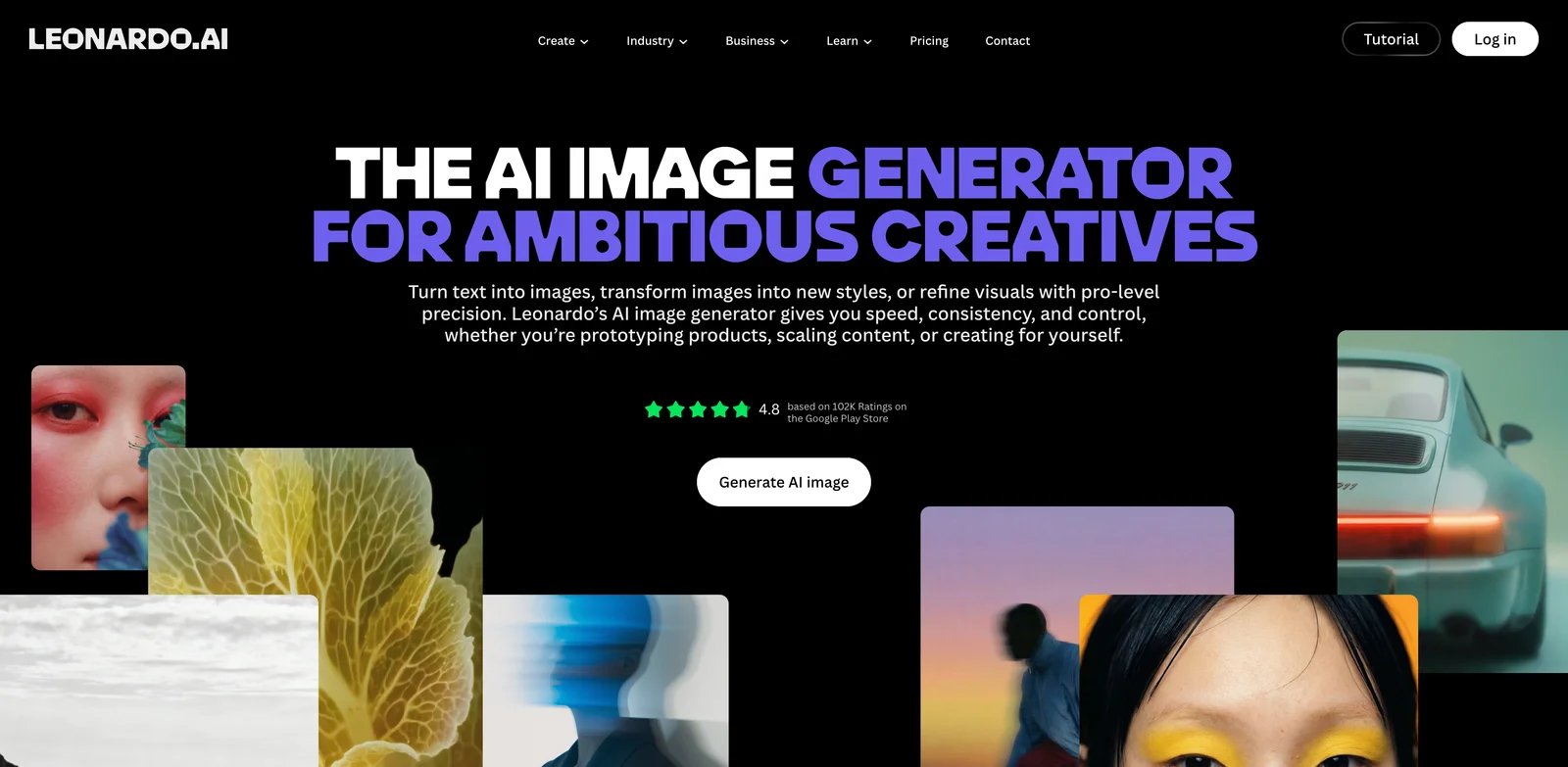
Leonardo AI is the most natural Midjourney alternative for users who still want a polished hosted creative suite, but need more production workflow around training, editing, private paid generations and team usage. It is less open than Stable Diffusion, but much easier to operationalize.
What Leonardo AI solves vs Midjourney:
- Image generation, editing and training live inside one suite instead of a style-first generation workflow.
- Private paid generations and production API options make it easier to build repeatable work for clients.
- Daily free tokens let users evaluate before committing.
- It fits game art, marketing assets, product concepting and image variations better than a pure prompt-and-gallery tool.
Pricing vs Midjourney: Leonardo has a free tier with a daily token allowance, then paid plans around Essential $12/month, Premium $30/month and Ultimate $60/month. That maps roughly against Midjourney Basic/Standard/Pro, but the value proposition is different: Leonardo bundles production controls, training and editing around the generated images rather than focusing purely on aesthetic output.
Limitations: The best workflows still require learning Leonardo's token system and model/tool boundaries. It is hosted, so it does not solve the same local privacy and self-hosting concerns as Stable Diffusion or ComfyUI. Some Midjourney users may still prefer Midjourney's default taste for concept art and fantasy/editorial aesthetics.
Best for: Creators who want a hosted production suite rather than a local model stack, especially teams producing game assets, marketing visuals, and repeated creative variants. Not the right fit if your main reason for leaving Midjourney is local privacy or open model control.
Get started with Leonardo AI
Leonardo's migration test should focus on production sequences rather than single prompts. Ask it to create a campaign set: hero image, product variation, social crop, background variant, character variant and an edited version of a previous output. If those steps stay inside one workspace with acceptable quality, Leonardo can replace more of Midjourney than its gallery suggests.
The second test is teammate adoption. Midjourney power users may enjoy prompt craft, but marketing and content teams usually need a clearer workflow. Leonardo's value rises when non-specialists can reuse presets, edit outputs and understand token cost without asking a prompt expert for every revision. If only one person on the team can make it work, the migration risk remains high.

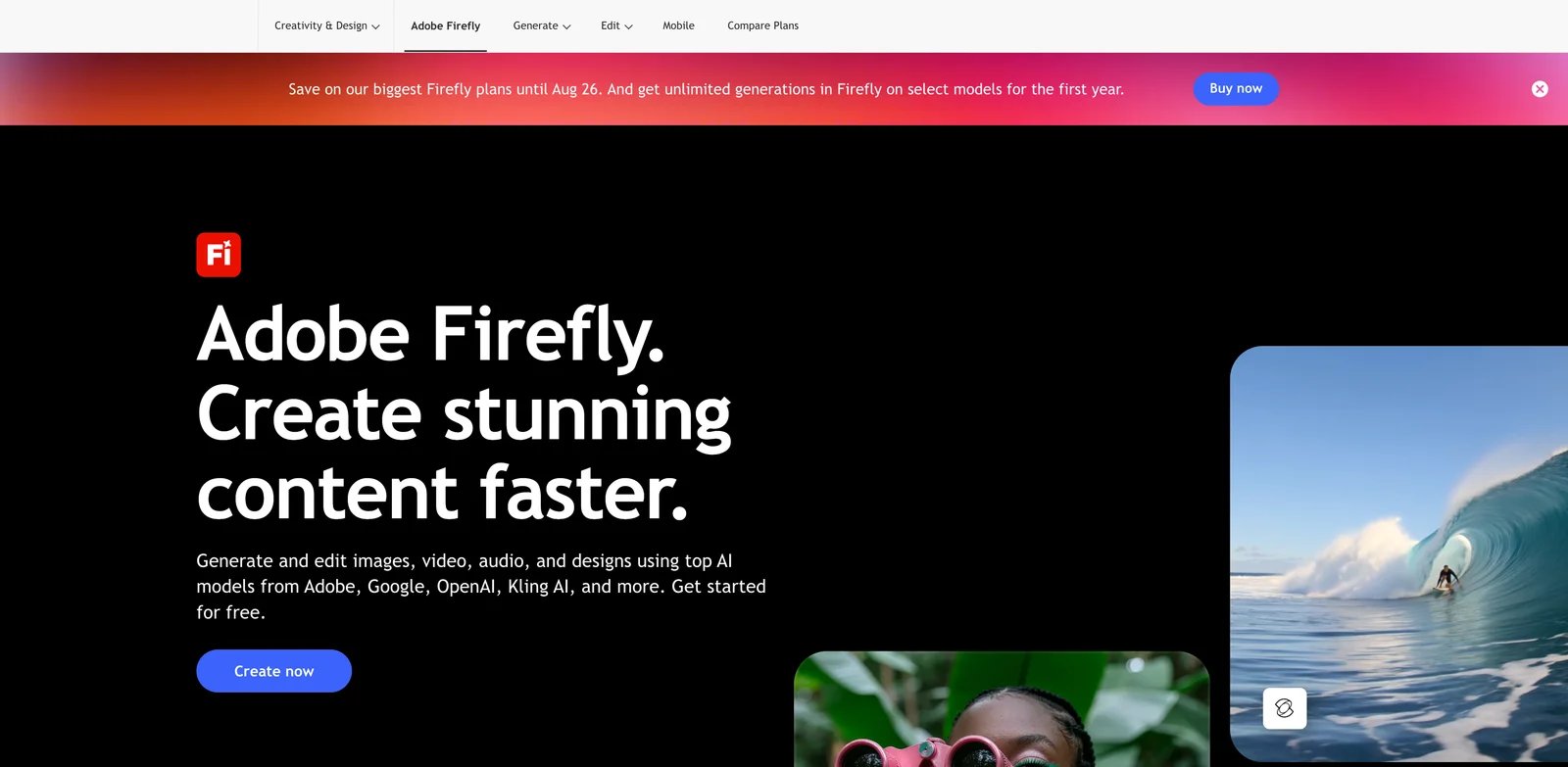
Adobe Firefly is the alternative to consider when the question is less "can it beat Midjourney's style?" and more "can this fit a commercial creative workflow with Photoshop, Express, Illustrator and client approvals?" Firefly's edge is not underground model culture. It is integration, licensing posture, and handoff inside tools creative teams already use.
What Adobe Firefly solves vs Midjourney:
- Commercial posture: Adobe positions Firefly around commercially safe creative workflows and Adobe app integration.
- Photoshop and Creative Cloud workflows reduce handoff friction for designers.
- Firefly handles generative fill, layout-adjacent asset work, variations and editing better than a pure generation gallery.
- It is easier to explain to enterprise creative stakeholders than a Discord-native or community-model workflow.
Pricing vs Midjourney: Firefly has a free limited tier, then paid Firefly plans around Standard $9.99/month, Pro $19.99/month, Pro Plus $49.99/month and Premium $199.99/month. Many users also access Firefly through Adobe app subscriptions. Compared with Midjourney, the lowest paid Firefly tier is competitive with Basic, while higher tiers are more about production volume and Adobe ecosystem value.
Limitations: Firefly's default aesthetics can feel more corporate and less adventurous than Midjourney. It also does not provide the same open/local model control as Stable Diffusion or FLUX. For artists chasing surreal, high-fashion, fantasy or cinematic prompt exploration, Firefly may feel safer but less inspiring.
Best for: Brand, agency, marketing and enterprise creative teams already using Adobe apps. Not the right fit if you want the wildest generative aesthetics or fully local model control.
Get started with Adobe Firefly
Firefly should be tested at the handoff point. Generate or edit an asset, then move it through Photoshop, Illustrator, Express or the team's normal Adobe workflow. The question is whether it saves revision time and reduces legal or operational review friction. If the generated output still has to be rebuilt elsewhere, the Adobe advantage is weaker. If the designer can stay in the same environment, Firefly becomes a serious commercial replacement even when Midjourney's first draft looks more dramatic.
Firefly is also a strong candidate when stakeholder confidence matters. Agencies and enterprise teams often need a tool that procurement, legal and design leads can understand. That does not automatically make Firefly the best model, but it can make it the easiest approved workflow. For paid client work, approval friction is part of the cost.
Ideogram
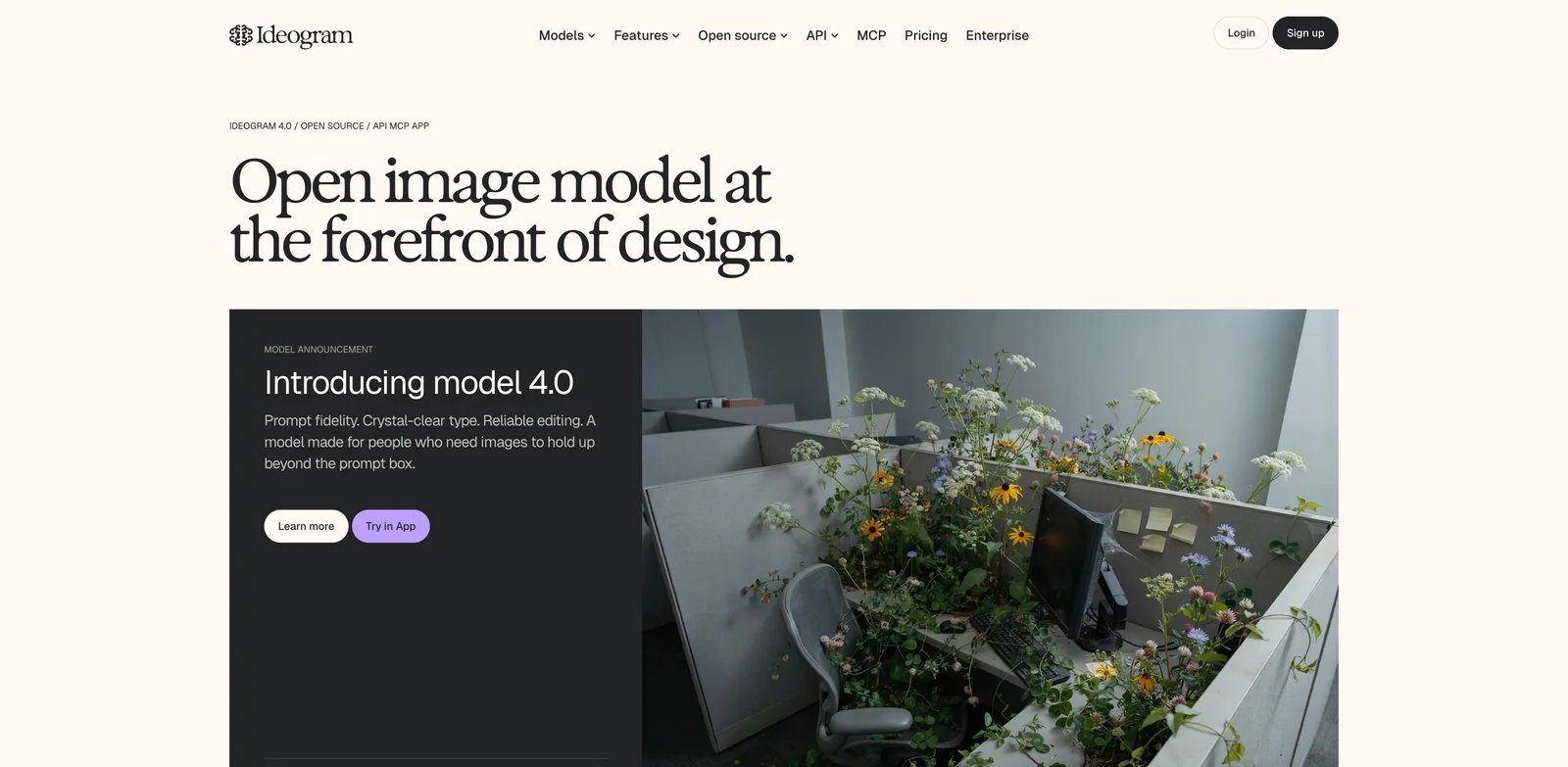
Ideogram earns its place because text is still where many beautiful image generators fail. Posters, logos, packaging mockups, social graphics and signage need readable words. Midjourney can produce stunning art direction, but if the business asset has to spell the campaign line correctly, Ideogram often becomes the more practical tool.
What Ideogram solves vs Midjourney:
- Better fit for typography-heavy images, logos, poster concepts and social creative.
- Strong prompt adherence for graphic-design style outputs.
- A free tier lets users test slow generations before paying.
- Paid tiers add private generations and more practical production capacity.
Pricing vs Midjourney: Ideogram offers a free tier, Basic at about $8/month, Plus at about $20/month and Pro at about $60/month, with annual billing lowering effective prices. Compared with Midjourney, the paid price ladder is familiar, but Ideogram is a stronger buy when text rendering and prompt literalness matter more than Midjourney's default aesthetic taste.
Limitations: Ideogram is not a local or self-hosted workflow or model marketplace, but it does offer an official API for programmatic image generation. Some styles can look less premium than Midjourney's best outputs. Users doing elaborate fantasy, fashion or cinematic concept work may still keep Midjourney for pure visual exploration.
Best for: Marketers, founders, designers and content teams making text-heavy creative where readable typography matters. Not the right fit if your priority is local privacy, open model control, or the most painterly art direction.
Get started with Ideogram
The right Ideogram benchmark is brutal: ask for a poster, packaging mockup, event graphic, product label and social ad with exact words. Count how many generations are usable without rebuilding the text manually. Midjourney can produce more atmospheric images, but text mistakes destroy many commercial assets. Ideogram wins when it reduces the number of trips into a design editor.
Ideogram also fits teams that need prompt literalness. Some Midjourney users like that the model interprets prompts creatively. Others need the tool to obey layout, wording and object instructions. If your complaint is that Midjourney makes beautiful images that are not quite the requested asset, Ideogram deserves a front-row test.
ChatGPT Images
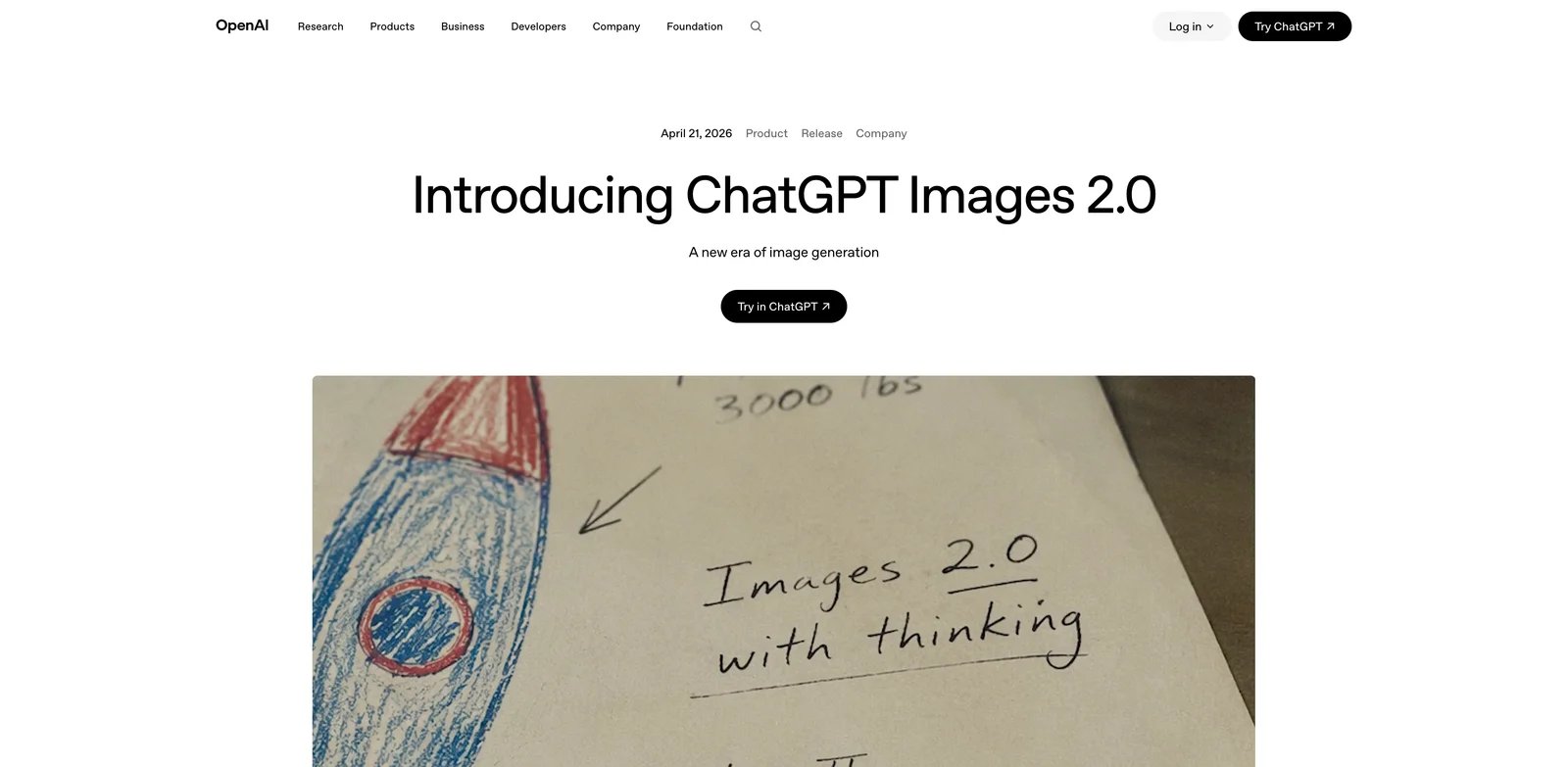
ChatGPT Images is the alternative many Midjourney users already have without thinking of it as a separate subscription. The draw is conversational iteration. Instead of rebuilding a prompt, you can ask for a change, explain what is wrong, add context, and keep the image task inside the same assistant used for writing, research, planning and code.
What ChatGPT Images solves vs Midjourney:
- Conversational editing fits users who think in revisions rather than parameter syntax.
- It is bundled into the broader ChatGPT plan for many users, reducing subscription sprawl.
- Multi-turn context can help when the image is part of a larger brief, campaign or document.
- API image usage can support automated systems separate from the ChatGPT UI.
Pricing vs Midjourney: ChatGPT has a free tier with limited image generation, Plus at $20/month, higher ChatGPT plans for heavier users, and API pricing for developers. If you already pay for ChatGPT Plus, ChatGPT Images can make Midjourney's extra subscription feel redundant for everyday image generation and edits. If you only need image generation, Midjourney may still be more focused.
Limitations: It is hosted, so it does not solve local privacy. Style control can be less specialized than Midjourney's strongest aesthetic workflows. For users who live inside Midjourney's style ecosystem, Moodboards or reference workflows, ChatGPT Images may feel practical but less distinctive.
Best for: Users already paying for ChatGPT who want conversational image editing, brief-aware iteration and a bundled creative assistant. Not the right fit if you need local workflows or Midjourney's specific aesthetic identity.
Get started with ChatGPT
ChatGPT Images should be tested with messy real briefs. Give it the campaign context, target audience, copy, brand constraints and the image task, then revise the result conversationally. This is where it differs most from Midjourney. You are not only prompting an image model; you are using an assistant that can interpret surrounding context and help refine the visual brief.
The caveat is specialization. ChatGPT Images can be good enough for a large share of everyday creative work, but "good enough" is not the same as replacing Midjourney's strongest aesthetic identity. Many users will keep ChatGPT Images for practical edits and Midjourney for visual exploration. That hybrid setup can be rational if the work justifies both subscriptions.
Google Gemini
Gemini entered the Midjourney-alternative conversation because users are comparing it directly on reference edits, everyday image tasks and the broader "why pay for another image tool?" question. In community shorthand, Nano Banana made many users re-check their assumptions about Midjourney's lead.
What Google Gemini solves vs Midjourney:
- Strong natural-language editing for everyday image changes.
- Useful reference-image workflows for users who want practical iteration rather than pure style exploration.
- Bundled access through Google's AI plans can reduce the need for a separate subscription.
- Fits users already working across Google Search, Workspace and Gemini.
Pricing vs Midjourney: Gemini offers free access with lower limits, while Google AI Pro is about $19.99/month in the US, with higher plans and limits varying by market. If Gemini is already part of a user's productivity stack, its image generation can become "good enough" for many tasks that previously justified Midjourney Basic or Standard.
Limitations: Gemini is hosted and subject to Google's product, safety and availability rules. Its creative identity is different from Midjourney's; some users will prefer Midjourney for mood, fashion, surrealism and cinematic exploration. Pricing and availability vary by market, so international users should verify their local plan details.
Best for: Users who want bundled image generation and reference editing inside a general AI assistant. Not the right fit if your workflow depends on Midjourney-specific style systems or local model control.
Get started with Google Gemini
Gemini's strongest test is reference-based editing. Start from a photo, sketch, product image or previous asset and ask for controlled changes. Measure identity preservation, instruction following and how many revisions it takes to reach an acceptable final. This is the workflow where assistant-native image tools can feel more useful than a pure prompt gallery.
Gemini is also a useful benchmark for bundled value. If a user already pays for Google AI Pro, every Midjourney invoice has to justify itself against the image work Gemini can already handle. Midjourney may still win for style, but Gemini can absorb many everyday requests: thumbnails, internal visuals, lightweight ads, reference edits, and concept variations.
FLUX
FLUX is the Midjourney alternative for users who think in models and pipelines, not galleries. The FLUX ecosystem includes open-weight variants, hosted APIs and third-party integrations. That makes it attractive for developers, product teams and creators who need programmatic generation instead of a manual web or Discord workflow.
What FLUX solves vs Midjourney:
- Pricing shape: FLUX hosted APIs are model-level and usage-priced rather than seat subscriptions, while open-weight variants can be run locally subject to license terms.
- Developers can build reproducible image pipelines around API calls.
- Local and open-weight workflows give users more control over version pinning.
- It fits automation, internal tooling, ecommerce variants and production systems better than Midjourney.
Pricing vs Midjourney: FLUX pricing depends on where and how you run it: local/open-weight variants, Black Forest Labs hosted APIs, or third-party hosts. That is harder to summarize than Midjourney's $10/$30/$60/$120 ladder, but more flexible for teams that prefer pay-as-you-go generation over a creative seat subscription. Because model-level rates and host packaging can change independently, verify exact pricing before committing.
Limitations: FLUX is not one polished consumer app. Users may need a host, UI, API wrapper, local setup or ComfyUI graph. Prompt workflows and image style depend heavily on the chosen model and environment. For casual image exploration, Midjourney is still easier.
Best for: Developers, technical creators and teams building repeatable generation workflows or needing API access. Not the right fit if you want a simple consumer interface with minimal setup.
Get started with FLUX
The best FLUX evaluation is a pipeline evaluation. Can your team call the model reliably, control latency, log prompts, version settings, review outputs and generate batches at predictable cost? If yes, FLUX can replace Midjourney for productized image generation. If no, it may still be a strong model, but not yet a production system.
FLUX also appeals to teams that distrust single-vendor creative lock-in. Midjourney's hosted workflow is convenient, but users accept its interface, plan structure and model cadence. FLUX gives technical teams more architectural choices: local, hosted, third-party, API-first or embedded in tools like ComfyUI. The tradeoff is that those choices require ownership.

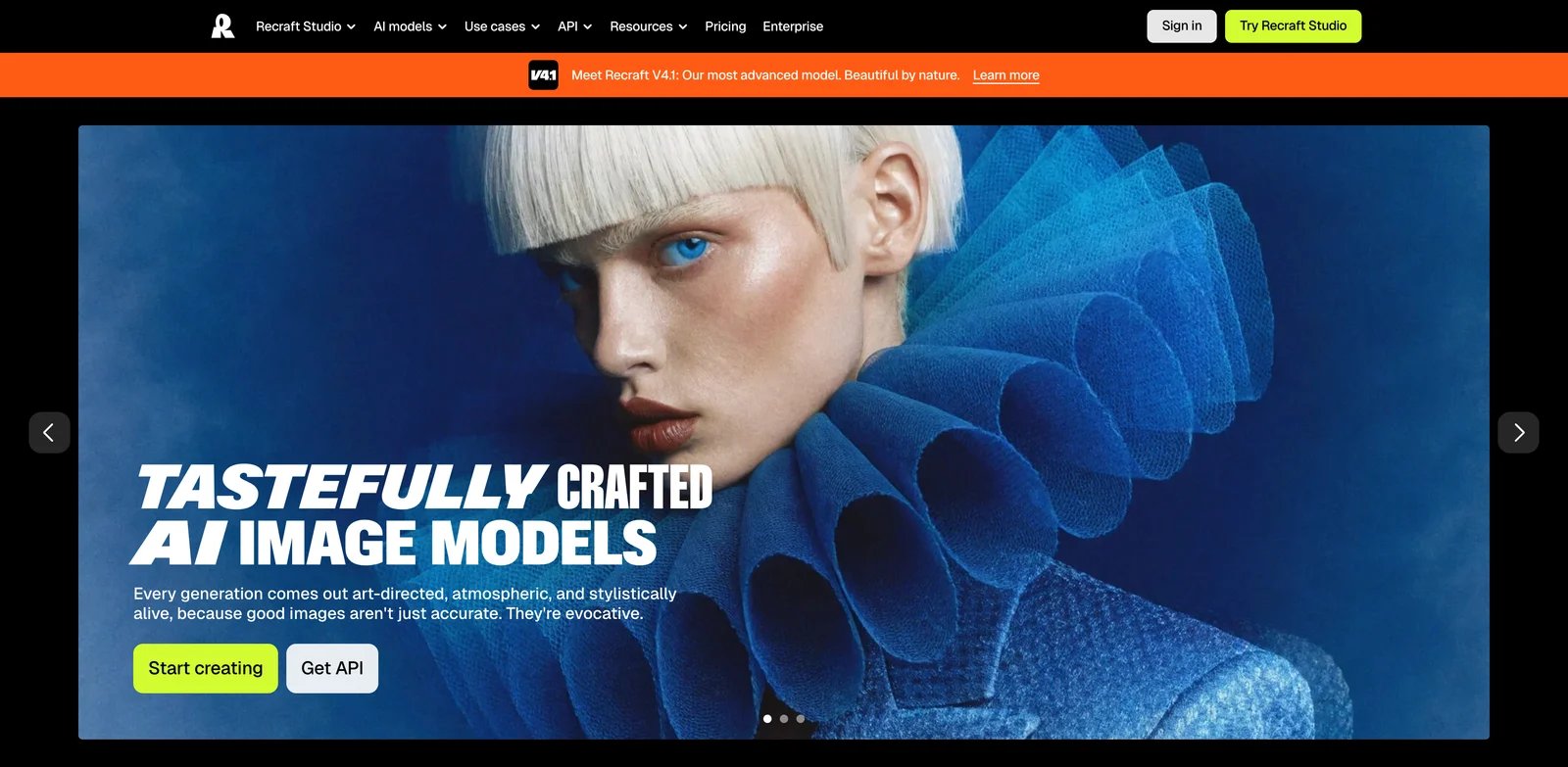
Recraft is less about replacing Midjourney's cinematic taste and more about replacing the parts of Midjourney that do not behave like design software. Brand assets, vector-style outputs, icon systems, product graphics and editable design elements are where Recraft makes the most sense.
What Recraft solves vs Midjourney:
- Design-first generation for brand, vector, illustration and asset systems.
- Better fit for repeatable commercial visuals than pure prompt exploration.
- Free and paid credit tiers allow practical testing before team adoption.
- Useful for teams that need assets to move into design systems rather than live as one-off images.
Pricing vs Midjourney: Recraft has a free tier with limited credits and restrictions, with Basic starting around $10/month and higher Pro/team tiers using larger credit allowances. Compared with Midjourney Basic, Recraft can be similarly priced at entry level, but the value is design editability and asset workflow. Because credit allowances and higher tiers can change, verify current plan details before publishing or buying.
Limitations: Recraft will not replace Midjourney for users who mainly want atmospheric art, concept images, or aesthetic exploration. It is strongest when the image has to become a brand or design asset. Users who need local privacy or open weights should look at Stable Diffusion, FLUX or ComfyUI.
Best for: Designers, marketers and founders generating icons, illustrations, brand assets and vector-like creative. Not the right fit if your main use is cinematic art or local generation.
Get started with Recraft
Recraft's evaluation should use brand-system tasks. Ask for icons in a consistent style, product graphics, vector-like illustrations, ad variations and editable design assets. Midjourney may create a more striking standalone image, but Recraft is stronger when the output needs to behave like part of a repeatable design language.
This makes Recraft especially relevant for small teams without a large design department. If a founder or marketer can create a coherent set of visuals without bouncing between image generators and vector editors, the workflow savings may matter more than raw photorealism. The limitation is equally clear: for cinematic, surreal or painterly exploration, Recraft is not trying to be Midjourney.

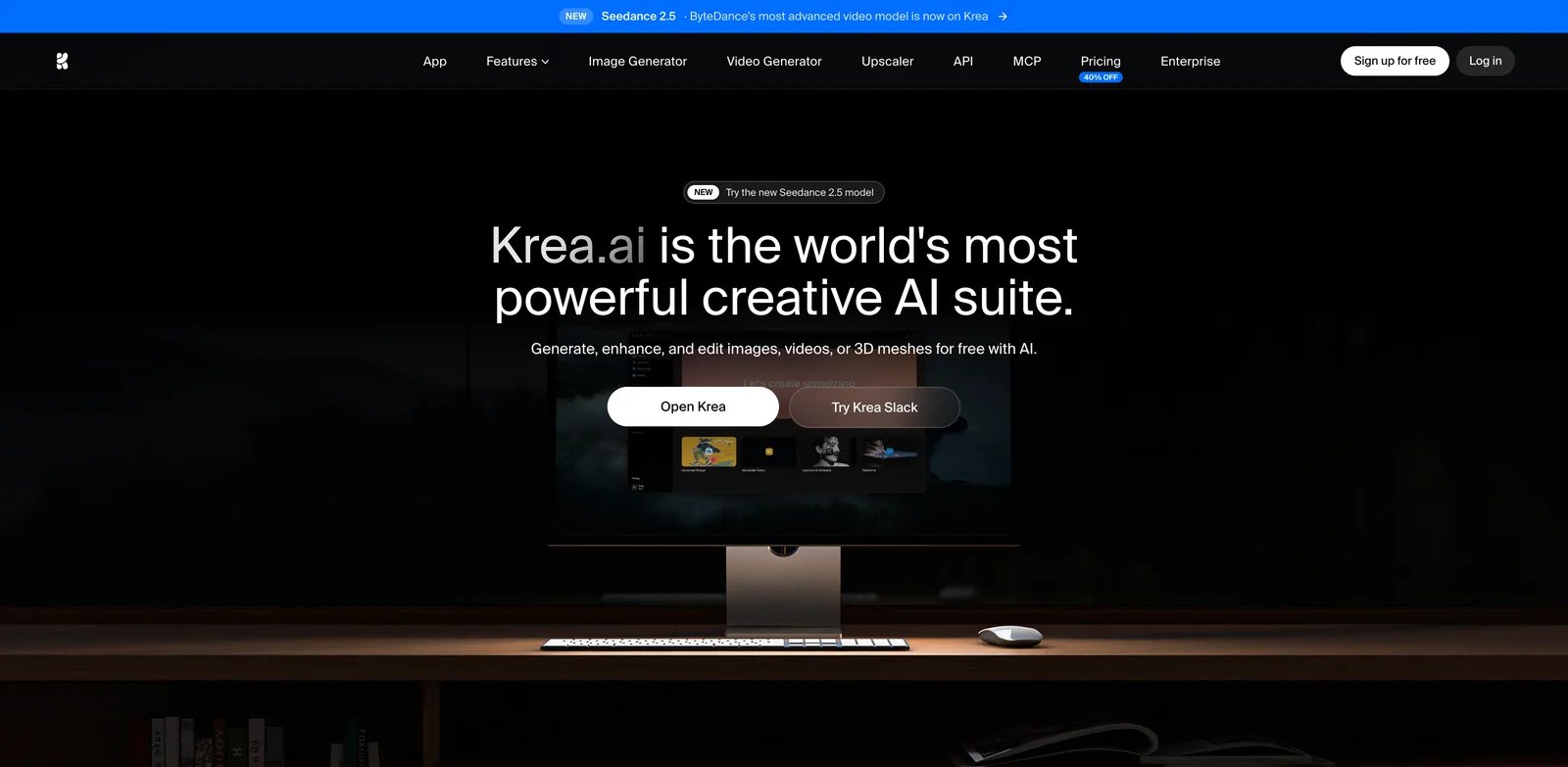
Krea is the alternative for users who want image generation to feel like a live creative canvas. It combines real-time generation, enhancement and multi-model experimentation in a way that feels closer to visual exploration than prompt submission. For artists who like iteration but want more direct feedback loops, Krea is worth testing.
What Krea solves vs Midjourney:
- Real-time image generation and visual iteration.
- Enhancement and upscaling tools for polishing outputs.
- Multi-model experimentation without building a local stack.
- A free tier and affordable Basic plan make it easy to test alongside Midjourney.
Pricing vs Midjourney: Krea has a free tier with daily compute units, then Basic at about $9/month, Pro at about $35/month and Max at about $105/month. Compared with Midjourney, Krea starts cheaper than Basic, crosses Standard at Pro, and reaches a heavier production price at Max. The key difference is the canvas-like workflow rather than a pure prompt gallery.
Limitations: Krea is hosted and not a local model stack. Its broad creative interface may be more than a simple Midjourney replacement for users who only need occasional images. Some outputs still require careful prompt/model selection to match Midjourney's polished default aesthetics.
Best for: Visual explorers, social-content creators, designers and artists who want real-time iteration plus enhancement. Not the right fit if your primary need is API automation or fully local privacy.
Get started with Krea
Krea's strongest migration test is speed of exploration. Give yourself 30 minutes and see how many viable directions you can create, enhance and compare. Midjourney is excellent for prompt-driven exploration, but Krea's live canvas can feel more responsive when the user wants to steer visually rather than rewrite prompts.
Krea is also useful as a bridge tool. A team may keep Midjourney for final art direction but use Krea for early visual play, enhancement or rapid variations. That does not make it a full replacement for every user, but it can reduce how often Midjourney is needed in the workflow.
OpenArt
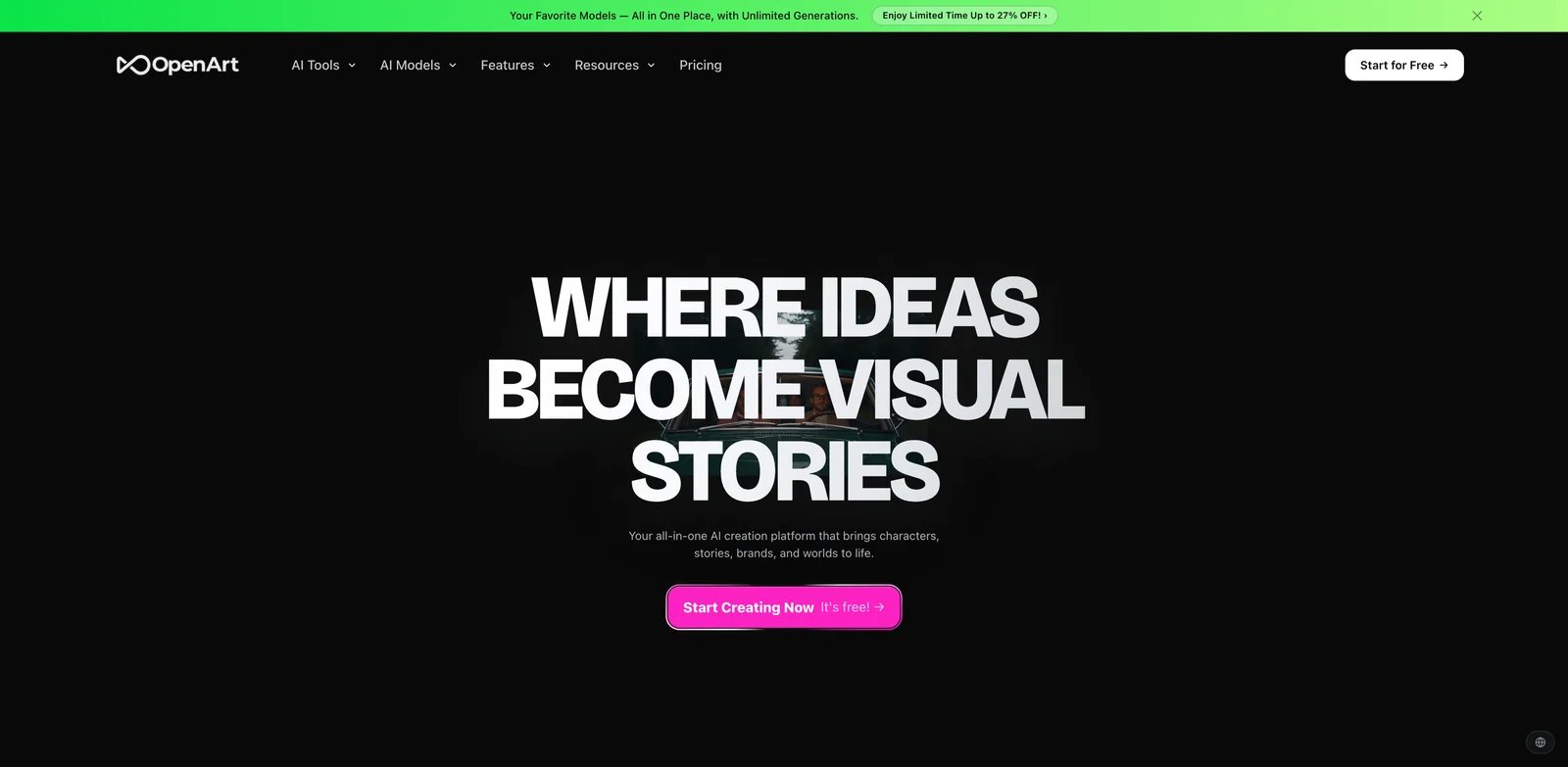
OpenArt is a useful Midjourney alternative when you want model breadth without building the full local stack yourself. It combines many models with image editing, character and story workflows, personalized models, and creative templates. That makes it a pragmatic choice for users whose issue with Midjourney is not beauty but workflow coverage.
What OpenArt solves vs Midjourney:
- Model breadth: OpenArt exposes many image/video/audio models in one hosted interface rather than tying users to one closed model family.
- Consistent-character and story workflows help users building series, comics or campaigns.
- Personalized models and editing tools provide more production structure than a simple image feed.
- A free plan lets users test whether the workflow solves their specific Midjourney pain.
Pricing vs Midjourney: OpenArt has a free tier, then list prices around Essential $14/month, Advanced $29/month, Infinite $56/month and Wonder $240/month, with periodic 2026 discounts. Compared with Midjourney, the lower tiers sit near Basic/Standard, while the top tier is clearly for heavy users. Treat temporary discounts as temporary rather than permanent pricing.
Limitations: Breadth can create choice overload. Users who want one opinionated model with a distinctive look may prefer Midjourney. Users who need local privacy should choose Stable Diffusion, FLUX or ComfyUI instead.
Best for: Creators building characters, stories or multi-model workflows without local setup. Not the right fit if you want a simpler one-model interface or a fully self-hosted stack.
Get started with OpenArt
OpenArt should be tested with continuity projects. Build the same character, product world or story sequence across several scenes and revisions. If the tool helps preserve enough continuity without local setup, it can solve a problem that many Midjourney users feel acutely. If continuity still breaks after every edit, its model breadth is less useful.
The other OpenArt test is model selection discipline. A broad interface can be powerful or distracting. Pick a small set of models and workflows, then compare them against Midjourney on a fixed prompt suite. If you keep switching models randomly, you may be exploring rather than replacing. The goal is a repeatable creative path.
Honorable Mentions
Freepik AI
Freepik AI is worth considering if the job is broader than image generation. Its ecosystem blends stock assets, generation, editing, enhancement and third-party models, and the Magnific/Freepik packaging transition makes it especially relevant for teams that need assets plus enhancement rather than a pure Midjourney replacement. Verify current plan names and AI entitlements before buying.
Runway
Runway is not the best still-image replacement for Midjourney, but it is one of the best adjacent tools once the workflow moves into image-to-video, motion, generative b-roll and production effects. If your Midjourney images become ads, music videos or social clips, Runway may be the next tool in the chain rather than the initial generator.
ComfyUI
ComfyUI is the local workflow layer power users eventually meet. Local ComfyUI is free and open source; Comfy Cloud uses subscriptions and credits. It is harder than Midjourney, but it solves the opposite problem: explicit nodes, reproducible graphs, local models, LoRAs, inpainting and automation.
Civitai
Civitai is not a single image generator replacement. It is a model, LoRA and workflow marketplace that helps local-model users discover the components needed to replace a closed model with a living ecosystem. Pricing around membership and Buzz can be dynamic, so do not treat a single plan snapshot as durable.

Topaz Gigapixel solves a downstream problem: restoring and upscaling generated images for delivery. It will not create a Midjourney-style concept from text, but it can make final assets more usable once another generator has produced the image.
Migrating from Midjourney - A Practical Guide
Data and Account Migration
Before canceling, export or archive more than final images. Save prompt notebooks, seed references, favorite images, style reference notes, moodboards, character references, billing receipts and any project-specific prompt patterns. Midjourney workflows often live in habits rather than files, so the switching cost is hidden until you try to recreate a project in a new system.
If you used Midjourney for client work, also document which assets were generated under which plan and what terms applied at the time. For sensitive or commercial projects, do not assume that a new generator's rights, training posture or privacy settings match Midjourney's. Re-check the terms of the replacement tool before uploading client references, unreleased products, portraits or confidential briefs.
Learning Curve by Alternative
Near-zero migration tools are ChatGPT Images, Google Gemini, Leonardo AI, Ideogram and Krea. They are hosted, visual and quick to test. Medium-effort tools are Adobe Firefly, Recraft, OpenArt, Runway and Freepik AI because they require adapting to design, credit or production workflows. High-effort tools are Stable Diffusion, FLUX API workflows, ComfyUI and Civitai because they require model, license, GPU, workflow and component choices.
Pricing Brackets vs Midjourney
Midjourney starts at Basic $10/month, with Standard $30/month, Pro $60/month and Mega $120/month. Cheaper or bundled alternatives include Krea Basic, Recraft Basic, Adobe Firefly Standard, ChatGPT Images if you already pay for ChatGPT, and Gemini if your Google AI plan already covers image work. Similar-price alternatives include Leonardo Premium, Ideogram Plus/Pro depending on use, and OpenArt mid tiers. More expensive production workflows include OpenArt Wonder, Runway Max, Adobe higher Firefly tiers, cloud GPU/local hardware, and large API pipelines.
The hidden pricing issue is revision volume. Midjourney users often generate many variations before choosing one image. A credit-based alternative can look cheaper until that habit consumes credits faster than expected. Before switching, estimate your real monthly output: number of projects, average generations per approved image, upscales, edits, private generations, team seats and API calls. Then price the approved final asset, not the plan label.
The second hidden issue is bundling. If ChatGPT, Gemini, Adobe or Canva-like workflows already cover other work, image generation may be a marginal benefit inside a plan you would pay for anyway. In that case, Midjourney competes against "already paid" rather than against another $20 plan. But bundled tools can also hide weaker image-specific controls. The best financial choice is the cheapest workflow that still produces approved work reliably.
The third hidden issue is exit cost. Local Stable Diffusion or FLUX setup may feel expensive in time, but once a model and workflow are pinned, the team is less exposed to hosted plan changes. Hosted tools are easier to start and easier to abandon, but they can change credits, policies, model access or private-generation rules. For casual users, flexibility wins. For production teams, predictability can be worth paying for.
Midjourney Replacement Test Suite
Use a fixed test suite before canceling Midjourney. Do not test each alternative with different prompts, because that rewards novelty rather than reliability. Create a spreadsheet with the same prompts, references, aspect ratios and scoring criteria across every tool. Include at least these eight tests.
1. Aesthetic match test: Recreate three favorite Midjourney images without using private or restricted assets. Score mood, composition, color, lighting, and whether the alternative can reach a similar level after three revisions.
2. Prompt adherence test: Write a precise prompt with five required objects, one forbidden object, a camera/lighting instruction, and a layout instruction. Score how many constraints survive the first output and the second revision.
3. Typography test: Ask for a poster, package, app hero image or social graphic with exact short copy. Score readable text, spelling, layout and how much manual cleanup remains.
4. Reference-image test: Provide a source image and request controlled changes: keep the subject, change the background, preserve color family, alter clothing or object placement, and export a different aspect ratio. Score identity preservation and edit precision.
5. Character consistency test: Create the same character in five scenes. Score face consistency, clothing continuity, body proportions and whether the tool can handle revisions without drifting.
6. Moderation and policy test: Use legitimate but potentially sensitive professional prompts from your domain, such as medical education, historical scenes, fashion, fitness, fantasy combat, or product safety diagrams. Score whether the tool blocks valid work unpredictably. Do not use this test to bypass law or platform rules; use it to identify legitimate workflow risk.
7. Production handoff test: Move the output into the real downstream tool: Photoshop, Figma, Shopify, a CMS, an ad platform, a video editor, a deck or an internal app. Score whether the file, resolution, editability and licensing notes survive the handoff.
8. Cost-per-approved-asset test: Track every generation, edit, upscale, credit, API call and manual cleanup step required to approve one final image. This single number is more useful than monthly plan price.
After scoring, choose the winner by job type. You may discover that the best replacement for marketing graphics is Ideogram or Recraft, the best replacement for client-safe Adobe workflows is Firefly, the best replacement for private generation is Stable Diffusion, and the best replacement for everyday edits is ChatGPT Images or Gemini. That is normal. Midjourney is broad enough that many users replace it with a stack rather than a single tool.
Best Midjourney Alternatives by Use Case
If Your Reason Is "I want a cheaper or already-bundled replacement"
Start with ChatGPT Images and Google Gemini if you already pay for those ecosystems. This is the cleanest answer to the subscription-value problem: you may not need a separate image subscription for everyday marketing images, moodboards, social creative or iterative edits. Leonardo AI is the next hosted pick if you still want an image-first suite with free testing and production features.
If Your Reason Is "I need better prompt adherence, editing, and readable text"
Ideogram should be your first test for typography, posters, logos and text-heavy creative. ChatGPT Images and Gemini are stronger when the edit is conversational: "keep the character, change the background, make the copy legible, turn this into a product hero." Recraft belongs here when the output needs to become a brand or vector-style asset.
If Your Reason Is "I need consistent characters and reliable reference-image editing"
Google Gemini, ChatGPT Images, OpenArt and Leonardo AI are the practical first tests. Run the same 10 character/reference prompts across all four. Judge not only the first output but the fifth revision: consistent character workflows fail when the tool cannot preserve identity after repeated edits.
If Your Reason Is "I need private or fully local image generation"
Stable Diffusion, FLUX local/open-weight workflows and ComfyUI are the serious options. They require more setup, but they move generation out of a public hosted creative feed and into a controlled environment. For commercial or sensitive work, still review license terms, client agreements and local security practices.
If Your Reason Is "I need a real API or automated image-generation pipeline"
FLUX, Stable Diffusion APIs, Recraft and ComfyUI workflows should be on the shortlist. The decision depends on engineering appetite. If you want a managed endpoint, look at hosted APIs. If you want a controllable internal pipeline, ComfyUI or local Stable Diffusion workflows give you more control at the cost of operations.
If Your Reason Is "I keep hitting moderation on legitimate creative work"
Local Stable Diffusion, FLUX and ComfyUI provide the most control, but control does not remove legal or policy obligations. The practical question is whether the hosted tool blocks legitimate professional work unpredictably. If it does, a local workflow may be more reliable for approved internal content.
If Your Reason Is "I do not want V8.x changes to break my workflow"
Choose a workflow where you can pin the model and reproduce the graph: Stable Diffusion, FLUX or ComfyUI. If you prefer hosted tools, document each model/version-like setting and keep a test prompt suite. Re-run the same reference prompts before switching a production campaign to a new default model.
How to Choose the Right Midjourney Alternative
First, name the real reason you are leaving. "Midjourney alternatives" is too broad. Are you leaving because of cost, prompt adherence, text, private generation, API automation, moderation, character consistency, or model churn? Pick three tools that solve that reason, then run the same 10 prompts across all of them.
Second, verify the pricing model and private-generation rules. Many tools advertise a free plan but limit credits, commercial use, private outputs, speed or model access. A cheap plan that cannot run your real workload is not cheaper than Midjourney.
Third, check commercial posture, data handling and moderation before uploading client material. Adobe Firefly, Recraft, local workflows and hosted general assistants make different promises. Do not turn a search-result comparison into a legal conclusion.
Fourth, run a two-week overlap. Keep Midjourney active while you test the replacement on one real project. Compare final output quality, revision speed, cost, rights review, teammate adoption and whether the new workflow survives client feedback.
Frequently Asked Questions
What is the best free alternative to Midjourney?
Which Midjourney alternative has the best prompt adherence and text rendering?
Which Midjourney alternative is best for consistent characters and reference images?
What is the best Midjourney alternative with an API?
Can I run a Midjourney alternative locally and keep my images private?
Which Midjourney alternative is best suited to commercial and client workflows?
Is Midjourney still worth paying for when ChatGPT and Gemini already generate images?
Did Midjourney V8.2 fix the V8 and V8.1 quality and workflow regressions?
Get ToolWorthy Weekly
New AI tools, practical guides, and selected AI signals in one weekly brief.
Related Posts
- 10 Best Leonardo AI Alternatives 2026 - Image, Video & Control
Compare 10 Leonardo AI alternatives for 2026 by moderation risk, Canva entitlement fit, unlimited-plan limits, image quality, video models, pricing, and workflow control.
- 15 Best AI Portrait Generator Tools 2026 - Identity, Style & Cost
Compare 15 AI portrait generator tools for creator portraits, profile images, brand personas, reference control, pricing, and commercial workflow fit.
- 10 Best AI Headshot Generators for LinkedIn & Resume
We tested 10 AI headshot tools for quality and pricing. Perfect for LinkedIn, resumes, and teams—with one-time payments and full commercial rights.
For AI tool founders
Built a tool that belongs in this decision set?
Request an editorial evaluation for possible inclusion in ToolWorthy.
Submit your tool for reviewPaid submission does not guarantee a ranking, recommendation, inclusion, or editorial outcome.