
10 Best Leonardo AI Alternatives 2026 - Image, Video & Control
Compare 10 Leonardo AI alternatives for 2026 by moderation risk, Canva entitlement fit, unlimited-plan limits, image quality, video models, pricing, and workflow control.
On this page
Leonardo AI is still a useful creative suite for image generation, Canvas editing, model training, game assets, and AI video. The reason people search for Leonardo AI alternatives in 2026 is more specific: they want fewer surprises around moderation, token accounting, Canva Business entitlements, third-party model limits, and production reliability.
The practical question is not "which image model is prettier?" It is whether your workflow needs a hosted all-in-one suite, a better typography tool, a more predictable video platform, a local model stack, or an AI design workflow that fits brand assets. A hands-on Leonardo AI review even reported a pizza fine-tune repeatedly hitting "NSFW errors," which is a good reminder that false positives can matter even when the underlying tool is strong.
This guide compares Leonardo AI with 10 direct alternatives and 4 adjacent options. For broader discovery, also use ToolWorthy's AI image generator, AI video generator, AI graphic design, AI vector generator, and alternatives libraries.
| Tool | Best For |
|---|---|
| Midjourney | Highest-taste image generation and predictable subscription tiers |
| Freepik / Magnific | Stock, design assets, upscaling, and creative production in one ecosystem |
| OpenArt | Multi-model image, video, character, and story creation |
| Krea | Real-time visual exploration, workflows, and selected relaxed generation |
| Ideogram | Typography, logos, posters, and prompt-faithful graphics |
| Recraft | Brand, vector, icon, and commercial design workflows |
| Adobe Firefly | Commercial creative teams already using Adobe apps |
| Higgsfield | Image-to-video, ads, character consistency, and high-volume video creation |
| ComfyUI | Local control, reproducible node graphs, and self-hosted model workflows |
| getimg.ai | Predictable credit plans and API-friendly image/video generation |
Why People Are Leaving Leonardo AI in 2026
Leonardo's strengths are real, so the switching decision should start with the exact failure mode.
1. Normal prompts can still collide with safety filters. This is the most emotional switching reason because it breaks momentum. The issue is not that moderation exists; every serious hosted platform needs it. The issue is whether benign creative work gets blocked often enough that a paid workflow becomes unreliable. The Inkl hands-on review is a public example: a reviewer said a pizza model training test kept triggering NSFW errors. That does not prove a platform-wide failure, but it does justify testing tools with different moderation surfaces such as ComfyUI, Gemini, ChatGPT Images, or Adobe Firefly.
2. Canva Business makes the plan attractive but adds account-state complexity. Canva's official page says Canva Business and Enterprise unlock the Leonardo AI Essential plan, and it also states that trials, admin restrictions, cancellations, and existing Leonardo subscriptions affect access. The Canva Business Leonardo AI page is clear enough to evaluate, but the workflow still has more moving parts than a direct Leonardo subscription. If your team relies on credits, private generations, or Essential access for client work, document who owns the Canva admin role and what happens when a trial or subscription changes.
3. "Unlimited" relaxed generation is limited by model source. Leonardo's own pricing page says relaxed generation applies to first-party models after plan tokens run out, while third-party models such as GPT-Image, Flux Kontext, Ideogram, Kling, Sora, Veo, Seedream, and Nano Banana variants still consume tokens. The Leonardo token FAQ explains the same distinction. This is not hidden if you read the rules, but it can surprise users who treat "unlimited" as "everything I can click is unlimited."
4. Rollover and top-up tokens are not the same as portable value. Paid users can bank unused monthly tokens up to plan limits, and top-up tokens can be bought with an active subscription. Leonardo's token FAQ also says free daily tokens do not roll over and paid rollover tokens are tied to the subscription model. If your workload is seasonal, compare this with tools that use clearer monthly credits, pay-as-you-go API pricing, or local generation.
5. Queue behavior matters when outputs are client deliverables. Relaxed generation is useful because it prevents a hard stop on eligible models. It is also explicitly lower priority. Leonardo's pricing page says processing time fluctuates with demand and concurrency can be reduced in relaxed mode. That is fine for exploration. It is less fine when a studio has a deadline, a batch campaign, or a same-day video request.
6. Model and workflow changes create migration pressure. Leonardo now aggregates many first-party and third-party models, Canvas tools, video models, and plan rules. That breadth is valuable, but it also means the best replacement may not be one tool. A designer may move typography to Ideogram, vector assets to Recraft, video to Runway or Higgsfield, and reproducible workflows to ComfyUI. Treat this as a workflow map, not a single winner list.
Top 10 Leonardo AI Alternatives Compared
The first row is Leonardo AI as the baseline. The 10 reviewed tools are direct replacements for image generation, visual design, model access, or production workflows. The last four rows are honorable mentions for adjacent jobs where the right answer may be a video-first or conversational tool.
| Tool | Pricing Shape | Best For | Control Level | Migration Effort |
|---|---|---|---|---|
| Leonardo AI (anchor) | Free; Essential $12/mo; Premium $30/mo; Ultimate $60/mo | Hosted image, video, Canvas, and model-training suite | Medium | Baseline |
| Midjourney | Basic $10/mo; Standard $30/mo; Pro $60/mo; Mega $120/mo | Better default aesthetics and clearer subscription ladder | Medium | Low |
| Freepik / Magnific | Free/paid creative ecosystem; pricing and packaging should be checked live | Stock, design assets, upscaling, and production handoff | Medium | Low |
| OpenArt | Starter $14/mo; Plus $34/mo; Pro $56/mo; Wonder $240/mo before discounts | Multi-model creation with character and story tooling | Medium | Low |
| Krea | Free; Basic $9/mo; Pro $35/mo; Max $105/mo | Real-time generation, upscaling, nodes, and selected relaxed generation | Medium-high | Low |
| Ideogram | Free; Plus $20/mo; Pro $60/mo; Team from $30/user/mo monthly | Text, logos, posters, and prompt adherence | Medium | Low |
| Recraft | Free; Basic from $12/mo; Pro scales by credits | Brand assets, vectors, icons, and design-system work | Medium-high | Low |
| Adobe Firefly | Free daily generations; Standard $9.99/mo; Pro $19.99/mo; higher Firefly plans | Adobe-native commercial creative workflow | Medium | Low |
| Higgsfield | Region-variable individual plans from about $9/mo; team plans separate | Image-to-video, ads, Soul ID, and production video | Medium | Medium |
| ComfyUI | Desktop is free; hosted/cloud costs vary | Local control, node graphs, private workflows, reproducibility | Very high | High |
| getimg.ai | Entry $10/mo; Core $30/mo; Plus $65/mo; Ultra $175/mo | Predictable credits, model breadth, and API path | Medium | Low |
| Runway | Free credits; Standard $15/mo; Pro $35/mo; Max $95/mo | Video-first generation and motion workflows | Medium | Medium |
| Kling AI | Official credits system; plan prices vary by region/interface | Direct Kling video model access | Medium | Medium |
| Google Gemini | Free; Google AI Plus/Pro/Ultra plans vary by country | Conversational generation bundled with Google tools | Low-medium | Near zero |
| ChatGPT Images | Free; Go $8/mo; Plus $20/mo; Pro $100/mo or $200/mo in the US | Conversational image generation and editing | Low-medium | Near zero |
Detailed Reviews
Midjourney
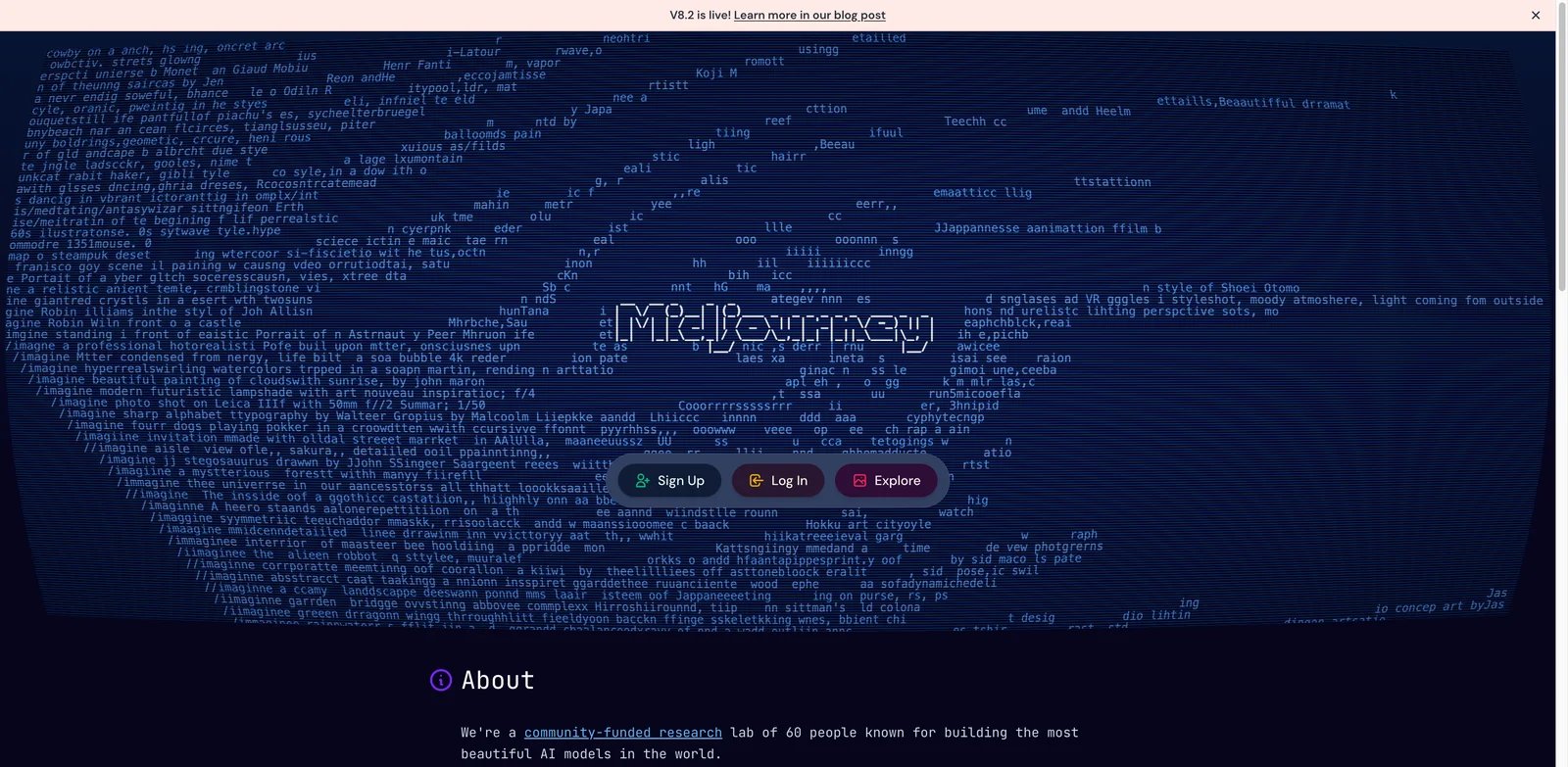
Midjourney is the Leonardo AI alternative for users who care most about image taste. Leonardo is broader: Canvas, tokens, model training, video, and a multi-model workspace. Midjourney is narrower and suits users who want a subscription-based image workflow with Fast and Relax GPU modes rather than Leonardo's token-driven multi-model suite.
What Midjourney solves vs Leonardo AI: The biggest win is predictable subscription packaging. Midjourney's official plan comparison lists Basic, Standard, Pro, and Mega at $10, $30, $60, and $120 per month, with unlimited relaxed images from Standard upward and stealth mode on Pro and Mega. That makes it easier to understand than a credit system that changes by model.
Pricing and cost notes: Midjourney can be cheaper than Leonardo for image-heavy users who live in relaxed mode, but it is not automatically better for video, training, Canvas editing, or API-style workflows. Extra GPU time is separate.
Limitations: Midjourney is not a full Leonardo replacement if you rely on custom model training, Canvas-style editing, or Leonardo's broad model marketplace. It also remains a hosted platform with its own moderation and update risk.
Best for: Artists, creators, and marketers who want stronger default aesthetics and a simpler image-generation subscription. Test it by re-running 10 old Leonardo prompts and comparing not only beauty, but revision time.
Get started with Midjourney
Freepik / Magnific
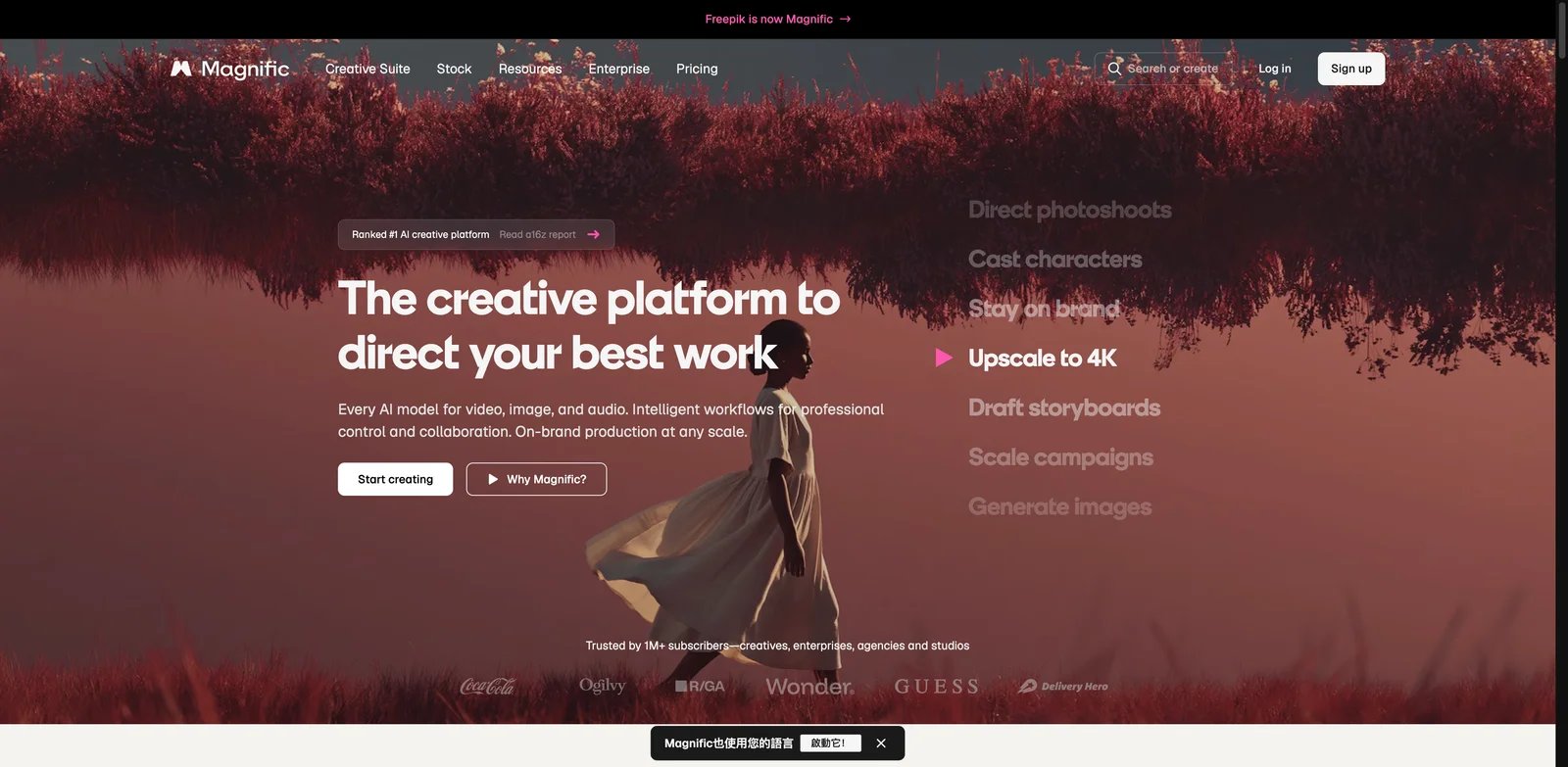
Freepik is a better Leonardo AI alternative when image generation is only one part of a broader design-production workflow. Instead of starting from a blank prompt, teams can combine stock assets, templates, mockups, AI generation, editing, and Magnific-style enhancement in one creative ecosystem.
What Freepik / Magnific solves vs Leonardo AI: Leonardo is strong at generating original images and assets. Freepik is stronger when the workflow begins or ends in usable design material: stock visuals, icons, vectors, mockups, backgrounds, product visuals, and enhanced image output. If your team often exports Leonardo results into another design asset library, Freepik may reduce that handoff.
Pricing and cost notes: Freepik's packaging changes frequently, and Magnific-related features may sit inside broader Freepik plans or credit rules. Treat this as a live-check item before annual purchase. The article includes it because the workflow value is high, not because the public pricing table is the cleanest.
Limitations: It is less compelling if you mostly want custom model training, game asset consistency, or Leonardo-style image/video experimentation. Asset-library workflows can also feel heavier than a pure generator.
Best for: Content teams, social designers, ecommerce marketers, and agencies that need usable production assets, not only one generated image. Test it by creating a campaign set: hero visual, social crop, background, icon, and enhanced final.
Get started with Freepik
OpenArt
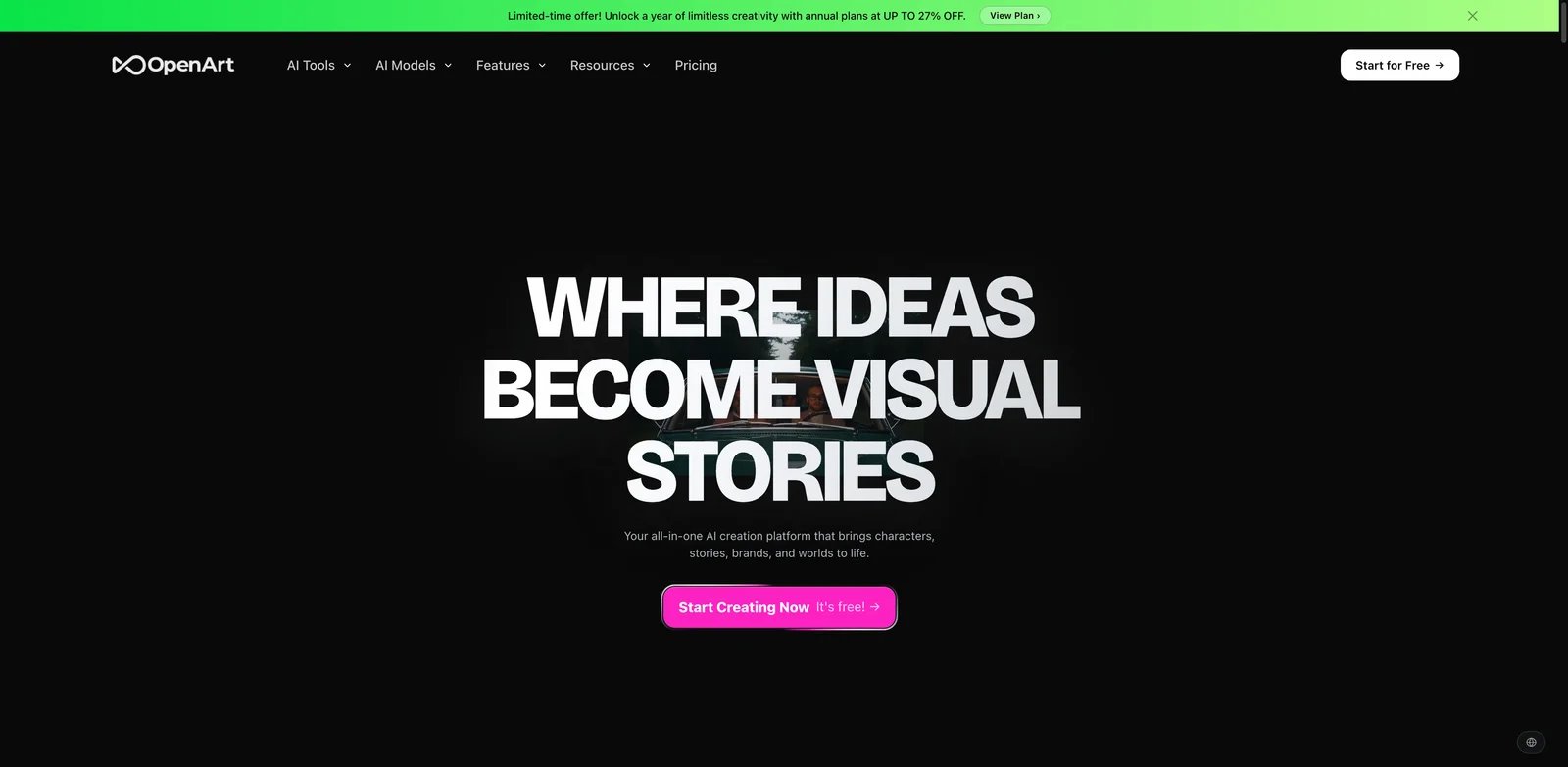
OpenArt is the closest replacement when you like Leonardo's multi-model feel but want a different creative studio. It combines image generation, video generation, character workflows, story tools, editing, and a wide model library. That makes it useful for creators who want one hub rather than a single-model subscription.
What OpenArt solves vs Leonardo AI: OpenArt's official pricing page emphasizes 100+ premium image, video, and audio models, personalized models, parallel generations, character capacity, story creation, editing, and commercial-use rights on higher plans. That maps well to Leonardo users who want breadth, not just a Midjourney-style image subscription.
Pricing and cost notes: The current monthly list shows Starter at $14, Plus at $34, Pro at $56, and Wonder at $240 before displayed discounts. Because OpenArt uses credits and promotions, compare the actual model you plan to use, not only the plan name.
Limitations: Multi-model platforms can hide cost complexity. A plan may look generous until a specific premium image or video model burns through credits quickly.
Best for: Creators who want model variety, character consistency, story creation, and image/video options in one workspace. Test it with the same character or brand asset across five scenes to see whether it actually preserves consistency better than Leonardo.
Get started with OpenArt

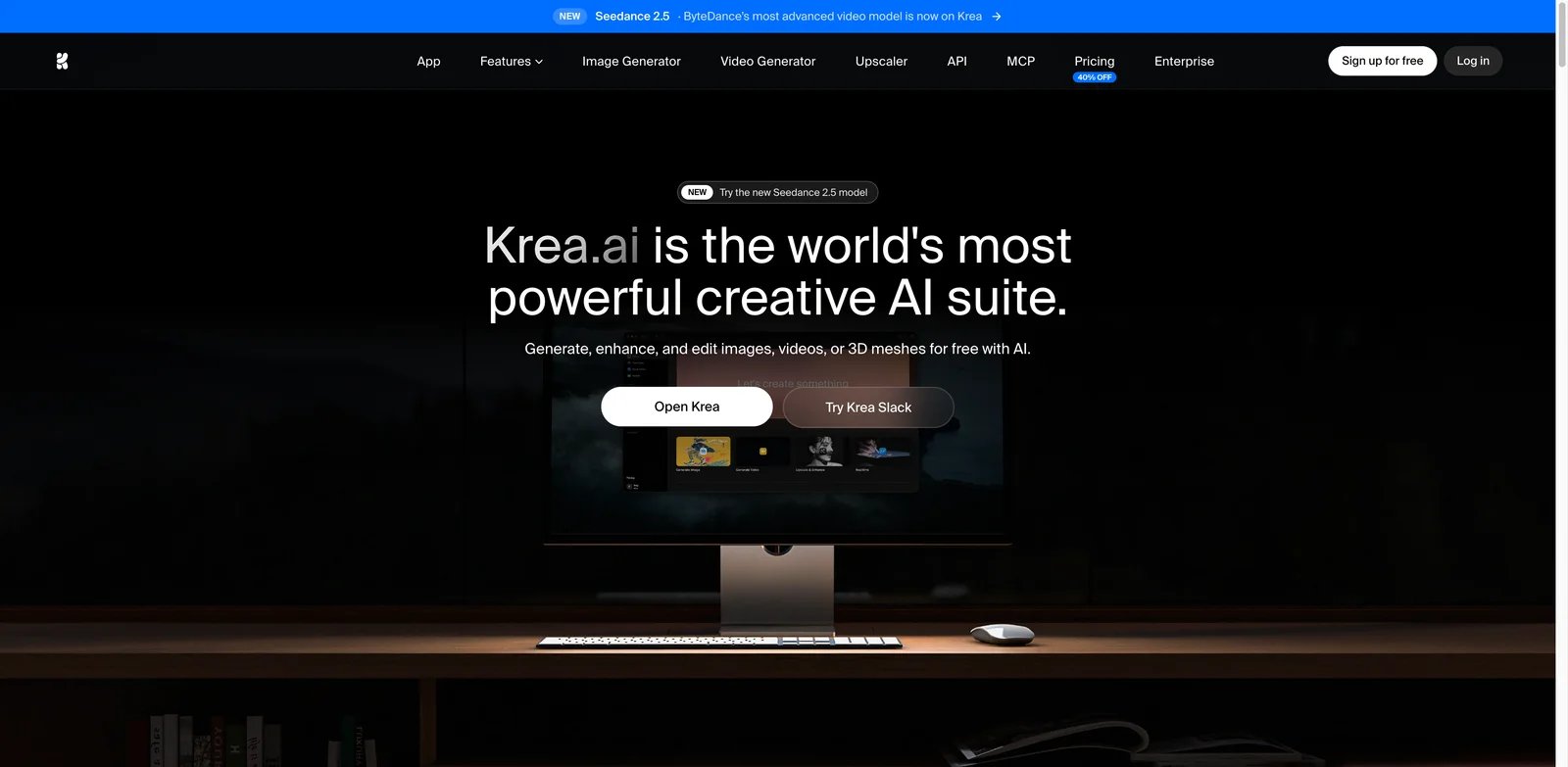
Krea is the Leonardo AI alternative for fast visual exploration. Its strength is not only final image output; it is the ability to sketch, iterate, enhance, use workflows, and move quickly through concepts before locking a direction.
What Krea solves vs Leonardo AI: Krea's public pricing page lists free daily compute units, Basic at $9/month, Pro at $35/month, and Max at $105/month on monthly billing. It also highlights real-time models, image/video/3D/lipsync access, LoRA training, upscaling, Nodes, Apps, concurrency, and unlimited relaxed generations on selected in-house models for Max. That is a strong fit for users frustrated by Leonardo's model boundaries but still wanting a hosted creative workspace.
Pricing and cost notes: Krea's annual page can display lower effective monthly prices, so quote the billing term clearly. As with Leonardo, relaxed generation applies to selected models rather than everything.
Limitations: Krea is still a hosted credit/compute system. It does not replace ComfyUI if you need local privacy or complete model control.
Best for: Concept artists, product designers, and visual explorers who want real-time iteration and workflow tools. Test Krea by starting from a sketch or rough composition, then measure how many revisions it takes to reach an approved style.
Get started with Krea
Ideogram
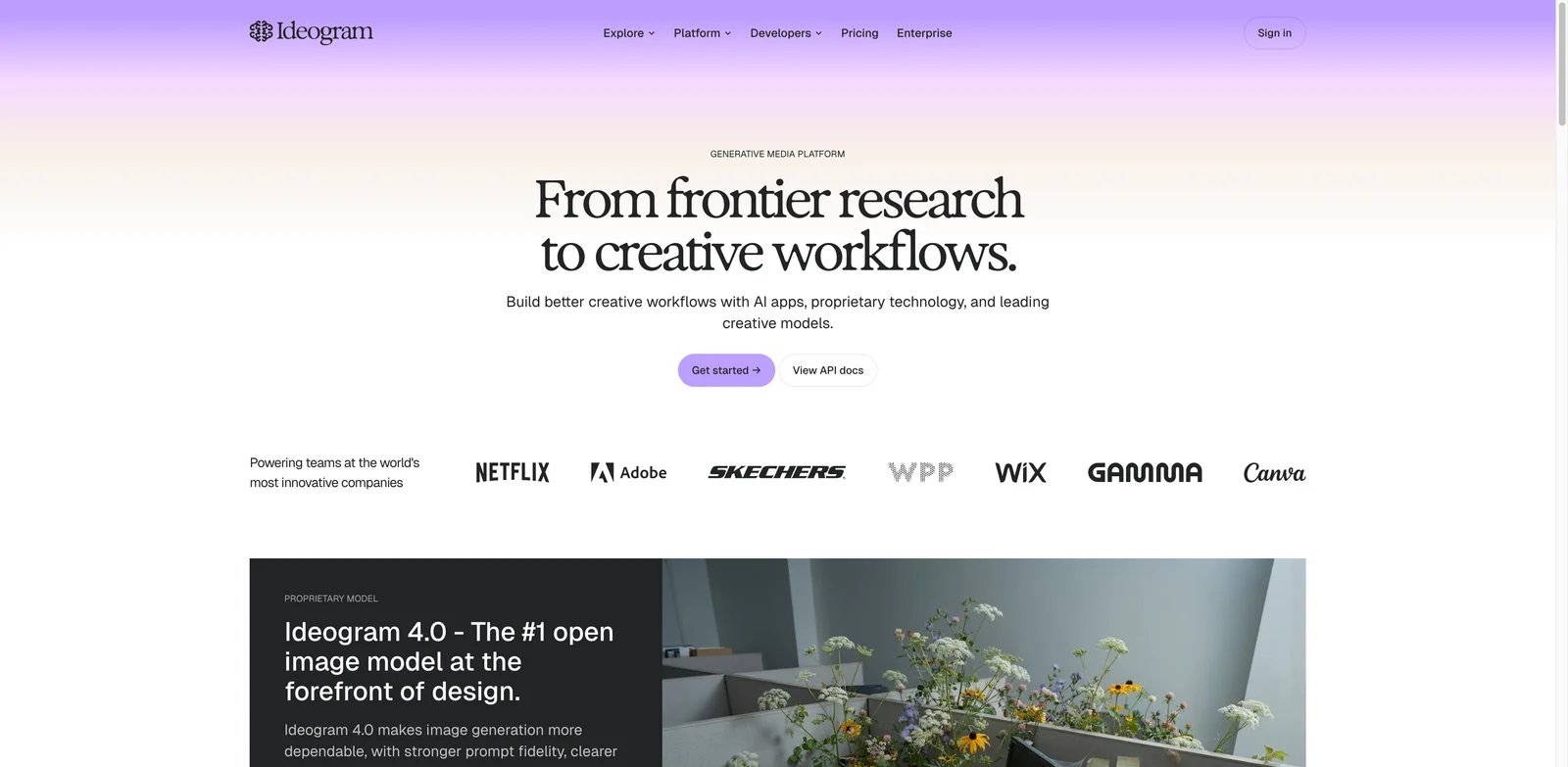
Ideogram belongs in the shortlist because Leonardo users often need graphics that include readable words. Posters, labels, logos, social ads, packaging mockups, and thumbnails fail quickly when the text is wrong. Ideogram is one of the most practical alternatives when prompt adherence and typography matter more than all-in-one breadth.
What Ideogram solves vs Leonardo AI: Ideogram's pricing page and plans documentation show a free plan, Plus, Pro, Team, and Enterprise options. Current public docs list Plus and Pro as the main paid individual tiers, with unlimited slow credits, private generation on paid plans, larger queues, quality export, and character consistency.
Pricing and cost notes: Monthly pricing is commonly shown as Plus $20 and Pro $60, with annual discounts. The older Basic plan is documented as legacy, so do not recommend Basic to new buyers.
Limitations: Ideogram is not a full replacement for Leonardo's Canvas, video, custom model training, or multi-model marketplace. It is a specialist choice.
Best for: Marketers, founders, designers, and creators who generate text-heavy visuals. Test it with exact copy: event posters, package labels, logo lockups, and social ad variants.
Get started with Ideogram


Recraft is the better Leonardo AI alternative when "image generation" really means brand-ready design assets. It is especially relevant for icons, vectors, illustrations, social graphics, mockups, and style-consistent visual systems.
What Recraft solves vs Leonardo AI: Recraft's paid-plan documentation describes Basic from $12/month, Pro credit tiers, Teams, private image generation, commercial usage rights while subscribed, shared custom styles, central account management, and SSO for teams. That makes Recraft easier to position for design teams than a broad AI art platform.
Pricing and cost notes: Recraft also sells top-up credits, and its Pro plan scales by monthly credits. Compare cost by output type: vector logos, icons, illustrations, mockups, and image sets do not have the same value as exploratory art generations.
Limitations: Recraft is not the strongest choice for cinematic art exploration, AI video, or local model control. It is also not a replacement for Leonardo's game-asset and 3D texture angle.
Best for: Brand designers, startup teams, app builders, and agencies that need usable design assets rather than only images. Test it by building an icon set, a hero illustration, and a brand background in one visual style.
Get started with Recraft


Adobe Firefly is the Leonardo AI alternative for commercial creative teams that already work in Adobe. Its advantage is workflow fit: Photoshop, Express, Illustrator-adjacent design work, generative fill, video/audio features, and procurement-friendly positioning.
What Adobe Firefly solves vs Leonardo AI: Adobe's Firefly plan comparison lists a free option with limited daily generations, Standard at $9.99/month, Pro at $19.99/month, Pro Plus, and Premium. The paid tiers include monthly generative credits, standard image features, premium models, video/audio features, and higher-generation packages.
Pricing and cost notes: Firefly can look inexpensive at the entry tier, but teams should compare it against their existing Creative Cloud plan. If the team already pays Adobe, Firefly may be a workflow extension rather than a new standalone vendor.
Limitations: Firefly may feel safer and more corporate than Leonardo or Midjourney. It is less suitable for users chasing unusual art styles, model experimentation, or local control.
Best for: Marketing teams, agencies, and enterprise creative groups that need commercially comfortable generation inside Adobe workflows. Test it by moving one asset from prompt to Photoshop/Express revision to final export.
Get started with Adobe Firefly
Higgsfield
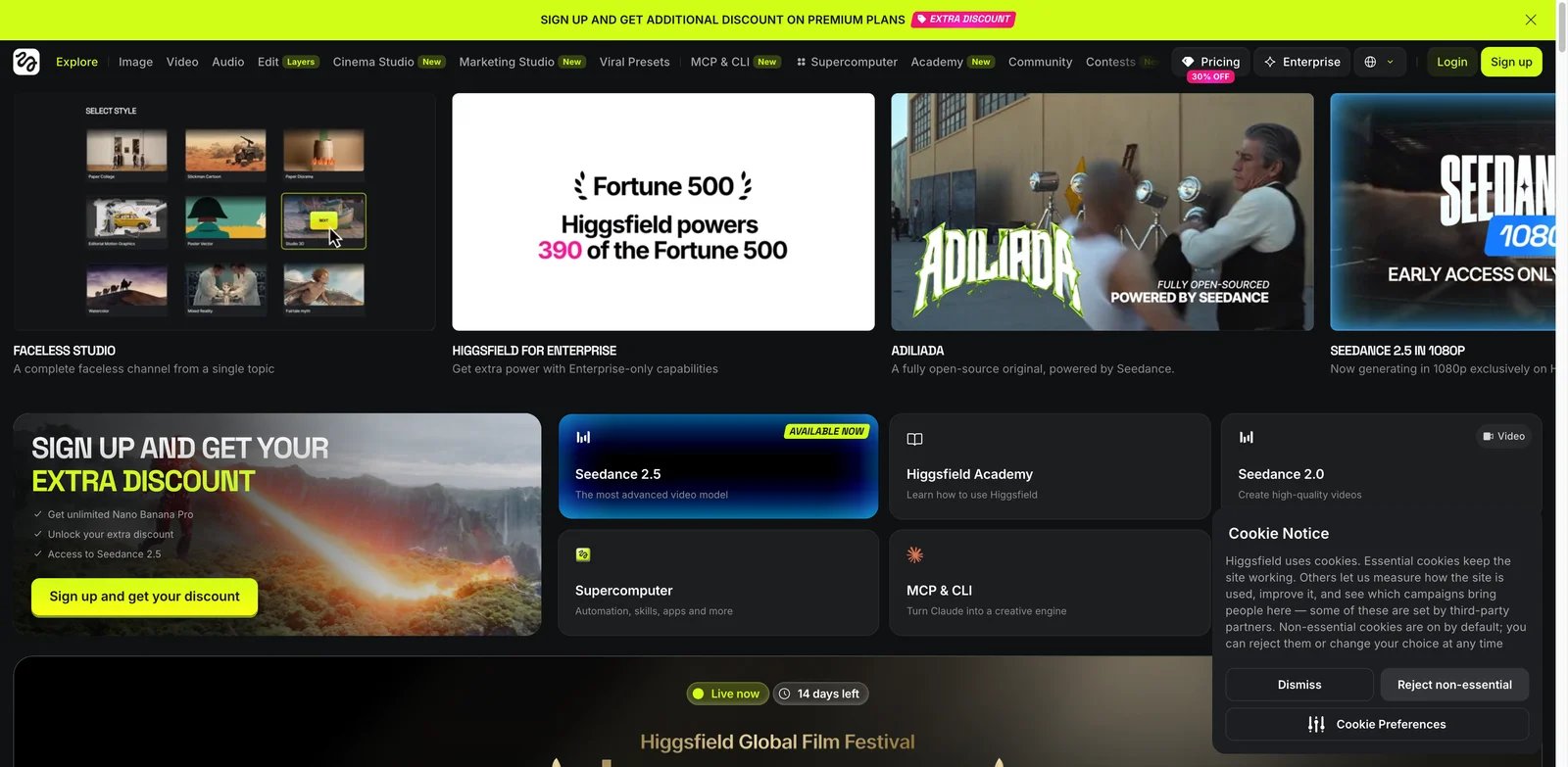
Higgsfield is a stronger alternative when Leonardo's video and motion features are the reason you are paying. It focuses on video, ads, character consistency, Soul ID, start/end frames, and high-volume creative output rather than being only an image generator.
What Higgsfield solves vs Leonardo AI: Higgsfield's pricing guide says individual plans vary by country and promotion, with entry tiers from about $9/month, mid-tier plans from about $29/month, and higher tiers from about $79/month. Its help center also describes team and business plans with shared workspaces and enterprise controls.
Pricing and cost notes: Higgsfield pricing is region-sensitive and promotion-sensitive. Use it only after checking the live checkout for your country and the exact models you need.
Limitations: Higgsfield is not a clean replacement for Leonardo's Canvas, image model training, or game-asset workflow. Its value is strongest if video has become the central job.
Best for: Creators, ad teams, and studios that need image-to-video, character continuity, and campaign motion. Test it with a real ad sequence, not a single impressive clip.
Get started with Higgsfield
ComfyUI
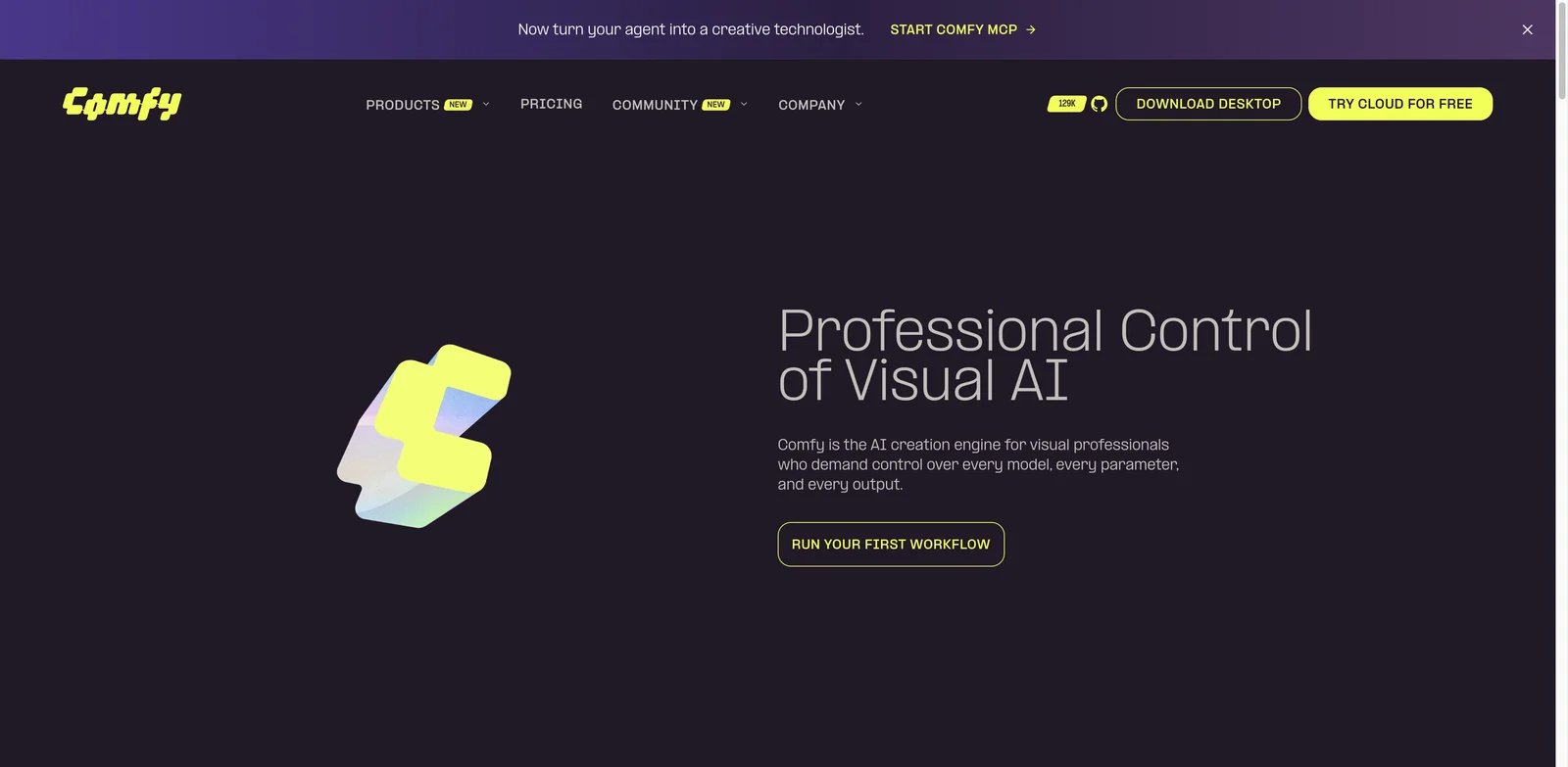
ComfyUI is the most different Leonardo AI alternative because it is not a hosted creative suite. It is a node-based workflow system for local or controlled generation. If your Leonardo pain is moderation, reproducibility, privacy, or model access, ComfyUI is the serious option.
What ComfyUI solves vs Leonardo AI: ComfyUI gives you graph-level control over models, LoRAs, upscalers, inpainting, ControlNet-style guidance, image-to-image, video workflows, and repeatable pipelines. Comfy's current public positioning also separates free Desktop usage from paid hosted/cloud products, making the software-cost story different from a subscription generator.
Pricing and cost notes: Desktop use can be free, but real cost includes GPU hardware, cloud GPU rental, storage, model management, maintenance time, and operator skill. That cost is invisible in a plan table but very real in production.
Limitations: The learning curve is high. Nontechnical teams may spend more time maintaining workflows than creating assets. You also take on rights, model-license, security, and storage decisions yourself.
Best for: Technical creators, studios, and teams that need maximum control and can maintain a workflow. Test it by recreating one Leonardo campaign with a saved node graph and checking whether outputs are repeatable one week later.
Get started with ComfyUI

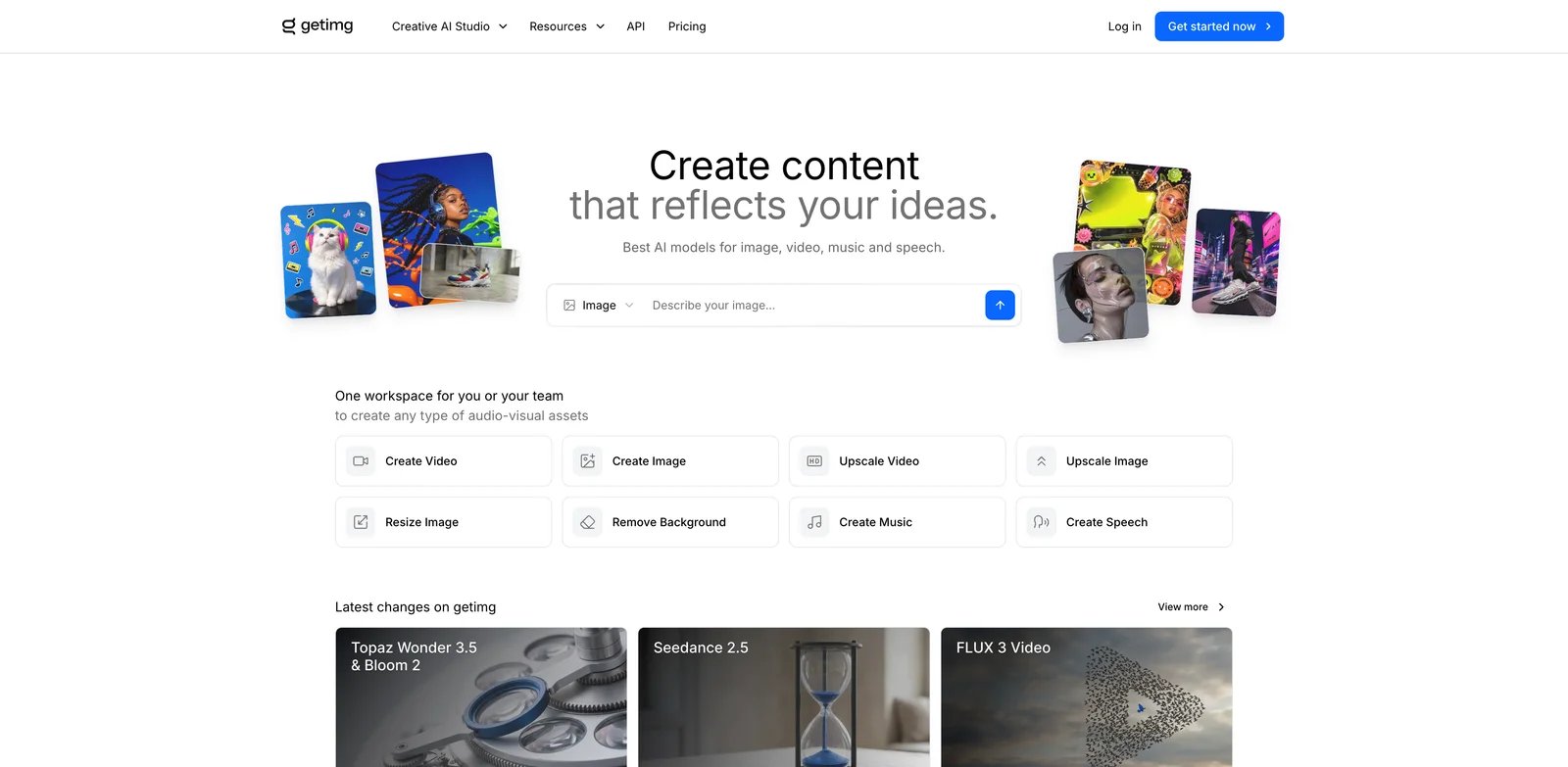
getimg.ai is a practical Leonardo AI alternative for users who want predictable credits, broad model access, editing, upscaling, video, audio, and a developer path without committing to a complex local stack.
What getimg.ai solves vs Leonardo AI: getimg.ai's pricing page lists Entry at $10/month, Core at $30/month per seat, Plus at $65/month per seat, and Ultra at $175/month per seat on monthly billing, with larger credit pools, commercial rights, model access, image/video tools, upscaling, and concurrency differences. Its developer page also highlights pay-as-you-go API pricing by model.
Pricing and cost notes: Plan credits do not roll over, and API credits are separate from subscription plans. That is less generous than a rollover bank, but clearer if you want predictable monthly capacity.
Limitations: Like every credit platform, model choice determines real cost. A cheap image workflow and a high-end video workflow can feel like different products.
Best for: Teams that want a broad hosted tool with clearer credit plans and API options. Test it by pricing a real month of images, edits, upscales, and videos.
Get started with getimg.ai
Honorable Mentions
Runway is the video-first migration path. Its pricing page lists Free, Standard, Pro, Max, and Enterprise tiers, with Max adding a one-month rollover rule. Choose Runway when Leonardo's image generation is fine but serious motion work has outgrown it.
Kling AI is worth testing if the third-party model you use inside Leonardo is Kling itself. Kling's official credits policy explains how credits are acquired, consumed, and priced, though live plan packaging should be verified in-app. Direct access can reduce one layer of abstraction.
Google Gemini is an adjacent alternative when conversational image generation and editing are enough. Google's Gemini subscription page lists Free, Google AI Plus, Google AI Pro, and Google AI Ultra options in the United States, with image and creative-model access tied to plan limits.
ChatGPT Images is the easiest near-zero-migration option if you already use ChatGPT. OpenAI's ChatGPT Go announcement is now outdated on Pro pricing: Go remains $8/month in the US and Plus $20/month; current Pro tier guidance lists $100/month for 5× Plus usage and $200/month for 20× Plus usage. It is best for conversational revision, not for replacing every Leonardo production feature.
Migration Guide Before You Cancel Leonardo AI
Do not start by canceling Leonardo. Start by identifying which Leonardo job is actually failing.
For moderation false positives, test the same 20 prompts in Adobe Firefly, Gemini, ChatGPT Images, and ComfyUI. Hosted tools may still block content, but the false-positive pattern will differ. ComfyUI gives the most control, but also shifts policy and safety responsibility to your team.
For Canva Business uncertainty, decide whether Leonardo access should live inside Canva or as a direct Leonardo subscription. Canva's page says Essential access is included with Business/Enterprise, but trials, admins, existing Leonardo plans, and cancellations change the state. For a team, that is an operations question, not only a price question.
For unlimited-plan disappointment, separate first-party Leonardo image work from third-party model work. If your heavy usage is first-party images, Leonardo may still be cost-effective. If your heavy usage is Veo, Kling, Sora, Ideogram, or other third-party models, compare direct subscriptions and API pricing.
For production reliability, run a timed benchmark. Choose 10 real prompts, 5 edits, 3 upscales, and 3 video tasks. Track approval rate, wait time, credit burn, and revision count. The winning tool is the one with the lowest cost per approved asset, not the lowest sticker price.
For custom styles and assets, export what you can before migrating: prompts, final outputs, seed notes, reference images, brand examples, training-set notes, model names, and client-approved finals. You may not be able to move a Leonardo custom model directly into another platform, but you can preserve the creative system around it.
Which Leonardo AI Alternative Should You Choose?
Choose Midjourney if you want stronger default image aesthetics and a simpler creative subscription.
Choose Krea if you want fast real-time exploration, sketch-to-image workflows, and selected relaxed generation on a hosted platform.
Choose Ideogram if your outputs include text, logos, posters, packaging, or ad copy that must render correctly.
Choose Recraft if your team needs vectors, icons, brand assets, and design-system consistency.
Choose Adobe Firefly if commercial creative workflows, Photoshop, Express, and enterprise review matter.
Choose OpenArt or getimg.ai if you still want a broad multi-model hosted studio but prefer a different plan and workflow shape.
Choose Higgsfield, Runway, or Kling AI if the work has shifted from images to video.
Choose ComfyUI if control, privacy, reproducibility, and local workflows matter more than convenience.
FAQ
What is the best free Leonardo AI alternative?
Is Midjourney better than Leonardo AI?
Is Krea better than Leonardo AI?
Which Leonardo AI alternative has the most predictable unlimited generation?
What is the best Leonardo AI alternative for text, logos, and vector graphics?
Which Leonardo AI alternative gives the most control over models and moderation?
Can I move Leonardo AI custom models, Elements, and assets to another platform?
Does Canva Business still include Leonardo AI Essential?
Get ToolWorthy Weekly
New AI tools, practical guides, and selected AI signals in one weekly brief.
Related Posts
- 9 AI Zombie Video Generators for the Zombie Love Story
Make a zombie love story from photos or build your own scenes. Compare nine generators by inputs, real generation costs, creative control, and export limits.
- 5 Gas Station Dance AI Video Generators Compared in 2026
Choose a gas station dance video maker by photo count, output format, preview, credits, and whether it creates the whole three-shot trend or swaps one face.
- 8 Best Hotel Lobby AI Generators for the Orange-Booth Trend
Put your duo in the orange booth: compare eight Hotel Lobby AI tools by photo inputs, preview limits, video costs, audio, and how much control you need.
For AI tool founders
Built a tool that belongs in this decision set?
Request an editorial evaluation for possible inclusion in ToolWorthy.
Submit your tool for reviewPaid submission does not guarantee a ranking, recommendation, inclusion, or editorial outcome.