



Overview
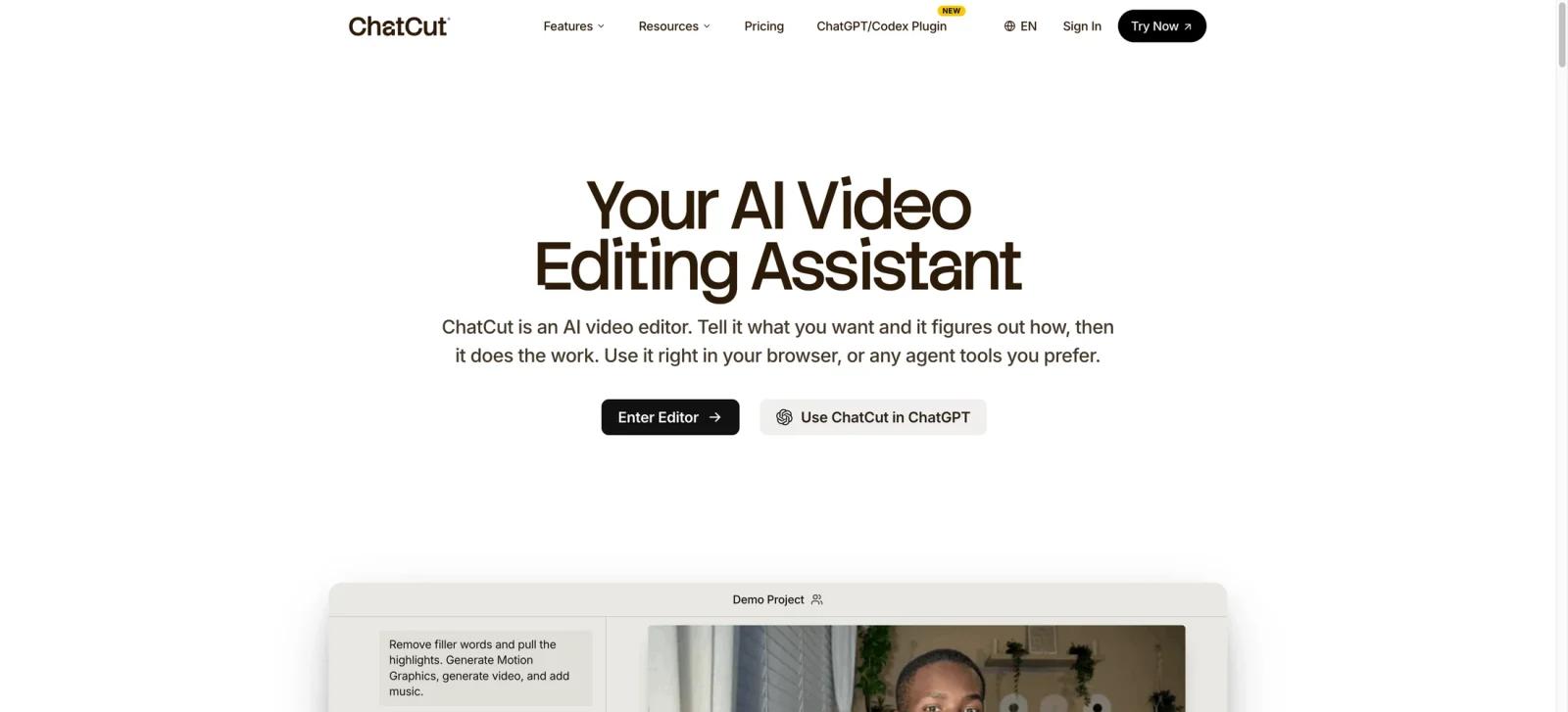
ChatCut is an AI video editor for creators who want prompt-driven editing without giving up a real, editable timeline. Instead of producing a locked template, it can organize footage, create a first cut, remove unwanted passages, add captions and B-roll, generate motion graphics, and keep those changes available for further editing.
Its official site positions ChatCut as a browser-based editor that can also work through agent tools such as ChatGPT and Codex. This is a meaningful distinction from many AI video generators: ChatCut focuses on editing existing footage and keeping editorial control, rather than only generating a new clip from text.
Key Features
- Prompt-based editing - Describe a structural edit, highlight reel, or cleanup task in natural language and let ChatCut translate it into timeline changes.
- Transcript editing - Delete words or sentences, remove filler, or reorder transcript sections and have the corresponding video timeline update. Correcting transcript text alone does not change the underlying audio or video.
- First-cut assistance - Analyze footage, identify likely highlights, remove repeated takes, and arrange clips into an initial edit that a human can refine.
- Captions and supporting media - Add captions, B-roll, stock footage, music, and voiceover from the same editing environment.
- AI motion graphics - Turn a written direction into chapter cards, overlays, quick charts, timelines, and emphasis graphics placed on the timeline.
- Editable export path - ChatCut says edits stay on a real timeline and supports XML export when work needs to continue in another editor.
Creators who need a separate generation-first workflow can compare Runway Gen-4.5 or Pika before deciding whether to generate scenes or edit their own footage.
Pricing & Plans
ChatCut has a free option with 25 starter credits and no card required. Its public pricing lists paid subscriptions with 100 recurring credits for $25/month and 400 recurring credits for $100/month. The number of finished videos depends on credit use for AI agent turns, video and image generation, motion graphics, music, narration, and rendering. Uploading media, automatic transcription, manual timeline editing, playback, previews, and captions created from an existing transcript do not consume credits.
| Plan | Price | Notes |
|---|---|---|
| Free | Free | 25 starter credits; no card required |
| Paid — 100 credits | $25/month | 100 recurring credits per month |
| Paid — 400 credits | $100/month | 400 recurring credits per month |
ChatCut does not label these tiers “Creator” or “Studio” on its current pricing page. It also advertises annual billing at 50% off, but a specific annual dollar amount should only be added after verifying the live checkout price.
Best For
- YouTubers, educators, and marketers editing talking-head or interview footage
- Creators who want to use prompts without losing access to a familiar timeline
- Teams that need captions, B-roll, graphics, and rough cuts in one AI video editor
- Editors who want a faster first cut before completing a polished pass in their preferred NLE
FAQ
What is ChatCut?
ChatCut is an AI video editor that converts prompts and transcript changes into editable timeline edits, with captions, B-roll, music, voiceover, and motion-graphics tools.
Does ChatCut replace a traditional video editor?
It can handle many editing tasks, but it is best treated as an AI-assisted editor. Its XML export is useful when a project needs to continue in another editing system.
Can ChatCut edit talking-head videos?
Yes. Its transcript workflow can delete words or sentences, remove filler, and reorder sections with corresponding timeline updates. Editing transcript wording only to correct transcription errors does not alter the underlying video.
Does ChatCut have a free plan?
Yes. ChatCut currently includes 25 starter credits with no card required. Paid subscriptions with recurring monthly credits start at $25/month for 100 credits.
Can it generate motion graphics?
Yes. The site describes prompt-generated chapter cards, charts, timelines, overlays, and other emphasis graphics placed directly on a timeline.
Who should compare ChatCut with an AI video generator?
Creators deciding whether to generate a video from scratch or edit real footage should compare both. ChatCut is the better fit when an editable project and existing footage are central.