
7 AI Short Drama Tools for Making Vertical Episodes
Choose how much of your short drama to generate and where to keep control, from the first line of dialogue to a captioned vertical episode.
On this page
If you want to make an AI short drama, start with one scene someone can follow without context. Give two characters opposing intentions, let the first shot reveal the conflict, and end the episode just before a decision is made. The tools below help at different points, from turning that premise into a voiced episode to correcting one line after the cut is locked.
AI Short Drama is our featured pick for drafting and rendering a 15–60 second micro-drama in one browser workflow. ToolWorthy provided this featured placement at no charge. The comparisons are based on public product documentation and vendor examples.
Pick a tool for the work you need to do
| Tool | Start here when |
|---|---|
| AI Short Drama | You want a short voiced episode with a recurring cast and one-time rendering costs. |
| OpenArt | You want to direct and revise a longer multi-scene draft in one project. |
| LTX Studio | You want to approve a shot list and storyboard before producing footage. |
| Runway | You have reference frames or recorded performances and want to build specific shots. |
| Higgsfield | You want to choose the lens, lighting and camera movement before rendering a scene. |
| ElevenLabs | You need a separate dialogue track with distinct voices. |
| CapCut | Your clips are ready and you need to assemble, caption and frame the episode. |
Compare what you export and what you still need
A finished episode, a generated shot and an audio take are different deliverables. Pick the row that leaves you with the least work you still need to do.
| Tool | Output and next step |
|---|---|
| AI Short Drama | 15–60s at 720×1280, with voiced scenes, a clean MP4, SRT and individual scenes. |
| OpenArt | Director Mode produces a multi-scene video with sound, up to 5 minutes. Review the dialogue and captions separately. |
| LTX Studio | Export a motion storyboard as MP4 or a pitch deck as PDF. Use the board to approve the sequence before finishing. |
| Runway | Gen-4.5 image-to-video makes 2–10s clips, including 720×1280. Performance-driven dialogue uses a separate workflow. |
| Higgsfield | Generate and revise individual shots or sequences. Set model and framing before building the episode. |
| ElevenLabs | Generate multi-speaker audio. Bring the track into the cut and align it to the picture. |
| CapCut | Turn imported clips into a captioned vertical cut. Check reframing and caption accuracy on a phone. |
Compare the first paid decision
| Tool | What to budget or verify |
|---|---|
| AI Short Drama | Script is free. $5.99 for one 15s scene or $9.99 for a 30s episode. |
| OpenArt | Check the project's credit estimate for a short draft and a revision. |
| LTX Studio | Standard includes AI Storyboards, Pitch Decks and commercial use. The monthly listing is $35. |
| Runway | Gen-4.5 requires Standard or higher and costs 12 credits per generated second. |
| Higgsfield | Cinema Studio generations are priced in credits by model, duration and resolution. |
| ElevenLabs | Starter lists a commercial license at $6 per month after any introductory offer. |
| CapCut | Confirm the chosen caption style, assets and export settings in your account before the final cut. |

AI Short Drama turns a premise and a genre into an editable episode script with up to three characters. Choose 15, 30, 45 or 60 seconds, and check that each scene advances the same conflict before paying to render. The studio reuses reference portraits across scenes and later episodes. Dialogue is generated in the scene, and a single scene can be retaken without rebuilding the whole episode.
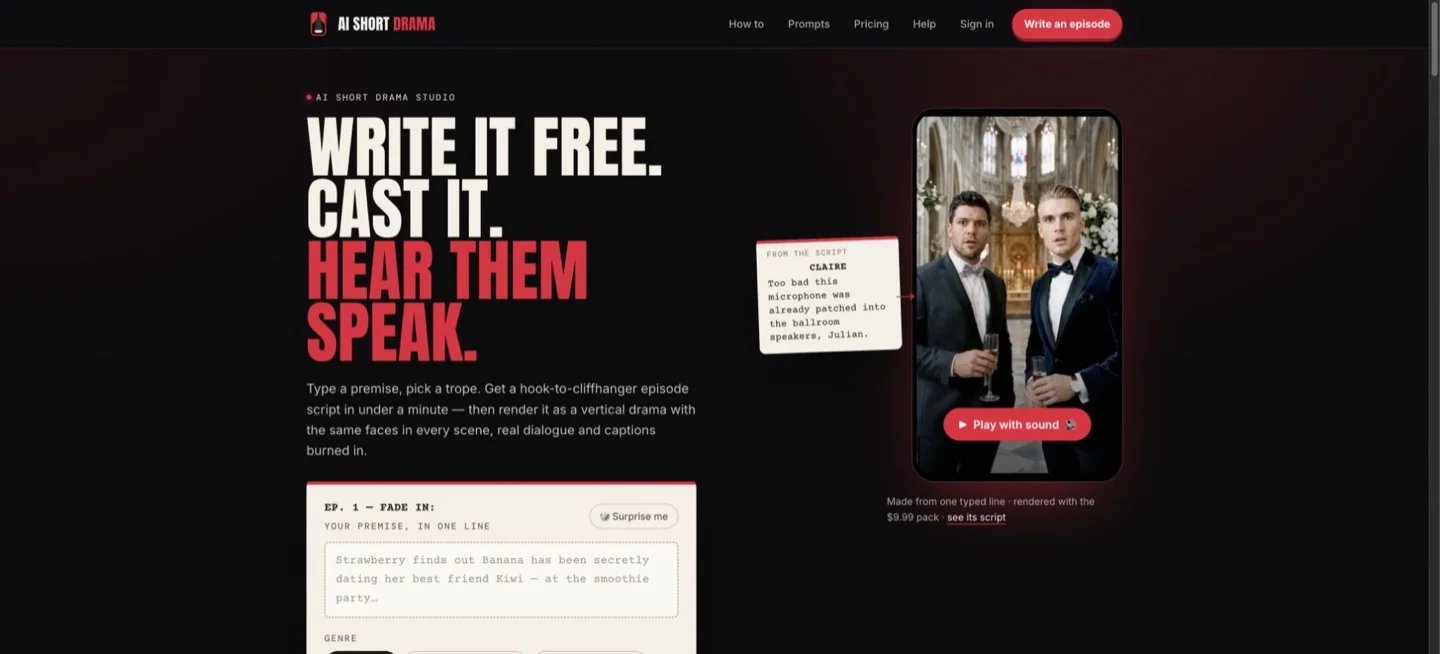
The provider lists six dialogue languages, with burned-in captions for English, Spanish and Portuguese and SRT for all six. That distinction matters if you plan to make a Chinese, Korean or Japanese episode. The clean MP4 and discrete scene clips let you do the final captions or edit elsewhere.
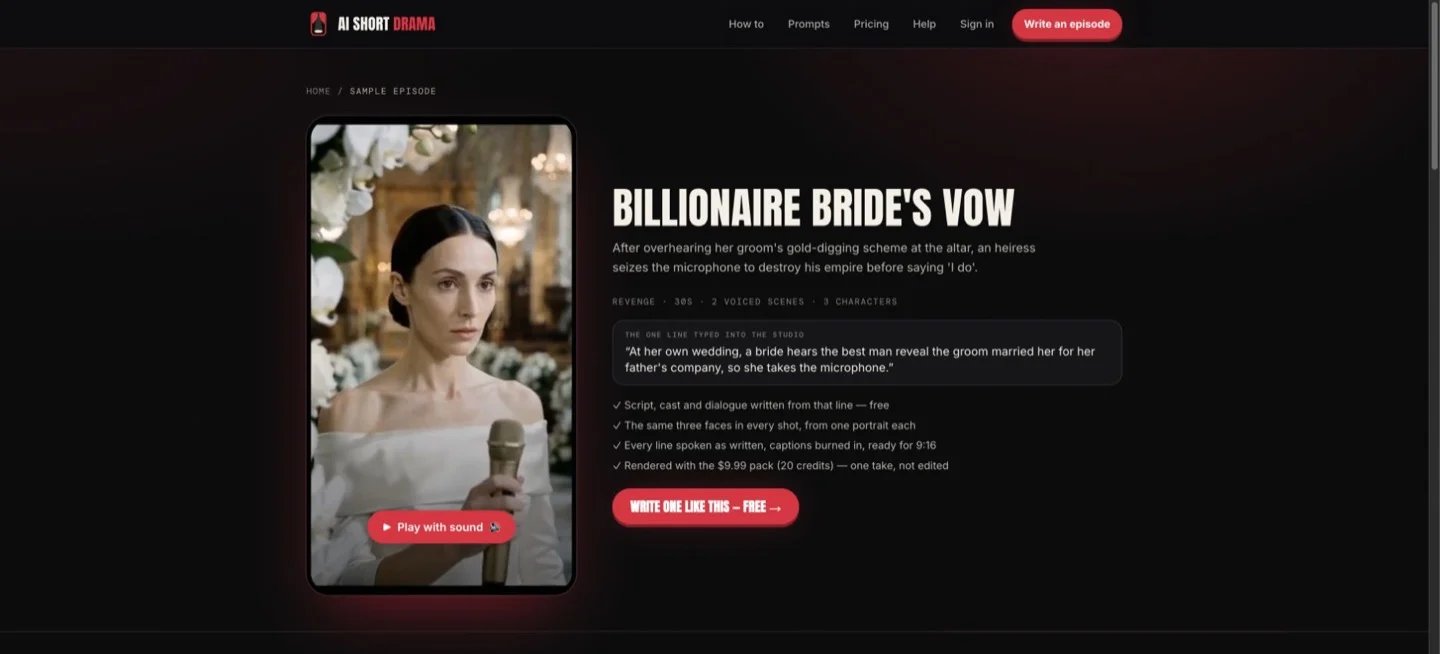
The public sample pairs a 30-second episode with its premise and script. Use it to judge whether the format fits your series.
Start with the public sample and the free script stage. Pricing is 10 credits per 15-second scene. The 20-credit pack costs $9.99, a 40-credit pack costs $17.99, and a retake costs 10 credits. A failed render returns its credits automatically. For a story that needs more than 60 seconds in one episode, consider an editable Director project or a shot-by-shot workflow.
OpenArt
OpenArt Director Mode is a broader route when you want a multi-scene video from a creative brief, with storyboard, characters and sound in one project. The vendor documents projects up to five minutes, offers a way to reuse characters and worlds, and provides a Timeline view for more precise edits.
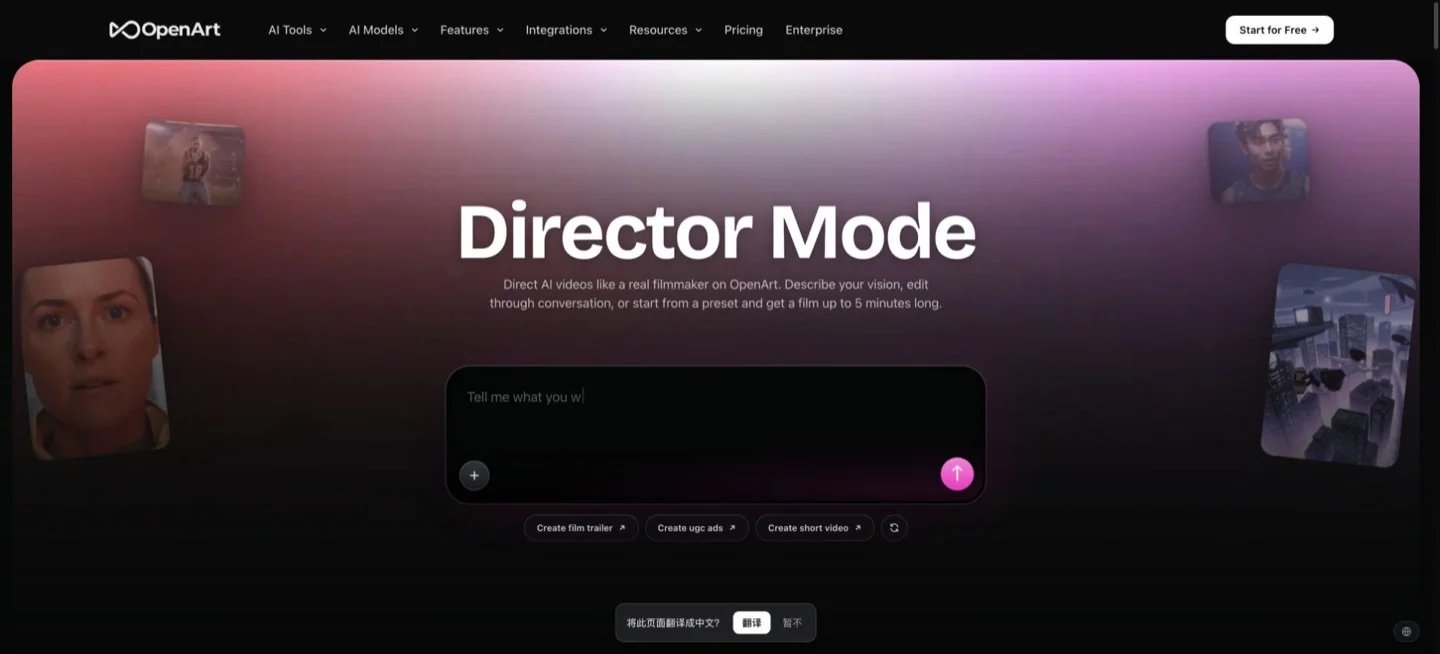
Start with the shortest draft that includes a conversation and a cut back to the first character. Change one beat in the timeline before committing to a long project. Check what the selected preset exports and what a revision costs. A project with sound still needs a review for speaker attribution and caption delivery.
LTX Studio
LTX Studio's storyboard workflow breaks a concept or script into scenes and shots. It extracts characters, locations and objects as reusable Elements. You can show an animated board as MP4 or present a PDF pitch deck before spending generation credits on a whole episode.
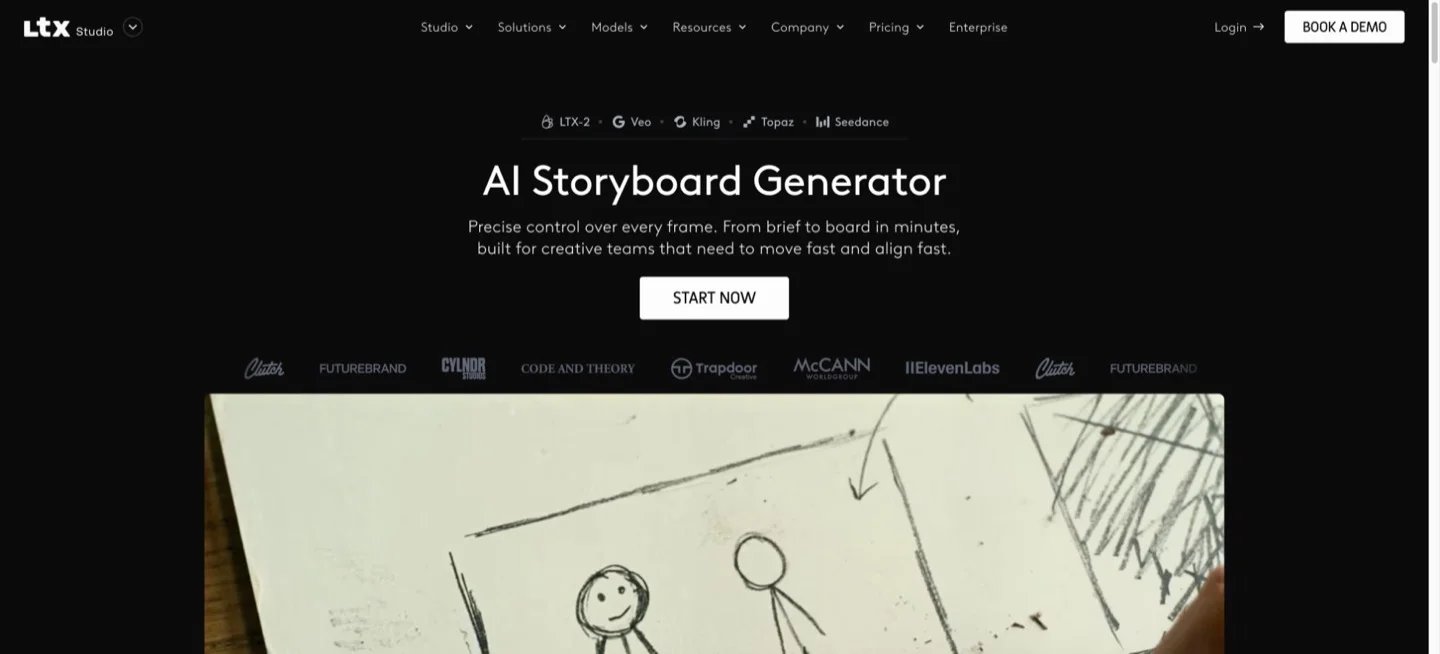
Use it when continuity or team approval matters more than getting a first cut quickly. Put the two leads, the prop that drives the reveal and the main location on the board. Approve their positions from shot to shot. The pricing page lists AI Storyboards, Pitch Decks and commercial use on Standard. Its Free tier lists blank storyboards and personal use.
Runway
Runway’s Gen-4 Image References helps build reusable stills of a character or location. Animate an approved still using Gen-4.5, which lists 2–10 second outputs and a 9:16 option for image-to-video. You can rebuild a reaction shot without touching a scene that already works.
For a conversation with controlled performances, Runway’s Act-Two guide uses a separate performance for each character. Budget for those source recordings and the edit. At 12 credits per second, three five-second Gen-4.5 takes use 180 credits before you budget for references, dialogue or another shot.
Higgsfield
Higgsfield Cinema Studio is useful when viewers need to understand the action through a particular camera move or lighting choice. The studio exposes controls for lenses, framing and movement, and accepts saved Elements and other references.
Lock the cast and location references, then generate the same reveal from one angle and one close-up. If the tool gives you a usable match cut, expand the sequence. Treat the quote for your chosen engine, duration and resolution as the cost of a take. Confirm the selected engine’s clip length and aspect ratio before you plan a scene that must play uninterrupted.

ElevenLabs Dialogue mode creates a voice track with multiple speakers. It helps if the script needs distinct voices or you want to rewrite one line after rendering the picture. It produces audio. Replacing dialogue in a tight close-up can still require new lip sync or a different edit.
Check the commercial license in the current plans if you intend to monetize the episode. For a first scene, generate the handoff between two speakers and listen for interruptions, pauses and pronunciation before making the rest of the tracks.

CapCut Desktop can assemble the clips, generate captions from the soundtrack and reframe the cut for vertical delivery. It is a useful finishing step when you have clean rendered scenes or a separate dialogue file.
Trim the first beat, then check that a reaction shot lands without covering the speaker with captions. Preview the exported video at phone size. Choose the aspect ratio, caption styling and final export settings before you spend time polishing all the scenes.
What to check in the first episode
- Keep the plot readable. In the first scene, show who wants what and what could go wrong.
- Check continuity before rendering more. Look at the same actor from two angles and confirm face, wardrobe and any prop that matters to the story.
- Listen without looking. Make sure you can tell who speaks, what changes in the scene and where the cut should land.
- Export a clean copy. Compare captions with the transcript, watch the vertical crop on a phone, and keep editable files for revisions and translated versions. Use assets you have permission to use and check your publishing platform’s AI labeling requirements.
If you are trying to reproduce a named effect from a photo, start with ToolWorthy’s guide to photo-to-trend video tools.
Get ToolWorthy Weekly
New AI tools, practical guides, and selected AI signals in one weekly brief.
For AI tool founders
Built a tool that belongs in this decision set?
Request an editorial evaluation for possible inclusion in ToolWorthy.
Submit your tool for reviewPaid submission does not guarantee a ranking, recommendation, inclusion, or editorial outcome.