

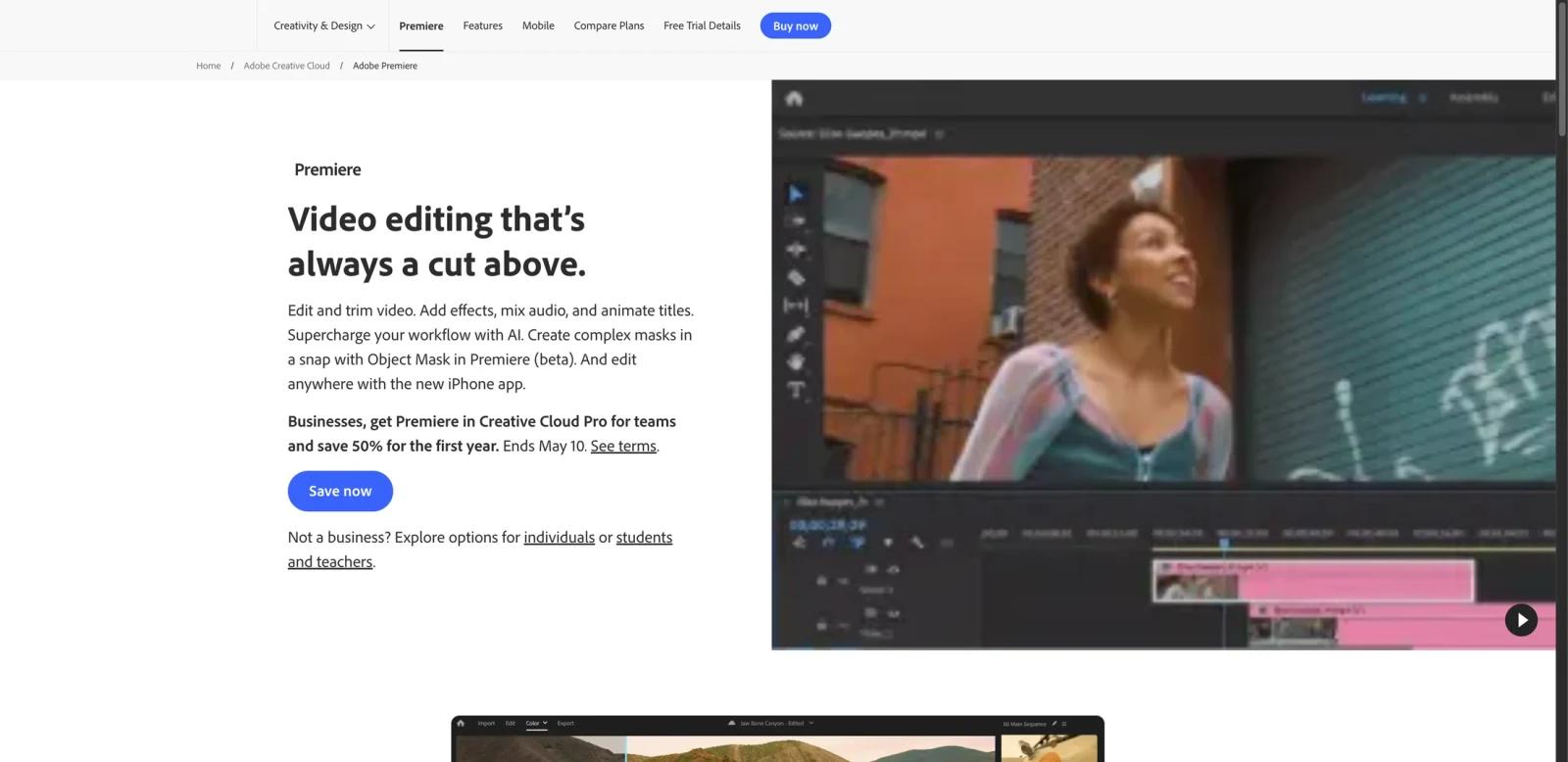


Overview
Adobe Premiere Pro is a professional video editing application used for films, social videos, YouTube channels, ads, documentaries, corporate content, and broadcast-style workflows. It combines timeline editing, color correction, audio mixing, captions, templates, effects, collaboration, and Creative Cloud integrations.
Premiere Pro is aimed at editors and teams that need more control than a simple online editor. It works best when users are comfortable with a professional timeline, media management, audio tracks, color tools, and Adobe's broader ecosystem.
As of April 28, 2026, Adobe lists Premiere for individuals at US$22.99 per month on an annual plan billed monthly. Adobe also promotes Creative Cloud Pro, which includes Premiere and 20+ apps, with regular and promotional pricing that should be checked at checkout.
For adjacent research, compare AI video generator tools, AI video editor tools, AI thumbnail maker tools.
Key Features
- Professional timeline editing - Supports multi-track editing, trimming, effects, titles, transitions, and finishing.
- AI-powered Media Intelligence - Lets editors search footage by describing objects, locations, framing, or other content.
- Text-Based Editing - Uses transcripts to create rough cuts by editing text.
- Generative Extend - Uses Adobe Firefly generative AI to extend clips, add frames, or generate missing ambient sound.
- Color and audio tools - Includes color correction, grading, scopes, Enhance Speech, audio effects, and music workflows.
- Creative Cloud integration - Works with Adobe Express, Frame.io, fonts, templates, storage, and other Creative Cloud applications.
Pricing & Plans
Adobe Premiere pricing varies by individual, student, teacher, team, and promotion.
| Plan | Price shown | Best fit |
|---|---|---|
| Premiere | US$22.99/month annual billed monthly | Editors who need Premiere only |
| Creative Cloud Pro | Regularly US$69.99/month annual billed monthly | Users who need Premiere plus 20+ Adobe apps |
| Students, teachers, and teams | Check Adobe pricing | Education or organization purchasing |
Check the live Adobe checkout page for current promotions, generative credits, storage, tax, regional prices, and cancellation terms.
Best For
Adobe Premiere Pro is best for professional editors, creators, agencies, filmmakers, educators, and production teams that need timeline control, advanced tools, and Adobe ecosystem integration.
FAQ
What is Adobe Premiere Pro?
Adobe Premiere Pro is a professional video editing application for timeline editing, color, audio, titles, captions, effects, and production workflows.
How much does Premiere Pro cost?
As of April 28, 2026, Adobe lists Premiere at US$22.99 per month on an annual plan billed monthly for individuals.
Does Premiere Pro include AI tools?
Yes. Adobe lists AI features such as Media Intelligence, Text-Based Editing, Enhance Speech, Remix, Object Mask, and Generative Extend.
Who should use Premiere Pro?
Premiere Pro is best for users who need professional editing control rather than a simple browser-based editor.
Who should use Adobe Premiere Pro?
Adobe Premiere Pro is best for users who need the workflow described in this review and want to compare it against adjacent AI tools before adopting it.
How much does Adobe Premiere Pro cost?
Pricing can change by plan, billing term, region, and usage limits. Check the official website for the current plan details before purchase.


