



Overview
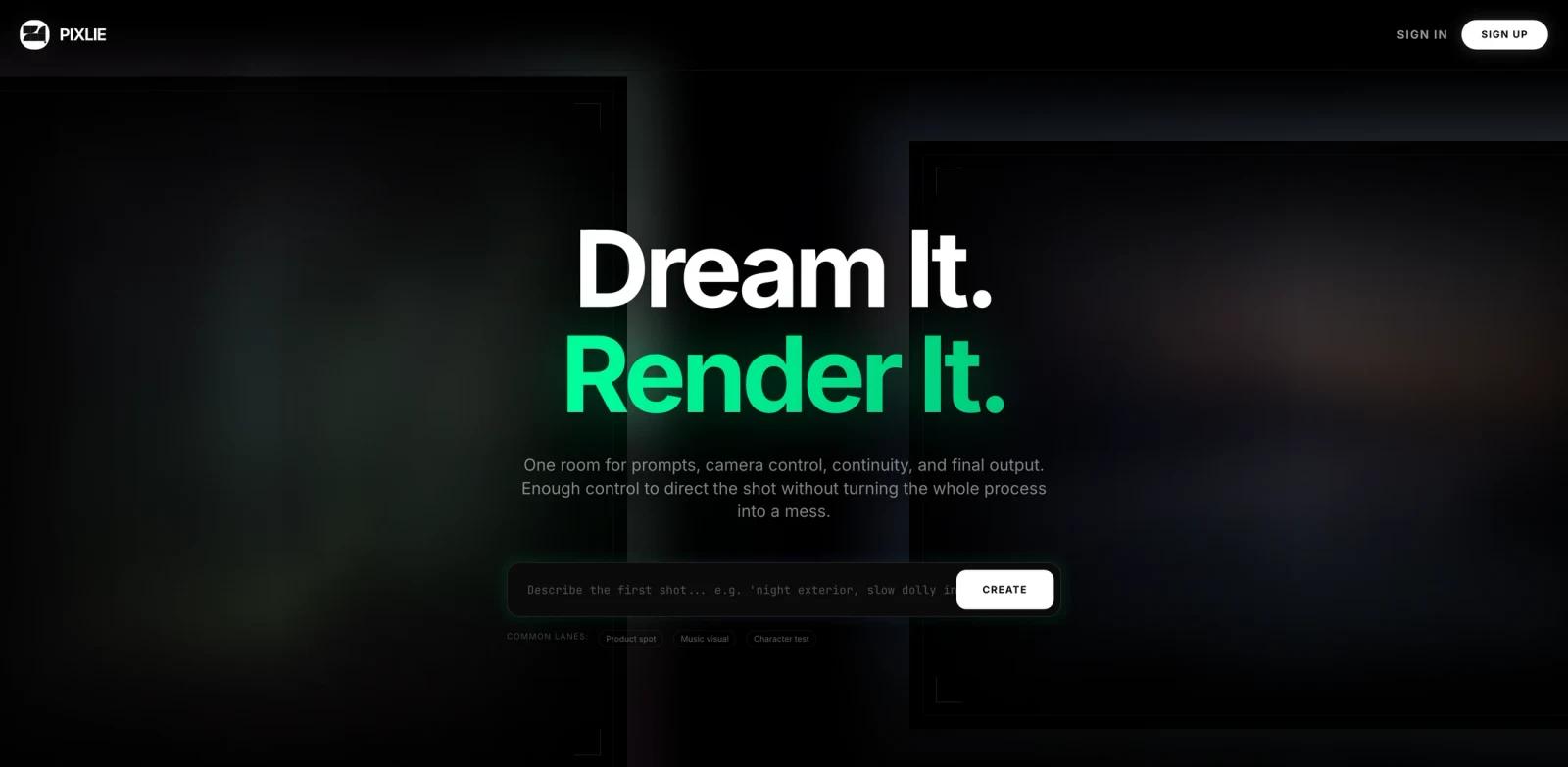
Pixlie is an AI video studio for generating and transforming short-form video with more explicit creative controls than a prompt-only interface. It supports text-to-video, image-to-video, video-to-video restyling, reusable character identity, camera-path direction, audio-reactive motion, a project library, and cloud render queues.
The product targets creators who need continuity across shots rather than isolated clips. Its Identity Lock workflow trains a character face for reuse, while Motion Brush controls deliberate pan, tilt, zoom, or orbit movement. Video-to-video mode preserves timing and blocking from source footage while changing the visual treatment.
Pixlie belongs among AI video generators and AI video editors. Readers comparing mature alternatives can review Runway Gen-4.5 and ToolWorthy's best AI video generator guide.
Key Features
Text and image to video - Generate short clips from written prompts or visual references and manage outputs in a shared project shelf.
Identity Lock - Train a character face once and reuse it to improve continuity across separate generated shots.
Motion Brush controls - Direct pan, tilt, zoom, orbit, and movement paths rather than relying entirely on automatic camera behavior.
Video-to-video restyling - Transform existing footage while retaining its timing, blocking, and useful source motion.
Audio-reactive generation - Shape movement and intensity around a soundtrack for music visuals and synchronized creative work.
Cloud queue and library - Submit render jobs, track progress, and organize generated assets across web and mobile access.
How It Compares
Pixlie emphasizes shot direction and reusable character consistency. That differs from simple generators that accept a prompt and return a single opaque result. The tradeoff is that its published monthly clip limits are smaller than the allowances some established platforms advertise, and public evidence about model selection and team collaboration remains limited.
Creators focused on enhancement rather than generation should instead browse AI video enhancers. Pixlie is better suited to generating or restyling shots than repairing existing low-resolution footage.
Pricing & Plans
Pixlie publishes four monthly plans on its official site.
| Plan | Price | Main limits |
|---|---|---|
| Free | $0/month | 1 five-second video per day, starter credits, 720p exports, single active queue |
| Basic | $9.99/month | 50 images and 20 videos per month, up to 10 seconds, 1080p, no watermark |
| Pro | $29.99/month | 200 images and 100 videos per month, up to 30 seconds, priority queue, API access |
| Enterprise | $99.99/month | 500 images and 200 videos per month, up to 60 seconds, 4K, priority queue, API access |
The Free plan also lists image generation, although the page contains inconsistent copy about whether its image allowance is daily or monthly. The video allowance and paid-plan limits above are the clearest published figures.
Best For
- Creators producing short product spots and social clips
- Musicians generating audio-reactive visual loops
- Filmmakers testing consistent characters across shots
- Designers restyling source footage without discarding its motion
- Mobile and web creators who want one cloud render library
FAQ
What can Pixlie generate?
Pixlie supports text-to-video, image-to-video, image generation, and video-to-video restyling, with a project library and cloud render queue.
Is Pixlie free?
Yes. The Free plan includes one five-second video per day, starter credits, 720p exports, and one active queue.
How much is Pixlie Basic?
Basic costs $9.99 per month and includes up to twenty videos per month, ten-second duration, 1080p output, and no watermark.
What is Identity Lock?
Identity Lock trains a character face for reuse so hair, facial features, and other visual traits can remain more consistent across generated shots.
Can Pixlie restyle existing video?
Yes. Video-to-video mode is designed to change the visual treatment while retaining useful timing and blocking from the source footage.
Does Pixlie offer API access?
The pricing page lists API access on Pro and Enterprise plans.
Which platforms are supported?
Pixlie is available on the web, and its Product Hunt listing links to mobile distribution for iOS and Android.
Does Pixlie export 4K video?
The official pricing section lists 4K output on the $99.99 monthly Enterprise plan. Basic and Pro list 1080p.