



Overview
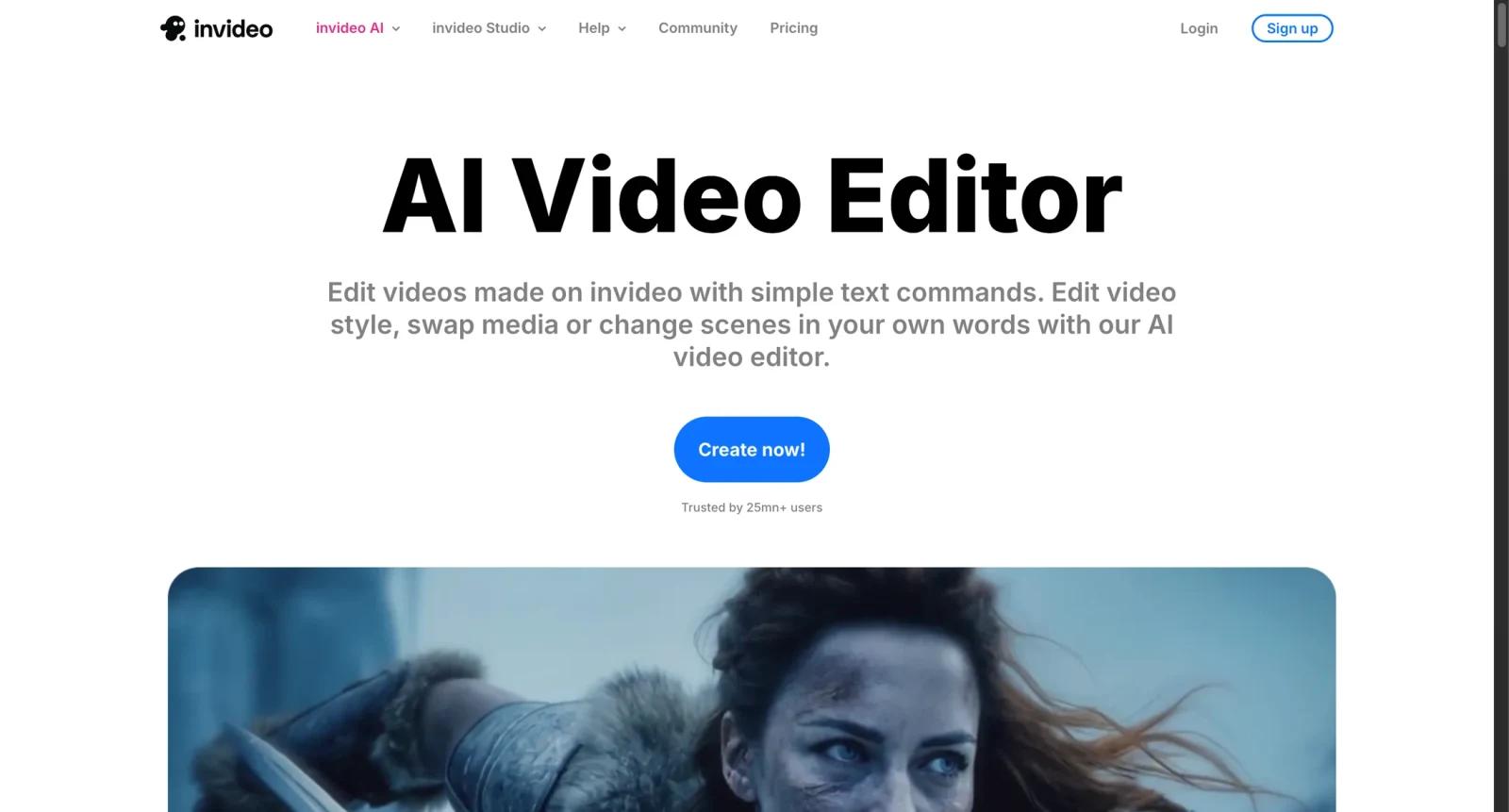
invideo AI is an AI video creation platform for turning prompts, scripts, and creative briefs into videos. It combines an AI video agent, stock media, generative video and image models, avatars, voice tools, music tools, and editing workflows.
The product is designed for creators, marketers, educators, agencies, and teams that want to produce social videos, ads, explainers, UGC-style clips, voiceover videos, and image-to-video or text-to-video content without building every scene manually.
As of April 28, 2026, invideo states that paid plans include access to 200+ image, video, audio, and music models, invideo v4 agent, and top stock providers. Usage is credit based, and credits are used for video creation, generative models, and AI features rather than downloads.
For adjacent research, compare AI video generator tools, AI video editor tools, AI thumbnail maker tools.
Key Features
- Prompt-to-video creation - Uses an AI agent to create videos from a prompt or brief.
- Generative model access - Offers access to video, image, audio, and music models such as Veo, Sora, Kling, and others listed on the current pricing page.
- Stock media integration - Includes access to stock providers such as iStock and Storyblocks on paid plans.
- AI avatars and voice tools - Supports avatar generation, text to speech, voice cloning, and AI voice workflows.
- Credit-based usage - Credits are spent on creation and generative features, while downloads are not charged as credit usage.
- Studio editor access - Connects with invideo's broader online video editing tools.
Pricing & Plans
invideo AI pricing uses plans and credits.
| Plan type | Pricing | Best fit |
|---|---|---|
| Free access | Limited free use | Testing AI video creation |
| Individual paid plans | Credit-based | Creators producing recurring videos |
| Team & Enterprise | Contact or team pricing | Teams needing seats, billing, and scale |
| Top-ups | On-demand credits | Users who run out of monthly credits |
Check the current pricing page before upgrading because model prices, credit costs, monthly resets, and rollover rules can change.
Best For
invideo AI is best for creators, marketers, agencies, educators, and small teams that want prompt-based video creation with access to multiple AI media models and stock assets.
FAQ
What is invideo AI?
invideo AI is an AI video creation platform for generating and editing videos from prompts, stock media, avatars, voices, and generative models.
Is invideo AI free?
invideo offers free access with limits. Paid usage is based on plans and credits.
How do invideo credits work?
Credits are used for video creation, generative models, and AI features. Downloads do not use credits, and unused credits do not roll over according to invideo's pricing FAQ.
Who should use invideo AI?
It is best for users who need frequent AI-assisted videos for marketing, social content, education, ads, or creator workflows.
How much does invideo AI cost?
Pricing can change by plan, billing term, region, and usage limits. Check the official website for the current plan details before purchase.
Does invideo AI replace human review?
No. It can speed up the workflow, but important outputs should still be checked for accuracy, quality, and fit before production use.


