



Overview
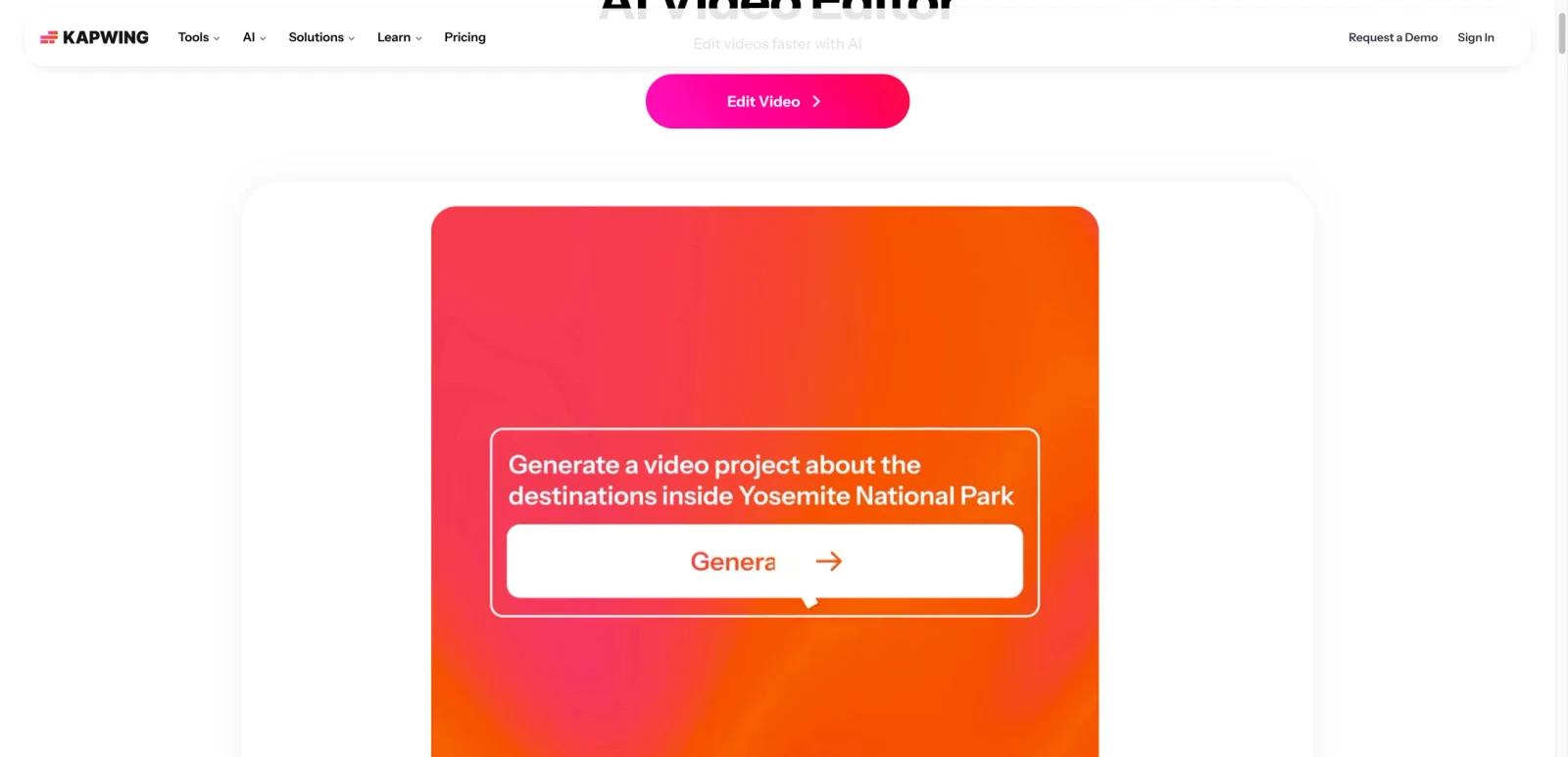
Kapwing AI is not a single AI gimmick bolted onto a video editor. It is a browser-based editing environment that now packages AI generation, repurposing, dubbing, captioning, image and video manipulation, and multimodel creative workflows into one creator-focused product. The AI landing page frames it as an "AI Video Editor," which is a more accurate description than treating it as a general chatbot.
That matters because Kapwing’s value is workflow consolidation. Instead of bouncing between a generation tool, a transcription tool, a clipper, and a subtitle editor, creators can do much of that work in one browser app. Public messaging also emphasizes that multiple AI models are available inside the product, which broadens its usefulness for experimentation.
As of April 26, 2026, Kapwing publicly says all AI tools use credits, free exports may carry a watermark, and paid plans remove those export constraints while making the platform more practical for ongoing production. Users evaluating Kapwing should think in terms of editing throughput and publishing needs, not just one-off generation novelty.
For adjacent research, compare AI video generator tools, AI video editor tools, AI thumbnail maker tools.
Key Features
- Browser-based AI video editor — Kapwing runs in the browser, which lowers setup friction for creators and teams.
- Credit-based AI tool access — AI workflows use credits rather than unlimited flat access.
- Integrated editing plus generation — Kapwing combines generation, editing, captions, clipping, and repurposing in one interface.
- Multiple AI models — Public product messaging says creators can use multiple AI models in one environment.
- Free plan for testing — Users can try the product before paying, though exports on free can include watermarks.
- Strong creator workflow orientation — The product is built around social, marketing, and fast-turn content operations.
Pricing & Plans
Kapwing uses a freemium model with credit-based AI usage layered on top of general editing access.
| Plan | Public pricing posture | Best fit |
|---|---|---|
| Free | Free access to try editing and AI tools, with watermark limits on exports | Casual testing and lightweight experiments |
| Paid plans | Upgrades remove watermark restrictions and improve practical capacity for ongoing creator work | Solo creators, marketers, and teams publishing regularly |
The main tradeoff is predictability. Kapwing is powerful because it bundles a lot of creation and editing features, but a credit model is harder to estimate than a simple unlimited plan. If you are a frequent publisher, paid access usually makes more sense than trying to stretch the free layer.
Best For
- Social and marketing creators publishing video frequently
- Teams that want browser-based collaborative editing
- Users who need captions, clipping, repurposing, and AI generation together
- Buyers evaluating all-in-one creator workflows instead of separate point tools
FAQ
What is Kapwing AI?
Kapwing AI is Kapwing’s browser-based AI video editor, combining generation, editing, captions, clipping, and related creator workflows in one interface.
Is Kapwing AI free?
Yes. Kapwing offers free access, but AI features use credits and free exports may include watermarks.
How does Kapwing pricing work?
Kapwing combines a freemium model with credit-based AI usage. Paid plans are the practical option for creators who need cleaner exports and steadier production capacity.
Who should use Kapwing AI?
It is best for creators, marketers, and teams that want to edit and generate video content in one browser-based workflow.
How much does Kapwing AI cost?
Pricing can change by plan, billing term, region, and usage limits. Check the official website for the current plan details before purchase.
Does Kapwing AI replace human review?
No. It can speed up the workflow, but important outputs should still be checked for accuracy, quality, and fit before production use.


