14 Best AI Video Generators 2026 - Complete Guide

75 min read
Neo Cruz

The AI video generation market has exploded in 2025, with tools now offering everything from text-to-video generation to AI-powered avatars and synchronized audio. Whether you're a content creator producing social media clips, a marketing team building training videos, or a developer integrating video generation into your product, choosing the right tool requires understanding each platform's strengths, limitations, and pricing models.

This comprehensive guide compares 14 leading AI video generators based on hands-on research of official documentation, user reviews, and verified pricing information. We evaluated each tool across core capabilities—text-to-video quality, AI avatar features, output resolution, commercial licensing, and API access—to help you make an informed decision. All information is sourced from official materials and real user feedback; we don't fabricate ratings or rankings.

The landscape spans API-first platforms like Google's Veo 3, consumer apps like Sora 2 and Pika, enterprise solutions like Synthesia and HeyGen, and specialized tools like KLING AI (advanced controls), Luma Dream Machine (cinematic artistry), Seedance (motion physics), and open-source options like Wan.

ToolBest For
Veo 3Video generation with multiple access options: web interface, API integration, or enterprise deployment
Sora 2Creators and developers needing synchronized audio, multi-shot continuity (subscription or API access)
RunwayTeams managing monthly budgets with credit-based AI image and video generation
SynthesiaEnterprise training and marketing teams using AI avatars without filming
HeyGenMulti-language content creators needing 175+ languages and voice cloning
D-IDTeams requiring minute-based billing with transparent watermarking policies
Vidu AICreators maintaining multi-reference consistency across video sequences
KLING AIProfessional creators needing advanced camera controls and motion brush precision
Luma Dream MachineFashion and creative teams seeking cinematic lighting and surreal artistic styles
PikaSocial media creators producing ultra-fast, effects-driven viral content
WanDevelopers and researchers requiring open-source model customization
SeedanceAction and sports content creators prioritizing realistic motion physics
Hailuo AIProfessional teams valuing generation stability and consistent HD output
Hunyuan AI VideoIndividual creators seeking free or low-cost HD generation with flexible duration

How We Selected and Tested

We selected these AI video generators based on market presence, official documentation availability, and verified user adoption. Our research methodology included:

Documentation Review: We analyzed official pricing pages, technical documentation, terms of service, and help center materials from each platform's website. Where information was not publicly accessible, we noted limitations in our reviews.

User Feedback Analysis: We examined user feedback from platforms like Reddit, ProductHunt, and Twitter to understand real-world experiences, common issues, and practical use cases.

Comparative Analysis: We evaluated each tool across several key dimensions: video generation capabilities (text-to-video, image-to-video, AI avatars), output quality and resolution, pricing transparency and structure, commercial use licensing, API availability, and platform accessibility.

Testing Limitations: This guide is based on desk research of publicly available information as of December 2025. We prioritize tools with publicly verifiable information and clear terms of service. Some platforms have regional restrictions, require invitations, or limit documentation access, which may affect the completeness of certain reviews.

Transparency Note: All pricing, features, and capabilities mentioned are based on official sources, user reports, or third-party platforms where official information is unavailable. We clearly indicate when information requires verification or comes from non-official sources. We do not fabricate data or make unsupported claims about tool performance.

Complete Comparison at a Glance

The AI video generation landscape spans from multi-channel platforms like Google's Veo 3 (offering web, API, and enterprise access) to consumer-friendly apps like Sora 2 and Pika, enterprise solutions like Synthesia and HeyGen, and specialized tools offering advanced controls (KLING AI), cinematic artistry (Luma), motion physics (Seedance), and open-source flexibility (Wan). Core differentiators include pricing models (per-second API calls vs. per-generation vs. monthly subscriptions), generation modes (text-to-video vs. AI avatar presenters vs. effects-driven), output quality (480p to 4K), and commercial licensing clarity.

Below is a quick comparison of all fourteen tools:

ToolBest ForInput TypesPricing ModelCommercial UseResolution
Veo 3Multi-channel access, creative controlsText, image, multi-referenceWeb/API/Enterprise, $0.15-$0.40/sec (paid tier)Per Gemini API TermsUp to 1080p, 9:16 support
Sora 2Synchronized audio/videoText, multi-shotAPI $0.10-$0.50/sec, Plus $20/mo, Pro $200/moPer OpenAI Terms720p-1792p
RunwayBudget-managed teamsText, imageFree-$76/mo (credits)Paid plans: Yes (per ToS)Varies by tier
SynthesiaEnterprise trainingText + AI avatarsFree-$89/mo, Enterprise customReview ToS before useVaries by plan
HeyGenMultilingual videosText + AI avatarsFree-$39/seat/moReview ToS before use720p-4K
D-IDMinute-based billingText, image + avatarsFree (14-day trial), $5.9-$196/mo + EnterpriseReview ToS before useVaries by plan
Vidu AIReference consistencyText, image, referenceFree, $8-$79/mo (yearly), Enterprise $1399+ startReview ToS before use720p-1080p
KLING AIAdvanced controlsText, imageFree-$159.99/mo (first-month discounts available)Review ToS before use720p-1080p
Luma Dream MachineCinematic qualityText, imageFree-$75.99/mo, Enterprise customPlus+ plans: Yes (per ToS)Up to 4K with up-res
PikaSocial media effectsText, imageFree-$76/mo (yearly billing)All plans: Yes (per ToS)480p-1080p
WanOpen-source & SubscriptionText, imageFree (open-source) or $5-$20/mo (yearly billing)Paid plans: Yes (per ToS)480p-720p
SeedanceMotion/action scenesTextAPI platform pricingCheck platform terms480p-1080p
Hailuo AIStable HD outputTextSubscription or APIReview MiniMax terms768p-1080p
Hunyuan AI VideoTencent ecosystemTextRegion-dependentReview Tencent ToSHD capable

Detailed Reviews

Veo 3

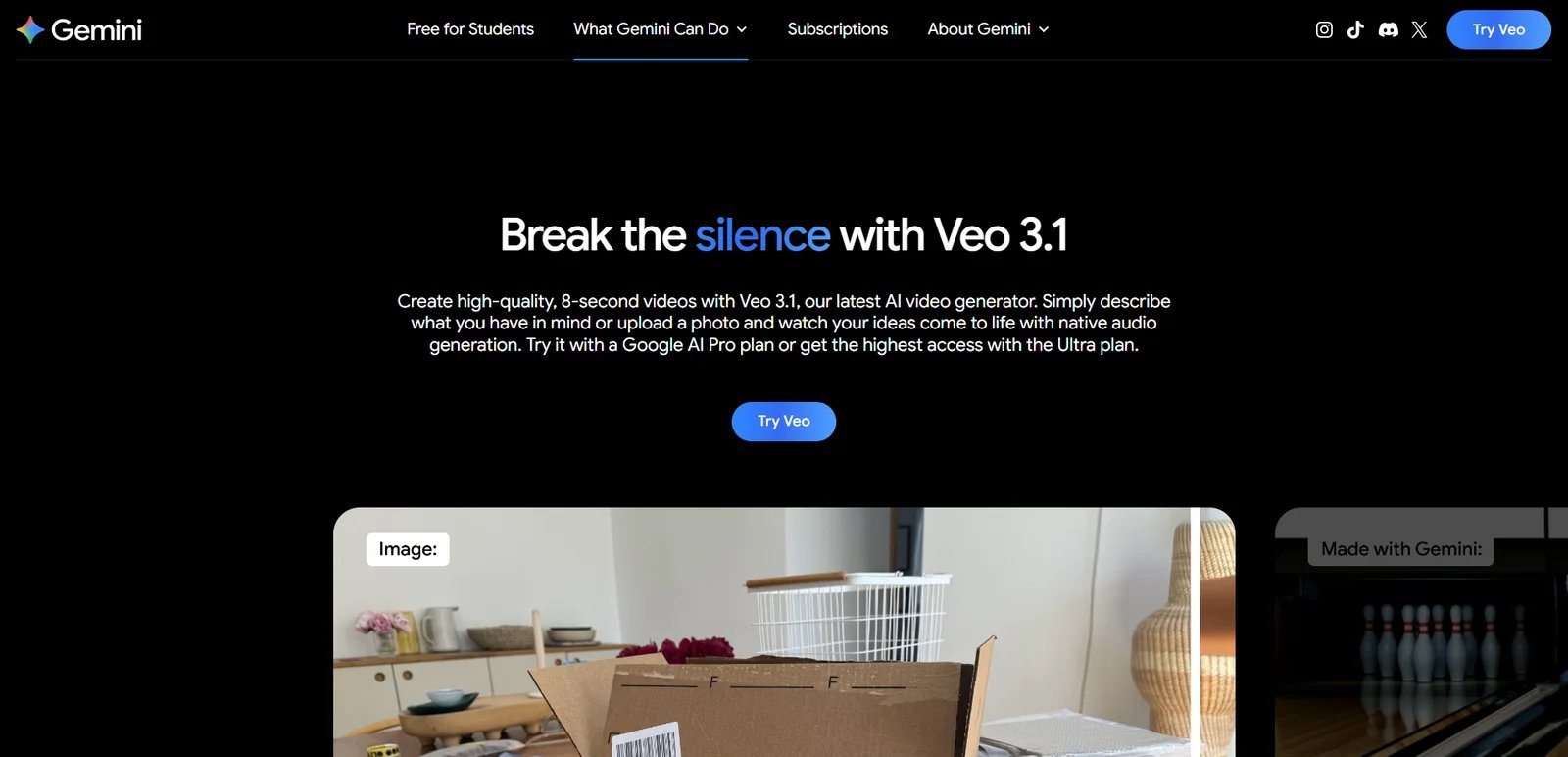
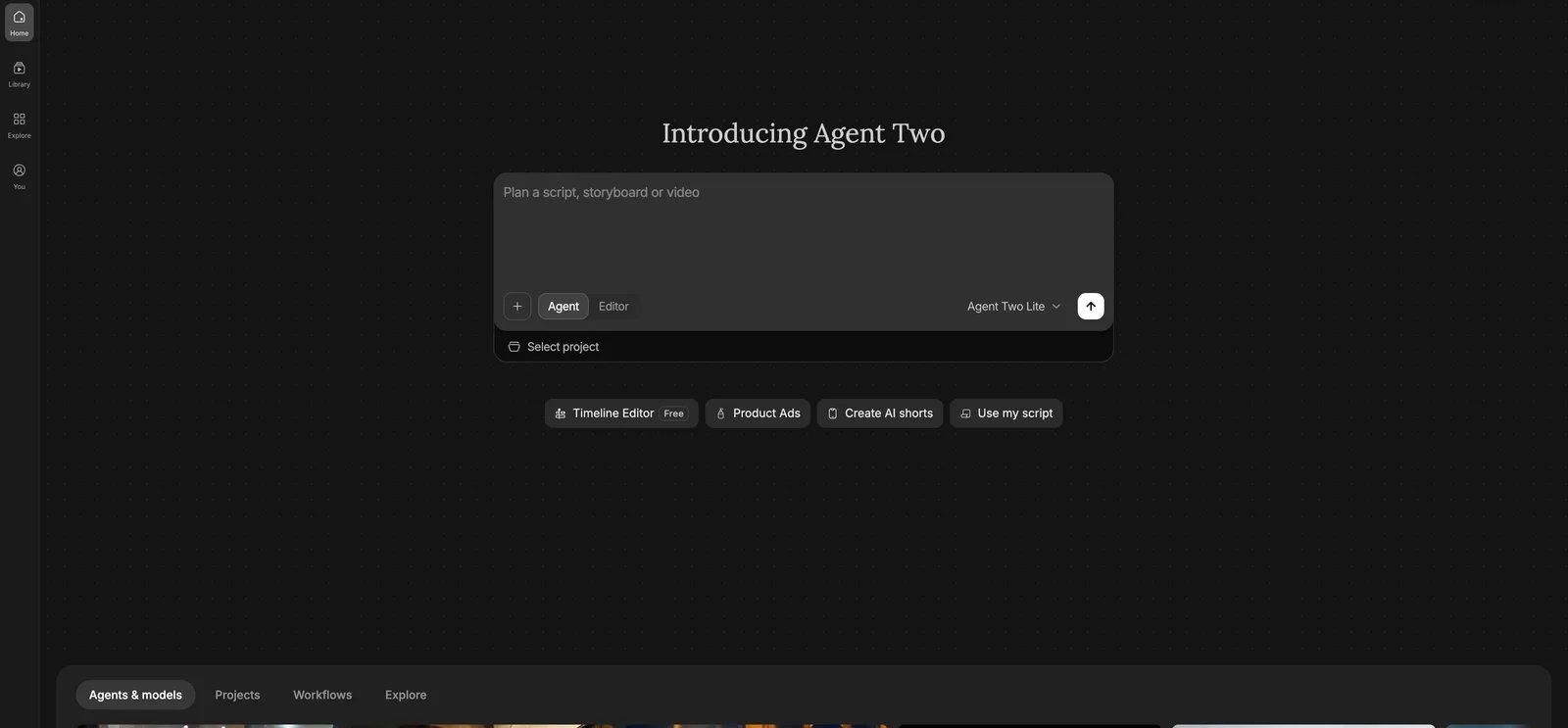
Veo 3 interface showing text-to-video generation panel

Veo 3 is Google's video and audio generation model series developed by Google DeepMind, with the latest version 3.1 released in October 2025. It offers multiple access methods to serve different user needs: web-based generation through Google AI Studio and Flow (filmmaking tool for creators), API integration via Gemini API for developers, and enterprise deployment through Vertex AI. What sets it apart is its flexible deployment options, usage-based pricing model for API access ($0.15-$0.40 per second), native support for vertical 9:16 social media formats, enhanced creative capabilities (multi-image reference, scene extension, first/last frame control), and built-in SynthID watermarking for AI-generated content provenance. The model is also integrated into various third-party platforms, though terms and pricing may differ from Google's official channels.

Key Features

  • Multiple Access Methods for Different User Types — Available through Google AI Studio and Flow (filmmaking tool) web interfaces for creators, Gemini API for developers building integrations, and Vertex AI for enterprise deployments. Enables both non-technical users to generate videos directly and development teams to integrate video generation into their products, with deployment flexibility based on technical requirements and scale needs.

  • Enhanced Audio Generation (Veo 3.1) — Latest version generates native audio including natural dialogue, synchronized sound effects, and ambient sounds within generated videos. Reduces post-production audio work by providing complete audio-visual outputs in a single generation, improving workflow efficiency for narrative and advertising content.

  • Advanced Creative Controls (Veo 3.1 New Features) — Three new capabilities enhance creative flexibility: Ingredients to Video (use up to 3 reference images to guide character, style, and scene consistency), Scene Extension (extend existing videos to create longer sequences up to 148 seconds), and First and Last Frame (generate transition videos between specified start and end frames). These features improve control over multi-shot narratives and character consistency.

  • Vertical 9:16 and 1080p Output — Supports vertical video generation and 1080p resolution, aligning with short-form social media requirements. Lets creators generate platform-ready vertical videos for Instagram Reels and TikTok without manual resizing or re-rendering.

  • SynthID Watermarking — All generated videos include a digital watermark indicating AI-generated provenance. Supports responsible deployment and content disclosure workflows, which may help with platform distribution and moderation requirements.

Access Methods

Veo 3 offers three official Google access channels, each suited to different use cases and technical requirements:

Google AI Studio & Flow (Web Interfaces): Direct browser-based access at aistudio.google.com for creators and teams preferring visual interfaces. Flow is Google's filmmaking tool designed specifically for creative professionals and content creators. Both require a Google account and linking a billing-enabled Google Cloud Project. Best for content creators, marketers, and teams generating videos without coding, though setup requires some familiarity with Google Cloud billing.

Gemini API (Developer Integration): Programmatic access for developers integrating video generation into applications, products, or workflows. Requires API authentication, Google Cloud Project setup, and familiarity with REST APIs. Charges per second of generated video ($0.15-$0.40/sec depending on model tier). Ideal for product teams building video features, automation workflows, or custom generation tools.

Vertex AI (Enterprise Deployment): Enterprise-grade deployment through Google Cloud Platform for organizations requiring advanced controls, data governance, compliance features, and integration with existing GCP infrastructure. Suitable for large enterprises with dedicated cloud teams and specific security or compliance requirements.

Third-Party Platform Integration: Veo 3 has been integrated into various third-party video generation platforms offering alternative pricing models (often subscription-based) and web interfaces with potentially lower setup barriers. However, service quality, feature completeness, pricing structures, and commercial licensing terms may differ significantly from Google's official channels. Users should verify platform legitimacy, data handling policies, and commercial use rights before relying on third-party access for production workflows.

Pricing & Plans

Veo 3 pricing varies by access method and deployment model:

Gemini API / Google AI Studio / Flow (Usage-Based Pricing):

Veo 3.1 (Latest Version - Preview): Released October 2025, available on paid tier only. Preview models may change before becoming stable and have more restrictive rate limits.

  • Veo 3.1 Standard (veo-3.1-generate-preview): $0.40 per second of generated video with audio (default). Includes enhanced audio generation (natural dialogue, sound effects, ambient sounds) and new creative features (Ingredients to Video, Scene Extension, First/Last Frame).
  • Veo 3.1 Fast (veo-3.1-fast-generate-preview): $0.15 per second of generated video with audio. Faster generation optimized for speed with potential quality tradeoffs.

Important Notes:

  • Free Tier: Not available for Veo 3.1 preview models
  • Paid Tier Only: Requires Google Cloud Project with billing enabled
  • Billing: You are only charged if your video is successfully generated (in some cases, audio processing issues may prevent generation)
  • Pricing applies to Gemini API calls, Google AI Studio, and Flow web interface usage
  • All usage is billed through Google Cloud Platform

Vertex AI (Enterprise Pricing): Custom pricing based on deployment requirements, support level, and usage volume. Contact Google Cloud sales for enterprise pricing and service agreements.

Third-Party Platforms: Pricing structures vary significantly. Some platforms offer subscription models ($10-$250/month ranges observed), while others may use credit systems or alternative billing. Verify pricing, feature access, and commercial licensing directly with third-party providers.

Pricing information accurate as of December 2025; check Google AI pricing page for current rates.

Pros & Cons

Pros:

  • Multiple access methods accommodate different user types: web interfaces (AI Studio, Flow) for creators, API for developers, enterprise deployment for large organizations
  • Enhanced native audio generation includes natural dialogue, synchronized sound effects, and ambient sounds
  • Official SynthID digital watermarking included in all generated videos for content provenance
  • Supports 9:16 vertical format and 1080p output
  • Usage-based per-second pricing (API) provides predictable cost control for variable-volume workflows
  • Only charged when video is successfully generated (failed generations not billed)
  • Third-party integrations offer alternative access options with potentially simpler setup

Cons:

  • Official Google access (AI Studio/API) requires Google Cloud Project setup and billing configuration, creating setup friction for non-technical users
  • Per-second API pricing can accumulate quickly for high-volume generation compared to flat monthly subscriptions
  • Third-party platform integration quality, pricing, and licensing terms vary; users must verify each platform independently
  • Commercial licensing and content ownership governed by Gemini API Terms of Service; review current terms before commercial deployment

Best For

  • Developers and product teams integrating video generation into applications via Gemini API with usage-based billing and programmatic control
  • Content creators and filmmakers using Flow or Google AI Studio for advanced creative controls (multi-image reference, scene extension, first/last frame transitions)
  • Narrative content creators needing enhanced audio generation with natural dialogue, sound effects, and ambient sounds for storytelling
  • Social media creators generating 9:16 vertical short-form videos with cinematic quality for Instagram Reels and TikTok
  • Enterprise organizations requiring deployment control, data governance, and Google Cloud integration through Vertex AI
  • Teams already in Google Cloud ecosystem leveraging existing GCP infrastructure and billing relationships
  • Users seeking simpler setup who may prefer third-party platform integrations (with careful verification of terms and pricing)

Sora 2

Sora 2 interface showing multimodal input options and synchronized audio generation

Sora 2 is OpenAI's flagship video and audio generation model, accessible through the Sora iOS app and sora.com. It's designed for content creators and casual users, with ChatGPT Pro subscribers gaining access to the higher-quality Sora 2 Pro model. The standout capability is synchronized dialogue and sound effects generation alongside visuals, enabling one-step production of short narrative clips and ads. OpenAI emphasizes improved physical accuracy, controllability, and enhanced consistency across multi-shot sequences.

Key Features

  • Video Generation with Synchronized Dialogue and Sound Effects — Generates clips with both visuals and audio in a single workflow, including realistic dialogue and environmental sounds. Reduces post-production time by eliminating separate sound design steps, improving iteration speed for storytelling and social content.

  • Multi-Shot Instruction Following and Controllability — Follows complex instructions across multiple shots while maintaining character and style consistency, with strong performance in realistic, cinematic, and anime styles. Helps teams produce coherent sequences and style-consistent outputs for storyboards, ads, and social clips.

  • "Characters" Feature (Upload Yourself) — Allows users to upload or record themselves, enabling insertion of personal appearance and voice into Sora-generated environments. Supports personalized content creation and consistent character reuse across videos. Privacy and data handling follow OpenAI's standard policies.

Pricing & Plans

Sora 2 offers both subscription-based access and API-based usage:

Sora API (Pay-Per-Use): Publicly available for developers and businesses requiring programmatic video generation. Pricing is based on video duration and resolution:

ModelResolutionPrice per Second
sora-2Portrait: 720 x 1280
Landscape: 1280 x 720
$0.10
sora-2-proPortrait: 720 x 1280
Landscape: 1280 x 720
$0.30
sora-2-proPortrait: 1024 x 1792
Landscape: 1792 x 1024
$0.50

API pricing applies to direct programmatic calls. Requires OpenAI API account with billing enabled.

ChatGPT Plus Subscribers ($20/month): Receive generation quota as part of subscription, allowing video generation through sora.com and iOS app without per-second API charges. Specific monthly quotas and quality settings managed through OpenAI account system.

ChatGPT Pro Subscribers ($200/month): Receive enhanced generation quota and access to Sora 2 Pro model with higher resolution options (up to 1024 x 1792). Pro subscribers get significantly increased monthly allowances compared to Plus tier.

Free Access (Limited): Initial rollout included free access with usage limits subject to compute availability. Access may be invitation-based and region-limited (US and Canada priority). Generation quotas are significantly lower than paid tiers.

Important Notes:

  • Subscription users (Plus/Pro) have separate generation quotas independent of API billing
  • API access is publicly available for any OpenAI account with billing enabled
  • Actual generation limits and access levels may vary by region and account status
  • Pricing and quotas accurate as of December 2025; check openai.com for current details

Pros & Cons

Pros:

  • Officially emphasizes improved physical accuracy, realism, and controllability with synchronized dialogue and sound effects
  • "Characters" feature allows insertion of personal appearance and voice for consistent character reuse
  • API now publicly available with transparent per-second pricing ($0.10-$0.50/sec) for developer integration
  • Subscription users (Plus/Pro) receive separate generation quotas without per-second API charges
  • Strong multi-shot instruction following for narrative coherence
  • Multiple resolution options from 720p to high-resolution 1024 x 1792

Cons:

  • API pricing ($0.10-$0.50/sec) can accumulate quickly for high-volume generation; a 10-second video at highest quality costs $5
  • Free and Plus tier generation quotas may be insufficient for professional production workflows
  • May still have regional access restrictions or invitation requirements in some markets
  • Specific monthly generation quotas for Plus/Pro subscribers not publicly disclosed
  • Video duration limits and maximum resolution caps not fully detailed in public documentation
  • Commercial use terms and content ownership governed by OpenAI's Terms of Use; review before commercial deployment

Best For

  • Developers and product teams integrating video generation via Sora API with per-second billing and programmatic control
  • Content creators using ChatGPT Plus ($20/mo) for regular video generation with included quota
  • Professional creators needing ChatGPT Pro ($200/mo) for higher quotas and Pro model access with enhanced resolution
  • Narrative and advertising creators requiring synchronized audio, multi-shot instruction following, and Characters feature
  • Teams needing post-production efficiency through one-step video + audio generation

Runway

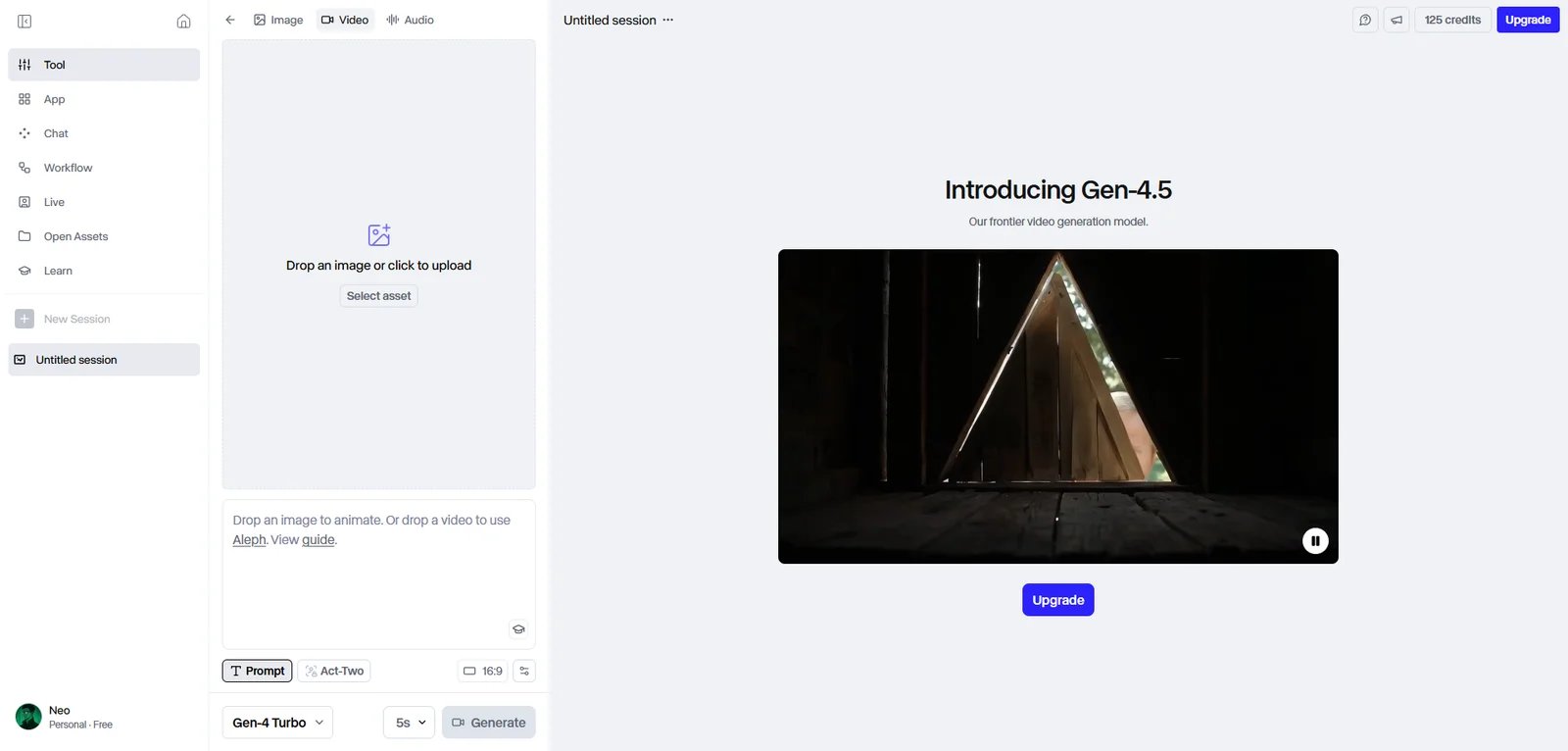
Runway interface showing credit-based generation workflow and plan selection

Runway is an AI image and video generation platform designed for individual creators, video production teams, and enterprises. It operates on a credit-based subscription model, where monthly credit allocations fund generative capabilities across image and video workflows. Runway is positioned for teams that need predictable monthly budgets and commercial use rights on paid plans, with pricing starting at $12/month for entry tiers and scaling to $76/user/month (billed annually) for the Unlimited plan.

Key Features

  • Credits-Based AI Image & Video Generation — Plans include monthly credit allowances used for all generative tasks. Teams can budget generation usage predictably and choose tiers matching expected volume, avoiding ad-hoc per-render billing.

  • Unlimited Plan (High Credit Allocation) — Offers 2,250 credits per month at $76/user/month (billed annually as $912), targeting heavy users. Better fits teams needing consistent monthly throughput with stable subscription costs rather than one-off credit purchases.

  • Commercial Use Rights (Paid Plans) — Runway's official documentation indicates that paid plan subscribers can use generated assets for commercial purposes, subject to the platform's terms of service and content policies. Review current terms before client work or commercial distribution.

Pricing & Plans

Runway offers five pricing tiers organized around monthly credit allocations:

Free: $0/month (free forever)

  • 125 credits (one-time allocation, not monthly)
  • Access to Gen-4 Turbo (Image to Video) and Gen-4 (Text to Image)
  • 3 video editor projects, 5GB asset storage
  • Watermarked output
  • No access to Gen-4 Video or Gen-4.5

Standard: $12/month (or $144/year with annual billing)

  • 625 credits monthly (refreshes each month)
  • Access to all AI apps including Gen-4.5, Gen-4, Act-Two
  • Remove watermarks and upscale resolution
  • 100GB asset storage, unlimited projects
  • Ability to buy additional credits
  • Max 5 users per workspace
  • Technical support via dashboard

Pro: $28/month (or $336/year with annual billing)

  • 2,250 credits monthly (refreshes each month)
  • All Standard features plus:
  • Create Custom Voices for Lip Sync and Text to Speech
  • 500GB asset storage
  • Max 10 users per workspace

Unlimited: $76/month (or $912/year with annual billing)

  • 2,250 credits monthly (same as Pro)
  • All Pro features plus:
  • Explore Mode: Unlimited generations of Aleph, Gen-4.5, Gen-4 Turbo, Gen-4 (Image and Video), Act-Two, Gen-3 Alpha Turbo at relaxed rate
  • This is the key differentiator: unlimited video generation for experimentation and high-volume workflows
  • Max 10 users per workspace

Enterprise: Custom pricing (contact sales)

  • All Pro features plus:
  • Single sign-on, custom credit amounts
  • Configurable organization and team spaces
  • Advanced security and compliance
  • Enterprise-wide onboarding, priority support
  • Integration with internal tools
  • Workspace Analytics

Important Notes:

  • Free tier credits are one-time only; paid plans refresh monthly
  • Different AI models consume varying credit amounts (e.g., Gen-4.5 uses more credits per second than Gen-4 Turbo)
  • Credits do not roll over between billing periods on Standard/Pro; Unlimited's Explore Mode provides continuous access
  • Annual billing provides 20% savings compared to monthly

Pros & Cons

Pros:

  • Paid plans grant commercial use rights for generated assets (per help center documentation)
  • Clear pricing structure from Free to Enterprise with transparent credit allocations
  • Unlimited plan offers true unlimited generations via Explore Mode for high-volume users
  • Free tier (125 credits one-time) allows testing before committing
  • Credits refresh monthly on paid plans, providing predictable monthly capacity
  • Multiple workspace size options (5 users for Standard, 10 for Pro/Unlimited)
  • Annual billing provides 20% savings

Cons:

  • Free tier credits are one-time only (not monthly), limiting long-term free use
  • Free tier outputs include watermarks and lack access to Gen-4 Video and Gen-4.5
  • Credit-based system requires understanding credit consumption rates across different AI models
  • Credits do not roll over between billing periods on Standard and Pro plans
  • Unlimited plan's Explore Mode uses "relaxed rate" (slower generation) compared to standard credit-based generation
  • Pro and Unlimited plans have same credit allocation (2,250); Unlimited's value is primarily in Explore Mode

Best For

  • Individual creators and small teams using Standard plan ($12/mo) for predictable monthly credit budgets
  • Professional creators and agencies using Pro plan ($28/mo) needing custom voices and higher storage (500GB)
  • High-volume production teams requiring Unlimited plan ($76/mo) for continuous generation via Explore Mode
  • Enterprise organizations needing custom credits, SSO, advanced security, and team management features
  • Creators testing the platform can start with Free tier (125 one-time credits) before committing to paid plans

Synthesia

Synthesia interface showing AI avatar selection and video template editor

Synthesia is an AI video generation platform specializing in text-to-video with AI avatars and voiceover. It's marketed toward enterprise training, HR, and marketing teams that need to produce explainer, onboarding, and internal communications videos at scale without filming logistics. Synthesia emphasizes enterprise adoption, claiming use by over 90% of Fortune 100 companies, and positions itself as a procurement-friendly tool with governance and support features.

Key Features

  • Text-to-Video with AI Avatars — Creates professional videos from text and templates using AI avatars and voiceover, eliminating cameras, actors, and studios. Helps teams ship training, onboarding, product explainers, and internal comms videos faster by removing filming logistics and enabling rapid script edits.

  • Enterprise Adoption Claims (Fortune 100) — Official enterprise pages state Synthesia is trusted by over 90% of Fortune 100 companies. Signals suitability for teams requiring procurement-friendly tools and enterprise support, though buyers should validate security and compliance details directly.

Pricing & Plans

Synthesia offers four pricing tiers with clear video minute allocations and credit systems:

Basic (Free): $0/month

  • 3 minutes of video per month
  • 9 AI avatars (limited selection)
  • 360 credits per month
  • 140+ languages and voices
  • Commenting and workspace features
  • Cannot download videos (watermark included)

Starter: $29/month (or $264/year with annual billing)

  • 10 minutes of video per month
  • 125+ AI avatars
  • 1,200 credits per month
  • 140+ languages and voices
  • Download videos, remove Synthesia logo
  • AI Video Assistant, AI Dubbing
  • 1 editor + 3 guests
  • Chat/email support

Creator: $89/month (or $804/year with annual billing)

  • 30 minutes of video per month
  • 180+ AI avatars
  • 3,600 credits per month
  • 5 Personal Avatars (custom avatars)
  • API access and bulk personalization
  • Interactive videos and multiple avatars per scene
  • Branded video pages
  • 1 editor + 5 guests
  • Priority support

Enterprise: Custom pricing (contact sales)

  • Unlimited video minutes
  • 230+ stock AI avatars
  • Unlimited Personal Avatars (subject to fair use)
  • Custom credits allocation
  • 1-Click translation into 80+ languages
  • SAML/SSO, live team collaboration
  • Brand Kits, SCORM export
  • AI Dubbing (paid add-on)
  • Dedicated Customer Success Manager
  • Tailored onboarding and implementation services

Important Notes:

  • Video minutes are calculated in seconds and only consumed when videos are generated (not during editing/preview)
  • Unused video minutes do not roll over to the next billing period
  • Credits are shared currency across all AI usage-based features (video generation, AI Dubbing, etc.)
  • When editing existing videos, only newly changed seconds are counted
  • All plans include content moderation for compliance

Pros & Cons

Pros:

  • Official enterprise page claims trust/usage by 90%+ of Fortune 100 companies, signaling strong enterprise adoption
  • Transparent pricing structure with clear video minute allocations from Free to Enterprise tiers
  • Free Basic plan (3 min/month) allows testing before committing to paid subscriptions
  • SOC 2 Type II and GDPR compliant, with enterprise-grade security features
  • 140+ languages supported across all plans, enabling global content creation
  • Only charges for newly changed seconds when editing existing videos, reducing waste

Cons:

  • Unused video minutes do not roll over; monthly allocations reset each billing period
  • Free tier includes watermark and no download capability, limiting professional use
  • Personal Avatars (custom avatars) only available on Creator ($89/mo) and Enterprise plans
  • API access restricted to Creator and Enterprise tiers, limiting automation for Starter users
  • Enterprise features like unlimited minutes and SAML/SSO require custom pricing negotiation
  • Commercial use licensing and content ownership terms require review of Synthesia Terms of Service

Best For

  • Medium to large enterprise teams producing high volumes of training, HR, and internal training videos
  • Marketing and product teams using AI avatars for explainer videos without on-camera talent
  • Organizations with procurement and vendor review requirements seeking enterprise-grade support

HeyGen

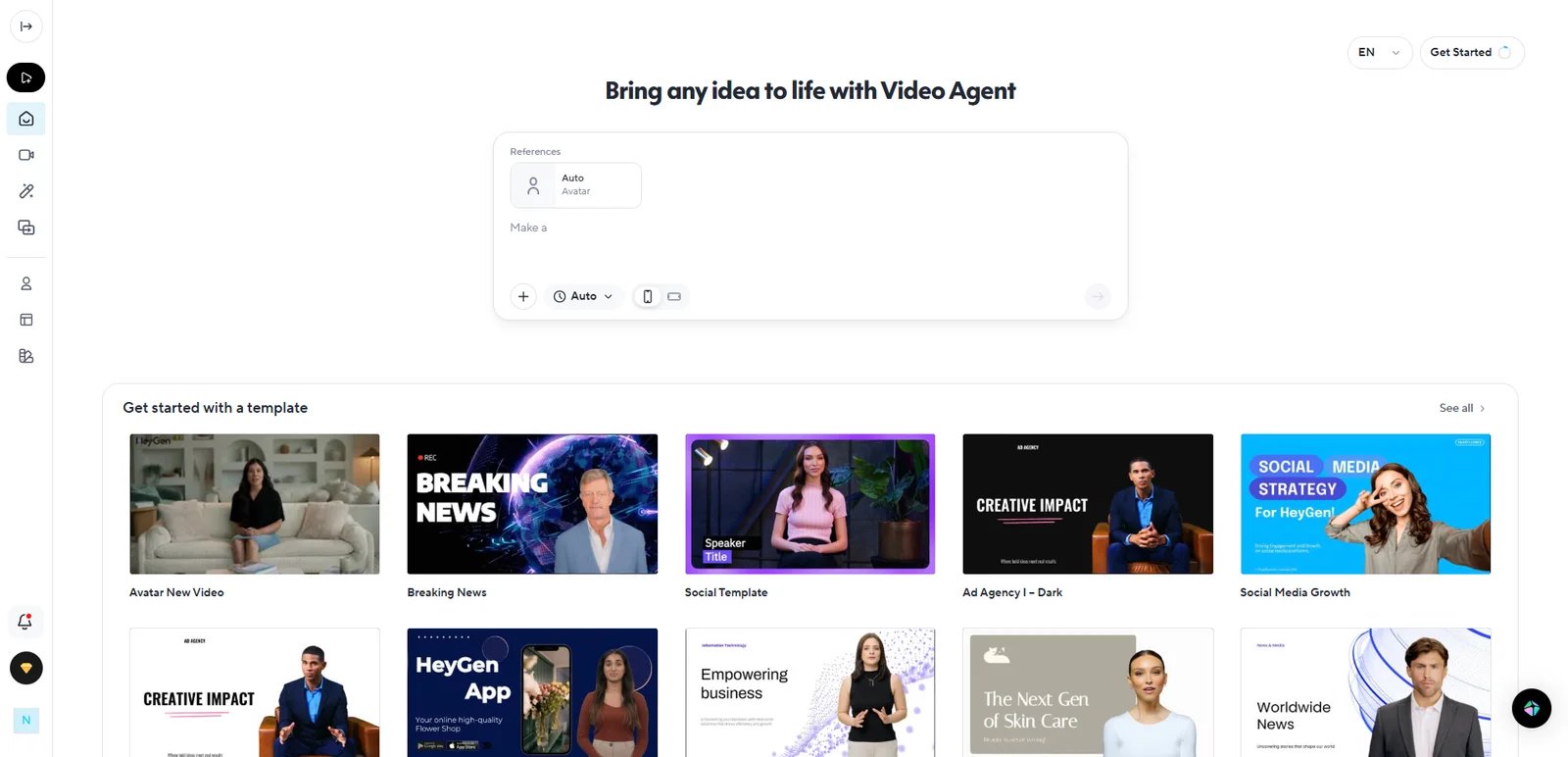
HeyGen interface showing AI avatar video generation with multilingual options

HeyGen is marketed as "the leading AI video generator," offering AI avatar-based video generation, voice cloning, and team collaboration features. It targets creators, marketers, and teams through a clear three-tier pricing structure (Free, Creator, Team). Paid plans offer expanded language capabilities (up to 175+ languages and dialects on Creator/Team tiers), while the Free tier provides limited language options. HeyGen differentiates itself with up to 4K export on Team plans and transparent pricing from $0/month (Free) to $39/seat/month (Team).

Key Features

  • AI Avatar Video Generation (Avatar IV) — Core capability listed even on the Free plan, with "extended video generation with Avatar IV" on paid tiers. Enables creators to produce presenter-style videos without filming, scaling output with stock and custom avatars for marketing and education.

  • Voice Cloning + Multilingual Support (175+ Languages/Dialects) — Paid tiers include voice cloning and support for 175+ languages and dialects, positioned for localization workflows. Reduces localization costs by generating and adapting videos into many languages without hiring voice actors for each market.

  • Higher Export Resolutions (1080p / 4K) and Longer Videos — Creator plan supports up to 1080p and 30-minute videos; Team plan adds 4K export and collaboration features like workspace commenting and team management. Supports both solo creators and marketing teams needing longer-form assets and high-resolution deliverables.

Pricing & Plans

HeyGen offers transparent three-tier pricing with annual discount options:

Free: $0/month

  • 3 videos per month
  • Videos up to 3 minutes
  • 720p export
  • Access to Avatar IV video generation
  • 500+ stock video avatars
  • 30+ languages

Creator: $29/month (Save 22% with yearly billing)

  • Unlimited video count (subject to fair use policy and processing queue)
  • Videos up to 30 minutes
  • 1080p export
  • Fast processing
  • Voice cloning
  • 175+ languages & dialects
  • Watermark removal
  • Brand Kit

Team: $39/seat/month (Save 22% with yearly billing)

  • Unlimited videos
  • Videos up to 30 minutes
  • Up to 4K export
  • Faster processing
  • 2+ seats
  • Workspace collaboration & commenting
  • Edit & proofread translation script

Additional API and Enterprise pricing options are available via separate pages on HeyGen's site.

Pros & Cons

Pros:

  • Free tier provides Avatar IV access and basic generation quota (3 videos/month) for testing
  • Creator and Team tiers offer 175+ languages & dialects with voice cloning for multilingual workflows
  • Team tier supports up to 4K export and team collaboration features (commenting, management)
  • Clear pricing structure with visible monthly and annual options

Cons:

  • Free tier has significant output quality and duration limits (720p, 3-minute videos, 30+ languages vs 175+)
  • "Unlimited videos" on paid plans subject to fair use policies, processing speed, and queue priority
  • Commercial licensing and content ownership governed by HeyGen Terms of Service; review before commercial use

Best For

  • Content teams producing "virtual presenter" marketing and explainer videos without on-camera talent
  • Cross-border marketing teams localizing videos into multiple languages (175+ supported)
  • Marketing and brand teams with high monthly output needing team collaboration and 4K export (Team plan)

D-ID

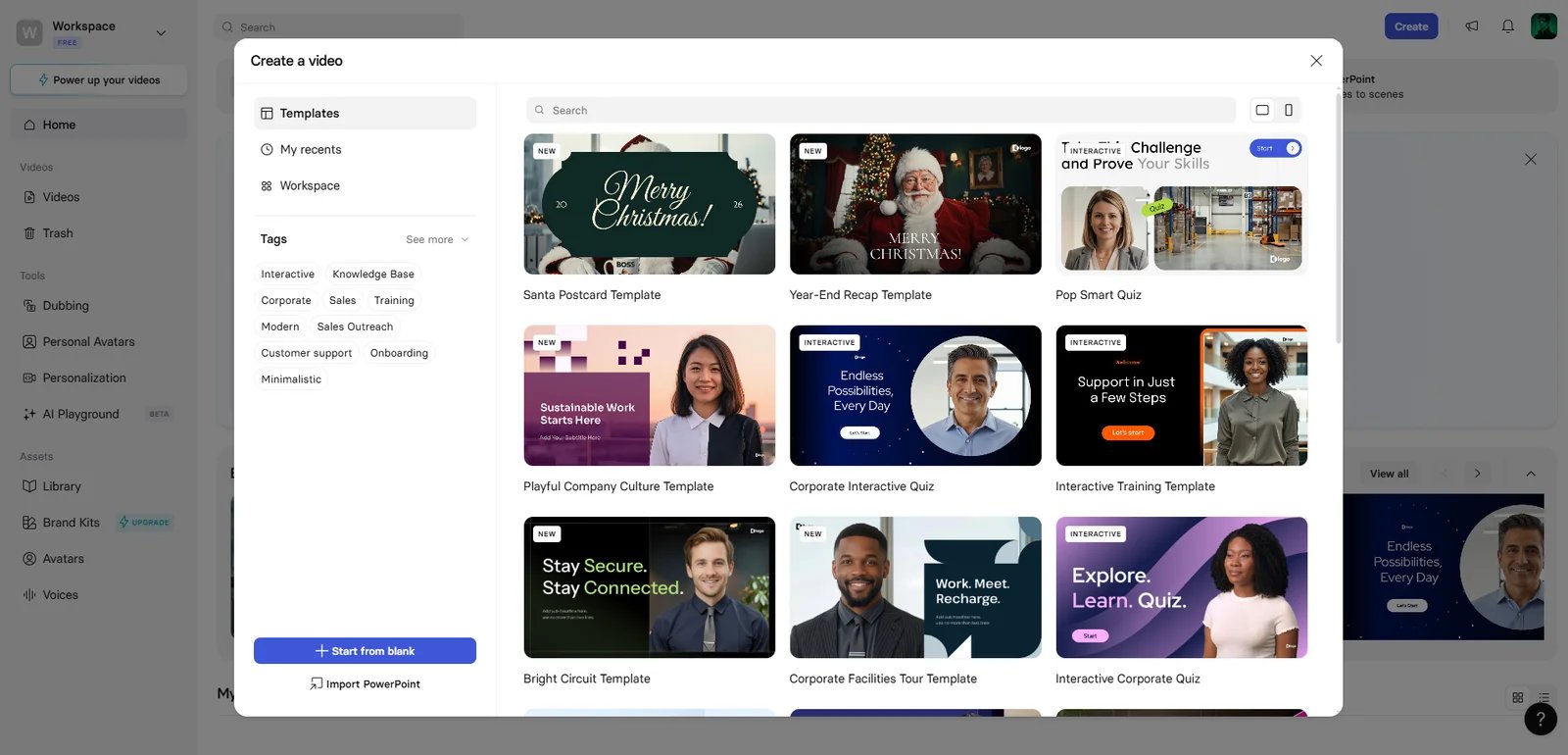
D-ID interface showing Creative Reality Studio with minute-based usage dashboard

D-ID is a generative AI video platform specializing in avatar-based video creation, video translation, and API access. It uses a minute-based usage accounting system where video duration is deducted from monthly plan allocations in 15-second increments. D-ID emphasizes transparency about synthetic content through mandatory watermarks on Trial and Lite plans, tied to its ethics manifesto. The platform is positioned for marketing, sales, customer service, and training use cases.

Key Features

  • Minutes-Based Usage Accounting — Video duration is deducted from monthly available minutes, rounded up to the nearest 15-second interval (per official FAQ). Helps teams estimate costs based on expected output minutes and avoid unexpected per-frame charges; the 15-second rounding rule is important for budgeting short clips.

  • Watermark on Trial and Lite Plans — Trial and Lite plans include a D-ID watermark to promote transparency about synthetic content, aligned with D-ID's ethics manifesto. Signals AI-generated provenance to viewers, which may help compliance and disclosure for certain distribution contexts (paid tiers may remove the watermark).

  • API Availability — Pricing page links to API pricing and states minutes used via API are deducted from the same balance as web usage. Enables teams to experiment via web and integrate via API while tracking usage against a single minute balance.

Pricing & Plans

D-ID offers transparent minute-based pricing with multiple tiers:

Trial (Free): $0 for 14-day trial

  • 3 minutes for videos, agents, video translate, and API
  • 100+ stock AI avatars (Premium & Standard)
  • 1 Personal Avatar
  • Full-screen watermark
  • API access included
  • Personal use license only

Lite: $5.9/month (or $56/year with 20% discount)

  • 10 minutes per month
  • Standard Avatars only (Premium avatars not included)
  • 1 Personal Avatar
  • D-ID watermark (smaller than Trial's full-screen watermark)
  • Fast video processing
  • 1 Embedded Agent

Pro: $29/month (or $191/year with 45% discount)

  • 15 minutes per month
  • Premium & Standard Avatars
  • 3 Personal Avatars
  • 1 Voice clone
  • AI watermark (subtle "AI" indicator)
  • Commercial use license (business projects permitted)
  • Faster video processing

Advanced: $196/month (or $1,293/year with 45% discount)

  • 100 minutes per month
  • 5 Personal Avatars
  • 3 Voice clones
  • 3 Embedded Agents
  • Custom logo (remove watermark or add your own)
  • Commercial use license
  • Fastest video processing

Enterprise: Custom pricing (contact sales)

  • Unlimited video minutes
  • Custom avatar and voice clone limits
  • Professional voice cloning
  • Customer Success Manager
  • Enterprise-grade security and integrations
  • Team collaboration features

Important Notes:

  • Usage calculated in minutes; video duration rounded up to nearest 15-second interval
  • Unused minutes do not roll over and reset monthly
  • Credits system available with multiple allocation options per tier
  • API usage deducts from same minute balance as web usage

Pros & Cons

Pros:

  • Transparent minute-based pricing with clear tier structure from free trial to enterprise
  • 14-day free trial with 3 minutes allows testing before committing
  • Minute deduction rules (15-second rounding) and non-rollover policy clearly disclosed in official FAQ
  • Unified minute balance across web and API workflows simplifies quota management for hybrid teams
  • Watermarking policy (full-screen → D-ID → AI → custom) aligns with ethics manifesto for synthetic content transparency
  • Annual billing provides 20-45% discount depending on tier

Cons:

  • Unused minutes do not roll over; monthly allocations reset each billing period
  • Commercial use license only available on Pro tier ($29/mo) and above; Trial and Lite limited to personal use
  • Lite plan restricts access to Standard Avatars only (Premium avatars require Pro or higher)
  • Advanced tier pricing ($196/mo) may be steep for individual creators or small teams
  • 15-second rounding rule can reduce effective quota for very short clips (e.g., 16-second video consumes 30 seconds)

Best For

  • Individual creators and testers using 14-day free trial (3 min) to evaluate avatar video quality before committing
  • Small teams and personal projects using Lite plan ($5.9/mo, 10 min) for light avatar video production with personal use license
  • Business and marketing teams using Pro plan ($29/mo, 15 min) needing commercial use license for client work and advertising
  • High-volume professional teams using Advanced plan ($196/mo, 100 min) for extensive avatar video production with custom branding
  • Enterprise organizations requiring unlimited minutes, custom avatars, dedicated support, and enterprise-grade security
  • Product teams building API integrations leveraging unified minute balance across web and API workflows for simplified quota management
  • Compliance-focused organizations valuing transparent watermarking policies aligned with ethics manifesto for synthetic content disclosure

Vidu AI

Vidu AI interface showing multi-reference consistency controls and generation modes

Vidu AI is an AI video generation tool offering multiple input modes: text-to-video, image-to-video, and reference-to-video. It emphasizes "Multi-Reference Consistency" and "Ultra-Fast Generation" as key marketing points, targeting creators who need to maintain consistent characters, products, or styles across multiple video clips. Vidu also includes an AI Sound Effect Generator feature, providing integrated audio utilities alongside visual generation.

Key Features

  • Text to Video — Core prompt-based video generation mode listed on pricing page. Lets users create video drafts from scripts or creative prompts without filming, speeding up ideation and content iteration.

  • Image to Video + Reference to Video — Supports both image and reference inputs, with promotion of "Multi-Reference Consistency" workflows. Useful for creators maintaining consistent characters or products across multiple clips, reducing rework and manual compositing.

  • AI Sound Effect Generator — Integrated audio utility for adding sound effects to generated visuals. Helps creators add audio elements without separate sound effects library workflows (details and limits require confirmation).

Pricing & Plans

Vidu AI offers credit-based subscription tiers with monthly credit allocations. Credits are used for video generation, with approximately 4 credits per video (varies by duration and resolution).

Free: $0/month

  • 10 references per month
  • No HD video generation (720p/1080p)
  • No commercial use
  • Includes watermark
  • Access to basic features for testing

Standard: $10/month (or $8/month billed yearly, save 20%)

  • 800 credits per month (generate approximately 200 videos)
  • 1080p and 720p video generation
  • 6-8 second video duration
  • 50 references per month
  • Fast channel generation
  • Commercial use allowed
  • Download without watermark
  • Generate 4 videos at once
  • Buy credits at up to 44% off

Premium: $35/month (or $28/month billed yearly, save 20%)

  • 4,000 credits per month (generate approximately 1,000 videos)
  • All Standard features plus:
  • 100 references per month
  • High-speed channel generation (faster than Standard)
  • Early feature access
  • Unlimited Q2 Image Generation (promotional offer expires 2025.12.31)
  • Higher-quality encoding formats (H265 Pro / H264 Pro)

Ultimate: $99/month (or $79/month billed yearly, save 20%)

  • 8,000 credits per month
  • Free Off-Peak Mode: Submit up to 200 videos daily at no additional cost during off-peak hours
  • All Premium features plus:
  • 300 references per month (highest tier)
  • Ultra-fast channel generation (fastest processing speed)
  • Buy credits at up to 55% off (best discount rate)
  • Unlimited Q2 Image Generation (promotional offer expires 2025.12.31)

Enterprise: Starting at $1,399 (contact sales)

  • 800-8,000 credits per account (customizable)
  • Volume discount up to 20% off
  • Exclusive enterprise accounts and promotions
  • Bank transfer and invoicing support
  • 1-on-1 technical support
  • Employee training services
  • Dedicated customer service manager
  • All Ultimate plan benefits per subscribed tier

Important Notes:

  • Credits are consumed based on video specifications (duration, resolution, features)
  • Approximate conversion: 4 credits = 1 video (6-8 seconds)
  • Annual billing provides 20% discount across all paid tiers
  • Commercial use allowed on Standard tier and above
  • Free tier is for personal/non-commercial use only

Pros & Cons

Pros:

  • Transparent credit-based pricing from $10/month (Standard) to $99/month (Ultimate) with 20% annual discount
  • Ultimate plan's Off-Peak Mode offers up to 200 free video generations daily, providing exceptional value for high-volume users
  • Clear credit-to-video conversion (approximately 4 credits = 1 video) helps with budget planning
  • Text, image, and reference input modes with up to 300 references/month on Ultimate tier
  • Commercial use allowed starting from Standard tier ($10/mo)
  • Progressive generation speed tiers: Fast → High-speed → Ultra-fast
  • Credit purchase discounts up to 55% off (Ultimate tier)

Cons:

  • Free tier lacks HD generation (no 720p/1080p) and prohibits commercial use
  • Credit consumption varies by video specifications, making exact costs per video unpredictable
  • Off-Peak Mode (Ultimate's key feature) generation speed may be slower during off-peak hours
  • Monthly credit allocations likely do not roll over (verify current terms)
  • Promotional offers (Q2 Image Generation) are time-limited (expires 2025.12.31)

Best For

  • Budget-conscious individual creators using Standard plan ($10/mo, 800 credits/~200 videos) for regular HD video generation with commercial rights
  • Professional content creators using Premium plan ($35/mo, 4,000 credits/~1,000 videos) needing high-speed generation and early feature access
  • High-volume production teams using Ultimate plan ($99/mo, 8,000 credits + 200 daily Off-Peak videos) for maximum output at best value per video
  • Creators prioritizing multi-reference consistency maintaining consistent characters, products, or styles across video sequences (up to 300 references/month on Ultimate)
  • Teams needing flexible generation modes using text, image, and reference inputs with integrated AI Sound Effect Generator
  • Enterprise organizations requiring custom credit allocations, volume discounts, dedicated support, and employee training services

KLING AI

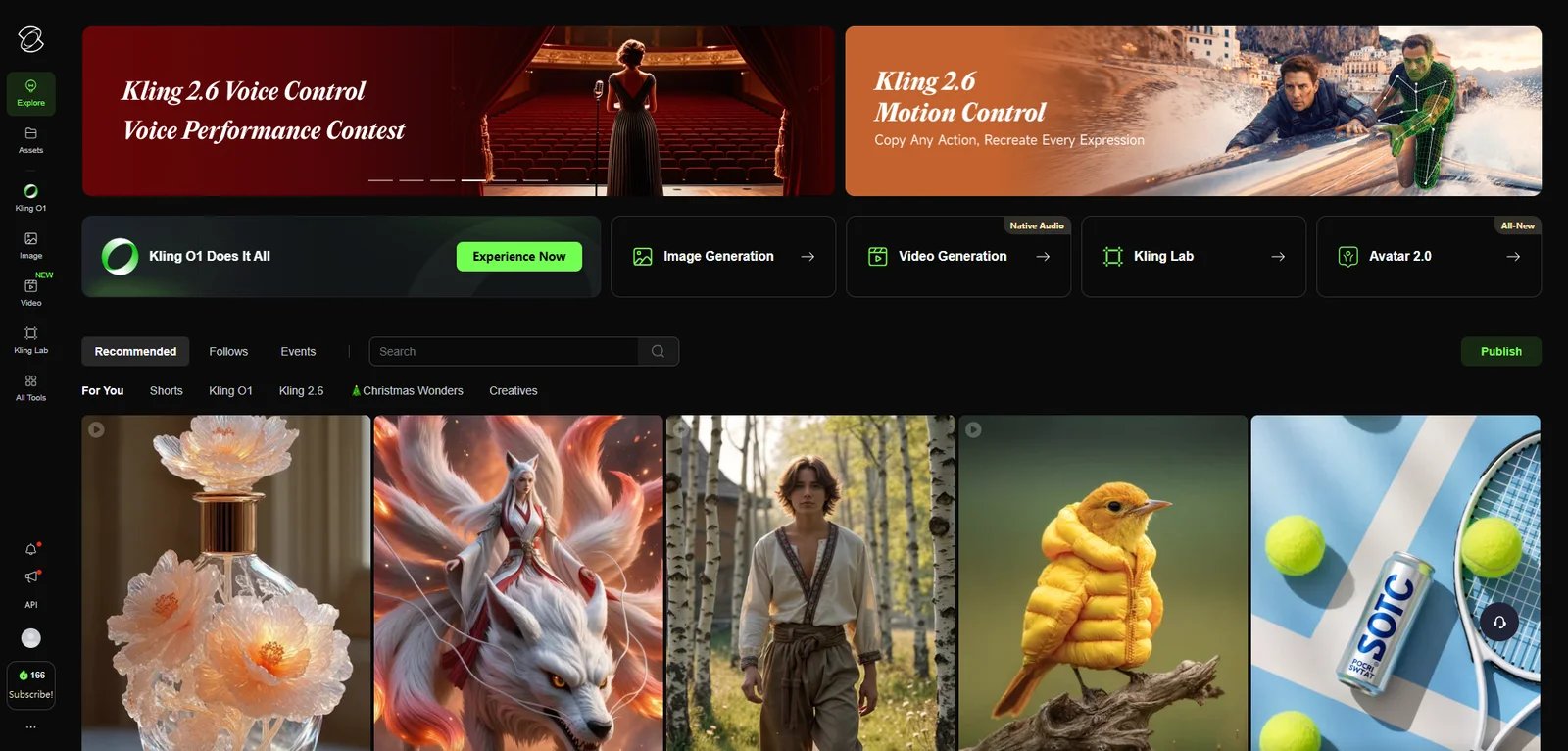
KLING AI interface showing advanced camera controls and motion brush features

KLING AI is developed by Kuaishou (Kwai) and positions itself as an advanced AI video generation tool with professional-grade customization capabilities. What sets it apart is its emphasis on control—motion brush tools, camera movement parameters (zoom, pan, tilt), and batch processing features target experienced creators who need frame-level precision. KLING offers credit-based subscription plans from Free to Ultra ($159.99/month), with first-time promotional discounts up to 30% off and credits usable across video generation, image creation, and advanced AI models.

Key Features

  • Advanced Camera and Motion Controls — Provides motion brush and camera movement controls including zoom, pan, and tilt, allowing users to fine-tune AI video generation at a granular level. Enables creators to direct specific motion paths and camera behavior, reducing the need for post-production adjustments and improving output predictability for professional workflows.

  • Batch Video Generation — Supports generating multiple AI videos simultaneously, positioning itself for high-volume production scenarios. Helps teams and studios scale output for campaigns, A/B testing, or multi-variant content creation without manual one-by-one generation.

  • Dual-Mode Quality Tiers (Standard & Master) — Offers Standard mode (720p/1080p, $0.25-$0.90 per generation) and Professional Master mode (1080p, $1.40-$2.80 per generation) with enhanced quality and rendering. Lets users balance cost and quality based on deliverable requirements, with Master mode suited for client work and Standard for drafts or social content.

Pricing & Plans

KLING AI offers credit-based subscription tiers with first-month promotional discounts (up to 30% off):

Basic (Free): $0

  • No monthly credits allocation
  • Trial credits available upon login for testing
  • Access to basic generation features
  • Evaluation and experimentation only

Standard: $6.99/month (first month) → $8.8/month (renewal, 12% off regular price)

  • 660 credits per month (approximately 33 standard videos, or 3,300 images)
  • As low as $1.33 per 100 credits
  • Queue unlimited tasks
  • Fast-track generation
  • High-quality video generation (720p/1080p)
  • Image upscaling
  • Brand watermark removal
  • Video extension
  • VIDEO 2.6 Model - Voice Control (free)
  • VIDEO 2.6 Model - Motion Control (40% off credit cost)
  • VIDEO O1 Model - Element AI Multi-Shot (daily 3 free uses)

Pro: $25.99/month (first month) → $32.56/month (renewal, 12% off regular price)

  • 3,000 credits per month (approximately 150 standard videos, or 15,000 images)
  • As low as $1.09 per 100 credits
  • All Standard features plus:
  • Priority access to new features
  • VIDEO O1 Model - Element AI Multi-Shot (daily 3 free uses)
  • VIDEO 2.6 Model - Voice Control (free)
  • VIDEO 2.6 Model - Motion Control (40% off credit cost)

Premier: $64.99/month (first month) → $80.96/month (renewal, 12% off regular price)

  • 8,000 credits per month (approximately 400 standard videos, or 40,000 images)
  • As low as $1.01 per 100 credits
  • All Pro features
  • VIDEO O1 Model - Element AI Multi-Shot (daily 3 free uses)
  • VIDEO 2.6 Model - Voice Control (free)
  • VIDEO 2.6 Model - Motion Control (40% off credit cost)

Ultra (NEW): $127.99/month (first month) → $159.99/month (renewal, 11% off regular price)

  • 26,000 credits per month (approximately 1,300 standard videos, or 130,000 images)
  • As low as $0.62 per 100 credits
  • All Premier features plus:
  • Beta test invites (if applicable)
  • VIDEO O1 Model - Element AI Multi-Shot (daily 3 free uses)
  • VIDEO 2.6 Model - Voice Control (free)
  • VIDEO 2.6 Model - Motion Control (40% off credit cost)

Important Notes:

  • First-time subscriptions offer promotional discounts (up to 30% off first month only)
  • Renewal pricing maintains 11-12% discount off regular price ($10/$37/$92/$180)
  • Discount only applies to first subscription; cancel anytime
  • Credits can be used across multiple features (video generation, image generation, different AI models)
  • Credit consumption varies significantly by feature:
    • Standard video generation: approximately 20 credits per video
    • Image generation: approximately 0.2 credits per image
    • Motion Control feature: adds 40% to base credit cost
    • VIDEO O1 Model (Element AI Multi-Shot): higher credit consumption than standard generation
    • VIDEO 2.6 Model Voice Control: included free with paid plans
  • Credits likely do not roll over month-to-month (verify current terms)
  • Specific pricing may vary by region or access method; check official klingai.com for your location

Pros & Cons

Pros:

  • Five subscription tiers (Free to Ultra) provide flexible entry points from testing ($0) to high-volume production ($159.99/mo)
  • First-month promotional discounts (up to 30% off) reduce barrier to entry for new users
  • Credits work across multiple features (videos, images, different AI models) for flexible usage allocation
  • Ultra plan offers exceptional value at $0.62 per 100 credits (26,000 credits/mo ≈ 1,300 videos)
  • Advanced customization options including motion brush and camera controls (zoom/pan/tilt) for experienced users
  • Batch processing capability and unlimited task queuing for scaling workflows
  • Clear credit consumption transparency (20 credits/video standard, 0.2 credits/image)
  • VIDEO 2.6 Voice Control included free with all paid plans

Cons:

  • First-month discount is one-time only; renewal pricing is 11-12% higher than promotional rate
  • Variable credit consumption (Motion Control adds 40%, VIDEO O1 costs more) makes budget planning difficult
  • Standard plan's 660 credits (≈33 videos) may be insufficient for regular content creators
  • Credits likely do not roll over; unused credits expire monthly (verify current terms)
  • Steep learning curve; advanced features may overwhelm beginners unfamiliar with camera terminology
  • Higher credit cost per video (≈20 credits) compared to some competitors (e.g., Vidu AI ≈4 credits/video)

Best For

  • Testing users exploring AI video generation with Free tier (trial credits upon login) before committing
  • Casual creators using Standard plan ($8.8/mo renewal, 660 credits ≈ 33 videos) for occasional social media content
  • Regular content creators using Pro plan ($32.56/mo renewal, 3,000 credits ≈ 150 videos) for consistent output
  • Professional production teams using Premier/Ultra plans ($80.96-$159.99/mo, 400-1,300 videos) for high-volume campaigns
  • Advanced users needing granular control over motion and camera behavior (motion brush, zoom/pan/tilt controls)
  • Marketing teams running high-volume A/B tests or multi-variant campaigns with unlimited task queuing and batch generation
  • Multi-format creators leveraging credits across both video (20 credits) and image generation (0.2 credits) within the same subscription

Luma Dream Machine

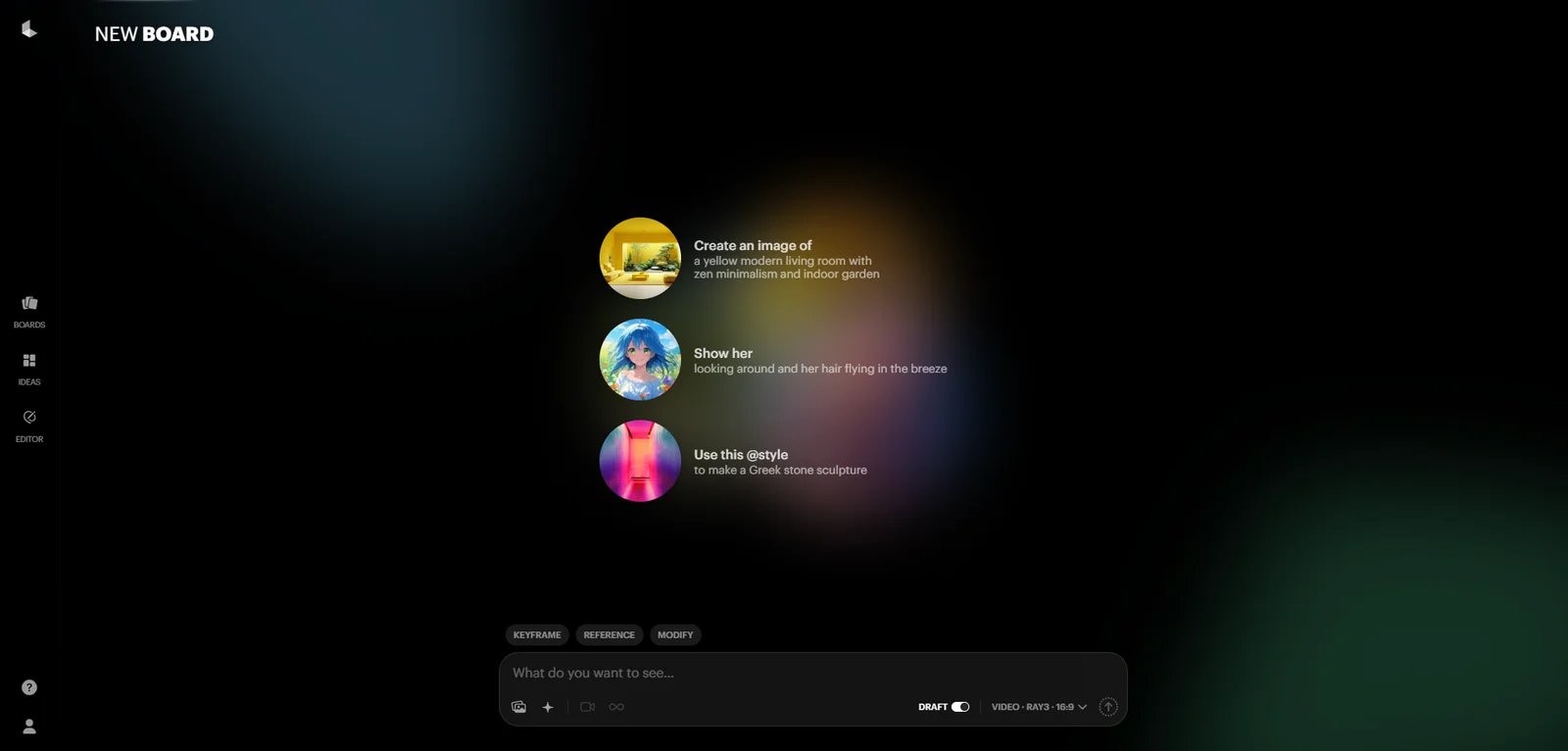
Luma Dream Machine interface showing image-to-video generation with keyframe controls

Luma Dream Machine, developed by Luma Labs, is an AI video generation platform specializing in text-to-video and image-to-video transformation with a focus on cinematic quality and artistic visual styles. Powered by the Ray3 model series, it emphasizes realistic lighting, physics simulation, and creative flexibility, making it particularly popular among creators in fashion, beauty, and creative industries. The platform operates on a credit-based subscription model with five tiers ranging from Free to Enterprise, with commercial use rights available on Plus plans and above.

Key Features

  • Text-to-Video and Image-to-Video with Cinematic Quality — Generates dynamic videos from text prompts or static images with realistic lighting and physics simulation, particularly strong in surreal and artistic styles. Powered by Ray3 model series with support for multiple creative features (Modify, References, Extend). Helps fashion, beauty, and creative content teams produce eye-catching product videos and mood pieces without filming, reducing production time and enabling rapid style exploration.

  • Multiple Generation Modes and Quality Tiers — Offers Draft mode for rapid iteration and full Ray3 access for high-quality output, with resolution options from 540p to 4K (with up-res) and HDR support on higher tiers. Enables creators to balance speed versus quality based on workflow stage—draft for testing, high-resolution for final deliverables—while managing credit consumption efficiently.

  • Flexible Processing Options with Priority Access — Provides tiered processing speeds from lower priority (Free) to highest priority (Enterprise), with varying concurrency levels (1-4 simultaneous generations). Paid plans include brand watermark removal and extended video capabilities (up to 10 seconds), supporting both individual creators needing quick turnaround and teams managing high-volume production workflows.

Pricing & Plans

Luma Dream Machine offers credit-based subscription tiers with monthly credit allocations. Credits are consumed based on video specifications (resolution, duration, model version, HDR settings).

Free: $0/month

  • 8 videos per month (draft mode only)
  • Limited usage for testing and evaluation
  • Draft resolution (lower quality)
  • Lower priority processing
  • Non-commercial use only
  • Watermarks included
  • 1 concurrent generation
  • Maximum 5-second video duration

Lite: $7.99/month (or $6.39/month with yearly billing, save 20%)

  • 50 videos per month (draft mode)
  • 3,200 monthly credits
  • Full Ray3 model access
  • Up to 4K resolution with up-res
  • High priority processing
  • Non-commercial use only
  • Watermarks included
  • 2 concurrent generations
  • Maximum 10-second video duration

Plus: $23.99/month (or $19.19/month with yearly billing, save 20%)

  • 160 videos per month (draft mode)
  • 10,000 monthly credits
  • Full Ray3 model access
  • Up to 4K resolution with up-res and HDR support
  • High priority processing
  • Commercial use allowed (first commercial tier)
  • No watermark
  • 4 concurrent generations
  • Maximum 10-second video duration

Unlimited: $75.99/month (or $60.79/month with yearly billing, save 20%)

  • Unlimited videos in Relaxed Mode
  • 10,000 monthly credits (same as Plus for fast-track generations)
  • Full Ray3 model access
  • Up to 4K resolution with up-res and HDR support
  • High priority processing for credited generations
  • Commercial use allowed
  • No watermark
  • 4 concurrent generations
  • Maximum 10-second video duration

Enterprise: Custom pricing (contact sales)

  • Unlimited videos in Relaxed Mode
  • 20,000 monthly credits (highest allocation)
  • Full Ray3 model access
  • Up to 4K resolution with up-res and HDR support
  • Highest priority processing
  • Commercial use allowed
  • No watermark
  • No training on input/output data (privacy protection)
  • 4 concurrent generations
  • Maximum 10-second video duration

Important Notes:

  • Credits are consumed based on video specifications: Ray3 Draft mode uses approximately 60 credits for 5 seconds (120 for 10 seconds), while Ray3 standard mode varies from 160 to 2,640 credits depending on resolution and HDR settings
  • Draft mode videos (shown in monthly video counts) provide faster generation for iteration and testing
  • Unused credits do not roll over between billing periods
  • Annual billing provides 20% discount across all paid tiers
  • Unlimited plan's Relaxed Mode provides continuous generation access without credit deduction, though processing may be slower than priority queue

Pros & Cons

Pros:

  • High-quality cinematic output with realistic lighting and physics, particularly strong for surreal and artistic styles
  • Clear five-tier pricing structure from Free testing to Enterprise with transparent credit allocations (3,200-20,000 credits/month)
  • Unlimited plan ($75.99/mo) provides continuous generation via Relaxed Mode plus 10,000 credits for priority work, exceptional value for high-volume creators
  • Multiple resolution options from draft to 4K with up-res, plus HDR support on Plus and above
  • Commercial use rights start at Plus tier ($23.99/mo), accessible for professional creators
  • No watermark on Plus and above; Free/Lite tiers clearly marked for non-commercial testing
  • Annual billing provides 20% savings across all paid plans
  • Enterprise tier includes privacy protection (no training on user data)

Cons:

  • Free tier limited to 8 draft videos monthly with watermarks and non-commercial use only, insufficient for regular production
  • Lite tier ($7.99/mo) still restricts commercial use despite paid subscription, limiting value for professional creators
  • Credit consumption varies significantly (60-2,640 credits per video) based on quality settings, making exact budget planning difficult
  • Unused credits do not roll over; monthly allocations reset each billing period
  • Unlimited plan's Relaxed Mode may have slower generation speeds compared to credit-based priority processing
  • Limited advanced control features compared to tools like KLING AI (no motion brush or granular camera controls)

Best For

  • Fashion, beauty, and creative content teams generating surreal or artistic product videos with cinematic lighting and realistic physics
  • Budget-conscious commercial creators using Plus plan ($23.99/mo, 10,000 credits) for professional deliverables with commercial rights and no watermark
  • High-volume production teams using Unlimited plan ($75.99/mo) for continuous generation via Relaxed Mode plus 10,000 priority credits for time-sensitive work
  • Enterprise organizations requiring highest priority processing, maximum credit allocation (20,000/mo), and privacy protection (no training on user data)
  • Creators prioritizing cinematic quality over advanced technical controls, seeking realistic lighting and physics without complex parameter tuning
  • Teams testing AI video generation using Free tier (8 draft videos/mo) before committing to paid plans

Pika

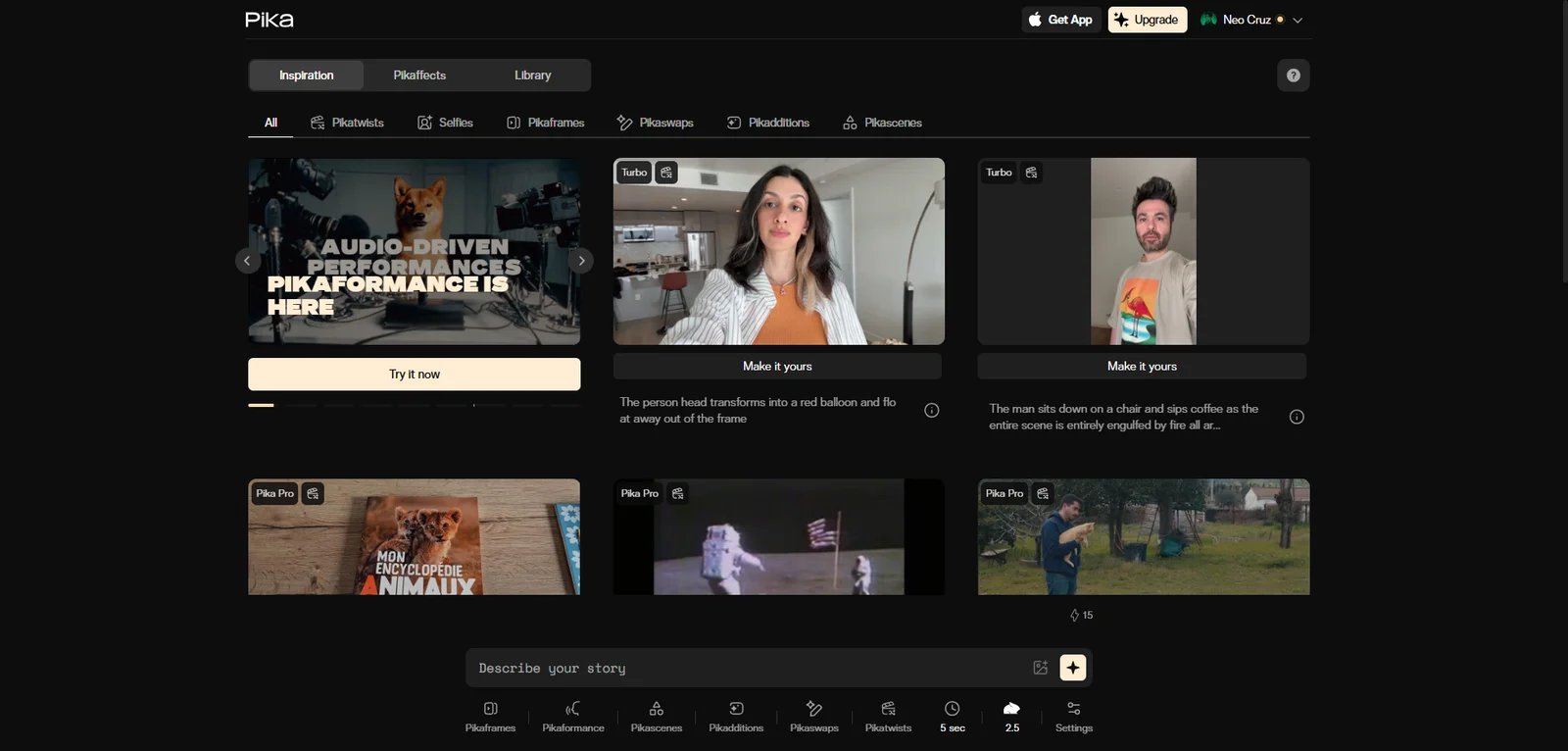
Pika interface showing visual effects options and social media integration

Pika, developed by Pika Labs, is an AI video generation platform specializing in effects-driven short-form content for social media creators. Built on multiple model versions (Pika 2.5, Pika 2.2, Turbo, and Pro models), it offers a comprehensive suite of creative tools including Pikaffects (visual effects), Pikascenes (scene generation), Pikatwists (video transformations), and Pikaformance (audio-driven videos). The platform operates on a credit-based subscription model with four tiers from Free to Fancy ($76/month yearly billing), with all plans offering commercial use rights and watermark-free downloads.

Key Features

  • Comprehensive Effects and Feature Suite — Provides six major creative capabilities: Pikaffects (squeeze, melt, inflate effects for images and videos), Pikascenes (720p-1080p scene generation), Pikatwists (video transformation effects), Pikadditions & Pikaswaps (element addition and replacement), Pikaframes (variable duration 5-25 seconds), and Pikaformance (audio-driven video up to 30 seconds). Enables social media creators to produce diverse effect-heavy content without manual compositing, supporting rapid experimentation and viral content strategies across TikTok, Instagram Reels, and YouTube Shorts.

  • Multi-Model Architecture with Quality Tiers — Offers Pika 2.5 for text-to-video and image-to-video (480p-1080p), Pika 2.2 for Pikascenes, Turbo model for fast iterations (720p), and Pro model for high-quality output (1080p). Free tier accesses Pika 2.5 at 480p only; paid tiers unlock full model access and higher resolutions. Enables creators to balance speed versus quality based on workflow stage—Turbo for rapid testing, Pro for final deliverables—while managing credit consumption efficiently.

  • Tiered Processing Speed with Credit System — Provides progressive generation speeds: Fast (Standard plan), Faster (Pro plan), and Fastest (Fancy plan), with monthly credit allocations from 80 (Free) to 6,000 (Fancy). Credits consumed per video range from 10 (simple Turbo effects) to 200 (extended 1080p Pikaframes). All plans include commercial use rights, watermark-free downloads, and ability to purchase additional rollover credits, supporting both casual creators testing ideas and high-volume production workflows.

Pricing & Plans

Pika offers credit-based subscription tiers with monthly credit allocations. Credits are consumed based on video specifications (model, resolution, duration, feature complexity).

Free (Basic): $0/month

  • 80 monthly video credits
  • Access to Pika 2.5 (480p only)
  • Pikadditions, Pikaswaps, and Pikatwists (Turbo model only)
  • Pikaffects Image-to-Video only
  • Text-to-Video & Image-to-Video: 12 credits per 5s video (480p)
  • Turbo model effects: 10-60 credits per video
  • Download videos with no watermark
  • Commercial use allowed
  • Purchase additional rollover credits available

Standard: $8/month (or $10/month with monthly billing, save 20% yearly)

  • 700 monthly video credits (approximately 35-70 videos depending on complexity)
  • Access to Pika 2.5, 2.2 (Pikascenes), Turbo and Pro models
  • Full access to Pikadditions, Pikaswaps, Pikatwists, all Pikaffects
  • Resolution support: 480p-1080p
  • Fast generations (priority processing)
  • Download videos with no watermark
  • Commercial use allowed
  • Purchase additional rollover credits available

Pro: $28/month (or $35/month with monthly billing, save 20% yearly)

  • 2,300 monthly video credits (approximately 115-230 videos depending on complexity)
  • Marked as "Best value" by Pika
  • All Standard features
  • Access to all Pika models (2.5, 2.2, Turbo, Pro)
  • Resolution support: 480p-1080p
  • Faster generations (higher priority processing than Standard)
  • Download videos with no watermark
  • Commercial use allowed
  • Purchase additional rollover credits available

Fancy: $76/month (or $95/month with monthly billing, save 20% yearly)

  • 6,000 monthly video credits (approximately 300-600 videos depending on complexity)
  • Tagline: "The crème de la creativity"
  • All Pro features
  • Access to all Pika models (2.5, 2.2, Turbo, Pro)
  • Resolution support: 480p-1080p
  • Fastest generations (highest priority processing)
  • Download videos with no watermark
  • Commercial use allowed
  • Purchase additional rollover credits available

Important Notes:

  • Credit consumption varies significantly by feature and settings: simple Turbo effects (10-20 credits), complex transformations (60-80 credits), extended duration Pikaframes (up to 200 credits for 25-second 1080p videos)
  • Typical credit costs: Text-to-Video 480p (12 credits/5s), 720p (20 credits/5s), 1080p (40 credits/5s); Pikaffects (15-18 credits); Pikatwists Turbo (60 credits), Pro (80 credits)
  • All plans allow purchasing additional rollover credits beyond monthly allocations
  • Yearly billing provides 20% discount across all paid tiers
  • VAT rate may be charged depending on country of residence
  • Plans can be upgraded, switched, or cancelled anytime

Pros & Cons

Pros:

  • Comprehensive feature suite with six distinct creative tools (Pikaffects, Pikascenes, Pikatwists, Pikadditions, Pikaswaps, Pikaframes, Pikaformance)
  • All plans including Free tier offer commercial use rights and watermark-free downloads
  • Clear four-tier pricing from Free (80 credits) to Fancy (6,000 credits) with transparent credit consumption rates
  • Multi-model architecture provides quality-speed tradeoffs (Turbo for speed, Pro for quality)
  • Progressive processing speeds (Fast → Faster → Fastest) across subscription tiers
  • Support for variable video durations up to 25 seconds (Pikaframes) and audio-driven content up to 30 seconds (Pikaformance)
  • Ability to purchase additional rollover credits for flexible usage scaling
  • Pro plan marked as "Best value" at $28/mo (2,300 credits) balances capacity and cost
  • Yearly billing provides 20% savings

Cons:

  • Free tier limited to 480p resolution and restricted model access (Pika 2.5 only, Turbo effects only)
  • Credit consumption varies widely (10-200 credits per video) making exact budget planning difficult
  • Effects-focused positioning may not suit creators needing subtle, realistic, or narrative-driven content
  • Resolution caps at 1080p across all tiers; no 4K support
  • No advanced camera controls or motion customization compared to tools like KLING AI
  • Standard plan (700 credits) may be insufficient for active daily creators depending on effect complexity
  • Credit rollover requires additional purchases; monthly allocations likely do not auto-rollover (verify current terms)

Best For

  • Social media creators producing high-volume, effects-driven content for TikTok, Instagram Reels, and YouTube Shorts using Free tier (80 credits for testing) or Standard plan ($8/mo, 700 credits)
  • Regular content creators using Pro plan ($28/mo, 2,300 credits, "Best value" designation) for consistent daily output with full model and resolution access
  • High-volume creative teams using Fancy plan ($76/mo, 6,000 credits) for fastest processing and maximum monthly capacity
  • Trend-responsive creators needing rapid turnaround with Pikaffects visual effects library (squeeze, melt, inflate) for viral content strategies
  • Multi-format creators leveraging diverse tools (Pikascenes, Pikatwists, Pikaframes, Pikaformance) for varied content types from standard posts to audio-driven videos
  • Budget-conscious creators testing commercial video generation with Free tier's commercial use rights and watermark-free downloads before committing to paid plans
  • Teams needing flexible capacity purchasing additional rollover credits during high-demand periods to supplement monthly allocations

Wan

Wan interface showing video generation model

Wan is an AI creative platform developed by Alibaba offering multiple access methods for different user types: open-source model versions (such as Wan 2.1) for research and self-hosting, a consumer subscription platform at create.wan.video with credit-based pricing, and API/enterprise access for commercial integration. This positions Wan uniquely as both a research-friendly open-source project and an accessible subscription service, serving technical developers, individual creators, and enterprise teams with flexible deployment and pricing options.

Key Features

  • Multiple Access Methods for Different User Needs — Provides three distinct access paths: open-source model releases (Wan 2.1 for self-hosting and customization), create.wan.video subscription platform ($5-$20/month with credit allocations), and API/enterprise integration for commercial deployments. Enables research teams to modify source code, casual creators to generate content via web interface, and product teams to integrate video generation into applications—all using the same underlying Alibaba technology with deployment flexibility based on technical requirements and budget.

  • Credit-Based Subscription with Image and Video Generation — The create.wan.video platform operates on a credit system with monthly allocations (300-1200 credits) that can be used for both image generation (approximately 1200-4800 images) and video generation (approximately 60-240 videos) depending on plan tier. Paid plans include watermark-free downloads, access to all image style palettes, and priority processing. Provides cost-effective entry point at $5/month (Pro plan with 50% yearly discount) for creators needing flexible multi-format generation within a unified credit balance.

  • Progressive Concurrency and Processing Tiers — Subscription tiers offer increasing concurrent processing capabilities: Free (1 video + 1 image concurrent), Pro (3 videos + 3 images concurrent), Premium (8 videos + 5 images concurrent). Pro and Premium plans also provide instant credit-based processing (2-4 videos instantly), while all plans include unlimited generation without credits in standard queue. Supports both individual creators iterating on single projects and production teams managing parallel workflows with high-volume output requirements.

Pricing & Plans

Wan offers three primary access methods with different pricing structures:

Open-Source Versions (Self-Hosted)

Wan 2.1 and Earlier Open-Source Releases: Free to download and self-host under open-source license terms

  • No subscription fees or API charges for self-hosted deployment
  • Full model access for customization, fine-tuning, and integration into proprietary pipelines
  • Requires significant compute infrastructure (GPU resources) and ML/DevOps expertise
  • Resolution support varies by version; Wan 2.1 typically supports 480p-720p
  • Suitable for research labs, academic teams, and enterprises with existing ML infrastructure
  • Commercial licensing terms depend on specific open-source license (verify before commercial deployment)
Creative Platform Subscription (create.wan.video)

The consumer subscription platform operates on a credit-based model with monthly allocations. Credits can be used for both image and video generation.

Free: $0/month

  • No monthly credits allocation (limited free usage for evaluation)
  • Process 1 video task instantly with credits (when available)
  • Submit 1 video concurrently
  • Submit 1 image concurrently
  • Unlimited generation without credits (standard queue, slower processing)
  • Basic access for testing and light usage

Pro: $5/month (or $10/month with monthly billing, save 50% with yearly)

  • 300 monthly credits
  • Accelerate: Up to 1200 images or 60 videos (credit consumption varies by specifications)
  • Process up to 2 videos instantly with credits (priority processing)
  • Submit up to 3 videos concurrently
  • Submit up to 3 images concurrently
  • Unlimited generation without credits (standard queue)
  • Download watermark-free images
  • Download watermark-free videos
  • Access to all image style palettes

Premium: $20/month (or $40/month with monthly billing, save 50% with yearly)

  • 1200 monthly credits (4x Pro allocation)
  • Accelerate: Up to 4800 images or 240 videos (credit consumption varies by specifications)
  • Process up to 4 videos instantly with credits (highest priority)
  • Submit up to 8 videos concurrently
  • Submit up to 5 images concurrently
  • Unlimited generation without credits (standard queue)
  • Download watermark-free images
  • Download watermark-free videos
  • Access to all image style palettes
  • Early access to all new features

Important Notes:

  • Yearly billing provides 50% discount across paid tiers
  • Credits can be used flexibly for either image or video generation
  • Credit consumption varies by generation specifications (resolution, duration, complexity)
  • All plans include unlimited generation in standard queue without consuming credits (slower than credit-based priority processing)
  • Monthly/yearly subscription auto-renews; can be cancelled anytime
  • First month/year is non-refundable after activation
  • Subscription is for create.wan.video web platform only; separate purchases required for API, DealDance, and other Alibaba products
API & Enterprise Access

API Access: Available through Alibaba Cloud and third-party platforms with usage-based pricing

  • Typically charged per generation or per video duration
  • Third-party platforms: approximately $0.35-$1.25 per 5-second video generation (pricing varies by platform and model version)
  • Requires separate purchase from create.wan.video subscription
  • Suitable for developers integrating video generation into applications

Enterprise Deployment: Custom pricing and deployment options available through Alibaba Cloud

  • On-premises or cloud deployment with dedicated resources
  • Custom model training and fine-tuning support
  • Enterprise-grade SLA and support

Pros & Cons

Pros:

  • Unique multi-access approach: open-source for technical customization, affordable subscription ($5-$20/mo) for casual creators, API for enterprise integration
  • Extremely competitive pricing: Pro plan at $5/month (yearly) is among the cheapest paid tiers in the market
  • Open-source versions (Wan 2.1) allow full model control, customization, and removal of vendor lock-in for research and technical teams
  • Credit system works across both image and video generation for flexible multi-format workflows
  • All paid plans include watermark-free downloads and access to all image style palettes
  • Unlimited generation in standard queue (without credits) on all plans for budget-conscious users tolerating slower processing
  • 50% yearly discount significantly reduces annual costs
  • Progressive concurrency scaling (1 → 3 → 8 videos concurrent) supports growing production needs

Cons:

  • Free tier has no monthly credit allocation; only offers slower standard queue generation for evaluation
  • Open-source versions require significant ML/DevOps expertise; high technical barrier for non-technical users
  • Resolution support limited to 480p-720p for typical versions; no 1080p or 4K support mentioned
  • Create.wan.video subscription does not include API access; requires separate purchase for programmatic integration
  • Credit consumption rates not publicly disclosed in detail; difficult to estimate exact costs per video
  • Multi-product ecosystem (create.wan.video, API, DealDance) can be confusing; requires careful verification of what each purchase covers
  • Commercial licensing terms vary by access method (open-source license vs. subscription ToS vs. API terms)

Best For

  • Budget-conscious individual creators using Pro plan ($5/mo yearly billing, 300 credits ≈ 60 videos or 1200 images) for the most affordable paid AI video generation option in the market
  • Multi-format creators needing flexible credit allocation across both image and video generation within a single subscription
  • High-volume creators using Premium plan ($20/mo yearly billing, 1200 credits ≈ 240 videos or 4800 images) with 8 concurrent videos and early feature access
  • Research labs and academic teams using open-source versions (Wan 2.1) for full model customization, fine-tuning, and integration into research pipelines
  • Enterprise development teams building custom video generation systems through self-hosted open-source deployment or commercial API integration
  • Technical users comfortable with ML infrastructure who prioritize model flexibility and control over consumer-friendly interfaces
  • Creators tolerating slower processing leveraging unlimited standard queue generation on all plans (including Free) without consuming credits
  • Teams starting with web platform using create.wan.video subscription for testing before scaling to API integration for production workflows

Seedance

Seedance interface showing motion-focused video generation and dual-tier options

Seedance, developed by ByteDance, is an AI video generation tool emphasizing realistic motion physics and action-heavy scenes. It offers two versions—Seedance 1 Pro and Seedance 1 Lite—targeting different quality and budget tiers with per-generation pricing from $0.09 to $1.50. The tool is particularly noted for stable motion representation in sports, dance, and action sequences, leveraging ByteDance's video platform experience.

Key Features

  • Motion-Focused Generation (Action & Sports) — Optimized for generating videos with complex motion, including sports, dance, and action scenes with realistic physics. Reduces motion artifacts and jitter common in AI-generated action sequences, making it suitable for fitness content, sports highlights, and choreography demonstrations.

  • Dual Quality Tiers (Pro & Lite) — Offers Seedance 1 Pro (480p-1080p, $0.15-$1.50) and Seedance 1 Lite (480p-720p, $0.09-$0.36), allowing users to choose quality-cost tradeoff per generation. Enables budget-conscious creators to use Lite for drafts and Pro for final deliverables, optimizing spend across the production workflow.

  • Realistic Physics Simulation — Emphasizes accurate physical motion modeling, reducing unrealistic movements in generated videos. Improves output quality for scenarios requiring believable physics (falling objects, character movement, fluid dynamics), reducing manual correction needs.

Pricing & Plans

Seedance's pricing depends on access method:

Seedance 1 Lite: Approximately $0.09 to $0.36 per video generation via third-party API platforms. Supports 480p and 720p resolution with 5-10 second duration. Suitable for drafts, testing, and lower-budget content.

Seedance 1 Pro: Approximately $0.15 to $1.50 per video generation via third-party API platforms. Supports 480p and 1080p resolution with 5-10 second duration. Enhanced motion quality and physics simulation, suited for final deliverables.

Note: ByteDance has not published unified consumer pricing for Seedance. Pricing estimates are based on third-party API and hosting platforms. Official access methods and pricing may vary by region. Check ByteDance cloud services or official announcements for direct access options.

Pros & Cons

Pros:

  • Strong motion representation and physics simulation, particularly for action/sports content
  • Dual-tier pricing allows flexible quality-cost management across production stages (draft vs. final)
  • ByteDance's video platform experience reflected in output quality and motion stability

Cons:

  • Pro tier generation time can be lengthy for high-quality 1080p output
  • Lite tier resolution maxes at 720p, limiting use cases for HD deliverables
  • Per-generation pricing accumulates quickly for high-frequency users compared to subscription models

Best For

  • Fitness, sports, and dance content creators needing realistic motion and physics in AI-generated videos
  • Production teams using dual-tier workflow (Lite for iteration, Pro for delivery) to optimize costs
  • Creators prioritizing motion quality and physics accuracy over speed or advanced customization

Hailuo AI

Hailuo AI interface showing high-resolution video generation options

Hailuo AI, developed by MiniMax, is an AI video generation tool positioned for high-quality, stable output with support for 768p and 1080p resolutions. With per-generation pricing around $0.50 for 6-10 second clips, it targets creators and teams prioritizing consistency and resolution over advanced features or low cost. Hailuo emphasizes reliability and output stability, reducing generation failures and artifacts.

Key Features

  • High-Resolution Output (768p/1080p) — Supports 768p and 1080p resolution output, ensuring HD-quality deliverables. Suitable for professional content, client work, and platforms requiring higher resolution than standard 720p, reducing the need for upscaling post-processing.

  • Stable Generation with Low Failure Rate — Emphasizes consistent, reliable generation with reduced errors and artifacts compared to less mature models. Minimizes wasted credits and iteration cycles from failed or unusable outputs, improving workflow efficiency for time-sensitive projects.

  • Text-to-Video Core Capability — Focuses on robust text-to-video generation without additional modes or effects, simplifying the feature set. Suitable for users prioritizing core T2V quality over feature breadth, with straightforward prompt-to-video workflows.

Pricing & Plans

Hailuo AI offers both subscription and API-based pricing:

Subscription Plans: Monthly subscription options available through hailuoai.video with generation quotas (specific pricing and tiers vary by region).

API Access: Usage-based pricing through MiniMax API platform, typically charged per generation or per video specifications (resolution, duration).

Typical Cost Range: Per-generation costs approximately $0.50 for 6-10 second clips at 768p-1080p, though actual pricing depends on subscription tier, API access method, and video specifications.

For accurate pricing, check the official Hailuo AI website for subscription options or MiniMax API documentation for usage-based rates.

Pros & Cons

Pros:

  • High-resolution output (768p/1080p) suitable for professional and client deliverables
  • Stable generation with low failure rate reduces wasted credits and iteration time
  • Straightforward text-to-video workflow without feature complexity

Cons:

  • Per-generation cost ($0.50) is relatively high compared to some competitors, increasing expense for high-volume users
  • Limited feature set beyond core text-to-video; lacks advanced controls or effects options
  • Official pricing, subscription plans, and trial details not publicly accessible; requires manual verification

Best For

  • Professional content creators and agencies requiring consistent HD output for client deliverables
  • Teams prioritizing generation stability and low failure rate over cost or feature breadth
  • Users seeking straightforward text-to-video workflows without learning complex controls or effects

Hunyuan AI Video

Hunyuan AI Video interface showing Tencent's video generation platform

Hunyuan AI Video, developed by Tencent, is an AI video generation tool that is part of Tencent's Hunyuan (混元) AI ecosystem. The platform showcases capabilities including variable duration support and HD output quality. Access methods may include both web-based interfaces and potential API integration through Tencent Cloud. As with many rapidly evolving AI platforms, specific pricing tiers, resolution caps, and access policies should be verified through official channels.

Key Features

  • Variable Duration Support — Offers flexibility in video duration, supporting different content formats from short social clips to slightly longer sequences. Specific duration ranges and limits depend on access tier and model configuration.

  • HD Output Capability — Platform demonstrates HD video generation capabilities. Actual resolution options and quality settings may vary by subscription tier and access method.

  • Tencent Ecosystem Integration — As part of Tencent's Hunyuan AI platform, may offer integration opportunities with other Tencent services and cloud infrastructure. Account requirements and regional availability should be confirmed through official channels.

Pricing & Plans

Hunyuan AI Video's pricing and access structure:

Access Methods: The platform may be accessed through Tencent's web interface, potential mobile applications, or Tencent Cloud services. Registration requirements and account setup vary by region.

Pricing Structure: Tencent has not published comprehensive international pricing for Hunyuan AI Video. Access may include:

  • Free trial or limited usage tiers for initial testing
  • Subscription-based plans for regular users
  • API access through Tencent Cloud with usage-based billing

Regional Considerations: Availability and pricing may differ significantly between mainland China and international markets. Some features may require Tencent ecosystem accounts (WeChat, QQ, or Tencent Cloud).

For accurate pricing and access details, check aivideo.hunyuan.tencent.com or Tencent Cloud documentation. Commercial licensing terms should be reviewed before production use.

Pros & Cons

Pros:

  • Variable duration support provides flexibility for different content formats
  • HD output capability suitable for professional content creation
  • Part of Tencent's broader AI ecosystem with potential cloud integration

Cons:

  • Pricing and access details vary by region and are not fully disclosed for international users
  • Commercial licensing terms governed by Tencent's Terms of Service; review before commercial deployment
  • May require Tencent ecosystem accounts (WeChat, QQ) for access in some regions
  • Documentation and support materials may be primarily in Chinese

Best For

  • Individual creators and small teams seeking free or low-cost HD video generation
  • Users needing flexible duration options (4-16 seconds) within a single tool
  • Creators comfortable with Tencent ecosystem (WeChat, QQ, Tencent Cloud) for account integration

Research and Verification Notes

While we've provided detailed reviews of fourteen AI video generators above, the landscape continues to evolve rapidly. New models and platforms emerge frequently, and some tools have limited public information due to beta status, regional restrictions, or documentation limitations. Always verify pricing, features, and licensing directly with official sources before committing to a platform.

Information Accessibility: Some platforms presented challenges during research due to regional access restrictions, JavaScript-dependent interfaces, or incomplete English documentation. Where official information was limited, we've indicated the need for verification or noted reliance on third-party sources.

Pricing Variability: Many AI video platforms adjust pricing based on region, access method (web vs. app vs. API), and promotional periods. Prices mentioned in this guide reflect information available as of December 2025 and should be confirmed on official websites.

Commercial Licensing: Terms of service and commercial use policies vary significantly across platforms and may change over time. Always review current terms before using generated content for commercial purposes, especially for client work, advertising, or monetized distribution.

Best by Use Case

Choosing the right AI video generator depends heavily on your specific workflow, budget, and output requirements. Here's how different user types can narrow their options:

For Social Media Creators

If you're producing high-volume short-form content for Instagram, TikTok, or YouTube Shorts, consider Pika, Veo 3, or HeyGen. Pika's fast generation and Pikaffects library are specifically designed for viral social content. Veo 3's native support for 9:16 vertical format and 1080p output aligns perfectly with platform requirements; creators can access it through Google AI Studio's web interface or third-party platforms, while developers can integrate via Gemini API with per-second billing for cost control. HeyGen's Free tier (3 videos/month, 720p) provides an entry point for testing, with the $29/month Creator plan offering unlimited video count (subject to fair use), 1080p, and 175+ languages for scaling multilingual content.

For Enterprise Training and Internal Communications

Synthesia and D-ID are strong choices for large organizations producing training, onboarding, and HR videos. Synthesia offers clear tiered pricing from Free to Enterprise with video minute allocations (3-30 min/month for paid plans, unlimited for Enterprise), plus SOC 2 and GDPR compliance. The Enterprise tier's claimed Fortune 100 adoption signals procurement-friendliness and vendor support maturity. D-ID's minute-based billing with transparent watermarking policies fits compliance-focused teams that need predictable usage accounting and synthetic content disclosure.

For Developers and Product Teams

If you're integrating video generation into your application, Sora 2, Veo 3, Wan, and D-ID are strong candidates. Sora 2 API offers publicly available access with per-second billing ($0.10-$0.50/sec depending on resolution) and synchronized audio generation, ideal for narrative and storytelling applications. Veo 3 offers flexible integration through Gemini API with usage-based per-second billing ($0.15-$0.40/sec), plus enterprise deployment options via Vertex AI for organizations requiring advanced controls and Google Cloud integration. Wan offers open-source model access for teams needing full customization and self-hosting. D-ID unifies web and API usage under a single minute balance, simplifying quota management for teams transitioning from prototyping to production.

For Narrative and Marketing Content

Sora 2 stands out for creators needing synchronized dialogue, sound effects, and multi-shot continuity. Its "Characters" feature allows inserting personal appearance and voice into generated environments, enabling personalized storytelling and consistent character reuse. Access options include: ChatGPT Plus ($20/mo) for regular generation quota, ChatGPT Pro ($200/mo) for enhanced quota and Sora 2 Pro model with higher resolution (up to 1024 x 1792), or Sora API with per-second billing ($0.10-$0.50/sec) for programmatic integration. The combination of narrative coherence, synchronized audio, and flexible access makes it ideal for storytelling-focused workflows.

For Budget-Conscious Teams

HeyGen's Free tier (3 videos/month, 720p), Synthesia's Basic plan (3 videos/month with AI avatars but no download), Runway's Free plan (125 one-time credits), Pika's Free plan, and Hunyuan AI Video provide accessible entry points with free or low-cost options. For paid tiers: HeyGen's Creator plan at $29/month offers unlimited video count (subject to fair use) and 1080p export; Synthesia's Starter ($29/mo) and Creator ($89/mo) provide professional AI avatar capabilities; Runway's Standard ($12/mo, 625 credits/month) suits teams needing credit-based budgeting for AI video and image generation. Pika starts at $10/month for social media creators. For open-source options, Wan 2.1 is free to self-host for research purposes.

For Professional Video Production

KLING AI, Luma Dream Machine, and Hailuo AI target professional creators needing advanced controls or cinematic quality. KLING AI's motion brush and camera controls (zoom/pan/tilt) enable frame-level precision. Luma Dream Machine excels at surreal, artistic content with cinematic lighting. Hailuo AI prioritizes generation stability and consistent HD output for client deliverables.

For Action and Motion-Heavy Content

Seedance is purpose-built for realistic motion physics in sports, dance, and action sequences. Its dual-tier pricing (Lite $0.09-$0.36, Pro $0.15-$1.50) allows flexible quality management across production stages, with ByteDance's video platform experience reflected in motion stability.

How to Choose

Selecting the right AI video generator requires matching tool capabilities to your specific needs. Follow this framework:

1. Define Your Generation Mode

Determine whether you need pure text-to-video generation (prompts only), AI avatar presenters (virtual talking heads), or multimodal inputs (text + image/reference). Tools like Veo 3 and Sora 2 focus on text-to-video with cinematic output and synchronized audio; Veo 3 offers multiple access methods (web interface, API, enterprise) depending on your technical requirements. Synthesia, HeyGen, and D-ID specialize in AI avatar-based presenter videos. Vidu AI offers text, image, and reference modes for maintaining visual consistency.

2. Assess Your Pricing Model Preference

AI video generators use three main pricing structures:

  • Usage-based (per-second API): Sora 2 API ($0.10-$0.50/sec) and Veo 3 via Gemini API ($0.15-$0.40/sec) suit API integrations with variable volume; web interface users access through respective cloud billing systems
  • Monthly subscriptions with generation quotas: Sora 2 via ChatGPT Plus ($20/mo) or Pro ($200/mo), HeyGen ($0-$39/seat/mo), Synthesia ($0-$89/mo for Basic-Creator) provide predictable budgets with monthly generation or video minute limits
  • Credit-based subscriptions: Runway (Free-$76/mo with 125-2,250 credits/mo, plus Unlimited's Explore Mode) and D-ID (minute-based credits) fit teams managing quotas across multiple AI tools

Note: Some platforms (including Sora 2 and Veo 3) offer multiple pricing models depending on access method. Sora 2 provides both subscription (Plus/Pro with quotas) and API (per-second) options. Runway's Unlimited plan ($76/mo) uniquely combines credit allocation with unlimited Explore Mode generations.

Choose based on whether you prefer pay-per-use flexibility or fixed monthly costs.

3. Verify Output Quality and Resolution Requirements

Check resolution support (720p, 1080p, 4K) and format options (16:9, 9:16). Veo 3 explicitly supports 9:16 vertical and 1080p. HeyGen scales from 720p (Free) to 4K (Team plan). If your deliverables require 4K or specific aspect ratios, confirm support before committing.

4. Review Commercial Licensing and Content Ownership

If you're producing client work, ads, or monetized content, verify commercial use rights. Runway's help center confirms paid plans grant commercial rights. However, many tools (Veo 3, Sora 2, Synthesia, HeyGen, D-ID, Vidu AI) require manual review of terms of service to confirm content ownership and commercial licensing. Never assume—verify directly in official terms or contact sales.

5. Consider API Access and Integration Needs

For developers, API availability is critical. Sora 2 (publicly available API with $0.10-$0.50/sec pricing), Veo 3 (Gemini API), D-ID (API with unified web balance), and HeyGen (separate API pricing) offer programmatic access. Sora 2 API provides transparent per-second billing with multiple resolution options. Check documentation quality, rate limits, and whether API usage shares quotas with web accounts.

6. Test Before Committing

Take advantage of free tiers and trials. HeyGen's Free plan (3 videos/month) and Sora 2's invitation-based free access let you test output quality and workflows. Veo 3 access through Google AI Studio or Gemini API requires Google Cloud billing setup, but offers predictable per-second costs for testing; some third-party platforms may offer trial access with simpler setup. Start with real use cases—generate sample videos matching your actual content needs to evaluate quality, speed, and ease of use.

If you're unsure where to start, HeyGen's Free tier provides a low-risk entry point for testing AI avatar videos, while Veo 3 suits users comfortable with Google Cloud ecosystem (for official access) or those exploring third-party integrations (verify terms carefully).

Frequently Asked Questions

What is the best AI video generator for social media content?
For social media content, Pika, Veo 3, and HeyGen are excellent choices. Pika specializes in fast generation with visual effects designed for viral content on TikTok, Instagram Reels, and YouTube Shorts. Veo 3 offers native 9:16 vertical format support and 1080p output, accessible through multiple channels: Google AI Studio for web-based generation, Gemini API for developer integration with per-second billing, or third-party platforms with alternative pricing (verify terms). HeyGen provides a Free tier for testing (3 videos/month, 720p) and scales to unlimited video count (subject to fair use) with 1080p at $29/month, plus voice cloning and 175+ languages for multilingual social campaigns.
Are these AI video generators free to use?
Several tools offer free tiers with limitations. HeyGen's Free plan includes 3 videos per month at 720p with watermarks. Synthesia's Basic plan provides 3 minutes of video monthly with 9 AI avatars, though videos cannot be downloaded and include watermarks. **Sora 2** may offer limited free access during invitation-based rollout periods with significantly lower generation quotas than ChatGPT Plus ($20/mo) or Pro ($200/mo) tiers; for predictable access, paid subscriptions or Sora API usage (pay-per-second) are recommended. Most platforms require paid subscriptions for commercial use, higher resolutions, and extended quotas. Veo 3's official Google channels (AI Studio/Gemini API) require a billing-enabled Google Cloud Project; some third-party platforms may offer trial access with different terms.
Can I use AI-generated videos for commercial projects?
Commercial use rights vary significantly by tool and plan tier. Runway's help center confirms paid plans grant commercial rights for generated assets. However, Veo 3, Sora 2, Synthesia, HeyGen, D-ID, and Vidu AI all require verification of commercial licensing terms in their respective terms of service or enterprise agreements. Always review official terms before using generated videos in client work, advertising, or monetized content.
How do API-based AI video generators compare to subscription platforms?
API-based generators like Sora 2 API ($0.10-$0.50/sec) and Veo 3's Gemini API ($0.15-$0.40/sec) charge per second of generated video, offering flexibility for variable-volume workflows and developer integration. Both support programmatic access for building video generation into applications. However, Sora 2 also offers subscription access through ChatGPT Plus ($20/mo) and Pro ($200/mo) with included generation quotas, while Veo 3 provides web-based access through Google AI Studio with Google Cloud billing. Subscription platforms like HeyGen ($29-$39/month), Synthesia ($29-$89/month for Starter-Creator tiers), and Runway ($12-$76/month) provide fixed monthly costs with credit or video minute allowances, better fitting teams with predictable generation volumes. Runway's Unlimited plan ($76/mo) uniquely offers both monthly credits and unlimited Explore Mode generations for high-volume users. The choice depends on your technical comfort level, integration needs, and whether you prefer usage-based or fixed monthly pricing.
What resolution and format options do AI video generators support?
Resolution support varies widely. Veo 3 officially supports 1080p and 9:16 vertical format. HeyGen scales from 720p (Free) to 1080p (Creator) to 4K (Team). Sora 2, Synthesia, D-ID, and Vidu AI do not disclose specific resolution limits in public documentation; verification is needed. For social media creators, prioritize tools explicitly supporting 9:16 vertical. For broadcast or commercial deliverables, confirm 4K availability before subscribing.
Do I need technical skills to use AI video generators?
Technical skill requirements depend on the platform and access method. Consumer-facing tools like HeyGen, Synthesia, and Sora 2 offer web-based interfaces with templates and visual editors, requiring no coding knowledge. Veo 3 offers multiple options: Google AI Studio provides a web interface (though requires Google Cloud billing setup), Gemini API suits developers comfortable with REST APIs and authentication, and Vertex AI targets enterprise teams with cloud infrastructure experience. D-ID bridges both worlds with a web-based Creative Reality Studio and unified API access. Choose based on your team's technical comfort level and deployment needs.
How long does it take to generate an AI video?
Generation speed varies by tool, video length, and quality settings. HeyGen advertises "Fast processing" on Creator plans and "Faster processing" on Team plans. Vidu AI markets "Ultra-Fast Generation" as a differentiator. Veo 3's per-second pricing suggests short clips generate quickly, though official speed metrics are not disclosed. Sora 2's announcement does not specify generation times. Expect 30 seconds to several minutes for typical social-length clips, with longer-form content taking proportionally more time.
Are there privacy concerns with AI video generators?
Privacy considerations include data handling, content storage, and generated video usage tracking. D-ID references its ethics manifesto and mandatory watermarks for transparency. Veo 3 includes SynthID watermarking for AI-generated provenance. Most platforms' privacy policies and data retention terms require manual review. For sensitive content (internal training, client materials), verify data residency, encryption, and deletion policies in official privacy documentation or enterprise agreements before uploading source materials. Open-source options like Wan allow self-hosting for teams with strict data sovereignty requirements.
What about copyright and content compliance risks?
When using AI video generators, especially for commercial purposes, be aware of potential copyright, trademark, and rights-of-publicity issues. Avoid generating content featuring recognizable copyrighted characters, brand elements, celebrity likenesses, or trademarked properties without proper authorization. Even if a platform's technology can generate such content, the legal responsibility falls on you as the user. Before using AI-generated videos for client deliverables, advertising, or commercial distribution, consider conducting legal/compliance review and maintaining generation records. Some platforms have faced legal challenges related to training data and output ownership, so staying informed about industry developments is prudent.
Which AI video generator is best for motion and action scenes?
Seedance, developed by ByteDance, specializes in realistic motion physics for sports, dance, and action sequences. Its dual-tier pricing (Lite and Pro) allows flexible quality management across production stages. KLING AI also offers advanced motion controls with its motion brush feature, enabling precise direction of movement in generated videos.
Are there free AI video generators with good quality?
Several tools offer quality free tiers: **Sora 2** may offer limited free access during invitation-based rollout periods with significantly lower quotas than paid tiers, **HeyGen Free** (3 videos/month at 720p), **Synthesia Basic** (3 minutes/month with AI avatars, no download), **Pika Free** (daily limits with effects library), and **Luma Dream Machine** (limited monthly credits). For developers and researchers, **Wan 2.1** and similar open-source versions can be self-hosted at no software cost (though compute infrastructure is required). Quality varies, but these options provide legitimate testing and low-volume production capabilities. Note that free tiers typically include watermarks and restrict commercial use. Check each platform's current free tier limitations and commercial use restrictions before deploying.
What's the difference between per-generation and subscription pricing?
Per-generation pricing (Seedance ~$0.09-$1.50, Hailuo AI ~$0.50) charges per video created, suitable for sporadic use or quality-tier flexibility. These rates often vary by platform, region, and access method. **Usage-based API pricing** (Sora 2 API $0.10-$0.50/second, Veo 3's Gemini API $0.15-$0.40/second) charges by compute time, suited for developer integration and variable-volume workflows. **Credit-based subscription pricing** (KLING AI $8.8-$159.99/month with 660-26,000 credits, Vidu AI $8-$79/month with 800-8,000 credits, Runway $12-$76/month with credits) combines monthly subscriptions with credit allocations consumed per generation, offering predictable billing with flexible feature usage. **Fixed subscription pricing** (Sora 2 via ChatGPT Plus $20/mo or Pro $200/mo, HeyGen $29-$39/month, Luma $10-$120/month, Pika $10+/month) provides predictable monthly costs with usage quotas, better for consistent production volume. Some platforms (like Sora 2 and Veo 3) offer both API and subscription models to serve different user needs. Always verify current pricing on official platforms as rates and structures change frequently.

Conclusion

The AI video generation landscape in 2025 offers diverse solutions spanning every workflow and budget: flexible platforms like Sora 2 (API with per-second billing or ChatGPT subscription with quotas) and Veo 3 (latest version 3.1 with enhanced audio, multi-reference controls, and scene extension via web, API, and enterprise access); consumer-friendly apps like Pika for creators; enterprise solutions like Synthesia and HeyGen for training teams; specialized tools like KLING AI for advanced controls and Seedance for motion physics; artistic platforms like Luma Dream Machine for cinematic quality; and open-source options like Wan for customization. The fourteen tools reviewed here represent the breadth of approaches—from per-second API billing to monthly subscriptions, from pure text-to-video to AI avatars and visual effects, from 480p to 4K output.

Success comes from matching tool capabilities—generation modes, pricing models, resolution support, and commercial licensing—to your specific use case. Start by defining your core requirements (social media clips vs. training videos vs. API integration vs. professional production), then test free tiers or trials to evaluate output quality and workflow fit. Always verify commercial use terms in official documentation before committing to a platform for client work or monetized content.

For additional guidance on AI tools and workflows, explore our AI Tool Rankings and AI video editor comparison guide. If you're building AI-powered applications, check out our guides on Model Context Protocol (MCP) and Agent-to-Agent (A2A) Protocol for integrating AI capabilities into your products.

Discover More AI Tools

Explore our comprehensive directory of AI tools, carefully curated and reviewed by experts to help you find the perfect solution for your needs.