
Best AI Browser Agents for Everyday Work and Automation
Compare AI browser agents for everyday browsing, supervised assistance, managed web tasks, hosted runtimes, and code-first automation.
On this page
The best AI browser agent depends less on a universal intelligence score than on where the browser runs and who owns the workflow. Perplexity Comet and BrowserOS put an agent inside an everyday browser. Microsoft Edge and Dia emphasize visible, bounded assistance. ChatGPT Work and Skyvern take on longer web tasks with very different levels of operational control. Browserbase, TinyFish, and Browser Use are for developers building the agent into software.
This guide uses current official product, documentation, security, and pricing sources. It does not name a winner for task success, speed, CAPTCHA handling, safety, or reliability because no controlled cross-product benchmark was performed.
Short Answer: Choose the Operating Model First
| If you need to... | Start with... | Eliminate first if... |
|---|---|---|
| Use an agent inside your everyday browser | Perplexity Comet, BrowserOS | You need an API, hosted workers, or centralized runtime operations |
| Keep actions visible and closely supervised | Microsoft Edge Browse with Copilot, Dia | You need unattended cross-site automation |
| Delegate supported web tasks without operating browser infrastructure | ChatGPT Work cloud browser | You need deterministic code, self-hosting, or a browser-session API |
| Automate authenticated business portals with workflows and takeover | Skyvern | Your buyer is nontechnical and wants only a daily browser assistant |
| Build on managed browser infrastructure | Browserbase and Stagehand, TinyFish | You do not want to own application logic, schemas, and guardrails |
| Keep the agent framework in your codebase | Browser Use | You want a turnkey end-user product rather than an engineering project |
| Extract or monitor web data rather than delegate general tasks | Firecrawl or Browse AI | Your job does not need a general goal-driven agent |
| Automate explicit browser steps with a macro-style assistant | HARPA AI | You need a general goal-driven agent rather than defined steps and loops |
Before You Trial Anything
Freeze five non-negotiables: the sites and actions involved, whether accounts must stay signed in, where execution may run, who owns recovery when the page changes, and how usage is billed. Eliminate any product that fails one of those requirements before comparing its AI claims.
Five Buying Models Hiding Behind One Search Term
“AI browser agent” now describes five different purchasing decisions:
- End-user agentic browsers combine normal browsing with delegated actions. Comet and BrowserOS are the closest fit.
- Browser-native assistants act inside an existing browser while keeping the user close to the work. Edge Browse with Copilot and Dia belong here.
- Managed web-task agents accept an outcome and run a browser on the buyer's behalf. ChatGPT Work and Skyvern both do this, but Skyvern exposes much deeper workflow and developer controls.
- Hosted developer runtimes provide browsers and agent primitives to an application. Browserbase with Stagehand and TinyFish are infrastructure choices, not consumer browsers.
- Code-first frameworks keep agent logic under the developer's control. Browser Use is the clearest route in this guide.
These lanes overlap, but they are not interchangeable. A $20 browser subscription, a per-step Agent API, browser-hour infrastructure, and a free open-source framework move different work and risk between vendor, operator, and developer.
If your real job is broad tool-using automation beyond the browser, compare the best AI agents. If the agent only needs to read, write, or summarize the current page, the best AI Chrome extensions may be a simpler category.
Everyday Agentic Browsers: Comet or BrowserOS?
Comet and BrowserOS both make the browser itself the agent's working environment. The split is ownership: Comet is a vendor-managed Perplexity product with enterprise browser controls, while BrowserOS is an open-source browser with cloud-model choice for Agent Mode and local models primarily for Chat Mode.
| Decision factor | Perplexity Comet | BrowserOS |
|---|---|---|
| Browser model | Vendor-managed Chromium browser | Open-source Chromium browser |
| Agent path | Integrated Perplexity assistant and supported browser actions | Agent Mode for clicking, typing, navigation, and multi-step workflows |
| Model ownership | Perplexity plan and product | Original BrowserOS: limited built-in default usage or cloud-model choice for Agent Mode; local models primarily for Chat Mode |
| Enterprise signal | MDM, centralized management, agent permissions, 500+ browser policies | Public evidence emphasizes local/open-source control rather than centralized enterprise policy |
| Main cost shape | Subscription and plan-dependent browser-agent limits | Browser is free/open source; model and operations can be external |
| Remove it if | You require an API-first worker runtime | You require turnkey managed fleets and enterprise operations |
Perplexity Comet
Perplexity Comet is for people who want web research and browser actions in the same Chromium-based environment they use for ordinary browsing. Perplexity documents browser commands and supported actions; for managed organizations, Comet adds MDM deployment, centralized administration, website restrictions, action approvals, and more than 500 Chromium-based policies.
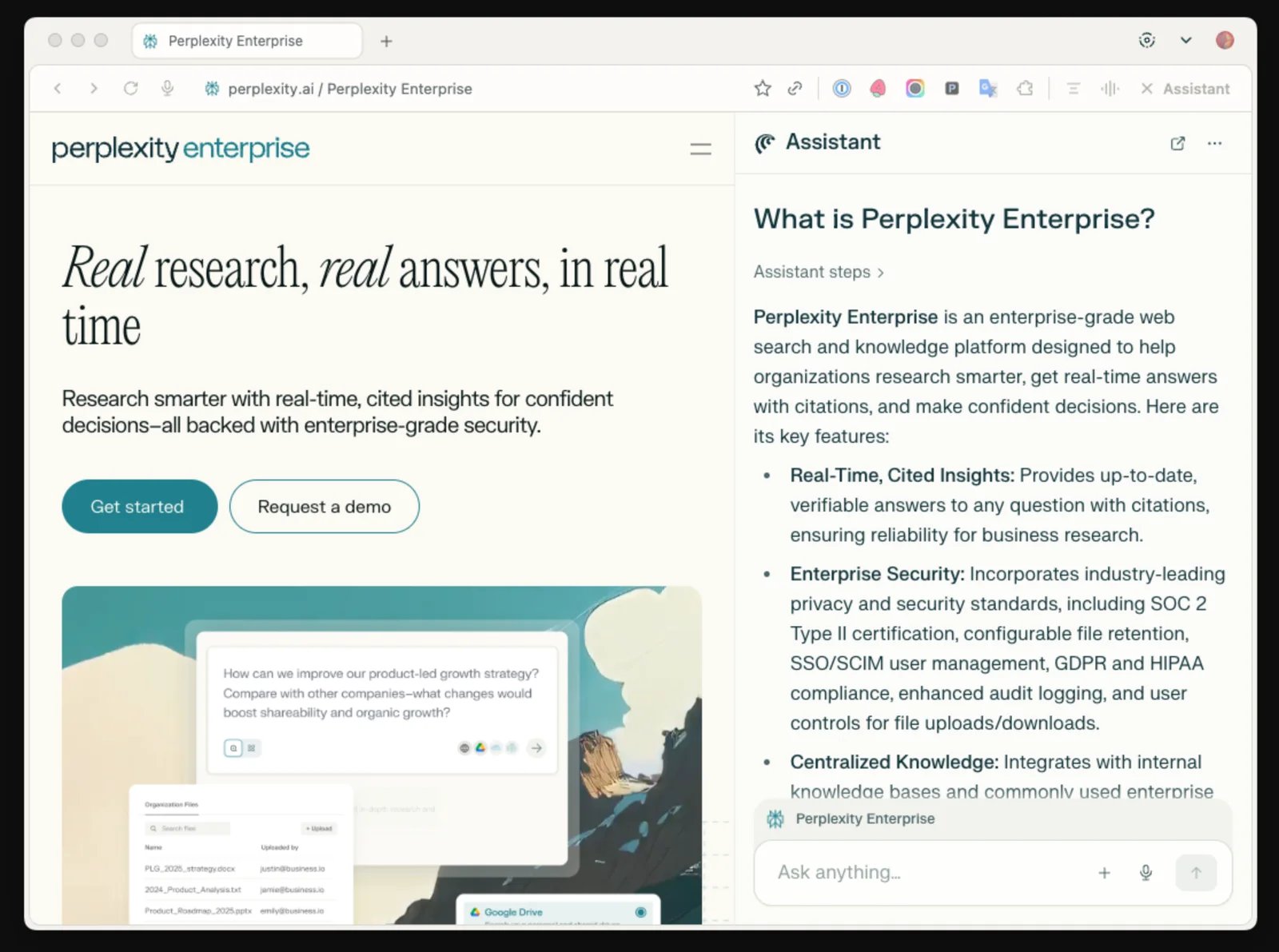
That enterprise distinction matters. A personal browser assistant and a company-managed browser share a product name, but they do not share the same governance context. Browser-agent access and query allowances also vary by subscription, and Perplexity says the model and plan selector is the current source of truth as products change.
Choose Comet when the agent belongs inside a familiar daily browser and a vendor-managed product is acceptable. Skip it when the browser must be an API-controlled worker, run inside your own infrastructure, or behave as deterministic application code.
Trial focus: give Comet one real, reversible multi-page task that spans the kinds of sites you use. Record every approval, blocked site, and manual rescue. Do not treat a polished research answer as proof that the same browser can safely complete a consequential transaction.
BrowserOS
BrowserOS offers two distinct browser choices that can live side by side. Original BrowserOS remains a supported AI-native, open-source Chromium browser for everyday use, with built-in Chat and Agent Mode. Its Agent Mode can click, type, navigate, extract data, and run multi-step workflows; it also supports Chrome extensions and MCP integrations.
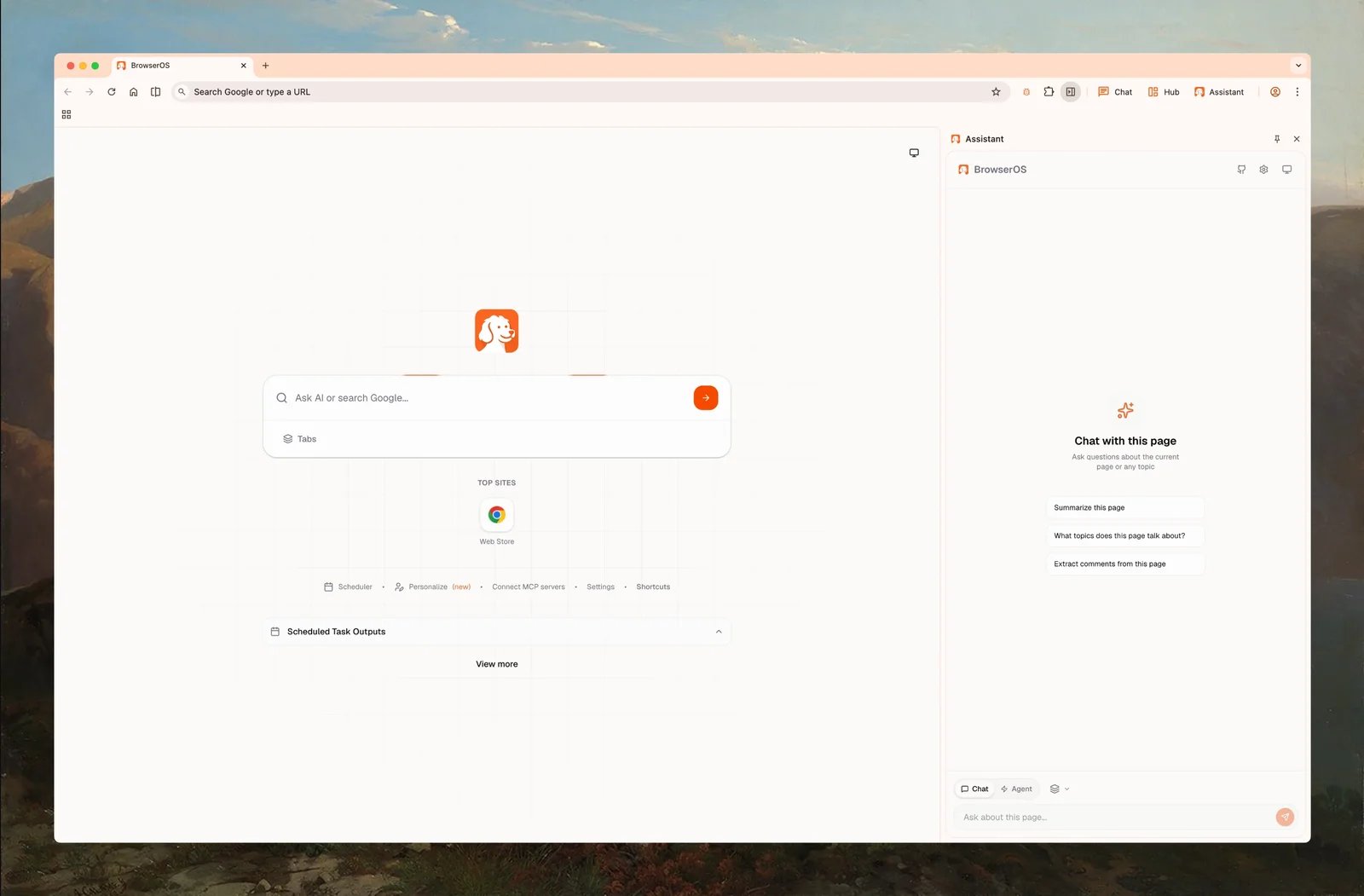
Original BrowserOS is free and open source under AGPL-3.0. Its built-in default AI model has limited usage; this allowance belongs to original BrowserOS. Provider keys and supported subscription connections offer other cloud-model paths, with their own costs and limits.
The current model guide recommends cloud models for Agent Mode. Local models, through Ollama or LM Studio, are primarily for Chat Mode; they are not an equivalent recommended path for current Agent Mode. A cloud model receives the context needed for a task, so an installed open-source browser does not make cloud-assisted work fully offline.
BrowserOS neo is a standalone local browser for external AI agents. Claude Code, Codex, Cursor, Cowork, and other MCP-compatible agents drive its real logged-in browser sessions. Neo provides parallel agent tabs, visible execution, and session replay. It can be used alongside original BrowserOS; it does not require original BrowserOS to be installed. Do not carry original BrowserOS's default AI allowance over to neo: the external agent's model access, billing, and limits remain a separate decision.
Choose original BrowserOS when open-source everyday-browser ownership, cloud-model choice for built-in Agent Mode, and signed-in browser context are worth owning the setup and recovery work. Use local models primarily for page chat. Consider neo within the same vendor when an external agent needs a local logged-in browser with visible execution and replay. Skip this route when turnkey hosted fleets, centralized enterprise policy, or vendor-managed operational guarantees are mandatory. No controlled reliability comparison is established here.
Supervised Browser Assistance: Edge or Dia?
Edge Browse with Copilot and Dia keep a person much closer to the action than a background web-task runner. That is not a weakness by default. Visible execution and approval boundaries can make human oversight easier, but they do not by themselves make a workflow suitable for sensitive data.
Microsoft Edge Browse with Copilot
Browse with Copilot can select, type, scroll, and navigate within Edge. Microsoft says the actions run locally in the browser, remain visible, and can be interrupted or taken over at any time.
Availability is the first purchase gate. The consumer feature is rolling out for Microsoft 365 Premium subscribers in the United States, while the work version is documented as a limited opt-in preview for eligible enterprise tenants. Confirm the control appears in the intended account and region before evaluating anything else.
Microsoft also labels the feature experimental: it can misinterpret instructions or be influenced by malicious hidden instructions on a page. Keep the run closely monitored, and do not use it for financial data, personal identifiers, medical information, or highly confidential information.
This is a fit for Microsoft-centric users who want a supervised assistant in a browser they already use. It is not the right shortlist for unattended background workers, embedded APIs, or self-hosted automation.
Dia
Dia is useful precisely because its agentic boundary is explicit. A Dia chat starts without access to other tabs or write actions. Users grant access, preview content before forms or emails are filled, and retain control over irreversible actions. Dia also says its agentic mode cannot autonomously navigate to another website.
That last rule should drive the decision. Dia can be a strong contextual browser assistant without being a substitute for Skyvern or a hosted cross-site agent. It belongs on a shortlist for approved cross-tool context, drafting, and bounded form assistance—not for a job that requires an agent to roam across unrelated sites on its own.
Current plans separate the browser from AI usage: Better Browser is free without AI, Better Answers is $20 per month, and Better Days is $100 per month with six times more tasks and chats. New users receive a 14-day Better Days trial. As of September 16, 2026, Dia says paid plans are rolling out to most new Mac users; existing users keep their current access for now, and Windows is not yet included in that rollout. Usage is measured in variable-effort Tasks, and optional top-ups come in $20 blocks, so test the actual workload rather than comparing plan names alone.
Managed Web Tasks: ChatGPT Work or Skyvern?
Both products can run web tasks without the buyer operating a browser server. Their responsibilities differ sharply: ChatGPT Work chooses when to use its cloud browser as part of a general work experience, while Skyvern exposes browser automation as an operations and developer platform.
| Decision factor | ChatGPT Work cloud browser | Skyvern |
|---|---|---|
| Primary buyer | Individual or workspace user delegating a supported task | Operations or engineering team automating a repeatable workflow |
| Configuration | Describe the outcome; Work chooses the execution path | Tasks, workflows, SDKs, API, and self-hosted options |
| Signed-in work | Separate cloud browser, pauses for sign-in, and supports takeover | Sessions, reusable profiles, and encrypted credentials |
| Human boundary | Pauses for sign-in, input, consequential confirmation, or takeover | Live monitoring, logs, cancellation, credentials, and takeover controls |
| Output/control | Work result and sources | JSON schema extraction, workflow steps, SDK/API integration |
| Eliminate if | Every target site, deterministic control, or self-hosting is mandatory | You want a simple personal browser assistant with little operations work |
ChatGPT Work cloud browser
ChatGPT Work's cloud browser runs on a separate cloud computer. It can read pages, click, type, fill forms, use supported public and signed-in sites, and continue after the user leaves. It pauses for sign-in, missing information, or confirmation, and can offer a takeover link when a person needs to interact directly.
This is the low-infrastructure route: you describe the outcome rather than provision browsers or code every action. That also means you do not receive a conventional browser-session API or deterministic workflow implementation. OpenAI warns that sites can block automation and that support varies by site and action.
Cloud browser is available through ChatGPT Work on eligible paid plans in supported regions, excluding Free and Go, subject to rollout and workspace permissions. Choose it for supported delegated tasks where confirmation and occasional takeover are acceptable. Skip it when a browser must run in your infrastructure, expose programmatic session control, or guarantee access to a specific site.
Skyvern
Skyvern is for repeatable operational workflows rather than occasional personal browsing. Its core concepts include goal-based tasks, visual workflows, natural-language and selector-based actions, JSON-schema extraction, sessions, persistent profiles, encrypted credentials, SDKs, REST APIs, and self-hosting.
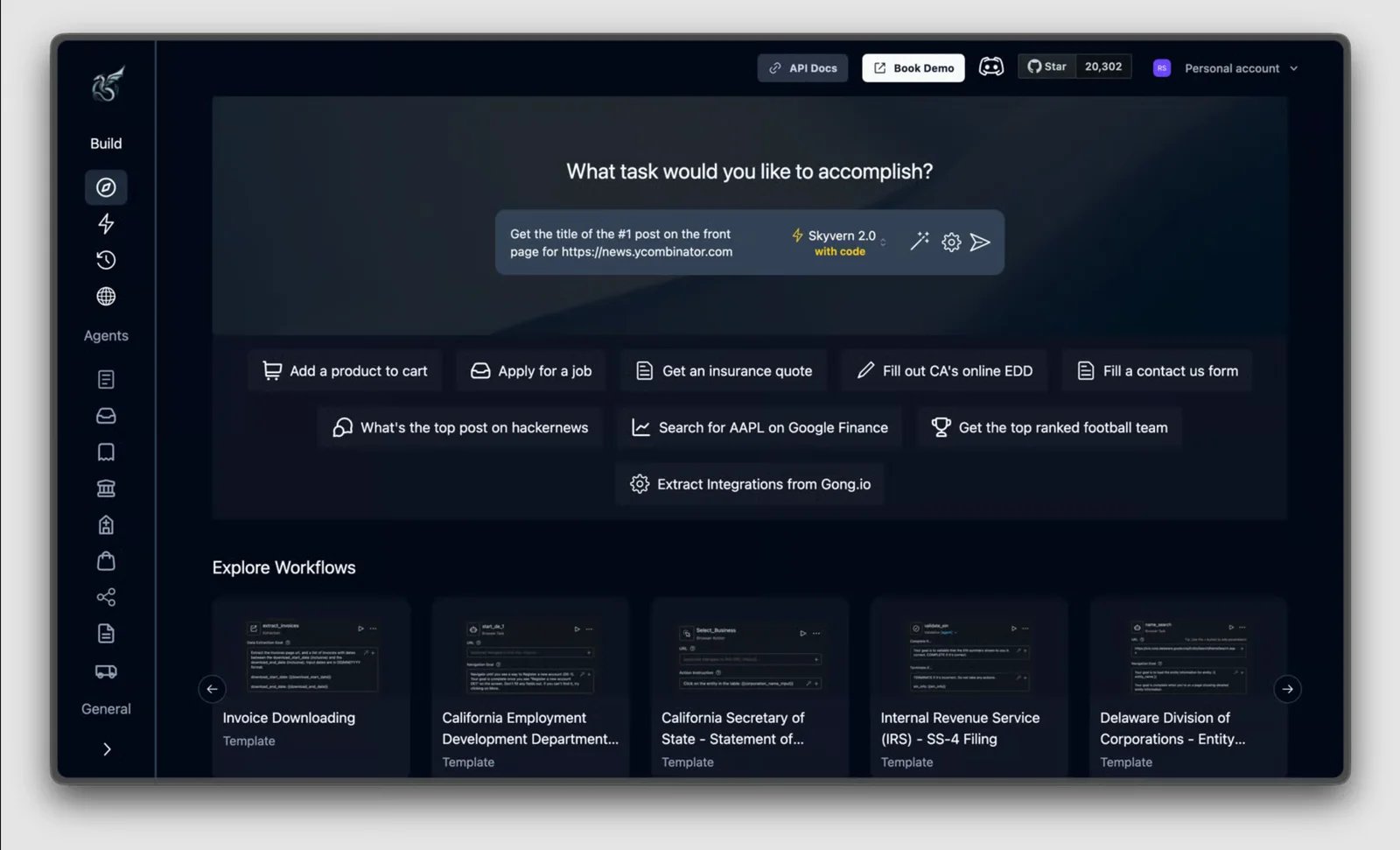
That breadth changes what a team must own. Skyvern can keep a live browser session for chained tasks, reuse a saved profile across later runs, and let a person monitor or take control. It can also mix precise Playwright steps with AI actions. The buyer still needs to define the workflow, decide when AI versus deterministic selectors should act, review failures, and govern credentials.
Skyvern currently offers 5,000 free credits per month and paid or enterprise routes. Plan features can include different concurrency, credential, CAPTCHA, 2FA, governance, and deployment entitlements. Treat advertised CAPTCHA support as a capability, not evidence of a universal solve rate.
Choose Skyvern for authenticated portals, document workflows, repetitive forms, or data extraction where operations and engineering need visibility and control. Skip it when the user only wants an assistant in a daily browser and cannot own workflow configuration or run monitoring.
Hosted Developer Runtimes: Browserbase or TinyFish?
These products belong inside software. Compare them on the abstraction you want to own, not on which marketing page sounds more autonomous.
| Decision factor | Browserbase + Stagehand | TinyFish |
|---|---|---|
| Agent abstraction | Stagehand actions, extraction, observation, and multi-step agents | Goal-directed Agent API |
| Lower-level control | Managed sessions plus Playwright-compatible runtime | Separate Browser API over Playwright, Puppeteer, or CDP |
| Authentication | Persistent Browserbase contexts | Profiles and Vault |
| Observability | Live view, replay, logs, session inspector | Live browser access and direct browser control |
| Primary meter | Plan, browser hours, agent runs, models, proxies, Search/Fetch | $0.016 per agent step; $0.002 per browser minute |
| Default capacity signal | Free 3 concurrent; Developer 25; Startup 100 | Agent 2 concurrent; Browser 5 concurrent |
Browserbase and Stagehand
act, inspectable observe, structured extract, and autonomous multi-step agents. Browserbase supplies managed browser sessions, persistent contexts, live view, recordings, logs, remote control, and runtime infrastructure.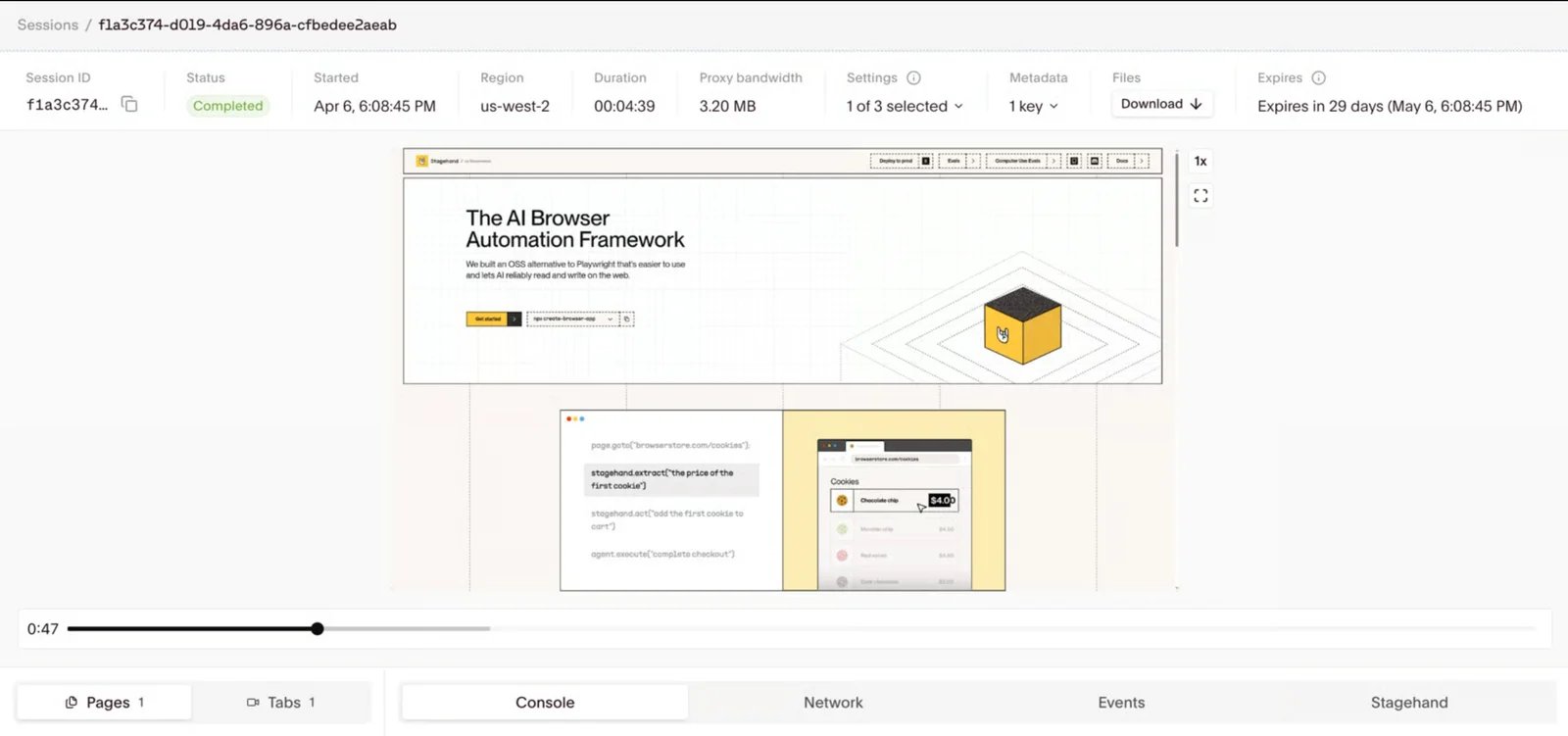
The combination is useful when an engineering team wants an AI-oriented SDK without operating browser fleets. It is still a stack. Developers choose models, design workflows, constrain tools, define output schemas, protect secrets, and decide when an observed action is safe to execute.
Browserbase's current pricing exposes several meters. Free includes one browser hour and three agent runs. Developer is $20 per month with 100 browser hours, then $0.12 per hour, and 15 agent runs. Startup is $99 with 500 browser hours, then $0.10 per hour, and 50 agent runs. Model tokens, proxies, Search, and Fetch can add separate usage.
Pilot the stack when observability, persistent authentication, and application control matter more than a one-click agent experience. Skip it when the buyer cannot own code, model decisions, schema design, and the combined meter.
TinyFish
TinyFish separates two decisions cleanly. Use its Agent API when you want to describe a goal and let the service choose steps. Use its Browser API when your code should drive a remote Chromium session through Playwright, Puppeteer, or CDP.
The current pay-as-you-go model has no subscription minimum. Agent costs $0.016 per step with two default concurrent runs; Browser costs $0.002 per minute with five concurrent sessions. Profiles, Vault, SDKs, CLI, and MCP are included. Enterprise adds custom concurrency, SSO, audit logs, VPC deployment, and SLA terms.
That simple meter is useful for an initial cost model, but “step” is not the same unit as a successful business workflow. Measure steps, minutes, retries, and manual rescue on one representative task. Choose TinyFish when the Agent-versus-Browser split matches your architecture. Skip it when local execution, self-hosting, a consumer interface, or high included concurrency is mandatory.
Code-First Ownership: Browser Use
Browser Use
Browser Use is the route for developers who want the agent logic in their codebase. The open-source framework supports model and tool customization; its managed cloud adds goal-based runs, sessions, reusable browser profiles, regional proxies, and structured output.
This is an ownership decision before it is a feature decision. The open-source route lets a team choose models, browser deployment, custom tools, and guardrails. It also makes that team responsible for credentials, upgrades, monitoring, failure recovery, model behavior, and infrastructure. Browser Use Cloud can reduce the browser-infrastructure burden, but that changes both the control surface and the cost model.
Choose Browser Use when open-source flexibility and a cloud upgrade path are valuable and the team is prepared to engineer a dependable workflow. Skip it when the buyer wants a polished everyday browser or expects the vendor to own most operational decisions.
When a Browser Agent Is the Wrong Abstraction
Firecrawl, Browse AI, and HARPA AI
Several products can act in a browser but should not be forced into the core shortlist.
If repeatable extraction or monitoring is the deliverable, browse the AI web-scraping directory before adopting a general-purpose browser agent.
- Firecrawl now documents interaction, browser sandboxes, and an agent surface, but its center of gravity remains crawling, extraction, and web research. Use it when structured web context is the deliverable rather than general transaction execution.
- Browse AI robots can log in, click, fill fields, navigate, extract, and monitor pages. Those actions principally support scraping and monitoring, which may be the better category when the workflow is repeatable data collection.
- HARPA AI combines AI assistance with explicit browser-automation steps such as navigate, click, paste, extract, and loop. It can suit buyers who prefer inspectable macros over an open-ended goal-driven agent.
- ChatGPT Atlas is not a current recommendation. OpenAI documented its deprecation and an August 9, 2026 stop date; current ChatGPT browser work is handled through Work/cloud browser and newer product surfaces.
Using a narrower tool is often the rational choice. A deterministic extractor does not become worse because it is not a general agent, and a supervised assistant does not become worse because it refuses autonomous cross-site navigation.
How to Pilot an AI Browser Agent
Use one representative, reversible task rather than a polished demo:
- Freeze the deliverable. Define the required final state, not just “research this” or “handle the site.”
- List allowed actions. Separate read, draft, form-fill, submit, purchase, delete, and send permissions.
- Use a test account. Do not start with banking, medical, legal, or highly confidential data.
- Record authentication behavior. Note session reuse, MFA, expiry, lockouts, and takeover.
- Force one recoverable failure. Change a field or navigation step and observe whether the run retries, stops, or silently goes off course.
- Capture real consumption. Record plan queries, credits, agent steps, browser minutes, proxy traffic, model tokens, and human time.
- Separate success from safety. Completing a task after an unapproved action is not a clean success.
Run the same task more than once. A single successful run can establish possibility, but it does not establish a dependable success rate.
What Official Documentation Cannot Prove
First-party documentation can establish that a product exposes sessions, profiles, action approvals, retries, replay, structured output, or CAPTCHA support. It cannot prove that those mechanisms work better than a competitor's on your sites.
This guide therefore leaves the following as unknown until controlled testing exists:
- completion rate on representative multi-page tasks
- speed and latency under comparable models and regions
- resistance to changing page layouts
- authentication and MFA stability
- CAPTCHA effectiveness
- correctness of structured output
- recovery after navigation or session failures
- resistance to prompt injection and unsafe instructions
- quality of human takeover and resume behavior
- cost per successfully completed workflow
Unknown does not mean poor. It means the decision should move into a scoped trial rather than an unsupported ranking.
Frequently Asked Questions
Which AI browser agent should I try first?
Start with the operating model. Choose Comet or BrowserOS for an agentic everyday browser; Edge or Dia for closely supervised actions; ChatGPT Work for low-infrastructure delegation; Skyvern for managed operational workflows; Browserbase/Stagehand or TinyFish for an application-controlled hosted runtime; and Browser Use for code-first ownership. Then remove any option that fails your required sites, authentication, hosting, approval, or billing constraint.
Can an AI browser agent use websites where I am signed in?
Several products document signed-in workflows, but the mechanism differs. End-user browsers may reuse local browser context. ChatGPT Work uses a separate cloud-browser session and pauses when sign-in is needed. Developer platforms use profiles, contexts, credentials, vaults, or takeover. Test session expiry, MFA, and account-lock behavior with a non-sensitive account before relying on the workflow.
Are AI browser agents safe for purchases or other consequential actions?
Do not infer safety from the word “agent.” Look for explicit site permissions, action previews, confirmation gates, hidden credential handling, audit records, and takeover. Even then, keep irreversible actions human-approved until your own security and operational review supports a broader policy.
Do browser agents reliably handle CAPTCHAs?
Some vendors advertise CAPTCHA or anti-bot support, but capability presence is not a success-rate measurement. Websites can also restrict automated access. Treat CAPTCHA performance as unknown until it is tested legally and policy-compliantly on the sites relevant to your workflow.
Is a free open-source browser agent cheaper than a hosted service?
Not automatically. Open-source software can remove a license fee while leaving model usage, infrastructure, proxy, engineering, monitoring, and recovery costs with your team. Hosted services meter different units—steps, browser minutes, hours, agent runs, credits, tokens, or seats. Compare total cost on the same completed task.
Final Decision
Choose by ownership and execution lane, not by a universal “best AI” label:
- Pick Comet when a vendor-managed agentic browser fits everyday work and its plan controls are acceptable.
- Pick BrowserOS when local/open-source ownership and model choice outweigh turnkey operations.
- Pick Edge Browse with Copilot or Dia when visible, bounded assistance is the requirement.
- Pick ChatGPT Work when you want supported web tasks delegated with minimal infrastructure.
- Pick Skyvern when repeatable authenticated business workflows need sessions, credentials, structured output, monitoring, and takeover.
- Pick Browserbase with Stagehand when developers need managed browsers plus a flexible agent SDK.
- Pick TinyFish when a pay-as-you-go Agent API and direct Browser API belong in the same architecture.
- Pick Browser Use when open-source agent logic and implementation ownership are the point.
Then run a reversible pilot. The right product is the one whose action boundary, authentication model, operational ownership, and real workload meter fit your task—not the one with the loudest claim of autonomy.
Get ToolWorthy Weekly
New AI tools, practical guides, and selected AI signals in one weekly brief.
Related Posts
- Manus AI Review: Is This the Future of Autonomous AI Agents?
Manus AI Review: A look at one of the first and most popular autonomous agents, its features, use cases, and how it compares to ChatGPT and other AI models.
For AI tool founders
Built a tool that belongs in this decision set?
Request an editorial evaluation for possible inclusion in ToolWorthy.
Submit your tool for reviewPaid submission does not guarantee a ranking, recommendation, inclusion, or editorial outcome.