



Overview
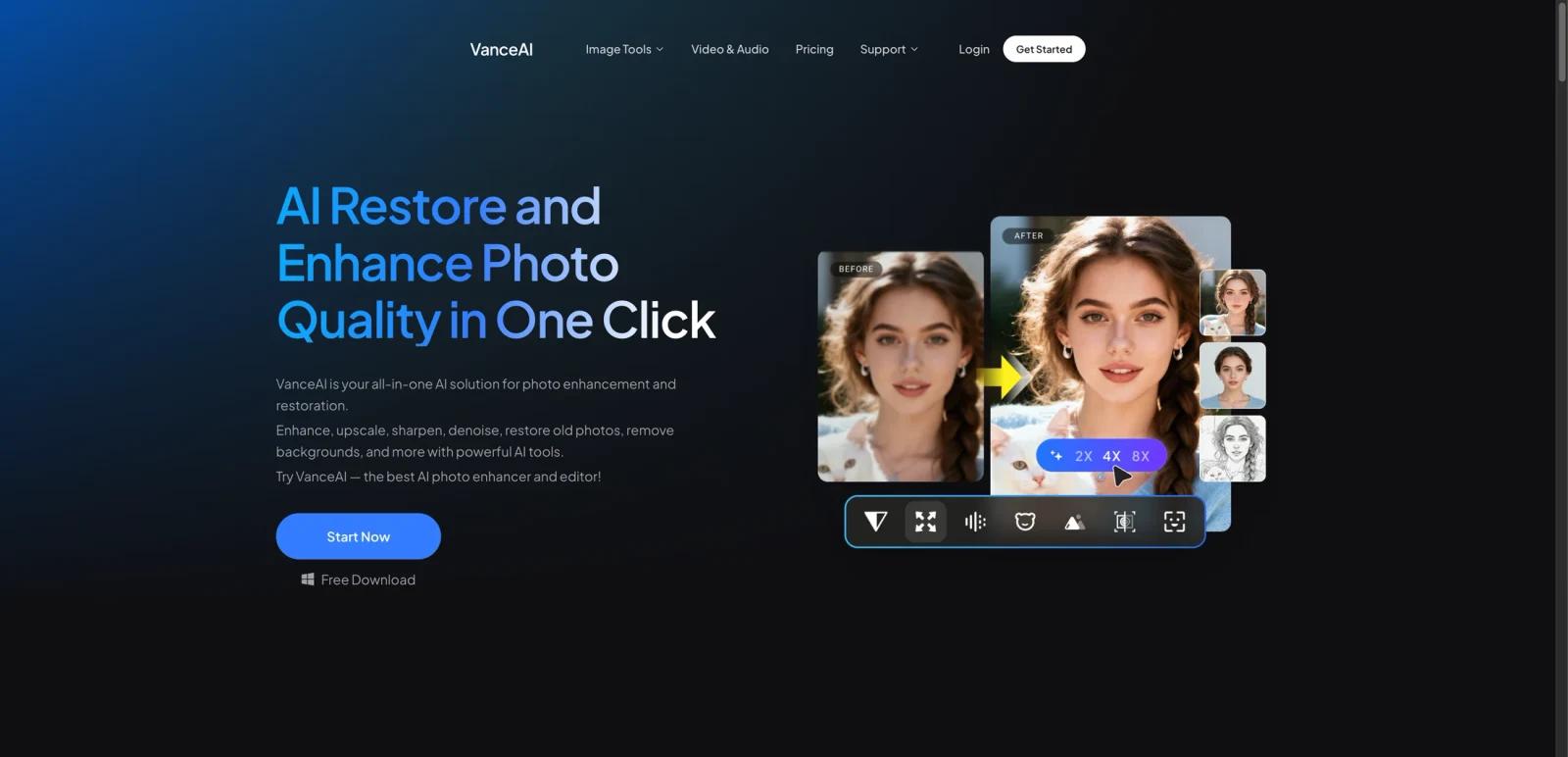
VanceAI Video Enhancer is the VanceAI entry point for AI-powered video enhancement, but the actual product it routes users toward is UniFab. The UniFab landing page positions the toolset as a broader video-processing suite for upscaling, HDR conversion, deinterlacing, denoising, frame smoothing, audio upmixing, and conversion.
That distinction matters. Buyers are not evaluating a single one-click enhancer only. They are really comparing a credit-based VanceAI ecosystem and UniFab’s wider video toolkit against other desktop or browser-based enhancement stacks.
As of April 26, 2026, the official UniFab page highlights Video Upscaler AI, HDR Upconverter AI, Deinterlace AI, Smoother AI, Denoise AI, Audio Upmix AI, and Video Converter features. VanceAI’s official pricing page separately shows credit-based online plans plus free-trial access. The product fits best for users who want a flexible enhancement toolkit rather than a narrow video upscaler alone.
For adjacent research, compare AI video generator tools, AI video editor tools, AI thumbnail maker tools.
Key Features
AI video upscaling to higher resolutions - UniFab’s page explicitly promotes AI upscaling up to 4K for low-resolution footage.
HDR conversion workflows - The official page highlights SDR-to-HDR10 and Dolby Vision conversion as a core capability.
AI deinterlace and denoise tools - UniFab also markets deinterlacing and video noise removal for older or lower-quality footage.
Frame smoothing and motion enhancement - Smoother AI is presented as a way to raise frame rates for cleaner motion.
Audio enhancement tools - The suite includes Audio Upmix AI for EAC3 5.1 and DTS 7.1-style output workflows.
Broader conversion toolkit - UniFab is sold as an all-in-one video and audio processing platform, not just a single enhancement model.
Pricing & Plans
VanceAI’s official pricing page uses a credit model for online services rather than a flat one-tool subscription.
| Plan | Pricing | Best fit |
|---|---|---|
| Free trial | Free to start | Users validating quality before purchasing credits |
| 100 credits | $4.95 | Light experimentation and small enhancement jobs |
| 200 credits | $7.95 | Casual creators with recurring but modest usage |
| 500 credits | $12.95 | More regular processing across multiple clips |
| 1,000 credits | $17.95 | Heavier usage with lower effective cost per credit |
The official pricing page also says purchased credits can roll over while you maintain an active subscription, and additional pay-as-you-go credit purchases are available. Since the public pricing page is credit-based rather than clip-based, actual value depends on how often you use enhancement or conversion features across the suite.
Best For
- Creators enhancing low-resolution footage
- Users converting SDR video to HDR outputs
- Editors cleaning noisy or interlaced clips
- Buyers who want one suite for video and audio processing
- Users comfortable with credit-based AI tooling
FAQ
What is VanceAI Video Enhancer?
It is VanceAI’s video enhancement entry point, which currently routes users into the broader UniFab AI video enhancement suite.
Does VanceAI have a free trial?
Yes. The official pricing page says users can log in to take a free trial before purchasing credits.
How much does VanceAI cost?
The official online pricing page starts at 100 credits for $4.95, then 200 credits for $7.95, 500 credits for $12.95, and 1,000 credits for $17.95.
What can UniFab do?
UniFab publicly highlights video upscaling, SDR-to-HDR conversion, deinterlacing, denoising, frame smoothing, audio upmixing, and format conversion.
Who should use VanceAI Video Enhancer?
It is best for users who want a multi-feature enhancement suite rather than a single-purpose video upscaler.
How much does VanceAI Video Enhancer cost?
Pricing can change by plan, billing term, region, and usage limits. Check the official website for the current plan details before purchase.


