

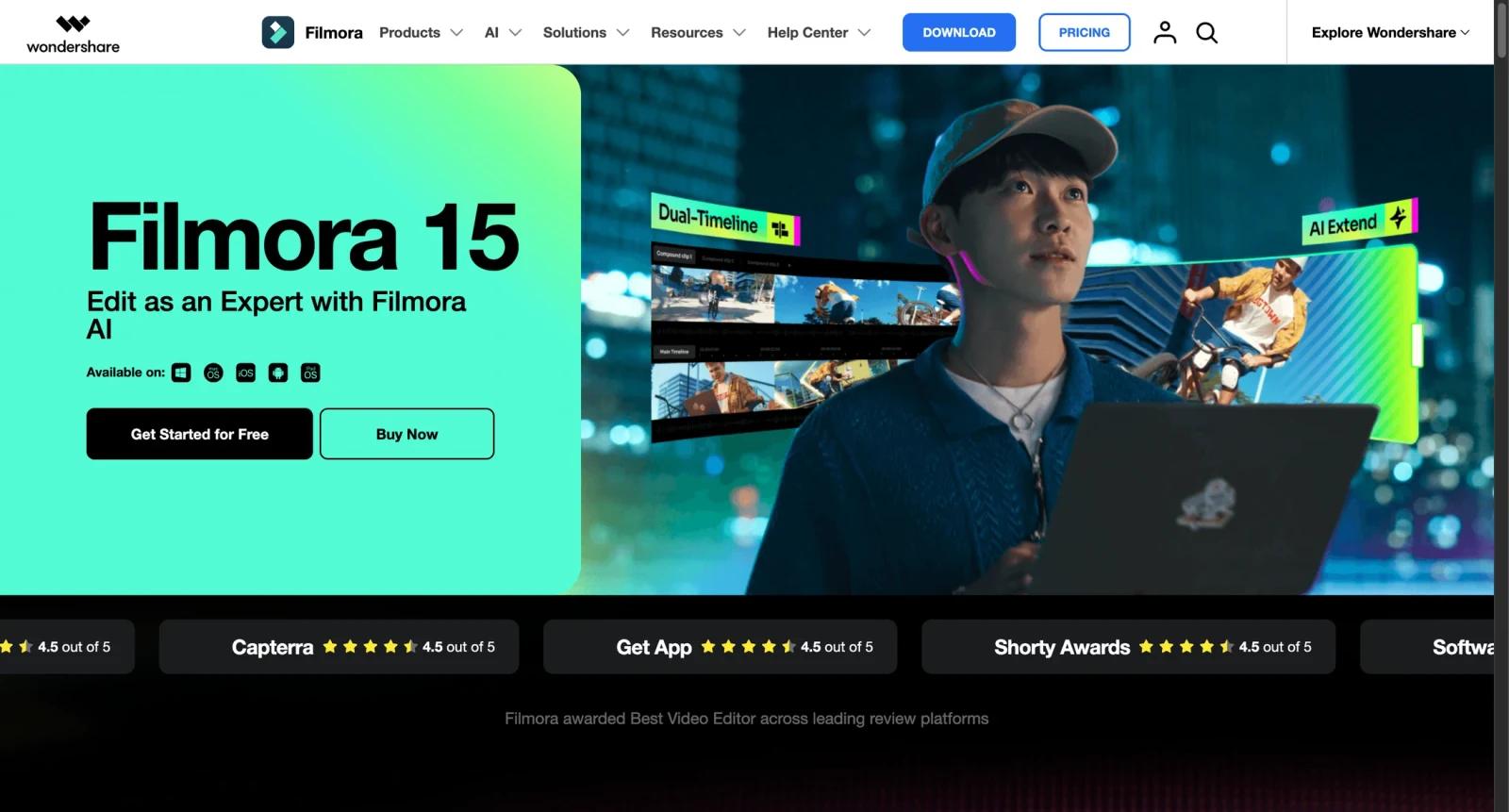


Overview
Wondershare Filmora is a video editing suite for creators, marketers, educators, freelancers, and small teams. It combines timeline editing, templates, titles, effects, stock assets, audio tools, captions, screen-friendly formats, and AI-assisted editing features.
Filmora is positioned for users who want more control than a simple social video app but less complexity than professional editing systems. It is available across desktop and mobile platforms, though pricing, licenses, and feature availability can differ by platform and region.
As of April 28, 2026, the official Windows individual pricing page lists a free trial with watermarked exports, a monthly plan at $19.99, an annual plan shown from $49.99 per year, and a perpetual plan shown from $79.99 for the purchased version.
For adjacent research, compare AI video generator tools, AI video editor tools, AI thumbnail maker tools.
Key Features
- Timeline video editing - Offers standard trimming, arrangement, text, audio, transitions, effects, and export workflows.
- AI video tools - Includes AI features such as text-to-video, image-to-video, AI audio tools, captions, translation, object removal, and smart short clips.
- Templates and creative assets - Provides templates, effects, filters, audio assets, and Filmstock-related asset options.
- Audio cleanup and enhancement - Includes tools such as audio denoise, audio enhancer, audio stretch, vocal remover, and speech-to-text.
- Caption and text tools - Supports auto captions, title editing, text animation, and text-based editing.
- Multiple license models - Offers subscription and perpetual license options, with add-ons and asset subscriptions to review carefully.
Pricing & Plans
Filmora pricing depends on platform, region, license type, and add-ons.
| Plan | Price shown | Best fit |
|---|---|---|
| Free trial | $0 | Testing features with watermarked exports |
| Monthly | $19.99/month | Short-term editing projects |
| Annual | From $49.99/year | Ongoing creator use |
| Perpetual | From $79.99 | Users who prefer a one-time license for the listed version |
Check the current checkout page carefully for platform selection, add-ons, Filmstock, AI credits, upgrade coverage, and renewal terms.
Best For
Wondershare Filmora is best for creators, educators, marketers, freelancers, and small businesses that want approachable video editing with templates and AI-assisted features.
FAQ
What is Wondershare Filmora?
Wondershare Filmora is a video editing suite for creating and editing videos with timeline tools, effects, templates, audio features, and AI tools.
Is Filmora free?
Filmora offers a free trial, but trial exports include a watermark. Paid plans remove the watermark.
How much does Filmora cost?
As of April 28, 2026, Windows individual pricing shows $19.99 per month, annual pricing from $49.99 per year, and perpetual pricing from $79.99.
Does Filmora include AI tools?
Yes. Filmora lists AI tools for video generation, captions, audio, translation, object removal, short clips, and related editing tasks.
Who should use Wondershare Filmora?
Wondershare Filmora is best for users who need the workflow described in this review and want to compare it against adjacent AI tools before adopting it.
How much does Wondershare Filmora cost?
Pricing can change by plan, billing term, region, and usage limits. Check the official website for the current plan details before purchase.


