

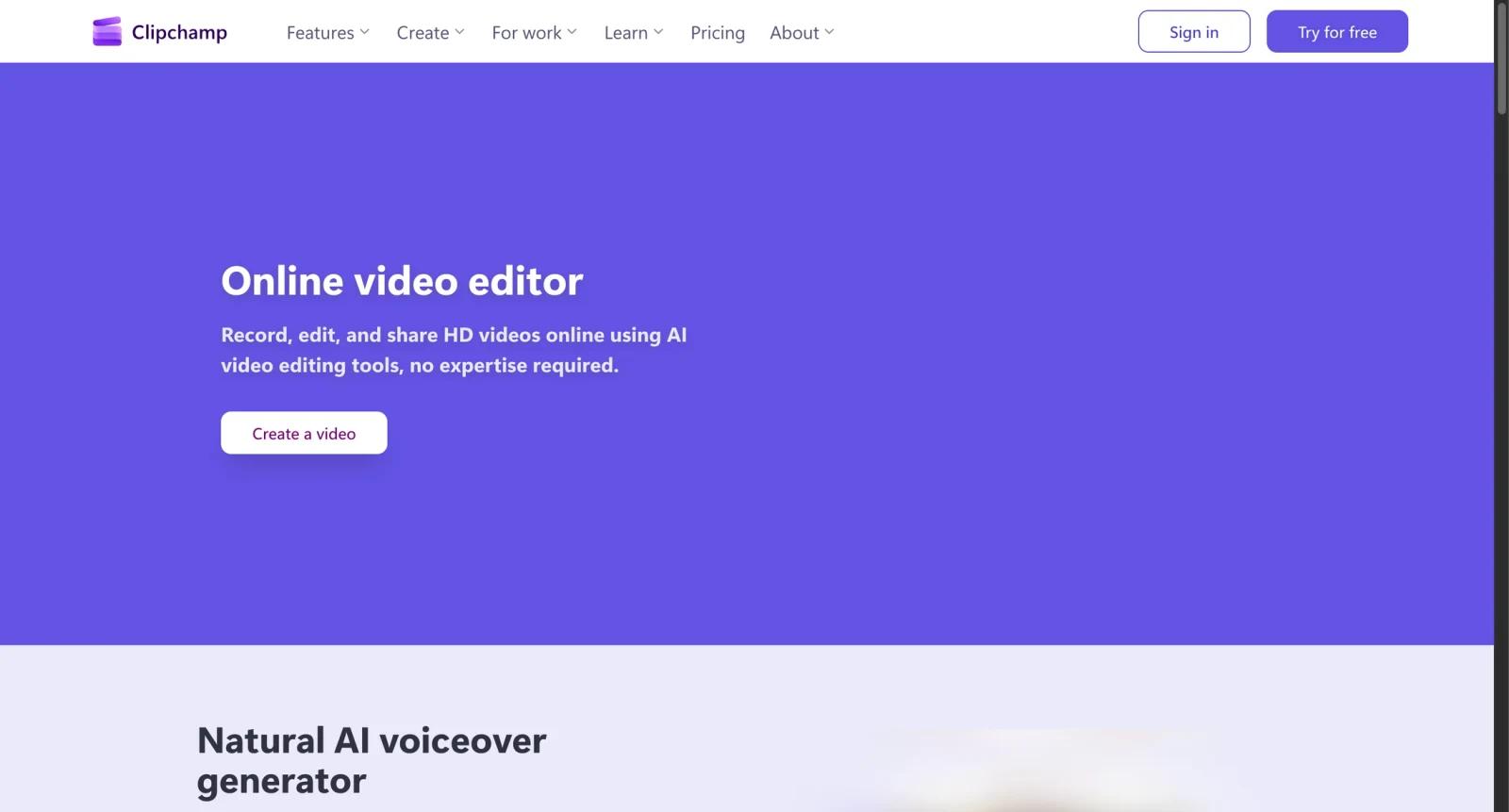


Overview
Microsoft Clipchamp is a browser-based and Windows video editor for creating social videos, presentations, training clips, ads, personal videos, and quick edits. It includes timeline editing, templates, screen and webcam recording, stock assets, subtitles, voiceover generation, and export tools.
Clipchamp is designed for users who want a lightweight editor without installing professional software. It is especially convenient for Windows and Microsoft account users because the product is integrated into Microsoft's consumer and work ecosystems.
As of April 28, 2026, Microsoft describes Clipchamp's personal version as having a free account tier, while premium features are included with Microsoft 365 Personal and Family subscriptions. Microsoft has also stated that the Clipchamp iOS app will retire on June 9, 2026, with focus moving to web and desktop apps.
For adjacent research, compare AI video generator tools, AI video editor tools, AI thumbnail maker tools.
Key Features
- Browser and Windows editing - Edit videos online or through the Windows app.
- Timeline tools - Trim, split, arrange clips, add text, transitions, filters, and audio.
- Screen, webcam, and voice recording - Record tutorials, demos, presentations, and reactions.
- AI captions and voiceovers - Generate subtitles and natural-sounding voiceovers for videos.
- Templates and stock media - Use built-in templates, stock assets, filters, and brand tools depending on plan.
- Microsoft 365 integration - Premium personal features are bundled with Microsoft 365 Personal and Family plans.
Pricing & Plans
Clipchamp uses a freemium model for personal accounts, plus Microsoft 365 licensing for premium access.
| Plan | Pricing | Best fit |
|---|---|---|
| Free | $0 | Core browser video editing and testing |
| Premium personal access | Included with Microsoft 365 Personal and Family | 4K exports, premium stock, brand kit, and premium features |
| Work or school access | Included in eligible Microsoft 365/Office 365 plans | Business and education video workflows |
Check Microsoft 365 pricing and Clipchamp feature comparison before upgrading because availability depends on account type and subscription.
Best For
Clipchamp is best for Windows users, educators, marketers, creators, and Microsoft 365 subscribers who need quick video creation without a professional editing setup.
FAQ
What is Clipchamp?
Clipchamp is Microsoft's online and Windows video editor for recording, editing, captioning, and exporting videos.
Is Clipchamp free?
Yes. Clipchamp has a free personal tier. Premium features are included with Microsoft 365 Personal and Family subscriptions.
Does Clipchamp work on mobile?
Microsoft has announced that Clipchamp for iOS will retire on June 9, 2026, with focus moving to web and desktop apps.
Who should use Clipchamp?
It is best for users who need quick browser or Windows video editing, especially if they already use Microsoft 365.
What is Microsoft Clipchamp?
Microsoft Clipchamp is an AI tool reviewed for its core features, pricing, strengths, limitations, and best-fit workflows.
Who should use Microsoft Clipchamp?
Microsoft Clipchamp is best for users who need the workflow described in this review and want to compare it against adjacent AI tools before adopting it.


