



Overview
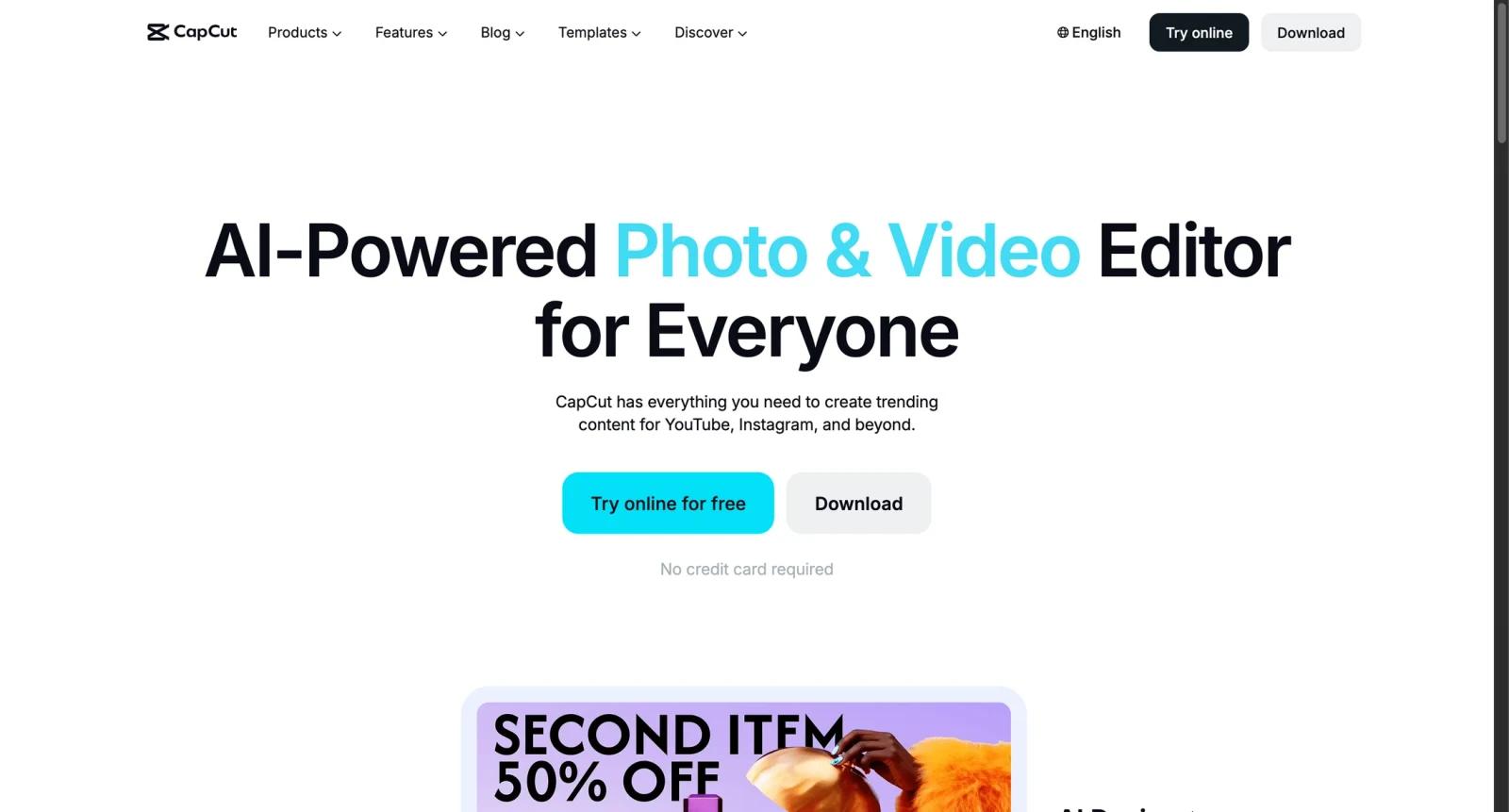
CapCut is a video editing app for mobile, desktop, and web. It is widely used by social media creators who need fast editing, templates, captions, effects, transitions, background removal, AI tools, and exports optimized for platforms such as TikTok, Instagram, YouTube Shorts, and other short-form channels.
The product's strength is accessibility. CapCut gives creators many editing tools without the complexity of a professional editing suite. It is especially useful for short-form content, quick captioning, trend-based templates, social ads, product clips, and creator workflows.
As of April 28, 2026, public pricing for CapCut Pro varies by market, platform, and promotion. Many users can start free, while paid Pro access unlocks more premium templates, effects, AI features, cloud/storage limits, and export capabilities. Buyers should verify the current in-app or web checkout price in their region before relying on any fixed third-party price.
For adjacent research, compare AI video generator tools, AI video editor tools, AI thumbnail maker tools.
Key Features
- Short-form video editing - CapCut supports fast timeline editing for social media videos.
- Templates and effects - Users can start from trend-driven templates, transitions, filters, and motion effects.
- Auto captions - CapCut includes AI-assisted captioning and subtitle workflows.
- Background removal and AI tools - The platform includes AI-driven editing tools for common creator tasks.
- Cross-platform workflow - CapCut works across mobile, desktop, and web contexts.
- Social platform fit - The editor is optimized for creators publishing frequent social videos.
Pricing & Plans
CapCut uses a freemium model, but paid prices are not uniform globally.
| Plan type | Pricing | Best fit |
|---|---|---|
| Free | Free access available | Beginners and creators testing editing, templates, captions, and basic exports |
| CapCut Pro | Verify current checkout price | Creators needing premium assets, AI features, higher limits, and fewer restrictions |
| Team or advanced workflows | Verify in app | Content teams needing shared workflows or higher usage |
Check regional pricing, renewal terms, cloud storage, watermark rules, export resolution, and which AI features are included before upgrading.
Best For
CapCut is best for TikTok creators, social media managers, small businesses, influencers, and teams producing short-form video content quickly.
FAQ
What is CapCut?
CapCut is a video editing app for mobile, desktop, and web, with templates, effects, captions, and AI editing tools.
Is CapCut free?
Yes. CapCut offers free access, with paid Pro features available.
How much does CapCut cost?
CapCut Pro pricing varies by region, app store, web checkout, and promotion. Verify current pricing before purchase.
Who should use CapCut?
CapCut is best for social video creators who need fast editing, captions, templates, and exports for short-form platforms.
Does CapCut replace human review?
No. It can speed up the workflow, but important outputs should still be checked for accuracy, quality, and fit before production use.
What should teams test before buying CapCut?
Test the real workflow with representative inputs, exports, integrations, collaboration needs, and any compliance requirements.


