
11 Best LTX Studio Alternatives 2026 — After the Veo 3.1 Pro Lock-In
LTX Studio's Veo 3.1 sits behind $125/mo Pro and Trustpilot is full of credit-burn complaints. We tested 11 alternatives — Runway, Pika, Luma, Google Flow, Kling, Krea — for May 2026.
On this page
"available to our Pro subscribers" — Pro starts at $125 a month. Six days ago, on May 25, 2026, Veo 3.1 went live inside LTX with the same gating. Meanwhile a Reddit thread from r/AI_VideoGenerator in mid-2025 had already shrugged the whole thing off: "I'm just using veo 3 in Google Flow now." The pattern is hard to miss — LTX keeps adding the most exciting model upstream, then puts it behind its top-tier plan, while the model is reachable for much less directly from the vendor.That's why this list isn't ordered by a global "best AI video tool" score. We grouped the 11 picks below into four buckets: direct cinematic generators (Runway, Luma, Kling, Krea) that compete with LTX on output, Veo escape paths (Google Flow, Krea, Higgsfield) that let you reach the new model without paying LTX's premium, stylized clip generators (DomoAI) that convert footage into anime and cartoon looks instead of chasing photorealism, and use-case offshoots (HeyGen, Synthesia, Hedra) that aren't cinematic at all and replace the slice of LTX work that's actually talking-head or avatar video. Most of these tools won't replace LTX Studio's storyboard layer. None of them charge $125 a month to put Veo behind a paywall, either.
| Tool | Best For |
|---|---|
| Runway | Mature end-to-end AI filmmaking |
| Google Flow + Veo 3.1 | Veo without LTX's $125/mo Pro tier |
| Pika | Short social clips and effects |
| Luma Dream Machine | Cinematic image-to-video motion |
| DomoAI | Anime and stylized conversion of real footage |
| Kling AI | Action and camera-rich shots |
| Krea | One interface for Veo, Sora, Kling |
| Hedra | Voice-driven character performance |
| Higgsfield | Stylized motion presets and camera moves |
| HeyGen | Avatar, lip-sync, localization |
| Synthesia | Corporate training and talking-head |
Why People Are Leaving LTX Studio in 2026
The pain reads consistently across Trustpilot, Reddit, and the Lightricks community: paying users feel the meter ticks faster than the output usefulness, refunds aren't routine, and the storyboard layer they bought is being repackaged faster than they can finish a project on it. Seven specific clusters surfaced in 12 months of public complaints.
"ridiculous" (Trustpilot 2025-12-25), another said they "burned 15% of credits in less than 10 prompts" (Trustpilot 2025-11-14), and a UK reviewer in June 2025 went further: "the platform is designed to drain these credits" (uk.trustpilot 2025-06-25). Computing-seconds pricing means a single rejected take can equal three or four good ones on a cheaper tool."LTX Studio is a scam — watch out" on r/AI_VideoGenerator described what it called "predatory refund policies" (Reddit 2025-07-01). A late-December reviewer reported they "got billed again" after attempting cancellation (Trustpilot 2025-12-27), and another UK reviewer in August said they were "locked into the year" despite trying to leave (uk.trustpilot 2025-08-13). Annual billing turns dissatisfaction into a 12-month commitment."10/10 for comedy" and not much else (Trustpilot 2026-02-21), a November user said "results are inconsistent" (Trustpilot 2025-11-24), and a June UK reviewer described characters with "3 arms or 3 legs" (uk.trustpilot 2025-06-23). Even when individual frames look fine, multi-shot consistency breaks down."Faces change drastically" even with reference images (r/StableDiffusion 2026-03-24). Trustpilot reviewers complain about "random characters" appearing in scenes (Trustpilot 2025-11-05) and the "camera moved randomly" despite explicit direction (Trustpilot 2025-12-19). For storyboard-grade work, this is the kill switch."workflow... horrific" (Trustpilot 2025-11-10), another said "no elements available" for what should be basic assets (Trustpilot 2025-11-05), and the same November user wrote "can't even export" their finished project (Trustpilot 2025-11-10). A July reviewer summed it up bluntly: "software barely works" (uk.trustpilot 2025-07-02)."behind a paywall" (Trustpilot 2025-12-25), a July reviewer said the team "removed key components" mid-cycle (Trustpilot 2025-07-27), and a September user complained Lightricks "dramatically changed the User Interface" without warning (uk.trustpilot 2025-09-04). For paid users mid-project, this is destabilizing."available to our Pro subscribers" (LTX Studio blog 2026-03-04). On May 25, 2026 Veo 3.1 went live with the same gating in place (LTX Studio blog 2026-05-25). The current pricing page lists "Pro... $125/month" as the entry point for the newer Veo models (LTX Studio pricing 2026-05-31). A Reddit user from mid-2025 already drew the conclusion in advance: "using veo 3 in Google Flow" directly (Reddit 2025-07-01) — for far less.These 7 pain points map to a single question: should you keep paying for the LTX Studio layer, or go directly to whichever generator you actually use? The 10 tools below are how people are answering that.
Top 11 LTX Studio Alternatives Compared
| Tool | Pricing Shape | Predictable Cost? | Output Strength | Migration Effort | Score |
|---|---|---|---|---|---|
| LTX Studio (anchor) | $0 / $15–125/mo + credit pool | 🔴 Credits can drain fast | Storyboard + Veo 3.1 (Pro only) | — | — |
| Runway | $0 / $12–76/user/mo + credit pool | 🟡 Predictable seats, credits cap | Gen-4.5/Gen-4, editor, third-party models | 🟢 Low | 8.7 |
| Google Flow + Veo 3.1 | $19.99–199.99/mo via Google AI Pro/Ultra | 🟡 Monthly Flow credits; quotas vary | Veo/Flow access by plan and region | 🟡 Medium | 8.6 |
| Pika | $0 / $8 Basic / $28 Standard / $76 Pro + credits | 🟡 Cheap entry; usable tiers cost more | Short social clips, effects | 🟢 Low | 8.4 |
| Luma Dream Machine | $0 / $9.99 Lite / $29.99 Plus / $94.99 Unlimited web | 🟡 Tier-based; Free/Lite watermarked and non-commercial | Cinematic motion, image-to-video | 🟢 Low | 8.3 |
| DomoAI (sponsored placement) | $0 trial / $9.99–69.99/mo + credit pool | 🟡 Credit-based; unlimited Relax Mode on Standard+ | Anime and stylized conversion, talking avatars | 🟢 Low | 8.2 |
| Kling AI | Free + credit packs (region-varied) | 🔴 Verify checkout, regional price | Action + camera-rich shots | 🟡 Medium | 8.2 |
| Krea | $0 / $9 / $35 / $105 compute tiers | 🟡 Compute units; no rollover on individual plans | One interface for multi-model video workflows | 🟢 Low | 8.2 |
| Hedra | $0 / $15–75/mo + 1.5k–14.4k credits | 🟢 Tiered credits, transparent | Voice-driven character video | 🟢 Low | 8.1 |
| Higgsfield | Free / Basic–Plus–Ultra credits | 🔴 Verify checkout pricing | Stylized motion presets | 🟡 Medium | 8.0 |
| HeyGen | $0 / $24–149/mo + seat fees | 🟢 Predictable + seat add-on | Avatar, lip-sync, localization | 🟡 Medium | 8.0 |
| Synthesia | $0 / $18–89/mo + Enterprise | 🟡 Tier-based, credits/minutes limits | Corporate, training, talking-head | 🟡 Medium | 8.0 |
Detailed Reviews
1. Runway
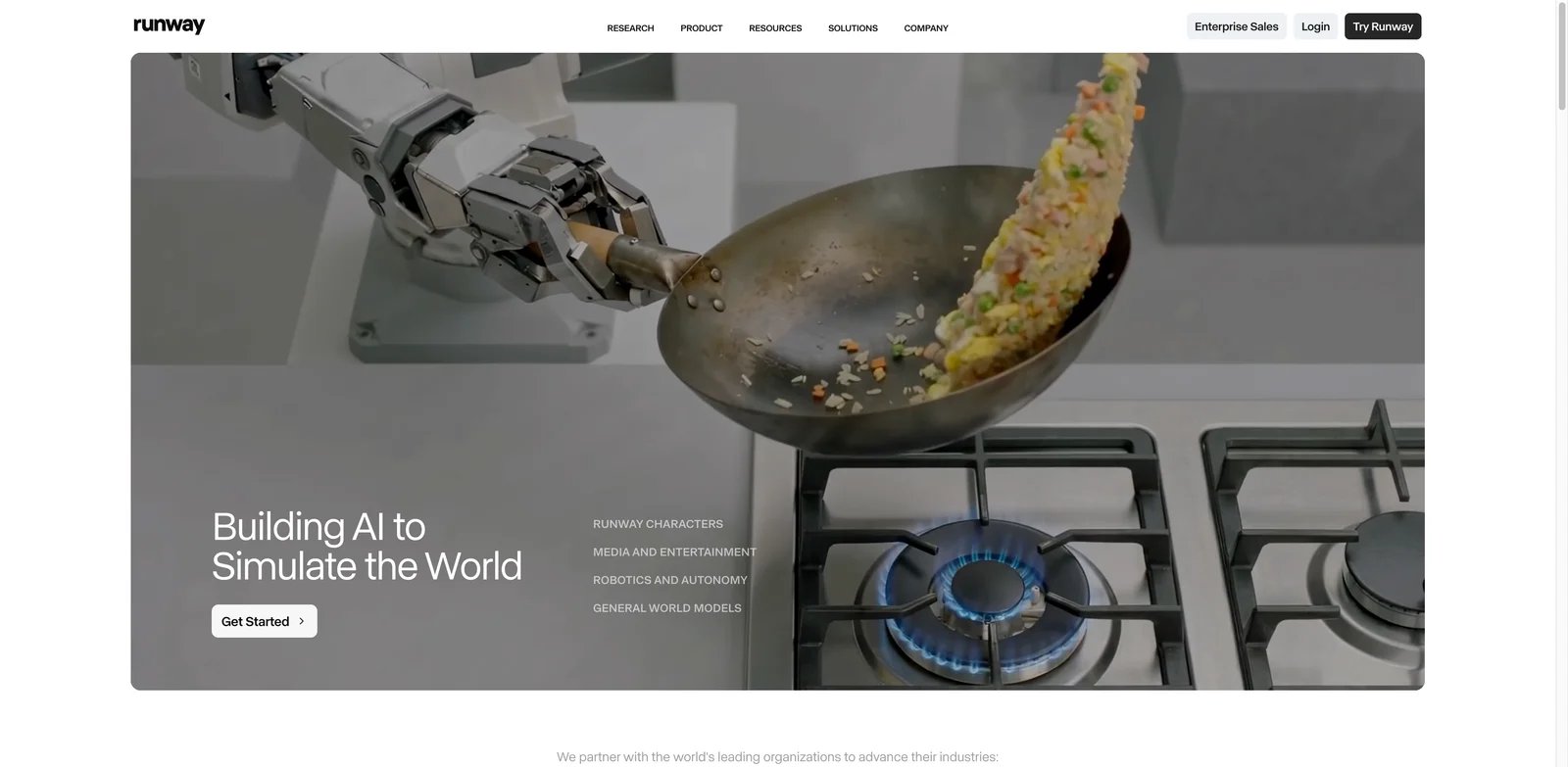
Five million creators, a six-year head start, and Gen-4 — Runway is the AI video tool that didn't have to add Veo to stay relevant, because it ships its own Runway models while also offering access to third-party video models on paid plans. Where LTX Studio's pitch is "Veo through our storyboard layer," Runway's pitch has always been the suite itself: motion brush, director mode, character consistency, frame interpolation, and an actual editor. For LTX Studio users who burned through credits trying to get a single watchable shot, Runway is the most credible cinematic replacement.
What Runway solves vs LTX Studio:
- Character and camera control: director mode + reference images keep faces and motion locked across shots — the exact failure LTX users describe as
"faces change drastically" - Gen-4 model maturity: released March 2025 and iterated through 2026, with documented benchmarks rather than
"available to our Pro subscribers"model gating - Export and asset library that actually work: the team has shipped editor features (green screen, inpainting, frame interpolation) for years instead of repackaging them
- Seat pricing on top of credits: you know what your team pays before you generate anything
Pricing vs LTX Studio. The numbers, not the marketing: Runway Standard is around $12/mo billed annually, Pro is $28/mo, Unlimited is $76/mo, and Enterprise is custom. LTX Studio Lite is $15/mo ($12/mo annual) for personal-use projects only, Standard is $35/mo ($28/mo annual) with commercial use, and Pro is $125/mo ($100/mo annual) with Veo 3.1. Even at the Runway Pro tier you pay less than a quarter of LTX Pro, and you get Gen-4 directly without the "Pro subscribers only" gating. The Free plan gives you 125 one-time credits to test the full Gen-4 pipeline before paying anything.
Limitations. Credits still meter your usage on every paid tier — Unlimited has fair-use limits, not literal infinity. Gen-4's longest single generations stop at 10 seconds, so multi-shot pieces still need an editor. The storyboard layer LTX provides isn't natively part of Runway; you assemble shots in the timeline editor instead.
Best for creators who want the mature end-to-end AI video suite without paying for a middleman to access third-party models. Not the right fit if your LTX workflow is genuinely storyboard-first (script → scene → shot list) and you want that pre-production layer included.
Get started with Runway
2. Google Flow + Veo 3.1
"available to our Pro subscribers" — that's $125/mo. On May 25, 2026 Veo 3.1 arrived with the same gating. Meanwhile Google AI Pro is $19.99/mo with 1,000 Google Flow credits. Google AI Ultra starts at $99.99/mo for 10,000 Flow credits and $199.99/mo for 25,000 Flow credits gives you Flow plus full Veo 3.1 quotas. The arithmetic is uncomfortable.
What Google Flow solves vs LTX Studio:
- Direct Veo 3.1 access: the latest Veo without any third-party SaaS markup
- Single Google account: Flow billing rolls into Google AI Pro/Ultra alongside Gemini, NotebookLM, and AI Studio — one subscription, one quota
- Published monthly Google Flow credit allocations by plan; verify rollover and expiration rules in your Google account before claiming credits do not expire
- Web-based, no LTX trust history: for users burned by
"got billed again"after cancellation, starting fresh with Google billing is a feature
Pricing vs LTX Studio. Veo gating reality: if all you wanted from LTX Pro was Veo, you are paying about $105 more per month than Google AI Pro, but Google's exact Flow/Veo model tier, quota, and regional availability must be checked because Pro is not equivalent to unlimited full-quality Veo 3.1 access — plus you don't get NotebookLM, Gemini Advanced, or AI Studio at LTX. If you genuinely use LTX's storyboard layer and Scenes editor, that overhead may be worth it; if Veo is the reason you upgraded, Google Flow strips the markup.
Limitations. Flow is not a storyboard tool. There's no scene script editor, character library, or Scenes timeline the way LTX provides. Regional availability for Veo 3.1 lags Veo 3, and Google AI Ultra is $200/mo if you want the highest Veo quotas. The Ultra tier launched with introductory pricing that has shifted twice in 2026.
Best for users who upgraded LTX to Pro specifically to access Veo, who don't need the storyboard layer, or who already pay for Google AI Pro for other Gemini-family workloads. Not the right fit if you need LTX Studio's pre-production tooling (script breakdown, Scenes management) as the main workflow.
Get started with Google Flow

Pika's cheapest paid entry is Basic at $8/mo annually with 80 monthly video credits; Standard is $28/mo annually for 700 credits. Where LTX Studio measures usage in computing-seconds that disappear faster than you can reason about, Pika gives you a fixed monthly credit allocation and a clear price-per-credit. The math gets uncomfortable when you put them side by side. For social clips, ad iterations, and the kind of short-form generative video that doesn't need a storyboard layer at all, Pika is what LTX Pro should have cost.

What Pika solves vs LTX Studio:
- Pika 2.2 model with 1080p output, 10-second clips, and effect templates aimed directly at TikTok / Reels / Shorts workflows
- Pikaffects — one-click stylistic transforms (cake explosion, melting, squish) that LTX simply doesn't ship
- Free plan with 80 monthly credits — you can test the full model without entering a card
- Predictable monthly credit caps instead of computing-seconds drain
"less than 10 prompts". At Pika Standard ($28/mo annually, 700 credits) you are near Runway Pro's annual monthly price, while Pika Pro is $76/mo annually for 2,300 credits but with a fundamentally different content target. Pika Fancy includes 6,000 monthly video credits, but the live checkout price should be verified before publication; do not state it as $76/mo because that is the current Pro annual price.Limitations. Pika is not built for long-form storyboard films. Character consistency across multiple scenes is weaker than Runway. The 10-second clip ceiling means longer pieces require external editing. There's no script editor or Scenes management layer.
Best for social media creators, ad teams iterating on short clips, and anyone whose LTX Studio output rarely exceeded 30 seconds of usable footage per session anyway. Not the right fit if you need cinematic narrative storyboards or multi-character continuity across a 5-minute piece.
Get started with Pika

Lite $9.99/mo, Plus $30/mo, Pro $90/mo, Ultra $300/mo — Luma Dream Machine has the longest pricing ladder in this comparison and the most generous Free tier with full model access (watermarked, non-commercial). For LTX Studio users who hit credit walls before they could even tell if the model was worth it, Luma's free web tier is structurally different: you can run a full image-to-video test without paying first.
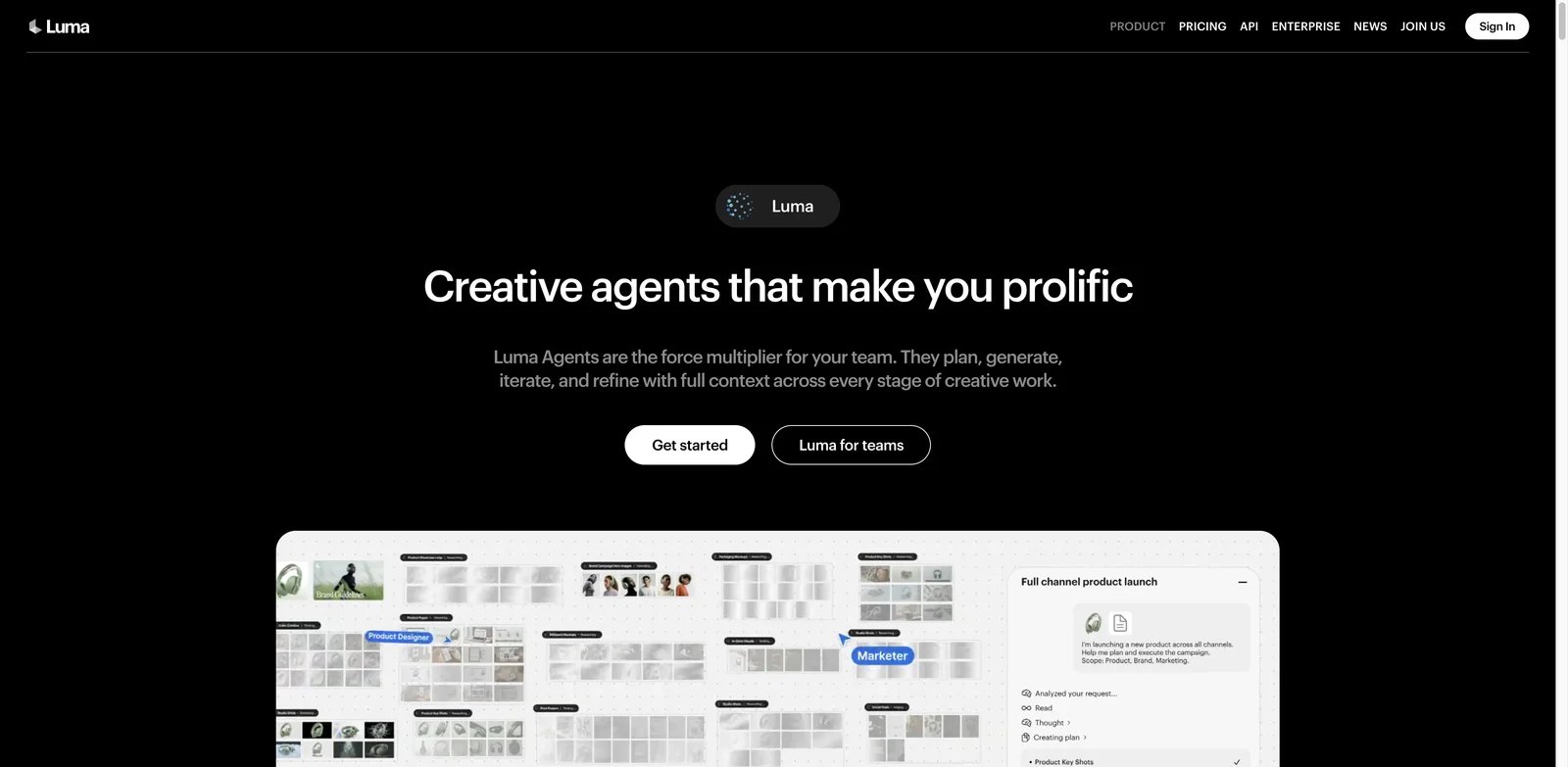
What Luma Dream Machine solves vs LTX Studio: the model excels at image-to-video motion — feed it a still and Luma extrapolates motion, camera dolly, parallax, and atmosphere with results that consistently outperform LTX's text-to-video pipeline. The Ray 2 update in late 2025 raised the bar on physics realism. Luma's Brainstorm board lets you spin variant prompts without manually duplicating projects, which removes a workflow papercut LTX users complain about. And Luma's free web tier gives you actual usable outputs at 720p before any payment.
Pricing vs LTX Studio. The five-tier ladder lets you scale up only when a project demands it. Luma Web Lite is $9.99/mo but is watermarked and non-commercial. Luma Web Plus is $29.99/mo and includes commercial use/no watermark. LTX Lite is $15/mo for personal use, while LTX Standard is $35/mo with commercial use. Pro at $90/mo is still cheaper than LTX Pro ($125/mo) and gives you higher concurrency. Ultra at $300/mo is for studio teams. The free web tier — watermarked but functional — is structurally more generous than LTX's trial credits.
Limitations. The free tier requires personal, non-commercial use and applies a watermark. Prompt control is less granular than Runway's director mode. There's no native storyboard editor — Brainstorm is a prompt-variation board, not a Scenes timeline. Concurrency caps are tier-gated.
Best for cinematic image-to-video and motion-quality work where you start from a still you already love. Not the right fit if you need script-driven multi-scene storyboarding or tightly controlled character continuity over 5+ shots.
Get started with Luma Dream Machine

Disclosure: DomoAI paid for inclusion in this guide. Its position and evaluation use the same editorial criteria as every other tool, and the external link is nofollow.
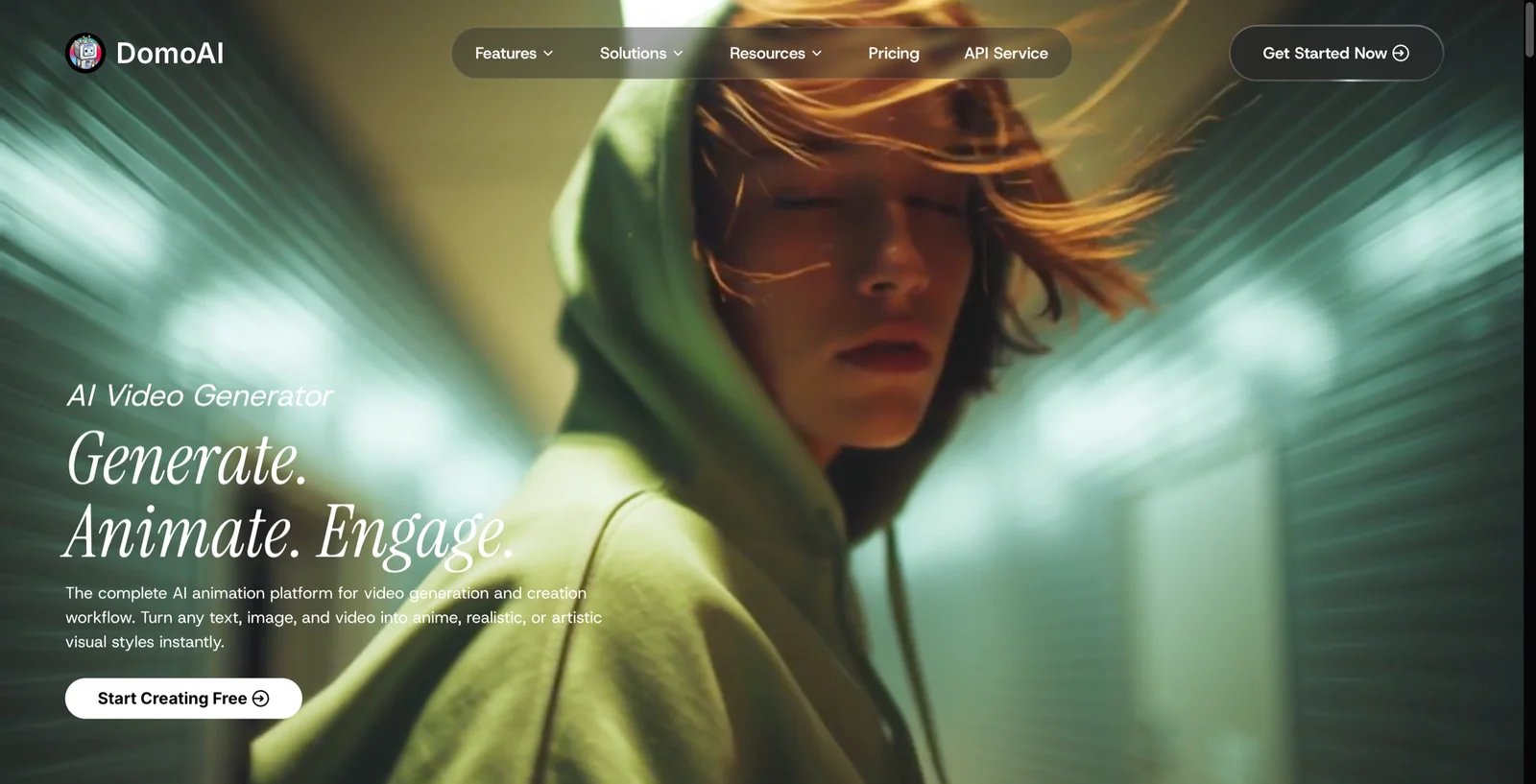
Every other tool on this list is trying to generate a realistic shot. DomoAI is trying to restyle one. Where LTX Studio starts from pre-production, DomoAI starts from a clip you already have — its most-used workflow is video-to-video, feeding in real footage and getting back an anime or cartoon version, with a purpose-built Japanese anime model as the default rather than a preset buried three menus deep.
The rest of the platform stacks around that: text-to-video and image-to-video generation, Character to Video for motion transfer, Talking Avatar with voice cloning, plus image creation, editing, and upscaling — all drawing from one credit balance. That combination makes it the odd entry here — not a cinematic competitor to LTX Studio, but the tool for the slice of LTX users whose output was always going to be stylized anyway, with particular pull among anime, VTuber, music-video, and short-form creators.
What DomoAI solves vs LTX Studio:
- Style conversion as the main event — LTX gives you stylization as an option inside a storyboard pipeline; DomoAI treats anime and cartoon conversion as the product, with dedicated models for each
- One credit pool across video, avatars, and images — talking avatars with voice cloning, face swap, upscaling, and image editing draw from the same balance, where LTX charges a separate premium tier for its top model
- Seedance 2.0 for image-to-video without an LTX Pro subscription, alongside DomoAI's own 2.4 and 2.5 models
Pricing vs LTX Studio. Basic runs $9.99/mo (500 credits) and Standard $27.99/mo (1,500 credits, unlimited Relax Mode). Pro at $69.99/mo is where the longer durations unlock — 30-second Character to Video, 60-second Talking Avatar. Annual billing drops those to $6.99, $19.59, and $48.99 effectively. Against LTX Pro at $125/mo, even DomoAI's top tier is roughly 40% of the cost, and its entry tier is under a tenth. The free tier is a one-time 15-credit allocation with watermarked output — a trial, not an ongoing free plan.
Limitations. There is no storyboard, no scene management, and no timeline — output is individual clips you assemble elsewhere, so it replaces even less of LTX's structural layer than Runway does. Primary output runs 5 to 10 seconds; Frames to Video reaches 56 seconds from stills, but the longer character and avatar durations are Pro-only. And there's no Veo, Sora, or Kling access here — if escaping LTX's Veo gate is your actual reason for leaving, this is not that path.
Best for creators whose LTX output was always heading toward anime, cartoon, or VTuber-style work, and who would rather convert footage than prompt scenes from scratch. Not the right fit for users who need LTX Studio's integrated storyboard, timeline, or advanced pre-production controls.
Get started with DomoAI
6. Kling AI
Kling is the AI video model that consistently beats text-to-video benchmarks for camera motion, action, and 1080p physical realism — Kuaishou's research team treats it as their flagship. Kling 1.6 and 2.0 (released in 2025 and early 2026) compete directly with Runway Gen-4 on internal benchmarks and surface to consumers through a web interface with regional pricing.
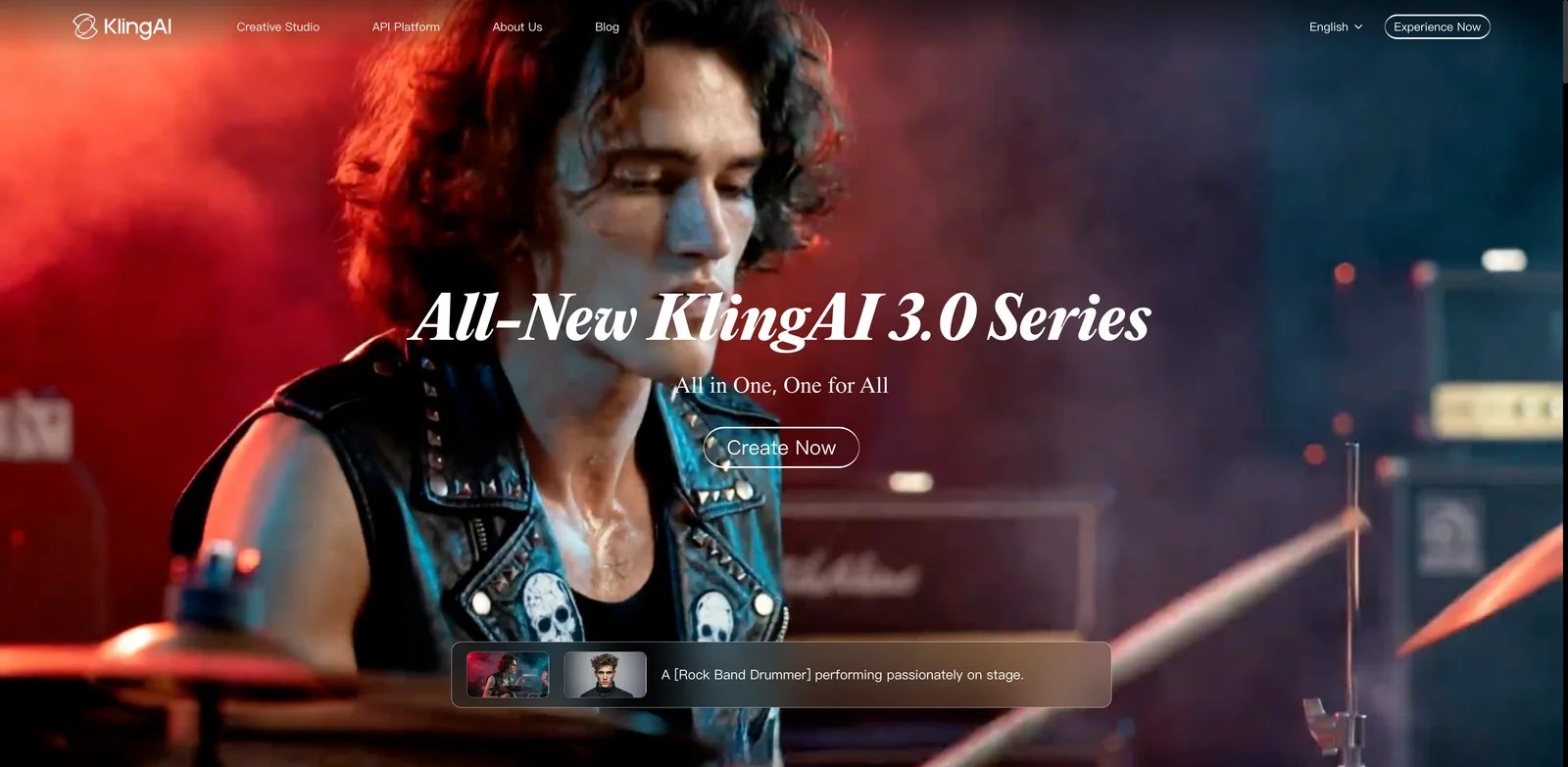
What Kling solves vs LTX Studio:
- Motion-first generation: if your LTX outputs felt static, Kling renders camera dollies, character action, and fluid physics with a different level of confidence
- Image-to-video with reference frames that hold character identity better than LTX's character library for several seconds at a time
- Free web tier with daily credit refills lets you test before committing
Pricing vs LTX Studio. Kling's web pricing is credit-pack based and varies by region and billing cycle — checkout values shift more than competitors. The free web tier gives daily credits to test. Paid tiers are commonly reported at $9.50–$66/mo equivalents depending on region. The honest version: verify your local checkout before subscribing.
Limitations. Pricing transparency is the weakest in this list — exact paid tier values depend on your region and the specific date you check out. The English prompt-engineering learning curve is real (the model was trained largely on Chinese-language data). There's no storyboard or Scenes management layer. Enterprise compliance posture (SOC 2, DPA) is harder to confirm than Runway / Synthesia.
Best for creators whose LTX frustration was specifically about motion and action shots — fight choreography, dance, vehicle motion, action sequences. Not the right fit if your team has strict compliance requirements or needs a transparent published price list.
Get started with Kling AI

If your migration from LTX Studio is really a deeper question — "I just want one interface where I can try multiple video models such as Veo, Sora, Kling, Wan, Hailuo, and Runway from one interface without four separate subscriptions" — Krea is the answer. Krea is a multi-model creative interface built around compute-unit pricing. Pro and Max tiers include access to Veo, Sora, and Kling. For LTX users frustrated by Veo gating, Krea is a single-subscription escape hatch.

What Krea solves vs LTX Studio: One interface, many models: Krea Pro is $35/mo and includes 20,000 compute units with access to all video models; Basic is $9/mo with selected video models, and Max is $105/mo. Where LTX gates Veo 3.1 behind Pro $125/mo and gives you only LTX's pipeline, Krea spreads your compute across whatever model fits the shot. Real-time generation, image upscaling, and a training studio are bundled in. The free tier gives you 100 compute units per day to test all of it.
Pricing vs LTX Studio. Compute-unit based: Free at 100 compute units/day, Basic at $9/mo, Pro at $35/mo with access to all video models, Max at $105/mo, and Business/Enterprise compute packs for teams. Versus LTX Pro at $125/mo, Krea Pro is about 30% of the cost with broader model access. Verify live checkout pricing — Krea has adjusted tier inclusions twice in 2026.
Limitations. Compute units still meter usage, so you're not on a flat subscription. Veo Ultra-quality generations consume more compute than Krea's own models — heavy Veo users may hit Max-tier limits. Krea is not a storyboard tool either; there's no Scenes management or script editor.
Best for experimental creators who want access to whichever video model is best for the shot — Veo for one scene, Kling for another, Sora for a third — without four separate subscriptions. Not the right fit if you've committed to one model and want a flat predictable bill from that vendor directly.
Get started with Krea
8. Hedra
Hedra Labs shipped Character-3 in late 2025 — a model purpose-built for voice-driven character performance, lip sync, and dialogue-led video. For the slice of LTX Studio work that's really character monologue (explainer videos, narrative shorts driven by a single speaker, AI-driven podcast clips), Hedra delivers what LTX's character library promises but inconsistently delivers.
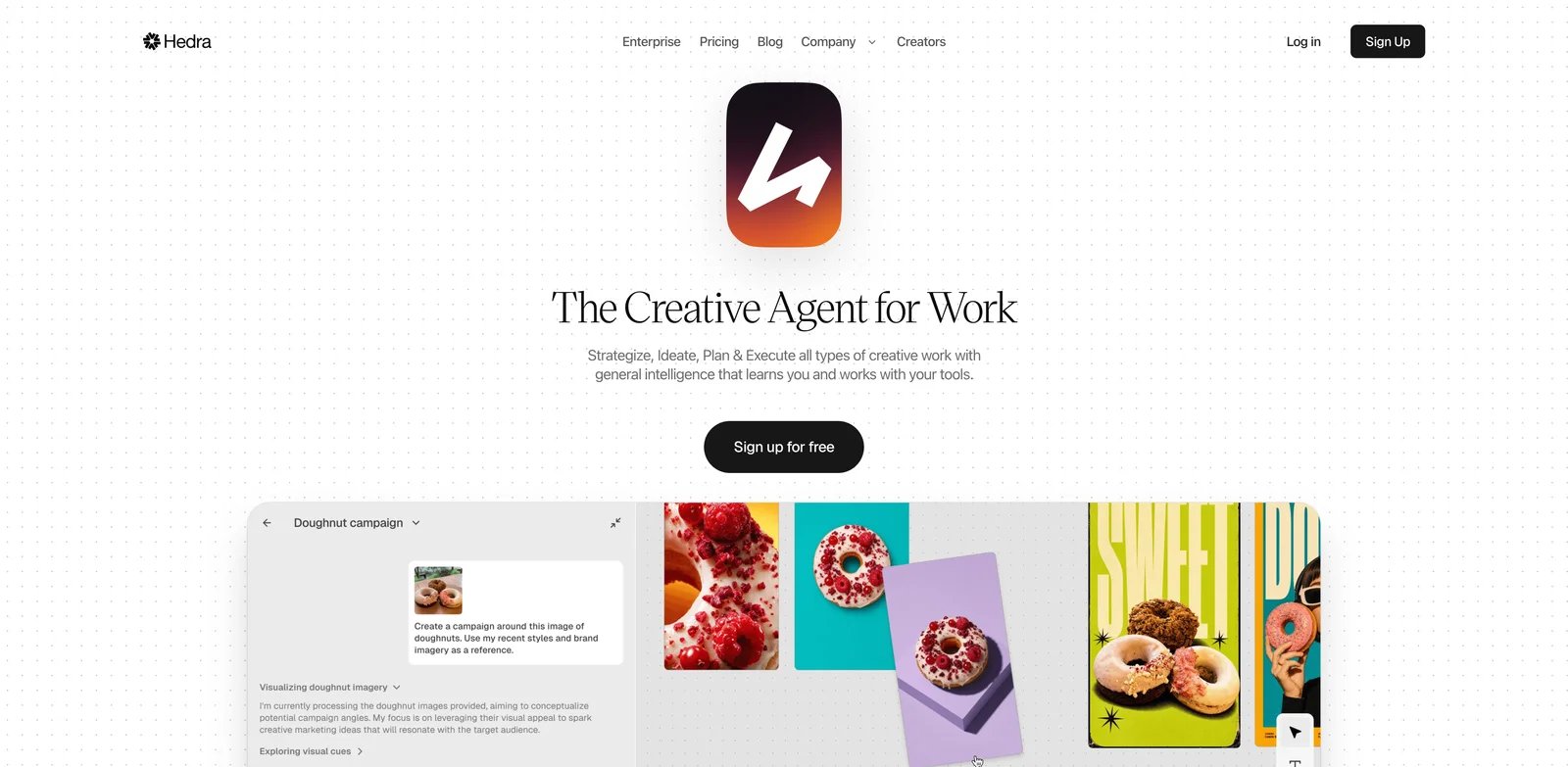
What Hedra solves vs LTX Studio:
- Character-3 model keeps a generated face stable through 30+ seconds of dialogue
- Voice-driven generation — provide audio (or generate it inside Hedra) and the character lip syncs natively
- Audio reactivity for music-driven content
- Transparent credit allocation by paid tier
Pricing vs LTX Studio. Voice-driven character cost: Hedra Basic is $15/mo for 1,500 credits, Creator is $30/mo for 5,400 credits, Professional is $75/mo, and Teams is $75/mo for 14,400 credits. Versus LTX Pro at $125/mo with computing-seconds that drain fast, Hedra Creator at $30/mo gets you a working character-led video budget. Free plan available to test the model first.
Limitations. Hedra is not a cinematic landscape generator — it's character-focused. Multi-character scenes are weaker than single-speaker pieces. The interface is built around character + audio, not script + scene. No storyboard tooling.
Best for LTX Studio users whose actual output was talking-head video, narrative shorts, or character-driven content with dialogue. Not the right fit if you needed LTX for wide landscape shots, action sequences, or multi-character ensembles.
Get started with Hedra
9. Higgsfield
If your LTX Studio frustration is really "I want cinematic camera moves I can't program manually in any tool," Higgsfield is the answer. Higgsfield is built around stylized motion presets and camera moves — crash zooms, dolly orbits, vertigo pulls, robo arm shots — the kind of cinematography you'd hire a camera operator for, available as one-click presets.
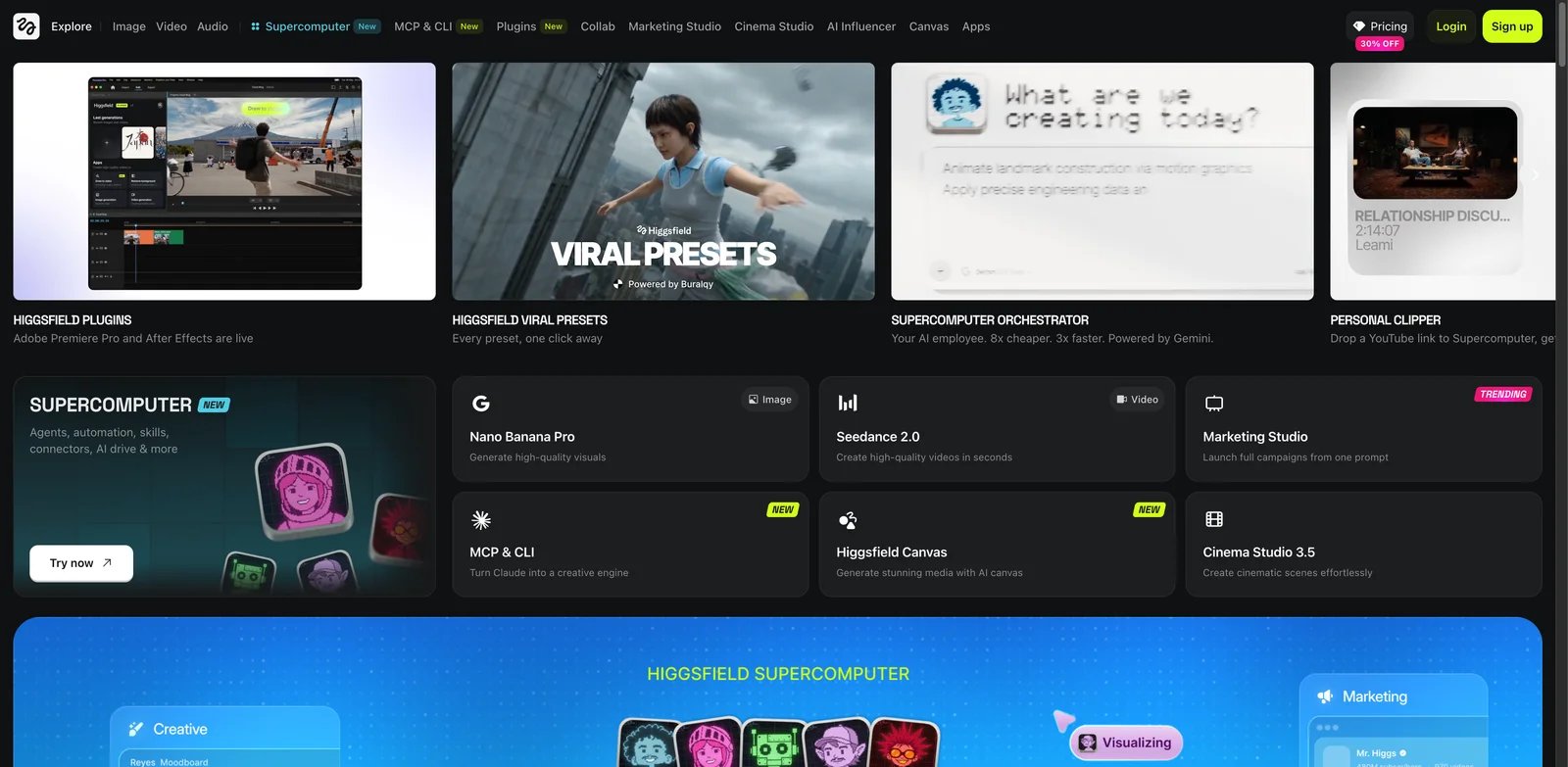
What Higgsfield solves vs LTX Studio: the platform is opinionated about camera movement in a way LTX isn't. You select a motion preset from a library and Higgsfield generates video with that exact cinematography — which is a different mental model than LTX's text-prompted camera direction. Soul ID character consistency holds a face across multiple shots in the same preset library. For social shorts and music video work, Higgsfield's presets bypass the hardest part of prompt engineering.
Pricing vs LTX Studio. Free limited tier; paid Basic, Plus, and Ultra credit plans are listed on the pricing page. Exact checkout values shift more than competitors — verify before subscribing. The free tier lets you test the preset library with limited daily credits.
Limitations. Higgsfield is not a full storyboard tool. Some presets are gated to higher paid tiers. The model is best at short stylized clips, not narrative multi-scene pieces. Pricing transparency is weaker than Hedra or HeyGen.
Best for music video creators, social-shorts makers, and anyone whose LTX work was primarily about cinematic motion that LTX's text prompts couldn't deliver. Not the right fit if you need broad scene generation or compliance-friendly enterprise pricing.
Get started with Higgsfield

HeyGen is not a better LTX Studio — it's a different category of video tool that replaces the slice of LTX work that's actually corporate or talking-head video. If you bought LTX Studio thinking it would help with explainer videos, product demos, or localized training content and got stuck with cinematic-only tooling, HeyGen does the job LTX never quite did for that use case.
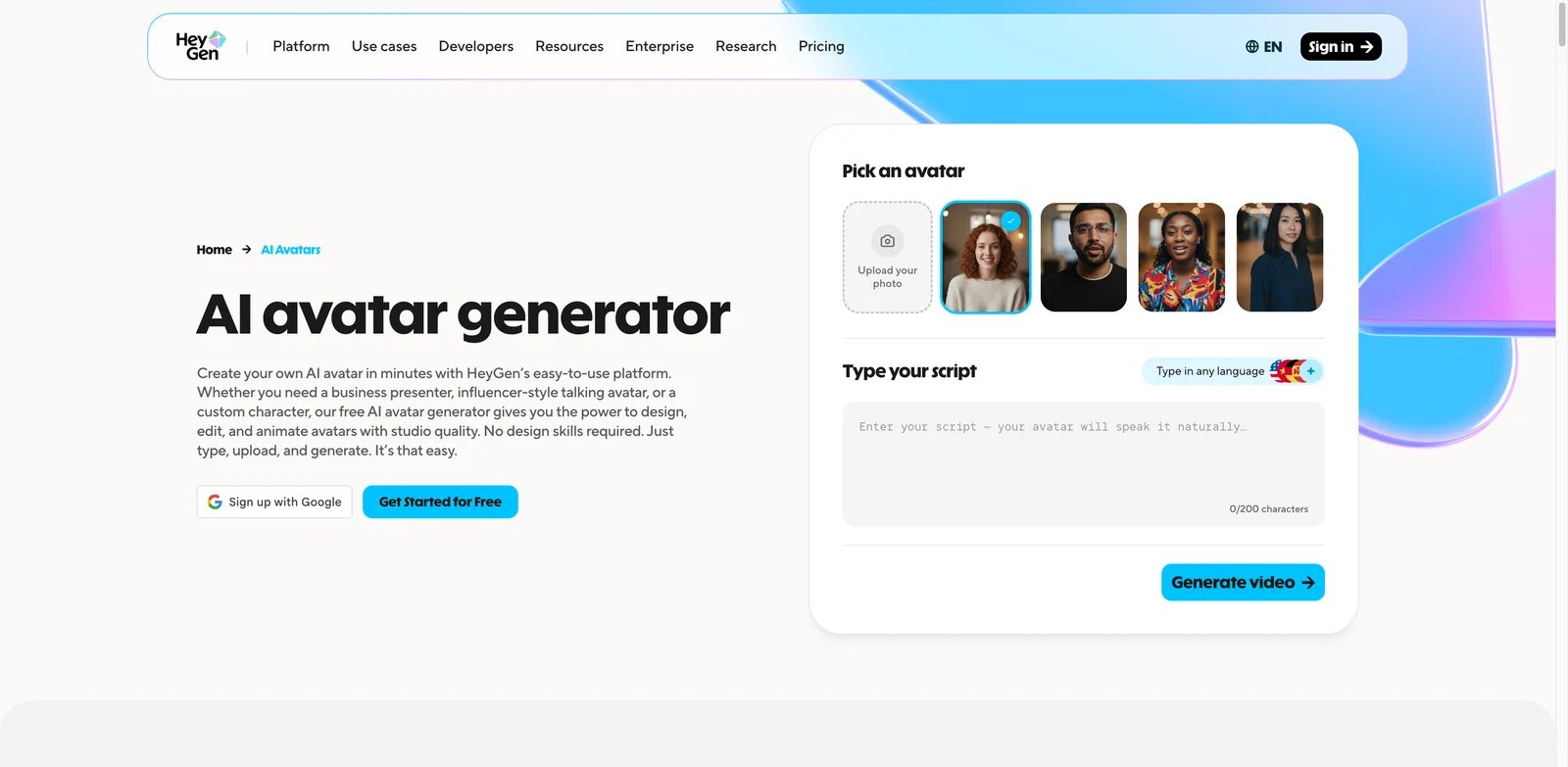
What HeyGen solves vs LTX Studio:
- 700+ avatars plus custom avatar creation from a 2-minute video upload
- 175+ languages for lip-sync localization — automatically translate and re-lip-sync existing videos
- Voice cloning for branded content
- Predictable seat-based pricing instead of credit drain
Pricing vs LTX Studio. Free plan allows 3 videos/month at 720p. Creator at $24/mo annual (or $29 monthly) covers 15 minutes/month. Pro starts at $49/mo annual with 30 minutes. Business is $149/mo plus $20/seat for team workflows. Versus LTX Pro's $125/mo + credit drain, HeyGen Creator at $24/mo is roughly 19% of the cost for a different content category.
Limitations. HeyGen is not for cinematic narrative video. The avatar library is the differentiator but feels uncanny for film-grade work. Custom avatars require video uploads and consent verification. The Business seat fee adds up at team scale.
Best for corporate video, training content, product demos, multilingual marketing, and anything that's really "talking-head video" rather than cinematic storytelling. Not the right fit if your LTX use was script-to-scene narrative filmmaking.
Get started with HeyGen

Synthesia is a 2017 UCL spinout that built enterprise video AI before "AI video" was a category — when LTX Studio launched, Synthesia was already serving Fortune 500 L&D teams. For LTX users whose actual deliverables were training content, internal communications, or compliance videos, Synthesia is the safer enterprise alternative with documented SOC 2 Type II and pedigree LTX hasn't earned yet.
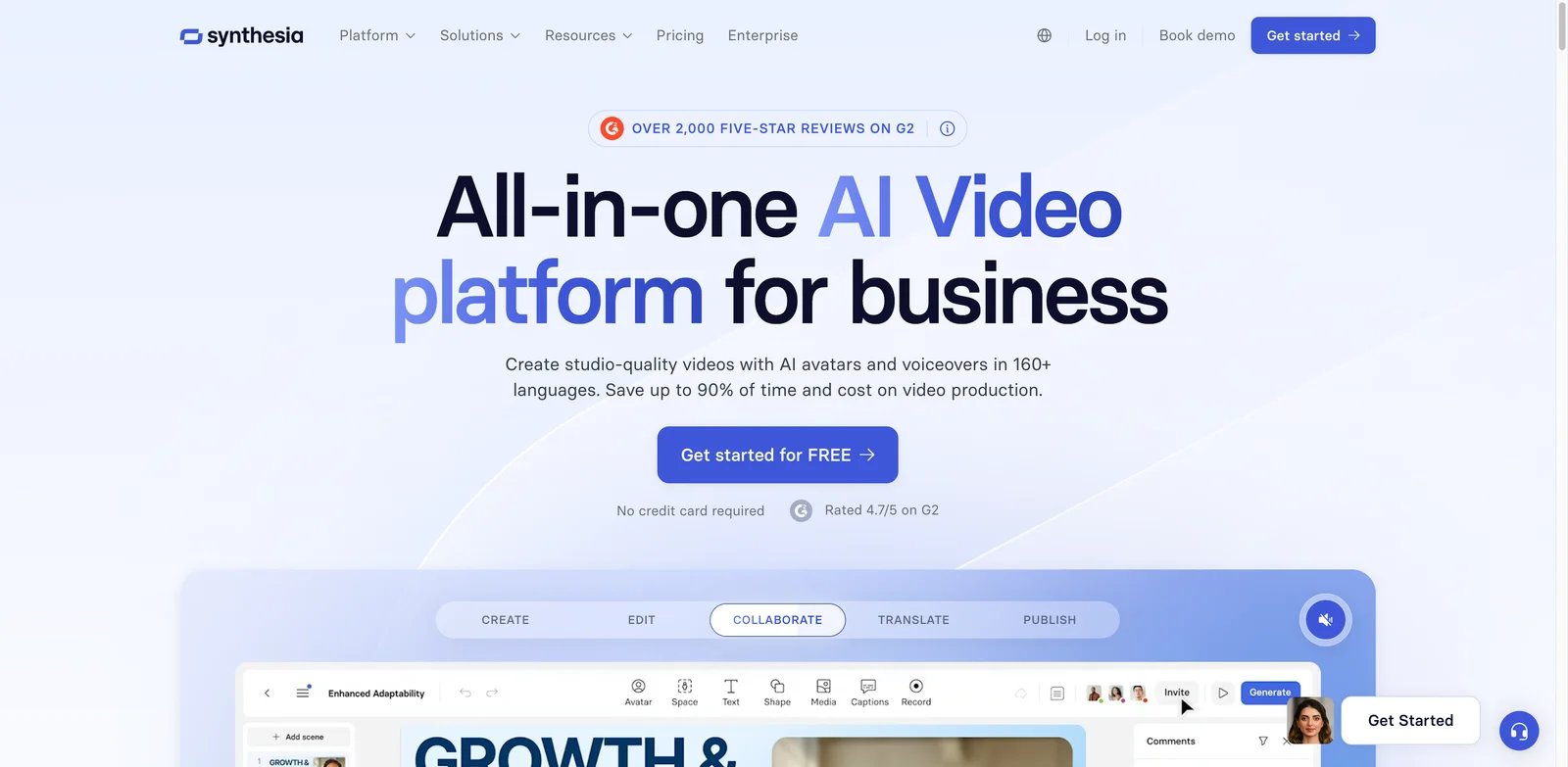
"locked into the year" say should have been there from the start. The 230+ stock avatar library and 140+ languages cover most internal video use cases. The script-to-video editor is purpose-built for training content with branching scenarios, quizzes, and assessment exports.Pricing vs LTX Studio. Free creation flow gives you a small number of videos to test. Starter is $29/mo monthly or $18/mo billed annually, Creator is $89/mo monthly or $64/mo billed annually, and Enterprise is custom with SSO, team controls, and custom usage terms. Versus LTX Pro at $125/mo, Synthesia Creator at $64/mo annual gets you a working enterprise-grade tool — for a different content type. Starter tier pricing should be re-verified before publishing.
Limitations. Synthesia is not a cinematic video generator. Creative storytelling, narrative film, and stylized video are explicitly outside the product's scope. The avatar library, while large, is built around talking-head presentation. Custom avatars require enterprise approval workflows.
Best for corporate L&D, training departments, compliance-driven internal communications, and any LTX use case that was really "polished talking-head video at scale." Not the right fit if your work is creative narrative or social-shorts oriented.
Get started with Synthesia
Honorable Mentions
OpenAI Sora API. Sora's web and app experiences were discontinued on April 26, 2026, and the Sora API is also deprecated with shutdown scheduled for September 24, 2026; what remains until then is an API priced at roughly $0.10/sec for Sora 2 and $0.30–0.70/sec for Sora 2 Pro depending on resolution. For existing developers, the API may be useful only as a short-term bridge before the September 24, 2026 shutdown; for an LTX Studio refugee looking for a consumer replacement, it's not. OpenAI Sora API pricing.
Hailuo (MiniMax). Hailuo's web tier lets you test the model free; paid plans circulate in the $9.99–199.99/mo range with regional variations that move quarterly. Hailuo's short-cinematic video quality is competitive with Kling and the per-month price points are friendly, but the platform's English-language UX and billing transparency lag mainstream alternatives. Worth a free-tier test if Kling didn't fit. Hailuo AI.
"I like the LTX model, I hate the LTX SaaS billing"Vidu. Vidu specializes in reference-to-video and character continuity through reference images — useful for LTX users whose pain was specifically character drift, but priced on credit packs (800, 4,000, 8,000 monthly bundles) that take some math to compare with monthly subscriptions. Not a storyboard tool. Worth a free-tier test if reference-based character control is your top priority. Vidu.
Migrating from LTX Studio — A Practical Guide
Data and Account Migration
"got billed again", "locked into the year"). If you're mid-project, finish the project on LTX before migrating — partial work doesn't transfer.Learning Curve by Alternative
- Near-zero — Runway, Pika, Luma Dream Machine, Hedra: web UIs similar to LTX; you can be producing within an hour.
- Medium — Google Flow + Veo 3.1, HeyGen, Krea: Google ecosystem integration, avatar configuration, or multi-model selection adds a layer.
- High — Kling AI, Synthesia, Higgsfield, LTX Desktop: Chinese-trained prompt patterns, enterprise integration flows, preset libraries, or local GPU setup all take real time to learn.
Pricing Brackets vs LTX Studio Pro $125/mo
- Cheaper — Pika ($8–28/mo), Hedra ($15–30/mo), Luma Lite ($9.99/mo), Google AI Pro ($20/mo), HeyGen Creator ($24/mo annual).
- Free / open source — LTX Desktop, Wan Video (local GPU), Pika Free 80 credits/month, Luma free web tier (watermarked).
- Same range — Runway Standard–Pro ($12–28/mo), Krea Pro ($35/mo), Luma Plus ($30/mo), Synthesia Creator ($64–89/mo).
- More expensive — Luma Pro/Ultra ($90–300/mo), Google AI Ultra ($200/mo), Runway Unlimited ($76/mo + custom Enterprise), HeyGen Business ($149/mo + $20/seat).
Best LTX Studio Alternatives by Use Case
If Your Reason Is "I want a cheaper and more predictable monthly bill"
Pika ($8/mo Standard, 700 credits) is the cheapest predictable bill on this list and the fastest replacement for LTX Lite users who never used the storyboard layer anyway. Luma Web Lite at $9.99/mo is low-cost but watermarked and non-commercial; use Luma Web Plus at $29.99/mo when commercial rights/no watermark matter. Hedra at $15–30/mo replaces the character-driven slice of LTX work at fixed credits. Skip anything with credit packs that move quarterly (Kling, Higgsfield) if predictability is your top priority.
If Your Reason Is "I want cinematic AI video quality"
Runway is the strongest direct cinematic replacement — Gen-4 plus a mature editor. Google Flow + Veo 3.1 gives you the same model LTX gates behind Pro $125/mo. Luma Dream Machine excels specifically at image-to-video motion. Kling AI dominates action and physics-heavy shots. Test free tiers on the same prompt across all four before subscribing.
If Your Reason Is "I need stronger character consistency and camera control"
Runway's director mode and reference images are the broadest solution. Higgsfield's Soul ID character system plus motion presets bypass prompt engineering for cinematography. Kling holds character identity better than LTX for short reference-driven shots. Hedra is the right answer specifically for character-led dialogue and voice-driven performance.
If Your Reason Is "I need talking-head, avatar, or localization videos"
HeyGen handles avatar, lip-sync, and 175+ language localization with predictable seat pricing. Synthesia is the enterprise-grade choice for training and compliance content with SOC 2 pedigree. Hedra covers character-led narrative shorts when your "talking head" is actually a generated character with dialogue.
If Your Reason Is "I want Veo 3.1 without paying $125 for LTX Pro"
Google Flow + Google AI Pro ($20/mo) gives you the same Veo 3.1 directly from the vendor. Runway has its own Gen-4 model and doesn't need Veo. Krea Pro ($35/mo) provides one subscription for all supported video models, including Veo/Sora/Kling-style workflows, with usage metered by compute units. This is the single highest-conviction migration path for 2026.
If Your Reason Is "I want an open-source or local workflow"
LTX Desktop (Lightricks' own open-source build) is the literal answer — same model family, zero SaaS billing. ComfyUI + LTX-Video runs the model as a node workflow for power users. Wan Video is an alternative open model with stronger community support for action and motion.
If Your Reason Is "I'm making social clips, not full storyboard films"
Pika is built specifically for short social clips and Pikaffects. Higgsfield's stylized motion presets are perfect for music videos and Reels. Hailuo (MiniMax) at the lower tiers competes on per-clip quality. Vidu's reference-to-video pipeline is useful for branded character-driven clips.
If Your Reason Is "I want anime or stylized output, not photorealism"
DomoAI is the most direct answer — video-to-video conversion with a dedicated anime model, plus cartoon and 2.5D styles, starting at $9.99/mo. Higgsfield's stylized motion presets cover the music-video and Reels end of the same intent. Krea handles style work as one mode among many if you also need photorealistic shots from the same subscription. Skip the cinematic generators entirely for this use case — you'd be paying for realism you intend to style away.
How to Choose the Right LTX Studio Alternative
If you also want a broader landscape view, our AI video generator category keeps a running list of newer entrants worth a free-tier test.
1. Name the actual pain and test it on a free tier. Write one sentence: "I'm leaving LTX because [credit burn / quality / Veo gating / character drift / workflow bugs / trust]." Then take the top two candidates from the use-case section above and reproduce a real LTX workflow on their free tiers. Picking by ranking instead of by your specific reason produces the wrong answer.
2. Verify pricing model and regional availability. Several tools on this list (Kling, Higgsfield, Krea, Hailuo, Vidu) have credit-pack or region-dependent pricing that has shifted in 2026. Check your local checkout before committing. For Google Flow specifically, confirm Veo 3.1 is available in your region — the rollout still lags Veo 3 in some markets.
3. Confirm compliance posture if relevant. If you work in a regulated industry, Runway and Synthesia publish the clearest SOC 2 / GDPR posture. Kling, Hailuo, and Vidu are harder to confirm. Google Flow inherits Google AI's enterprise contracts when paired with Workspace.
4. Plan data and run two weeks in parallel. Switch to monthly billing on LTX before you migrate — never sign another annual term. Run the new tool alongside LTX for 14 days on real project work. If the new tool delivers the equivalent of what LTX did on the same prompt with predictable cost, cancel LTX after the parallel period. If not, the alternative wasn't the right one — restart at step 1 with a different candidate.
Frequently Asked Questions
What is the best free alternative to LTX Studio?
Is Runway actually a drop-in replacement for LTX Studio?
What's the cheapest LTX Studio alternative with comparable video quality?
Can I keep using LTX Studio's storyboard workflow with a different generator?
How do I export my LTX Studio scenes before canceling?
Is LTX Studio Pro $125/mo still worth it after Veo 3.1?
Which LTX Studio alternative is best for enterprise teams?
Should I use LTX Studio or Google Flow directly for Veo 3.1?
Get ToolWorthy Weekly
New AI tools, practical guides, and selected AI signals in one weekly brief.
Related Posts
- 8 Best Tools to Make Rumpelstiltskin AI Videos in 2026
Put yourself in the Rumpelstiltskin tiptoe meme, transfer a dance to your own character, or finish a green-screen remix with these eight video tools.
- Best Bulin 47 AI Video Makers: Photo, Motion and Editing
Make a Bulin 47 red-door freestyle from one photo, or build a creative version with your own motion video. Compare inputs, sound, format and pricing.
- Best Burning Bridges AI Video Generators: Choose Your Route
Turn a photo into a Burning Bridges party clip. Compare party presets, character motion, scene changes and final editing by inputs, output and cost.
For AI tool founders
Built a tool that belongs in this decision set?
Request an editorial evaluation for possible inclusion in ToolWorthy.
Submit your tool for reviewPaid submission does not guarantee a ranking, recommendation, inclusion, or editorial outcome.