
12 Best Image to Video AI Tools 2026 — Real Costs, Honest Limits
Twelve image to video AI tools compared beyond the demo reel—real output quality, true per-clip costs, commercial license terms, and honest limits for content creators.
On this page
You screenshotted a viral post, uploaded the frame to the tool everyone's raving about, and waited 45 seconds. What came back looked like the scene had been run through a blender—limbs contorting, the background pulsing like a migraine aura, and your last 25 credits gone on four attempts nobody will ever see. The sample clips on the product page? Pristine. Your results? A different category entirely. That gap is real, and it's not random—it's the product of which model tier you're on, what type of image you're animating, and whether you understand what burns credits before your budget runs out.
Image-to-video AI has the most exciting demos and the most unpredictable real-world outputs of any AI category in 2026. This guide covers 12 image to video AI tools ranked by a multi-source research score combining functionality, output quality, pricing transparency, and verified user feedback. We cross-referenced official product pages, Reddit threads, and creator forums to separate what these tools actually deliver from what they advertise—no cherry-picked demo clips cited as evidence.
| Tool | Best For |
|---|---|
| Runway | Professional editors needing workflow integration and API access |
| Google Flow | Creators who want native AI audio without a post-sync step |
| Sora | Deprecated — web/app access ends Apr. 26, 2026; API ends Sep. 24, 2026, so do not recommend as an active tool |
| Adobe Firefly Video | Commercial work that needs IP-indemnified output |
| Pika | Social media creators who want effects-driven, shareable clips |
| Vidu | Budget creators who need transparent per-clip costs |
| Kling AI | Realistic physics-driven motion (cloth, water, hair) |
| Freepik AI Video Generator | Freepik subscribers maximizing an existing plan |
| Luma Dream Machine | Cinematic-quality output for professional productions |
| Higgsfield | Filmmakers who care how the camera moves |
| Hailuo AI | High-quality output on personal and non-commercial projects |
| PixVerse | Experimenting with multiple model styles before committing |
How We Selected and Tested
We started with 20 image-to-video AI tools actively used in 2026, then narrowed to 12 based on measurable criteria: tools had to support image-to-video as a primary or explicitly documented feature, have verifiable pricing information from official sources, and show evidence of active development. Tools with no public pricing, no documented I2V capability, or clear signs of product abandonment were excluded or noted in the research.
Our research methodology combined multiple data sources to ensure accuracy. We reviewed official feature pages, pricing documentation, and changelog updates; cross-referenced user-reported outcomes from Reddit communities (r/StableDiffusion, r/AIVideo, r/artificial) and creator forums; and specifically looked for discrepancies between marketing demos and actual user-generated results.
Evaluation Dimensions: We evaluated each tool across five dimensions aligned to what content creators and video editors actually care about when making purchasing decisions:
- Output Quality Consistency — How reliably does the tool reproduce what's in the source image across different image types? Assessed from user-reported outcomes, not marketing samples.
- Pricing Transparency — Are credit costs, generation limits, and tier differences clearly communicated before you pay?
- Commercial License Terms — Is output cleared for commercial use at your tier? Are watermarks removed?
- Free Tier Usefulness — Can you genuinely evaluate output quality before committing, or is the free tier a teaser with no real signal?
- Workflow Fit — Does the tool integrate into an existing editing workflow, or require a separate post-processing step for every output?
Note on Testing Scope: We conducted hands-on evaluation on tools with functional free tiers. For paid-only tools, we relied on documented user feedback, technical specifications, and comparison content from creator communities.
Transparency & Limitations: All pricing and feature information comes from official sources as of April 2026. AI video generation is a fast-moving space—model updates, pricing changes, and feature launches happen frequently. Verify pricing pages before purchasing.
Top 12 Image to Video AI Tools Compared
The 12 tools below all support image-to-video generation, but they serve fundamentally different needs. The fastest path to the wrong tool is choosing based on monthly price alone—a $30/month tool with 400 credits and no watermark can cost less per deliverable than an $8/month tool where the useful generation limit is 20 clips.
| Tool | Best For | Starting Price | Free Tier | Max Clip Length | Commercial Use |
|---|---|---|---|---|---|
| Runway | Professional workflow + API | $12/mo billed annually | 125 one-time credits | 10 seconds | Commercial use not restricted by Runway terms, subject to compliance |
| Google Flow | Native audio + scene control | Free; $19.99/mo AI Pro; $249.99/mo AI Ultra | 100 credits + 50 daily credits | 8 seconds typical Veo output | Review Google terms; no Adobe-style indemnity |
| Sora | Deprecated / exclude from active ranking | Not applicable for new web/app workflows | No active web/app onboarding after Apr. 26, 2026 | API only until Sep. 24, 2026 | Not recommended for new commercial workflows |
| Adobe Firefly Video | IP-indemnified Adobe-model output | $9.99/mo | Limited free access | 5 seconds | Commercial use; indemnity only for qualifying plans/features, excluding third-party/beta/trial models |
| Pika | Social media effects | $8/mo billed yearly | 80 monthly credits on Free/Basic | 10 seconds for T2V/I2V; up to 25 seconds with Pikaframes | Yes on listed plans |
| Vidu | Transparent pricing | $8/mo | Limited credits | 8 seconds | Yes |
| Kling AI | Motion realism | ~$10/mo | Daily credits | 5–10 seconds | Yes (paid) |
| Freepik AI Video Generator | Bundle value | Premium/Premium+ pricing varies by region | Limited free access; Premium has 20,000 credits/month | Model-dependent | Commercial use with Freepik restrictions; no standalone resale of unmodified Freepik content |
| Luma Dream Machine | Cinematic quality | $30/mo Plus | Limited trial/free access varies by platform | Model/plan-dependent | Yes on paid plans that allow commercial use |
| Higgsfield | Camera controls | ~$15/mo (annual) | No | 6 seconds | Yes |
| Hailuo AI | Quality-per-dollar | $9.99/mo Standard | Limited daily credits | 6 seconds on Standard; up to 10 seconds on higher tiers | Verify current plan terms before commercial use |
| PixVerse | Low-cost testing and real-time experiments | Free; paid plans commonly start around $8–$10/mo | Yes | 15 seconds on current V6 workflows | Commercial use is not restricted by PixVerse terms, but IP risk remains |
Detailed Reviews
Runway
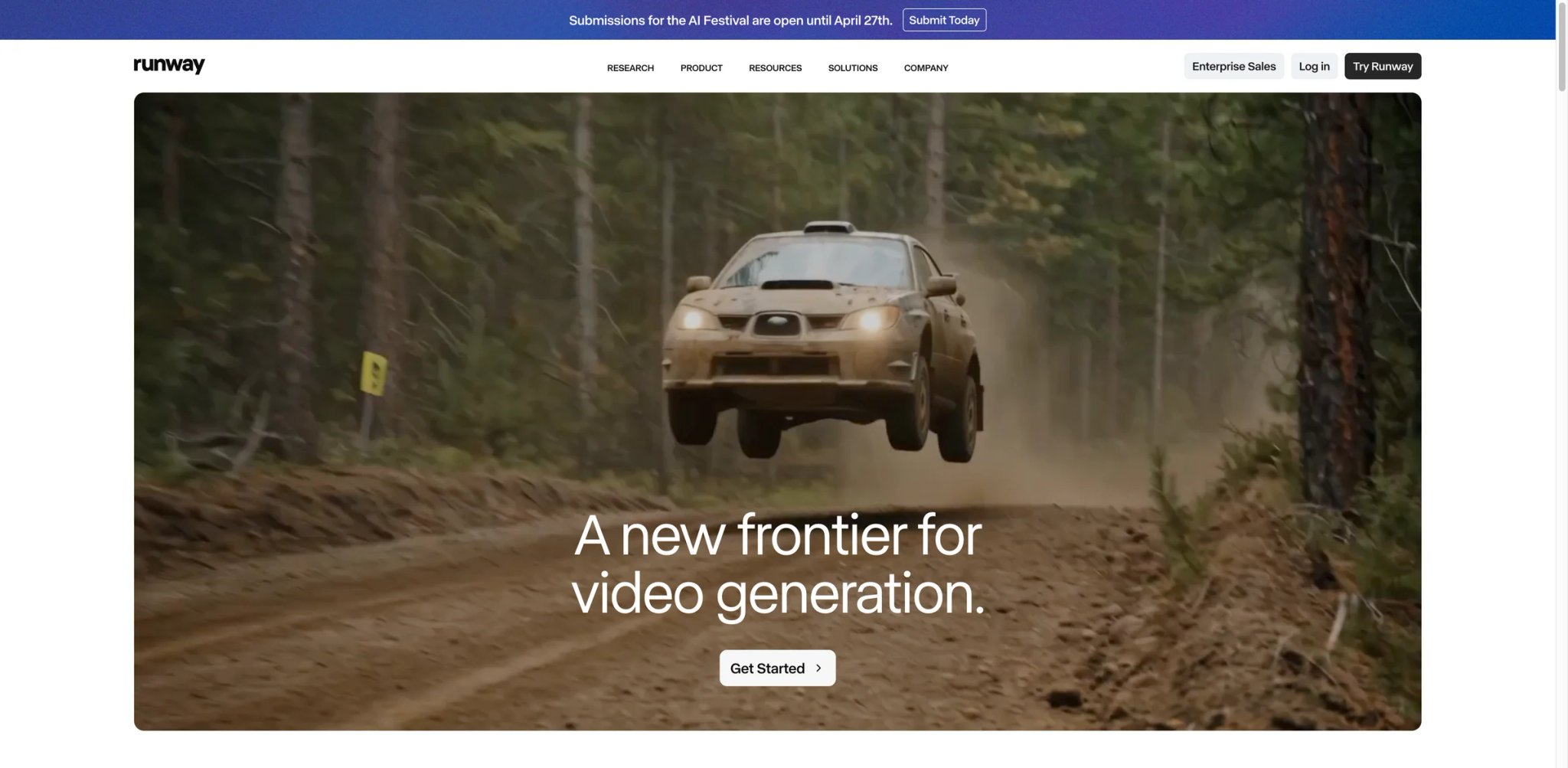
Most professional editors hit the same ceiling: the AI tool that worked for personal experiments turns out to be unusable at client scale—output quality is too inconsistent, there's no way to batch-process, and nothing plugs into the delivery pipeline. Runway is the tool that crossed over. Gen-4.5 made I2V a production-grade feature rather than a novelty, and the API access means agencies can build reliable workflows around it instead of manually babysitting each generation.
Key Features
-
Gen-4.5 Motion Brush: Unlike tools that give you a single motion vector, Motion Brush lets you isolate regions of the image and apply different motion directions to each—the background drifts while the subject stays grounded. This directly attacks the "everything melting at once" artifact that makes most I2V results unusable on complex source images.
-
Explicit Camera Controls: Dolly, pan, orbit, and crane controls give you a specific shot type rather than leaving the model to guess what "slowly push in" means. Combined with a reference image, this is the closest any consumer I2V tool gets to replicable, directed results across multiple generations.
-
API + Batch Processing: Runway's API lets studios run programmatic clip generation without a human confirming each job. At scale, this is the difference between an I2V workflow and an I2V experiment. No other tool on this list offers this at standard pricing tiers.
Pricing:
- Free: 125 credits one time (watermark applied). Standard: $12/user/month billed annually ($144/year) — 625 monthly credits, watermark removal, Gen-4 video access, and commercial use not restricted by Runway terms subject to compliance.
- Pro: $28/user/month billed annually — 2,250 monthly credits.
- Unlimited: $76/user/month billed annually — 2,250 monthly credits plus Explore Mode unlimited relaxed generations.
- Enterprise: Contact sales.
Runway's credit cost depends on the model: Gen-4.5 costs 12 credits per second, Gen-4 Turbo costs 5 credits per second, and Veo 3.1 ranges from 10–40 credits per second depending on audio/fast settings. A Standard plan's 625 credits equals about 52 seconds of Gen-4 or 125 seconds of Gen-4 Turbo, so cost-per-usable-clip must be calculated by model and duration.
Pros & Cons
Pros: Strong workflow integration, API access, camera controls, and model choice make Runway one of the best fits for production teams.
Cons: The credit system is unforgiving: longer clips at high quality can exhaust a Standard allocation in a week if you're iterating heavily. The free tier watermark makes it impossible to evaluate how output will actually look in a deliverable. Output consistency on complex multi-person scenes still trails the tool's own marketing materials, particularly on scenes with interacting hands.
Best For
Freelance video editors, production agencies, and creators who need to integrate I2V into an existing editing pipeline or require API access for automation. Not the right fit if your workflow is one-off social posts where simpler tools will do—the credit economics only pencil out at volume.
For a deep-dive on the latest model update, see our Runway Gen-4.5 review.
Get started with Runway
Google Flow
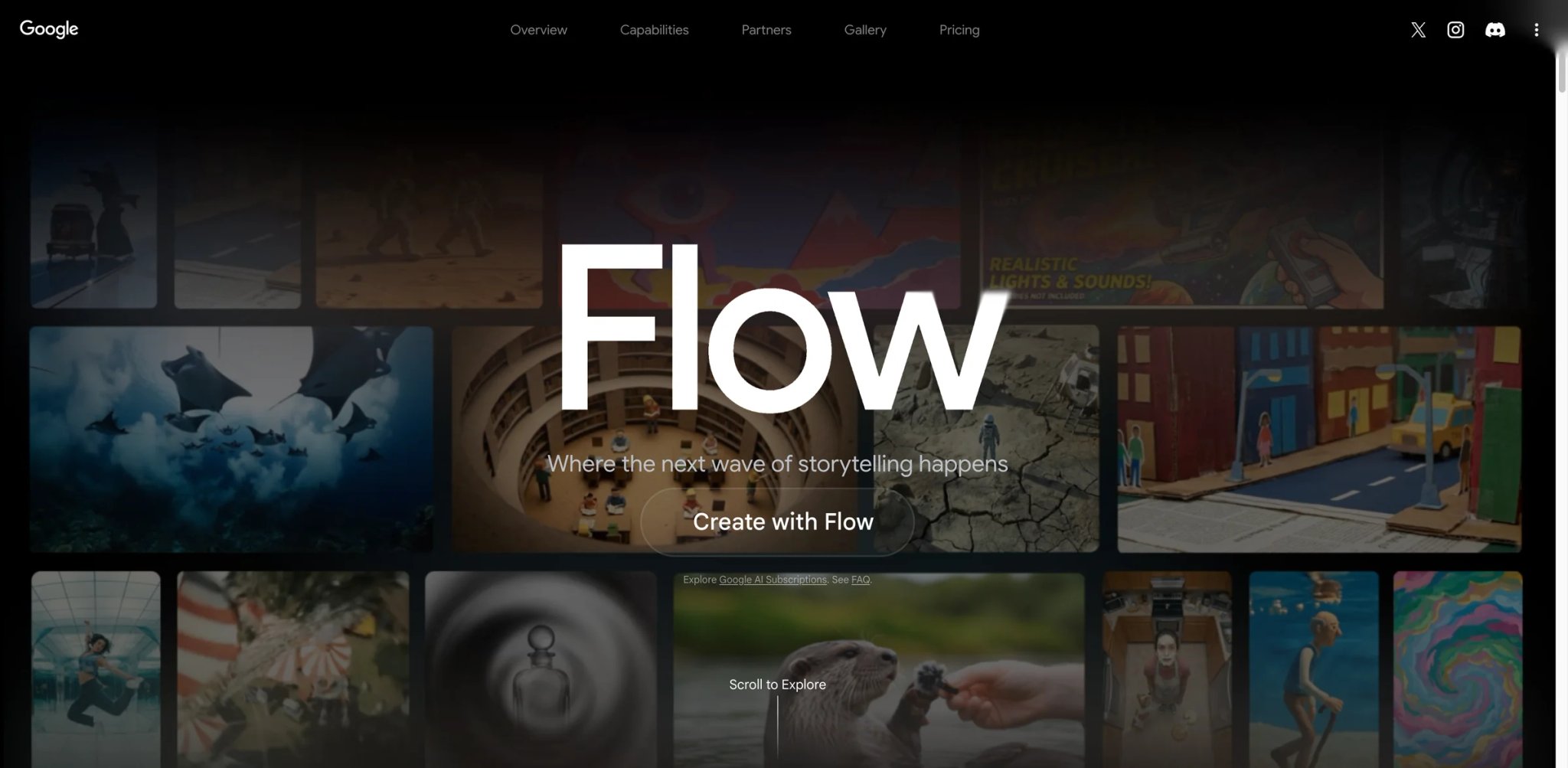
The dirty secret of most I2V workflows is the audio problem: you generate a clip, it looks decent, and then you spend 30 minutes adding ambient sound and music in a separate app before it feels complete. Google Flow is the first mainstream image-to-video platform built with native audio generation embedded in the model—not layered in post, generated with the video. For social content and presentation videos, this collapses an entire step that used to require a separate subscription.
What makes it different:
-
Veo 3 with Native Audio: When you generate a scene, the model synthesizes matched ambient audio—crowd noise, wind, environmental texture—as part of the same generation job. This isn't a music overlay; it's scene-matched audio that changes what the final clip sounds like without any post-production work.
-
Imagen Integration for Character Consistency: Flow combines Veo for motion with Imagen for consistent character appearance across scenes. For multi-clip narratives with a recurring subject, most standalone I2V tools fall apart between generations—this addresses that problem at the model architecture level.
-
Scene Assembly Interface: The UI is designed around sequencing multi-clip narratives, not just generating single clips. This positions it closer to short-film and brand-video territory than a single-post clip tool.
Pricing:
- Free Flow access includes 100 credits plus 50 daily credits. Google AI Pro is $19.99/month and includes 1,000 monthly Flow credits, 1080p upscaling, higher limits, top-up credits, Gemini 3.1 Pro in the Gemini app, Workspace integrations, and 2 TB storage.
- Google AI Ultra is $249.99/month and includes 25,000 monthly Flow credits plus 4K image and video upscaling. Flow currently lists Veo 3.1, Frames to Video, Ingredients to Video, Video Extension, Insert/Remove Object, and Scenebuilder among supported creation tools.
Real limitations: Flow remains in Labs/preview mode as of early 2026—the UI changes without notice and some features aren't fully stabilized. The AI Pro plan is a bundled Google subscription, so you're paying for services you may not use to access the video feature. Commercial license terms for Veo-generated content are less explicitly documented than Adobe Firefly's indemnification policy.
Best for: YouTube creators and brand teams already inside the Google ecosystem who want native audio without a post-production step. Not the right fit if you need IP indemnification documentation for client deliverables, or if you're not already using Google's AI tools—the value depends on getting multiple services from a single plan.
Get started with Google Flow
Sora
Sora should be treated as deprecated rather than recommended in this 2026 buying guide. OpenAI's Help Center says Sora web and app experiences are discontinued on April 26, 2026, and the Sora API is discontinued on September 24, 2026. Remove this section from the active ranking or move it to a short "Deprecated tools" note; do not include pricing, CTA, or use-case recommendations for new creators. The gap between demo quality and Plus-tier output is real and worth knowing before you start. What Sora actually does well is the integration: it's inside ChatGPT, which means you can go from an AI-generated image to an animated clip in a single conversation without switching apps or managing a new subscription.
What makes it different:
-
Native ChatGPT Integration: Use DALL-E-generated or uploaded images as I2V source material without leaving the ChatGPT interface. For users already running a ChatGPT-heavy workflow, the absence of context-switching is genuinely valuable—describe, generate, and animate in one conversation thread.
-
Storyboard Mode: Sora's storyboard feature lets you sequence multiple clips into a rough cut with distinct prompts per segment. No other tool on this list offers in-platform multi-clip assembly at this price point—it's the closest thing to a minimal timeline editor embedded in an AI tool.
-
1080p at Pro Tier: ChatGPT Pro ($200/month) unlocks 1080p output and 20-second clip lengths, which is closer to the original demos. Plus tier ($20/month) is capped at 720p and shorter durations.
Pricing:
- ChatGPT Plus: $20/month — limited I2V access, 720p, approximately 5-second clips
- ChatGPT Pro: $200/month — 1080p, 20-second clips, priority generation
- No standalone Sora subscription—must access through ChatGPT
Real limitations: The "nerfed" criticism is documented and legitimate—Plus-tier output quality doesn't match early demos, and content moderation is strict enough to reject scenes that competing tools handle without issue. The $200/month Pro tier is a significant commitment if video generation is your primary goal. There is no API or pipeline integration path—you're locked to the ChatGPT UI.
Best for: Heavy ChatGPT users who want I2V as an extension of an existing workflow without an additional subscription. Not the right fit if you expect demo-quality output at Plus tier, need 1080p without paying $200/month, or want to integrate video generation into any external pipeline.
Get started with Sora
Adobe Firefly Video
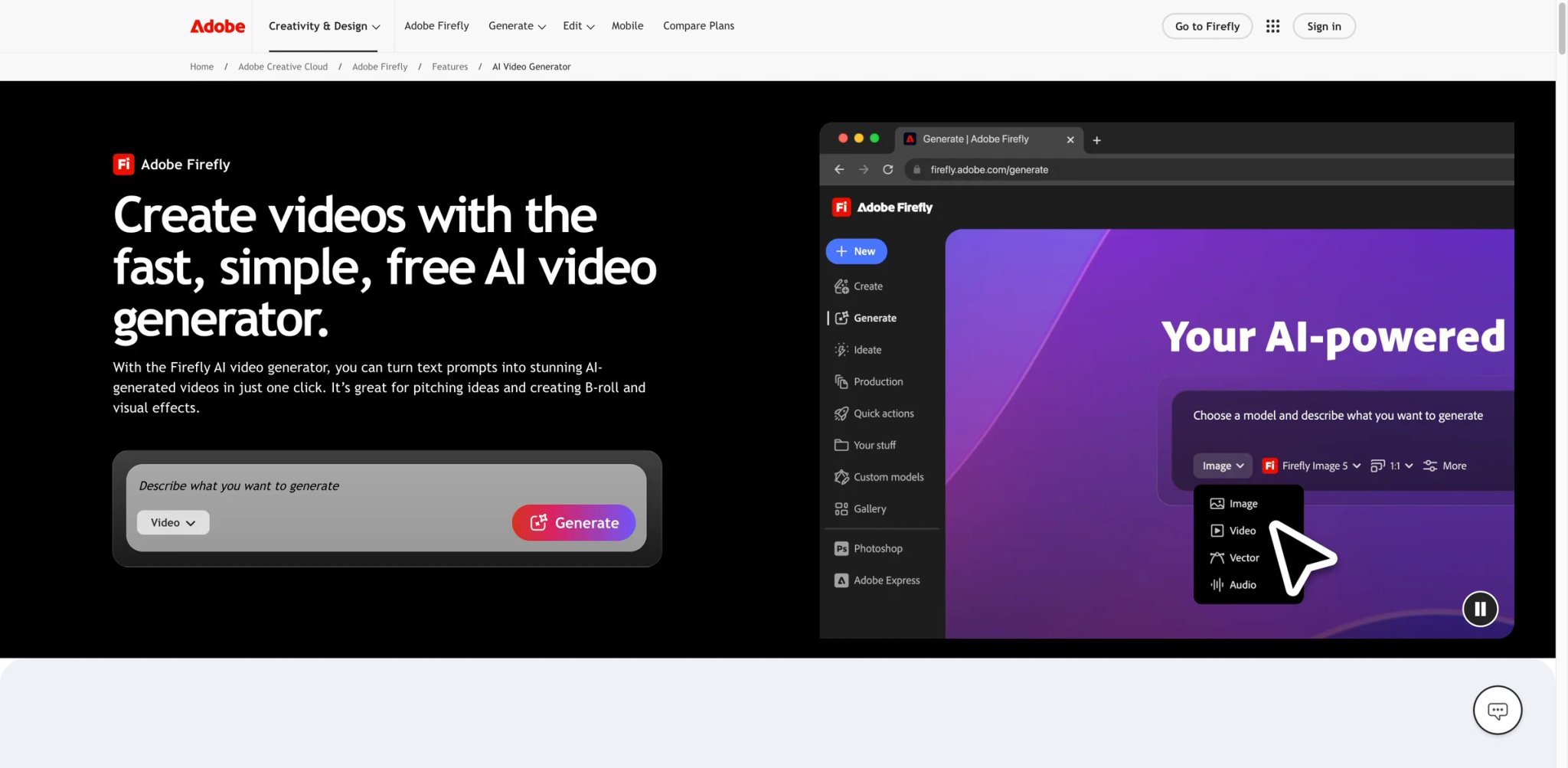
Every other tool on this list creates a copyright question you have to answer yourself: what was in the training data, and can you use this output in a paid campaign without liability? Adobe Firefly Video answers that question before you generate the first frame. It's the only tool on this list built with explicit IP indemnification—which matters the moment a client asks about content clearance.
What makes it different:
-
IP Indemnification Built In: Adobe trains Firefly on licensed and Adobe-owned content. Outputs can be used in paid commercial work—ad campaigns, client deliverables, broadcast—without the copyright exposure surrounding tools trained on scraped video. Adobe backs this with an explicit commercial indemnity policy, not just a ToS paragraph.
-
Adobe Creative Cloud Integration: Firefly Video clips export directly into Premiere Pro, After Effects, and Express without leaving the Adobe ecosystem. For editors already working in these tools, the workflow friction is zero—you're extending a pipeline you already know rather than managing a separate platform.
-
Consistent UX Across Text and Image Input: Both text-to-video and image-to-video generation use the same interface. Switching between starting points doesn't require learning a second tool within the platform.
Pricing:
- Firefly Standard: US$9.99/month — 2,000 credits/month and up to 20 five-second videos. Firefly Pro: US$19.99/month — 4,000 credits/month and up to 40 five-second videos. Firefly Pro Plus: US$49.99/month regularly — 10,000 credits/month and up to 100 five-second videos. Firefly Premium: US$199.99/month regularly — 50,000 credits/month with unlimited access to the Firefly Video Model in Generate Video. Creative Cloud Pro includes 4,000 monthly credits for premium AI features.
Real limitations: Output quality at the top end trails Runway Gen-4.5 and Luma Dream Machine for raw cinematic motion—the commercial-safe positioning comes with tradeoffs in model expressiveness. Clip lengths are capped at 5 seconds, which limits usefulness for longer-form formats. Generative credits are shared across all Firefly features—heavy image-generation users may deplete video credits faster than expected.
Best for: Agency creative teams, brand designers, and commercial producers who need IP-indemnified output for client-facing work and already operate in the Adobe ecosystem. Not the right fit if you prioritize photorealistic motion quality over legal clearance, or if you're not invested in Adobe's toolset.
Get started with Adobe Firefly Video

TikTok loops, Reels, motion graphics for product cards—this is the category where Pika built its audience and kept it. While other tools optimize for photorealistic motion, Pika optimizes for effects: transformations, scene extensions, start-to-end frame interpolation. The output doesn't always look like the physical world, but for social content, that's often the actual goal. The effects library means you can produce shareable results without writing a single motion prompt.
What makes it different:
-
Pikaframes (Start + End Frame Interpolation): Upload a start frame and an end frame; Pika generates the motion between them. This controls composition in both directions—you know where the shot begins and where it lands, rather than hoping the model ends somewhere useful. For product reveals, logo animations, and transitions, this is a genuine production advantage.
-
Scene Effects Library: A menu of pre-built effects (melt, inflate, explode, zoom, morph) applies stylized motion to any image without a text prompt. The learning curve is shorter than prompt-driven tools, which matters for marketers and creators who aren't motion designers by training.
-
Pika 2.5 Human Motion Quality: The 2.5 model significantly improved face and hand consistency—two areas where earlier versions were notoriously unreliable on realistic subjects. Complex expressions hold through the clip better than previous Pika versions.
Pricing:
- Basic: $8/month billed yearly — 80 monthly video credits, Pika 2.5 at 480p only, no-watermark downloads, and commercial use. Standard: $28/month billed yearly — 700 monthly credits and Pika 2.5 at all resolutions. Pro: $76/month billed yearly — 2,300 monthly credits. Fancy: 6,000 monthly credits.
Real limitations: Pika's standard text-to-video and image-to-video modes support 5- and 10-second generations, while Pikaframes can extend to 25 seconds depending on resolution and credits. The practical limit is less clip length than credit burn and resolution gating: Free/Basic access is restricted compared with paid all-resolution plans. Photo-realistic human animation is still inconsistent—Pika performs better on product shots and stylized/illustrated source images than on human portraits. Some effects look dated when viewed outside a fast-paced social feed; they're designed for scroll consumption, not extended viewing.
Best for: Social media creators, motion designers producing short-form content, and marketers who need quick branded animations. Not the right fit if you need clips longer than 5 seconds, require photorealistic human motion, or are producing formal commercial productions.
For comparison with text-to-video tools, see our guide to the best AI video generators.
Get started with Pika
Vidu
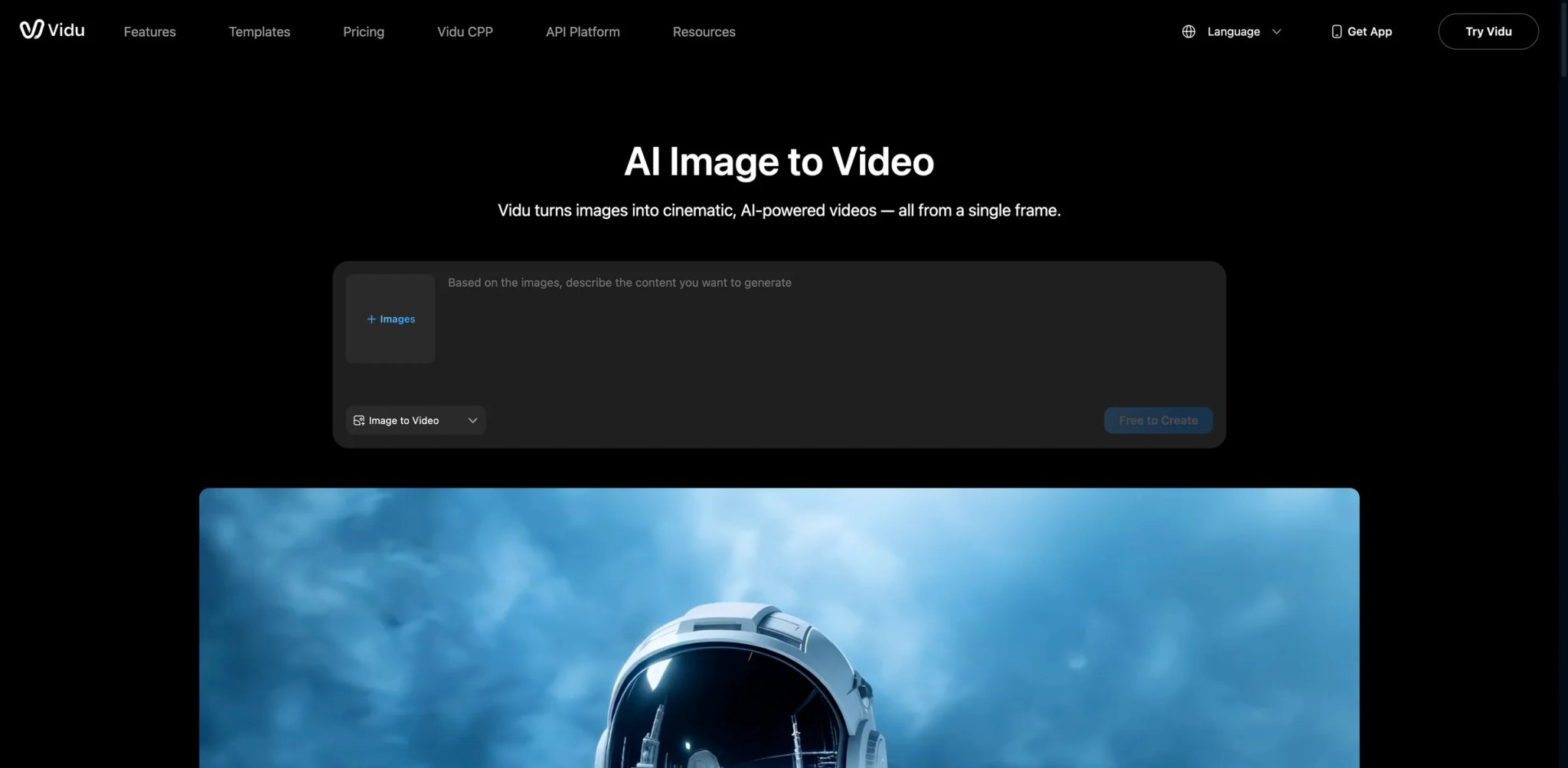
Most I2V tools make it genuinely difficult to know what a generation will cost before you run it—credit costs are buried in documentation, or change based on quality settings that aren't shown upfront. Vidu's interface makes credits visible before you confirm a job, the I2V workflow is purpose-built rather than a subset of a text-to-video platform, and the first/last-frame control gives compositional precision that most tools at this price point don't offer. For creators who've lost a month's budget to opaque credit systems, that transparency is functional, not cosmetic.
What makes it different:
-
First/Last Frame Control: Specify both the opening and closing frame of a generated clip. This gives compositional control over the start and end state—useful for transitions, product reveals, and any shot where you know what the composition needs to land on. It's a rarer feature than it sounds; most I2V tools only accept a single source frame.
-
Reference Mode for Character Consistency: Upload a reference image of a character or object, and Vidu attempts to maintain that visual identity across generated clips. Consistency across sequences is where most I2V tools fail hardest; Reference mode targets this directly.
-
Credit Transparency Before Generation: Credit costs are displayed per generation type and resolution settings before you confirm. No hidden deductions for previews or failed generations.
Pricing:
- Standard: $8/month. Premium: $28/month. Ultimate: $79/month. Team: starting from $2,999. Free tier available with limited credits. For API users, image-to-video and Start-End-to-Video credit costs vary by model, resolution, and duration.
Real limitations: Vidu's model roster is narrower than multi-model aggregators like Freepik or Higgsfield. Community documentation is thinner than Runway or Pika—fewer tutorials, fewer troubleshooting threads if something breaks. Motion quality on complex scenes (multiple interacting objects, crowd shots) is reported as less consistent than Runway at comparable price points.
Best for: Budget-conscious creators who want predictable per-clip costs, first/last frame precision, and a platform explicitly built for image-to-video rather than text-to-video with I2V as an afterthought. Not the right fit if you need the highest possible motion quality or want to switch between multiple underlying model architectures.
Get started with Vidu
Kling AI
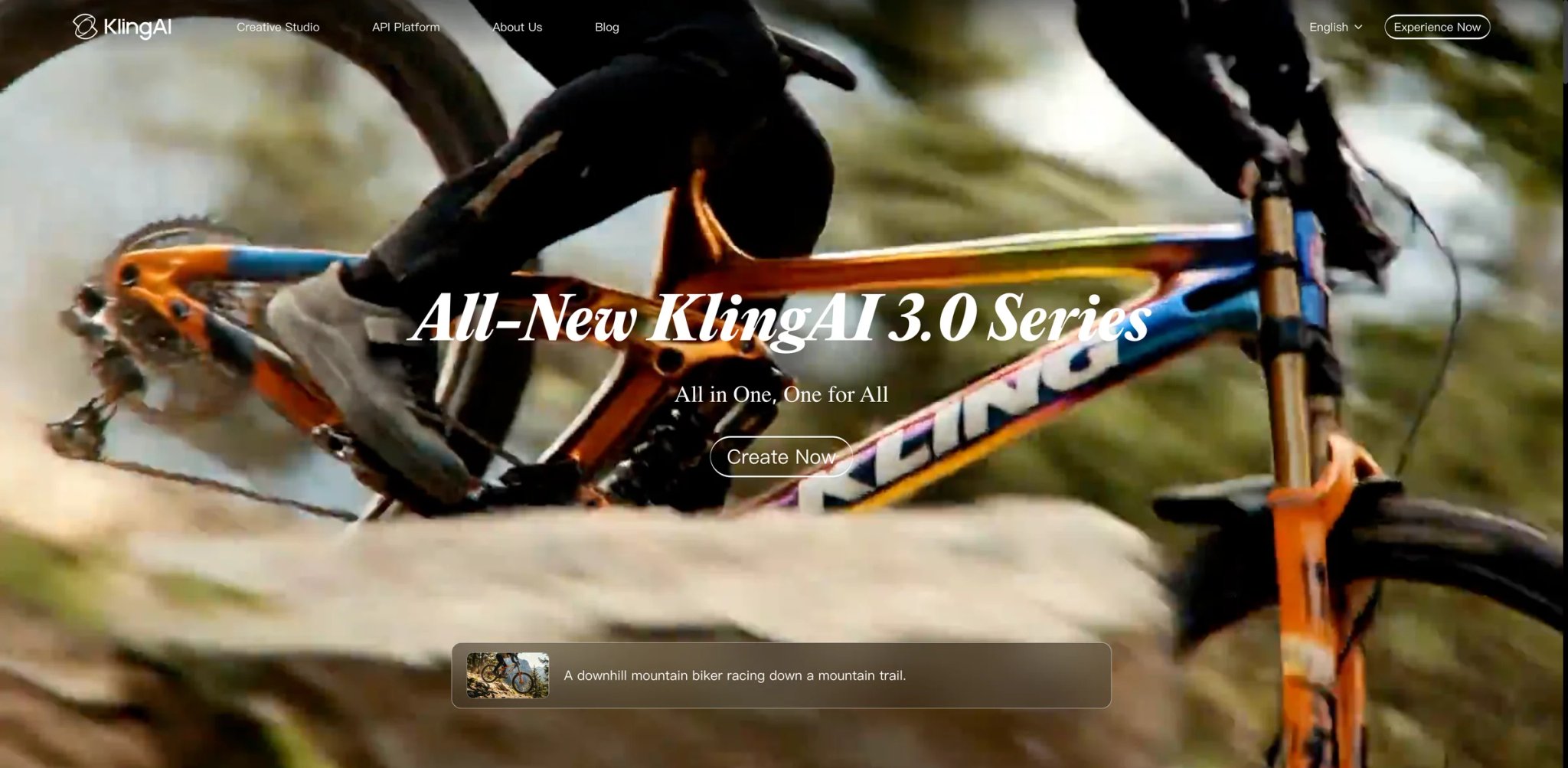
Water moving across a surface, fabric responding to breeze, hair lifting in wind—physics-driven motion is where most I2V models still produce screen-saver artifacts. Kling 3.0's motion engine is one of the strongest on this list for this category of animation, which is why fashion photographers, cosmetics brands, and nature content creators return to it despite the tool's less polished pricing communication to English-language users.
What makes it different:
-
Kling 3.0 Physics-Driven Motion: The model shows particularly strong performance on material interactions—liquid surfaces, soft textiles, natural environmental motion—where competing tools produce jarring discontinuities. For product photography involving food, fabric, and cosmetics, this addresses a specific quality gap that's hard to solve in post.
-
10-Second Clip Lengths: Unlike most tools capped at 5 seconds, Kling AI supports 10-second clip generation, giving more room for complete motion arcs without chaining clips in a separate editor.
-
Motion Intensity Slider: Control the amount of motion applied to the source image, from subtle ambient movement to full dynamic animation. This is practically useful for portraits and product shots where over-animation is as problematic as under-animation.
Pricing:
- Free: Daily credits (limited)
- Standard: ~$10/month
- Professional: ~$36/month
- Master: ~$66/month
- Pricing note: Kling AI's subscription UI has been inconsistently clear for English-language users. Verify current plans directly on the official pricing page before purchasing.
Real limitations: Pricing transparency is genuinely behind competitors—the English UI for subscription management has received repeated criticism from Western users for confusing credit structures and unclear top-up mechanics. Content moderation is strict and can reject scenes that pass without issue on Runway or Pika. Customer support response times are slower than what most Western users expect.
Best for: Creators working with fashion, food, cosmetics, and nature photography who need physics-accurate motion and can tolerate the billing UI friction. Not the right fit if you need predictable billing with no ambiguity about what each generation costs.
For more detail on model capabilities, see our Kling AI 3.0 review.
Get started with Kling AI
Freepik AI Video Generator
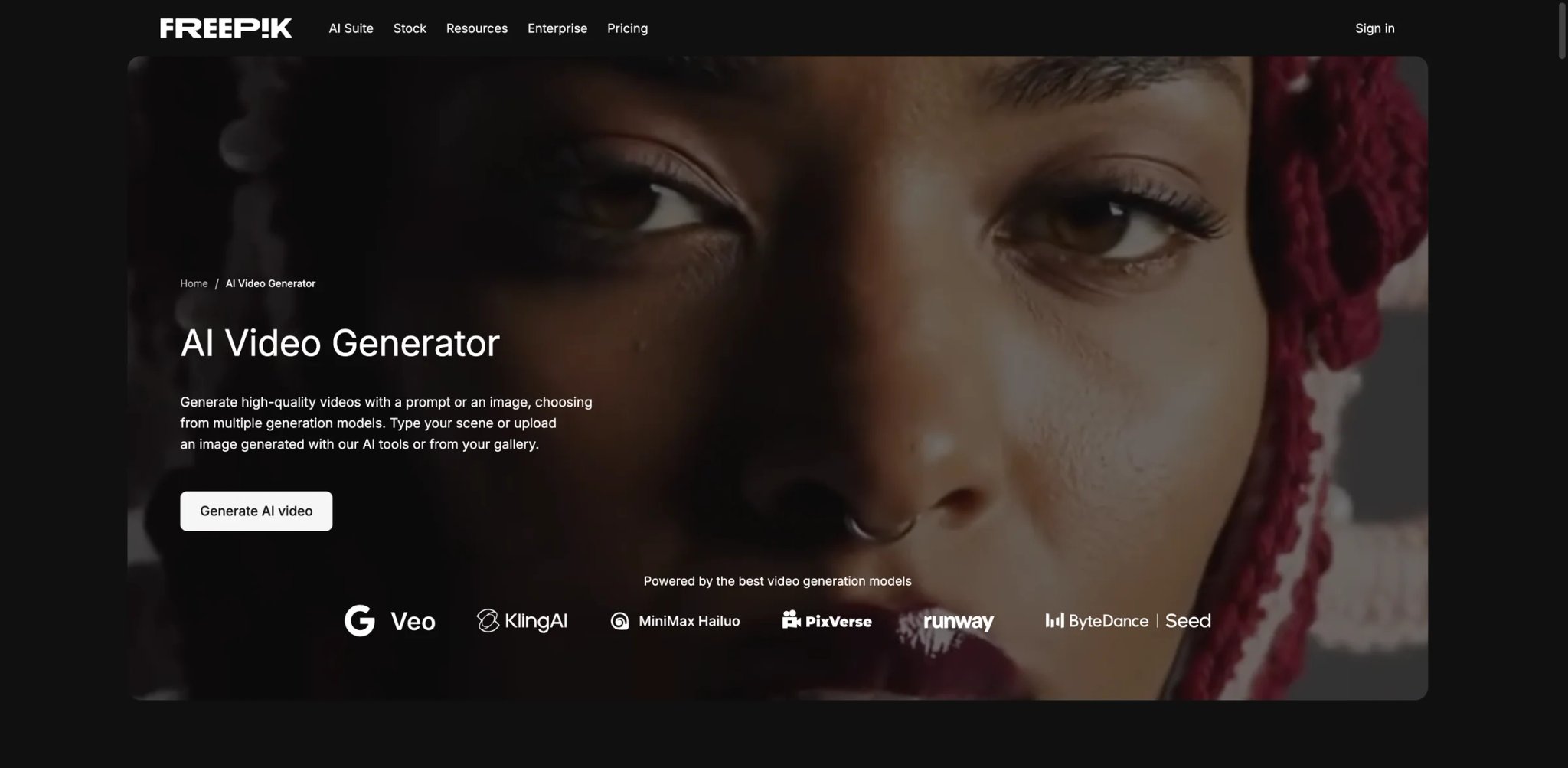
Freepik Premium+ subscribers who haven't turned on AI video generation are leaving paid capacity unused. The platform routes I2V jobs through multiple underlying models—including Kling and Veo—so you're not locked to one model's characteristics, and you're not paying an additional subscription to access the capability. For designers who already source stock images from Freepik, animating those assets in the same platform collapses what used to be a two-tool workflow.
What makes it different:
-
Multi-Model I2V in One Interface: Instead of subscribing to Kling AI and Runway separately, Freepik aggregates multiple video generation models behind a unified interface. You can switch model providers per generation without leaving the platform—useful when one model handles a specific image type better than another.
-
Unlimited Generation at Premium+ Tier: The Premium+ plan removes per-generation limits for most AI features including video. Iterating on outputs—which is mandatory to get usable results from I2V—doesn't deplete a credits allocation. For high-volume users, this changes the economics compared to credit-based tools.
-
Integrated Asset Library: Pull images directly from Freepik's licensed stock library and animate them in a single step. Source image and video generation are in the same platform, which reduces context-switching for designers already working in Freepik.
Pricing:
- Free plan: Very limited AI credits
- Premium and Premium+ pricing varies by region. Freepik docs list Premium with 20,000 AI credits per month, full Premium stock access, commercial use, no attribution required, and no unlimited generation. Premium+, Pro, and Business add unlimited image/video generation and editing on selected models, with model-specific restrictions still applying.
Real limitations: Freepik's video generation is powered by external models, not a proprietary one—output quality is bounded by what those underlying models can do, and the interface doesn't expose the fine-grained controls available on dedicated platforms. Generation queue times extend during peak hours. It's designed as a supplement to a broader design workflow, not as a standalone professional video tool.
Best for: Active Freepik subscribers who want I2V bundled into an existing design workflow without a second subscription. Not the right fit if you need advanced camera controls, clips longer than 5 seconds, or are not already using Freepik for design work.
Get started with Freepik AI Video Generator

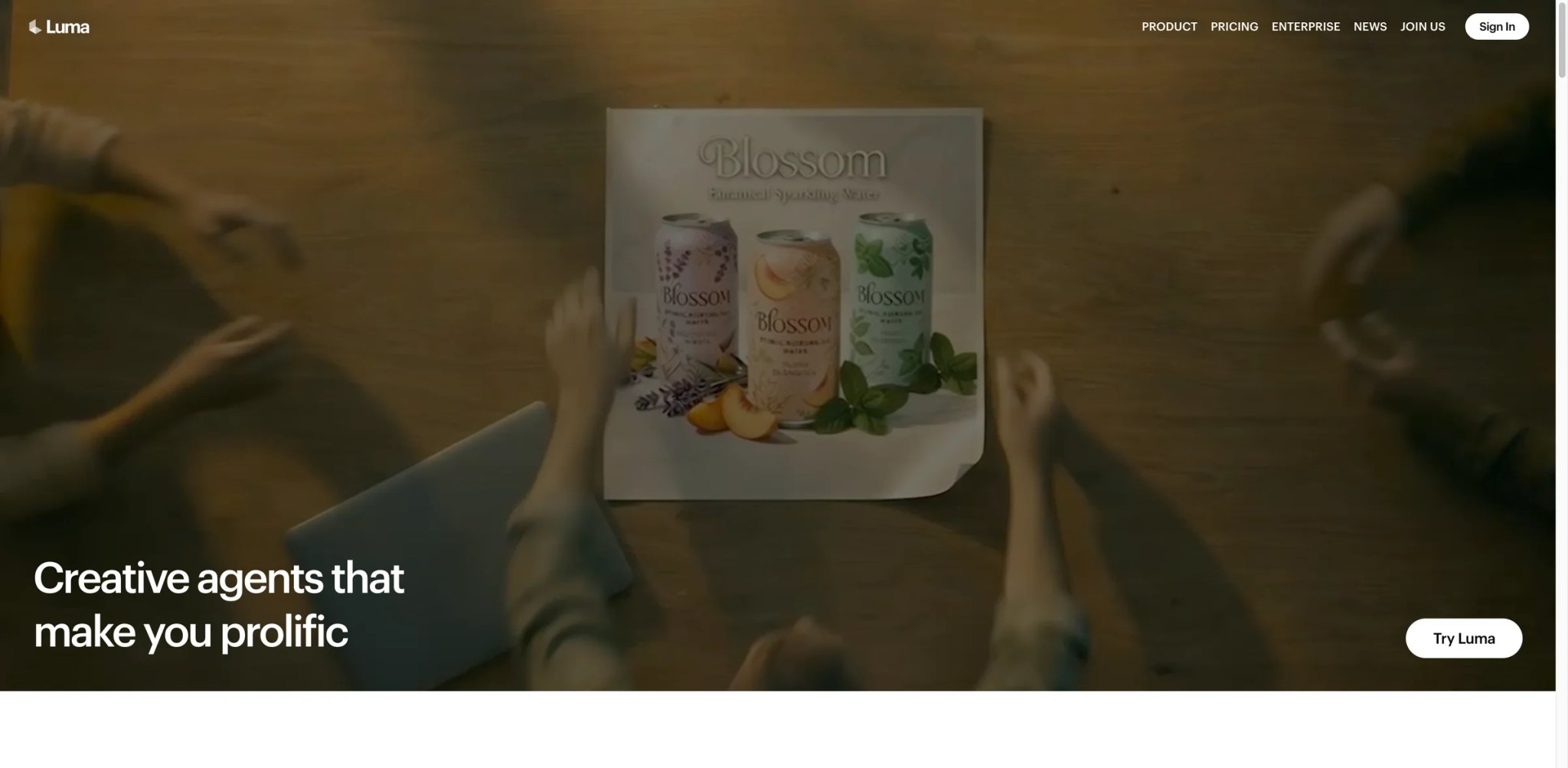
Production designers who've exhausted Runway's Standard credit allocation trying to get a single hero clip often end up here: Luma Dream Machine now centers its current generation workflow on Ray3, while Ray2 remains relevant background. Ray3 adds improved image-to-video, keyframes, controls, accurate physics, and HiFi mastering toward production-grade 4K HDR output, and motion consistency on human subjects—one of the genuinely hard problems in image-to-video—is better than the category average at this tier. The tradeoff is a pricing structure that makes sense for professional output budgets, not casual experimentation.
What makes it different:
-
Ray3 Model Quality: Luma's current Ray3 model delivers higher motion consistency on human subjects than most tools at this price—faces hold through complex expressions, limb motion is physically coherent, and background depth is maintained through the clip. Ray3 also adds accurate physics simulation and HiFi mastering toward 4K HDR output. For hero clips in brand campaigns and promotional videos, this is the quality floor you're buying into.
-
Camera Controls + Keyframes: Explicit camera motion (orbit, crane, push-in) combined with keyframe controls lets you specify both what the camera does and where the composition ends. This is closer to actual directing than the prompt-guessing that most I2V tools require—you set intentions, not just descriptions.
-
iOS App for Field Production: The iOS app allows animating images shot directly on iPhone without moving to a desktop workflow. For field producers and run-and-gun crews, this collapses the capture-to-animation pipeline to a single device.
Pricing:
- Plus: $30/month ($300 billed yearly) with commercial use. Pro: $90/month ($900 billed yearly) with 4× usage with Luma Agents. Ultra: $300/month ($3,000 billed yearly) with 15× usage. Dream Machine support docs also list web paid plans with 10,000 monthly credits, full Ray3 access, 4K up-res/HDR, commercial use, and no watermarks; Enterprise is contact sales.
Real limitations: $30/month is the entry point with limited trial access to evaluate quality before commitment. Ray3 at high quality settings is credit-intensive, and iterating through multiple versions of a single hero clip can deplete a Plus allocation faster than expected. Complex multi-character scenes still show occasional consistency failures even at the highest model tier.
Best for: Video production professionals, brand content teams, and independent filmmakers where output quality justifies the cost. Not the right fit if you're evaluating on a tight timeline without budget to test at the relevant tier, or if you need high-volume generation—Ray3 quality at volume gets expensive quickly.
For a deeper look at Ray3 capabilities, see our Luma Dream Machine review.
Get started with Luma Dream Machine
Higgsfield
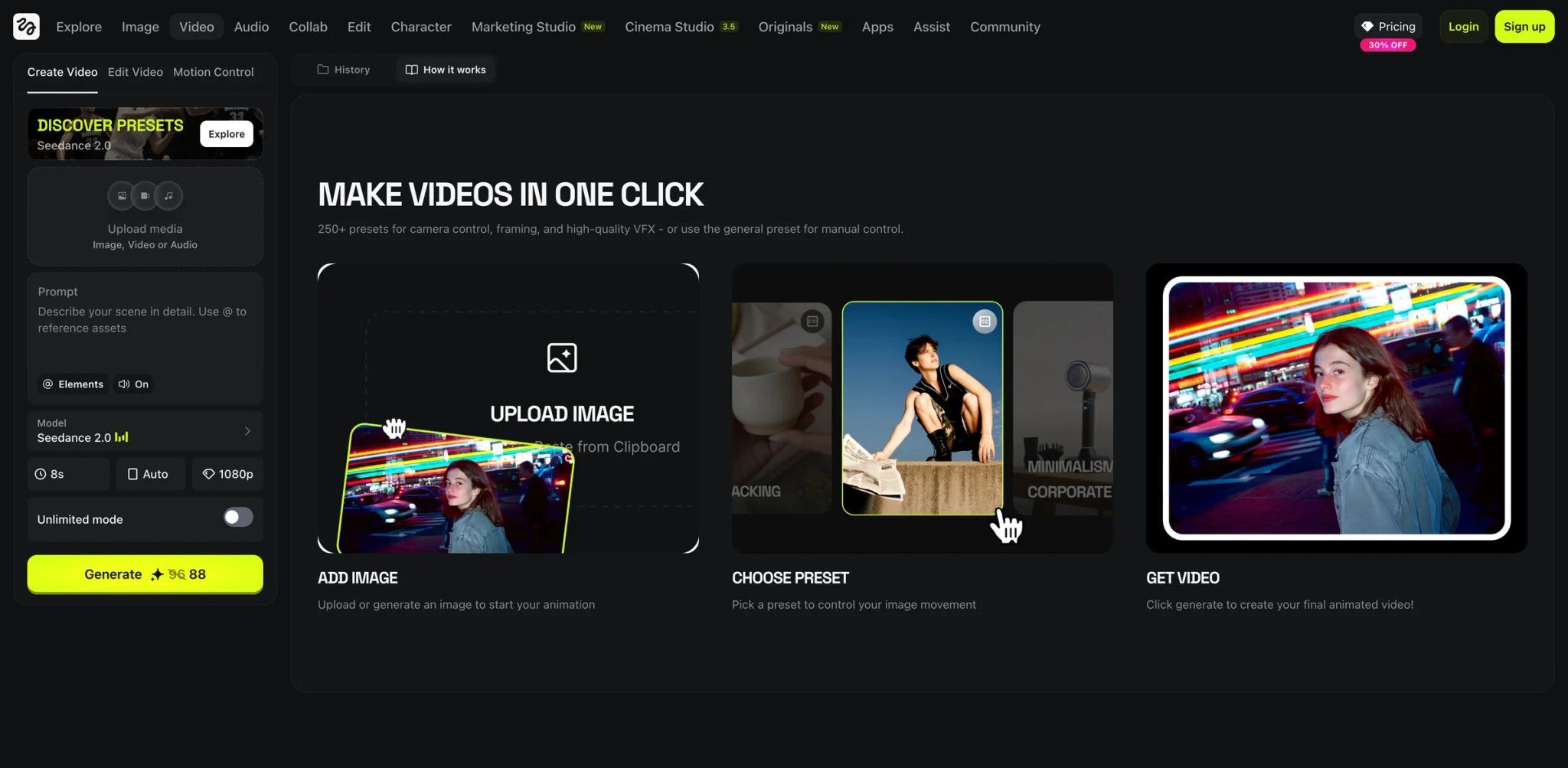
Most I2V tools ask what should move. Higgsfield asks how the camera should move. That's a different question, and it's the right one for filmmakers, cinematographers, and directors who think in shot language rather than effect menus. The camera control toolkit is more explicit and granular than anything else on this list at this price point.
What makes it different:
-
Explicit Camera Motion Controls: Pan, dolly, tilt, crane, orbit—exposed as discrete parameters rather than folded into text prompts. The difference in predictability is significant: when you set dolly forward at a specific rate, you get dolly forward at that rate. The gap between "what you asked for" and "what you got" is materially smaller than with prompt-based camera description.
-
Multi-Model Selection Per Clip: Higgsfield runs multiple underlying models and lets you select which one handles a given generation. Different model architectures perform differently on different image types—a platform that exposes this choice at the clip level gives more consistent results across a mixed-asset project.
-
Portrait and Cinematic Mode Presets: Mode presets calibrated for common subject types (close-up portrait vs. wide environment shot) reduce prompting overhead for standard setups, so experienced users can focus on camera intent rather than model configuration.
Pricing:
- Starter: ~$15/month (annual) / ~$20/month monthly
- Pro: $40/month (annual)
- No free tier
Real limitations: Less community documentation than Runway or Pika means troubleshooting relies on whatever the official docs provide—there are fewer Reddit threads or YouTube tutorials to search when something fails. Output quality varies significantly by model selection; picking the wrong model for a given image type produces noticeably weaker results. The camera controls that are the tool's strength require filmmaking knowledge to use intentionally rather than accidentally.
Best for: Filmmakers, directors, and cinematographers who think in terms of shot language and camera movement. Not the right fit if you're a social media creator who wants one-click results, or if you need community support infrastructure when troubleshooting.
Get started with Higgsfield
Hailuo AI
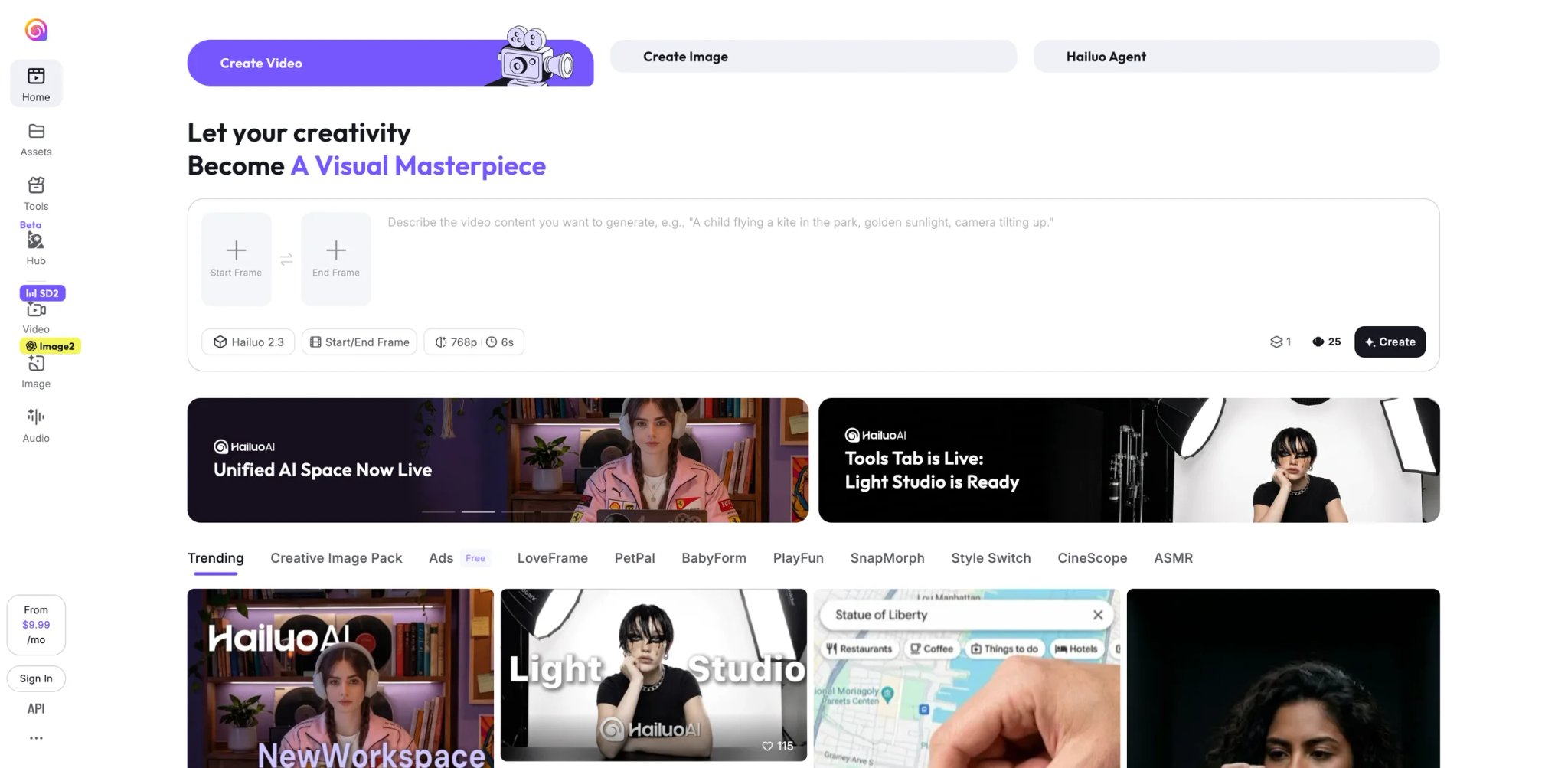
At $14.99/month, Hailuo AI delivers output quality that competes with tools charging twice as much—and that quality-to-price ratio has built a substantial user base despite some commercial-use uncertainty. The I2V-01-Live model optimizes for natural motion that reads as filmed footage rather than AI animation. If your work is personal projects, independent content, or anything where IP provenance isn't a client requirement, the output consistency per dollar is among the strongest on this list.
What makes it different:
-
I2V-01-Live Natural Motion: The Live model is calibrated for fluid, physically coherent motion rather than dramatic transformation effects. Outputs look more like footage from a real camera than like AI animation—which is what most creators are actually trying to achieve.
-
Fast Generation Speeds: Generation times are consistently faster than the category average. When you're iterating through prompt variants to find what works with a specific image, faster feedback loops mean more variations tested per session.
-
Standard Tier Value: The $14.99/month Standard plan offers more generations per dollar than Luma Dream Machine at a comparable quality tier—a meaningful advantage for creators who need to iterate rather than generate single hero clips.
Pricing:
- Free: Limited daily credits
- Standard: $9.99/month. Pro: $34.99/month. Master: $79.99/month. Hailuo's own 2026 pricing content describes Standard as supporting up to 6-second 1080p videos, while Pro and Master support up to 10-second 1080p videos with higher concurrency/priority.
Real limitations: MiniMax (Hailuo AI's parent company) was sued in 2025 by Disney, Universal, and Warner Bros. Discovery. The complaint alleged that Hailuo generated downloadable images and videos containing protected characters and that MiniMax used the studios' IP without authorization; treat this as unresolved litigation rather than a settled finding about training data. This doesn't automatically make outputs legally problematic, but it creates documented uncertainty for commercial productions where clients may ask about content provenance. English-language customer support and community documentation are less developed than Runway or Pika's ecosystems.
Best for: Creators doing personal projects, independent content, and non-commercial work who want high output quality at a competitive price. Not the right fit if your clients or employer require documentation of IP clearance for AI-generated content.
For more on recent model updates, see our Hailuo AI review.
Get started with Hailuo AI
PixVerse
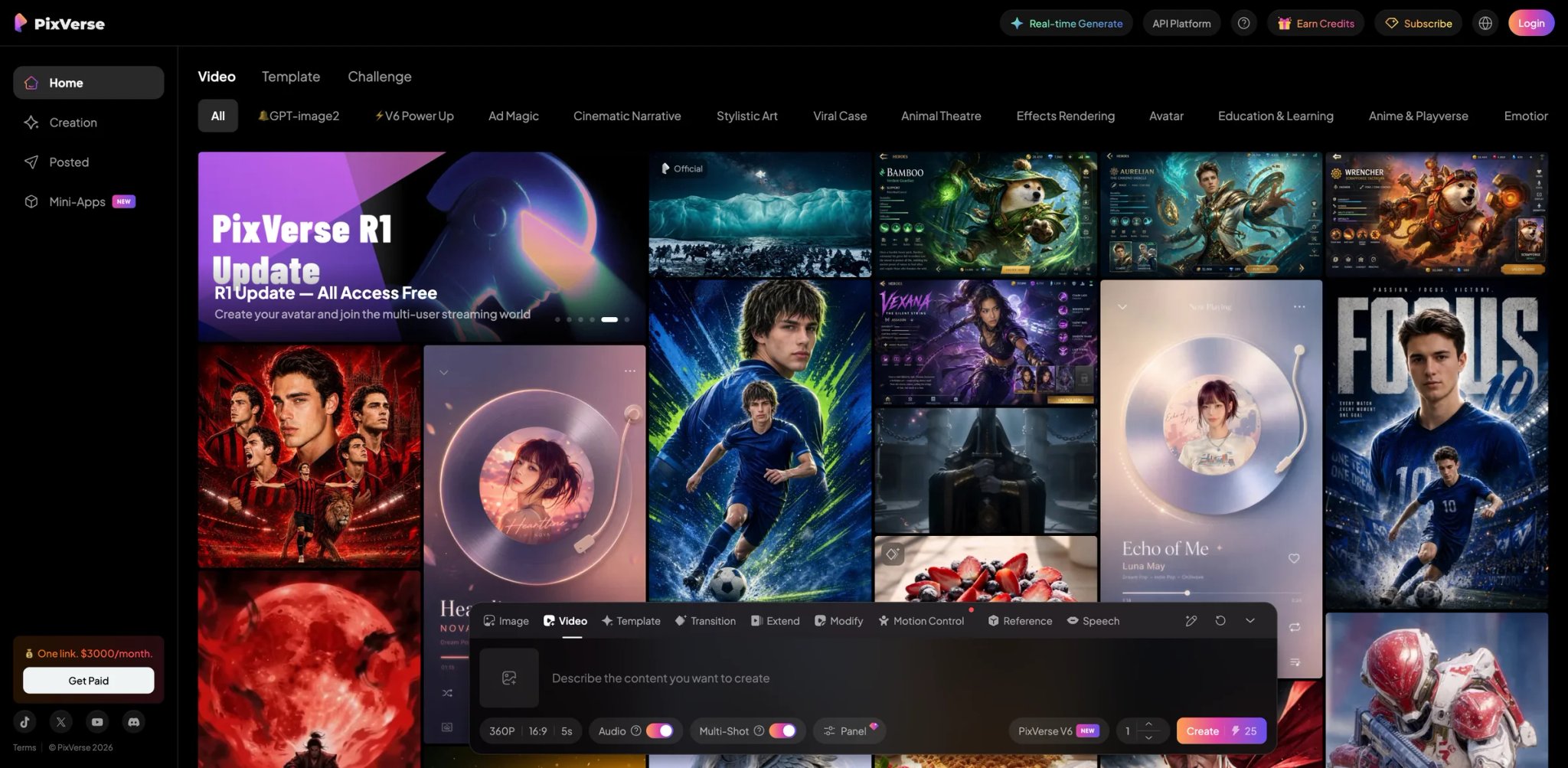
Before committing to any I2V subscription, you need to know what the output actually looks like on your specific source images—not on the platform's curated demo clips. PixVerse's free tier provides genuine generation access with enough output to test your real images before spending money. The PixVerse R1 update introduced near-real-time generation feedback, which further shortens the evaluation cycle for creators deciding whether I2V will work for their use case.
What makes it different:
-
PixVerse R1 Near-Real-Time Generation: R1's reduced generation latency lets you see preliminary outputs in seconds rather than minutes. When you're testing whether a specific image type animates well, faster feedback changes the evaluation from a multi-hour process to a single session.
-
Multiple Generation Modes: Creative, Animate, and other modes serve different creative intentions—not a single generation pipeline applied to every input. More range across image types without requiring separate subscriptions.
-
Accessible Free Tier: The free tier provides actual generation access with enough output to genuinely evaluate quality—a meaningful differentiator from tools like Luma and Higgsfield that lock meaningful quality behind paid-only tiers.
Pricing:
- Free tier with daily credits
- Paid plans are credit-based. Current public pricing references list Standard around $8/month when billed yearly ($10 month-to-month), Pro around $24/month billed yearly ($30 month-to-month), Premium around $48/month billed yearly ($60 month-to-month), and higher-volume Ultra tiers. Verify inside PixVerse before purchase because credit packages and regional pricing can change.
Real limitations: The bigger practical issue is not that paid plans are undisclosed, but that credit costs, regional prices, and plan names can differ between public pages and the in-app subscription screen. Confirm the exact credits, resolution, watermark, concurrency, and renewal terms before using PixVerse at volume. Output consistency on complex scenes is reported as less predictable than Runway or Luma at equivalent paid tiers.
Best for: Creators evaluating I2V before committing to a paid platform, and early adopters interested in real-time generation capabilities. Not the right fit if you need clear commercial licensing documentation, transparent cost-per-generation planning, or predictable billing at volume.
Get started with PixVerse
Best Image to Video AI Tools by Use Case
For Social Media Creators on a Tight Budget
If you're producing 10–20 short clips per week for TikTok, Reels, or YouTube Shorts and need to stay under $30/month, Pika at $8/month (annual) is the most purpose-built choice—the effects library, Pikaframes, and Pika 2.5 improvements are designed for exactly this format. Vidu is the stronger pick if you want first/last-frame compositional control and more legible per-clip costs at the same price point.
For Commercial Productions That Need Legal Clearance
Agencies and brand teams whose clients ask about copyright provenance have one clear answer: Adobe Firefly Video. Adobe is the clearest option here for IP indemnification, but only for qualifying Firefly plans, eligible Firefly features/surfaces, and export events; Adobe's indemnity excludes capabilities powered by non-Adobe models and features marked beta or trial. For productions that need higher output quality and can accept the absence of formal indemnification documentation, Runway is the professional standard.
For Professional Video Production Requiring Maximum Quality
Directors and DPs working on brand films, music videos, or promotional productions who need the strongest motion consistency available should start with Luma Dream Machine. Ray3's human-subject consistency is the highest in this comparison at standard paid tiers. Runway is the second pick for teams that also need API access or batch processing alongside quality—its Gen-4.5 model is the best production-integrated option.
For Creators Already Paying for a Platform Subscription
If you're a ChatGPT Plus or Pro subscriber, Sora adds I2V without an additional subscription—the value depends on how heavily you use ChatGPT already. Freepik Premium+ subscribers get Freepik AI Video Generator as part of an existing plan with no additional cost. Google AI Pro subscribers ($19.99/month) access Google Flow with native audio generation included in the same plan.
For Photographers Animating Product and Material Imagery
Fashion photographers, product studios, and nature content creators working with textiles, food, and environmental motion should evaluate Kling AI first—its physics engine handles material interactions more convincingly than most competitors at any price point. Higgsfield is the alternative if camera movement is part of the creative intent—explicit dolly and orbit controls pair well with product photography setups where the shot composition is as important as what's moving.
How to Choose the Right Image to Video AI Tool
1. Define what "good output" means for your specific image type. I2V tools don't perform evenly across all source images. A tool that excels on landscape photography may produce artifacts on close-up portraits. Before subscribing, test your actual source image types—not a tool's demo assets.
2. Test the free tier with your hardest image first. The tendency is to start with your cleanest, simplest photo. Test with the most complex one instead—multiple subjects, detailed backgrounds, human hands and faces. If the output fails there, you know before paying.
3. Calculate your cost per usable clip, not your monthly fee. At Runway Standard ($12/month billed annually, model-dependent credit burn), Luma Plus ($30/month, Ray3 credit-intensive at high quality), and Pika Basic ($8/month billed yearly, 80 monthly credits), the monthly price says little about what you're actually spending per deliverable. Map your production volume to each tool's actual generation limits.
4. Read the commercial license terms at your specific tier before your first client job. Most tools permit commercial use on paid plans, but the definitions differ. Adobe Firefly's indemnification is the most explicit. Others have ToS language that requires interpretation. Discover any ambiguity before you're on deadline.
5. Check the watermark policy before committing to a tier. Nearly every tool watermarks free tier output. Several—including Pika—require a specific paid plan to remove it entirely. Confirm watermark removal is included in the plan you're evaluating, not assumed.
For tools focused on text-to-video generation rather than animating existing images, see our AI video generator comparison.
Frequently Asked Questions
Which image to video AI tool produces the most realistic output?
Luma Dream Machine's Ray3 model and Runway Gen-4.5 are consistently cited for the highest motion realism in 2026, particularly on human subjects. Kling AI 3.0 outperforms both on physics-driven motion involving fabric, liquid surfaces, and hair. The most realistic tool for your use case depends on what type of images you're animating—there is no single answer that holds across all image types.
Can I use AI-generated video commercially?
Most paid plans allow commercial use, but the terms differ significantly. Adobe Firefly Video is the only tool on this list with explicit IP indemnification—Adobe takes on the copyright liability for commercial use of Firefly outputs. Other tools like Runway, Pika, and Vidu permit commercial use on paid tiers but without formal indemnity coverage. Hailuo AI's commercial use should be reviewed carefully given the 2025 copyright litigation involving MiniMax's training data. PixVerse and Google Flow's terms require direct review before using outputs in paid client work.
What does image to video AI actually cost per clip?
At Runway Standard ($12/month billed annually, 625 monthly credits), cost per clip depends on the selected model: Gen-4.5 is 12 credits per second and Gen-4 Turbo is 5 credits per second. That means the same plan can cover roughly 52 seconds of Gen-4 or 125 seconds of Gen-4 Turbo, before failed iterations and unusable outputs are considered. Luma's current Plus plan starts at $30/month, while Dream Machine support docs reference 10,000 monthly credits for paid web plans and full Ray3 access. Do not state a fixed 400-credit allowance or per-clip cost without recalculating against Luma's current credit table and selected model settings. Budget tools like Pika ($8/month) and Vidu ($8/month) have different credit structures with varying daily limits. Check each tool's current credit breakdown page, as rates change with model updates.
Why does the output look nothing like the demo videos?
Two main factors. First, demo reels are generated on the highest available model tiers with carefully selected source images—usually simple compositions with single subjects on clean backgrounds. Standard and Plus tier output on complex source images will differ meaningfully. Second, several tools have implemented content restrictions since their original viral demos launched—Sora in particular generates outputs with more constraints than its early demos suggested, which affects variety and subject matter.
Is there a free image to video AI tool worth using?
Runway, Google Flow, Pika, Vidu, Kling AI, Freepik, Hailuo AI, and PixVerse offer some form of free or limited access, but the usefulness differs by credit amount, watermark policy, resolution, commercial rights, and daily/monthly refresh behavior. PixVerse's free tier is the most accessible entry point for testing output quality on your specific images. Runway's free tier is the most representative of what the paid product delivers—the model quality is the same, just credit-limited. For anyone deciding whether to subscribe to an I2V platform, testing both is a reasonable first step before committing to a plan.
How long can AI-generated video clips be?
Most tools on this list generate 5–8 seconds per clip. Runway and Vidu support up to 10 seconds. Kling AI supports 10 seconds at Professional tier. Sora should not be listed as a current long-clip option for new web/app users because OpenAI discontinued the Sora web and app experiences on April 26, 2026; only API access remains until September 24, 2026. Google Flow via Veo 3 generates up to 8 seconds. For longer-form content, current practice is to chain clips in a video editor—no tool on this list currently supports continuous generation beyond 20 seconds per job.
Runway vs. Luma Dream Machine: which should I choose?
Runway is the stronger choice if you need API access, batch processing, camera motion controls, or integration with an existing editing pipeline—it's built as a production workflow tool. Luma Dream Machine is the stronger choice if raw output quality for hero clips is the primary requirement and you're willing to pay more per generation for it. For studios that need both quality and pipeline integration, many teams use both: Runway for volume work and iteration, Luma for final hero shots where quality is the deliverable.
Get ToolWorthy Weekly
New AI tools, practical guides, and selected AI signals in one weekly brief.
Related Posts
- 8 Best Tools to Make Rumpelstiltskin AI Videos in 2026
Put yourself in the Rumpelstiltskin tiptoe meme, transfer a dance to your own character, or finish a green-screen remix with these eight video tools.
- Best Bulin 47 AI Video Makers: Photo, Motion and Editing
Make a Bulin 47 red-door freestyle from one photo, or build a creative version with your own motion video. Compare inputs, sound, format and pricing.
- Best Burning Bridges AI Video Generators: Choose Your Route
Turn a photo into a Burning Bridges party clip. Compare party presets, character motion, scene changes and final editing by inputs, output and cost.
For AI tool founders
Built a tool that belongs in this decision set?
Request an editorial evaluation for possible inclusion in ToolWorthy.
Submit your tool for reviewPaid submission does not guarantee a ranking, recommendation, inclusion, or editorial outcome.