
13 Best AI Trading Tools 2026 — Real Pricing, Real Limitations
We compared 13 AI trading tools across stocks and crypto — verifying pricing claims, sourcing real user complaints, and matching each platform to the strategy it actually serves.

On this page
The gap between retail traders and institutional desks has never been smaller — and AI is the reason. Platforms that once required quant teams and six-figure infrastructure budgets now ship as $30/month subscriptions. But "AI-powered" has become the most overused label in fintech. Some tools genuinely automate strategy execution across exchanges. Others slap a chatbot on top of a basic screener and call it artificial intelligence. After researching 20+ platforms across stocks, crypto, and multi-asset markets, the difference between the two camps is clear — and expensive to learn the hard way.
This guide breaks down 13 AI trading tools by what they actually do, what they cost when you read the fine print, and which trading style each one fits. If you're exploring the broader AI trading bot landscape, our AI trading bot category page covers additional platforms beyond this deep-dive. Every pricing claim was verified against official sources, and user complaints were sourced from Trustpilot, Reddit, and G2 — not just marketing pages. Whether you're automating crypto grid bots or scanning for intraday stock setups, the goal is the same: match the right tool to your strategy before your subscription outlasts your account balance.
| Tool | Best For |
|---|---|
| TrendSpider | Automated technical analysis & strategy backtesting |
| Danelfin | AI-scored stock picking with explainable signals |
| 3Commas | Multi-exchange crypto bot automation |
| Capitalise.ai | Natural language trading strategy building |
| Composer | No-code systematic stock strategy execution |
| Kavout | AI research agents & smart signal discovery |
| Coinrule | Beginner-friendly crypto rule automation |
| Bitsgap | Unified multi-exchange crypto management |
| StockHero | Pre-built stock bot marketplace |
| Tickeron | Pattern recognition across asset classes |
| Incite AI | Real-time market intelligence chat |
| Trade Ideas | Professional intraday stock scanning |
| Intellectia AI | Budget AI stock picks & swing signals |
How We Selected and Tested
We evaluated over 20 AI trading platforms to arrive at these 13, filtering for tools that offer genuine automation or AI-driven analysis — not just dashboards with a chatbot widget. Every tool had to demonstrate at least one of the following: automated trade execution, AI-generated signals with explainable logic, or strategy backtesting with historical data. Platforms without verifiable pricing or with fewer than 100 user reviews across major platforms were flagged but still considered if their technical differentiation was significant.
Our research methodology combined multiple data sources to ensure accuracy. We analyzed official pricing pages and documentation, cross-referenced feature claims against user-reported experiences, and reviewed feedback from Trustpilot, G2, Reddit trading communities, and AppSumo. This multi-source approach helped identify discrepancies between marketing claims and actual user experiences — particularly around profitability claims and hidden fees.
Evaluation Dimensions: We evaluated each tool across 6 dimensions:
- AI Signal Quality — Whether signals are backtested, explainable, or just pattern-matching buzzwords
- Automation Depth — Can it actually execute trades, or just alert you?
- Cost Transparency — Full pricing including hidden fees, volume caps, and add-on costs
- Risk Controls — Stop-loss enforcement, drawdown limits, position sizing safeguards
- Exchange/Broker Coverage — Number of supported integrations and depth of connection
- Onboarding Friction — Time from signup to first live strategy deployment
Note on Testing Scope: We conducted hands-on evaluation of free tiers and trial accounts where available. For premium features behind paywalls, we relied on official documentation, verified user reviews, and video demonstrations. Strategy profitability claims were not independently backtested — we report what platforms claim and what users report.
Transparency & Limitations: All pricing and feature information comes from official sources and credible third-party platforms. We don't fabricate ratings, rankings, or performance claims. AI trading carries inherent financial risk, and past performance — whether backtested or live — does not guarantee future results. Research conducted in March–April 2026.
Top 13 AI Trading Tools Compared
Before diving into detailed reviews, here's a side-by-side comparison to help you narrow down your shortlist. The table focuses on the dimensions that matter most when choosing a trading tool: what markets it covers, whether it can execute trades autonomously, what it costs to start, and how steep the learning curve is.
| Tool | Best For | Asset Class | Auto-Execution | Starting Price | Ease of Setup |
|---|---|---|---|---|---|
| TrendSpider | Automated charting & backtesting | Stocks, Crypto, Forex | Via bots/webhooks | $52.38/mo | Steep learning curve |
| Danelfin | Explainable AI stock scores | Stocks, ETFs | No | Free / $22/mo | Easy |
| 3Commas | Multi-exchange crypto bots | Crypto | Yes | Free / $20/mo | Moderate |
| Capitalise.ai | Natural language strategies | Stocks, Forex, Crypto | Via broker | Free (broker-dependent) | Easy |
| Composer | No-code stock strategies | Stocks, ETFs | Yes | $40/mo | Moderate |
| Kavout | AI research agents | Stocks, ETFs | No | Free / ~$20/mo | Easy |
| Coinrule | Beginner rule-based automation | Crypto, Stocks, ETFs | Yes | Free / $29.99/mo | Easy |
| Bitsgap | Unified crypto dashboard | Crypto | Yes | $23/mo | Moderate |
| StockHero | Bot marketplace templates | Stocks, ETFs, Futures | Yes | $49.99/mo | Easy |
| Tickeron | Multi-asset pattern scanning | Stocks, Crypto, Forex | Yes (AI Robots) | $60/mo | Steep |
| Incite AI | Market intelligence chat | Stocks, Crypto | No | Free access / subscriber plan | Easy |
| Trade Ideas | Professional day trading scans | Stocks | Via broker | Free / $127/mo | Steep |
| Intellectia AI | Budget stock picks | Stocks | No | $14.95/mo | Easy |
Detailed Reviews
TrendSpider

Drawing trendlines by hand across multiple timeframes is the kind of repetitive work that eats hours without generating edge. TrendSpider was built specifically to eliminate that — its core differentiator is automated technical analysis that detects trendlines, Fibonacci levels, and candlestick patterns without manual plotting. For traders who live in charts but want the machine to do the grunt work, this is the tool that actually delivers on that promise.
Key Features
- Multi-Timeframe Automated Analysis — Most charting platforms show one timeframe at a time. TrendSpider overlays up to 16 timeframes simultaneously with auto-detected support/resistance levels, letting you spot confluences that manual analysis misses. No other retail platform does multi-timeframe automation at this depth.
- Strategy Backtesting Lab — Build and test trading strategies against historical data down to 1-minute granularity. Unlike TradingView's Pine Script, TrendSpider uses a visual drag-and-drop builder — no coding required, which cuts strategy prototyping time from hours to minutes.
- Strategy Bots (5 to 100, depending on plan) — TrendSpider supports live trading bots across plans, and automation can be routed through webhooks and execution partners rather than stopping at alerts alone. that execute predefined strategies. Bots monitor conditions across your watchlist and trigger alerts or webhook-based execution through supported brokers.
- Raindrop Charts & Smart Checklists — Raindrop charts visualize volume distribution within each candle — a proprietary visualization you won't find elsewhere. Smart Checklists score how closely current price action matches your predefined setup criteria.
Pricing
| Plan | Current public pricing | What You Get |
|---|---|---|
| Standard | From $52.38/mo billed yearly | 5 trading bots, 10 alerts, 1-min charting, 2-hour backtests/scans |
| Premium | From $59.15/mo billed yearly | 10 trading bots, 50 alerts, 1-min charting, 5-min backtests/scans |
| Enhanced | From $75.64/mo billed yearly | 50 trading bots, 100 alerts, 1-min charting, 1-min backtests/scans |
| Advanced | From $132.68/mo billed yearly | 100 trading bots, 400 alerts, 1-min backtests/scans, priority support |
| Business | From $399/mo | Multi-user team plan with custom features |
New users currently see a 14-day trial offer starting at $7, and the promo pricing applies to the first paid term only.
Annual billing saves ~30%. New users get a 14-day full-access trial for $19. No free tier — the $19 trial is the cheapest way to test.
TCO Note: The headline prices look reasonable, but serious backtesting requires the Enhanced plan ($122/mo) for 1-minute data. Most traders will find the Standard plan's 5-bot limit too restrictive within weeks.
Limitations
- Steep learning curve with no shortcuts — The sheer volume of features means most users need 2-4 weeks before they're productive. The interface rewards power users but punishes impatient beginners.
- Execution still depends on setup quality — TrendSpider can route automation through webhooks and execution partners, but it is less turnkey than platforms with an integrated brokerage. to place trades. Webhook integration exists but requires additional setup.
- Premium pricing for full capability — At $122/mo for Enhanced, TrendSpider costs 3-4x what TradingView charges for comparable charting. The automation features justify the premium only if you actually use them.
Best For
Active technical traders who run multi-timeframe analysis daily and want to automate pattern detection across large watchlists. Particularly strong for swing traders and position traders who backtest strategies before deploying capital.
Not the right fit if you're a fundamental investor, a crypto-only trader (better options exist), or someone who needs one-click trade execution from the chart. For investors focused on data-driven research workflows, our best AI data analysis tools roundup covers complementary platforms.
Get started with TrendSpider
Danelfin
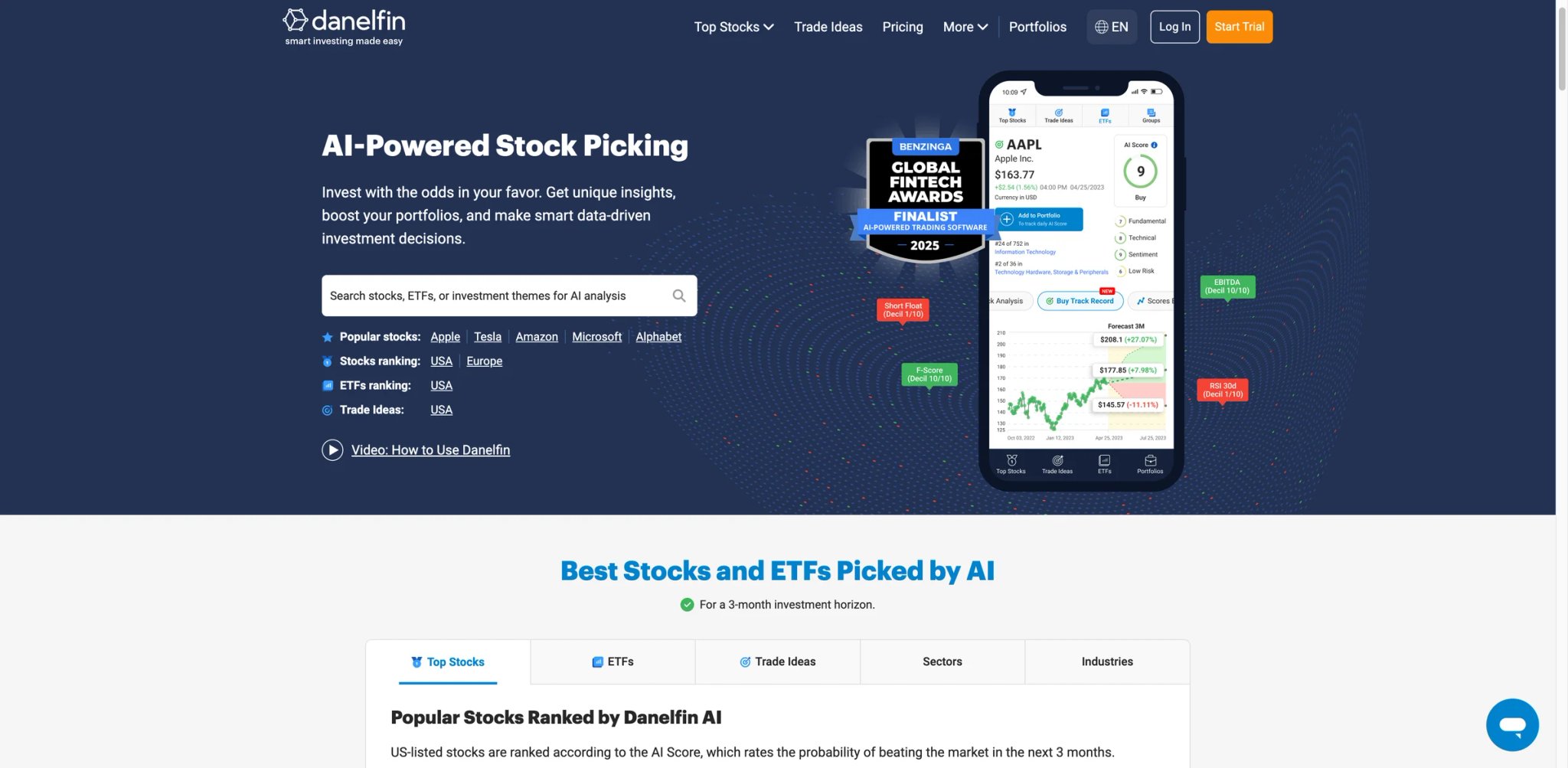
Most AI stock tools give you a "buy" or "sell" rating and expect you to trust the black box. Danelfin takes the opposite approach — every stock gets a 1-10 AI Score built from 10,000 technical, fundamental, and sentiment features, and you can drill into exactly which factors are driving the rating. For investors who want AI-assisted stock selection without surrendering their judgment, that transparency is the entire selling point.
Key Features
- Explainable AI Scores (1-10) — Each score breaks down into Technical, Fundamental, and Sentiment sub-scores. You can see which specific indicators — RSI divergence, earnings surprise history, social sentiment shift — are pushing the score up or down. This level of transparency is rare among AI stock tools.
- Trade Ideas with Win Probability — Danelfin generates daily trade ideas with estimated win probability percentages based on historical pattern matching. Backtested data shows top-scored stocks (9-10) have historically outperformed the S&P 500 by significant margins.
- Coverage Across US and EU Markets — Unlike most US-centric AI tools, Danelfin covers European exchanges including London, Frankfurt, and Paris. Useful for internationally diversified portfolios.
- Portfolio AI Scoring — Upload your existing portfolio and get an aggregate AI Score, identifying your weakest holdings and suggesting score-based replacements.
Pricing
| Plan | Monthly | Annual |
|---|---|---|
| Free | $0 | — |
| Plus | $22/mo | $264/yr |
| Pro | $59/mo | $708/yr |
| Elite | $134/mo | $1,608/yr |
All paid plans currently advertise a 14-day free trial.
All paid plans include a 14-day free trial. The free tier gives basic AI scores but restricts access to trade ideas and portfolio tools.
TCO Note: The free plan is genuinely useful for screening — you can check AI Scores for any stock without paying. The paywall hits when you want actionable trade ideas and full model portfolio access.
Limitations
- Research tool, not execution platform — Danelfin tells you what to buy but doesn't execute trades. You'll need a separate brokerage account and must manually act on signals, which introduces delay.
- No mobile app — Web-only access. The mobile browser experience works but isn't optimized for quick portfolio checks on the go.
- Performance isn't guaranteed to persist — Some users note that Danelfin's outperformance versus benchmarks appears to narrow over time as more users follow the same signals. The classic alpha decay problem.
Best For
Self-directed stock investors who want a data-driven second opinion on their picks. Particularly valuable for swing traders and portfolio managers screening hundreds of stocks for high-probability setups.
Not the right fit if you trade crypto, want automated execution, or need real-time intraday signals — Danelfin operates on a daily scoring cycle.
Get started with Danelfin

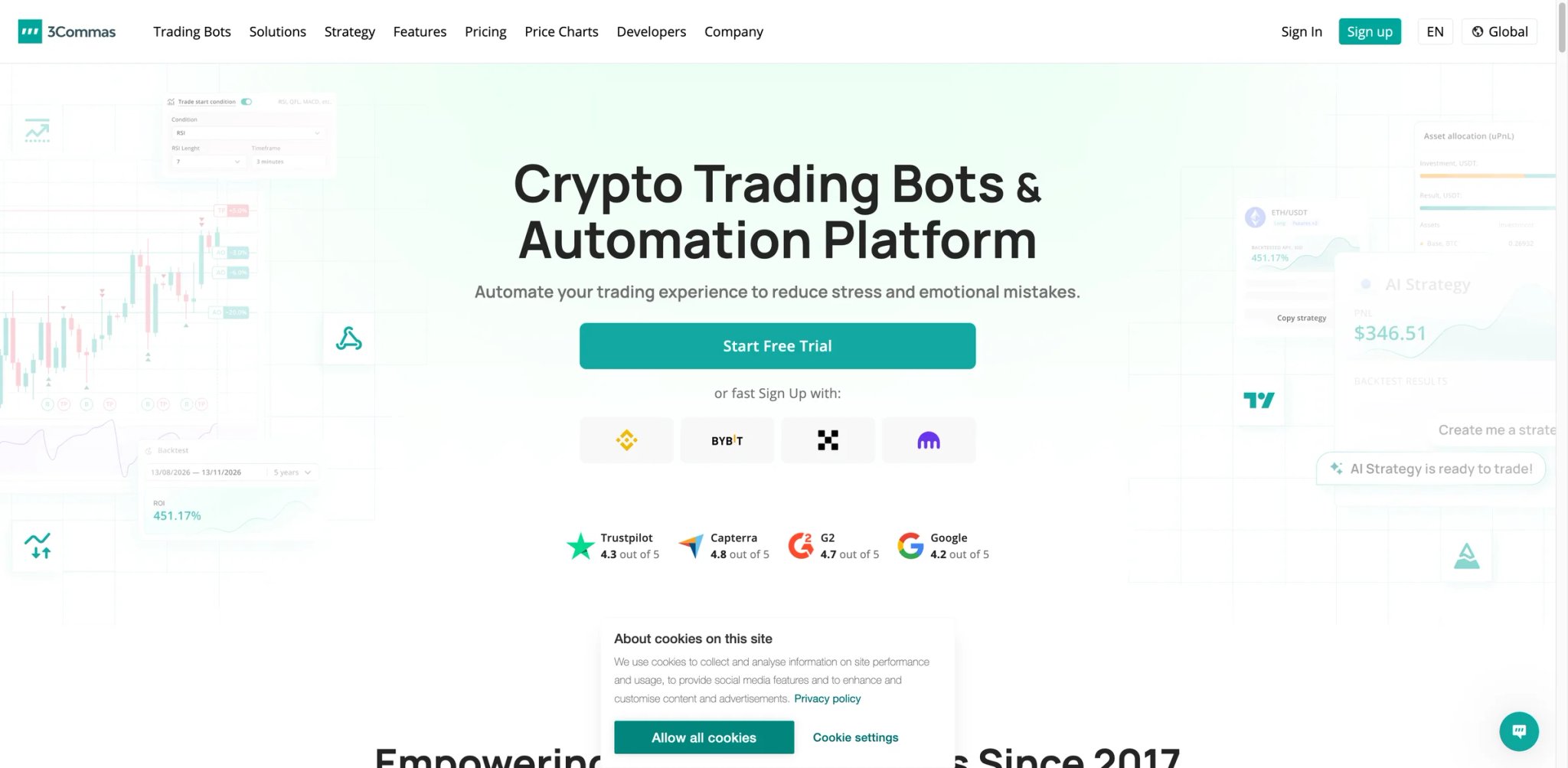
Managing bot strategies across Binance, Coinbase, Kraken, and five other exchanges from separate tabs is a logistical nightmare that compounds with every position. 3Commas consolidates that into a single dashboard where you configure DCA bots, grid bots, and signal-based strategies once and deploy them across any connected exchange. It's the closest thing crypto traders have to an institutional-grade order management system at a retail price.
Key Features
- Multi-Exchange Bot Deployment — Connect 20+ exchanges through API and run bots across all of them from one interface. DCA bots, Grid bots, and Signal bots each serve different market conditions — DCA for accumulation, Grid for sideways markets, Signal for trend-following.
- SmartTrade Terminal — Place advanced order types (trailing stop-loss, simultaneous take-profit/stop-loss, scaled entries) that your exchange's native interface doesn't support. This alone saves time on every trade.
- Copy Trading & Signal Marketplace — Follow verified traders' strategies or subscribe to signal providers who trigger your bots automatically. Useful for newer traders who want exposure to proven strategies without building their own.
- AI Assistant — Built-in AI that analyzes market conditions and suggests bot configurations. Not a fully autonomous system, but a useful starting point for parameter tuning.
Pricing
| Plan | Current public pricing | What changes materially |
|---|---|---|
| Free | $0 | Portfolio tracking tier with limited functionality |
| Starter | $20/mo monthly or $15/mo on annual billing | Spot trading at 1 exchange account, 5 active DCA bots, 2 signal bots, 2 grid bots |
| Pro | $50/mo monthly or $40/mo on annual billing | Multi-account spot and futures trading, 20 active DCA bots, 20 signal bots, 10 grid bots |
| Expert | Higher-tier paid plan | 15 active API accounts, higher limits, API trading |
3Commas also advertises a free trial, and all paid plans include webhook execution.
Annual billing saves 30-40%. Free plan is functional but extremely limited — most active traders outgrow it within a week.
TCO Note: The subscription covers the platform, but your exchange charges trading fees on every bot-executed trade. High-frequency DCA bots on exchanges with 0.1% maker/taker fees add up fast. Factor exchange fees into your profitability calculations.
Limitations
- Crypto-only — No stock, forex, or commodities support. If you trade across asset classes, 3Commas covers only part of your portfolio.
- 2022 security breach still lingers — A historical API key leak affected some users. 3Commas has since implemented IP whitelisting and improved security, but the incident damaged trust and still appears in user discussions.
- Bot performance varies dramatically by market — DCA bots print money in uptrends and bleed in downtrends. Grid bots work in ranges but get destroyed by breakouts. No bot type works in all conditions, and the platform doesn't always make this clear to beginners.
Best For
Active crypto traders running strategies across multiple exchanges who need centralized bot management and advanced order types. The signal marketplace also suits newer crypto traders wanting to learn by copying.
Not the right fit if you trade stocks, need guaranteed profitability (no bot delivers that), or are uncomfortable with API key security after the 2022 incident.
Get started with 3Commas

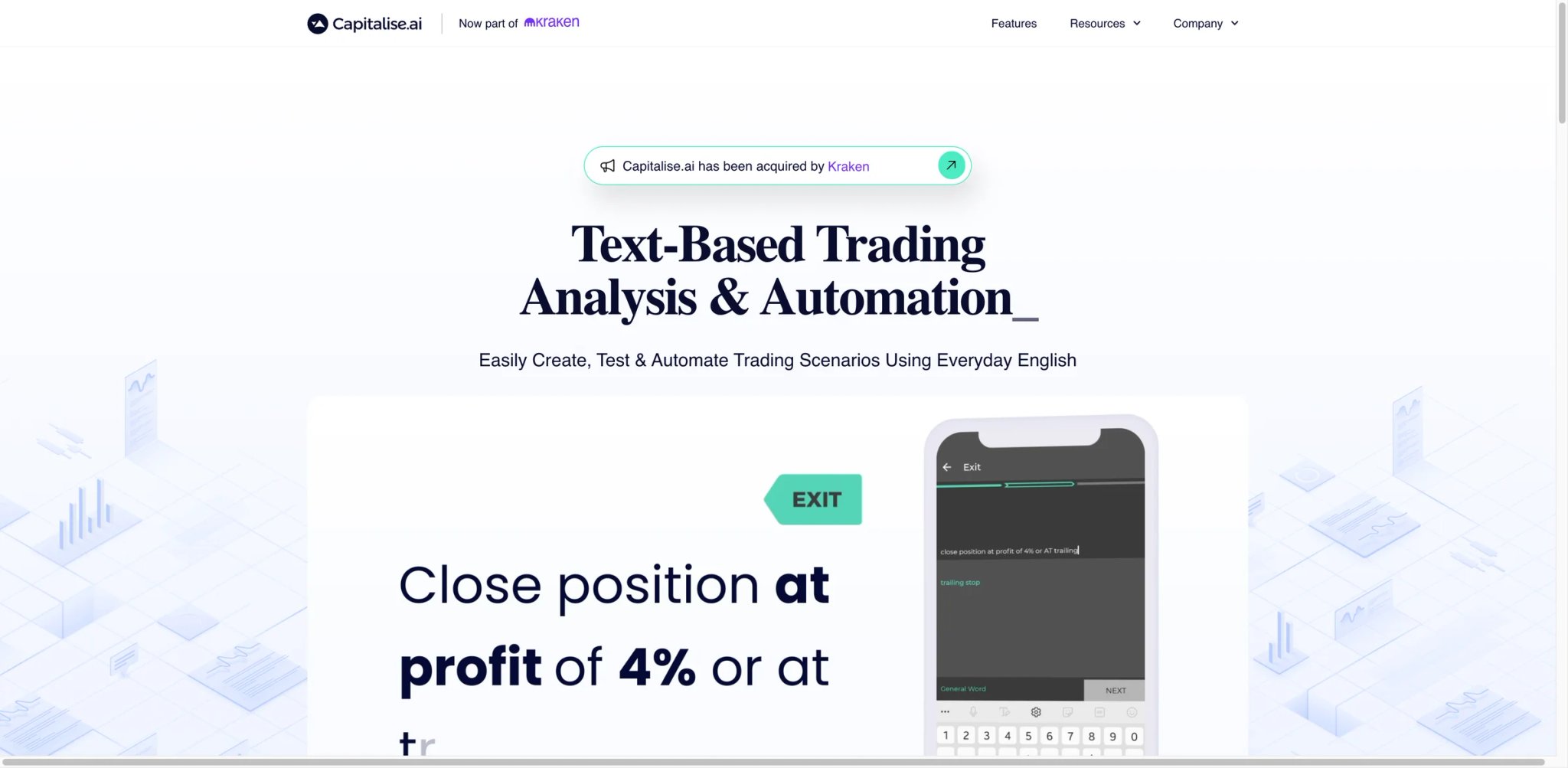
Writing trading strategies in code shuts out most retail traders. Capitalise.ai solved this with a genuinely novel approach: you describe your strategy in plain English — "Buy AAPL when RSI crosses above 30 and MACD is positive" — and the platform compiles it into an executable automation. No Python, no Pine Script, no flowcharts. Just sentences. The catch? Capitalise.ai was acquired by Kraken in August 2025, and the standalone platform is being integrated into Kraken Pro.
Key Features
- Natural Language Strategy Builder — Type trading rules in everyday English and the AI parses them into executable conditions. Supports price triggers, technical indicators (RSI, MACD, Bollinger Bands), and multi-condition logic. The only tool in this list where you write strategies as sentences.
- Free Access Through Partner Brokers — No direct subscription fee. You access Capitalise.ai through supported brokers like Interactive Brokers, FXCM, and AvaTrade. Your broker provides the integration at no additional cost.
- Multi-Asset Support — Unlike crypto-only automation tools, Capitalise.ai covers stocks, forex, and crypto — whatever your connected broker offers.
- Strategy Monitoring Dashboard — Visual tracking of all active automations with real-time status updates, trigger history, and performance metrics.
Pricing
Free through supported broker partnerships. No direct subscription cost — the broker relationship subsidizes the platform.
TCO Note: While the software is free, you're locked into whichever broker integrates Capitalise.ai. If that broker has higher spreads or commissions than alternatives, the "free" platform costs you money on every trade through execution quality.
Limitations
- Kraken acquisition creates uncertainty — Since the August 2025 acquisition, the standalone platform is being phased into Kraken Pro. Existing broker partnerships may not persist, and feature availability depends on Kraken's integration timeline.
- Broker dependency limits your options — The experience varies dramatically by broker. Some allow full automation; others only support alerts. If your preferred broker isn't a partner, you can't use the platform at all.
- Natural language has interpretation limits — Complex multi-leg strategies or conditional logic chains can get lost in translation. The AI sometimes misinterprets edge cases in strategy descriptions, requiring multiple rephrasing attempts.
Best For
Traders who think in strategy logic but can't (or don't want to) code. Particularly useful for forex and multi-asset traders already using a supported broker who want to add rule-based automation without switching platforms.
Not the right fit if you need long-term platform stability (the Kraken acquisition introduces uncertainty), trade on unsupported brokers, or require complex quantitative strategies that exceed natural language expression.
Get started with Capitalise.ai
Composer
Quantitative investing used to require a Python environment, historical data subscriptions, and a brokerage API. Composer compresses that entire stack into a browser-based builder where you create "symphonies" — automated investment strategies that rebalance and execute trades in your brokerage account without writing a line of code. Think of it as IFTTT for systematic investing, but with real money attached.
Key Features
- Visual Strategy Builder (Symphonies) — Drag-and-drop nodes to create conditional logic: "If SPY drops 5% in 10 days, rotate into TLT; otherwise, stay in QQQ." The visual canvas makes complex allocation strategies intuitive to build and easy to audit.
- Automated Execution with Integrated Brokerage — Composer is a registered broker-dealer. Strategies execute automatically in your Composer account — no external broker, no API keys, no webhook glue. This removes a major failure point that plagues other automation tools.
- Community Strategy Sharing — Browse and clone strategies built by other Composer users. Useful for learning or getting a starting template, though you should backtest any community strategy before deploying capital.
- AI-Assisted Strategy Creation — Describe a strategy in plain text and Composer generates the symphony logic. Works as a starting point but requires manual refinement for production use.
Pricing
$40/month or $384/year (20% annual discount) with a free 14-day trial. Stock and ETF trading can be commission-free, but Composer also discloses options fees and regulatory fees, so the subscription is not always the only cost.
TCO Note: At $40/mo flat regardless of portfolio size, Composer becomes cheaper per dollar managed as your account grows. But for portfolios under $10K, the subscription represents a significant drag on returns. A $5K portfolio needs 9.6% annual returns just to cover the $480/year subscription.
Limitations
- Withdrawal delays reported — Multiple users on Trustpilot report difficulty withdrawing funds, with some waiting 2+ weeks for transfers. For a platform holding your money, this is a serious trust concern.
- Still limited to listed securities workflows — Composer supports stocks, ETFs, and options, but it does not support crypto or forex. If your strategy spans asset classes, Composer can only handle the equity portion.
- SSN requirement raises friction — As a registered broker-dealer, Composer requires your Social Security Number for account opening. Standard for brokerages, but surprising for users who expected a software-only product.
Best For
Systematic investors who want to automate allocation strategies (momentum, mean-reversion, risk parity) without coding or managing API connections. The integrated brokerage eliminates a layer of complexity that trips up most retail automation setups.
Not the right fit if you're a day trader (strategies execute on daily/weekly cycles), need multi-asset coverage, or are uncomfortable with a smaller broker-dealer holding your funds given reported withdrawal delays.
Get started with Composer
Kavout
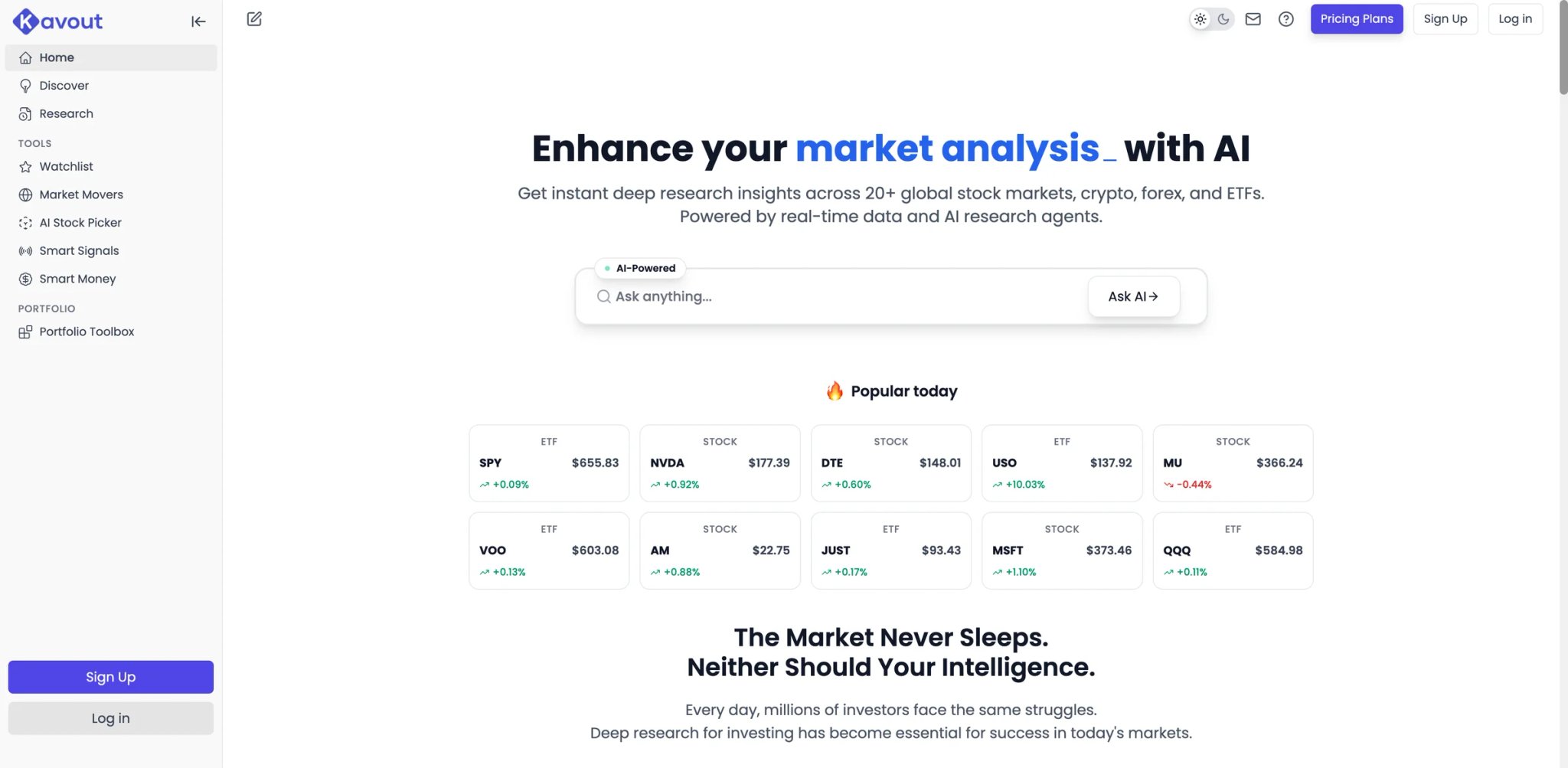
Screening stocks through a traditional filter — P/E under 20, revenue growth above 15% — surfaces hundreds of results and tells you nothing about which ones are actually worth buying. Kavout attacks this differently with multiple AI "research agents" that analyze stocks across technical, fundamental, and alternative data dimensions, then synthesize findings into an actionable Kai Score. It's closer to having a team of junior analysts than a single screener.
Key Features
- Multi-Agent AI Research System — Kavout's current plan grid advertises up to 7+ AI research agents, depending on plan and usage tier: technical patterns, fundamental metrics, sentiment analysis, smart money flow, macro conditions, and risk assessment. The aggregated output is more nuanced than any single-model approach.
- Kai Score & Smart Signals — Each stock receives a proprietary Kai Score based on multi-factor analysis. Smart Signals highlight specific entry/exit opportunities with confidence levels and time horizons.
- InvestGPT Assistant — A conversational AI that answers questions about specific stocks, sectors, or market conditions using Kavout's data. More specialized than ChatGPT for financial queries because it pulls from Kavout's proprietary analysis.
- 20+ Global Markets — Coverage extends beyond US exchanges to international markets, making it useful for globally diversified portfolios.
Pricing
| Plan | Price | Key Features |
|---|---|---|
| Free | $0 | Basic access, limited credits |
| Pro | ~$20/mo | Full AI agents, more credits |
| Premium | Higher tier | Portfolio Toolbox, extended credits |
AppSumo lifetime deals have been available at various price points. Credits are valid for 90 days and can be purchased separately.
TCO Note: The credit-based system means heavy users may exhaust monthly allowances and need to purchase add-on credits. Calculate your expected query volume before committing to a plan.
Limitations
- Limited stock universe — Despite claiming 20+ markets, users report that many well-known international stocks (Adidas, Nestlé, Mercedes) are missing from the database. Coverage is US-centric in practice.
- No backtesting or execution — Kavout generates signals and scores but provides no way to backtest strategies against historical data or execute trades. It's purely a research and screening tool.
- Methodology transparency concerns — While the multi-agent approach sounds sophisticated, the specific models, training data, and weighting behind the Kai Score are not fully disclosed. Users trust the output without understanding the input.
Best For
Research-oriented investors who want AI-assisted stock screening and analysis to supplement their own decision-making. The multi-agent approach works well for investors who read multiple analyst reports before making decisions.
Not the right fit if you want to backtest strategies, execute trades automatically, or need comprehensive international stock coverage. Kavout is a research layer, not a trading platform.
Get started with Kavout


Setting up your first crypto trading bot shouldn't require understanding API documentation, JSON payloads, or exchange-specific order types. Coinrule turns automated trading into an if-then template: pick a trigger condition, pick an action, pick an exchange, and deploy. It's the lowest-friction entry point into crypto automation — which is precisely both its strength and its ceiling.
Key Features
- Template-Based Rule Builder — Over 200 pre-built strategy templates organized by market condition (bull, bear, accumulation, scalping). Select a template, adjust parameters, and deploy. Each template shows historical performance data to set expectations.
- Multi-Exchange Support — Connects to Binance, Coinbase, Kraken, KuCoin, and other major exchanges. Rules deploy to whichever exchange holds your funds, with no manual API configuration beyond the initial key entry.
- TradingView Integration — Trader plan and above can trigger Coinrule actions based on TradingView alerts, bridging the gap between signal generation and automated execution.
- Demo Mode — Paper trading mode lets you test strategies with simulated funds before risking real capital. Available on all plans including free.
Pricing
| Plan | Monthly | Key limits |
|---|---|---|
| Starter | Free | 2 live rules, 2 demo rules, 1 connected exchange, $3K monthly volume |
| Investor | $29.99/mo | 7 live rules, 7 demo rules, 3 connected exchanges, $500K monthly volume |
| Trader | $59.99/mo | 25 live rules, 25 demo rules, 5 connected exchanges, $10M monthly volume |
| Fund | $749/mo | 50 live rules, unlimited exchanges, unlimited volume |
| Business | Contact sales | Enterprise setup |
Coinrule's current pricing page also shows stock- and ETF-oriented broker connectivity alongside crypto automation.
Annual billing reduces costs. All plans include a 14-day money-back guarantee.
TCO Note: The jump from Trader ($59.99) to Pro ($449.99) is enormous — 7.5x the price. Most retail traders will find the Trader plan sufficient, but anyone needing more than 15 concurrent rules faces a brutal pricing cliff.
Limitations
- Missed executions during volatility — Users on Reddit report rules failing to trigger during major market events — exactly when automated execution matters most. Short-timeframe strategies are particularly affected.
- Coverage is broader than before, but still integration-dependent — Coinrule now supports crypto plus stock and ETF automation through supported brokers, while on-chain and broker availability still depend on the specific integration and plan. (Uniswap, PancakeSwap) integration. If DeFi is part of your strategy, Coinrule can't reach it.
- Volume caps on lower plans — The $3K/month cap on the free plan and $300K on Hobbyist mean anyone trading with meaningful size gets pushed to Trader quickly. The "free" plan is effectively a demo.
Best For
Crypto beginners and intermediate traders who want rule-based automation without learning to code. The template library and demo mode make it the safest starting point for first-time bot users.
Not the right fit if you trade high-frequency strategies during volatile markets (execution reliability concerns), need more than 15 concurrent rules without paying $450/mo, or use decentralized exchanges.
Get started with Coinrule

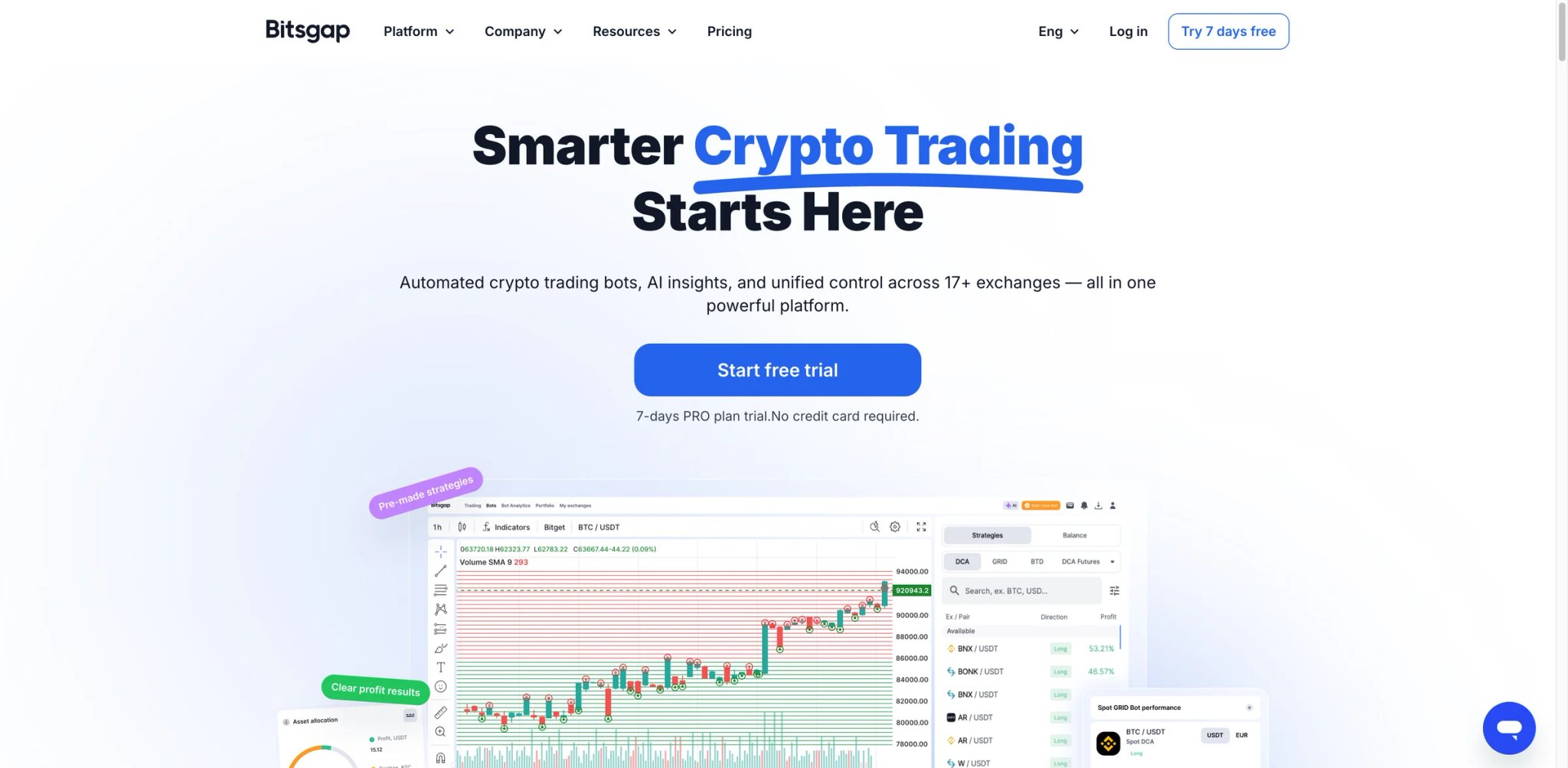
Crypto traders who work across multiple exchanges know the pain: different interfaces, different order books, different fee structures, and no unified view of total exposure. Bitsgap's core value proposition is collapsing all of that into one interface — portfolio tracking, bot deployment, and smart orders across every connected exchange. It's the Swiss Army knife approach to crypto trading infrastructure.
Key Features
- Unified Multi-Exchange Dashboard — Connect Binance, Kraken, Bitfinex, and 15+ other exchanges. View your total portfolio allocation, place trades, and manage bots across all of them from a single screen. The arbitrage opportunity scanner is unique — it spots price discrepancies between exchanges in real time.
- Grid Bot with AI Optimization — The grid bot places buy and sell orders at preset intervals. Bitsgap's AI suggests optimal grid parameters based on current volatility and trading pair history. In range-bound markets, this is a reliable (not exciting) way to capture spreads.
- DCA Bot & COMBO (Futures) — DCA bots automate dollar-cost averaging with configurable take-profit and safety order logic. The COMBO bot extends this to futures markets with leverage controls.
- AI Assistant — Conversational AI that helps with bot configuration, market analysis, and strategy selection. More of a guided setup wizard than an autonomous trading agent.
Pricing
Starting at $23/month. Three tiers (Basic, Advanced, Pro) differ primarily in the number of active bots allowed. All plans include the AI Assistant, portfolio tracking, and smart orders. 7-day free trial on the Pro plan. Annual billing saves 20%.
TCO Note: At $23/mo, Bitsgap is one of the cheapest multi-exchange crypto platforms. But the bot count limits on Basic (2 bots) push active traders to higher tiers quickly. No hidden fees — exchange trading fees are separate.
Limitations
- Bugs and interface flaws — Users frequently report UI glitches that don't affect trade execution but erode confidence in the platform. When your money is on the line, even cosmetic bugs feel risky.
- Aggressive sales outreach — Multiple Trustpilot reviews describe pushy phone calls and misleading sales pitches after signing up for a trial. This level of sales pressure is unusual for a SaaS trading tool and a red flag for some users.
- Bots struggle in trending markets — Grid bots work in ranges. DCA bots work in downtrends (by design). Neither performs well in strong unidirectional moves. The platform doesn't adequately communicate these limitations to new users.
Best For
Crypto traders managing portfolios across 3+ exchanges who need a single dashboard for monitoring, trading, and bot deployment. The grid bot is particularly effective for traders targeting sideways markets.
Not the right fit if you trade stocks or forex, are put off by aggressive sales practices, or expect bots to perform well in all market conditions without active management.
Get started with Bitsgap
StockHero
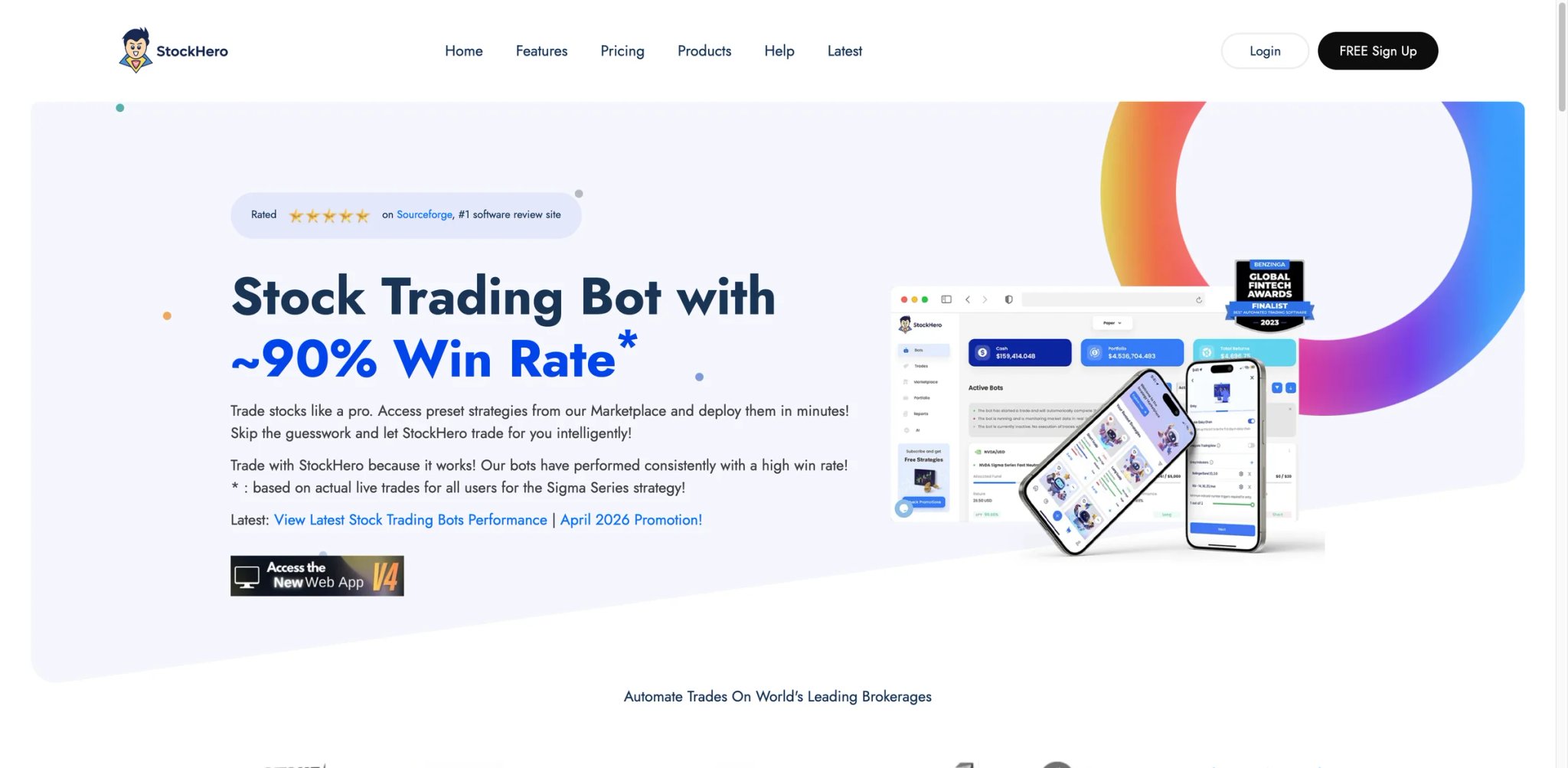
Building a profitable stock trading bot from scratch — defining entry logic, exit rules, position sizing, risk parameters — takes weeks of iteration even for experienced quant traders. StockHero skips that process entirely with a marketplace of pre-built bot templates created by other users and the StockHero team. Pick a strategy, review its performance history, deploy it to your brokerage account, and monitor. It's the app store model applied to automated stock trading.
Key Features
- Strategy Marketplace — Browse and deploy pre-configured trading bots with visible historical performance. Categories include momentum, mean reversion, and sector-specific strategies. Professional Annual Plan subscribers get all marketplace strategies free (normally worth $10K+).
- No-Code Bot Builder — For users who want to build custom strategies, StockHero offers a visual builder with technical indicator triggers, conditional logic, and risk parameters. No programming knowledge needed.
- Paper Trading Mode — Test any strategy with simulated funds before deploying real capital. Available on all plans and uses real-time market data.
- Multi-Broker Support — Connects to Interactive Brokers, Alpaca, and other brokerages via API. Bots execute trades directly in your brokerage account.
Pricing
| Plan | Monthly | Active Bots |
|---|---|---|
| Lite | $49.99/mo | 1 active bot during trial, 2 when paid |
| Premium | $99.99/mo | 15 bots |
| Professional | $159.99/mo | 50 bots |
Annual pricing is currently $499.99, $999.99, and $1,599.99 respectively.
14-day free trial on the Lite plan. Professional Annual subscribers get all current and future Marketplace strategies included.
TCO Note: The subscription covers the software, but marketplace strategy purchases are additional costs unless you're on the Professional Annual plan. Factor in brokerage commissions from your connected broker.
Limitations
- Win-rate claims lack verification — StockHero advertises a 90% win rate, but this figure is not independently audited. Historical marketplace performance may not reflect live trading results due to slippage, execution delays, and market impact.
- Limited educational resources — The platform assumes some familiarity with trading concepts. New users report feeling lost during initial setup with insufficient documentation and walkthroughs.
- No options support — Stocks only. If options strategies are part of your approach, you'll need a separate platform for that leg.
Best For
Stock traders who want to deploy automated strategies quickly without building from scratch. The marketplace model is ideal for traders who'd rather select from proven templates than spend weeks coding their own bots.
Not the right fit if you need independently verified performance data before trusting a bot with your capital, trade options, or prefer building strategies from raw quantitative research.
Get started with StockHero
Tickeron
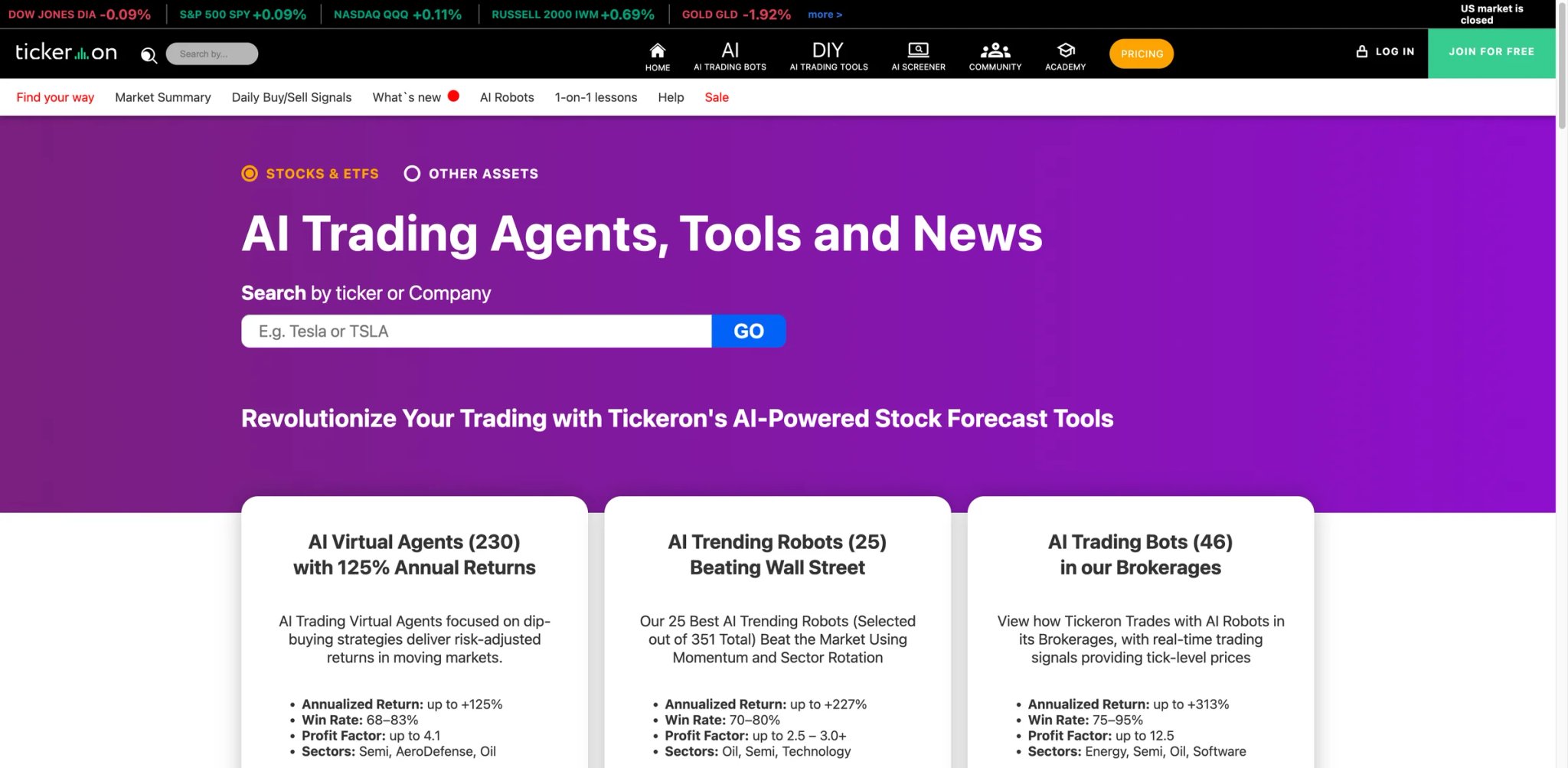
Pattern recognition in trading has always been part art, part science — and mostly subjective. Two traders look at the same chart and see different patterns. Tickeron removes that ambiguity with AI-driven pattern detection across stocks, crypto, and forex that identifies head-and-shoulders, double bottoms, flags, and dozens of other formations with confidence scores and historical success rates attached. The scale of coverage is massive — but so is the complexity.
Key Features
- AI Pattern Search Engine — Scans thousands of assets in real time for technical chart patterns, each tagged with a confidence score and predicted price target based on historical pattern outcomes. Coverage spans stocks, ETFs, forex, and crypto.
- AI Trading Robots — Automated trading bots that execute trades based on AI signals. Multiple robot types target different strategies (day trading, swing trading, conservative income). Each robot publishes a live track record.
- Trend Prediction Engine — Forecasts price direction for specific assets using neural network models. Predictions come with probability percentages and time horizons.
- Multi-Asset Coverage — One of the few AI trading tools that covers stocks, crypto, forex, and ETFs from a single platform. Useful for traders who work across asset classes.
Pricing
| Product | Current public pricing |
|---|---|
| Daily Buy/Sell Signals | From $5/mo on promo billing ($60/yr shown publicly) |
| Trend Prediction Engine / Pattern Search Engine | 14-day free trial, then about $30/mo |
| AI Robots Signal + Virtual | From $45/mo on promo pricing |
| AI Robots Unlimited | From $125/mo on promo pricing |
Tickeron's current pricing is modular and product-based rather than the older Investor / Swing Trader / Day Trader / Expert plan stack.
Free beginner plan with limited access. 14-day trial on select plans. Additional costs for add-ons like Pattern Search Engine and individual AI Robot subscriptions ($5-15/mo each).
TCO Note: Tickeron's pricing looks moderate, but the add-on structure means the real cost is higher than headline numbers. A Day Trader plan ($90/mo) plus 3-4 AI Robots ($15/mo each) plus Pattern Search ($5/mo) hits $150+/mo quickly. Annual billing at 50% off makes this more manageable.
Limitations
- Product line fragmentation — Too many tools, plans, add-ons, and robot types create decision fatigue. New users spend more time figuring out what to buy than actually trading. The platform desperately needs simplification.
- Backtest-to-live performance gap — Multiple users report that strategies showing strong backtested returns underperform significantly in live trading. Standard disclaimer applies, but the gap seems wider than expected.
- Interface density — The UI tries to display everything simultaneously, resulting in a cramped, information-overloaded experience. Mobile app performance and battery drain are recurring complaints.
Best For
Multi-asset traders who rely on technical analysis and want AI-assisted pattern recognition at scale. The breadth of coverage (stocks, crypto, forex) is unmatched in this list.
Not the right fit if you want a clean, simple interface, are confused by complex product menus, or expect backtested performance to transfer directly to live trading.
Get started with Tickeron
Incite AI
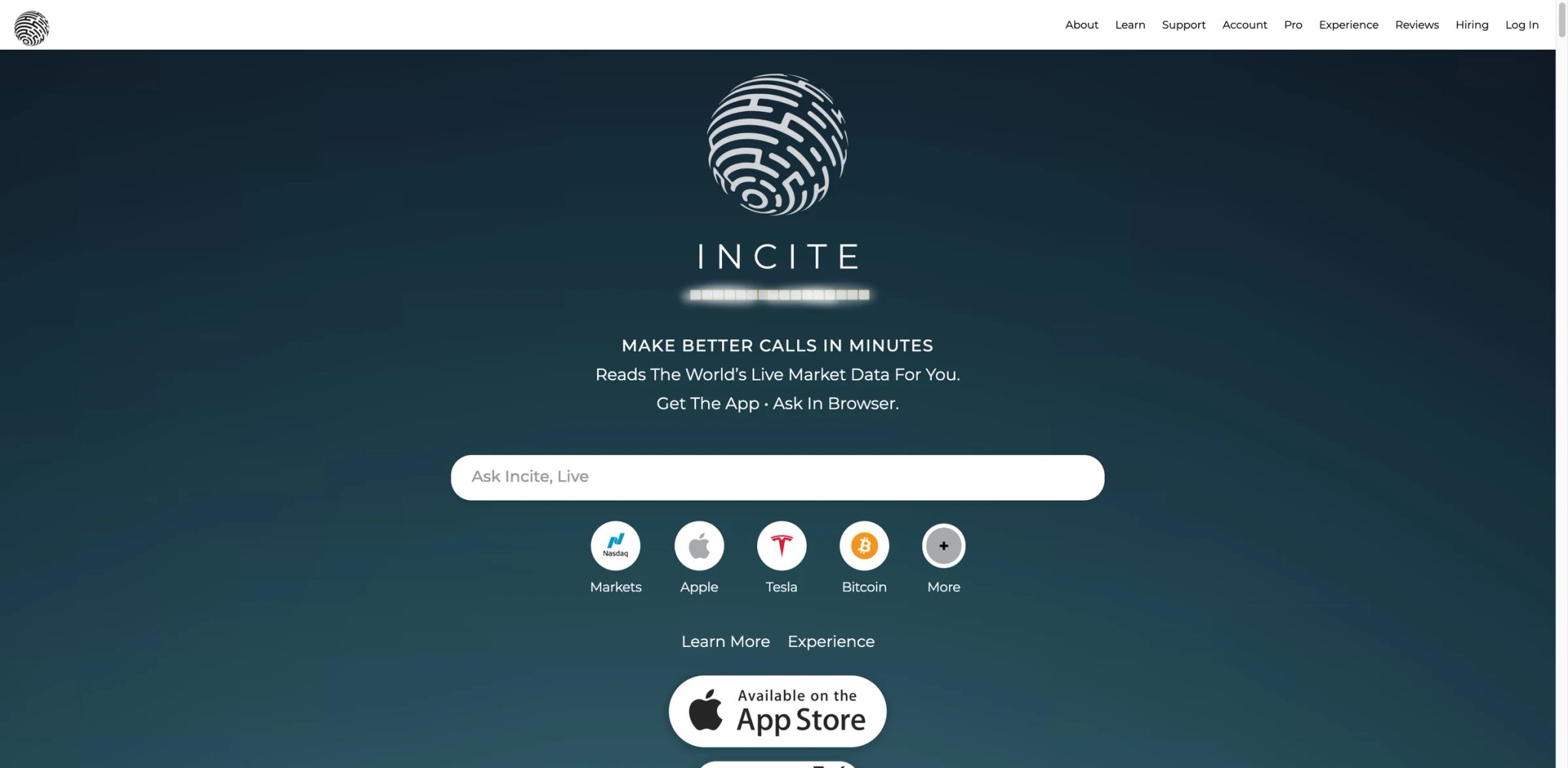
Financial news moves markets within seconds, but most retail traders consume that news through the same Twitter feeds and CNBC alerts as everyone else — meaning the information is priced in before they can act. Incite AI aggregates real-time data from news sources, social media, financial filings, and market data into a conversational interface where you ask questions and get synthesized answers. It's a financial research copilot, not a trading bot.
Key Features
- Conversational Market Intelligence — Ask questions like "What's driving TSLA today?" or "Compare NVIDIA vs AMD earnings trends" and get data-backed responses that synthesize news, financials, and market data. More focused than general-purpose AI chatbots because it pulls from financial-specific data sources.
- Real-Time Data Integration — Responses incorporate live market prices, recent news events, and social sentiment. The AI contextualizes price movements against recent developments rather than giving stale analysis.
- Stock and Crypto Coverage — Covers both equities and major cryptocurrencies, making it useful for multi-asset researchers.
- Semi-Autonomous Watchlist — Pro plan includes a watchlist that monitors your selected assets and surfaces relevant developments proactively, reducing the need to manually check each position.
Pricing
| Access level | Publicly verifiable details |
|---|---|
| Free access | Complimentary daily messages are available |
| Subscriber access | Paid subscribers get unlimited access, the semi-autonomous watchlist, and all supported data types |
The public site references paid subscriptions, but it does not clearly publish a stable standalone web price on the main marketing pages.
The free plan gives you a few chat sessions daily to evaluate the platform. Pro extends messaging limits, adds premium data sources, and unlocks the watchlist.
TCO Note: At $15.99/mo, Incite AI is one of the cheapest tools on this list. The question is whether it provides enough differentiation over asking the same questions to ChatGPT or Perplexity with market data context.
Limitations
- No trade execution or automation — Incite AI is purely informational. It won't place trades, set alerts, or automate any part of your workflow. You still need a separate platform for everything except research.
- Undefined message limits on Pro — The "extended limits" on the Pro plan aren't precisely specified. Heavy users may hit caps without knowing what they are in advance.
- Differentiation question — With ChatGPT, Gemini, and Perplexity all improving at financial analysis, Incite AI's specialized value proposition faces pressure from general-purpose AI tools that are free or cheaper.
Best For
Retail investors who want a quick, conversational way to research stocks and crypto without switching between multiple data sources. The low price point makes it a low-risk addition to an existing toolkit.
Not the right fit if you need trade execution, detailed technical analysis, or are already comfortable using general-purpose AI tools for financial research.
Get started with Incite AI
Trade Ideas
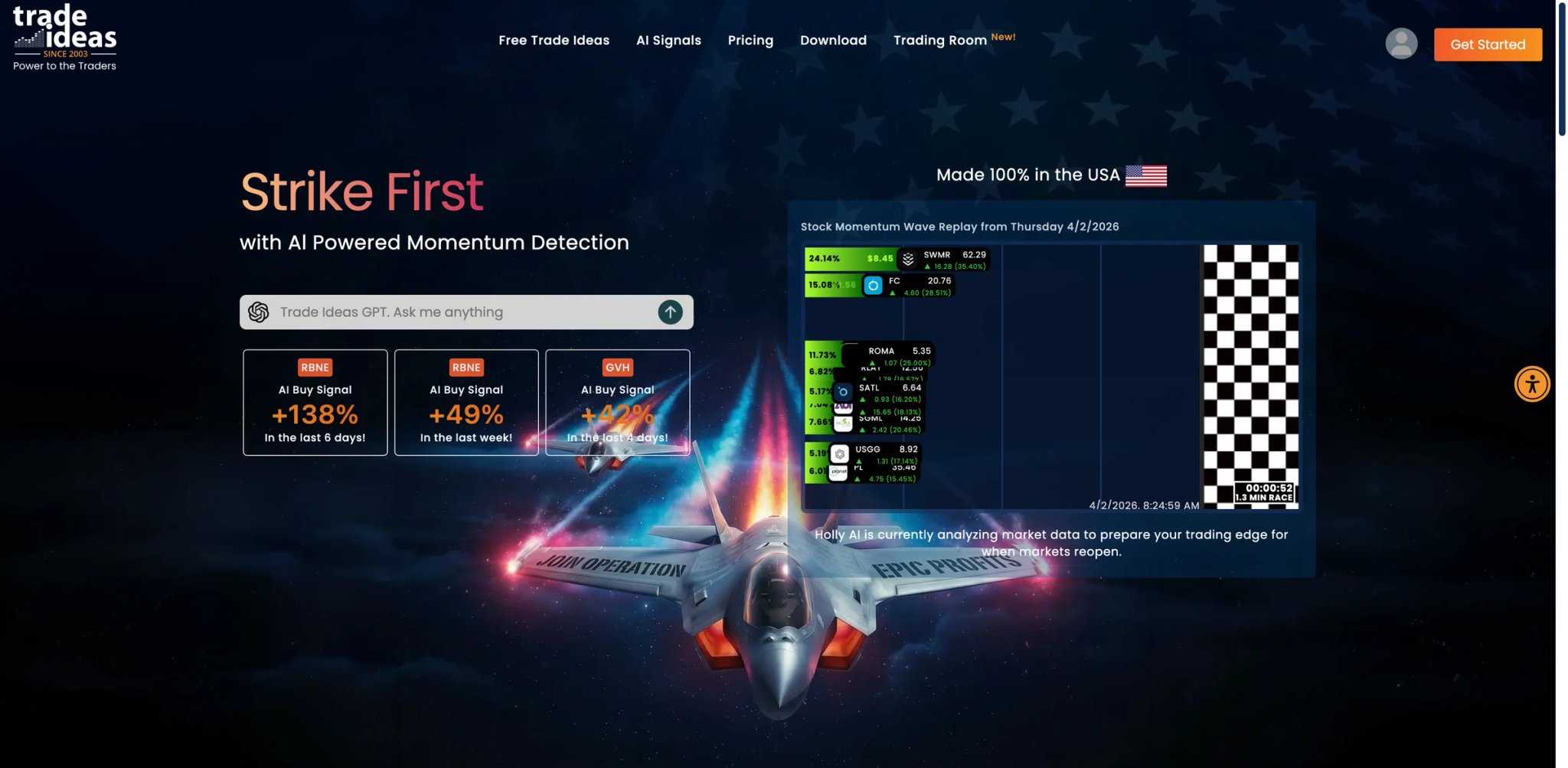
Day trading is a speed game — the scanner that surfaces a setup 30 seconds faster can mean the difference between a profitable entry and chasing a move that's already extended. Trade Ideas has built its reputation on being the fastest AI stock scanner in the room, with its Holly AI running thousands of algorithmic simulations overnight to deliver next-day trade ideas before the opening bell. It's the tool professional day traders reference more than any other — and it's priced accordingly.
Key Features
- Holly AI (3 Variants) — Holly runs backtests on thousands of trading strategies overnight and surfaces the highest-probability setups before market open. Holly 2.0 focuses on day trades, Holly Neo targets swing trades, and Holly Grail balances risk-reward for conservative setups. Each publishes a verified real-time track record.
- Real-Time Stock Scanning — Customizable scanners with hundreds of filter criteria (price, volume, technical indicators, chart patterns, relative strength). Scans update in real-time during market hours with sub-second alert delivery.
- One-Click Trading via Brokerage Link — Premium users can route orders directly to Interactive Brokers from the Trade Ideas interface, reducing execution delay from signal to order.
- Channel Bar & Market Intelligence — Visual heat maps showing which sectors and price ranges are attracting volume. Useful for identifying where institutional money is flowing before picking individual stocks.
Pricing
| Plan | Monthly |
|---|---|
| Free Tester | $0 |
| TI Basic | $127/mo monthly or $89/mo billed annually |
| TI Premium | $254/mo monthly or $178/mo billed annually |
| Add-ons | Extra cost, varies by add-on |
Annual billing saves 15-30%. Premium includes Holly AI, one-click trading, and all scanner features. Basic lacks Holly AI — which is the primary selling point. No free tier.
TCO Note: Trade Ideas is the most expensive tool on this list. The Basic plan without Holly AI is hard to justify at $127/mo when cheaper scanners exist. The real product is TI Premium at $254/mo ($178/mo annual), making this a $2,136–3,048/year commitment before you factor in brokerage fees and capital.
Limitations
- Still expensive even with a free entry point — Trade Ideas now offers a Free Tester tier, but the real AI-heavy workflow still sits in TI Premium, which is priced for serious active traders. consistent profitability to justify its cost. This is a professional tool priced for professional traders — hobbyists will feel the burn.
- Steep learning curve — The interface is dense and configurable to the point of overwhelming. New users report needing weeks to understand how to configure scanners effectively. The educational resources help, but the time investment is significant.
- Holly's suggestions aren't always tradeable — Some Holly picks involve hard-to-borrow stocks, low-float names, or stocks that your broker may restrict. The gap between "AI says buy" and "broker lets you buy" can be frustrating.
Best For
Professional and semi-professional day traders who need the fastest stock scanning and AI-generated trade ideas before market open. If you trade 5+ days per week with meaningful size, Trade Ideas is the industry standard.
Not the right fit if your trading frequency doesn't justify $254/mo, you prefer crypto or forex, or you want automated execution without brokerage integration setup.
Get started with Trade Ideas
Intellectia AI
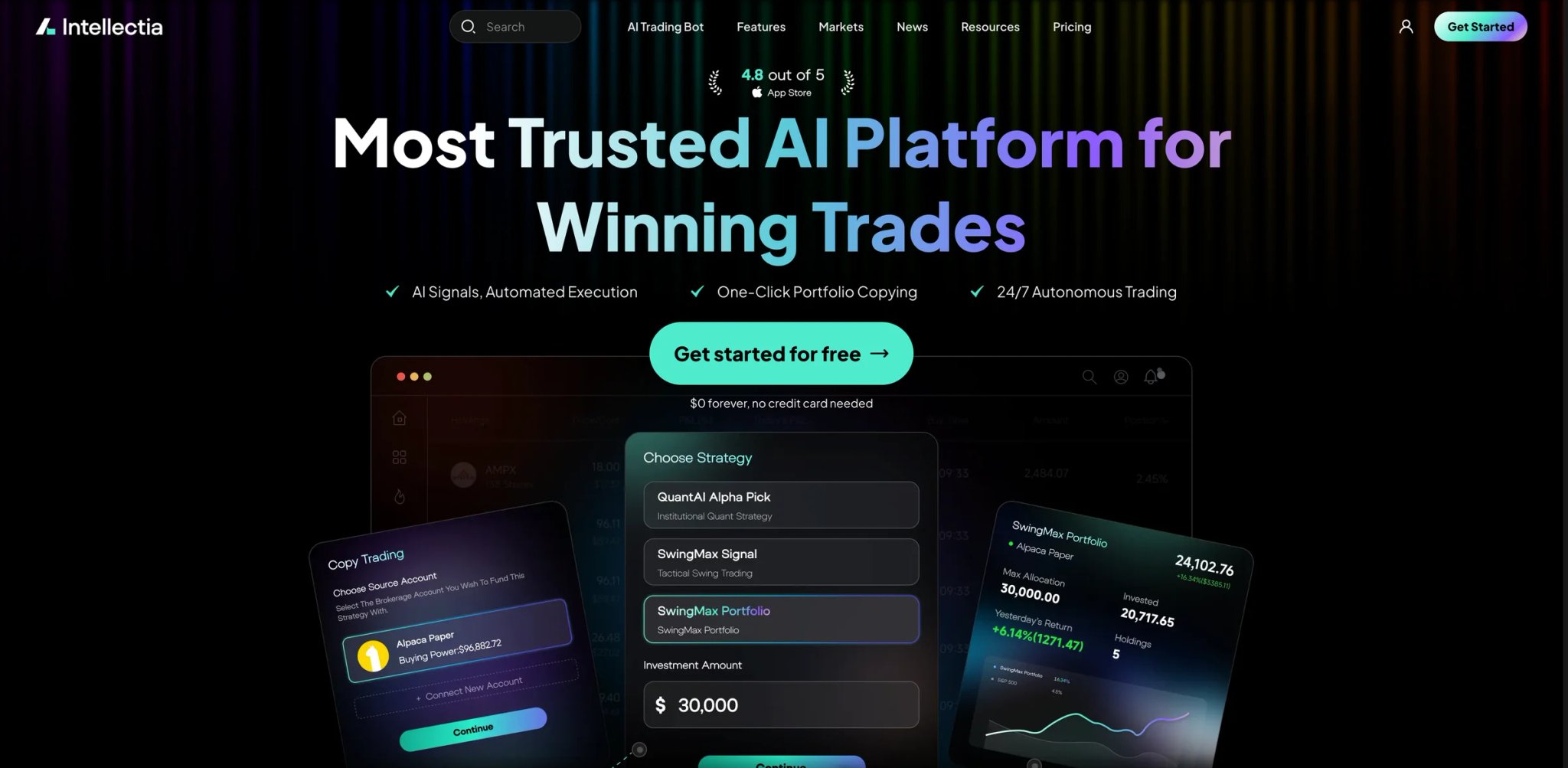
At $14.95/month, Intellectia AI is priced like a mobile app subscription — not a serious trading tool. But for budget-conscious investors who want daily AI stock picks, swing trade signals, and a basic portfolio analyzer without the $50-200/month commitment of premium alternatives, the price-to-feature ratio is hard to beat. The question is whether the signal quality justifies even the low cost.
Key Features
- Daily AI Stock Picks — Algorithmically generated stock recommendations delivered daily with entry price, target, and stop-loss levels. The system claims to analyze technical and fundamental data to surface high-probability setups.
- Swing Trading Signals — Separate signal feed targeting multi-day to multi-week holding periods. Each signal includes confidence level and expected holding period.
- AI Chat Assistant — Conversational interface for asking questions about specific stocks, sectors, or market conditions. Functions similarly to Incite AI's offering but bundled with the signal service.
- Portfolio Analysis — Upload your holdings and receive AI-generated assessments with risk scores and rebalancing suggestions.
Pricing
| Plan | Monthly | Annual equivalent |
|---|---|---|
| Free | $0 | — |
| Basic | $14.95/mo | $11.96/mo billed yearly ($143.52/yr) |
| Pro | $29.95/mo | $23.96/mo billed yearly ($287.52/yr) |
| Max | $49.95/mo | $39.96/mo billed yearly ($479.52/yr) |
| Expert | $89.95/mo | $71.96/mo billed yearly ($863.52/yr) |
$1 trial available to test features before committing. Annual billing saves approximately 20%.
TCO Note: The $1 trial is the lowest-risk way to evaluate any tool on this list. Even the Basic annual plan at $143.52/year is cheaper than one month of most competitors.
Limitations
- Documented user losses — Multiple users report significant losses following Intellectia's picks, with documented cases exceeding $60K+. Past performance claims (200% backtested returns) diverge sharply from reported real-world results.
- Inconsistent signal delivery — Some subscribers report not receiving the advertised 5 daily picks consistently. When you're paying for a signal service, reliability of delivery is non-negotiable.
- Treat it as an analytics tool, not fiduciary advice — Intellectia's own site says its content is for informational purposes only and is not investment advice, an offer, or a recommendation to buy or sell securities. This doesn't mean it's a scam, but it means there's less regulatory oversight than registered investment advisors.
Best For
Budget-conscious retail investors who want AI-assisted stock screening and daily trade ideas at the lowest possible cost. The $1 trial lets you evaluate signal quality with minimal financial risk.
Not the right fit if you're investing significant capital (the documented loss reports warrant caution), require regulated investment advice, or need execution automation — Intellectia is signals only.
Get started with Intellectia AI
Best AI Trading Tools by Use Case
For Crypto Traders Managing Multiple Exchange Accounts
If you're running strategies across Binance, Coinbase, and Kraken simultaneously, the overhead of switching between interfaces and manually rebalancing positions across exchanges is the real cost — not the subscription fee. 3Commas consolidates multi-exchange bot management into one dashboard with advanced order types that most exchanges don't natively support. Bitsgap is the stronger choice if you prioritize grid trading and want the cheapest entry point at $23/month, though its bot count limits push active traders to higher tiers.
For Stock Traders Who Backtest Before They Trade
Deploying capital based on a strategy you haven't tested against historical data is gambling, not trading. TrendSpider offers the most capable backtesting environment with visual strategy building down to 1-minute granularity — no coding required. If you want the backtest to execute automatically, Composer bundles backtesting and execution into an integrated brokerage account, eliminating the gap between signal and trade.
For Beginners Setting Up Their First Trading Bot
Your first automated strategy should be testable with paper money, templated so you're not designing from scratch, and deployed on an exchange you already use. Coinrule checks all three boxes with 200+ templates, a demo mode, and multi-exchange support. StockHero is the stock-market equivalent — its marketplace model lets you deploy proven bot templates without understanding the underlying logic.
For Professional Day Traders Who Need Speed
When your edge depends on seeing a setup before other retail traders, scanner speed isn't a feature — it's the product. Trade Ideas and its Holly AI overnight simulations deliver next-day trade ideas before the bell rings. At $254/month it's expensive, but professional day traders who trade 5+ days per week consistently cite it as the industry standard. TrendSpider is a less expensive alternative if your edge comes from automated chart analysis rather than pre-market stock scanning.
For Budget-Conscious Investors Who Want AI Research
Not every AI trading tool needs to cost $50-200/month. If you want AI-scored stock analysis at the lowest possible cost, Danelfin offers a genuinely useful free tier with explainable AI scores. Incite AI at $15.99/month provides conversational market intelligence, and Intellectia AI starts at $14.95/month for daily stock picks — though signal quality varies and requires cautious position sizing.
How to Choose the Right AI Trading Tools
Picking the right AI trading tool isn't about finding the "best" platform — it's about matching a tool to your specific trading style, asset class, and risk tolerance. Here's a decision framework that puts the most important filter first.
1. Define your asset class first. This eliminates half the list immediately. If you trade crypto, focus on 3Commas, Coinrule, or Bitsgap. If you trade stocks, TrendSpider, Trade Ideas, Composer, or Danelfin are your starting points. Multi-asset traders should look at Tickeron or Capitalise.ai.
2. Decide if you need execution or just signals. Tools like Danelfin, Kavout, and Incite AI provide analysis but don't execute trades. If you want the AI to actually place orders, you need 3Commas, Coinrule, Composer, or StockHero. This distinction determines whether you're buying a research layer or a trading infrastructure.
3. Test with paper money before real capital. Any platform that offers paper trading or a free trial should be tested for at least 2 weeks before you fund it. Coinrule, StockHero, 3Commas, and Bitsgap all offer demo modes. Trade Ideas charges $19 for a trial — still cheaper than one losing trade from an untested setup.
4. Calculate total cost of ownership, not just subscription price. A $29/month bot platform that trades on an exchange with 0.1% fees will cost more in execution fees than the subscription itself if you're running high-frequency bots. Factor in exchange fees, spread costs, and add-on charges when comparing platforms.
5. Check the exit path before you enter. Can you withdraw your money quickly? Can you export your strategy to another platform? Can you cancel without penalty? Composer's reported withdrawal delays, 3Commas' API-key dependency, and Capitalise.ai's Kraken acquisition all illustrate why the exit path matters as much as the entry.
6. Match complexity to your experience level. If you're exploring AI tools for the first time, our AI tool rankings page can help you benchmark options across categories. TrendSpider and Trade Ideas reward power users but overwhelm beginners. Coinrule and Danelfin are accessible from day one. Start with a tool that matches your current skill level — you can always upgrade as your strategy sophistication grows.
Frequently Asked Questions
Can AI trading tools guarantee profits?
What's the difference between AI trading bots and AI trading signals?
Are AI crypto trading bots safe to use?
How much capital do I need to start using AI trading tools?
Is TrendSpider better than TradingView for technical analysis?
Which AI trading tool is best for beginners?
Do AI trading tools work for forex?
How do I evaluate whether an AI trading tool's signals are actually profitable?
Get ToolWorthy Weekly
New AI tools, practical guides, and selected AI signals in one weekly brief.
For AI tool founders
Built a tool that belongs in this decision set?
Request an editorial evaluation for possible inclusion in ToolWorthy.
Submit your tool for reviewPaid submission does not guarantee a ranking, recommendation, inclusion, or editorial outcome.