
15 Best AI Sales Tools 2026 — What Enterprise Pricing Won't Tell You
Verified pricing, real user complaints, and honest limitations for 15 AI sales tools. From Apollo's free tier to Gong's five-figure platform fees — what demo calls skip over.

On this page
According to Gartner's Q1 2026 sales technology survey, the average B2B sales team now pays for 6.8 separate tools — yet 41% of reps say their tech stack actively slows them down. The AI sales tool market has exploded past $14 billion in annual spend, but much of that investment evaporates into shelfware: platforms purchased after polished demos, deployed to 110 seats with only 50 active users, and renewed at prices 30-40% higher than the original contract because switching costs make walking away feel impossible. The real cost of choosing wrong isn't the subscription — it's the pipeline you didn't build while your team fought the software.
We evaluated 20 AI sales tools across five weighted dimensions — functionality, user experience, innovation, value for money, and verified user feedback — then narrowed to 15 that consistently deliver across prospecting, engagement, conversation intelligence, and revenue forecasting. This guide covers transparent pricing breakdowns (including the "custom" quotes vendors hide behind), honest limitations sourced from G2, Reddit, and Capterra, and specific use-case recommendations so you can match your team's actual workflow to the right tool instead of the most-marketed one.
| Tool | Best For |
|---|---|
| Apollo | All-in-one prospecting with the strongest free tier |
| Amplemarket | AI-native prospecting + sequencing for mid-market teams |
| Salesloft | Enterprise sales engagement with deep CRM integration |
| Nooks | SDR teams running high-volume phone outreach |
| Outreach | Large BDR teams needing enterprise-grade workflow automation |
| Gong | Conversation intelligence and deal visibility |
| Mixmax | Gmail-native sales engagement with transparent pricing |
| Revenue.io | Salesforce-native engagement + conversation intelligence |
| Outplay | SMB multichannel sales engagement on a budget |
| Reply.io | AI SDR outreach with multichannel sequencing |
| Avoma | Meeting intelligence with affordable add-on modules |
| LeadIQ | Prospecting and contact enrichment with a free starting point |
| AiSDR | Fully autonomous AI SDR for hands-off outbound |
| 6sense | Predictive intent and account-based scoring |
| Clari | Revenue forecasting and pipeline risk intelligence |
How We Selected and Tested
We started with 30 candidates identified through G2 sales engagement and conversation intelligence rankings, Capterra reviews, LinkedIn community polls, and Reddit discussions in r/sales and r/salestechnologies. After removing pure CRM systems, marketing automation platforms, and niche dialers without broader sales functionality, we evaluated 20 tools against measurable criteria: active AI feature development within the past 90 days, publicly verifiable pricing or documented enterprise contact process, English-language support, and availability in US/Canada/UK/EU markets.
Our research methodology combined multiple data sources to ensure accuracy. We analyzed official product documentation, pricing pages, and help center content, cross-referenced user reviews from G2 (where many of these tools have 1,000+ verified reviews), Capterra, and Reddit, and tracked pricing model changes between January and April 2026. This multi-source approach helped identify discrepancies between marketing claims and actual user experiences — particularly around data accuracy rates, hidden platform fees, and integration limitations that don't appear on feature comparison pages.
Evaluation Dimensions: We scored each tool across 5 dimensions, weighted to reflect what sales leaders and revenue teams actually prioritize:
- Functionality (25%) — Prospecting database quality, sequence automation depth, conversation intelligence capabilities, CRM integration quality, and reporting granularity
- User Experience (25%) — Onboarding friction, daily workflow speed, mobile access, learning curve for new SDRs, and admin configuration complexity
- Innovation (20%) — AI automation depth (autonomous SDR capabilities, real-time coaching, predictive deal scoring), agentic features, and release cadence
- Value for Money (20%) — Free tier usefulness, pricing transparency, per-user vs. flat-rate economics, hidden platform fees, and cost predictability at scale
- User Feedback (10%) — Verified reviews from G2, Capterra, Reddit sentiment, and Gartner Peer Insights
Note on Testing Scope: We conducted hands-on evaluation of free tiers and trial periods where available. For enterprise-only tools with no self-serve signup (Salesloft, Outreach, Gong, Nooks, Clari), we relied on official documentation, demo recordings, verified user reports, and published case studies. Pricing was verified against official pricing pages and third-party benchmarks (Vendr, Spendflo) between March 28 – April 3, 2026.
Transparency & Limitations: All information comes from official sources and credible third-party platforms — we don't fabricate ratings, rankings, or performance claims. AI sales tools update frequently; pricing and features may have changed since our research cutoff. Several tools use "custom" pricing that varies 30-60% depending on contract length, seat count, and negotiation — we cite median Vendr/Spendflo benchmarks where available to give you a realistic baseline.
Top 15 AI Sales Tools Compared
The AI sales tool landscape in 2026 splits into five categories: all-in-one prospecting platforms (Apollo, Amplemarket, LeadIQ), sales engagement platforms (Salesloft, Outreach, Mixmax, Outplay, Reply.io), conversation intelligence tools (Gong, Revenue.io, Avoma), AI SDR agents (AiSDR, Nooks), and revenue intelligence platforms (Clari, 6sense). The biggest differentiators are pricing model (transparent vs. custom quote), data quality (US vs. international), and whether you need a single workflow tool or a full-stack sales operating system.
| Tool | Best For | Starting Price | Free Tier | Core Strength | Platform |
|---|---|---|---|---|---|
| Apollo | All-in-one prospecting | $49/user/mo | Yes | Sales intelligence + sequences | Web |
| Amplemarket | AI prospecting + sequencing | $600/mo (2 users) | No | Agentic AI outreach | Web |
| Salesloft | Enterprise engagement | ~$140/user/mo | No | Cadence + CRM sync | Web |
| Nooks | Phone-first SDR teams | ~$400/user/mo | No | AI parallel dialing | Web |
| Outreach | Large BDR operations | ~$100/user/mo | No | Enterprise workflow automation | Web |
| Gong | Conversation intelligence | ~$1,400/user/yr + platform fee | No | Revenue intelligence | Web |
| Mixmax | Gmail-native engagement | $29/user/mo | Yes (limited) | Email tracking + scheduling | Web, Gmail |
| Revenue.io | Salesforce-native teams | ~$95/user/mo | No | Dialer + coaching + CI | Web |
| Outplay | SMB multichannel | $39/user/mo | Yes | Budget sales engagement | Web |
| Reply.io | AI SDR outreach | $59/mo | No (14-day free trial) | Multichannel sequencing | Web |
| Avoma | Meeting intelligence | $19/recorder seat/mo + add-ons | No (14-day free trial) | CI + forecast + routing | Web |
| LeadIQ | Prospecting & enrichment | $0; Pro starts at $200/mo | Yes (1 user / 50 credits) | Chrome extension capture | Web, Chrome |
| AiSDR | Autonomous AI SDR | $900/mo | No | Fully autonomous outbound | Web |
| 6sense | Intent-based selling | Custom ($35K-$130K/yr) | Yes (50 credits/mo) | Predictive intent scoring | Web |
| Clari | Revenue forecasting | ~$100/user/mo | No | Pipeline + deal risk AI | Web |
Detailed Reviews

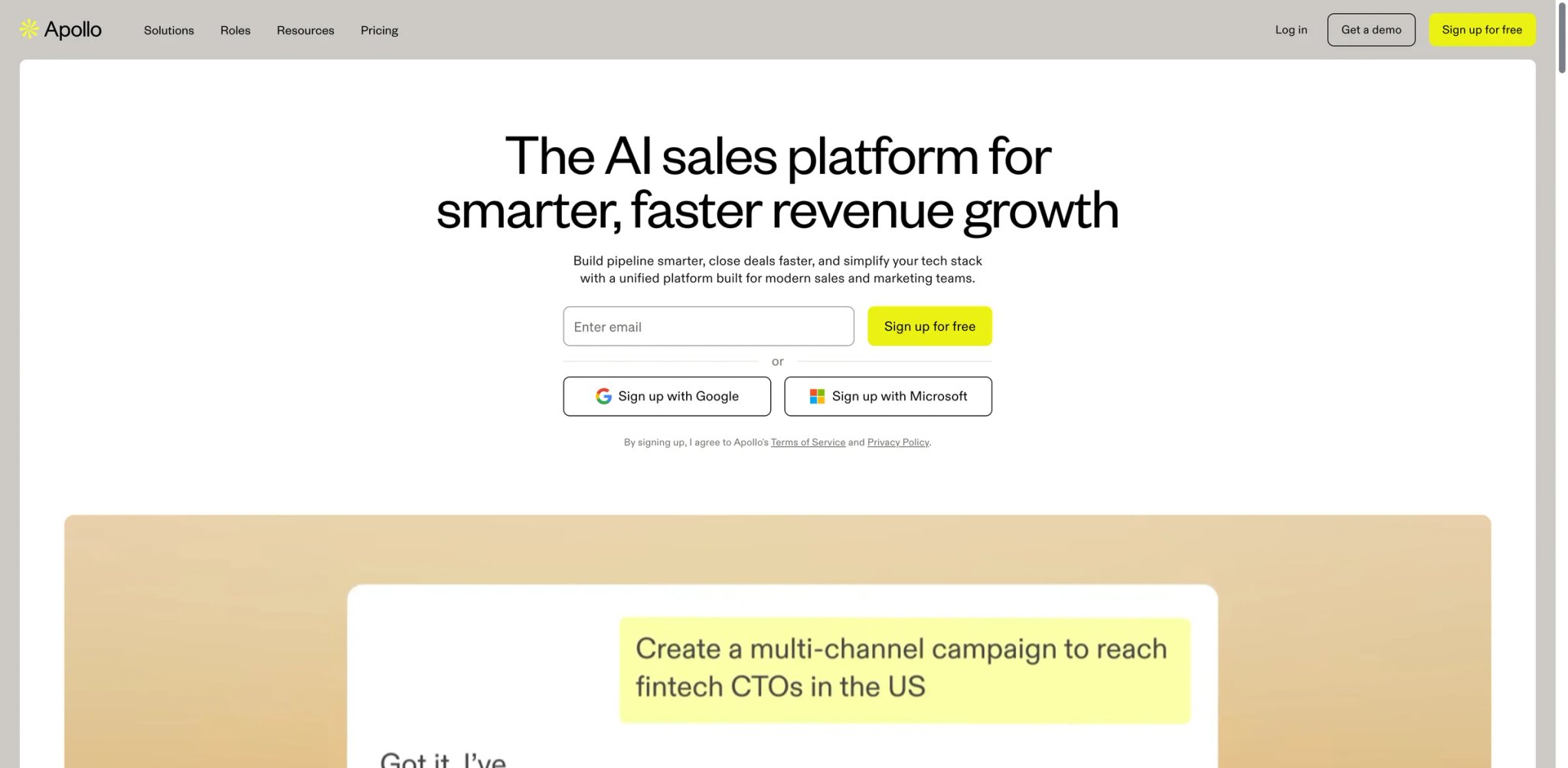
Apollo occupies a rare position in the AI sales tool market: it scores highest on both functionality and value for money in our evaluation. While competitors like Outreach and Salesloft gate basic features behind enterprise contracts, Apollo provides a 275-million-contact database, email sequencing, and a built-in dialer across every paid plan — starting at $49/user/month with a genuinely usable free tier. That combination of breadth and accessibility is why Apollo holds a 4.7/5 rating across 9,000+ G2 reviews.
Key Features
-
275M+ Contact Database — Apollo's B2B database includes verified emails, direct dials, and company firmographics. The data is strongest for US-based mid-market and enterprise contacts. Unlike tools that charge per data export, Apollo includes database access in every plan, with credit-based limits on how many contacts you can enrich per month.
-
Multi-Step Sequences — Build automated outreach sequences combining email, phone, LinkedIn tasks, and custom steps. The sequence builder supports A/B testing, conditional branching based on prospect actions, and AI-generated email variants — giving solo SDRs the sequencing capabilities that previously required a Salesloft or Outreach license.
-
AI Email Writing — Apollo's AI assists with email drafting, subject line optimization, and personalization at scale. The tool pulls from prospect data (job changes, company news, tech stack) to generate relevant opening lines, though the output quality varies and typically needs human editing for high-value accounts.
-
Engagement Analytics — Track email opens, click rates, reply rates, and call outcomes across every sequence step. The analytics dashboard shows which sequences and messaging angles convert best, enabling data-driven iteration without a separate BI tool.
Pricing & Plans
| Plan | Price | Key Inclusions |
|---|---|---|
| Free | $0 | 10K records/yr, 2 sequences, basic filters |
| Basic | $49/user/mo (annual) | Unlimited sequences, A/B testing, 900 mobile credits/yr |
| Professional | $79/user/mo (annual) | Advanced reports, dialer, 1,200 mobile credits/yr |
| Organization | $119/user/mo (annual) | Advanced security, customization, 2,400 mobile credits/yr |
TCO Note: Apollo's credit system is the hidden cost driver. Email credits are generous, but mobile phone numbers cost 8 credits each — and phone data accuracy sits around 65-70% based on user reports, meaning you're burning credits on numbers that don't connect. For a 5-person SDR team doing heavy cold calling, expect an additional $200-400/month in credit overages beyond the base subscription. Annual billing is required for listed prices; monthly billing adds roughly 20%.
Limitations
- Data accuracy drops significantly outside the US — European contacts suffer from GDPR-related data gaps, and APAC/LATAM data is the weakest, with multiple G2 reviewers reporting outdated job titles and invalid phone numbers in these regions.
- The credit system creates unpredictable costs, particularly for cold-calling-heavy teams. Phone numbers at 8 credits each add up fast, and the accuracy rate means you're paying for data that often doesn't connect.
- The platform has a genuine learning curve for non-technical users. Configuring sequences, workflows, and contact searches properly requires technical comfort — a typical salesperson may struggle to leverage the full system without training.
Best For
Apollo fits SMB and mid-market sales teams (1-50 reps) that want a single platform for prospecting, sequencing, and analytics without paying enterprise prices. Especially strong for teams that prioritize email-first outreach with phone as a supplement. Not the right fit if your team relies heavily on cold calling (phone data accuracy is inconsistent), you sell primarily into European or APAC markets (data coverage gaps), or you need enterprise-grade conversation intelligence (Apollo doesn't record or analyze calls).
Get started with Apollo

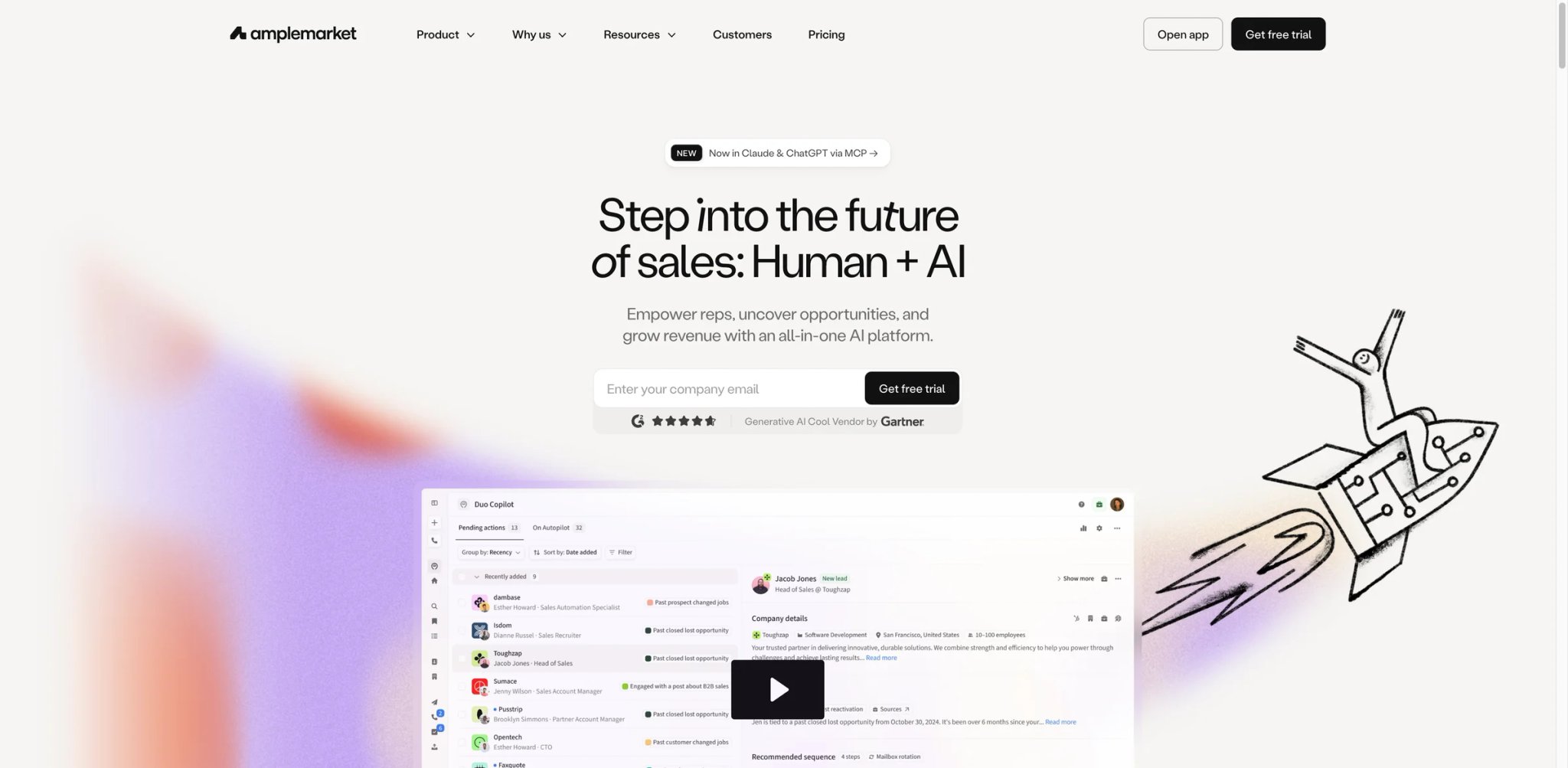
At $600/month for just two users, Amplemarket is the most expensive per-seat tool in our mid-market category — yet it scored second overall thanks to its AI innovation score of 92, the highest in our evaluation. The platform bets heavily on agentic AI: instead of giving reps better tools to execute outreach manually, Amplemarket's AI identifies prospects, writes personalized sequences, and optimizes send timing autonomously. Whether that automation premium justifies 3-4x the cost of Apollo depends entirely on your team's volume and willingness to let AI drive.
Key Features
-
AI-Driven Prospecting — Amplemarket's AI scans your ICP definition and automatically surfaces matching prospects from its database, enriching them with company signals (funding rounds, hiring patterns, tech stack changes). The system learns from your engagement data to refine targeting over time, reducing the manual prospect research that typically consumes 30-40% of SDR time.
-
Agentic Sequence Automation — Sequences aren't just templates with delays — Amplemarket's AI adjusts messaging, timing, and channel mix based on prospect behavior. If a prospect opens but doesn't reply, the AI shifts approach; if a prospect engages on LinkedIn, it deprioritizes email. This adaptive logic is where the "agentic" label earns its keep versus static sequence tools.
-
Multichannel Outreach — Supports email, LinkedIn, phone, WhatsApp, and iMessage outreach within unified sequences. The 2025 update added WhatsApp and iMessage as native channels, expanding reach beyond the email-and-LinkedIn playbook most competitors still rely on.
-
AI Smart Snippets — Generates contextual personalization blocks that reps can insert into templates. Rather than writing each email from scratch, reps review and approve AI-generated snippets that reference the prospect's recent activity, company news, or shared connections.
Pricing & Plans
| Plan | Price | Key Inclusions |
|---|---|---|
| Startup | $600/mo (annual) | 2 users, 15K email credits/user/yr, 480 phone credits/user/yr |
| Growth | $2,000-$5,000/mo | Mid-size teams, expanded credits, priority support |
| Elite | Custom ($10K-$50K/mo) | Enterprise features, dedicated success manager |
TCO Note: The Startup plan's $600/month covers only 2 users with limited credits. At scale, a 10-person team on the Growth plan runs $2,000-$5,000/month — and you'll likely need LinkedIn Sales Navigator ($99/user/month) on top, since Amplemarket's LinkedIn features depend on it. Annual contracts only; no monthly billing option. Budget for $7,200/year minimum before you've sent a single outbound message.
Limitations
- Email deliverability is the most consistent complaint across reviews. Multiple users report emails landing in spam or experiencing deliverability drops after scaling sequences, which undermines the automation advantage.
- Contact data accuracy sits around 90% by Amplemarket's own metrics, but users report encountering stale phone numbers and outdated emails — a meaningful gap when you're paying a premium for the data.
- The credit-based billing model creates confusion about actual costs. Contact access isn't unlimited, and multiple users report unexpected overages and unclear credit consumption rules that make budgeting difficult.
Best For
Amplemarket fits mid-market sales teams (5-30 reps) with the budget to invest in AI-driven outbound and a willingness to let automation handle prospecting decisions. Strong for teams running high-volume multichannel sequences across email, LinkedIn, and messaging apps. Not the right fit if your annual sales tool budget is under $10K (Apollo or Reply.io deliver 80% of the functionality at a fraction of the cost), you need precise control over every outbound touchpoint (the AI-first approach reduces manual control), or your team is under 5 reps (the minimum cost doesn't scale down).
Get started with Amplemarket

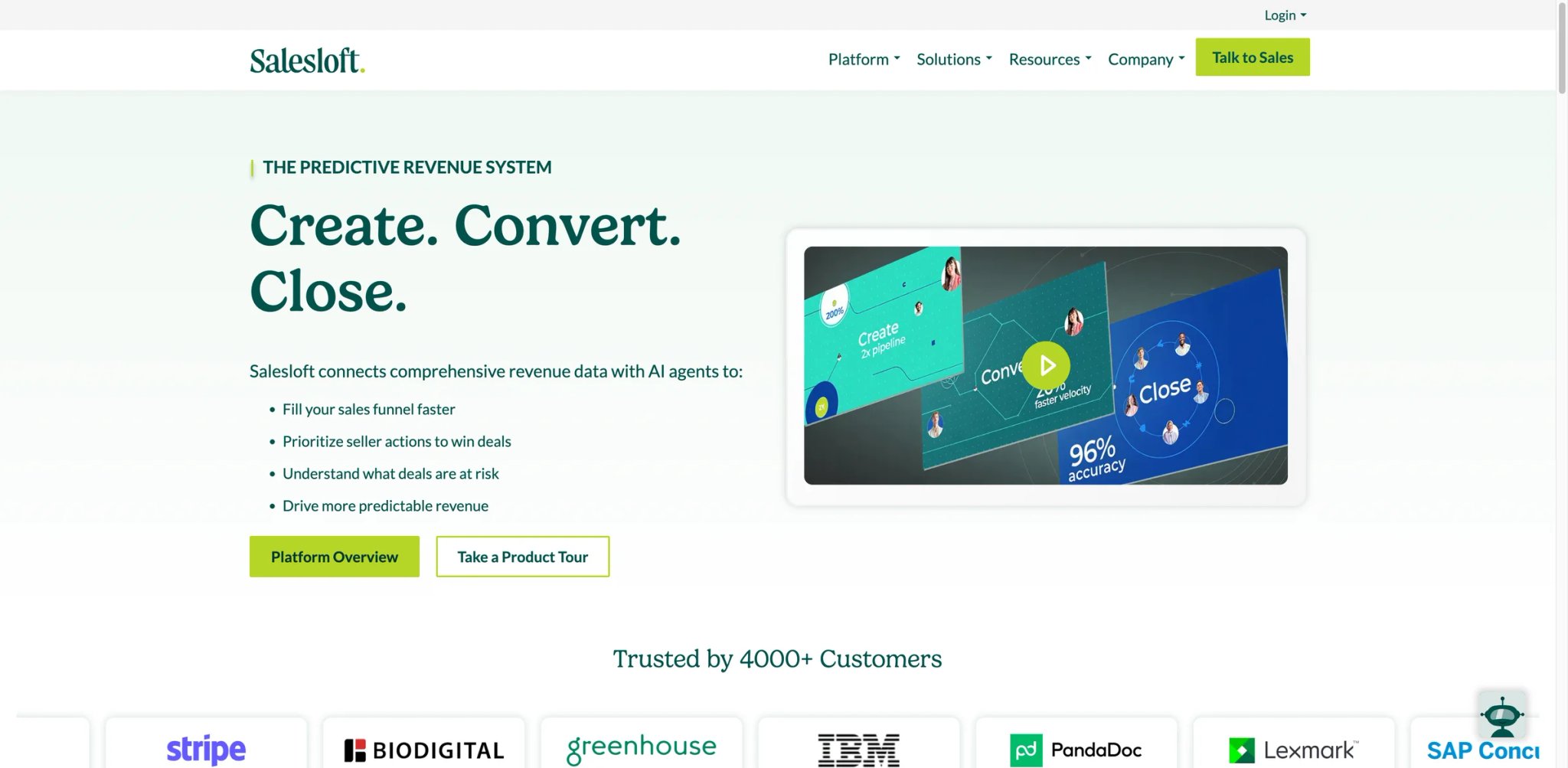
Salesloft has built its reputation as the enterprise standard for sales engagement — the platform G2 consistently ranks alongside Outreach as a category leader. But since Clari acquired Salesloft in late 2025, the picture has gotten more complex. The product roadmap is shifting toward integrated revenue intelligence, pricing transparency has decreased, and some users report feature instability during the integration. For teams already embedded in the Salesloft ecosystem, the deep CRM sync and cadence engine remain best-in-class. For teams evaluating fresh, the question is whether the post-acquisition trajectory justifies the premium over newer alternatives.
Key Features
-
Cadence Engine — Salesloft's multi-step cadence builder is the core product. Build sequences across email, phone, LinkedIn, and custom steps with conditional logic, A/B testing, and automated task queuing. The workflow engine handles complex branching scenarios that simpler tools like Mixmax or Reply.io can't match.
-
Deep CRM Integration — Bi-directional Salesforce and HubSpot sync that logs every touchpoint, updates contact records, and triggers workflows based on CRM field changes. The integration depth — custom object mapping, activity logging, real-time data flow — is meaningfully deeper than what Apollo or Outplay offer.
-
Conversation Intelligence — Call recording, transcription, and AI analysis for coaching and deal review. However, multiple users note the conversation intelligence feature is limited compared to dedicated tools like Gong — one reviewer stated it "doesn't even have the functionality of Zoom" for call analysis.
-
Analytics & Reporting — Track cadence performance, rep activity, and pipeline impact with granular dashboards. The analytics layer connects engagement metrics to revenue outcomes, showing which cadences and messaging patterns drive meetings and closed deals.
Pricing & Plans
| Plan | Estimated Price | Key Inclusions |
|---|---|---|
| Essentials | ~$140/user/mo | Core cadences, email tracking, CRM sync |
| Advanced | ~$180/user/mo | Conversations, deals, advanced analytics |
| Premier | ~$220-$250/user/mo | Revenue forecasting, AI models, sandbox |
TCO Note: Salesloft doesn't publish pricing — every deal requires a sales conversation. The estimates above come from Vendr benchmarks and user reports. Critical hidden costs: the dialer is a separate add-on (not included in base plans), minimum seat counts of 10-15 users are typical, and no free trial is available. A 15-person team on Advanced with the dialer add-on runs approximately $35K-$45K/year. Watch for aggressive renewal tactics — users report mid-contract price increases and strict 60-day notice periods for downsizing.
Limitations
- The dialer isn't included in base plans, which is a surprising gap for a sales engagement platform at this price point. Purchasing it as a separate module adds meaningful cost on top of already-premium pricing.
- Post-Clari acquisition instability is a real concern. Users report bugs that don't get fixed, browser tabs requiring manual refresh to pull updates, and features like inbound calls and task reminders working inconsistently.
- The platform is an execution tool, not an intelligence tool. There's no built-in prospecting database, intent data, or contact enrichment — you need to bring your own data and layer Salesloft on top, adding cost and integration complexity.
Best For
Salesloft fits mid-market to enterprise sales organizations (15-200+ reps) with existing CRM infrastructure that need a disciplined, analytics-rich engagement platform. Especially strong for teams running structured outbound playbooks across multiple channels with management oversight. Not the right fit if you're a team under 10 reps (minimum seat requirements and pricing don't scale down), you need built-in prospecting data (add Apollo or LeadIQ), or you're concerned about platform stability during the Clari integration period.
Get started with Salesloft
Nooks
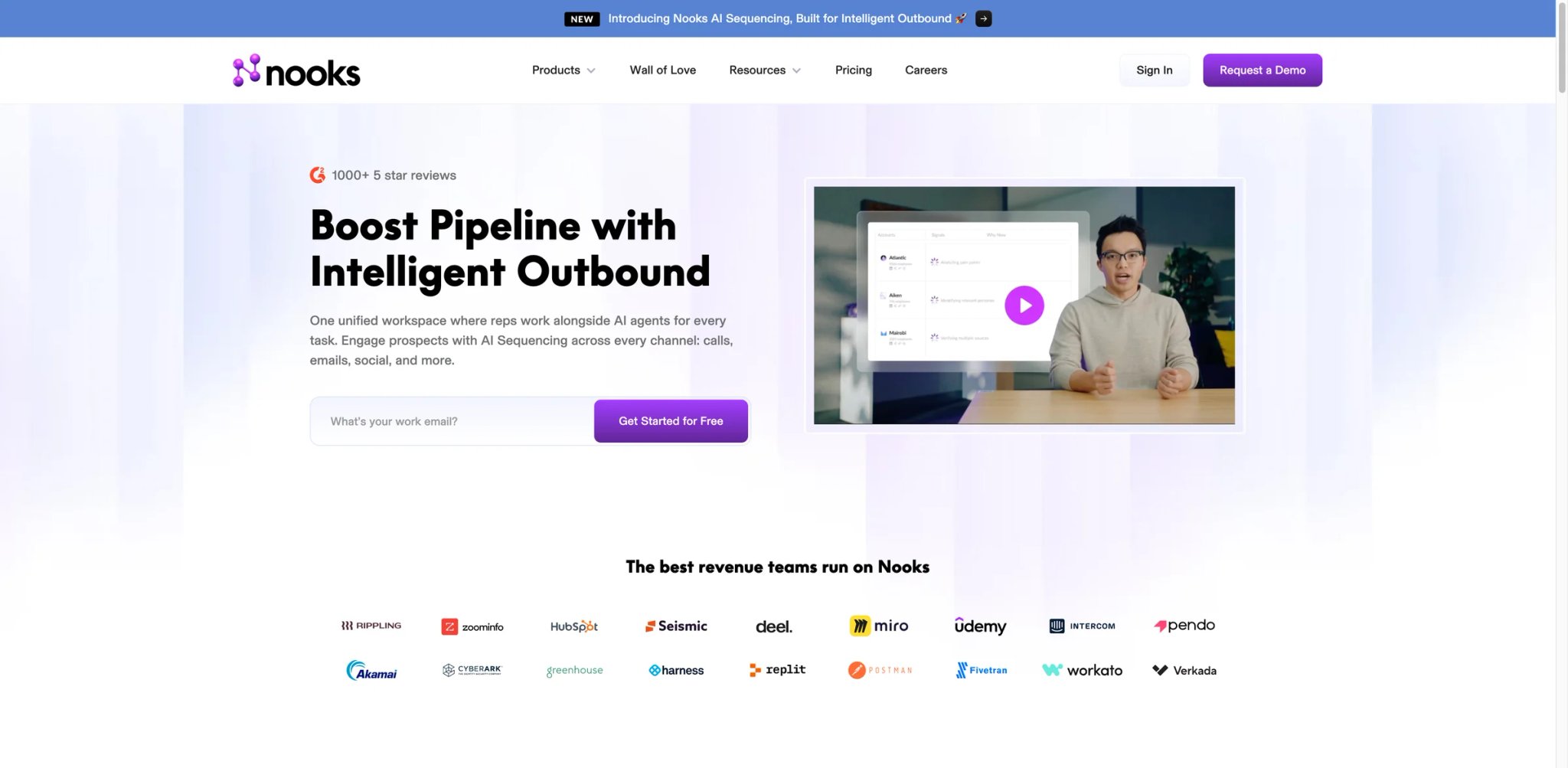
If your SDR team's primary outbound channel is the phone, Nooks is the only platform in this guide built specifically around that workflow. While every other tool here treats calling as an add-on feature, Nooks makes parallel dialing, real-time AI coaching, and virtual salesfloor collaboration its core product. The trade-off is sharp: at roughly $5,000/user/year for what is fundamentally a dialing platform, the investment only pays off for teams where phone connect rates directly drive pipeline.
Key Features
-
AI Parallel Dialer — Nooks dials multiple prospects simultaneously and connects reps only when someone answers. This approach multiplies effective dial rates by 3-5x compared to single-line dialing, letting a single SDR cover the same ground that previously required 3-5 reps. The AI handles voicemail detection and filters out non-answers before connecting the rep.
-
Virtual Salesfloor — A collaborative workspace where SDR teams work together in real-time, sharing wins, getting live coaching, and maintaining energy through group accountability. This feature addresses the remote-work isolation problem that many distributed sales teams face — managers can drop in, listen to live calls, and coach on the spot.
-
AI Coaching Assistant — Real-time call guidance that surfaces talk tracks, objection responses, and competitive intel while the rep is actively on a call. Post-call, the AI generates summaries and highlights coaching moments for manager review.
-
Prospecting + Sequencing — Beyond dialing, Nooks has expanded into prospecting and email sequencing, positioning itself as a unified outbound workspace rather than just a dialer. The expansion is still maturing compared to dedicated sequencing tools.
Pricing & Plans
| Plan | Estimated Price | Key Inclusions |
|---|---|---|
| AI Dialing Assistant | ~$400/user/mo | Parallel dialing, voicemail detection, call analytics |
| AI Coaching Assistant | Custom | Real-time guidance, post-call analysis |
| AI Prospecting Assistant | Custom | Lead research, email sequencing |
TCO Note: Nooks pricing is custom with no published rates. Based on Vendr data and user reports, expect $4,000-$5,000/user/year as the baseline. Annual contracts only — no monthly billing. Additional costs include Twilio phone numbers (~$10-15/number/month) and potential volume discounts at 20+ seats. For a 10-person SDR team, budget $40K-$50K/year before phone line costs. The ROI math only works if your reps are making 100+ dials/day.
Limitations
- Connection lag is the top user complaint. When parallel dialing, there's a delay between the prospect answering and the rep connecting, creating awkward silence that immediately signals "spam call." Multiple users report this kills first impressions on cold calls.
- Spam risk management relies on Twilio numbers monitored by NoMoRobo, which independent testing suggests isn't the most accurate spam detection service. Numbers flagged by carriers may show as "clean" in Nooks, leading to degraded connect rates over time.
- The AI note-taker oversimplifies longer calls. For detailed 10-20 minute conversations, key specifics get consolidated into high-level summaries that miss critical details reps need for follow-up.
Best For
Nooks fits SDR teams (10-50+ reps) running phone-first outbound strategies where daily dial volume directly correlates with pipeline generation. Especially strong for teams that want a virtual salesfloor environment to maintain energy and coaching culture in remote settings. Not the right fit if phone isn't your primary outbound channel (the per-user cost doesn't justify it for email-first teams), you're a team under 5 reps (the pricing and product are built for scale), or call quality matters more than call volume for your selling motion (the parallel dialer prioritizes throughput over personalization).
Get started with Nooks

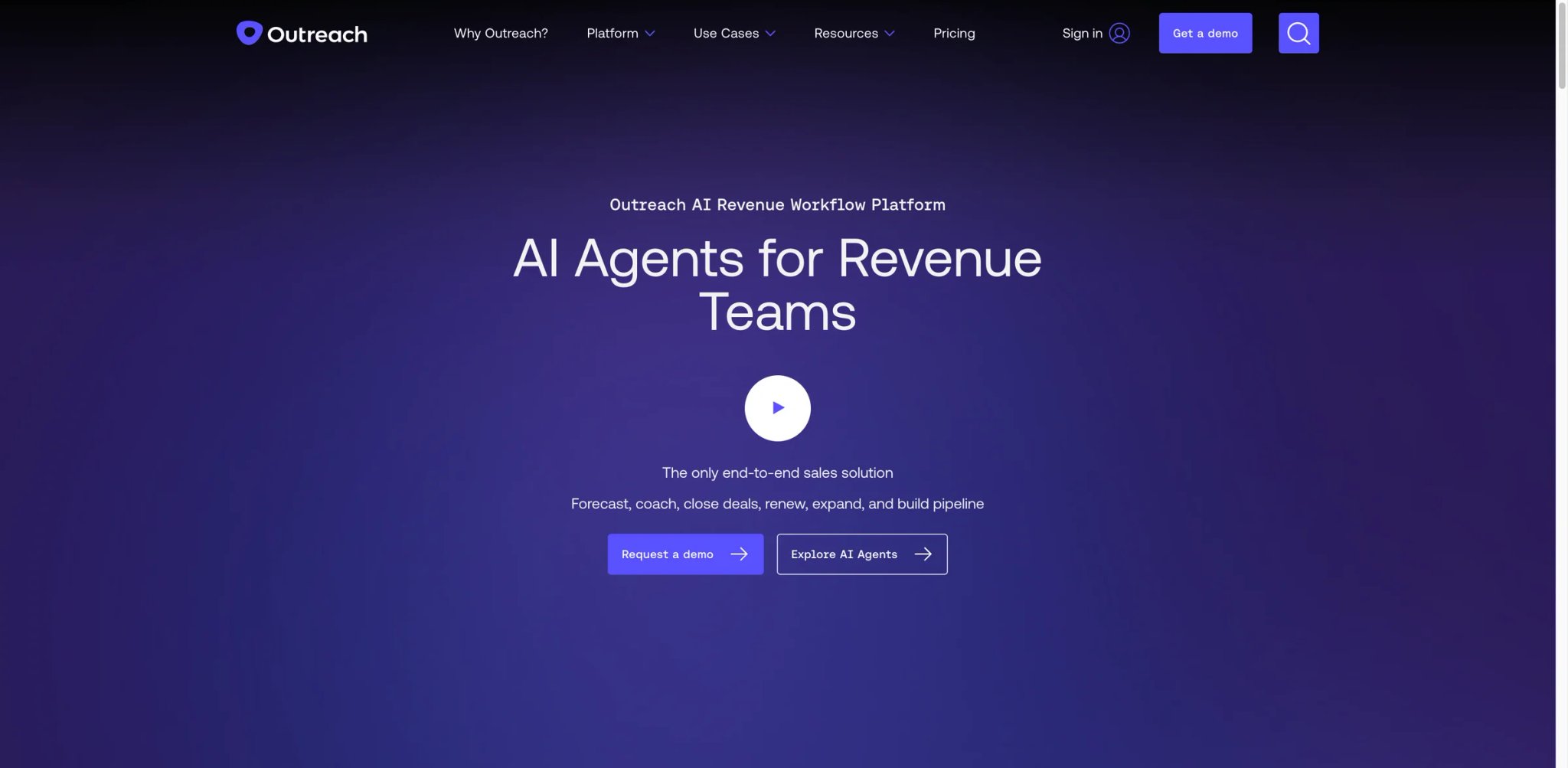
Outreach and Salesloft have been compared head-to-head for years, and the distinction in 2026 comes down to this: Outreach prioritizes breadth of workflow automation for large BDR organizations, while Salesloft (post-Clari acquisition) is pivoting toward integrated revenue intelligence. Outreach's enterprise customer base includes some of the largest sales organizations in tech, which means the product is built for governance, compliance, and multi-team orchestration at a scale that smaller platforms don't address. The flip side is complexity — new SDRs typically need 2-4 weeks to become productive on the platform.
Key Features
-
Advanced Sequencing Engine — Outreach's sequence builder supports complex multi-step workflows with conditional branching, A/B testing, dynamic content insertion, and rules-based automation that triggers actions based on prospect behavior across channels. The depth of sequencing logic exceeds what Apollo, Mixmax, or Reply.io can handle for teams running 20+ concurrent sequences.
-
AI-Powered Deal Intelligence — Outreach's AI layer analyzes deal progression, flags at-risk opportunities, and scores deal health based on engagement patterns. The system identifies stalled deals, suggests next actions, and provides forecasting inputs that complement (though don't replace) dedicated forecasting tools like Clari.
-
Salesforce Deep Integration — Bi-directional sync with custom object support, activity logging, and real-time data flow. The integration quality is consistently rated among the best in category, with field-level mapping and duplicate management that reduce CRM data decay.
-
Governance & Compliance — Enterprise features including send limits, content approval workflows, team-level access controls, and audit trails. These governance capabilities are why regulated industries (financial services, healthcare tech) choose Outreach over lighter-weight alternatives.
Pricing & Plans
| Plan | Estimated Price | Key Inclusions |
|---|---|---|
| Standard | ~$100/user/mo | Core sequencing, email tracking, basic analytics |
| Professional | ~$120-$140/user/mo | AI insights, call coaching, deal health |
| Enterprise/Unlimited | ~$160+/user/mo | Custom governance, advanced automation, dedicated support |
TCO Note: All plans require annual commitment — no monthly billing. Implementation fees range from $1,000 to $8,000 depending on complexity. The AI features use a credit-based consumption model, which means heavy users can burn through credits faster than expected, creating unpredictable costs. A 50-user deployment on the Engage plan typically lists at $72K/year (~$120/user/month); Vendr data shows negotiated prices of $65K-$85K at renewal. Budget 10-15% above the quoted per-user rate for implementation, training, and AI credit overages.
Limitations
- No built-in buying intent, contact enrichment, or visitor identification at any tier. You need a separate intent tool (6sense, Bombora) and data provider (Apollo, ZoomInfo) to feed Outreach, adding $500-$2,000+/month to your stack.
- The steep learning curve delays time-to-value. Multiple reviewers confirm new SDRs need 2-4 weeks before becoming productive, and the admin configuration complexity means you likely need a dedicated Outreach admin for teams over 20 reps.
- Email deliverability issues with cold outbound are a recurring complaint. Tracking pixels and Outreach's sending infrastructure can trigger enterprise spam filters, and the platform doesn't offer built-in warmup capabilities.
Best For
Outreach fits enterprise sales organizations (25-500+ reps) running sophisticated multi-channel outbound programs that require governance, compliance controls, and deep CRM integration. Especially strong for teams with dedicated sales ops resources to configure and maintain the platform. Not the right fit if you're a team under 15 reps (the complexity and cost don't justify it), you need a self-contained platform with built-in data (Outreach is execution-only), or your primary motion is inbound (Outreach is architected for outbound workflow automation).
For teams looking to pair their sales engagement platform with AI-powered content generation for outbound messaging, dedicated content tools can accelerate template creation without burning AI credits inside your sales platform.
Get started with Outreach

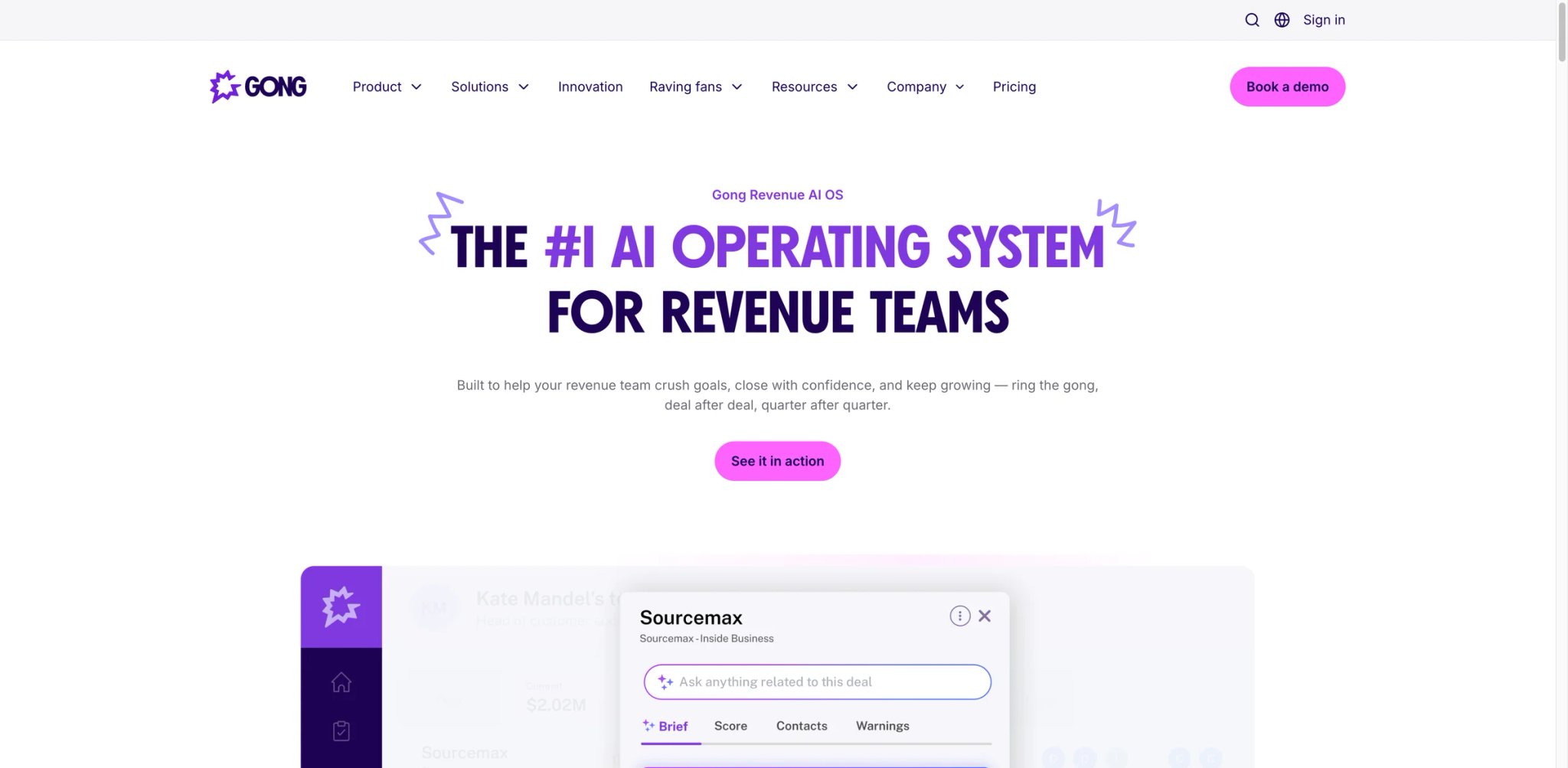
Gong created the conversation intelligence category and still leads it with a 4.8/5 G2 rating across 6,000+ reviews. But the 2025 pricing restructure changed the economics dramatically: a five-figure platform fee reported in the buyer market, modular add-on pricing, and per-user costs that often land around $1,300-$1,600/year for Foundations-like packages mean the entry point for a 10-person team is now $28,000+ in year one. Companies that bought Gong for call recording and note-taking are finding themselves paying $250/user/month for bundled capabilities they never use — while the conversation intelligence itself remains genuinely best-in-class.
Key Features
-
Conversation Intelligence — Gong records, transcribes, and analyzes every customer-facing interaction across calls, video meetings, and emails. The AI identifies talk-to-listen ratios, competitive mentions, pricing discussions, and next-step commitments. For coaching managers, the ability to search across thousands of calls for specific topics or objection patterns is uniquely valuable.
-
Deal Intelligence — AI-powered deal health scoring that analyzes engagement patterns, stakeholder involvement, and conversation signals to predict close probability. The system flags at-risk deals based on behavioral changes — fewer stakeholders joining calls, delayed follow-ups, or competitive mentions increasing — giving managers early warning before deals stall.
-
Revenue Intelligence — Pipeline analytics and forecasting that aggregate conversation and deal data into revenue predictions. Gong's AI-generated forecasts complement (and sometimes outperform) manual forecasting by incorporating engagement data that spreadsheet-based forecasts miss entirely.
-
Coaching Recommendations — AI surfaces specific coaching moments from calls — missed discovery questions, weak objection handling, insufficient next-step commitments — and delivers actionable recommendations for manager-rep coaching sessions.
Pricing & Plans
| Component | Estimated Price | Notes |
|---|---|---|
| Platform Fee | ~$5,000-$50,000/year | Mandatory base fee reported by recent buyer-market sources; actual fee varies by deployment size and package mix |
| Foundations (per user) | $1,400-$1,600/year | Core recording + transcription + analytics |
| Forecast Add-on | $700/user/year | Revenue forecasting module |
| Engage Add-on | $800/user/year | Sales engagement module |
| Onboarding | $7,500+ | One-time implementation fee |
TCO Note: Gong's current buyer-market pricing appears to use a quote-based structure that combines a base platform fee, per-user licensing, and implementation/onboarding costs. Recent reported platform-fee ranges span roughly $5,000 to $50,000 per year depending on package size, so the economics for a 10-seat team can vary sharply by contract. Treat Gong as a negotiated enterprise purchase, not a fixed-fee product, and benchmark the quote against Avoma or Clari Copilot before signing.
Limitations
- The five-figure annual platform fee makes Gong inaccessible for teams under 20-30 users — the per-user economics only become reasonable at scale, and small teams are effectively priced out of the category leader.
- Transcription accuracy degrades with non-native English speakers, regional accents, and industry-specific terminology. For international sales teams or technical product demos, expect to manually correct transcripts regularly.
- Adoption and utilization are a real problem. Analysis of 600+ reviews found that companies commonly purchase 110 licenses with only 50 active users, treating Gong as an expensive note-taker rather than a coaching platform — a $250/user waste for unused seats.
Best For
Gong fits mid-market to enterprise sales organizations (30-500+ reps) where coaching culture, deal visibility, and revenue forecasting justify the platform investment. Especially valuable for teams with dedicated sales enablement or revenue operations functions that will actively use the coaching and analytics capabilities. Not the right fit if your team is under 20 users (the platform fee destroys per-user economics), you primarily need call recording without deep analytics (Avoma costs 80% less), or your team won't actively use conversation intelligence for coaching (most Gong ROI comes from behavioral change, not passive recording).
Get started with Gong
Mixmax
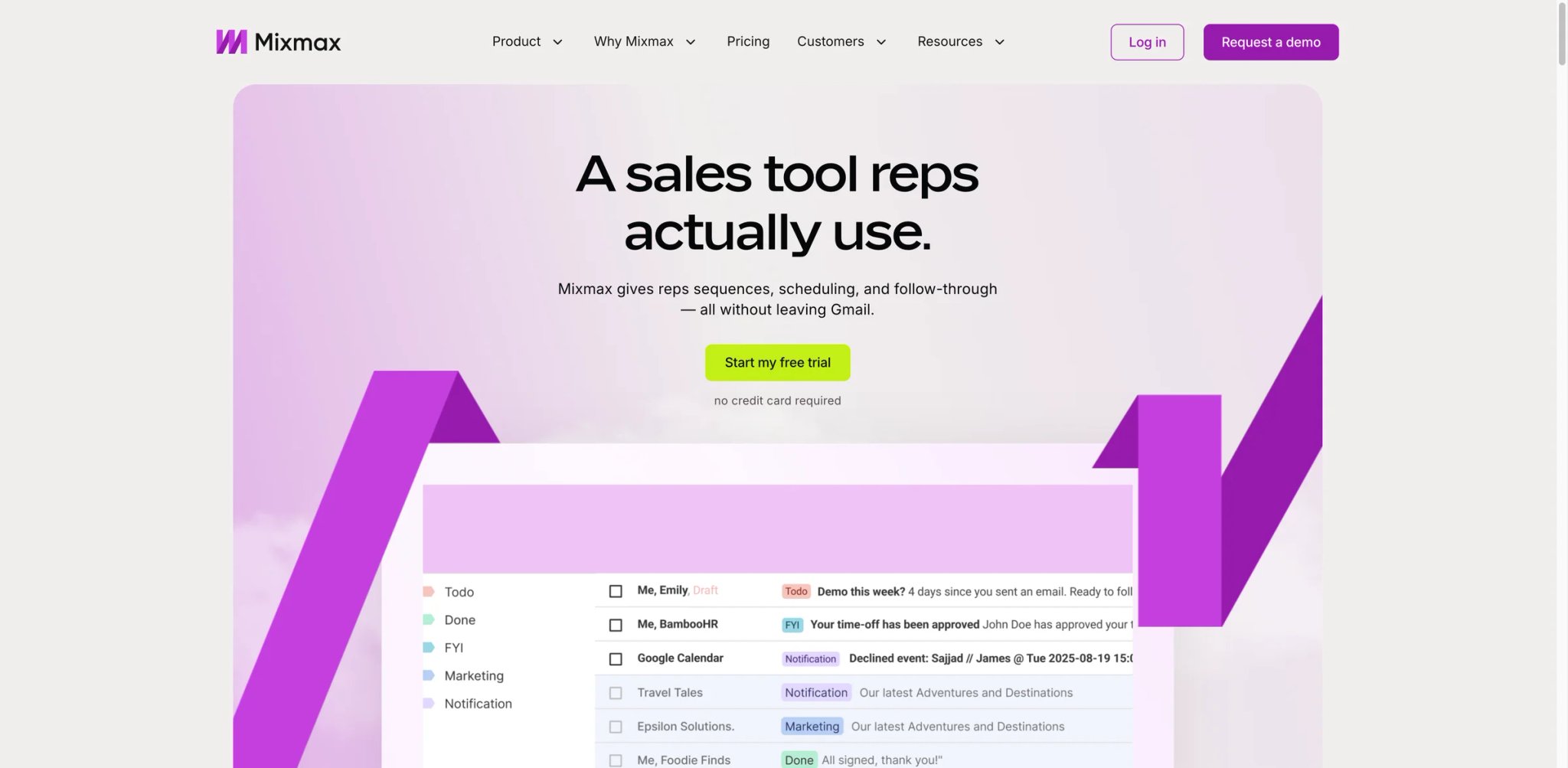
For teams that live inside Gmail and want sales engagement without leaving their inbox, Mixmax is the only tool in this guide that operates as a true Gmail-native experience. While Salesloft and Outreach pull reps into separate platforms, Mixmax embeds sequences, scheduling, tracking, and templates directly into the Gmail compose window. The trade-off is clear: you get a faster daily workflow for email-centric sellers, but you give up the multi-channel depth and enterprise governance that dedicated platforms provide.
Key Features
-
Gmail-Native Workflow — Everything happens inside Gmail: create sequences, track opens and clicks, schedule meetings, and manage templates without switching tabs. For reps who send 50-100 emails daily, eliminating the context switch between email client and engagement platform saves meaningful time.
-
One-Click Meeting Scheduling — Embed availability directly into emails so prospects can book without the back-and-forth. The scheduling links sync with Google Calendar and support round-robin distribution across team members, making it a viable Calendly replacement for sales teams.
-
Email Sequences with Automation — Multi-step email sequences with personalization tokens, delay logic, and auto-stop when prospects reply. Simpler than Salesloft or Outreach sequences, but sufficient for teams running 3-5 step email cadences without complex branching.
-
Real-Time Engagement Alerts — Instant notifications when prospects open emails, click links, or view shared documents. The alerts enable reps to call prospects while they're actively engaged — a timing advantage that improves connect rates.
Pricing & Plans
| Plan | Price | Key Inclusions |
|---|---|---|
| Plan | Price | Key Inclusions |
| --- | --- | --- |
| Mixmax Free | $0 | Email tracking, meeting scheduling, basic email sequences |
| Inbox Copilot | $29/user/mo (annual) | AI writing and inbox productivity for Gmail |
| Meeting Copilot | $29/user/mo (annual) | Meeting prep, notes, and follow-up assistance |
| Engagement Copilot | $49/user/mo (annual) | AI-assisted outbound engagement workflows |
| Mixmax Suite | $89/user/mo (annual) | Complete platform with email engagement, scheduling, and revenue workflows |
| Mixmax for Teams | Custom | Sales-led package for teams of 5+, advanced controls, dialer, and enterprise options |
TCO Note: Mixmax's pricing is still comparatively transparent, but the package structure has changed. The platform now separates AI copilots from the full Mixmax Suite, and larger teams are pushed into a sales-led Mixmax for Teams motion. For a 10-person team on Mixmax Suite, budget about $890/month on annual billing before any enterprise add-ons. Confirm whether your team needs the full Suite or only a narrower Copilot product before comparing Mixmax against Outreach or Salesloft.
Limitations
- Gmail-only compatibility excludes any team using Outlook, Microsoft 365, or other email clients. There's no workaround — if even some of your team uses Outlook, Mixmax can't serve them.
- No built-in calling or phone capabilities. Teams that need a dialer must add a separate tool (Aircall, Dialpad), which fragments the workflow Mixmax otherwise keeps unified in Gmail.
- Email deliverability at volume is a concern. Emails route through Gmail's servers with Mixmax tracking pixels embedded, and enterprise spam filters flag the tracking more aggressively than native Gmail sends — multiple G2 reviewers report deliverability drops when scaling sequences past 50+ daily sends per rep.
Best For
Mixmax fits small-to-mid-market sales teams (3-25 reps) that run email-first outbound through Gmail and want transparent pricing without enterprise sales negotiations. Especially strong for teams that value scheduling and email workflow speed over multi-channel sequence complexity. Not the right fit if your team uses Outlook or Microsoft 365 (Mixmax is Gmail-only), phone outreach is a primary channel (no built-in dialer), or you need enterprise governance and compliance controls (Salesloft or Outreach).
Get started with Mixmax
Revenue.io
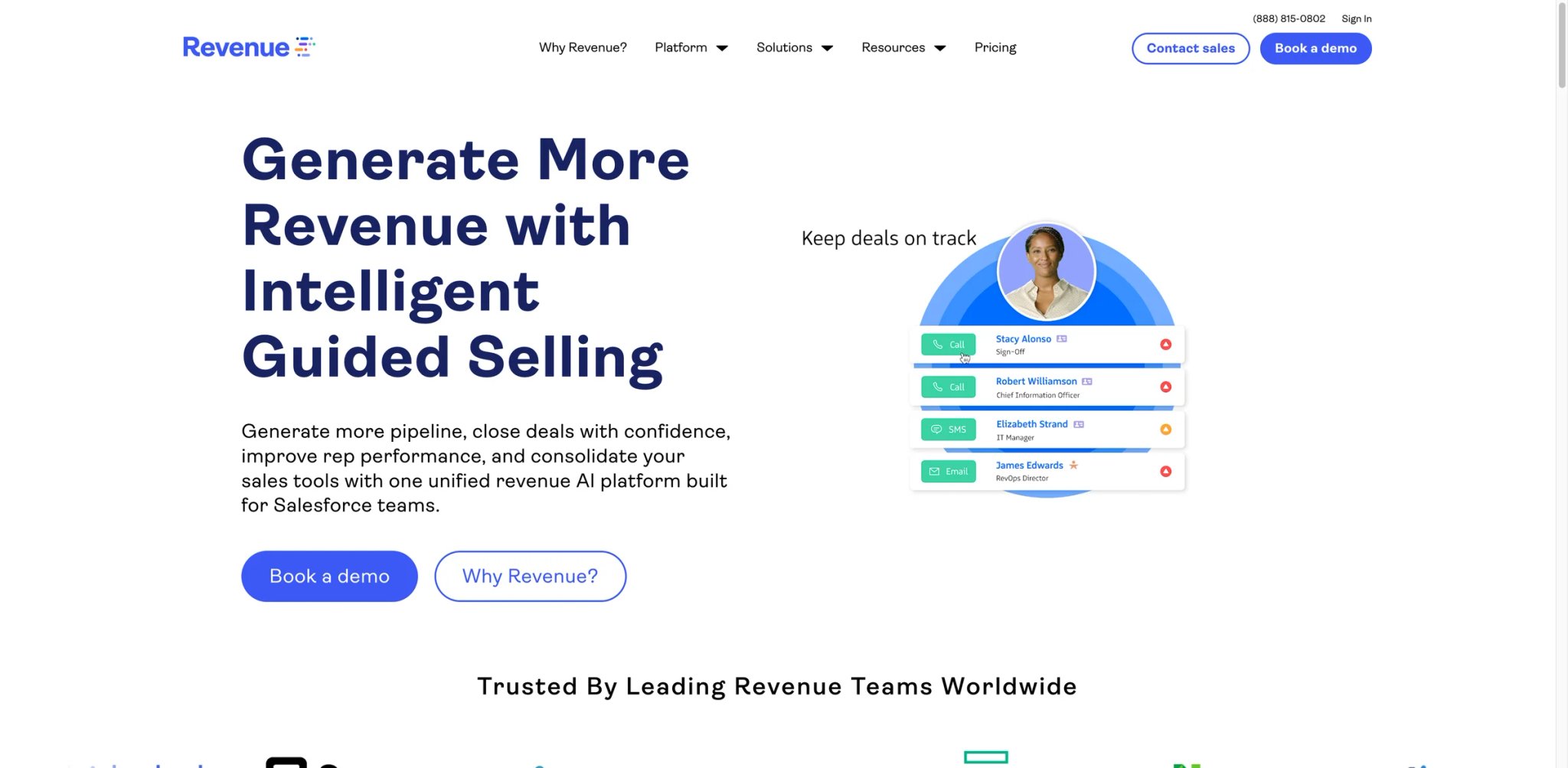
Revenue.io holds a unique position as the only tool in this guide that is truly Salesforce-native — not integrated with Salesforce, but built inside it. While every other platform syncs data back to your CRM, Revenue.io logs everything directly into Salesforce objects without middleware or delayed batch syncs. For sales organizations that have invested heavily in Salesforce as their single source of truth, this eliminates the data integrity problems that plague bolt-on tools.
Key Features
-
Salesforce-Native Architecture — Every call, email, and engagement metric logs natively inside Salesforce objects in real-time. There's no middleware, no batch sync delays, and no data silos. For RevOps teams that spend hours reconciling activity data between platforms, this alone justifies evaluation.
-
AI-Powered Dialer — Built-in dialing with local presence, voicemail drop, and parallel dialing capabilities. The dialer connects directly to Salesforce records, auto-logging call outcomes and surfacing next-best-action recommendations based on call context.
-
Conversation Intelligence — Call recording, transcription, and AI analysis for coaching — integrated directly into Salesforce call records rather than a separate dashboard. Managers can review coaching moments and track improvement patterns without leaving the CRM.
-
Real-Time Coaching — AI surfaces talk track suggestions, competitive intel, and objection responses during live calls. Post-call, the system generates coaching recommendations based on detected patterns and compares rep performance against team benchmarks.
Pricing & Plans
| Plan | Estimated Price | Key Inclusions |
|---|---|---|
| Activate | ~$95/user/mo | Dialer, coaching, faster connects |
| Engage | Custom | Outreach automation, pipeline scaling |
| Orchestrate | Custom | Full automation, AI-driven execution |
TCO Note: Revenue.io pricing starts at approximately $95/user/month, but the full cost depends on which modules you deploy. Vendr data shows a median annual contract of $59,460, which translates to roughly $99/user/month for a 50-person team. Implementation costs and Salesforce edition requirements are additional factors — Revenue.io's capabilities are tied to your Salesforce tier, and some features require Salesforce Enterprise Edition or higher. Request a written TCO breakdown that includes your specific Salesforce edition requirements.
Limitations
- Salesforce-only dependency is both the strength and the limitation. If your CRM is HubSpot, Pipedrive, or anything other than Salesforce, Revenue.io is not an option. And if you ever migrate away from Salesforce, you lose Revenue.io entirely.
- No mobile app — Revenue.io uses a progressive web app that makes certain functions (audio quality, offline access) less reliable than native mobile experiences. For field sales teams, this is a meaningful gap.
- The platform doesn't help with prospecting. Revenue.io is an execution and coaching tool — you need to bring your own leads into Salesforce before Revenue.io adds value, meaning you still need a separate data provider.
Best For
Revenue.io fits Salesforce-committed sales organizations (15-100+ reps) that want engagement, dialing, and conversation intelligence unified inside their CRM without data sync headaches. Especially strong for teams where Salesforce data integrity is a strategic priority and RevOps has the resources to leverage native architecture. Not the right fit if your CRM isn't Salesforce (there are no other integrations), your team works heavily from mobile devices (the progressive web app is limited), or you need built-in prospecting and enrichment capabilities.
Get started with Revenue.io
Outplay
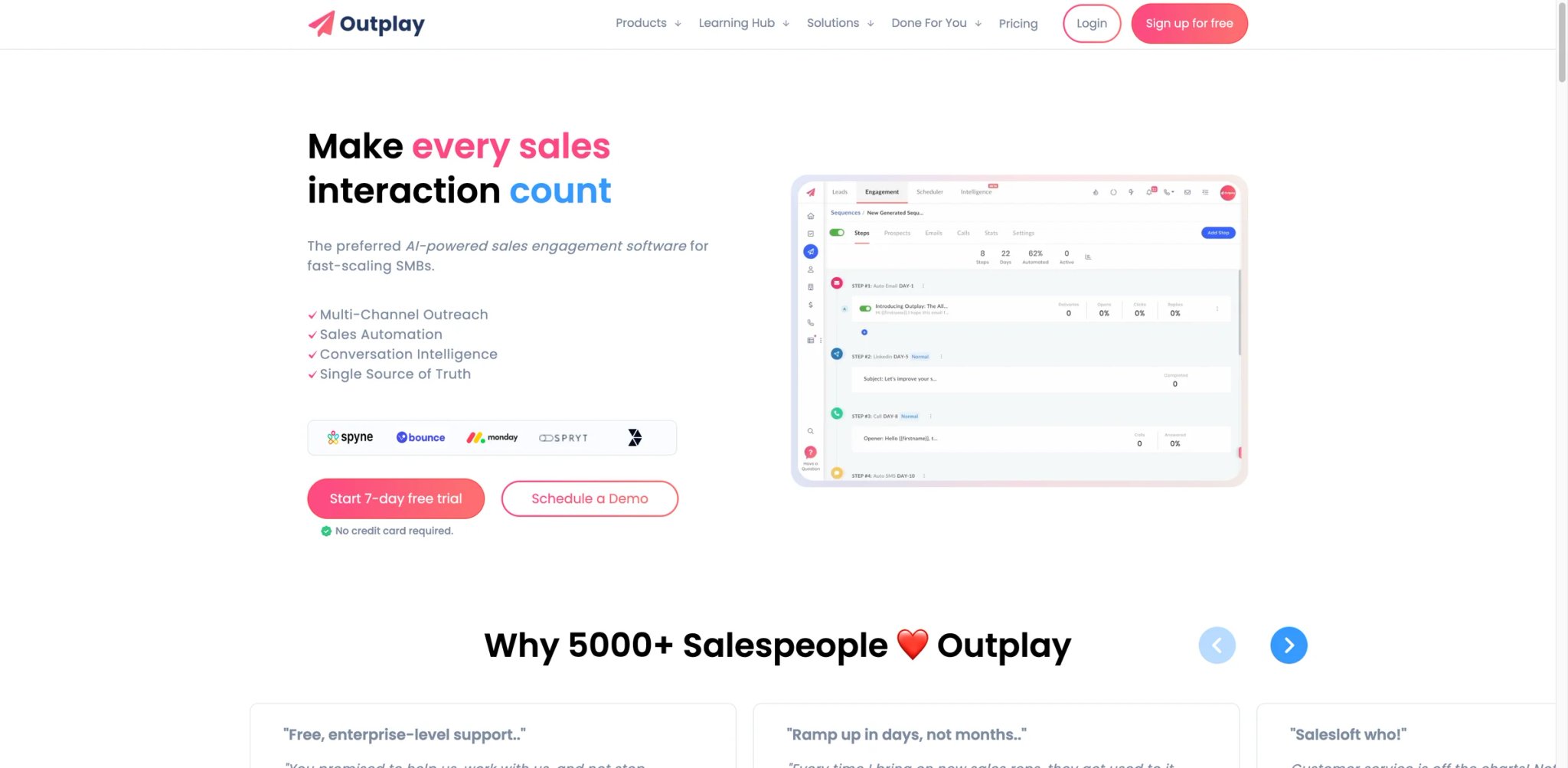
Among the 15 tools in this guide, Outplay occupies the budget tier without the typical budget-tier compromises. At $39-$139/user/month, it undercuts Outreach and Salesloft by 40-60% while covering the core multichannel engagement workflow — email sequences, LinkedIn tasks, phone steps, and basic analytics. The 4.5/5 G2 rating from 269+ reviews reflects genuine satisfaction from SMB teams that need engagement capabilities without enterprise pricing or complexity.
Key Features
-
Multichannel Sequences — Build outreach sequences that combine email, LinkedIn, phone, SMS, and WhatsApp steps in a single workflow. The sequence builder is simpler than Outreach or Salesloft but covers the 80% of use cases that most growing sales teams actually need.
-
Built-In Dialer — The Growth plan includes a power dialer and the Enterprise plan includes a predictive dialer — a significant differentiator at this price point, since Salesloft charges extra for dialing and Mixmax doesn't offer it at all.
-
CRM Integrations — Native integrations with Salesforce, HubSpot, Pipedrive, and Zoho CRM. The integration depth is adequate for syncing activities and contacts, though it lacks the custom object mapping and advanced workflow triggers that Salesloft provides.
-
Conversation Intelligence — Call recording and AI-powered analysis on higher-tier plans. The feature set is basic compared to Gong or Revenue.io but provides coaching visibility for teams that can't justify a dedicated CI platform.
Pricing & Plans
| Plan | Price | Key Inclusions |
|---|---|---|
| Free | $0 | Basic outreach, limited contacts |
| Starter | $39/user/mo | Email sequences, basic tracking |
| Growth | $89/user/mo | Multichannel, power dialer, CRM sync |
| Enterprise | $139/user/mo | Predictive dialer, team management, advanced analytics |
TCO Note: Outplay's pricing is what it claims to be — no platform fees, no minimum seats, and month-to-month billing available. A 10-person team on Growth costs $890/month versus $1,800+ for comparable Outreach deployments. The main hidden cost is data: Outplay's built-in enrichment features have gaps in accuracy (especially phone numbers), so budget for a separate data tool like Apollo or LeadIQ ($49-$79/user/month) for prospecting.
Limitations
- Built-in contact data and enrichment features lag behind dedicated prospecting tools. Phone numbers are sometimes outdated and email verification has gaps, meaning you'll likely need an external data source for reliable prospecting.
- LinkedIn prospecting capabilities are basic — the integration handles LinkedIn tasks in sequences but lacks the automation depth of tools like Amplemarket.
- Reporting and analytics are functional but basic. Teams that need granular sequence attribution, rep performance benchmarking, or pipeline influence reporting will find the analytics insufficient compared to Outreach or Salesloft.
Best For
Outplay fits SMB and early-stage sales teams (3-20 reps) that need multichannel engagement without enterprise pricing or multi-week onboarding. Especially strong for teams upgrading from manual email outreach to structured sequences for the first time. Not the right fit if you need enterprise governance and compliance features (Outreach or Salesloft), you require deep analytics and attribution reporting (Outplay's reporting is basic), or you're running 50+ concurrent sequences across a large team (the platform is built for simplicity, not scale).
Get started with Outplay

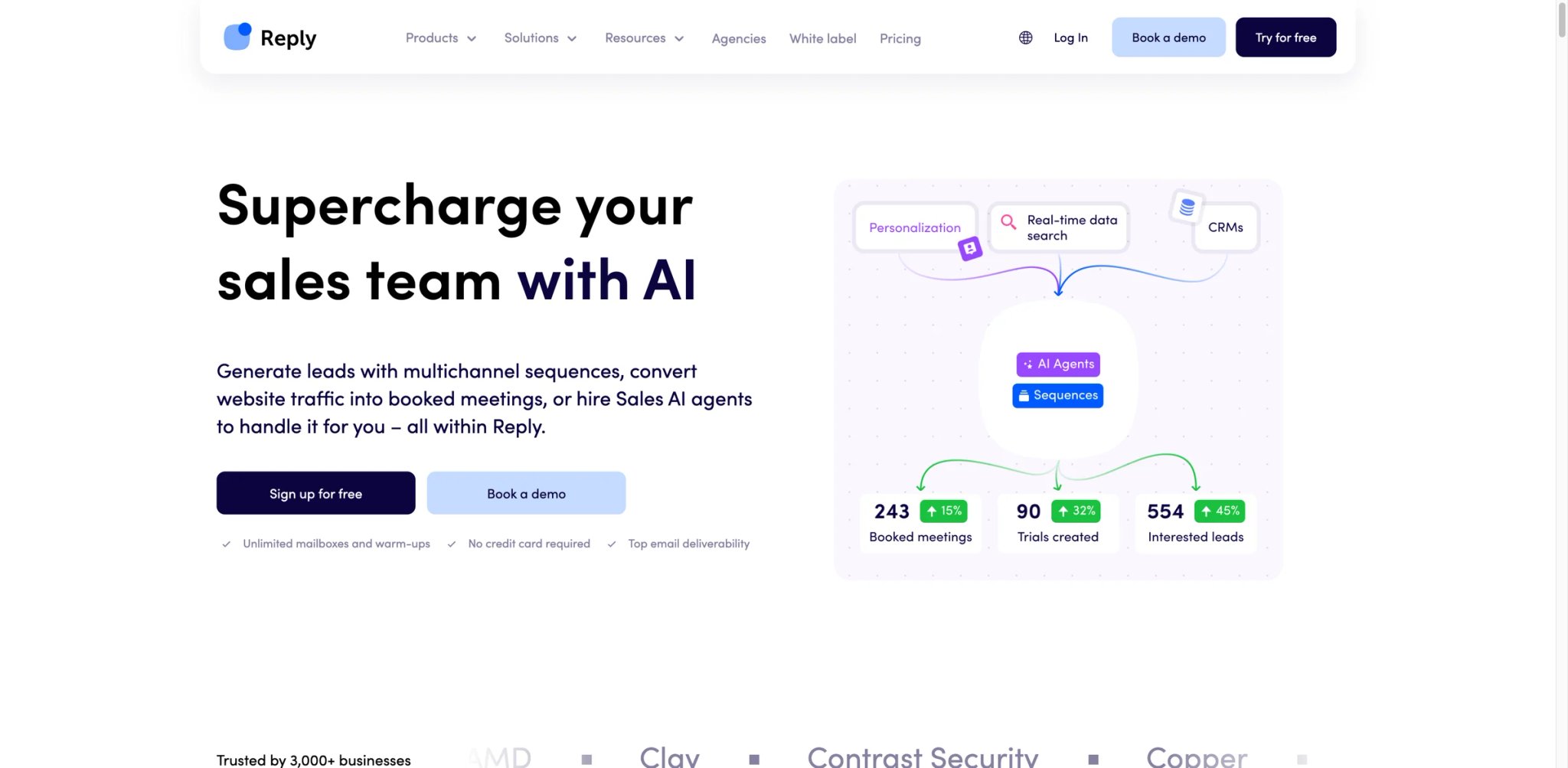
Reply.io sits at the intersection of traditional sales engagement and the emerging AI SDR category. The platform offers standard multichannel sequencing (email, LinkedIn, calls, SMS) alongside an AI SDR module that can autonomously generate and send outbound messages. At $59-$99/user/month with transparent pricing, it's positioned as the mid-market alternative for teams that want AI automation without Amplemarket's $600/month price tag — though the depth of AI capabilities reflects that price difference.
Key Features
-
Multichannel Sequencing — Unified sequences across email, LinkedIn, WhatsApp, SMS, and phone with conditional logic and automatic stop rules. The channel breadth matches or exceeds most competitors, and the sequence builder balances flexibility with usability.
-
AI SDR Module — An AI agent that generates personalized outbound messages using prospect data, company signals, and ICP definitions. The AI handles email writing, follow-up timing, and basic personalization at scale — positioned as a way to augment human SDR capacity without hiring.
-
Deliverability Suite — Built-in email health monitoring, domain reputation tracking, and send-rate optimization. Reply.io takes deliverability more seriously than most competitors, with dedicated tools to protect sender reputation — though it lacks built-in warmup, requiring a third-party tool for new domains.
-
100+ Integrations — Connects with Salesforce, HubSpot, Pipedrive, Zapier, and 100+ other tools. The integration breadth supports complex workflows, though the depth of individual CRM integrations is lighter than Salesloft or Outreach.
Pricing & Plans
| Plan | Price | Key Inclusions |
|---|---|---|
| Plan | Price | Key Inclusions |
| --- | --- | --- |
| Email Volume | Starts from $59/mo | Email-only outreach for solo users and smaller outbound programs |
| Multichannel | Starts from $99/user/mo | Multichannel outreach with email, LinkedIn, calls, and AI support |
| AI SDR | Starts from $500/mo | Autonomous AI SDR workflows and higher-volume automation |
| Agency | Starts from $166/mo | Multi-client management and agency workflows |
TCO Note: Reply.io's current public pricing starts at $59/month for Email Volume and $99/user/month for Multichannel, with a 14-day free trial available. The main budgeting questions are now channel access, AI usage, and add-ons such as Calls & SMS rather than an assumed 3-month minimum contract. For most teams evaluating Reply.io seriously, the practical entry point is the $99/user/month Multichannel tier, while AI SDR starts at $500/month for teams testing more autonomous outbound.
Limitations
- The mandatory 3-month minimum contract and no-refunds policy create a higher commitment floor than the pricing suggests. Multiple users report unexpected auto-renewal charges and unclear cancellation processes.
- LinkedIn integration causes account restriction issues. Several users report their LinkedIn profiles getting blocked or restricted after running Reply.io's LinkedIn automation, which risks losing access to LinkedIn entirely.
- Customer support is limited to chatbox only (no email or phone support), and multiple reviewers describe the experience as slow and unhelpful. For teams that need responsive vendor support, this is a meaningful gap.
Best For
Reply.io fits mid-market sales teams (5-30 reps) running high-volume multichannel outbound who want AI assistance without the premium pricing of Amplemarket or the complexity of Outreach. Strong for teams that value deliverability tools and broad channel coverage in a single platform. Not the right fit if you rely heavily on LinkedIn automation (the integration risks account restrictions), you need responsive vendor support (chatbox-only support is inadequate for urgent issues), or your team is under 5 reps (the 3-month minimum and per-user costs add up quickly).
Get started with Reply.io

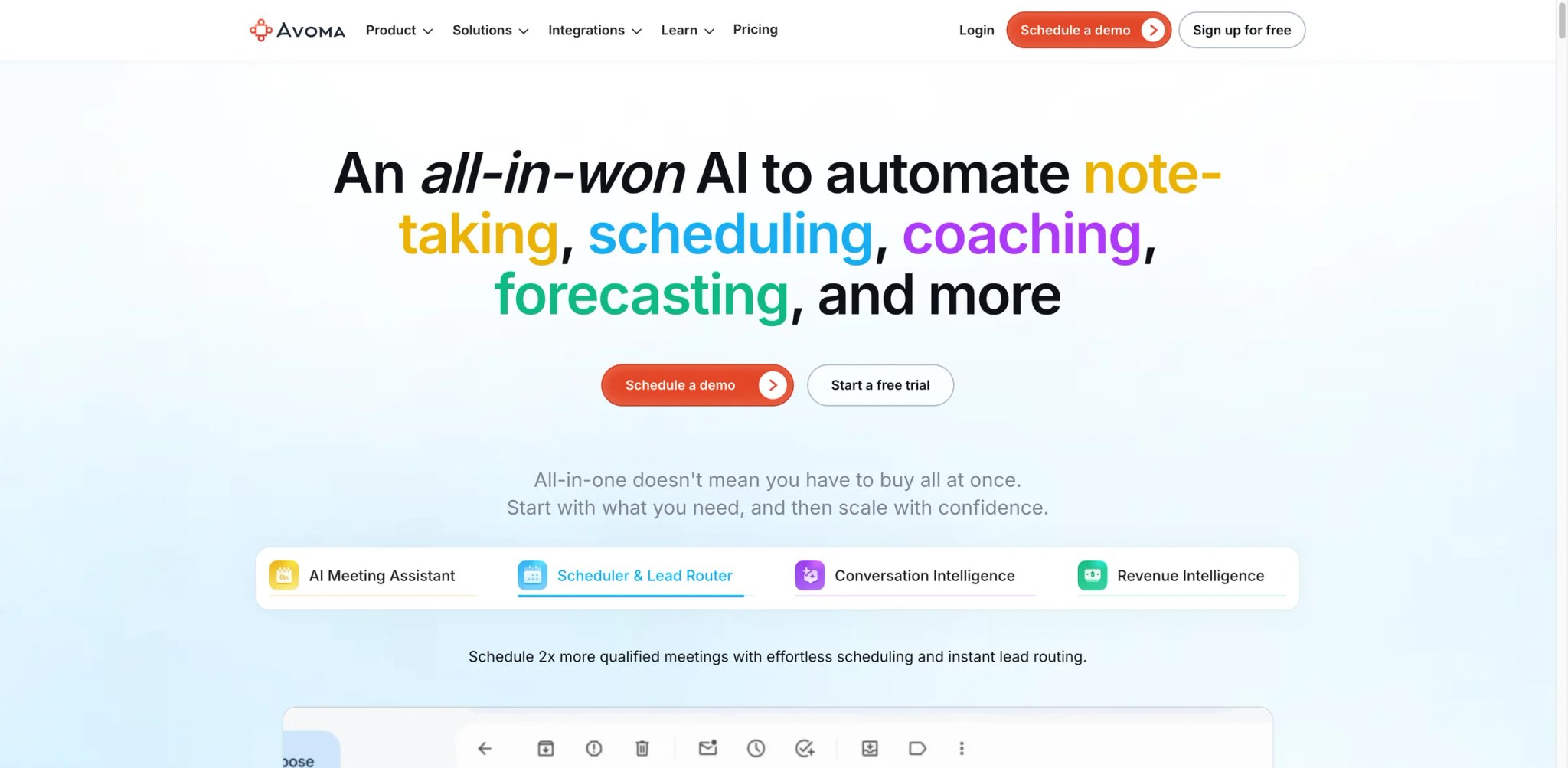
Avoma takes a modular approach to conversation intelligence that none of the other tools in this guide match. Instead of bundling everything into a single expensive package (like Gong's five-figure platform fee model), Avoma lets you start with basic meeting recording at $19/recorder seat/month and add conversation intelligence ($29/recorder seat/month) or revenue intelligence ($29/recorder seat/month) only when you need them. For teams that want to dip into CI without committing to Gong-level pricing upfront, this flexibility is the core differentiator.
Key Features
-
AI Meeting Assistant — Automatic recording, transcription, and summarization for every meeting. The AI generates structured notes with action items, key decisions, and follow-up tasks — eliminating the need for a dedicated note-taker and reducing post-meeting admin time by 30-45 minutes per meeting.
-
Conversation Intelligence Add-on — Topic detection, sentiment analysis, and coaching scorecards that surface patterns across calls. The CI module identifies talk-to-listen ratios, filler words, and competitive mentions — delivering 70-80% of Gong's coaching functionality at roughly 20% of the cost.
-
Revenue Intelligence Add-on — Deal health scoring, pipeline analytics, and forecasting inputs that compete with Clari's core offering at a fraction of the price. The module is newer and less mature than Clari's dedicated platform, but covers the basics for teams starting their forecasting journey.
-
Meeting Router — Intelligent routing that matches inbound meeting requests to the right rep based on territory, account ownership, or round-robin rules. This feature replaces standalone scheduling tools like Chili Piper for teams that don't need the full routing platform.
Pricing & Plans
| Plan | Price | Key Inclusions |
|---|---|---|
| Plan | Price | Key Inclusions |
| --- | --- | --- |
| Startup | $19/recorder seat/mo (annual) | Recording, transcription, AI notes, and core meeting intelligence |
| Organization | $29/recorder seat/mo (annual) | CRM integration, team collaboration, stronger admin controls |
| Enterprise | $39/recorder seat/mo (annual) | Advanced security, larger-team controls, minimum 10 seats |
| Conversation Intelligence Add-on | +$29/recorder seat/mo (annual) | Coaching, topic detection, scorecards, and CI workflows |
| Revenue Intelligence Add-on | +$29/recorder seat/mo (annual) | Forecasting, deal insights, and pipeline intelligence |
| Lead Router Add-on | +$19/recorder seat/mo (annual) | Meeting routing and handoff workflows |
TCO Note: Avoma's entry price still starts at $19 per recorder seat per month on annual billing, but the plan structure has changed to Startup, Organization, and Enterprise plus separate add-ons for Conversation Intelligence, Revenue Intelligence, and Lead Router. Only recorder users need paid seats; viewers and collaborators remain free. For most sales teams, the realistic starting point is Organization plus the relevant add-ons rather than the bare Startup tier, so model total cost from the combined recorder-seat and add-on mix.
Limitations
- Meeting bot reliability is the biggest operational concern. Users report the recording bot failing to join calls on time, dropping mid-meeting, or not showing up at all — creating gaps in exactly the conversations you're paying to capture.
- Transcription accuracy drops with accented English or background noise. For international sales teams or reps taking calls from varied environments, expect manual corrections on 10-20% of transcripts.
- The add-on pricing creates confusion around actual costs. The gap between advertised starting price ($19/recorder seat) and the functional price (Organization + add-ons) surprises many buyers at purchase or renewal.
Best For
Avoma fits small-to-mid-market sales teams (5-50 reps) that want conversation intelligence and meeting automation without Gong's enterprise pricing. Especially strong for teams just starting with CI that want to grow into revenue intelligence incrementally. Not the right fit if you need bulletproof recording reliability for every call (the bot has consistency issues), you have a large team where Gong's per-user economics work out similarly (at 50+ users, the cost gap narrows), or you need deep integration with non-standard CRMs (Avoma's integration library is smaller than Gong's).
Get started with Avoma
LeadIQ
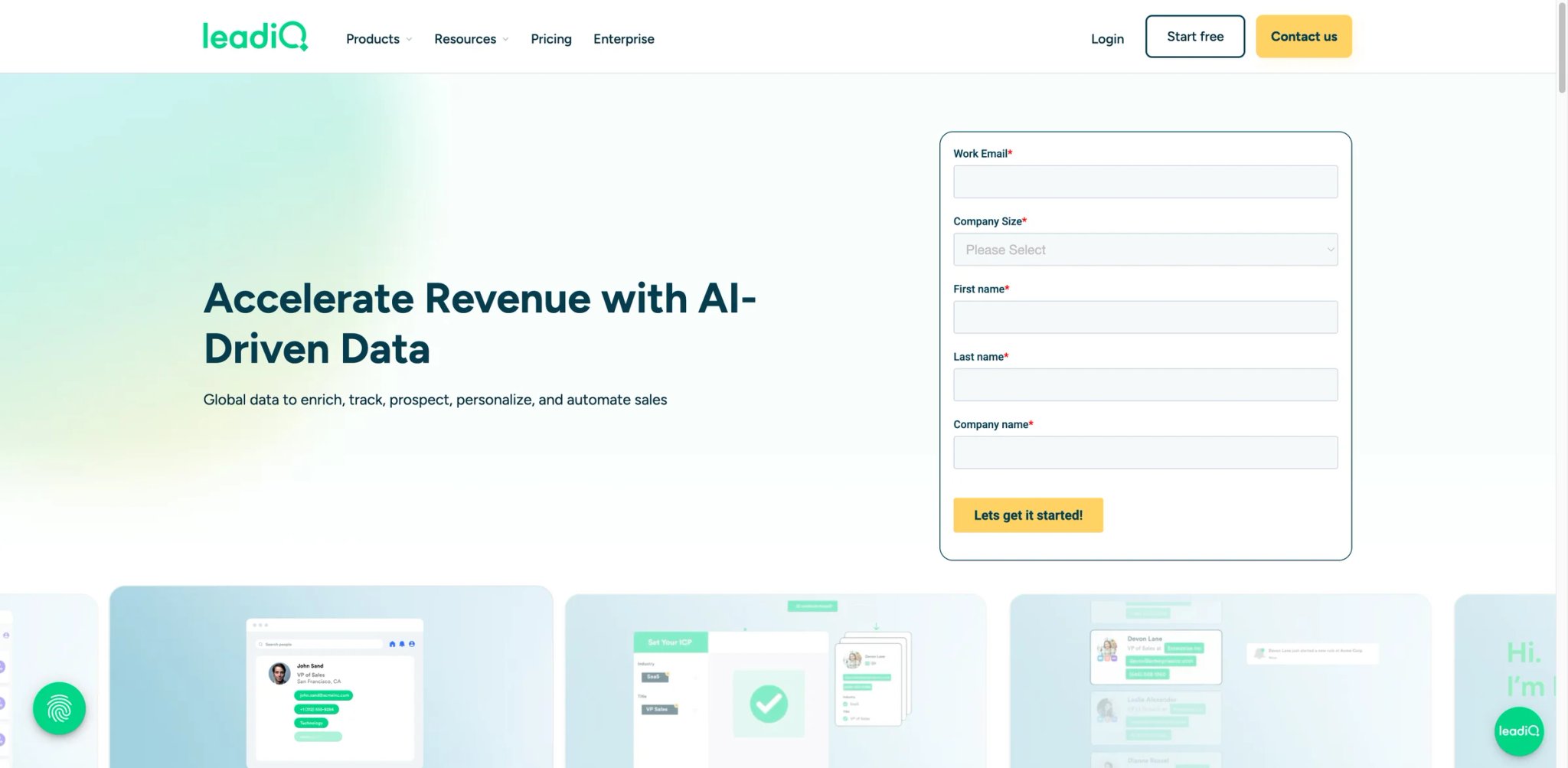
LeadIQ started as a Chrome extension for capturing contact data from LinkedIn profiles and has grown into a prospecting and enrichment platform with AI email generation. It isn't a sales engagement platform — LeadIQ finds contact data but doesn't send emails, make calls, or manage sequences. That narrow focus is either a strength (it does one thing well and integrates with your existing tools) or a limitation (you need a separate engagement platform), depending on your stack.
Key Features
-
Chrome Extension Prospecting — Capture verified emails and phone numbers directly from LinkedIn profiles with a single click. The extension enriches contact data in real-time and pushes it to your CRM or sequencing tool, eliminating manual data entry from the prospecting workflow.
-
AI Email Writer (Scribe) — LeadIQ's AI generates personalized outreach emails based on prospect data, company information, and ICP patterns. The 40 AI-generated emails per month on the free plan let you test the quality before committing to a paid plan.
-
CRM & SEP Integration — Native integrations with Salesforce, HubSpot, Pipedrive, Outreach, Salesloft, and Groove (Clari). One-click capture-to-CRM workflows reduce the friction between finding a prospect and starting a sequence.
-
Account Tracking — Monitor target accounts for job changes, company news, and buying signals. The tracking surfaces trigger events that help reps time their outreach based on real changes rather than arbitrary cadence schedules.
Pricing & Plans
| Plan | Price | Key Inclusions |
|---|---|---|
| Plan | Price | Key Inclusions |
| --- | --- | --- |
| Free | $0 | 1 user, 50 universal credits, Chrome extension access |
| Pro | Starts at $200/mo | Paid credit-based prospecting with workflow and enrichment features |
| Enterprise | Contact sales | Annual plan, higher credit volumes, advanced controls, dedicated support |
TCO Note: LeadIQ no longer uses the simpler Essential/Pro per-user ladder shown above. Its current packaging is built around universal credits, where emails, phone numbers, and account enrichment consume different credit amounts, and paid pricing starts at $200/month on the Pro tier. Annual billing is advertised at 25% off. Before budgeting, confirm your expected mix of email reveals, phone reveals, and account enrichment, because those actions burn credits at different rates and will shape actual monthly cost.
Limitations
- Phone number quality is the top complaint. Users consistently report that mobile and direct-dial numbers are often inaccurate, outdated, or personal cell numbers instead of work lines — particularly problematic for cold-calling workflows.
- International data coverage is significantly weaker than US-based data. European and Asian contact information has lower accuracy rates and fewer available phone numbers.
- LeadIQ is a data capture tool, not an engagement platform. You still need Outreach, Salesloft, Apollo, or another platform to actually contact the prospects LeadIQ finds, adding cost and integration complexity to your stack.
Best For
LeadIQ fits sales teams (1-30 reps) that need a lightweight prospecting layer on top of their existing engagement platform. Especially strong for teams already using Outreach or Salesloft that want faster LinkedIn-to-CRM data capture without switching to Apollo's all-in-one model. Not the right fit if you need a complete outbound solution (LeadIQ doesn't send messages or make calls), phone data accuracy is critical for your workflow (the phone number quality is inconsistent), or you prospect primarily outside the US (international data is thin).
Get started with LeadIQ
AiSDR
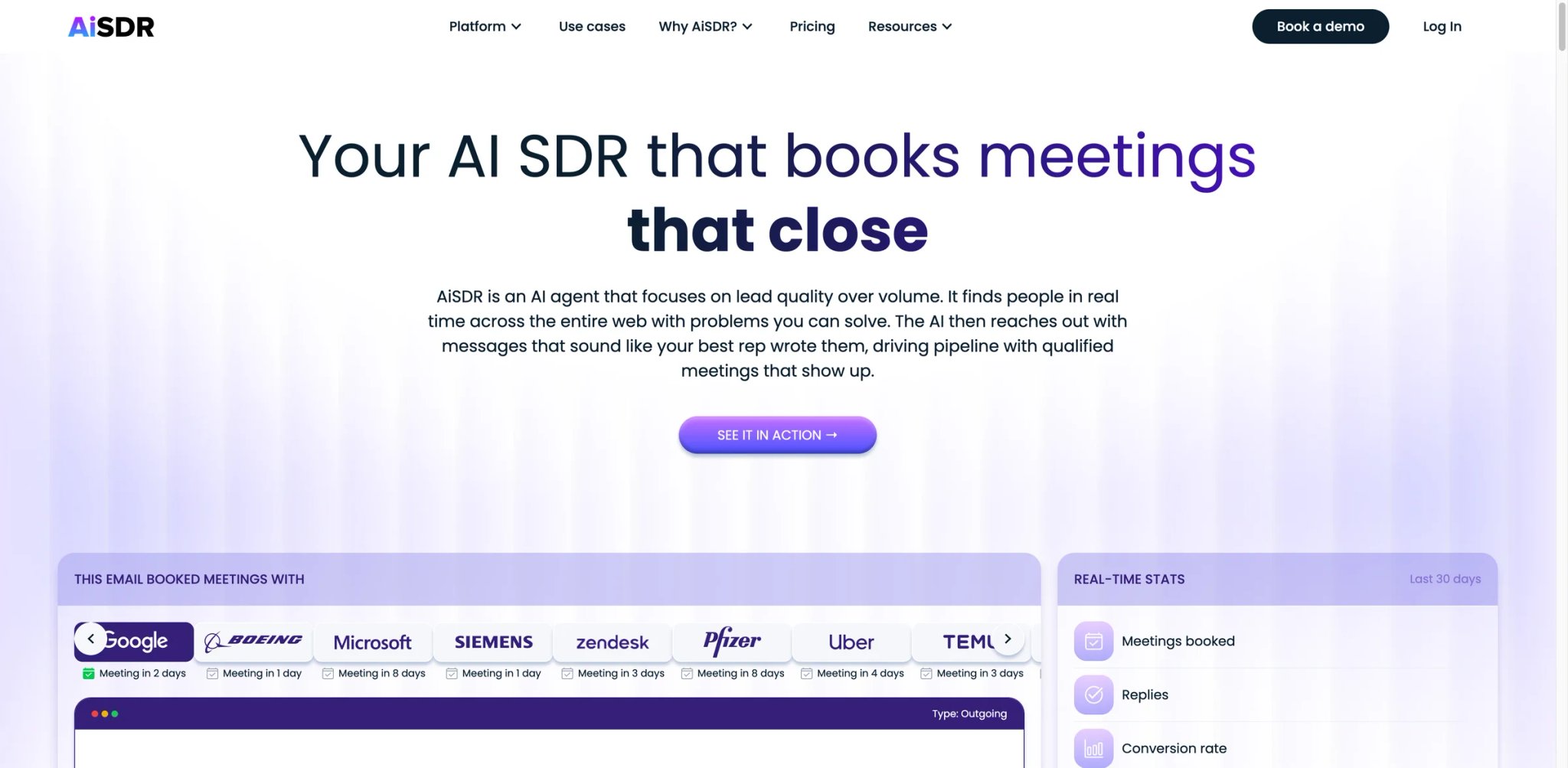
AiSDR represents the furthest end of the AI automation spectrum in this guide: a fully autonomous AI agent that handles outbound prospecting from lead identification through email sending without human intervention on each message. At $900/month for 1,000 emails, the cost-per-email is high compared to manual outreach — but the value proposition isn't cheaper emails, it's replacing SDR headcount entirely. Whether an AI agent can match a human SDR's judgment and adaptability remains the central question every AiSDR buyer is testing.
Key Features
-
Fully Autonomous Outreach — AiSDR identifies prospects matching your ICP, writes personalized emails using prospect data and company signals, sends sequences on optimized schedules, and handles follow-ups — all without rep involvement in day-to-day execution. The system operates as a virtual SDR that works 24/7 across time zones.
-
Built-In Email Warmup — New sending domains go through automated warmup before reaching full capacity, protecting sender reputation from day one. This eliminates the need for third-party warmup tools, though the 30-60 day ramp period means you won't see full volume immediately.
-
Pre-Built Playbooks — Campaign templates for common scenarios (new logo prospecting, event follow-up, re-engagement) that you configure rather than build from scratch. The playbooks reduce setup time but limit customization for teams with unique selling motions.
-
Dedicated GTM Engineer — Every account gets a dedicated team member who helps configure campaigns, optimize targeting, and troubleshoot deliverability — an unusual level of hands-on service for a software product at this price point.
Pricing & Plans
| Plan | Price | Key Inclusions |
|---|---|---|
| Plan | Price | Key Inclusions |
| --- | --- | --- |
| Explore | $900/mo (billed quarterly) | 1,200 messages/mo, unlimited seats and leads, dedicated GTM engineer |
| Grow | $2,500/mo | 4,500 messages/mo, expanded outbound capacity, dedicated GTM engineer |
| Enterprise | Custom | Higher-volume deployment, tailored workflows, and enterprise support |
TCO Note: AiSDR's Explore plan still starts at $900/month billed quarterly, but the current packaging lists 1,200 messages per month rather than 1,000, and annual plans are marketed at a 20% discount. Unused messages can roll over while the subscription remains active. Because pricing is message-based rather than seat-based, compare AiSDR against the cost of a part-time SDR or outsourced outbound program using expected message volume, reply quality, and required human follow-up.
Limitations
- Limited customization and control frustrate experienced sales teams. Playbooks are pre-built — you can configure them but can't build custom signal logic, complex branching sequences, or A/B test at the granularity that manual tools allow.
- Personalization quality degrades at scale. Initial emails feel human, but follow-ups become repetitive and generic. The "hyper-personalization" often produces similar "Saw you're hiring" openers across dozens of accounts, which prospects recognize as automated.
- CRM integration is surface-level. HubSpot sync exists, but there's no deep lead scoring, custom workflows, or automatic qualification logic — qualified replies still require manual routing and follow-up.
Best For
AiSDR fits early-stage companies and lean sales teams (1-5 people) that want to test outbound without hiring a dedicated SDR. Strong for teams with a well-defined ICP that want to validate demand before investing in human headcount. Not the right fit if you need granular control over messaging and sequencing (the AI-first approach limits customization), your selling motion requires personalized, account-specific outreach (the AI quality isn't there yet for strategic accounts), or your budget allows hiring a human SDR (most teams get better results from human judgment at the $900-$2,500/month price point).
Get started with AiSDR

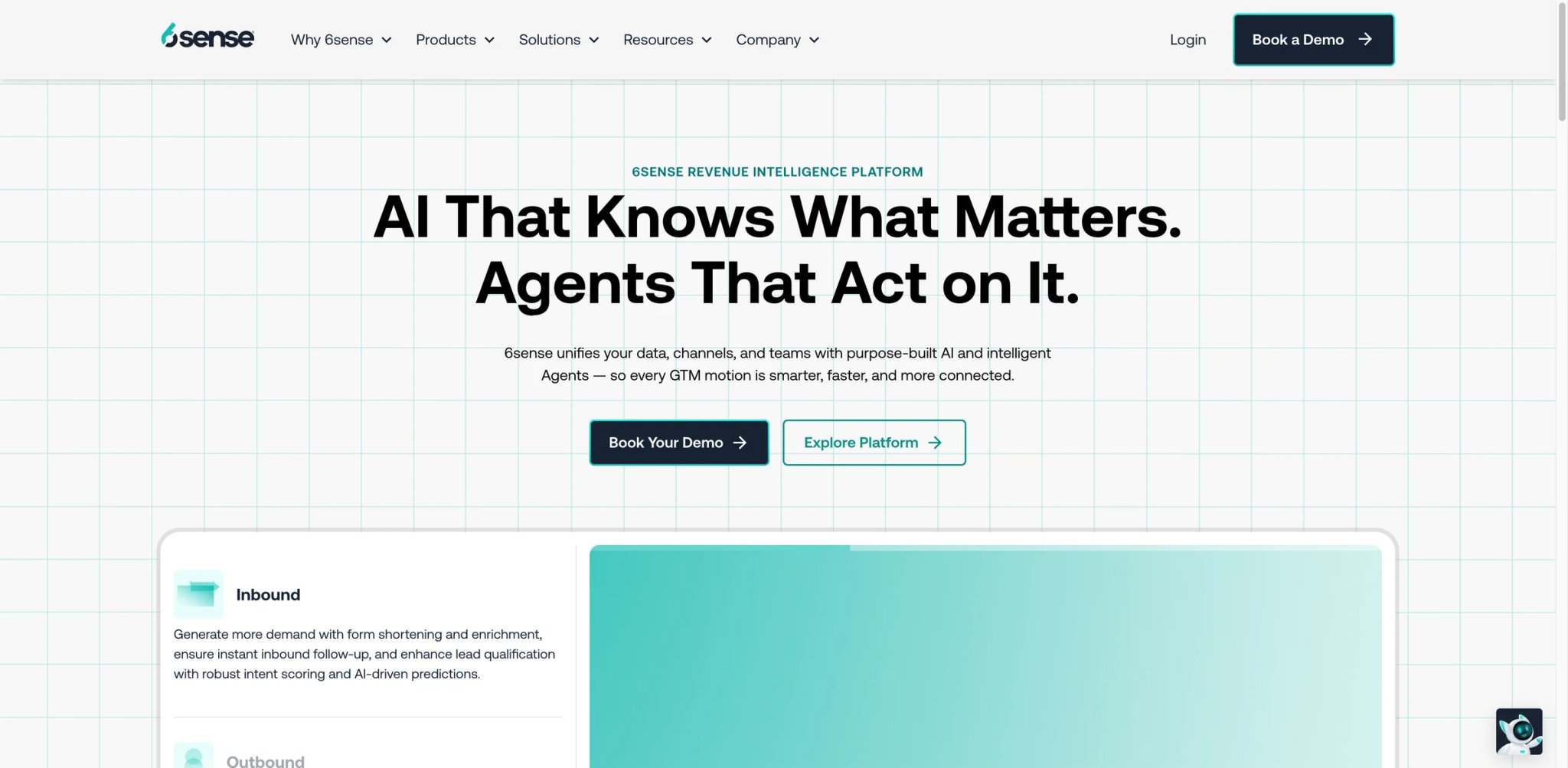
While every other tool in this guide focuses on what happens after you've identified a prospect, 6sense works upstream — predicting which accounts are actively researching solutions before they raise their hands. The platform's predictive intent scoring analyzes anonymous web activity, content consumption patterns, and third-party signals to assign buying-stage scores to target accounts. For account-based selling motions, this intent data transforms outbound from cold outreach to warm timing. The challenge is that 6sense's value is invisible until you trust the black-box scoring — and at median contracts of $55K/year, that trust requires significant investment.
Key Features
-
Predictive Intent Scoring — 6sense analyzes anonymous web activity across its data co-op (B2B publisher network) to identify accounts showing purchase intent for your category. The AI assigns buying-stage scores (Awareness, Consideration, Decision, Purchase) that help sales teams prioritize accounts based on predicted readiness rather than arbitrary lists.
-
Account Identification — De-anonymizes website visitors at the company level, connecting previously unknown traffic to target accounts. This bridges the gap between marketing's demand generation and sales' account prioritization — showing which target accounts are actually engaging with your content.
-
AI Email & Conversational AI — Built-in tools for personalized outreach triggered by intent signals. The AI generates messages timed to buying-stage transitions, so reps contact accounts when intent is highest rather than on fixed schedules.
-
Free Tier — 6sense offers a free plan with 50 credits/month, basic company and people search, and Chrome extension access. The free tier is useful for testing the platform's data quality but doesn't include intent data or predictive scoring — the features that make 6sense worth paying for.
Pricing & Plans
| Plan | Estimated Price | Key Inclusions |
|---|---|---|
| Free | $0 | 50 credits/mo, basic search, Chrome extension |
| Paid (Sales Intelligence) | Custom | Intent data, predictive scoring, integrations |
| Enterprise | Custom ($100K-$200K+/yr) | Full platform, advertising, advanced AI |
TCO Note: 6sense's paid pricing is entirely custom and ranges from $35,000 to over $130,000/year depending on modules, credit volume, and TAM size. Vendr data shows a median annual contract of $55,211. The platform uses a credit-based consumption model on top of the subscription, so actual costs depend on how aggressively you use the data. Implementation and onboarding add $10K-$25K in the first year. The free tier's 50 credits/month is too limited for serious use but sufficient to evaluate data quality before committing.
Limitations
- The intent scoring model is a black box. Users can't see what specific signals drove an account's buying-stage score, making it difficult to validate predictions or troubleshoot when scores don't match reality. You're asked to trust an algorithm you can't inspect.
- Contact-level data quality is the weakest dimension. 6sense excels at account-level insights but has 131 G2 mentions of inaccurate contact data — wrong emails, disconnected phone numbers, and outdated records. If you need reliable contact information, pair 6sense with Apollo or LeadIQ.
- Targeting works at the account level only. You can't drill down to contact-level intent targeting, which limits how precisely you can segment campaigns or personalize outreach to specific stakeholders within a target account.
Best For
6sense fits mid-market to enterprise organizations (50-500+ employees in sales and marketing) running account-based selling motions where timing outreach to buyer intent is a strategic priority. Especially valuable for teams with longer sales cycles (3-12+ months) where reaching accounts in the Decision or Purchase stage dramatically improves conversion rates. Not the right fit if your deal sizes don't justify $35K+/year in intent data (the ROI math requires large ACV deals), you need reliable contact-level data (6sense's contact data is inconsistent), or your sales motion is high-volume transactional (intent scoring adds little value to short sales cycles).
For teams also building their SEO and organic pipeline, pairing intent data with content marketing creates a feedback loop where 6sense identifies which accounts engage with your content while SEO tools drive the traffic.
Get started with 6sense

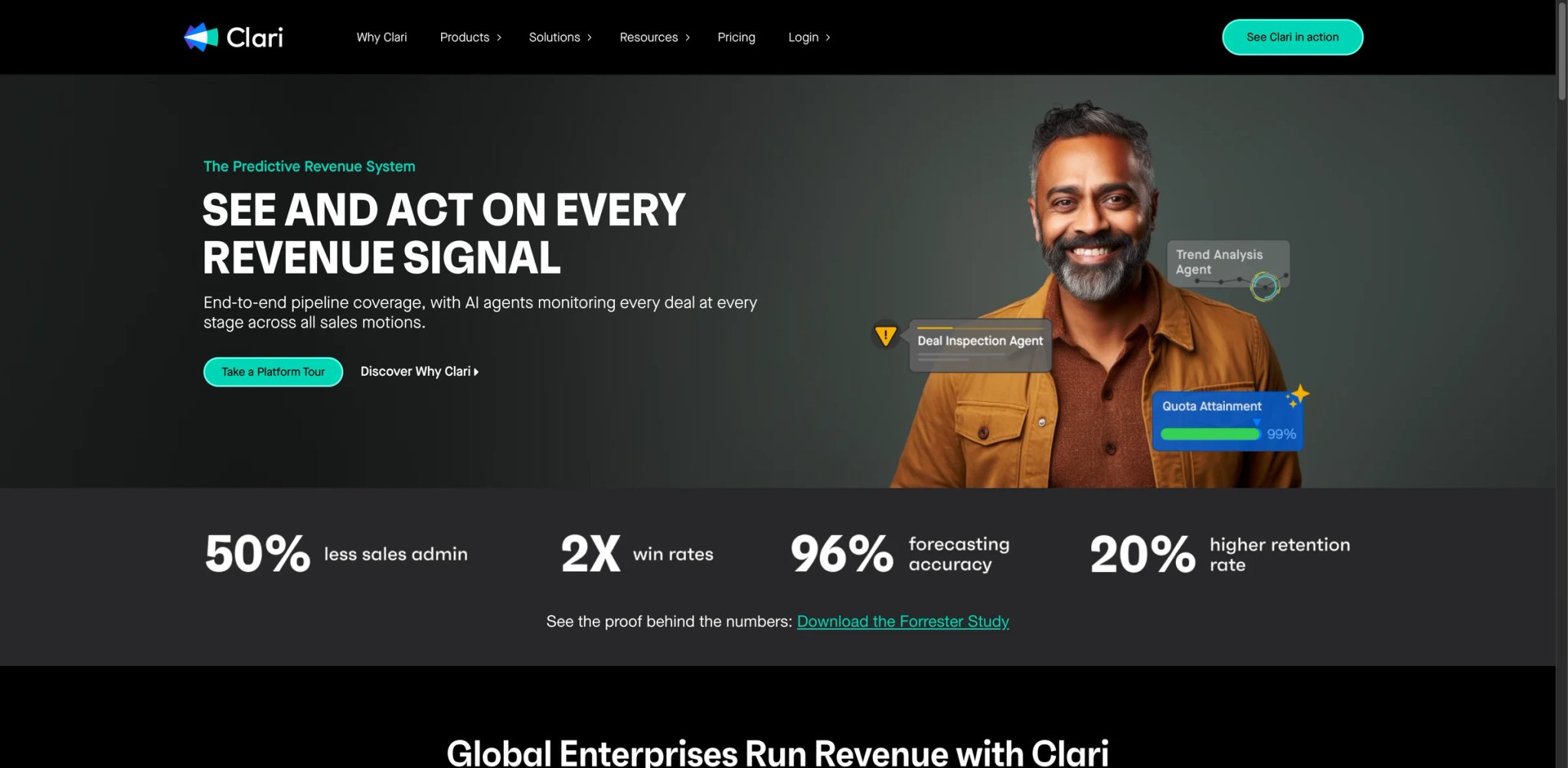
Clari closes this guide with the tool that sits furthest from the SDR's daily workflow and closest to the CRO's weekly forecast call. While every other tool here helps generate pipeline, Clari helps protect and predict it — analyzing deal progression, flagging pipeline risk, and generating AI-powered forecasts that reduce the "gut feel" element from revenue planning. The late-2025 Salesloft acquisition positions Clari as an increasingly comprehensive revenue platform, though the integration is still unfolding and the modular pricing creates complexity.
Key Features
-
Revenue Forecasting — AI-generated forecasts that combine CRM data, engagement signals, and historical patterns to predict quarterly outcomes. Clari's forecasting consistently outperforms spreadsheet-based methods by incorporating behavioral data (email engagement, meeting frequency, stakeholder changes) that manual forecasts miss.
-
Pipeline Inspection — Visual pipeline analytics that surface at-risk deals based on stage velocity, stakeholder engagement, and activity gaps. The inspection view lets managers identify stalled deals, missing next steps, and coverage gaps across the entire pipeline rather than reviewing deals one by one.
-
Deal Risk Intelligence — AI scoring that flags individual deals showing warning signs: declining stakeholder engagement, pushed close dates, competitor mentions, or missing decision-maker involvement. The early-warning system gives managers time to intervene before deals slip.
-
Copilot (Conversation Intelligence) — Clari's CI module (from the Wingman acquisition) records and analyzes calls, providing coaching insights and competitive intelligence. The module competes with Gong and Avoma, though users note it's built around pipeline data rather than deep conversational analysis.
Pricing & Plans
| Module | Estimated Price | Key Inclusions |
|---|---|---|
| Core Platform | ~$100-$120/user/mo | Forecasting, pipeline inspection, deal risk |
| Copilot (CI) | ~$60-$160/user/mo | Call recording, coaching, competitive intel |
| Groove (Engagement) | ~$50-$80/user/mo | Salesforce-native sales engagement |
| Professional Services | $15K-$75K | Implementation, training, customization |
TCO Note: Clari's modular pricing means the core platform is just the starting point. A full deployment with Copilot and Groove can reach $200-$310/user/month, and professional services fees ($15K-$75K) add 20-30% to first-year costs. Implementation takes 8-16 weeks. For a 30-person sales management team using core + Copilot, budget $100K-$150K/year including implementation. Vendr benchmarks and competitive quotes from Gong are your best negotiation leverage.
Limitations
- Clari is a management tool, not a rep tool. Individual SDRs and BDRs get minimal daily value from the platform — the ROI accrues to sales managers, VPs, and CROs who use forecasting and pipeline inspection. If your organization doesn't have management layers that will actively use these capabilities, the investment is wasted.
- Feature overlap with existing tools is common. If you already have Gong for conversation intelligence or Outreach for engagement, adding Clari means paying twice for similar functionality. The Salesloft integration may resolve this over time, but it's not there yet.
- Platform updates have disrupted existing configurations. Users report custom dashboards and saved views getting wiped by system updates, requiring repeated reconfiguration — a frustrating experience for teams that invest time building custom workflows.
Best For
Clari fits sales organizations (20-500+ reps across management layers) where forecast accuracy and pipeline visibility are strategic priorities for VP and CRO-level leadership. Especially valuable for teams with 3+ management layers that need standardized pipeline review processes and data-driven forecasting. Not the right fit if your organization is flat with fewer than 3 management levels (the value accrues to management), you already have Gong + Outreach/Salesloft and don't need another platform layer, or your team is under 20 reps (the per-user economics and implementation costs don't justify it at smaller scale).
Get started with Clari
Best AI Sales Tools by Use Case
Different sales motions call for different tools. Here's how the 15 platforms map to specific scenarios:
For Early-Stage Teams Building Outbound from Scratch (Under 10 Reps)
- Apollo — The strongest free tier and most complete single-platform experience for teams that want prospecting, sequencing, and analytics without stitching together 3-4 tools. Start free and upgrade to $49/user/month when you need more sequences.
- Outplay — If you need multichannel capabilities (email + phone + LinkedIn) at the lowest possible per-user cost, Outplay's $39-$89/user/month pricing beats everything except Apollo's free tier.
For Enterprise BDR Organizations Running Structured Outbound (25+ Reps)
- Outreach — The broadest workflow automation for large teams that need governance, compliance controls, and deep Salesforce integration. Budget for a dedicated Outreach admin.
- Salesloft — The cadence engine is equally strong, with the added possibility of integrated revenue intelligence as the Clari acquisition matures. Choose Salesloft if the Clari integration roadmap aligns with your revenue operations goals.
For Phone-First SDR Teams Where Dial Volume Drives Pipeline
- Nooks — The only platform in this guide purpose-built for parallel dialing and virtual salesfloor collaboration. The per-user cost is high, but the 3-5x dial multiplier justifies it for teams where phone connect rates directly correlate with meetings.
- Revenue.io — If your team is Salesforce-native and wants dialing, coaching, and CI in one platform without leaving the CRM, Revenue.io eliminates the data sync headaches that plague bolt-on dialers.
For Teams That Need Conversation Intelligence and Coaching
- Gong — Still the category leader for teams with 30+ reps and the budget to absorb the five-figure platform fee. The coaching analytics and deal intelligence are unmatched.
- Avoma — The budget-friendly alternative that delivers 70-80% of Gong's coaching functionality at 20% of the cost. Start with the $19/recorder seat base and add CI ($29/recorder seat) when you're ready.
For Account-Based Selling with Long Sales Cycles
- 6sense — The predictive intent scoring transforms outbound timing for teams selling into enterprise accounts with 3-12+ month cycles. Pair with Apollo or LeadIQ for the contact data 6sense lacks.
- Clari — If your challenge is forecast accuracy and pipeline visibility rather than pipeline generation, Clari's deal risk intelligence helps protect the pipeline your team has already built.
How to Choose the Right AI Sales Tools
Start with five questions that eliminate most wrong choices:
1. What's your primary sales motion?
- Outbound email-first → Apollo, Reply.io, Mixmax, or Outplay
- Outbound phone-first → Nooks or Revenue.io
- Account-based / enterprise → 6sense + Outreach or Salesloft
- Inbound-heavy with outbound supplement → Mixmax or Avoma
2. How many reps need the tool?
- Solo or 1-5 reps → Apollo (free tier), LeadIQ (free tier), or Outplay ($39/user)
- 5-25 reps → Reply.io, Mixmax, Outplay, or Avoma
- 25-100+ reps → Outreach, Salesloft, Gong, or Revenue.io
- Management/leadership layer → Clari (forecasting) or Gong (coaching)
3. What's your monthly sales tool budget per rep?
- Under $50/rep → Apollo (free or Basic), LeadIQ (free), Outplay Starter
- $50-$100/rep → Mixmax, Reply.io, Outplay Growth, Avoma
- $100-$200/rep → Outreach, Salesloft, Revenue.io
- $200+/rep → Gong, Nooks, Amplemarket, Clari (full stack)
4. Do you need a complete platform or a specialized layer?
- Complete platform (data + engagement + analytics) → Apollo or Amplemarket
- Engagement only (bring your own data) → Outreach, Salesloft, Mixmax, Outplay, Reply.io
- Intelligence layer (on top of existing tools) → Gong, Avoma, Clari, 6sense
- Data/prospecting only → LeadIQ
- Autonomous AI agent → AiSDR
5. What's your CRM?
- Salesforce → Revenue.io (native), Outreach, Salesloft, Clari (all integrate deeply)
- HubSpot → Apollo, Reply.io, Outplay, LeadIQ (strong integrations)
- Other/none → Apollo (built-in CRM), Mixmax (Gmail-native), AiSDR (basic integrations)
Red Flags to Watch For
- "Custom" pricing with no public benchmarks — Gong, Salesloft, Outreach, Nooks, Revenue.io, Clari, and 6sense all require sales conversations. Before engaging, check Vendr and Spendflo for median contract values so you have a baseline for negotiation.
- Platform fees that destroy per-user economics — Gong's five-figure annual platform fee makes it prohibitively expensive for teams under 25 users. Always calculate your total cost including platform fees, not just per-user rates.
- Credit systems with unclear consumption — Apollo, Amplemarket, 6sense, and Reply.io all use credit-based pricing elements. Ask exactly how credits are consumed, whether they roll over, and what overage fees apply.
- Annual contracts with auto-renewal — Most tools in this guide require annual commitments. Read cancellation terms carefully — Salesloft requires 60-day notice for downsizing, and Reply.io offers a 14-day free trial but confirm current contract terms before committing.
- Integration depth vs. integration breadth — A tool that "integrates with Salesforce" might mean deep bi-directional sync (Revenue.io) or basic contact push (AiSDR). Verify the specific integration capabilities for your use case during evaluation.
Teams also looking at AI marketing tools for their demand generation stack will find overlap in the intent data and content personalization categories — coordinating your sales and marketing tool selection avoids paying twice for similar capabilities.
Frequently Asked Questions
What is an AI sales tool?
An AI sales tool uses machine learning, natural language processing, and predictive analytics to automate or augment parts of the sales workflow — prospecting, outreach sequencing, conversation analysis, deal scoring, and revenue forecasting. The "AI" ranges from basic automation (auto-sending emails on a schedule) to genuinely intelligent capabilities (predicting which accounts are ready to buy based on behavioral signals, or generating personalized outreach using prospect data). The best tools combine AI automation with human judgment, handling repetitive tasks so reps can focus on relationship-building and complex deal strategy.
How much do AI sales tools cost?
Costs range from free (Apollo, LeadIQ, 6sense free tiers) to $200,000+/year for enterprise deployments. For a typical mid-market team of 10-25 reps, expect to spend $500-$3,000/month on a primary engagement platform plus $200-$500/month on supplementary data or intelligence tools. The biggest cost variables are pricing model (transparent per-user vs. custom quote), platform fees (Gong's five-figure annual fee is an outlier), credit systems (Apollo, Amplemarket, 6sense), and implementation costs ($1K-$75K depending on tool complexity). Always calculate total cost of ownership including implementation, training, integration maintenance, and annual renewal increases.
Can AI sales tools replace human SDRs?
Not yet, but the gap is narrowing. Tools like AiSDR and Amplemarket can autonomously generate and send outbound messages, but response quality and conversion rates typically lag behind skilled human SDRs — particularly for high-value accounts where genuine personalization matters. The current sweet spot is augmentation: AI handles prospect research, email drafting, data enrichment, and scheduling optimization while humans handle relationship-building, complex objection handling, and strategic account management. Most teams using AI SDR tools report 60-70% of the volume a human SDR produces with 40-50% of the conversion rate, making them a supplement rather than a replacement.
Which AI sales tool is best for small teams?
Apollo is the strongest starting point for teams under 10 reps. The free tier includes a contact database, 2 email sequences, and basic analytics — enough to run a real outbound motion without spending anything. When you outgrow the free tier, the Basic plan at $49/user/month provides unlimited sequences and A/B testing. For teams that want multichannel capabilities (email + phone + LinkedIn) at a low price, Outplay at $39/user/month is the best budget option. Avoid enterprise-focused tools like Gong (five-figure platform fee), Clari ($15K+ implementation), or Outreach (minimum seat requirements) until your team exceeds 20 reps and your deal sizes justify the investment.
How do I measure ROI on AI sales tools?
Track four metrics: (1) pipeline generated per rep per month (the primary output metric), (2) cost per meeting booked (total tool cost divided by meetings set), (3) rep productivity (activities per day before and after tool adoption), and (4) time-to-first-meeting for new reps (how quickly new hires become productive with the tool). Most teams see meaningful ROI within 60-90 days if the tool is properly adopted. The most common ROI killer isn't the wrong tool — it's poor adoption where teams pay for 50 seats but only 25 reps actively use the platform. Before calculating ROI, ensure your adoption rate exceeds 80%.
What's the difference between sales engagement and conversation intelligence tools?
Sales engagement platforms (Outreach, Salesloft, Mixmax, Outplay, Reply.io) automate the outbound workflow — sending emails, scheduling calls, managing LinkedIn tasks, and tracking prospect engagement across multi-step sequences. Conversation intelligence tools (Gong, Avoma, Revenue.io) record and analyze what happens during sales conversations — call transcription, sentiment analysis, coaching recommendations, and deal health scoring. Most mid-market and enterprise teams need both: an engagement platform to generate conversations and a CI tool to improve conversation quality. Some platforms (Revenue.io, Salesloft) are merging both categories, but dedicated tools in each category still outperform integrated solutions on their core capabilities.
Should I use multiple AI sales tools or one all-in-one platform?
It depends on your team size and budget. For teams under 15 reps, Apollo's all-in-one approach (data + engagement + analytics) minimizes integration complexity and total cost. For teams over 25 reps, best-of-breed stacks (e.g., LeadIQ for data + Outreach for engagement + Gong for coaching + Clari for forecasting) typically outperform all-in-one solutions on each individual capability. The trade-off is integration maintenance, data sync reliability, and vendor management overhead. Budget 5-10 hours/month of RevOps time to maintain a 3-4 tool stack, versus 2-3 hours for a single-platform approach.
How long does it take to implement AI sales tools?
Simple tools with self-serve onboarding (Apollo, Mixmax, LeadIQ, Reply.io) take 1-3 days to configure and start using. Mid-complexity platforms (Outplay, Avoma, AiSDR) require 1-2 weeks for CRM integration, sequence setup, and team training. Enterprise platforms (Outreach, Salesloft, Gong, Revenue.io, Clari, 6sense) typically need 4-16 weeks for full implementation including CRM integration, workflow configuration, team onboarding, and historical data migration. Factor in the ramp period for AI-specific features: Apollo's data quality improves as it learns your correction patterns (2-4 weeks), AiSDR needs 30-60 days for email warmup, and Gong's coaching insights become meaningful only after recording 50-100+ calls.
Get ToolWorthy Weekly
New AI tools, practical guides, and selected AI signals in one weekly brief.
Related Posts
- 20 Best AI Meeting Assistant Tools 2026 - Notes, CRM & Search
Compare 20 AI meeting assistant tools for notes, transcripts, action items, CRM sync, bot-free capture, pricing, privacy and team workflow fit.
- 12 Best AI Lead Generation Tools 2026 — Data, SDRs & Outreach
Compare 12 AI lead generation tools for B2B teams, including data quality, credits, AI SDR cost, deliverability, CRM fit and compliance risks.
For AI tool founders
Built a tool that belongs in this decision set?
Request an editorial evaluation for possible inclusion in ToolWorthy.
Submit your tool for reviewPaid submission does not guarantee a ranking, recommendation, inclusion, or editorial outcome.