
14 Best AI Business Automation Tools 2026 - Workflow Fit
Compare 14 AI business automation tools for visual workflows, APIs, data operations, RPA, AI agents, enterprise governance, pricing, and rollout risk.

On this page
A workflow that looks impressive in a demo can become fragile once it touches customer records, invoices, approvals, internal policies, or regulated data. That is why choosing AI business automation tools is less about "which product has AI" and more about ownership: who builds the workflow, who approves AI output, who debugs failures, who pays for usage growth, and who is accountable when an automation changes real business data.
This guide compares 14 AI business automation tools across those decision paths. We included self-service visual builders, open-source automation platforms, AI-native workflow tools, developer-first API platforms, operations-data tools, Microsoft-first automation, enterprise RPA, enterprise iPaaS, and process orchestration systems. For adjacent categories, compare our AI workflow generator category, AI productivity tools, and AI tools for business.
| Tool | Best For |
|---|---|
| n8n | Technical teams that want flexible automation with self-hosting options |
| Make | Business teams that need visual no-code workflow building |
| Zapier | Teams that value broad SaaS integration coverage and fast setup |
| Relay.app | Approval-heavy workflows where people must review AI output |
| Microsoft Power Automate | Microsoft 365 organizations automating cloud and desktop work |
| Activepieces | Open-source AI automation with transparent flow-based pricing |
| Gumloop | AI-native workflows for research, enrichment, and operations |
| Latenode | Hybrid visual and JavaScript automation with runtime pricing |
| Parabola | Operations teams cleaning recurring spreadsheet and business data |
| Pipedream | Developers building API-first automations and event workflows |
| UiPath | Enterprise RPA programs with robots, documents, and human tasks |
| Workato | Governed enterprise integrations across SaaS and business systems |
| IBM watsonx Orchestrate | Enterprise agent orchestration with application and governance needs |
| Camunda | Deterministic process orchestration for agents, people, and services |
How We Selected and Tested
We started with 31 public candidates and retained products that can orchestrate work across business applications, data sources, documents, people, or enterprise systems. Generic chatbots, single-purpose writing tools, and simple task managers were excluded unless they clearly supported reusable workflows with AI, agents, integration logic, RPA, or process orchestration. The final set covers six buyer paths: self-service visual automation, technical and API-first workflows, operations data workflows, Microsoft ecosystem automation, enterprise RPA/iPaaS governance, and enterprise agent or process orchestration.
Our research combined ChatGPT deep research, official product pages, public pricing pages where available, product documentation, review signals, and category search evidence from July 2026. We evaluated each product across five practical dimensions: workflow depth, AI execution model, integration and extensibility, pricing transparency, and implementation reality. Those dimensions map to buyer questions: Can a business team build it? Can technical teams debug it? Can AI output be reviewed? What unit drives cost growth? Can the workflow survive handoffs, permissions, retries, and exceptions?
Testing scope: This is public-evidence research rather than a paid deployment of every platform. We did not fabricate uptime, ROI, accuracy, customer satisfaction, or implementation-time benchmarks. When pricing was not public, we call that out and treat it as buying risk. When a product is powerful but requires enterprise rollout, governance, or architecture work, that complexity is part of the recommendation.
Top 14 AI Business Automation Tools Compared
The market splits into five groups. Make, Zapier, Relay.app, Gumloop, and Parabola are easier for business teams to evaluate quickly. n8n, Activepieces, Latenode, and Pipedream fit teams that want more control over code, hosting, runtime, or APIs. Power Automate is the Microsoft-first default. UiPath and Workato are enterprise-grade but heavier buying motions. IBM watsonx Orchestrate and Camunda matter when the automation problem is really agent governance or process orchestration, not just connecting apps.
| Tool | Best For | Workflow Style | Pricing Signal | Main Caveat |
|---|---|---|---|---|
| n8n | Flexible technical automation | Visual builder, code, AI nodes, self-hosting | Starter €20/month annually | Requires technical ownership for reliability |
| Make | Visual business workflows | Scenario canvas, app modules, AI agents | Free 1,000 credits; Core $12/month annually | Credit usage can be hard to forecast |
| Zapier | Fast SaaS automation | App-first Zaps, tables, interfaces, AI workflows | Free tier; Professional around $19.99/month annually | Task costs can rise at scale |
| Relay.app | Human-in-the-loop processes | AI steps plus approvals and team handoffs | Free tier; Professional around $19/month annually | Smaller integration ecosystem than Zapier |
| Microsoft Power Automate | Microsoft-first automation | Cloud flows, desktop RPA, Copilot ecosystem | Premium $15/user/month paid yearly | Licensing and connector rules need review |
| Activepieces | Open-source AI automation | Cloud or self-hosted flows, agents, MCP | 10 free active flows; $5/flow/month after | Connector maturity varies by use case |
| Gumloop | AI-native operations workflows | Visual AI canvas and model-driven flows | Free 5,000 credits; Pro $37/month | Younger public review footprint |
| Latenode | Visual plus JavaScript workflows | Low-code canvas, JS, AI models | 10,000 CPU seconds free; runtime pricing | Runtime budgeting needs testing |
| Parabola | Recurring data operations | Spreadsheet-like visual data flows | Basic free with 1,000 credits | Not a broad enterprise iPaaS |
| Pipedream | Developer-owned automation | Event sources, APIs, code steps, AI agents | Free testing; production credits | Less friendly for nontechnical owners |
| UiPath | Enterprise RPA | Robots, apps, documents, agents, orchestration | Basic $25/month; Standard/Enterprise custom | Implementation and governance weight |
| Workato | Governed enterprise integration | Recipes, connectors, agents, controls | Custom platform and usage pricing | Quote-only cost discovery |
| IBM watsonx Orchestrate | Enterprise agent orchestration | Natural language and multi-agent workflows | Free trial; AWS Marketplace from $6,360/year | Strongest for IBM-aligned enterprise contexts |
| Camunda | Controlled process orchestration | BPMN, human tasks, services, AI agents | Free for non-production; production custom | Requires process and engineering maturity |
Detailed Reviews


Technical operations teams often hit the same wall with no-code automation: the first workflow is easy, but the tenth workflow needs custom API logic, private data control, reusable credentials, and debugging that a business-only tool cannot expose. n8n is the best fit in this list when a team wants visual workflow building without giving up code, AI nodes, self-hosting, or source-level control.
Key Features
- Visual workflows with escape hatches: Teams can start with nodes and branches, then add JavaScript, HTTP requests, custom logic, and AI steps when the process becomes more technical.
- Self-hosting and data control: n8n is useful for teams that cannot send every workflow through a fully hosted automation vendor, especially when internal systems or sensitive data are involved.
- AI workflow support: AI nodes and agent-style patterns make n8n suitable for classification, extraction, enrichment, routing, and human-review workflows rather than simple app triggers only.
- Developer-friendly operations: Versioning, environments, credentials, and observability matter once automations become production dependencies.
Pricing & Plans
n8n Cloud starts at €20/month for Starter with 2,500 workflow executions and €50/month for Pro with 10,000 executions, both billed annually. Self-hosted Business is €667/month billed annually, while Enterprise uses custom pricing. The free Community Edition is governed by n8n's Sustainable Use License for internal business use; embedding, white-labeling, or selling access requires a commercial agreement.
Pros & Cons
- Pro: Supports self-hosting and source-visible workflows.
- Pro: Combines a visual builder with JavaScript, API, and custom-node escape hatches.
- Pro: Cloud pricing counts complete workflow executions rather than individual workflow steps.
- Con: Production reliability requires technical ownership of credentials, logs, retries, and infrastructure.
- Con: Community Edition licensing restricts embedding, white-labeling, and paid access without a commercial agreement.
Best For
n8n is best for technical operations, growth, data, and engineering-adjacent teams that want automation they can inspect, customize, and potentially self-host. Not the right fit if your priority is the fastest possible no-code onboarding for nontechnical users.
Get started with n8n
Make
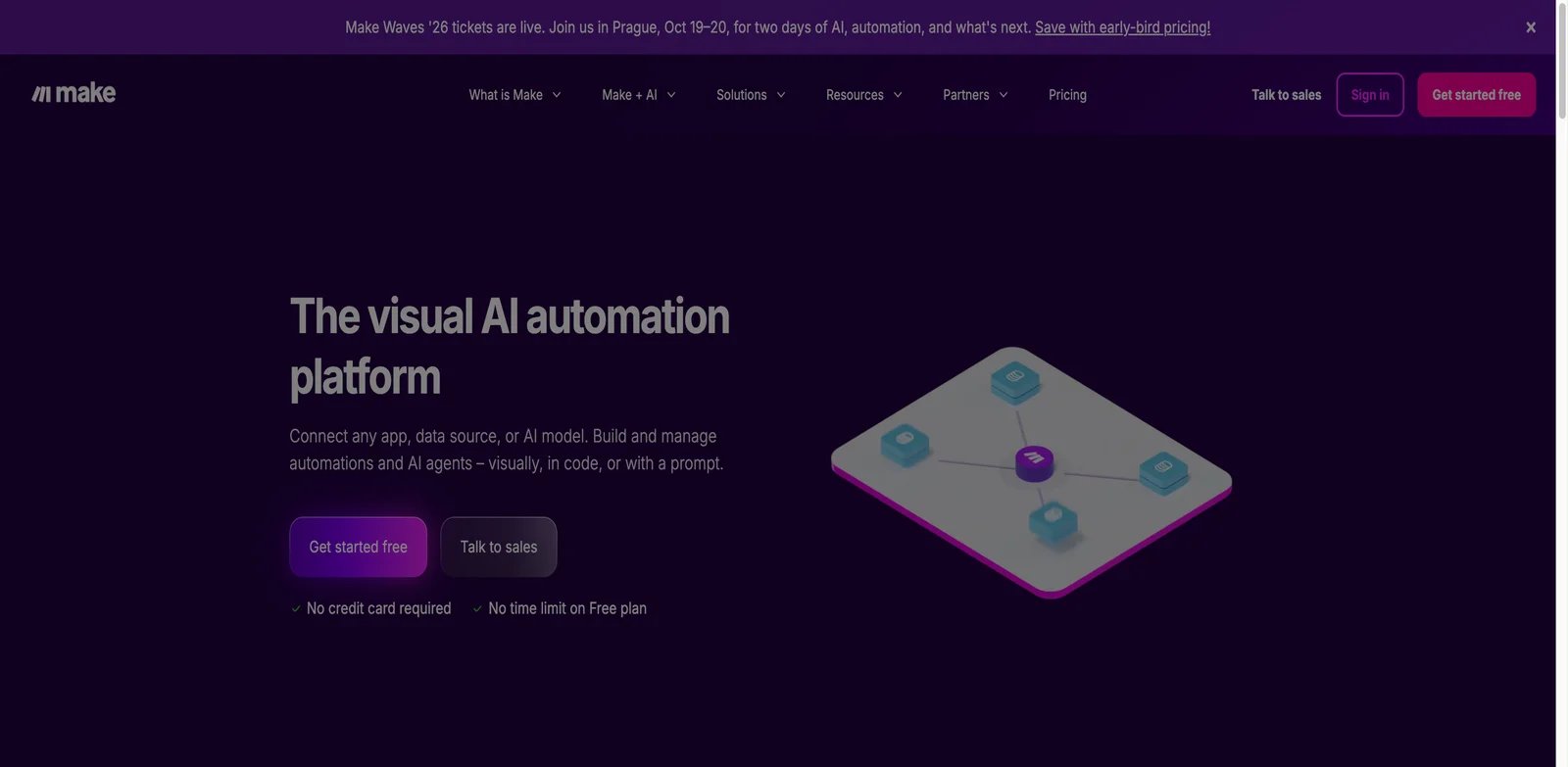
Business teams often need to understand a workflow visually before they can trust it. Make is strong because its scenario canvas makes branching, mapping, transformations, retries, and app handoffs visible. It is a better fit than code-first platforms when marketers, operators, sales teams, or finance teams need to build and maintain workflows without waiting on engineering for every change.
Key Features
- Scenario-based visual builder: Make's canvas is useful for teams that need to see exactly how data moves from one app to another.
- Broad app and data transformation coverage: It can support marketing, ecommerce, CRM, support, and operations workflows without forcing teams into custom code first.
- AI agent and AI module direction: Make is increasingly relevant when teams want AI to classify, summarize, generate, or route data inside existing app workflows.
- Operational debugging: Execution history and scenario inspection help business teams identify which step failed instead of treating automation as a black box.
Pricing & Plans
Make's Free plan includes 1,000 credits/month. At the 10,000-credit monthly allowance, Core is $12/month, Pro is $21/month, and Teams is $38/month when billed annually; Enterprise uses custom pricing. That can be attractive for early testing, but teams should run a production-like scenario before budgeting. A workflow with loops, routers, data transforms, AI calls, and frequent triggers can consume more than the simple demo suggests.
Pros & Cons
- Pro: The visual scenario canvas makes branches, mappings, and data movement easy to inspect.
- Pro: Broad app coverage supports common marketing, sales, ecommerce, and operations workflows.
- Pro: Public credit-based plans make initial testing straightforward.
- Con: Make does not offer general self-hosting or software-style source-control workflows.
- Con: Loops, routers, bundles, and AI modules can make credit consumption difficult to forecast.
Best For
Make is best for business operations teams that want visual automation across common SaaS apps and can govern usage as workflows grow. Not the right fit if the organization needs every workflow managed like software with repositories, tests, and deployment controls.
Get started with Make

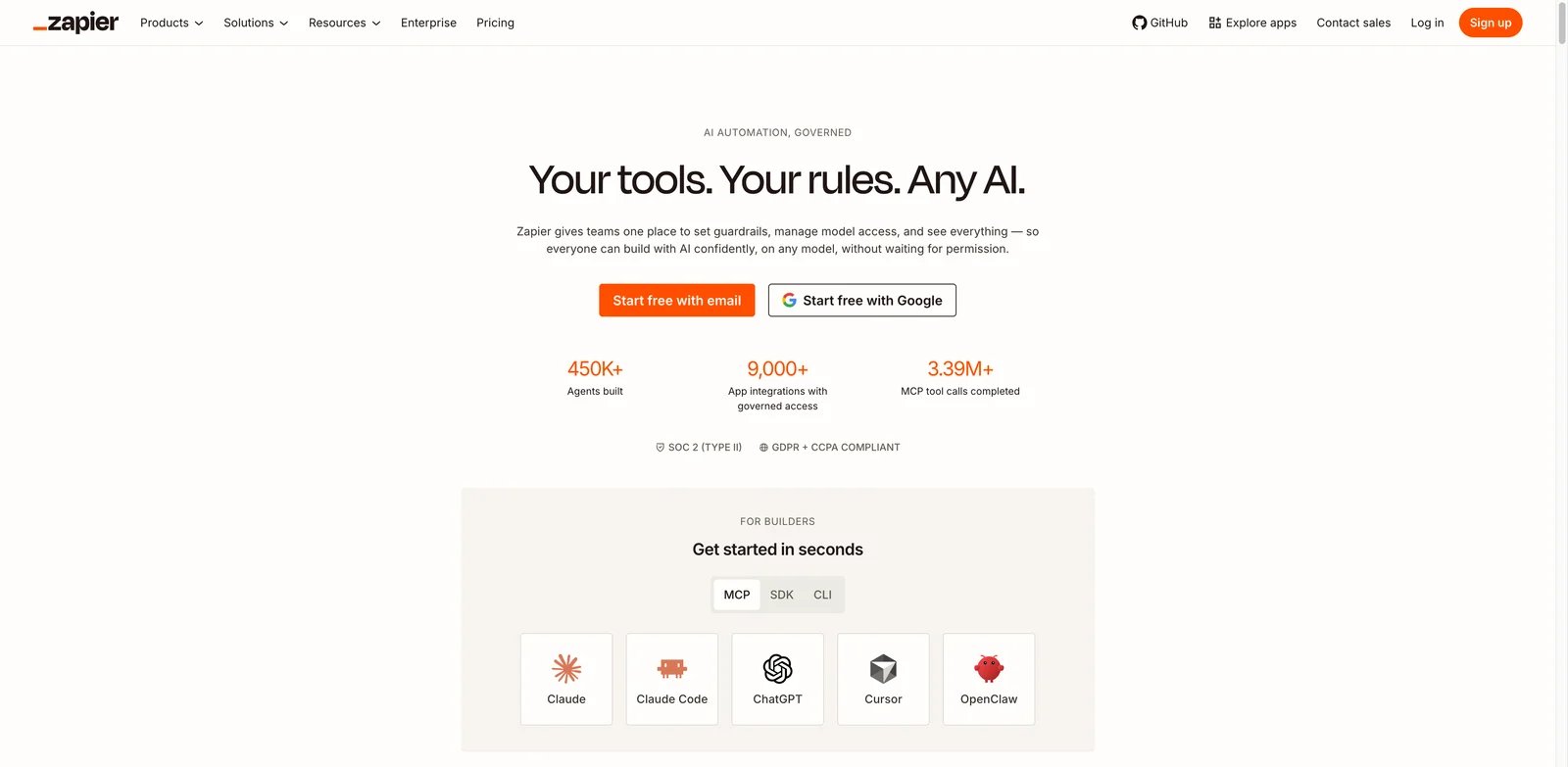
Teams choose Zapier when integration coverage and speed matter more than building a custom automation platform. If the goal is to connect mainstream SaaS apps, launch a useful workflow quickly, and hand ownership to a business team, Zapier is still one of the easiest AI business automation tools to evaluate.
Key Features
- Large app ecosystem: Zapier's biggest advantage is the breadth of common SaaS integrations, which reduces the chance that a workflow stalls at the connector stage.
- Approachable automation model: Zaps, templates, tables, interfaces, and AI workflow features make it easier for nontechnical teams to move from idea to working automation.
- AI in everyday workflows: AI steps can classify leads, summarize tickets, draft responses, extract fields, or enrich records without turning the whole project into a custom AI build.
- Fast proof of concept: Zapier is strong when a team needs to prove value this week, then decide later whether a workflow deserves deeper engineering investment.
Pricing & Plans
Zapier offers a limited free tier and public paid plans, with Professional commonly listed around $19.99/month on annual billing. The real budget drivers are task volume, premium app access, team features, and the selected AI model tier. Since June 15, 2026, AI by Zapier steps consume tasks according to the model tier used. Buyers should estimate monthly task counts from actual trigger frequency rather than from the number of workflows.
Pros & Cons
- Pro: Broad mainstream SaaS integration coverage reduces connector-related setup work.
- Pro: Templates and a simple workflow model support fast business-team onboarding.
- Pro: Tables, Forms, MCP, and AI steps extend beyond basic trigger-action automation.
- Con: Task-based pricing can rise quickly for high-volume, multi-action workflows.
- Con: AI steps may consume multiple tasks based on model tier, and self-hosting is unavailable.
Best For
Zapier is best for teams that need broad app coverage and quick business-owned automation across sales, marketing, support, and operations. Not the right fit if your automations require deep custom logic, strict technical governance, or predictable cost at very high task volume.
Get started with Zapier

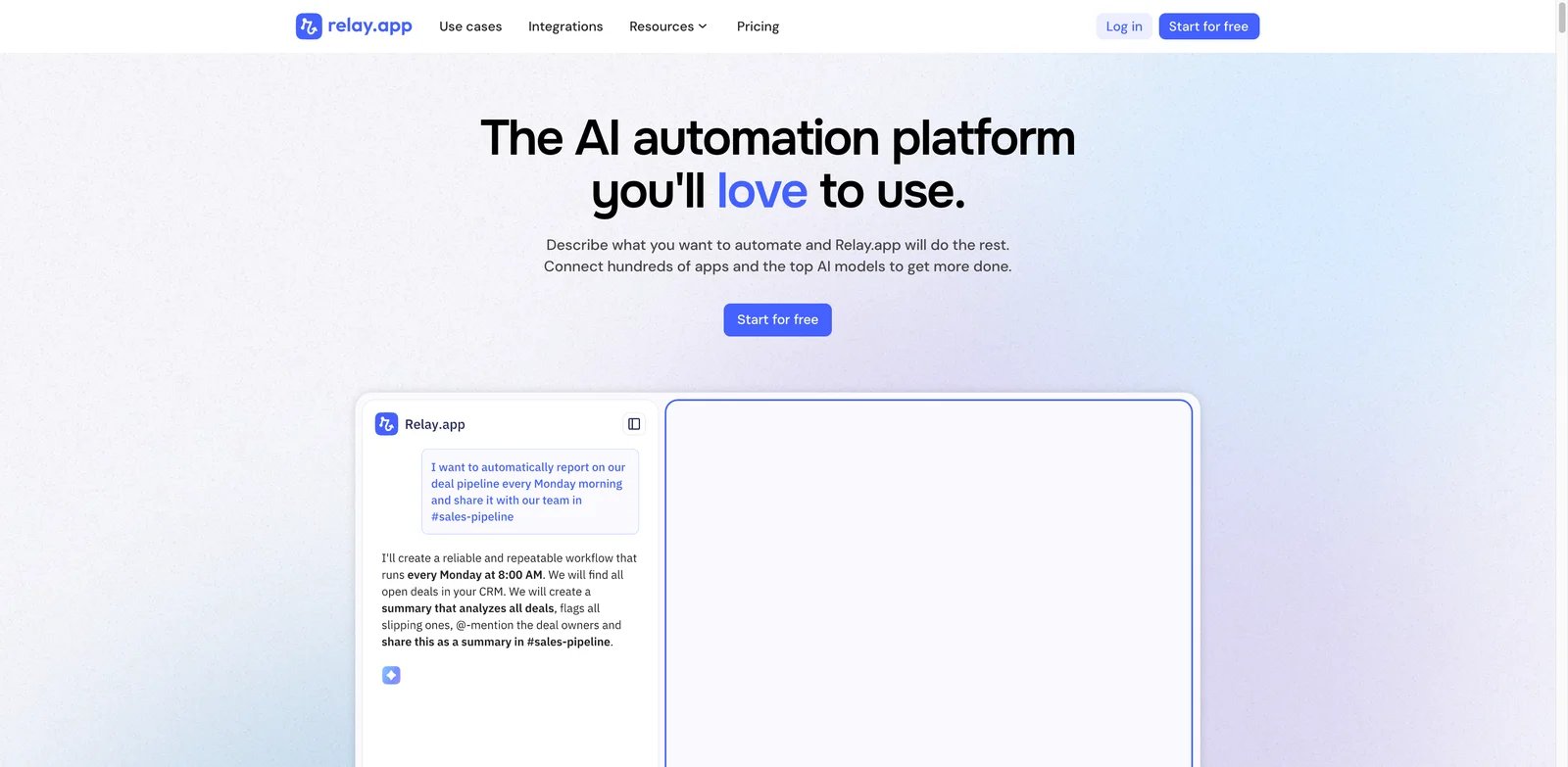
Many AI workflows should not complete automatically. A manager may need to approve a customer email, a sales leader may need to review a discount, or an operator may need to check an AI-generated summary before it updates a system of record. Relay.app is built around that reality, which makes it more useful than pure trigger-action automation for approval-heavy processes.
Key Features
- Human-in-the-loop design: Relay.app makes approvals, assignments, and human checkpoints a first-class part of workflow design.
- Natural-language workflow building: Teams can describe the process they want, then refine it into a working automation with AI and app steps.
- Team handoffs: It fits processes where AI prepares work, but people still decide whether the next action should happen.
- Practical AI steps: AI can summarize, draft, classify, or transform information while the workflow preserves human accountability.
Pricing & Plans
Relay.app offers a one-user Free plan with lower usage limits. Professional starts at $19/month when billed annually and includes 750 automated steps and 5,000 AI credits. Buyers should verify which integrations, team features, AI usage, and approval workflow limits apply to the plan they need.
Pros & Cons
- Pro: Human approvals, data input, and AI-output review are built into workflow execution.
- Pro: A natural-language assistant can help teams build, test, and improve visual workflows.
- Pro: The Professional entry plan includes both automation steps and AI credits.
- Con: Its integration ecosystem is considerably smaller than Zapier's.
- Con: It is not a replacement for enterprise iPaaS, private-network, or complex backend integration tooling.
Best For
Relay.app is best for sales, customer success, recruiting, operations, and service workflows where AI output needs human review before it changes customer-facing or business-critical data. Not the right fit if you need the largest possible connector catalog or deep technical orchestration.
Get started with Relay.app
Microsoft Power Automate
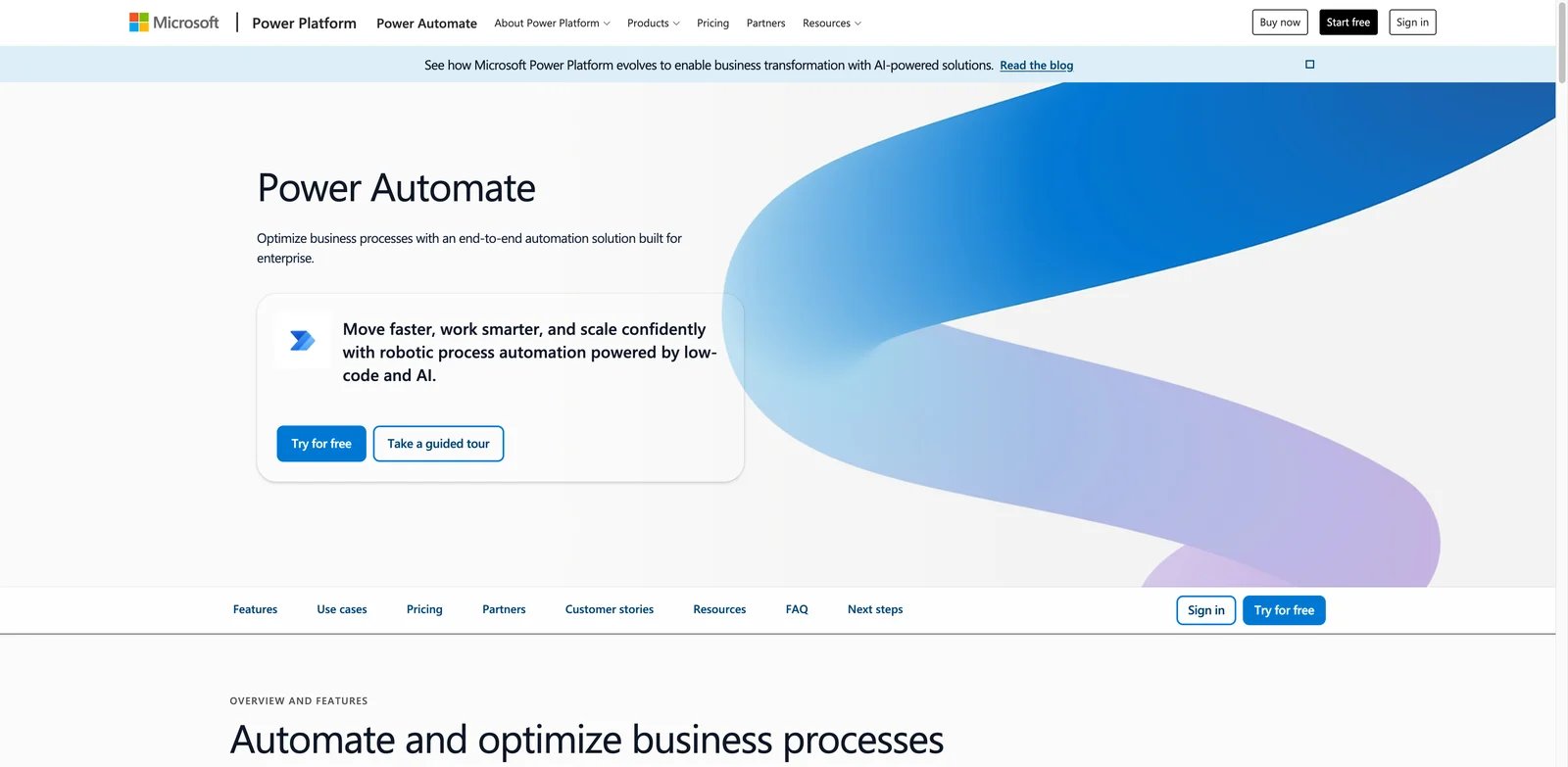
Microsoft-first organizations should not evaluate automation as if their stack were neutral. If SharePoint, Teams, Outlook, Excel, Dynamics, OneDrive, and desktop Windows applications already define how work moves, Microsoft Power Automate is often the practical default. Its advantage is not only automation breadth, but proximity to the systems where Microsoft-centric teams already work.
Key Features
- Cloud flows and Microsoft 365 integration: Power Automate is strong for approvals, notifications, file handling, records, and business processes inside the Microsoft ecosystem.
- Desktop RPA option: It can automate legacy desktop work where APIs are missing, which is important for finance, operations, and back-office teams.
- Copilot and Power Platform alignment: AI assistance, Power Apps, Power BI, and Dataverse can make it part of a broader low-code operating model.
- Enterprise controls: Microsoft identity, admin, DLP, and tenant governance features matter when automations touch regulated or internal data.
Pricing & Plans
Power Automate Premium is $15/user/month paid yearly, Process is $150/bot/month, and Hosted Process is $215/bot/month, with additional licensing considerations for unattended RPA, process mining, hosted machines, AI Builder, premium connectors, and environment needs. Buyers should validate connector entitlements and licensing with a real workflow, because the cheapest plan may not cover the system mix required.
Pros & Cons
- Pro: Provides deep integration with Microsoft 365, Dynamics, Dataverse, SharePoint, Teams, and Outlook.
- Pro: Supports both cloud workflows and desktop RPA.
- Pro: Microsoft identity, DLP, tenant administration, and environment controls support enterprise governance.
- Con: Premium connectors, bots, hosted processes, and AI features create licensing complexity.
- Con: The platform is most efficient inside a Microsoft-centered operating environment.
Best For
Microsoft Power Automate is best for organizations already standardized on Microsoft 365, Teams, SharePoint, Dynamics, Windows, or Power Platform. Not the right fit if the automation strategy needs to stay vendor-neutral or avoid Microsoft ecosystem dependence.
Get started with Microsoft Power Automate
Activepieces
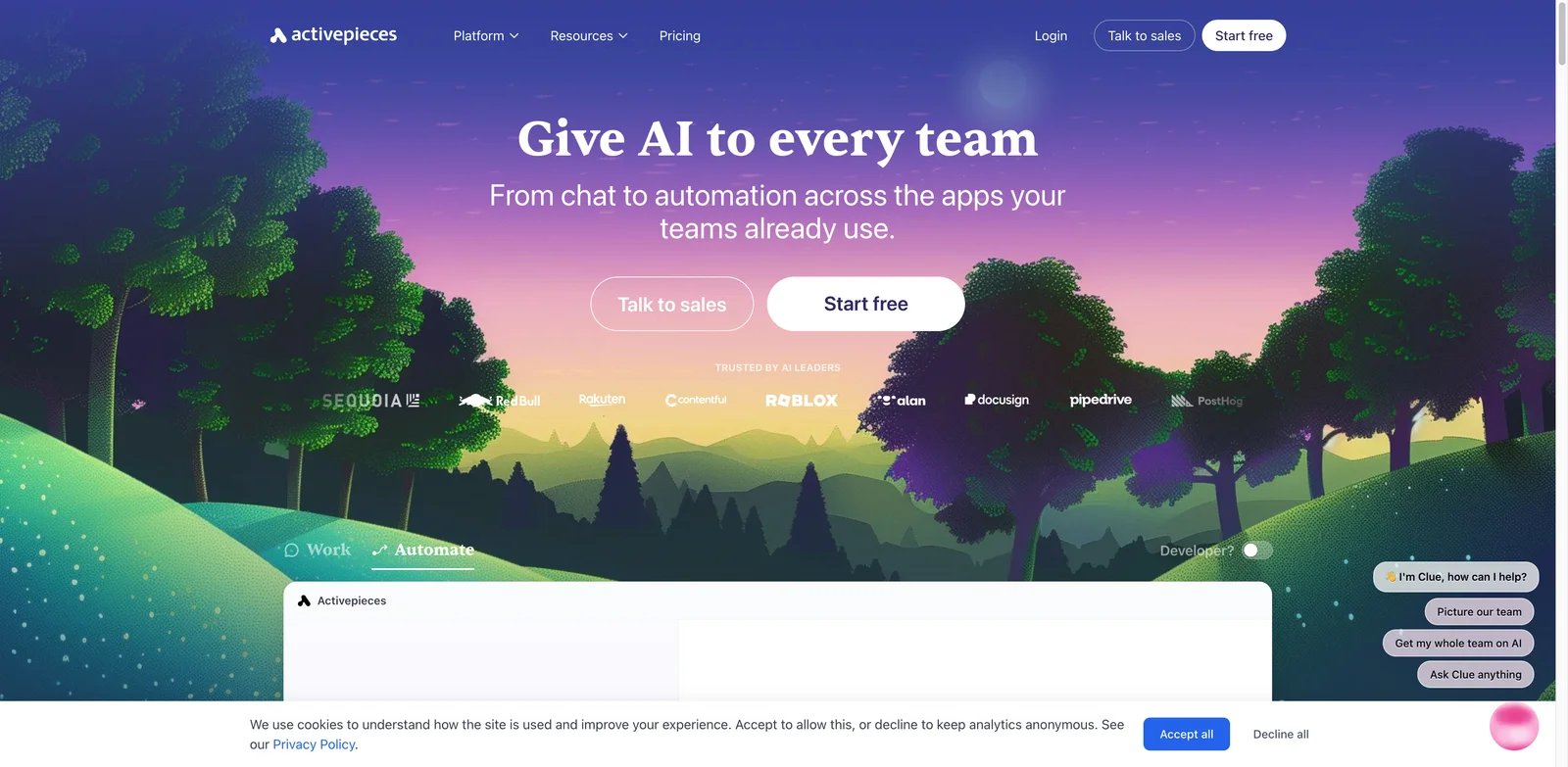
Some teams want the convenience of a visual automation platform but do not want every workflow locked inside a closed vendor. Activepieces is compelling because it gives teams an open-source automation path with AI agents, MCP direction, cloud hosting, and self-hosting options. It is a practical candidate when transparency, control, and cost discipline matter.
Key Features
- Open-source automation model: Activepieces can be self-hosted or used in the cloud, giving teams more deployment flexibility than many no-code tools.
- AI agents and MCP support: Its AI direction makes it relevant for agentic workflows, tool calling, and internal automation experiments.
- Transparent flow-based pricing: Pricing tied to active flows can be easier to reason about than opaque enterprise quotes, though usage still needs testing.
- Builder-friendly interface: It keeps a visual workflow experience while allowing more technical teams to inspect and extend behavior.
Pricing & Plans
Activepieces Standard includes 10 free active flows and then charges $5 per active flow per month with unlimited runs. Ultimate is sold through a custom annual contract. Self-hosting changes the budget equation because infrastructure and maintenance become internal costs. Teams should compare cloud convenience against the real cost of running and securing their own deployment.
Pros & Cons
- Pro: The self-hosted Community Edition is MIT-licensed.
- Pro: Standard includes 10 free active flows and unlimited runs.
- Pro: AI agents, MCP servers, tables, and cloud or self-hosted deployment are supported.
- Con: Its connector catalog is smaller than Zapier's and varies in integration depth.
- Con: Advanced governance features such as SSO, custom RBAC, and audit logs require the custom Ultimate tier.
Best For
Activepieces is best for startups, technical operations teams, and AI builders that want open-source automation with agents and self-hosting options. Not the right fit if your checklist requires every niche SaaS connector to be mature on day one.
Get started with Activepieces
Gumloop
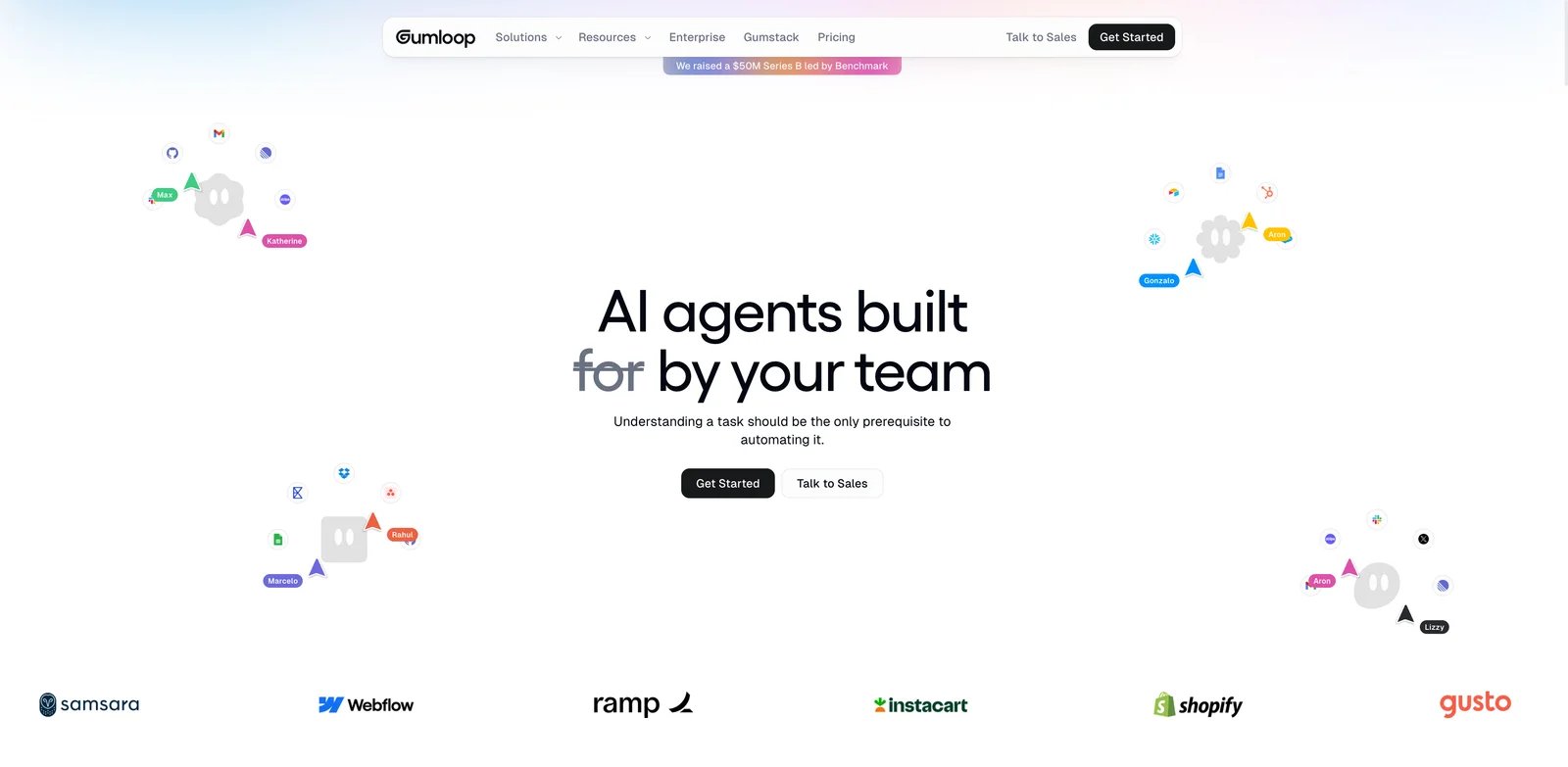
AI-native operations workflows often begin with unstructured work: research a list of companies, enrich records, read documents, classify rows, draft outputs, or route information based on model judgment. Gumloop is interesting because it treats AI as the workflow material, not just an optional step inside a traditional app connector.
Key Features
- AI-first visual canvas: Gumloop is suited to workflows where model calls, extraction, classification, and generation are central.
- Business operations fit: It can support enrichment, research, lead processing, document handling, and repetitive knowledge work without forcing teams into a data engineering project.
- Team collaboration: The product is positioned for teams building repeatable AI workflows rather than one-off prompts.
- Fast experimentation: A free tier and approachable builder make it easier to test whether AI can handle a specific business process.
Pricing & Plans
Gumloop's Free plan includes 5,000 credits/month, one seat, one active trigger, two concurrent runs, and five concurrent agent interactions. Pro starts at $37/month, while actual credit consumption varies by model, tool calls, and runtime. Buyers should verify usage limits, model costs, team features, data handling, and whether the plan supports the volume and governance needed for production workflows.
Pros & Cons
- Pro: AI agents, extraction, enrichment, and research are central workflow primitives.
- Pro: The Free plan provides 5,000 monthly credits for production-like testing.
- Pro: Pro combines paid usage with team collaboration features.
- Con: Credit consumption varies by model, tool calls, and agent runtime.
- Con: The product has a shorter enterprise track record than established automation platforms.
Best For
Gumloop is best for teams building AI-heavy workflows around research, enrichment, document processing, and operational analysis. Not the right fit if the main requirement is legacy system automation, broad enterprise governance, or a mature iPaaS connector catalog.
Get started with Gumloop
Latenode
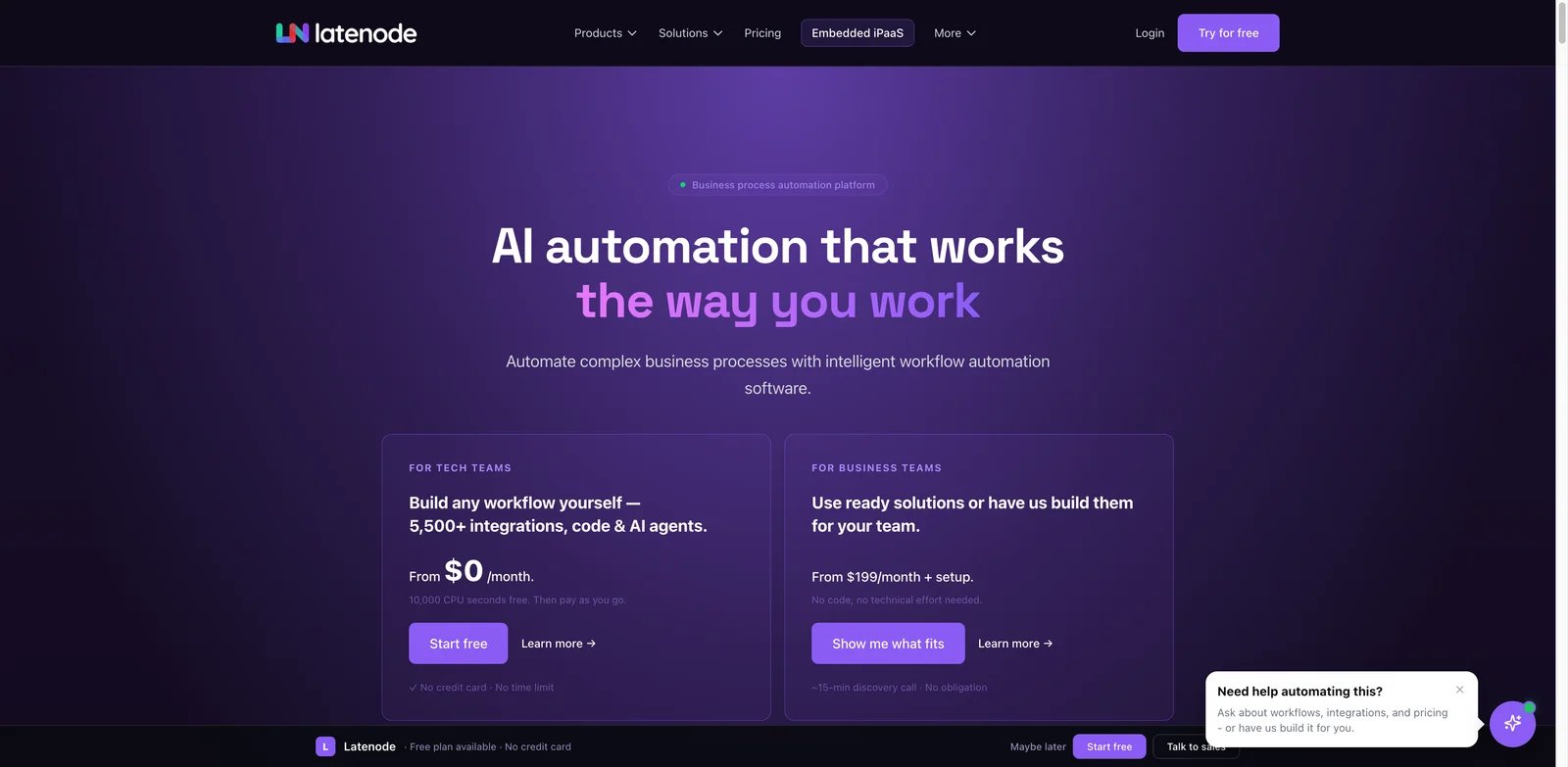
Hybrid teams often need a workflow that begins visually but occasionally needs code. Latenode fits that middle ground: business logic can live on a canvas, while JavaScript and AI model steps handle cases that pure no-code tools struggle with. That makes it useful when the team wants more flexibility than Make or Zapier but does not want every automation to become a custom application.
Key Features
- Visual canvas with JavaScript: Latenode gives teams a low-code workflow surface while allowing custom scripts when connectors or transformations are not enough.
- AI model support: It can incorporate AI calls into workflows for classification, generation, extraction, and decision support.
- Runtime-based pricing: CPU-second style pricing can be efficient for some workloads if teams understand execution patterns.
- Flexible integration path: It is relevant for teams connecting APIs, webhooks, data transformations, and AI steps in one flow.
Pricing & Plans
Latenode includes 10,000 CPU seconds and five active workflows free each month. Its pay-as-you-go option has no base fee after the free allowance and uses tiered runtime rates from $0.00012 to $0.00005 per CPU second. That can be attractive for builders, but it also means teams must test the exact workload. A workflow that is cheap in development may cost more when triggers, loops, AI calls, and long-running steps increase.
Pros & Cons
- Pro: Runtime billing avoids charging separately for every workflow node.
- Pro: JavaScript and package support provide a strong low-code escape hatch.
- Pro: AI agents, browser automation, databases, webhooks, and data-processing steps share one builder.
- Con: CPU-second consumption requires production testing to forecast accurately.
- Con: Its integration ecosystem and enterprise operating history are smaller than those of category leaders.
Best For
Latenode is best for technical business teams that want a visual builder with JavaScript flexibility and AI model steps. Not the right fit if the buyer wants simple per-seat pricing and a fully nontechnical operating model.
Get started with Latenode
Parabola
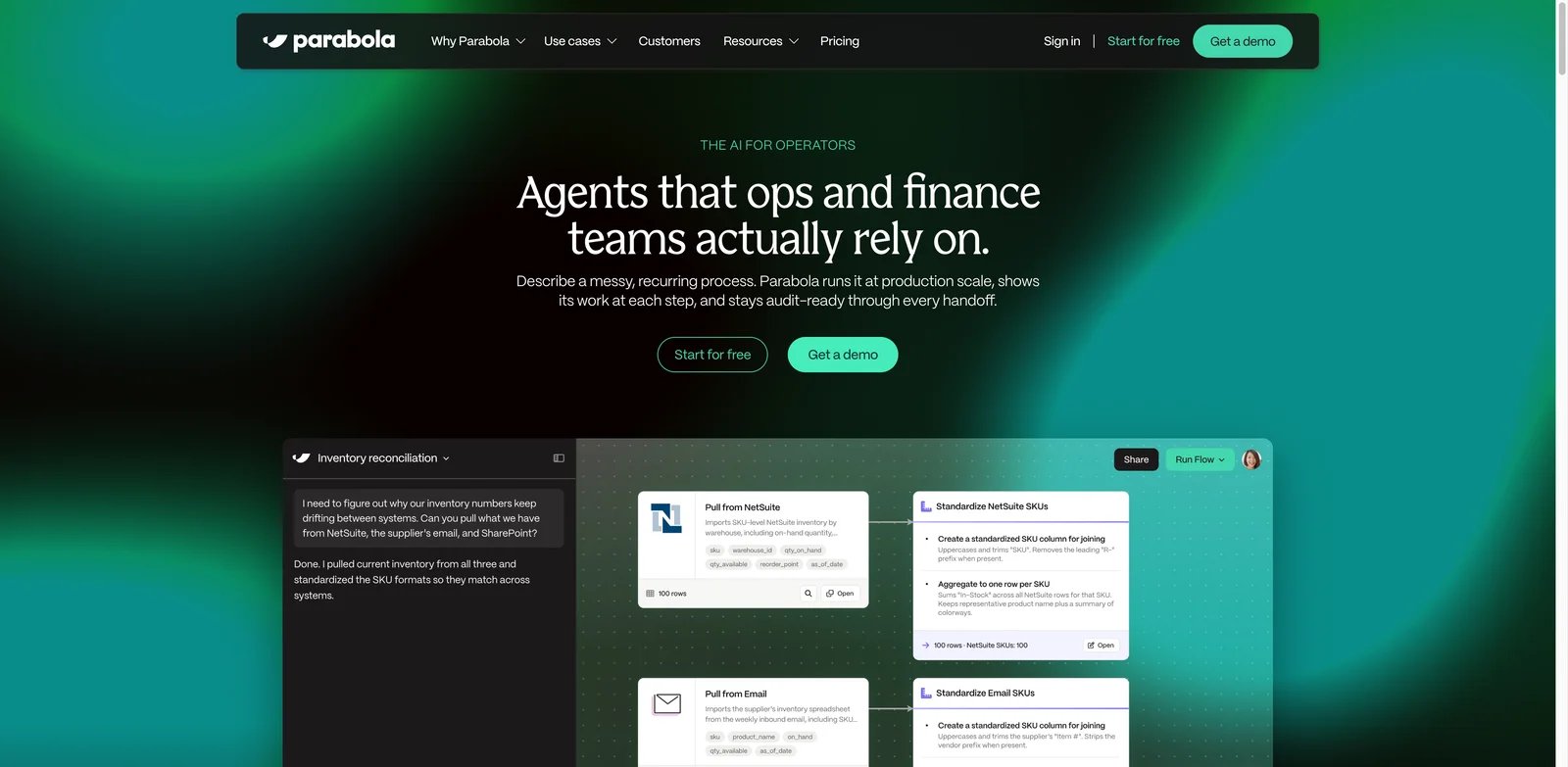
Some automation problems are not primarily about connecting apps. They are about cleaning messy spreadsheets, product catalogs, supplier files, order exports, finance reports, or recurring operational datasets. Parabola is the clearest fit in this list when the work feels like spreadsheet operations at scale and the owner is an operations team rather than an integration engineering team.
Key Features
- Visual data transformation: Parabola helps teams clean, combine, transform, and route recurring business data without writing scripts.
- Operations workflow focus: It is especially relevant for ecommerce, supply chain, finance operations, marketplace operations, and catalog workflows.
- AI-assisted data work: AI steps can help classify, enrich, extract, or normalize messy records inside a repeatable process.
- Business-user ownership: The interface is more approachable for spreadsheet-heavy teams than a general API integration platform.
Pricing & Plans
Parabola's self-serve Basic plan is free for one user and includes 1,000 credits, limited AI features, and optional pay-as-you-go credits. Business plans use custom pricing and add deployment support and enterprise controls. Buyers should confirm run limits, collaborators, data volume, scheduling, AI usage, and connectors. The value case is strongest when recurring manual spreadsheet cleanup consumes many hours each week.
Pros & Cons
- Pro: Visual flows handle structured and unstructured operations data without requiring scripts.
- Pro: Transformation steps support cleaning, joining, calculating, enriching, and reshaping recurring datasets.
- Pro: The free Basic plan includes one user and 1,000 credits.
- Con: Parabola is not a broad enterprise iPaaS or desktop-RPA replacement.
- Con: Team deployment, governance, and service-level features require a custom Business plan.
Best For
Parabola is best for operations teams automating recurring data preparation, enrichment, and handoff workflows. Not the right fit if you need end-to-end enterprise process orchestration or deep developer workflow control.
Get started with Parabola
Pipedream
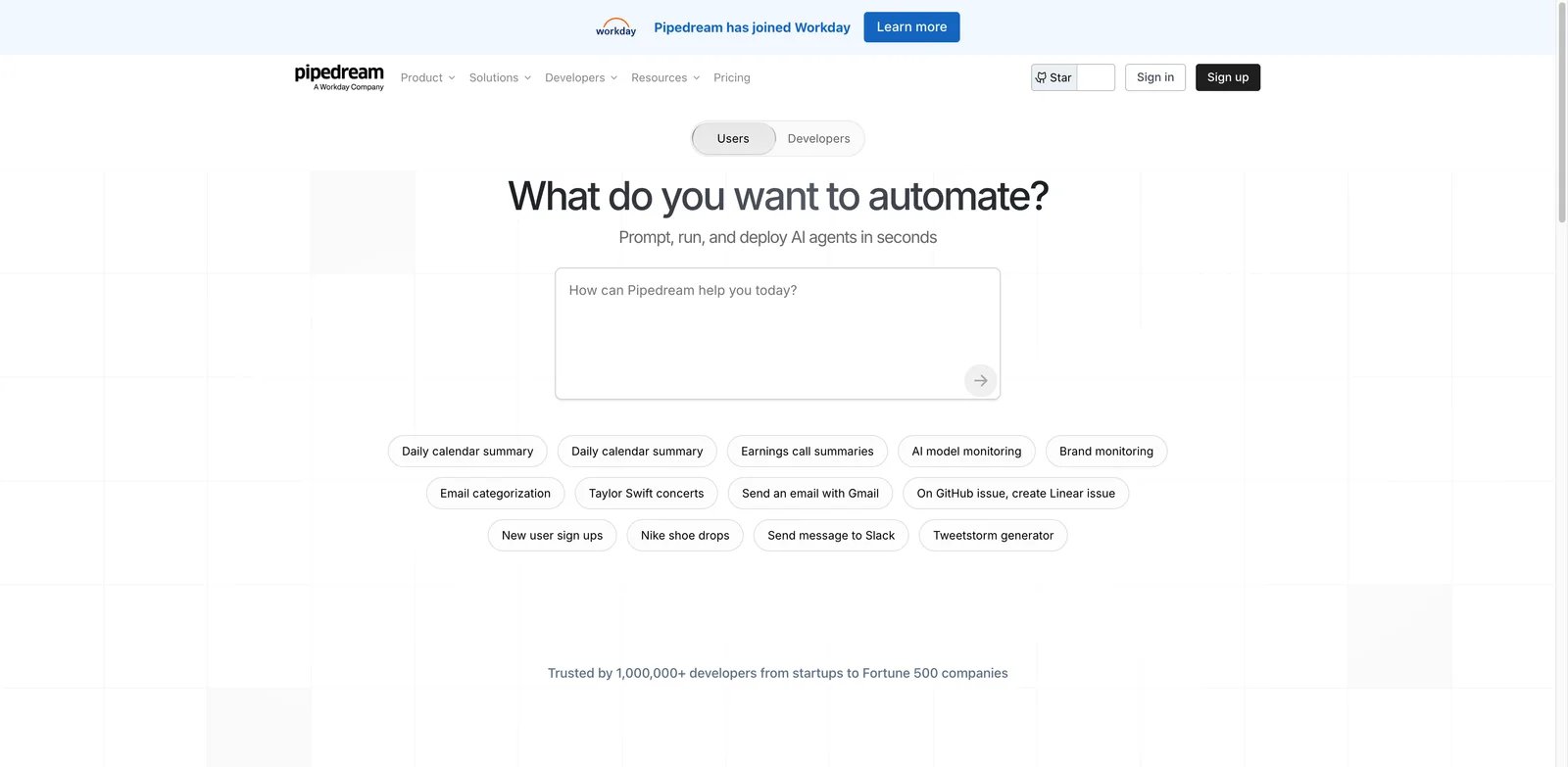
Developers often reject no-code automation when it hides too much of the system. Pipedream is the strongest option here for engineering-owned automation because it treats APIs, events, code steps, credentials, and deployment as first-class concerns. It is useful when the workflow should be lightweight, but still behave like something engineers can reason about.
Key Features
- Event-driven automation: Pipedream works well for workflows triggered by webhooks, API events, schedules, or application changes.
- Code steps and package access: Developers can add custom logic instead of waiting for a prebuilt no-code module to expose the exact behavior needed.
- Large API and integration surface: It is strong when teams need to connect SaaS APIs, internal tools, and custom services.
- AI agent workflows: Pipedream's AI direction makes it relevant for tool-calling agents and API-connected AI automations.
Pricing & Plans
Pipedream supports free testing and production usage based on credits or execution resources. Buyers should estimate event volume, workflow duration, concurrency, connected accounts, and whether AI calls create separate costs. It is often more predictable for developers than business users because the cost unit maps to executions and code paths.
Pros & Cons
- Pro: Event sources, webhooks, APIs, and code steps support developer-owned automation.
- Pro: Developers retain code-level control and access to software packages.
- Pro: Pipedream Connect exposes external APIs and tools to applications and AI agents.
- Con: Nontechnical business owners face a steeper learning and maintenance burden.
- Con: Workflow credits and separate Connect production entitlements require careful plan validation.
Best For
Pipedream is best for developers, platform teams, and technical operations groups building API-first automation. Not the right fit if the workflow owner needs a fully visual builder and minimal technical maintenance.
Get started with Pipedream
UiPath
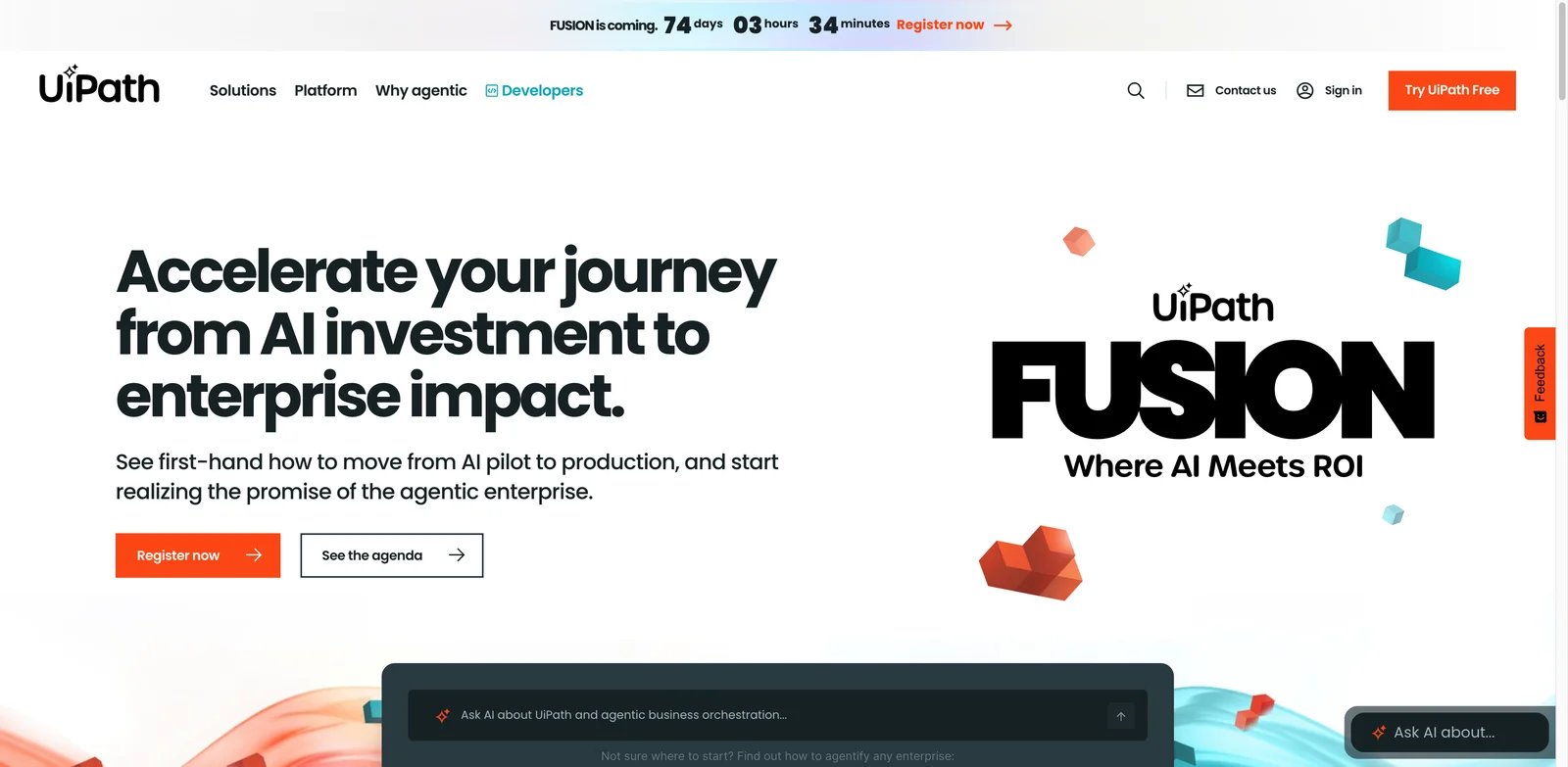
Enterprise automation is often constrained by legacy applications, desktop software, scanned documents, portals, and processes that do not expose clean APIs. UiPath remains important because it handles RPA, document understanding, human tasks, process mining, agents, and orchestration in one enterprise automation portfolio.
Key Features
- RPA for legacy systems: UiPath can automate desktop and browser workflows where API-first tools cannot reach.
- Document and process automation: Its platform covers document processing, task orchestration, human review, process discovery, and robot management.
- Enterprise AI direction: AI agents and AI-assisted automation expand UiPath beyond classic bot scripts.
- Governance and scale: It is built for organizations that need environments, controls, auditability, and centralized automation operations.
Pricing & Plans
UiPath Basic starts at $25/month for limited personal automation capacity. Standard and Enterprise use contact-sales pricing and add broader agents, document processing, orchestration, governance, and deployment options. Buyers should model attended and unattended robots, orchestrator needs, document processing, AI features, environments, support, implementation partners, and internal center-of-excellence costs.
Pros & Cons
- Pro: Combines RPA, agents, document processing, human tasks, and orchestration.
- Pro: Desktop automation reaches legacy systems without usable APIs.
- Pro: Standard and Enterprise add governance, identity, deployment, and scaling controls.
- Con: Rollout, process redesign, robot operations, and governance add implementation weight.
- Con: Standard and Enterprise pricing require sales engagement and detailed license modeling.
Best For
UiPath is best for enterprises automating legacy applications, documents, desktop tasks, and high-volume back-office processes. Not the right fit if the problem is simply connecting modern SaaS apps with lightweight triggers and actions.
Get started with UiPath
Workato
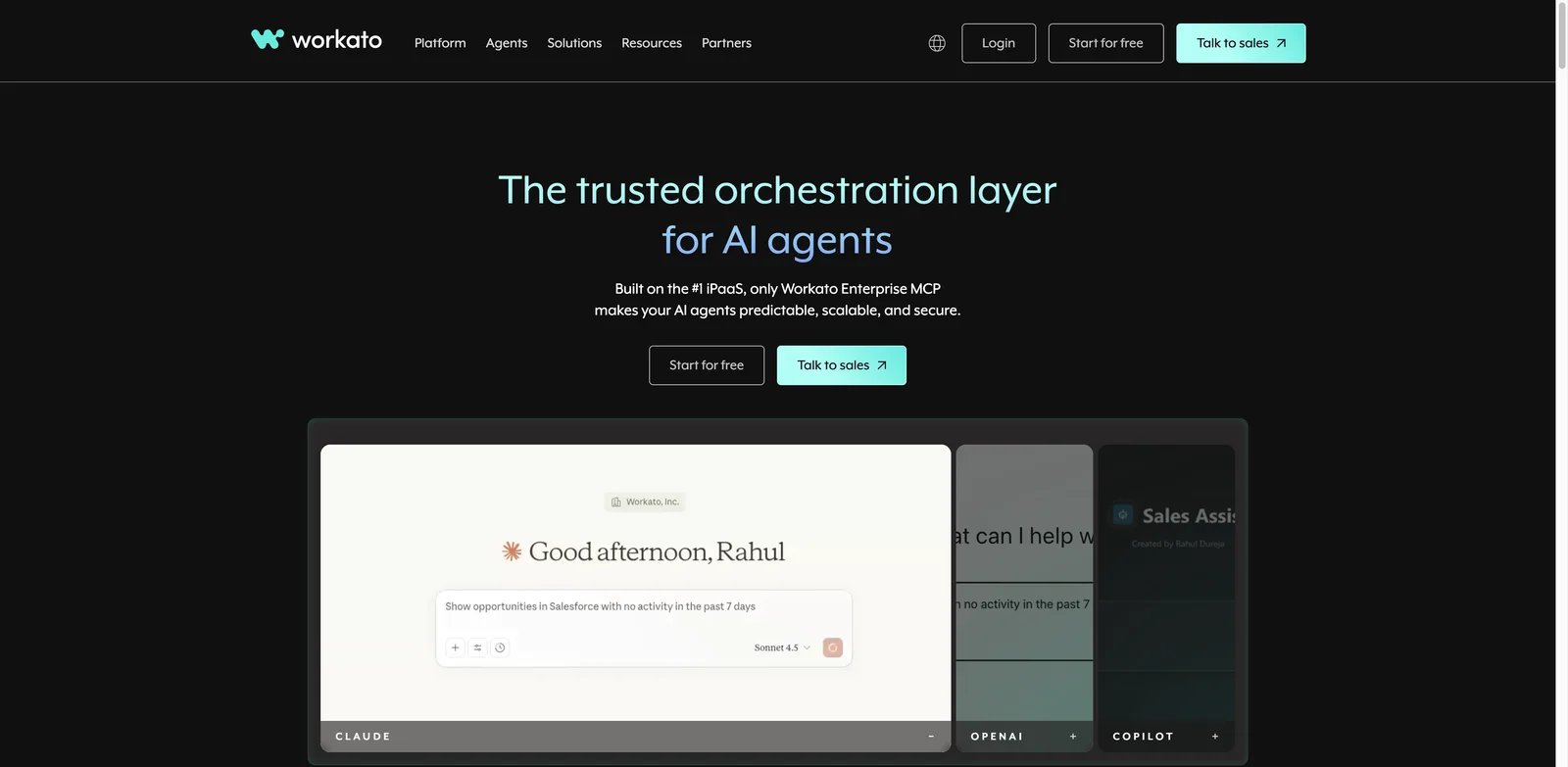
Large companies do not just need automations. They need governed integrations that cross departments, systems of record, security policies, and change-management processes. Workato is one of the strongest enterprise iPaaS choices when integrations need to behave like managed business infrastructure rather than personal productivity hacks.
Key Features
- Enterprise integration recipes: Workato's recipe model supports complex workflows across SaaS, databases, APIs, and business systems.
- Governance and controls: Admin, security, environment, and lifecycle controls matter when many teams build automation on the same platform.
- Agent Studio and AI automation: Workato's AI direction makes it relevant for enterprise agent workflows that still need integration governance.
- Cross-functional scale: It can support IT, revenue operations, finance, HR, support, and data workflows under one operating model.
Pricing & Plans
Workato uses custom platform and usage pricing. Buyers should ask for a transparent breakdown of platform fees, recipes, tasks or transactions, environments, connectors, support, AI features, implementation services, and renewal escalators. Quote-only pricing is normal for enterprise iPaaS, but it makes early comparison harder.
Pros & Cons
- Pro: Governed recipes connect SaaS applications, databases, APIs, and enterprise systems.
- Pro: Platform administration and lifecycle controls support cross-department deployment.
- Pro: Agent Studio, MCP, AI workflows, and orchestration extend the iPaaS foundation.
- Con: Public numeric pricing is unavailable, and procurement requires a custom quote.
- Con: Successful adoption requires governance for builders, credentials, testing, and production changes.
Best For
Workato is best for mid-market and enterprise teams that need governed integrations across business systems and departments. Not the right fit if your team wants a self-serve automation tool with public monthly pricing and minimal implementation.
Get started with Workato
IBM watsonx Orchestrate
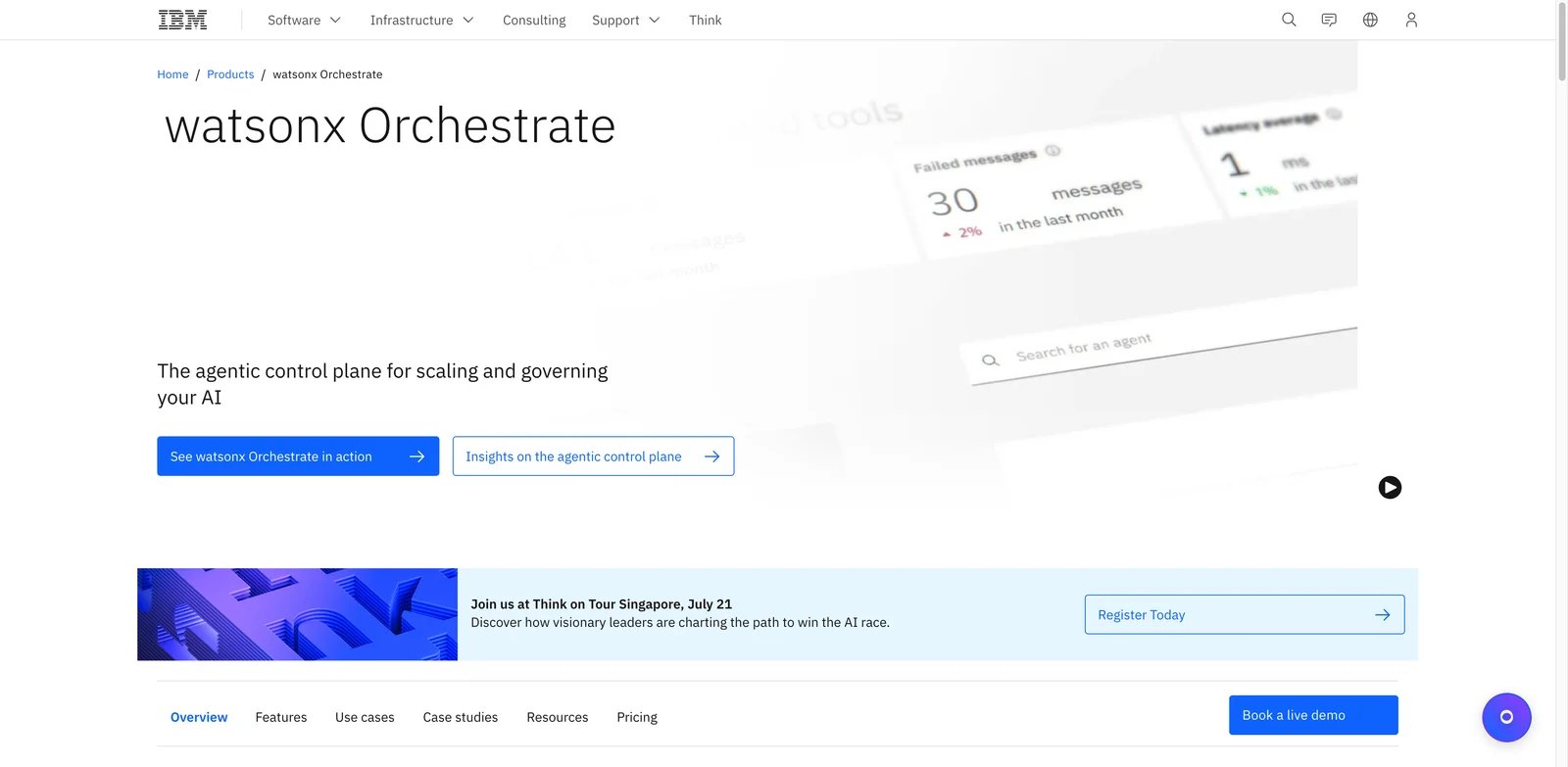
Enterprise agent work is different from personal AI automation. Agents may need to access internal applications, follow role-based controls, coordinate across departments, and produce outputs that a company can govern. IBM watsonx Orchestrate is most relevant when the buyer is already thinking about enterprise agents, not just simple workflow triggers.
Key Features
- Natural-language work orchestration: The product is designed around using AI agents to complete business tasks across applications.
- Multi-agent and enterprise application focus: It fits organizations that want agents connected to systems rather than isolated chat experiences.
- IBM ecosystem alignment: It can be more compelling when IBM software, consulting, governance, or enterprise relationships are already part of the environment.
- Governance-oriented positioning: Enterprise buyers can evaluate it alongside broader AI governance, identity, and application-control requirements.
Pricing & Plans
IBM offers a free trial and publishes AWS Marketplace contract pricing: Agentic Essentials is $6,360/year, Standard is $76,320/year, and Premium is $216,000/year. Private offers and other deployment arrangements may also be available. Buyers should expect discovery around users, skills, integrations, environments, data access, security, governance, and services. The budget should include implementation design, not just subscription cost.
Pros & Cons
- Pro: Supports no-code and pro-code agent building plus imported external agents.
- Pro: A unified gateway connects agents to models, data, APIs, applications, and MCP servers.
- Pro: Governance covers access, policy enforcement, monitoring, and agent lifecycle management.
- Con: The lowest published AWS annual contract starts at $6,360, above typical small-team self-service plans.
- Con: Deployment, integration, and governance design make it an enterprise implementation rather than a lightweight SaaS connector.
Best For
IBM watsonx Orchestrate is best for enterprises evaluating governed AI agents across internal applications and business processes. Not the right fit if you need a lightweight no-code automation tool with transparent monthly pricing.
Get started with IBM watsonx Orchestrate
Camunda
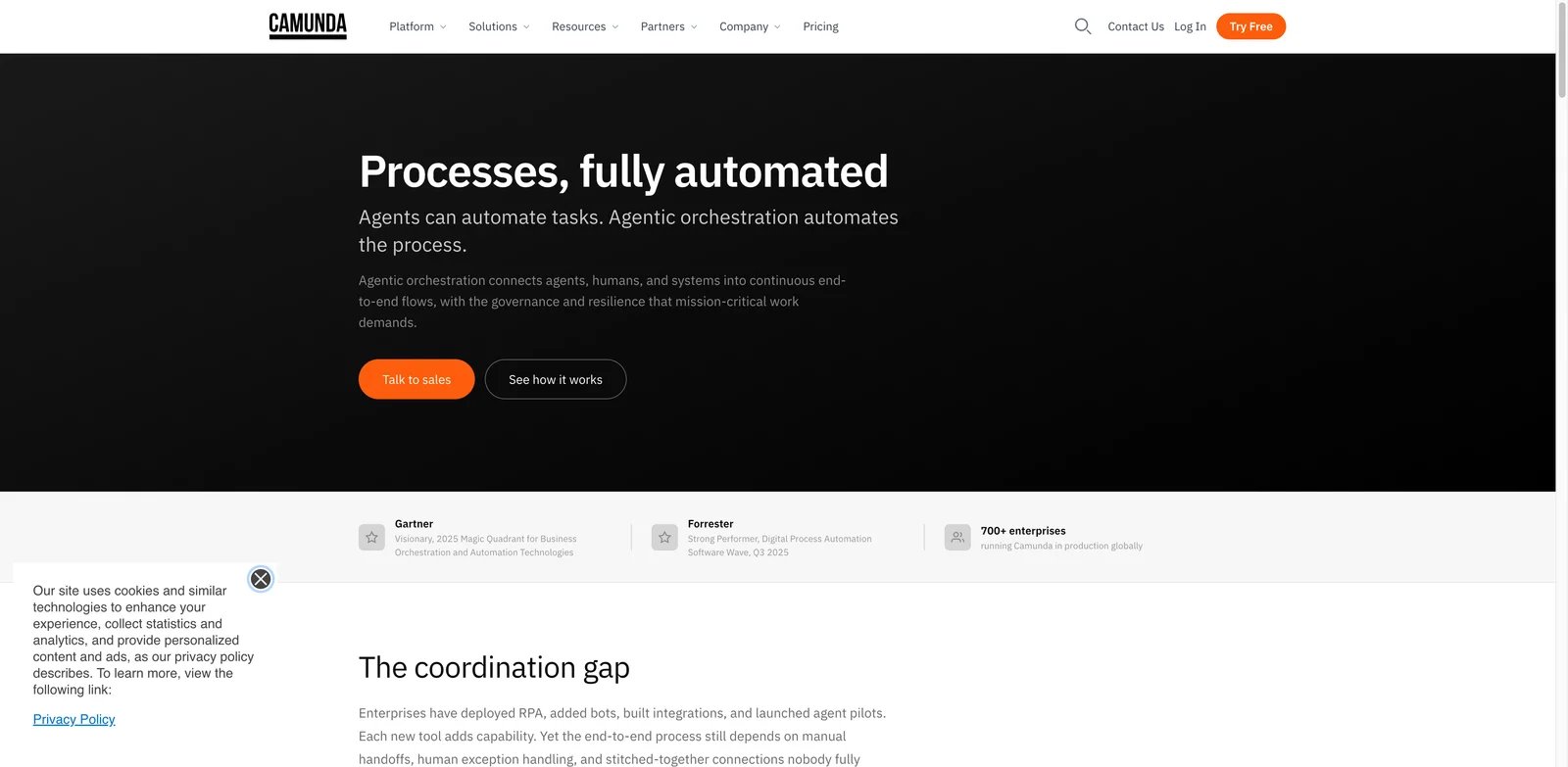
High-stakes automation cannot always be left to agent improvisation. Finance approvals, compliance reviews, claims workflows, supply-chain exceptions, and regulated operations often need explicit process logic, audit trails, human tasks, and deterministic handoffs. Camunda is the fit when AI agents need to operate inside a controlled process architecture.
Key Features
- BPMN process orchestration: Camunda gives architects explicit models for long-running processes, exceptions, human tasks, and service coordination.
- Agent and process combination: It can incorporate AI agents without replacing deterministic workflow rules where control is required.
- Microservice and enterprise architecture fit: Camunda is better suited to technical teams orchestrating services and systems than to casual no-code workflow building.
- Auditability and process visibility: Process history and orchestration structure matter when teams need to explain what happened and why.
Pricing & Plans
Camunda Self-Managed is free only for local development and non-production use; every production deployment requires an Enterprise license. Camunda SaaS offers a 30-day free trial followed by custom Enterprise pricing. Buyers should account for platform licensing, environments, implementation, developer time, process modeling, monitoring, and long-term ownership.
Pros & Cons
- Pro: BPMN models deterministic rules, human tasks, services, and agents in one process.
- Pro: Supports long-running, auditable orchestration across systems and deployment models.
- Pro: Open standards and agent-agnostic connectivity reduce model and framework lock-in.
- Con: Teams need BPMN, architecture, engineering, and process-governance maturity.
- Con: Free Self-Managed use is limited to development and non-production; production requires Enterprise licensing.
Best For
Camunda is best for organizations that need deterministic process orchestration across AI agents, people, microservices, and enterprise systems. Not the right fit if your team wants a quick visual automation builder for routine SaaS handoffs.
Get started with Camunda
Best AI Business Automation Tools by Use Case
For business teams building their first reliable workflow
Start with Make or Zapier when the team needs a quick path from idea to working automation. Make is better when stakeholders need to see branching and data movement on a visual canvas. Zapier is better when broad app coverage and templates are the deciding factors. Choose Relay.app instead if the workflow includes approvals, manual review, or customer-facing AI output that should not ship automatically.
For teams that need data control, code, or self-hosting
n8n is the strongest first test when self-hosting, custom logic, and inspectable workflows matter. Activepieces is the more open-source, cost-conscious route for teams exploring agents and MCP-style automation. Pipedream is the better choice when engineers own the workflow and need API-first automation with code steps. Latenode belongs in the shortlist when a business team wants a visual canvas but still needs JavaScript for hard cases.
For operations teams cleaning recurring business data
Parabola should be evaluated first when the workflow starts with spreadsheet-like data problems: product feeds, supplier files, finance exports, marketplace data, or operational reports. Gumloop is stronger when the same process depends heavily on AI extraction, research, enrichment, or document interpretation. Make can support some of these workflows, but Parabola and Gumloop are more naturally shaped around data-heavy operations work.
For Microsoft-first organizations
Power Automate is the natural first choice when the workflow lives in Microsoft 365, Teams, SharePoint, Outlook, Excel, Dynamics, Dataverse, or Windows desktop applications. Its advantage is proximity to existing identity, files, approvals, and admin controls. The buying work is mostly about licensing and governance: validate connector entitlements, premium features, desktop RPA needs, and ownership rules before standardizing.
For enterprise automation, RPA, and governed integration
UiPath is the strongest fit when legacy desktop work, documents, bots, and back-office processes dominate. Workato is better when the problem is governed SaaS and enterprise integration across departments. IBM watsonx Orchestrate belongs in enterprise agent evaluations where governed AI workers must interact with business applications. Camunda is the best fit when agents and services need to run inside explicit, auditable process models.
How to Choose the Right AI Business Automation Tools
1. Identify the system of record before choosing the builder. A workflow that updates CRM, ERP, payroll, customer records, finance data, or regulated information needs ownership, permissions, rollback rules, and auditability before it needs an AI step. For lightweight SaaS handoffs, Zapier or Make may be enough. For governed systems, start with Power Automate, Workato, UiPath, or Camunda.
2. Match the workflow owner to the tool. Business-owned workflows favor Make, Zapier, Relay.app, Gumloop, or Parabola. Technical operations teams can justify n8n, Activepieces, Latenode, or Pipedream. Enterprise automation teams should evaluate UiPath, Workato, IBM watsonx Orchestrate, and Camunda with IT, security, and process owners involved.
3. Test failure handling, not only the happy path. A useful pilot should include duplicate events, bad inputs, missing permissions, failed API calls, retries, manual approvals, and audit logs. AI output should be checked for review steps and confidence boundaries before it updates a customer-facing system.
4. Model cost by the unit that grows. Seats, tasks, credits, operations, executions, runtime, active flows, robot licenses, and custom platform fees produce different bills. A cheap entry plan can become expensive if a workflow runs thousands of times a day or every AI step creates a paid task.
5. Run one production-like pilot before standardizing. Use a real data source, a real exception, a real approval path, and the actual owner who will maintain the workflow after launch. Do not choose a platform based only on a clean demo or a vendor-provided template.
Frequently Asked Questions
What is the best AI business automation tool overall?
What is the best AI business automation tool for small teams?
Which AI business automation tools are best for enterprise governance?
Is AI automation different from workflow automation?
Are free AI business automation tools enough for production work?
Should small teams use enterprise RPA platforms?
How should teams compare Zapier vs Make vs n8n?
Final Verdict
Choose Make or Zapier if your team needs a fast, business-owned automation layer across common SaaS tools. Choose Relay.app when human approvals are central. Choose n8n, Activepieces, Latenode, or Pipedream when technical control matters. Choose Parabola or Gumloop when the workflow is data-heavy or AI-native. Choose Power Automate when Microsoft is already the operating environment.
For enterprise programs, choose UiPath when RPA and legacy systems dominate, Workato when governed SaaS integration is the core problem, IBM watsonx Orchestrate when enterprise agent orchestration is the buying motion, and Camunda when AI needs to operate inside deterministic process architecture. The practical rule is simple: buy for the workflow owner, failure mode, and cost unit, not for the longest AI feature list.
Get ToolWorthy Weekly
New AI tools, practical guides, and selected AI signals in one weekly brief.
Related Posts
- 10 Best Zapier Alternatives 2026 - AI Workflows, Cost & Control
Compare 10 Zapier alternatives for 2026, including Make, n8n, Activepieces, Pipedream, Power Automate, Workato, Tray.ai, and IFTTT.
- 10 Best AI Security Tools 2026 - Runtime, Agents, and AI-SPM
Compare 10 AI security tools for agent protection, runtime guardrails, AI-SPM, red teaming, and Microsoft data security workflows.
- 10 Best Make.com Alternatives 2026 — After the Credits Switch
10 Make.com alternatives tested May 2026 — n8n, Activepieces, Latenode and post-credits picks. Real pricing, community evidence, two-week parallel migration guide.
For AI tool founders
Built a tool that belongs in this decision set?
Request an editorial evaluation for possible inclusion in ToolWorthy.
Submit your tool for reviewPaid submission does not guarantee a ranking, recommendation, inclusion, or editorial outcome.