
Best AI Design Tools 2026 - 13 Tools Compared by Workflow
13 AI design tools covering every use case: logo generation, UI mockups, product photography, and social media. Real pricing and commercial rights included.

On this page
“AI design tool” covers several different jobs: template-based marketing production, UI design, product photography, image generation, and brand asset operations. Start with the file or campaign you must deliver, then compare editability, collaboration, credit cost, and commercial-use terms. If you only need text-to-image output, use the dedicated AI image generator comparison instead of paying for a broader design suite.
This guide compares 13 tools using official pricing, product documentation, licensing materials, and attributed user feedback. It does not claim a shared benchmark or hands-on use of every product.
Use the deliverable to narrow the list:
| Your recurring job | Start with | Decision factor to verify |
|---|---|---|
| Social posts, presentations, and brand templates | Canva or Adobe Express | Brand controls, template workflow, asset licensing, and team cost |
| Production UI/UX and developer handoff | Figma | Seat mix, AI-credit allowance, components, and collaboration controls |
| Product photos and marketplace images | PhotoRoom or Pixelcut | Batch volume, export quality, background workflow, and per-image cost |
| Original image or vector generation | Recraft, Ideogram, or Midjourney | Editability, text/vector needs, privacy, and output rights |
| Stock assets plus multi-model generation | Magnific Creative Suite (formerly Freepik) | Included credits, stock license, eligible models, and renewal terms |
| Tool | Best For |
|---|---|
| Canva | All-in-one design platform with templates |
| Figma | Collaborative UI/UX design with AI assist |
| Adobe Express | Quick social media and marketing graphics |
| Lovart | AI canvas generation for creative design |
| Recraft | High-fidelity vector and raster graphics |
| Ideogram | AI image generation with text rendering |
| Krea | Real-time generation and upscaling |
| Pixelcut | Product photography and background tools |
| Midjourney | Premium AI image generation |
| Picsart | Photo editing with AI enhancement |
| PhotoRoom | Background removal and product staging |
| Uizard | AI-powered UI mockup generation |
| Freepik | Stock assets with AI generation tools |
How We Researched the Tools
We selected these AI design tools based on measurable criteria: publicly available pricing information, documented feature sets, commercial use policies, and market adoption. Tools without transparent pricing were noted but included only if they demonstrated significant market traction through user communities or verified case studies.
Research combined official pricing pages, feature documentation, product announcements, help centers, and attributed user feedback from design communities and review platforms.
Comparison Dimensions: We compared each tool across 6 dimensions:
- Output Fit & Styles — Documented model capabilities, output formats, style range, and recurring themes in attributed reviews
- Feature Breadth — Core capabilities across image generation, editing, templates, and collaboration tools
- Pricing Transparency — Completeness of publicly available pricing and subscription terms
- Commercial Rights — Licensing terms for generated or edited content, ownership policies
- Ease of Use — Interface complexity, learning curve, and onboarding experience
- Platform Support — Web access, desktop apps, mobile apps, and API availability
Transparency & Limitations: We do not fabricate ratings, rankings, or performance claims. High-risk pricing and plan details were reviewed against official sources in August 2026, but they can vary by region, billing cycle, and enterprise agreement.
Top 13 AI Design Tools Compared
Here's a quick overview of how these AI design tools compare across key dimensions. This table helps you identify which tools match your priorities before diving into detailed reviews.
| Tool | Best For | Output Type | Feature Breadth | Pricing | Commercial-use check |
|---|---|---|---|---|---|
| Canva | All-in-one design platform | Templates + generated media | Extensive | $0-$23/mo | Asset, AI, and plan terms apply |
| Figma | UI/UX collaborative design | Editable UI files | UI-focused | Free–$90/mo (seat-based) | Verify asset and AI-feature terms |
| Adobe Express | Quick marketing graphics | Templates + Firefly media | Moderate | $0-$19.99/mo (monthly) | Firefly terms and asset licenses apply |
| Lovart | AI canvas generation | Raster + video workflows | AI-focused | $16-$99/mo (annual) | Verify current plan terms |
| Recraft | Vector & raster generation | Vector + raster | Generation-focused | Free / $10/mo (annual) | Ownership differs by plan |
| Ideogram | Text rendering in images | Raster images | Generation-focused | Free + $15–$42/mo | Terms and privacy mode apply |
| Krea | Real-time AI editing | Images + video | Extensive | $0-$105/mo | Verify plan and model terms |
| Pixelcut | Product photography | Product images | E-commerce-focused | $0-$60/mo | Verify paid-plan terms |
| Midjourney | Premium image generation | Raster images | Generation-focused | $10-$120/mo | Company-revenue and plan rules apply |
| Picsart | Photo editing & enhancement | Edited + generated media | Extensive | $0–$24.5/mo (yearly shown) | Asset and plan terms apply |
| PhotoRoom | Background removal & staging | Product images | Product-focused | Free + paid tiers | Verify plan and asset terms |
| Uizard | UI mockup generation | Editable UI mockups | UI-focused | $0-$39/mo | Verify output and asset terms |
| Freepik | Stock + multi-model generation | Not benchmarked | Extensive | Credit plans; verify live regional price | Plan and asset terms vary |
Detailed Reviews

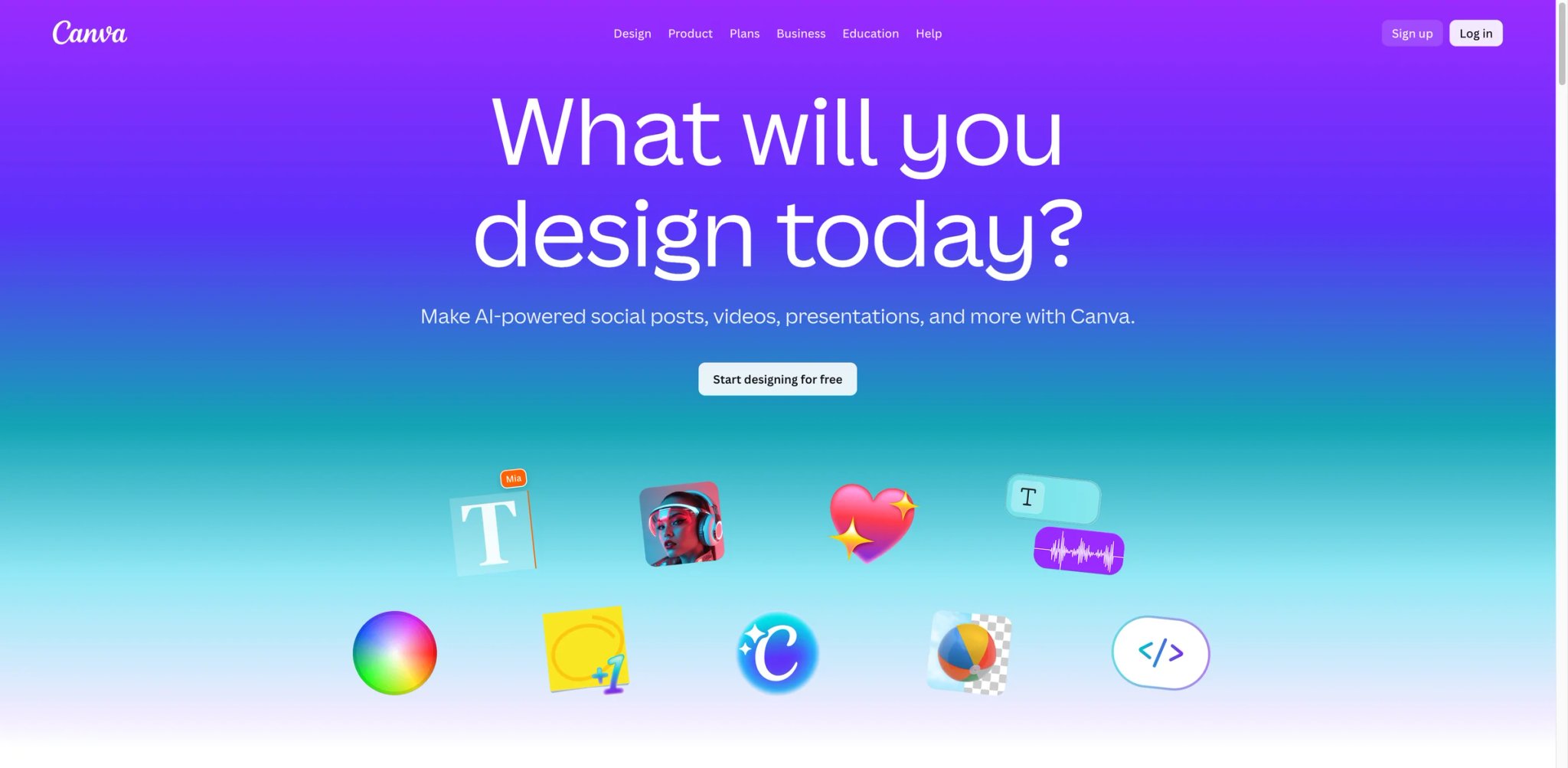
Canva is an all-in-one design platform that combines traditional drag-and-drop editing with AI-powered features for image generation, video creation, and design assistance. It serves millions of users from solo creators to enterprise teams, offering 100,000+ templates across social media posts, presentations, logos, and marketing materials. The platform's AI capabilities include text-to-image generation, background removal, and an AI design assistant that works like ChatGPT but for visual content.
Key Features
- AI Image & Video Generator — Create visuals from text descriptions with built-in AI models, generate videos automatically, and access premium stock content
- Massive Template Library — 100,000+ professionally designed templates for social media, presentations, logos, and marketing collateral
- Brand Kit & Collaboration — Store brand colors, fonts, and logos; collaborate with teams using comments and real-time editing
- Multi-Platform Access — Design on web, desktop (Windows/Mac), and mobile apps with cloud sync
Pricing & Plans
- Free: $0/month with limited AI access, 5GB storage, 1 Brand Kit (3 colors only)
- Pro: $18/month (monthly) or $144/year ($12/month, save 16%) with premium tools, 5 Brand Kits, 141M+ premium assets
- Business: $23/month per person (monthly) or $230/year per person (~$19.17/month, save 16%) with collaboration, 100 Brand Kits, centralized assets
- Enterprise: Contact Sales — end-to-end visual communication, SSO, SCIM provisioning, 1000 Brand Kits, custom integrations
AI access varies by tier—Free offers limited monthly AI generation, while paid plans provide progressively higher limits.
Commercial use note: Commercial use on Canva depends on the Content License Agreement and whether your design uses Free vs Pro licensed assets. For Canva AI features, Canva's AI Product Terms state you own your Output, but outputs may be non-unique and you must comply with Canva's policies.
Pros & Cons
Pros:
- Extensive template library covers nearly every design need without starting from scratch
- Intuitive interface requires minimal learning curve for beginners
- Strong collaboration features for teams including comments and version history
- AI tools integrate naturally into existing workflows without requiring separate platforms
Cons:
- AI generation quality lags behind specialized tools like Midjourney or Ideogram
- Free tier limits AI usage significantly, pushing users toward paid plans
- Designs can feel template-based if not heavily customized
Best For
- Small businesses creating consistent branded content across social media and marketing channels
- Marketing teams needing collaboration tools and brand management features
- Non-designers who prioritize speed and ease of use over advanced customization
- Freelancers managing multiple clients with separate Brand Kit requirements
Get started with Canva

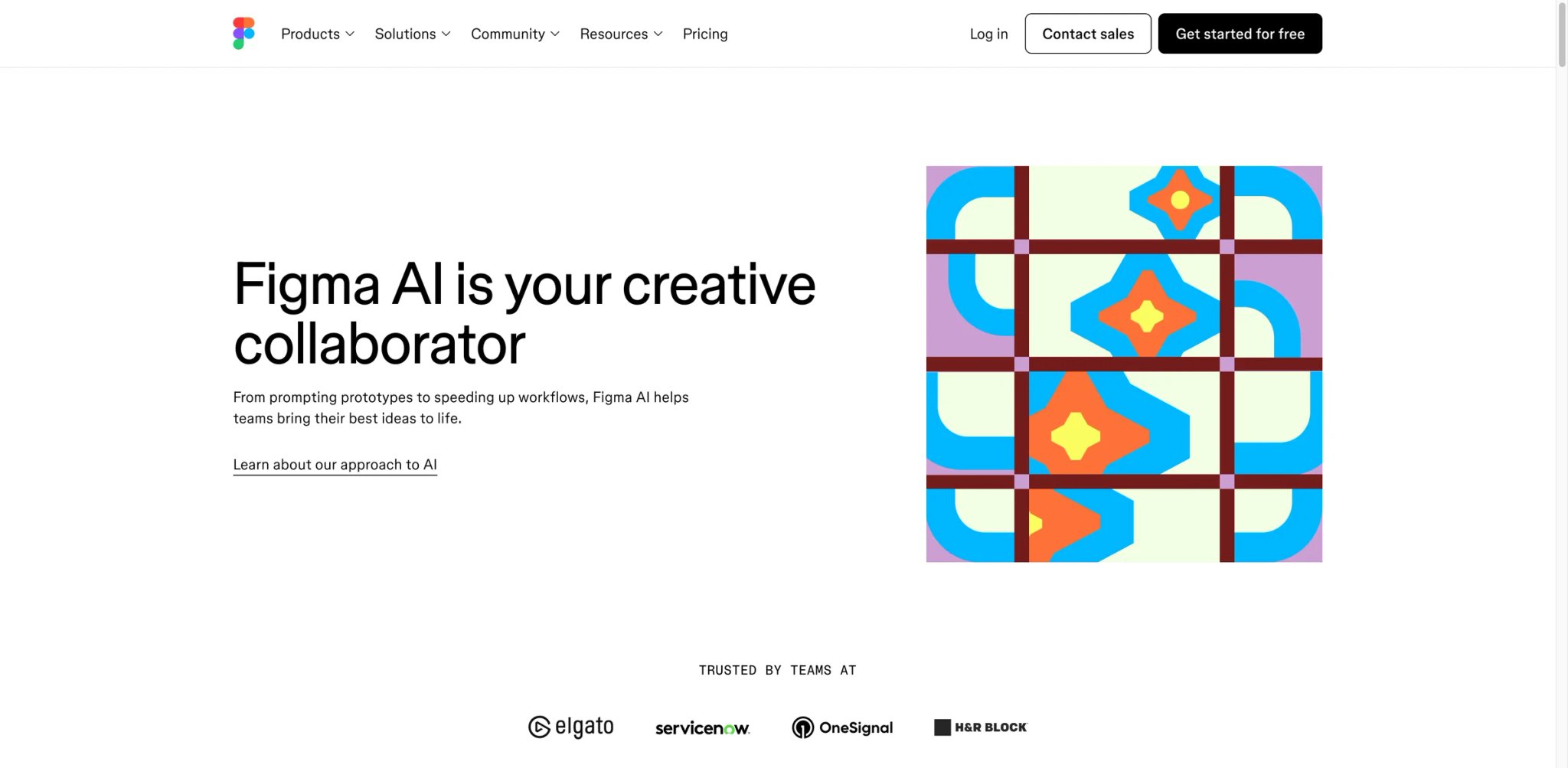
Figma is a collaborative interface design platform that has integrated AI capabilities across design, prototyping, and code generation workflows. Originally built for UI/UX designers, Figma now offers AI-powered features through Figma Make (prompt-to-code), Figma Buzz (on-brand asset generation), and Figma Draw (AI-enhanced vector tools). The platform operates on an AI credit system introduced in December 2025, allowing users to access advanced features while maintaining transparent usage tracking.
Key Features
- Figma Make (Prompt-to-Code) — Generate functional UI designs and code from text descriptions, accelerating prototyping workflows
- Figma Buzz (Beta) — Create on-brand assets at scale using AI trained on your design system and brand guidelines
- Real-Time Collaboration — Multiple designers work simultaneously on the same file with live cursors and commenting
- Design Systems & Components — Build and maintain reusable component libraries with variants and auto-layout
Pricing & Plans
Figma's pricing is seat-based (Collab / Dev / Full seats) across four plans (prices in USD, annual billing):
- Starter: Free — 150 AI credits/day (up to 500 AI credits/month), unlimited drafts, UI kits
- Professional: Collab $3/mo · Dev $12/mo · Full $16/mo — unlimited files, team libraries, 3,000 AI credits/mo for Full seat
- Organization: Collab $5/mo · Dev $25/mo · Full $55/mo — unlimited teams, centralized admin, 3,500 AI credits/mo for Full seat
- Enterprise: Collab $5/mo · Dev $35/mo · Full $90/mo — custom workspaces, SCIM, design system APIs, 4,250 AI credits/mo for Full seat
AI credits are included per seat and tracked separately; enforcement for Full seats began in early 2026. Monthly billing available for Professional at higher rates.
Pros & Cons
Pros:
- Industry-standard tool for UI/UX design with extensive plugin ecosystem
- Real-time collaboration eliminates versioning issues common in traditional design tools
- AI features integrate seamlessly without disrupting established design workflows
- Strong component and design system capabilities scale well for enterprise teams
Cons:
- AI credit system adds complexity to pricing and usage tracking
- Learning curve for advanced features like Auto Layout and component variants
- Requires consistent internet connection for full functionality
Best For
- UI/UX designers creating web and mobile applications with complex interaction patterns
- Product teams needing tight integration between design, prototyping, and developer handoff
- Design agencies managing multiple client projects with reusable component libraries
- Enterprise teams maintaining consistent design systems across large organizations
Get started with Figma

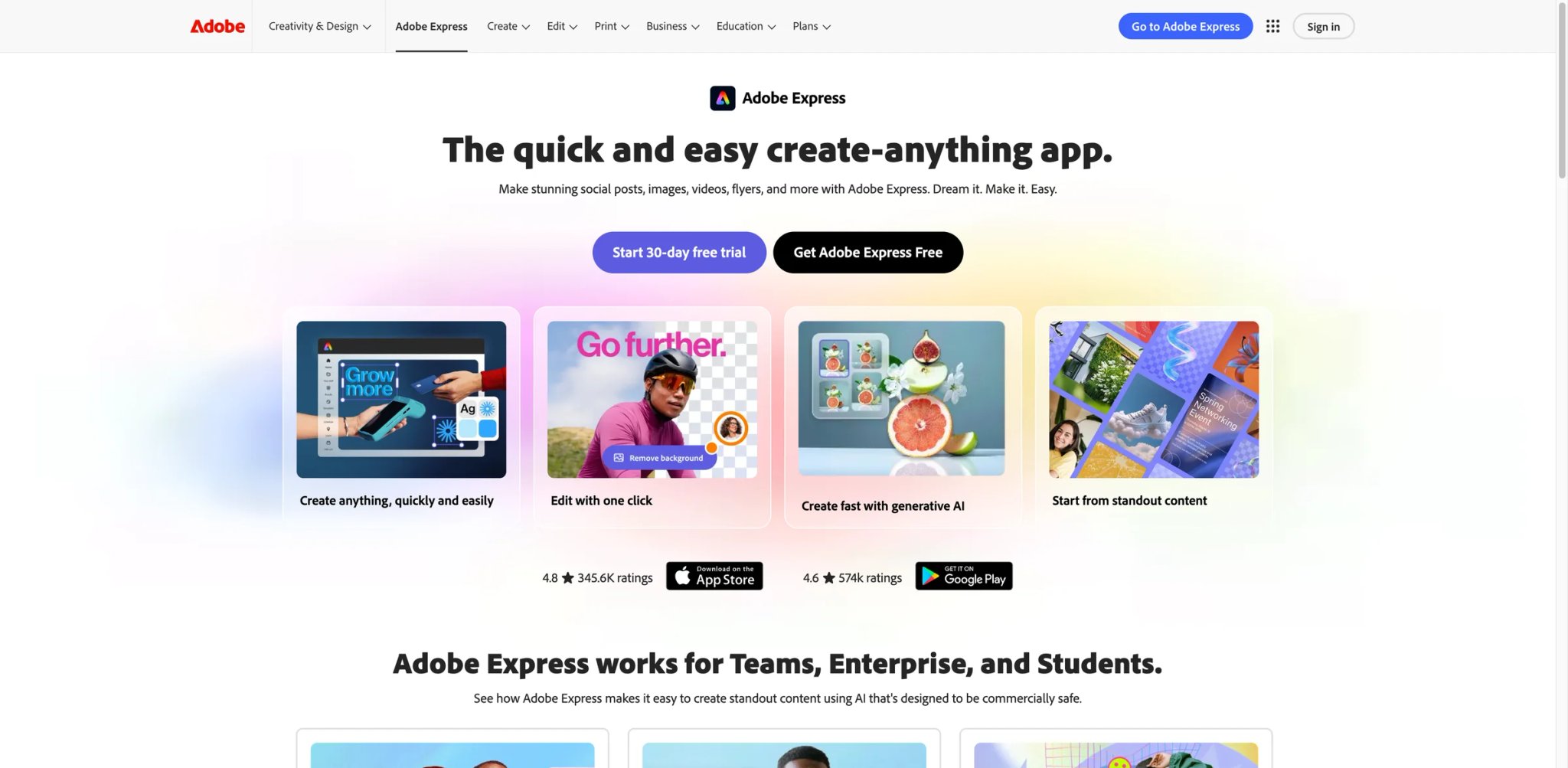
Adobe Express is a quick-content creation platform powered by Adobe Firefly. Adobe markets Firefly as commercially safe because of its training approach and offers indemnification for some eligible enterprise workflows; those vendor assurances do not replace checking the exact plan, model, stock-asset license, and intended use. Express targets social media creators, small businesses, and marketers producing branded content without a full Photoshop workflow.
Key Features
- Adobe Firefly Integration — Generate images, insert or remove objects, and create templates; Adobe documents the training and commercial-use terms for Firefly separately
- AI Assistant (Beta) — Make comprehensive design changes through natural language while preserving desired elements
- One-Click Multi-Format Export — Resize designs instantly for Instagram, Facebook, LinkedIn, and other platforms
- 100,000+ Templates — Access professionally designed templates with Quick Actions for common tasks like background removal
Pricing & Plans
- Free: $0/month — basic editing tools, limited generative AI credits, 100,000+ static and video templates, 1M+ royalty-free Adobe Stock assets
- Adobe Express Premium: $9.99/month (no annual commitment, billed monthly) — 250 generative credits/month, 200M+ Adobe Stock assets, all premium templates, content scheduling
- Adobe Firefly Pro: $19.99/month (no annual commitment, billed monthly) — 4,000 generative credits/month for premium AI video and audio, unlimited standard Generative Fill in Photoshop, Text to Video, third-party model access
- Adobe Express for Teams: $4.99/person/month (first year, save 38%), then $7.99/person/month (annual subscription, billed monthly); 2-seat minimum; includes 250 generative credits/month per user with commercial safety
- Adobe Express Enterprise: Contact Sales (100+ users) — starts at 250 credits/user/month, IP indemnification for Firefly-generated images, Adobe Experience Manager, encryption key support
Pros & Cons
Pros:
- Adobe publishes commercial-use guidance for Firefly and offers additional protections for some eligible enterprise workflows
- Quick Actions and templates accelerate content creation for non-designers
- Seamless integration with Adobe ecosystem for users already in Creative Cloud
- Transparent licensing makes it suitable for commercial and client work
Cons:
- AI generation quality doesn't match specialized tools like Midjourney
- Limited advanced editing compared to full Photoshop or Illustrator
- Teams pricing has introductory rates subject to future increases
Best For
- Solo creators and freelancers producing social media content across multiple platforms
- Marketing teams needing brand-consistent assets without design expertise
- Small businesses that want documented Firefly and Adobe Stock licensing paths for client-facing materials
- Agencies seeking transparent licensing and IP protection for client work
Get started with Adobe Express


Lovart is an AI design agent focused on canvas-based visual creation, offering tools for generating designs from text prompts and editing them in an intuitive workspace. The platform uses a credit-based system where different tasks consume varying amounts of credits depending on complexity and quality settings. Lovart targets creative professionals who need flexible AI generation with commercial licensing, providing multiple quality tiers from standard to 4K output.
Key Features
- AI Canvas Generation — Create designs from text descriptions with adjustable quality settings and style controls
- Credit-Based Flexibility — Credits scale with task complexity, allowing efficient use for simple tasks and premium output for final deliverables
- Multiple Quality Tiers — Generate standard, HD, or 4K resolution outputs depending on project requirements
- Commercial Licensing — Basic plan and above include full commercial usage rights for generated content
Pricing & Plans
Lovart's plans (annual billing shown; monthly rates higher):
- Starter: $16/month (billed $192/year) — 2,000 fast generation credits/month, 100 refresh credits/day, all video/image/editing models, 2 concurrent tasks, commercial license
- Basic: $27/month (billed $324/year) — 3,500 fast credits/month, 4 concurrent tasks, commercial license, Unlimited Relax Generation (lower priority)
- Pro: $45/month (billed annually; first-year promo pricing applies) — 11,000 fast credits/month, 8 concurrent tasks, 10% off credit refills, commercial license, Unlimited Relax Generation
- Ultimate: $99/month (billed annually; first-year promo pricing applies) — 27,000 fast credits/month, 10 concurrent tasks, 10% off credit refills, commercial license, Unlimited Relax Generation
- Team Plan: available separately (see Lovart's pricing page)
Annual billing saves up to 50%. All paid plans include access to all video, image, and editing models, plus 100 refresh credits per day.
Pros & Cons
Pros:
- All paid plans include access to all video and image models, removing feature-gating by tier
- Commercial licensing on every paid plan removes legal ambiguity for client work
- Unlimited Relax Generation (Basic and above) provides a safety net beyond fast credits
- Concurrent task support (up to 10 on Ultimate) accelerates high-volume workflows
Cons:
- No free tier; entry point starts at $16/month (annual billing required for best rates)
- Fast credits reset monthly without rollover, which can waste unused allowances
- Promo pricing on Pro/Ultimate changes after the first year, increasing effective cost
Best For
- Creative agencies producing varied content with different quality requirements
- Freelancers managing commercial projects who need clear licensing terms
- Teams requiring API integration for automated design workflows
- Designers working on both digital and print projects needing flexible resolution options
Get started with Lovart

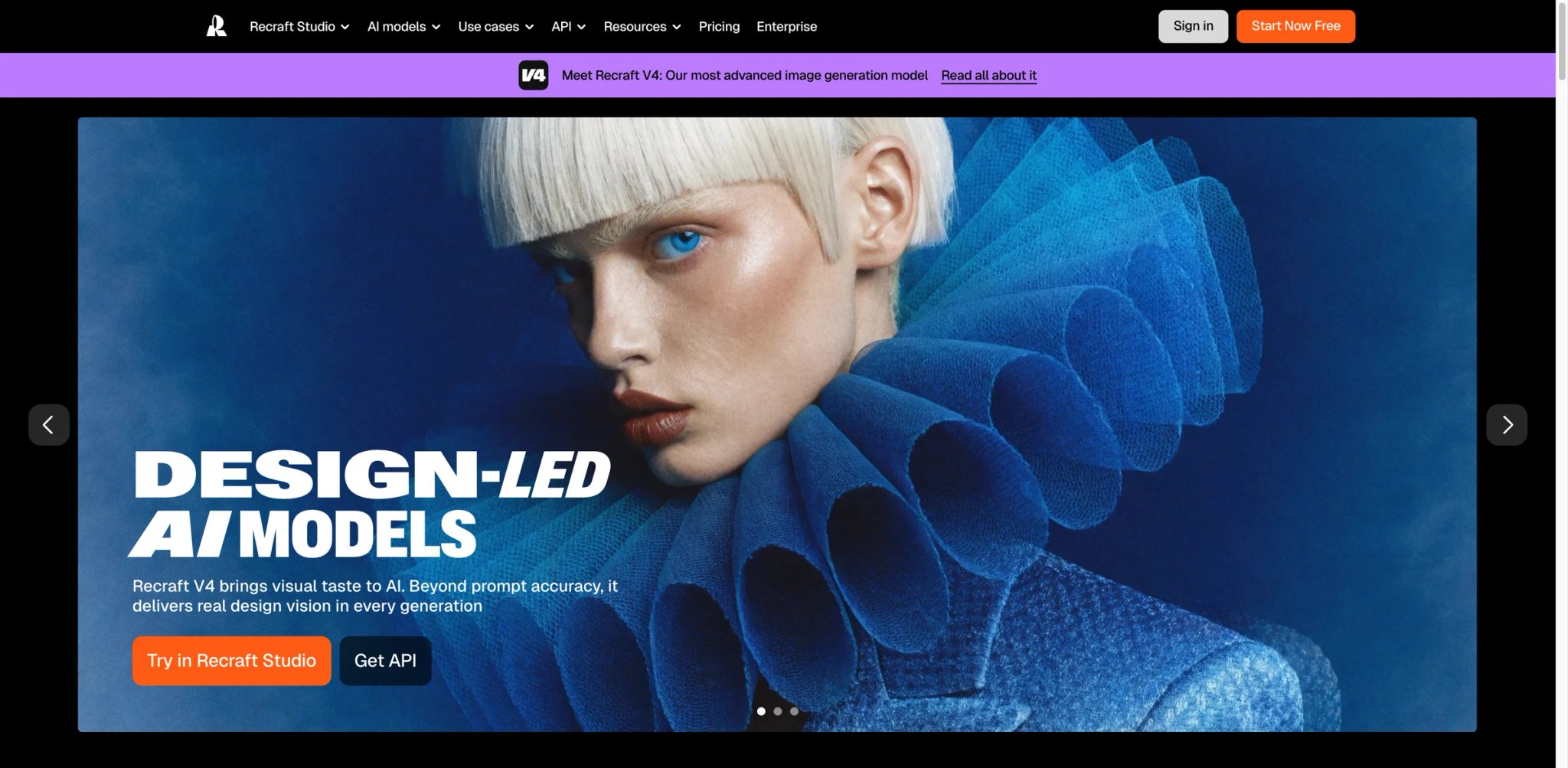
Recraft is an AI design tool specializing in both high-fidelity raster images and native vector graphics (editable SVG), making it unique for designers who need scalable assets. The platform offers two pricing models: API-based per-image pricing for production workflows and subscription plans with monthly credit allowances for individual creators. Recraft emphasizes accurate text rendering and production-quality outputs, with all paid plans providing full commercial ownership and private image generation.
Key Features
- Native Vector Generation — Create editable SVG files directly from AI, eliminating manual vectorization for logos and icons
- Accurate Text Rendering — Generate images with clear, legible text—a common weakness in many AI image generators
- Dual Pricing Models — Choose between API pay-per-image ($0.022–$0.30 depending on model) or subscription with monthly credits
- Full Commercial Ownership — Paid plans grant complete ownership and commercial rights; private images remain private even after subscription ends
Pricing & Plans
Subscription Plans:
- Free: $0 — 30 credits/day (renewed daily), 3 generations per style/day, images are public, no commercial use, no external models
- Pro: $10/month (billed annually at $120) — from 1,000 credits/month (renewed monthly), private images, commercial license, unlimited styles & uploads, up to 4 images per generation, 10 parallel generations, creative 4K upscale, external models (Nano Banana, Seedream, GPT Image, Flux, etc.), magic wand tool, editing templates
- Teams: $55/month per seat (billed annually at $660/seat) — 9,000 credits/seat/month, shared workspace, centralized account management, premium 24/7 support, SSO
API Pricing (per image):
| Model | Price |
|---|---|
| Recraft V4 (raster) | $0.04 |
| Recraft V4 Vector | $0.08 |
| Recraft V4 Pro (raster) | $0.25 |
| Recraft V4 Pro Vector | $0.30 |
| Recraft V3 (raster) | $0.04 |
| Recraft V3 Vector | $0.08 |
| Recraft V2 (raster) | $0.022 |
| Recraft V2 Vector | $0.044 |
Image editing services (background removal, inpainting, upscaling, etc.) are priced separately; see Recraft's API pricing page for full details.
Important: Free plan images are public and not commercially licensed. Pro and Teams subscribers retain full commercial ownership of generated images.
Pros & Cons
Pros:
- Native vector output eliminates time-consuming manual tracing for scalable graphics
- Clear text rendering makes it suitable for marketing materials and branded assets
- Flexible pricing accommodates both occasional users and high-volume production workflows
- Perpetual ownership of paid-tier images provides long-term asset security
Cons:
- Free tier doesn't grant ownership rights, limiting practical use for client work
- Vector quality may still require refinement for complex illustrations
- API pricing can become expensive for high-volume generation
Best For
- Brand designers creating logos, icons, and scalable marketing assets
- Agencies needing vectors for client deliverables without manual vectorization
- Developers integrating AI design into production applications via API
- Freelancers requiring clear commercial ownership for commissioned work
Get started with Recraft
Ideogram
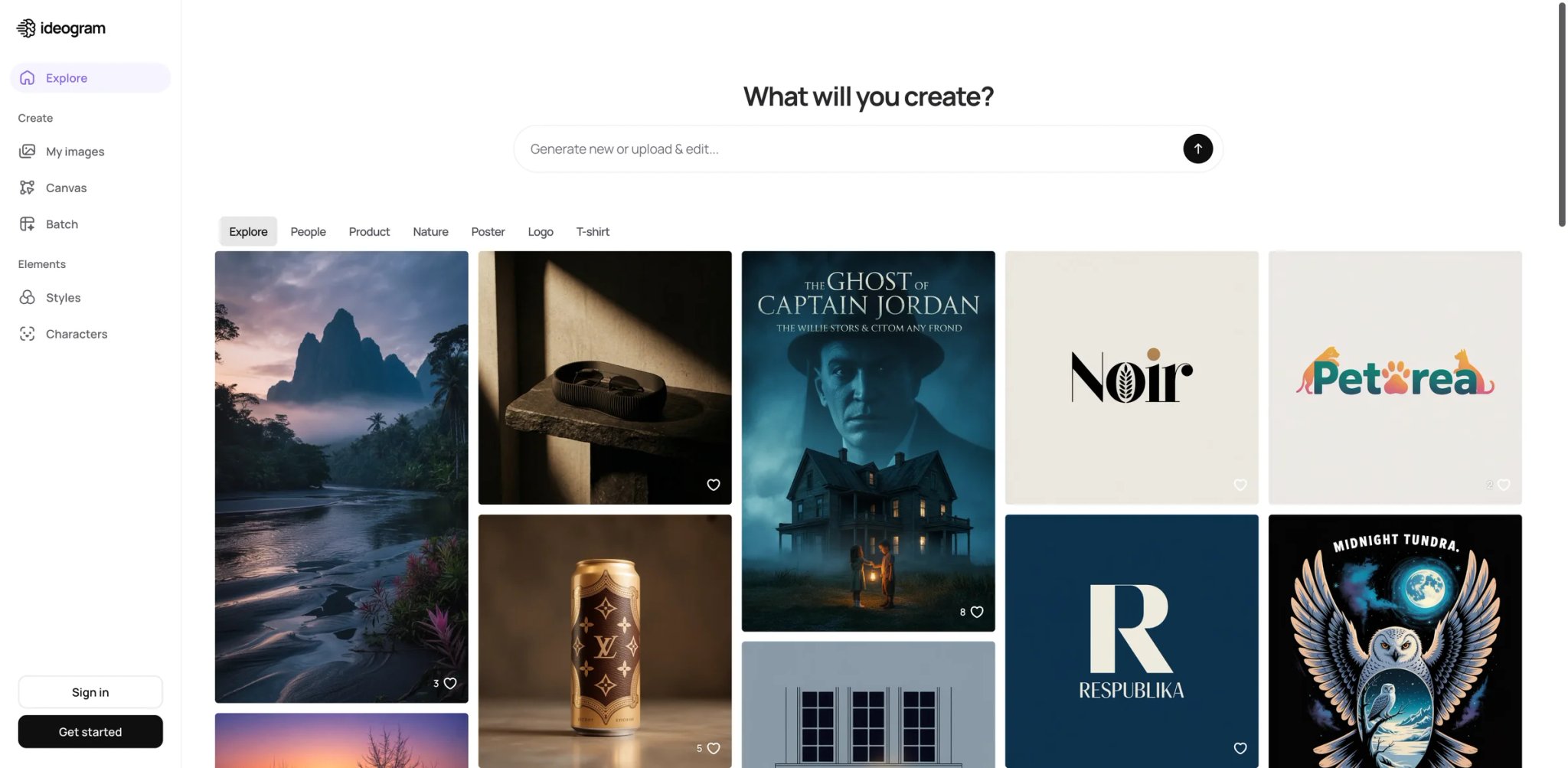
Ideogram is an AI image generator known for accurate text rendering within images—a capability where many competitors struggle. The platform offers both fast priority generation and unlimited slow generation on higher tiers, with features like the Ideogram Editor for drawing and manipulating images, upscaling to 2K resolution, and the "Describe" tool that generates text descriptions from uploaded images.
Key Features
- Accurate Text Rendering — Generate images with readable text, ideal for marketing materials, posters, and signage
- Ideogram Editor — Draw directly on images, manipulate elements, and refine AI outputs with brush-based tools
- Image Description Tool ("Describe") — Upload images to generate text prompts, useful for remixing styles or understanding AI interpretation
- Tile Feature — Create seamless repeating patterns for backgrounds, textiles, and graphic design elements
Pricing & Plans
Ideogram's current plans (USD) are published in its official docs:
- Free: $0/month; includes 10 slow credits/week (resets weekly)
- Plus: $15/month (billed annually, save 25%) — private generation, 1,000 priority credits/month, unlimited slow credits, unlimited character consistency, quality export, top up 150 priority credits for $4
- Pro: $42/month (billed annually, save 30%) — 3,500 priority credits/month, unlimited slow credits, batch generation, largest generation queue, top up 250 priority credits for $4
- Team: $20/user/month (billed annually) — everything in Plus, 1,500 priority credits/user/month, central billing and administration, early access to collaboration features
- Enterprise: Contact sales — everything in Pro, private custom models, custom credit amounts, volume API discounts, priority support
All paid plans include Ideogram Editor, 2K upscaling, advanced settings (negative prompts, seed control), and high-quality PNG downloads. Plus and Pro add image upload (remix/describe), private generation, image deletion, and Tile feature. Always verify the latest numbers on Ideogram's official pricing docs before relying on these figures.
Pros & Cons
Pros:
- Text-in-image controls make it a relevant candidate for posters, ads, and other layouts where legibility matters
- Unlimited slow generation on paid plans removes anxiety about credit limits
- Image description tool helps learn prompting techniques by reverse-engineering successful images
- Tile feature is valuable for pattern designers and background creators
Cons:
- Slow generation can take several minutes per image, unsuitable for iterative workflows
- Limited style variety compared to Midjourney or Stable Diffusion-based tools
- Legacy Basic plan no longer available, leaving a pricing gap between Free and Plus
Best For
- Graphic designers creating marketing materials, posters, and branded assets with text
- Pattern designers and textile creators needing seamless repeating patterns
- Marketers producing social media graphics that require legible text overlays
- Creators learning AI prompting through the image description tool
Get started with Ideogram

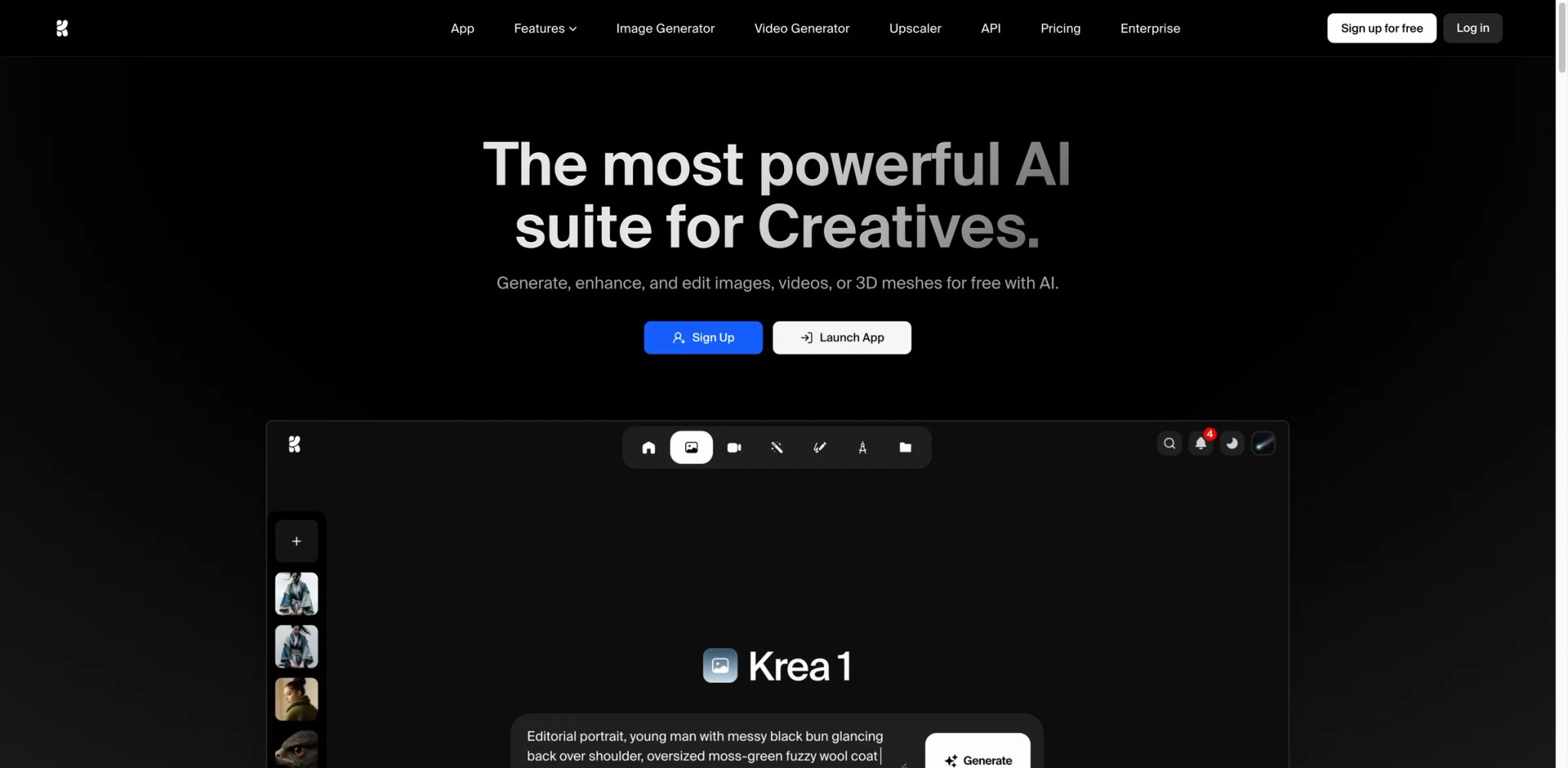
Krea is a comprehensive AI creative suite combining image generation, video creation, enhancement tools, and a real-time canvas editor. The platform supports multiple AI video models including Veo3, Sora, and Kling, offers upscaling to 22K resolution on higher tiers, and provides a unique real-time canvas where edits instantly reflect in AI-generated outputs. Krea operates on a compute units system where different models and quality settings consume varying amounts of credits.
Key Features
- Real-Time Canvas — Edit and see AI-generated updates instantly, enabling rapid iteration similar to traditional design software
- Multi-Model Video Generation — Access Veo3, Sora, Kling for AI video, with motion transfer and lipsync capabilities
- Extreme Upscaling — Enhance images up to 22K resolution (Max tier), suitable for large format prints and detailed editing
- Krea Nodes & Apps — Build custom AI workflows and applications (Pro tier+), enabling automation and specialized tools
Pricing & Plans
Krea's plans (monthly billing shown; annual billing saves 20%):
- Free: $0/mo — 100 compute units/day, real-time models, limited image/video/3D/lipsync access, limited upscaling and LoRA training
- Basic: $9/mo — 5,000 compute units/month, commercial license, full access to image/3D/lipsync models, full LoRA training, upscale up to 4K, selected video models
- Pro: $35/mo — 20,000 compute units/month, all video models (including Veo3, Sora, Kling), higher concurrency, full Krea Nodes & Apps access, bulk discounts on extra compute units, early access to new features
- Max: $105/mo — 60,000 compute units/month, unlimited LoRA trainings, unlimited concurrency, upscale videos and images up to 22K, unlimited relaxed generations on selected models, high-priority queues
Annual pricing: Basic ~$7.20/mo · Pro ~$28/mo · Max ~$84/mo (billed annually).
Pros & Cons
Pros:
- Real-time canvas provides immediate feedback, accelerating creative iteration
- Multi-model video support offers flexibility for different video styles and requirements
- Extreme upscaling capabilities exceed most competitors, valuable for print and large displays
- Nodes and Apps enable custom workflows for power users and studios
Cons:
- Compute units model complexity requires understanding which features cost how much
- Higher-tier pricing can become expensive for individual creators, with Max shown at $105/month or about $84/month on annual billing
- Free tier's 100 units/day limit restricts meaningful experimentation
Best For
- Creative studios producing mixed media content across images and video
- Designers needing rapid iteration with real-time visual feedback
- Print designers requiring extreme upscaling for large format outputs
- Technical creators building custom AI workflows through Nodes/Apps
Get started with Krea

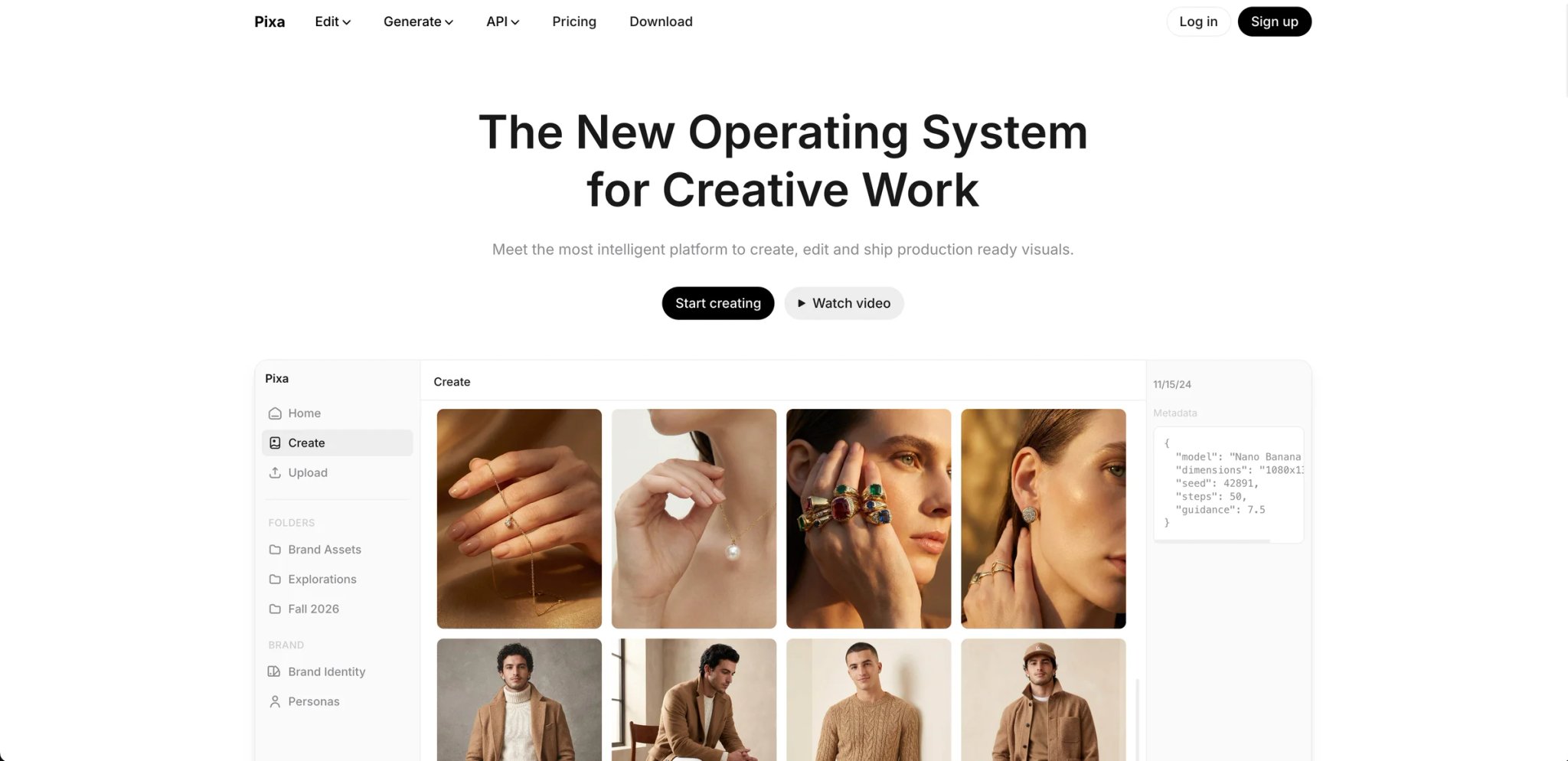
Pixelcut (rebranded to Pixa per its pricing page) is an AI-powered creative workspace specialized for e-commerce and product photography, offering background removal, generative fill, AI backgrounds, and virtual try-on features. The platform targets online sellers, marketers, and small businesses who need professional product visuals at scale. Pixelcut operates on a credit system where advanced AI features consume credits, with batch processing capabilities for handling multiple images simultaneously.
Key Features
- AI Product Photography Suite — Background removal (5 credits), AI backgrounds (10 credits), generative fill, and lifestyle photography generation
- Virtual Try-On — Generate product images on models without physical photoshoots (10 credits per image)
- Batch Processing — Edit multiple images simultaneously with consistent settings and templates
- Cross-Platform Access — Available on web, iOS, and Android with cloud sync for seamless workflow
Pricing & Plans
- Free: $0/month with limited features
- Pro: $10/month with 600 credits monthly, unlimited AI edits, commercial license, 3 team members
- Pro+: $30/month with 3,600 credits monthly (most popular), 10 team members
- Max: $60/month with up to 72,000 credits monthly, 20 team members
All paid plans include unlimited AI edits, commercial license, and team collaboration. Annual plans offer 20% savings. The platform also offers a separate API for developers with credit-based pricing and 100 free credits upon signup.
Pros & Cons
Pros:
- E-commerce focus provides specialized tools for product photography workflows
- Virtual try-on eliminates expensive model photoshoots for clothing and accessory sellers
- Batch processing accelerates listing creation for sellers with large catalogs
- Transparent credit pricing helps predict costs for consistent workloads
Cons:
- Credit system adds complexity to cost prediction for varied workflows
- Virtual try-on quality may not match professional photography for high-end brands
- Feature set is narrower than general-purpose design tools
Best For
- E-commerce sellers creating product listings for Amazon, Shopify, or Etsy
- Small businesses producing marketing materials without professional photography budgets
- Social media marketers creating lifestyle product imagery for ads
- Dropshippers and resellers needing rapid, consistent product visuals
Get started with Pixelcut
Midjourney
Midjourney is a subscription image-generation platform available through its web interface and Discord. It emphasizes stylized raster output and offers tiers with different amounts of fast GPU time, relaxed generation, and privacy options. It is most relevant when the desired deliverable is a finished visual rather than an editable vector or production UI file.
Key Features
- Style-focused image generation — Supports detailed visual prompting and style exploration; compare it with other finalists using your own brand brief because this article has no shared image-quality benchmark
- Fast & Relax Modes — Fast mode provides priority GPU access with time limits; Relax mode offers unlimited slower generation (Standard+)
- Stealth Mode — Keep generations private from the public gallery (Pro and Mega tiers only)
- HD Video Generation — Standard, Pro, and Mega plans support SD & HD video resolution; Basic is SD only (per Midjourney's plan comparison)
Pricing & Plans
- Basic: $10/month ($8/month annual) with 3.3 hours fast GPU time/month, no Relax mode
- Standard: $30/month ($24/month annual) with 15 hours fast GPU time/month, unlimited Relax mode
- Pro: $60/month ($48/month annual) with 30 hours fast GPU time/month, unlimited Relax mode, Stealth mode, HD video
- Mega: $120/month ($96/month annual) with 60 hours fast GPU time/month, unlimited Relax mode, Stealth mode, HD video
Annual plans offer 20% savings. Extra GPU hours available at $4/hour across all plans. All tiers include Solo Discord access.
Pros & Cons
Pros:
- Unmatched image quality for artistic and creative applications
- Relax mode provides unlimited generation without worrying about credit limits (Standard+)
- Strong community and extensive prompt resources on Discord
- Consistent updates and model improvements maintain competitive edge
Cons:
- No free tier limits accessibility for testing before committing to paid subscription
- Discord-based workflow can feel clunky compared to web-native interfaces
- Stealth mode requires expensive Pro/Mega tiers, limiting privacy for budget users
Best For
- Professional designers creating marketing visuals, concept art, and client presentations
- Artists exploring AI-assisted workflows for illustration and creative projects
- Agencies producing high-quality branded content for premium clients
- Creators prioritizing image quality over speed or editing features
Get started with Midjourney

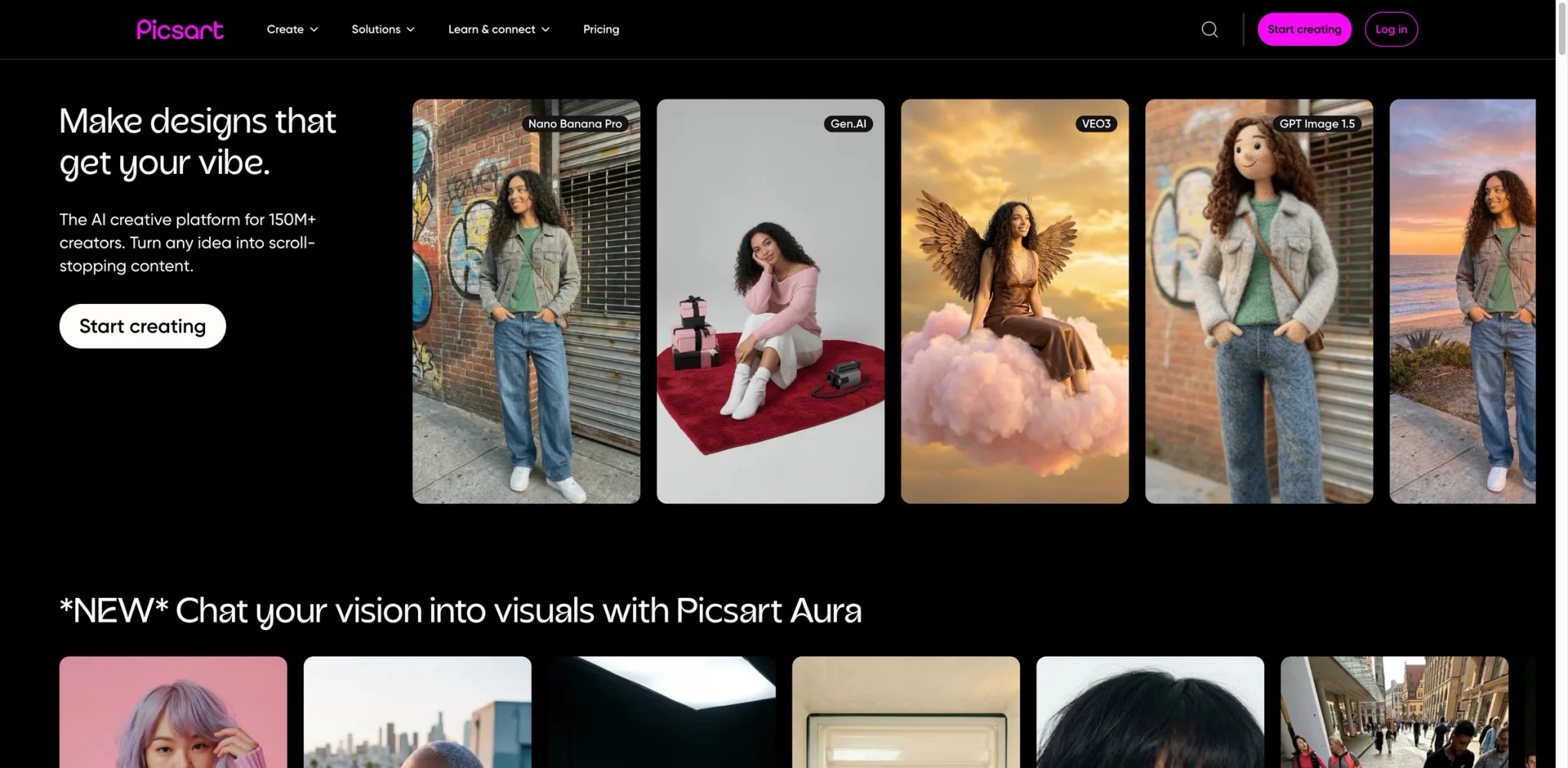
Picsart is a photo and video editing platform with integrated AI tools for generation, enhancement, and manipulation. The platform offers millions of stock images, templates, and editing tools accessible across web, mobile, and desktop. Picsart targets social media creators, small businesses, and marketing teams with features like AI Replace (object replacement from text), background removal for both photos and videos, and access to multiple AI models (including Veo 3.1 and others listed on the official pricing page) on higher tiers.
Key Features
- AI Image & Video Generator — Create images from text, generate videos, and apply AI filters and style transfer
- AI Replace & Smart Background — Replace objects using text descriptions, remove backgrounds from photos/videos, generate custom backgrounds
- Bulk Editing — Edit up to 50 images simultaneously on Pro, or up to 100 images on Ultra
- Extensive Asset Library — Millions of stock images, Getty video clips, premium templates, fonts, and stickers
Pricing & Plans
Picsart's plans (yearly billing shown; monthly rates higher):
- Free: $0/mo — 5 credits/week, standard photo & video editing, limited AI access, 100MB storage
- Pro: $7/mo (billed yearly, was $15) — 500 credits/month, all photo & video editing features, advanced background & object removal, bulk edit up to 50 images, millions of stock photos & Getty clips, 3+ brand kits, 100GB storage
- Ultra: $24.5/mo per seat (billed yearly, was $45) — 2,500 credits/month, everything in Pro, early access to advanced AI models (Nano Banana, Veo 3, Sora & more), 10+ brand kits, add team seats, ad variations & localization, 2,000 credits for API services, bulk edit up to 100 images
- Enterprise: Custom pricing — custom credit volume, SDK access (photo/video editor + mobile web), prepaid or pay-as-you-go creative APIs, white-label, enterprise-grade security, dedicated account manager
Pricing may vary by region and billing cycle.
Pros & Cons
Pros:
- Comprehensive editing suite combines AI generation with traditional photo editing tools
- Bulk editing accelerates workflow for social media managers handling multiple posts
- Mobile apps provide full editing capabilities for on-the-go content creation
- Brand kit features help maintain consistency across marketing materials
Cons:
- AI generation quality doesn't match specialized tools like Midjourney
- Credit limits on lower tiers can restrict heavy AI feature usage
- Interface complexity may overwhelm users seeking simple editing tools
Best For
- Social media managers creating consistent branded content across multiple platforms
- Small businesses producing marketing materials without dedicated design staff
- Content creators needing both photo editing and AI generation in one platform
- Marketers requiring bulk editing capabilities for campaign assets
Get started with Picsart

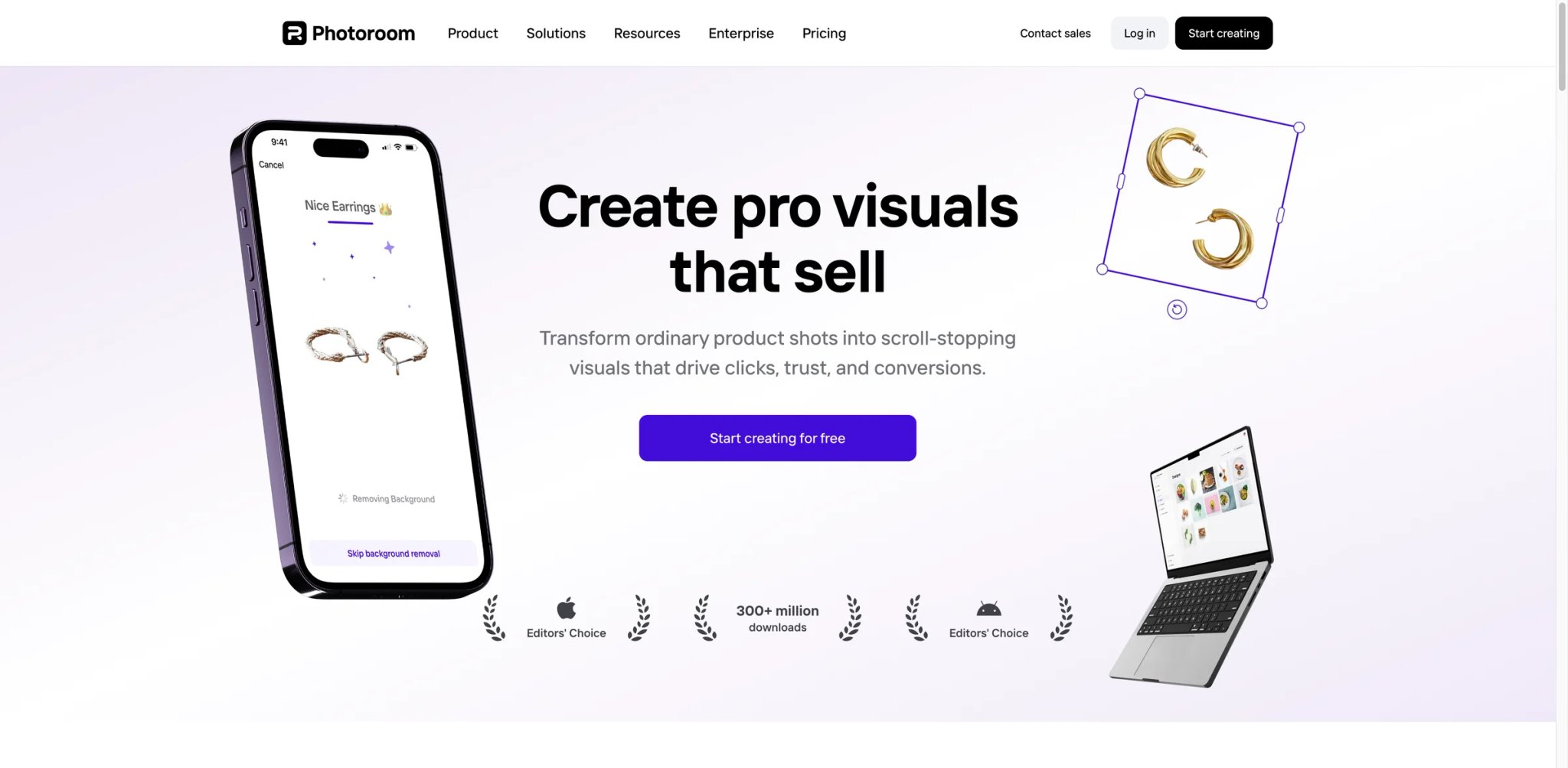
PhotoRoom is an AI-powered photo editing platform specialized for product photography, offering background removal, product staging, virtual models, and ghost mannequin effects. The platform targets resellers, e-commerce sellers, and brands creating product listings at scale. PhotoRoom emphasizes workflow automation through Batch Mode, advanced AI tools on higher tiers, and a recently announced 90% discount on their Remove Background API.
Key Features
- Advanced Product Tools — Product staging, virtual model, ghost mannequin, and product beautifier create professional imagery without photoshoots
- Background Removal & Generation — Remove backgrounds instantly, generate AI backgrounds, and change background colors
- Batch Mode — Export 500-4,000+ images per month depending on tier, accelerating catalog creation
- Enterprise-Grade API — SOC 2 Type 2 certified API with flexible credits and predictable billing
Pricing & Plans
PhotoRoom publicly lists its plan structure (Free, Pro, Max, Ultra, Enterprise) and key limits on its pricing page:
- Free: includes 250 exports/month for certain tools, but is not allowed for commercial use per PhotoRoom's help center
- Pro: Advanced AI tools (Product Staging, Virtual Model), 10x Free AI credit allowance, 500 Batch exports/month, 1000+ templates; unlocks commercial usage
- Max: Everything in Pro + better AI models, 3x Pro AI credits, 1,500 Batch exports/month, faster processing, priority support
- Ultra: Everything in Max + best AI models, fastest processing, advanced workflows, 4,000+ Batch exports
- Enterprise: Tailored plans for 200K+ images/year, dedicated customer success, SOC 2 Type 2 API, flexible credit rollover
Paid plans unlock commercial usage rights. All plans include 1-week free trial. See PhotoRoom's pricing page for current plan amounts.
Pros & Cons
Pros:
- Specialized product photography tools eliminate expensive professional photoshoots
- Batch processing capabilities scale efficiently for large e-commerce catalogs
- Enterprise API with SOC 2 certification suitable for security-conscious organizations
- Transparent tiering helps businesses match plan to production volume
Cons:
- Free plan restricted to personal use only—commercial work requires a paid plan
- Feature complexity may be excessive for casual users needing simple background removal
- AI credit system across tiers adds complexity to cost prediction
Best For
- E-commerce sellers managing large product catalogs across marketplaces
- Growing brands needing high-quality product visuals without studio overhead
- High-volume sellers requiring batch processing for operational efficiency
- Enterprises needing secure API integration for automated image workflows
Get started with PhotoRoom

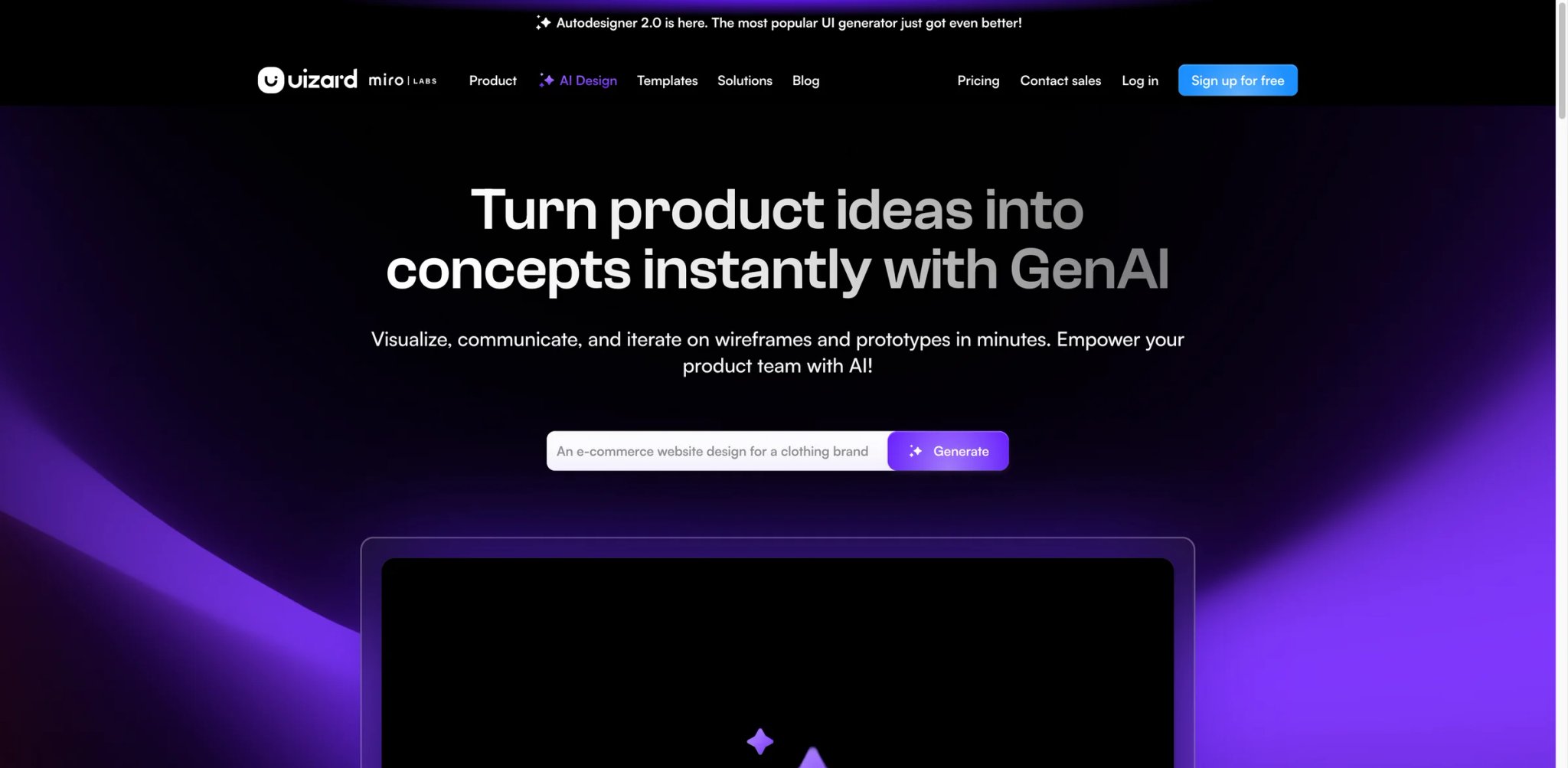
Uizard is an AI-powered UI design tool that generates mockups from text descriptions, converts screenshots into editable designs, and transforms hand-drawn wireframes into digital prototypes. The platform targets product managers, entrepreneurs, and designers who need rapid prototyping without mastering traditional design tools. Uizard's Autodesigner 2.0 creates functional UI mockups directly from prompts, while supporting tools like Screenshot Scanner and Theme Generator accelerate design workflows.
Key Features
- Autodesigner 2.0 — Generate complete UI mockups from text descriptions, producing multi-screen flows and layouts
- Screenshot Scanner — Convert screenshots of existing apps or websites into editable, customizable designs
- Wireframe Scanner — Transform hand-drawn sketches into digital mockups, bridging analog and digital workflows
- Focus Predictor & Theme Generator — Generate attention heatmaps for designs and create UI themes from images or URLs
Pricing & Plans
- Free: $0 — 3 AI generations/month, AI engine Autodesigner 1.5, 2 projects, 10 free templates, unlimited free viewers/commenters
- Pro: $12/month (billed annually, save 40%) — 500 AI generations/month, Autodesigner 2.0, up to 100 projects, private projects, developer handoff React CSS, all templates
- Business: $39/month (billed annually) — 5,000 AI generations/month, faster AI generation, custom brand kit, unlimited projects, priority support
- Enterprise: Contact Sales — unlimited AI generations, unlimited teams, design system setup, AI data SLA, custom billing, whiteglove onboarding support
All plans billed annually. Pro and Business pricing is per creator seat.
Pros & Cons
Pros:
- Rapid prototyping from text descriptions accelerates product ideation
- Screenshot scanner useful for competitor analysis and redesign projects
- Lower barrier to entry for non-designers compared to Figma or Sketch
- Wireframe scanner bridges physical sketching and digital tools naturally
Cons:
- AI-generated designs often require significant refinement for production use
- Limited compared to professional design tools for complex interactions
- Free tier's 3 generations/month severely restricts meaningful testing
Best For
- Product managers creating mockups for stakeholder alignment without design expertise
- Entrepreneurs validating app ideas rapidly before investing in full design
- UX designers accelerating wireframing and early-stage prototyping
- Non-technical founders communicating product vision to developers
Get started with Uizard
Freepik
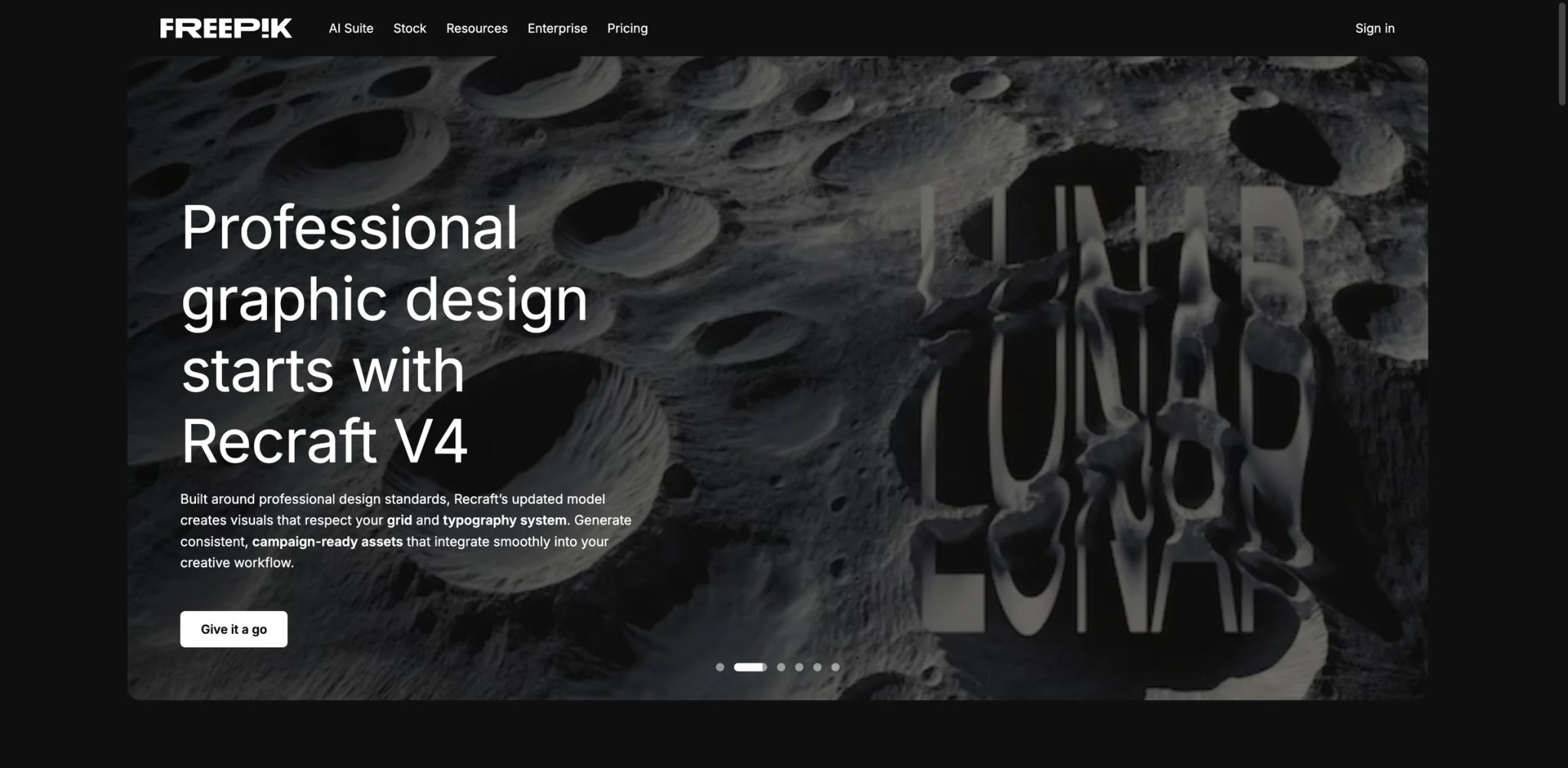
The product previously presented as Freepik's AI Suite is now branded Magnific Creative Suite. It combines stock assets with image, video, music, voice, editing, and upscaling tools under a credit system. This makes it relevant to teams that want one asset-and-generation workspace, but older searches and reviews may show obsolete Freepik plan names, prices, and credit totals.
Key Features
- AI Image Generation & Editing (Pikaso) — Create images with multiple AI models and edit them with integrated tools
- AI Video Generation — Access Kling 3.0 and other video models for creating motion content
- Premium Upscaling — Topaz and Magnific upscalers for images; Topaz Video Upscaler for 4K enhancement (Premium+ and Pro)
- Extensive Stock Library — Millions of vectors, photos, and templates with commercial licenses on all paid plans
Pricing & Plans
The current Magnific pricing page is localized by region and billing cycle, so this article does not hard-code a currency price. At the August 2026 review, the annual credit allowances shown for the main individual tiers were:
- Premium: 240,000 credits/year
- Premium+: 600,000 credits/year
- Pro: 4,000,000 credits/year
Those totals replace the older 216,000 / 540,000 / 3.6 million figures found in earlier Freepik comparisons. Before subscribing, check the live price, which models qualify for any “unlimited” mode, stock-asset licensing, music rights, parallel generations, and whether unused credits roll over. Team and enterprise buyers should use the current business quote rather than extrapolating an individual plan.
Pros & Cons
Pros:
- Combination of stock assets and several generation modes can reduce tool switching
- Higher tiers provide large annual credit pools for mixed image, video, and audio workloads
- Integrated upscaling and editing can keep assets in one workflow
Cons:
- Credit system complexity requires understanding which models cost how much
- AI generation quality varies across different models and may not match specialized tools
- Regional pricing and evolving plan names make older comparisons unreliable
Best For
- Designers needing both stock assets and AI generation in a unified workflow
- Marketing teams producing mixed content requiring vectors, photos, and AI imagery
- Agencies managing diverse client projects with varied asset requirements
- Content creators seeking unlimited AI generation without constant credit monitoring (Premium+/Pro)
Review Magnific Creative Suite
Best AI Design Tools by Use Case
For Social Media Creators
If you're creating daily content for Instagram, TikTok, or Facebook, Canva and Adobe Express combine templates, resizing, and brand workflows. Canva provides Brand Kits and a broad template library, while Adobe Express integrates Firefly and Adobe Stock. For client work, compare the asset license and any Firefly protections included in the exact plan rather than treating “commercially safe” as a blanket guarantee.
For E-Commerce and Product Photography
Pixelcut and PhotoRoom are purpose-built for online sellers. Pixelcut's virtual try-on feature eliminates model photoshoot costs, while PhotoRoom's product staging and batch processing handle large catalogs efficiently. PhotoRoom's Batch Mode can process 500-4,000+ images per month depending on tier, making it ideal for sellers listing hundreds of products across marketplaces. Both offer transparent credit-based pricing aligned with typical e-commerce workflows.
For Professional Designers and Agencies
For client work, start with the required file: Midjourney is a candidate for stylized raster concepts, while Recraft is a candidate when editable vector output matters. Compare both with a representative brand brief and review output terms before delivery. For more logo-specific tools, see our AI logo generator comparison. Agencies may also consider Krea for mixed-media workflows or Figma for UI/UX work requiring designer-developer collaboration.
For UI/UX and Product Design
Figma remains the industry standard for interface design with its real-time collaboration and AI-powered features like Figma Make and Buzz. For rapid prototyping without Figma's learning curve, Uizard generates functional mockups from text descriptions and converts screenshots into editable designs. Figma suits teams working on production applications, while Uizard accelerates early-stage ideation and stakeholder presentations. Explore more AI UI design tools for interface prototyping and wireframing.
For Budget-Conscious Users
Ideogram ($15/month, annual) and Pixelcut ($10/month) offer strong value at entry-level pricing. Ideogram's unlimited slow generation on the Plus tier removes credit anxiety, while its text rendering capabilities surpass many premium tools. Pixelcut's Pro plan at $10/month includes 600 credits and unlimited AI edits—sufficient for small businesses creating product listings. For free options, Canva provides the most comprehensive feature set, though AI usage is limited on the free tier.
For Large-Scale Production and Automation
Magnific Pro and Krea Max target high-volume workflows. Magnific's large annual credit pool combines stock and generation tools, while Krea's Nodes & Apps enable custom workflow automation. Confirm current regional pricing and eligible models before comparing headline credits. If you need video generation alongside design tools, explore our AI video generator comparison. For e-commerce at scale, PhotoRoom's business options may fit batch and API workflows; request a current quote using your expected image volume.
How to Choose the Right AI Design Tool
1. Define Your Primary Use Case
Start by identifying your main design activity: social media content, product photography, UI/UX mockups, or general graphic design. Tools like Canva and Adobe Express suit social media workflows, while Pixelcut and PhotoRoom target e-commerce. For comprehensive AI graphic design tools, explore our full category guide. If you're designing interfaces, Figma or Uizard provide specialized features. Generalists like Picsart and Freepik offer broader capabilities but may lack depth in specific areas.
2. Set Your Budget and Evaluate Pricing Models
Consider both monthly cost and pricing structure. Subscription models suit predictable workloads, while credit-based systems (Lovart, Krea) work for variable usage. API pricing can benefit high-volume production but requires usage forecasting. Account for overage fees, team seats, and annual commitments—Adobe Express Teams is listed above at $4.99/person/month for the first year and $7.99/person/month afterward, so compare the full post-introductory cost.
3. Verify Commercial Licensing Terms
Confirm ownership and commercial rights before using AI-generated content for client work. Recraft's terms distinguish free-plan outputs from paid-plan ownership. Adobe publishes Firefly commercial-use guidance and offers additional protection only in eligible contexts. Review the exact plan, model, source assets, privacy mode, and resale restrictions before delivery.
4. Assess Quality vs. Speed Trade-offs
Balance output fit with iteration speed. A raster concept, editable vector, product photo, and UI mockup need different tools, so a universal image-quality ranking is not useful. Compare finalists with one representative brief, then measure editability, credit use, privacy, and the amount of manual cleanup required.
5. Test Free Tiers or Trials Before Committing
Most platforms offer free tiers or trials—use them to evaluate interface usability, output quality, and workflow fit. Canva's free tier provides broad feature access, while Midjourney lacks a free option entirely. Test your actual use case: generate product images if you're an e-commerce seller, create UI mockups if you're designing apps. Evaluate whether AI outputs meet your quality standards or require extensive manual refinement.
6. Consider Collaboration and Integration Needs
If you work with teams, assess collaboration features and third-party integrations. Figma excels at real-time collaboration for design teams, while Pixelcut and PhotoRoom offer team seats on paid plans. Check if tools integrate with your existing workflow—Adobe Express connects to Creative Cloud, Recraft offers API access for custom integrations, and Uizard provides developer handoff with React CSS.
Frequently Asked Questions
What is the best AI design tool for beginners?
Which AI design tool is completely free?
Can I use AI-generated designs for commercial projects?
Which tool is best for generating logos with AI?
How much do AI design tools typically cost?
Do I need design skills to use AI design tools?
Which AI design tool best fits the output I need?
Can AI design tools replace human designers?
Get ToolWorthy Weekly
New AI tools, practical guides, and selected AI signals in one weekly brief.
Related Posts
- Canva Alternatives 2026: What to Keep, What to Rebuild
Choose a Canva alternative without losing the workflow that matters. Compare direct replacements, specialist routes, editable-file risks, and practical first trials.
- 13 Best AI Poster Generator Tools 2026 - Real Pricing
Compare 13 AI poster generator tools for editable layouts, templates, brand kits, export formats, commercial rights, and current pricing today.
- 12 Best AI Logo Generators - 2026 Comparison & Reviews
Compare 12 AI logo generators tested in 2026. Find the best tool for creating professional logos with vector files, commercial rights, and brand kits.
For AI tool founders
Built a tool that belongs in this decision set?
Request an editorial evaluation for possible inclusion in ToolWorthy.
Submit your tool for reviewPaid submission does not guarantee a ranking, recommendation, inclusion, or editorial outcome.