
12 Best AI Logo Generators - 2026 Comparison & Reviews
Compare 12 AI logo generators tested in 2026. Find the best tool for creating professional logos with vector files, commercial rights, and brand kits.

On this page
AI logo generators have transformed how businesses create brand identities in 2026. Whether you're launching a startup, rebranding an existing business, or building a side project, the question isn't whether to use AI for logo design—it's which tool delivers the right balance of quality, licensing clarity, and file formats for your specific needs. The market offers everything from free browser-based generators to comprehensive brand kits with commercial rights, yet many creators struggle with hidden limitations: unclear trademark policies, restricted file formats, or confusing commercial use terms that surface only after purchase.
To map capabilities, workflows, integrations, and the wider market without rankings, browse the AI Logo Generator Tools category landscape.
This guide compares 12 AI logo generators based on hands-on research of official documentation, pricing structures, and licensing terms. We've analyzed each tool's feature set, export options, and commercial rights to help you choose a solution that fits your budget and legal requirements. You'll find detailed breakdowns of pricing tiers, file format availability, and specific use cases—from solo founders needing a quick MVP logo to enterprises requiring clear copyright terms and brand kit assets. All information is verified from official sources; we don't fabricate ratings or rankings.
| Tool | Best For |
|---|---|
| Design.com | All-in-one branding solution seekers needing logos, websites, and 50+ design tools with extensive templates |
| BrandCrowd | Template-library seekers wanting 391K+ exclusive logos, multi-format exports (SVG/EPS/PDF/GIF/MP4), and brand assets from $5/month |
| LOGO.com | Businesses needing extensive file packages (124 high-res + 42 vector) with ownership rights and trademark guidance |
| Mojomox | Creators seeking unique fonts and unlimited revisions for evolving brands |
| Tailor Brands | Businesses needing logo plus related services (business cards, websites) |
| Looka | Creators who need multi-format files for web, social, and print |
| Turbologo | Budget-conscious users wanting clear copyright terms with 7-day refund guarantee |
| Logomaster.ai | Businesses needing unlimited post-purchase changes with clear royalty-free licensing |
| Wix Logo Maker | Wix users integrating logo design with website building workflow |
| Zoviz | Complete brand kit seekers (verify licensing before commercial use) |
| LogoAI | Businesses needing logo animations and brand presentations (license-based usage) |
| Adobe Express | Marketers already in Adobe ecosystem needing compliant asset usage |
How We Researched and Verified
We selected these 12 AI logo generators based on market presence, feature completeness, and availability of verifiable documentation. Our research methodology focused on analyzing official pricing pages, terms of service, help center articles, and third-party user reviews from platforms like G2, ProductHunt, and Reddit. We prioritized tools with transparent information about commercial licensing, file format exports, and refund policies—critical factors for businesses evaluating logo solutions.
Each tool was evaluated across multiple dimensions: generation workflow (ease of use and customization options), export capabilities (file formats, resolution, and vector support), pricing transparency (publicly disclosed plans versus contact-sales models), commercial licensing (copyright ownership, trademark guidance, and usage restrictions), and additional features (brand kits, editing tools, and integration options). All pricing and licensing details are verified from official sources as of January 2026, with clear notes where information requires direct confirmation from vendors.
This guide focuses on factual comparisons drawn from official materials and documented user feedback. We do not fabricate ratings, scores, or rankings. Where data is incomplete—such as pricing for tools with hidden paywalls or ambiguous licensing language—we explicitly state that confirmation is needed and recommend contacting vendor support for clarification before purchase.
Top 12 AI Logo Generators Compared
These 12 AI logo generators span a wide range of approaches: some emphasize fast generation with minimal editing, while others provide comprehensive brand kits including business cards and social media assets. Pricing models vary from one-time purchases (often $20–$120) to subscription plans with ongoing access for edits and re-downloads. A key differentiator is licensing clarity—tools like Turbologo and Wix explicitly state copyright transfer or commercial rights, while others have vague or conflicting terms that require careful review.
When evaluating these tools, consider not just the upfront price but the complete package: file formats included (PNG, SVG, PDF), resolution quality (web-ready versus print-ready), commercial use permissions, and whether you receive vector files for future editing. The table below summarizes core attributes to help you quickly narrow your options based on quality expectations, ease of use, pricing, and licensing confidence.
| Tool | Best For | Quality & Formats | Ease of Use | Pricing Model | Commercial Rights |
|---|---|---|---|---|---|
| Design.com | All-in-one branding solution | PNG, JPG, SVG, EPS, PDF + 50+ design tools | Beginner-friendly | Free tier + $5-$15/mo subscriptions | Non-exclusive commercial license (Standard); Exclusive license available |
| BrandCrowd | Large template library seekers | PNG, JPG, SVG, EPS, PDF, GIF, MP4 + 50+ brand tools | Beginner-friendly | Free tier + $5-$15/mo subscriptions | Non-exclusive commercial license (Standard); Exclusive/buy-out license available |
| LOGO.com | Trademark guidance seekers | 124 high-res + 42 vector (SVG, AI) in Pro | Beginner-friendly | $4.50/mo (annual) or $15/mo | Ownership retained per Terms (Section 9) |
| Mojomox | Exclusive custom fonts/icons | PNG, vector SVG, brand kit PDF | Easy | $49 one-time or $14/mo subscription | Ownership retained (per official FAQ) |
| Tailor Brands | One-stop branding services | Customizable pre-purchase | Beginner-friendly | Subscription/post-generation | Review Terms for full rights |
| Looka | Multi-format packages | High-res PNG + vector (EPS, SVG, PDF) | Easy | $20-$65 one-time or $96/yr | Ownership of complete logo (elements non-exclusive) |
| Turbologo | Full copyright seekers | High-quality + transparent BG + vector | Easy | $19.99–$119.99 one-time (time-limited access) | Commercial & copyright rights stated (per pricing page, subject to Terms) |
| Logomaster.ai | Unlimited changes seekers | High-res (~4096px) + vector (Premium+) | Easy | Pricing in SGD; verify USD equivalent | Royalty-free commercial use (official) |
| Wix Logo Maker | Wix ecosystem users | High-res PNG + SVG, social sizes | Easy (free design, pay to download) | One-time logo packages | Full commercial rights post-purchase (official) |
| Zoviz | Complete brand kit packages | PNG/JPG, SVG/PDF, brand assets | Easy | $19.99 – $99.99 one-time | Marketing claims vs Terms conflict (verify) |
| LogoAI | Logo animations seekers | Vector (Pro+), animations (Brand) | Moderate | $29 – $99 one-time | License to use (no trademark/copyright transfer per ToS) |
| Adobe Express | Adobe Creative Cloud users | Template-based, export varies by plan | Moderate (some learning curve) | Free + Premium subscription | User Content rights + Adobe asset restrictions |
Detailed Reviews

Official site: Design.com

Design.com is a comprehensive AI-powered design platform offering over 50 design tools, including an AI logo generator, website builder, and business card maker. Developed for small businesses, startups, and entrepreneurs, the platform combines AI-assisted generation with an extensive template library containing over 1 million designs. Design.com positions itself as an all-in-one branding solution, enabling users to create consistent visual identities across logos, websites, social media graphics, and print materials without needing professional design skills or expensive software subscriptions.
Key Features
-
AI Logo Generator with extensive library — Generate thousands of logo options in seconds using AI-assisted design powered by a large library of professionally designed templates and assets. Input business name and description to receive customizable logo concepts across multiple styles.
-
Over 1 million templates across 50+ tools — Access comprehensive template library covering logos, websites, business cards, social media graphics, flyers, posters, presentations, and 40+ additional design types. Templates span multiple industries and design styles.
-
Integrated brand kit system — Upload or create a logo, and the platform automatically applies your brand colors and styling across thousands of templates, maintaining visual consistency across all marketing materials and touchpoints.
-
Multiple professional file formats — Download logos in high-resolution PNG and JPG for web use, plus vector formats (SVG, EPS, PDF) suitable for print and professional scaling. Includes transparent backgrounds and multiple logo variations optimized for different platforms.
-
Website builder integration — Premium plans include AI website builder with unlimited pages, automatically incorporating your logo and brand colors. Suitable for creating business websites, portfolios, and landing pages without coding.
-
Advanced editing capabilities — Intuitive drag-and-drop editor with customization options for fonts, colors, layouts, shapes, curved text, and gradient effects. Non-designers can achieve professional results through user-friendly interface.
Pricing & Plans
Design.com offers a freemium model with free logos and paid subscription packages:
Standard Logo Pack (Free): Access free logo collection with high-resolution files (PNG, JPG, SVG, EPS, PDF) included. Commercial use permitted under Free License (non-exclusive). Logo ownership retained forever.
Premium Logo Pack: Starting at $5/month (billed annually, save 40%) or $9/month (billed monthly) — Includes unlimited changes to purchased logos, business card templates, social media graphics (Instagram, Facebook posts), email signatures, letterheads, access to 588,000+ templates, and 50+ design tools. Cancel anytime.
Premium Logo Pack + Website: Starting at $15/month (billed annually, save 40%) or $34/month (billed monthly) — All Premium features plus website builder with unlimited pages, automatic logo and brand color integration.
Pros & Cons
Pros:
- Comprehensive all-in-one platform with 50+ design tools covering logos, websites, business cards, and marketing materials
- Extensive template library with over 1 million designs across multiple categories
- Fast AI generation produces thousands of logo options within seconds
- Free tier allows unlimited design exploration before purchase commitment
- Affordable entry point with free logos and $5/month subscription option
- Multiple professional file formats included (PNG, JPG, SVG, EPS, PDF)
- Intuitive interface suitable for non-designers with no learning curve
Cons:
- Browser-based only; no official desktop or native mobile applications currently available
- Each logo requires separate purchase; subscription alone doesn't provide unlimited logo downloads
- Standard License is non-exclusive, which may not be suitable for trademark registration without upgrade
- Ongoing subscription required to maintain access to full design tool suite and template library
Best For
- Small businesses and startups needing comprehensive branding materials across logos, websites, and marketing collateral on a single platform
- Entrepreneurs launching new ventures who want fast AI generation with extensive customization options and professional file formats
- Marketing teams managing multiple brands or frequent design needs across various formats (social media, print, web)
- E-commerce sellers requiring regular product graphics, social media content, and promotional materials with consistent branding
- Solo professionals and freelancers seeking affordable alternative to hiring designers or purchasing expensive design software
- Content creators needing integrated solution for logos, business cards, social graphics, and websites without technical skills
Get started with Design.com

Official site: BrandCrowd
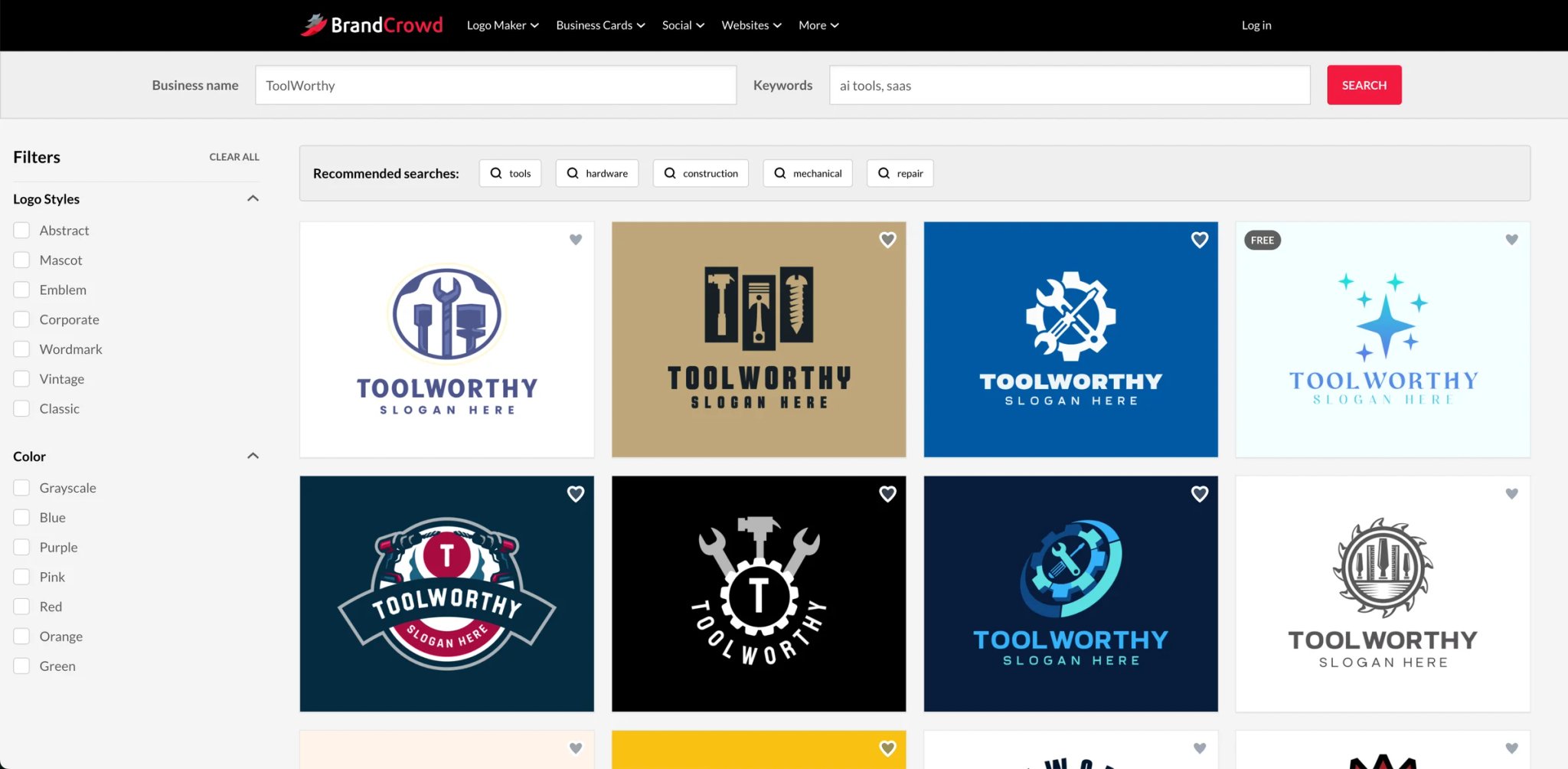
BrandCrowd is an online logo maker and brand design platform with one of the largest exclusive template libraries available, offering over 391,000 professionally designed logo templates. Originally launched as Brandstack in 2008, acquired by DesignCrowd in 2011, and rebranded as BrandCrowd, the platform is now part of the DesignCrowd/Design.com family. It targets startups, entrepreneurs, and small businesses that need professional brand assets quickly and affordably — without hiring a designer or learning complex software. Users can browse and customize any template for free before committing to a purchase, and some logos are available as free downloads with a free account.
Key Features
-
391,000+ exclusive logo templates — Browse a professionally designed library filterable by industry, style, color, and layout. Templates are exclusive to BrandCrowd, reducing the chance of brand overlap with competitors using the same platform.
-
AI logo generator and editor — Enter your business name and keywords to generate logo suggestions instantly. The in-browser editor supports color, font, icon, and layout adjustments; commercial trademark clearance remains the user's responsibility.
-
50+ brand design tools — Beyond logos, access templates for business cards, social media posts (Facebook, Instagram, LinkedIn, TikTok), flyers, posters, email signatures, QR codes, menus, and invoices — all auto-branded to inherit your logo's colors and fonts.
-
Multiple professional export formats — Download finished designs as SVG, EPS, PDF (vector), PNG, JPG (raster), or animated GIF and MP4 — covering web, print, and motion use cases from a single platform.
-
Website builder and domain registration — Higher-tier plans include a mobile-responsive website builder that automatically applies your logo's branding, plus domain registration from the same dashboard.
-
Physical printing — Order business cards, mugs, apparel, t-shirts, mousepads, and more printed directly through BrandCrowd. Delivery terms and costs vary by region and order type.
Pricing & Plans
BrandCrowd operates on a freemium model. Browsing, customizing, and downloading select free logos requires only a free account (no credit card). Premium plans unlock full template access and unlimited edits.
Free: No charge. Select logos downloadable in full high-res formats (vector, raster, animated) — same quality as premium. Includes free website builder, business card maker, and link-in-bio creator. Note: downloading designs made with the 50+ design tools requires a premium account.
Premium Logo Pack: $15/month (billed monthly) or $5/month (billed annually at $60/year) — Includes 40,000+ premium templates, unlimited logo edits, high-resolution and vector downloads (SVG, EPS, PDF, PNG, JPG), and access to business card and social media templates.
Premium Logo Pack + Website: $24/month (billed monthly) or $7/month (billed annually at $84/year) — All Premium features plus a mobile-responsive website builder with automatic logo and brand color integration, and domain registration capability.
Note: $5/mo and $7/mo are annual-plan rates billed upfront. Monthly billing costs more. Final pricing is confirmed at checkout. Extended and exclusive (buy-out) licenses — which remove the template from the BrandCrowd library — are available at checkout with per-logo pricing.
Pros & Cons
Pros:
- One of the largest exclusive logo template libraries (391,000+ per official site) covering virtually every industry and style
- Generous free tier — select logos downloadable in full high-res formats (vector, raster, animated) at no cost, plus free website builder, business card maker, and link-in-bio creator
- Affordable annual plans ($5/month) with vector file downloads and unlimited edits included
- Broadest export format range among logo tools: SVG, EPS, PDF, PNG, JPG, GIF, and MP4 in one platform
- Auto-branding: social and print templates automatically inherit your logo's colors for consistent identity
- Physical printing available directly through the platform
Cons:
- Designs are non-exclusive by default — template remains in the library for other users unless an exclusive or buy-out license is purchased
- Premium subscription required to re-edit logos or re-download designs created with the 50+ design tools
- Browser-based only — no desktop app or native mobile app; mobile use relies on responsive browser
- Pricing lacks upfront transparency — exact plan costs typically confirmed only at checkout
Best For
- Startups and solopreneurs needing a professional logo and matching brand assets quickly without hiring a designer
- Small business owners wanting vector-ready files at an affordable price point ($5/month annual plan)
- Freelancers building a personal brand identity — logo, business card, email signature, and social covers in one workflow
- Businesses needing the widest export format selection (SVG, EPS, PDF, PNG, JPG, GIF, MP4) for web, print, and motion
- Non-designers wanting a beginner-friendly tool that produces professionally styled, commercially usable brand assets
Get started with BrandCrowd

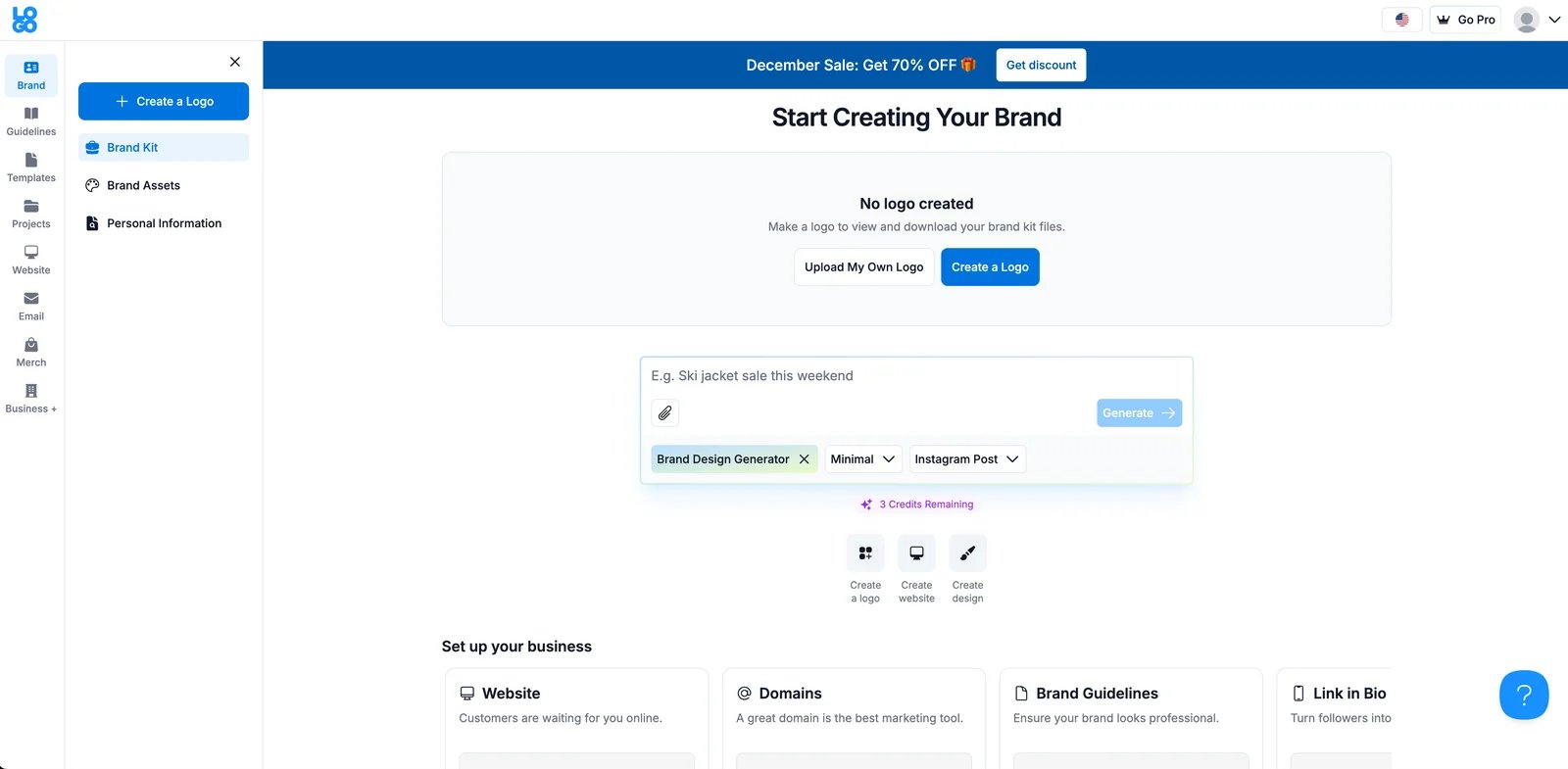
LOGO.com is an AI-powered logo maker developed by Verus Software Inc. for entrepreneurs and small businesses. The platform combines logo generation with brand education resources, including help center articles on trademark registration and copyright considerations. This educational approach helps founders understand that generating a logo doesn't automatically mean it's safe to register as a trademark.
Key Features
-
AI logo generation and editing — Enter brand details to generate logo concepts, then refine designs using an in-browser editor. No design skills required.
-
Extensive file package — Pro plan includes 124 high-resolution files and 42 vector files (SVG, AI) covering multiple use cases from web to print.
-
Brand Kit and templates — Access to 1,200+ templates for social posts and stationery, plus customizable Brand Kit for consistent branding across platforms.
-
Asset library and AI tools — 10M+ stock photos, icons, and design elements. Includes AI image and text generation (enhanced in Pro Plus).
Pricing & Plans
LOGO.com offers three plans with 80% annual billing discounts:
Free: $0/month — Save/edit 1 logo, 4 high-res files, basic Brand Kit, drag-and-drop editor, 100MB storage.
Pro (Most Popular): $4.50/month annually ($15/month monthly) — Save/edit up to 5 logos. Includes 124 high-res files + 42 vector files (SVG, AI), Pro Brand Kit, 1,200+ templates, 10M+ stock assets, AI generation tools, Link in bio site, 1TB storage, priority support.
Pro Plus: $11.40/month annually ($38/month monthly) — Everything in Pro, plus save/edit up to 100 logos, 2TB storage, enhanced AI features.
Commercial Rights: Users retain ownership of their created logos and contributions per Terms of Service (Section 9). Independent trademark searches still required to verify availability.
Refund: 14-day full refund available. Contact support@logo.com.
Pros & Cons
Pros:
- Largest file package among competitors (124 high-res + 42 vector files in Pro plan)
- Terms state users retain ownership of their contributions and intellectual property rights (Section 9)
- 14-day refund policy reduces purchase risk
- Competitive pricing at $4.50/month (80% annual discount)
- Educational resources on trademark and copyright issues
Cons:
- Subscription model requires ongoing payments (vs. one-time purchase tools)
- Logo uniqueness not guaranteed; independent trademark searches required
- Third-party services (domains, email, merchandise) have separate terms
Best For
- Startups needing extensive file formats (124 high-res + 42 vector) for web, social, print, and merchandise
- Entrepreneurs who want clear ownership rights and legal confidence for commercial use
- Teams seeking a complete brand solution beyond just logos (templates, stock assets, AI tools)
- Users comfortable with subscriptions who value ongoing editing access and 14-day refund guarantee
Get started with LOGO.com

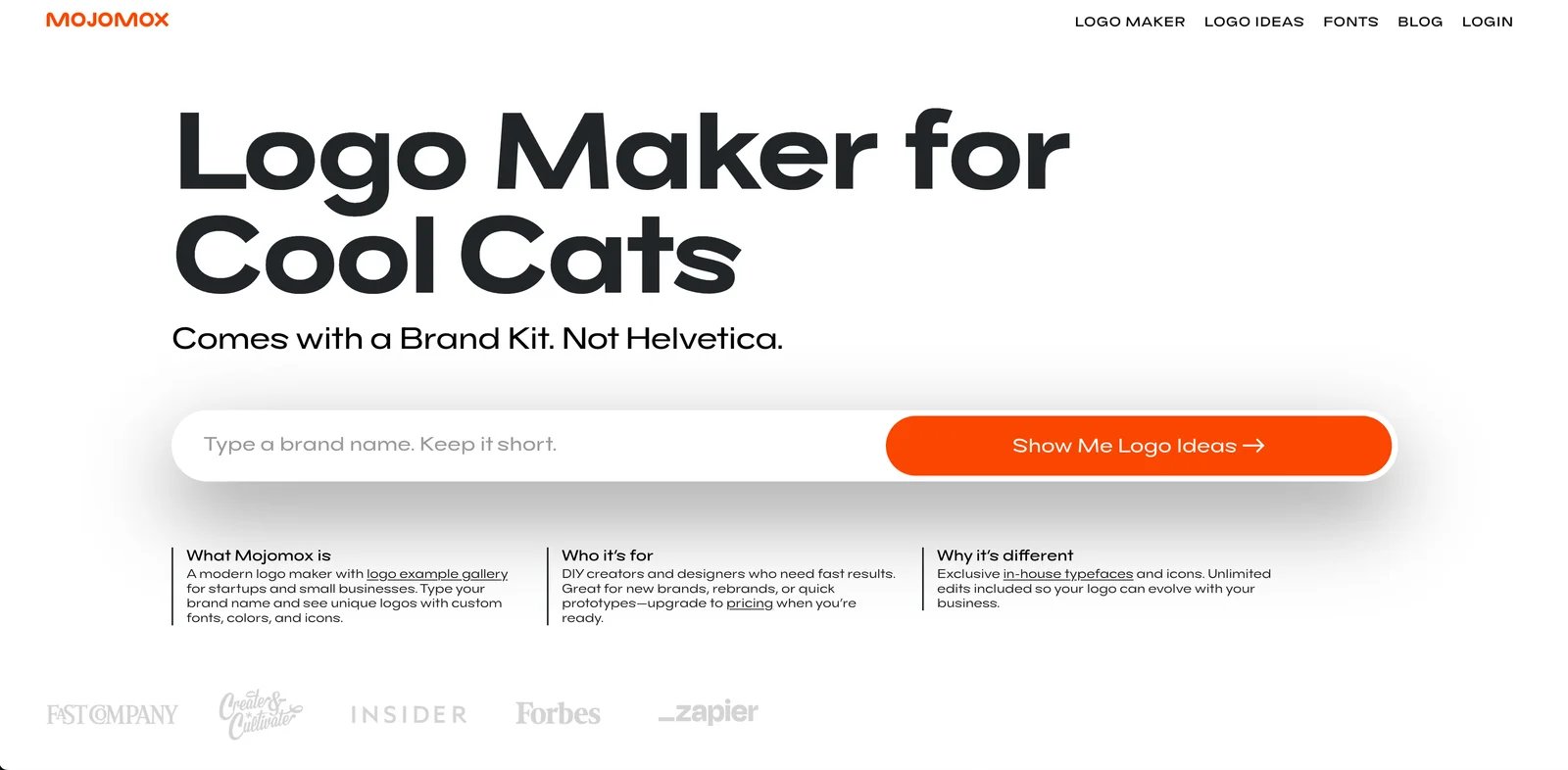
Mojomox is an AI logo maker developed by MMarch Inc., targeting DIY creators and designers who need modern logos with exclusive in-house typefaces and icons. The platform emphasizes unlimited logo revisions and editable workspaces, allowing users to continuously refine their brand as it evolves.
Key Features
-
Exclusive fonts and icons — Access custom in-house typefaces and logo symbols not available on other platforms. Letter-swapping feature for unique wordmarks.
-
Unlimited revisions — Edit logo, brand name, fonts, and colors unlimited times after purchase. Workspace stays editable even after subscription ends (ownership retained).
-
Real-time brand kit — See logo applied to mockups (business cards, website, social media) while designing. Export brand kit as PDF or shareable link.
-
Multiple file formats — Download logos as PNG (transparent or with background) and vector SVG files in any size. Additional formats include avatar and secondary color versions.
Mojomox offers three pricing options:
Logo & Brand Kit Package: $49 one-time — 1 logo project, multiple high-res files (PNG, vector SVG), brand kit PDF, lifetime support, ownership retained.
Entrepreneur Subscription (Most Popular): $14/month (promotional, regular $29) or $119/year (save 3 months) — 5 logo projects, unlimited revisions and brand name changes, PNG/SVG files, brand kit PDF, 10% font shop discount, cancel anytime with ownership retained, lifetime support.
Business Subscription: $49/month or $490/year (save 2 months) — 30 logo projects, everything from Entrepreneur plan plus white-label brand kit presentation, 20% font shop discount, custom symbol upload, custom feature requests, priority support.
Commercial Rights: Your exported logo designs can be used commercially with ownership retained. However, using the font files in other programs (Canva, Figma, etc.) requires separate purchase from Mojomox font shop (subscription discounts apply).
Pros & Cons
Pros:
- Exclusive in-house fonts and icons not available on competing platforms
- Unlimited revisions and brand name changes (even after subscription ends)
- Ownership retained even if subscription cancelled
- One-time $49 package option avoids recurring payments
- Real-time brand kit with mockups and PDF export
Cons:
- Font files for external use (Canva, Figma) require separate purchase
- Entrepreneur plan promotional pricing ($14/month) may not be permanent
- Fewer logo projects in base plans compared to some competitors (1-5 logos vs. unlimited)
Best For
- Designers and creators who value exclusive, modern fonts and custom symbols for unique branding
- Startups and small businesses needing unlimited revisions as brand evolves (name changes, rebranding)
- Users wanting one-time $49 purchase with no recurring fees (single logo project)
- Agencies or freelancers managing multiple client logos (Business plan: 30 projects, white-label presentation)
Get started with Mojomox
Tailor Brands
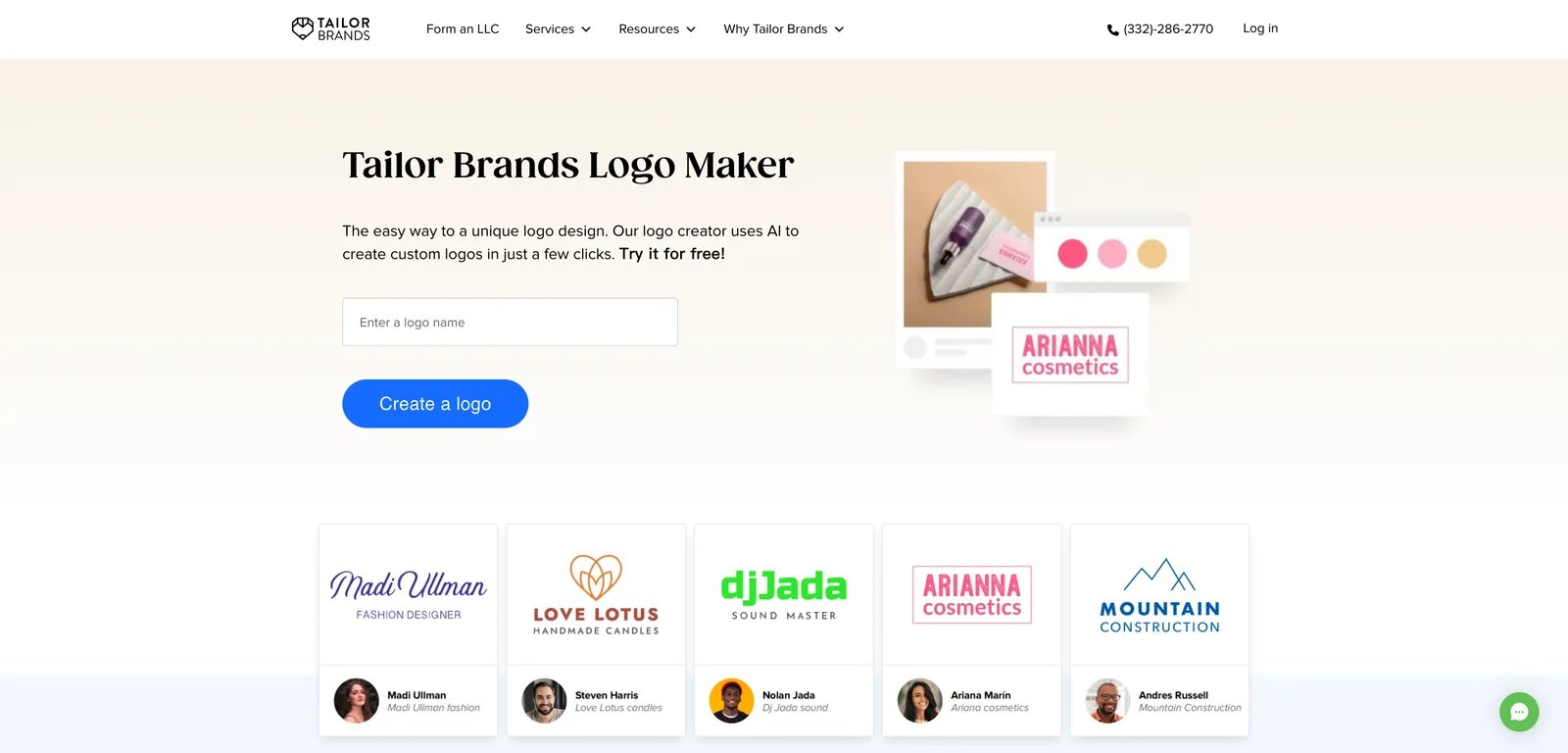
Tailor Brands is a business-building platform that offers an AI Logo Maker as one of several branding and incorporation services, including website building, business card design, and LLC formation assistance. Developed for small businesses and entrepreneurs, the platform positions itself as a one-stop solution for foundational business needs. The AI Logo Maker guides users through a questionnaire covering brand name, industry, and style preferences, then generates customizable logo options that can be refined before purchase.
A distinguishing characteristic of Tailor Brands is its integrated service model: after generating a logo, users can purchase additional branding materials or business services within the same platform. However, official pricing for the Logo Maker package is not publicly disclosed on a standalone pricing page; instead, pricing is typically presented during the generation workflow or checkout process. Third-party reviews and comparisons note that Tailor Brands services are sold through paid plans with fees that may be non-refundable unless specified, so users should carefully review subscription terms and refund policies before committing.
Key Features
-
AI logo maker questionnaire and generation — Guides users through entering brand name, industry, and style preferences, then generates logo options that can be customized before purchase. Helps founders quickly explore multiple logo directions without starting from a blank canvas, shortening the time from idea to usable draft.
-
Customization before download — Allows editing of generated logo designs (fonts, colors, layout) prior to purchasing a downloadable package; exact editing scope should be verified in-product. Enables teams to align the logo with brand guidelines before they commit to payment, reducing rework after purchase.
-
Subscription and payment model — Tailor Brands services are sold through paid plans; third-party comparisons cite Tailor Brands terms indicating fees may be non-refundable unless specified. Sets expectations for buyers to confirm plan scope and refund policy before purchase, especially when subscriptions renew.
Pricing & Plans
Tailor Brands does not provide a public standalone pricing page for the Logo Maker; pricing details are typically disclosed during the logo generation and checkout flow. Users should generate a logo and proceed to the payment screen to capture actual pricing, package inclusions (file formats, resolution, usage rights), and subscription or one-time payment terms. It is recommended to screenshot the checkout page for documentation purposes before finalizing purchase.
Commercial Rights: According to Tailor Brands Terms of Service, users who have paid in full, complied with the Terms, and downloaded the logo will own the rights to use the logo for commercial or non-commercial purposes, even after subscription ends. Always verify current terms during purchase.
Pros & Cons
Pros:
- Official AI Logo Maker landing page clearly positions the tool and provides an entry point for logo generation.
- Integrated platform allows users to purchase logo, branding materials, and business services in one place.
- Questionnaire-based generation workflow is beginner-friendly and requires no design experience.
Cons:
- User reviews on platforms like SoftwareAdvice mention concerns about subscription renewal reminders and refund communication, warranting careful review of cancellation policies.
- Pricing for logo download packages is not publicly disclosed; requires entering the generation workflow to see costs.
- Users should verify specific commercial licensing terms during checkout, as general Terms apply to all services on the platform.
Best For
- Entrepreneurs seeking a one-stop platform for logo generation plus additional branding services (business cards, website, LLC setup).
- Solo merchants or small businesses who want to test multiple logo styles quickly and decide on a final design before purchasing a download package.
- Users comfortable with subscription-based or post-generation payment models who will review specific terms and refund rules before committing.
Get started with Tailor Brands
Looka Logo Maker
Looka is an AI-powered logo maker designed for entrepreneurs and small businesses needing professional logo files across multiple formats. The platform generates logo concepts based on user input and offers both one-time logo purchases and subscription-based Brand Kits with 300+ branded marketing materials.
Key Features
-
AI logo generation — Enter brand name, industry, and style preferences to generate logo concepts. Refine designs iteratively until reaching final version.
-
Multiple package options — Choose between logo-only packages ($20-$65 one-time) or Brand Kit subscriptions ($96-$129/year) with 300+ branded assets.
-
Comprehensive file formats — Premium package includes PNG, EPS, SVG, and PDF files. Multiple color variations including transparent backgrounds.
-
Unlimited post-purchase edits — Change logo design (layout, color, font) anytime and re-download files. Brand Kit subscribers get unlimited changes with auto-updated assets.
Option 1: Logo-Only Packages (One-Time Purchase)
Basic Logo Package: $20 — One PNG file (1000x1000 pixels) with colored background. Suitable for proof of concept or designer inspiration.
Premium Logo Package (Most Popular): $65 — Multiple file types (PNG, EPS, SVG, PDF), 4 color variations including transparent backgrounds, unlimited post-purchase changes, ownership retained, lifetime support.
Option 2: Brand Kit Subscriptions (Annual Billing)
Brand Kit Subscription: $96/year — Everything in Premium Logo plus 300+ branded assets (social profiles, posts, business cards, email signatures, letterheads, invoices, brand guidelines). Unlimited logo changes, ownership retained even after subscription ends, over $3,000 in partner offers. Looka estimates this replaces design work that would cost significantly more if hired out; actual savings vary by project scope.
Brand Kit Web Subscription: $129/year — Everything in Brand Kit plus AI-generated website using logo, colors, fonts, and company information.
Commercial Rights: Ownership of the complete logo design after purchase (individual elements like symbols are not exclusive and may appear in other users' designs). Users must conduct independent trademark searches before registration.
Pros & Cons
Pros:
- Flexible pricing: one-time $20-$65 or subscription $96-$129/year
- Premium package at $65 includes vector files (EPS, SVG, PDF) and unlimited edits
- Brand Kit subscription provides 300+ ready-to-use branded assets
- Ownership retained even after subscription ends
- Free to design, only pay when satisfied
Cons:
- Individual logo elements (symbols, icons) are not exclusive and may appear in other designs; verify exclusivity requirements before trademark filing
- Trademark uniqueness not guaranteed; independent searches required
- Basic $20 package provides only one low-res PNG (limited use)
Best For
- Startups needing affordable one-time logo purchase ($65) with vector files and unlimited edits
- Businesses wanting comprehensive Brand Kit with 300+ branded materials ($96/year subscription)
- Users who want to design for free and only pay when satisfied with results
- Teams understanding logo elements aren't exclusive and willing to conduct trademark searches
Get started with Looka Logo Maker

Turbologo is an AI logo maker that offers one-time payment packages with a focus on delivering high-quality logo files, transparent background versions, and vector formats for print and web use. According to the official pricing page, Turbologo states that users who purchase paid packages receive commercial and copyright rights to their logos, with exclusive usage rights (subject to the Terms of Service). This licensing statement is a key differentiator for businesses that want legal confidence when using a logo in marketing, products, or trademark applications, though users should still conduct independent trademark searches.
The platform provides three main pricing tiers—Lite, Standard, and Business—with varying file quality, format options, and access durations. Standard and Business plans include features like unlimited logo modifications and re-downloads during the access period, as well as additional brand toolkit items (business cards, social media assets, website builder) in the Business plan. Turbologo also advertises a 7-day refund guarantee, which provides a risk-mitigation option for buyers who want to test the platform before fully committing. However, users should review the full Terms of Service for any exceptions or conditions that apply to the refund policy.
One important caveat noted in official documentation: some logo icons may be sourced from third-party libraries such as The Noun Project, and commercial use of those specific icons may require purchasing a separate icon license. This means that even though Turbologo transfers copyright and commercial rights for the overall logo, users must verify whether any individual icon elements require additional licensing. This information is disclosed in a help article on commercial use, demonstrating transparency about potential licensing complexities.
Key Features
-
One-time payment logo packages — Offers one-time payment packages (Lite, Standard, Business) that bundle downloadable logo files and access to editing and re-download for a period, depending on the selected access option. Avoids ongoing subscription commitments for users who only need a finished logo package and files for immediate launch.
-
High-quality logo files with transparent background and vector formats — Provides high-quality logo files including transparent background versions and print-ready formats (PDF, SVG) in paid packages, as described on the pricing page. Makes it practical to deploy the same logo across websites, social media, and print materials without additional designer work for file preparation.
-
Full copyright and commercial rights transfer — States that users own commercial and copyright rights to the purchased logo with exclusive usage rights (per pricing page, subject to Terms of Service). Gives businesses a clearer legal basis to use the purchased logo commercially, including marketing materials and product packaging.
-
Commercial use guidance (icon licensing caveat) — Explains that some icons sourced from The Noun Project may require purchasing the icon license separately in order to use in a purchased logo commercially. Helps users avoid accidental license violations by clarifying when an additional third-party license may be required for specific icon assets.
Pricing & Plans
Turbologo offers three main pricing tiers, as displayed on the official pricing page (prices shown reflect one-time payment with promotional discounts; verify current pricing on the official website):
Lite: $19.99 (one-time payment) — Provides one logo file at low resolution (~1000px width) with the original background color (no transparent background). Suitable for users who need a basic logo file for testing or web-only use and do not require high resolution or transparent background versions. The pricing page notes a 7-day refund guarantee, but applicability and conditions should be confirmed in the Terms of Service.
Standard (Popular): $39.99 (3-month access) or $59.99 (1-year access) — Includes multiple high-quality logo files with transparent background, print-ready formats (PDF, SVG), and unlimited logo modifications and re-downloads during the access period. This plan is designed for users who want production-ready files for web, social, and print, and who may need to refine or re-download logos over several months. Note that editing and re-download capabilities expire after the access period ends; confirm continuation options in the Terms.
Business (Best Value): $79.99 (3-month access) or $119.99 (1-year access) — Includes all Standard features plus an AI Website builder (1 Pro site, custom domain connection, SSL, lead capture forms and CRM tools) and business card templates along with other brand toolkit items. This plan targets startups and small businesses who want a bundled logo-plus-website-plus-collateral solution. Access duration limits apply to all features; verify usage policies after expiration.
All paid plans state that users receive commercial and copyright rights with exclusive usage (per pricing page, subject to Terms). The pricing page displays a 7-day refund guarantee; users should review the Terms of Service or FAQ for any exceptions, conditions, or eligibility requirements.
Pros & Cons
Pros:
- Pricing page clearly states that paid packages include commercial and copyright rights with exclusive usage (subject to Terms)
- 7-day refund guarantee displayed on the pricing page provides a risk mitigation option (subject to terms and conditions)
- Transparent background, vector files (SVG, PDF), and high-resolution exports are included in Standard and Business plans, supporting professional use cases
- One-time payment structure avoids recurring subscription costs (though time-limited access applies for editing/re-download)
Cons:
- Some icons may be sourced from third-party libraries (e.g., The Noun Project) and may require separate commercial licensing, even though overall logo rights are granted
- Access periods (3 months or 1 year) limit how long you can edit and re-download logos; verify continuation policies after expiration
- Pricing includes promotional discounts; actual prices may vary, so users should screenshot and archive pricing at time of purchase
Best For
- Entrepreneurs and startups who want a one-time purchase with clear copyright and commercial rights transfer for peace of mind in marketing and branding.
- Users needing multi-format logo files (transparent background, vector, print-ready) without ongoing subscription fees.
- Small businesses interested in bundled solutions (logo + website + business cards) for rapid launch (Business plan).
- Buyers who want a refund safety net and are comfortable verifying access duration and third-party icon licensing requirements.
Get started with Turbologo

Logomaster.ai is an AI logo maker founded in 2017, offering three one-time payment packages with royalty-free commercial licensing. The platform targets individuals and businesses needing high-resolution logo files with flexible post-purchase editing options. According to the official product page, all exported logos are royalty-free for commercial and non-commercial use, providing clear licensing for marketing, sales, and branding without ongoing royalties.
Key Features
-
AI logo generation and web editor — AI-driven generation flow with browser-based editor for customizing designs before export. No professional design software needed.
-
Royalty-free commercial license — All exported logos are royalty-free for any commercial or non-commercial use. Clear licensing for marketing and sales materials.
-
High-resolution files (~4096px) — All plans include high-resolution logo files suitable for web, social media, print, and large-format use.
-
Unlimited changes and re-download — Premium and Enterprise plans allow unlimited post-purchase changes and re-downloads without extra fees.
Pricing & Plans
Logomaster.ai offers three one-time payment packages. Note that pricing is displayed in Singapore Dollars (SGD) on the official website; USD equivalents may vary based on exchange rates and should be verified at checkout:
Basic: Approximately SGD 49 — High-resolution logo files (~4096px), web-ready transparent PNG, logo on white and transparent backgrounds, instant download. Changes not allowed after purchase.
Premium (Best Seller): Approximately SGD 129 — All Basic features plus print-ready vector files (resizable SVG/PDF), unlimited changes and re-downloads (change any part of logo design for unlimited time without extra fees), custom background color options.
Enterprise: Approximately SGD 249 — All Premium features plus 5 logo variations (color, size, position editable), all color variations (dark logo, white logo, colored backgrounds), social media assets, professional watermark, real-world mockup images, font names and color palette documentation.
All plans provide royalty-free commercial licensing. Users should verify current SGD pricing and USD checkout amounts on the official website, and review Terms of Service for trademark registration guidance and exclusivity details.
Pros & Cons
Pros:
- Clear royalty-free commercial licensing stated on official product page
- One-time payment with no recurring subscription fees
- Premium and Enterprise plans offer unlimited changes and re-downloads
- High-resolution files (~4096px) suitable for all use cases
- Founded in 2017, established market presence
Cons:
- Basic plan does not allow post-purchase changes
- "Royalty-free" does not guarantee exclusivity or trademark protection
- Terms of Service should be reviewed for ownership and trademark guidance
Best For
- Businesses needing high-resolution logo files (~4096px) for large-format print and web use
- Users wanting one-time payment with clear royalty-free commercial licensing
- Teams needing unlimited post-purchase changes and re-downloads (Premium/Enterprise plans)
- Startups requiring complete brand packages with mockups, social assets, and color palettes (Enterprise)
Get started with Logomaster.ai

Wix Logo Maker is a free-to-design, pay-to-download logo creation tool integrated into the Wix website building platform. Users can design and customize logos for free using an AI-powered generation workflow and in-browser editor; high-resolution logo files (PNG, SVG) are available for purchase once the design is finalized. Wix states officially that after purchasing a logo package, users receive full commercial usage rights to their royalty-free logo, providing legal clarity for businesses that want to use the logo in commerce, marketing, and product branding.
The platform offers multiple pricing plans (Just Logo, Brand Plus, Business Logo, Unlimited) with varying inclusions such as high-resolution PNG files (3000x3000), resizable SVG vector files, social media-optimized logo files, and Brand Kit features for higher-tier plans. Some plans may also include Wix website plans (e.g., Wix Light plan), which bundle logo and website services together. Official plan details are available in the Wix Help Center, but specific pricing amounts are not publicly disclosed in the help documentation and should be confirmed by entering the purchase workflow. Wix also publishes separate "Logo Maker Additional Terms of Use" that govern the purchase and usage of logos, and users should review these terms along with the general Wix Terms of Service to understand ownership, trademark guidance, and any limitations.
Key Features
-
Free-to-design, pay-to-download high-resolution files — Users can design and customize a logo for free; high-resolution files are available for purchase and download at any time. Lowers the barrier to trying logo design concepts before committing to payment, useful for early-stage branding exploration.
-
Plans include vector files, social media sizes, and Brand Kit options — Wix Help Center describes plan inclusions such as high-resolution PNGs, resizable SVG vector files, and logo files for social media, plus Brand Kit features for higher plans. Provides practical deliverables for web, social, and print without needing to manually create multiple sizes or formats.
-
Full commercial usage rights after purchase — Wix states that after purchasing and downloading a logo package, users receive full commercial usage rights to their royalty-free logo (subject to Wix Logo Maker Additional Terms). Gives buyers confidence they can use the logo in commerce (marketing, products/services) once they purchase the download package.
Pricing & Plans
Wix Logo Maker offers multiple pricing plans (Just Logo, Brand Plus, Business Logo, Unlimited), but the official Help Center documentation does not disclose specific pricing amounts. Users should enter the logo purchase workflow to view current pricing and plan inclusions. Based on the Help Center, plans include:
- Core inclusions across plans: Full commercial usage rights (per plan documentation), high-resolution PNG files (3000x3000), and SVG vector files (per plan documentation). Brand Kit features are included in higher-tier plans.
- Additional inclusions: Some plans may bundle Wix website plans (e.g., Wix Light plan), integrating logo design with website building. Specific features, limitations, and website plan details should be confirmed during purchase.
- Trial and purchase model: Users can design logos for free and pay only when they decide to download high-resolution files. There is no explicit trial period mentioned, but the free design phase serves as a risk-free exploration period.
Screenshot the purchase page for archival purposes, as pricing may vary by region or promotional period.
Pros & Cons
Pros:
- Official Help Center and product page clearly state that users receive full commercial usage rights (royalty-free) after purchasing and downloading a logo package
- Free design and editing workflow allows users to explore logo concepts without upfront payment
- High-resolution PNG (3000x3000) and resizable SVG vector files support professional use across web, social media, and print
- Brand Kit features in higher plans provide additional branding assets (social media files, etc.)
Cons:
- Pricing amounts are not publicly disclosed in the Help Center; users must enter the purchase workflow to see actual costs
- Wix Logo Maker has separate "Additional Terms of Use" that govern ownership, trademarks, and usage; users should review these terms alongside the general Wix Terms of Service for complete understanding
- Some plans bundle Wix website services, which may add complexity for users who only want logo files
Best For
- Entrepreneurs and small businesses who want to design and refine a logo for free before committing to a purchase.
- E-commerce brands and social media creators needing SVG vector files and multiple social media logo sizes.
- Users already building websites on Wix who want integrated logo design and website branding workflows.
- Buyers who appreciate free exploration and want full commercial usage rights clearly stated by the vendor.
Get started with Wix Logo Maker

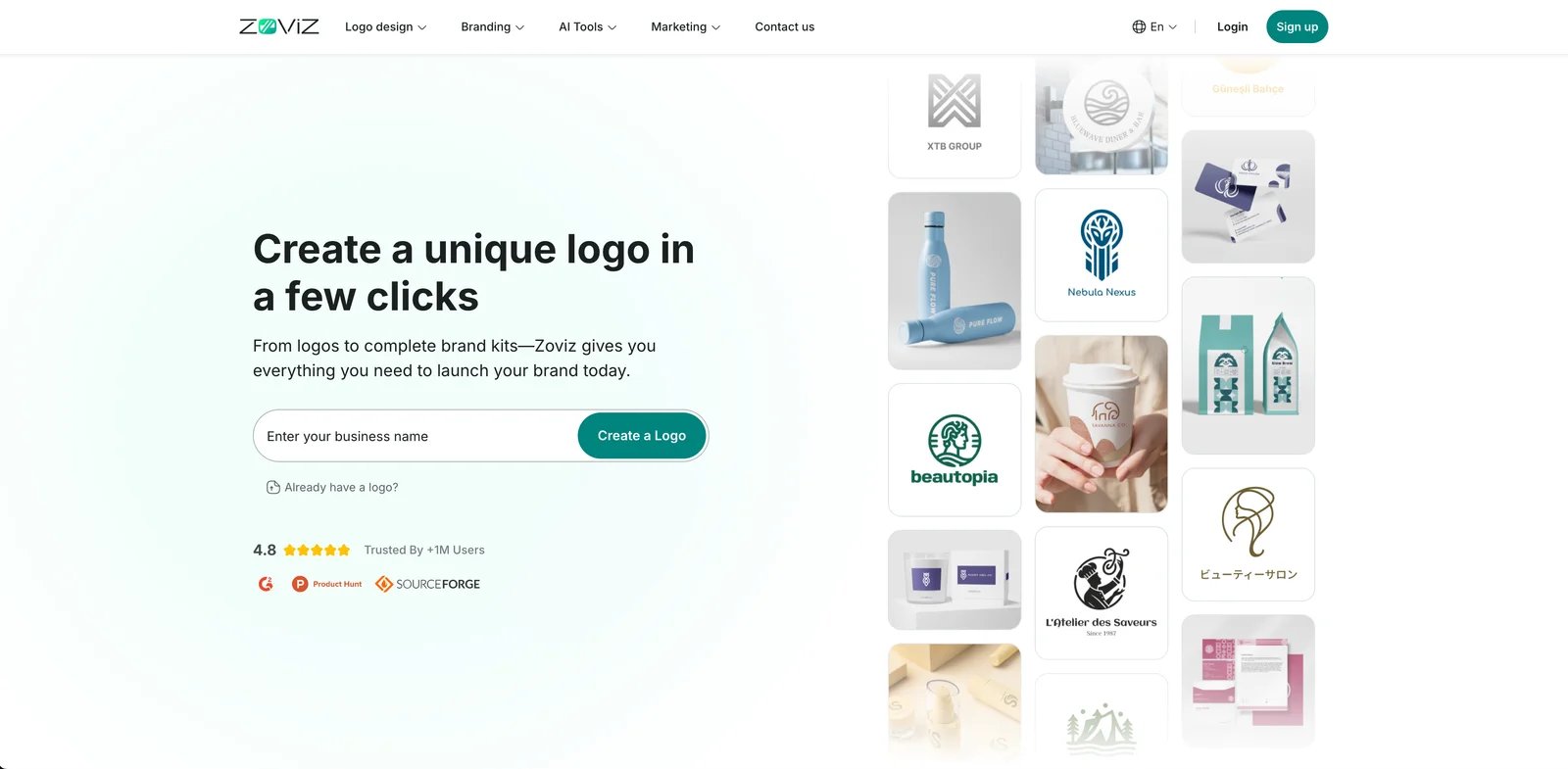
Zoviz is an AI logo maker offering two one-time payment packages with comprehensive brand kits. The platform targets startups and growing businesses needing logo files plus supporting brand assets (business cards, social media templates, letterheads). Official pricing lists Basic Logo Pack at $19.99 and Full Brand Kit at $99.99, with claims of full commercial rights and unlimited post-purchase revisions to colors and fonts. However, users should note a conflict between marketing claims and Terms of Use: while the website advertises "commercial usage right," the Terms contain "Commercial Use Restrictions" clauses. Contact Zoviz support for written clarification on licensing scope before commercial use.
Key Features
-
Comprehensive brand kit packages — Includes logo files plus business cards, social media profiles and covers, letterheads, email signatures, brand book, and favicon for complete brand identity.
-
Unlimited post-purchase revisions — Full Brand Kit allows unlimited revisions to colors and fonts after purchase, supporting brand evolution without extra fees.
-
Lifetime cross-platform access — Secure lifetime access to all brand assets across web, iOS, and Android, available anytime from any device.
-
AI-powered creative tools — Platform includes AI-powered features for additional business tasks beyond logo design. Specific capabilities and usage limits should be verified on the pricing page.
Pricing & Plans
Zoviz offers two one-time payment packages with lifetime access:
Basic Logo Pack: $19.99 one-time — Standard high-quality files (PNG, JPG), resizable vector files (SVG, PDF), transparent background, full commercial rights (per marketing claims; verify in Terms). AI-powered creative tools included. Best for personal and individual use.
Full Brand Kit (Most Popular): $99.99 one-time — All Basic features plus comprehensive brand kit: business cards, social media profiles and covers, letterheads (Microsoft Word), email signature templates, brand book, favicon for website and app. Additional AI-powered features, unlimited post-purchase revisions to colors and fonts, secure lifetime access across web/iOS/Android, and online customer support. Best for startups and growing businesses.
Important: While Zoviz markets "full commercial rights," their Terms of Use contain "Commercial Use Restrictions" clauses. Contact Zoviz support for written clarification on licensing scope before commercial use and retain documentation.
Pros & Cons
Pros:
- Comprehensive brand kit with business cards, social media assets, letterheads, email signatures, brand book, and favicon
- One-time payment with lifetime cross-platform access (web, iOS, Android)
- Unlimited post-purchase revisions to colors and fonts (Full Brand Kit)
- AI-powered creative tools for additional business tasks
- Vector files (SVG, PDF) and transparent background included
Cons:
- Significant price increase for Full Brand Kit ($49.99 → $99.99)
- Conflict between marketing claims ("full commercial rights") and Terms of Use ("Commercial Use Restrictions")
- Requires written clarification from support before commercial use
- Licensing scope and trademark guidance unclear
Best For
- Startups and growing businesses needing complete brand kit (logo, business cards, social media, letterheads, email signatures)
- Teams wanting unlimited post-purchase color and font revisions without extra fees
- Users requiring lifetime cross-platform access to brand assets (web, iOS, Android)
- Buyers willing to obtain written clarification on commercial licensing before business use
Get started with Zoviz

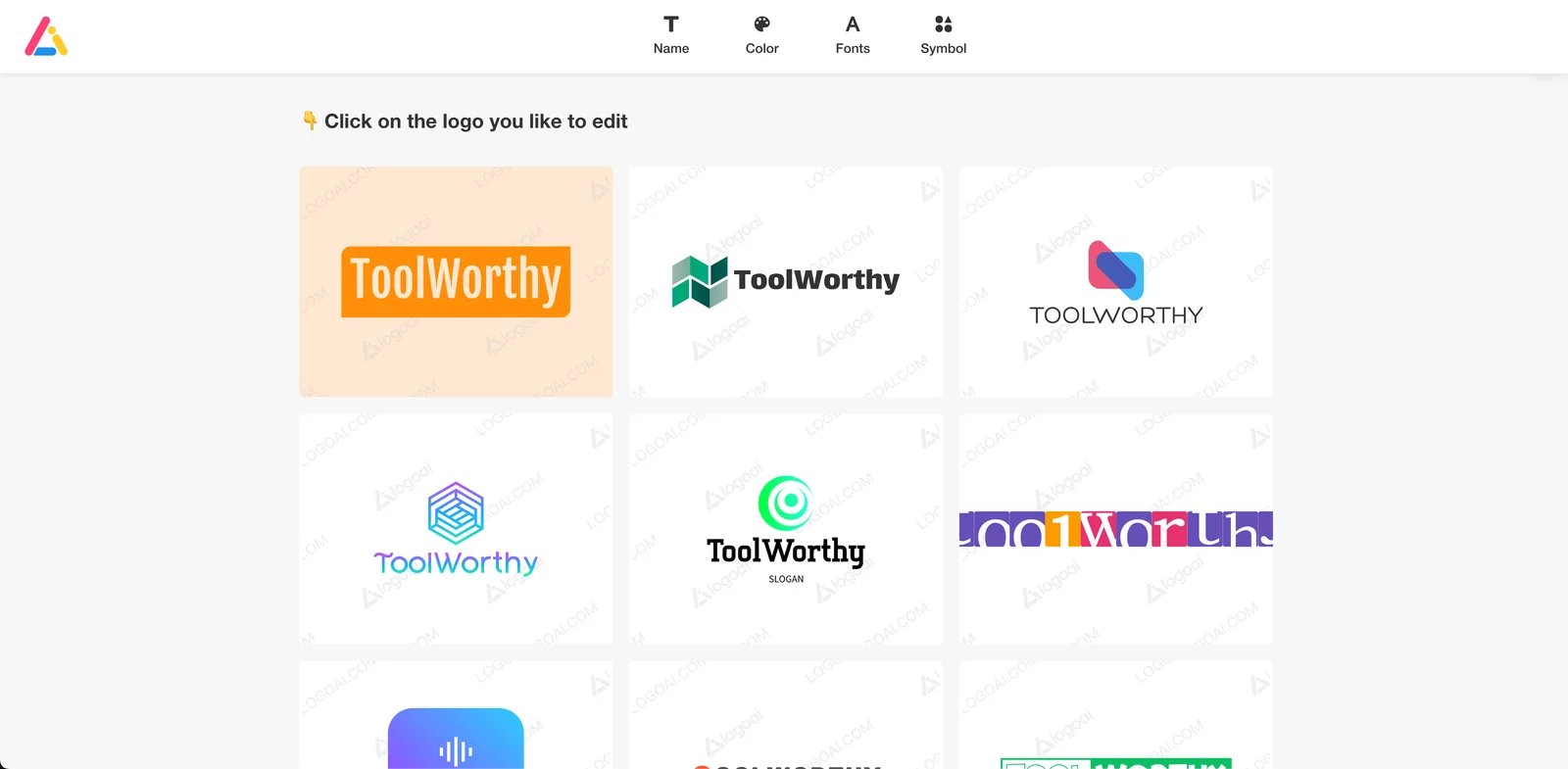
LogoAI is an AI logo maker operated by TingPing.co, offering three pricing tiers (Basic, Pro, Brand) with increasing feature sets from basic logo files to comprehensive brand packages including animations and business cards. The platform uses a license-based model: users purchase a license to use the logo, but copyright remains with LogoAI. According to the Terms of Use, "no trademark, copyright or service marks are being conveyed under this license agreement," meaning users receive usage rights rather than full ownership transfer. LogoAI offers a 30-day replacement guarantee (one-time per purchase) but no refunds after file access. Users must perform independent trademark searches, as LogoAI has no obligation to validate trademark availability.
Key Features
-
Three pricing tiers with progressive features — Basic ($29) for standard logos, Pro ($59) for high-res with vectors, Brand ($99) for complete brand packages with animations and business cards.
-
Vector files and brand identity assets — Pro and Brand plans include vector files (SVG), brand identity documentation, and logo mockups. Brand adds animations and business card templates.
-
Design edits across all plans — All tiers allow design edits, enabling logo customization before final purchase.
-
30-day replacement guarantee — Purchase includes one-time logo replacement within 30 days if you create a better design, with automatic license transfer to the new logo.
Pricing & Plans
LogoAI offers three one-time payment packages:
Basic: $29 — Design edits, 800 x 600px logo resolution, transparent PNG. No vector files or brand identity assets. Suitable for basic digital use.
Pro: $59 — Design edits, high-resolution logo, transparent PNG, vector files (SVG), brand identity documentation, and logo mockups. Comprehensive package for professional web and print use.
Brand: $99 — All Pro features plus logo animations, business card templates, and brand PPT presentation. Complete brand package for businesses needing animated assets and collateral.
Licensing Model: Users purchase a license to use the logo, not ownership transfer. Terms of Use explicitly state "no trademark, copyright or service marks are being conveyed under this license agreement." LogoAI retains copyright; users receive usage rights for their business needs.
Guarantee: 30-day one-time logo replacement (license transfers to new logo). No refunds after accessing downloaded files.
Pros & Cons
Pros:
- Clear three-tier pricing with transparent feature comparison ($29 / $59 / $99)
- Pro and Brand plans include vector files (SVG) for scalable logo use
- 30-day one-time logo replacement if you create a better design
- Brand plan includes unique features like logo animations and brand PPT
- Design edits available across all pricing tiers
Cons:
- Users receive license to use, not ownership transfer (LogoAI retains copyright per Terms)
- No refunds after accessing downloaded logo files
- Basic plan limited to 800 x 600px resolution, no vector files
- Terms explicitly state "no trademark, copyright or service marks are being conveyed"
- Users must perform independent trademark searches (platform provides no validation)
Best For
- Businesses comfortable with license-based usage rights rather than full ownership transfer
- Users needing logo animations and brand PPT presentations (Brand plan)
- Teams wanting 30-day flexibility to replace logo if design preferences change
- Buyers who will perform independent trademark searches before commercial use
Get started with LogoAI
Adobe Logo Maker (Adobe Express)
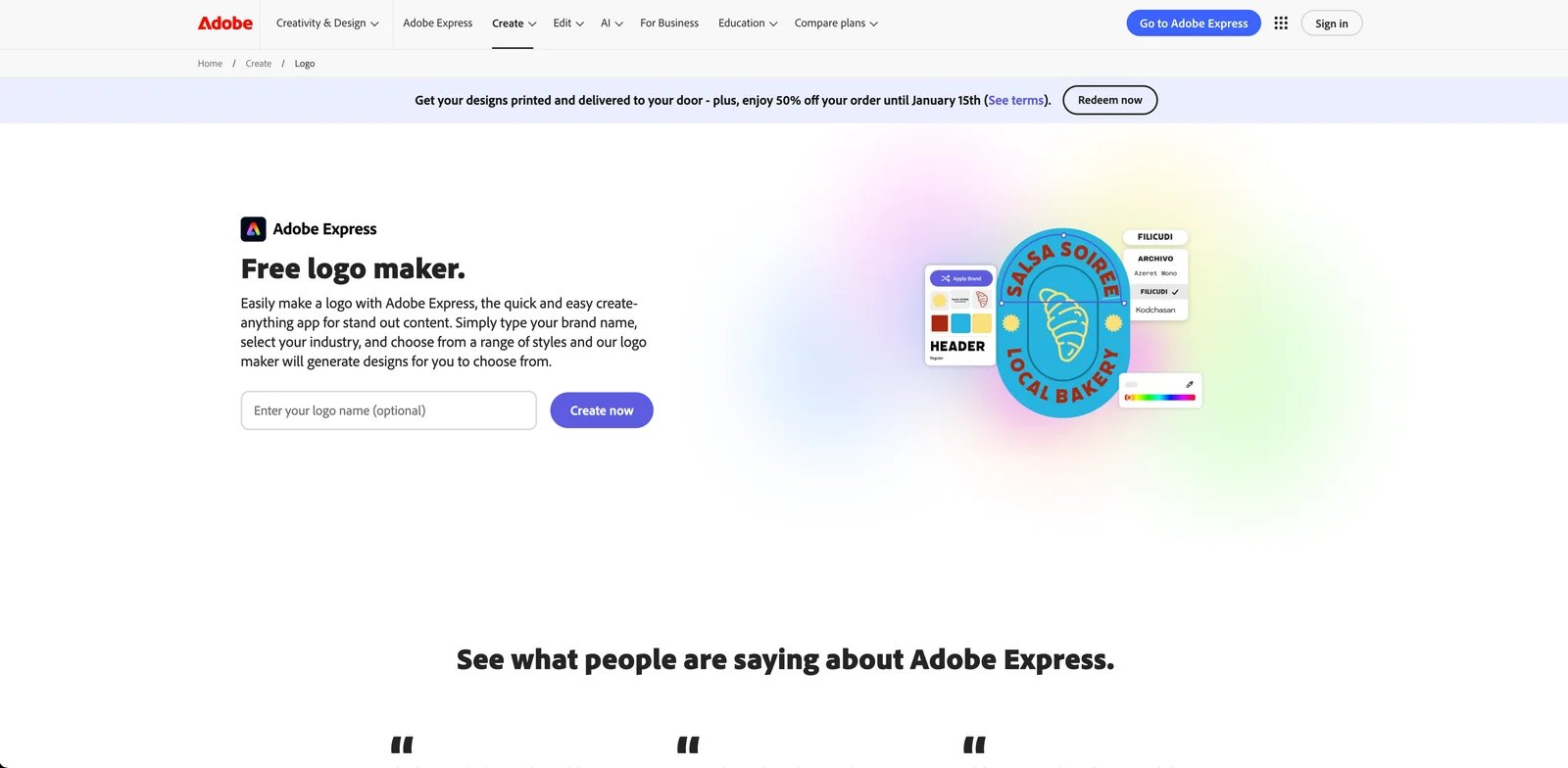
Adobe Express Logo Maker is a template-based logo creation tool within the Adobe Express platform, designed for marketers and small businesses who need to create branded graphics quickly without specialized design software. Adobe Express is part of the Adobe Creative Cloud ecosystem and offers both free and paid (Premium) plans with varying levels of feature access, asset libraries, and export options. The Logo Maker provides templates and editing tools accessible via web browser, allowing users to design custom logos by selecting templates, adjusting text, colors, and layouts, and exporting final files.
Adobe's legal framework is comprehensive and well-documented: the Adobe General Terms of Use state that Adobe respects users' rights to their Content, while the Adobe Express Product Specific Terms clarify that some third-party services or content may be offered for personal, non-commercial use only, and that Adobe Stock assets and "Content Files" (Adobe-provided assets) come with limited licenses and usage restrictions. This means that while users generally own the logos they create, they must verify whether specific templates, icons, or stock images used in the logo are permitted for commercial use. Adobe's terms explicitly prohibit stand-alone distribution of Content Files, which helps protect Adobe's asset library but also requires users to understand which elements are "user Content" versus "Adobe Content Files."
For businesses with strict compliance requirements, Adobe's clear and detailed terms are an advantage, as they reduce ambiguity about what is and isn't allowed. However, the complexity of Adobe's terms also means that users must invest time in understanding the rules, especially if they plan to use the logo in commercial applications or wish to ensure full ownership of all design elements.
Key Features
-
Template-based logo creation and editing — Provides a logo maker experience inside Adobe Express where users can design custom logos using templates and editing tools on the web. Helps marketers and small businesses create branded graphics quickly without specialized design tools, accelerating campaign and storefront setup.
-
Free and paid plans for Adobe Express — Adobe Express offers a pricing page that compares Free and Premium plans; plan scope may include additional features and export options. Allows users to start for free and upgrade when they need advanced features, broader asset access, or team workflows.
-
Third-party and stock asset usage restrictions (official terms) — Adobe Express Product Specific Terms note that some third-party services or content may be offered for personal, non-commercial use only. Important: Adobe Stock assets cannot be used as the core of a trademark logo because they don't transfer ownership (per Adobe Stock licensing FAQ). Users creating logos should avoid using Stock images as primary logo elements and verify commercial permissions for any templates or assets used.
-
Adobe General Terms: Content rights and Content Files license — Adobe General Terms state Adobe respects users' rights to their Content. "Content Files" (Adobe-provided assets) come with usage restrictions and cannot be distributed on a stand-alone basis. Users can use Adobe Express to create commercial logos, but must ensure sufficient modification of any templates or assets and avoid using Adobe Stock images as core logo elements.
Pricing & Plans
Adobe Express offers Free and Premium pricing plans, as detailed on the official Adobe Express pricing page. However, specific pricing amounts, billing cycles (monthly/annual), and exact feature differences were not fully extracted during research and should be confirmed by visiting the official pricing page. Users in different regions may see different pricing; it is recommended to open the pricing page from a US location and screenshot the plan comparison for archival purposes.
Free Plan: Includes basic features (exact scope should be confirmed on pricing page). Suitable for users testing Adobe Express or creating simple branded graphics for personal or internal use. Limitations on export options, asset library access, and team features should be verified.
Premium Plan: Provides advanced features, expanded asset library access, and additional export or collaboration capabilities (exact details should be confirmed on pricing page). Billing is available on a monthly or annual basis; annual plans typically offer a discount compared to monthly billing. Users should verify whether Premium plans include expanded permissions for commercial use of Adobe Stock assets or templates.
Pros & Cons
Pros:
- Adobe's terms are comprehensive and clearly distinguish between user Content (which users own) and Adobe-provided Content Files/Stock assets (which have usage restrictions), supporting compliant commercial use.
- Free plan allows users to test the platform before upgrading.
- Integration with Adobe Creative Cloud ecosystem benefits users already using Adobe tools for design or marketing workflows.
- Detailed Product Specific Terms and General Terms provide legal clarity for businesses with strict compliance requirements.
Cons:
- Adobe Stock images cannot be used as core elements of trademark logos (ownership not transferred per Adobe Stock FAQ)
- Some third-party content or assets may be restricted to personal, non-commercial use only; requires per-asset verification
- Pricing page is lengthy and may vary by region or promotional period; specific pricing amounts require manual confirmation
- Terms complexity means users must invest time in reading and understanding rules for Content Files and Stock assets to ensure compliant commercial use
Best For
- Marketers and content creators who need template-based logo design for social media, campaigns, or storefront graphics and are already using Adobe tools.
- Teams within the Adobe Creative Cloud ecosystem who want integrated logo design, editing, and export workflows.
- Businesses with strict compliance and legal requirements who value Adobe's detailed terms and clear distinction between user Content and Adobe-provided assets.
- Users comfortable with the complexity of Adobe's licensing model and willing to verify third-party and Stock asset permissions before commercial use.
Get started with Adobe Logo Maker (Adobe Express)
Best AI Logo Generators by Use Case
Choosing the right AI logo generator depends on your specific needs, budget, and legal requirements. This section groups tools by common use cases and user profiles to help you quickly identify the best fit.
For All-in-One Branding Solutions
If you need more than just a logo and want a comprehensive platform covering websites, business cards, and marketing materials, Design.com and BrandCrowd are the two strongest options — both part of the same DesignCrowd/Design.com group and sharing similar feature sets. Design.com stands out with over 50 design tools, 1 million templates, and an integrated brand kit system that automatically applies your logo and brand colors across all materials. Starting at $5/month for Premium plans, it offers affordable access to a complete design ecosystem. BrandCrowd complements this with the largest exclusive logo template library (391,000+ logos) and the broadest export format selection (SVG, EPS, PDF, PNG, JPG, GIF, MP4 in a single workflow), also starting at $5/month. Both platforms offer a free tier for exploration before purchase. Choose Design.com if you prioritize a wider range of AI tools and website builder integration; choose BrandCrowd if you want the most extensive logo template library with the widest export formats.
For Solo Founders and Indie Developers
If you're launching a startup, side project, or MVP and need a logo quickly without extensive legal review, Logomaster.ai is a solid choice. It emphasizes royalty-free commercial use with transparent pricing (displayed in SGD; verify USD equivalent at checkout), making it safe for founders who want legal clarity without deep-diving into complex terms. The platform prioritizes speed and straightforward licensing, though you should still verify file formats and conduct independent trademark searches before large-scale use.
For Budget-Conscious Users Seeking Copyright Transfer
If you're on a tight budget but want clear copyright and commercial rights, Turbologo stands out. Its Standard plan ($39.99 for 3-month access or $59.99 for 1-year access) includes high-quality files with transparent background and vector formats (SVG, PDF), and the official pricing page states that users receive commercial and copyright rights with exclusive usage (subject to Terms). Turbologo also offers a 7-day refund guarantee, providing a risk mitigation option if the logo doesn't meet expectations. Be aware of the time-limited access periods for editing/re-downloads and the caveat about potential third-party icon licensing requirements.
For Creators Who Need Multi-Format Files (Web, Social, Print)
If you need extensive file packages with multiple formats, BrandCrowd, Design.com, LOGO.com, Looka, and Wix Logo Maker are strong options. BrandCrowd offers the broadest export format range of any tool in this guide: SVG, EPS, PDF (vector), PNG, JPG (raster), and animated GIF and MP4 — making it the best single-platform choice if you need web, print, and motion assets simultaneously. Design.com provides comprehensive file formats (PNG, JPG, SVG, EPS, PDF) with high-resolution raster files for web and vector files for print, plus integrated templates across 50+ design tools. LOGO.com's Pro plan stands out with 124 high-resolution files and 42 vector files (SVG and AI formats), providing the most comprehensive pre-packaged file bundle. Looka's logo packages include high-resolution PNG and SVG vector files. Wix Logo Maker provides high-resolution PNG (3000x3000), resizable SVG, and social media-optimized files. Choose BrandCrowd if you need GIF/MP4 animated exports in addition to static formats; choose LOGO.com if you want the largest pre-packaged file bundle; choose Design.com if you also need integrated design tools beyond just logo files.
For Businesses Seeking All-in-One Branding Services
If you want a logo plus additional branding materials or business services in one platform, Design.com, Tailor Brands, and Turbologo Business Plan are worth considering. Design.com offers the most comprehensive solution with 50+ design tools covering logos, websites, business cards, social media graphics, presentations, and marketing materials, all integrated through a brand kit system that maintains visual consistency. Starting at $5/month for Premium access, it provides affordable entry to a complete design ecosystem. Tailor Brands integrates logo generation with business card design, website building, and even LLC formation assistance, making it a one-stop shop for foundational business needs. Turbologo's Business plan ($79.99 for 3-month or $119.99 for 1-year access) bundles logo files with an AI Website builder, business card templates, and brand toolkit items. Choose Design.com if you need the broadest range of design tools; choose Tailor Brands for business formation services; choose Turbologo for one-time payment with time-limited access.
For Teams Already Using Wix or Adobe Ecosystems
If you're already building a website on Wix or using Adobe Creative Cloud for design work, Wix Logo Maker and Adobe Express offer seamless integration. Wix Logo Maker lets you design a logo for free and purchase high-resolution files when ready, with plans that may bundle logo and website services. Adobe Express provides template-based logo creation within the Adobe ecosystem, with clear terms distinguishing user Content from Adobe-provided assets. Both tools benefit users who value workflow integration and are comfortable with the respective platforms' licensing frameworks.
For Users Who Prioritize Legal Clarity and Trademark Guidance
If you're concerned about trademark conflicts or want educational resources on brand legal requirements, LOGO.com and Turbologo stand out. LOGO.com's Terms of Service (Section 9) state that users "retain ownership of their Contributions and intellectual property rights," providing relatively clear legal language about ownership. The help center also provides articles on trademark registration, copyright considerations, and the legal due diligence required before using a logo commercially, making it valuable for first-time founders who need to understand branding basics. Turbologo's pricing page states users receive commercial and copyright rights with exclusive usage (subject to Terms), and its help article on commercial use clarifies when third-party icon licenses may be required. Both tools help users set realistic expectations and avoid legal pitfalls, though independent trademark searches are still required before registration.
How to Choose
Choosing the right AI logo generator depends on aligning tool capabilities with your specific requirements. Follow this framework to make an informed decision:
1. Define Your Use Case and Quality Requirements
Start by clarifying what you need the logo for and what quality level is acceptable. Are you creating a logo for a personal blog, a professional business launch, or a product that will be marketed internationally? Personal projects may tolerate lower resolution or limited file formats, while professional businesses typically need high-resolution PNG files and vector formats (SVG, PDF) for scalability across web, print, and merchandise. If you're planning to trademark your logo or use it on physical products, prioritize tools that provide vector files and clear commercial rights.
2. Set Your Budget and Payment Preference
AI logo generators range from free (with paid upgrades for high-resolution downloads) to one-time purchases ($20–$120) to subscription models ($5–$15/month). Decide whether you prefer a one-time payment or are comfortable with recurring fees. For example, Design.com and BrandCrowd both offer free logos plus subscription plans starting at $5/month — Design.com for 50+ design tools and extensive templates, BrandCrowd for 391,000+ exclusive logos with multi-format exports including GIF and MP4; LOGO.com offers subscription plans starting at $4.50/month (billed annually) with 14-day refund guarantee; Turbologo offers one-time packages starting at $19.99 (low-resolution) up to $119.99 (Business plan with 1-year access) with 7-day refund; Wix Logo Maker lets you design for free and pay only when you download high-resolution files. If budget is tight, look for tools with transparent pricing and refund guarantees so you can test the output before fully committing.
3. Assess Technical Skills and Editing Needs
Consider how much customization you need and your comfort level with design tools. Beginner-friendly platforms like Wix Logo Maker, LOGO.com, and Tailor Brands guide you through questionnaire-based generation and offer in-browser editors with minimal learning curve. If you want deeper editing control or plan to iterate extensively, tools like Mojomox and Adobe Express provide more robust editing features, though Adobe Express has a steeper learning curve due to its broader feature set. For users who just want a quick logo with minimal editing, Logomaster.ai prioritizes simplicity and speed. Explore more AI design tools for additional creative options.
4. Check Licensing and Commercial Use Terms
This is critical for business use. Verify whether the tool grants commercial rights, transfers copyright, or provides royalty-free usage—and understand the specific terms governing those rights. Design.com provides non-exclusive commercial licenses with Standard Logo packages, with Exclusive License options available for additional cost for trademark protection. LOGO.com's Terms of Service (Section 9) state that users retain ownership of their contributions and intellectual property rights. Turbologo's pricing page states users receive commercial and copyright rights with exclusive usage (subject to Terms of Service). Wix Logo Maker and Logomaster.ai clearly state royalty-free commercial use permissions. In contrast, tools like Zoviz have conflicting language between marketing claims and Terms of Use, requiring direct clarification. Before purchasing, read the full Terms of Service or FAQ, and if licensing language is unclear, contact vendor support for written confirmation. Also verify whether trademark uniqueness is guaranteed (it usually isn't), and be prepared to conduct independent trademark searches before large-scale commercial use or trademark registration.
5. Verify File Formats and Export Options
Confirm what file formats are included in each plan. At minimum, you'll want high-resolution PNG files for web and social media use. For print, merchandise, or future editing, you'll also need vector formats like SVG or PDF. Compare what each tool provides: Design.com includes PNG, JPG, SVG, EPS, and PDF formats covering both web and print needs; LOGO.com Pro plan includes 124 high-resolution files and 42 vector files (SVG, AI); Looka and Wix Logo Maker include both PNG and SVG in their packages; Turbologo's Standard and Business plans provide transparent background PNG, SVG, and PDF; Adobe Express export options vary by plan (Free vs Premium). If you need multiple sizes for different platforms (Instagram, Facebook, LinkedIn, business cards), check whether the tool auto-generates these or requires manual resizing. LOGO.com's extensive file package (166 total files in Pro) is particularly valuable if you need ready-made sizes for different use cases.
6. Test Before Committing
Take advantage of free trials, free design phases, or refund guarantees. Wix Logo Maker lets you design and edit for free, paying only when you download final files, which is ideal for risk-free exploration. Turbologo offers a 7-day refund guarantee (confirm terms and conditions). Even paid tools may offer satisfaction guarantees or trial periods—check the official website or ask support. When testing, generate a logo with your actual brand name and style preferences, then evaluate the output quality, editing ease, and whether the final files meet your needs before committing to purchase.
Start with Wix Logo Maker if you're unsure—it offers a low-friction entry point (free design, pay only when downloading) and clear commercial use terms, making it a safe starting option for first-time logo creators.
Frequently Asked Questions
What is the best AI logo generator for startups with limited budgets?
Are AI-generated logos free to use commercially?
Can I trademark an AI-generated logo?
Do AI logo generators provide vector files for print and merchandise?
How do Turbologo and Wix Logo Maker compare for small businesses?
How does LOGO.com compare to other subscription-based logo tools?
Are there hidden costs or limitations I should watch for?
Do I need design skills to use AI logo generators?
What should I do if an AI logo generator's Terms of Use are unclear?
Disclosure: This guide is based on publicly available information and official vendor documentation as of January 2026. Pricing, features, and terms are subject to change. Always verify current details on the official vendor website before making a purchase decision.
Get ToolWorthy Weekly
New AI tools, practical guides, and selected AI signals in one weekly brief.
Related Posts
- 15 Best AI Business Name Generator Tools 2026 — Domain Safe
Compare 15 AI business name generators for founders who need usable names, domain checks, logo workflows and fewer trademark surprises.
- Best AI Design Tools 2026 - 13 Tools Compared by Workflow
13 AI design tools covering every use case: logo generation, UI mockups, product photography, and social media. Real pricing and commercial rights included.
For AI tool founders
Built a tool that belongs in this decision set?
Request an editorial evaluation for possible inclusion in ToolWorthy.
Submit your tool for reviewPaid submission does not guarantee a ranking, recommendation, inclusion, or editorial outcome.