
13 Best AI Poster Generator Tools 2026 - Real Pricing
Compare 13 AI poster generator tools for editable layouts, templates, brand kits, export formats, commercial rights, and current pricing today.
On this page
Your poster deadline is usually not a design exercise. It is a campaign launch, event announcement, product promo, hiring notice, or social post that needs to look finished before the day moves on. The best AI poster generator tools in 2026 do more than create a nice background image: they give you editable text, layouts, brand colors, export formats, and enough commercial-rights clarity to publish without rebuilding the design in another app.
We compared 13 AI poster generator tools across poster-specific workflow fit, template depth, AI generation quality, export options, brand controls, pricing, and real limitations. If you want a broader directory view, start with ToolWorthy's AI poster generator category. For adjacent workflows, our best AI design tools guide covers wider creative suites, while AI flyer design tools are better when print handouts matter more than digital campaign assets.
| Tool | Best For |
|---|---|
| Canva AI Poster Generator | Fast posters inside a complete design, brand, and print workflow |
| Adobe Express AI Poster Generator | Editable Firefly-powered posters with Adobe assets and brand controls |
| Visme AI Poster Generator | Business posters, infographics, and team-approved visual communication |
| VistaCreate | Template-led posters with AI tools and VistaPrint handoff |
| Design.com | Small businesses that want posters plus brand and print assets |
| Kittl | Typography-heavy posters, retro graphics, and print-ready creative assets |
| Picsart AI Poster Generator | Mobile-first creators editing posters, images, and social content together |
| Simplified AI Poster Generator | Small marketing teams turning poster ideas into campaigns |
| BrandCrowd Poster Maker | Template-first posters with brand identity assets and paid downloads |
| PostNitro | Carousel-style promotional posters for LinkedIn and social channels |
| Designs.ai | Multi-format creative campaigns from one AI design suite |
| Poster.sh | Dedicated AI poster generation with 4K and PDF export options |
| ReadPo | Knowledge workers turning articles and notes into poster-style visuals |
How We Selected and Tested
We selected tools that can reasonably support a complete poster workflow: starting from a prompt, template, brand kit, or campaign brief; editing text and layout; adding assets; exporting for web or print; and publishing with understandable usage rights. We excluded pure text-to-image tools that generate a poster-like image but do not let users edit text, resize layouts, or prepare final campaign assets without moving to a separate design editor.
Our research combined ToolWorthy category data, production tool records, official product pages, pricing pages, feature documentation, and manual checks of public workflows where available. Pricing was verified from official pages when possible. When a vendor shows regional, account-state, or promotion-dependent pricing, we describe the pricing model conservatively instead of forcing a false exact number.
Evaluation Dimensions:
- Poster workflow fit - How well the tool handles prompt-to-layout, template editing, text placement, and campaign formats.
- Editable output quality - Whether the result is a usable design file, not just a flattened image.
- Brand and team controls - Brand kits, collaboration, asset libraries, approvals, and reusable campaign templates.
- Export and commercial use - PNG, JPG, PDF, SVG, print resolution, commercial rights, and paid-download restrictions.
- Pricing transparency - Free tier usefulness, credit limits, subscription clarity, and hidden post-generation costs.
Note on Testing Scope: We reviewed live official pages, ToolWorthy tool records, current category coverage, and publicly available pricing. We did not complete paid print orders or enterprise procurement flows for every vendor. Research was conducted on August 6, 2026, and pricing can change by region, billing period, promotion, or account state.
Transparency & Limitations: This guide does not invent star ratings, customer-review counts, or benchmark scores. Where a tool is poster-adjacent rather than poster-native, that limitation is stated directly.
Top 13 AI Poster Generator Tools Compared
The strongest AI poster generator for most users is not always the one with the most dramatic AI image model. Canva and Adobe Express win for complete campaign workflows because they combine templates, brand kits, exports, and collaboration. Kittl is better for designer-led typography. Visme fits business communication. Poster.sh and ReadPo are narrower, but useful when you want poster output without a large design suite.
| Tool | Best For | Free Tier | Editable Output | Export / Rights | Starting Price |
|---|---|---|---|---|---|
| Canva AI Poster Generator | All-in-one campaign posters | Strong | Excellent | PNG, JPG, PDF, print options | Free; Pro US$144/year |
| Adobe Express AI Poster Generator | Adobe-backed editable posters | Strong | Excellent | Web, social, print-ready downloads | Free; Premium US$9.99/mo |
| Visme AI Poster Generator | Business posters and infographics | Useful | Excellent | Image, PDF, presentation assets | Free; Starter US$12.25/mo annual |
| VistaCreate | Template-led poster creation | Strong | Good | Digital and print workflows | Free; Pro US$10/mo annual |
| Design.com | Small business print assets | Useful | Good | PNG, JPG, EPS, SVG, PDF | Free options; paid from US$3/mo |
| Kittl | Typography and print graphics | Personal use only | Excellent | Paid high-res/vector exports; Pro and Expert commercial use capped at 500,000 copies | Free; paid plans vary |
| Picsart AI Poster Generator | Mobile poster editing | Useful | Good | Image exports; rights depend on plan and model | Free access; Pro US$10.50/mo annual; Ultra from US$37.50/mo annual |
| Simplified AI Poster Generator | Poster plus social campaigns | Useful | Good | Social and design exports | Free; Starter US$79/mo |
| BrandCrowd Poster Maker | Template-first posters | Try-before-pay | Good | High-res and vector paid downloads | Free to try; paid downloads |
| PostNitro | Carousel-style promo posters | Limited | Good | Social carousel exports | Free; Starter US$12.50/mo annual |
| Designs.ai | Multi-format AI campaigns | Free access; paid license required for design resources | Good | Commercial use on Plus and Pro, with asset restrictions | Plus from US$19.50/mo; Pro from US$39.50/mo |
| Poster.sh | Dedicated AI poster drafts | Limited | Moderate | 4K and PDF on paid plans | Free; Starter US$9.90/mo |
| ReadPo | Article-to-poster visuals | Limited | Moderate | Poster templates and content cards | Free; Starter US$8/mo early bird; Pro US$24/mo |
Detailed Reviews
Canva AI Poster Generator
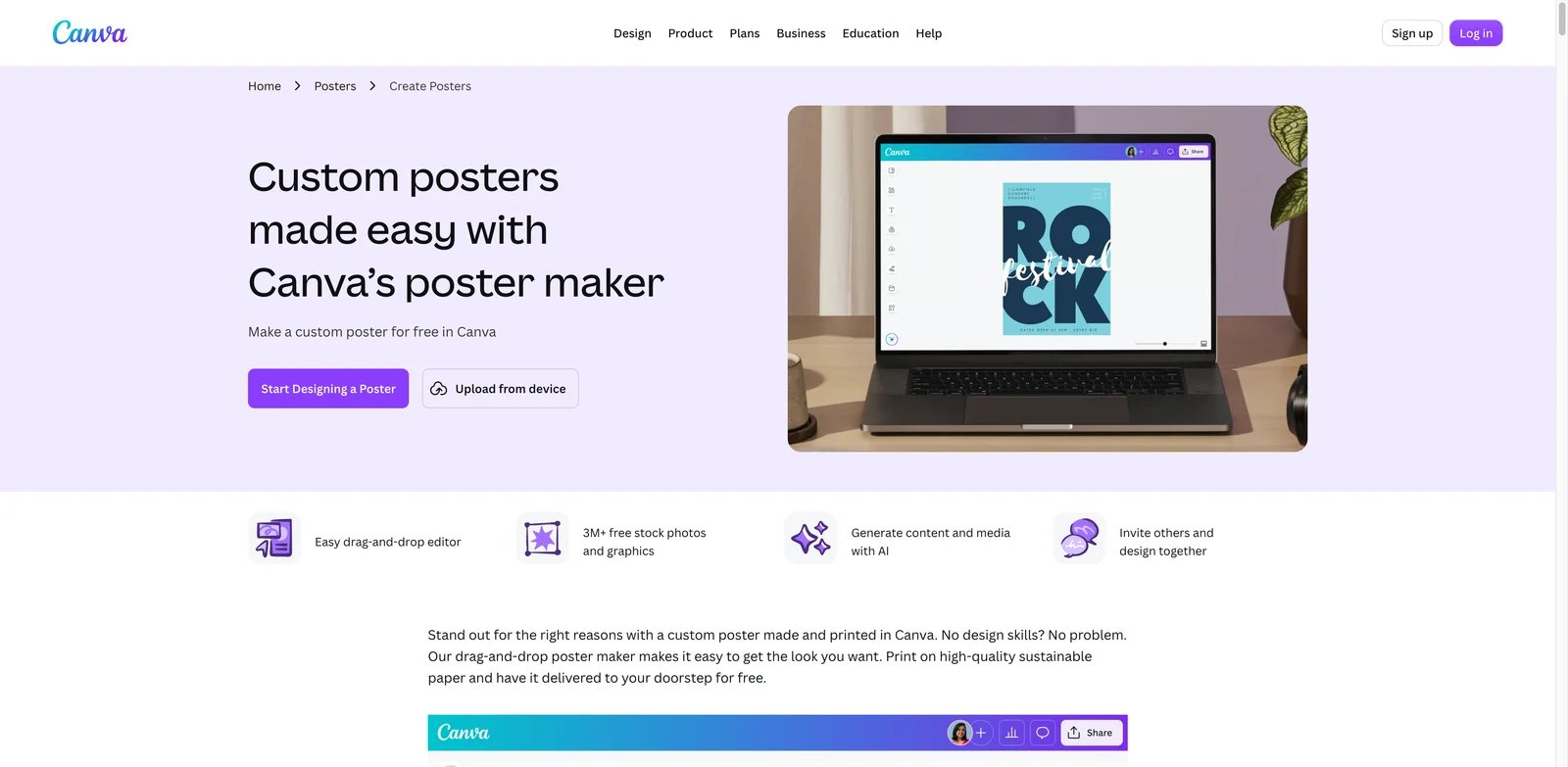
Teams that need a poster today usually do not want to choose between AI generation and a real design editor. Canva is the safest default because it covers the whole workflow: poster templates, AI media generation, drag-and-drop editing, brand kits, resizing, collaboration, downloads, and Canva Print. It is especially strong when posters are only one part of a larger campaign that also needs Instagram posts, event banners, flyers, and email graphics.
Key Features
- Poster templates that stay editable - Canva gives you a real layout with text boxes, images, brand colors, and size controls, so a generated idea can become a final poster instead of a flattened image you must rebuild.
- AI plus stock and brand assets - Magic Studio, AI image tools, stock media, fonts, and brand kits sit in the same workspace. That matters when campaign posters need consistent colors, logos, and recurring event styles.
- Campaign reuse and resizing - One poster can become a flyer, social square, story, banner, or print asset. This is useful for teams managing many channels from one creative brief.
- Print handoff - Canva's poster workflow can move from design to print order, which reduces the gap between digital approval and physical production.
Canva has a useful free plan. Canva Pro is listed at US$144/year for one person in the US, with team and enterprise pricing depending on seat count and region. AI usage allowances and premium asset access vary by plan, so heavy AI generation may need a paid tier sooner than casual poster editing.
The main limitation is sameness. Canva's template library is large, but popular designs can feel recognizable if you do not customize type, spacing, imagery, and brand elements. It is also less precise than specialist design software for complex typography or production-heavy print work. Choose Canva if speed and completeness matter. Do not choose it if your poster needs highly original art direction or advanced prepress control.
Get started with Canva AI Poster Generator

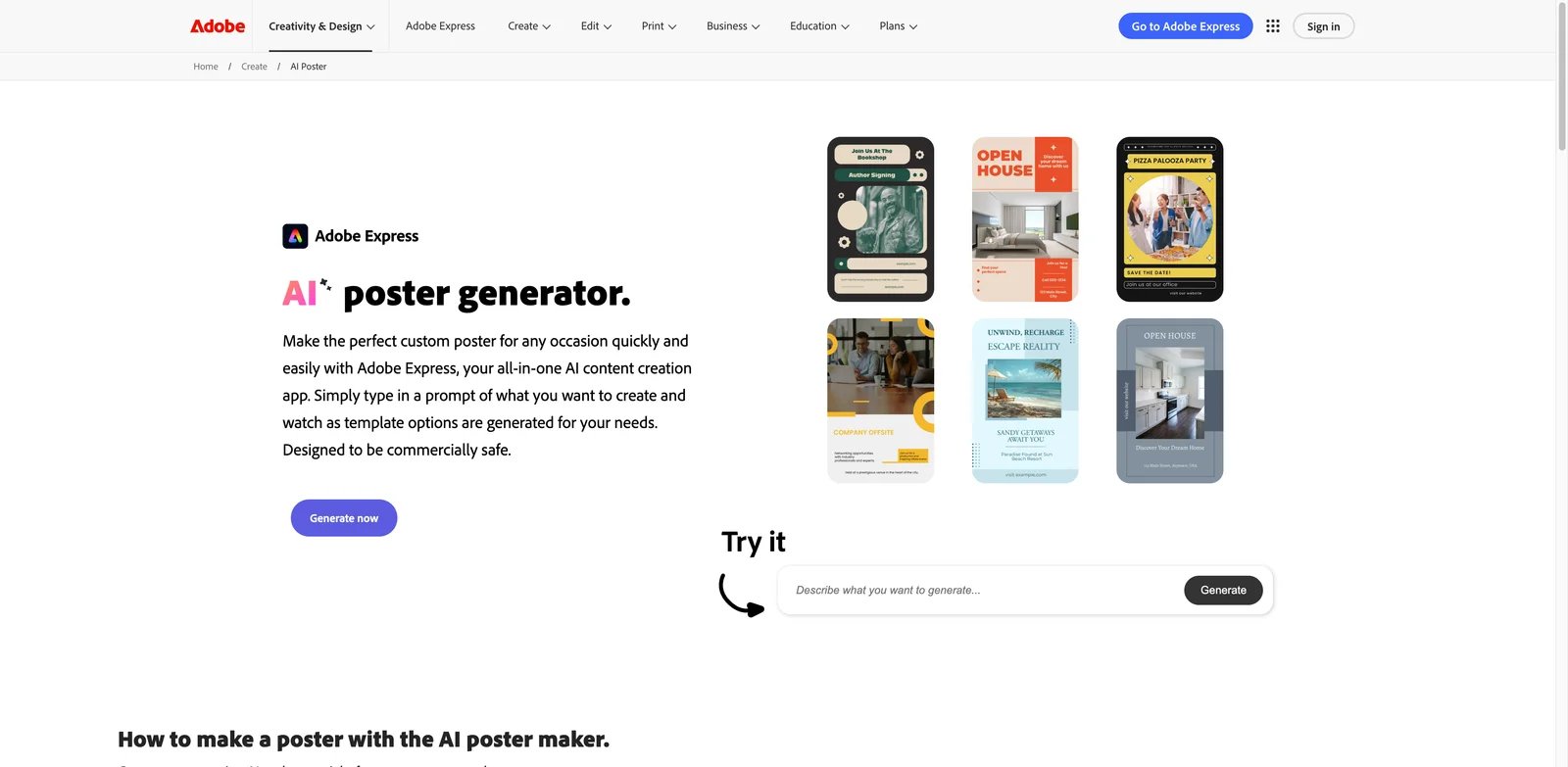
Marketers already using Adobe assets need a poster tool that feels fast without creating rights confusion. Adobe Express is a strong pick because its AI poster workflow connects Firefly-powered generation, templates, Adobe Stock, fonts, brand controls, resizing, and quick exports. It is more approachable than Photoshop or Illustrator, but still benefits from Adobe's creative ecosystem.
Key Features
- Firefly-powered editable generation - Adobe Express can generate poster concepts from prompts and keep the result inside an editor where copy, layout, color, and assets remain adjustable.
- Commercial-use guidance with a beta exception - Adobe generally permits commercial use of Firefly outputs, but outputs from any beta feature explicitly marked non-commercial are limited to personal use.
- Brand kits and cross-channel resizing - Posters can use saved logos, colors, fonts, and formats for social, print, and campaign variants.
- Adobe asset ecosystem - Adobe Stock, templates, fonts, and Creative Cloud handoff make Express a natural fit for organizations already paying for Adobe tools.
Adobe Express has a free plan. Premium is listed at US$9.99/month in the US and includes expanded assets, brand features, and a monthly generative-credit allowance. Teams and enterprise options add collaboration and administration.
The tradeoff is that Express is still a lightweight editor. Designers who need deep vector editing, complex masks, or production-level print control may outgrow it and move work into Illustrator, Photoshop, or InDesign. It is best for marketing teams that want fast, editable campaign posters. It is not the right fit if you want a standalone poster tool with no broader Adobe account or asset dependency.
Get started with Adobe Express AI Poster Generator
Visme AI Poster Generator
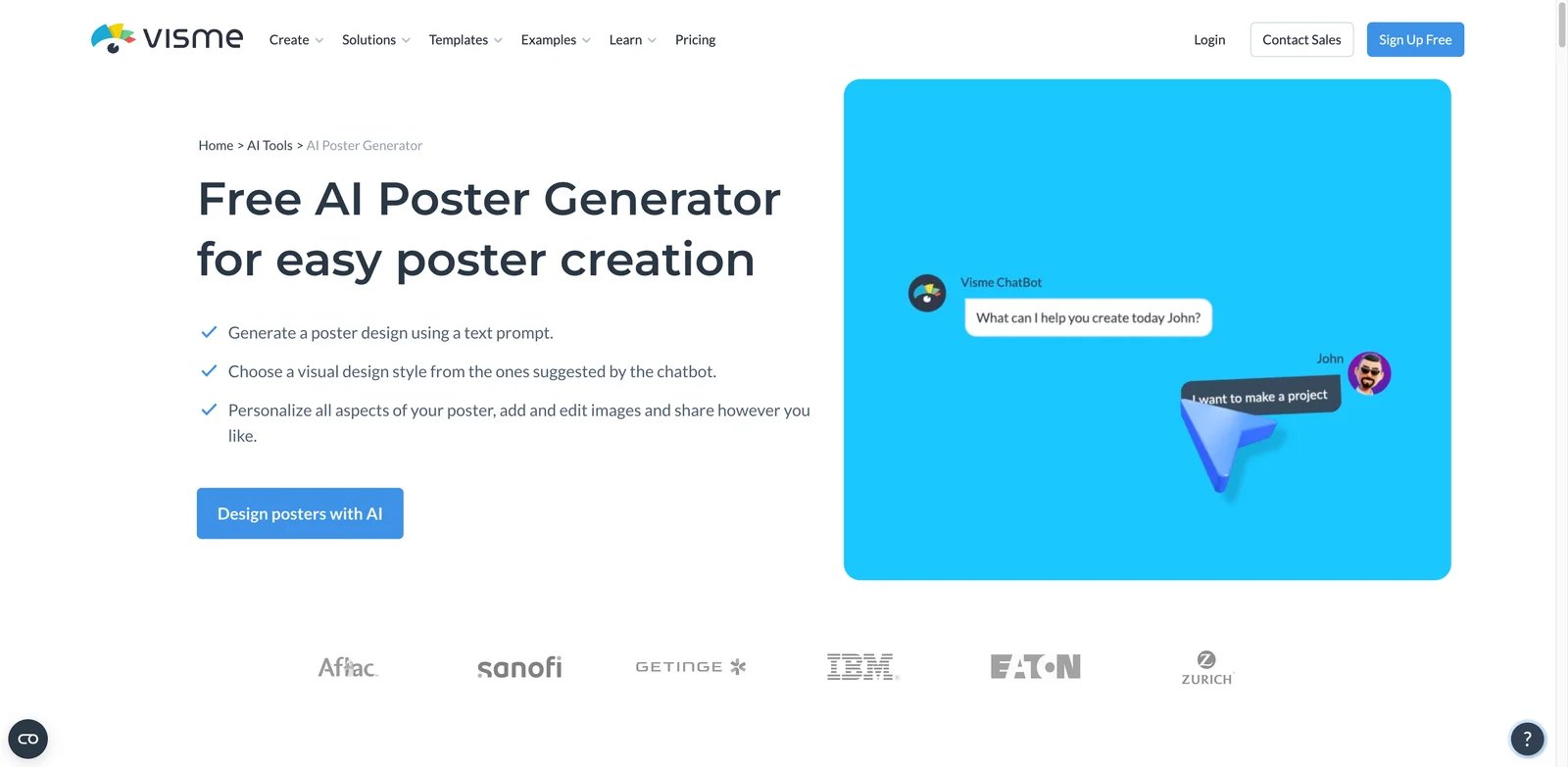
Business teams often need posters that explain something clearly, not just look stylish. Visme is built for that middle ground between graphic design and visual communication. Its AI poster generator fits teams creating event posters, informational posters, classroom visuals, internal announcements, sales enablement graphics, and branded communication assets.
Key Features
- Prompt-to-draft poster workflow - Visme's AI generator can turn a brief into editable poster drafts, which helps non-designers get past the blank-page stage.
- Business-friendly visual assets - Charts, icons, infographics, presentations, and documents live in the same platform, making Visme stronger than simple poster makers for information-heavy layouts.
- Brand wizard and team controls - Brand assets, templates, and collaboration features help teams keep poster output consistent across departments.
- Credit-based AI usage - Visme publishes AI credit limits by plan, which makes usage planning clearer than tools that hide limits until checkout.
Visme has a free plan. Starter is listed at US$12.25/month per person when billed annually, while Pro is listed at US$24.75/month per person annually. AI credit allowances increase by plan, and enterprise customers can negotiate broader controls.
Visme is less ideal for pure art posters or heavy photo manipulation. Its strength is structured communication, so creators looking for cinematic AI art may prefer an image-first tool. Choose Visme if posters must explain an idea, follow brand rules, or sit beside presentations and reports. Avoid it if your only need is quick social graphics at the lowest possible price.
Get started with Visme AI Poster Generator
VistaCreate
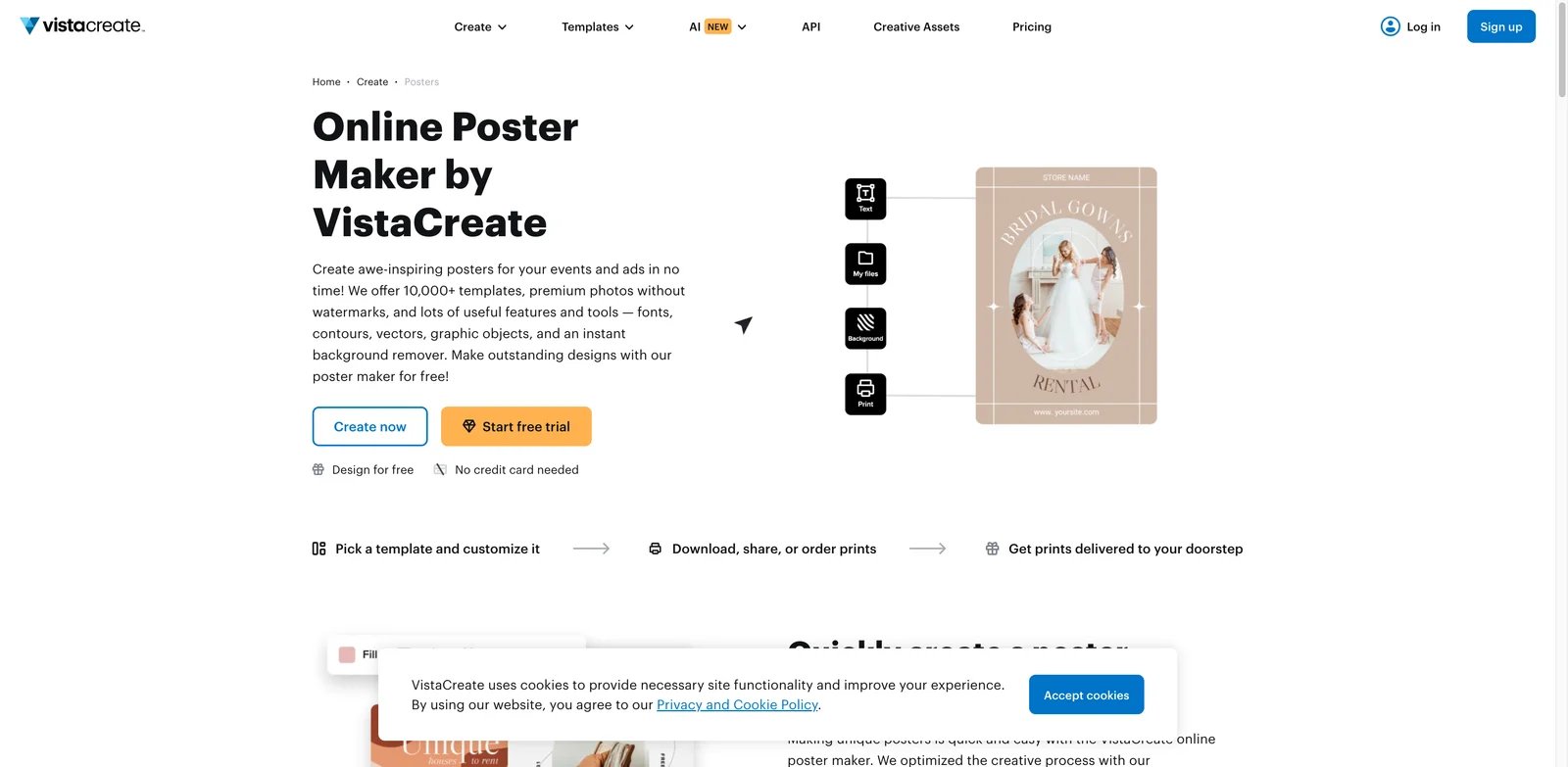
Small teams that want polished marketing posters without building a design system from scratch will find VistaCreate practical. It is template-led, quick to learn, and connected to VistaPrint, so it works well for promotions that move between digital posts and printed materials. It also includes AI image and text tools for ideation and asset creation.
Key Features
- Large poster and marketing template library - VistaCreate is strongest when you begin from a layout category, then customize colors, copy, images, and brand assets.
- AI image and text tools - Built-in AI helps generate visuals and copy variations without leaving the editor.
- Resize and brand workflows - One-click resize, brand kits, and team folders support recurring campaigns across multiple channels.
- VistaPrint connection - Teams that need printed posters, flyers, or merchandise can keep design and production closer together.
VistaCreate offers a free Starter plan. Pro is listed at US$10/month when billed annually or US$13/month when billed monthly, with expanded templates, brand kits, team features, and premium assets.
The main limitation is originality. Like Canva, VistaCreate can produce template-looking posters if you do not customize the layout deeply. Its AI features are helpful, but the product is not primarily a high-end generative art system. Choose VistaCreate for fast campaign assets and print handoff. Skip it if you need advanced typography, bespoke illustration, or a deeply controlled creative workflow.
Get started with VistaCreate

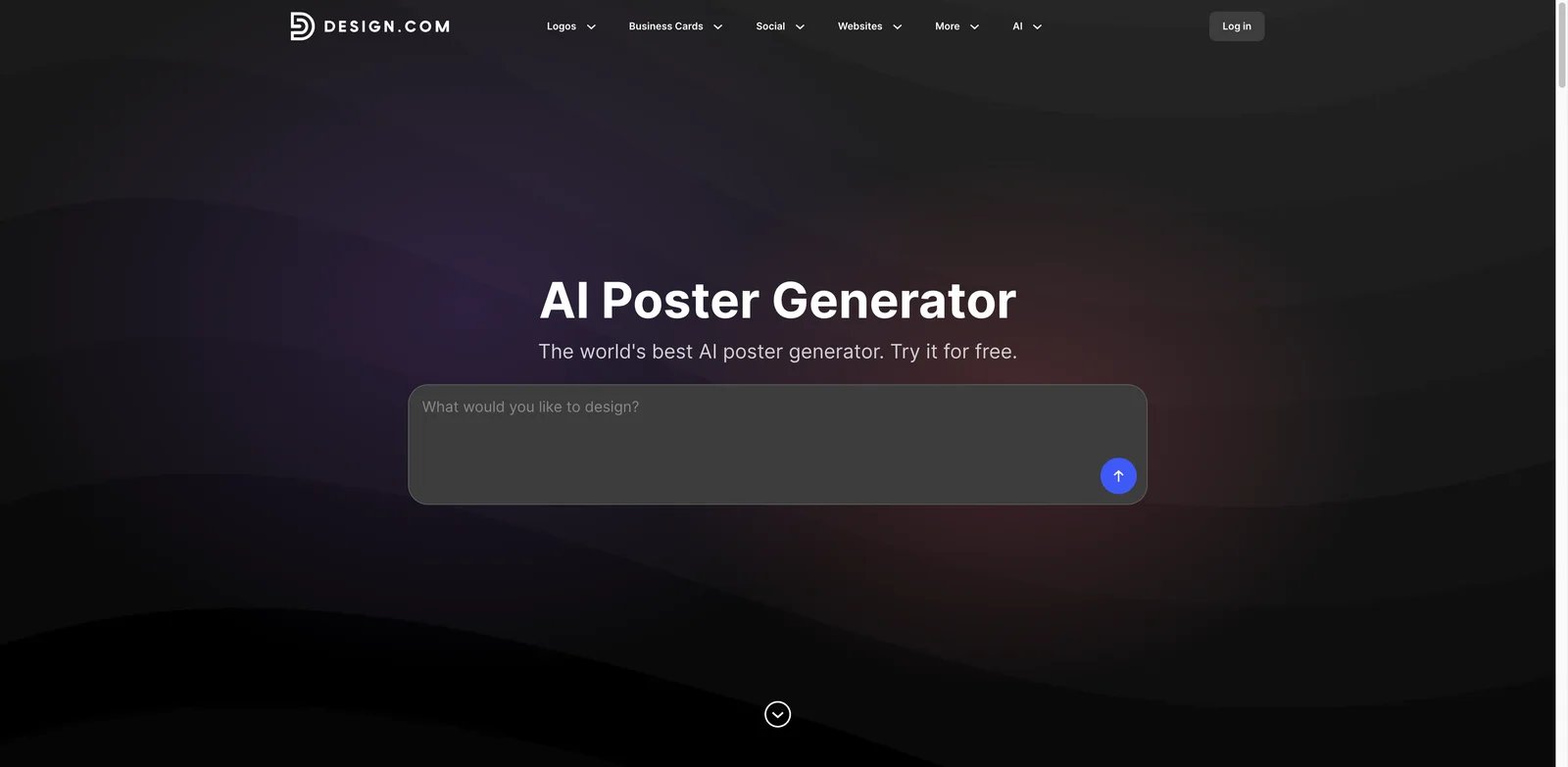
Founders and local businesses often need a poster, logo, business card, and social assets at the same time. Design.com fits that bundled need. Its AI poster generator is part of a broader brand toolkit with logo, website, flyer, business card, and social design tools, which makes it useful when consistency matters more than advanced manual control.
Key Features
- Poster-specific AI workflow - Design.com lets users generate and customize poster concepts rather than starting from a blank canvas.
- Brand asset matching - The platform is useful when a poster must match a new or existing logo, color palette, and business identity.
- Multiple export formats - Public materials reference PNG, JPG, EPS, SVG, and PDF options, which is helpful for web, print, and downstream editing.
- Print and delivery options - The poster workflow can connect to printing, which matters for local events, retail promotions, and business signage.
Design.com advertises free options and paid plans starting from US$3/month. Exact access to downloads, premium assets, and commercial licensing can vary by plan and design type, so confirm the checkout terms before committing to a campaign package.
Design.com is less mature as a collaborative team workspace than Canva, Adobe Express, or Visme. It is also more brand-template-oriented than designer-led. Choose it if you are building multiple small-business assets together. Do not choose it if you need deep enterprise collaboration, advanced image editing, or strict creative-system governance.
Get started with Design.com

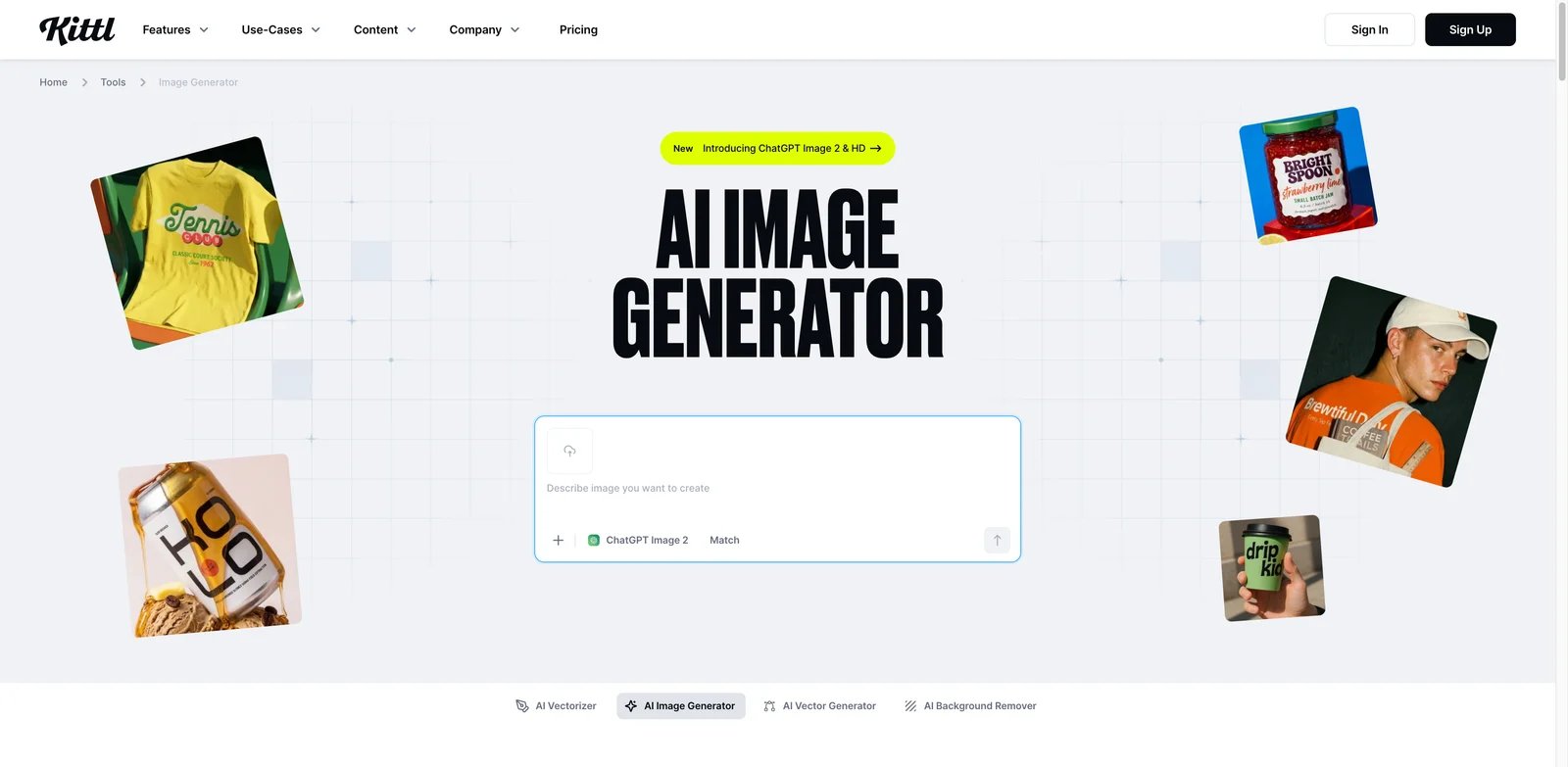
Posters fail quickly when the typography looks generic. Kittl is the best fit in this list for creators who care about type, texture, vintage graphics, badges, labels, merch-style artwork, and print-ready composition. It is not only an AI poster generator, but its AI tools and design editor are strong for poster formats where lettering and visual style carry the design.
Key Features
- Typography-first creative controls - Kittl's text effects, fonts, textures, and layout tools make it stronger than generic template editors for music, merch, event, and brand posters.
- AI image generation inside a design workflow - AI visuals can be combined with editable type and vector-like assets instead of remaining isolated images.
- Print and merchandise orientation - Kittl is useful when the same design might become a poster, shirt graphic, label, or promotional asset.
- Commercial licensing by plan - Kittl Free is for personal use only. Pro and Expert permit commercial reproduction of designs in up to 500,000 copies, while the highest-tier enhanced license removes that copy limit.
Kittl has a free plan. Paid plans unlock broader commercial licensing, premium templates and assets, higher-resolution exports, vector export options, and more AI tokens. Public pricing can vary by billing period and region, so verify the checkout page for the current plan matrix.
Kittl has a stronger design-learning curve than Canva or VistaCreate. It also requires more taste and editing time to get the best results. Choose Kittl if poster style, typography, or print aesthetics matter. Do not choose it if you want the fastest possible corporate announcement poster with minimal manual design work.
Get started with Kittl
Picsart AI Poster Generator
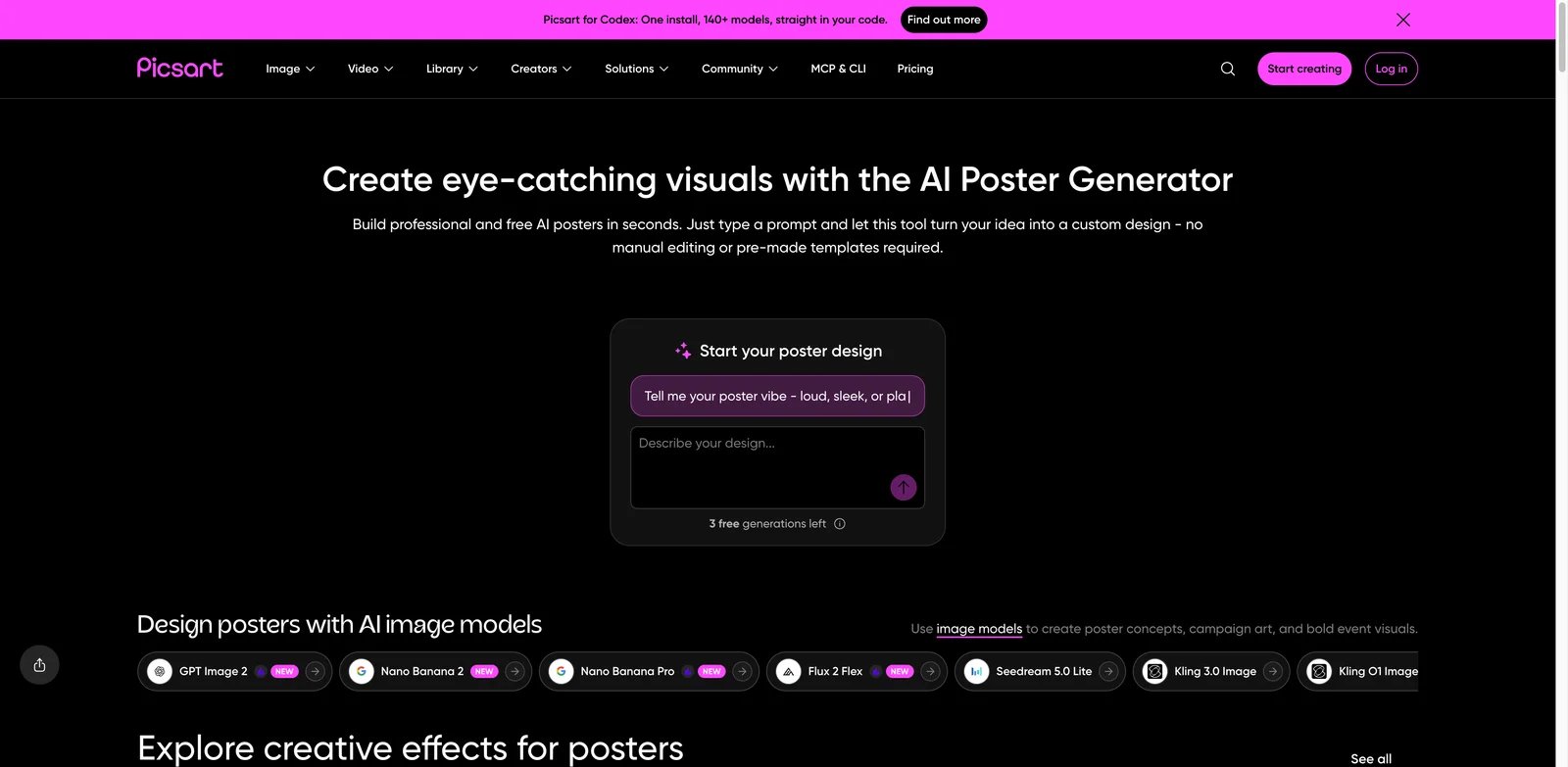
Creators who build posters on phones need a tool that treats design and photo editing as one workflow. Picsart is strongest for social-first posters, creator promos, event graphics, and fast image edits. Its AI poster generator sits inside a broader editor with templates, image generation, background tools, stickers, effects, and mobile-friendly controls.
Key Features
- Mobile-first editing - Picsart is practical when a poster starts from a photo, screenshot, or social trend and needs quick edits from a phone.
- AI image and background tools - Posters can combine generated visuals, background replacement, object edits, and existing templates.
- Large creator asset library - Stickers, effects, fonts, and templates give creators more playful options than business-first tools.
- Cross-format social workflow - Picsart is useful when the poster must become an Instagram post, story, thumbnail, or short-form campaign graphic.
Picsart offers free access with limits. Current web plans are Pro at US$10.50/month billed yearly and Ultra from US$37.50/month billed yearly per seat. Ultra pricing changes with the selected monthly credit allowance, while regional and app-store prices may differ.
Picsart is less suited to controlled business review, strict brand governance, or print production. The asset-heavy editor can also encourage overdesigned posters if you do not start with a clear brief. Choose Picsart for mobile creative speed. Avoid it for formal brand systems, enterprise approval workflows, or typography-heavy print posters.
Get started with Picsart AI Poster Generator
Simplified AI Poster Generator
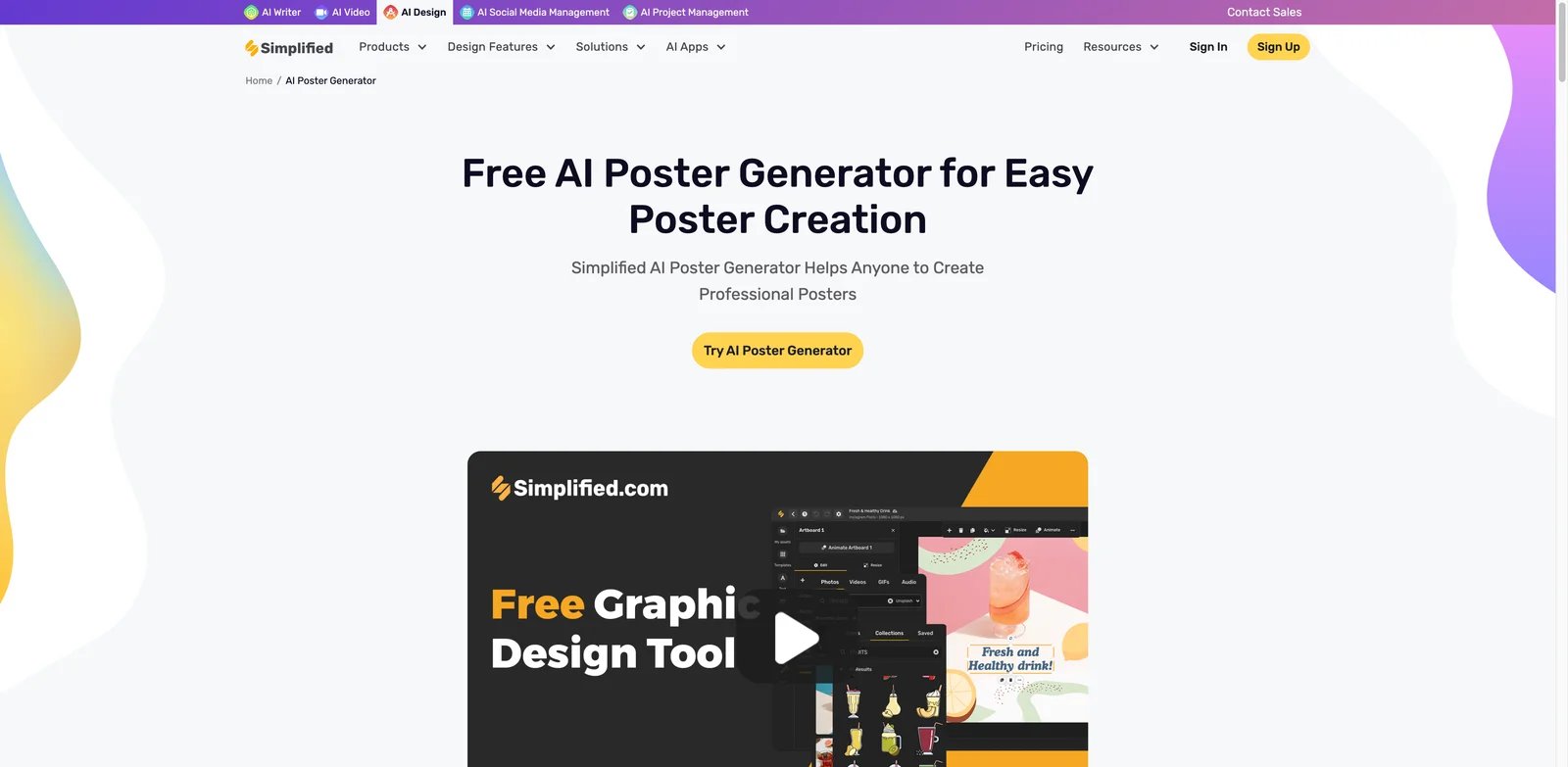
Small marketing teams rarely need one poster in isolation; they need copy, design, captions, and social variants around the same campaign. Simplified is useful because it combines AI design with copywriting, content planning, social publishing, and brand kits. That makes it a practical option for teams that treat posters as campaign assets rather than standalone artwork.
Key Features
- Poster generation plus campaign content - Users can move from poster idea to related captions, social graphics, and marketing copy in one workspace.
- Templates and brand kits - Brand assets help recurring campaigns stay consistent without requiring a designer for every update.
- Team-oriented content workflow - Simplified works best when designers, marketers, and content managers need shared assets and campaign drafts.
- Social publishing adjacency - The platform can support the surrounding distribution work after a poster is created.
Simplified's poster page advertises a free plan with limited AI-powered templates and features. Its current main pricing page positions Simplified Starter at US$79/month for a campaign workflow that includes creative assets, copy, approvals, and publishing. Older product, legacy, or regional pages may show different AI design packaging, so verify the checkout page for poster generation limits, storage, brand kits, seats, and campaign credits.
Simplified is broad, which can be a weakness if you only want a focused poster generator. Its design controls are not as refined as Kittl's typography workflow or Adobe's creative ecosystem. Choose Simplified for campaign execution across copy and design. Skip it if you want a dedicated print-poster editor or a minimal one-purpose tool.
Get started with Simplified AI Poster Generator
BrandCrowd Poster Maker
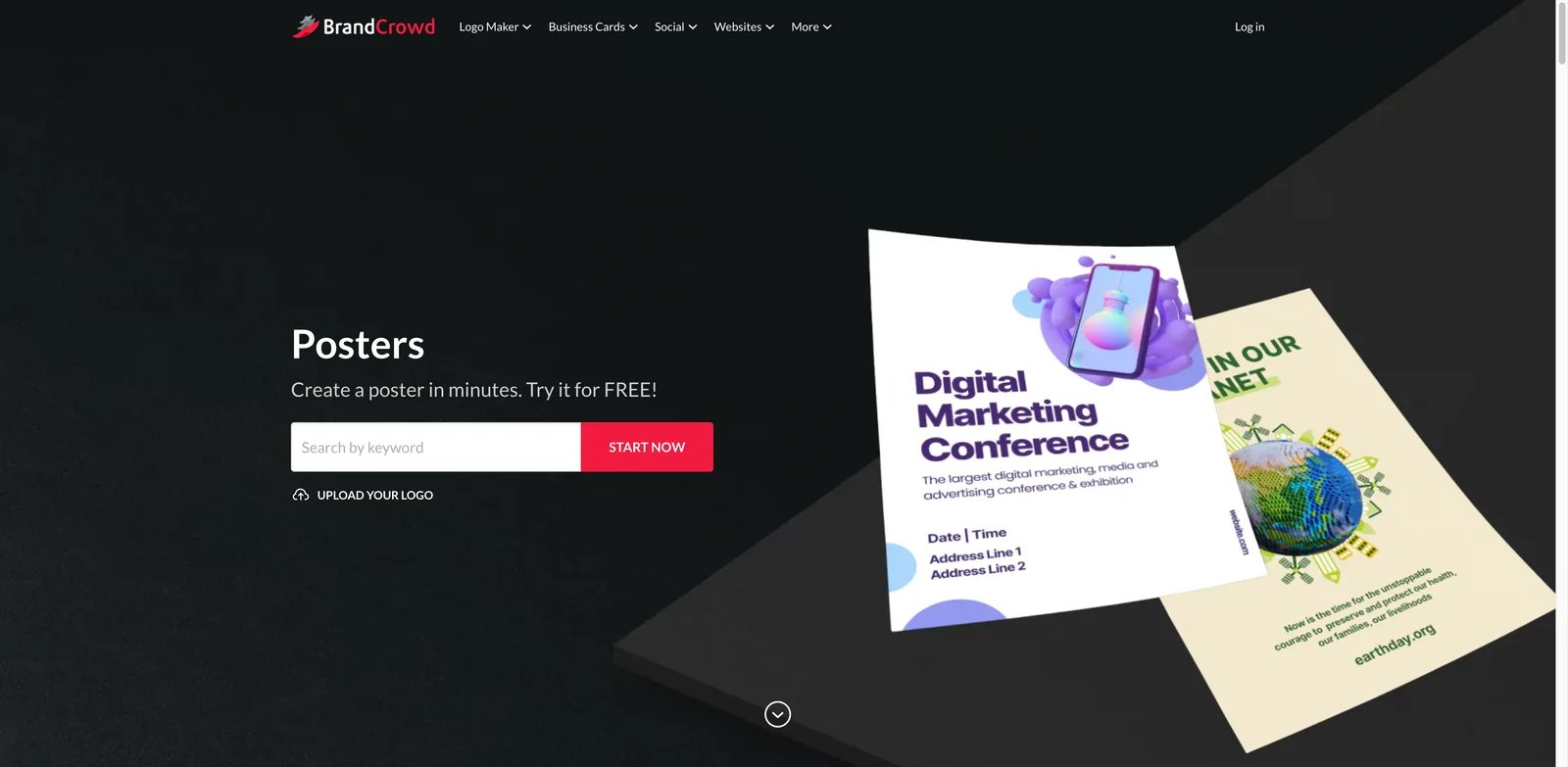
Businesses that trust templates more than prompts may prefer BrandCrowd. It is a template-first brand design platform, and its poster maker works well for users who want a finished-looking starting point they can customize quickly. It is especially relevant when posters sit beside logos, business cards, and other brand collateral.
Key Features
- Template-first poster creation - BrandCrowd helps users browse, choose, and customize poster layouts without depending on prompt quality.
- Brand identity ecosystem - Logo, card, flyer, and social design tools make it useful for small businesses creating multiple assets.
- Paid high-resolution downloads - Public materials reference PNG, JPG, SVG, EPS, and PDF-style export options depending on product and purchase.
- License depends on the download type - BrandCrowd uses Free, Standard, Exclusive, and Buyout licenses. Paid Standard licenses are non-exclusive, royalty-free, worldwide, and irrevocable, but their duration and access conditions differ between subscription and one-time purchases. Free licenses remain valid only for the term stated in the specific download license.
BrandCrowd is free to try, but final downloads and premium assets usually require payment. The practical cost depends on whether you buy a specific design, subscribe, or need multiple brand assets.
The biggest limitation is that it is less AI-native than several competitors. It can be very efficient, but the creative ceiling depends heavily on template choice and manual customization. Choose BrandCrowd if you want quick, brand-matched poster designs. Do not choose it if prompt-based generation, collaborative approvals, or advanced editor depth are required.
Get started with BrandCrowd Poster Maker

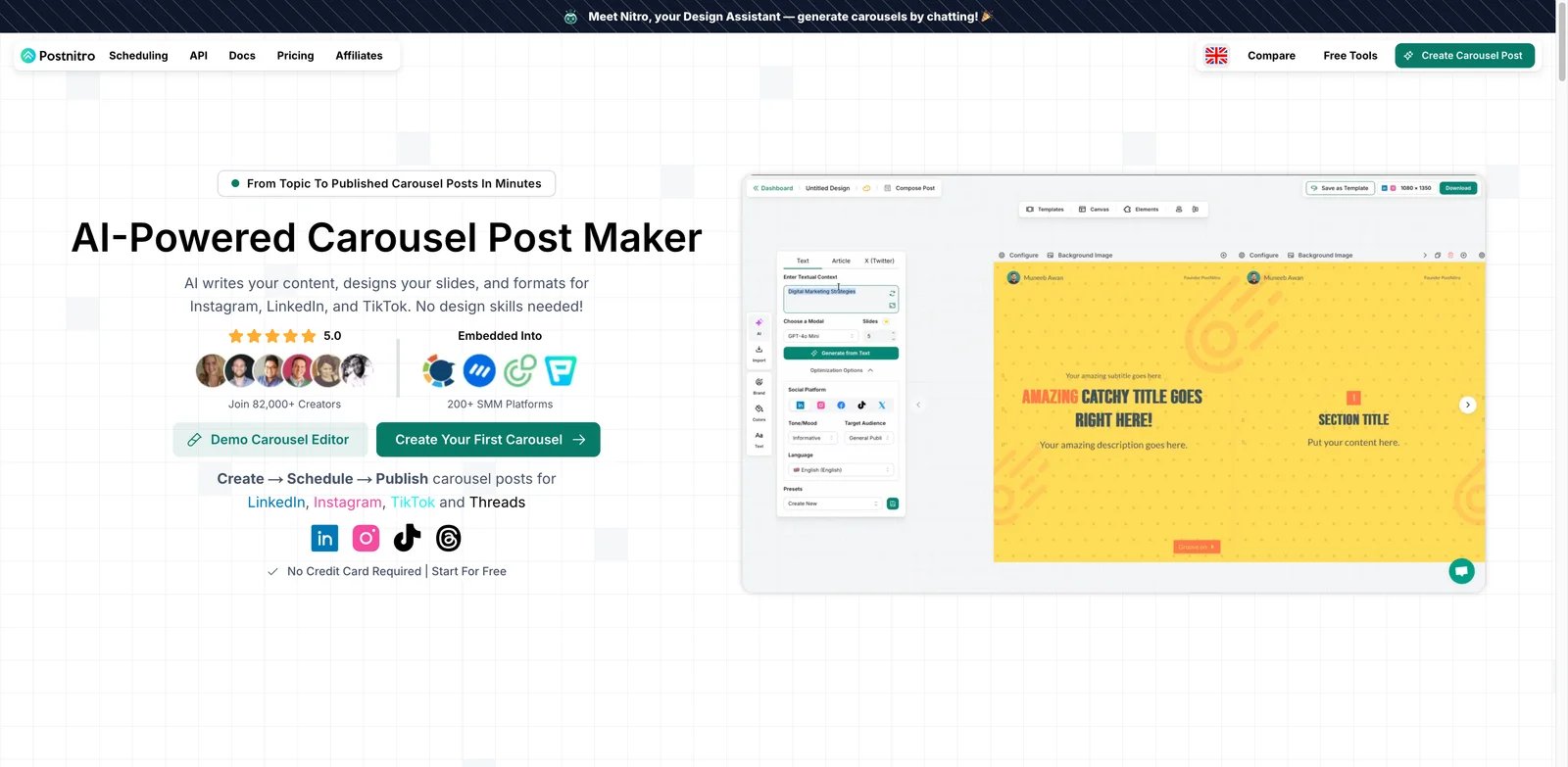
Social teams often use "poster" to mean a polished promotional slide, carousel cover, or announcement graphic. PostNitro fits that use case better than traditional wall-poster design. It generates branded carousel-style content for LinkedIn, Instagram, TikTok, and Threads, making it useful when the output is a swipeable campaign rather than a printed sheet.
Key Features
- AI carousel generation - PostNitro can turn topics or prompts into multi-slide visual posts, including cover slides that function like digital posters.
- Brand kits and reusable styles - Teams can keep colors, typography, and visual identity consistent across recurring social campaigns.
- Platform-oriented exports - The workflow is optimized for social posting formats rather than general print design.
- Scheduling and content workflow - PostNitro sits closer to social production than standalone poster tools, which helps creators ship campaigns faster.
PostNitro has a free plan. Starter is listed at US$12.50/month when billed annually or US$15/month monthly, Creator at US$20.83/month annually, and Team at US$41.65/month annually. Higher plans increase generation and workflow limits.
The limitation is category fit. PostNitro is not the best choice for event posters, retail signage, or large-format print. It is included because many marketers search for poster tools to make social announcement graphics. Choose it for branded carousel posters. Avoid it if you need PDF print exports or traditional poster sizing.
Get started with PostNitro

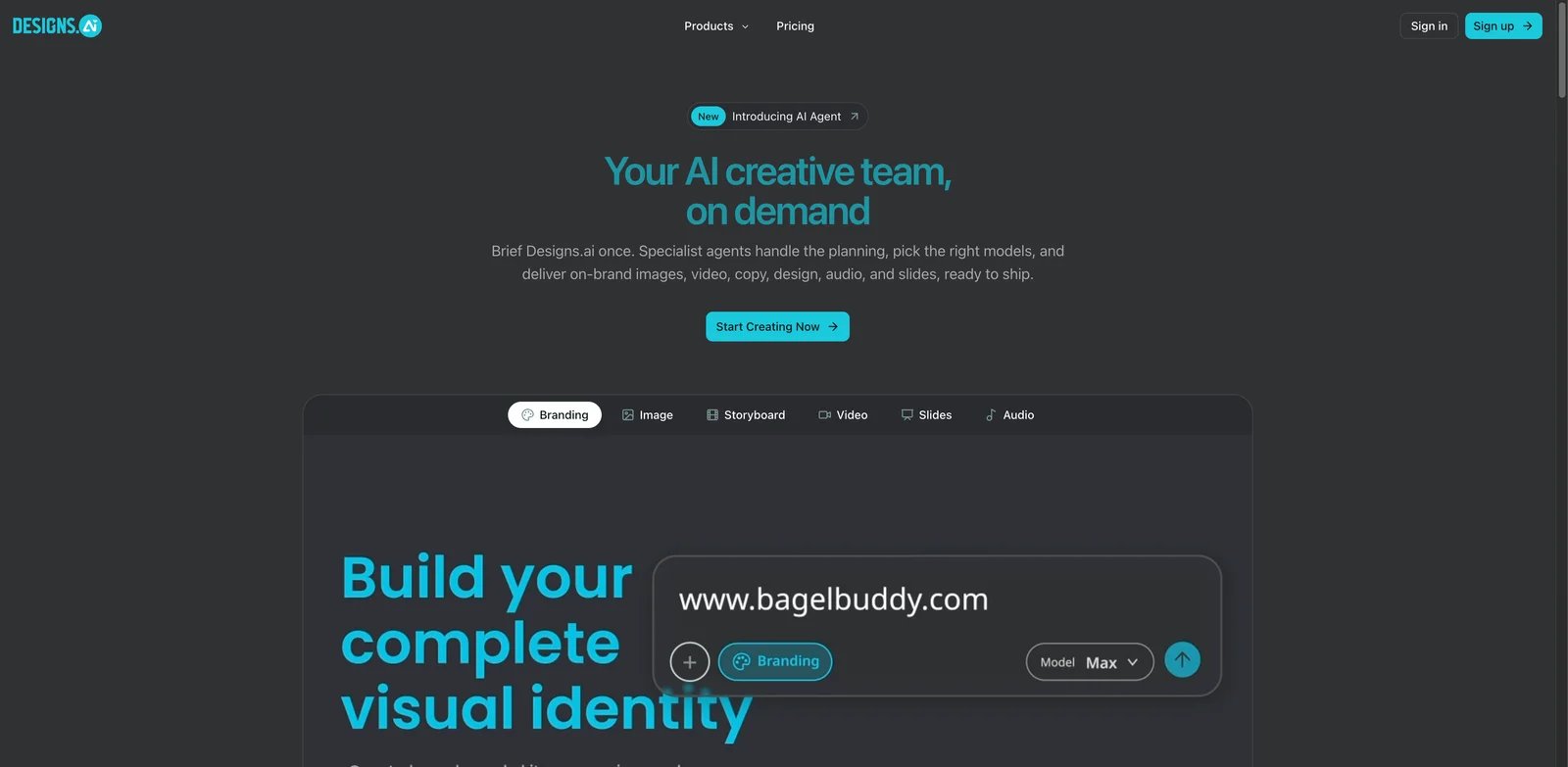
Teams planning a whole campaign may want the poster to be one output from a larger AI creative system. Designs.ai is positioned as a multi-tool suite for design, brand, video, audio, and campaign assets. For poster creation, its value is not that it is the most focused editor, but that it can help generate related creative materials around the same campaign idea.
Key Features
- Broader AI creative suite - Designs.ai can support design, image, video, audio, and brand tasks around a campaign rather than only poster layout.
- Design maker workflow - Users can generate design assets and adapt them into campaign formats.
- Brand and content consistency - The suite approach can reduce fragmentation when a team needs several creative outputs from one brief.
- Useful for ideation - Designs.ai is practical for early creative directions before refining final assets in a more precise editor.
Designs.ai has a free option, with current paid plans named Plus and Pro, not Basic. Public pricing shows Plus from US$19.50/month and Pro from US$39.50/month; Enterprise requires a sales quote. Confirm the current pricing page because plan names, regional pricing, and promotions can vary. Plus and Pro permit commercial and non-commercial use, but design resources cannot be used in isolation, while editorial or unreleased assets cannot be used in commercial campaigns.
The main limitation is focus. Designs.ai is less poster-specific than Canva, Adobe Express, Visme, or Poster.sh. It may be better as a campaign ideation suite than a final poster production tool. Choose it if you need multiple AI creative outputs together. Do not choose it if you only want the quickest editable poster workflow.
Get started with Designs.ai
Poster.sh
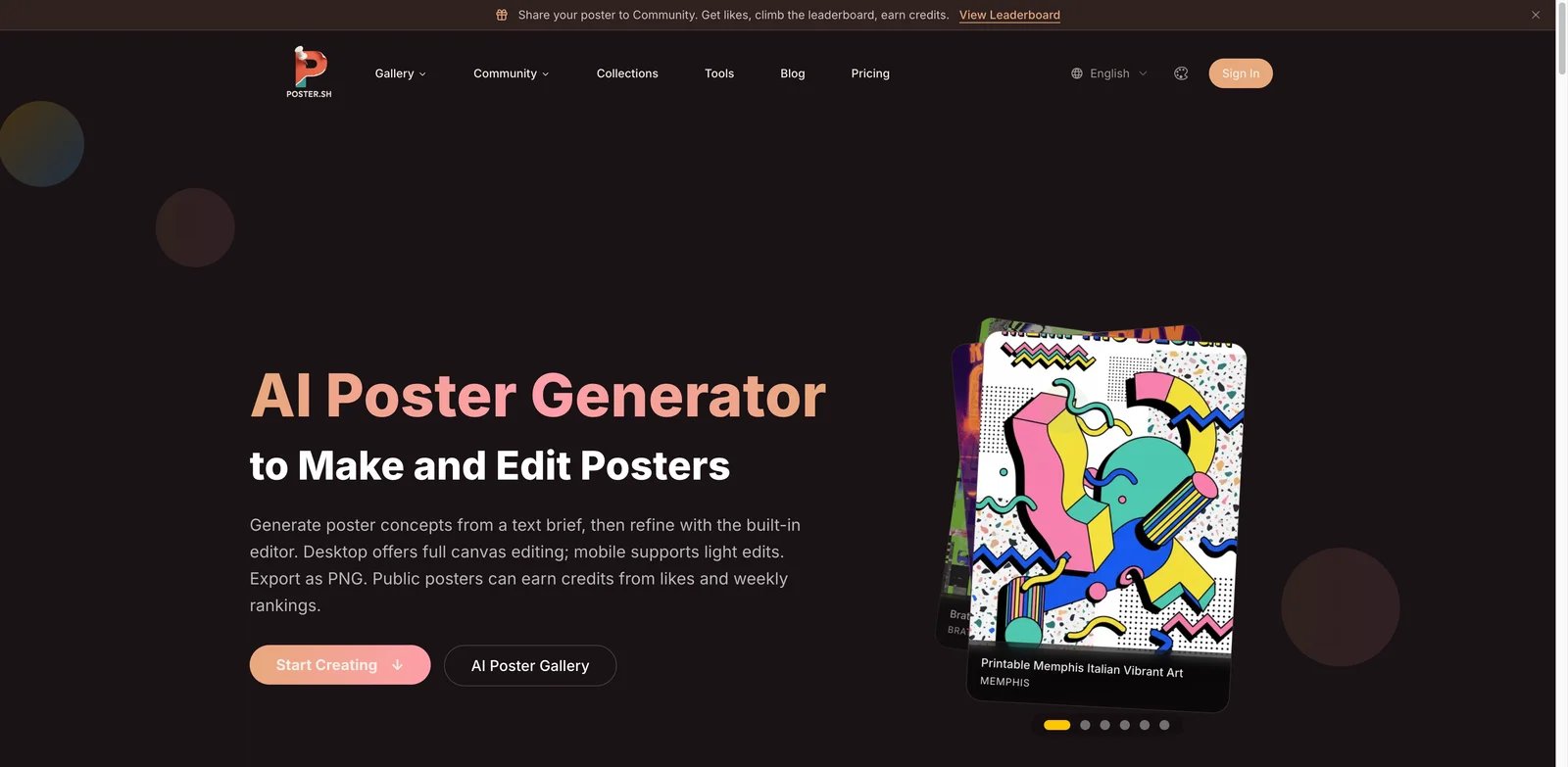
Users who want a lightweight poster generator without a large design suite should look at Poster.sh. It is narrower than Canva or Adobe Express, but that can be useful when the goal is simply to generate poster drafts, refine them, and export usable files. It is a good fit for experiments, small events, and creators who want a direct prompt-to-poster workflow.
Key Features
- Dedicated poster generation - Poster.sh is focused on poster output instead of placing posters inside a broad design marketplace.
- Credit-based usage - Public pricing explains credit limits, which helps users estimate how many poster attempts they can make.
- Higher-quality paid exports - Paid plans reference 4K downloads, PDF export, and commercial rights, making the paid tiers more relevant for final use.
- Brand controls on paid plans - Brand colors and font options help users move beyond one-off poster drafts.
Poster.sh has a free plan. Starter is listed at US$9.90/month and Pro at US$29.90/month, with higher credit limits, export quality, and commercial-use options on paid tiers.
The main risk is maturity and ecosystem depth. Poster.sh does not have the template library, collaboration system, mobile apps, or print network of bigger platforms. Choose it for focused poster generation and quick drafts. Avoid it if you need enterprise review workflows, extensive stock assets, or a complete campaign design suite.
Get started with Poster.sh

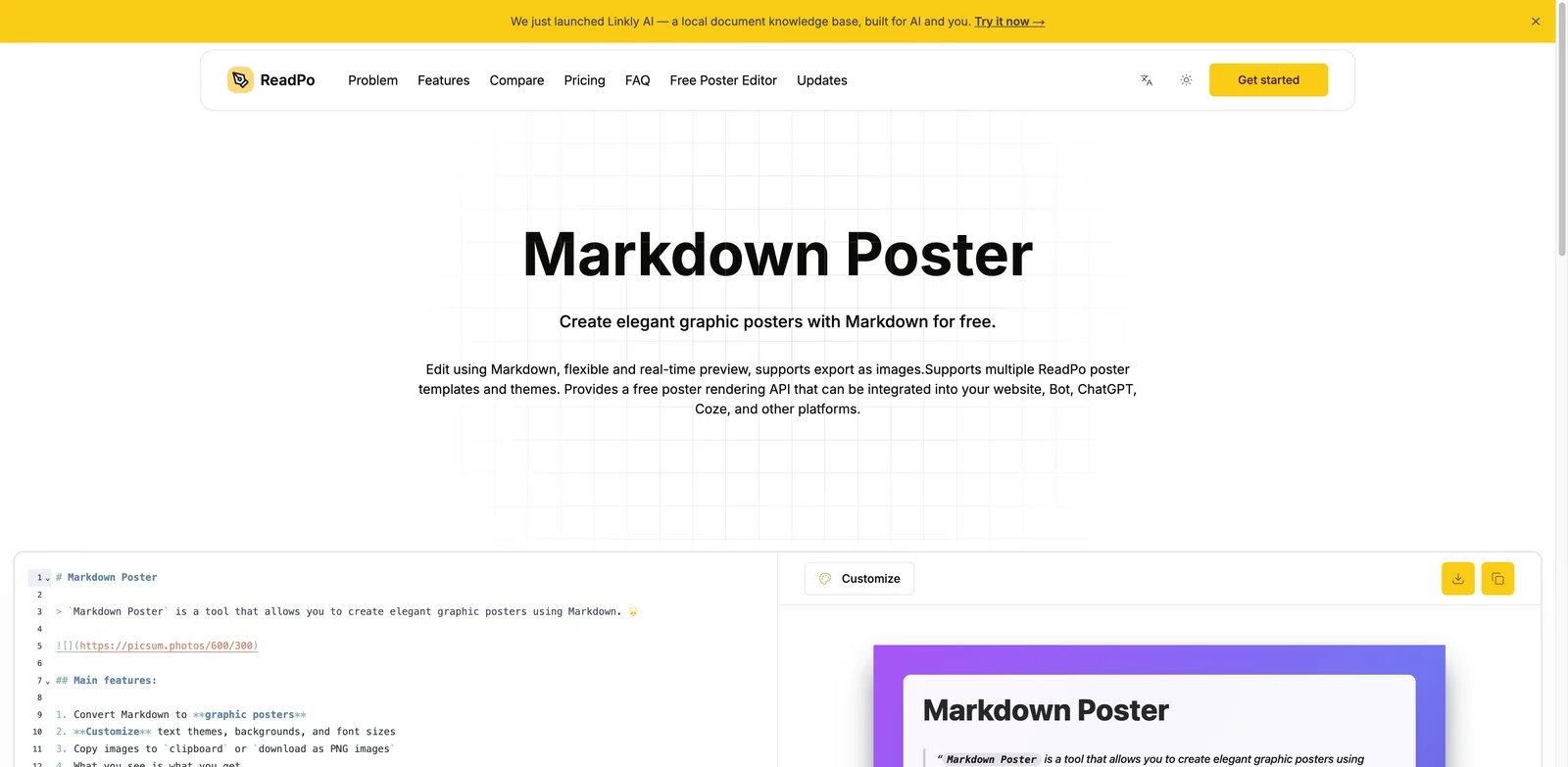
Knowledge workers often need a poster-style graphic for an article, newsletter, internal update, or thought-leadership post. ReadPo is built closer to that content-repurposing workflow. It can turn source material into visual poster formats, making it different from classic event-poster tools.
Key Features
- Article-to-poster workflow - ReadPo is useful when the poster should summarize existing content rather than start from a visual concept.
- Markdown and knowledge input - The tool fits writers, newsletter creators, and analysts who already work from structured text.
- Poster templates for content cards - Output is better suited to informational visuals, article promos, and newsletter-style graphics than decorative event posters.
- Low-cost early paid plans - Public pricing lists a free plan plus early-bird paid tiers for heavier use.
ReadPo has a free plan. Starter is listed at an early-bird US$8/month, compared with a regular US$20 price, while Pro is US$24/month, compared with a regular US$60 price. The launch offer also advertises a further 20% discount for annual billing. Because the product and pricing are young, confirm current limits before relying on it for a high-volume publishing workflow.
ReadPo is not a general-purpose design suite. It is also not the right fit for teams that need rich image editing, print production, or complex brand governance. Choose ReadPo if your poster is mainly a visual summary of text. Avoid it if you need event posters, merchandise art, or polished social campaigns with heavy design control.
Get started with ReadPo
Best AI Poster Generator Tools by Use Case
For small businesses that need posters plus print assets
Choose Canva, VistaCreate, or Design.com. Canva is the most complete default because it covers design, brand assets, resizing, collaboration, and print ordering. VistaCreate is strong when you like template-first creation and want a path into VistaPrint. Design.com is useful when the poster is part of a broader small-business brand package with logos, business cards, and local marketing materials.
For marketers creating social announcement graphics
Choose Canva, Adobe Express, Picsart, Simplified, or PostNitro depending on workflow. Canva and Adobe Express are strongest for reusable brand systems. Picsart is better for mobile-first creator edits. Simplified helps when copy, poster design, and scheduling sit in one campaign workflow. PostNitro is the best match when the "poster" is really a carousel cover or social slide.
For typography-heavy or print-style creative posters
Choose Kittl first. It gives you more control over lettering, texture, layout, and design style than most template-first tools. Canva and Adobe Express can still work for simple event posters, but Kittl is better when the poster's personality depends on type treatments, badges, vintage graphics, and print-inspired composition.
For business communication and informational posters
Choose Visme or ReadPo. Visme is stronger for branded business communication, infographics, internal announcements, classroom visuals, and sales enablement. ReadPo is narrower, but useful when your starting point is an article, note, or newsletter draft that needs to become a poster-style visual summary.
For low-friction AI poster experimentation
Try Poster.sh, Adobe Express, Canva, and Visme before paying. Poster.sh is focused and fast. Adobe Express and Canva provide stronger editors after the first draft. Visme is helpful if the poster needs structured information instead of decorative visuals. Test free tiers with one real brief, one brand color set, and one export requirement before choosing.
How to Choose the Right AI Poster Generator
Start with the final output, not the AI model. If you need a printed event poster, confirm PDF export, resolution, bleed or print workflow, and commercial rights. If you need a social announcement, prioritize resizing, brand kits, and fast format variants. If you need an informational poster, prioritize layout structure and text clarity over image drama.
Next, test editability. A good AI poster generator should let you rewrite text, move elements, replace images, change colors, and export without rebuilding everything elsewhere. Canva, Adobe Express, Visme, VistaCreate, and Kittl are stronger here than image-only generators.
Then check cost per real campaign. Free plans are useful for testing, but premium assets, brand kits, AI credits, high-resolution exports, and commercial licenses often sit behind paid plans. For frequent campaigns, a predictable subscription can be cheaper than repeated paid downloads.
Finally, match the tool to your team's review process. Solo creators can choose speed. Small teams should prioritize shared brand assets and reusable templates. Agencies and companies should look for collaboration, admin controls, and licensing clarity. The right AI poster generator is the one that lets you publish the finished asset with the least rework and least rights uncertainty.
Frequently Asked Questions
What is the best AI poster generator overall?
Canva is the best overall choice for most users because it combines poster templates, AI tools, editing, brand kits, collaboration, exports, and print options in one workflow. Adobe Express is the strongest alternative if you prefer Adobe assets, Firefly-powered generation, and tighter Creative Cloud integration. Kittl is the stronger specialist choice when typography and print-style composition matter more than an all-in-one campaign workflow.
Can AI poster generators create printable posters?
Some can, but you must check export format and resolution. Canva, VistaCreate, Design.com, Kittl, BrandCrowd, and Poster.sh are more relevant for printable output than tools focused only on social images. Look for PDF, high-resolution PNG or JPG, vector formats, and clear commercial-use terms. For professional printing, also confirm document dimensions, color handling, bleed support, and whether physical printing is included or must be purchased separately.
Are free AI poster generators good enough?
Free plans are good enough for testing layouts, simple digital posters, and early concepts. They often limit premium templates, AI credits, brand kits, high-resolution export, or commercial rights. Always test with a real brief before paying, because the first draft matters less than how easily you can edit the final version.
Which AI poster generator is best for social media?
Canva and Adobe Express are the safest choices for reusable social campaign assets. Picsart is better for mobile-first creators, while PostNitro is useful for carousel-style announcement graphics. Simplified is a good fit when the poster sits alongside captions, copy, and scheduling, while PostNitro is specifically optimized for carousel-based social publishing. Choose among them based on whether you need a reusable visual editor, mobile-first image editing, or a dedicated carousel workflow.
Which AI poster generator is best for business teams?
Visme is the best fit when posters need to communicate business information, training content, event updates, or internal announcements. Canva Business and Adobe Express for teams are stronger when the same design system must support broader campaigns, shared brand assets, approvals, and cross-channel resizing. Canva Teams is no longer available to new subscribers, so current buyers should compare Canva Business, Adobe team plans, and Visme Pro or Enterprise by seat cost and governance requirements.
Do AI poster generators give commercial rights?
Commercial rights depend on the platform, plan, assets used, and local terms. Adobe Express, Canva, Kittl, Design.com, BrandCrowd, Poster.sh, and other vendors apply different rules by plan, asset type, model, and download license. Kittl Free is personal-use only, Adobe restricts beta outputs explicitly marked non-commercial, and BrandCrowd license duration and access conditions depend on the selected license type. Review the current license page before using generated or template-based posters in paid campaigns.
Should I use an AI image generator instead of an AI poster generator?
Use an AI image generator when you need original artwork, background imagery, or visual concepts. Use an AI poster generator when you need editable text, layout, brand colors, export formats, and a finished campaign asset. Many teams use both: generate imagery first, then finish the poster in Canva, Adobe Express, Visme, or Kittl.
Get ToolWorthy Weekly
New AI tools, practical guides, and selected AI signals in one weekly brief.
Related Posts
- Canva Alternatives 2026: What to Keep, What to Rebuild
Choose a Canva alternative without losing the workflow that matters. Compare direct replacements, specialist routes, editable-file risks, and practical first trials.
- 12 Best AI Infographic Generator Tools 2026 Compared
Compare 12 AI infographic generator tools for editable visuals, data storytelling, templates, exports, pricing limits and team workflow fit.
- Best AI Design Tools 2026 - 13 Tools Compared by Workflow
13 AI design tools covering every use case: logo generation, UI mockups, product photography, and social media. Real pricing and commercial rights included.
For AI tool founders
Built a tool that belongs in this decision set?
Request an editorial evaluation for possible inclusion in ToolWorthy.
Submit your tool for reviewPaid submission does not guarantee a ranking, recommendation, inclusion, or editorial outcome.