

Overview
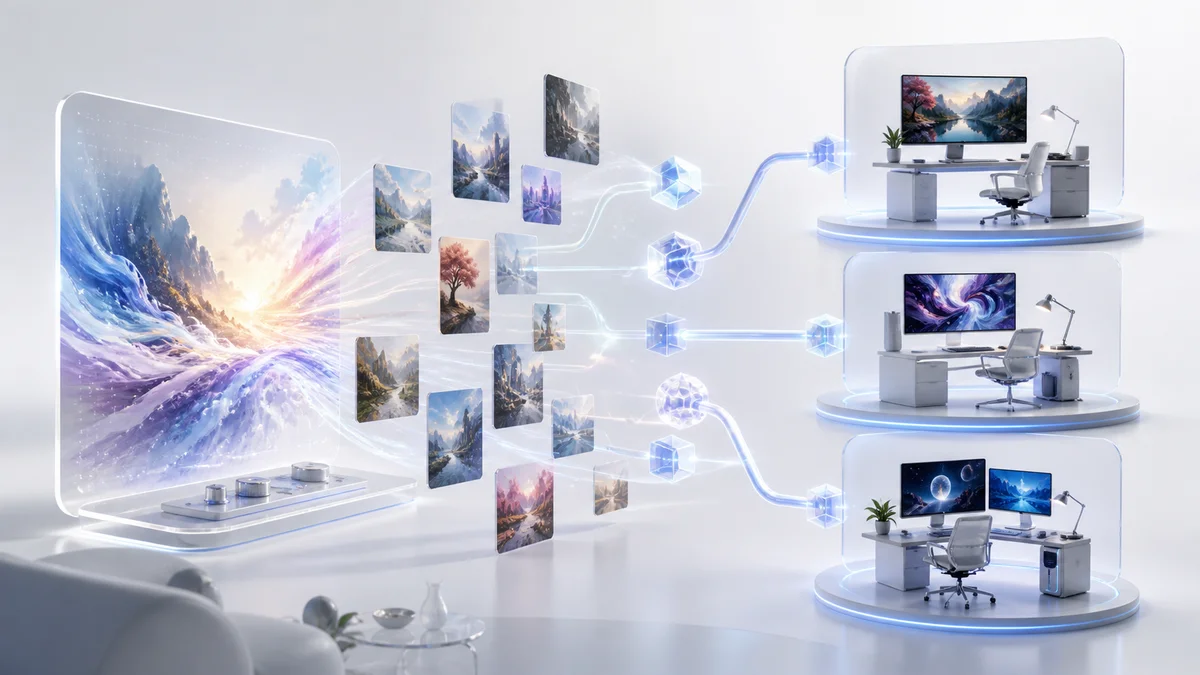
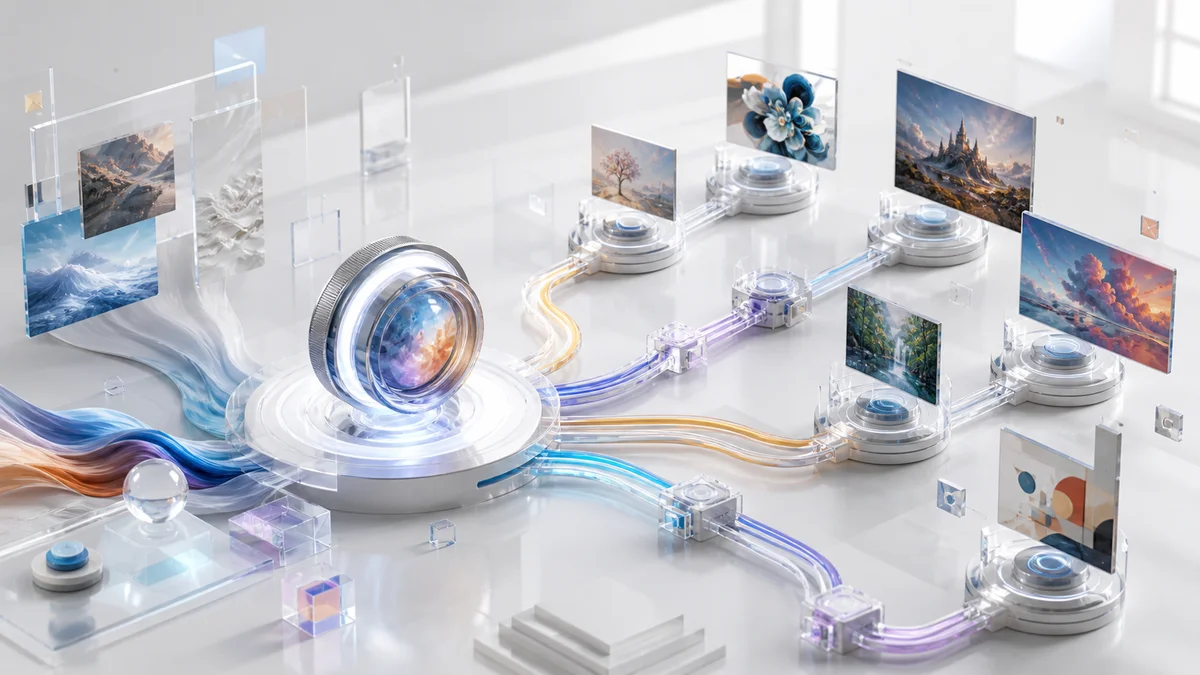
Dreamina AI is an AI-powered creative suite developed by ByteDance's CapCut team, designed to streamline image and video content creation through artificial intelligence. The platform enables users to generate visual content from text descriptions, transform existing images into new creative variations, and convert static images into dynamic videos.
Built for content creators, marketers, designers, and social media professionals, Dreamina AI addresses the time-intensive nature of traditional visual content production by offering automated generation tools. As a web-based platform accessible through browsers, it eliminates the need for specialized software installations or advanced design expertise. However, as with AI generation tools, outputs can vary and may require iterations or manual refinement to achieve desired results.
The platform supports multiple creation modes including text-to-image generation, image-to-image transformation, and image-to-video conversion. With features such as AI canvas editing, multi-layer composition, and prompt-guided camera movements, Dreamina AI targets users seeking efficient workflows for producing visual content across social media, marketing campaigns, and creative projects.
Key Features
Text-to-Image Generation — Converts written descriptions into visual content, enabling users to create images from detailed text prompts without manual design work.
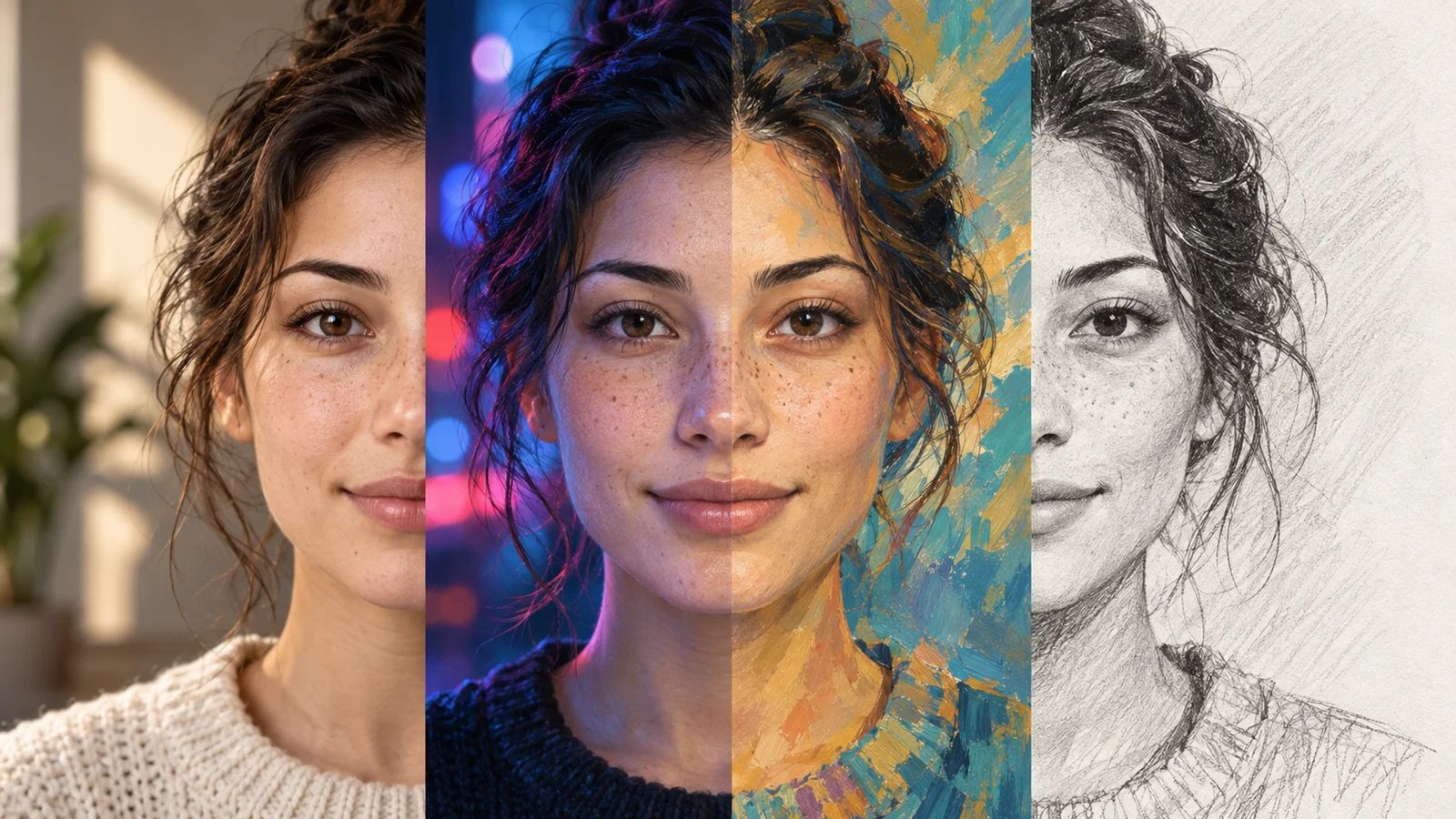
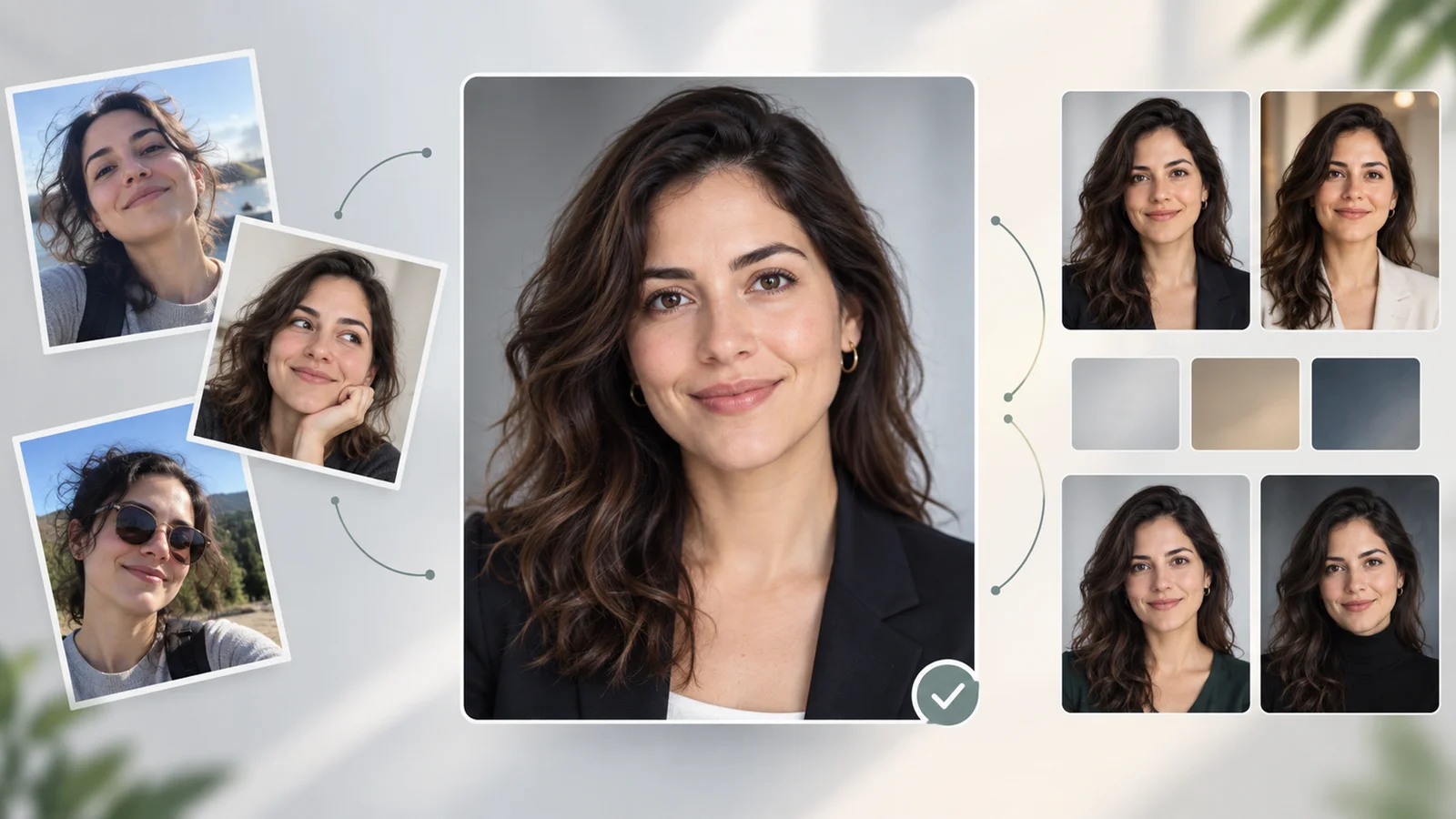
Image-to-Image Transformation — Applies style transfer and creative variations to existing images through image-to-image workflows, allowing users to reimagine visual content with different artistic directions.
AI Canvas — Provides multi-layer editing capabilities with tools for inpainting, expanding, and removing elements, enabling layer-by-layer generation and precise control over image composition.
Image-to-Video Conversion — Transforms static images into dynamic short-form videos with support for extending clips using the "+3 seconds" tool, enabling creators to produce animated content from static imagery.
Prompt-Guided Styling — Supports generating images in various artistic styles through text prompts and style-transfer workflows, with official tutorials referencing styles such as impressionism and surrealism as examples.
Camera Motion Guidance — Enables users to guide camera movements like pan and zoom through text prompts in video generation workflows, adding dynamic motion to enhance visual storytelling.
Pricing & Plans
Dreamina AI operates on a credit-based pricing model with both free and paid options. According to official site content, the platform offers a free plan that allows users to start creating without requiring a credit card, along with a Pro plan priced at $20 per month.
The credit system allocates daily free credits to users, with official resources referencing examples such as 150 credits per day for free accounts and 3 credits per generation for certain creation workflows. These specific numbers may vary depending on generation type, resolution, and current product configuration.
Users can begin using Dreamina for free to test the platform's capabilities. For detailed information on current credit allocations, generation costs, and plan benefits, users should check the in-product pricing information, as these details may be updated over time.
Best For
Dreamina AI is likely to be most useful for:
- Content creators who need fast image and short-form video generation for social media platforms
- Marketers creating visual assets such as logos, posters, avatars, and promotional graphics
- Individuals exploring AI-generated art and creative variations without design software experience
- Creators who want to transform static images into animated short clips for social content
- Users who need multi-layer canvas editing for iterative refinement and element-level control
- Personal projects and private creative exploration, as the service is primarily provided for non-commercial use
FAQ
Is there a free plan available?
Yes, Dreamina AI offers a free plan with daily credit allocations that allows users to start creating without requiring a credit card. Official site content references free credits provided daily, with generation costs varying by workflow type. Users can get started immediately to test the platform's capabilities, with the option to upgrade to the Pro plan for additional credits and features.
What types of content can Dreamina AI generate?
Dreamina AI supports text-to-image generation, image-to-image transformation, and image-to-video conversion. The platform handles various content types including character designs, fashion and beauty imagery, game assets, marketing materials, product photography, and social media content across multiple artistic styles.
What is the maximum video length Dreamina AI can generate?
Dreamina AI supports generating short-form video clips and provides an "Extend" or "+3 seconds" option to extend video outputs. Official demonstrations have shown 12-second continuous videos as examples, though the exact maximum duration may vary depending on the generation mode and product updates. Users should check the current video length options within the platform.
Does Dreamina AI require software installation?
No, Dreamina AI operates as a web-based platform accessible through standard web browsers. Users can access the platform from any device with internet connectivity without downloading or installing dedicated software. However, stable internet connection is required for all generation and editing operations.
What languages does Dreamina AI support?
The Terms of Service note that the service may not be available in all jurisdictions, devices, or languages. The specific languages supported for text prompts and interface localization are not comprehensively listed in public documentation. Users should verify the current language support available in their region through the platform interface.
Can I use Dreamina AI for commercial projects?
According to Dreamina's Terms of Service, the service is generally provided for private, non-commercial use. The terms also describe how rights in your inputs and outputs are handled, including the license you grant to the platform and other users regarding your generated content. Users considering commercial applications should carefully review the current Terms of Service within the platform, paying particular attention to usage restrictions and licensing provisions, or contact official support for specific guidance.
How does the AI Canvas feature work?
The AI Canvas is a multi-layer editing environment that supports operations such as inpainting, expanding, and removing elements within generated images. Users can perform layer-by-layer generation, modify specific areas, extend image boundaries, and eliminate unwanted elements. This multi-layer editor enables iterative refinement and precise control over individual components while maintaining visual coherence across the composition.
What camera motion controls are available for video generation?
Dreamina AI supports prompt-guided camera movements such as pan and zoom in its video generation workflows. Users can describe desired camera motions in their text prompts or utilize multi-frame generation approaches to create dynamic movement. The specific controls and adjustment options depend on the current product interface and generation mode being used.