



Overview
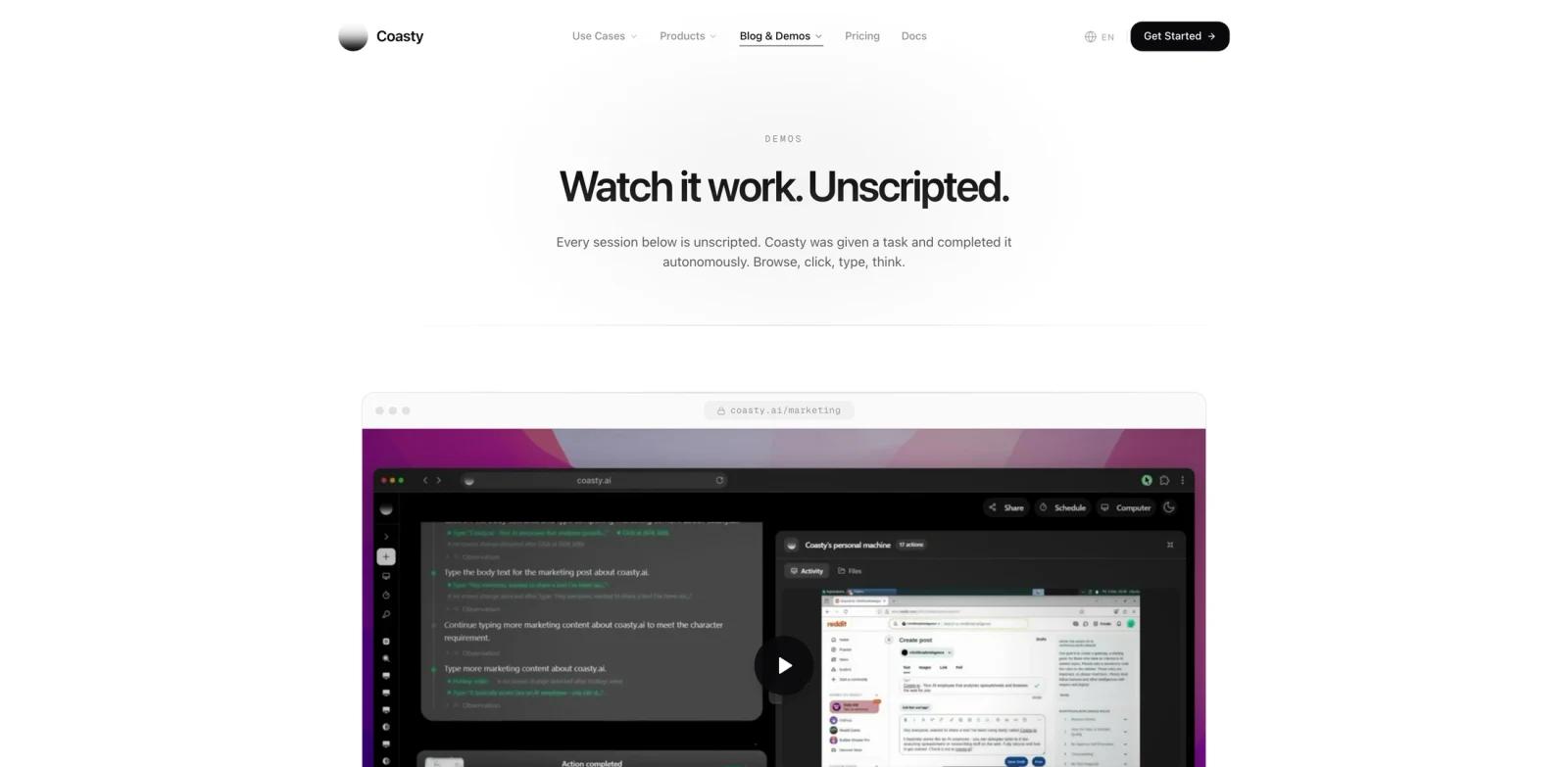
Coasty is a computer-use AI agent for automating work in browsers, desktop apps, terminals, portals, and legacy software. Instead of depending on APIs, selectors, or fragile RPA scripts, Coasty reads the screen and takes actions by sight, closer to how a human operator would complete the workflow.
Product Hunt describes Coasty as a computer-use agent that runs legacy software like a human. The official site positions it as a replacement for brittle RPA and manual SOPs across insurance, accounting, freight, healthcare, MSP operations, marketplace operations, and infrastructure runbooks.
Coasty is most interesting for teams with workflows that are hard to automate because the software is old, lacks APIs, changes UI frequently, or requires human-like judgment. It fits the same broad category as computer-use AI agents, but its public site emphasizes enterprise process automation, audit trails, human approval, and persistent machines.
Key Features
Computer-use agent - Controls real browsers, desktop apps, terminals, web portals, and internal systems by reading the live screen.
Plain-English SOP execution - Runs standard operating procedures written for people, reducing the need to rebuild processes as brittle scripts.
Self-healing workflow loop - Observes, acts, verifies, and recovers on every step, so moved buttons, pop-ups, or changed layouts do not immediately break the run.
No API or connector requirement - Works with portals, mainframes, internal tools, PDFs, emails, and screenshots when formal integrations are unavailable.
Human-in-the-loop controls - Pauses for approval on sensitive steps and records what happened, which is important for financial, compliance, and operational workflows.
Agent swarms and persistent machines - Runs multiple agents across always-on virtual machines to clear backlogs faster than one manual operator could.
How to Get Started
Coasty offers web access and a desktop app for Mac and Windows. Users can start from the official site, download the desktop app, or use the developer API depending on the workflow.
For a practical evaluation, choose one workflow that is currently handled manually because the target app has no API. Good examples include logging into portals, pulling documents, checking a status page, re-keying information, reconciling forms, or executing a cloud-console runbook. If Coasty can complete that workflow with approvals and a replayable record, it may be a better fit than a conventional AI workflow generator or low-code automation tool.
Teams that only need browser-based web automation should also compare Coasty with BrowserAct, while Coasty is more relevant when desktop apps, terminals, or legacy portals are part of the same workflow.
Pricing & Plans
Coasty publishes self-serve pricing and says users can start free.
| Plan | Price | Key Inclusions |
|---|---|---|
| Starter | $19/month | 200 credits/month, 1 always-on VM, 3 agents in parallel |
| Plus | $50/month | 600 credits/month, 2 always-on VMs, 6 agents in parallel |
| Unlimited | $99/month | Unlimited credits, 2 always-on VMs, 5 concurrent agents |
The official pricing page also references credit usage, persistent machines, swarm mode, cancellation, and data security questions. Teams with regulated workflows should confirm data handling, deployment model, and BYOK/on-prem options before production use.
Best For
- Operations teams automating portal-heavy workflows with no reliable APIs
- Insurance, accounting, freight, healthcare, and MSP teams with repetitive back-office work
- Developers needing a computer-use API where screenshots produce structured next actions
- Teams replacing brittle RPA scripts that break when screens change
- Companies evaluating AI agent systems for long-running, auditable process automation
FAQ
What is Coasty?
Coasty is a computer-use AI agent that controls browsers, desktop apps, terminals, portals, and legacy software by reading the screen and taking actions like a human operator.
How is Coasty different from RPA?
Traditional RPA often depends on recorded layouts, selectors, and fixed coordinates. Coasty is designed to interpret the live screen, verify each step, and recover when the UI changes.
How much does Coasty cost?
Coasty's public pricing starts at $19/month for Starter, $50/month for Plus, and $99/month for Unlimited. The site also offers a free start path.
Does Coasty require APIs?
No. A core selling point is that Coasty can work with software that does not expose APIs by operating the interface visually. APIs may still be better when they exist and are reliable.
Can Coasty run on my computer?
Coasty provides a desktop app for Mac and Windows, and the official download page says it includes browser automation, desktop automation, terminal access, file operations, auto-updates, and remote control from a browser.
Is Coasty safe for sensitive workflows?
Coasty promotes audit trails, human-in-the-loop approvals, BYOK, on-prem or cloud options, and recorded runs. Teams should still review the privacy, security, and deployment terms before using it with sensitive systems.