
16 Best AI Tools for Business 2026 — Real Pricing, No Hype
Compare 16 AI business tools — from ChatGPT to Zapier Agents — by workflow fit, current starting price, adoption cost, and team size.

On this page
Your team just added a third AI subscription this quarter, and nobody can explain what each one actually does differently. One handles writing, another summarizes meetings, a third auto-fills CRM fields — but overlap is everywhere, and the combined bill is climbing past $50 per seat per month. Choosing the wrong stack doesn't just waste budget; it fragments workflows and trains your team on tools they'll abandon in six months.
We reviewed 16 AI tools used by business teams — from general-purpose assistants like ChatGPT and Claude to workflow-specific platforms like Zapier Agents and Asana AI. The comparison focuses on the buying questions that determine whether a tool gets adopted: where it fits in the existing stack, how pricing scales, what implementation work it adds, and which teams benefit. Whether you're a 5-person startup consolidating tools or a 200-person company standardizing on one AI platform, use this guide to build a shortlist, then verify the final quote and terms with the vendor.
| Tool | Best For |
|---|---|
| ChatGPT Business | General-purpose AI across every department |
| Google Workspace with Gemini | Teams already living in Gmail, Docs, and Sheets |
| Microsoft 365 Copilot | Organizations deep in the Microsoft ecosystem |
| Notion AI | Document-heavy teams needing a single knowledge hub |
| Canva Magic Studio | Marketing teams producing visual content at scale |
| Claude Team | Research-intensive work with long documents |
| Perplexity Enterprise Pro | Teams that need sourced, citation-backed answers |
| Grammarly Pro | Cross-platform writing consistency for distributed teams |
| ClickUp Brain | Project-driven teams wanting AI inside their task manager |
| Asana AI | Structured project management with AI automation |
| Zapier Agents | Automating workflows across 7,000+ apps without code |
| monday AI | Visual work management with flexible AI credits |
| Coda AI | Custom doc-based workflows with formula power |
| Miro AI | Visual collaboration and brainstorming teams |
| Slack AI | Teams drowning in channel messages |
| HubSpot AI | Sales and marketing teams on HubSpot CRM |
How We Selected and Reviewed
We selected these AI business tools based on measurable criteria: active business user base, transparent pricing structures, breadth of AI capabilities beyond a single feature, and documented integration with common business workflows. Tools targeting only individual consumers or pure developer APIs were excluded.
Our research methodology combined multiple data sources to ensure accuracy. We analyzed official pricing pages and documentation, cross-referenced with user feedback from G2, Capterra, Reddit, and Trustpilot, and reviewed real-world deployment case studies. This multi-source approach helped identify discrepancies between marketing claims and actual user experiences — particularly around hidden costs and feature limitations.
Evaluation Dimensions: The comparison uses five dimensions aligned with how business buyers make decisions:
- Total Cost of Ownership — Not just sticker price, but per-seat scaling, add-on costs, credit consumption, and mandatory plan tiers for key features
- Integration Depth — How well it connects with your existing stack (Google Workspace, Microsoft 365, Slack, CRM) without requiring custom development
- AI Capability Breadth — Range of AI features (writing, automation, search, analytics) and whether they genuinely add value or feel bolted on
- Implementation Complexity — Time from purchase to team adoption, training requirements, and admin setup overhead
- Vendor Lock-in Risk — Data portability, contract flexibility, and what happens to your workflows if you switch tools
Research Scope: This is a source-based comparison, not a shared hands-on benchmark. We used official product and pricing documentation, deployment case studies, and attributed user feedback. Enterprise-only products may require a sales call to confirm the final feature set, data terms, and quote.
Transparency & Limitations: All information comes from official sources and credible third-party platforms — we don't fabricate ratings, rankings, or performance claims. Pricing and features change frequently; always verify on official websites. Research conducted in March–April 2026.
Top 16 AI Tools for Business Compared
The table below gives you a quick snapshot of each tool's positioning, starting cost, and where it fits best. For full breakdowns — including hidden costs and real user complaints — see the detailed reviews that follow.
| Tool | Best For | Starting Price | AI Strength | Platform Lock-in |
|---|---|---|---|---|
| ChatGPT Business | Cross-department AI assistant | $20/user/mo (annual) | Broad model and tool access | Low |
| Google Workspace with Gemini | Google-native teams | $7/user/mo (annual) | Deep Workspace integration | Medium |
| Microsoft 365 Copilot | Microsoft-native teams | $21/user/mo (annual) | Office app embedding | High |
| Notion AI | Knowledge management | $20/user/mo (Business) | Multi-model access | Medium |
| Canva Magic Studio | Visual content creation | $15/mo (Pro) | Template-powered design AI | Low |
| Claude Team | Long-context research | $25/seat/mo (annual) | 200K context + reasoning | Low |
| Perplexity Enterprise Pro | Sourced research answers | $40/seat/mo | Citation-backed search | Low |
| Grammarly Pro | Writing consistency | $12/user/mo (annual) | Cross-app writing layer | Low |
| ClickUp Brain | Project + AI unified | $9/user/mo (annual) | Task-aware AI assistant | Medium |
| Asana AI | Structured PM automation | $10.99/user/mo | AI Teammates workflows | Medium |
| Zapier Agents | Cross-app automation | $19.99/mo | 7,000+ app connectors | Low |
| monday AI | Visual work management | $9/seat/mo + credits | Board-native AI actions | Medium |
| Coda AI | Custom doc workflows | $10/maker/mo (annual) | Formula-powered AI columns | Medium |
| Miro AI | Visual brainstorming | $8/user/mo (annual) | Whiteboard-native AI | Low |
| Slack AI | Team communication | $8.75/user/mo (Pro) | Channel summarization | Medium |
| HubSpot AI | Sales & marketing CRM | Free assistant; Customer Platform Pro from $1,450/mo annual | CRM-embedded AI agents | High |
Detailed Reviews
ChatGPT Business
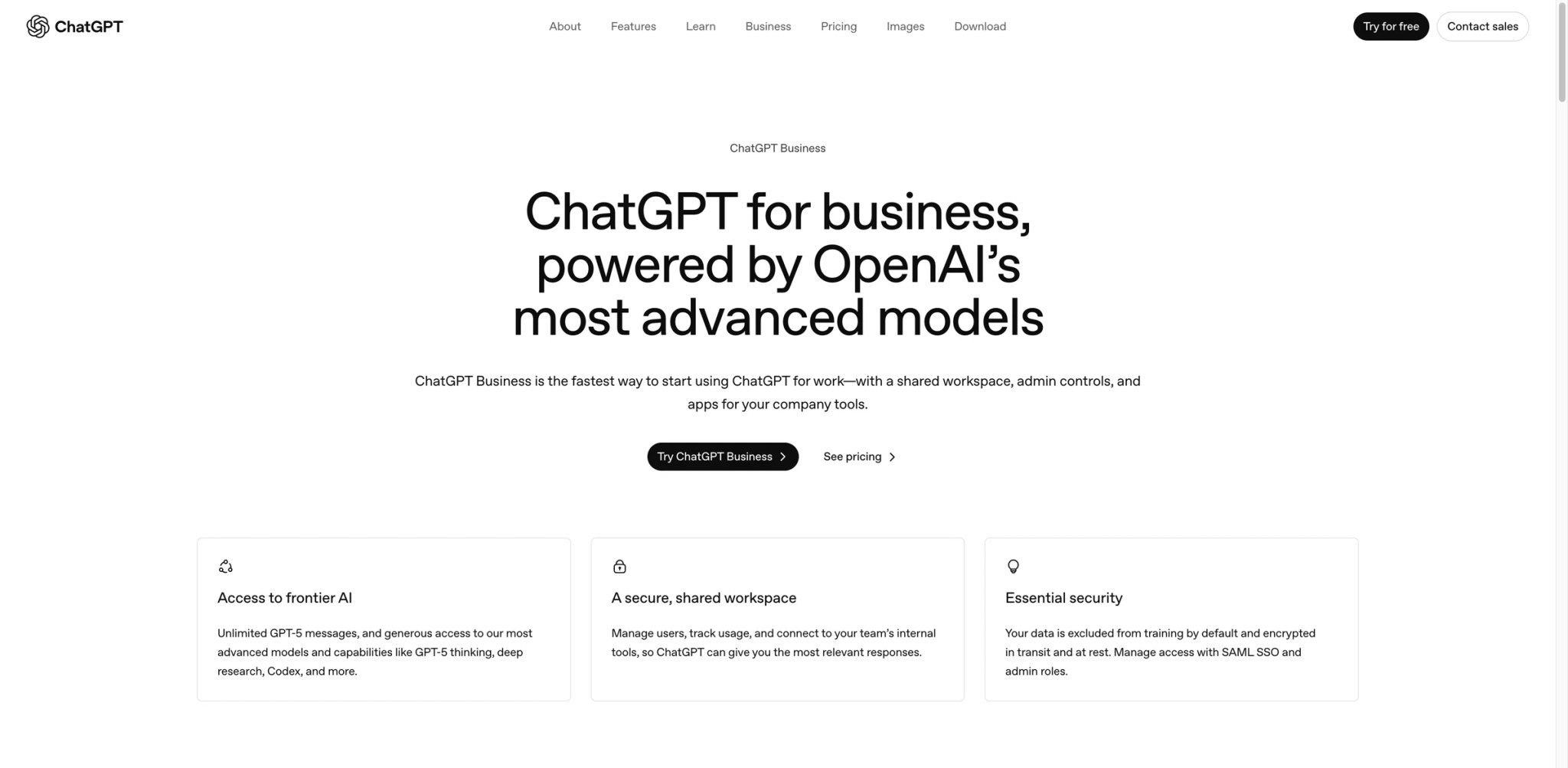
You've been fielding requests from five different departments this week — marketing wants copy, legal needs contract summaries, engineering wants code reviews — and no single tool handles all of it without switching contexts. ChatGPT Business (formerly ChatGPT Team) is OpenAI's answer to that sprawl, giving every seat access to GPT-5.x models, DALL-E image generation, deep research, and agent capabilities in a shared workspace.
Key Features
- Shared Workspace with Company Knowledge — Upload internal documents, style guides, and SOPs that the entire team can query. Unlike personal ChatGPT accounts, business data stays isolated and isn't used for model training — a distinction that matters for legal and compliance teams
- Multi-Modal Generation in One Interface — Text, code, images (DALL-E), and web research without switching tools. For marketing teams replacing separate writing and image tools, this consolidation alone can offset the subscription cost
- Custom GPTs for Departments — Build role-specific assistants (sales pitch generator, onboarding guide, support response drafter) and share them across the organization. No API skills required
- Agent Mode and Deep Research — Delegate multi-step tasks like competitive analysis or data synthesis to autonomous agents that browse the web and produce structured reports
Pricing
- Business: $20/user/month billed annually or $25/user/month billed monthly, minimum 2 seats
- Enterprise: Custom pricing with expanded context, SAML SSO, audit logs, and custom legal terms
- All business plans include unlimited GPT-5.x access, shared workspace, and admin controls
TCO Note: The per-seat cost is straightforward, but heavy users of advanced features (deep research, agent mode, Sora video) may hit usage caps even in paid tiers. Enterprise removes most limits but requires custom negotiation.
Limitations
- New features sometimes roll out to Plus subscribers before Business users, creating a frustrating lag for teams paying more per seat
- Users report quality regressions after major model updates — abbreviated answers, automatic model switching mid-conversation, and over-filtered responses that require prompt engineering workarounds
- No granular per-department spending controls; admin visibility into usage patterns is basic compared to enterprise-grade alternatives
Best For
Teams of 5–200 that need one AI tool covering writing, research, coding, and image generation across multiple departments. Not the right fit if your primary need is deep integration with a specific workflow tool (project management, CRM) — ChatGPT works alongside your stack, not inside it.
Get started with ChatGPT Business
Google Workspace with Gemini
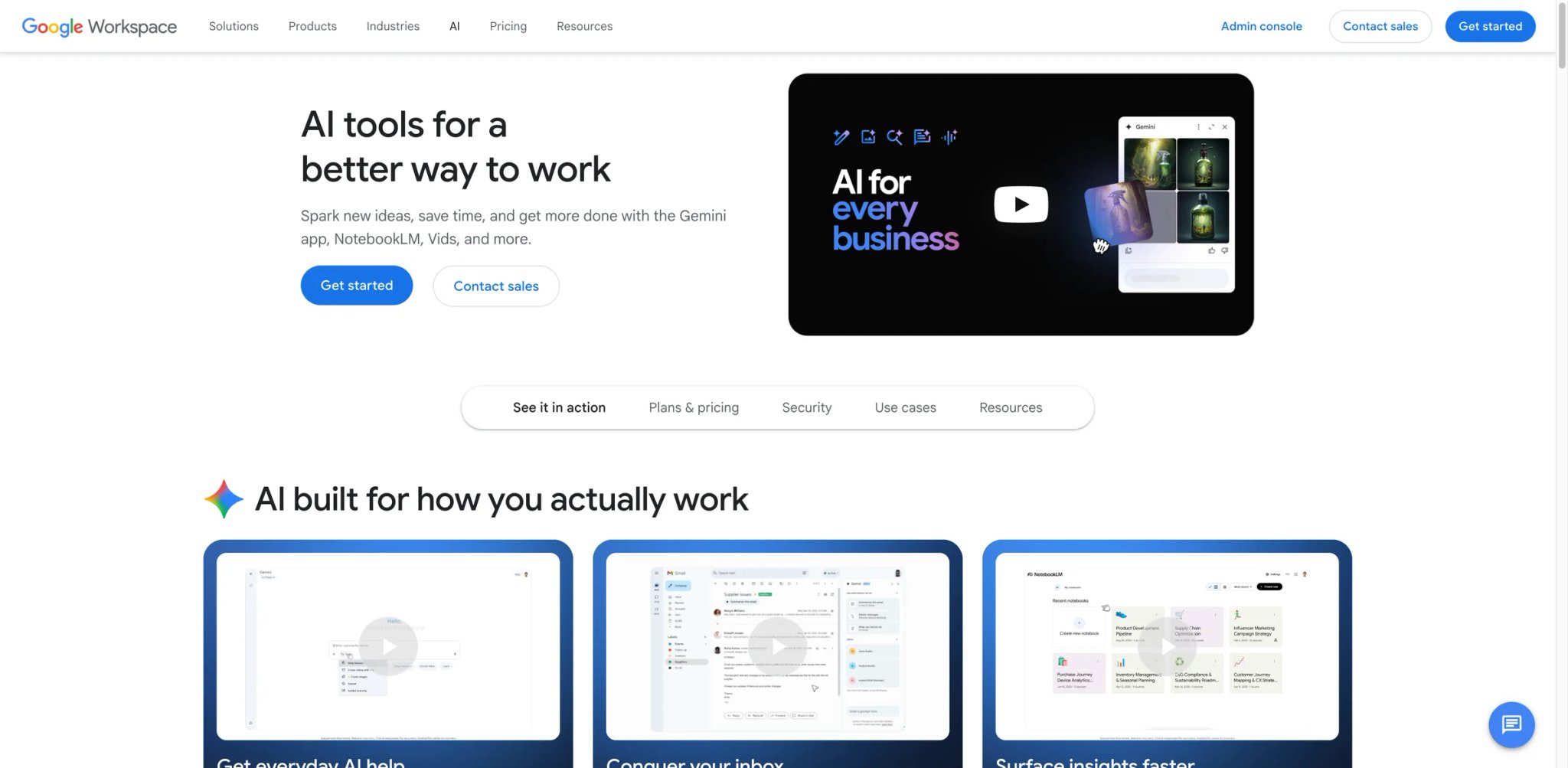
Your team already spends much of the workday in Gmail, Docs, and Sheets — but switching to a separate AI tool to draft emails or analyze spreadsheets breaks the flow. Google Workspace with Gemini embeds AI directly into the apps where that work happens.
Key Features
- Inline AI Across Every App — Draft emails in Gmail, generate formulas in Sheets, create presentations in Slides, and summarize documents in Docs without leaving the app. The AI understands your Workspace context (calendar, contacts, recent files) and uses it to personalize responses
- Gemini Advanced with 1M Token Context — Process entire codebases, lengthy contracts, or multi-quarter financial data in a single conversation. This context window dwarfs most competitors
- Deep Research Mode — Investigates complex topics across the web and synthesizes findings into structured Docs — useful for market research, vendor evaluations, or competitive intelligence
- Meet AI Companion — Automatic meeting transcription, summaries, and action items in Google Meet, with notes pushed directly to Docs
Pricing
- Workspace Starter: $7/user/month on an annual commitment or $8.40/user/month with flexible billing — includes Gemini in Gmail and the Gemini app
- Business Standard: $14/user/month — full Gemini integration across apps
- Business Plus: $22/user/month — advanced security + Gemini
- Gemini Advanced (standalone): $19.99/month via Google One AI Premium, includes 2TB storage
TCO Note: If you're already on Workspace, the AI capabilities come as an incremental upgrade — not a separate line item. But the best AI features require at least Business Standard, which may force plan upgrades for teams currently on Starter.
Limitations
- Gemini's capabilities vary significantly across Workspace editions — Starter gets basic features while the full AI suite requires Business Standard or higher, creating a confusing tier structure
- Integration advantage becomes a weakness if your team uses Microsoft 365 or other non-Google tools; cross-ecosystem AI performance is limited
- Some advanced features (Veo video generation, Project Astra) are still in experimental rollout and not yet production-ready
Best For
Organizations already on Google Workspace who want AI embedded in their daily tools without adding another subscription. Not the right fit if your team primarily uses Microsoft 365 — the cross-ecosystem experience is significantly weaker.
Get started with Google Workspace with Gemini

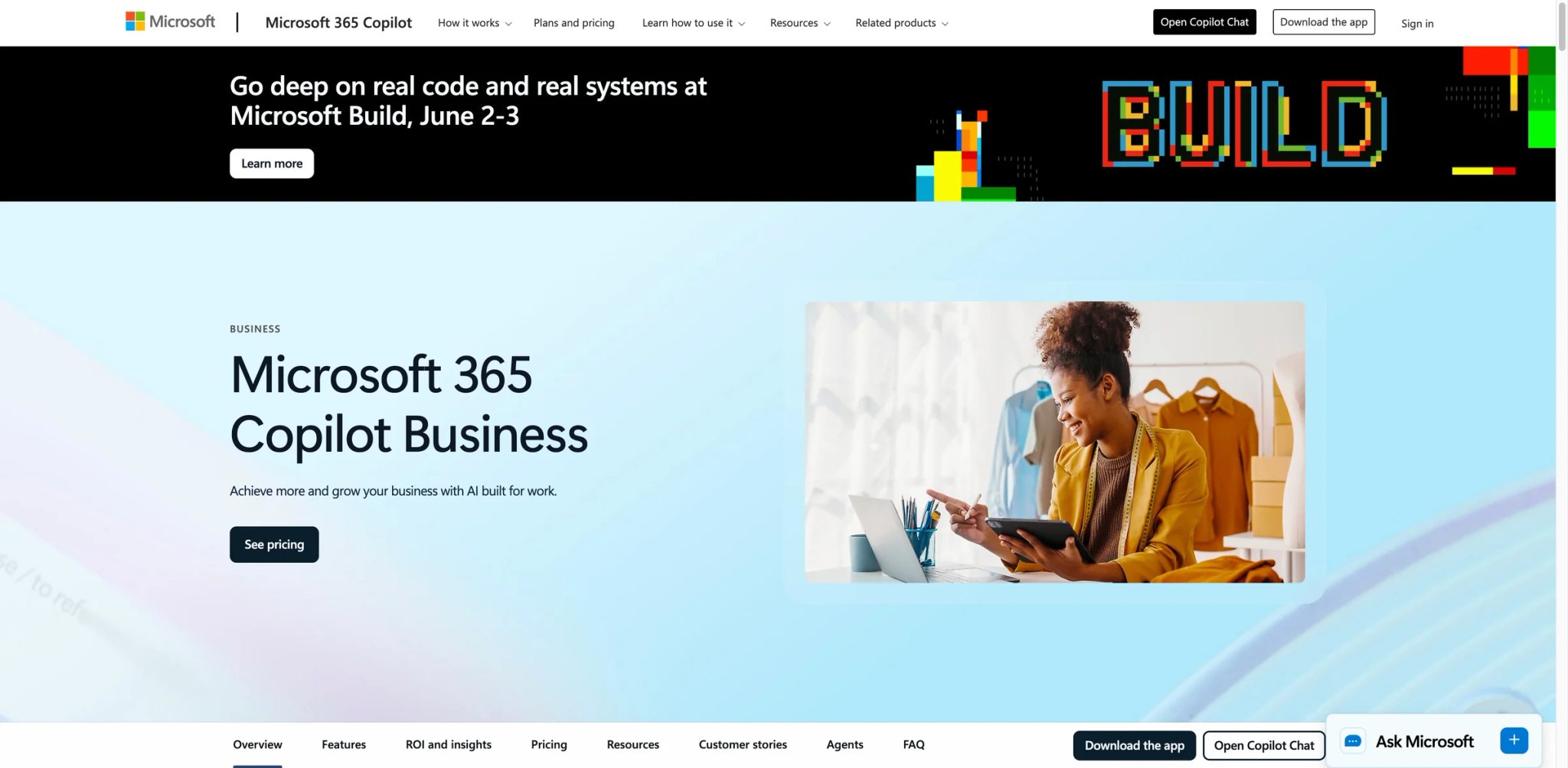
Your finance team builds everything in Excel, legal lives in Word, and leadership communicates through Teams and Outlook — but AI features from separate vendors can't reach inside these apps. Microsoft 365 Copilot embeds AI directly into the Office suite, turning natural language prompts into Excel formulas, Word drafts, PowerPoint decks, and Teams meeting summaries.
Key Features
- AI Inside Every Office App — Ask Copilot in Excel to build pivot tables from plain English, in Word to draft documents from meeting notes, in PowerPoint to generate presentations from outlines, and in Outlook to summarize email threads and draft replies
- Teams Meeting Intelligence — Real-time transcription, AI-generated summaries, and action item tracking directly in Microsoft Teams. Notes sync to Planner tasks automatically
- Microsoft Graph Integration — Copilot pulls context from your emails, calendar, files, and chats across the Microsoft ecosystem, making responses contextually relevant to your specific work history
- Copilot Studio — Build custom AI agents and workflows without code, deploying them across Teams, SharePoint, and other M365 services
Pricing
- Microsoft 365 Copilot Business: $21/user/month paid yearly; monthly commitment is $25.20/user/month
- License requirement: A separate qualifying Microsoft 365 plan is required; Copilot Business is available for up to 300 users
- Copilot for M365 E3: Requires E3 license ($39/user/month from July 2026) + Copilot add-on
- Copilot for M365 E5: Included or discounted with E5 enterprise licenses
TCO Note: Copilot is an add-on, so compare the combined cost of the qualifying Microsoft 365 plan and Copilot—not the $21 Copilot line item alone. Microsoft also offers bundles for some Business plans; confirm the current bundle against your tenant and billing term.
Limitations
- Output quality depends heavily on the source file, permissions, and how well Microsoft Graph data is organized; a polished demo does not prove it will work on a team's real spreadsheets and documents
- Copilot adds another license and administration layer to Microsoft 365, so procurement should confirm assignment, renewal, and downgrade controls before a broad rollout
- The product changes quickly across apps and tenants; pilot the exact Word, Excel, PowerPoint, Outlook, and Teams tasks that justify the add-on
Best For
Organizations with 50+ seats already standardized on Microsoft 365 who need AI assistance inside Word, Excel, PowerPoint, and Teams. Not the right fit if you're on Google Workspace or a mixed-ecosystem team — Copilot's value drops sharply outside the Microsoft stack.
Get started with Microsoft 365 Copilot

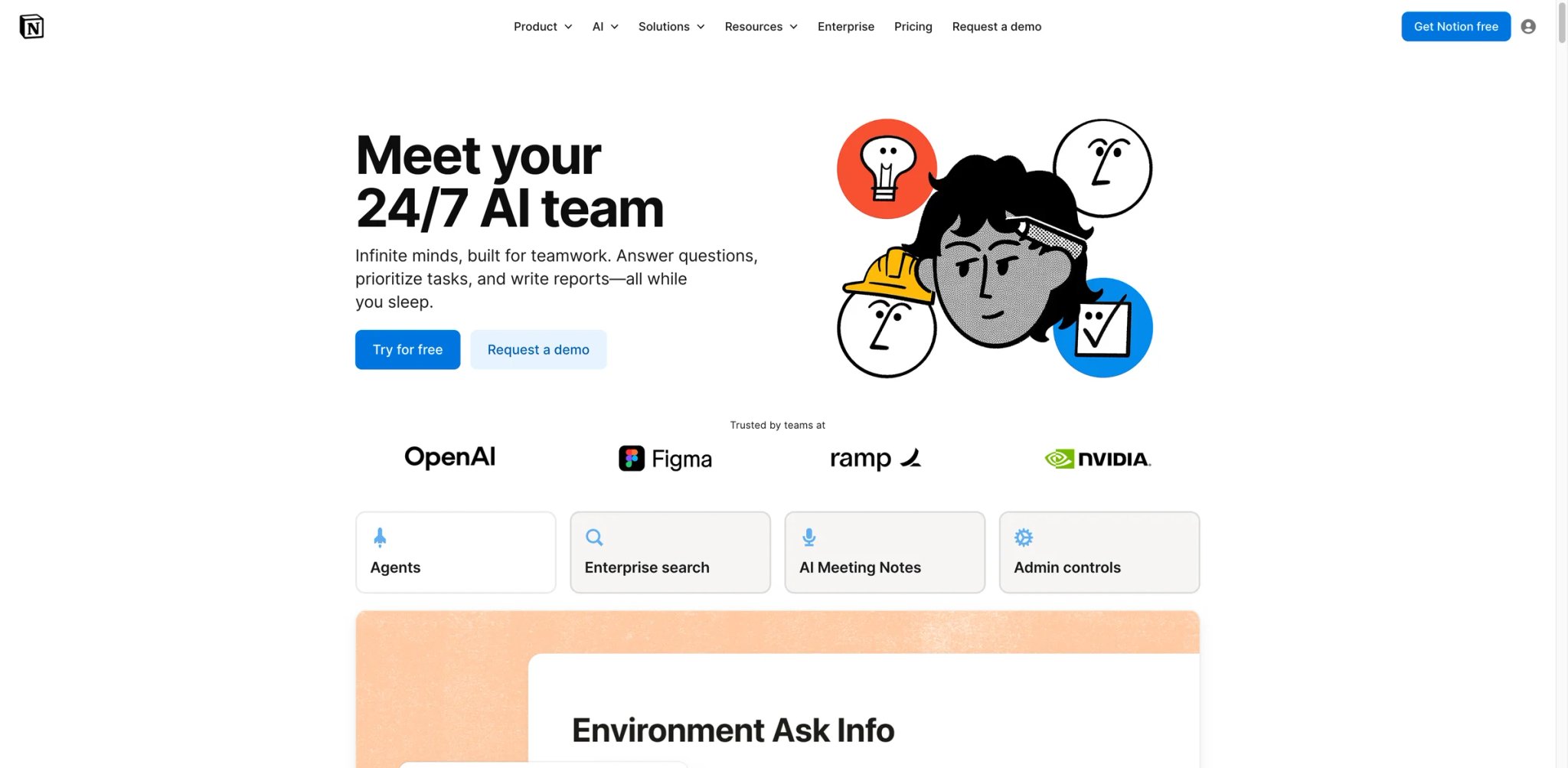
Your company knowledge is scattered across Google Docs, Slack threads, Confluence pages, and someone's personal Notion workspace — and onboarding a new hire means a week of scavenger hunting. Notion AI turns Notion into a single knowledge hub where AI can search across connected apps, draft documents from existing context, and transcribe meetings into structured action items.
Key Features
- Enterprise Search Across Connected Apps — Query Notion, Google Drive, Slack, and other connected tools from one search bar. Instead of remembering which app holds the answer, ask Notion AI and get results with source attribution
- Multi-Model Access — Notion routes queries to GPT-5, Claude Opus, or o3 depending on the task, giving you access to multiple frontier models without separate subscriptions
- AI Meeting Notes — Automatic transcription, summarization, and action item extraction that feeds directly into Notion databases and task trackers. Replaces standalone meeting note tools
- Research Mode — Auto-drafts documents by pulling from multiple internal and external sources, useful for creating project briefs, RFP responses, or competitive analyses
Pricing
- Free: Core workspace with limited trial usage of Notion AI
- Plus: $12/member/month — full included Notion AI is not part of this tier
- Business: $20/member/month — full Notion AI included
- Enterprise: Custom pricing — advanced security, SCIM, audit logs + full AI
- Business and Enterprise include full Notion AI; other plans receive limited trial usage
TCO Note: Full included Notion AI begins at Business. Free and Plus workspaces can evaluate limited trial usage, but teams that need ongoing AI features should budget for Business.
Limitations
- AI access now requires Business plan for new users — teams that joined for Notion's free or low-cost tiers face a steep upgrade to unlock any AI features
- Value is heavily tied to using Notion as your primary workspace; if your team's documents and tasks live elsewhere, the AI features have limited context to work with
- Enterprise search across connected apps works best with a well-organized Notion workspace — messy or fragmented setups produce noisy, irrelevant results
Best For
Teams of 10–100 already using Notion (or willing to migrate) who want AI-powered knowledge management, meeting notes, and cross-app search in one platform. Not the right fit if your team's core workflow lives in Microsoft 365 or Google Workspace and migration isn't realistic.
Get started with Notion AI
Canva Magic Studio
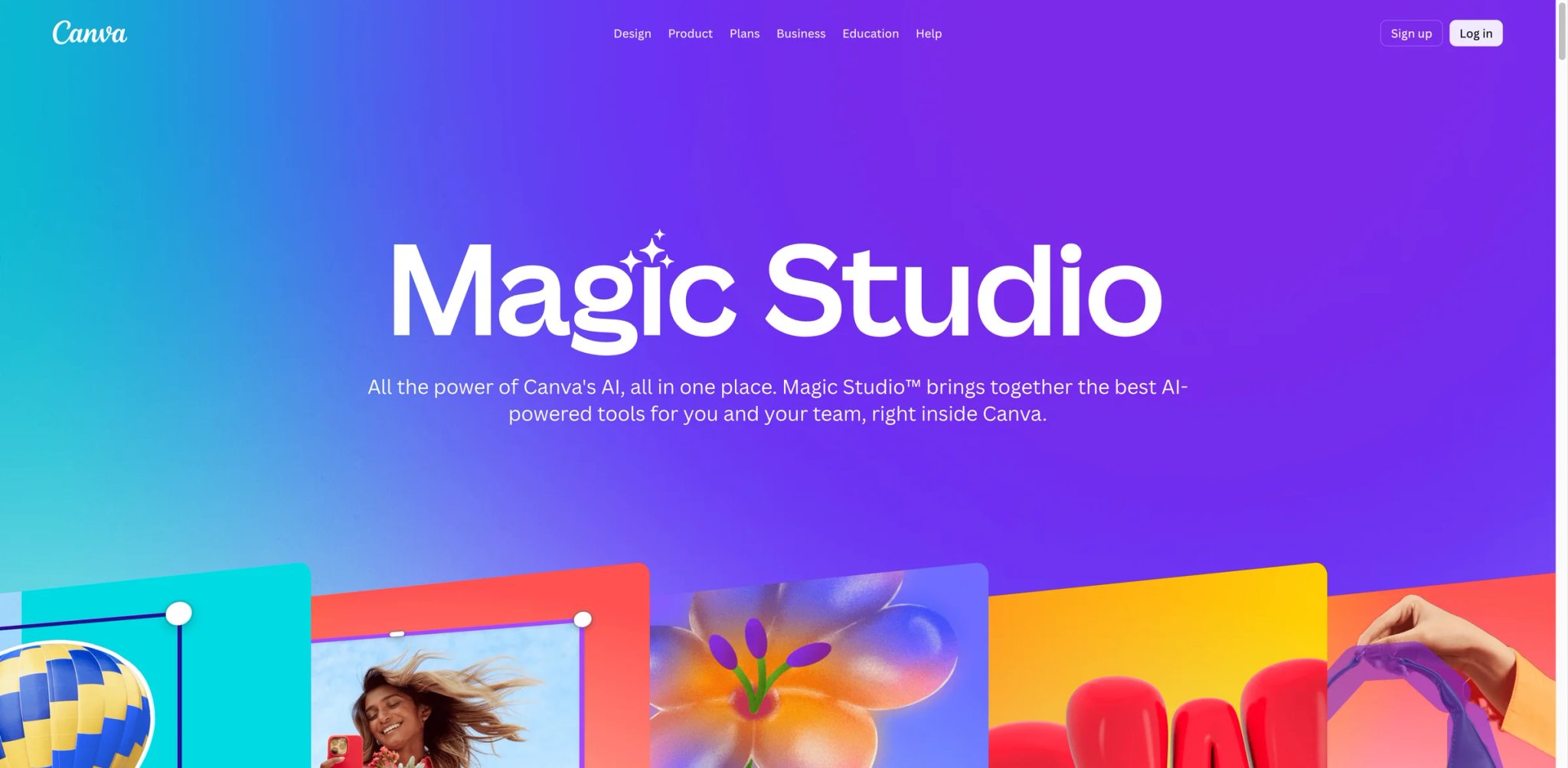
Your marketing team needs 50 social media graphics, 10 email banners, and a pitch deck by Friday — but you have one designer and zero budget for stock photos. Canva Magic Studio brings AI-powered design generation, background removal, text-to-image, and brand-consistent template automation into one tool that non-designers can actually use.
Key Features
- Magic Design — Describe what you need in plain English and get template-based designs matched to your brand colors, fonts, and logo. Not pixel-perfect custom work, but dramatically faster than starting from scratch for routine marketing assets
- Brand Kit Enforcement — Upload brand guidelines once and Magic Studio applies them across all generated content. Useful for franchise teams or agencies managing multiple brand identities
- Magic Eraser and Background Remover — One-click removal of objects and backgrounds, eliminating the need for Photoshop skills on quick production tasks
- Bulk Create — Connect a spreadsheet of product names, prices, and descriptions to auto-generate hundreds of variations from a single template. E-commerce teams producing catalog assets at scale get the most value here
Pricing
- Free: Core design tools with limited AI usage
- Pro: $15/month or $144/year for one user
- Business: $20/person/month for new team sign-ups and upgrades — advanced AI, brand tools, and collaboration
- Enterprise: Custom pricing — SSO, advanced brand controls
TCO Note: Canva Business is the current plan for new team sign-ups and upgrades. Existing Canva Teams subscribers keep their existing plan and pricing unless they switch or cancel; compare those paths before migrating.
Limitations
- AI-generated images frequently ignore detailed prompt instructions — specific poses, compositions, or photorealistic output often miss the mark, requiring manual iteration
- Brand voice and style recognition is surface-level; it applies colors and fonts but doesn't truly understand design intent or brand personality
- Existing Canva Teams subscriptions and the current Canva Business plan are packaged differently, so switching plans can change both price and included AI allowance
Best For
Marketing teams and non-designers who need to produce branded visual content at high volume without dedicated design staff. Not the right fit if you need photorealistic AI image generation or pixel-level creative control — Canva's strength is speed and templates, not artistic precision.
Get started with Canva Magic Studio
Claude Team
Your strategy team just received a 200-page regulatory filing, three competitor annual reports, and a stack of customer interview transcripts — and the CEO wants a synthesis by Monday. Most AI tools choke on documents this long or lose context halfway through. Claude Team handles 200K tokens in a single conversation, maintaining coherent reasoning across entire document collections.
Key Features
- 200K Token Context Window — Process entire reports, codebases, or multi-document collections in one conversation without chunking or losing context. For legal, research, and strategy teams, this eliminates the workflow of manually splitting documents
- Extended Thinking Mode — Shows the reasoning process step-by-step for complex analysis, improving accuracy on tasks that require multi-hop logic like financial modeling or compliance gap analysis
- Projects with Shared Knowledge — Create project spaces with persistent context (uploaded documents, instructions, company guidelines) that the whole team can query. Unlike per-chat uploads, project context persists across conversations
- Claude Code — A dedicated coding assistant for technical teams, available on web and terminal, with strong code review and generation capabilities
Pricing
- Team: $30/seat/month billed monthly or $25/seat/month billed annually, minimum 5 seats
- Pro (individual): $20/month or $200/year
- Max: $100/month — 5x–20x more usage than Pro
- Enterprise: Custom pricing with HIPAA compliance, audit logs, custom retention
TCO Note: The 5-seat minimum means small teams of 2–3 people are paying for unused seats. At $25/seat on annual billing, the minimum effective commitment is $125/month.
Limitations
- Usage limits can feel restrictive even in Team tier — heavy users of extended thinking mode burn through allocations faster than expected because reasoning tokens count toward limits
- Fewer third-party integrations compared to ChatGPT or Google Gemini; Claude works best as a standalone assistant rather than an embedded copilot inside other apps
- The 5-seat minimum prices out very small teams; individual Pro plans lack the shared workspace features that make Team valuable
Best For
Research, legal, strategy, and analyst teams that regularly work with long documents (50+ pages) and need AI that maintains coherent reasoning across complex, multi-source analysis. Not the right fit if your primary need is app integrations or visual content generation — Claude excels at deep thinking, not workflow automation.
Get started with Claude Team
Perplexity Enterprise Pro
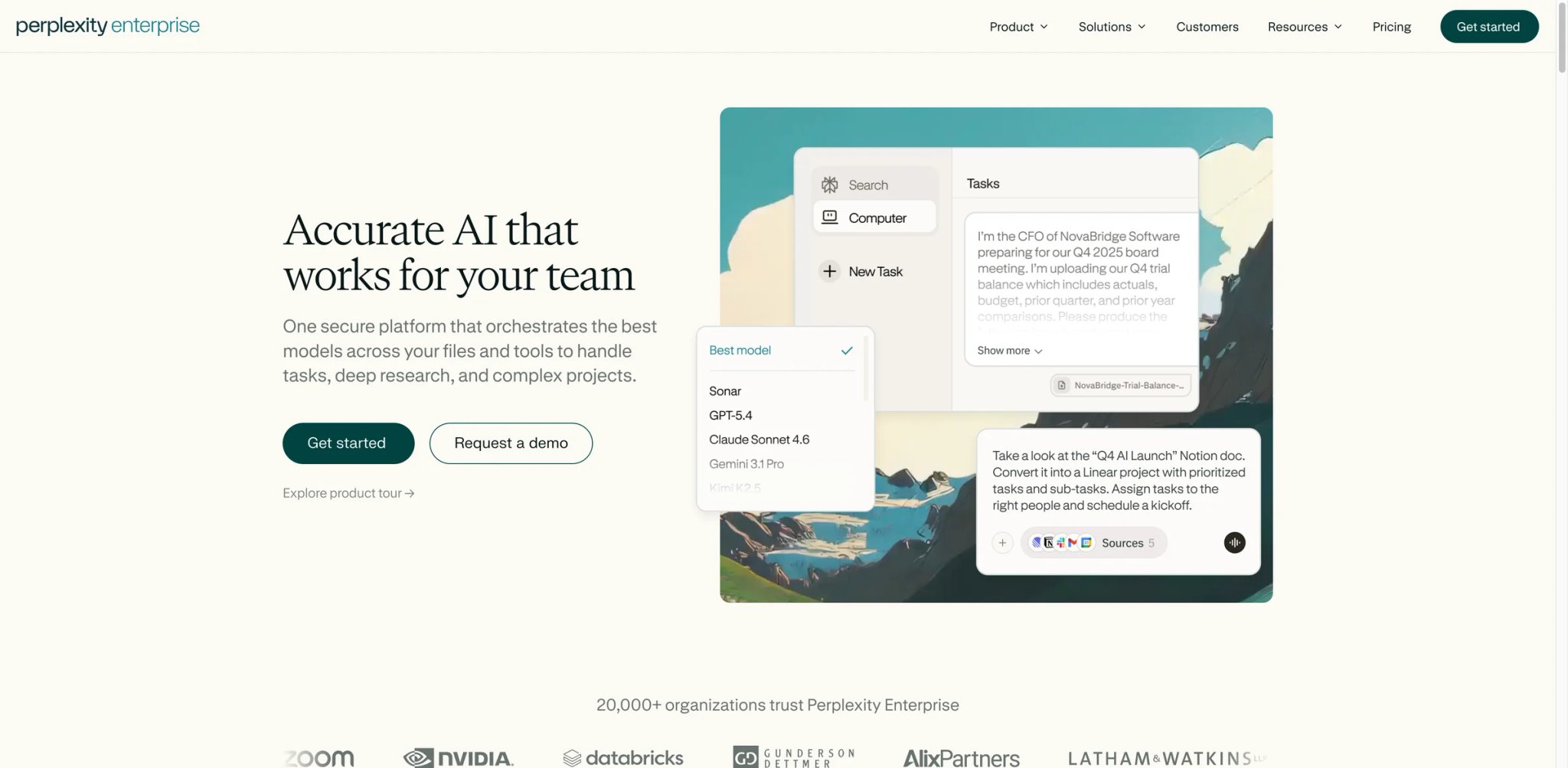
Your team sends 50 Slack messages a day asking "where did we get this number?" because AI-generated answers come without sources, and nobody trusts them enough to put in a client deck. Perplexity Enterprise Pro returns every answer with inline citations — clickable links to the original source — so teams can verify claims before acting on them.
Key Features
- Citation-First Search — Every response includes numbered source citations with direct links. Unlike general-purpose chatbots that generate plausible-sounding text, Perplexity is built around verifiable information retrieval
- Internal Knowledge Search — Connect internal documents, Confluence, Notion, and other knowledge bases so Perplexity can search both the web and your company's private data in one query
- Multi-Model Access — Routes queries to GPT-5, Claude, and other frontier models depending on the task, giving teams access to multiple AI backends without separate subscriptions
- Spaces for Team Research — Create shared research spaces with persistent context, allowing teams to build on each other's queries rather than starting fresh every time
Pricing
- Enterprise Pro: $40/seat/month or $400/seat/year
- Enterprise Max: $325/seat/month or $3,250/seat/year — expanded limits, dedicated support
- Minimum seat requirements apply; audit logs and SCIM require 50+ seats or 1 Max user
TCO Note: At $40/seat/month, Perplexity is more expensive than ChatGPT Business for general-purpose AI. The value proposition depends entirely on how much your team values source attribution — if verifiability matters (legal, finance, consulting), the premium pays for itself in reduced fact-checking time.
Limitations
- Billing issues are a recurring complaint — users report double-charges and difficulty getting refunds through what feels like an AI-only support system with slow human escalation
- Despite "dedicated support" promises on the Max plan, actual support quality is chatbot-gated with delayed responses on billing disputes
- Hallucination isn't eliminated — Perplexity still occasionally presents incorrect information with confident-looking citations, sometimes sourcing from low-quality content like forum posts
Best For
Consulting, legal, finance, and research teams that need AI-generated answers they can actually cite in client deliverables and internal reports. Not the right fit if you primarily need content generation, coding assistance, or workflow automation — Perplexity is a research tool, not a general-purpose assistant.
Get started with Perplexity Enterprise Pro
Grammarly Pro
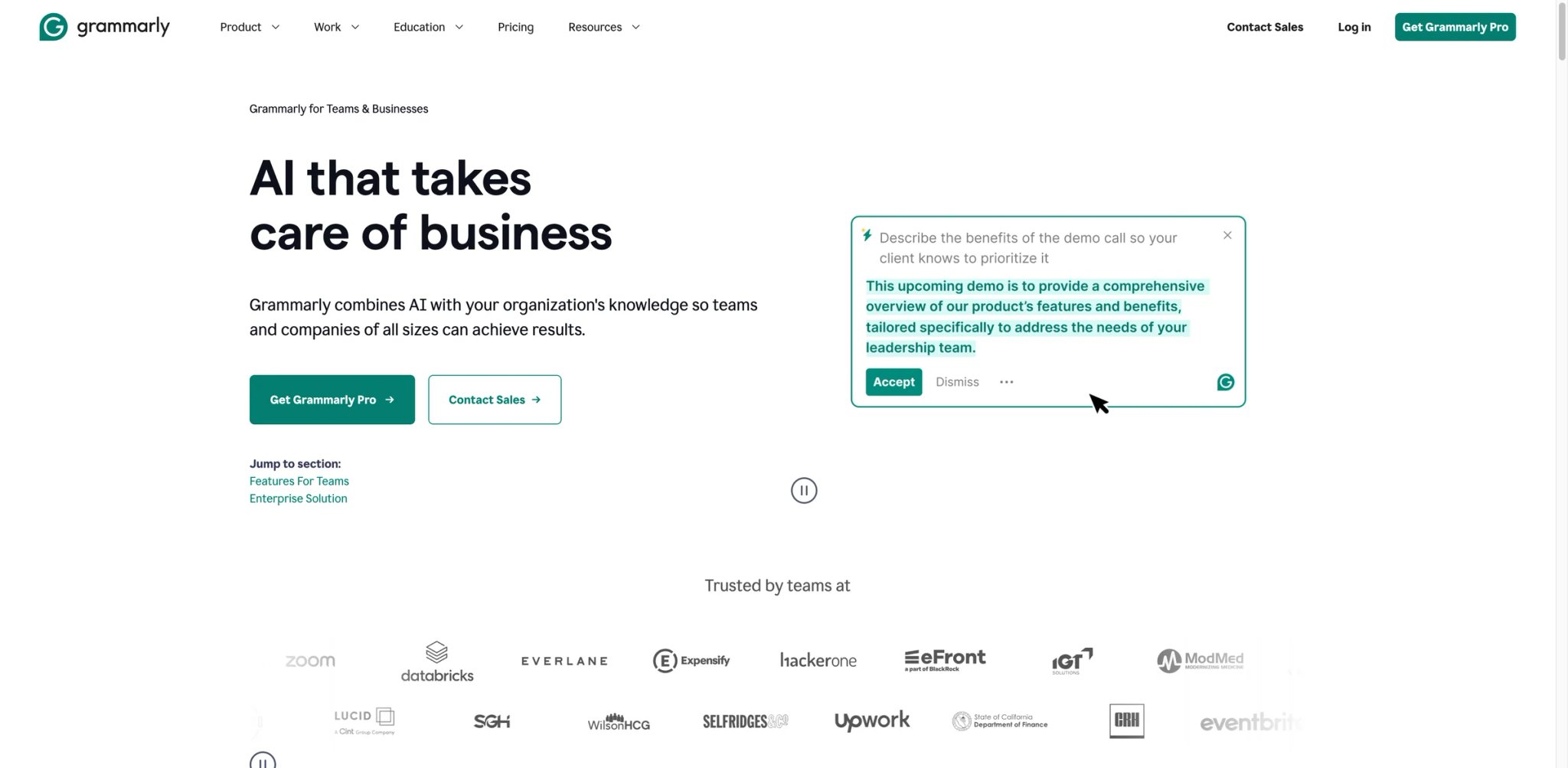
Your distributed team writes customer-facing content across 15 different apps — emails in Gmail, proposals in Google Docs, support tickets in Zendesk, Slack messages — and the tone ranges from overly casual to accidentally aggressive depending on who's writing. Grammarly Pro works as a cross-application writing layer that enforces consistency everywhere your team types.
Key Features
- Cross-App Writing Assistance — Works inside Gmail, Google Docs, Slack, Microsoft Word, and 500+ other apps via browser extension and desktop app. This ubiquity is Grammarly's core differentiator — no other writing tool covers as many surfaces
- Brand Tone and Style Guides — Configure company-specific tone, terminology, and style rules that get applied automatically across all team members' writing. Useful for customer-facing teams where inconsistent voice damages brand perception
- GrammarlyGO Generative AI — Draft, rewrite, and reply to messages with AI that follows your configured style guide. Goes beyond grammar correction into full content generation
- Team Analytics Dashboard — Track writing quality metrics across the organization, identifying common mistakes and measuring improvement over time
Pricing
- Pro: $12/user/month (annual billing), up to 149 users
- Enterprise: Custom pricing for 150+ users — SAML SSO, advanced admin controls
- Note: The former "Business" plan has been merged into Pro
TCO Note: Renewal and volume pricing can differ from the public starting rate. Verify the quote for your seat count and confirm what happens to discounts at renewal.
Limitations
- AI-powered rewrites can override brand voice rather than enforcing it — suggestions sometimes sound generic and change the intended meaning of nuanced text
- Public starting prices do not show every volume or renewal term, so buyers need a written quote for the intended seat count
- Value drops significantly for teams that primarily communicate in non-English languages; Grammarly's non-English support is basic compared to its English capabilities
Best For
Distributed teams of 10–150 that write customer-facing content across multiple apps and need consistent tone, grammar, and style enforcement. Not the right fit if your team primarily writes code, creates visual content, or communicates in non-English languages.
Get started with Grammarly Pro

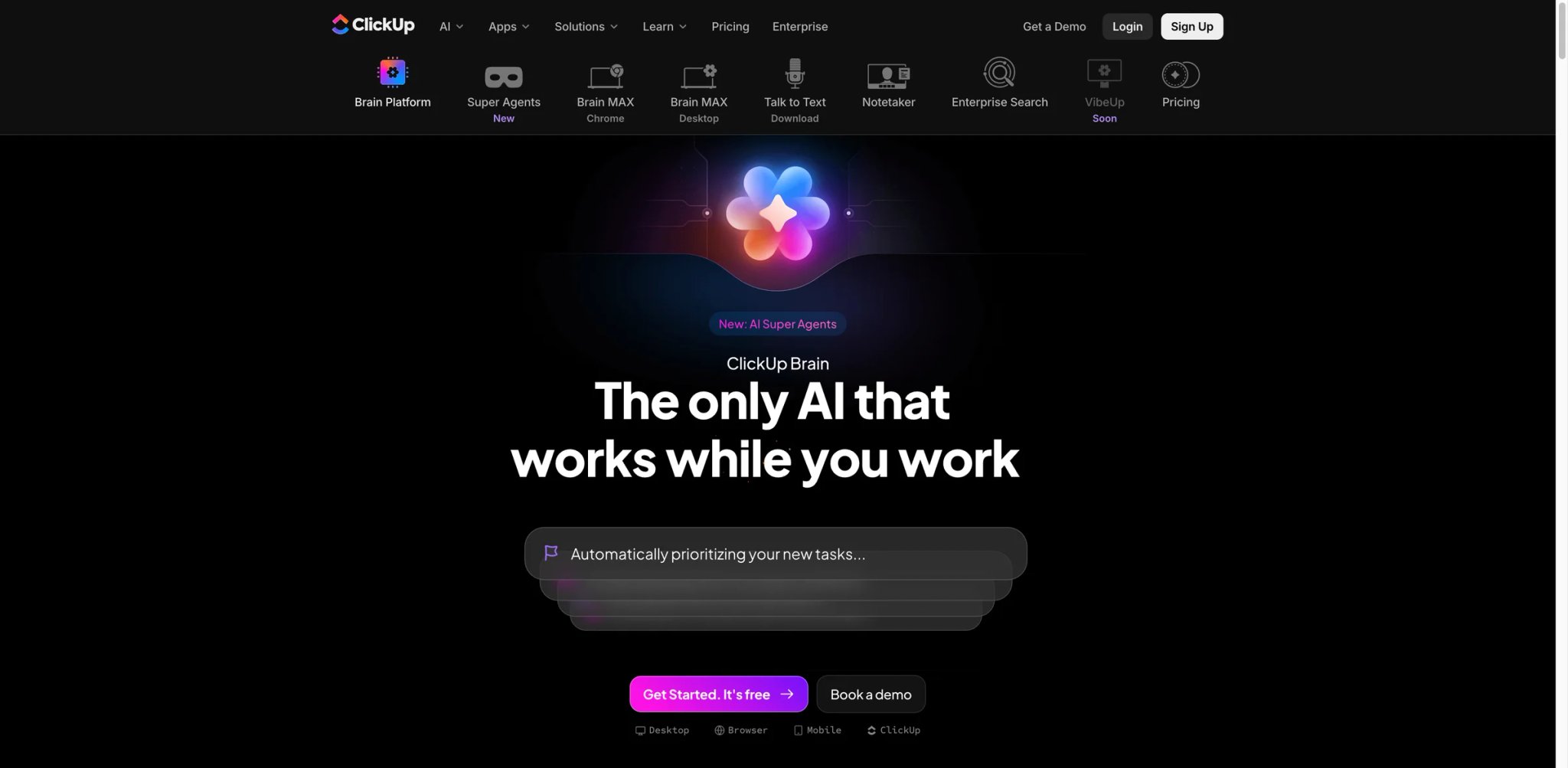
Your project manager spends two hours every Monday writing status updates by manually checking task progress across 12 projects — and the updates are already outdated by Tuesday. ClickUp Brain sits inside your project management workflow and automatically generates status reports, answers questions about project state, and drafts documents using real task data.
Key Features
- Task-Aware AI Assistant — Unlike standalone chatbots, Brain has access to your actual ClickUp tasks, documents, and project data. Ask "what's blocking the Q2 launch?" and get answers grounded in real project state, not generic suggestions
- Super Agents and Autopilot — Set up AI agents that automatically triage incoming requests, assign tasks based on team capacity, and escalate blockers. Moves beyond "AI as search" into "AI as teammate"
- AI Notetaker — Transcribe meetings and generate summaries with action items that automatically create ClickUp tasks. Replaces standalone meeting note tools for ClickUp-native teams
- Enterprise Search — Search across ClickUp and connected apps (Google Drive, Confluence, Slack) from a single interface
Pricing
- Brain AI: $9/user/month billed annually ($18 billed monthly) — core AI assistant, writing, and research features
- Everything AI: $28/user/month billed annually ($68 billed monthly) — premium models, Super Agents, enterprise search, and broader AI automation
- Add-ons: AI Super Credits and other add-ons can increase the effective per-user cost
- Free tier includes trial AI access
TCO Note: The $9 entry price is competitive, but teams wanting agent capabilities and enterprise search need the $28 Everything AI tier — a 3x jump. Credit-based add-ons can further increase costs for heavy AI users.
Limitations
- Best value requires ClickUp as your primary project management tool — if your team uses Asana, monday, or Jira, Brain's contextual advantages disappear
- The Everything AI tier at $28/user/month brings the total cost (platform + AI) close to enterprise PM tools, reducing the price advantage ClickUp is known for
- AI Notetaker has a 60-hour monthly cap on the Everything AI plan, which may not be enough for meeting-heavy organizations
Best For
Teams already using ClickUp (or willing to switch) who want AI that understands their project context — not just generic chat responses. Not the right fit if you're committed to a different project management tool; Brain's value is entirely tied to ClickUp's data.
Get started with ClickUp Brain
Asana AI
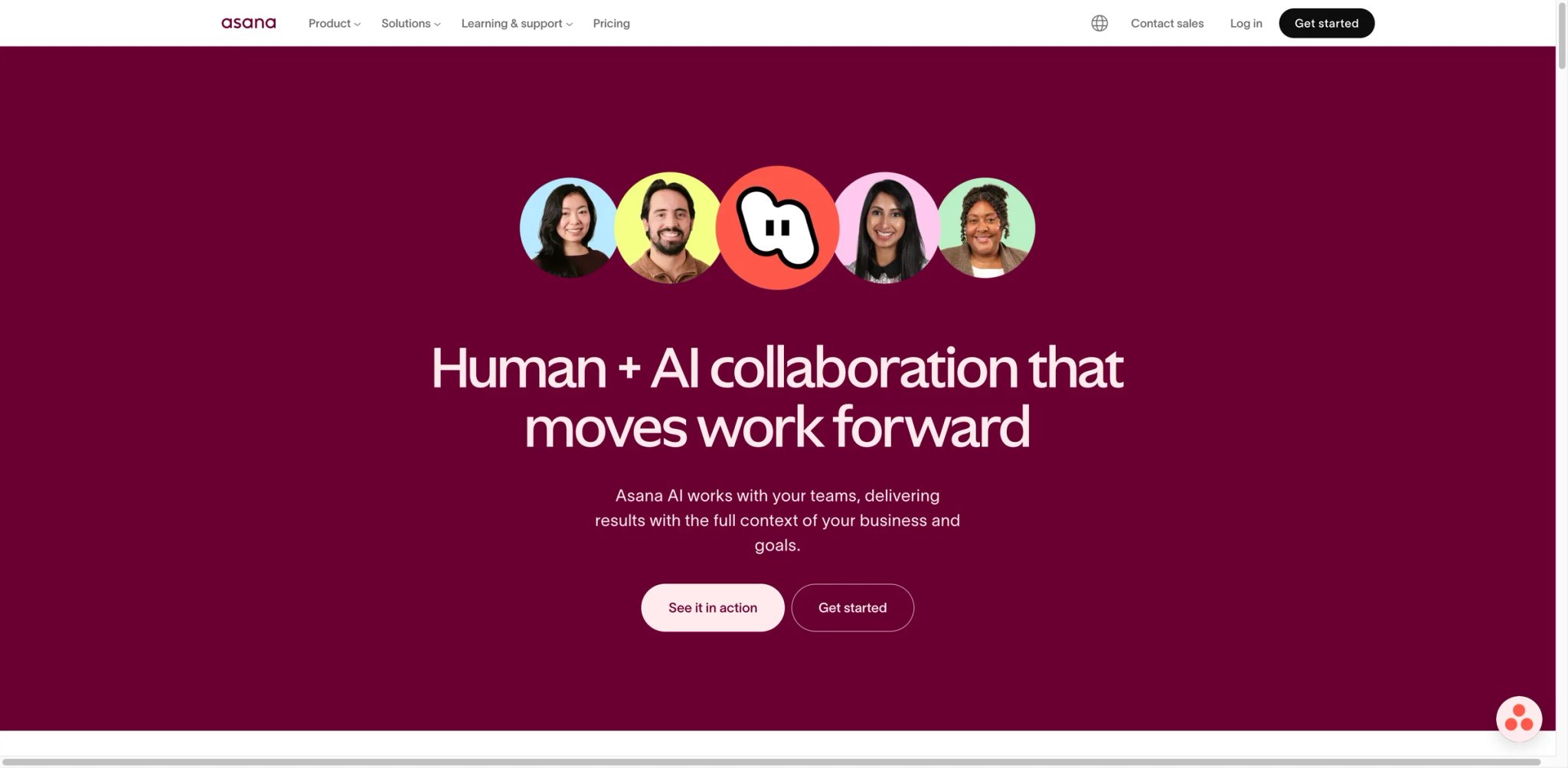
You're managing 15 cross-functional projects and spending more time updating status fields and chasing task owners than doing actual strategic work. Asana AI automates the project management overhead — generating status updates, identifying at-risk workstreams, and running AI-powered workflows that handle routine decisions without manual intervention.
Key Features
- AI Status Updates — Generates project status reports by analyzing task completion, blockers, and timeline changes. Note: this requires manual invocation — it doesn't auto-trigger based on task progress
- AI Teammates — Configure AI agents that execute specific workflow steps: auto-triage incoming requests, assign tasks based on rules, draft meeting agendas from project data. Available as a separate add-on
- Smart Goals and Portfolios — AI recommendations for goal-setting based on team capacity and historical velocity, with portfolio-level risk identification
- Workflow Builder with AI — Create automated workflows using natural language descriptions instead of complex rule-building
Pricing
- Starter: $10.99/user/month billed annually ($13.49 billed monthly) — includes Asana AI and AI Studio Basic with usage limits
- Advanced: $24.99/user/month billed annually ($30.49 billed monthly) — includes Asana AI and AI Studio Basic
- Enterprise / Enterprise+: Contact sales for pricing
- AI Studio Plus: $135 per account/month billed annually ($150 billed monthly), with 100K credits per month
- AI Studio Pro: Contact sales for pricing
TCO Note: Starter and Advanced include AI Studio Basic, while higher AI Studio capacity is a separate per-account purchase. Model your likely credit use before assuming an Asana seat upgrade covers the workflow volume you need.
Limitations
- AI project status tracking is not automatic — users must manually trigger AI updates or configure workflows to do so. It doesn't proactively monitor and alert based on task changes
- Customer support is bot-only on standard plans with no live chat or phone access, making billing disputes and technical issues difficult to resolve
- Pricing has been criticized as high relative to competitors offering similar AI features; the personal plan removal in late 2025 frustrated individual users
Best For
Teams of 20–200 running structured projects with clear workflows and milestones who want AI to reduce the administrative overhead of project management. Not the right fit if your team prefers flexible, kanban-style task management — Asana AI's strength is in structured, goal-oriented project tracking. If you're exploring AI project management tools, Asana is a strong contender for teams that value structured workflows.
Get started with Asana AI
Zapier Agents
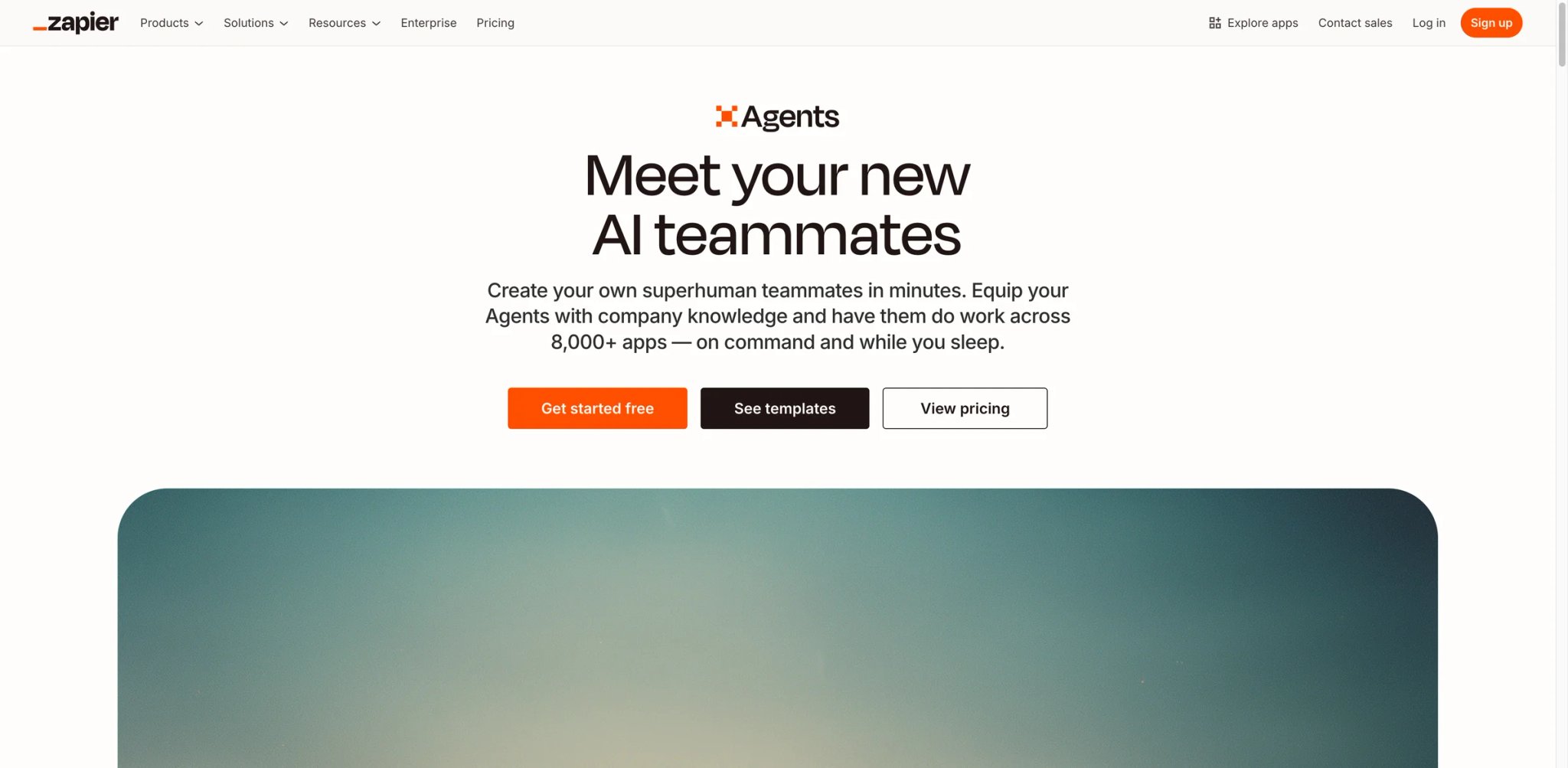
Your operations team manually copies data between CRM, email marketing, invoicing, and project management tools — 30 minutes of copy-paste per deal, 50 deals per week. Zapier Agents go beyond simple if-this-then-that automation by deploying AI-powered teammates that make decisions, handle multi-step processes, and work autonomously across your entire app ecosystem.
Key Features
- 7,000+ App Integrations — The broadest connector library of any automation platform. If your tool has an API, Zapier probably already connects to it — no custom development required
- AI Agents — Deploy autonomous agents that handle multi-step processes using natural language instructions. Unlike simple Zaps, agents can make decisions, handle exceptions, and adapt based on context
- Zapier MCP — Connect enterprise data to AI tools via Model Context Protocol, allowing external AI models to access and act on your business data securely
- Copilot for Zap Building — Describe what you want automated in plain English and Copilot builds the workflow. Dramatically reduces the learning curve for non-technical users
Pricing
- Free: 100 tasks/month, unlimited Zaps, Copilot, Tables, Forms
- Professional: $19.99/month (annual) — 750+ tasks/month, scales to 10K+
- Team: $69/month (annual) — 25 users, shared Zaps and folders
- All paid plans include unlimited Zaps, Copilot, and Zapier MCP
TCO Note: Task-based pricing is Zapier's hidden cost multiplier. A 10-step Zap that runs 100 times consumes 1,000 tasks. Teams automating high-volume workflows (lead routing, order processing) can burn through Professional tier limits fast, pushing costs to $50–100+/month.
Limitations
- Task-based pricing scales unpredictably — teams that automate high-volume processes can see monthly costs 3–5x the base plan price once task limits are exceeded
- Complex multi-step Zaps require significant trial-and-error to get right; error handling across 7,000+ apps is inconsistent depending on the connector quality
- Agent capabilities are powerful but still early — autonomous decision-making works well for structured workflows but can produce unexpected results with ambiguous instructions
Best For
Operations teams and small businesses automating repetitive workflows across multiple tools without engineering support. Not the right fit if your automation needs are within a single ecosystem (Google Workspace, Microsoft 365) — native AI features in those suites will be cheaper and deeper.
Get started with Zapier Agents

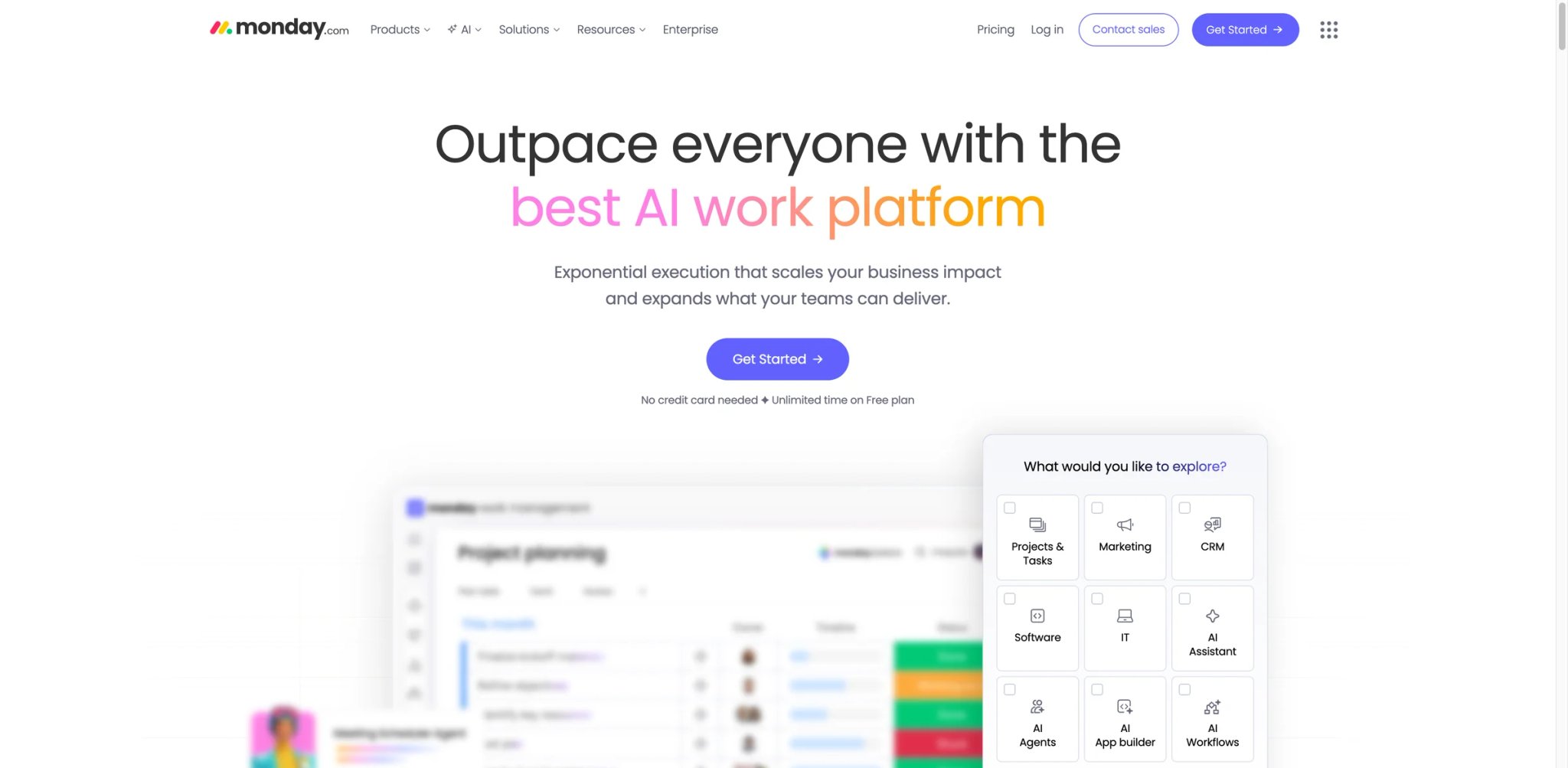
Your team manages projects, client requests, and internal operations on monday.com boards, but every AI tool you've tried lives outside those boards — forcing context-switching for every AI-assisted task. monday AI brings credit-based AI features directly into your boards: generating content, analyzing data, summarizing updates, and automating actions without leaving the work management interface.
Key Features
- Board-Native AI Actions — Generate text, summarize items, extract insights, and automate column updates directly within monday.com boards. AI actions are contextually aware of your board structure, items, and relationships
- AI Credit System — Most AI actions cost 8 credits ($0.08), giving teams granular control over AI spending. Some built-in features (like formula suggestions) are included without consuming credits
- AI Blocks in Automations — Embed AI steps into existing monday.com automations, combining rule-based workflows with AI decision-making
- Multi-Product Coverage — AI features work across monday work management, CRM, service, and dev products, making it useful for teams using multiple monday.com modules
Pricing
- Basic: $9/seat/month billed annually (minimum 3 seats)
- Standard: $12/seat/month billed annually
- Pro: $19/seat/month billed annually
- Enterprise: Custom pricing
- AI billing: AI features are available on paid plans; included trial credits and paid credit usage depend on the account and plan
TCO Note: The 3-seat minimum means small teams of 1–2 pay for unused seats. Credit consumption can add up when AI actions run across many boards and automations, so model usage during a pilot instead of relying on the base seat price.
Limitations
- AI Notetaker (launched September 2025) has near-zero adoption and feels underdeveloped — it's hard to discover in the interface and provides limited value compared to standalone meeting note tools
- Auto-renewal with no email notification is a common complaint; users report being unable to get refunds after missing the 30-day cancellation window
- Customer support is primarily bot-driven on standard plans with no clear human escalation path for billing or technical issues
Best For
Teams already on monday.com who want incremental AI capabilities without switching platforms. Not the right fit if you're evaluating monday.com primarily for its AI — the AI features are a complement to the work management platform, not a standalone selling point.
Get started with monday AI

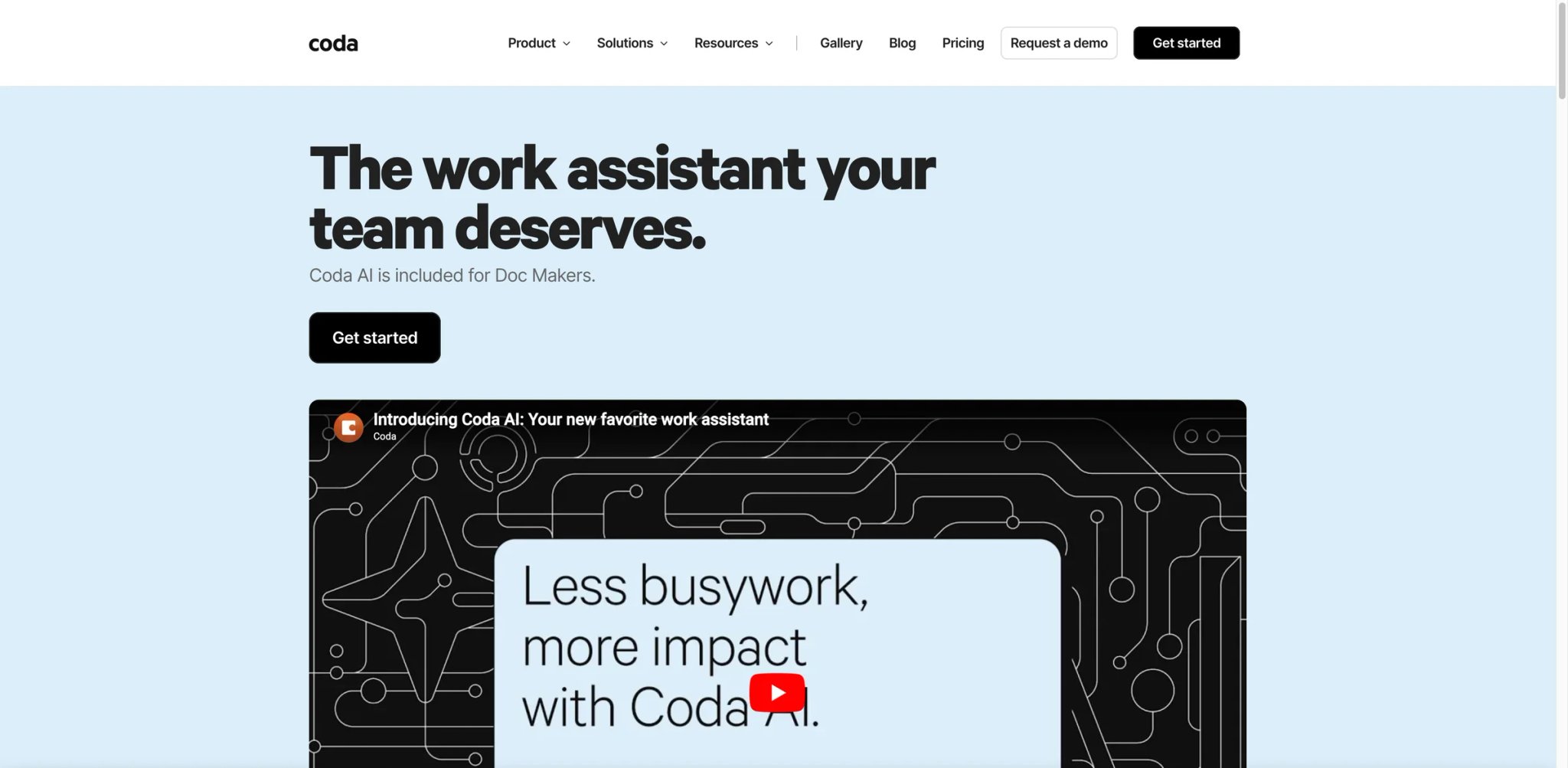
Your team builds internal tools with spreadsheets held together by VLOOKUP formulas and prayer — and every new hire breaks something. Coda AI combines the flexibility of documents with the power of databases and adds AI that can populate columns, draft content, and automate workflows using a formula language that's more powerful (and learnable) than spreadsheet macros.
Key Features
- AI Columns in Tables — Define AI-powered columns that automatically categorize, summarize, or enrich data as new rows are added. For example, an AI column that reads customer feedback and assigns sentiment scores or extracts key themes
- Formula-Powered AI — Coda's formula language lets you chain AI operations with data transformations, creating custom logic that no-code tools can't match. Power users build internal apps that rival custom software
- Multi-Model Access — Routes queries to different AI models based on task complexity, giving teams access to frontier models without separate subscriptions
- Doc-Based Workflows — Build approval flows, project trackers, and dashboards inside a single Coda doc, with AI assistance at every step
Pricing
- Free: Limited AI credits, basic features
- Pro: $10/Doc Maker/month (annual) or $12/month (monthly) — editors are free
- Team: $30/Doc Maker/month — advanced permissions, analytics
- Enterprise: Custom pricing — SSO, admin controls
- AI Credit Add-ons: 2,000 credits for $2/month or 6,000 for $6/month
TCO Note: Coda's pricing model charges Doc Makers (creators) while editors are free — this works well for teams where a few people build tools that many use. But heavy AI column usage burns through monthly credit allocations faster than expected, and add-on credit packs are required for intensive use.
Limitations
- Steep learning curve — Coda's formula language, table relationships, and automation engine require roughly 3 weeks of training before teams can build independently. This isn't a "sign up and start" tool
- No desktop app and no meaningful offline capability — everything runs in the browser, which is a blocker for teams that work in low-connectivity environments
- AI credit consumption is opaque; it's difficult to predict monthly costs when AI columns process varying volumes of data
Best For
Technical teams and power users who want to build custom internal tools with AI capabilities — think "Notion meets Excel meets AI." Not the right fit if your team wants simple, pre-built AI features with zero learning curve; Coda rewards investment but demands it upfront.
Get started with Coda AI

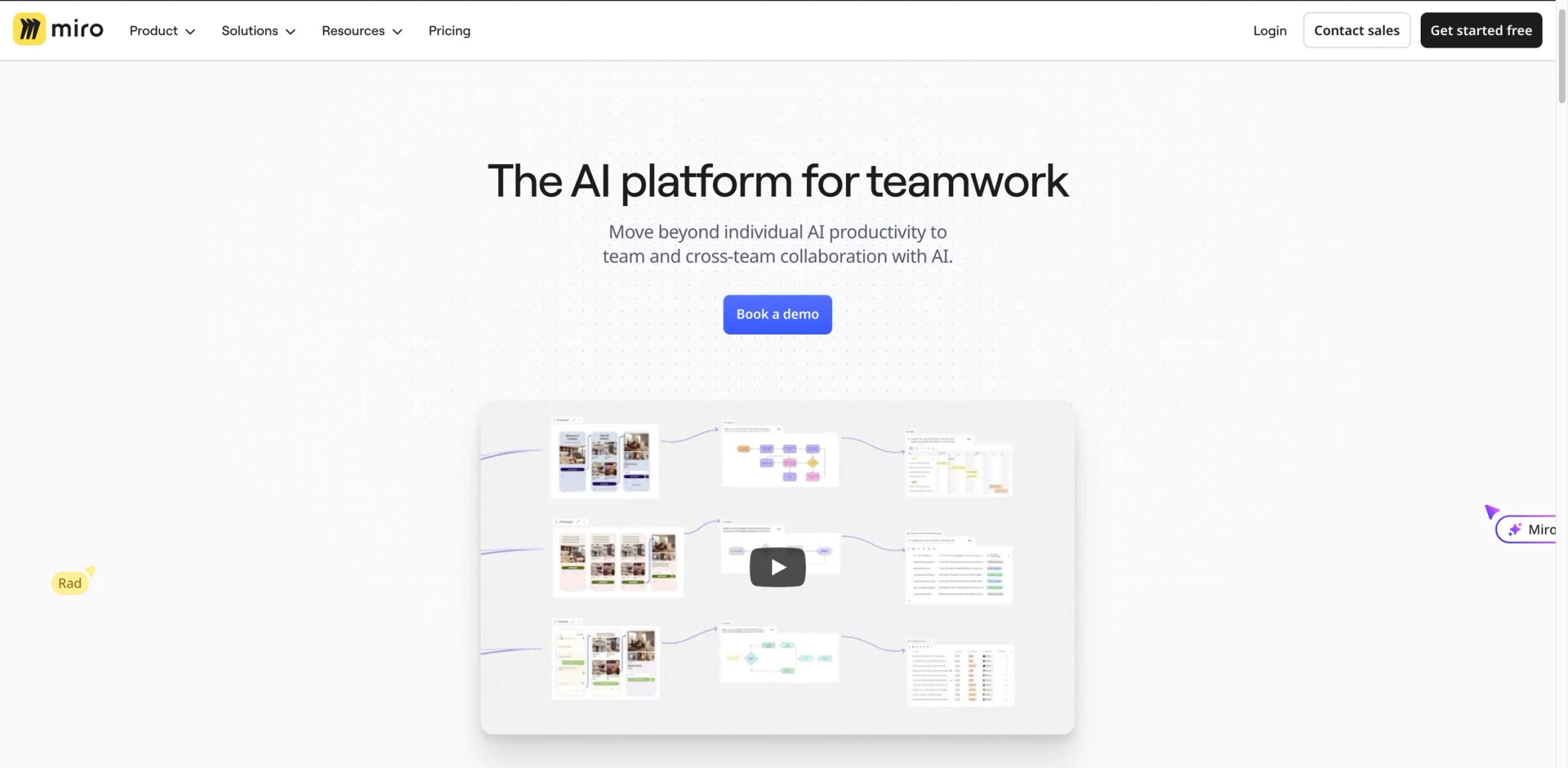
Your product team runs brainstorming sessions that generate 200 sticky notes in 30 minutes — and then nobody organizes them into themes or action items. Miro AI adds clustering, summarization, and idea generation directly onto the whiteboard canvas, turning chaotic brainstorming sessions into structured outputs without post-meeting cleanup.
Key Features
- Intelligent Clustering — AI automatically groups related sticky notes, images, and content blocks into themes, saving the 30–60 minutes of manual organization that typically follows brainstorming sessions
- AI-Powered Idea Generation — Prompt AI to generate additional ideas, counter-arguments, or edge cases based on existing board content, pushing brainstorming sessions beyond initial obvious contributions
- Board Summarization — Generate executive summaries of complex boards with dozens or hundreds of elements, useful for sharing brainstorming outcomes with stakeholders who weren't in the session
- Visual AI Workflows — Build automated sequences that combine AI steps with Miro's collaboration features, like auto-generating user stories from a research synthesis board
Pricing
- Free: 10 AI credits/team/month
- Starter: $8/user/month (annual) — 25 AI credits/member
- Business: $16/user/month (annual) or $20/month (monthly) — 50 AI credits/member
- Enterprise: Custom — 100 AI credits/member
TCO Note: AI credits do not roll over month-to-month. Teams with inconsistent brainstorming schedules may waste credits in quiet months and run short during intense planning periods.
Limitations
- Some users report the AI integration feels forced — the interface aggressively pushes toward AI chat features that underperform for visual/whiteboard use cases where spatial arrangement matters more than text generation
- Viewer billing is opaque: viewers can be auto-added to billing at $20/person/month without clear consent, inflating costs for teams that share boards broadly
- AI credits are modest at lower tiers (25/member on Starter), making it hard to evaluate the AI features meaningfully on cheaper plans
Best For
Product, design, and strategy teams that run frequent brainstorming and workshop sessions and need AI to organize outputs into actionable themes. Not the right fit if you're looking for a general-purpose AI assistant — Miro AI is specifically valuable during collaborative visual sessions, not daily text-based work.
Get started with Miro AI


You came back from a three-day conference to 2,000 unread Slack messages across 40 channels, and spending two hours catching up feels like the worst possible use of your time. Slack AI generates channel summaries, daily recaps, and searchable conversation insights so you can get caught up in minutes instead of hours.
Key Features
- Channel Summarization — Get AI-generated summaries of any channel's key discussions, decisions, and action items. Useful for catching up after time off or staying informed on channels you monitor but don't actively follow
- Huddle Notes — Automatic transcription and summaries of Slack huddles, with action items extracted and shareable with participants
- Daily Recaps — AI-curated daily digest of important conversations across your channels, filtered by relevance to your role and recent activity
- Advanced Enterprise Search — AI-powered search across all connected apps and channels, going beyond keyword matching to understand intent
Pricing
- Pro: $7.25/user/month billed annually or $8.75 billed monthly — includes conversation summaries and huddle notes
- Business+: $15/user/month billed annually or $18 billed monthly — adds search answers, recaps, file summaries, translations, and workflow automation
- Enterprise+: Contact sales — adds enterprise search across external sources and broader governance
- The former standalone Slack AI add-on ($20/user/month) was retired in August 2025; features are now bundled into plan tiers
TCO Note: The former standalone AI add-on was folded into plan tiers. Pro covers summaries and huddle notes, Business+ adds more search and workflow features, and enterprise search is reserved for Enterprise+.
Limitations
- AI features are hard to discover and impossible to personalize — users describe them as "occasionally useful" but buried in the interface with no onboarding or learning curve support
- Channel recap and digest tools are widely considered inadequate, generating noise rather than reducing it when channels are high-volume
- Support channels and response commitments vary by plan; verify escalation options if Slack is a business-critical system
Best For
Teams using Slack as their primary communication hub who need AI-powered catch-up and search features. Not the right fit if you're evaluating Slack primarily for its AI capabilities — the AI features are a useful add-on to Slack's communication platform, not a reason to switch from another messaging tool.
Get started with Slack AI
HubSpot AI
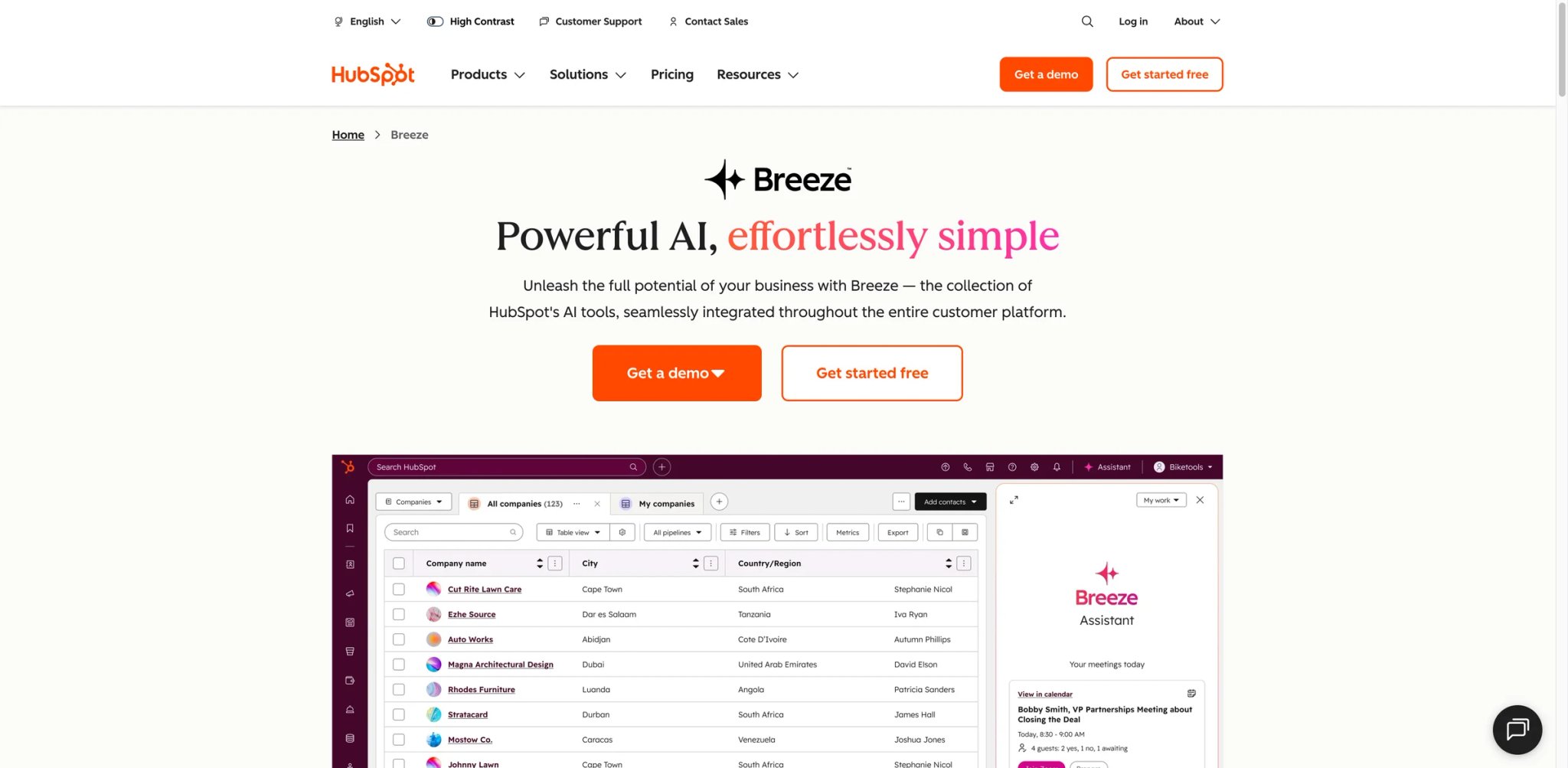
Your sales team logs calls in the CRM, marketing runs campaigns from a different tab, and support handles tickets in yet another — but nobody has a unified view of which accounts need attention right now. HubSpot AI (Breeze) embeds assistants, agents, and predictive analytics across HubSpot's CRM, marketing, sales, and service hubs, giving every customer-facing team AI that actually knows your pipeline.
Key Features
- Breeze Copilot Across Hubs — An AI assistant that lives inside every HubSpot hub (Marketing, Sales, Service, Content) and understands your CRM data. Ask it to draft a follow-up email using deal context, summarize a contact's full interaction history, or recommend next-best actions based on pipeline stage
- AI Agents for Customer Conversations — Deploy autonomous agents that handle inbound support conversations, qualify leads, and route requests — with outcome-based pricing ($0.50/resolved conversation) replacing flat per-seat AI fees
- Predictive Lead Scoring — AI-powered scoring that goes beyond rule-based models, analyzing engagement patterns, firmographic data, and deal velocity to prioritize outreach
- Content AI for Campaigns — Generate email sequences, landing pages, blog drafts, and social posts with brand voice enforcement, all connected to your CRM segments
Pricing
- Free tools: $0/month — Breeze Assistant and selected embedded AI features
- Starter Customer Platform: Standard price starts at $20/month per seat; temporary new-customer offers may be lower
- Customer Platform Professional: starts at $1,450/month on annual billing with 6 seats included
- Customer Platform Enterprise: starts at $4,700/month with 8 seats included
- HubSpot Credits: advanced AI features and agents consume credits; included credits depend on the subscription tier, and extra credits cost more
TCO Note: HubSpot remains one of the most expensive options once you move beyond Free or Starter. Real spend depends on the platform tier, included seats, monthly HubSpot Credits, extra capacity, and whether overages are enabled.
Limitations
- Core AI features are aggressively paywalled — predictive analytics, custom agents, and deeper reporting intelligence require Professional or Enterprise tiers, putting them out of reach for small teams
- Annual terms, onboarding, seat changes, and credit overages can materially affect exit cost; require those terms in the quote before committing
- Interface bloat from trying to cover every business function — significant learning curve, and teams frequently get lost navigating feature locations across hubs
Best For
Sales and marketing teams already on HubSpot CRM who want AI grounded in existing customer data for lead scoring, outreach automation, and support. Not the right fit if you're not already on HubSpot — the AI features deliver most value when connected to a populated CRM, and Professional packaging is a large commitment for teams just exploring AI.
Get started with HubSpot AI
Best AI Tools for Business by Use Case
For Teams Consolidating Multiple AI Subscriptions
If you're paying for three or more separate AI tools and want to reduce to one, ChatGPT Business covers a broad range of use cases — writing, research, coding, and image generation — in a single subscription starting at $20/seat/month on annual billing. Claude Team is the more focused shortlist candidate if your work is research-heavy and document-intensive.
For Organizations Standardized on One Productivity Suite
If your entire company lives in Google Workspace, Google Workspace with Gemini is the obvious choice — AI embedded directly in Gmail, Docs, Sheets, and Meet at an incremental cost on top of your existing subscription. If you're a Microsoft shop, Microsoft 365 Copilot delivers the same native integration inside Word, Excel, PowerPoint, and Teams. Choosing the one that matches your existing stack avoids the friction of cross-ecosystem integration.
For Operations Teams Automating Cross-App Workflows
If your bottleneck is manual data transfer between tools — CRM to invoicing, form submissions to project boards — Zapier Agents connects 7,000+ apps and deploys autonomous agents that handle multi-step processes. ClickUp Brain is a better fit if your automation needs are project-management-centric and you want AI grounded in task context rather than generic workflow triggers.
For Teams That Need Every AI Answer to Be Verifiable
If you're in consulting, legal, or finance where "the AI said so" isn't an acceptable citation, Perplexity Enterprise Pro returns every answer with inline source links. The $40/seat premium over general-purpose chatbots pays for itself in reduced fact-checking time and increased trust in AI-assisted deliverables.
For Marketing Teams Producing Content at Scale
If your constraint is visual content volume — social media graphics, email banners, presentation decks — Canva Magic Studio turns non-designers into productive content creators with template-powered AI. For written content governance across distributed teams, Grammarly Pro ensures consistent tone and quality across every app your team writes in.
How to Choose the Right AI Tools for Business
-
Audit your current AI spending first — List every AI subscription, per-seat cost, and monthly usage across your organization. Look for overlapping writing, meeting, search, and automation features before adding another product. If you already use AI productivity tools, check which AI features are included in existing plans.
-
Match the tool to your primary workflow, not the feature list — An AI tool that lives inside your daily workflow (Slack, Google Docs, Excel) will get 10x more adoption than a standalone app your team has to remember to open. Prioritize integration depth over feature count.
-
Calculate total cost of ownership at your actual team size — Sticker prices are misleading. Factor in minimum seat requirements (Claude Team: 5 seats; monday.com: 3 seats), credit consumption at realistic usage volumes, and mandatory plan tier upgrades to access the AI features you actually need.
-
Test with a real workflow before committing annually — Most tools offer free tiers or trials. Don't evaluate by asking the AI to "write a blog post" — test it on an actual business process: summarizing last week's customer calls, generating a status report from project data, or drafting responses to real support tickets.
-
Evaluate vendor lock-in risk — Ask: "If we switch tools in 12 months, what happens to our data, workflows, and team training?" Tools like Zapier and ChatGPT have low lock-in (your data stays in connected apps), while deeply embedded tools like HubSpot AI and Glean create significant switching costs.
-
Start with one team, not the whole company — Roll out to a 5–10 person pilot team for 30 days, measure actual productivity gains (not self-reported satisfaction), and use the data to justify or reject a company-wide rollout.
Frequently Asked Questions
What's the cheapest AI tool for a small business team of 5-10 people?
Can I use ChatGPT Business for sensitive company data?
Is Microsoft 365 Copilot worth the extra cost on top of my M365 subscription?
How do AI credit systems work in tools like monday AI and Coda AI?
Which AI tool is best for a team that uses both Google Workspace and Microsoft 365?
Do these AI tools actually replace employees or just assist them?
What happens to my data if I cancel an AI tool subscription?
Which tool has the best free tier for evaluating AI capabilities?
Get ToolWorthy Weekly
New AI tools, practical guides, and selected AI signals in one weekly brief.
Related Posts
- 16 Best AI Scheduling Assistant Tools 2026 - Calendar & Meetings
Compare 16 AI scheduling assistant tools for calendars, meeting coordination, email scheduling, recruiting loops, pricing and workflow fit.
- 16 Best AI Email Assistant Tools 2026 - Gmail, Outlook & Teams
Compare 16 AI email assistant tools for Gmail, Outlook, shared inboxes, writing, triage, follow-ups, pricing and team workflows.
- 16 Best AI Chrome Extensions in 2026 — Tested for Real Browser Workflows
We installed 30+ AI Chrome extensions and kept the 16 that survived real daily use. Real pricing, permissions notes, and where each one actually wins.
For AI tool founders
Built a tool that belongs in this decision set?
Request an editorial evaluation for possible inclusion in ToolWorthy.
Submit your tool for reviewPaid submission does not guarantee a ranking, recommendation, inclusion, or editorial outcome.