



Overview
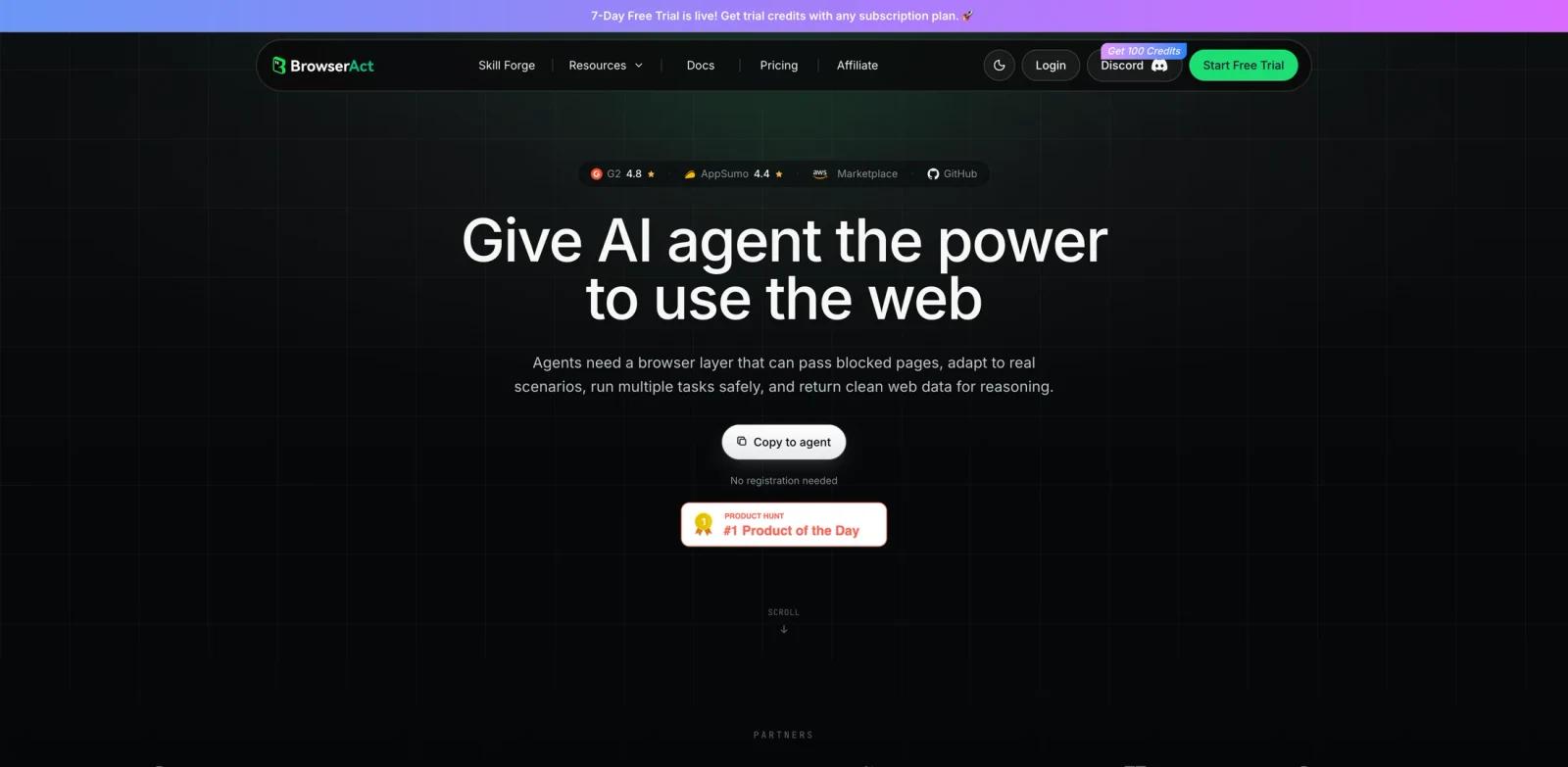
BrowserAct is a browser automation layer built for AI agents that need to use real websites rather than clean demo pages. It gives agents a browser environment for clicking, extracting, filling forms, uploading files, preserving session state, and working through common web blocks.
The product is useful when a coding agent, research agent, sales workflow, or operations bot needs to interact with web apps that do not expose a stable API. BrowserAct positions itself as the browser layer between the agent and the messy web: the agent describes the task, BrowserAct handles browser execution, and the workflow returns structured data for reasoning or export.
BrowserAct fits the AI agent category. It is especially relevant for teams comparing agent browser layers with computer-use products such as Claude Code or agent infrastructure covered in ToolWorthy's MCP beginner guide.
Key Features
- Agent-ready browser execution - Run browsing, clicking, extraction, form filling, upload, and workflow tasks from an agent or CLI workflow.
- Blocked-page handling - BrowserAct markets support for CAPTCHA handling, blocked pages, and human handoff when a page needs intervention.
- Session isolation - Use separate browser profiles, cookies, and account sessions so simultaneous tasks do not interfere with each other.
- Proxy infrastructure - Use dynamic or static proxies from the same credit pool for country targeting, account management, and blocked-site workflows.
- Workflow steps - Pay for AI-powered workflow execution steps when automations need remote scheduling, proxy support, and verification handling.
- Developer entry points - The site links to documentation, a Skill Forge product area, GitHub skills, and a Product Hunt launch page for evaluation.
How to Get Started
Start with the free trial or the no-registration local browser path shown on the homepage. Pick a workflow where a normal agent usually breaks, such as scraping a dynamic catalog, filling a logged-in form, or exporting structured data from a web app. For production use, separate accounts and browser profiles by customer or workflow so cookies and session state remain isolated.
Developers building agent workflows should also define when BrowserAct can proceed automatically and when it must request a human handoff. That boundary matters more than raw browser automation speed when the workflow touches accounts, payments, or private data.
Pricing & Plans
BrowserAct offers a free trial and paid monthly plans. The public pricing page lists both subscription credits and infrastructure services that spend from the same credit pool.
| Plan or service | Public pricing |
|---|---|
| Free Trial | $0/month, 100 daily credits, community support, 5 free local browsers |
| Basic | $13/month billed yearly, 10,000 monthly credits, 10 simultaneous tasks, unlimited MCP servers |
| Essential | $56/month billed yearly, 50,000 monthly credits, 20 simultaneous tasks |
| Advanced | $96/month billed yearly, 100,000 monthly credits, 40 simultaneous tasks |
| Fingerprint Browser | First 5 profiles free |
| Dynamic Proxy | 5,000 credits per GB, advertised as low as $3.20 per GB |
| Workflow Step | 5 credits per step, advertised as low as $0.0032 per step |
| Cloud Browser | Listed as coming soon with pricing to be determined |
The lowest published paid subscription is Basic at $13/month when billed yearly. Teams should estimate credit usage before relying on BrowserAct for large-scale scraping or background automations.
Best For
- AI agents that need to browse logged-in or dynamic websites
- Teams replacing brittle scraper scripts with browser workflows
- Researchers and operators exporting structured web data
- Product teams adding web execution to internal AI copilots
- Developers who need session-isolated browser profiles for repeatable tasks
FAQ
What does BrowserAct do?
BrowserAct gives AI agents a browser layer for real websites, including browsing, clicking, extraction, form filling, uploads, sessions, blocked-page handling, and workflow execution.
Is BrowserAct free?
It has a free trial with daily credits and local browser allowances. The lowest listed paid plan is Basic at $13/month when billed yearly.
Does BrowserAct include proxies?
Yes. The pricing page lists dynamic and static proxy services that spend from the existing credit pool.
Can BrowserAct solve CAPTCHA automatically?
The official site describes CAPTCHA and blocked-page handling, but teams should validate this on their own target sites because detection and challenge behavior varies.
Who should use BrowserAct?
It is best for developers and operations teams whose agents need to interact with websites that do not offer stable APIs.