



Overview
AutoEdit is a Claude-powered AI video editor for Adobe Premiere Pro. It works as a plugin that analyzes talking-head or creator footage, removes repetitive editing work, and builds a cleaner rough cut directly inside the editor.
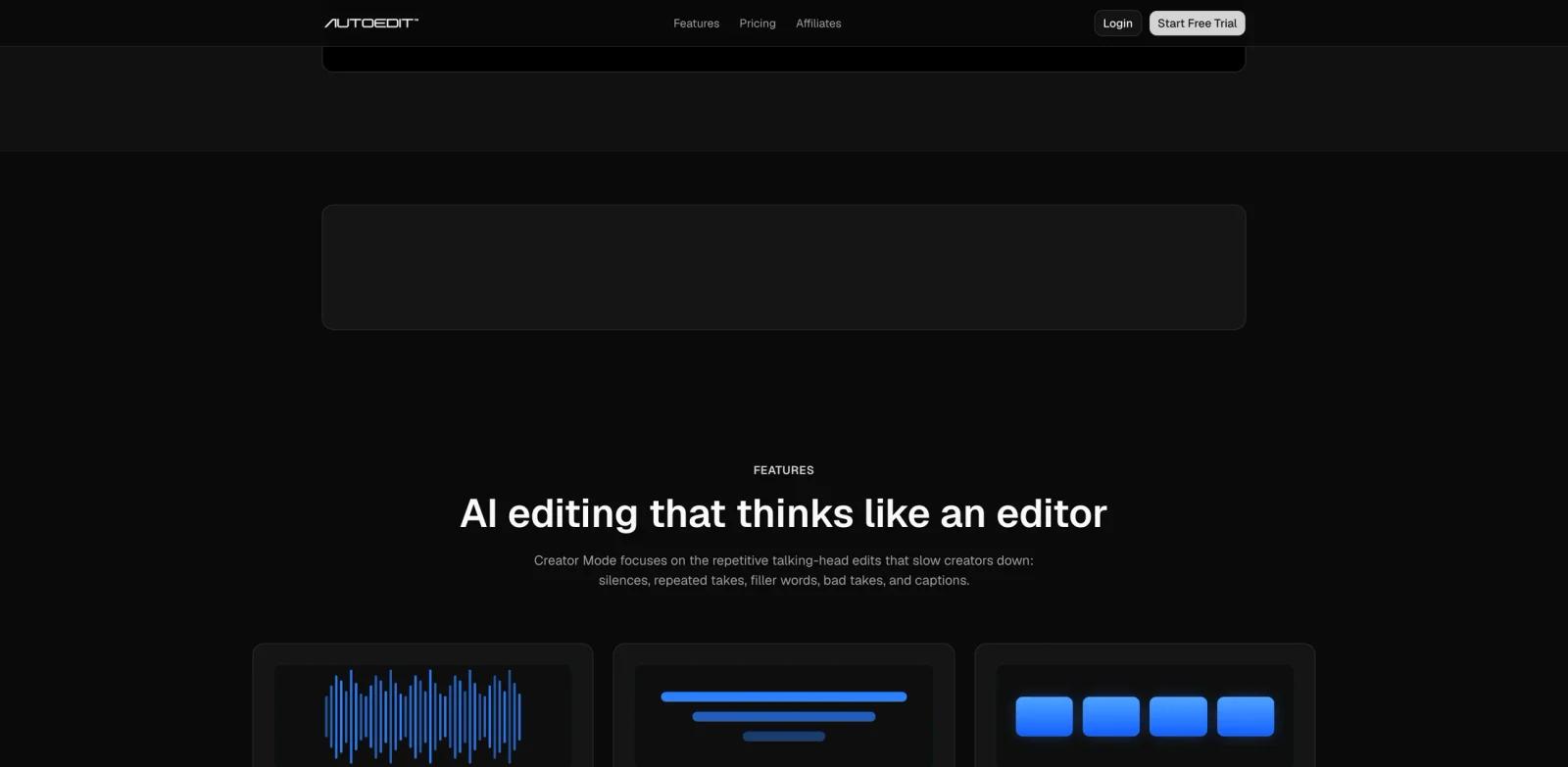
The Product Hunt launch on June 15, 2026 framed AutoEdit as "Your Claude AI Video Editor for Premiere Pro." The official site says Creator Mode understands content, builds rough cuts automatically, removes silences and filler words, cuts bad takes, handles repeated ideas, and creates captions across 99+ languages.
AutoEdit is strongest for creators who already use Premiere Pro and spend too much time on the first pass. It does not promise a perfect final edit. The official site explicitly says it gets users to a cleaner rough cut faster, while the creator still controls the final story.
Key Features
Premiere Pro plugin workflow - Runs inside Adobe Premiere Pro, so creators can apply edits without exporting footage to a separate editing app.
Claude-powered context editing - Uses Claude AI to understand what the speaker is saying, helping it make rough-cut choices based on meaning rather than only waveform gaps.
Silence and filler removal - Removes dead air, awkward pauses, "um," "uh," "like," and unnecessary speech clutter for a tighter timeline.
Bad take and repetition cleanup - Detects restarts, weak takes, repeated ideas, and stutters, then keeps the better version for the first pass.
Auto captions - Transcribes and captions videos across 99+ languages, with creator-style caption options and custom designs.
Timeline auto build - Creates a structured rough cut in seconds so creators can start polishing instead of manually cutting from scratch.
How to Get Started
AutoEdit is for Adobe Premiere Pro users. Start by choosing a plan or trial from the official site, installing the plugin, and opening it inside Premiere Pro.
The workflow is simple: launch the plugin, tell the AI what kind of cut you want or use Auto-Edit, let it remove weak sections, then review and apply the edit. For first tests, use a short talking-head clip or podcast excerpt so you can compare the AI rough cut against your normal manual workflow.
Creators using DaVinci Resolve, Final Cut Pro, CapCut, or browser-based editors should not assume compatibility. The official FAQ says the plugins run natively inside Adobe Premiere Pro.
Pricing & Plans
AutoEdit offers a 3-day free trial, but the product is paid after the trial. The official site says a credit card is required for the trial.
| Plan | Price | Notes |
|---|---|---|
| Starter | $29/month | 2 hours per month, all AI editing features, unlimited captions, Premiere Pro plugin |
| Pro | $79/month | 5 hours per month, all AI editing features, unlimited captions, Premiere Pro plugin |
| Business | $199/month | 15 hours per month, all AI editing features, unlimited captions, Premiere Pro plugin |
The site also advertises yearly billing savings. Teams should confirm the current annual discount at checkout before quoting annual effective prices.
Best For
- YouTubers, podcasters, and short-form creators editing talking-head footage in Premiere Pro
- Solo creators who need faster AI productivity gains without hiring an editor
- Agencies producing recurring social clips, interviews, and founder-led video content
- Editors who want a faster first pass but still want to control the final creative cut
- Content teams comparing AI content generator workflows for video, not only text
FAQ
What does AutoEdit do?
AutoEdit is an AI editing plugin for Adobe Premiere Pro. It builds rough cuts, removes silences and filler words, trims bad takes, handles repetitions, and creates captions.
Is AutoEdit powered by Claude?
Yes. The official site describes AutoEdit as powered by Claude AI and says it uses AI context editing to understand content.
Does AutoEdit work with DaVinci Resolve or CapCut?
The official FAQ says the plugin runs natively inside Adobe Premiere Pro. Users of other editors should not assume support unless AutoEdit adds it later.
How much does AutoEdit cost?
Starter is $29 per month, Pro is $79 per month, and Business is $199 per month.
Is there a free trial?
Yes. AutoEdit offers a 3-day free trial, and the official FAQ says a credit card is required.
Will AutoEdit replace human video editors?
No. AutoEdit is best understood as a rough-cut assistant. It speeds up repetitive setup work, but the creator still needs to review pacing, story, and final quality.