

Overview
Adobe Image Upscaler refers to Adobe's AI-powered image upscaling workflows in Photoshop and Firefly. These tools enlarge images while improving clarity, sharpness, and detail, making them useful for creators, marketers, designers, photographers, and everyday users who need better visual quality.
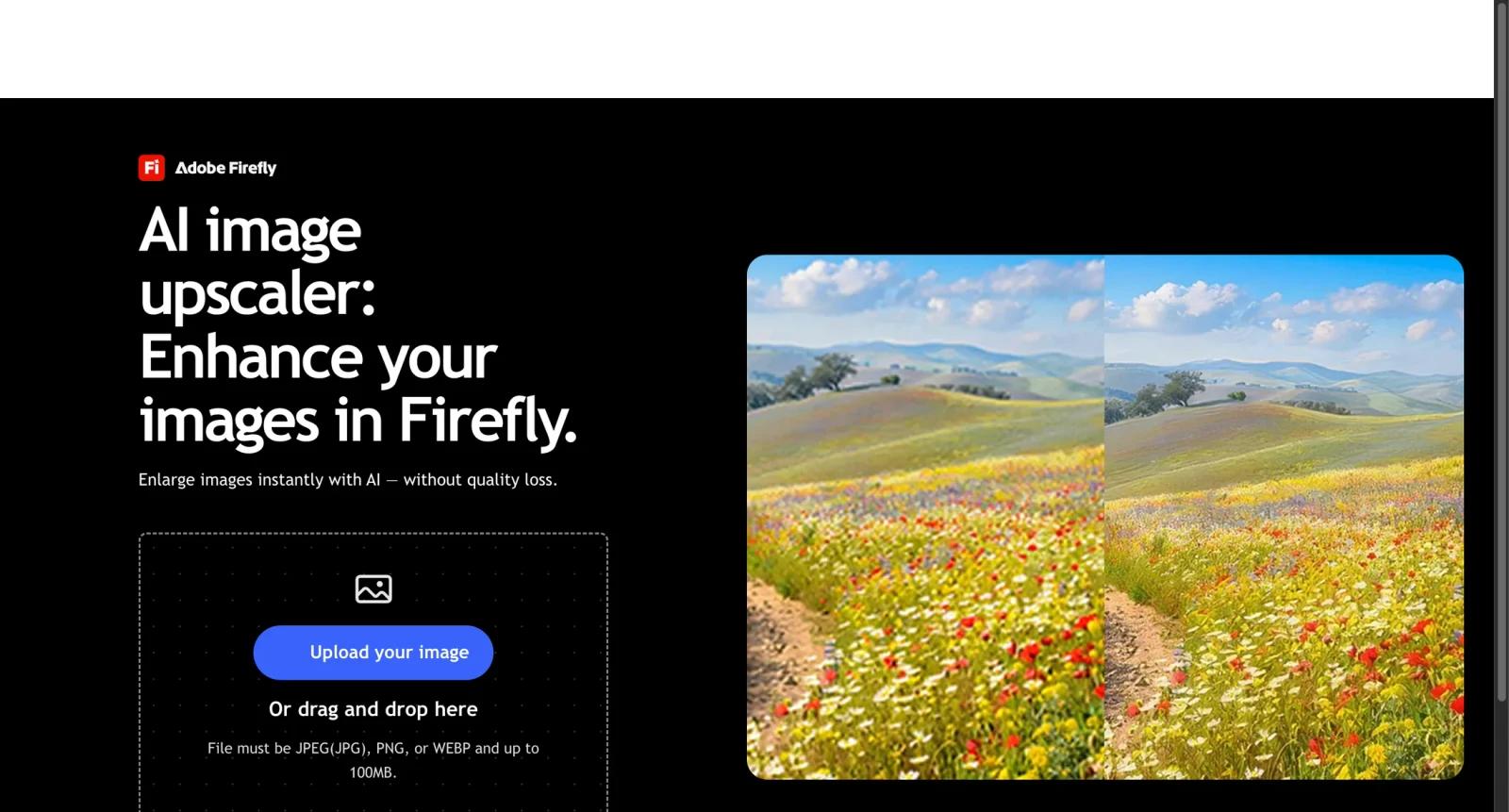
Adobe positions image upscaling as part of Photoshop's Generative Upscale and Firefly's browser-based image upscaler. Photoshop also includes restoration and retouching workflows, while Firefly provides a simpler web entry point.
As of April 28, 2026, Adobe says Firefly can be used as a free image upscaler with limited generative credits. Adobe also states that users in the US and Canada can upscale up to 2 images for free with Photoshop on the web while Generative Upscale is in beta.
For adjacent research, compare AI design tools, AI UI design tools, AI website design tools.
Key Features
- AI image upscaling - Enlarges images while improving sharpness, clarity, and perceived detail.
- Photoshop Generative Upscale - Uses Adobe Firefly Upscaler and partner models such as Topaz Gigapixel and Topaz Bloom inside Photoshop.
- Firefly web upscaler - Provides a browser-based image upscaling experience without installing software.
- 2x and 4x output options - Photoshop upscaling includes output scale controls where available.
- Photo restoration workflows - Photoshop can combine upscaling with Neural Filters, Photo Restoration, Colorize, and retouching.
- Creative Cloud integration - Fits into Adobe's broader editing, design, and asset workflows.
Pricing & Plans
Adobe Image Upscaler access depends on whether you use Firefly, Photoshop on the web, or paid Photoshop/Creative Cloud plans.
| Access path | Pricing | Best fit |
|---|---|---|
| Firefly image upscaler | Free with limited generative credits | Quick browser-based tests |
| Photoshop on the web beta | Up to 2 free upscales in the US and Canada | Trying Generative Upscale |
| Photoshop paid plans | Check Adobe pricing | Ongoing professional editing |
| Creative Cloud plans | Check Adobe pricing | Users who need multiple Adobe apps |
Check Adobe's live pricing and generative credit rules before relying on it for high-volume workflows.
Best For
Adobe Image Upscaler is best for designers, photographers, marketers, and Creative Cloud users who want AI upscaling inside a broader professional image-editing workflow.
FAQ
What is Adobe Image Upscaler?
Adobe Image Upscaler is Adobe's AI image upscaling workflow in Photoshop and Firefly for enlarging images while improving clarity and detail.
Is Adobe Image Upscaler free?
Adobe says Firefly image upscaling is free with limited generative credits. Photoshop on the web beta offers limited free upscales in the US and Canada.
Does Photoshop include image upscaling?
Yes. Photoshop includes Generative Upscale, with models such as Firefly Upscaler, Topaz Gigapixel, and Topaz Bloom where available.
Who should use Adobe Image Upscaler?
It is best for users who want upscaling as part of a larger Photoshop, Firefly, or Creative Cloud editing workflow.
How much does Adobe Image Upscaler cost?
Pricing can change by plan, billing term, region, and usage limits. Check the official website for the current plan details before purchase.
Does Adobe Image Upscaler replace human review?
No. It can speed up the workflow, but important outputs should still be checked for accuracy, quality, and fit before production use.