



Overview
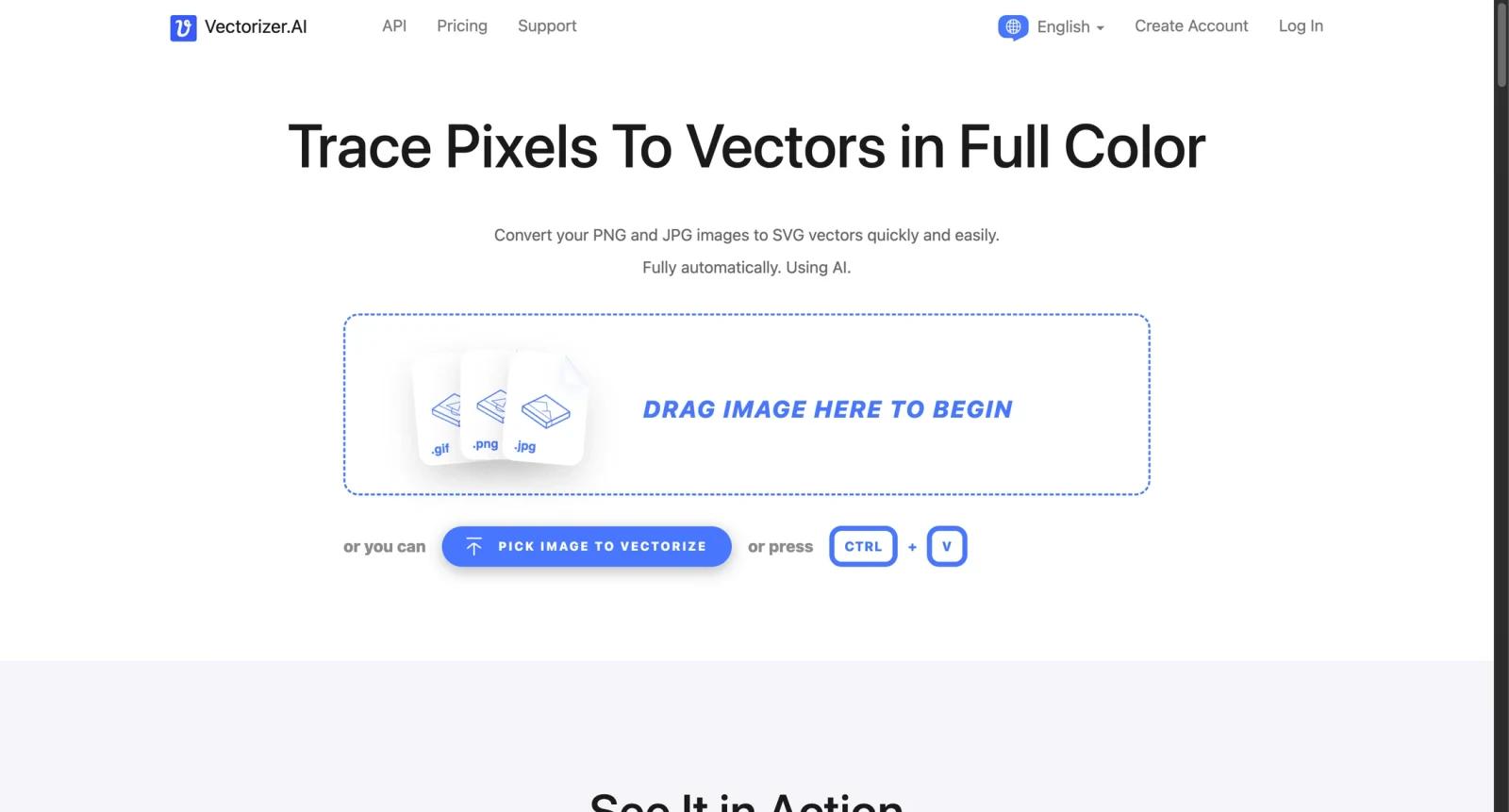
Vectorizer AI is an online raster-to-vector conversion tool. It converts bitmap images such as PNG and JPG files into scalable SVG vector graphics that can be edited, resized, printed, or used in design workflows without the same quality loss as raster images.
The product is useful for designers, marketers, print shops, embroidery workflows, ecommerce sellers, sign makers, and anyone who receives low-resolution logos or illustrations that need vector cleanup. It is not a full design suite; its job is to automate the hard first step of tracing raster artwork into vector paths.
As of April 28, 2026, Vectorizer AI's pricing page describes both a Web App and an API, with monthly credit packages and price-per-credit economics. Buyers should verify current credit counts, API call costs, export formats, and commercial usage terms before committing.
For adjacent research, compare AI design tools, AI UI design tools, AI website design tools.
Key Features
- Raster to vector conversion - Converts PNG, JPG, and other bitmap-style images into vector output.
- SVG-oriented workflow - Outputs are designed for scalable graphics that can be resized and edited more easily than raster images.
- Web app access - Non-technical users can upload files and convert artwork through the browser.
- API access - Developers can integrate vectorization into production workflows.
- Design and print use cases - Useful for logos, icons, illustrations, stickers, signage, apparel, and print preparation.
- Credit-based pricing - Usage depends on credits, so volume buyers should model expected conversions.
Pricing & Plans
Vectorizer AI pricing is credit based and should be checked on the current pricing page.
| Plan type | Pricing | Best fit |
|---|---|---|
| Web App | Monthly credit packages | Designers and small teams converting images manually |
| API | Credit-based API packages | Developers embedding vectorization into products or workflows |
| High volume | Contact or check pricing page | Businesses with recurring conversion volume |
Before buying, check whether unused credits roll over, what file types are supported, and whether API usage has rate limits.
Best For
Vectorizer AI is best for designers, print shops, ecommerce sellers, developers, and teams that frequently need raster artwork converted into SVG vectors.
FAQ
What is Vectorizer AI?
Vectorizer AI is an online tool that converts raster images into vector graphics such as SVG files.
Does Vectorizer AI have an API?
Yes. Vectorizer AI offers API access for automated conversion workflows.
How much does Vectorizer AI cost?
Pricing is based on monthly credits and price per credit. Check the live pricing page for current packages.
Who should use Vectorizer AI?
It is best for users who need scalable vector output from bitmap images, especially for design, print, and production workflows.
Does Vectorizer AI replace human review?
No. It can speed up the workflow, but important outputs should still be checked for accuracy, quality, and fit before production use.
What should teams test before buying Vectorizer AI?
Test the real workflow with representative inputs, exports, integrations, collaboration needs, and any compliance requirements.


