



Overview
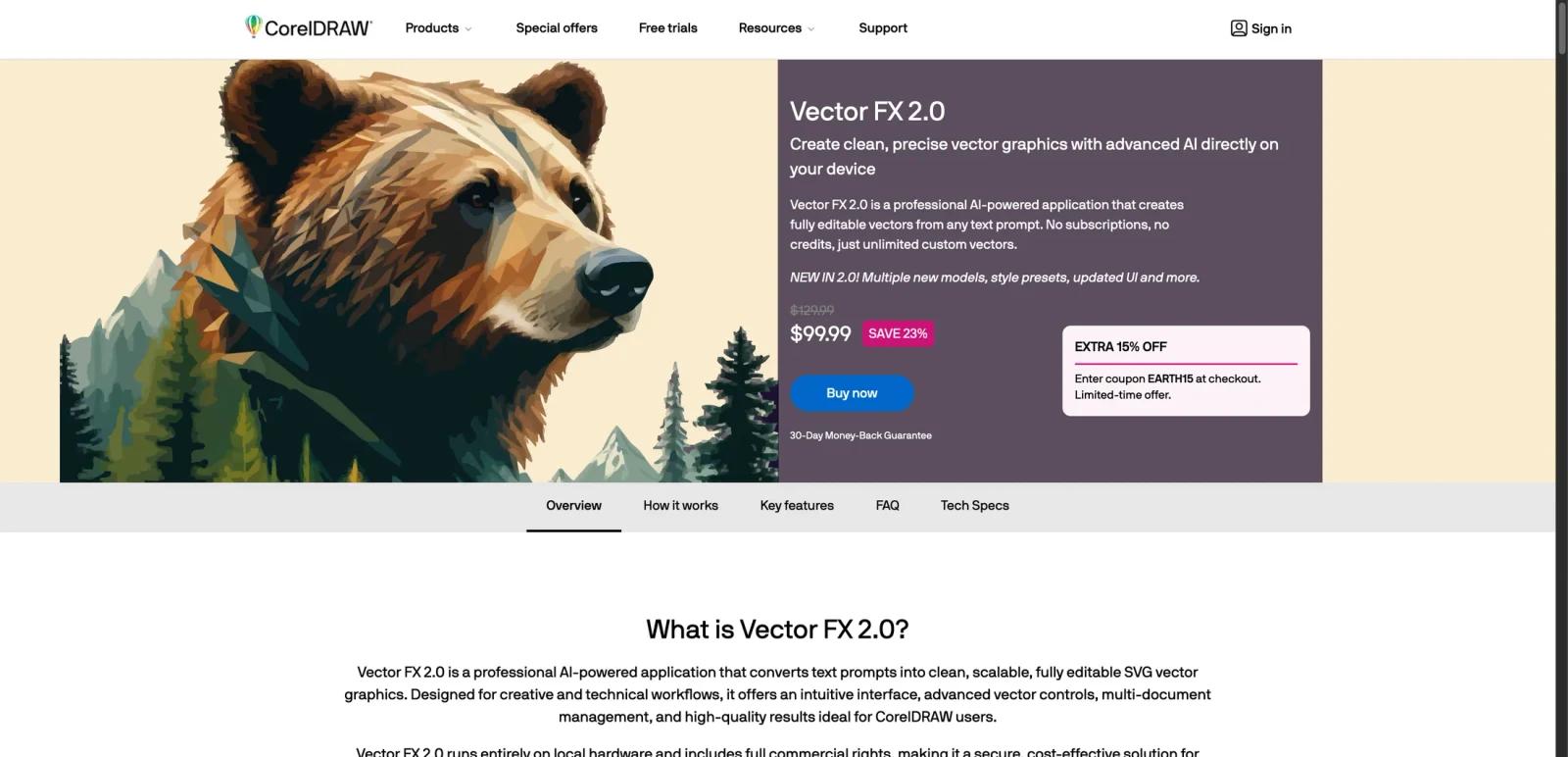
CorelDRAW Vector FX 2.0 is a standalone AI-powered vector generation app from CorelDRAW that turns text prompts or images into editable SVG graphics. The page positions it as a professional vector-creation tool for designers, sign shops, illustrators, and CorelDRAW users who want locally generated vectors rather than cloud-only image generation.
The big differentiator is not only “AI makes vectors.” Corel’s pitch is local processing, unlimited use, commercial rights, and editable SVG output that can move directly into CorelDRAW or other vector tools. That matters because many AI art tools still optimize for raster output, credits, and cloud workflows instead of production-ready vector files.
As of April 25, 2026, Corel publicly presents Vector FX 2.0 as a perpetual-license product with no subscription and no credit system, priced at $99.99 on the live product page at the time of review. The strongest fit is for users who want AI-assisted vector creation inside a professional design workflow rather than a web-first generative art toy.
For adjacent research, compare AI video generator tools, AI video editor tools, AI thumbnail maker tools.
Key Features
Prompt-to-vector generation - Vector FX 2.0 creates editable vector graphics from text prompts or uploaded images.
Local processing - Corel says generation happens directly on the user’s device, with no cloud uploads, subscriptions, or usage limits.
Editable SVG output - The product exports vector graphics to SVG so they can continue into CorelDRAW or other vector editors.
18 model variants - The Model Hub gives access to 18 optimized model variants, including options such as Flux.1 Schnell and Stable Diffusion 3.5 Medium.
Real-time vector controls - Users can adjust smoothing, detail density, path complexity, shape simplification, and related vector properties without full regeneration.
Style presets and workflow extras - Corel highlights style presets, smart background removal, smart crop, multi-document gallery, batch generation, and real-time vector stats.
Pricing & Plans
Vector FX 2.0 is sold very differently from most AI design tools. Corel positions it as a one-time purchase rather than an ongoing subscription.
| Plan | Pricing | Best fit |
|---|---|---|
| Vector FX 2.0 perpetual license | $99.99 at the time of review, discounted from $129.99 | Designers and production users who want unlimited local vector generation without recurring fees |
The official page is explicit about the pricing model: no subscriptions, no credits, and unlimited custom vectors after purchase. Corel also advertises a 30-day money-back guarantee. That makes Vector FX easier to evaluate financially than many AI tools because the cost structure is upfront and bounded rather than credit-driven.
Best For
- CorelDRAW users who want AI-assisted vector creation
- Sign shops and print shops needing editable vectors for production
- Designers creating logos, icons, clipart, and branding assets
- Users who prefer perpetual licensing over subscriptions
- Teams that want local processing and commercial-use output
FAQ
What is CorelDRAW Vector FX 2.0?
It is a standalone AI-powered application that generates editable vector graphics from prompts or images and exports them as SVG files.
Does Vector FX 2.0 use subscriptions or credits?
No. Corel explicitly says Vector FX 2.0 uses no subscriptions and no credits.
How much does Vector FX 2.0 cost?
The live Corel page listed it at $99.99 at the time of review, discounted from $129.99.
Can I use Vector FX 2.0 commercially?
The official page says it includes full commercial rights.
Who should use Vector FX 2.0?
It is best for professional users who need editable vector output and local AI generation, especially in CorelDRAW, print, and production workflows.
What is CorelDRAW Vector FX?
CorelDRAW Vector FX is an AI tool reviewed for its core features, pricing, strengths, limitations, and best-fit workflows.


