



Overview
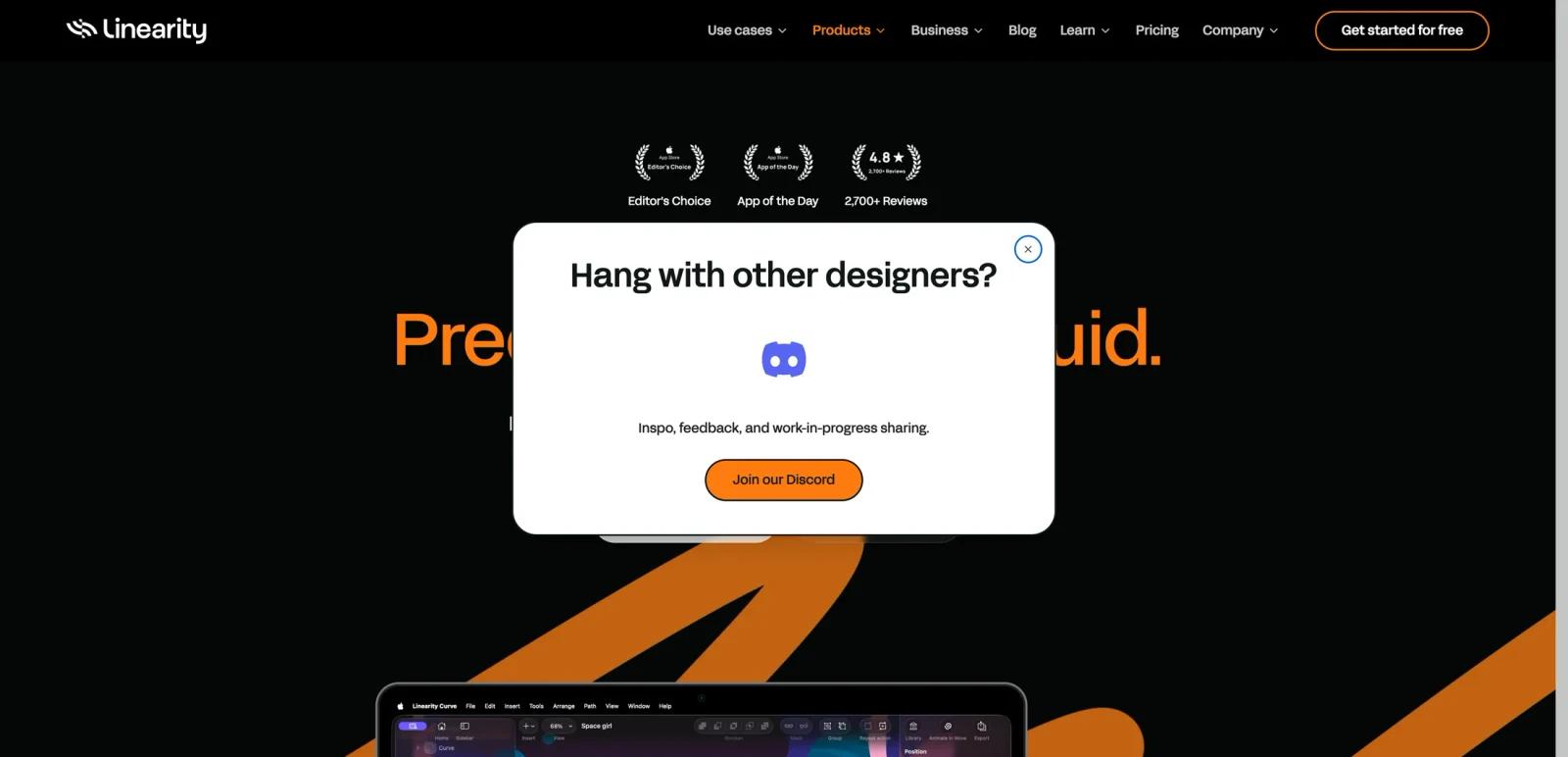
Linearity Curve is a vector design application for Mac, iPad, and iPhone aimed at illustrators, graphic designers, and creative teams that want a lighter, more fluid alternative to heavier desktop-first vector suites. The product page positions Curve as a precise vector design environment with AI-assisted editing, strong typography tools, print workflows, and Apple-native performance.
The appeal here is not only raw vector drawing. Linearity is trying to combine illustration, vector editing, PDF editing, asset access, and image cleanup in one place while staying approachable on Apple devices. That gives it a broader day-to-day creative role than a tool that only handles logos or simple shape editing.
As of April 25, 2026, Linearity publicly promotes Auto Trace, Magic Eraser, background removal, PDF editing, print-ready exports, cross-device sync, and collaboration workspaces. The fit is strongest for Apple-based designers who want a modern vector workflow without committing immediately to heavier enterprise creative stacks.
For adjacent research, compare AI design tools, AI UI design tools, AI website design tools.
Key Features
Apple-first vector design workflow - Curve is built for Mac, iPad, and iPhone and emphasizes a native, device-spanning design experience.
Precision vector tools - The product page highlights pen tools, node editing, smart shapes, corner controls, shape builder, and scalable vector output.
Auto Trace - Linearity promotes one-click vectorization for images, logos, and sketches into editable vector paths.
AI-assisted image editing - The page includes Magic Eraser, background removal, and AI Grab for subject isolation and cleanup work.
Typography and print support - Curve supports advanced text workflows, text on path, custom fonts, CMYK, and print-ready exports such as PDF, SVG, and EPS.
PDF editing and cross-tool compatibility - Linearity says users can open and edit PDFs as native files and move work across tools such as Figma, Illustrator, and Sketch.
Pricing & Plans
Linearity publishes straightforward pricing for Curve with free, pro, and organization tiers.
| Plan | Pricing | Best fit |
|---|---|---|
| Free | $0 | Individuals testing vector design, templates, sync, and limited Auto Trace usage |
| Pro | $79/year, about $6.58/month billed annually | Designers who need unlimited files, exports, artboards, local files, and unlimited Auto Trace |
| Org | Custom pricing | Teams needing premium support, onboarding, and account management |
The official pricing page also states that annual billing is selected with a 30% savings note. Free is practical for learning and light work, but the real professional product starts at Pro, where usage limits disappear and export or file flexibility becomes less restrictive.
Best For
- Designers working primarily on Apple hardware
- Illustrators and brand designers who want a lighter vector workflow
- Users who need vector drawing plus PDF editing and image cleanup
- Creative teams that want a lower-cost Pro entry point before moving to enterprise tooling
- Freelancers handling branding, print, and social assets in one app
FAQ
What is Linearity Curve?
Linearity Curve is a vector design app for Mac, iPad, and iPhone focused on illustration, vector editing, PDF editing, and AI-assisted cleanup workflows.
Does Linearity Curve have a free plan?
Yes. Linearity publicly lists a Free plan at $0.
How much does Linearity Curve cost?
The Pro plan is publicly listed at $79/year, or about $6.58/month billed annually, while Org pricing is custom.
What devices does Linearity Curve support?
The product page positions Curve for Mac, iPad, and iPhone.
Who should use Linearity Curve?
It is best for Apple-based creatives who want a modern vector design app with illustration, print, and AI-assisted editing tools in one workflow.
Does Linearity Curve replace human review?
No. It can speed up the workflow, but important outputs should still be checked for accuracy, quality, and fit before production use.


