

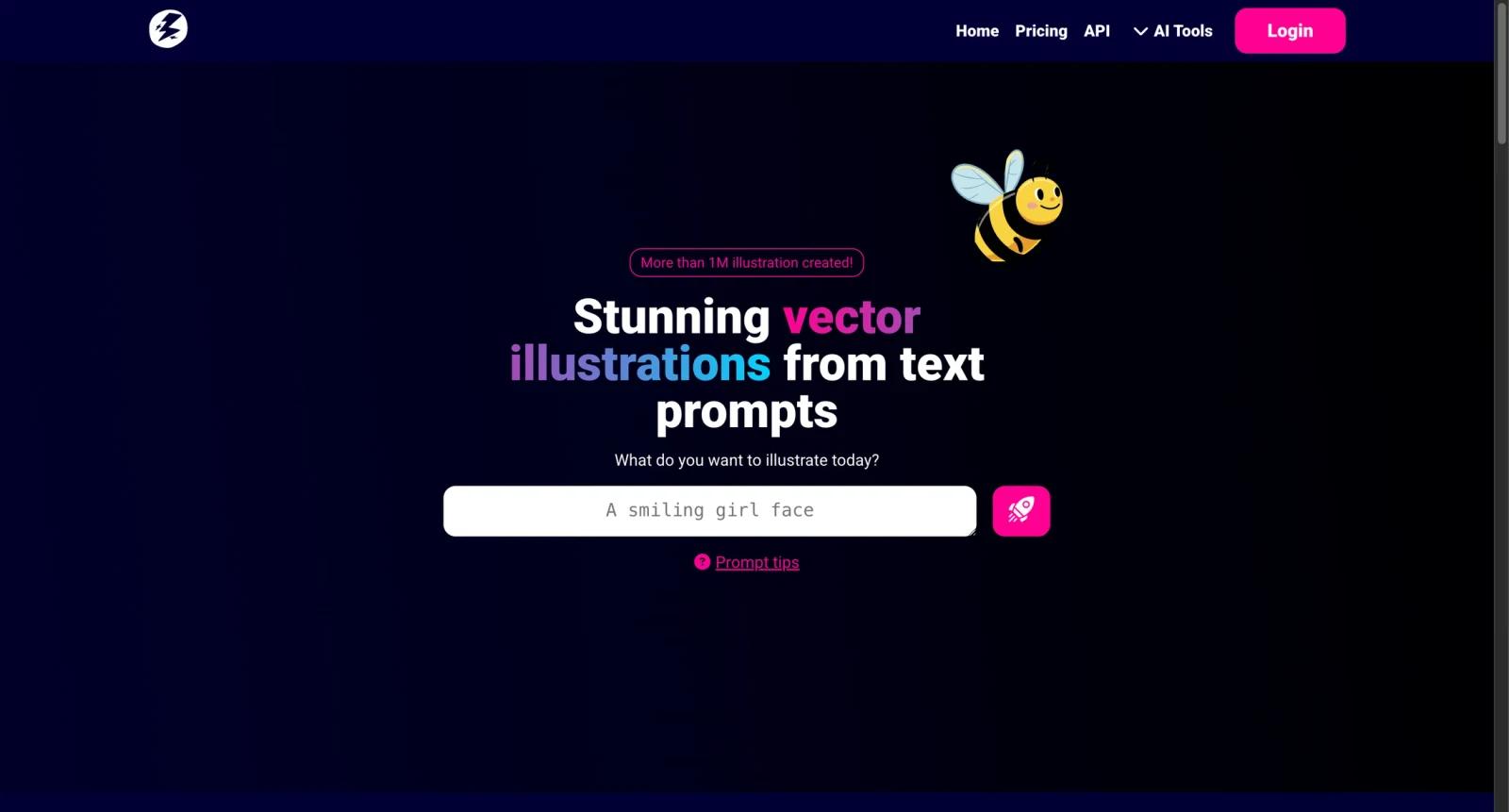


Overview
Illustroke is an AI illustration generator focused on vector-style output. Users describe a prompt, choose a style, and generate illustrations that can be used for websites, landing pages, social graphics, presentations, app mockups, and creative experiments.
The product is different from general AI image generators because its value is tied to SVG-style illustration rather than photorealistic bitmap output. That makes it useful when a project needs scalable, lightweight, editable-looking visuals that fit a web design or brand presentation.
As of April 28, 2026, public pricing information for Illustroke was less transparent than larger design platforms. Third-party listings describe free/demo access and a token-based model, but buyers should verify current token pricing, output rights, and download formats on the live Illustroke site before relying on it for production work.
For adjacent research, compare AI design tools, AI UI design tools, AI website design tools.
Key Features
- Text-to-illustration generation - Users can create illustrations from natural-language prompts.
- Vector-style output - Illustroke is positioned around SVG-style illustrations rather than only raster images.
- PNG and web use cases - Generated visuals can support landing pages, social media, presentations, and product mockups.
- Style selection - Users can experiment with visual styles to match the tone of a project.
- Fast creative exploration - Illustroke is useful for quickly testing visual concepts before commissioning custom art.
- Token-style workflow - Public references describe usage based on tokens, so users should check current credit rules.
Pricing & Plans
Illustroke pricing should be verified on the live site before purchase.
| Plan type | Pricing | Best fit |
|---|---|---|
| Free or demo access | Verify on Illustroke | Testing illustration quality and style fit |
| Token-based usage | Verify current token packages | Occasional illustration generation |
| Larger usage | Contact or verify current checkout | Teams producing recurring website or marketing visuals |
Before paying, confirm commercial rights, SVG download availability, PNG export, token expiration, and whether generated assets can be edited or reused in client work.
Best For
Illustroke is best for founders, marketers, web designers, indie makers, and content creators who need quick vector-style illustrations. It is less ideal for teams that need bespoke brand systems or guaranteed art-direction consistency.
FAQ
What is Illustroke?
Illustroke is an AI tool that generates vector-style illustrations from text prompts.
Does Illustroke create SVG files?
Illustroke is known for SVG-style illustration output, but users should verify current export options before purchase.
How much does Illustroke cost?
Public pricing should be verified on the live site. Third-party references describe free/demo access and token-based usage.
Who should use Illustroke?
Illustroke is best for users who need quick web-style illustrations for digital projects.
Does Illustroke replace human review?
No. It can speed up the workflow, but important outputs should still be checked for accuracy, quality, and fit before production use.
What should teams test before buying Illustroke?
Test the real workflow with representative inputs, exports, integrations, collaboration needs, and any compliance requirements.


