



Overview
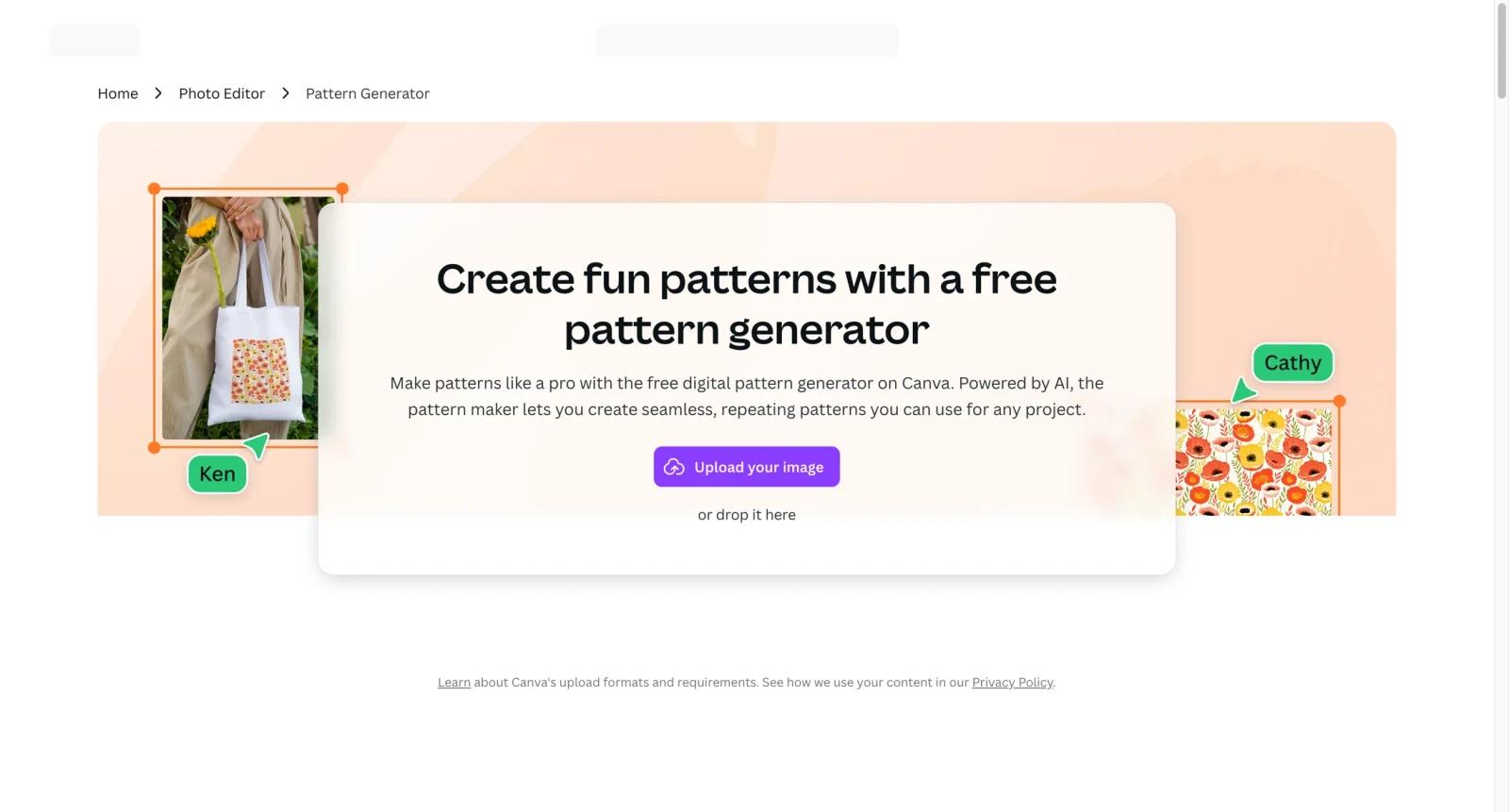
Canva Pattern Generator is a free-to-start AI pattern maker available through Canva's design platform. It uses the Pattern Maker app to generate seamless, repeating patterns from prompts and then lets users customize the result inside Canva.
The tool is useful for social graphics, packaging, wallpapers, stationery, merch mockups, brand backgrounds, and DIY projects. Its biggest advantage is that generated patterns can be dropped directly into Canva designs and combined with Canva templates, images, text, and print options.
For adjacent research, compare AI design tools, AI UI design tools, AI website design tools.
Key Features
- AI pattern generation - Creates seamless repeating patterns from text prompts.
- 20 free credits - Canva states that the pattern generator offers 20 free credits.
- Canva editor integration - Users can customize generated patterns with text, images, templates, and effects.
- PatternedAI app workflow - Pattern generation is accessed through the Pattern Maker app in Canva.
- Download and sharing - Patterns can be exported or reused in other Canva designs.
- Print and merch use cases - Generated patterns can be applied to packaging, mugs, totes, stationery, and other designs.
Pricing & Plans
Canva Pattern Generator is free to start and then subscription-based after free credits.
| Plan type | Pricing | Best fit |
|---|---|---|
| Free credits | 20 pattern credits | Trying the pattern workflow |
| Canva subscription | Check Canva pricing | Continued pattern generation and broader Canva features |
| Teams | Check Canva pricing | Brand and collaboration workflows |
Check Canva's current subscription page for regional prices, credit rules, team seats, and export restrictions.
Best For
Canva Pattern Generator is best for creators, small businesses, marketers, and non-designers who want quick repeating patterns inside Canva.
FAQ
What is Canva Pattern Generator?
It is an AI pattern maker inside Canva for creating seamless repeating pattern designs.
Is Canva Pattern Generator free?
Canva says the pattern generator includes 20 free credits. A subscription is needed after those credits are used.
Can I edit generated patterns?
Yes. Patterns can be customized inside Canva with text, images, templates, and other editing tools.
What can I use Canva patterns for?
Common uses include packaging, wallpapers, social graphics, stationery, merch, and brand backgrounds.
Who should use Canva Pattern Generator?
Canva Pattern Generator is best for users who need the workflow described in this review and want to compare it against adjacent AI tools before adopting it.
How much does Canva Pattern Generator cost?
Pricing can change by plan, billing term, region, and usage limits. Check the official website for the current plan details before purchase.


