



Overview
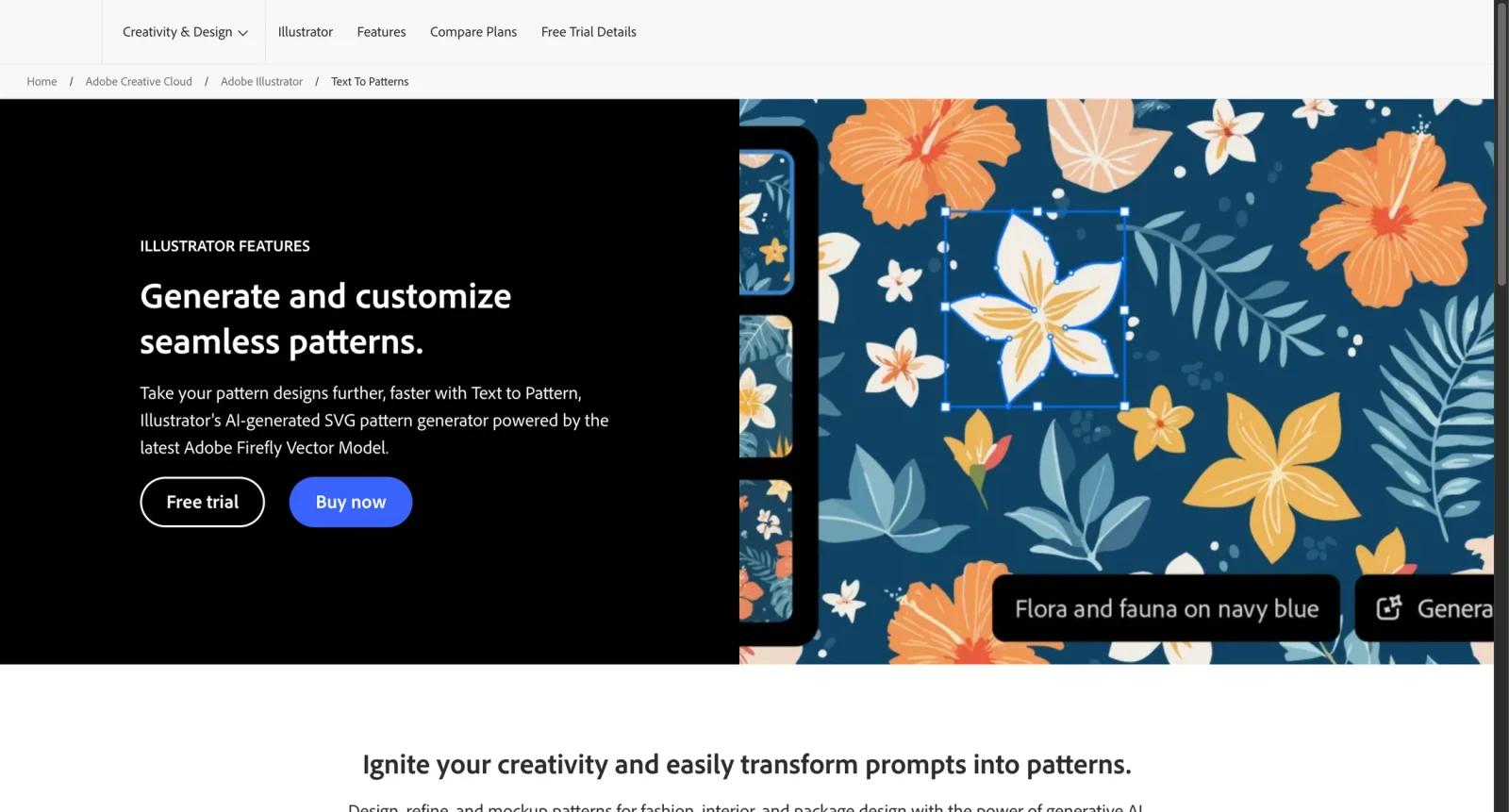
Adobe Illustrator Pattern Generator refers to Text to Pattern, an Illustrator feature powered by Adobe Firefly's Vector Model. It generates editable SVG pattern options from text prompts, helping designers create seamless vector patterns faster inside Illustrator.
The feature is useful for professional designers who already work in Illustrator and need editable pattern assets for packaging, apparel, branding, backgrounds, merchandise, and print production. Unlike many web pattern generators, its main advantage is that the output fits directly into a vector editing workflow.
For adjacent research, compare AI design tools, AI UI design tools, AI website design tools.
Key Features
- Text to Pattern - Generates seamless vector pattern options from prompts.
- Firefly Vector Model - Uses Adobe's generative AI model for vector artwork.
- Editable SVG workflow - Outputs are designed for Illustrator editing rather than flat image-only use.
- Pattern customization - Designers can refine colors, motifs, and layout inside Illustrator.
- Professional print fit - Useful for scalable graphics, packaging, textile concepts, and brand systems.
- Creative Cloud integration - Works within the broader Illustrator and Adobe ecosystem.
Pricing & Plans
Text to Pattern is part of Adobe Illustrator access.
| Plan type | Pricing | Best fit |
|---|---|---|
| Illustrator subscription | Check Adobe pricing | Designers who need Illustrator and Text to Pattern |
| Creative Cloud plans | Check Adobe pricing | Users needing Illustrator plus other Adobe apps |
| Team plans | Check Adobe pricing | Organizations managing seats and licensing |
Check Adobe's live checkout page for subscription price, generative credits, trial terms, and regional billing.
Best For
Adobe Illustrator Pattern Generator is best for professional designers who need editable vector patterns for branding, packaging, textiles, and production artwork.
FAQ
What is Adobe Illustrator Pattern Generator?
It is Illustrator's Text to Pattern feature for generating editable vector patterns from text prompts.
Is Text to Pattern free?
Text to Pattern is part of Adobe Illustrator, which requires an Adobe subscription after any available trial.
What format does it create?
Adobe describes it as an AI-generated SVG pattern generator, so outputs are intended for vector editing.
Who should use it?
It is best for designers who already use Illustrator or need scalable vector patterns for professional work.
Who should use Adobe Illustrator Pattern Generator?
Adobe Illustrator Pattern Generator is best for users who need the workflow described in this review and want to compare it against adjacent AI tools before adopting it.
How much does Adobe Illustrator Pattern Generator cost?
Pricing can change by plan, billing term, region, and usage limits. Check the official website for the current plan details before purchase.


