

Overview
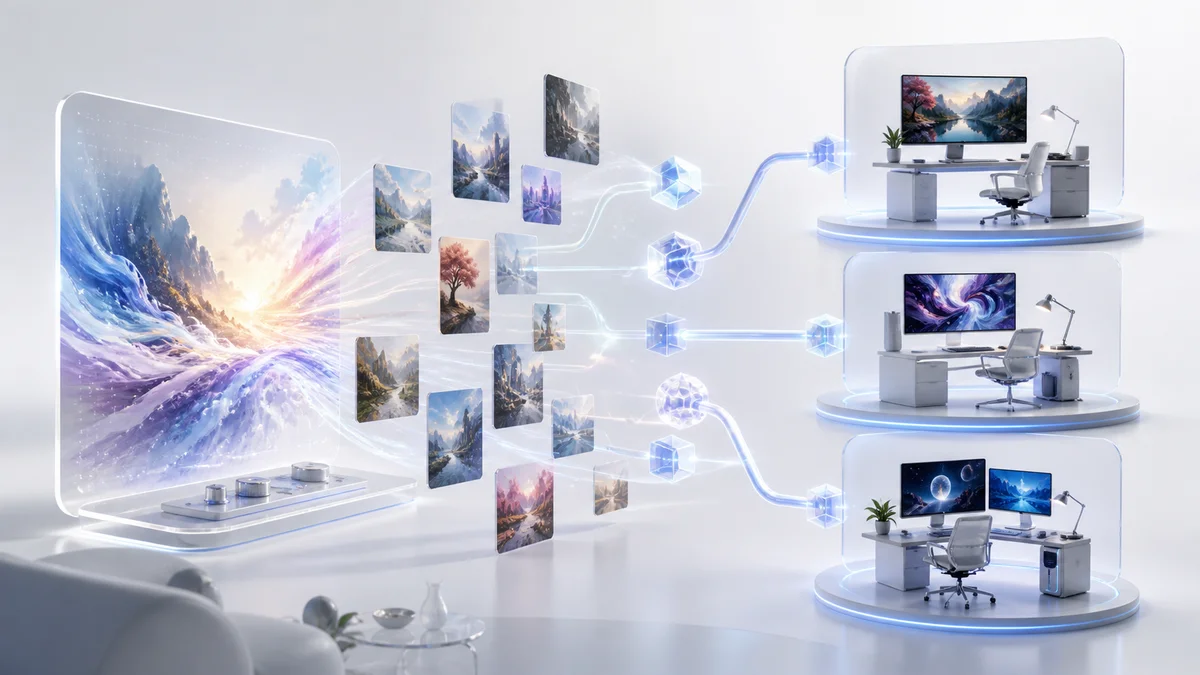
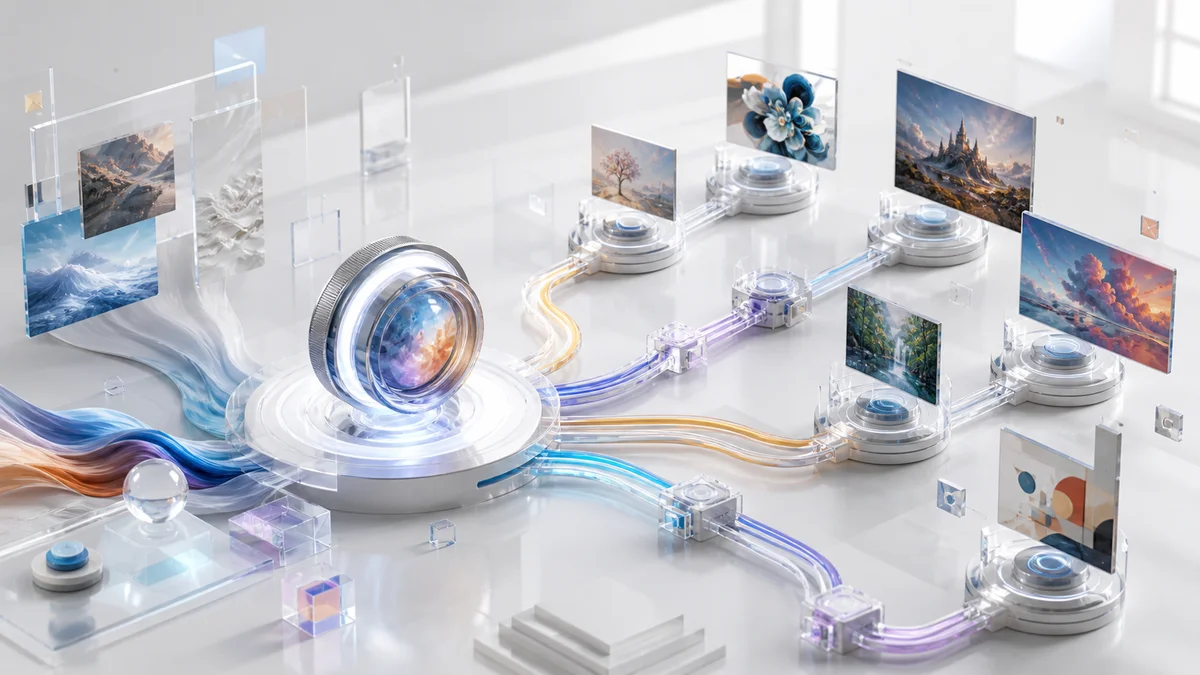
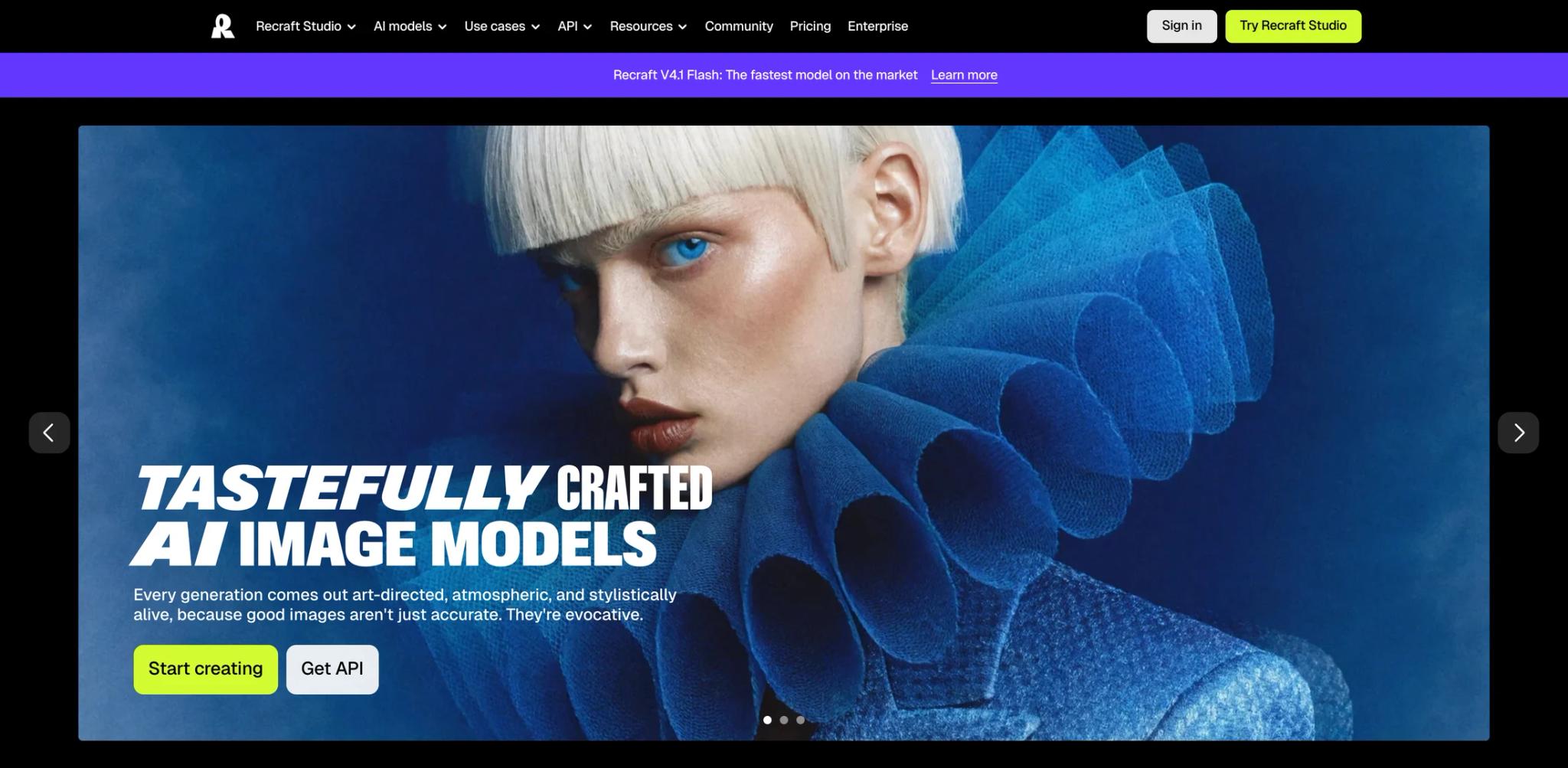
Recraft AI is a generative AI platform specialized in creating native vector graphics (SVG) and raster images. Unlike conventional AI image generators that produce only pixel-based outputs, Recraft focuses on scalable, editable design assets suitable for professional design workflows. The platform targets designers, marketers, and creative teams who need consistent visual styles across multiple assets—from logos and icons to illustrations and mockups.
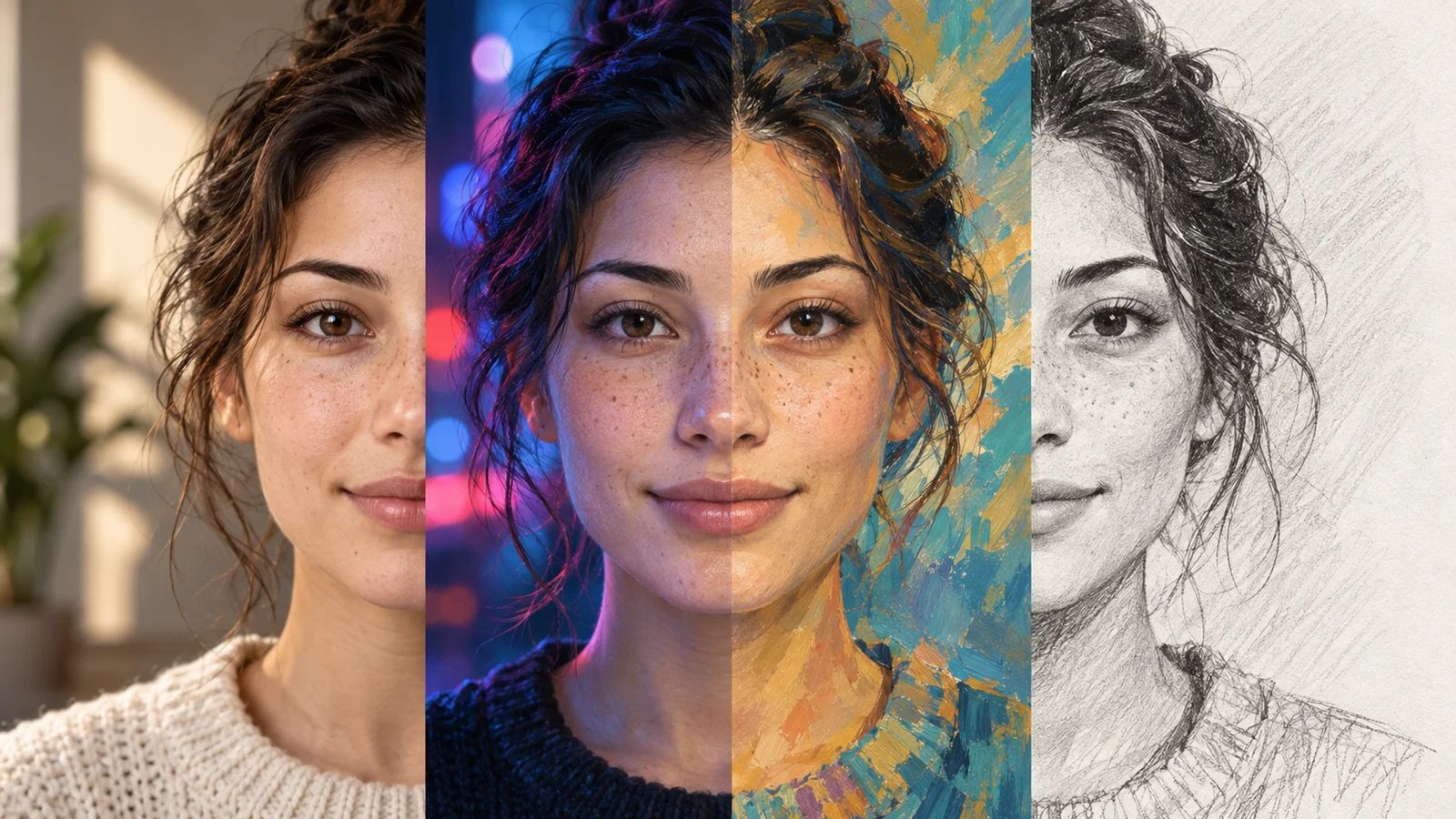
The tool stands out for its ability to maintain style consistency across generations, making it particularly valuable for brand-focused projects. With both web-based Studio and API access, Recraft serves individual creators and development teams looking to integrate AI-generated graphics into their workflows.
Key Features
Native vector generation — Produces true SVG files with scalable, editable paths, eliminating pixelation at any size and enabling direct manipulation in AI graphic design tools.
Style consistency system — Maintains uniform visual styles across multiple generations through custom styles and style references, supporting cohesive brand asset creation without manual adjustments.
Custom style creation — Allows users to define and save custom visual styles that can be applied to new generations, enabling brand-specific design patterns and team collaboration.
Professional editing suite — Includes Creative Upscale (20 credits), vectorization, background removal, inpainting, outpainting, and image expansion for comprehensive design control.
Project organization — Provides structured project management designed for real design workflows, helping teams organize assets by brand, campaign, or client.
API integration — Offers programmatic access for developers to integrate vector and raster generation into applications, with credit-based usage tracking.
Pricing & Plans
Recraft operates on a credit-based subscription model with the following tiers:
Commercial Rights:
- Free plan: Public images with no commercial license
- Paid plans: Private images with full commercial rights and ownership
Free Plan — $0/month
- 30 credits per day
- Public images with no commercial license
- 3 image uploads per day
- 2 images per prompt maximum
- Basic generation features
Pro Plan — Individual paid subscription with three credit tiers:
- 1,000 credits/month — $10/month (annual) or $12/month (monthly)
- 4,000 credits/month — $27/month (annual) or $33/month (monthly)
- 8,400 credits/month — $48/month (annual) or $60/month (monthly)
Pro Plan Features:
- Private images with full commercial license
- Priority generation queue
- Unlimited image uploads
- 4 images per prompt maximum
- Maximum 10 concurrent jobs
- Access to all editing tools (including Creative Upscale on higher tiers)
- Top-up credits available (400 credits, don't expire)
Teams Plan — $55 per seat/month
- 9,000 credits per seat per month
- Workplace controls and permissions
- 24/7 priority support
- Minimum 3 seats required
Credit Usage:
- Raster images: 1 credit per generation
- Vector images: 2 credits per generation
- Creative Upscale: 20 credits per use
- Subscription credits reset monthly and don't roll over
- Top-up credits available and don't expire
Best For
- Professional designers who need scalable vector assets for branding and identity projects
- Marketing teams managing brand consistency across multiple campaigns and channels
- Design agencies requiring client-specific style libraries and project organization
- Developers integrating AI-generated graphics into applications via API
- Creative professionals who prioritize editability and export flexibility over raw AI logo generation speed
FAQ
Is there a free trial available?
Recraft offers a permanent free plan with 30 credits per day, which allows you to test all basic generation features. The free plan includes public images with no commercial license, 3 image uploads per day, and generates up to 2 images per prompt. This is more than a trial—it's a functional tier for light personal use.
What payment methods are accepted?
Recraft accepts major credit cards (Visa, Mastercard, American Express), debit cards, and Google Pay for subscription payments. Payment is processed securely through their billing system. Annual subscriptions offer savings compared to monthly billing.
Can I cancel my subscription anytime?
Yes, you can cancel your Recraft subscription at any time from your account settings. If you cancel, you'll retain access to paid features until the end of your current billing period. Subscription credits expire at the end of each billing cycle, but purchased top-up credits don't expire.
Is my data secure and private?
Paid plans include private image generation, meaning your creations aren't publicly visible. Free plan images are public and visible to other users. Recraft states they follow standard security practices. Review their privacy policy if working with sensitive client materials.
What commercial rights do I get?
Free plan images are public and do not include commercial license—they're for personal use only. All paid plans (Pro individual and Teams) grant full commercial license and ownership rights for generated content. This means you can use outputs in client work, products, and commercial projects without attribution requirements.
Does Recraft work offline?
No, Recraft is a cloud-based platform requiring an internet connection. The web-based Studio, mobile apps (iOS and Android), and API all require connectivity for generation and editing features.
Can I export vectors to other design tools?
Yes, vectors generated by Recraft are true SVG files that can be directly opened and edited in professional design software including Adobe Illustrator, Figma, Sketch, Affinity Designer, and Inkscape. The scalable paths maintain editability across platforms.
How does Creative Upscale differ from standard upscaling?
Creative Upscale (available on higher Pro plan tiers) uses advanced AI to add intelligent detail and enhance images beyond simple resolution increases. It costs 20 credits per use compared to standard features. Standard upscaling tools are included in all paid plans and use fewer credits.