
12 Best AI Paraphrasing Tools 2026 — Tested for Quality & Billing Traps
We tested 12 AI paraphrasing tools on rewrite quality, word limits, and billing practices — from free tools like Scribbr and Semrush to premium options like QuillBot and Wordtune.
On this page
The paraphrasing tool market in 2026 has a trust problem. Half the tools promising "human-like rewrites" produce output that Turnitin flags on the first pass. The other half bury word limits, auto-renew subscriptions without warning, and make cancellation a support ticket maze. Meanwhile, free tools that actually work — like Scribbr and Semrush — cap input at 125–200 words, forcing you to chunk every paragraph manually.
We tested 12 AI paraphrasing tools across real use cases — academic essays, blog posts, marketing copy, and professional emails — evaluating output quality, mode variety, pricing transparency, and the billing practices that reviews on Trustpilot keep flagging. Each tool was scored on five dimensions: functionality, user experience, innovation, value for money, and verified user feedback. The goal isn't to find the "best" tool in abstract — it's to match the right tool to how you actually write.
| Tool | Best For |
|---|---|
| QuillBot | Dedicated paraphrasing with the most mode variety |
| Wordtune | Sentence-level rewriting with tone control |
| ProWritingAid | Writers who want rephrase + grammar in one suite |
| Grammarly | Teams already paying for Grammarly Business |
| Semrush | Quick free rewrites under 200 words |
| Scribbr | Students who need instant, no-signup paraphrasing |
| Rytr | Budget content creators needing rewriting + drafting |
| Ahrefs | SEO writers needing a fast free rewrite |
| Linguix | Non-native English speakers improving fluency |
| Smodin | Multilingual academic rewriting |
| HyperWrite | AI-assisted writing with rewrite as one feature |
| HIX.AI | High-volume content teams needing bulk rewriting |
How We Selected and Tested
We started with 30+ paraphrasing tools and narrowed the field to 12 based on clear criteria: the tool must offer a dedicated paraphrasing or rewriting function (not just generic AI chat), support English as a primary output language, and be accessible to users in the US, Canada, UK, and EU.
Our evaluation combined hands-on testing with free tiers and trials, official pricing and feature documentation, and cross-referenced user feedback from G2, Capterra, Trustpilot, and Reddit communities including r/writing and r/college. We specifically tracked billing complaints — a recurring theme across this category that affects real purchasing decisions.
Evaluation Dimensions: We evaluated each tool across 5 dimensions aligned with how writers actually choose paraphrasing software:
- Output Quality & Mode Variety — Does the tool preserve meaning while genuinely changing structure? How many rewriting modes (formal, casual, academic, creative) are available?
- Ease of Use & Integration — Can you paste text and get results in seconds? Does it work inside Chrome, Word, or Google Docs where you actually write?
- Innovation — Does the tool go beyond synonym swapping? Context-aware rewriting, tone adjustment, and length control separate leaders from commodity tools.
- Pricing Transparency & Value — Is the free tier usable? Are word limits clearly stated? Are there billing surprises at renewal?
- Verified User Feedback — What do real users report on G2, Trustpilot, and Reddit? We weighted complaints about billing and cancellation heavily.
Note on Testing Scope: We tested all 12 tools through their free tiers or trial periods with standardized text samples across academic, marketing, and professional writing contexts. Enterprise-only features were evaluated through documentation and user reviews.
Transparency & Limitations: All pricing and feature information comes from official sources verified in April 2026. For tools without a public price list, pricing is marked as such. We do not fabricate ratings or performance claims. AI detection bypass rates vary by detector and change frequently — we report user-reported trends, not guaranteed outcomes.
Top 12 AI Paraphrasing Tools Compared
The pricing spread in this category is dramatic — from completely free tools to $49/month platforms where paraphrasing is just one feature among many. The comparison table below focuses on the dimensions that separate tools most clearly: word limits, mode count, and where the tool actually lives in your workflow.
| Tool | Best For | Price | Free Tier | Modes | Platform |
|---|---|---|---|---|---|
| QuillBot | Dedicated paraphrasing | $19.95/mo | 125 words | 10 modes | Web, Chrome, Word |
| Wordtune | Sentence-level control | $6.99/mo | Limited rewrites | 4+ tones | Web, Chrome, Docs |
| ProWritingAid | Rephrase + grammar suite | $30/mo | Limited | Multiple | Web, Desktop, Word |
| Grammarly | Ecosystem users | $30/mo | Basic suggestions | Multiple | Web, Browser, Office |
| Semrush | Quick free rewrites | Free | 200 words, 3/day | 6 modes | Web |
| Scribbr | No-signup academic use | Free | ~125 words | 2 modes | Web |
| Rytr | Budget content creation | $7.50/mo | Limited | Multiple | Web, Browser |
| Ahrefs | SEO writers | Free | 2,048 characters | Formal tone + structure edit | Web |
| Linguix | Non-native speakers | $30/mo | Limited | Multiple | Web, Browser |
| Smodin | Multilingual academic | $19.99/mo | Limited | Multiple | Web |
| HyperWrite | General AI writing | $19.99/mo | Limited | Sentence-level | Web, Browser |
| HIX.AI | Bulk content rewriting | $19.99/mo | Limited | 6+ modes | Web, Browser |
Detailed Reviews

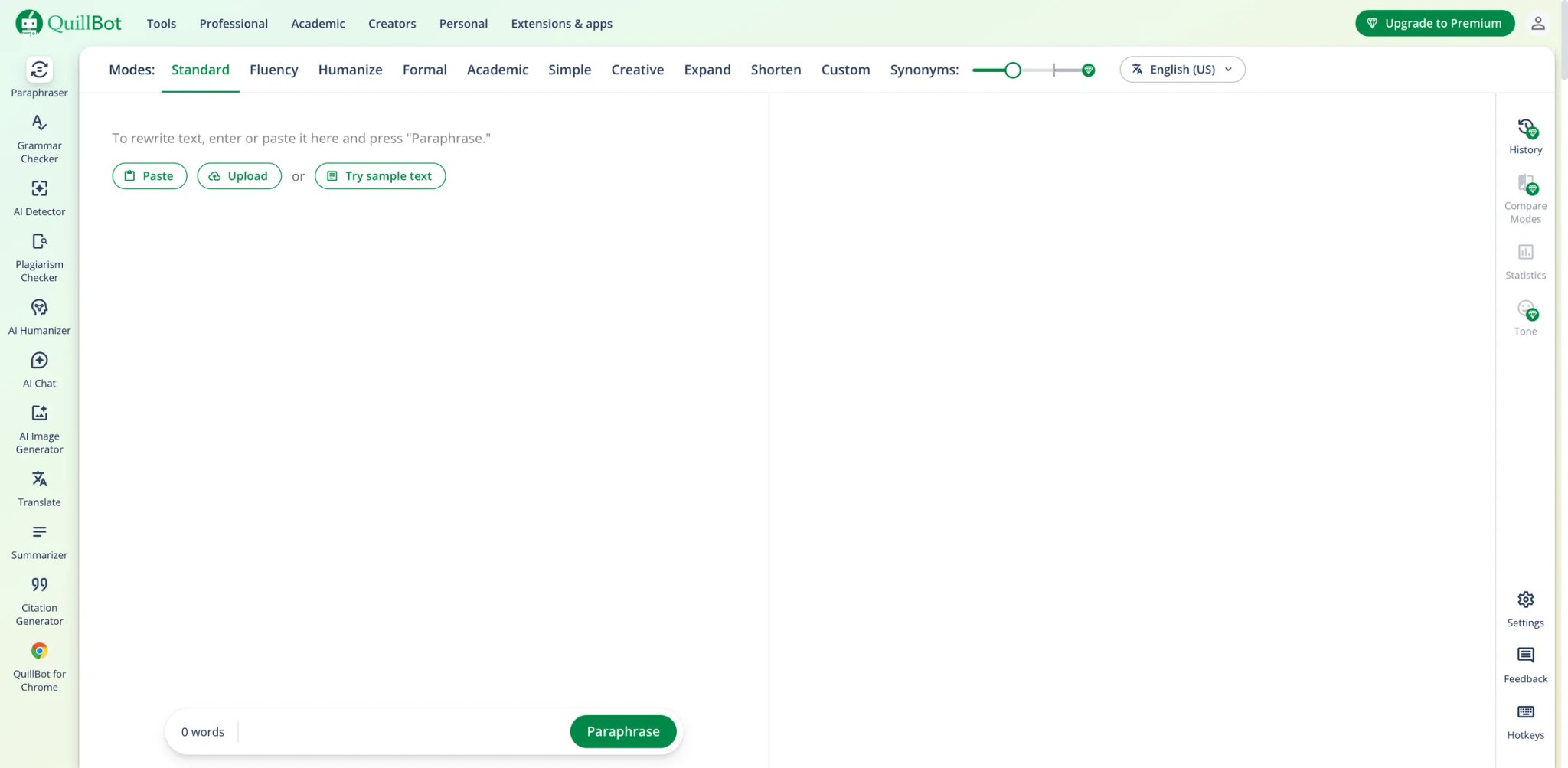
QuillBot is what most people think of when they hear "paraphrasing tool" — and for good reason. It's one of the few products in this list where paraphrasing isn't a side feature bolted onto a larger platform. The entire product is built around rewriting text, with 10 modes total: 2 free modes (Standard and Fluency) plus 8 Premium modes (Humanizer, Formal, Academic, Simple, Creative, Expand, Shorten, and Custom).
The trade-off is the free tier. At 125 words per paraphrase, you'll hit the wall mid-paragraph on any serious writing task. And while the paid version lifts that limit, users on Trustpilot consistently report being charged after cancellation — a billing friction pattern that undermines an otherwise strong product.
Key Features
- 10 paraphrasing modes — Standard, Fluency, Humanizer, Formal, Academic, Simple, Creative, Expand, Shorten, and Custom. No other tool in this list offers this breadth of rewriting control, letting you match output to specific contexts without manual editing.
- Word-level synonym slider — Adjust how aggressively the tool changes vocabulary on a continuous scale, from minimal tweaks to full restructuring. This granularity is unique to QuillBot.
- Cross-platform presence — Chrome extension, Microsoft Word add-in, and web app. Your paraphrasing workflow follows you across writing environments without copy-pasting between tabs.
Pricing & Plans
| Plan | Price | Key limits |
|---|---|---|
| Free | $0 | 125 words in Paraphraser, 2 free modes |
| Monthly | $19.95/month | Unlimited words in Paraphraser |
| Quarterly | $13.31/month billed as $39.95 every 3 months | Unlimited words in Paraphraser |
| Annual | $8.33/month billed as $99.95 yearly | Unlimited words in Paraphraser |
Premium also includes full Synonym Slider access, unlimited Freeze Words, 9 predefined Premium modes plus Custom mode, and 6,000 words in Summarizer.
TCO Note: The annual plan is less than half the monthly price, but auto-renewal complaints are frequent. Set a calendar reminder before your trial or annual plan renews.
Limitations
- The 125-word free tier is functionally a demo, not a usable product for any real writing task. You'll upgrade or leave within a day.
- Turnitin now explicitly flags QuillBot-paraphrased text in some configurations. Academic users should verify output independently rather than assuming the tool bypasses detection.
- Multiple Trustpilot reviewers report being charged after canceling subscriptions, with slow support response times for billing disputes.
Best For
Students and content creators who paraphrase daily and need granular control over rewrite intensity and style. The 10-mode system is genuinely useful once you learn which mode fits which context. Not the right fit if you only paraphrase occasionally — the free tier is too restrictive, and paying $19.95/month for light use doesn't justify the cost.
Get started with QuillBot

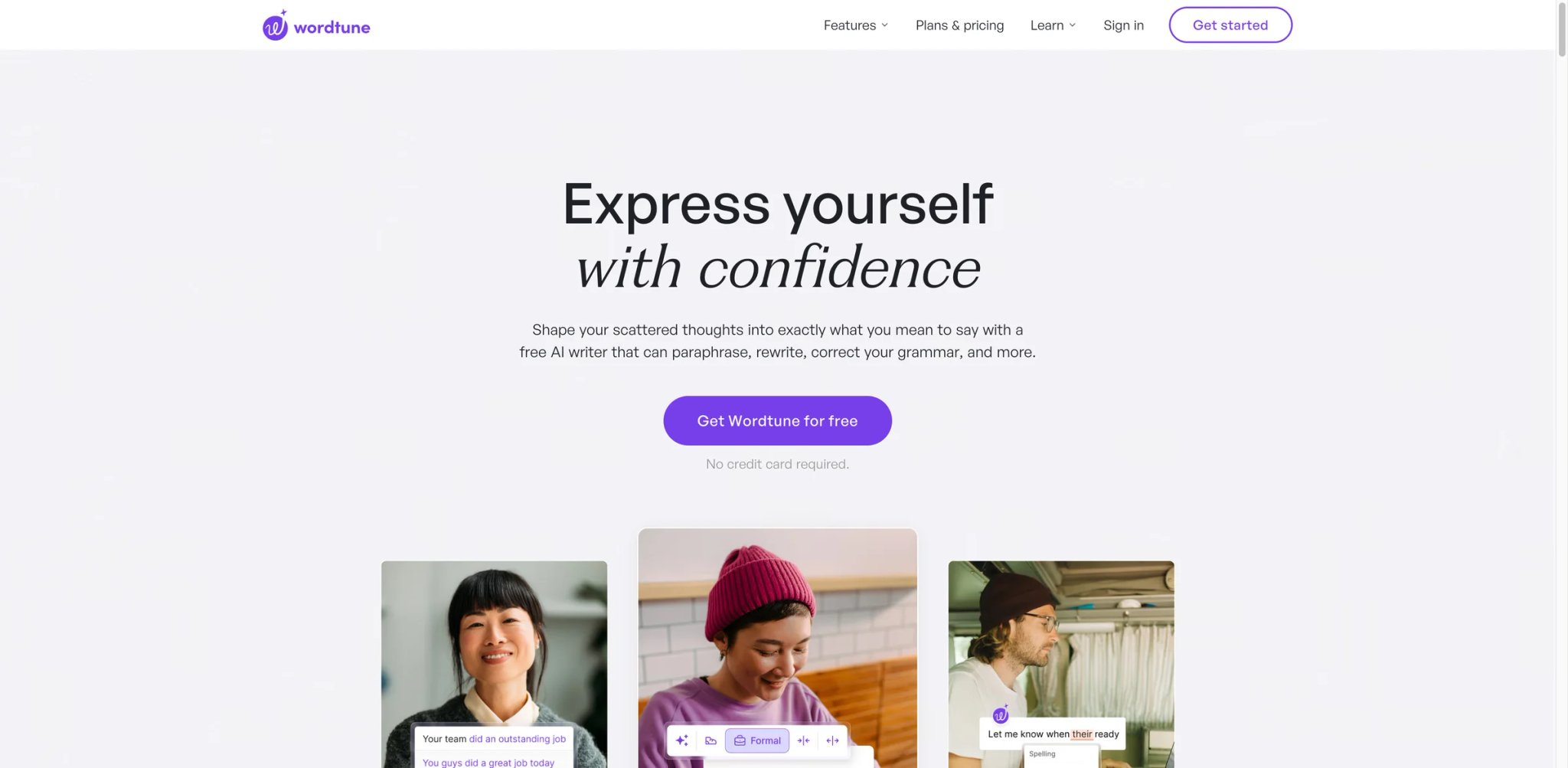
Where QuillBot gives you modes, Wordtune gives you alternatives. Paste a sentence and Wordtune returns multiple rewritten versions simultaneously — each preserving meaning but varying in tone, length, and structure. The approach feels more like having a writing partner suggest options than running text through a machine.
The limitation is scope. Wordtune is strongest at the sentence level. If you need to rewrite entire paragraphs or documents, you'll be working sentence by sentence, which slows down high-volume rewriting workflows significantly despite the tool's stronger 2026 pricing and plan structure.
Key Features
- Multiple simultaneous rewrites — Instead of one output, Wordtune generates several alternative versions of each sentence. You pick the best one rather than accepting or rejecting a single suggestion.
- Tone-specific rewriting — Rewrite as casual, formal, shortened, or expanded with a single click. The tone control is more intuitive than QuillBot's mode system for users who think in terms of "make this more professional" rather than "use Formal mode."
- Deep browser integration — Chrome and Edge extensions work inline on Gmail, Google Docs, LinkedIn, and other web apps. Rewrites happen where you write, without switching tabs.
Pricing & Plans
| Plan | Price | Key limits |
|---|---|---|
| Basic | $0 | 10 rewrites & AI suggestions/day, 3 AI summarizations/month, unlimited spelling and grammar checks |
| Advanced | $6.99/month or $4.89/month billed annually | 30 rewrites & AI suggestions/day, 15 AI summarizations/month, unlimited AI recommendations, spelling, and grammar |
| Unlimited | $9.99/month or $6.99/month billed annually | Unlimited rewrites, AI suggestions, AI summarizations, spelling, and grammar |
Wordtune currently offers a 3-day free trial on paid plans.
Limitations
- Rewrites occasionally fail to preserve original meaning — users describe the tool as "mixing up words" rather than truly understanding the sentence's intent, particularly with technical or nuanced content.
- A recurring data-loss bug causes pages to go blank with no recovery option. Save your work externally before using Wordtune on long documents.
- No free trial for paid features. You're committing to $6.99/month based on the limited free tier, which doesn't fully represent the premium experience.
Best For
Professional writers and marketers who need sentence-level polish — refining email drafts, LinkedIn posts, or client-facing copy where tone matters more than bulk volume. Not the right fit if you need to rewrite entire documents at once or work primarily in Microsoft Word rather than browser-based environments.
Get started with Wordtune

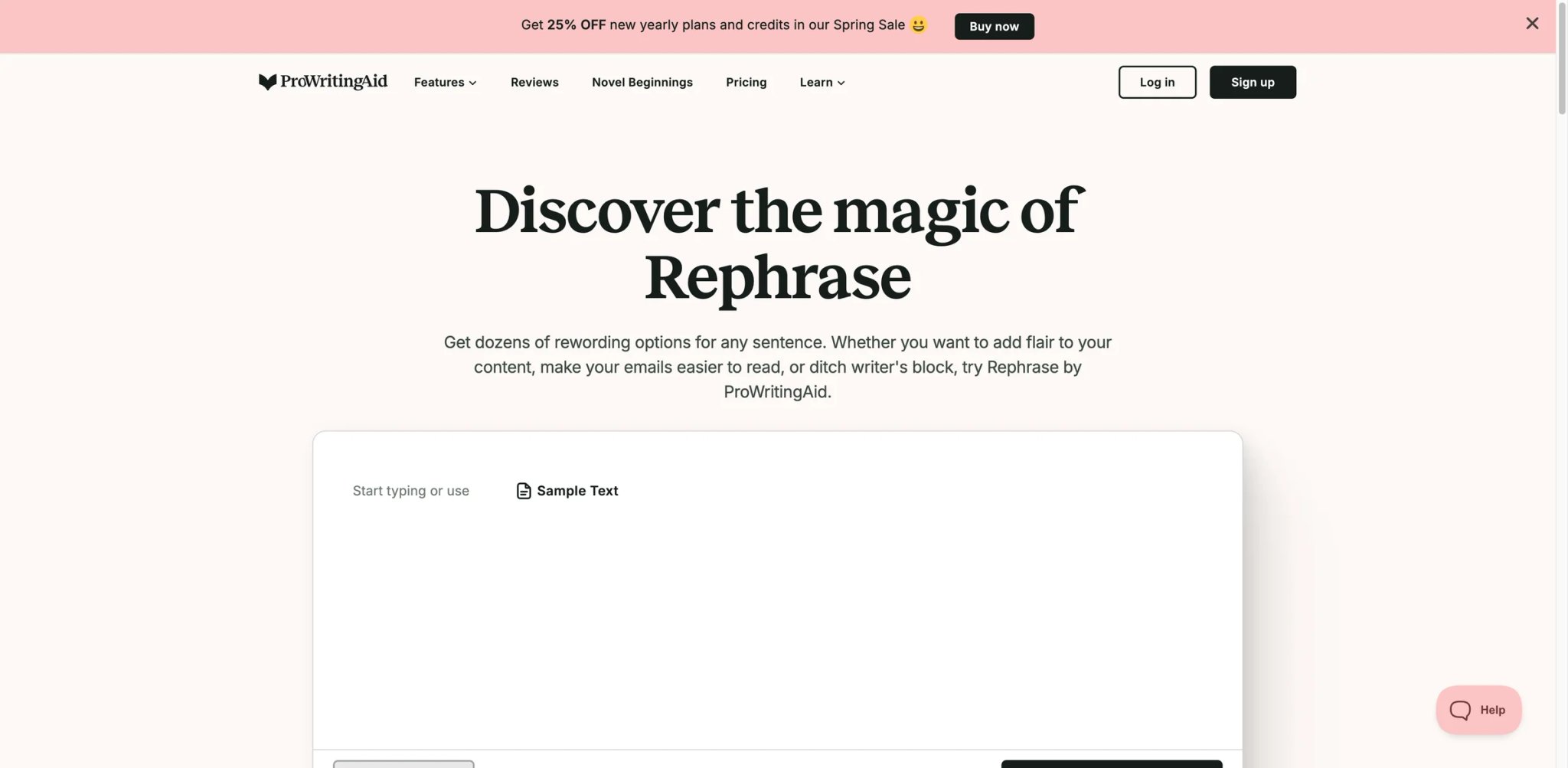
ProWritingAid approaches paraphrasing from the editing side rather than the rewriting side. Its rephrase feature lives inside a comprehensive writing analysis suite that checks grammar, style, readability, and structure — making it most valuable for writers who want one tool handling multiple editing tasks rather than a dedicated paraphraser.
Key Features
- Rephrase within editing context — The paraphrasing feature appears alongside grammar checks, style suggestions, and readability scores. You fix and rewrite in the same pass rather than running text through separate tools.
- Widest platform coverage — Web editor, desktop apps (Windows/Mac), browser extensions, Microsoft Word add-in, Google Docs, and Scrivener integration. No other tool in this list covers this many writing environments.
- 20+ writing analysis reports — Beyond paraphrasing, you get overused words, sentence length variation, transitions, pacing, and dialogue tag analysis. For long-form writers, this is the differentiator.
Pricing & Plans
| Plan | Price | Key limits |
|---|---|---|
| Free | $0 | 500-word limit, 2 report runs/day, 10 rephrases/day, 3 Sparks/day |
| Premium Monthly | $30/month | Unlimited word count, unlimited report runs, unlimited rephrases, 5 Sparks/day |
| Premium Annual | $90/year ($7.50/month) | Same core Premium benefits as monthly |
| Lifetime | $399 one-time | Same core Premium benefits as monthly |
ProWritingAid currently advertises a 3-day money-back guarantee on paid plans.
Limitations
- Paraphrasing suggestions are sometimes irrelevant to context and require manual vetting. The tool is better at flagging what needs rewriting than generating perfect alternatives.
- The AI rewriting feature can increase AI-detection scores — a critical problem for academic users who need output to read as human-written.
- Users consistently cite Grammarly as better at paragraph-level rephrasing. ProWritingAid's strength is the broader editing suite, not paraphrasing in isolation.
Best For
Fiction writers, academic authors, and long-form content creators who need a complete editing toolkit with paraphrasing as one component. The lifetime license makes it the cheapest long-term option. Not the right fit if paraphrasing is your primary need — dedicated tools like QuillBot deliver better rewrite quality.
Get started with ProWritingAid

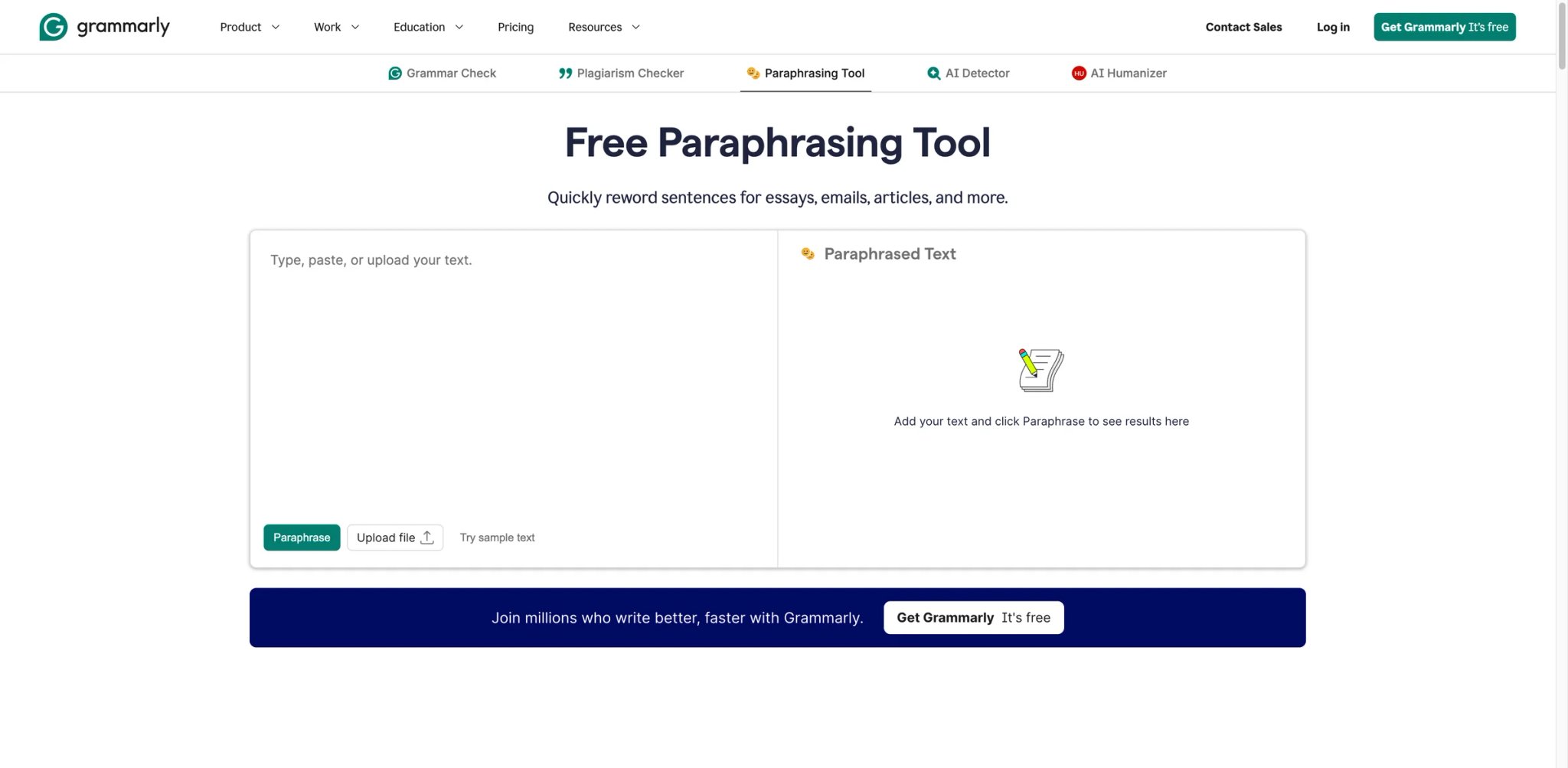
Grammarly's paraphrasing tool exists in a strange position: it's part of the most widely used AI writing assistant on the planet, but the paraphrasing itself is widely criticized as unnatural. The value proposition isn't the rewriting quality — it's that Grammarly says it is trusted by over 40 million people and 50,000 organizations, so many users already have it installed and may prefer using its rewrite feature instead of adding another tool.
Key Features
- Ubiquitous integration — Works everywhere you type: browser extensions, desktop apps, Microsoft Office, Google Docs, email clients. If you already use Grammarly for grammar, the paraphrasing feature requires zero additional setup.
- Full-sentence alternatives — Highlights entire sentences and offers rewritten versions with tone adjustments. The suggestions integrate with Grammarly's existing tone detector, so rewrites are at least directionally consistent with your intended voice.
- Team and enterprise features — Style guides, brand tones, and team analytics make Grammarly the default for organizations already standardized on the platform.
Pricing & Plans
| Plan | Price | Key limits |
|---|---|---|
| Free | $0 | Grammar and spelling help, tone detection, 100 AI prompts/month |
| Pro | $12/member/month billed annually or $30 monthly | Rewrite full sentences, tone adjustment, plagiarism + AI detection, 2,000 AI prompts/member/month |
| Enterprise | Contact sales | Org-wide controls, dedicated support, and unlimited AI prompts/member/month |
Grammarly's paraphrasing is a secondary feature inside a broader writing suite, so the price only makes sense if you also want grammar, prompts, tone, and team controls.
Limitations
- Paraphrasing output is widely criticized as unnatural — users report it sometimes introduces grammatical errors rather than improving the text. The irony of a grammar tool making grammar worse is a consistent complaint.
- The floating UI (sidebar buttons, pop-ups) is intrusive and frustrating for users working in distraction-free environments.
- At $30/month (or $12/month annual), Grammarly is comparable to QuillBot's monthly price but more expensive than Wordtune. The paraphrasing feature alone doesn't justify this premium — you're paying for the full grammar suite.
Best For
Teams and individuals already paying for Grammarly Pro who want basic paraphrasing without adding another subscription. The ecosystem lock-in is the value. Not the right fit if you're buying a tool specifically for paraphrasing — QuillBot or Wordtune deliver better rewriting at a lower price.
Get started with Grammarly
Semrush
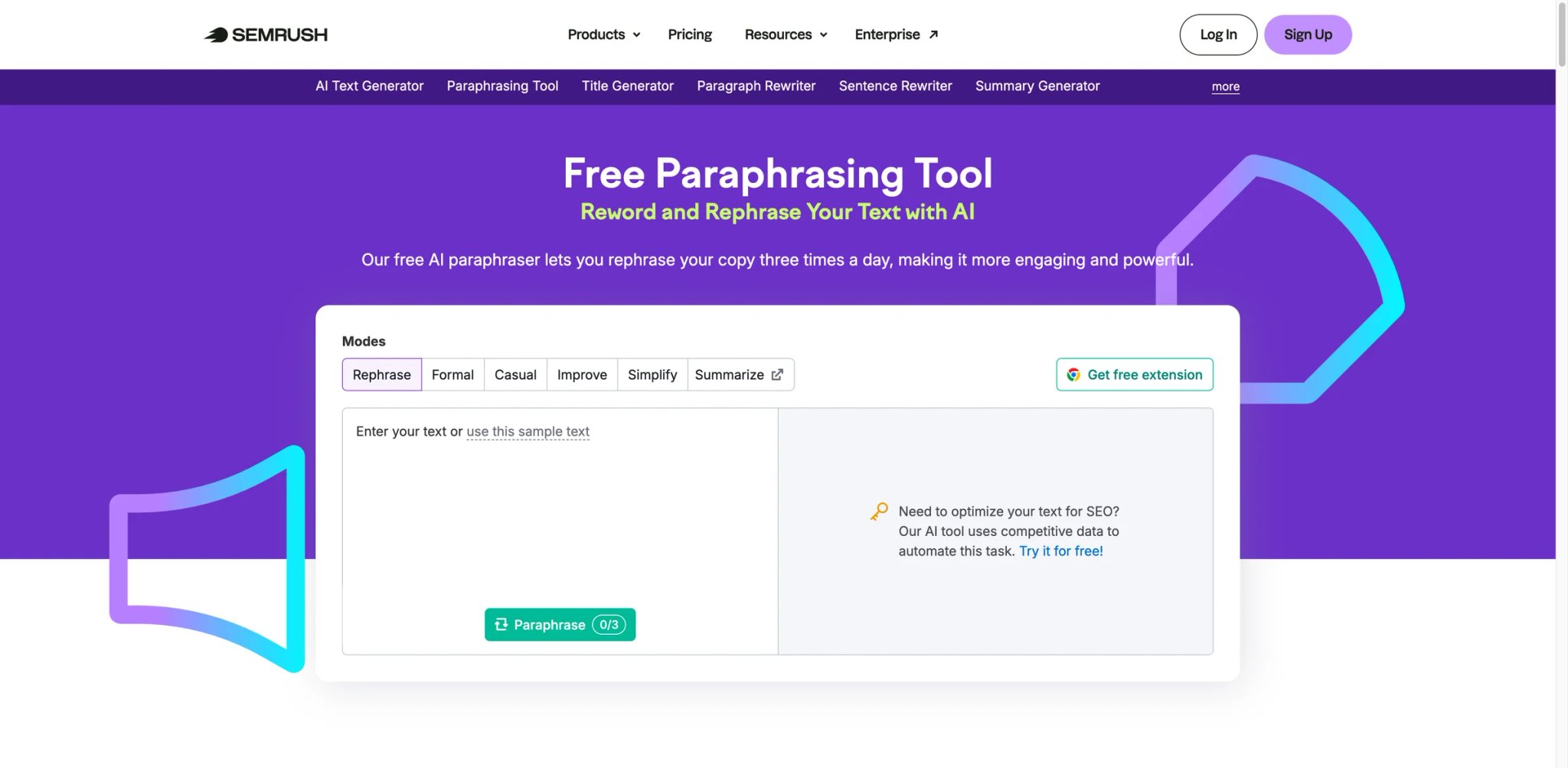
Semrush's paraphrasing tool is hidden inside its massive SEO platform, but it's genuinely free — no account required, no credit card, no trial that auto-converts. The catch is the hard cap: 200 words per paraphrase, 3 uses per day. For quick rewrites of a single paragraph, that's enough. For anything longer, it's a demo.
Key Features
- Truly free with transparent limits — 200 words per input, 3 paraphrases per day. Unlike tools that hide limits behind sign-up walls, Semrush states its constraints upfront on the page.
- 6 rewriting modes — Rephrase, formal, casual, improve, simplify, and summarize. That's solid variety for a free tool, though the 3-uses-per-day cap still keeps it in utility-tool territory.
- No account required — Paste text, click rewrite, copy result. The entire workflow takes under 30 seconds with zero friction.
Pricing & Plans
Completely free. No paid upgrade for the standalone paraphrasing tool.
The broader Semrush platform starts at $139.95/month for SEO features, but the paraphrasing tool operates independently.
Limitations
- The 200-word cap means you're paraphrasing one paragraph at a time. Any document-level rewriting requires manual chunking that defeats the purpose of using a tool.
- The paraphrasing tool is a standalone utility — it doesn't integrate with Semrush's larger SEO workflow, browser extensions, or any writing environment.
- Broader Semrush billing practices carry a D- BBB rating and 2.1/5 on Trustpilot, though these complaints relate to the SEO platform, not the free tool.
Best For
SEO writers and content marketers who need occasional quick rewrites and don't want to sign up for another tool. Perfect for rephrasing a meta description or a single paragraph. Not the right fit if you paraphrase regularly or need to rewrite more than 200 words at a time.
Get started with Semrush
Scribbr
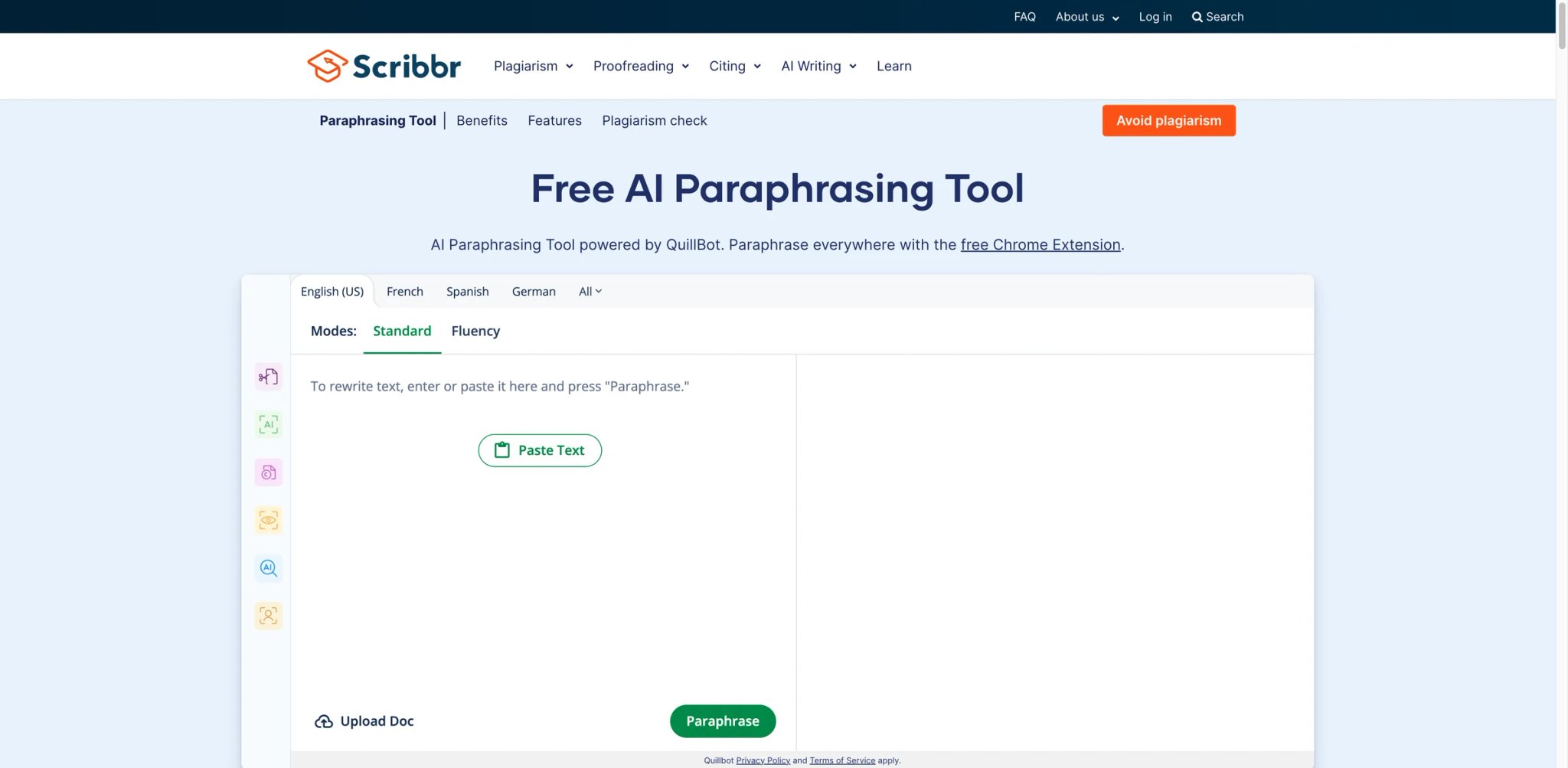
Scribbr targets students specifically, and the paraphrasing tool reflects that focus — it's free, requires no sign-up, and works instantly in a browser. The tool is widely identified as a white-labeled QuillBot interface, which means you're getting QuillBot's rewriting engine with Scribbr's academic branding and an even more restrictive word limit (~125 words).
Key Features
- Zero-friction access — No account, no email, no credit card. Open the page, paste text, get a rewrite. For students who need a quick rephrase during a study session, this eliminates every barrier.
- 2 paraphrasing modes — Standard and Fluency. Scribbr's current tool page and help docs describe two modes, while still offering synonym adjustment, document upload, and QuillBot-powered rewriting.
- Academic context — Scribbr's broader platform focuses on academic writing, citation generation, and plagiarism checking. The paraphrasing tool sits within that trusted ecosystem.
Pricing & Plans
Completely free. No premium tier for the paraphrasing tool specifically. Scribbr's paid services (proofreading, plagiarism checking) are separate products.
Limitations
- The ~125 word cap is identical to QuillBot's free tier, reinforcing that this is essentially a branded version of the same underlying engine.
- Citation output from the broader Scribbr platform is frequently incomplete or incorrect — relevant if you're using multiple Scribbr tools together for academic work.
- Customer support is slow with template responses. If you encounter issues, expect delays.
Best For
Students who need a free, instant paraphrasing tool for short passages during essay writing or study sessions. The no-signup experience is the cleanest in this category. Not the right fit if you need to paraphrase more than 125 words at a time — at which point QuillBot Premium ($8.33/month annual) is a better investment.
Get started with Scribbr
Rytr
Rytr is a general-purpose AI writing platform where paraphrasing is one use case among many — blog drafting, email writing, social media posts, and more. The paraphrasing quality reflects this generalist positioning: adequate for content marketing, but not as refined as dedicated tools for academic or professional rewriting.
Key Features
- Rewording generator — A dedicated use case within Rytr's template library that rewrites input text while preserving core meaning. Works alongside 40+ other writing templates.
- Tone and style selection — Choose from 20+ tones of voice (professional, casual, witty, persuasive) applied to rewrites. More tone options than most dedicated paraphrasers.
- Budget pricing — At $7.50/month for the Unlimited plan, Rytr costs less than most competitors while including content generation beyond just paraphrasing.
Pricing & Plans
| Plan | Price | Key limits |
|---|---|---|
| Free | $0 | 10,000 characters/month |
| Unlimited | $7.50/month | Unlimited generations for individuals getting started with generative AI |
| Premium | $24.16/month | Unlimited generations plus stronger multi-brand/team-oriented features |
Rytr's current pricing page shows these amounts on its default annual-billing view.
Limitations
- Output quality is consistently surface-level — users report needing to rewrite approximately 70% of generated content, which raises the question of what time the tool actually saves.
- No self-serve account deletion. You must contact support to close your account, and response times are unreliable.
- The free plan was quietly removed for some users, creating confusion about what's actually available without paying.
Best For
Content creators on a tight budget who need both paraphrasing and first-draft generation in one affordable tool. The 20+ tone options add real flexibility for marketing content. Not the right fit if you need high-quality academic paraphrasing or precise meaning preservation — dedicated tools outperform Rytr on rewrite accuracy.
Get started with Rytr

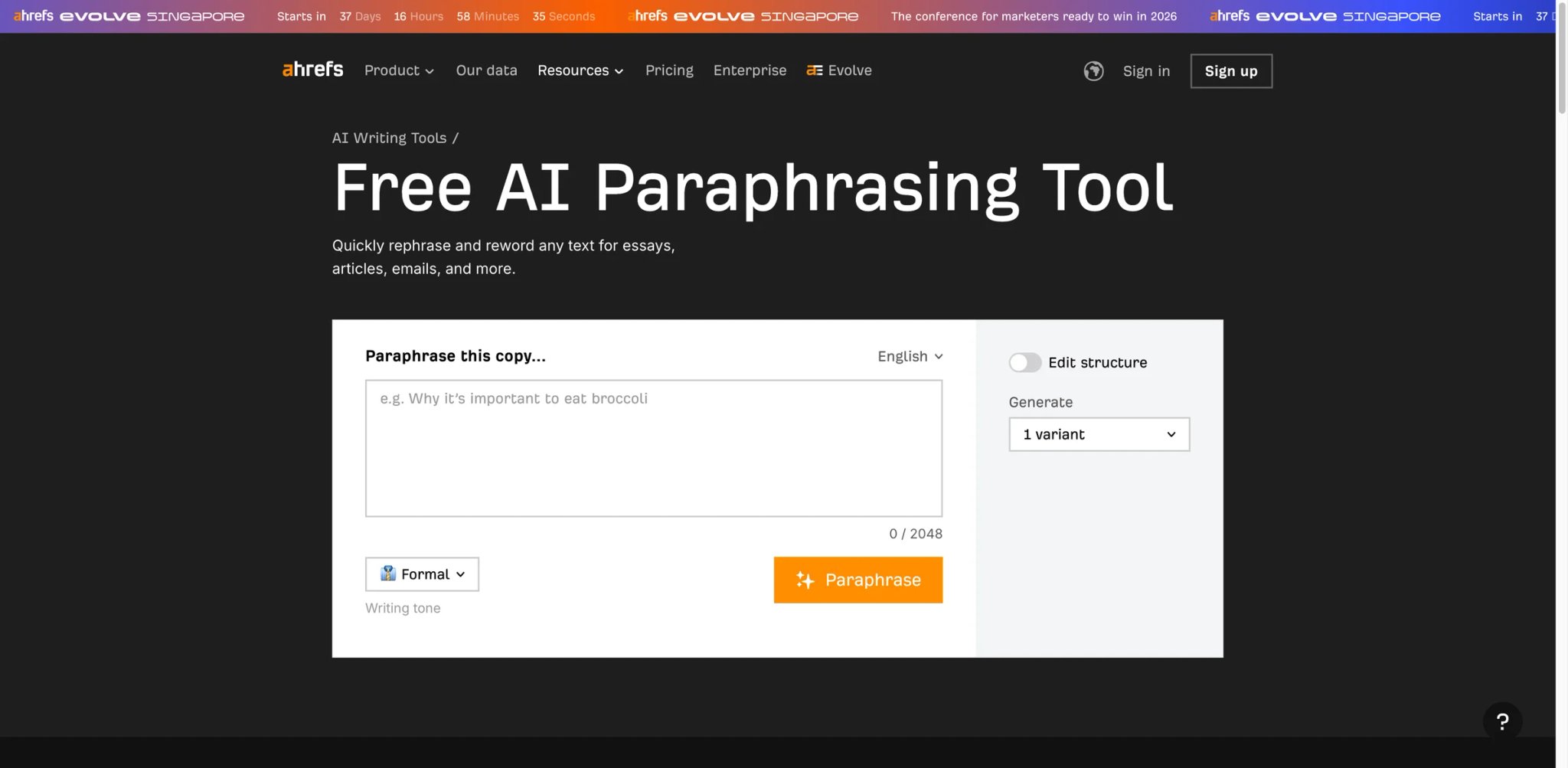
Like Semrush, Ahrefs offers a free paraphrasing tool as part of its SEO toolkit — but with an even tighter constraint. The 2,048-character input box is less restrictive than expected, but the tool remains lightweight — suitable for quick sentence or short-paragraph rewrites rather than document-level paraphrasing.
Key Features
- Free with no signup — Paste text, click rewrite, copy output. Like Scribbr and Semrush, the zero-friction access is the main draw.
- Backed by Ahrefs' SEO ecosystem — If you're already using Ahrefs for keyword research, having a paraphrasing tool in the same platform (even if minimal) saves switching to another site.
- Clean, fast interface — No ads, no pop-ups, no account walls. The tool loads instantly and delivers results in seconds.
Pricing & Plans
Completely free. No paid upgrade for the paraphrasing tool.
Limitations
- The current Ahrefs interface shows a 2,048-character input box, so it's less restrictive than originally expected. The bigger limitation is simplicity: you get lightweight controls such as tone and structure, not a full multi-mode paraphrasing suite.
- No tone or style modes. You get one type of rewrite with no control over formality, length, or creativity.
- The broader Ahrefs platform has billing complaints around credit expiration and refund denials, though these don't affect the free paraphrasing tool.
Best For
SEO professionals already working in Ahrefs who need a quick sentence-level rewrite without leaving the platform. Useful for rewriting meta descriptions, title tags, or short ad copy. Not the right fit if you need to rewrite anything longer than two sentences or want any control over the rewriting style.
Get started with Ahrefs
Linguix
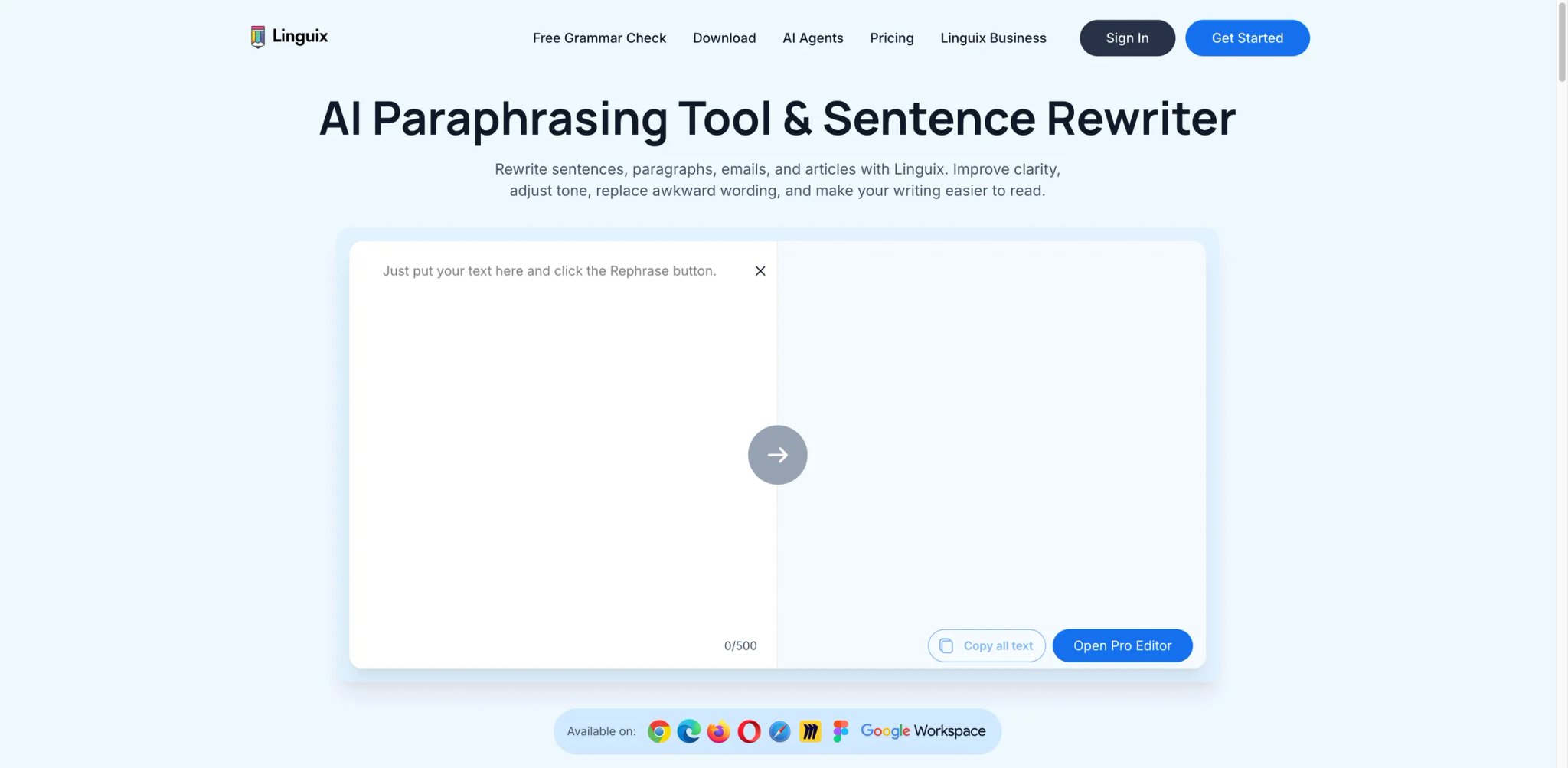
Linguix positions itself as a grammar and writing assistant for non-native English speakers, with paraphrasing as a core feature rather than an afterthought. The browser extension works across most web platforms, and the paraphrasing suggestions are tuned toward fluency improvement — making sentences sound more natural in English rather than just replacing words.
Key Features
- Fluency-focused rewriting — Paraphrasing suggestions prioritize natural English phrasing over aggressive synonym replacement. For non-native speakers, this produces more usable output than tools optimized for native writers.
- Browser extension with inline suggestions — The Chrome extension provides paraphrasing suggestions directly in Gmail, Google Docs, LinkedIn, and most web text fields. You accept or reject without switching contexts.
- Grammar + paraphrase in one pass — Combines grammar correction with rewriting suggestions in a single workflow, reducing the number of editing passes required.
Pricing & Plans
| Plan | Price | Key limits |
|---|---|---|
| Free | Free grammar checker available | Basic writing help |
| Monthly | $30/month | Grammar check, paraphrasing, typing shortcuts, AI in browser |
| Annual | $140/year ($11.67/month) | Same core paid features |
| 2 Years | $240/2 years ($10/month) | Same core paid features |
Limitations
- Paraphrasing suggestions frequently sound unnatural despite the fluency focus — a contradiction that users flag on review platforms.
- The browser extension doesn't work on Reddit and slows down some browsers noticeably, reducing its utility for users who work across many web platforms.
- Privacy concerns have been flagged — perceived tracking and cookie behavior with no response from the company when users raised questions.
Best For
Non-native English speakers who need combined grammar correction and fluency-focused rewriting in one tool. The annual plan at $11.67/month is competitive. Not the right fit if you're a native English speaker needing advanced paraphrasing modes — QuillBot or Wordtune offer more sophisticated rewriting control.
Get started with Linguix
Smodin
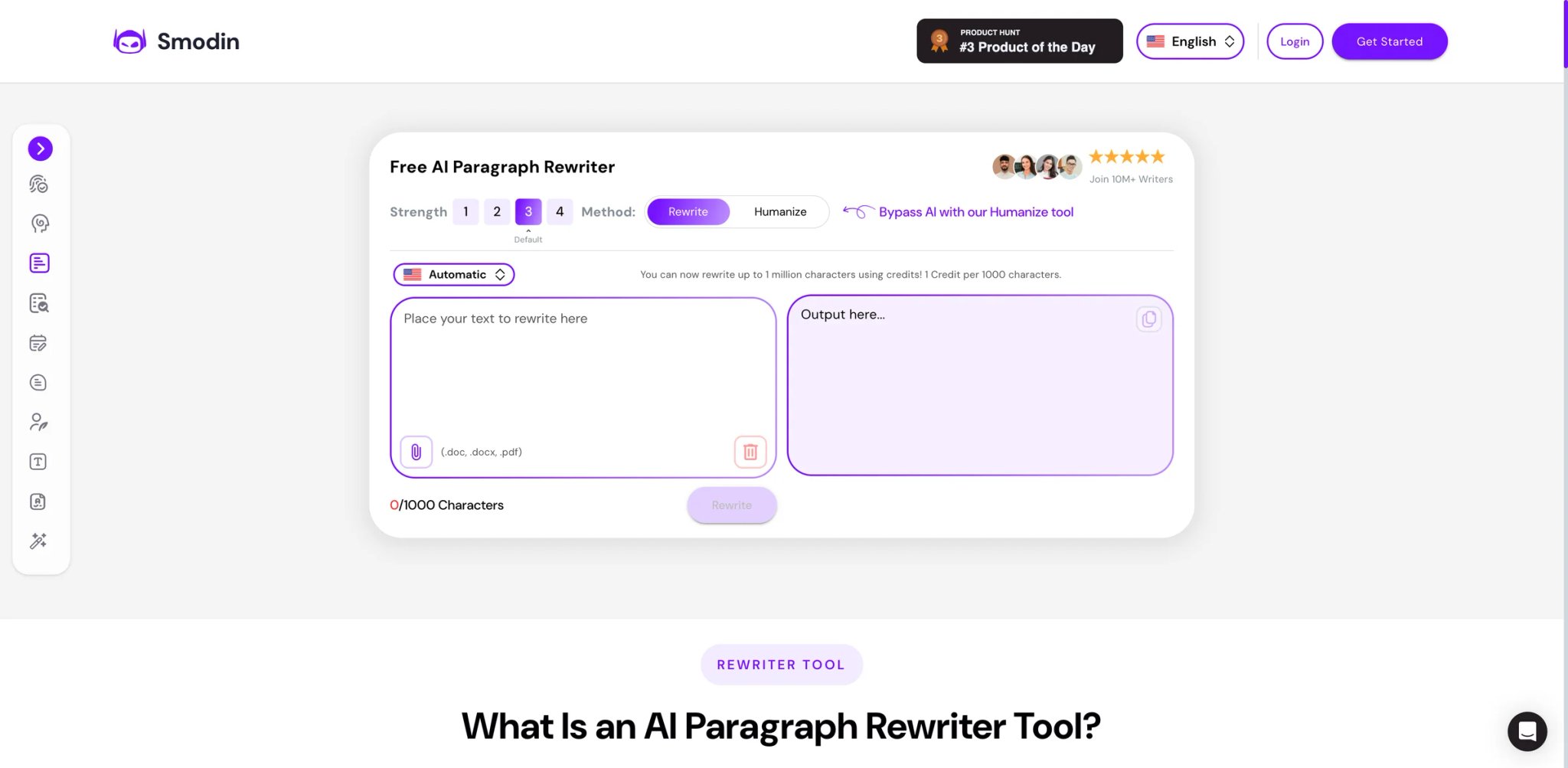
Smodin differentiates itself with multilingual support — the rewriter handles over 100 languages, making it one of the few tools in this list that serves non-English content creation at the same level as English. For academic users working across language boundaries, this breadth matters.
Key Features
- 100+ language support — Rewrite text in English, Spanish, French, German, Portuguese, Arabic, Chinese, and dozens more. Most competitors are English-only or support 5–10 languages at best.
- Academic-oriented rewriting — Modes designed for research papers, essays, and academic writing that prioritize meaning preservation and formal tone over creative restructuring.
- Integrated plagiarism checker — Check rewritten output against plagiarism databases in the same tool, reducing the multi-tool workflow that most academic writers currently navigate.
Pricing & Plans
| Plan | Price |
|---|---|
| Free | Limited access |
| Paid | Starting at $19.99/month billed yearly (verify exact live plan and renewal terms on smodin.io before publishing) |
Limitations
- Rewriting quality is inconsistent — approximately 10% of tested samples had factual meaning altered or logic changed incorrectly, a critical flaw for academic work where precision matters.
- Billing is a major red flag: users report being charged annually without consent ($250+), and cancellations immediately cut access mid-billing cycle with no prorated refunds.
- The free tier's credit system makes it difficult to predict how much rewriting you can do before hitting the wall.
Best For
Multilingual academic writers and international students who need to rewrite content across languages with plagiarism checking built in. The language breadth is unmatched. Not the right fit if you write exclusively in English — monolingual tools like QuillBot offer better English rewriting quality at a lower price, without the billing risks.
Get started with Smodin
HyperWrite
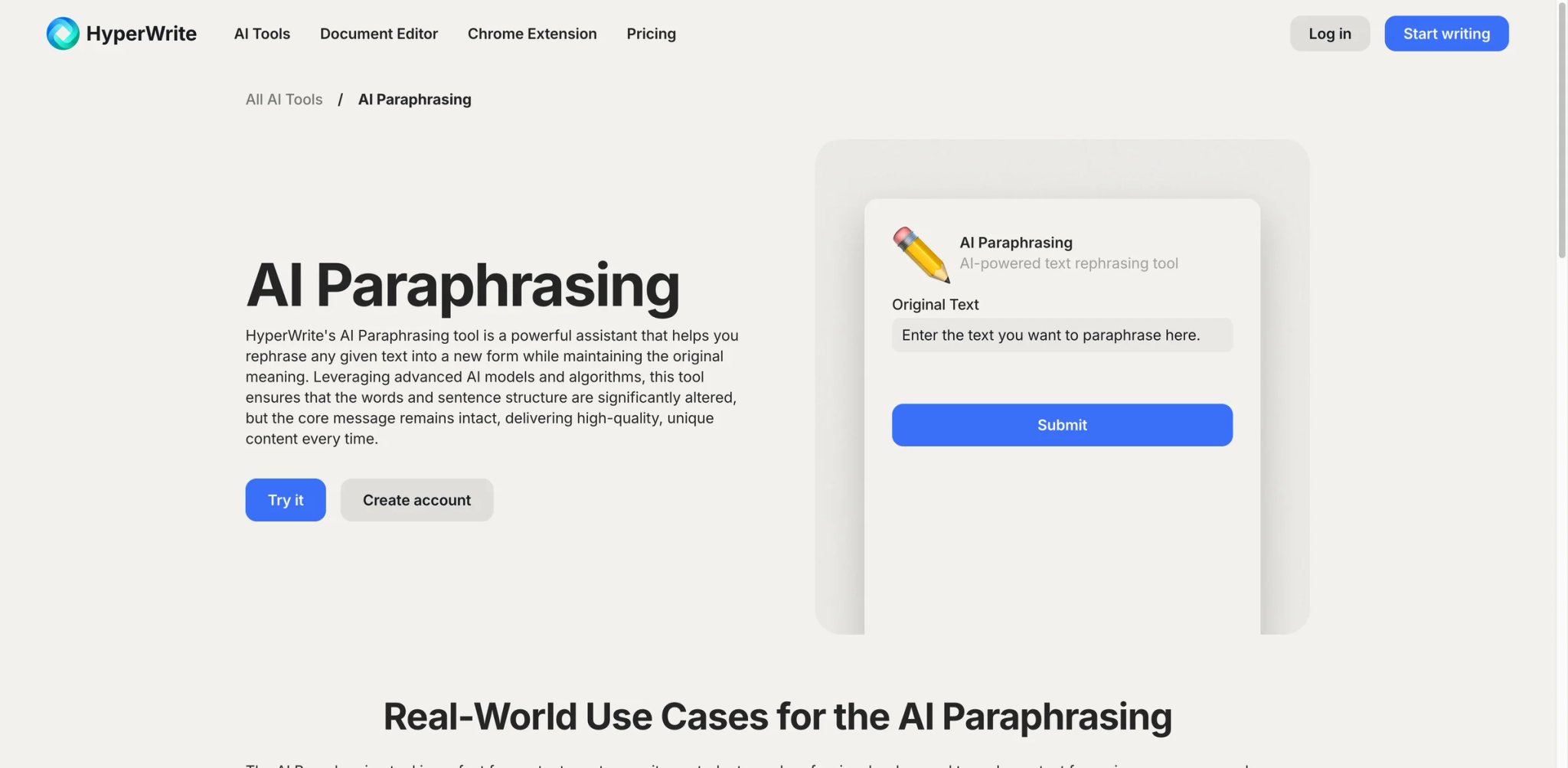
HyperWrite is a general AI writing assistant that includes sentence rewriting among its many capabilities — auto-drafting, summarization, email generation, and research. The paraphrasing feature works but isn't the product's focus, which means it lacks the specialized modes and controls that dedicated paraphrasers offer.
Key Features
- AI-powered sentence rewriter — Paste a sentence and get an alternative version that preserves meaning. The tool uses context from surrounding text when available, producing more coherent rewrites than isolated sentence processors.
- Personal AI assistant integration — HyperWrite's assistant learns your writing style over time and applies it to rewrites, making output more consistent with your voice than generic paraphrasing tools.
- Browser extension for anywhere writing — The Chrome extension provides rewriting suggestions across web apps, email, and social media platforms.
Pricing & Plans
| Plan | Price |
|---|---|
| Free | Limited starter account |
| Premium | $19.99/month |
| Ultra | $44.99/month |
Limitations
- Not a specialized paraphrasing tool — the rewriting feature is one of many, and it shows in the limited control options compared to QuillBot or Wordtune.
- UI is described as confusing and unintuitive by multiple reviewers. The learning curve is steeper than it should be for a tool marketed as an AI assistant.
- At $19.99/month, it's comparable to QuillBot Premium's monthly price while offering weaker paraphrasing capabilities. The premium makes sense only if you use the broader AI writing features.
Best For
Writers who want an all-in-one AI writing assistant and occasionally need sentence-level rewriting as part of a larger workflow. Not the right fit if paraphrasing is your primary need — you're paying a premium for features you won't use, and dedicated paraphrasers produce better rewrites.
Get started with HyperWrite
HIX.AI
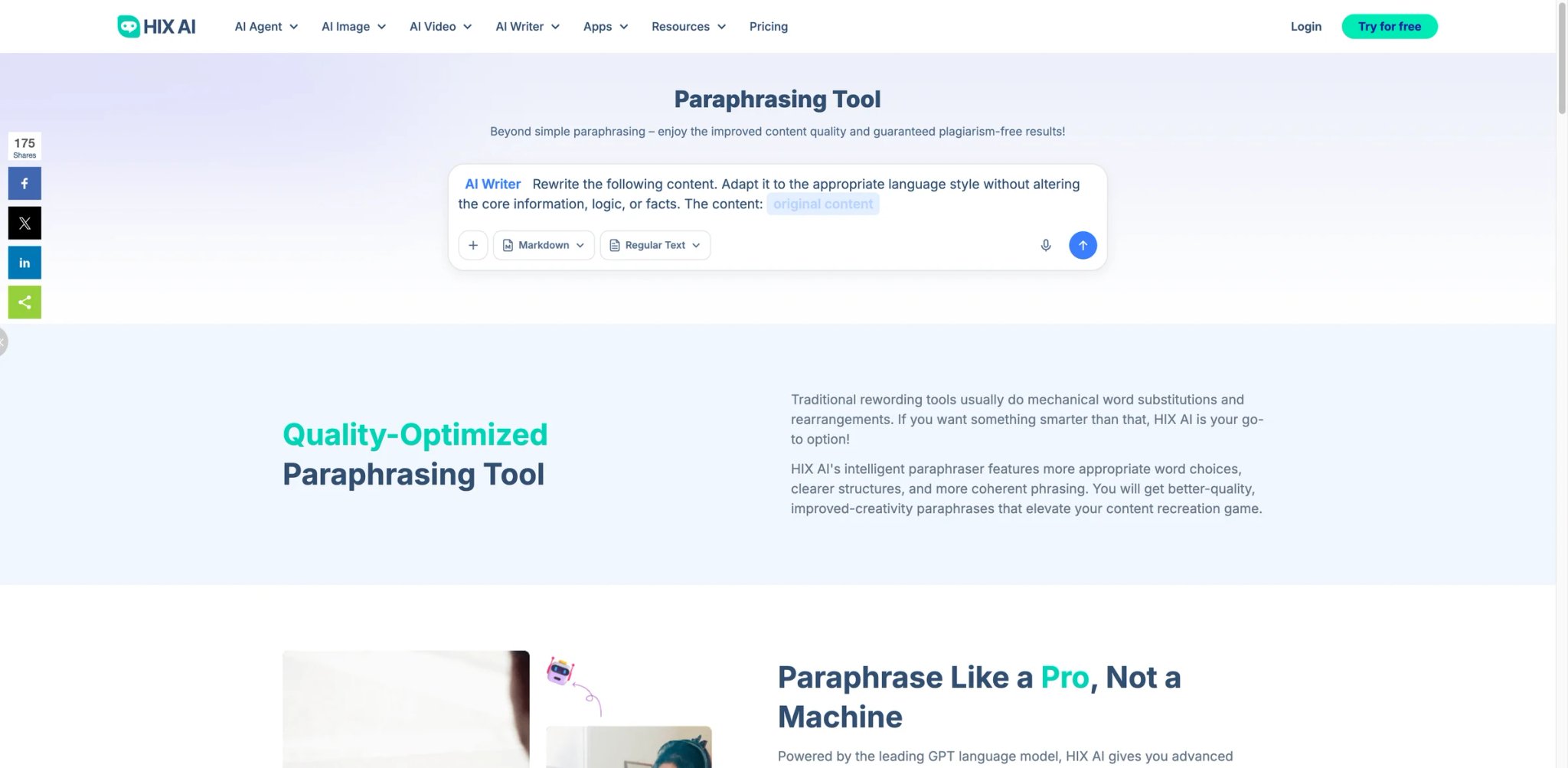
HIX.AI offers one of the most feature-rich paraphrasing tools on paper — 6+ rewriting modes, browser extensions, and bulk processing. In practice, users report that the output quality doesn't match the feature list, and the billing practices have generated consistent complaints across Trustpilot and Reddit.
Key Features
- 6+ paraphrasing modes — Including rewrite, simplify, expand, shorten, and tone-specific options. The mode variety is closer to QuillBot than most competitors.
- Bulk content processing — Upload and rewrite multiple pieces of content at once, making it suitable for content teams managing high volumes rather than individual writers.
- Browser extension + 120+ AI tools — The paraphrasing tool is part of a broader AI writing suite with over 120 templates for different content types.
Pricing & Plans
| Plan | Price |
|---|---|
| Free | Free tier available |
| Unlimited | $14.99/month billed yearly (verify checkout price) |
| Pro | Higher tier available (verify on hix.ai pricing page) |
Limitations
- Paraphrased output is often robotic and introduces grammatical errors, ironically making content harder to read — the opposite of what a rewriting tool should achieve.
- Billing complaints are the most damaging feedback: a confusing dual-credit system, hidden annual billing, and multiple users reporting charges after cancellation.
- AI detection bypass claims fail against Turnitin's post-2025 updates. If avoiding AI detection is your goal, dedicated humanizer tools outperform HIX.AI.
Best For
Content teams that need bulk rewriting across many content types and can absorb the occasional quality inconsistency through editorial review. The 120+ template library adds value beyond paraphrasing. Not the right fit if you need reliable, high-quality rewrites — output inconsistency and billing friction make it a risky choice for individual users.
Get started with HIX.AI
Best AI Paraphrasing Tools by Use Case
For Students Writing Research Papers on a Deadline
If you're paraphrasing sources for a paper due tomorrow and need something that works instantly, Scribbr's zero-signup free tool handles short passages (<125 words) with zero friction. For anything longer — and most papers require it — QuillBot Premium at $8.33/month (annual) is the most capable student tool, but verify output against your institution's AI detection policy before submitting. Turnitin's 2025–2026 updates specifically target paraphraser output.
For Content Marketers Rewriting at Scale
If you're repurposing blog posts, email sequences, or social media content across channels, the workflow matters more than individual rewrite quality. Rytr ($7.50/month) handles both first-draft generation and rewriting in one platform. HIX.AI ($19.99/month) adds bulk processing for teams managing 50+ content pieces monthly. Neither produces publish-ready output — budget editorial review time into your workflow.
For Non-Native English Speakers Improving Professional Writing
If English is your second language and you need both grammar correction and natural-sounding rewrites, Linguix combines both in a single browser extension at $11.67/month (annual). For multilingual work across 100+ languages, Smodin ($19.99/month) is the only viable option in this list — though watch the billing practices carefully.
For SEO Writers Needing Quick Rewrites Between Tasks
If you live in Ahrefs or Semrush and need to rephrase a meta description or product snippet without leaving your SEO workflow, both offer free paraphrasing tools that handle short text adequately. Semrush gives you 200 words and 3 daily uses; Ahrefs offers a 2,048-character input with basic tone and structure controls. Neither replaces a dedicated tool for substantial rewriting.
For Professional Writers Who Want One Editing Tool
If you're tired of juggling separate tools for grammar, style, readability, and paraphrasing, ProWritingAid ($30/month or $399 lifetime license) consolidates everything into one suite. The paraphrasing is adequate rather than excellent, but the elimination of tool sprawl is the real value. Grammarly offers similar consolidation at $30/month if your team is already standardized on it.
How to Choose the Right AI Paraphrasing Tool
Step 1: Define your actual volume. If you paraphrase fewer than 5 paragraphs per week, a free tool (Scribbr, Semrush, Ahrefs) handles the job without any subscription. If you paraphrase daily, the free tiers become a bottleneck and a paid tool saves meaningful time.
Step 2: Check the word limit against your typical input. The free tools cap at 125–200 words (or ~2,048 characters for Ahrefs). QuillBot Premium removes limits entirely. Match the tool's cap to your typical text chunk — if you regularly rewrite 500+ word sections, only premium tiers will work without manual splitting.
Step 3: Test output quality on your actual content. Paste 3–5 real passages from your work into each tool's free tier. Evaluate: does the rewrite preserve your meaning? Does it sound natural? Does it maintain technical accuracy? Marketing copy and academic writing have fundamentally different quality requirements.
Step 4: Verify AI detection risk for your context. If you're submitting to academic institutions or clients who use AI detectors, test rewritten output against Turnitin or similar tools before committing. Detection algorithms update frequently, and no paraphrasing tool guarantees undetectable output.
Step 5: Read the billing terms before entering payment. This category has an above-average rate of billing complaints. Check: Is annual billing the default? Is cancellation self-serve or support-dependent? Does the free trial auto-convert? Set calendar reminders for any trial or subscription end dates.
Step 6: Consider what else you need. If you also need grammar checking, ProWritingAid or Grammarly eliminate a separate tool. If you need content drafting, Rytr covers both. The cheapest approach isn't always the dedicated paraphraser — sometimes the tool that does three things adequately beats three separate subscriptions.
Frequently Asked Questions
Can AI paraphrasing tools bypass Turnitin and other AI detectors?
Is QuillBot worth paying for if Scribbr is free?
Which paraphrasing tool is best for academic writing?
Why are so many paraphrasing tools free?
How do I avoid billing issues with paraphrasing tool subscriptions?
Is Grammarly's paraphrasing tool worth $30/month?
Can I use paraphrasing tools for professional work emails?
What is the best free AI paraphrasing tool with no word limit?
Get ToolWorthy Weekly
New AI tools, practical guides, and selected AI signals in one weekly brief.
Related Posts
- 12 Best AI Book Writer Tools 2026 — Drafts, KDP & Fiction
Compare 12 AI book writer tools for fiction, nonfiction and KDP workflows, including pricing, export limits, story memory and real editing risks.
- 12 Best AI Writing Tools in 2026 — Tested for Real Writing Workflows
We tested 30+ AI writing tools and kept 12. Each one picked for a specific job — so you don't overpay for features you'll never use.
- Best AI Text Generator 2026 - 13 Tools Tested & Compared
We tested 13 AI text generators for quality, SEO, and pricing. Find the best tool for blogs, marketing, or fiction—with real examples and cost breakdowns.
For AI tool founders
Built a tool that belongs in this decision set?
Request an editorial evaluation for possible inclusion in ToolWorthy.
Submit your tool for reviewPaid submission does not guarantee a ranking, recommendation, inclusion, or editorial outcome.